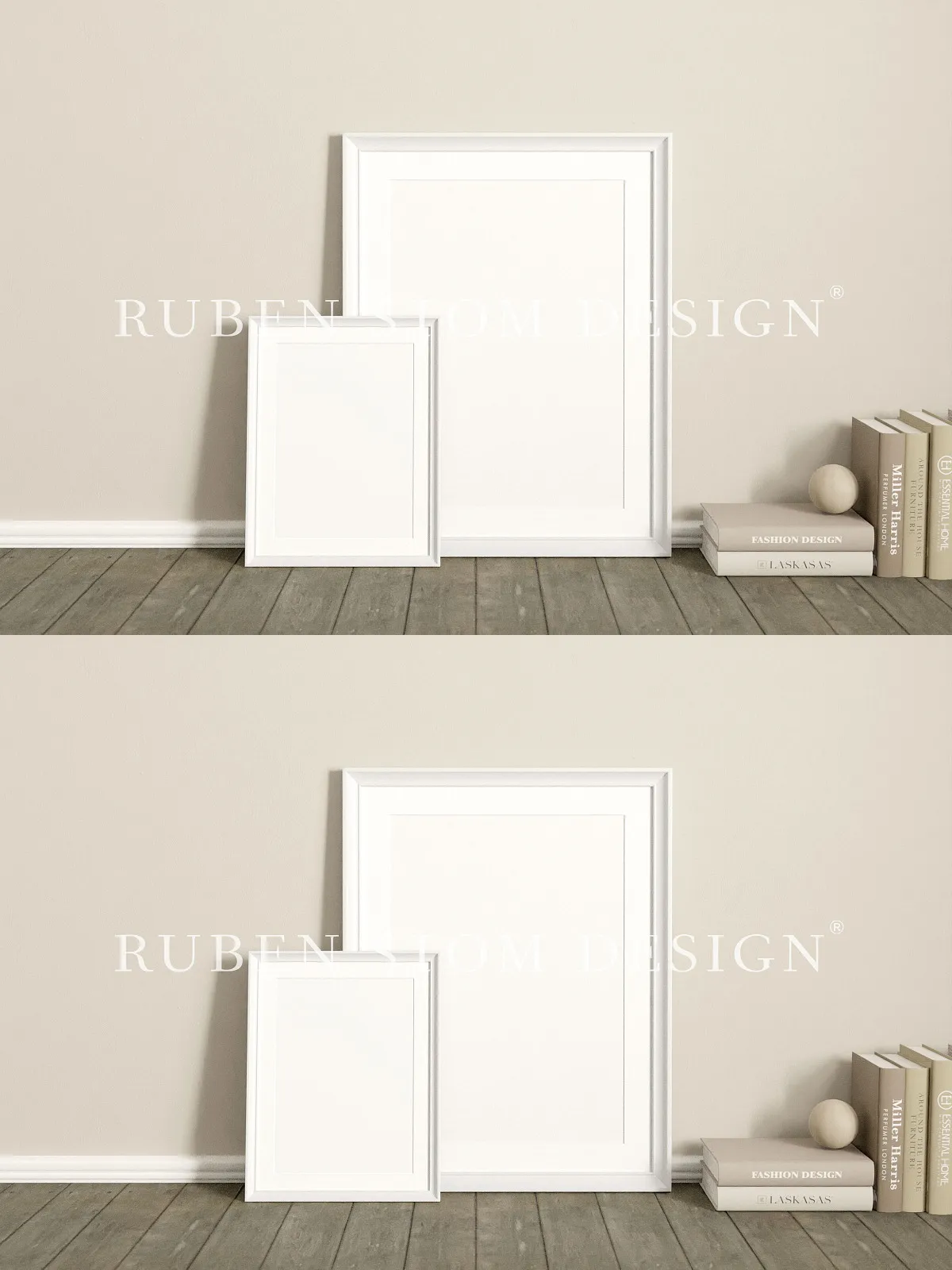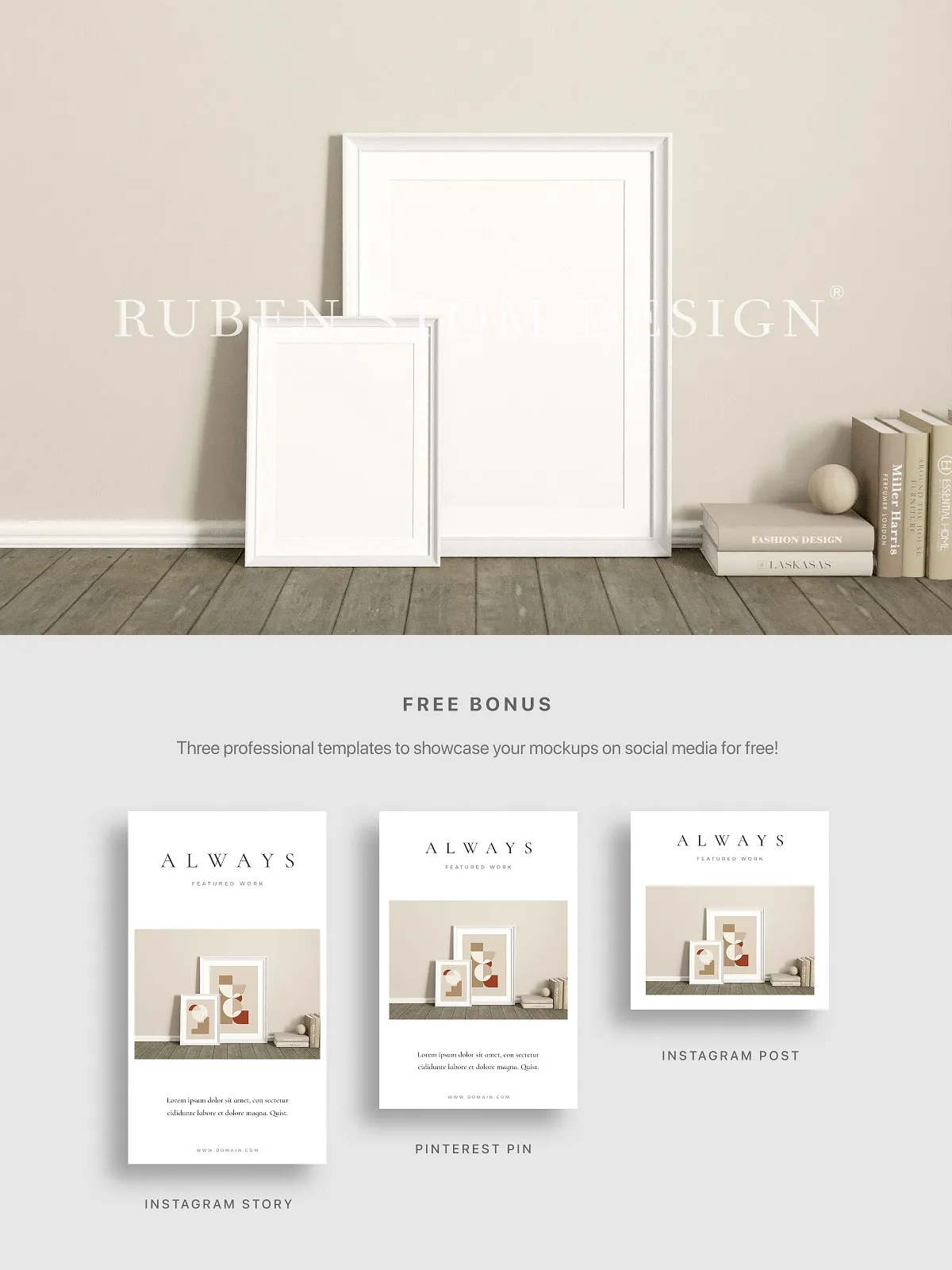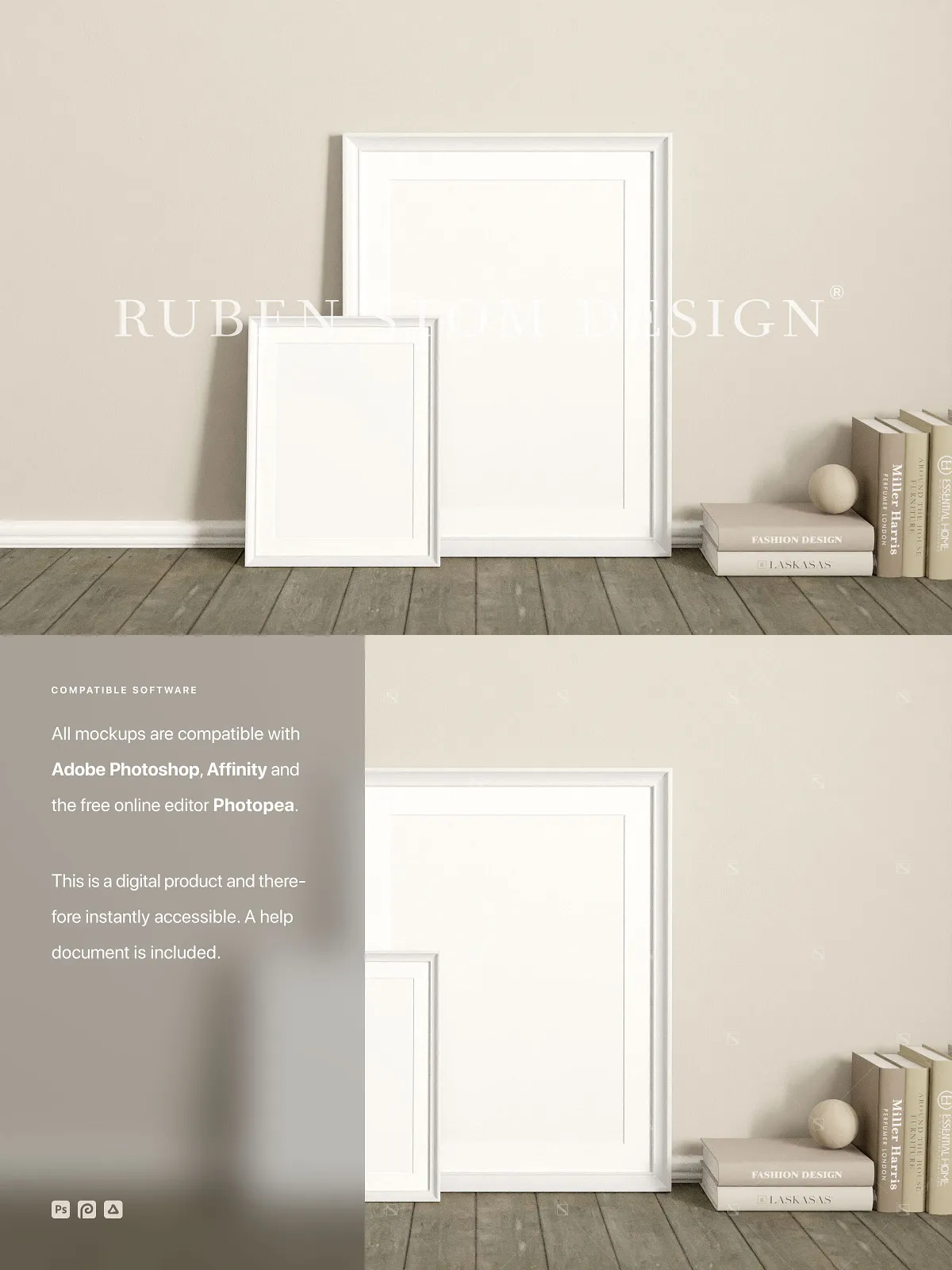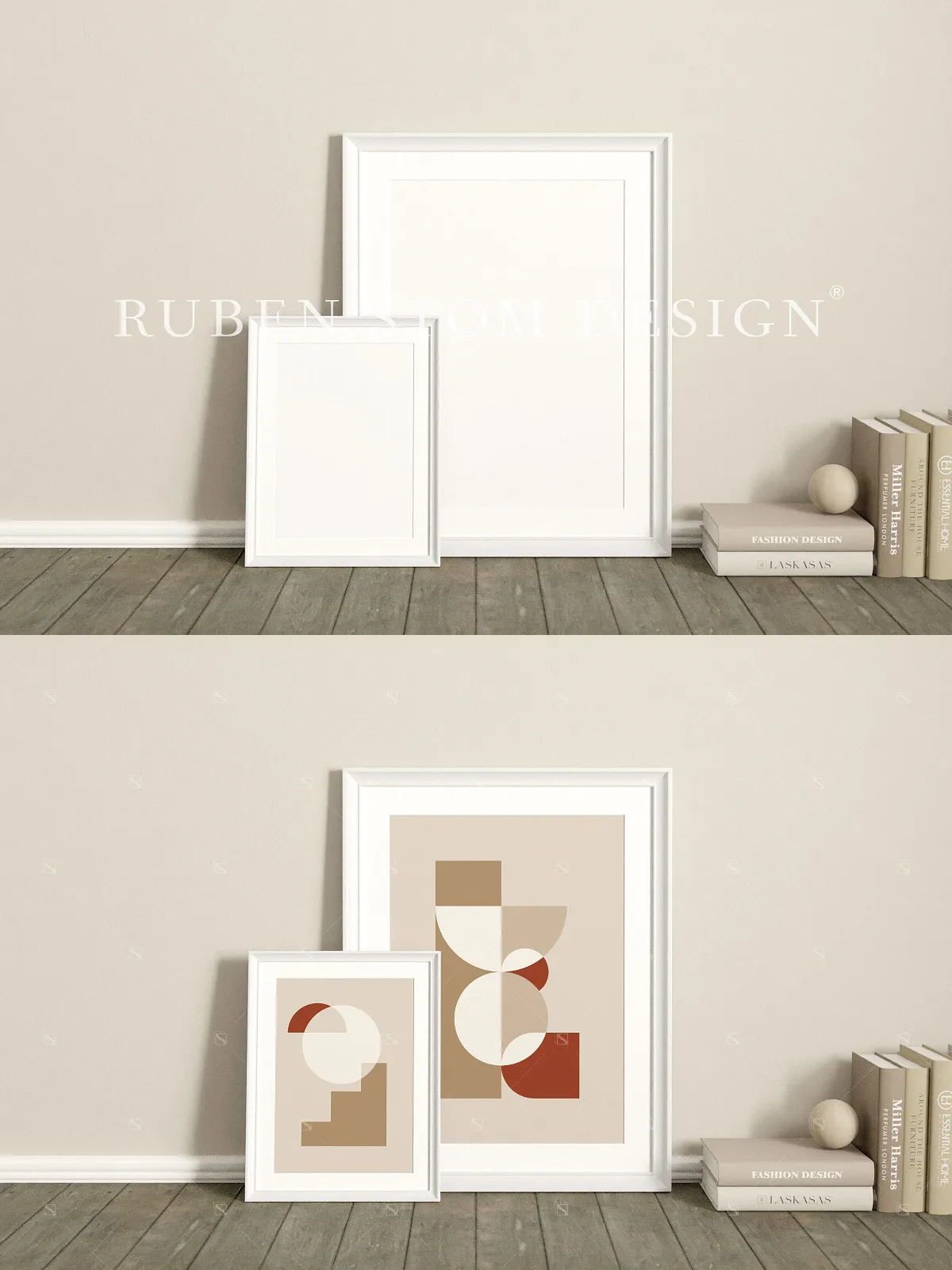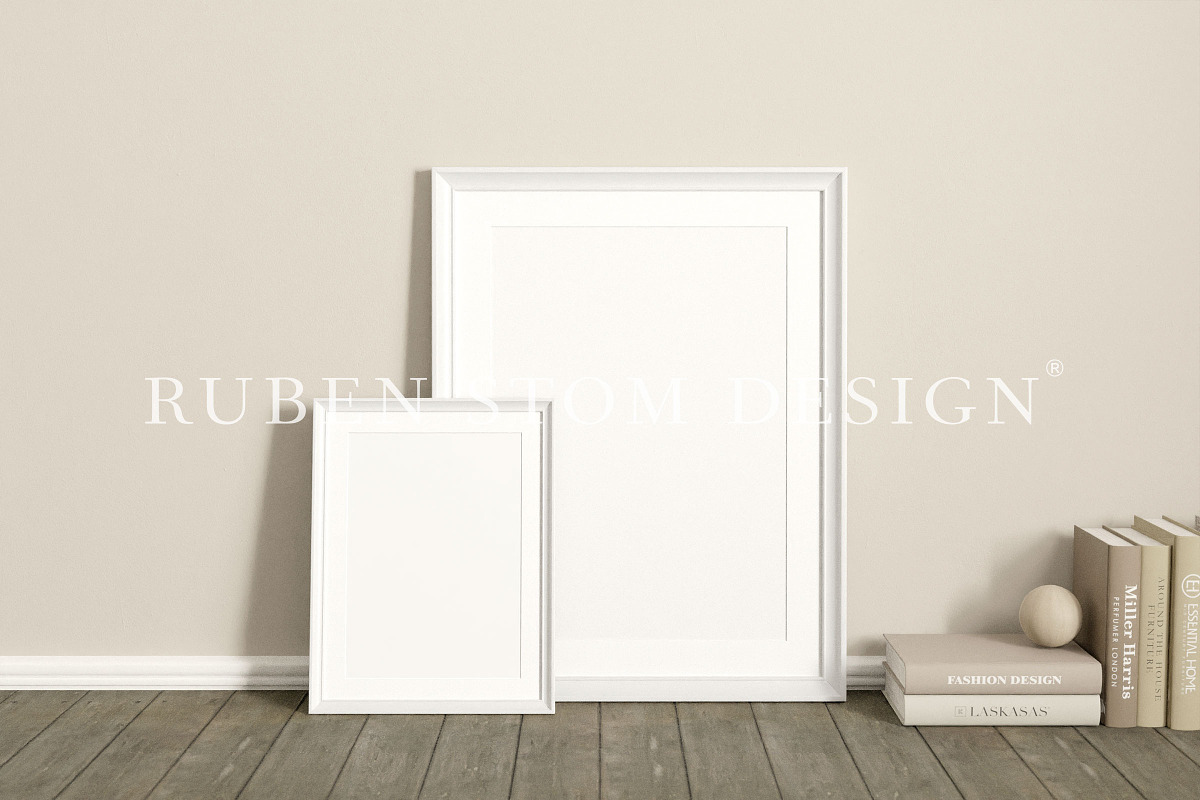
Revolutionize the way you present your creative work with this cutting-edge, professional high-resolution mockup scene—engineered for speed, clarity, and visual impact. Whether you’re showcasing photography, digital illustrations, graphic designs, or branding content, this mockup delivers a polished, real-world presentation that captures attention and builds credibility in seconds.
Seamless Artwork Integration with Smart Objects: Replace, Resize, Reveal—Instantly
Stop wasting time on manual image placement. This mockup leverages Smart Objects to allow instant, non-destructive artwork insertion. Simply double-click the designated layer, replace the placeholder with your own design, and watch it auto-fit, scale, and align perfectly within the frame—no distortion, no pixelation, no compromises. This dynamic workflow empowers you to test multiple variations, adjust compositions on-the-fly, and preview final visuals with unprecedented efficiency, all while preserving your original file integrity.
Adapt to Any Format: Master Multiple Frame Ratios and Styling Options
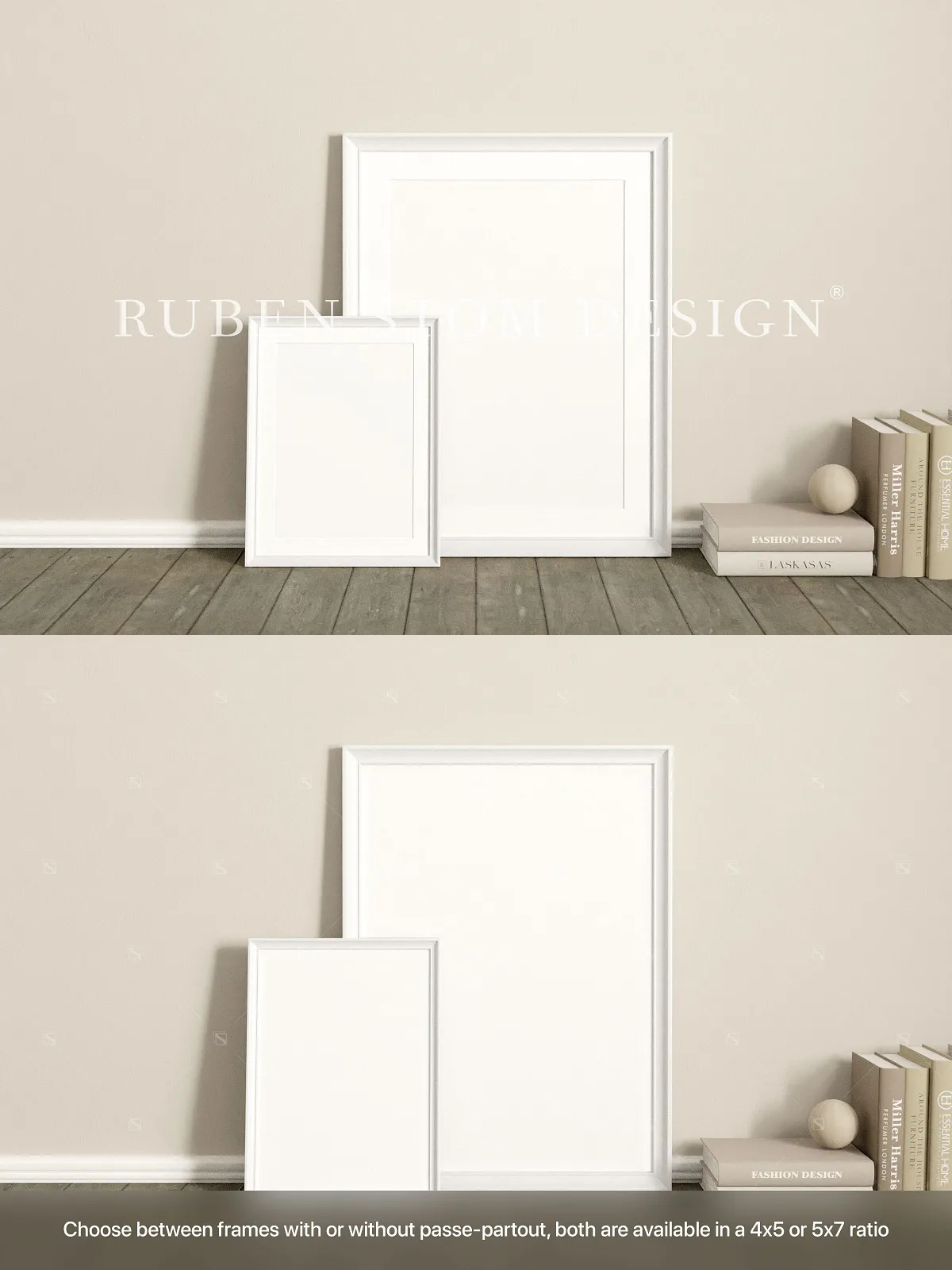
Designed for real-world flexibility, this mockup supports a full suite of frame ratios and styling configurations to match your project’s exact needs:
- 4×5 frame ratio: Perfect for mobile-optimized social media posts, digital galleries, and editorial content.
- 4×5 frame ratio with passe-partout: Introduce a refined border for a museum-quality, curated aesthetic that enhances focus and visual depth.
- 5×7 frame ratio: Ideal for print portfolios, large-format displays, and high-impact content carousels.
- 5×7 frame ratio with passe-partout: Elevate premium presentations with a sophisticated, professional look for client pitches.
Plus, toggle the glass reflection on or off to simulate a polished, studio-grade framing effect—essential for achieving photorealistic depth and realism in your final presentation.
Print-Ready Clarity at 300dpi: Deliver Flawless Output Every Time
From screen to print, quality remains uncompromised. The mockup delivers a 3000 x 2000px resolution at a crisp 300dpi clarity and 3:2 aspect ratio. This ensures pixel-perfect output whether you’re creating high-resolution website banners, social media thumbnails, exhibition panels, or professional print materials like brochures, flyers, and business cards. No blurry edges. No jagged lines. Just pristine, publication-ready visuals every time.
Optimized Workflow: Color-Coded, Organized, and Intelligent Layer Structure
Efficiency begins with organization. Every layer is precisely named, grouped logically, and color-coded for instant recognition. Navigate complex projects with ease: disable the passe-partout, adjust the glass reflection, or isolate background elements—without disrupting the overall composition. This structured layer setup accelerates your editing speed, supports team collaboration, and ensures consistent results across multiple projects.
Universal Compatibility: Work in Any Environment, Any Device, Any Platform
Never be locked into one software tool again. This mockup is fully compatible with the industry’s most powerful design platforms:
- Adobe Photoshop (CS6 and later): Harness the full power of the gold standard in digital design.
- Affinity Photo: Enjoy fast, lightweight, and professional-grade editing on Windows, macOS, or Linux.
- Photopea (free online editor): Access, edit, and export your mockups instantly from any device—no installation, no subscription, no restrictions.
Whether you’re working on a desktop, laptop, tablet, or even a smartphone, this mockup adapts to your workflow, ensuring you never miss a beat.
Accelerate Your Learning Curve: Step-by-Step Help Document Included
No more frustration, no confusing tutorials. The download comes with a comprehensive, step-by-step help document that guides you through every essential step:
- Opening and navigating the PSD file in your chosen software.
- Replacing images using Smart Objects with perfect alignment.
- Switching between frame ratios and enabling the glass reflection feature.
- Adjusting image position and scale for optimal fit.
- Exporting final files in the best formats for web (PNG, JPG) and print (PDF, TIFF).
Whether you’re a beginner or a seasoned designer, this guide ensures you achieve professional results within minutes—no prior experience required.
Power Your Projects Across Every Channel: From Social Media to Print
This mockup is built for impact across all mediums:
- Social media: Create scroll-stopping posts with lifelike framing and high-impact visuals.
- Website banners and headers: Design professional, engaging hero sections that convert.
- Portfolio presentations: Display your photography, art, or design work in a realistic, curated gallery environment.
- Print materials: Prepare accurate, high-quality layouts for brochures, flyers, exhibition panels, and more.
- Brand storytelling: Embed your visuals into a believable setting to enhance narrative and audience engagement.
Strict Usage Guidelines: What You Can and Cannot Do
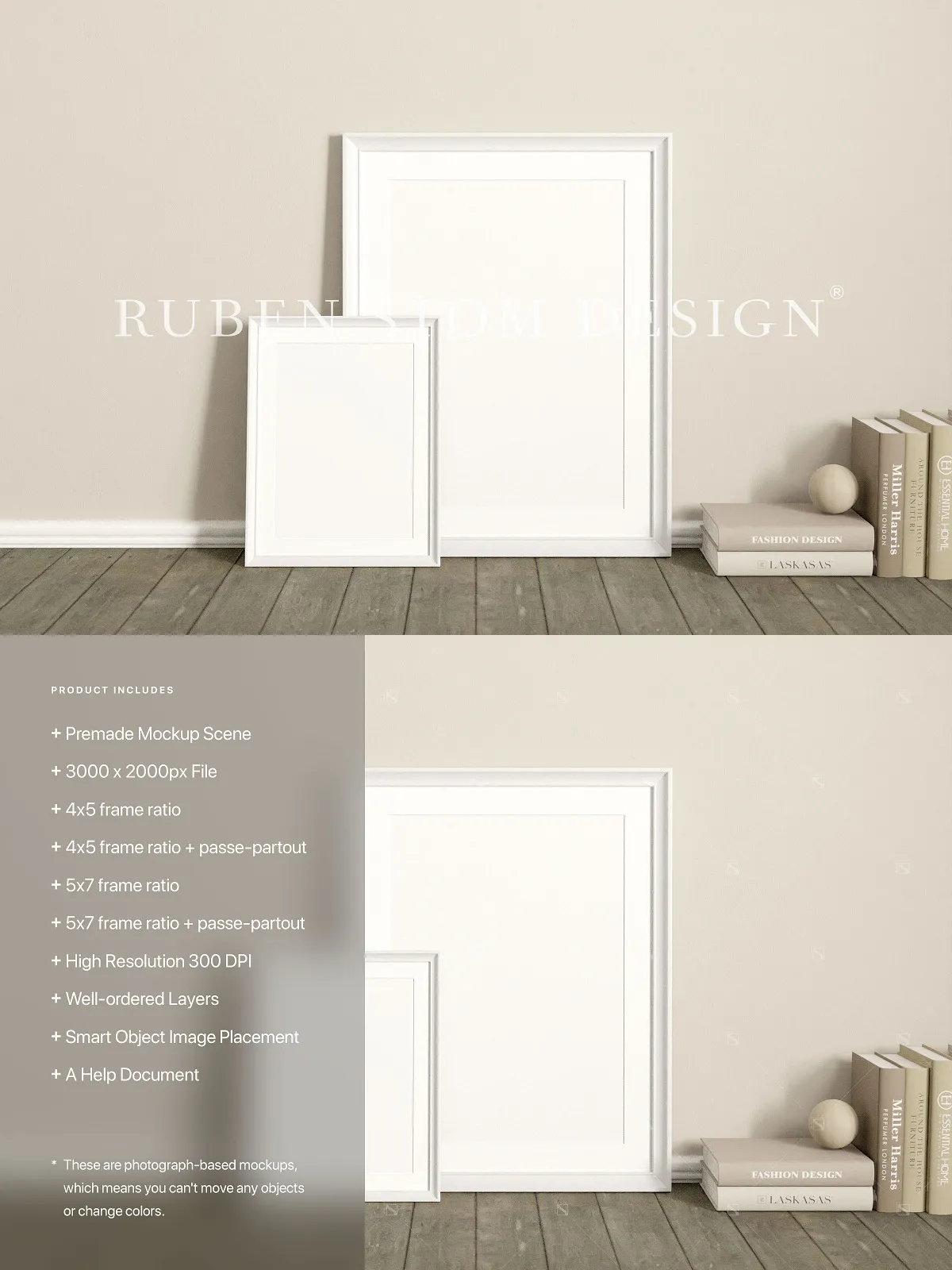
Please note: This is a photograph-based mockup. The background, frame, glass, and scene are fixed and non-editable. You cannot:
- Reposition, rotate, or alter the placement of any object within the frame.
- Change the color of the frame, glass, or passe-partout.
- Modify the scene itself—only your artwork is replaceable.
These restrictions exist to ensure the visual integrity of the scene and to maintain compliance with third-party licensing. Placeholder images are for preview purposes only and are not included in the download.
Complete Feature Overview at a Glance
- Mockup size: 3000 x 2000px
- Aspect ratio: 3:2
- Available frame ratios: 4×5, 4×5 + passe-partout, 5×7, 5×7 + passe-partout
- Optional feature: glass reflection for enhanced realism
- Print-quality resolution: 300dpi
- Non-destructive editing: Smart Objects for instant image replacement
- Supported platforms: Adobe Photoshop, Affinity Photo, Photopea
- Includes: Step-by-step help document and well-organized, color-coded layers
- Use cases: Social media, websites, print, portfolios
Unlock the full potential of your creative projects today. This mockup isn’t just a tool—it’s your professional advantage.