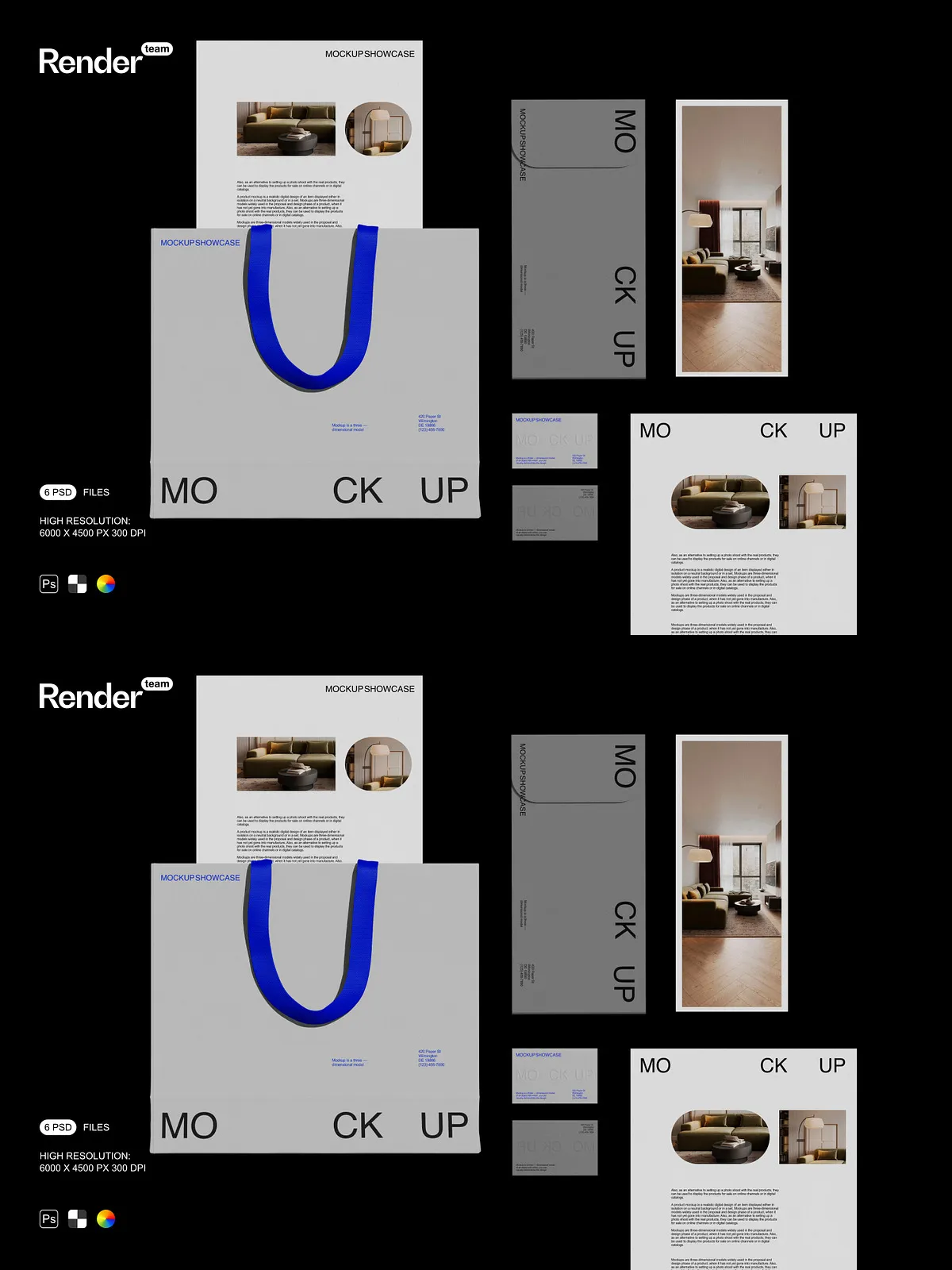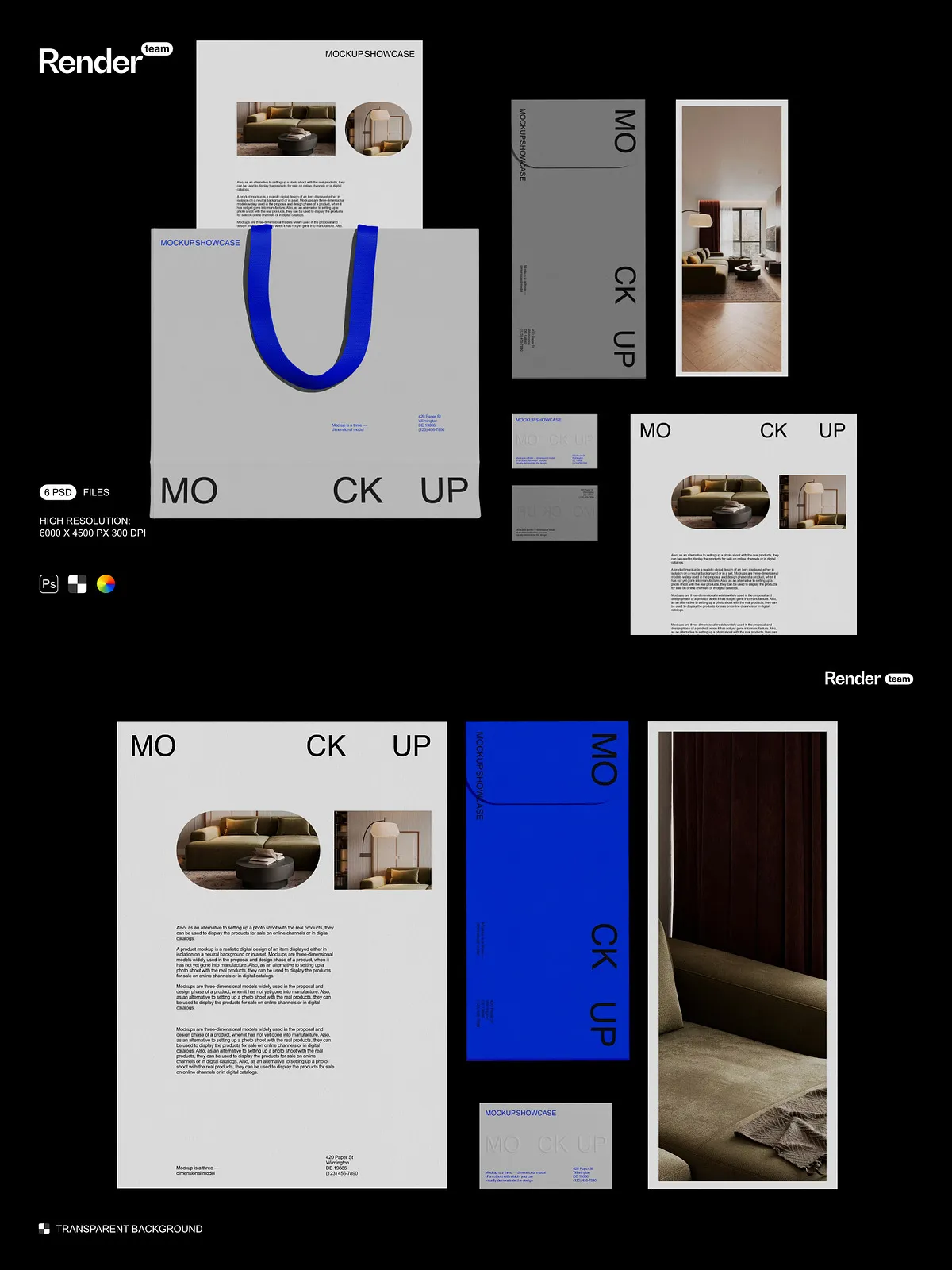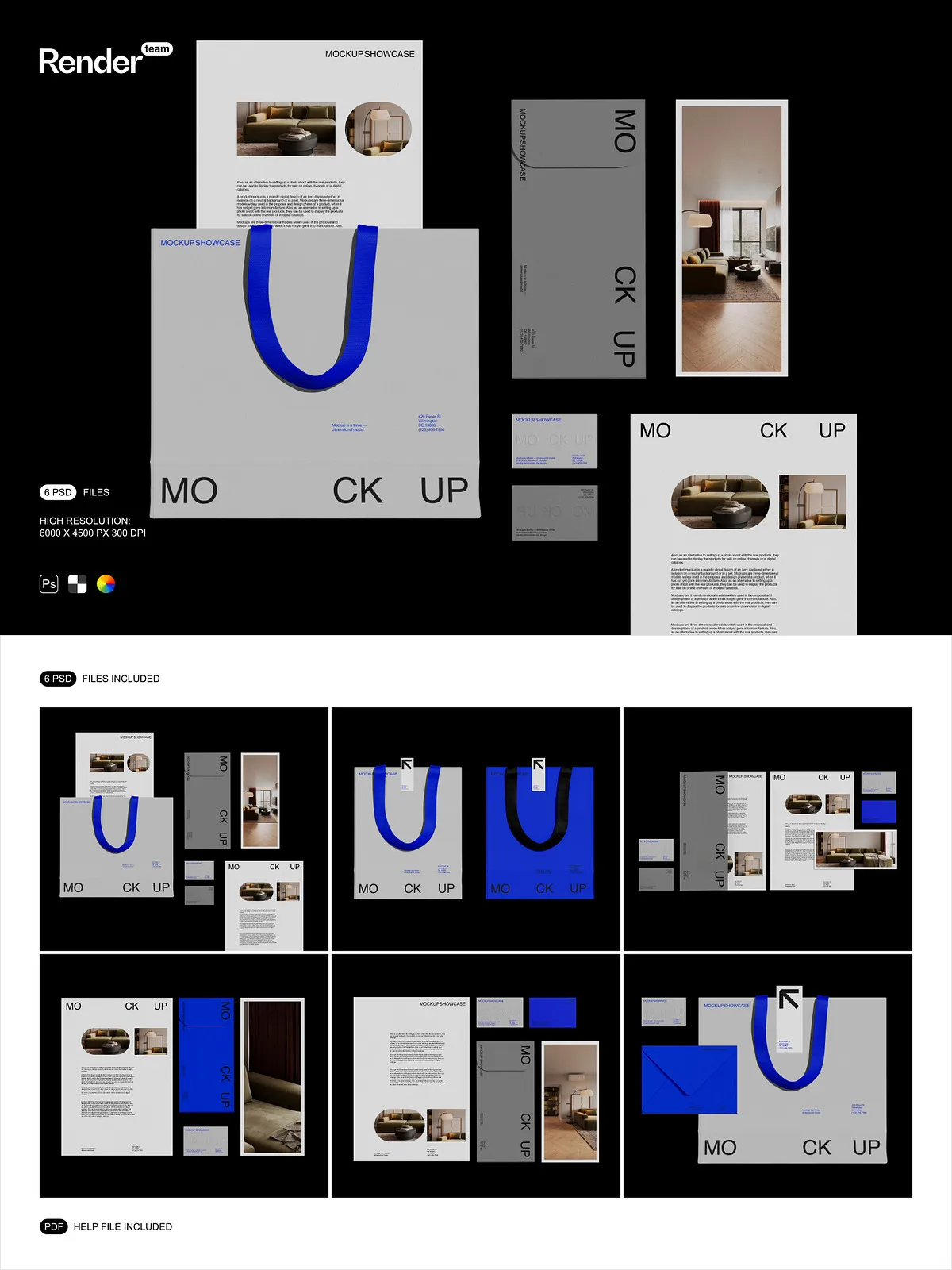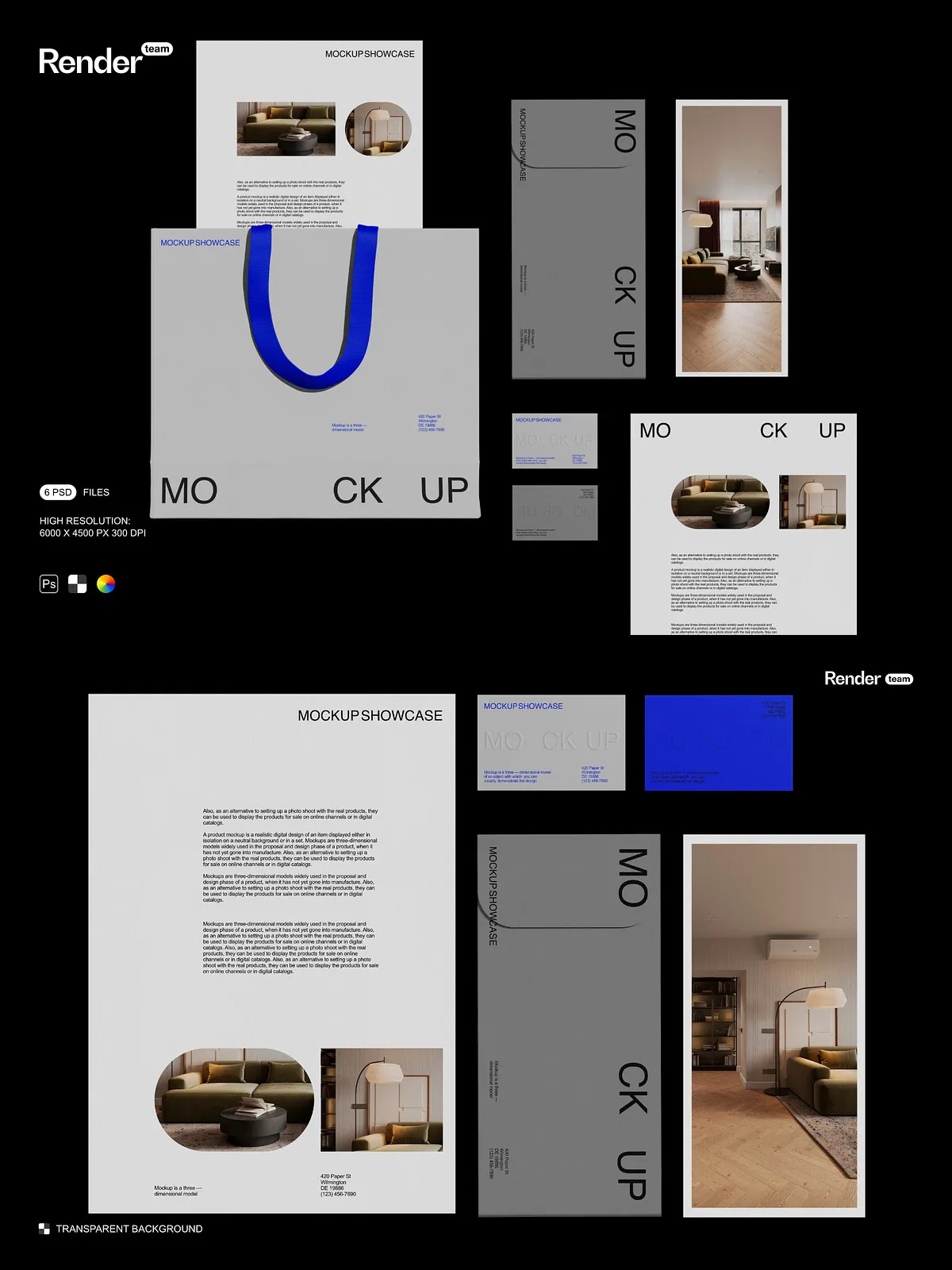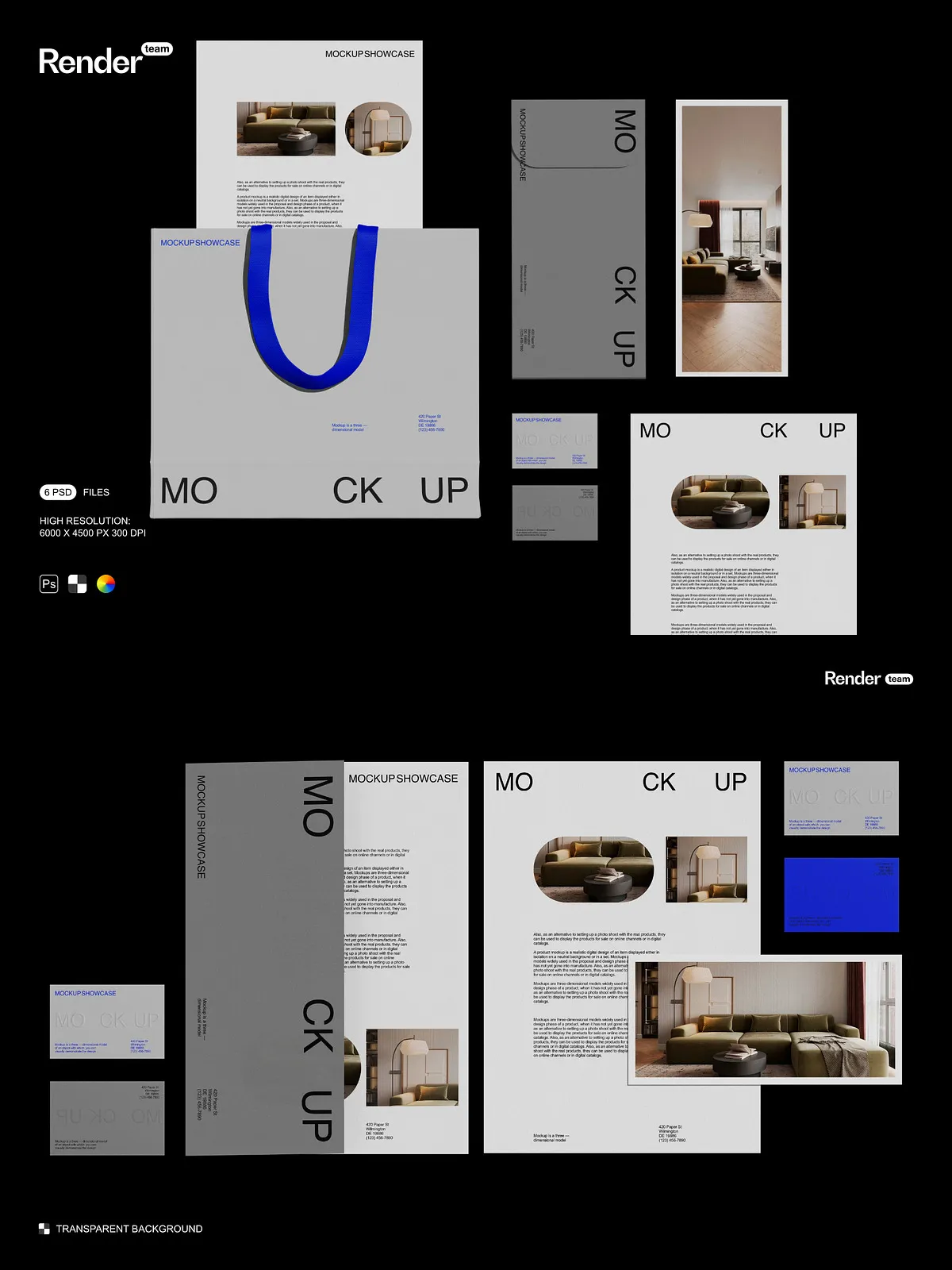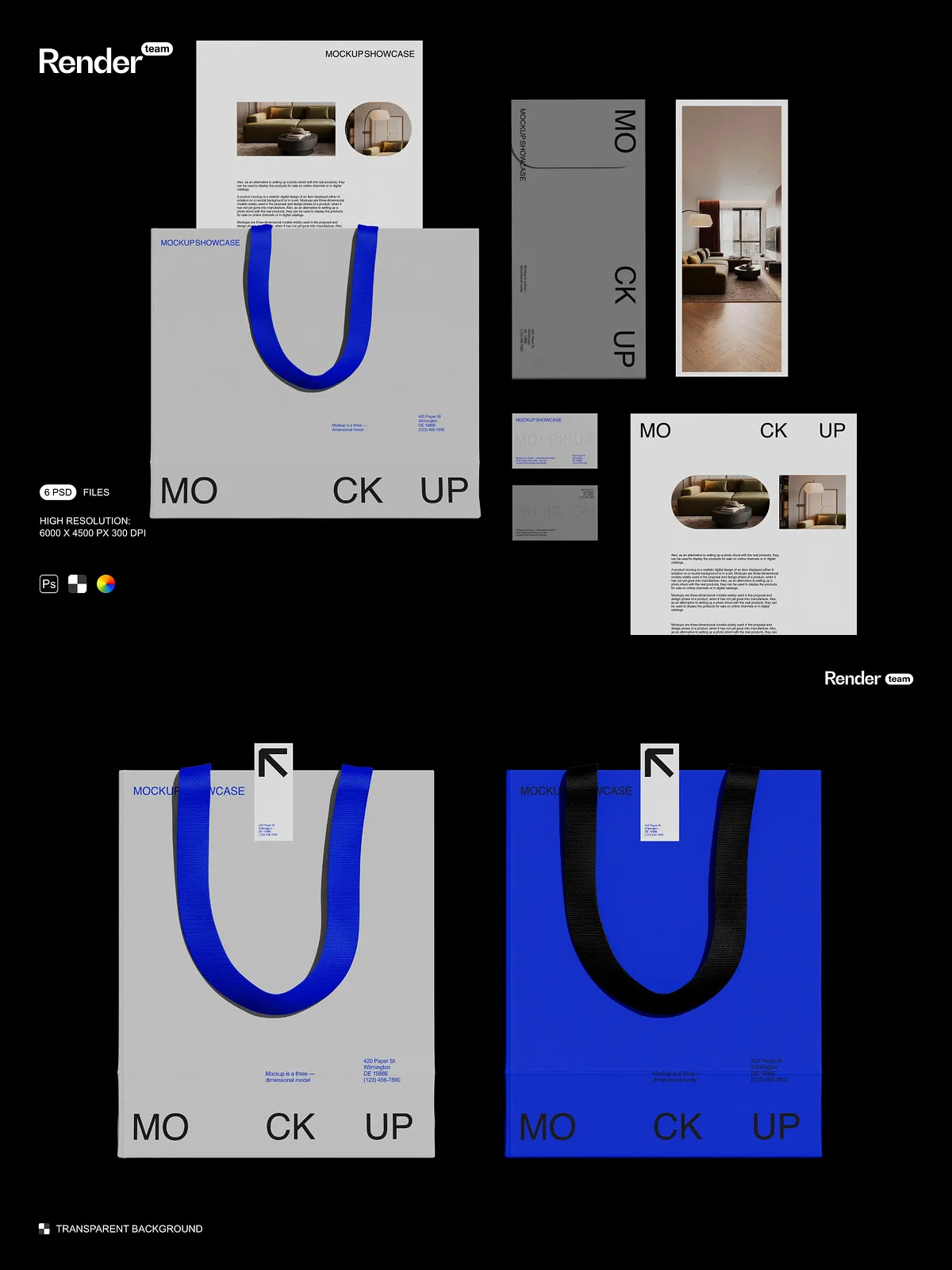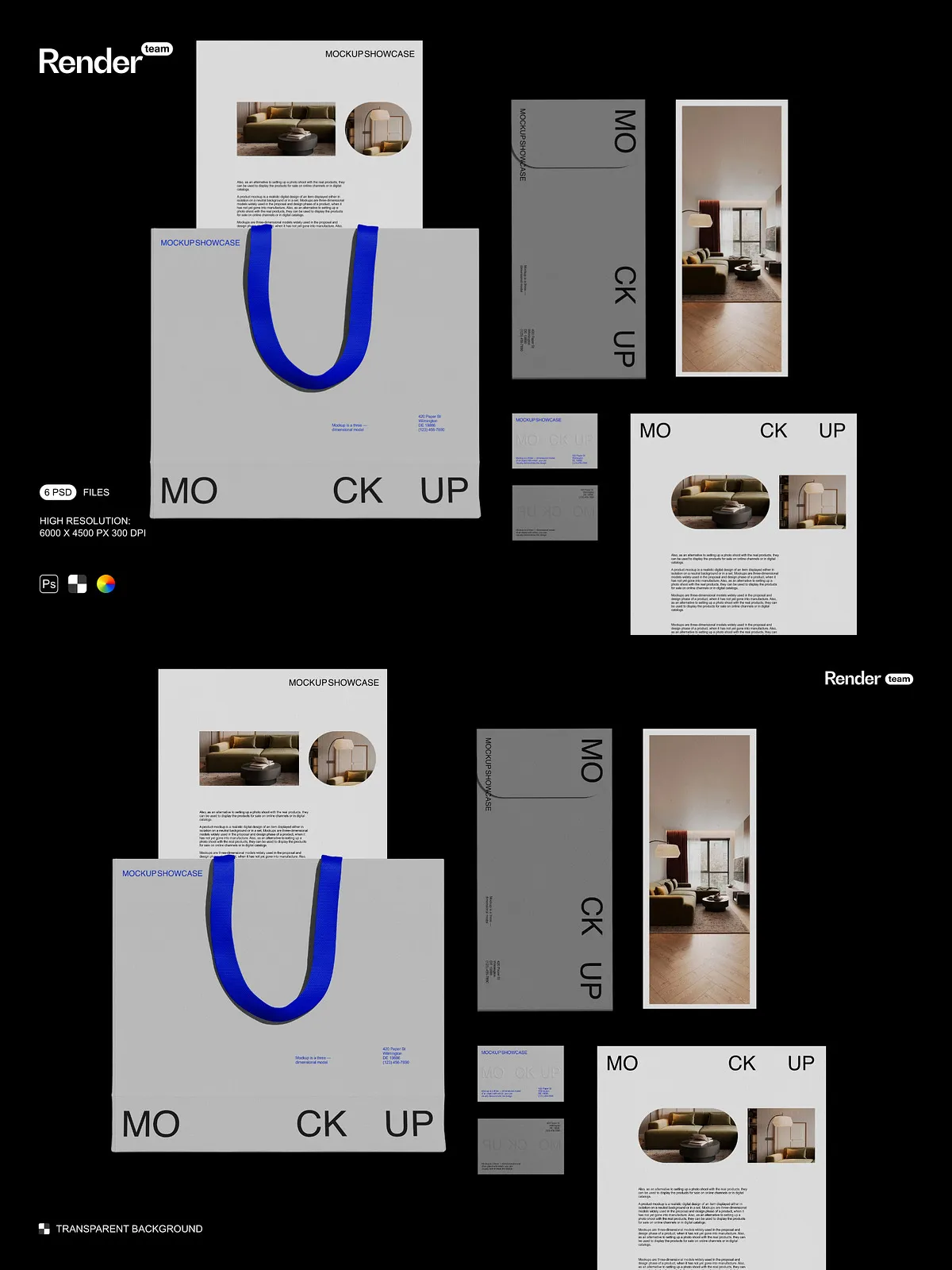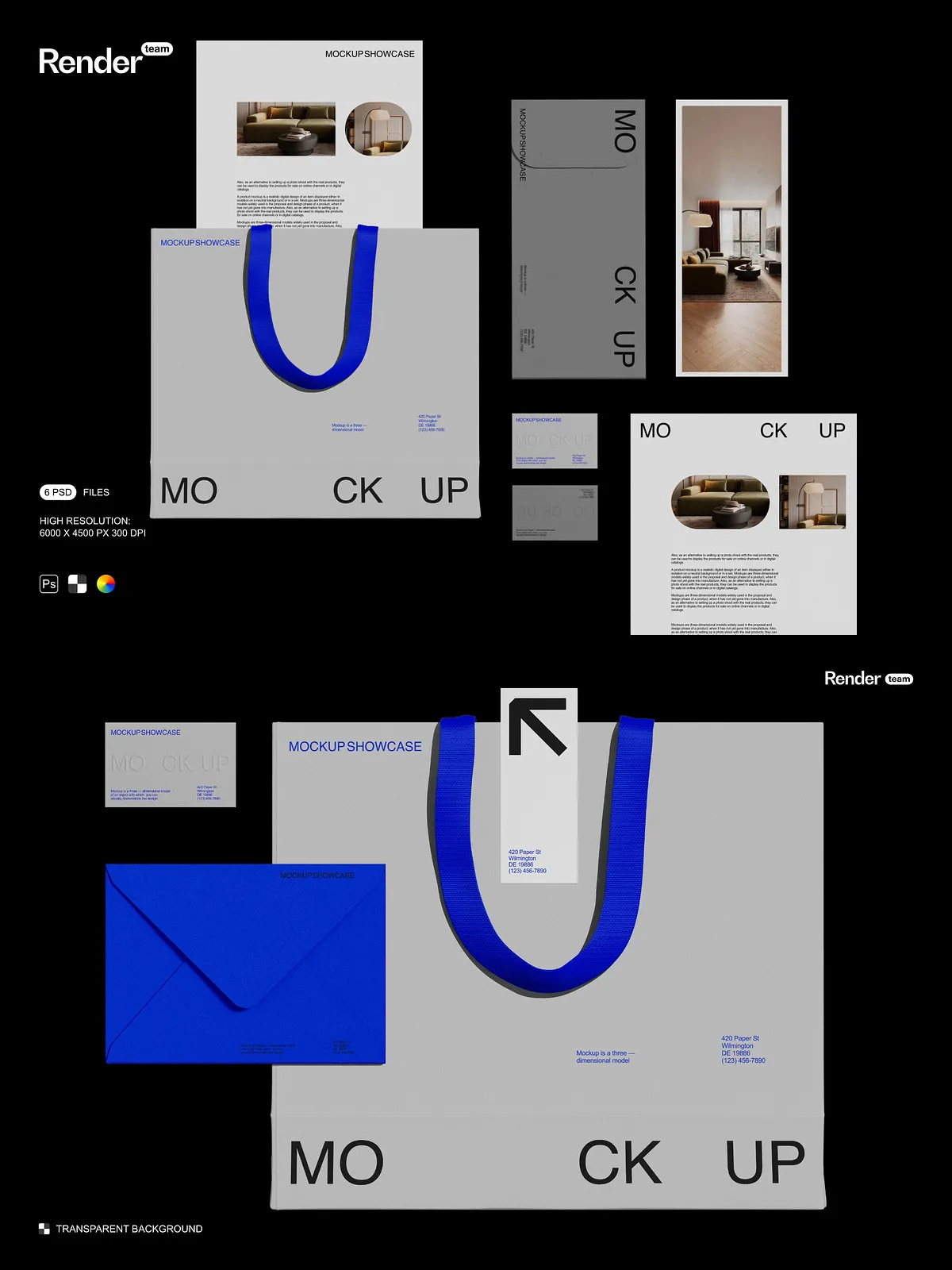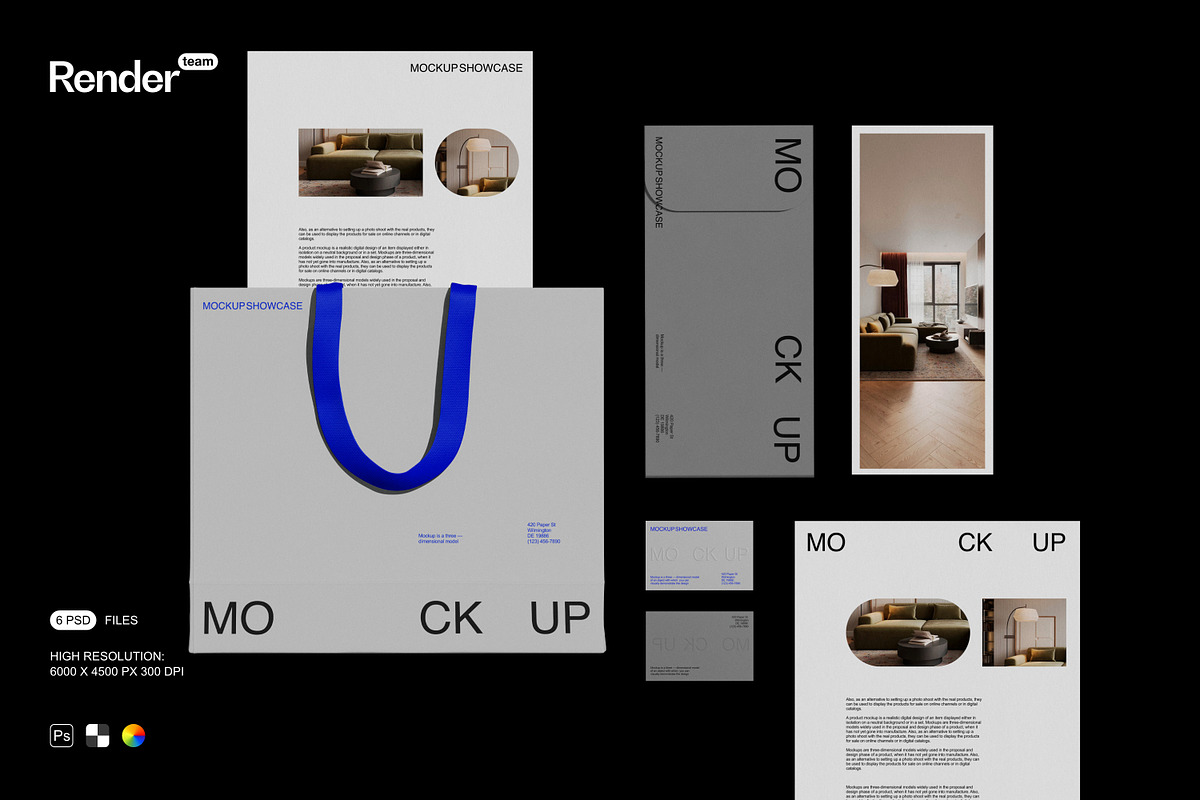
The Brand Identity Mockup Set supplies six layered, fully editable PSD mockups designed to present logos, stationery, packaging, signage, and printed collateral in cohesive, high-quality visuals. These files let designers and brand teams replace artwork instantly, adjust materials and colors, and export final images ready for web, portfolio, or client review. The set reduces production time, avoids costly photo shoots, and helps you deliver consistent brand presentations across channels.
Key Features
Smart-Object Driven Workflow for Fast Customization
Each mockup includes pre-configured smart object layers that accept your artwork with accurate perspective and effects. Open the smart object, paste or place your design, save, and the mockup updates automatically. For step-by-step guidance on working with smart objects in Photoshop, see the official Adobe help page: [Create embedded Smart Objects – Adobe Support](https://helpx.adobe.com/photoshop/desktop/create-manage-layers/smart-objects/create-embedded-smart-objects.html). This workflow preserves non-destructive editing and supports rapid iteration across multiple assets.
Organized Layers and Non-Destructive Groups
We structure every PSD with clearly labeled folders and groups so you can edit backgrounds, adjust textures, toggle props, and isolate effects without disrupting other elements. The organized layout speeds up revisions, simplifies client changes, and ensures consistent output across the entire mockup set.
High Resolution and Print-Ready Output
All mockups export at 6000 x 4500 pixels at 300 dpi, delivering sharp results for detailed close-ups, large-format presentations, and print proofs. The resolution preserves fine texture, paper grain, and material finishes so your brand elements appear crisp and true to life.
Isolated Objects and Shadows for Flexible Composition
We place objects and shadows on separate layers so you can reposition items, adjust shadow density, or remove cast shadows to suit different layouts. This separation gives you full control over composition and allows seamless integration into marketing banners, product pages, and mockups for social media or print collateral.
Included Files and Support
What You Get
- 6 fully layered PSD mockup files optimized for easy editing
- Smart objects pre-configured for logo, stationery, packaging, and signage replacements
- Isolated object and shadow layers for precise compositing
- Organized folders and labeled layers for efficient workflow
- Comprehensive PDF help file with clear, step-by-step instructions
PDF Help File — Clear Instructions for Fast Results
The included PDF guide walks you through opening the PSDs, editing smart objects, switching colors and materials, exporting final images, and troubleshooting common issues. The guide uses annotated screenshots and concise steps so both new users and experienced designers can adopt the files immediately and maintain non-destructive workflows.
How to Use the Mockups — Recommended Workflow
Step-by-Step Editing
- Open the PSD file that matches the desired composition.
- Locate and double-click the smart object layer for the asset you want to replace.
- Paste or place your logo, layout, or artwork inside the smart object canvas, then save and close the smart object window.
- Adjust color layers, background, textures, and shadow intensity to match brand guidelines.
- Export the final image at the required dimensions and file format for web or print.
Follow the PDF guide for advanced tips on combining layers and exporting multiple variations for A/B tests or client presentations.
Benefits and Use Cases
Accelerate Production and Improve Consistency
Use these mockups to produce polished brand presentations faster, standardize visual output across team members, and iterate through multiple concepts without re-staging photos. Generate on-brand imagery for pitches, online stores, case studies, and social campaigns in minutes.
Enhance Client Approvals and Marketing Collateral
Present layouts, stationery, labels, and signage in realistic contexts that help stakeholders visualize the final result. High-quality mockups improve client confidence, speed approvals, and increase conversion rates when used in product listings and marketing materials.
Technical Specifications and Licensing
Technical Details
- Resolution: 6000 x 4500 px at 300 dpi
- Files: 6 PSD mockups, fully layered
- Editable: Smart objects and color layers
- Compositing: Objects and shadows isolated on separate layers