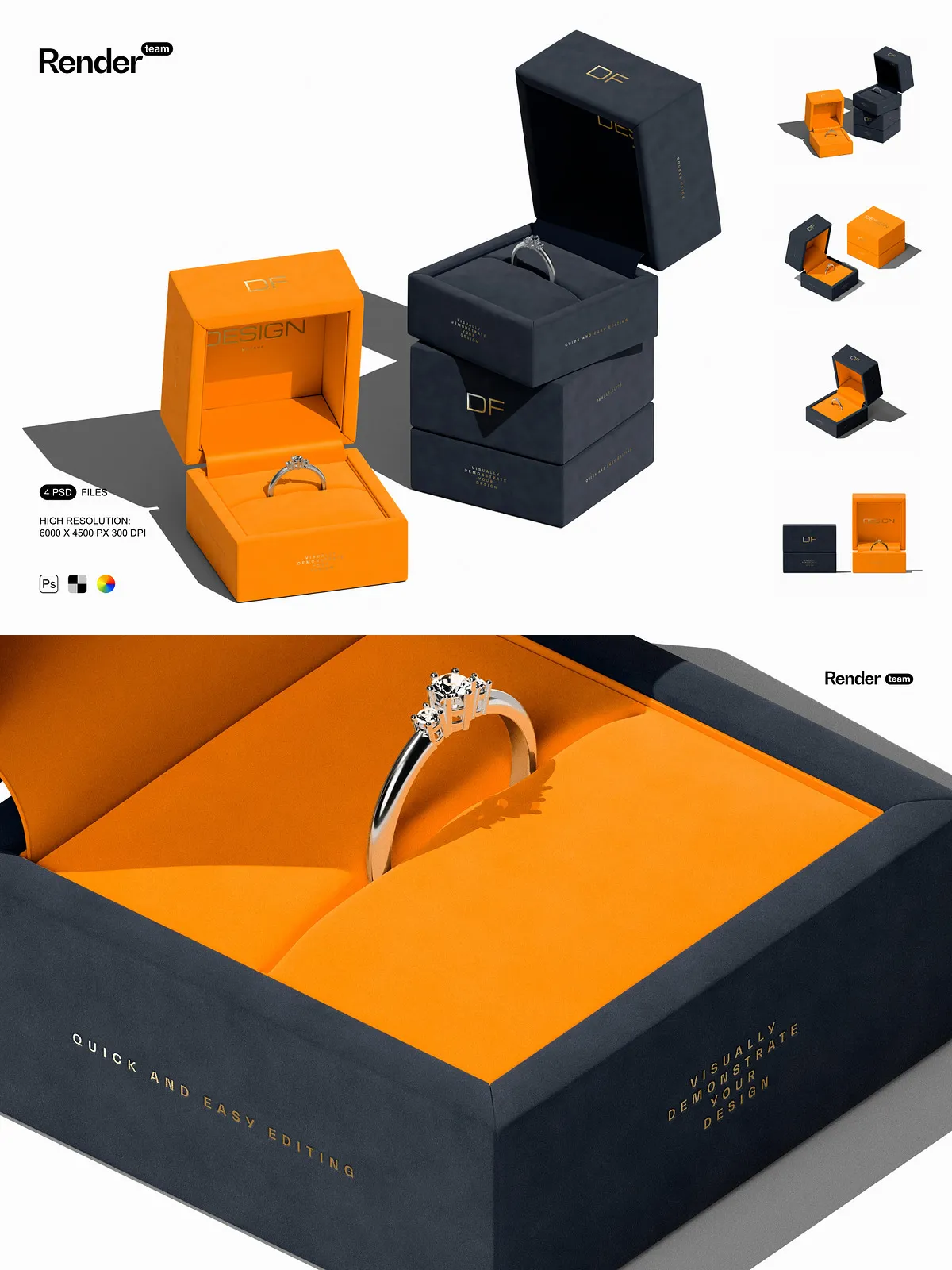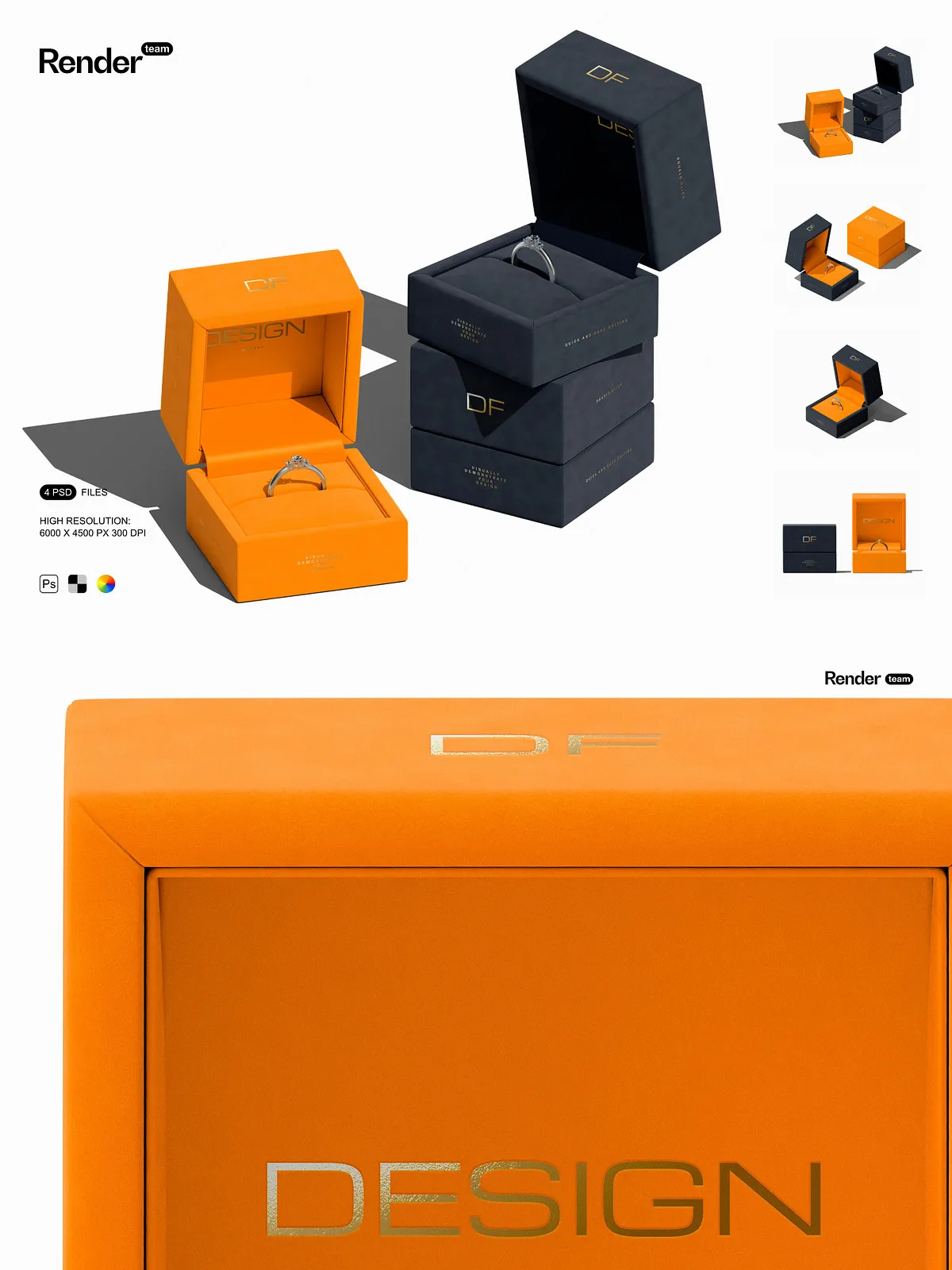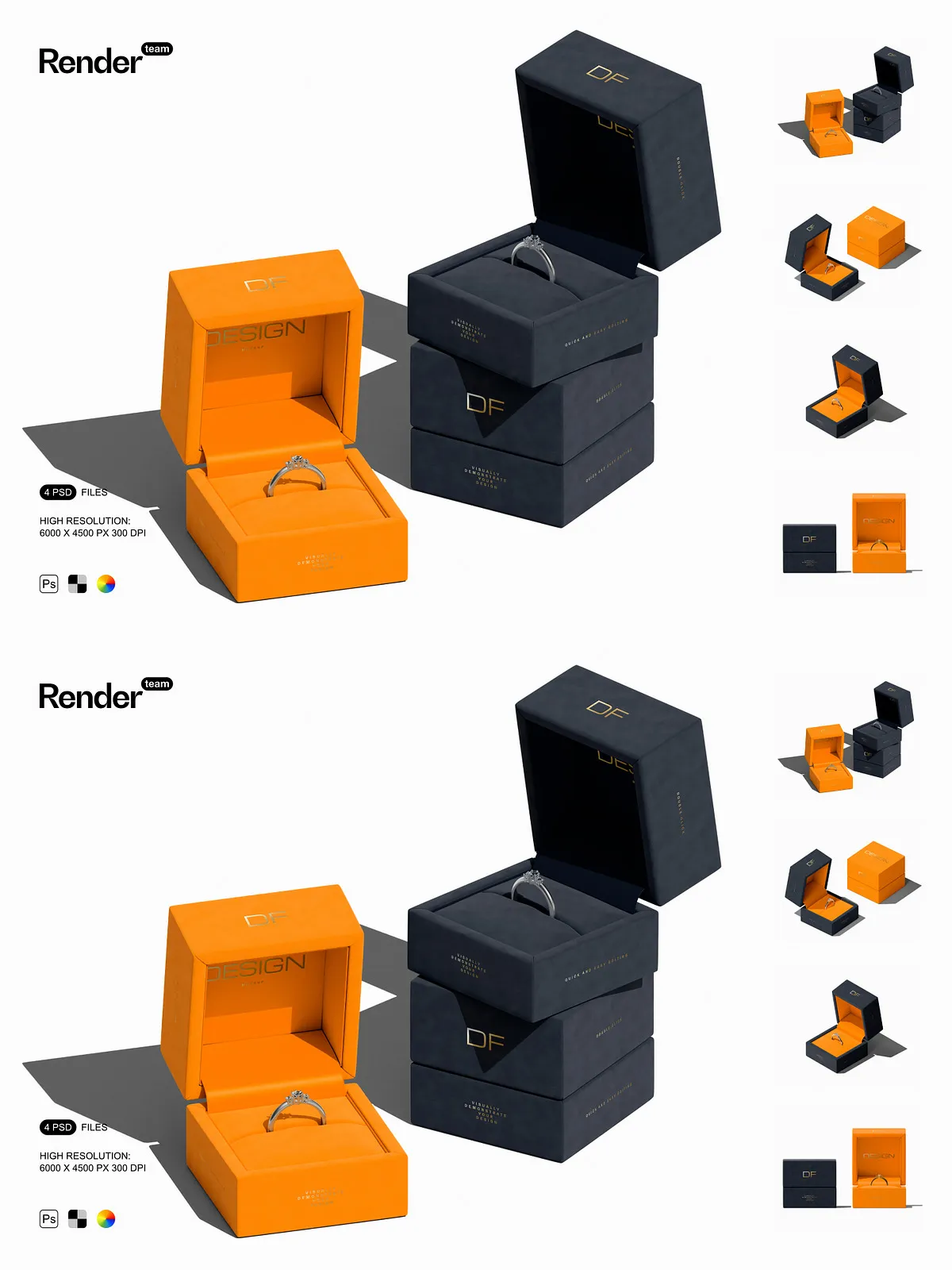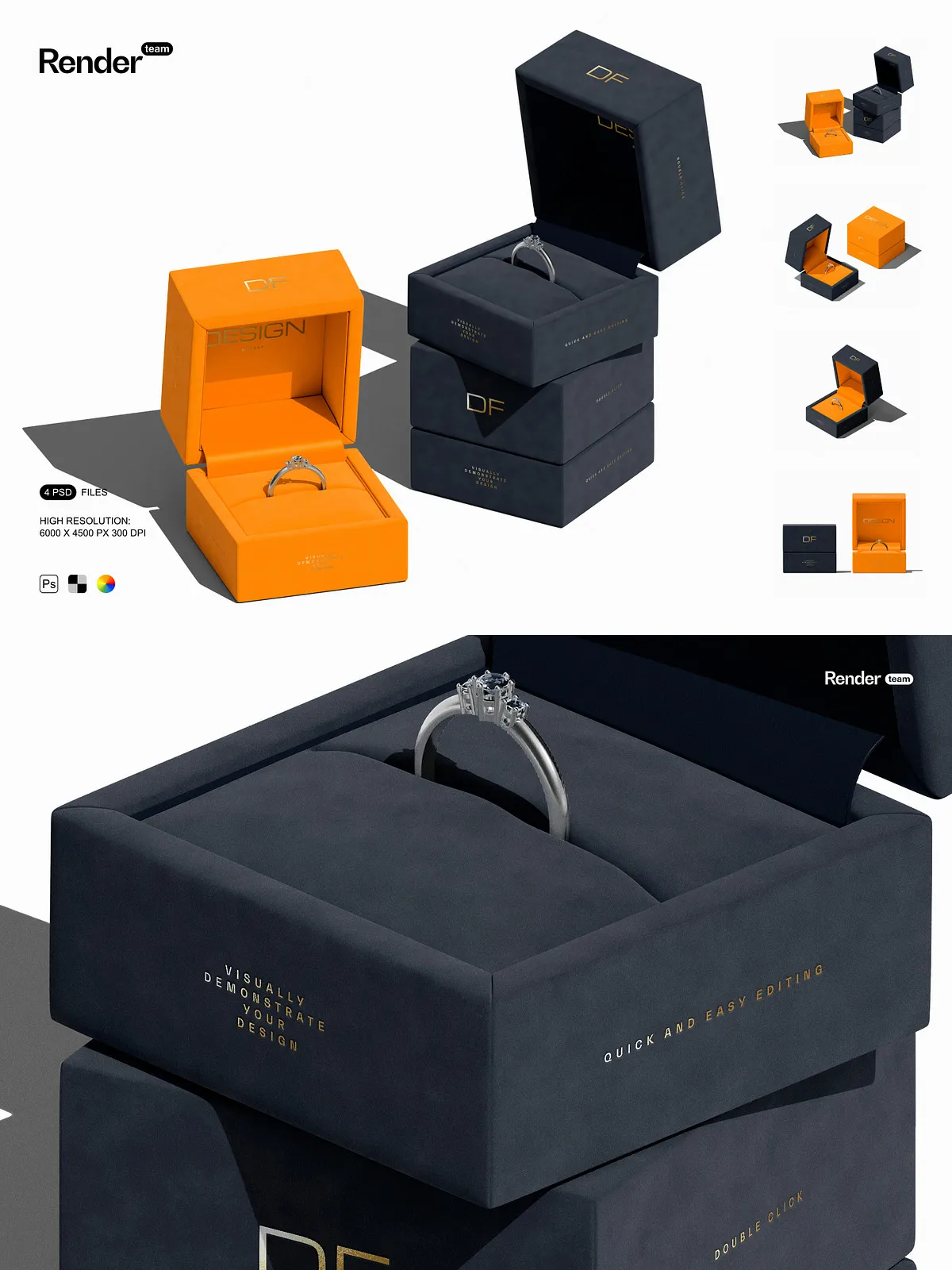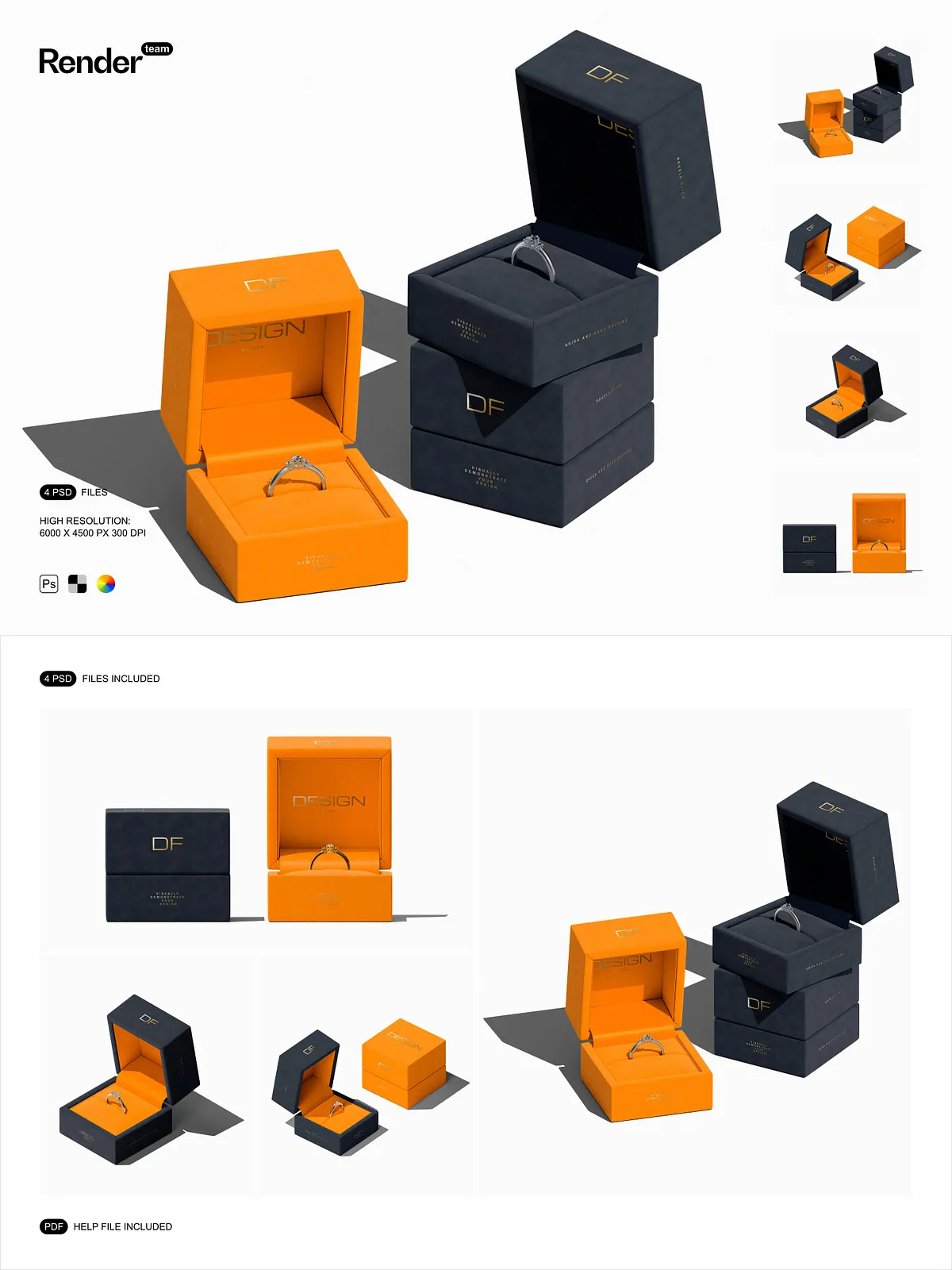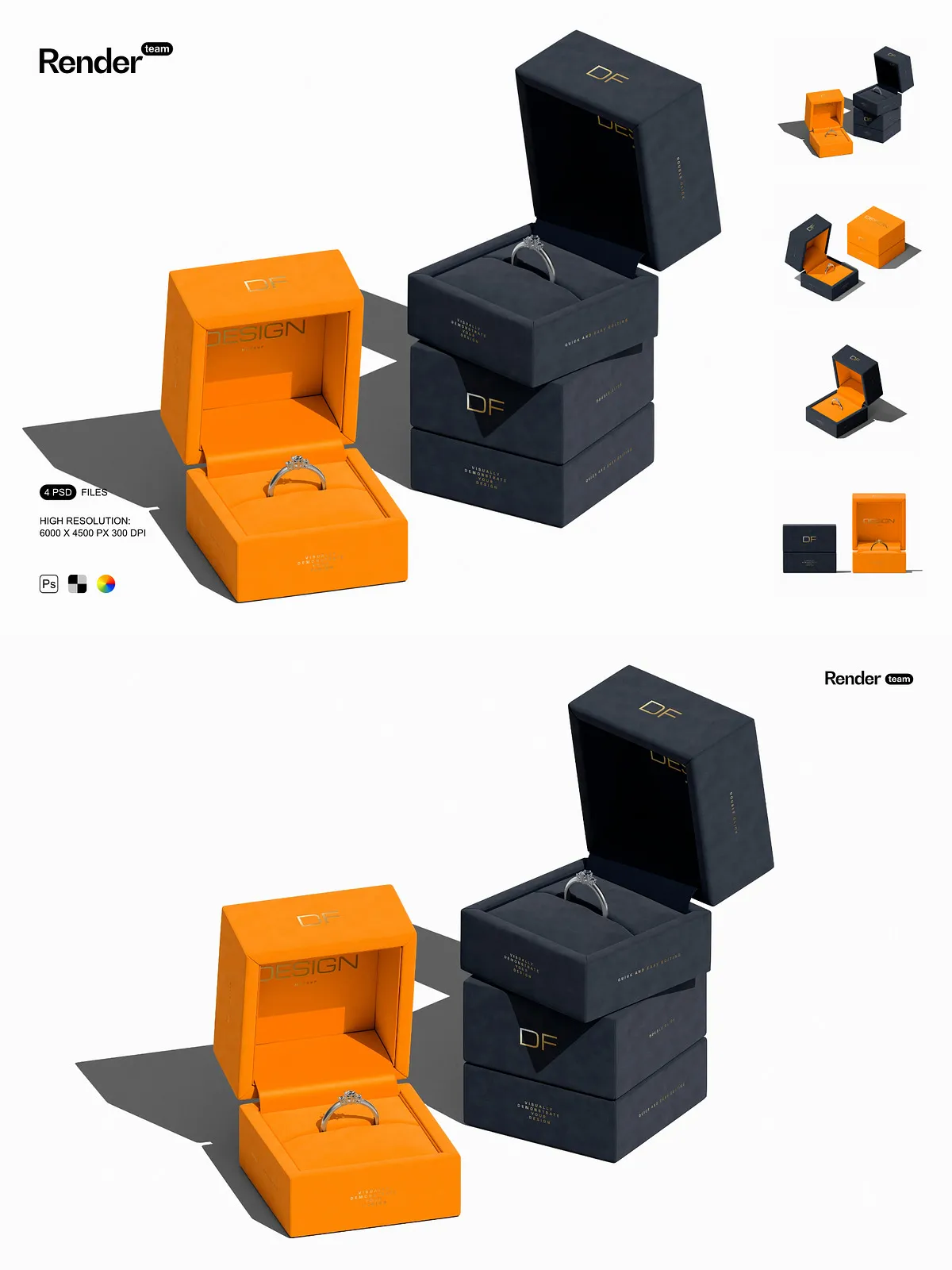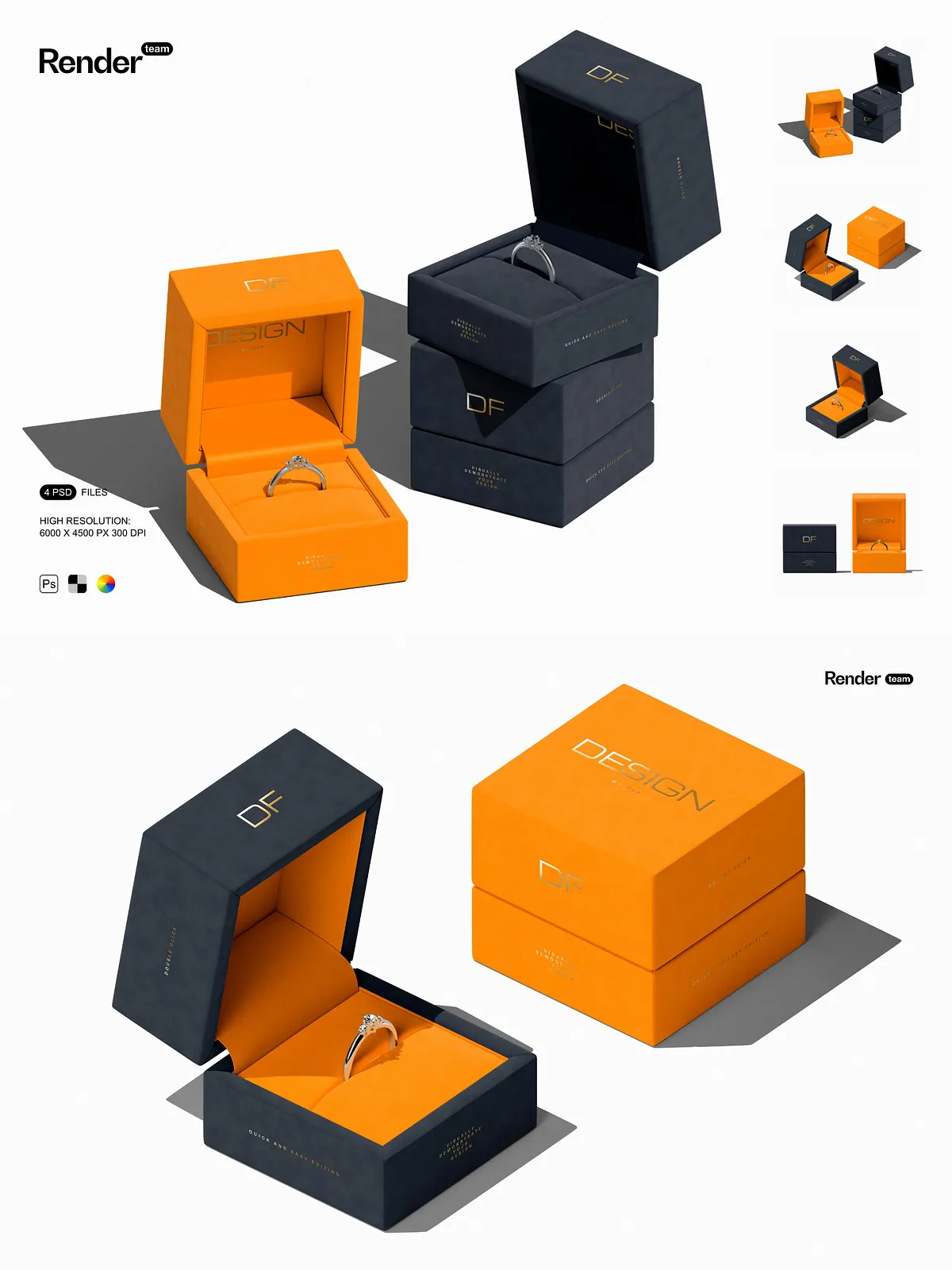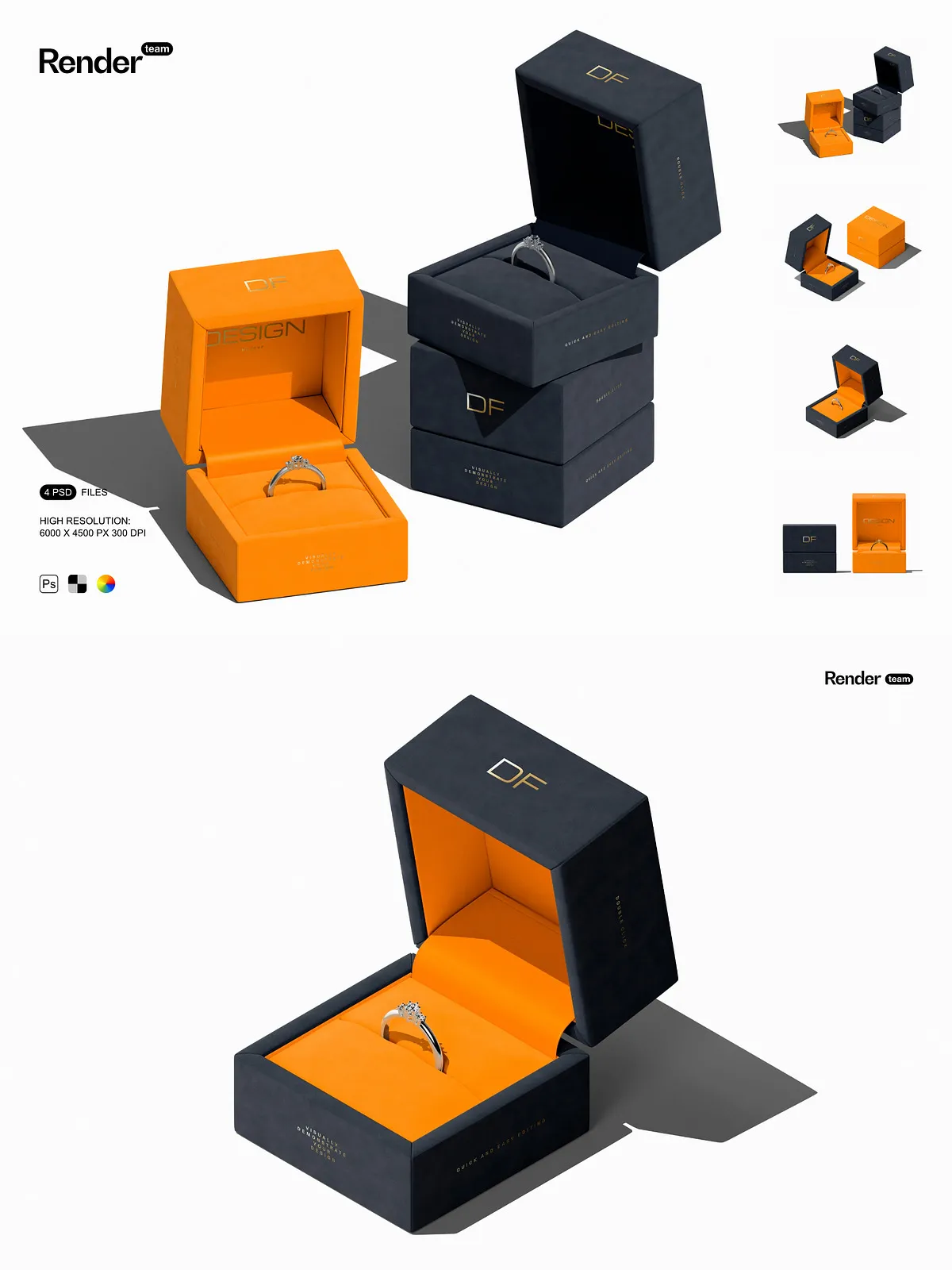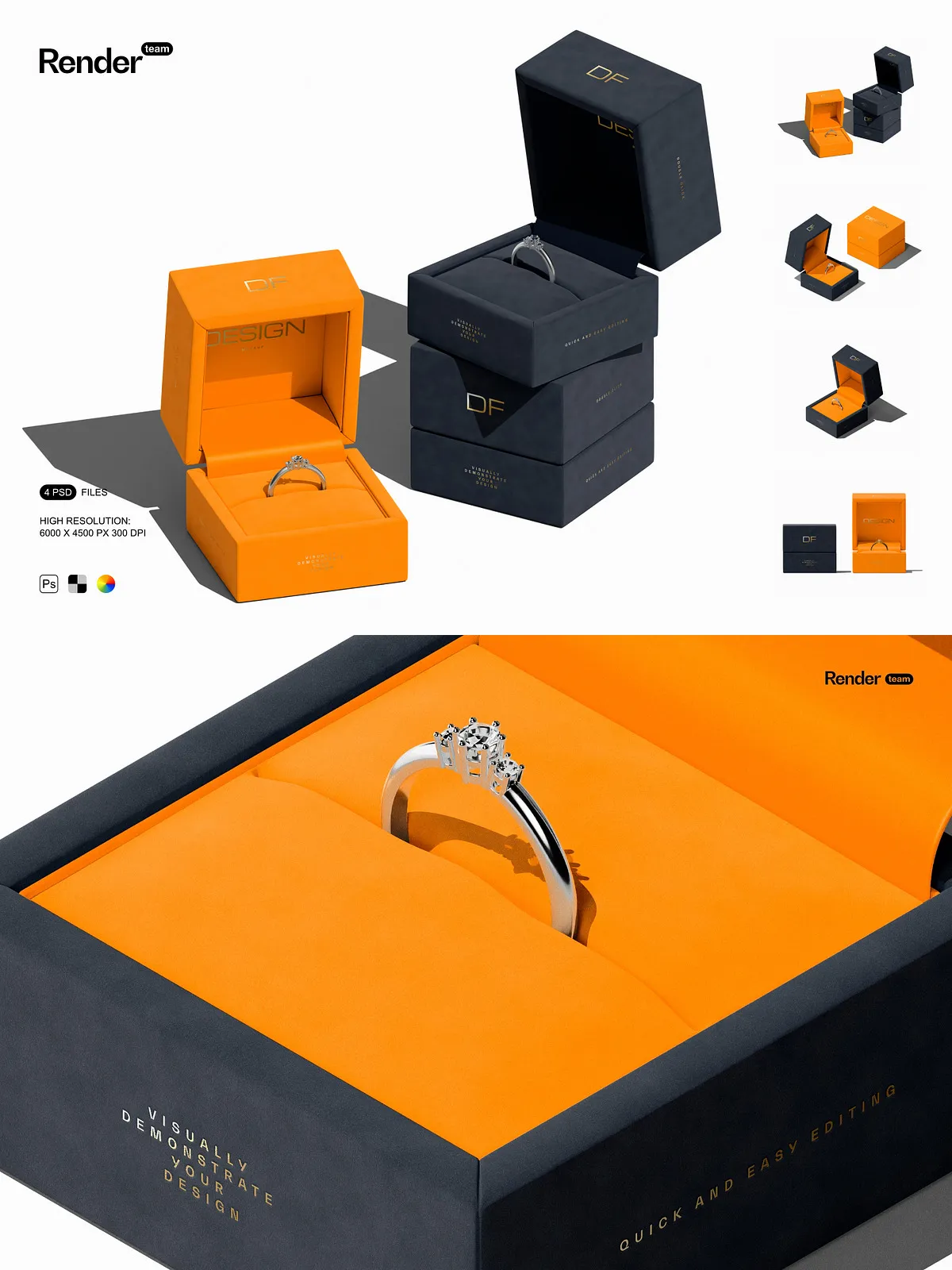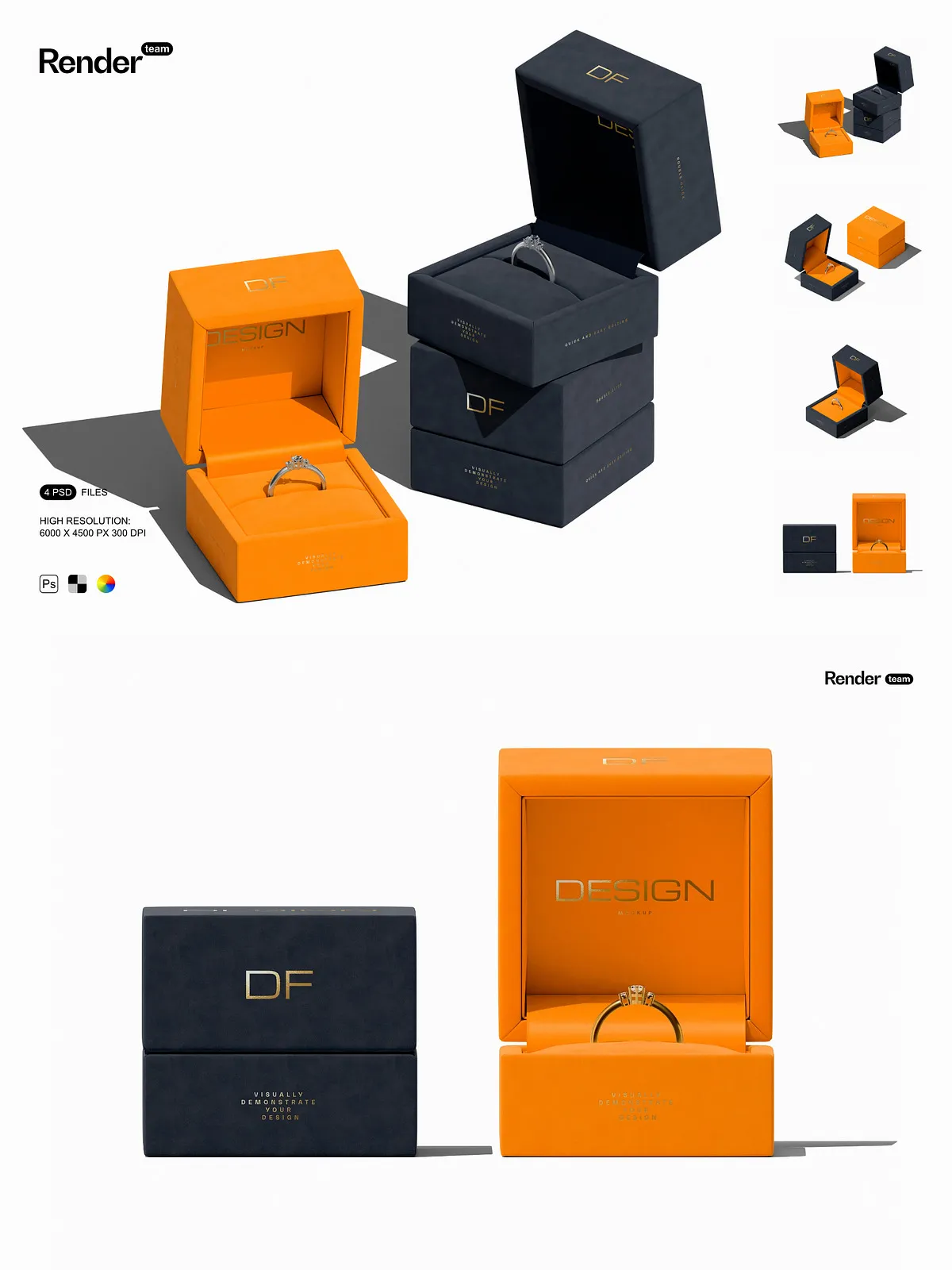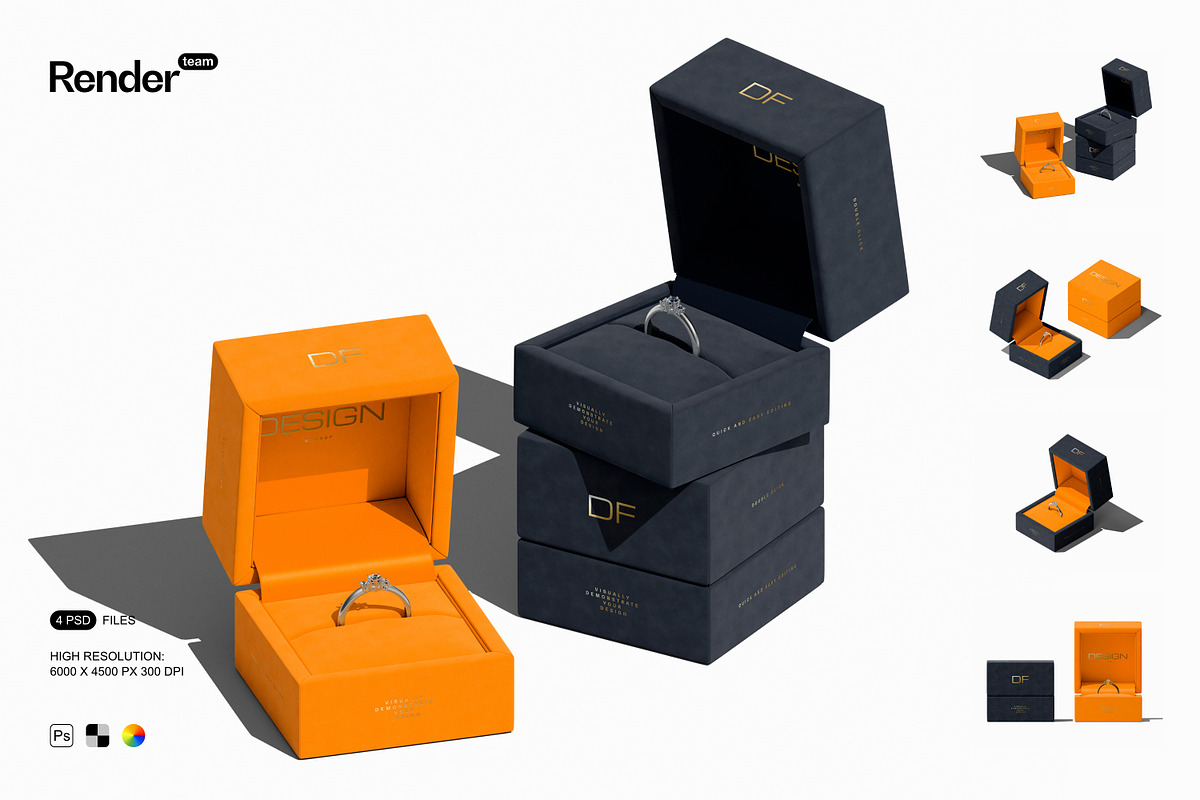
Unlock the full potential of your jewelry brand with the Jewelry Box Mockup Set — a collection of four fully layered, high-resolution PSD files engineered to display your custom designs with elegance, authenticity, and visual impact. Whether showcasing engagement rings, statement necklaces, or delicate accessories, these mockups turn abstract concepts into polished, lifelike presentations that captivate audiences and communicate premium quality.
Effortless Customization with Smart Object Technology
Edit Labels, Logos, and Artwork in Seconds
Each mockup features intuitive smart objects that enable instant design replacement. Simply double-click the smart object layer, insert your custom artwork, resize as needed, and save — the changes update automatically across the entire composition. This non-destructive workflow preserves original quality, supports rapid iteration, and ensures seamless integration across multiple campaigns, color schemes, or product lines.
Master the Workflow with Official Adobe Guidance
For users exploring advanced features, consult the official Adobe support documentation: [Create Embedded Smart Objects – Adobe Support](https://helpx.adobe.com/photoshop/desktop/create-manage-layers/smart-objects/create-embedded-smart-objects.html). This comprehensive guide covers best practices for using smart objects, managing linked vs. embedded elements, and troubleshooting common issues—ideal for both beginners and experienced designers.
Professional Layer Structure for Maximum Workflow Efficiency
Organized, Labeled Folders for Instant Access
Every PSD file is meticulously structured with clearly labeled layers and folders — grouped by object type, shadow effects, material textures, color adjustments, and background scenes. This logical hierarchy eliminates chaos, reduces editing time, and streamlines collaboration between team members. Switch between designs, modify lighting, or adjust materials in seconds—without compromising clarity or control.