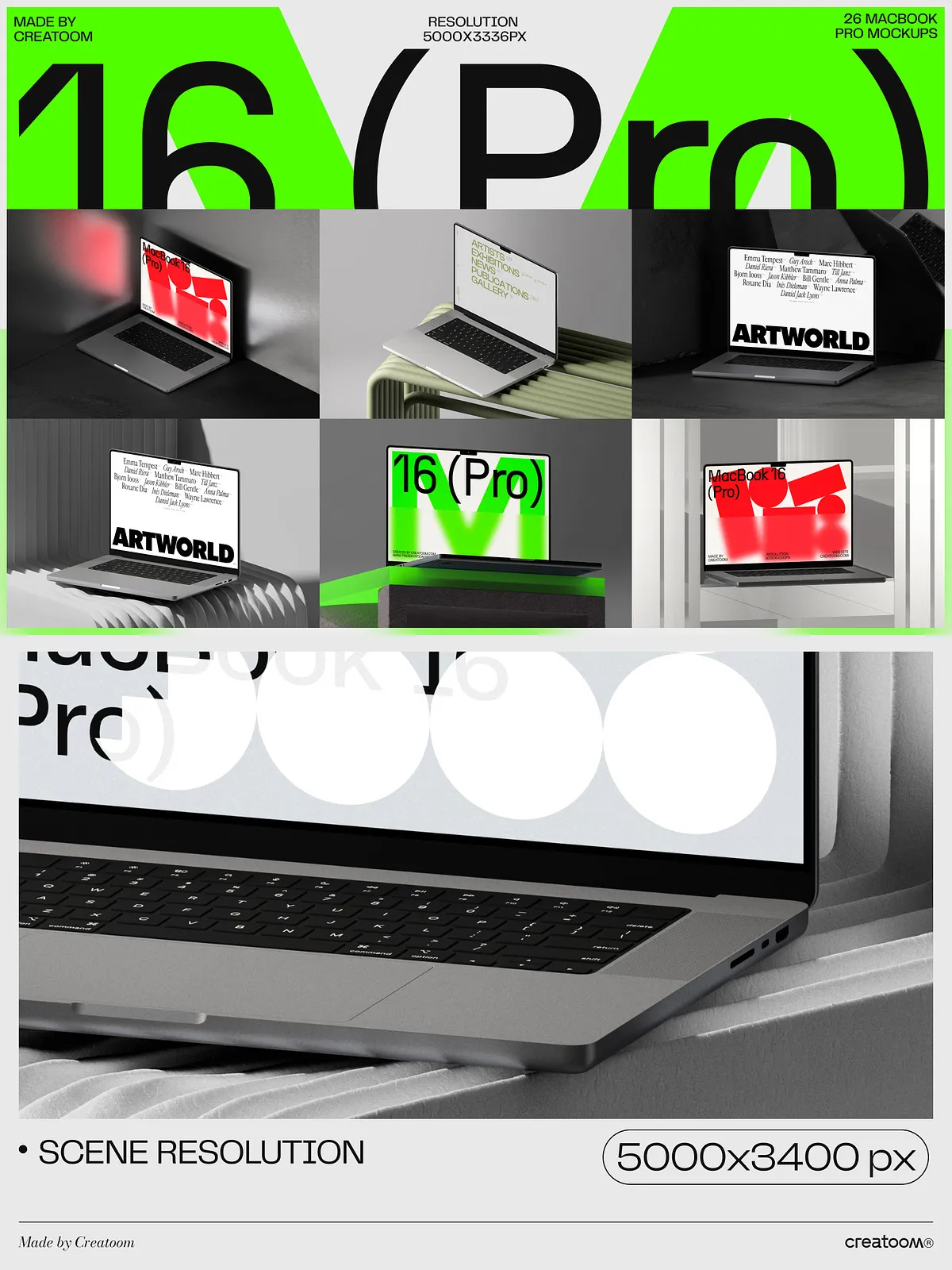
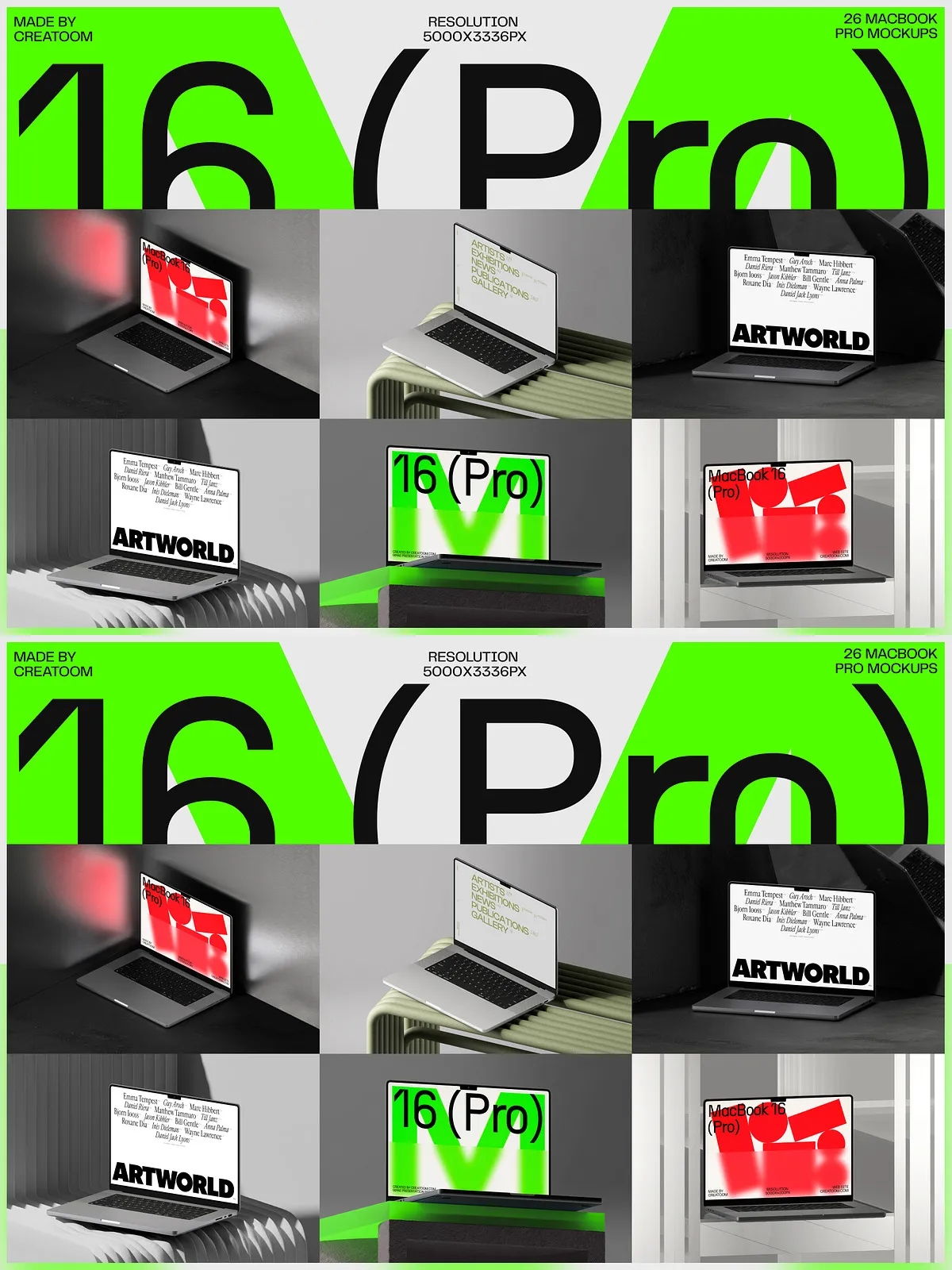
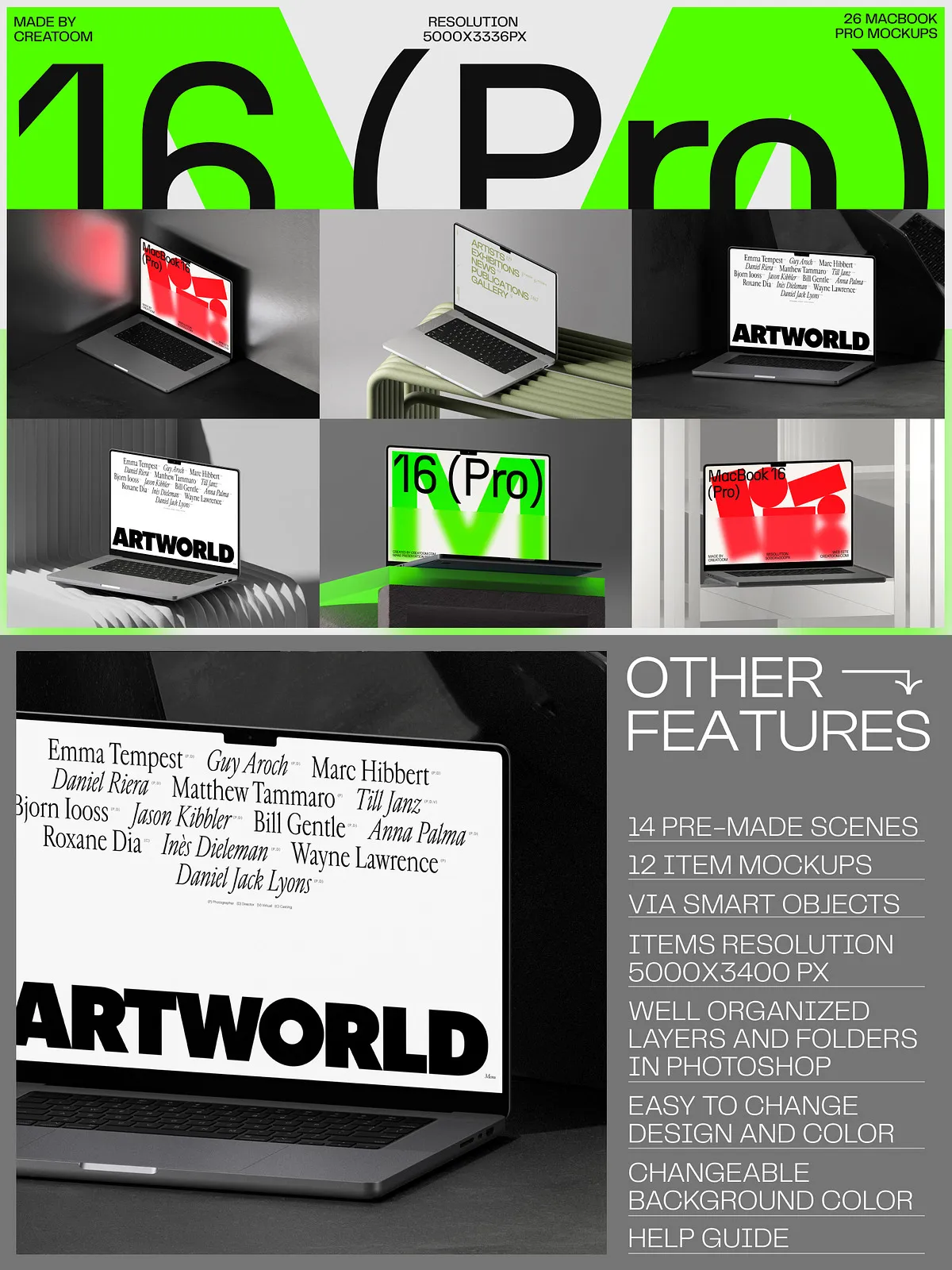
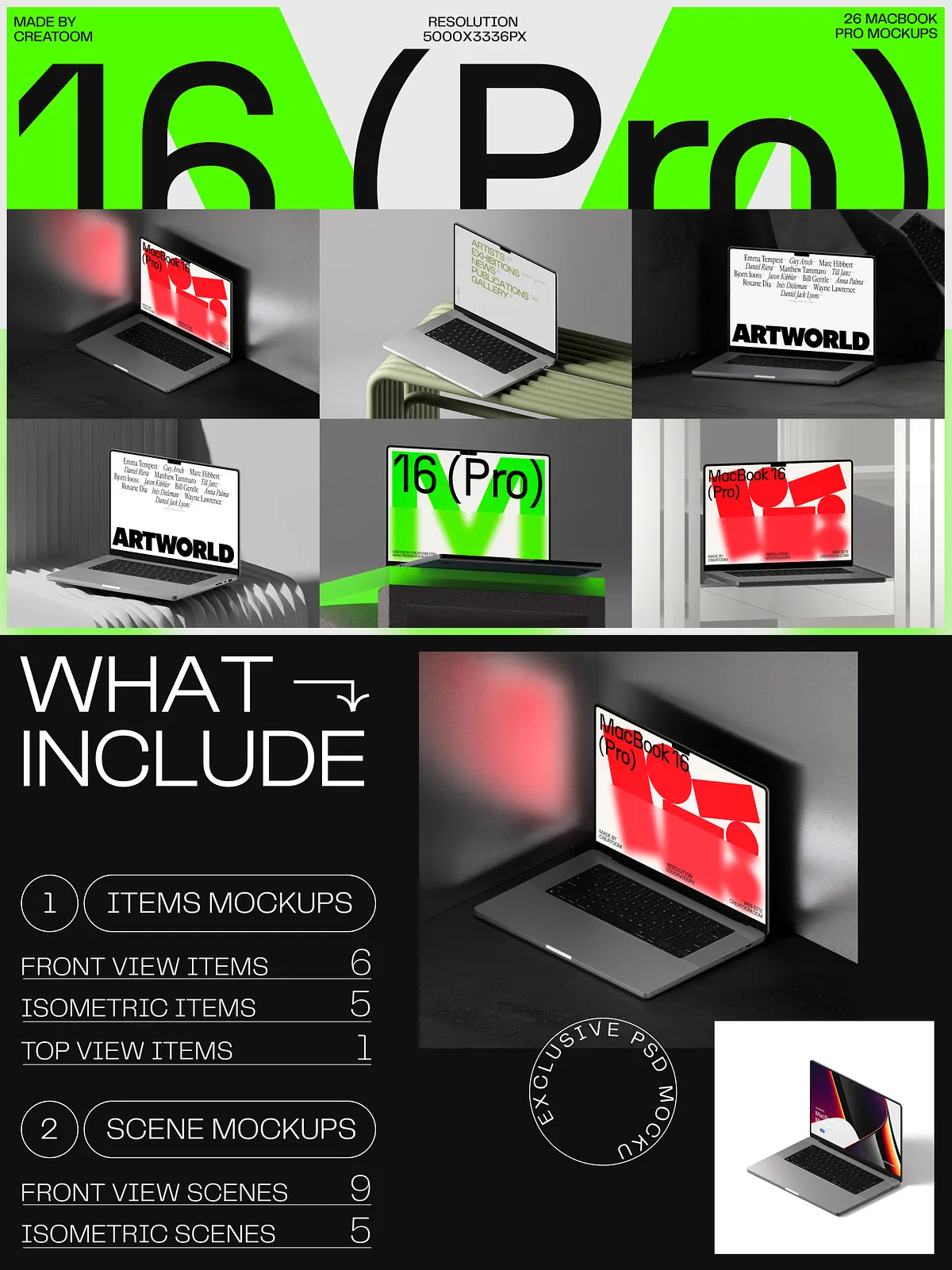
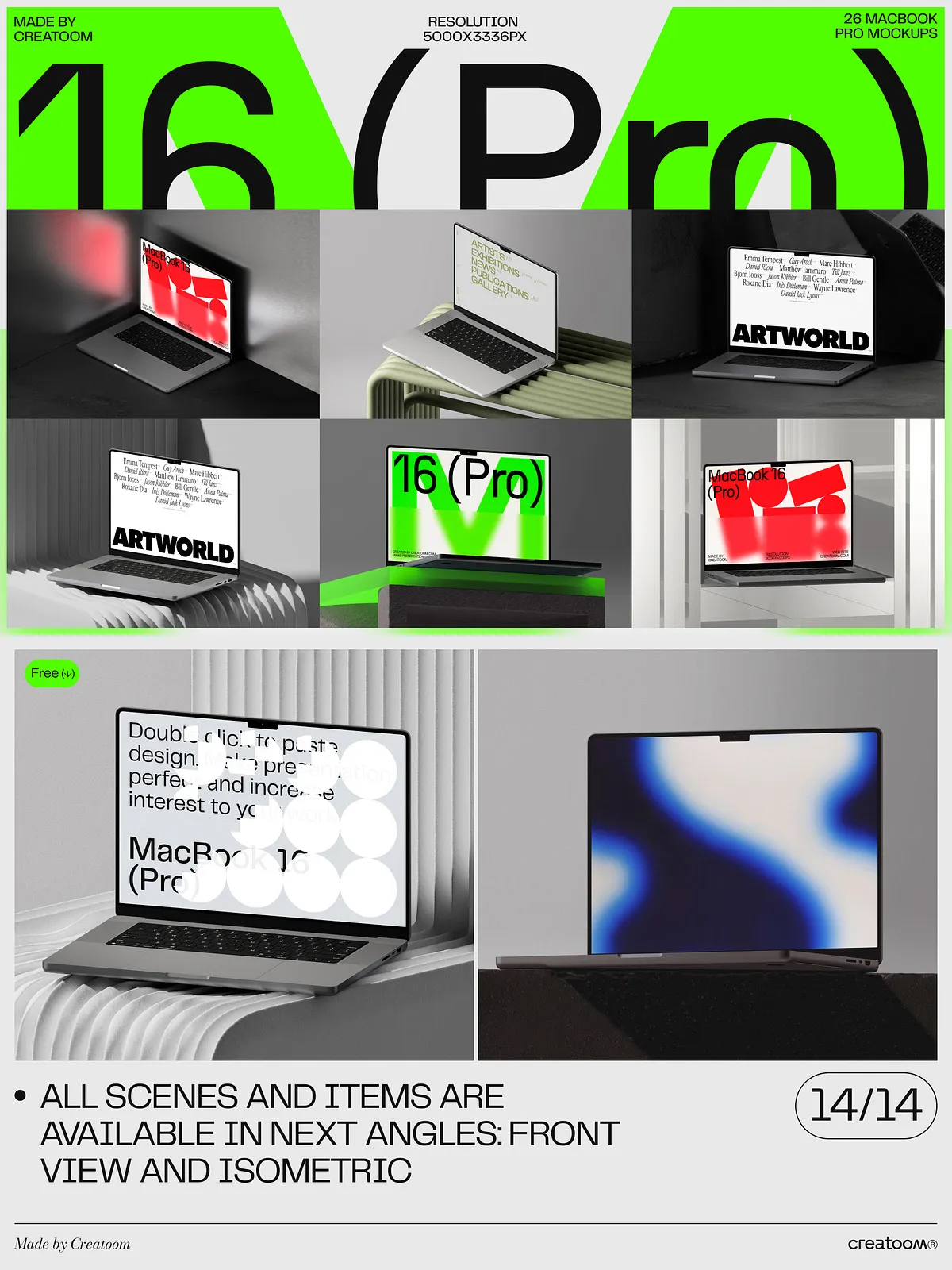
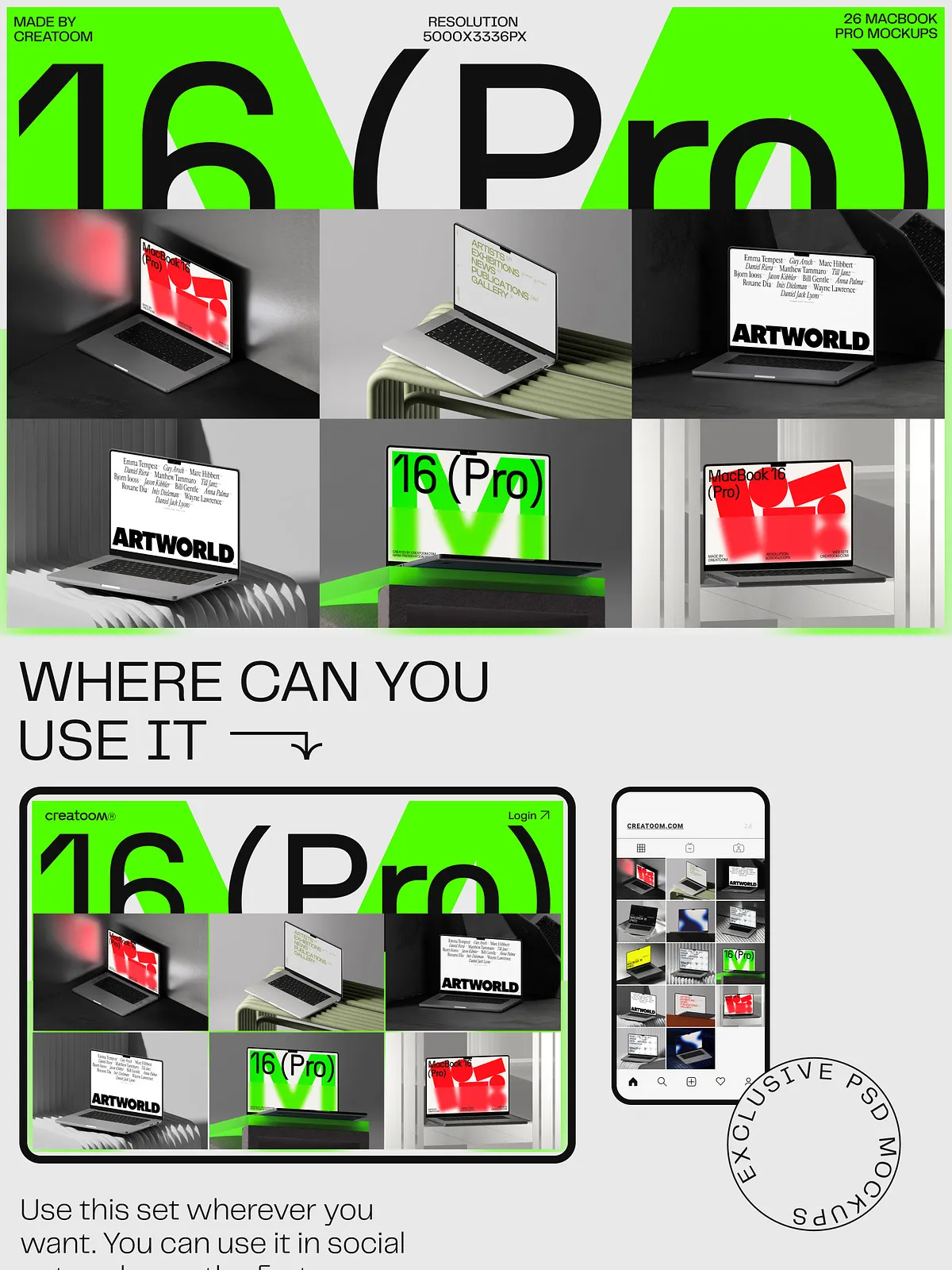
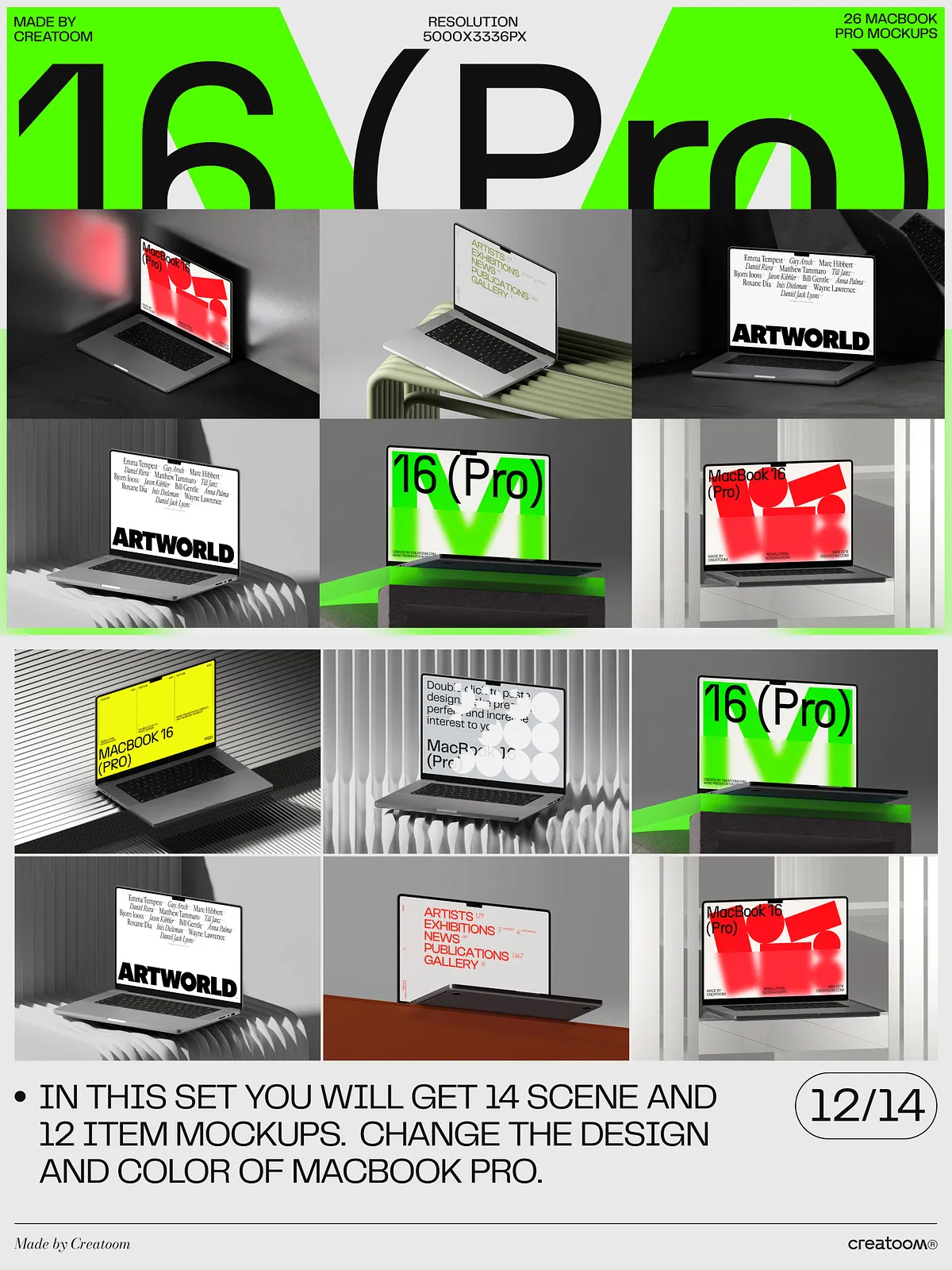
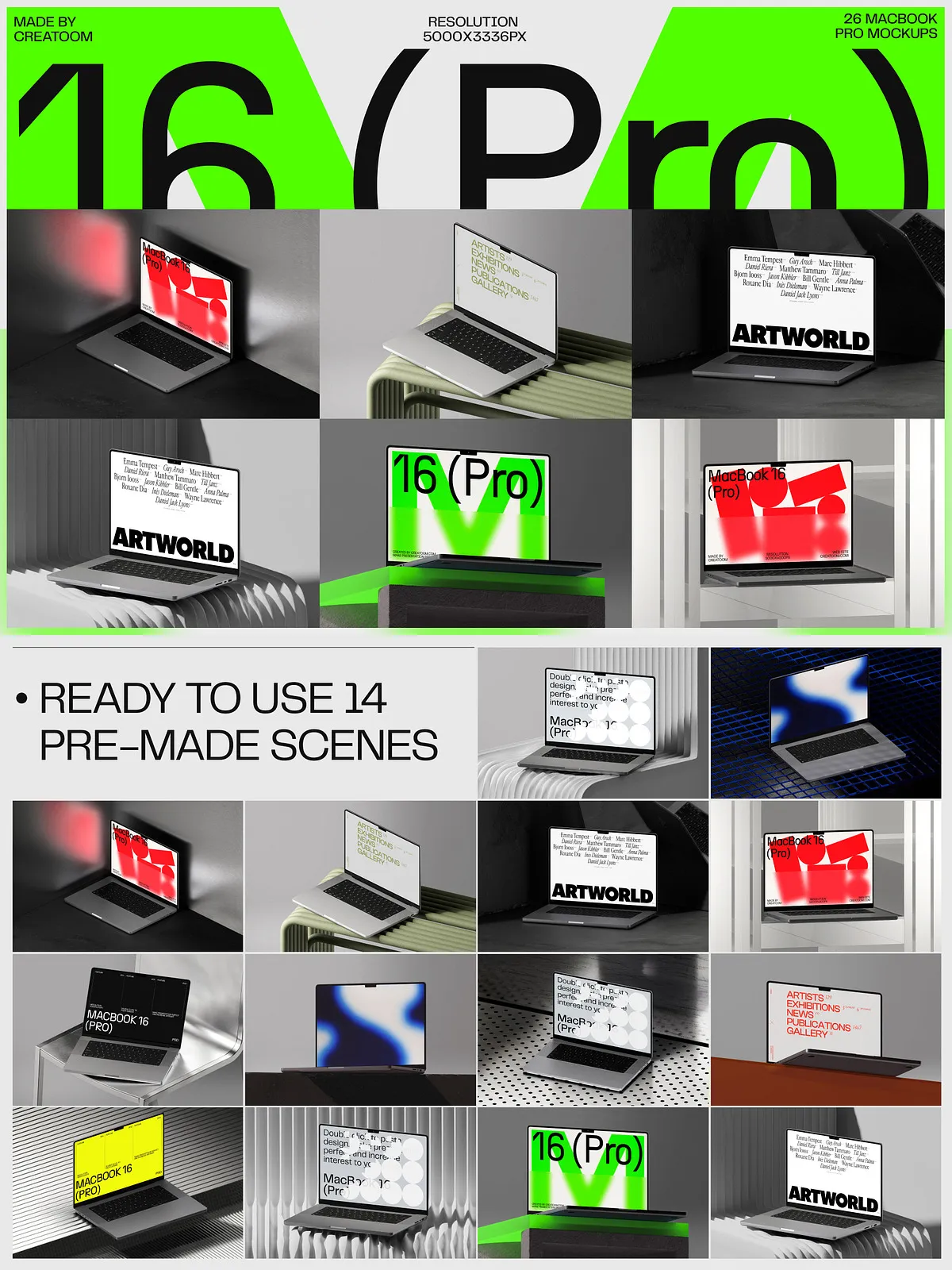
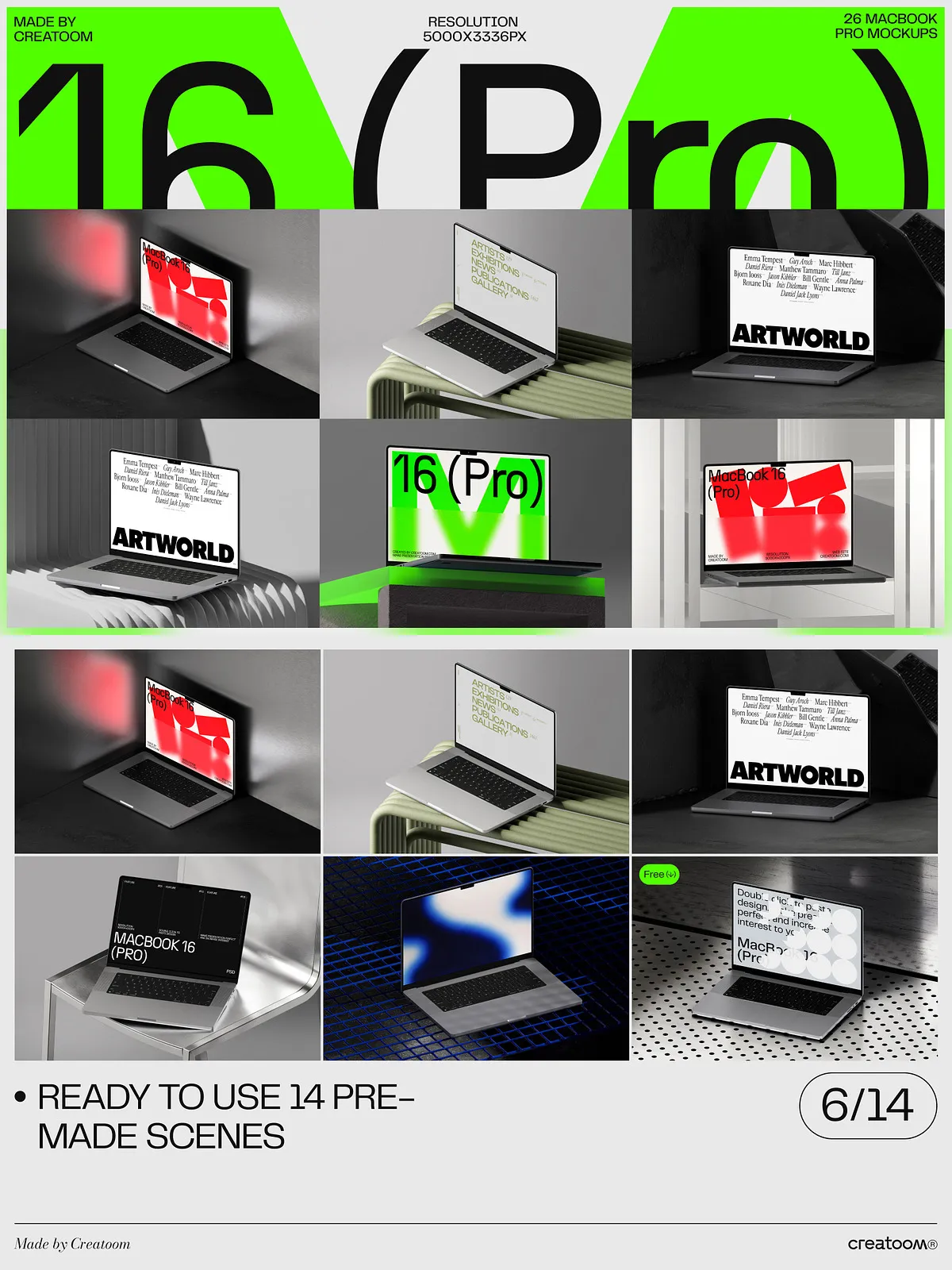
Stop showcasing your designs in isolation—put them in context. The MacBook Pro 16 Mockups (26-PSD) bundle delivers 14 professionally rendered scene mockups that showcase your digital work in dynamic, believable environments. From a sunlit desk at a creative studio to a crowded coffee shop meeting, to a sleek home office setup, each scene captures diverse lighting, shadow depths, and spatial realism. With a resolution of 5000×3400 px and 300 dpi, every pixel delivers sharp clarity—perfect for close-up presentations, high-impact social media posts, and detailed client reviews.
Master Your Design at the Smallest Scale with 12 Isolated Item Mockups
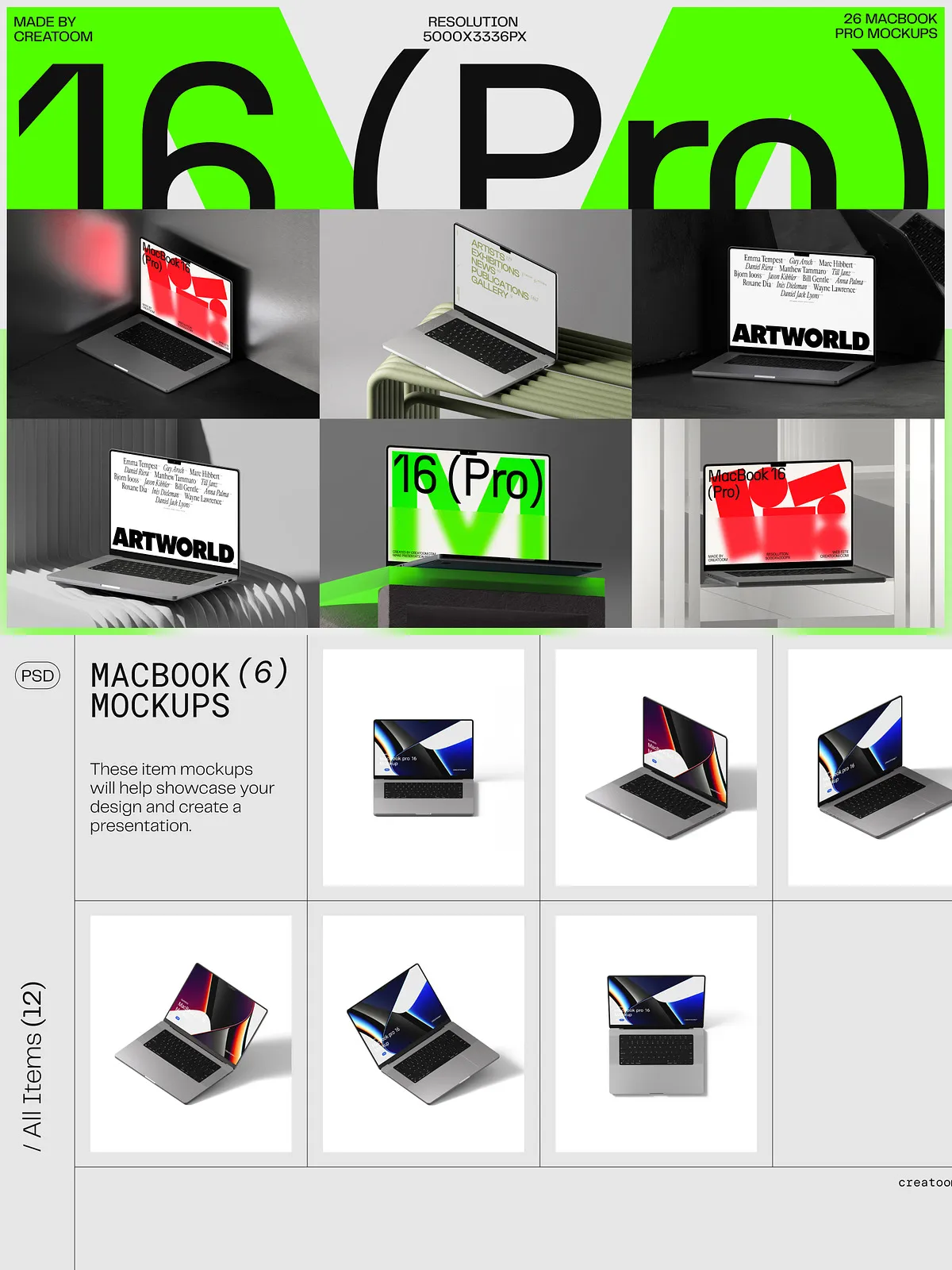
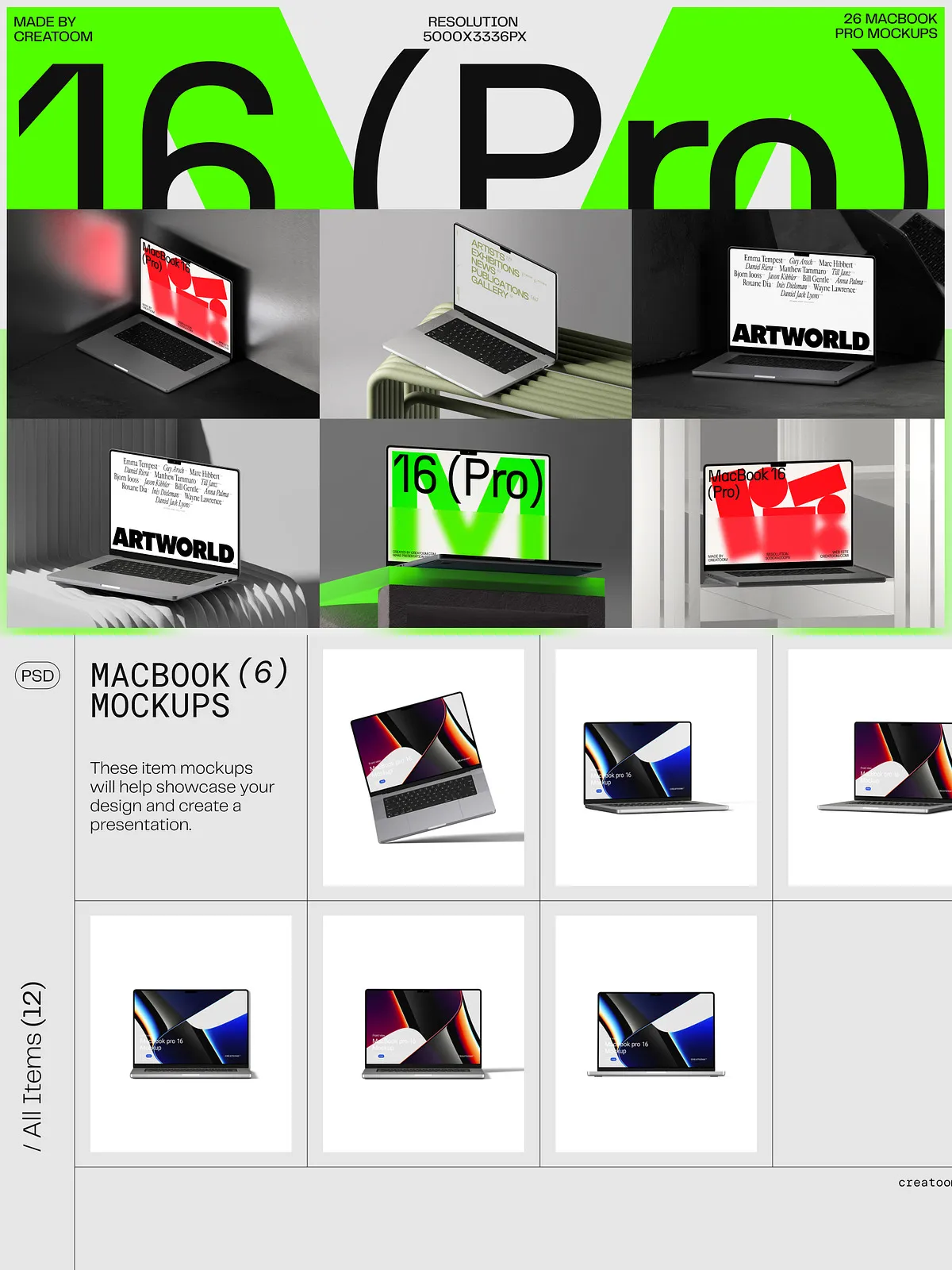
Highlight your app interface, website layout, or software dashboard with precision. The set includes 12 isolated item mockups at 5000×4500 px / 300 dpi, allowing for ultra-detailed, publication-ready visuals. Use them to display screen captures, UI components, or branding elements without distraction. These high-resolution files are engineered for instant integration, ensuring your content remains crisp and professional across any medium—whether on a portfolio site or a printed brochure.
Revolutionize Workflow with Smart Object Editing
Redefine editing efficiency with fully editable smart objects. Replace your design in seconds—no complex masking, no background cleanup. Simply double-click the smart object layer and paste your work. This means you can:
- Change MacBook color in real time: Switch from Space Gray to Silver, Gold, or even custom tones to match brand identity.
- Swap backgrounds instantly: Transition from a quiet workspace to a lively conference room, a modern balcony, or a dimly lit library—all with a single click.
- Adjust shadows and reflections: Leverage separate layers to fine-tune realism based on environmental lighting.
- Reposition and resize effortlessly: Maintain perfect perspective with precise layer controls and non-destructive editing.
These are not just mockups—they’re smart, modular tools built for speed, flexibility, and creative control.
Fully Optimized for Speed, Clarity, and Professional Output
Every file is structured with precision to streamline your creative process:
- Intelligent layer organization: Layers are clearly labeled—Background, MacBook Case, Screen Area, Smart Object, Shadow, Reflection, Light Halo, Branding Zone, Texture Layer—making navigation instant and error-free.
- Modular folder structure: Projects are grouped into Scenes, Isolated Items, Color Variants, Backgrounds, Export Templates, User Guide, and Sample Designs—ideal for managing large-scale campaigns.
- Safe zone guides and alignment markers: Ensure your UI components, text, and logos stay readable and well-positioned regardless of layout or screen orientation.
- Non-destructive design principles: Experiment freely without affecting the original files. Preserve your master assets while testing dozens of variations.
This is not just organized—it’s engineered to match the speed and discipline of professional design studios.
Power Every Stage of Your Creative Process
Whether you’re a UX/UI designer, digital marketer, software developer, or creative agency working on client deliverables, this mockup suite enables you to:
- Win client approvals faster: Replace abstract wireframes with lifelike simulations that demonstrate function, scale, and user experience.
- Build stunning portfolios: Showcase projects across LinkedIn, Behance, and Dribbble with visuals that feel tangible and real.
- Generate scroll-stopping content: Create compelling social media graphics that attract attention and drive engagement.
- Prep for print and digital campaigns: Use the high-resolution assets for both web visuals and print-ready materials—no conversion needed.
- Scale your design system: Apply the same template across multiple product updates, app versions, or brand campaigns.
One download. A professional-grade toolkit. Infinite creative potential.
What’s Included in Your Premium Mockup Package?
Upon purchase, receive immediate access to:
- 14 High-Resolution Scene Mockups (14 PSD files)—offering top-down, angled, hand-held, and environmental views for diverse presentation needs.
- 6 Front-View Cards (6 PSD files)—ideal for flat design presentations and quick previews.
- 5 Isometric Cards (5 PSD files)—perfect for showing depth, structure, and design flow.
- 1 Top-View Card (1 PSD file)—great for illustrating screen layouts and placement accuracy.
- Comprehensive Help File—a detailed guide covering setup, layer management, editing best practices, export formats, and troubleshooting.
Important note: Fonts used in sample previews are for demonstration only and are not included. Always use legally licensed typography to maintain copyright compliance and visual consistency in your projects.
Why This MacBook Pro 16 Mockup Set is a Game-Changer
Because your digital work deserves more than a blank screen—it deserves presence. This mockup pack turns abstract designs into immersive, credible experiences by:
- Boosting visual engagement with realistic lighting, depth, and environmental context.
- Drastically cutting revision cycles by clearly illustrating how the design functions in real-world settings.
- Elevating brand credibility with polished, professional visuals that signal expertise and attention to detail.
- Future-proofing your workflow with modular, scalable templates that adapt to new products and campaigns.
- Maximizing productivity through smart object efficiency and clean, intuitive file structure.
This isn’t just a set of mockups—it’s a visual engine that transforms concepts into compelling, tangible brand experiences before a single line of code is written.