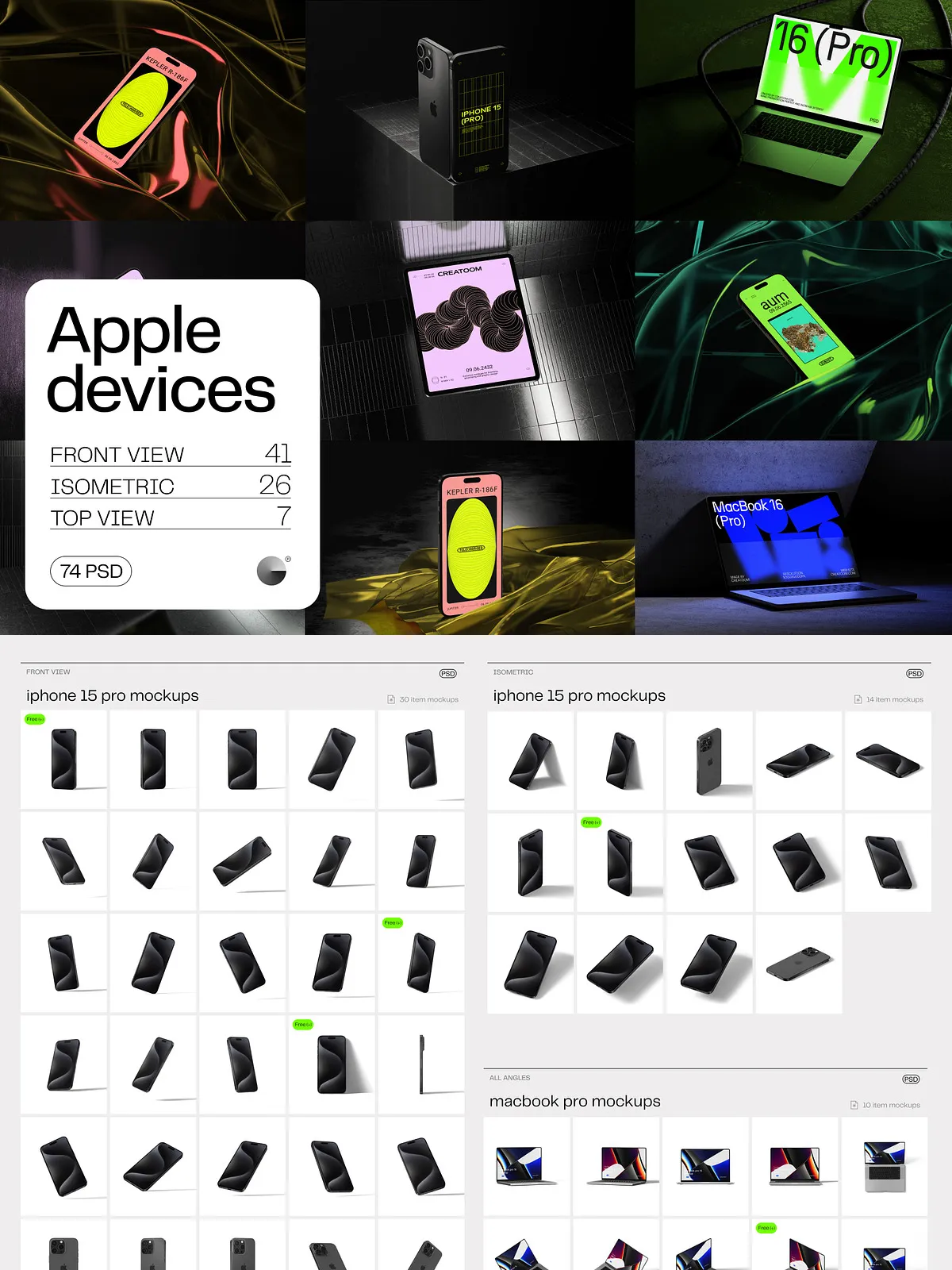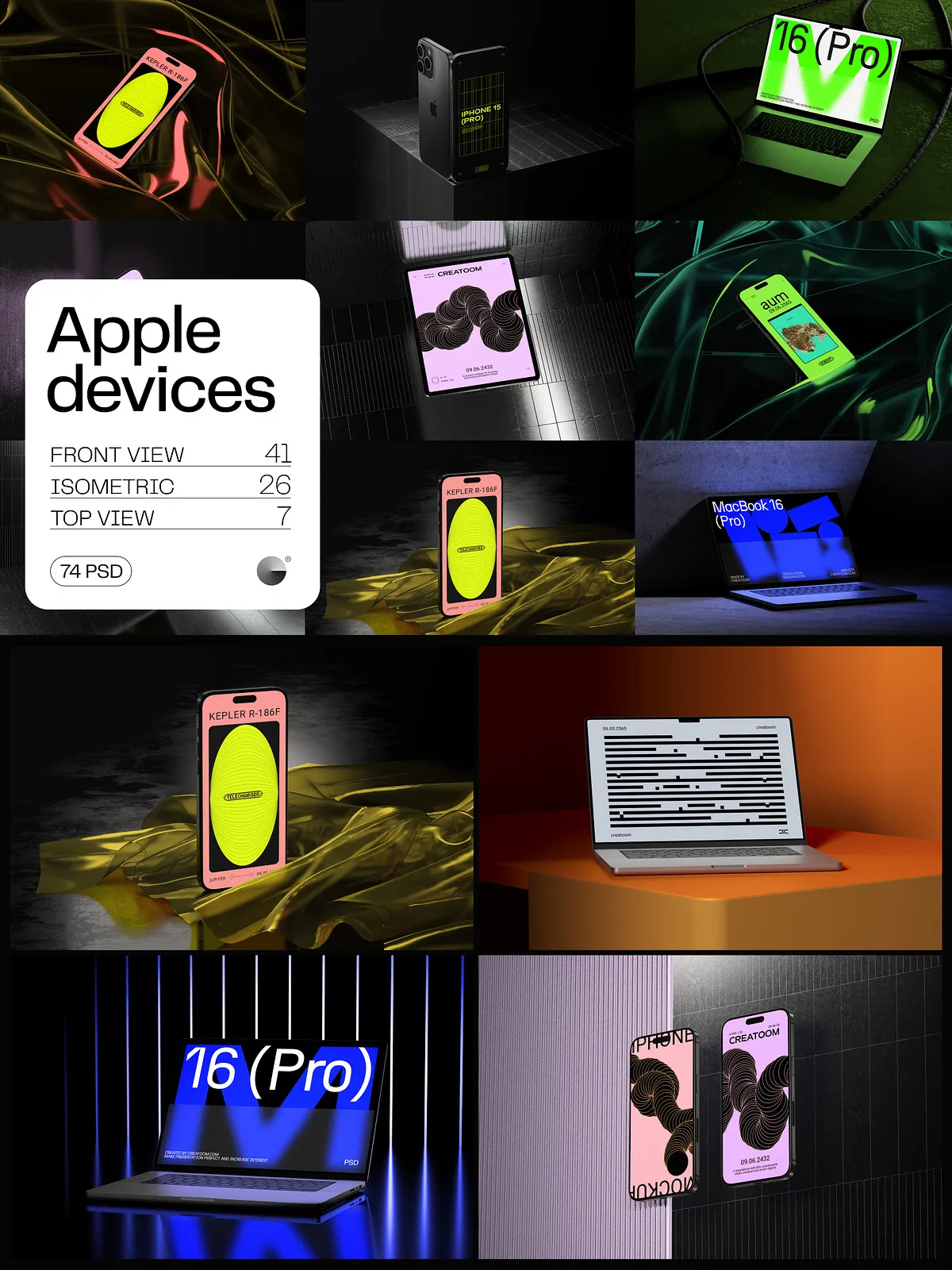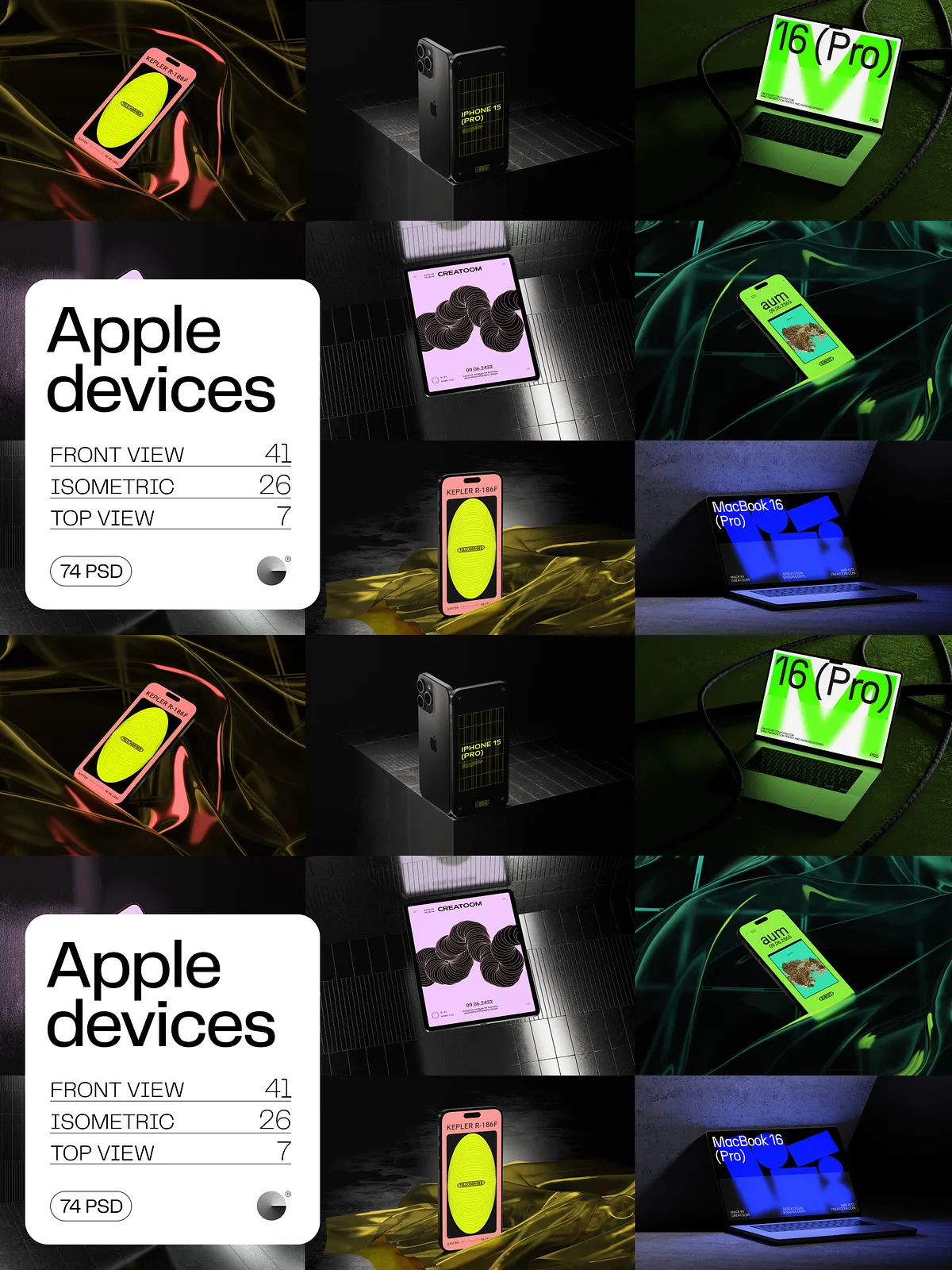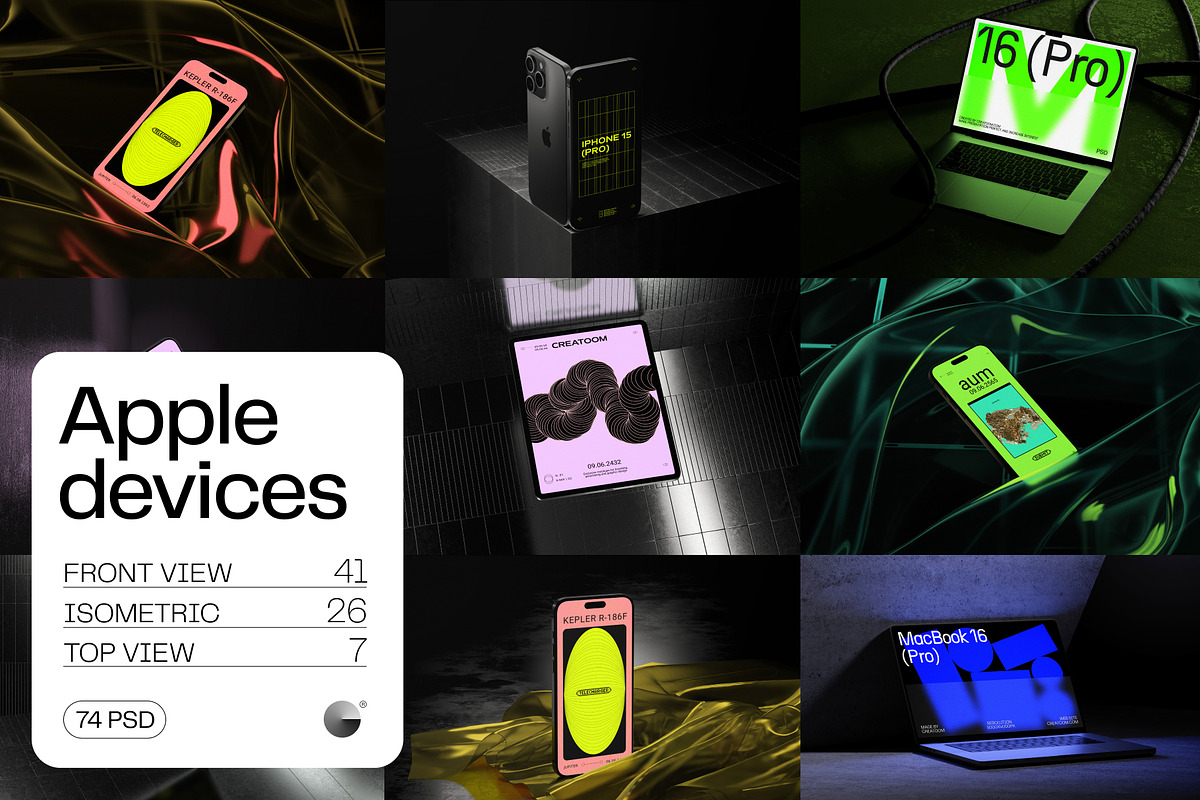
Take your app or web design from concept to captivating showcase with the Apple Device Mockups collection—engineered for designers who demand realism, scalability, and instant impact. Whether you’re pitching a new app idea, building a stunning portfolio, or sharing your work on Instagram, Behance, or Dribbble, these mockups place your design exactly where it belongs: in the hands of a real user, on the latest Apple devices.
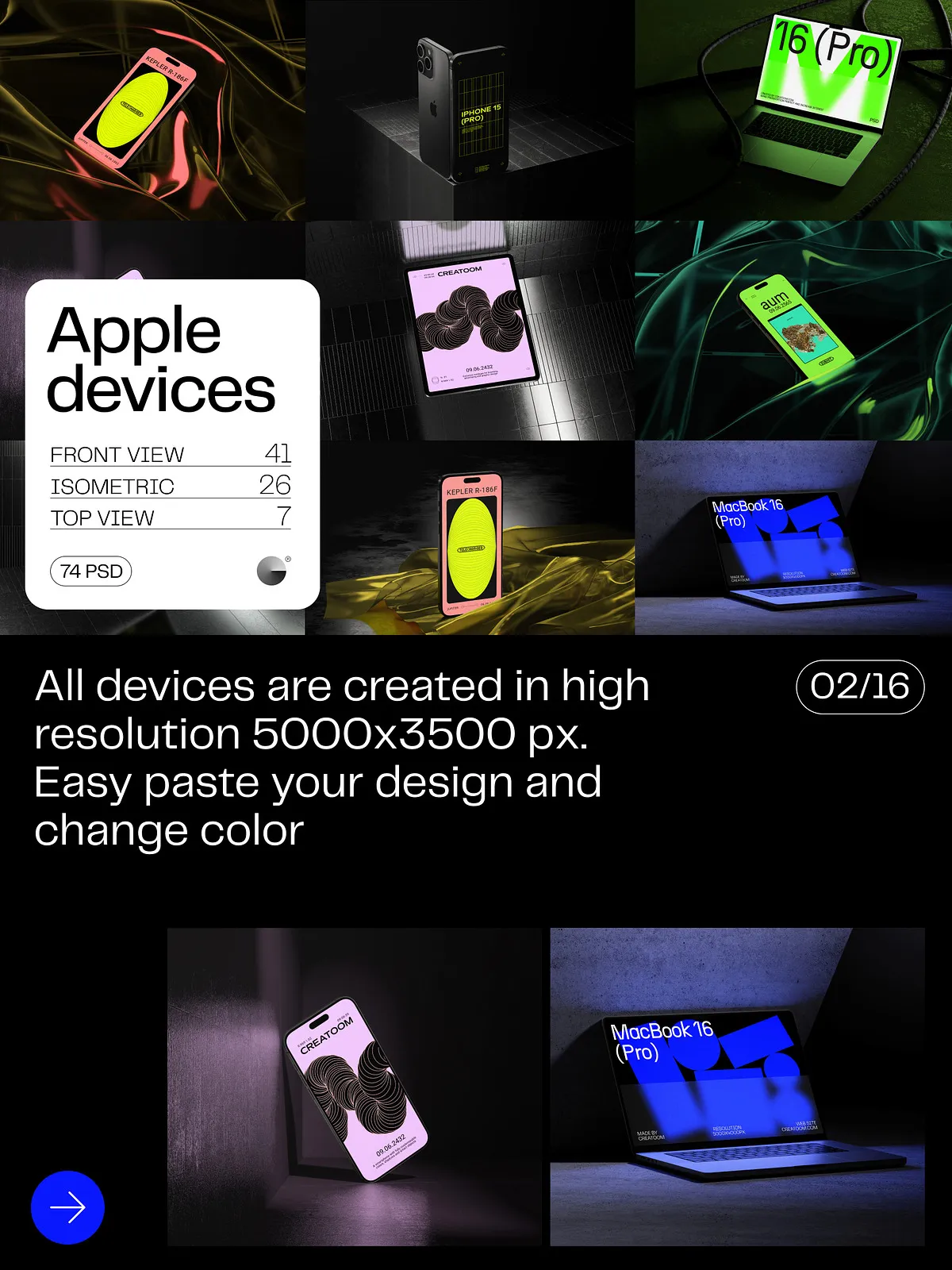
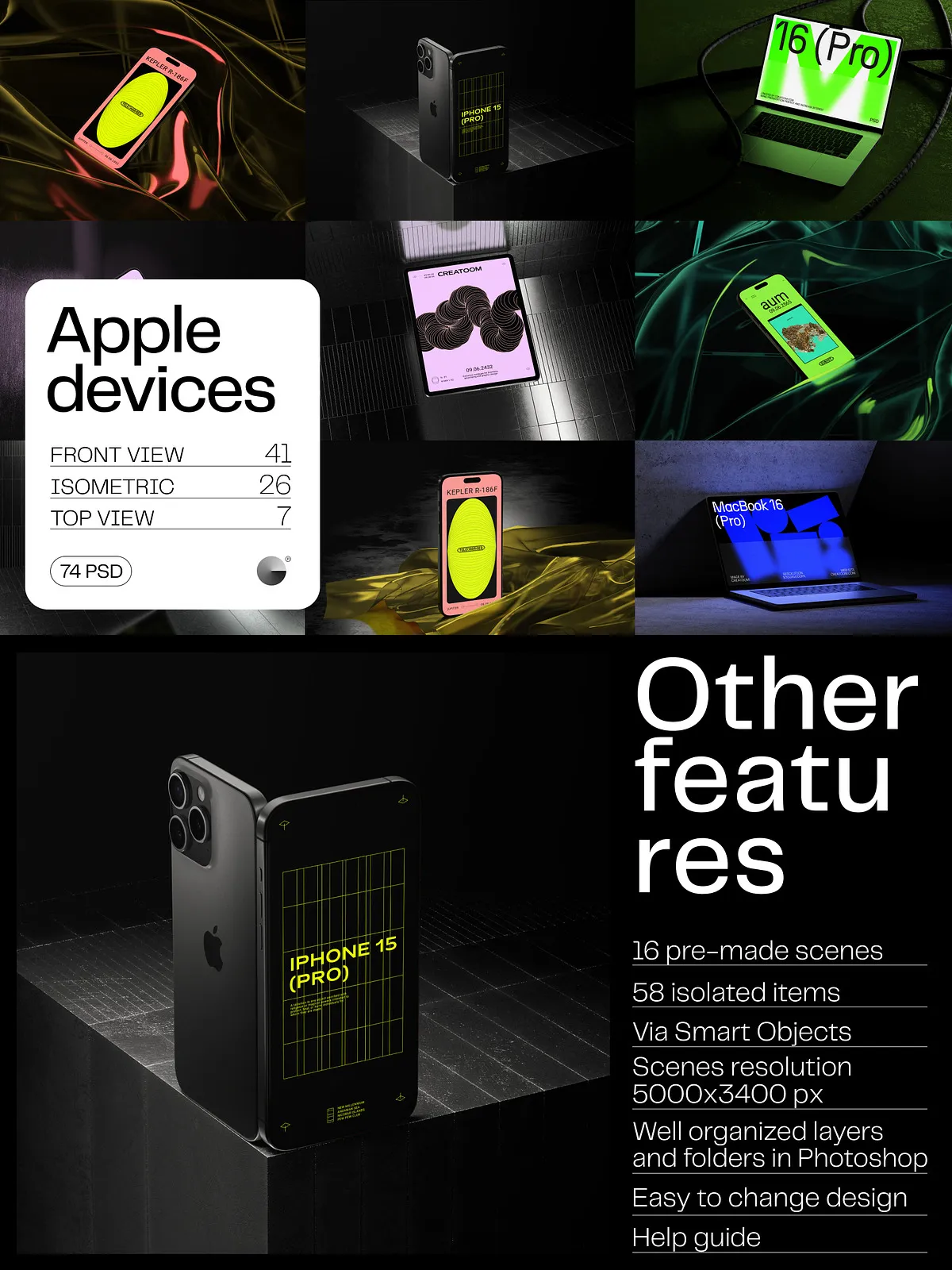
With a stunning 5000×3500 px / 300 dpi resolution, every pixel delivers crystal-clear detail—perfect for zooming in during client presentations, high-quality print outputs, or large-format digital displays. No more blurry thumbnails or low-res compromises. This is professional-grade visualization at its finest.
Customize Every Detail in Seconds with Smart Object Power
Editing is effortless and fully reversible. Thanks to smart object integration, insert your design with a single drag-and-drop action. No manual masking. No layering complexity. Just pure creative control. Instantly transform your mockup to match any branding need:
- Change device color—switch from Space Gray to Midnight or Starlight in a flash.
- Swap screen content—replace the app interface with your latest UI iteration.
- Adjust shadows independently—add depth, realism, or soften the look with precise layer control.
- Modify backgrounds seamlessly—transition from a sleek home office to a cozy café or bustling city street.
This level of freedom lets you generate unlimited variations for different audiences, platforms, or campaign themes—all from the same master files. You’re not just editing a mockup—you’re building a visual narrative.
Master Realism with Industry-Standard Design Features
Every layer is optimized for professional results:
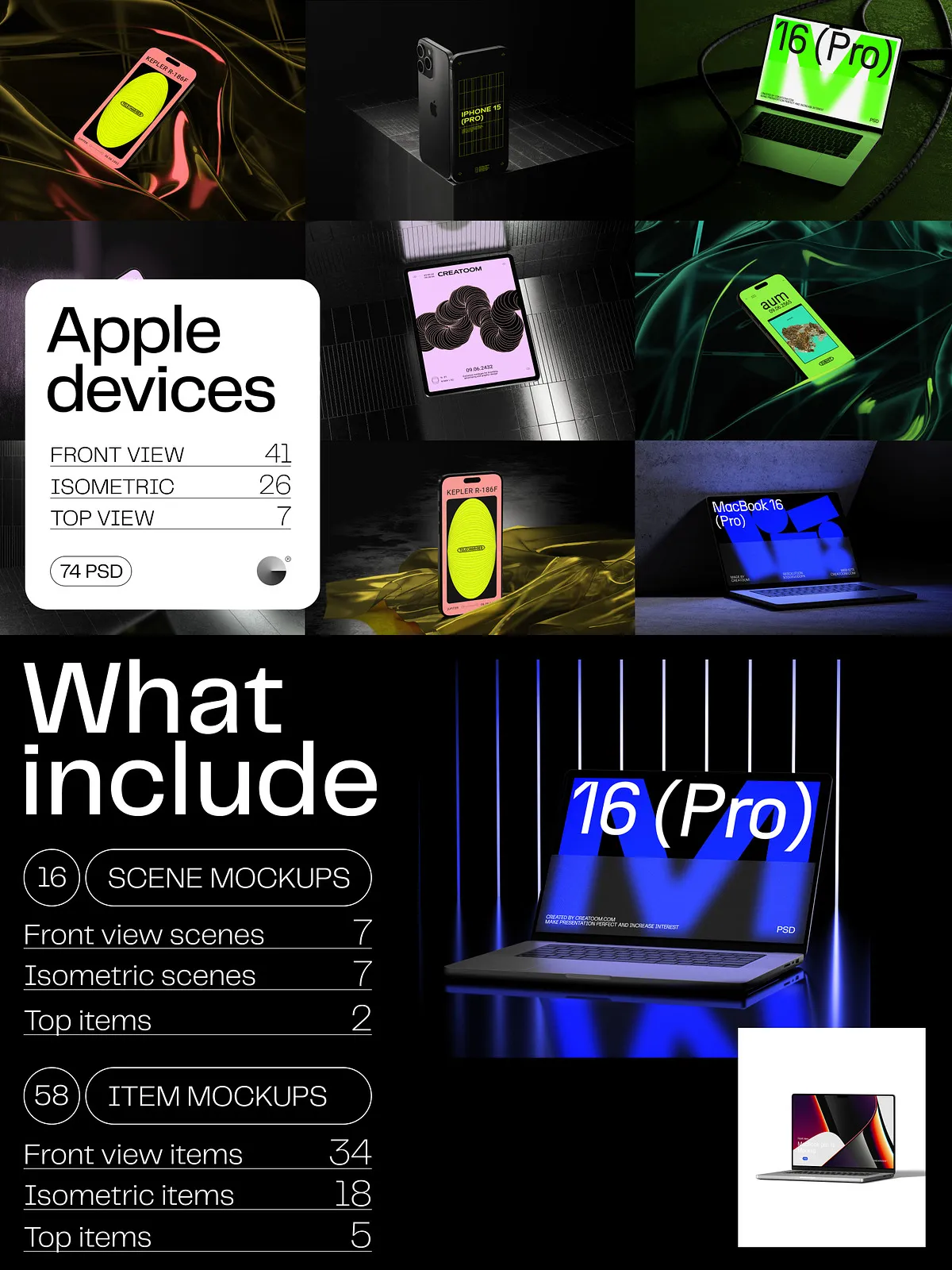
- 16 professionally composed scene mockups—showcasing devices in dynamic environments: working at a desk, relaxing on a couch, or holding a meeting.
- 58 isolated item mockups—perfect for showcasing iPhone, iPad, MacBook, and Apple Watch in clean, product-focused layouts.
- Separate shadow and reflection layers—enhance depth without compromising the primary design.
- Advanced material rendering—simulate glass, aluminum, matte finishes, and screen brightness with stunning authenticity.
These assets are built not just to look good—but to work. Use them in social media carousels, landing pages, client decks, or print media with confidence that your work will always appear premium and intentional.
Streamline Your Creative Workflow with Clean, Intelligent Organization
No wasted time. No confusion. Every file is structured like a pro’s studio workspace:
- Layers follow a consistent naming convention: Background, Frame, Content (Smart Object), Shadow, Reflection, Texture Overlay, Branding Zone.
- Folders are logically grouped: Scenes, Isolated Items, Color Variants, Backgrounds, Sample Files, Help Guide.
- Alignment guides and safe zones ensure perfect placement and scalable exports.
Whether you’re an individual designer or part of a large creative team, this consistent structure ensures faster onboarding, smoother collaboration, and zero miscommunication. Your next project starts now—with zero setup delays.
What’s Included in Your Apple Device Mockups Bundle
Get full access to a next-generation design toolkit:
- 16 Scene Mockups (16 PSD files)—dynamic, multi-angle environments for engaging storytelling.
- 58 Isolated Items (58 PSD files)—clean, flexible assets perfect for product showcases, banners, or portfolio highlights.
- Comprehensive User Guide—full walkthroughs on editing, exporting, and best practices for every file type.
Important note: Fonts used in sample previews are for demonstration only and are not included. Use your licensed font library to ensure legal compliance and brand consistency.
Why This Kit Elevates Every Designer’s Work
Your design deserves to be seen in its best light. The Apple Device Mockups kit empowers you to:
- Convince stakeholders with photorealistic visuals that demonstrate real-world usability.
- Stand out on social media with striking, attention-grabbing posts that drive engagement.
- Build a standout portfolio that demonstrates depth, skill, and attention to detail.
- Speed up client approval cycles by showing exactly how their app will look and feel in daily use.
- Scale your designs across platforms—from mobile to web to print—without redoing the entire layout.
This isn’t just a collection of mockups. It’s a complete design storytelling system built for performance and impact.
Who Should Use This Kit?
- Mobile app & UX/UI designers showcasing digital products.
- Web developers presenting responsive website designs.
- Freelancers building eye-catching portfolios for job applications.
- Marketing teams preparing launch campaigns with strong visual identity.
- Design agencies pitching client work with professional confidence.
- Students and beginners learning advanced presentation techniques.
Download Instantly—Start Designing Today
After purchase, receive your high-speed digital download without delays or third-party platforms. No broken links, no waiting. Just instant access to 74 ready-to-use PSD files.