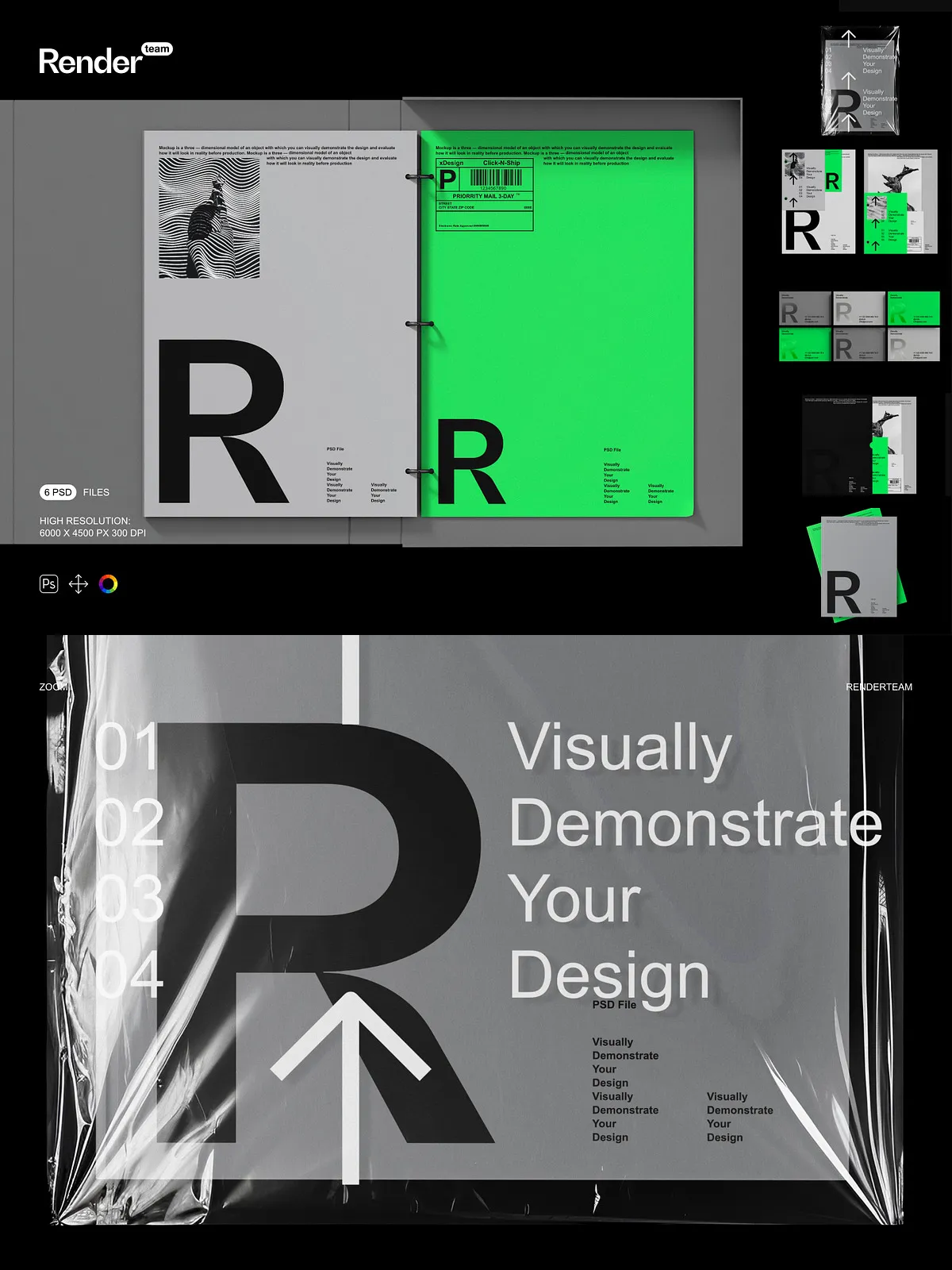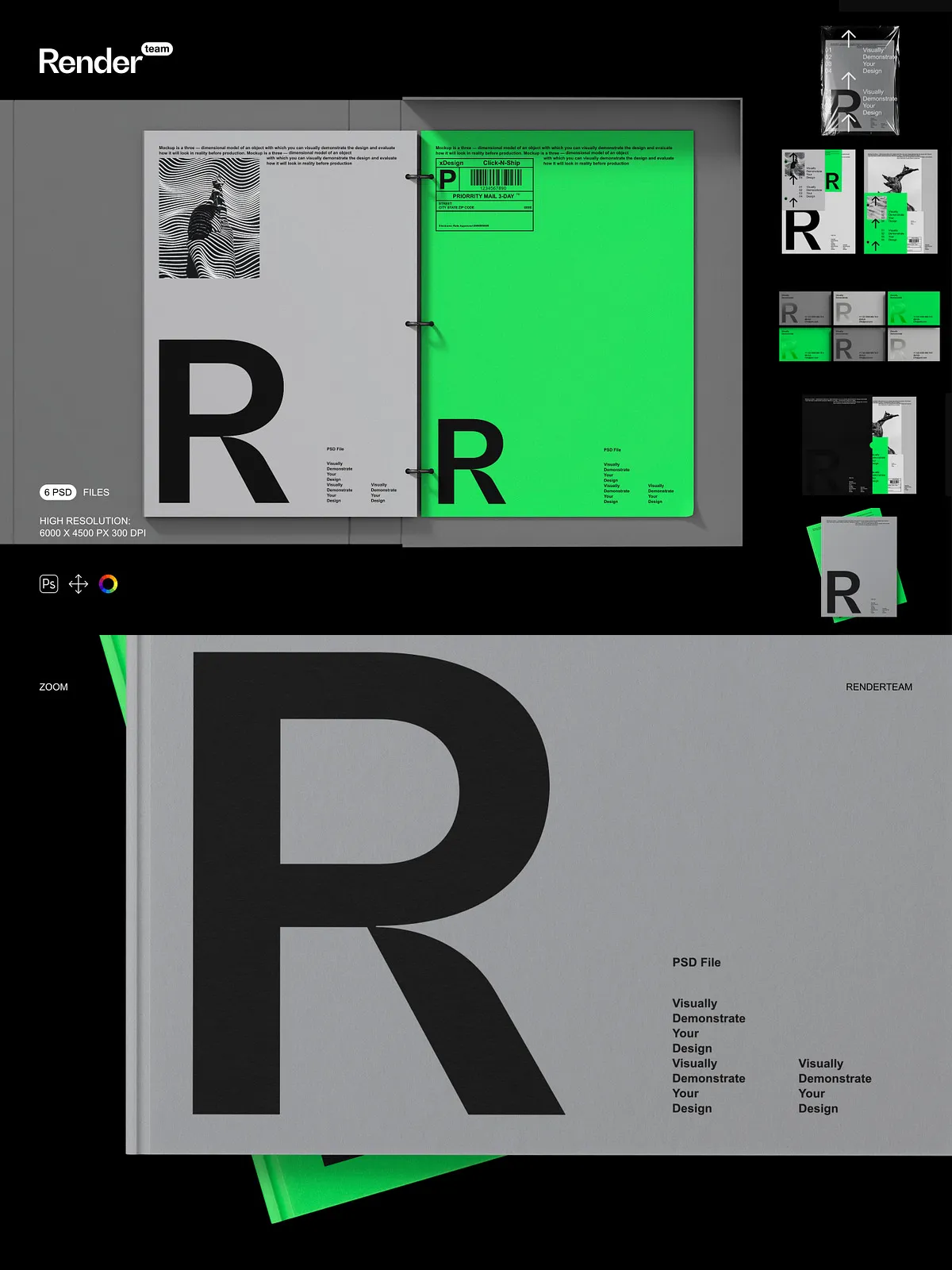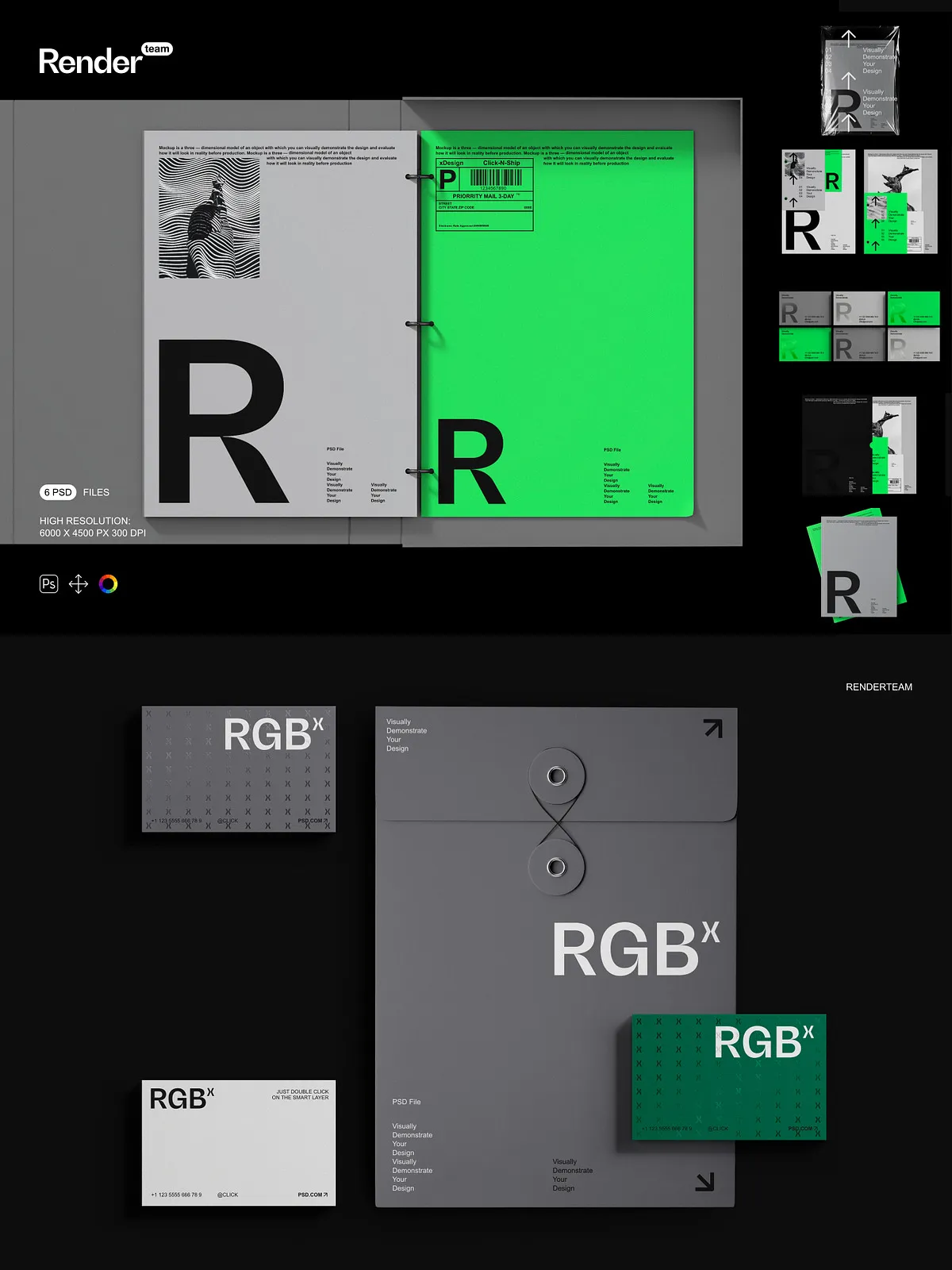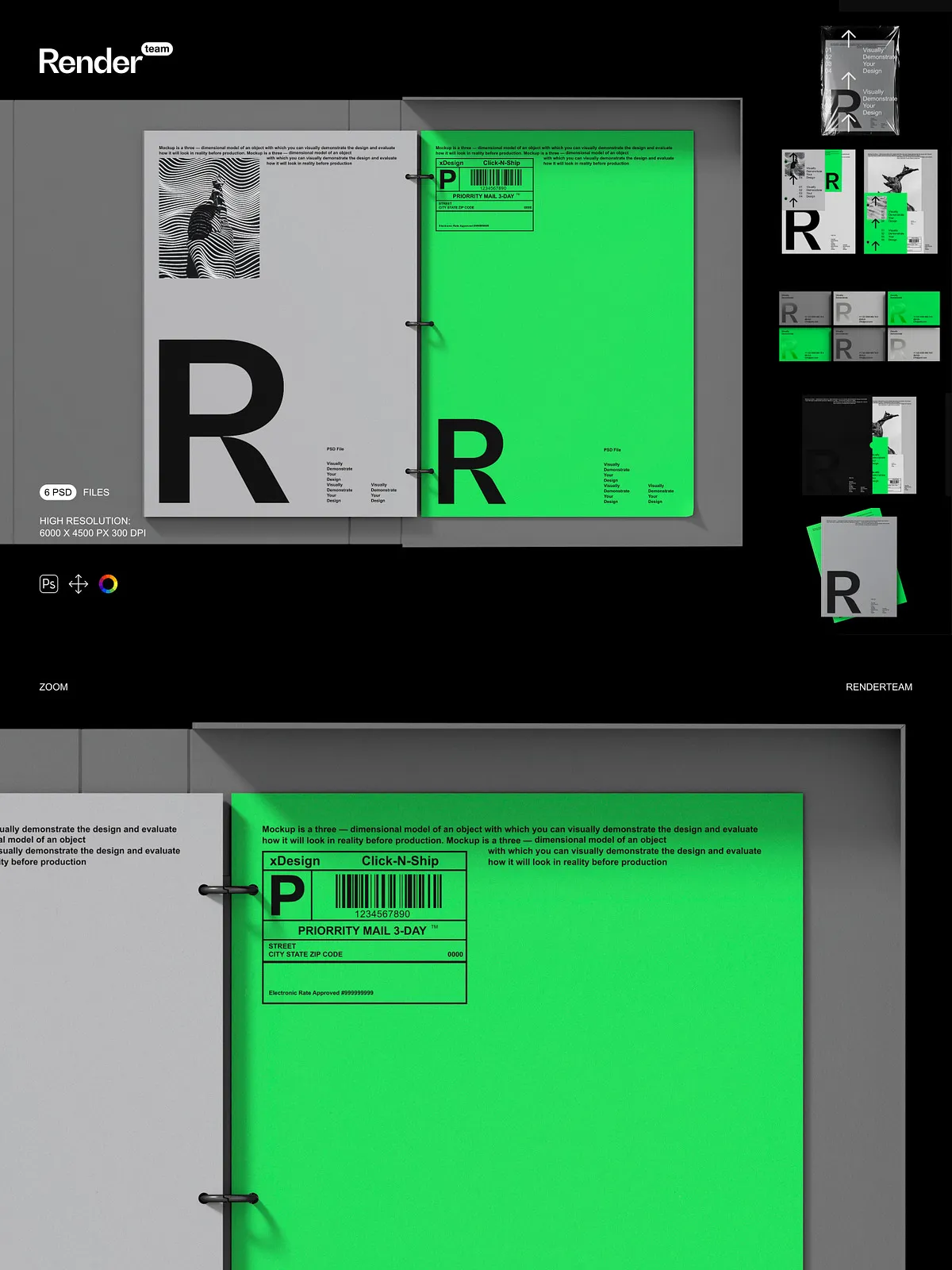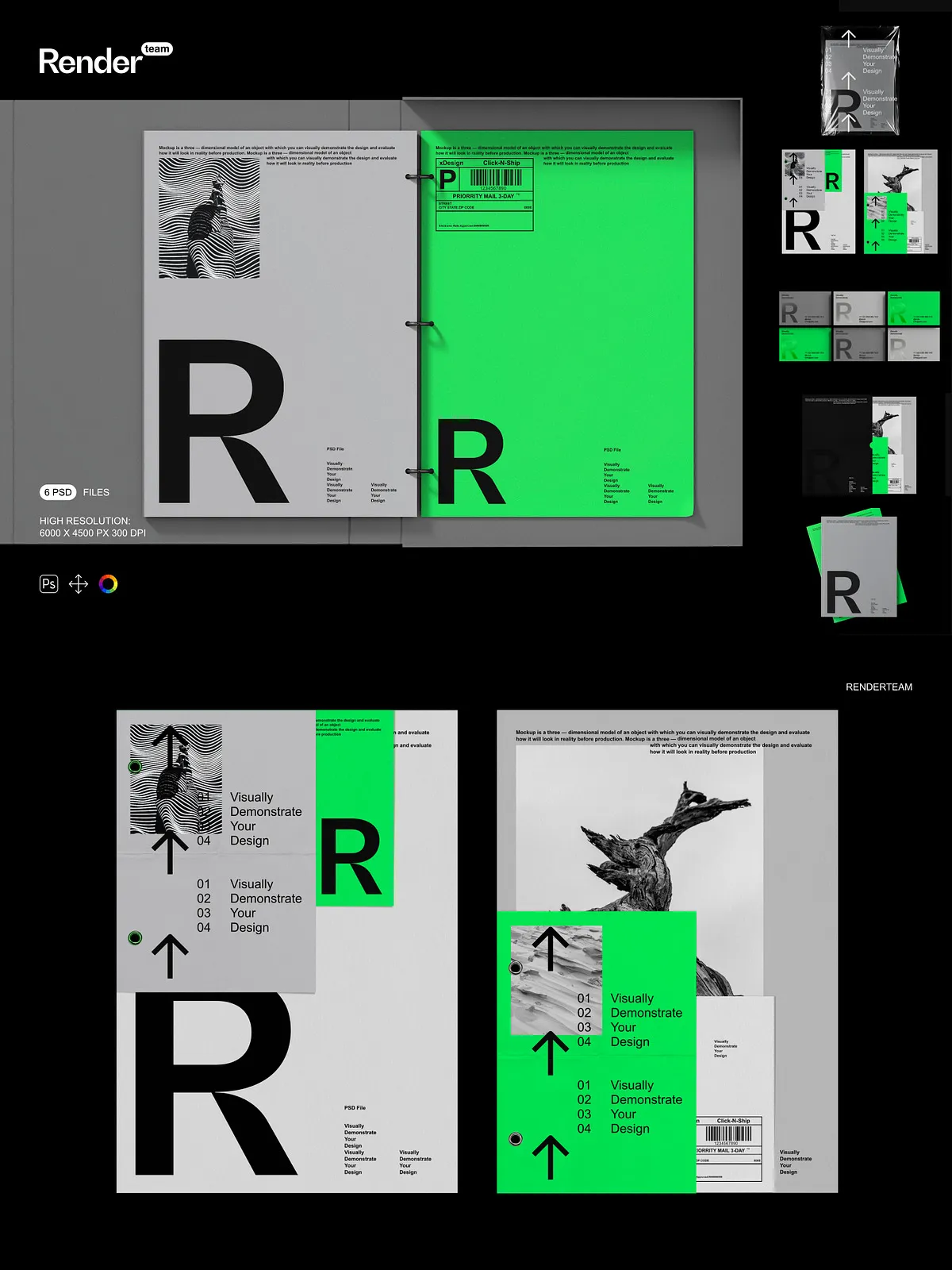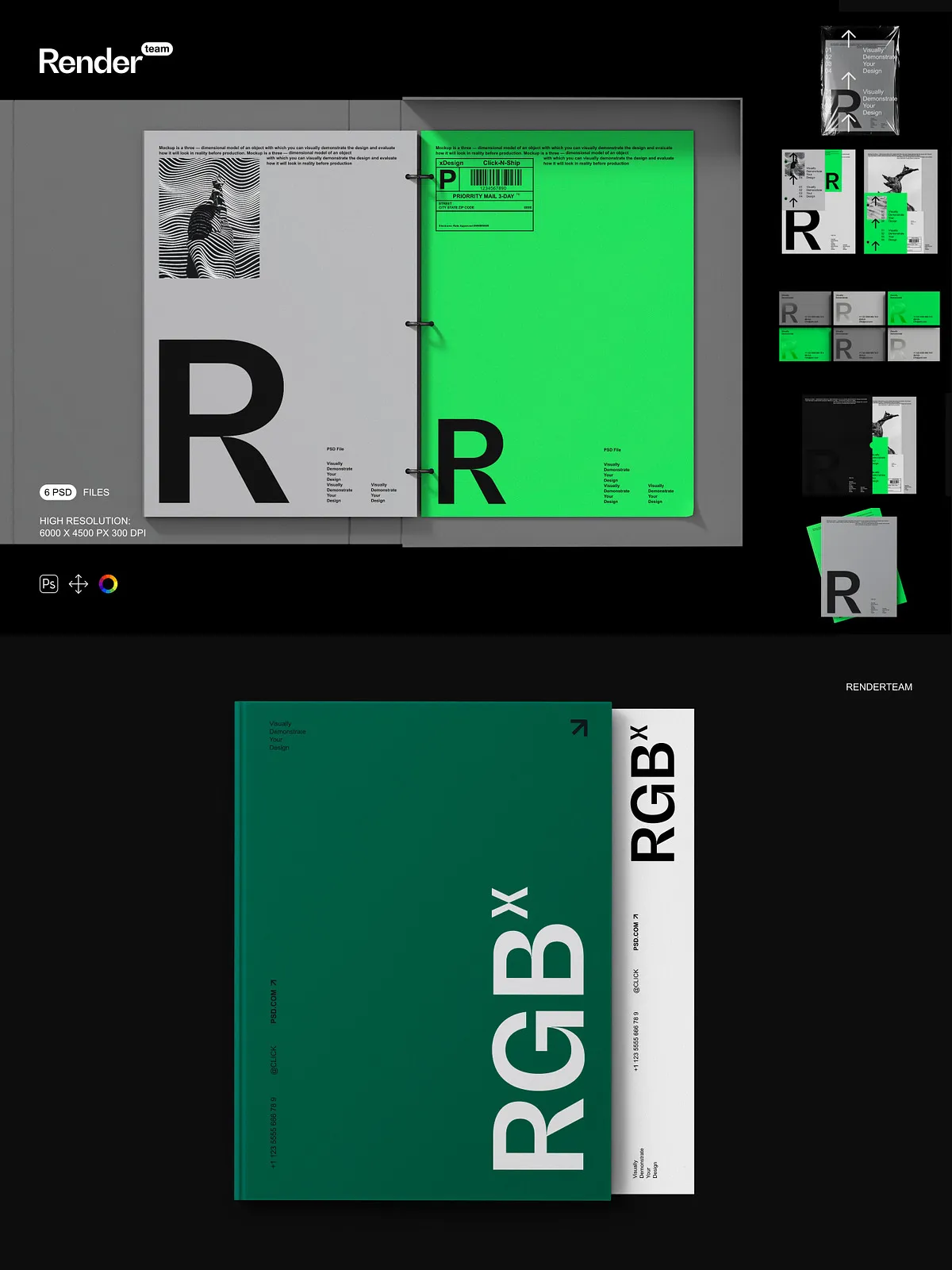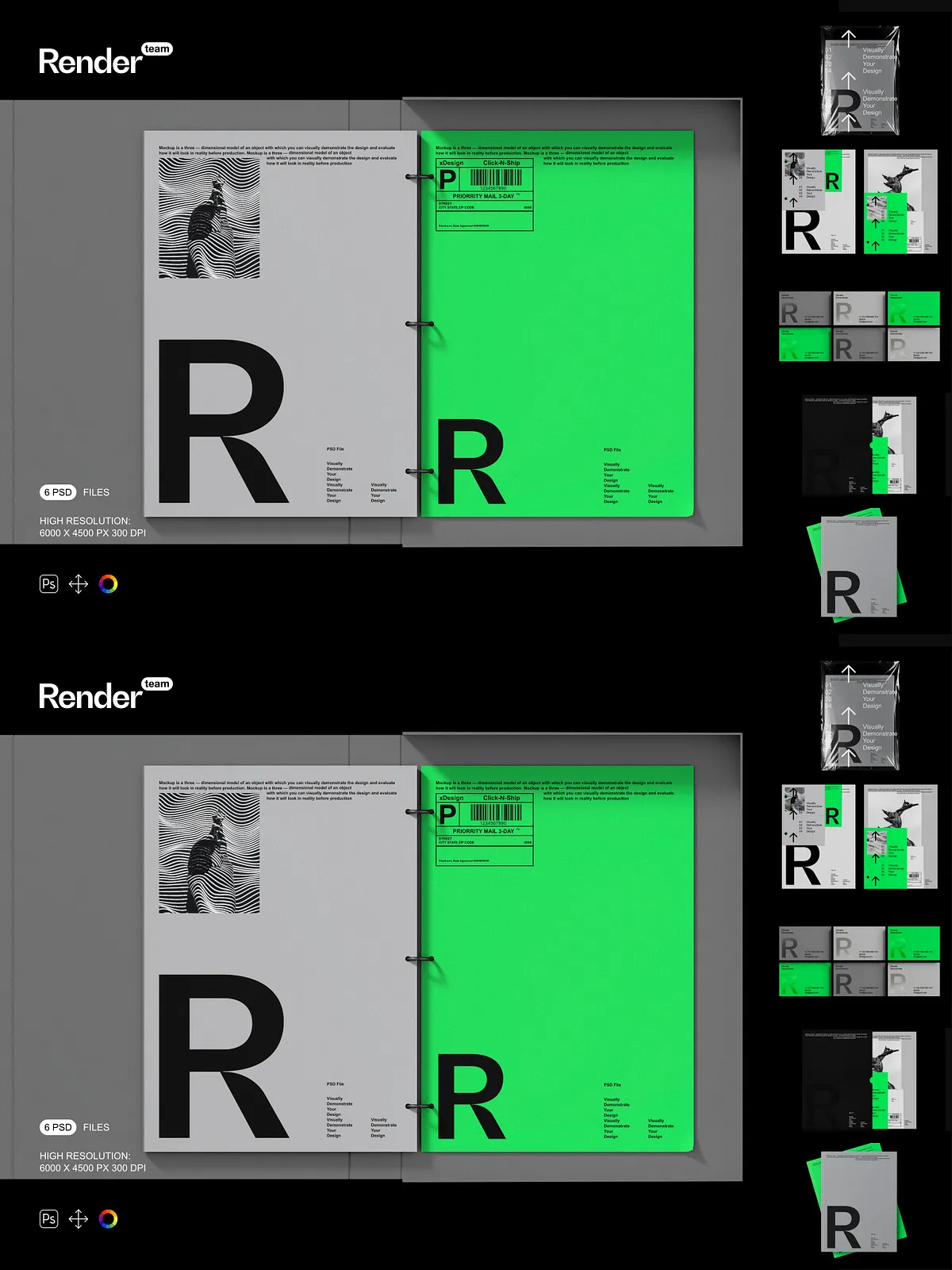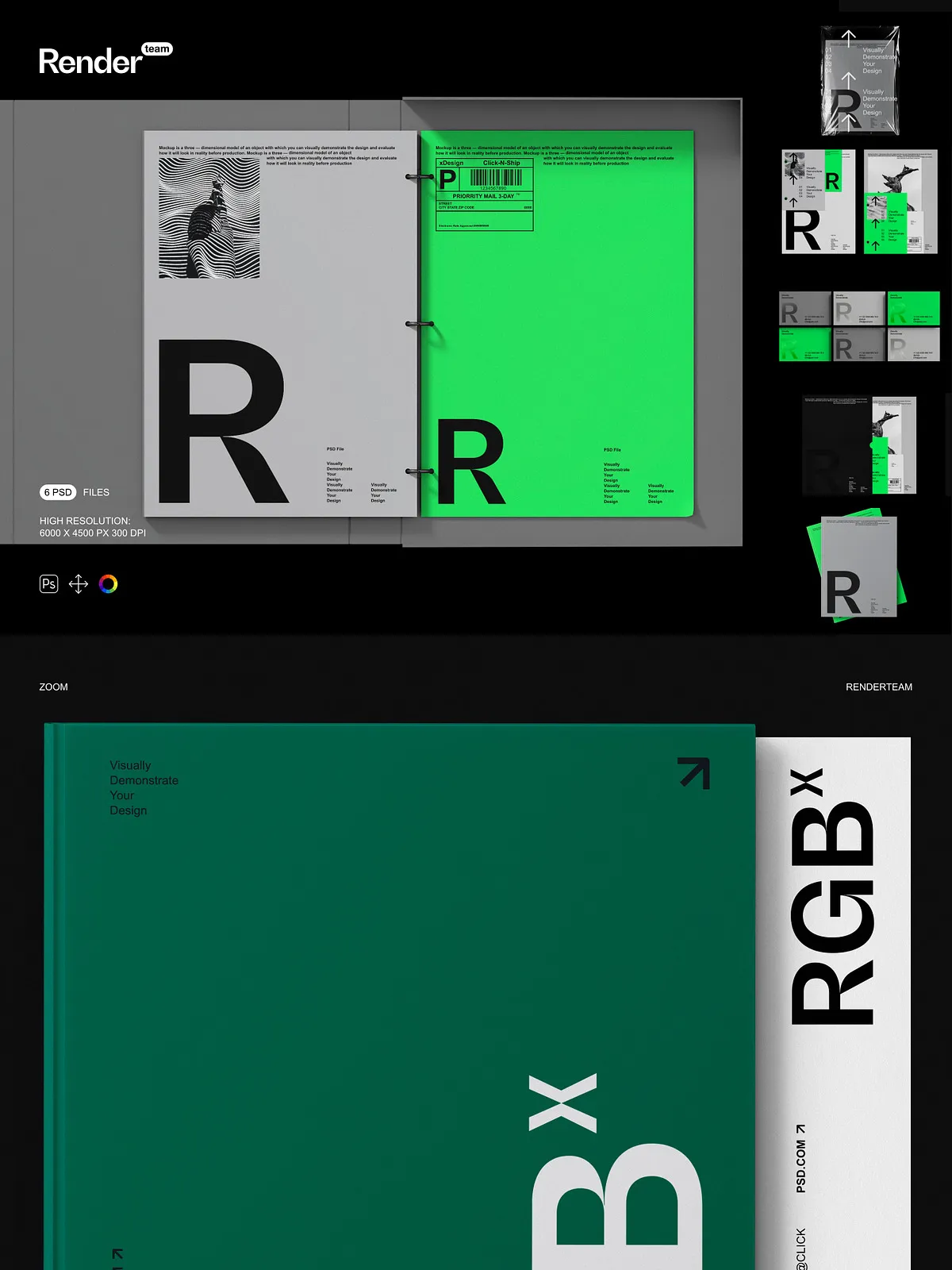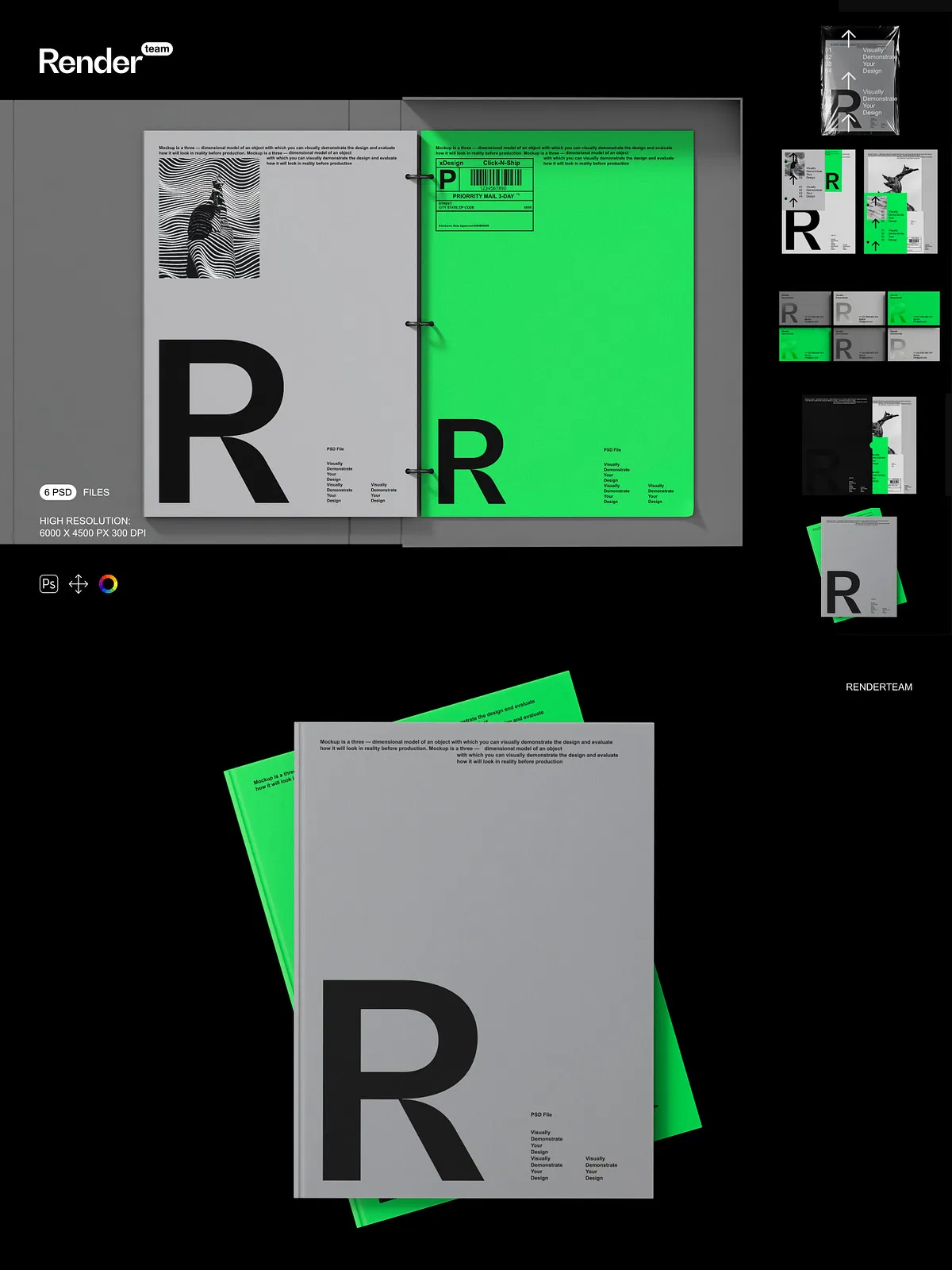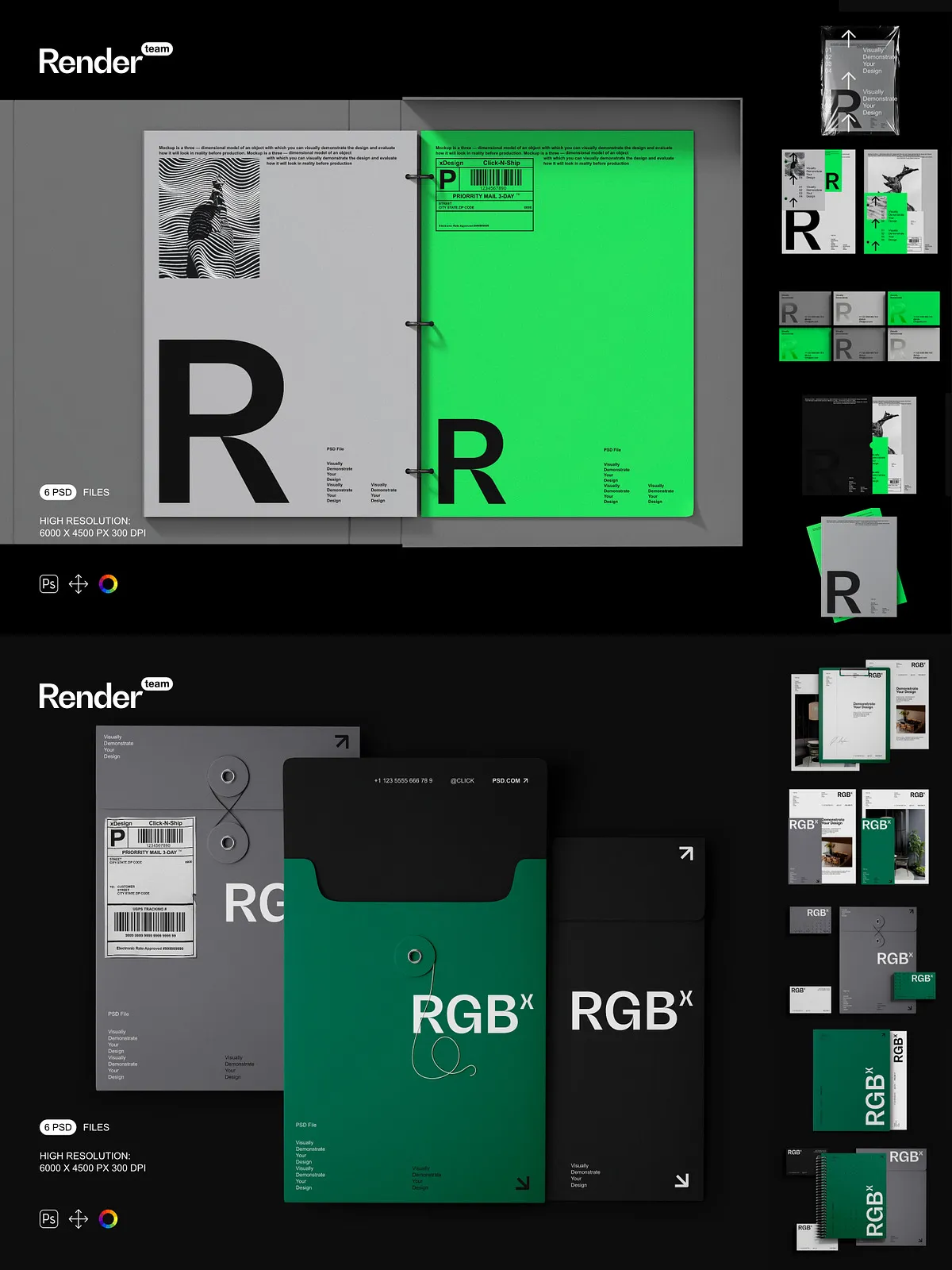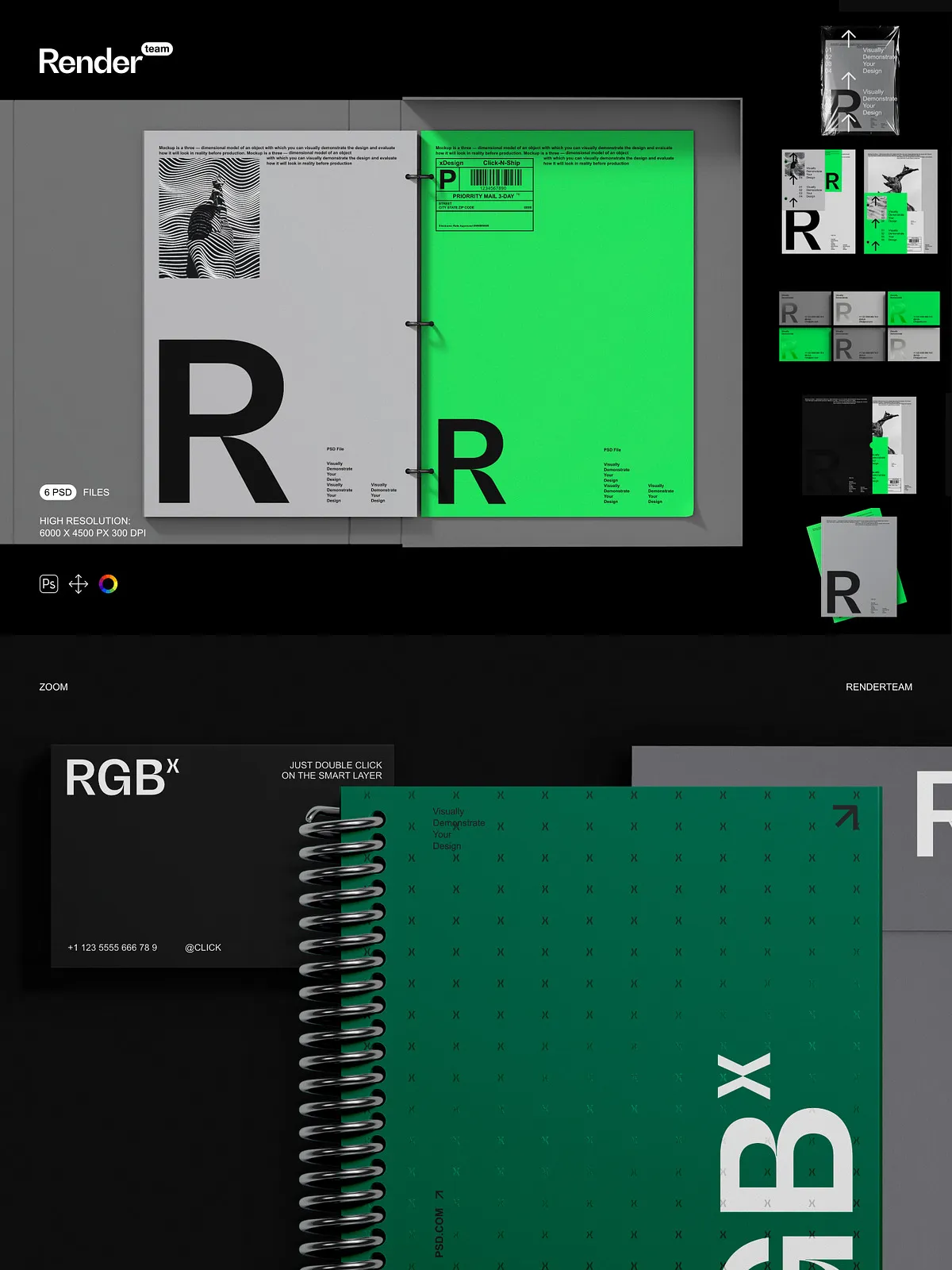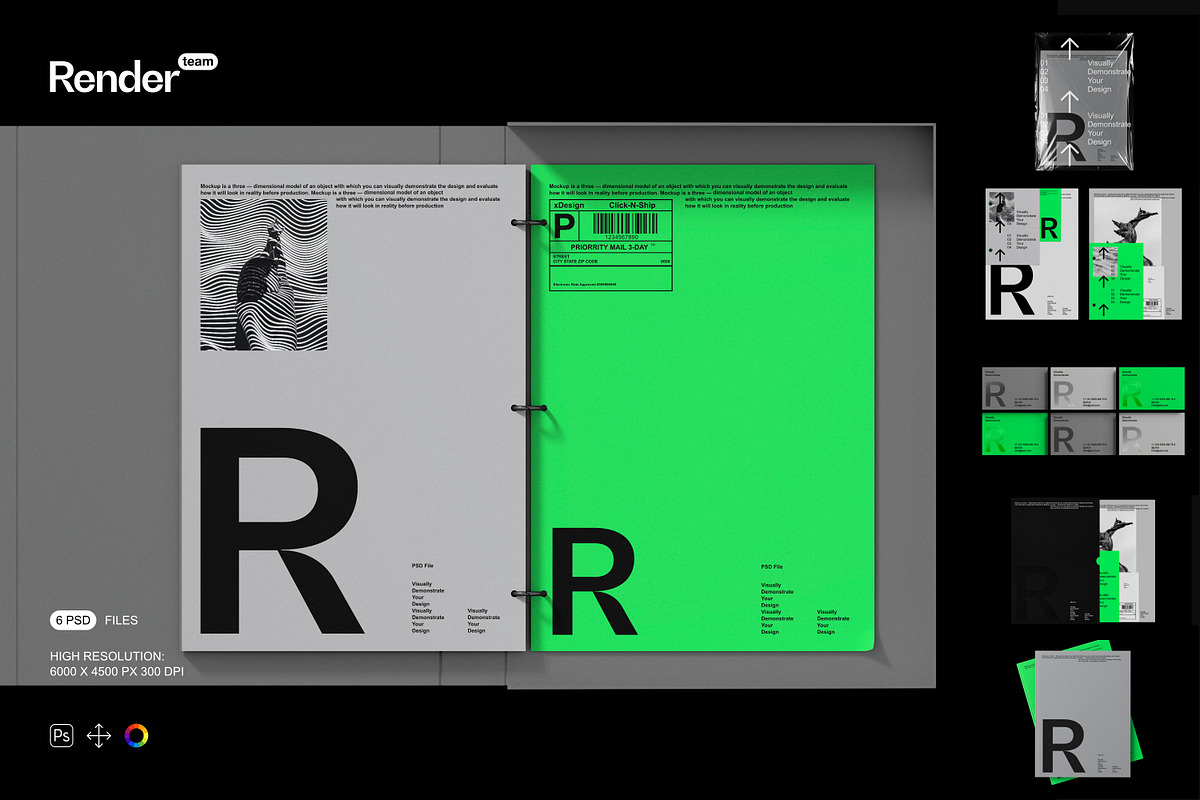
Amplify your brand’s presence with this premium Brand Identity Mockup Set, a powerful collection of six fully editable, layered PSD files designed to showcase logos, business cards, letterheads, and stationery with stunning realism. Developed in collaboration with top branding designers, this set enables instant, professional-quality visualizations—perfect for agencies, freelancers, marketing teams, and entrepreneurs. Whether you’re pitching to clients, launching a new brand, or building a portfolio, every mockup delivers sharp detail, dynamic composition, and seamless integration into your workflow.
What’s Included in the Set
Core Assets and Specifications
- 6 high-resolution PSD mockups with diverse layouts and real-world contexts—business card on desk, letterhead on notepad, logo on folder, brand book, envelope, and digital tablet interface
- Resolution: 6000 × 4500 px at 300 dpi—ideal for print, web, and high-fidelity presentations
- Smart Object layers for every editable surface: logos, text blocks, and background elements—double-click to update your design instantly without distortion
- All object forms, shadows, reflections, and depth effects isolated on separate layer groups for precise control and background flexibility
- Dedicated color and lighting adjustment layers for quick refinements—tweak contrast, brightness, and tone without altering the original artwork
- Comprehensive PDF help file with layer maps, editing workflows, export tips, and troubleshooting guidance
Advanced Layer Architecture for Speed and Clarity
- Intelligently organized folders: Logo Area, Text Blocks, Shadows & Depth, Lighting Effects, Brand Elements
- Consistent naming: “Logo – Smart Object”, “Shadow – Outer”, “Reflected Glow – Ambient” for rapid navigation and team collaboration
- Locked layer groups with descriptive labels to prevent accidental changes while allowing safe experimentation
- Smart Object thumbnails with preview icons for quick visual identification and iteration
Pro Features for Instant, Professional Results
Smart Object Editing — Replace Fast, Replace Often
Replace your brand elements in seconds. Double-click any Smart Object layer—such as the logo field or text area—and launch your design into a new document. Paste your custom artwork, align with built-in guides, scale precisely, and save—your changes update instantly in the main mockup. This non-destructive, reusable method lets you generate dozens of variations, test color schemes, and adjust layouts without restarting or compromising quality.
Non-Destructive Color & Lighting Control
Master visual mood with advanced adjustment layers. Shift tone temperature, intensify contrast, or soften highlights using curves, hue/saturation, and gradient maps—all while preserving your original design. Use the “Ambient Light” layer to simulate office lighting, natural daylight, or dramatic studio spots, ensuring your brand looks authentic in any context.
Isolated Components for Seamless Integration
Every structural and visual component is independently isolated. Swap backgrounds, add custom textures, or insert your brand into real-world scenes like meeting rooms, desks, or packaging—all without breaking perspective, shading, or depth. The modularity ensures flawless compositing for presentations, social media, or editorial content.
How to Use — Step-by-Step Workflow
1. Open the Mockup File in Photoshop
Launch Adobe Photoshop CC (2018 or later) and open one of the six provided PSD files.
2. Locate the Smart Object Layer
In the Layers panel, find the Smart Object layer marked for the logo or text area—typically labeled “Logo – Smart Object” or “Text Block – Smart Object”.
3. Replace Your Design
Double-click the Smart Object thumbnail. A new tab opens. Insert your branding artwork—ensure it’s correctly sized and aligned with the provided guides. Refine content size, orientation, or margins as needed.
4. Save and Close
Press Ctrl + S (Windows) or Cmd + S (Mac) to save the changes and close the Smart Object window. The updated artwork appears instantly in the main composition.
5. Refine the Visuals
Adjust shadow opacity, modify lighting intensity via the “Ambient Light” layer, or swap finish types (matte, glossy, textured) using color overlay layers. Rapidly experiment with multiple visual directions.
6. Export for Every Purpose
Follow export best practices from the PDF help file: use sRGB for web and social media, CMYK for print, and transparent PNG for layered presentations. All files are production-ready and optimized for fast delivery across platforms.
Pro Design Tips for Maximum Impact
- Design with a 5mm bleed to prevent clipping at edge-cropped views or zoomed-in product displays.
- Apply blending modes like “Overlay” for subtle texture effects or “Screen” for light glows to enhance visual depth.
- Create multiple color presets—one for dark mode, one for bright brand elements—then apply them with a single click for rapid testing.
- Duplicate mockups to generate series of brand variants—ideal for A/B testing, client proposals, or campaign rollouts.
Ideal Applications for This Mockup Set
Brand Launches & Client Presentations
Sell your vision with confidence. Display your logo, business card, and brand materials in natural environments to convey professionalism, credibility, and attention to detail—no 3D software required.
E-Commerce & Social Media Content
Create high-impact product images for Shopify, Etsy, Instagram, and LinkedIn. The 300 dpi resolution ensures clarity on mobile screens and large-scale social banners, even when zoomed.
Design Agencies & Creative Portfolios
Showcase your branding process and client work with lifelike mockups. Generate before-and-after comparisons, multiple layout options, or seasonal updates—all in minutes with no rework.
Why This Set Stands Out from the Rest
More than just a template pack, this Brand Identity Mockup Set is a strategic design tool engineered for speed, precision, and scalability. Unlike static or poorly structured mockups, this collection features intelligent layering, fully isolated elements, and direct Smart Object integration—putting control firmly in your hands. Built for professionals, loved by creatives, and trusted by agencies, it transforms your branding workflow into a dynamic, efficient, and visually powerful process. From first concept to final delivery, your brand gets the spotlight it deserves—realistic, professional, and instantly persuasive.