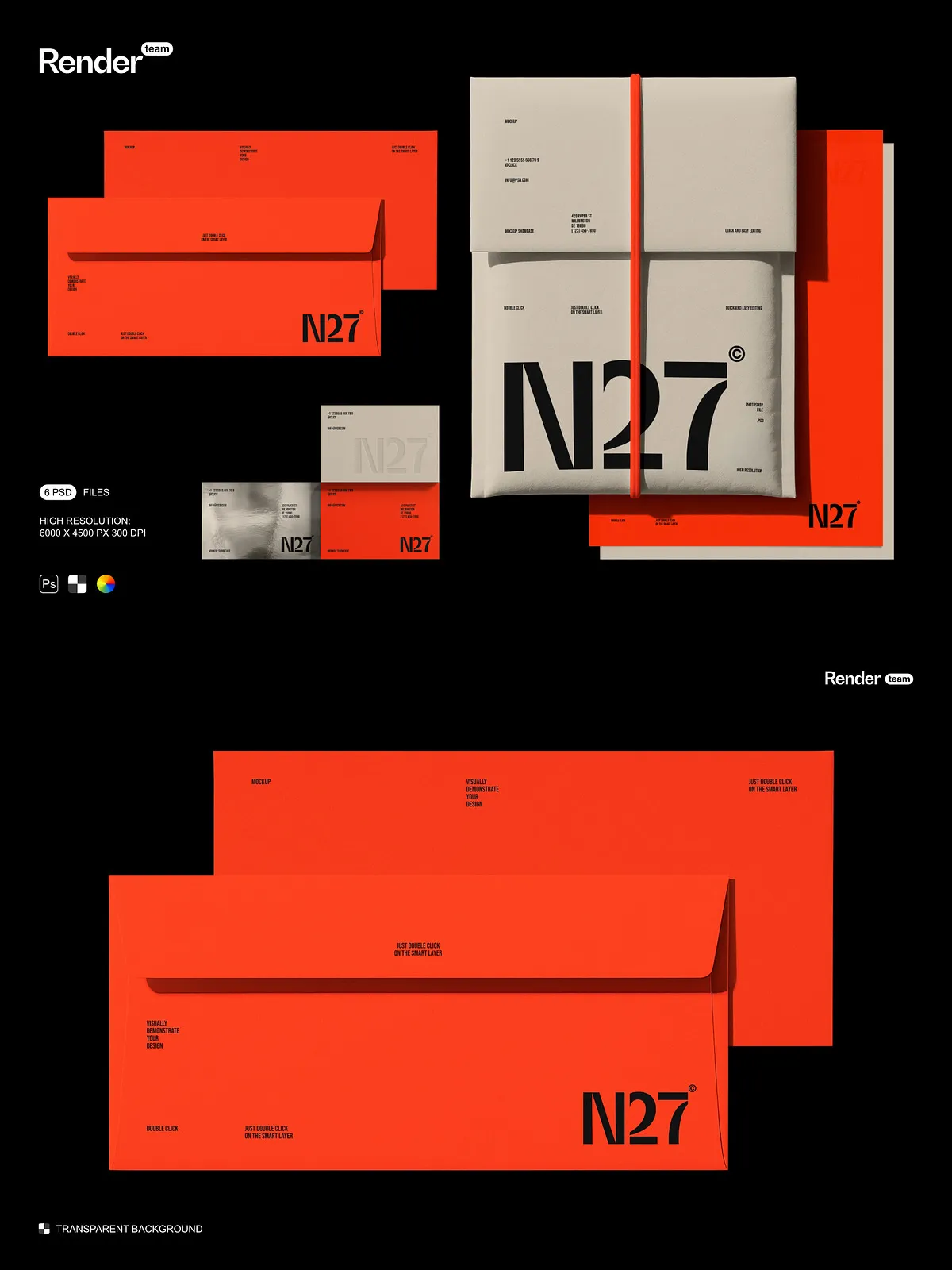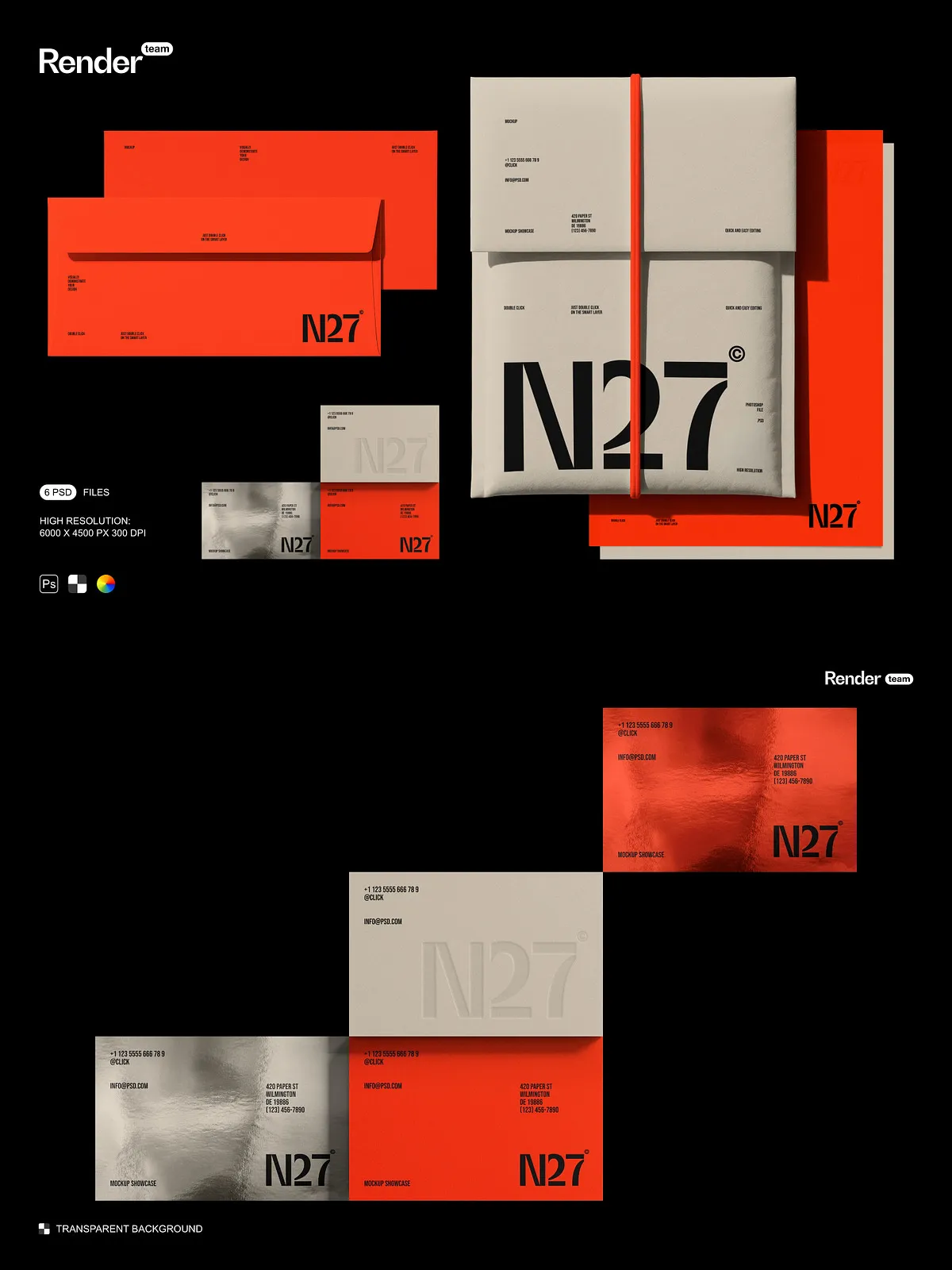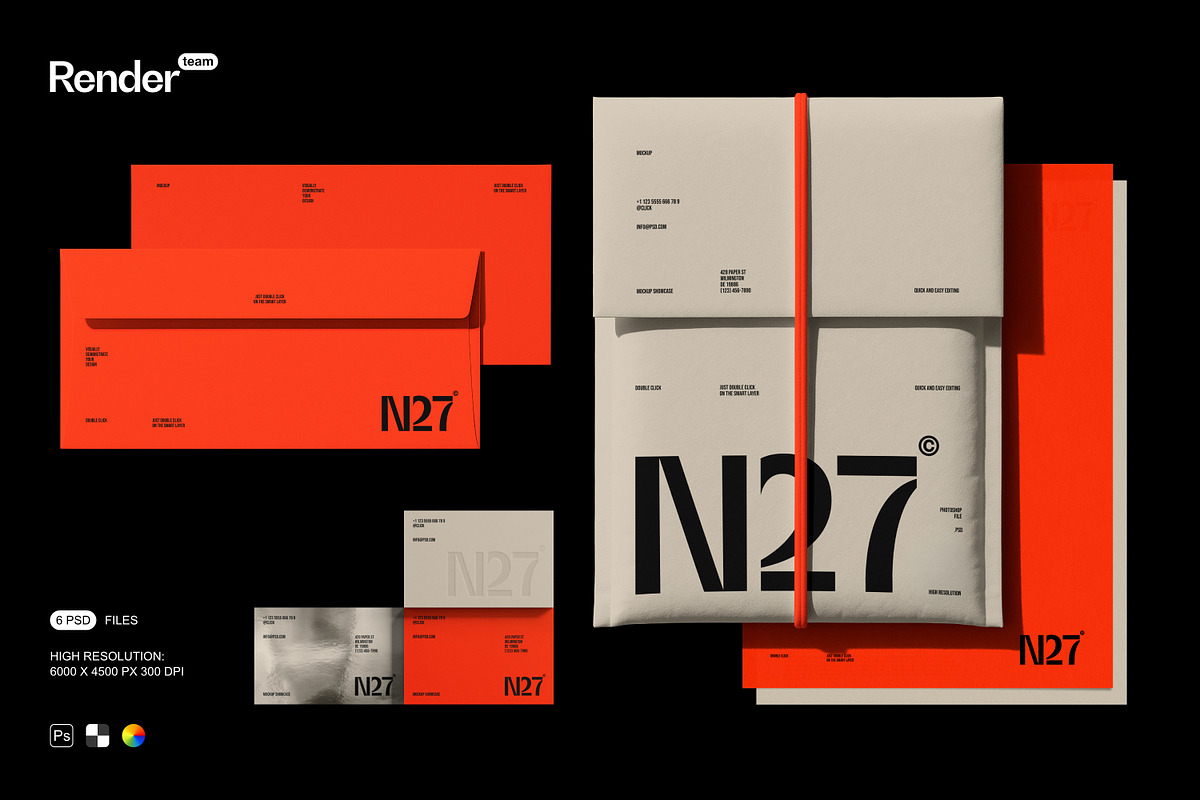
Ignite your brand’s visual presence with the Brand Identity Mockup Set—a dynamic collection of layered, fully editable .psd files designed to showcase your custom branding assets with clarity, coherence, and cinematic realism. Whether you’re unveiling a new logo, designing premium stationery, launching a packaging line, or building a digital brand identity, this mockup set transforms static designs into immersive, lifelike presentations that command attention and inspire trust. Each scene is meticulously crafted to reflect real-world contexts where your brand would be seen—on desks, in offices, during client meetings, or across digital platforms—ensuring your visuals feel authentic and professional.
Effortless Customization with Smart Object Technology
Replace Your Design in Seconds—No Photoshop Mastery Required
Take full control of your branding visuals using smart object integration. Simply double-click the designated layer, insert your logo, business card, or packaging mockup file, and save—your content resizes seamlessly without pixelation, distortion, or loss of quality. This non-destructive editing method allows infinite variations: test dark mode vs. light mode, experiment with color palettes, reposition elements, or overlay multiple versions—all without altering the original file. Designed for speed, efficiency, and creative freedom, this feature is ideal for agency workflows, client revisions, rapid prototyping, and high-volume content creation.
Isolated Objects & Shadows for Maximum Control
Every component—including logos, cards, boxes, and shadow layers—is isolated into separate, clearly named layers. This modular structure gives you unmatched precision: adjust the angle of a business card, shift the shadow for dramatic depth, or fade out background distractions—all independently and without affecting other elements. Whether you’re preparing an e-commerce product page, a portfolio presentation, or a social media campaign, this level of control ensures your branding visuals are sharp, intentional, and impactful.
Transparent Backgrounds for Instant Context Switching
All mockups employ a transparent background, enabling you to place your brand visuals on any setting—white space for minimalism, colorful gradients for digital ads, real-world office environments for corporate branding, or event backdrops for promotional content. No more manual cutouts or complex masking. Just drag and drop your mockup into any design tool or layout, and it instantly blends into any context, keeping the focus squarely on your brand identity.
Ultra-High Resolution for Print and Digital Excellence
6000×4500 px at 300 DPI: Pixel-Perfect Clarity
Engineered for premium output, each mockup delivers a stunning 6000 x 4500 pixel resolution at 300 dpi, ensuring your images remain crisp, sharp, and professional-grade whether displayed on-screen, printed in brochures, or featured in high-end presentations. The high resolution captures intricate details like logo textures, paper grain, shadow gradients, and surface reflections—transforming your simple design into a high-fidelity visual experience that convinces clients, inspires users, and reinforces brand credibility.
6 Real-World Scenarios for Compelling Storytelling
Choose from six professionally composed environments to convey your brand’s story with authenticity and impact:
- Corporate Desk Scene: Clean, modern workspace with laptop, notebook, pens, and a subtle coffee stain—ideal for B2B branding, business proposals, and professional services.
- Meeting Room Presentation: Conference table with projector screen, tablet, and documents—perfect for pitch decks, startup branding, and investor-facing content.
- Startup Office Lounge: Vibrant creative space with whiteboards, plants, laptops, and casual ambiance—great for tech brands, lifestyle startups, and design agencies.
- Minimalist White Background: Clean, distraction-free canvas that puts absolute focus on your logo or stationery—ideal for e-commerce listings, digital ad creatives, and portfolio showcases.
- Brand Packaging Display: Shelf-ready mockup of branded boxes, bottles, or bags—perfect for product launches, retail branding, and packaging design previews.
- Outdoor Lifestyle Setting: Park bench with sunlight, books, and a laptop—ideal for lifestyle brands, apps, and content creators promoting work-life balance.
Each scene incorporates natural lighting, realistic shadows, and depth cues to ensure your branding visuals look like they belong in the real world—never like generic stock placeholders.
Pro-Level Features That Empower Creative Mastery
Advanced Editing Capabilities Built In
- Smart object layers for lossless, one-click content replacement
- Separate shadow and ambient lighting layers for dynamic contrast control
- Color correction and gradient layers for instant tone shifts—cool tones for tech, warm tones for wellness
- Background override system to switch scenes instantly and export multiple versions in minutes
- Non-destructive layering that supports iterative design and team collaboration
Master the Tool in Minutes with the PDF User Guide
Even if you’re new to Photoshop, you’ll be editing your first mockup in under 10 minutes. The included PDF help file delivers a visual, step-by-step tutorial that walks you through every stage: opening the file, identifying smart objects, placing your design, adjusting layers, exporting for web and print, and applying final effects. With clear diagrams, practical tips, and troubleshooting advice, this guide ensures a smooth, frustration-free experience—no prior training needed.
Why This Mockup Set is Essential for Modern Brand Designers
In today’s crowded market, your brand must do more than look good—it must feel credible, polished, and intentional. The Brand Identity Mockup Set gives you the tools to go beyond basic previews and deliver compelling, high-stakes visuals that win clients, drive engagement, and build long-term trust. Eliminate the need for physical prototypes. Accelerate your workflow. Amplify your creative confidence—every time you present.
Product Specifications
- Number of Mockups: 6 versatile, scene-specific PSD files
- Resolution: 6000 x 4500 pixels (ultra-high definition)
- DPI: 300 dpi (print and web-ready)
- Background: Transparent (PNG and PSD compatible)
- Editing Type: Fully editable via smart objects, layers, and color controls
- Software Compatibility: Adobe Photoshop CS6 and later (Windows & macOS)
- Supporting Files: Comprehensive PDF user guide with illustrated instructions and best practices