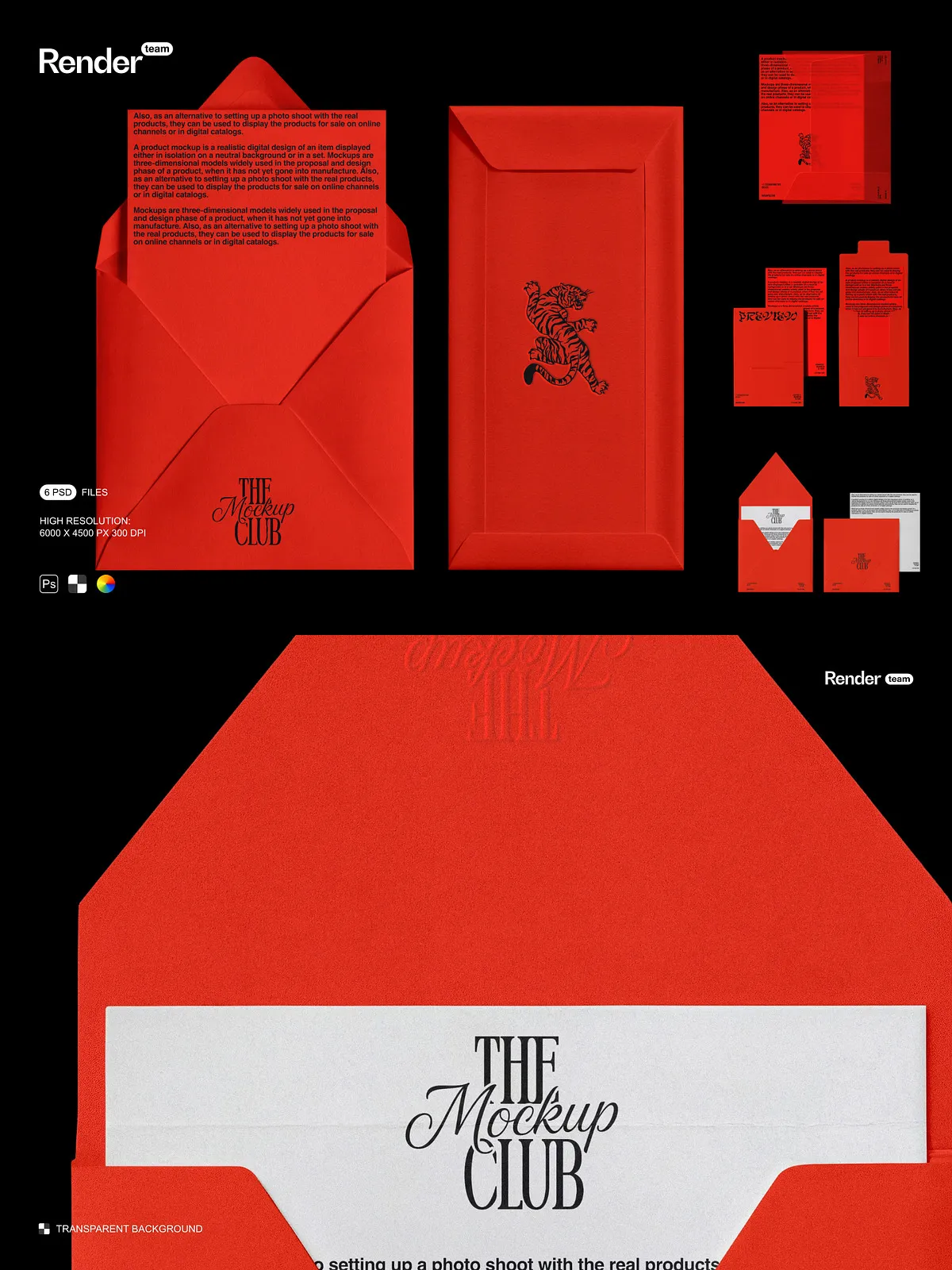
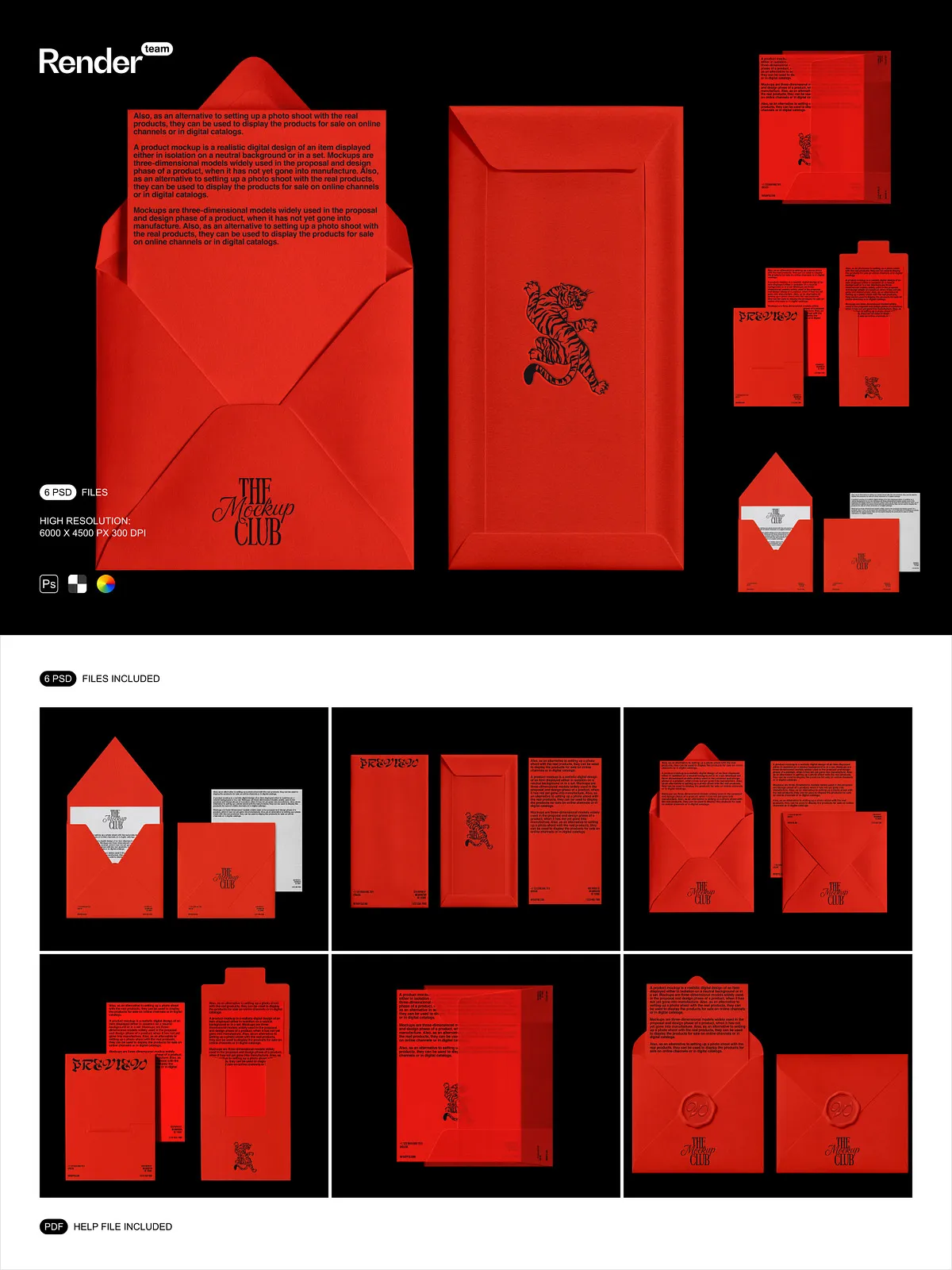
Unlock the full potential of your brand identity with this dynamic, fully editable Brand Identity Mockup Set, meticulously crafted for visual designers, marketing professionals, and creative entrepreneurs who demand high-impact results. Engineered at 6000 x 4500 pixels, 300dpi, these mockups deliver print-grade clarity and lifelike depth—perfect for digital marketing, client presentations, e-commerce listings, and portfolio showcases.
Instant Customization with Smart Objects: Edit in Seconds, Not Minutes
Eliminate tedious manual edits and time-consuming image placements. This mockup set leverages Smart Objects to enable direct, non-destructive editing: simply double-click the smart layer, insert your custom logo, typography, or graphic design, and save—your artwork is instantly scaled, aligned, and optimized within the brand element, with no distortion or quality loss. Transform your concept into a polished visual in under 30 seconds.
6 Distinct, Real-World Brand Mockups for Every Creative Context
Choose from six professionally designed brand identity mockups, each tailored to present your creative work in an authentic, contextual environment:
- Business Card Mockup (Front & Back View): Display your brand’s professionalism with a sleek, realistic card layout featuring depth, fold details, and natural shadows.
- Letterhead Mockup with Envelope: Showcase your brand’s formal presence with a premium office look—ideal for corporate identity packages.
- Folder & Document Set (Standalone): Highlight your branding on a structured, three-dimensional file folder with paper textures and subtle creases.
- Branded Notebook Mockup (Open & Closed): Present your design within a realistic notebook environment, perfect for showing typography, layout ideas, and stationery branding.
- Social Media Banner Mockup (Mobile & Desktop): Create scroll-stopping digital content with authentic device placements and responsive branding.
- Stationery Kit Mockup (Envelope, Letter, Sticker, Stamp): Display a complete, cohesive brand experience with multi-element storytelling and visual harmony.
Isolated Objects & Shadows: Precision Control for Maximum Flexibility
Every design element—logo, text, icons, and shadows—is fully isolated and layer-separated, giving you complete freedom to:
- Hide or reposition individual components without disrupting the whole scene
- Adjust lighting direction or shadow intensity for different moods
- Replace a logo placeholder without affecting background depth or realism
- Use only the elements you need, reducing file clutter and boosting workflow speed
This intelligent separation allows rapid iteration and seamless integration into complex brand design systems—no more struggling with overlapping layers or unwanted transparency effects.
Intuitive Color Layer Editing for Instant Brand Consistency
Tailor each mockup to match your unique brand palette with dedicated color layers that work independently and instantly. Adjust:
- Background tint (e.g., warm cream, soft gray, deep navy)
- Text color for instant contrast in dark or light environments
- Border and accent color for visual flair and consistency
- Gradient overlay for modern, high-end visual styles
Rebrand your entire set in minutes. Update your identity for holidays, campaigns, or new product lines—without re-rendering or re-editing from scratch.
Print-Ready 300dpi Quality: Seamless Digital to Physical Transition
Designed to bridge the gap between digital design and physical media, these mockups are rendered at 6000 x 4500px at 300dpi, ensuring flawless output across print and digital platforms. Use them to produce:
- Professional-grade branding kits for clients and partners
- High-converting e-commerce product pages on Shopify, Etsy, and Amazon
- Eye-catching social media posts across Instagram, Facebook, and Pinterest
- Dynamic landing pages with realistic product context
- Portfolio work that stands out in design competitions and online galleries
Every pixel is crisp. Every shadow is defined. Every surface feels tangible.
Complete PDF Help File: Your Onboard Guide to Expert-Level Editing
Get started in seconds with the included PDF help guide, which walks you through every critical step:
- Opening and navigating each PSD file with ease
- Replacing Smart Object content with your own design
- Activating and adjusting color layers for instant branding
- Exporting your final images in PNG, JPG, and PDF formats
- Optimizing file size for web without sacrificing clarity
- Resolving layer conflicts and missing font issues
Whether you’re a beginner or a veteran designer, this guide turns your mockup set into an immediate productivity tool—no trial and error required.
Universal Compatibility: Work Across Any Design Platform
These mockups are engineered to work seamlessly with:
- Adobe Photoshop (CS6 and later): Full native support for all features, including Smart Objects and layer groups.
- Photopea (Free Online Editor): Edit, customize, and export directly from your browser—no software installation needed.
- Affinity Photo (Windows/macOS): Compatible with vector-based editing and full layer manipulation for high-performance workflows.
Work from your desktop, tablet, or even a shared cloud workspace. Your design process remains uninterrupted, wherever you are.
Expand Your Creative Impact: Use Across All Marketing Channels
Maximize your branding reach with mockups that speak to every audience:
- Client Pitches: Present your vision with real-life context—turn abstract ideas into tangible, persuasive visuals.
- Social Media Campaigns: Generate authentic, scroll-stopping content that feels native to the platform.
- Design Portfolios: Demonstrate your branding skills with high-fidelity mockups that impress recruiters and agencies.
- Product Launches: Build anticipation with lifelike previews of your brand identity before physical production.
- Brand Books & Style Guides: Integrate mockups to show consistent application across touchpoints.