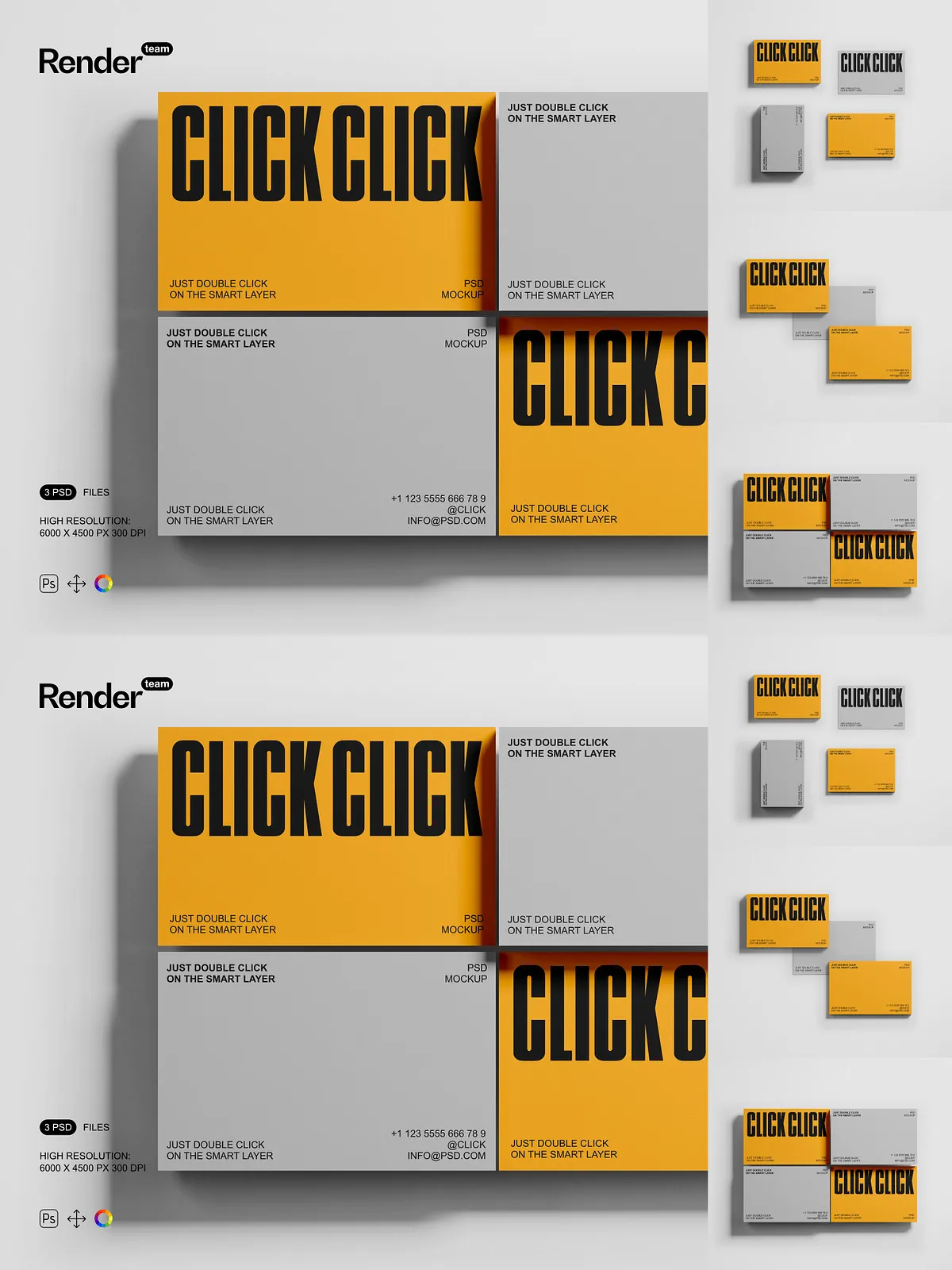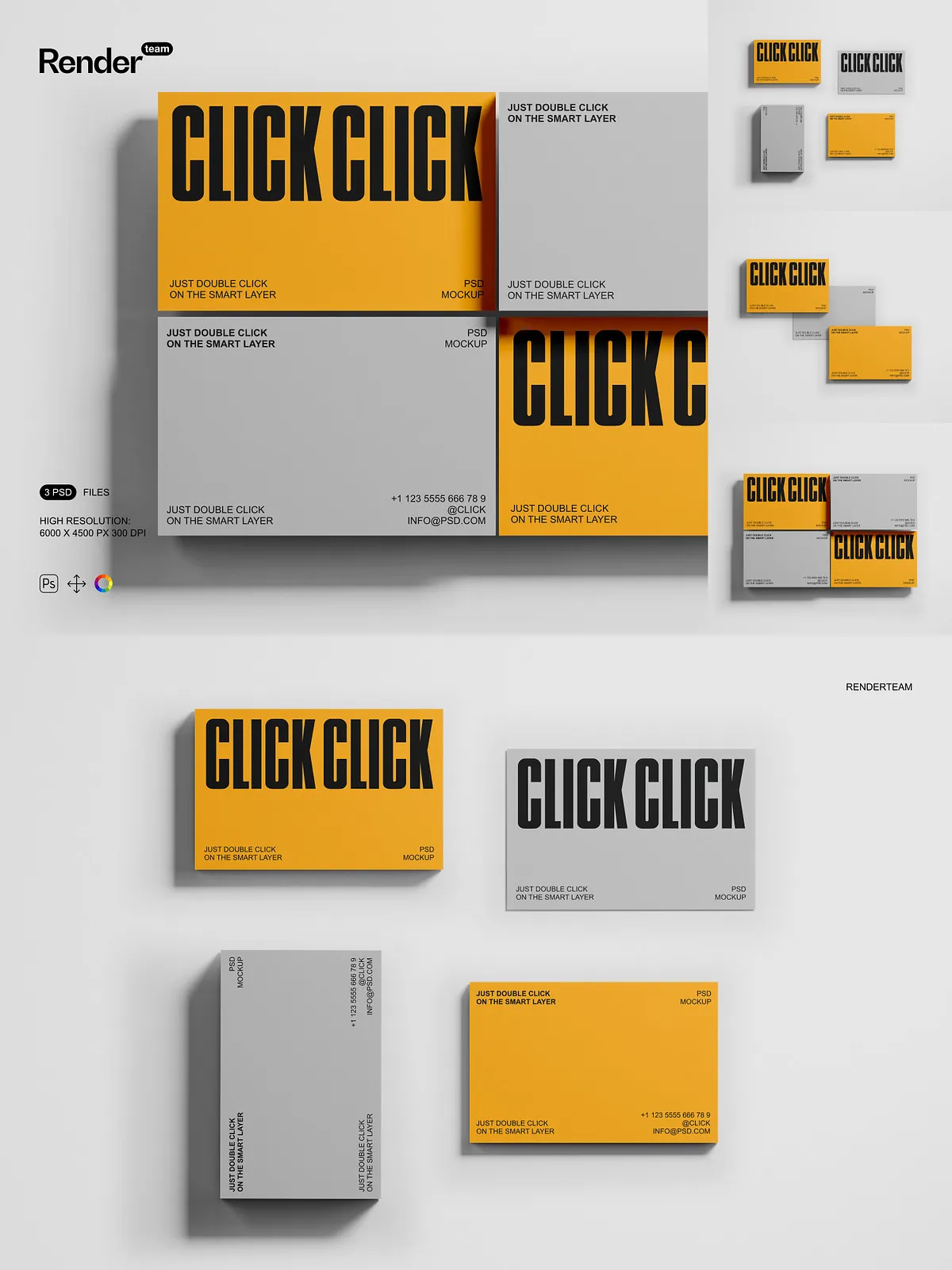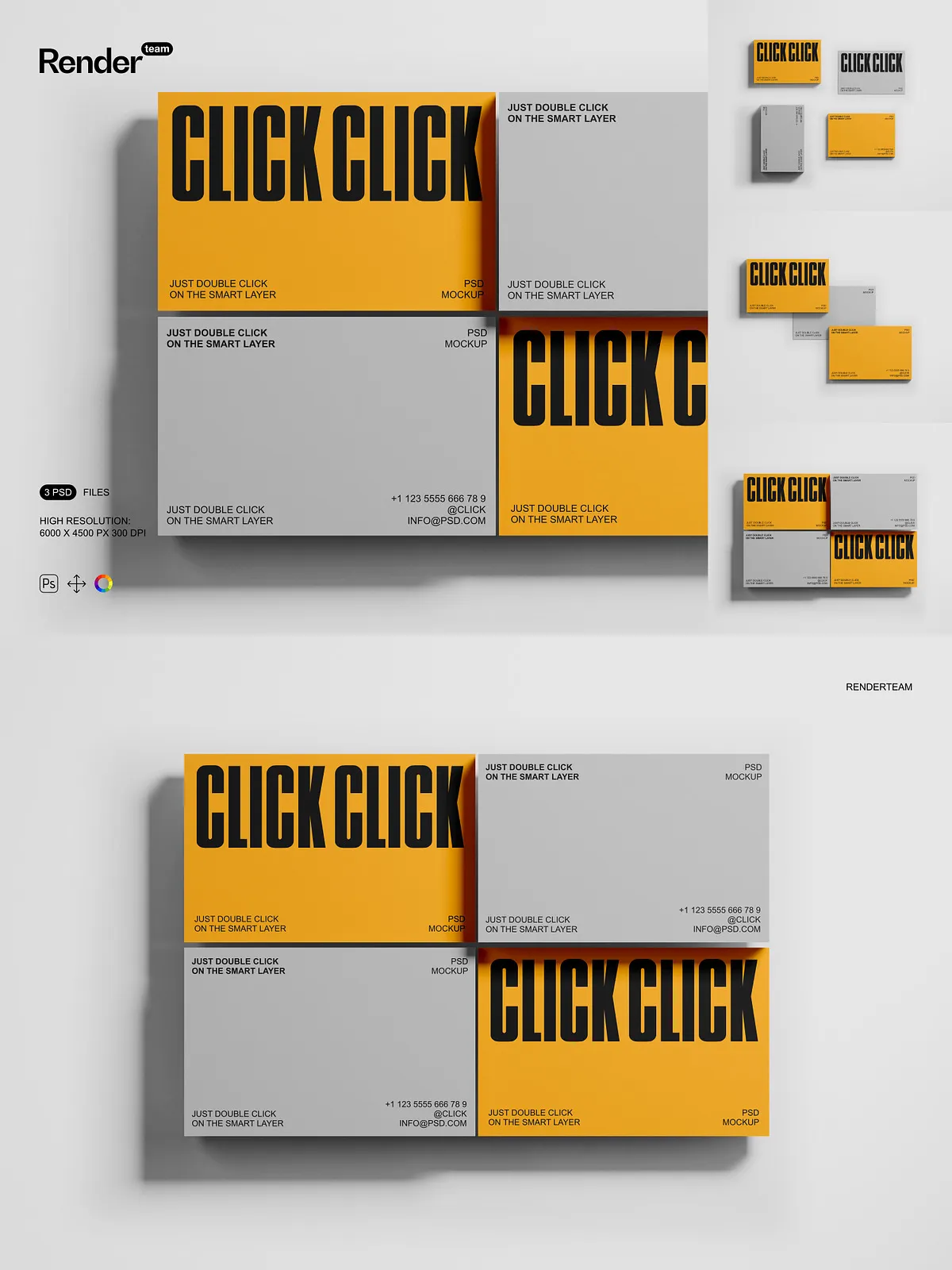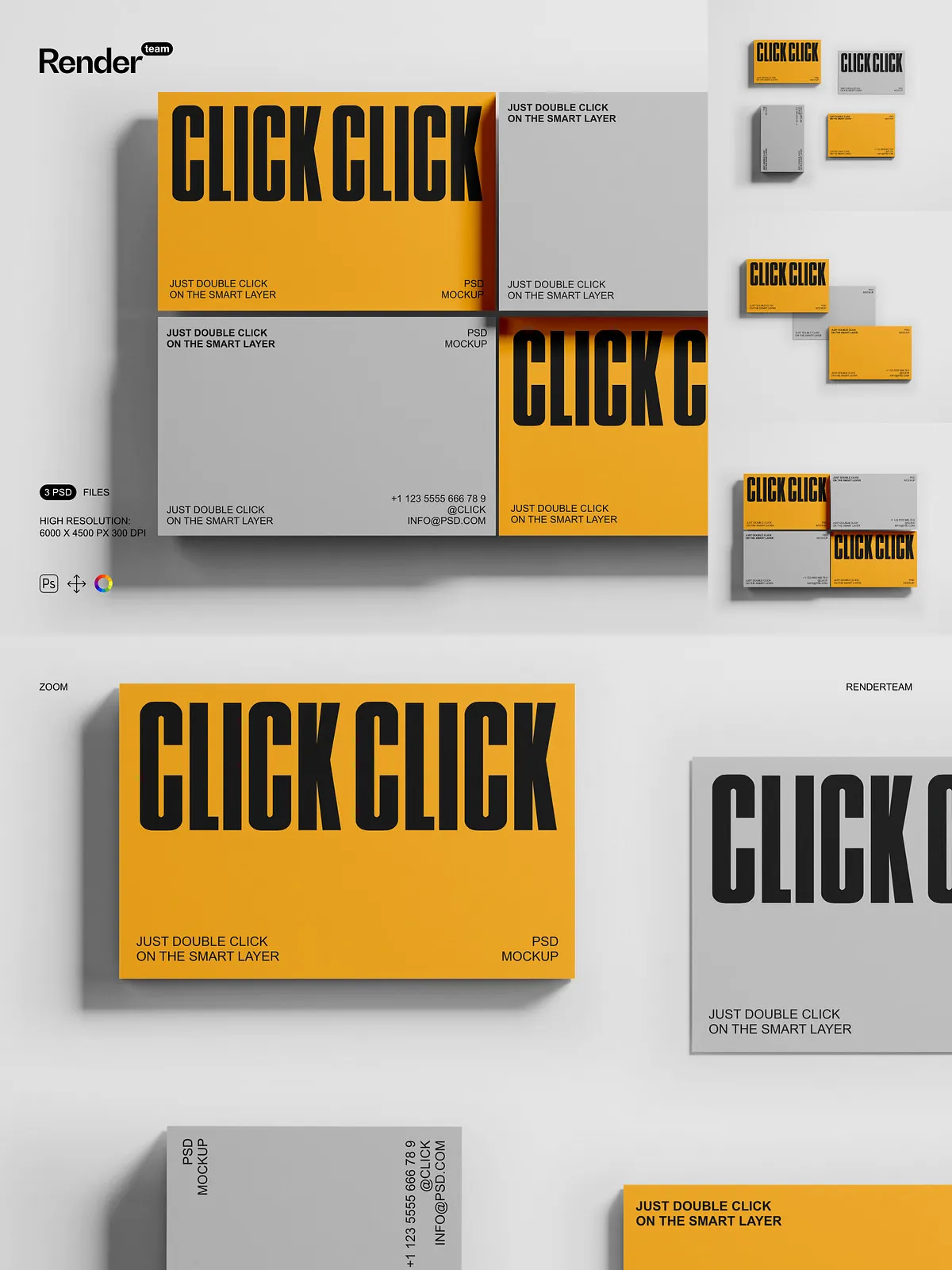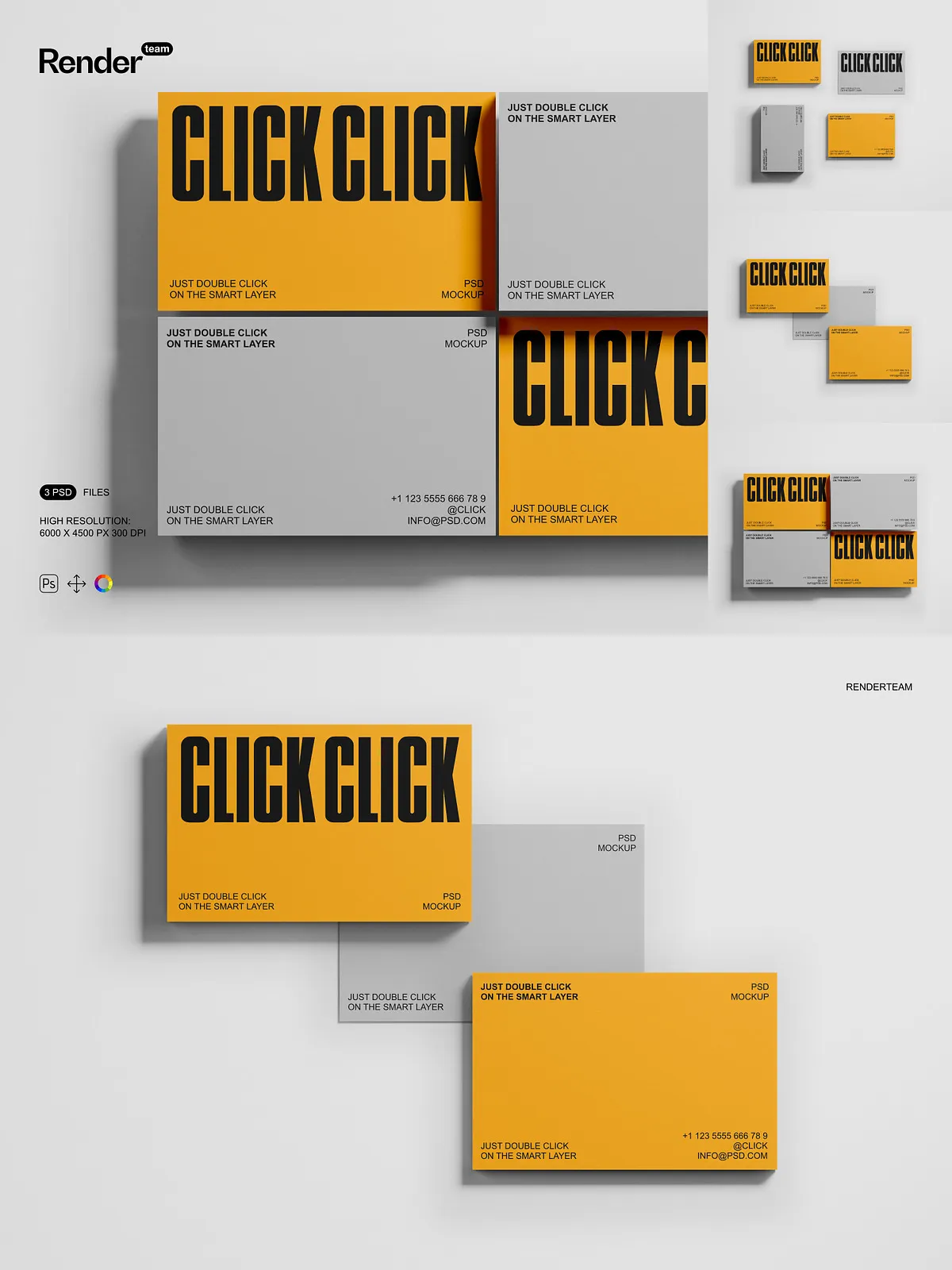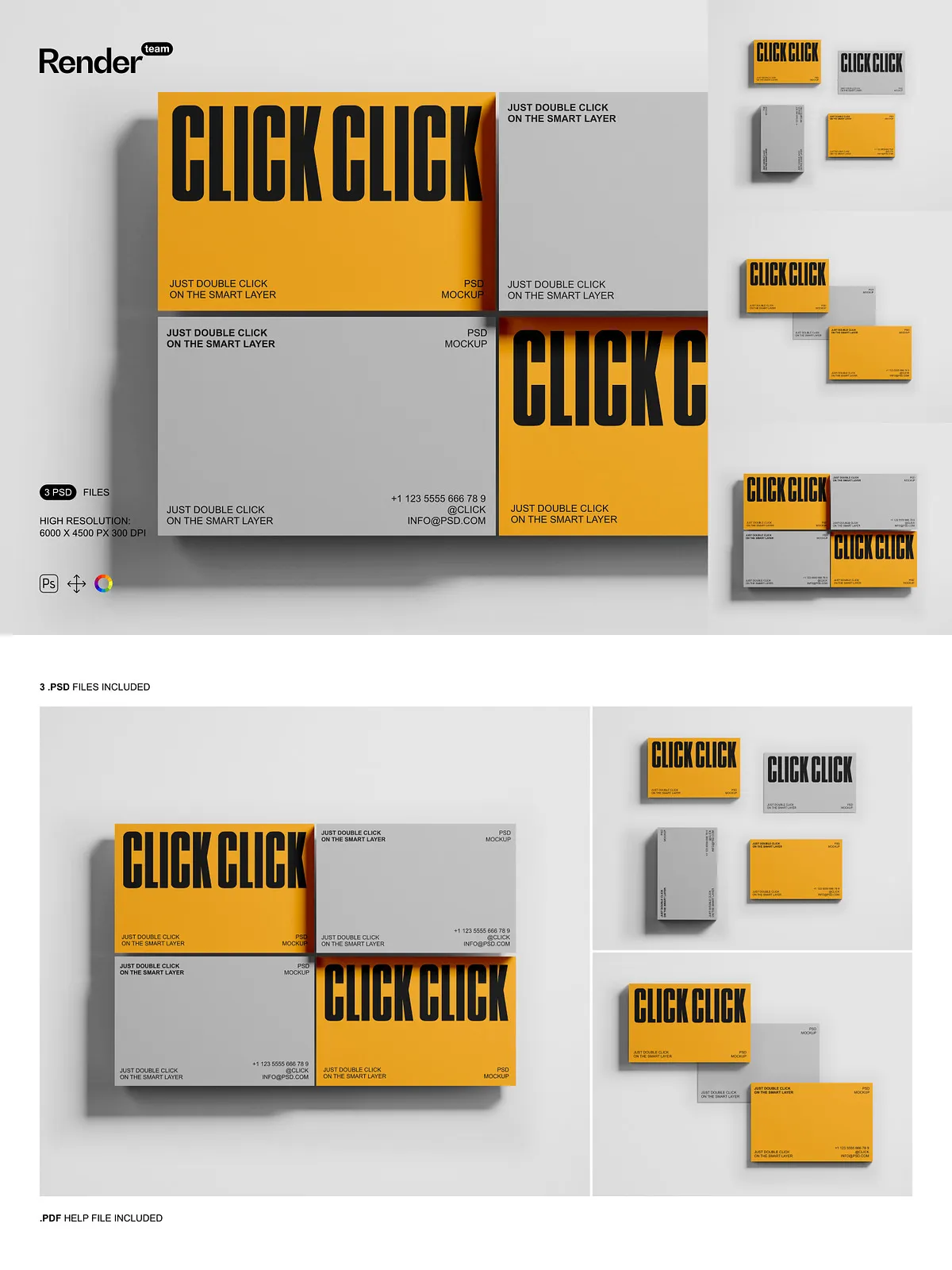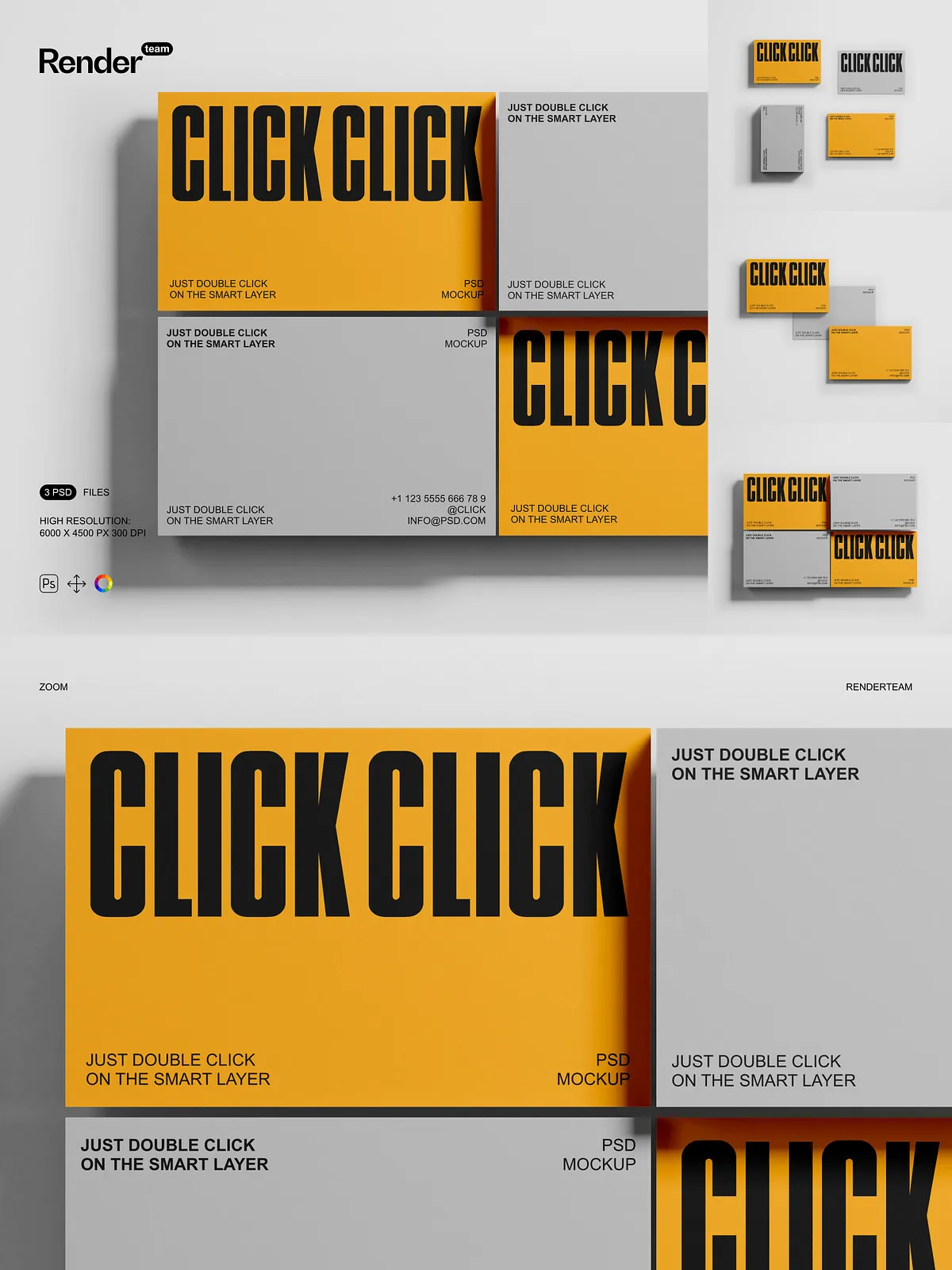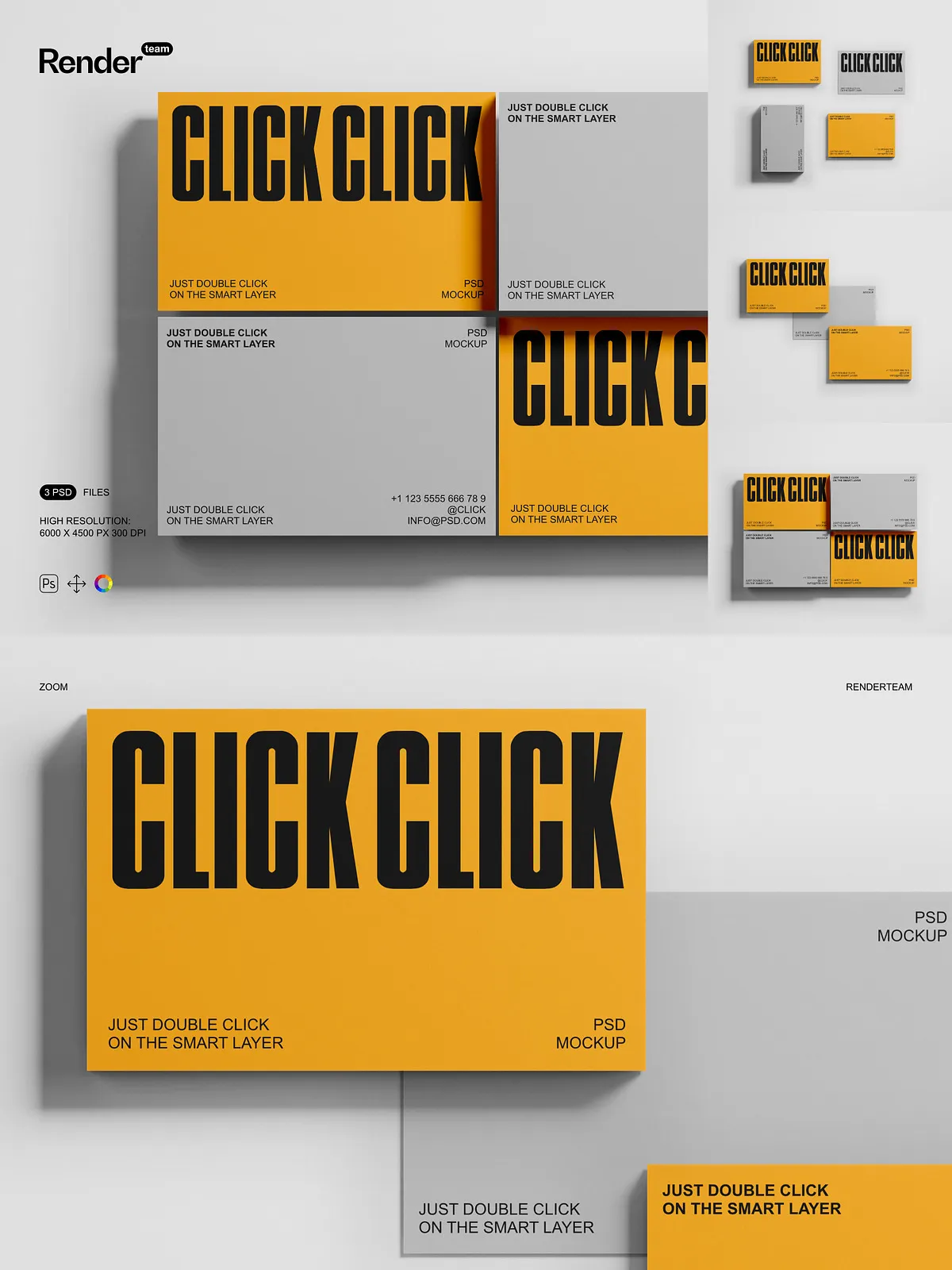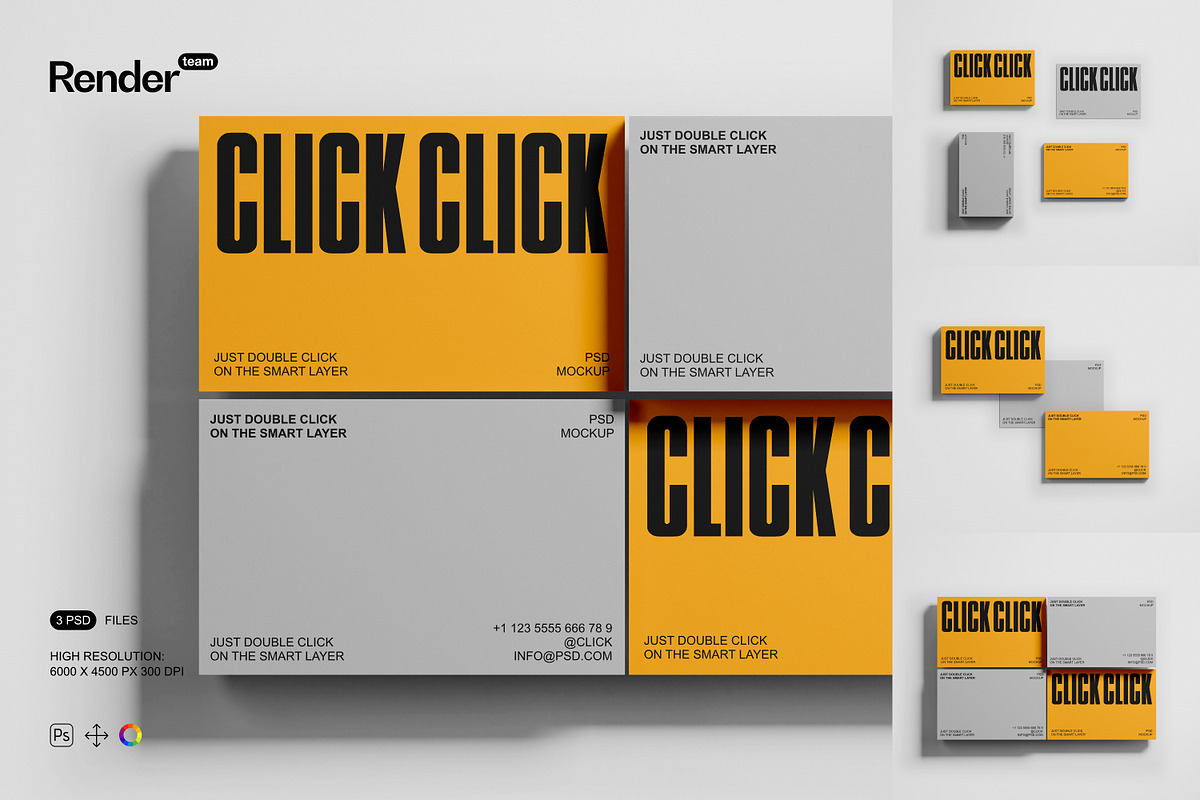
Unlock the power of instant presentation with the premium Business Card Mockup set—an advanced collection of three fully layered and editable .PSD files designed for maximum clarity, speed, and creative control. Whether you’re a freelance designer, startup founder, marketing strategist, or branding agency, these mockups deliver lifelike realism and seamless integration into your workflow. Replace placeholder elements in seconds and generate high-end visuals that reflect your brand’s precision, credibility, and ambition. Say goodbye to generic stock images—every element is crafted to elevate your message and make your design stand out in any context.
What’s Included: A Complete Visual Presentation Suite
Essential Assets for Dynamic Brand Showcase
- Three high-impact PSD mockups: one featuring a business card on a minimalist wooden desk, one on a modern glass surface with ambient lighting, and another resting on a coffee mug and notebook for a dynamic, real-life setting
- A comprehensive, step-by-step PDF help file with layer navigation maps, visual guides, Photoshop tips, and troubleshooting advice to ensure fast onboarding and flawless execution
Technical Excellence Built for Performance
- Ultra-high resolution: 6000 × 4500 pixels at 300 dpi — optimized for premium print, web banners, presentations, and large-format displays
- Smart Object integration: Edit your design instantly—double-click the Smart Layer, paste your artwork, scale it with Free Transform, and save. The mockup updates live with perfect clarity and zero distortion
- Isolated objects and shadows: Every component—card, shadow, surface texture, ambient glow—is separated into dedicated layers for precise control and non-destructive editing
- Organized layer hierarchy: Clear folder structure including “Logo Area,” “Card Surface,” “Shadow Layers,” “Background Elements,” and “Lighting Effects” to enhance collaboration and reduce editing errors
- Color layer controls: Adjust background tones, surface hues, shadow intensity, and lighting ambiance with selective color overlays and adjustment layers for brand-aligned visuals
Effortless Editing, Lightning-Fast Results
Start Editing in Under 30 Seconds
Open any PSD file in Adobe Photoshop CC (2023 or later), find the Smart Object layer labeled “Insert Your Logo Here,” and double-click it. A new window opens—clean, empty, and ready for your design. Paste your high-resolution business card layout into the designated safe zone (3000×4000 px), scale it precisely using the Free Transform tool, and save. The main file updates instantly with sharp focus, accurate proportions, and zero pixelation. This non-destructive workflow maintains original file integrity, supports rapid revisions, and accelerates your entire design cycle—ideal for tight deadlines, client feedback loops, and multiple campaign variations.
Control Every Detail with Precision Tools
Modify depth, angle, and intensity of shadows independently to simulate different lighting environments—natural daylight, warm office lamps, or soft twilight ambiance. Replace the background scene with alternate versions: city skyline desk, café table, or minimalist white wall—for creative diversity. Apply gradient overlays to introduce modern depth—subtle metallic sheen, soft glass reflections, or warm wood grain textures. Adjust opacity, brightness, and contrast across layers to fine-tune visual mood, ensuring your card appears professional, trustworthy, and aligned with your brand values.
Create Campaign-Ready Visuals with Dynamic Contexts
Build storytelling scenes: place your card beside a laptop, pen, coffee cup, or notebook to suggest productivity, creativity, or business professionalism. Add text overlays like “Let’s Connect,” “Available for Hire,” or “Limited Edition Launch” for social media or email marketing. Design seasonal versions—holiday-themed mockups with festive colors, winter snowflakes, or summer sunbeams—to match seasonal campaigns or brand refreshes. Use motion-ready export settings for animated versions in After Effects or web-based presentations with hover animations and micro-interactions.
Optimize Your Workflow for Speed and Quality
Step-by-Step Guide to Flawless Output
- Launch Adobe Photoshop CC 2023 or newer and open your selected PSD file.
- Navigate to the Smart Object layer marked “Place Branding Content” or “Insert Business Card”.
- Double-click the layer to open the embedded canvas.
- Paste your logo, name, title, and contact details into the provided space with high-resolution clarity.
- Use the Free Transform tool to adjust scale, rotation, and alignment for perfect placement.
- Save the file (Ctrl/Cmd + S), close the Smart Object window, and watch your mockup update in real time.
- Apply Levels, Curves, or Hue/Saturation adjustment layers to boost contrast, enhance sharpness, and refine color balance.
- Export your final image in PNG (web), JPEG (social media), or TIFF (print) with transparent backgrounds if needed.
Suit Every Use Case: For Startups, Agencies, and Personal Brands
This mockup set is engineered for professionals who need to deliver high-impact visuals fast. Use it to:
- Create standout LinkedIn, Instagram, or Facebook posts that showcase your business card in authentic, real-world settings
- Design compelling landing pages with immersive, interactive mockups that boost engagement and conversion rates
- Win client approvals with polished, presentation-ready visuals that demonstrate creative attention and technical mastery
- Strengthen your design portfolio with dynamic, professional-grade examples that highlight skill, precision, and innovation
- Build high-performing e-commerce product pages for print-on-demand or stationery shops using lifelike, clickable mockups
From solo entrepreneurs to multinational brands, these templates help you communicate identity, credibility, and excellence—visually and instantly.
Ensure Peak Performance and Long-Term Compatibility
All files are compatible with Adobe Photoshop CC 2023 or higher. For optimal performance, ensure your system includes at least 8GB of RAM and an SSD for rapid layer loading. Close background applications during editing to prevent lag when handling large PSDs. Note: All sample content is for demonstration only. Replace all placeholders with original or licensed artwork to maintain copyright integrity and full brand ownership.
Best Practices for Premium, Industry-Standard Results
- Create your business card design at a minimum resolution of 3000 × 4000 pixels to guarantee clarity across all platforms
- Use vector-based files (AI, SVG) for logos and typography to maintain crisp edges at any scale
- Apply adjustment layers to fine-tune color balance, brightness, and contrast without altering the original design
- Keep backup versions of every mockup after editing to preserve original state and enable quick recovery
- Use consistent naming conventions across layers and folders for team-wide clarity and future updates