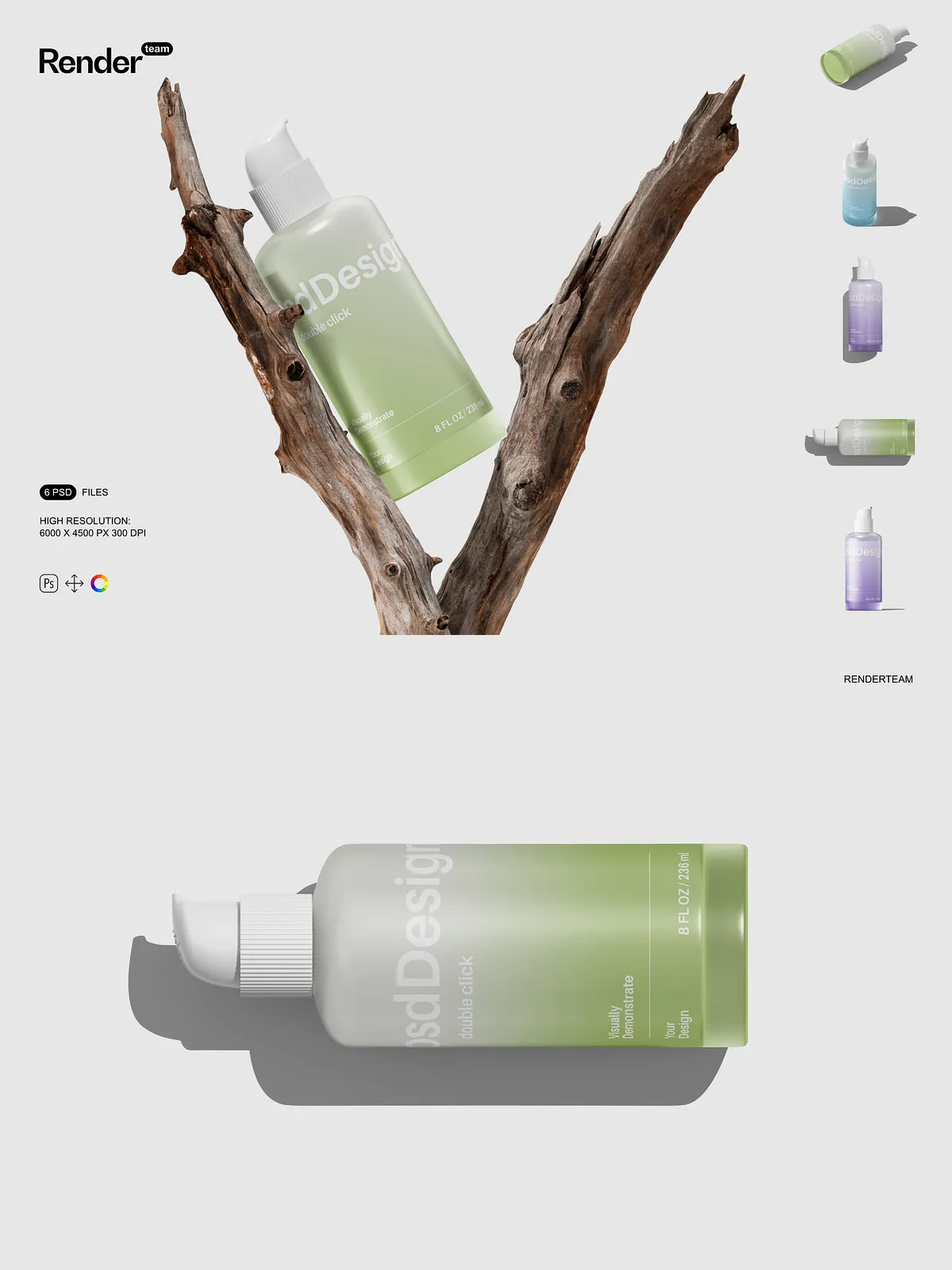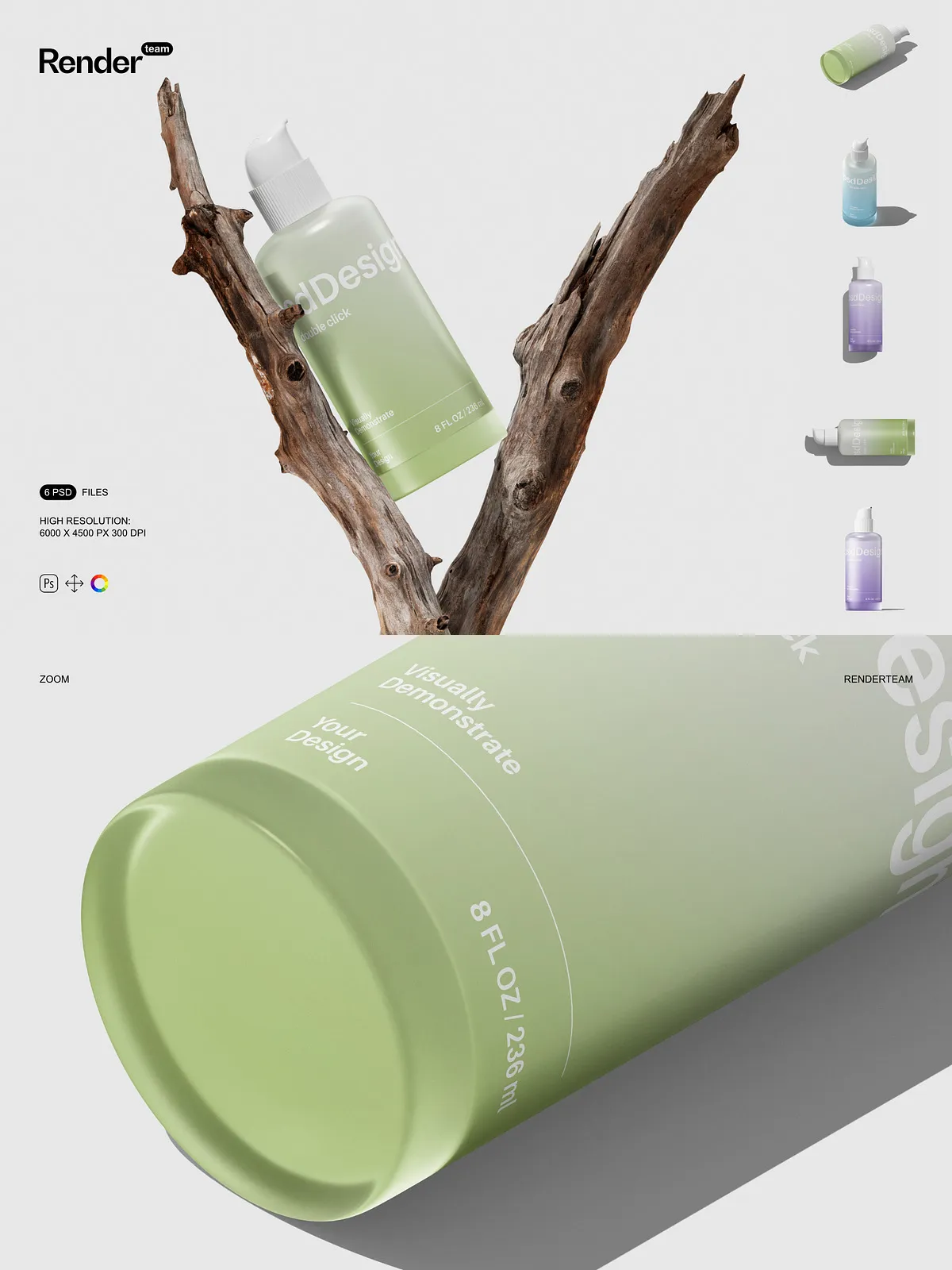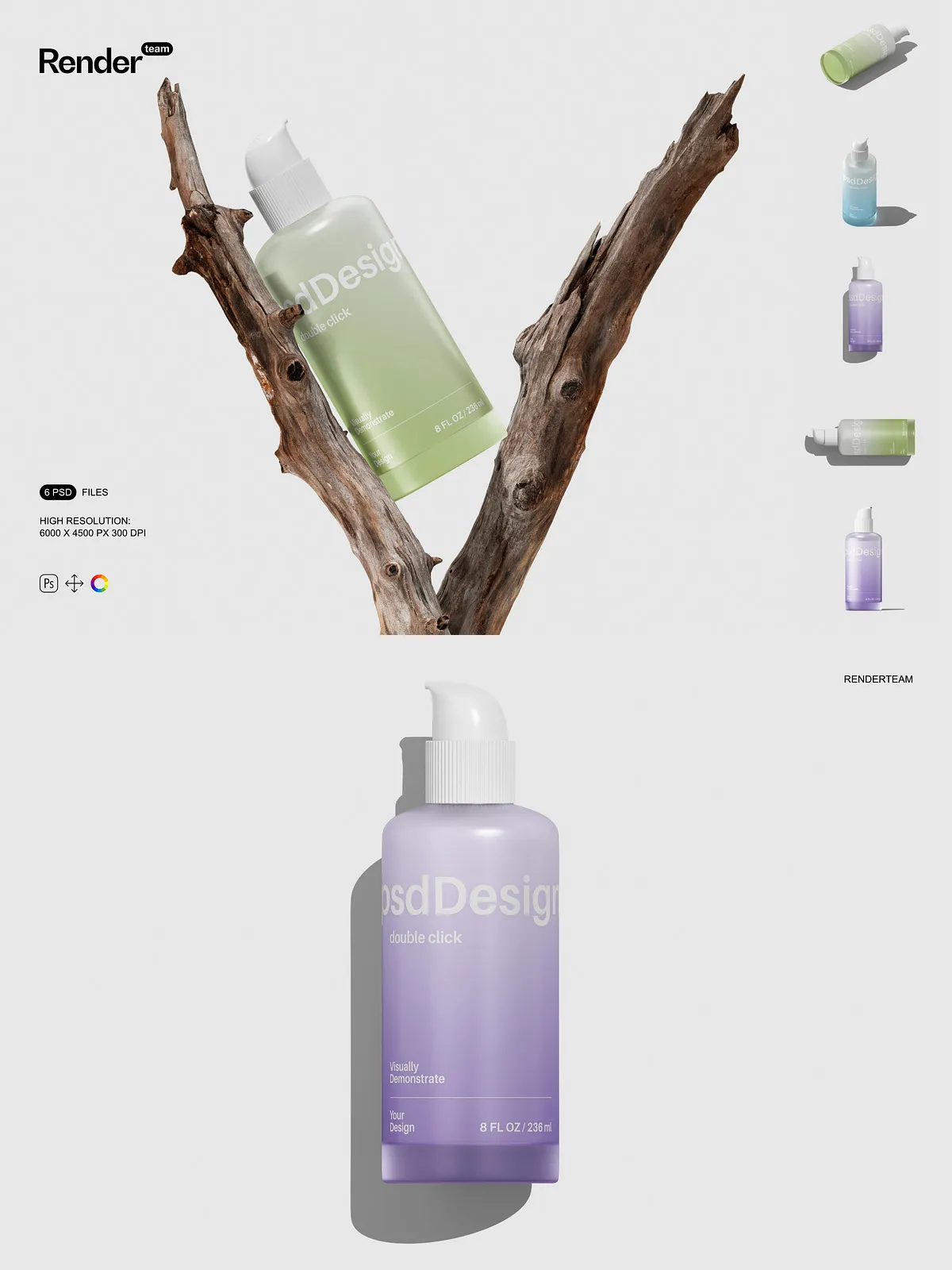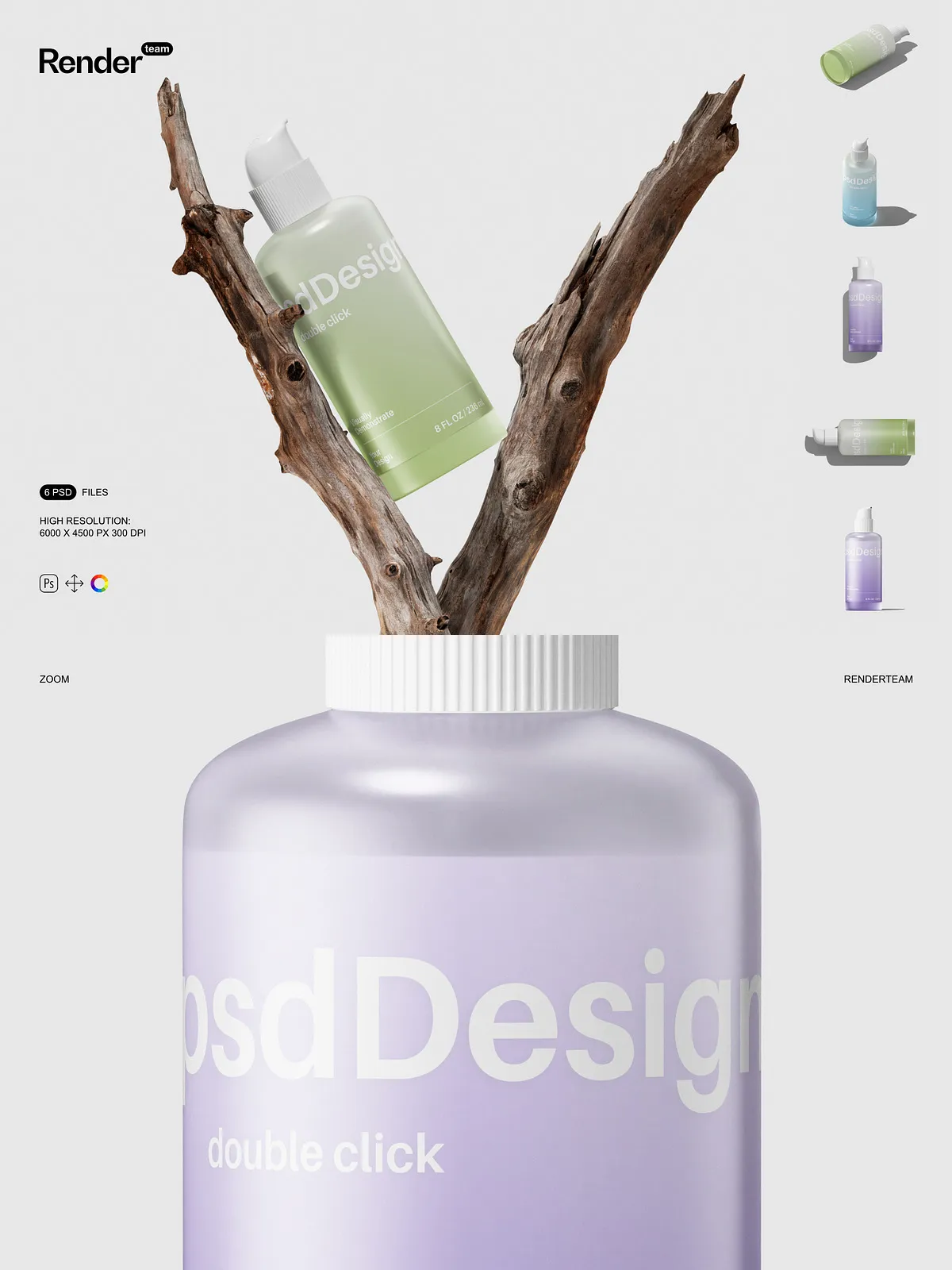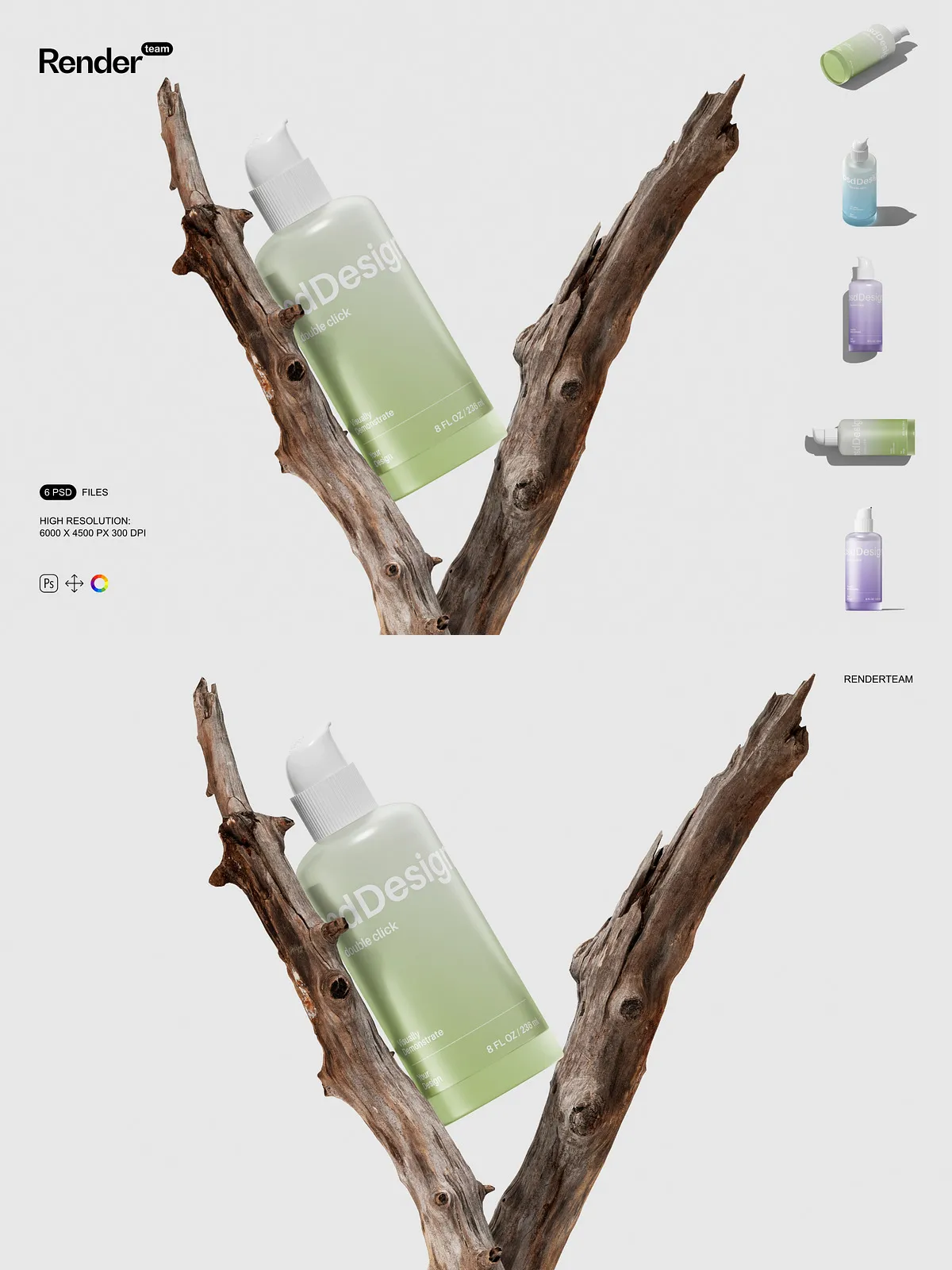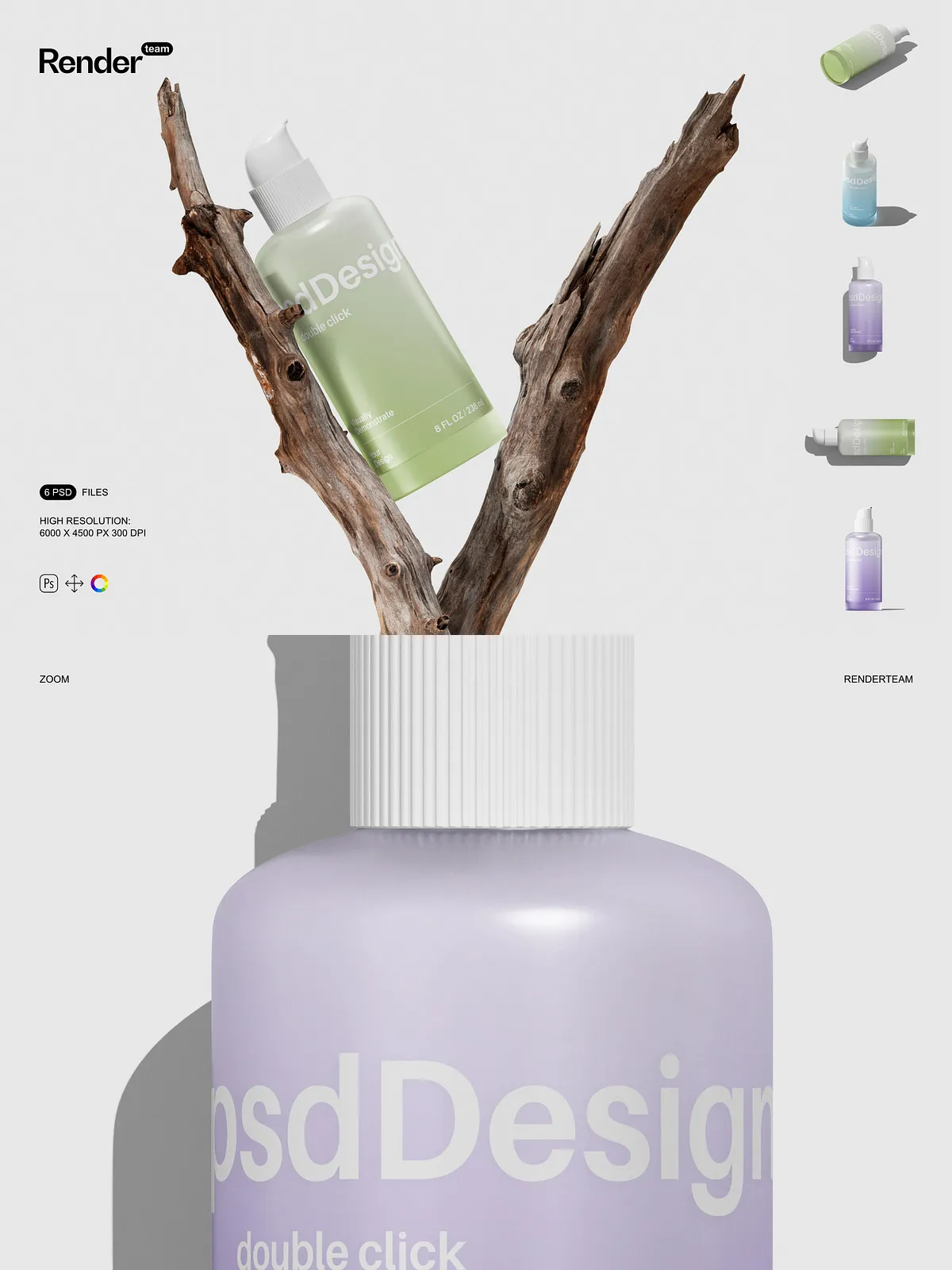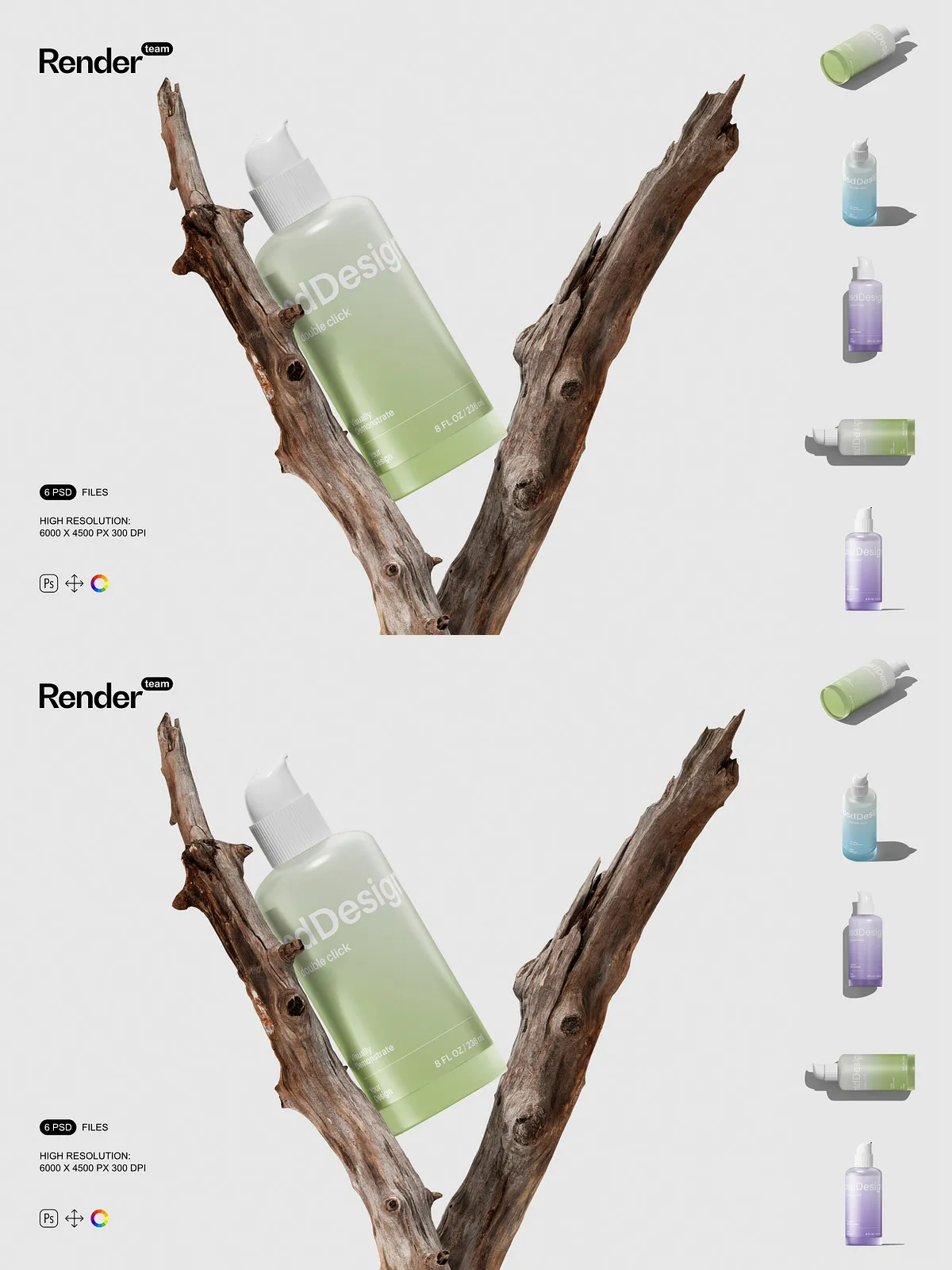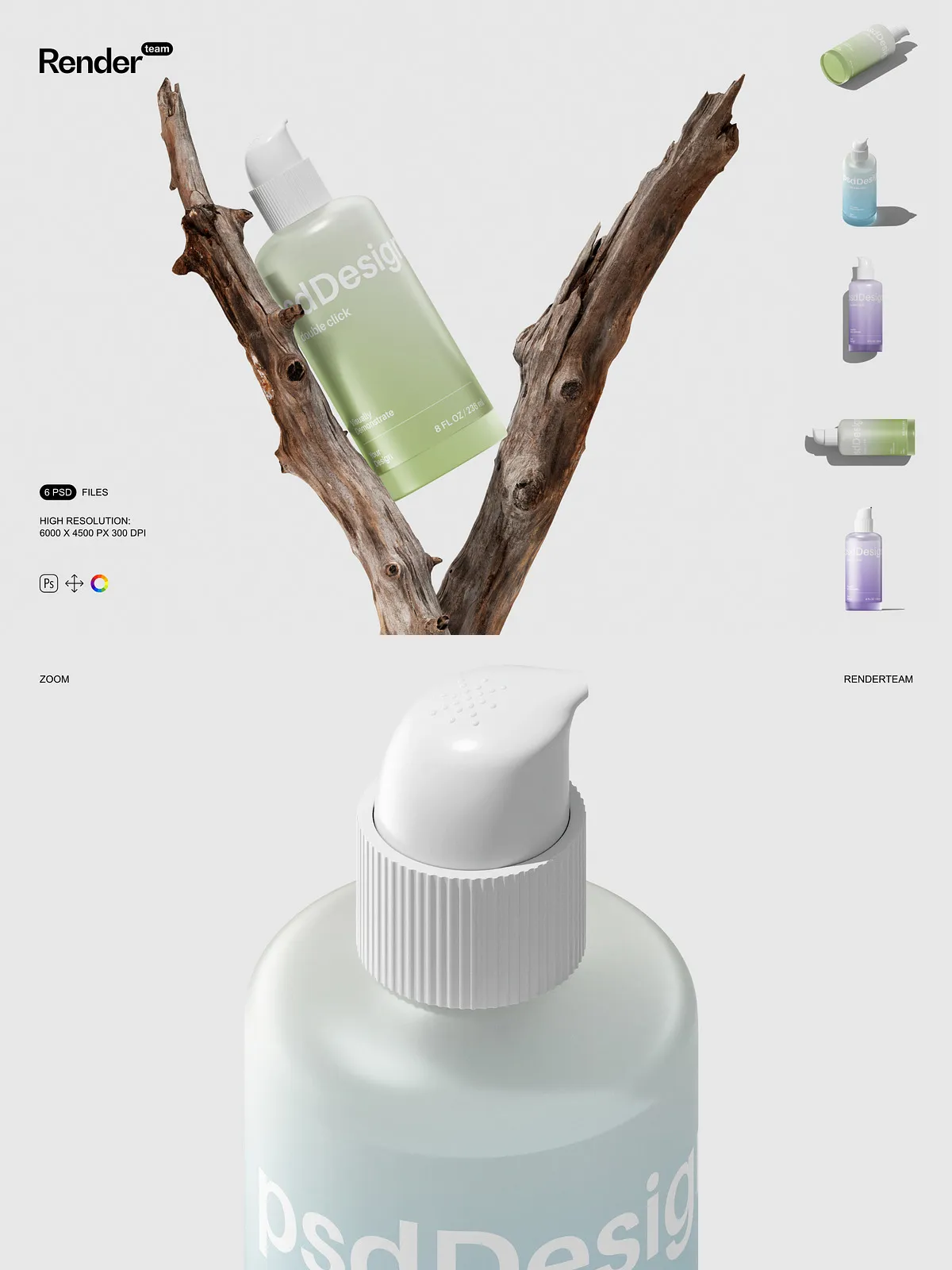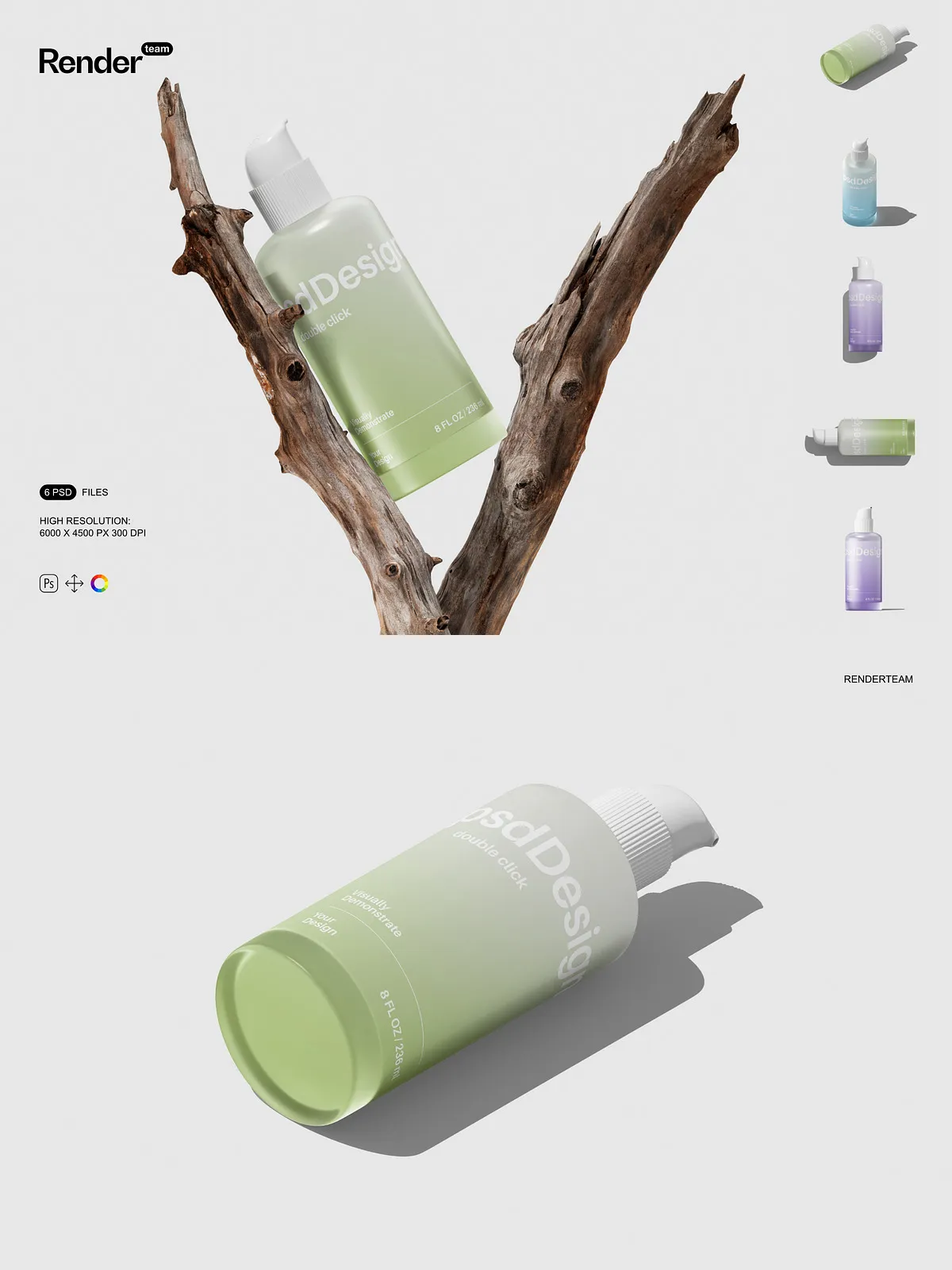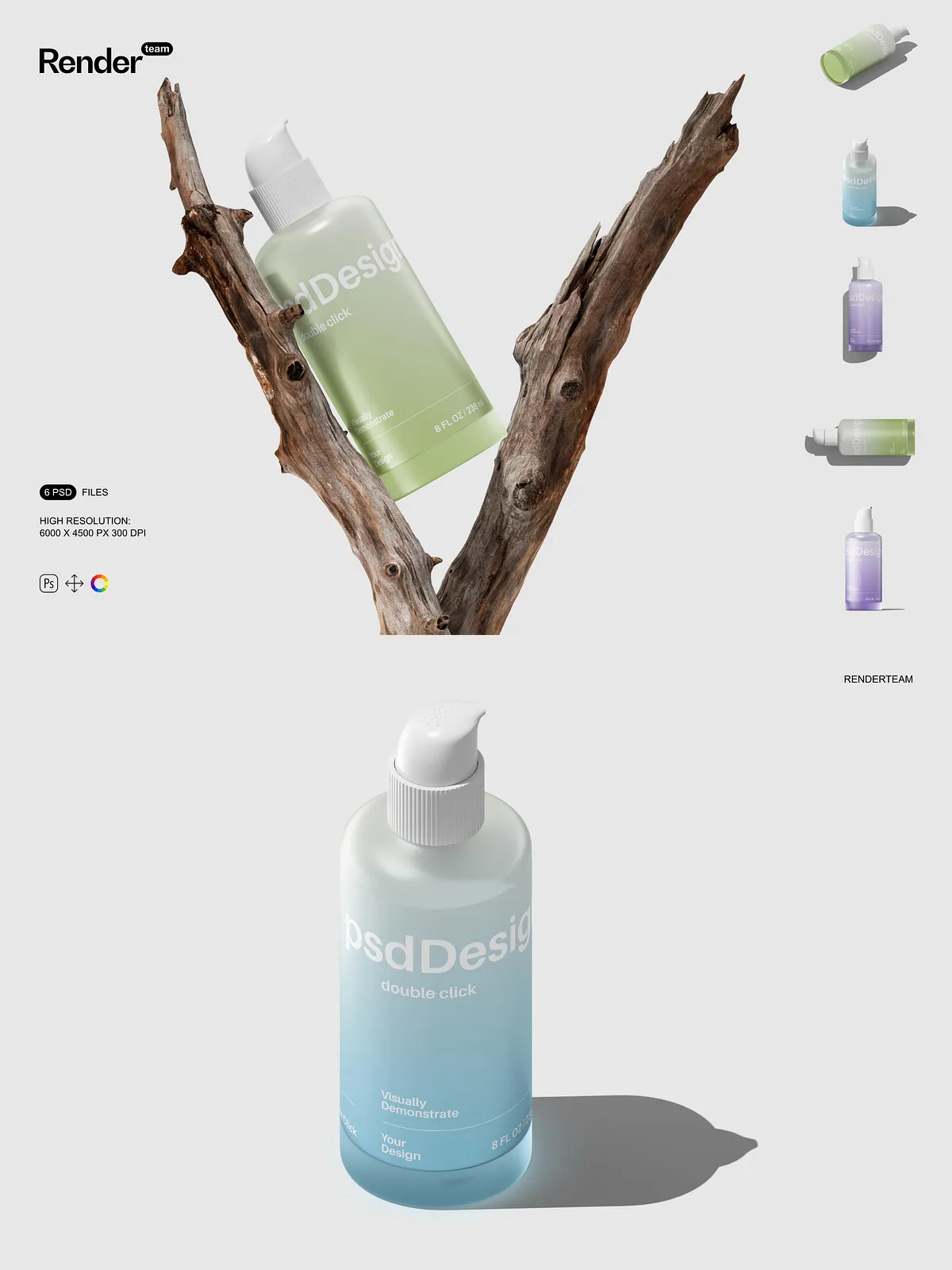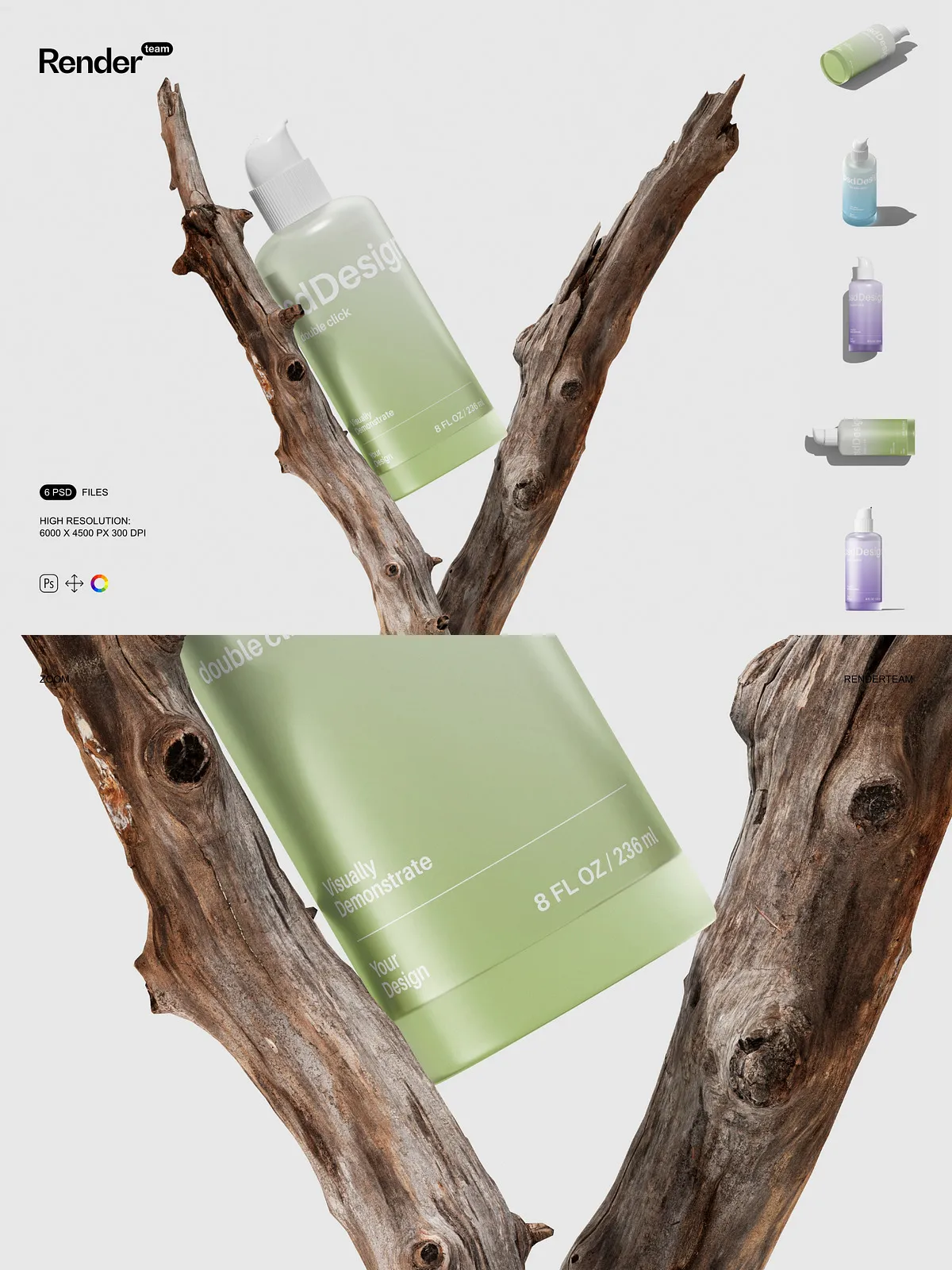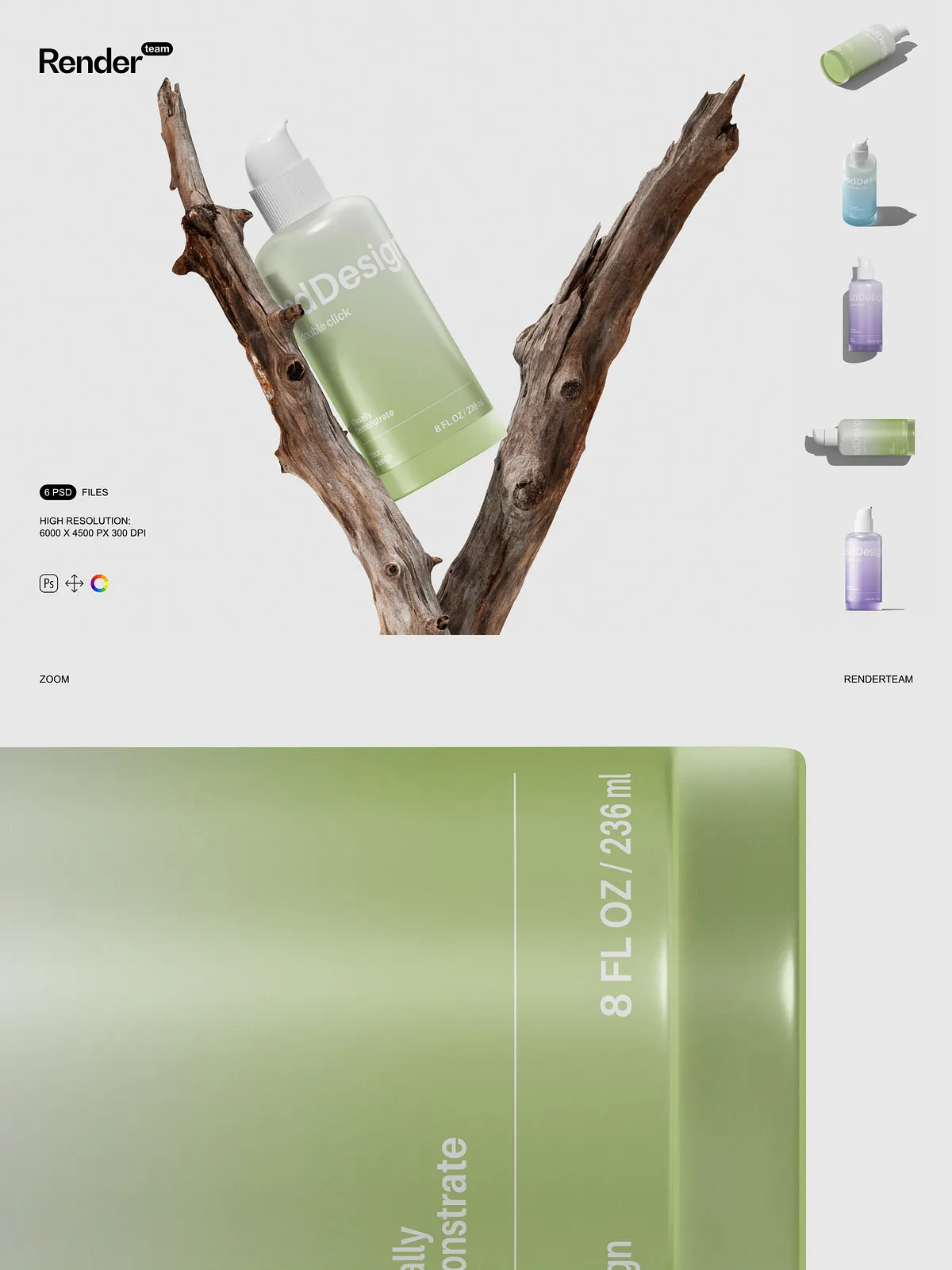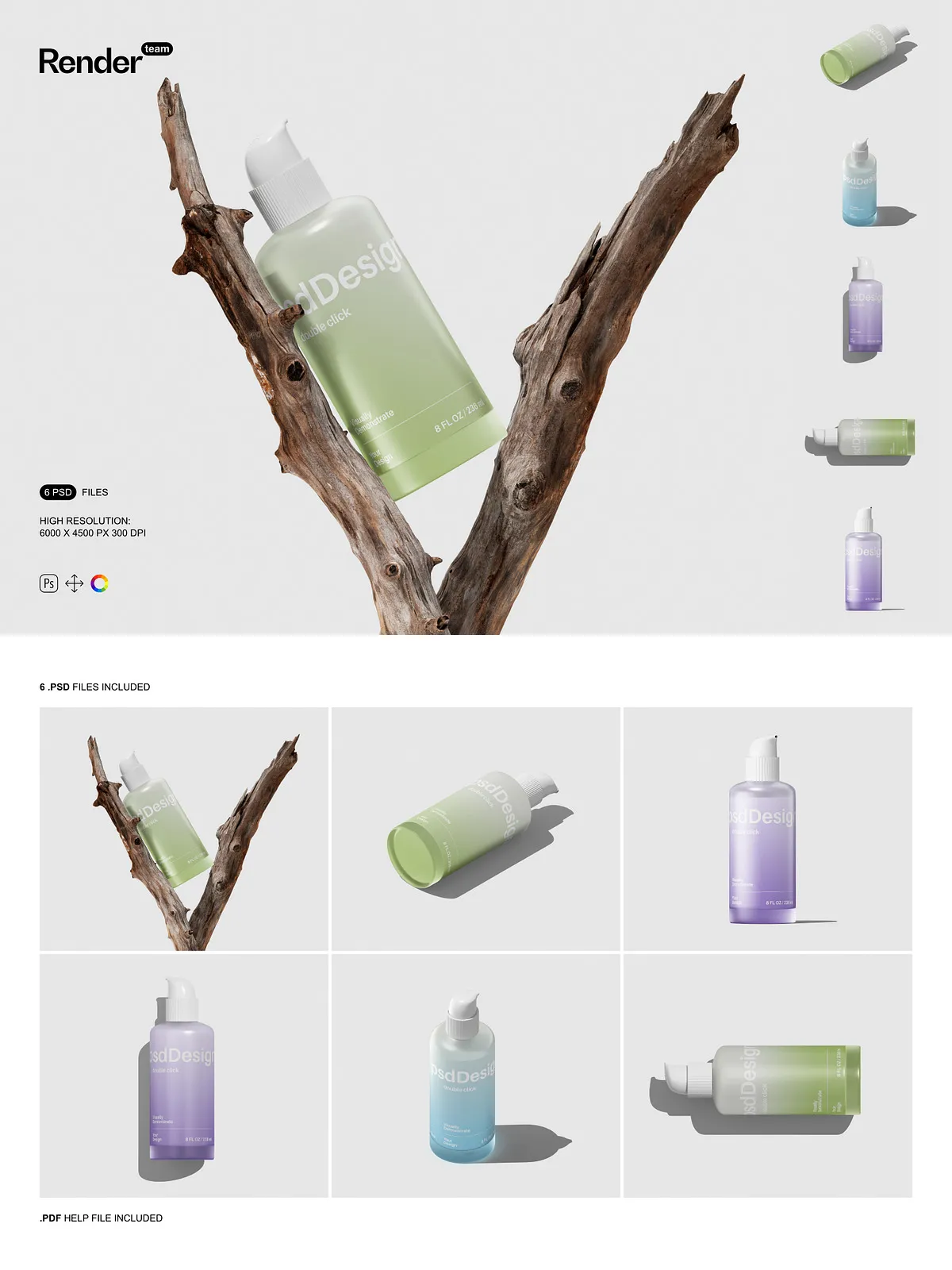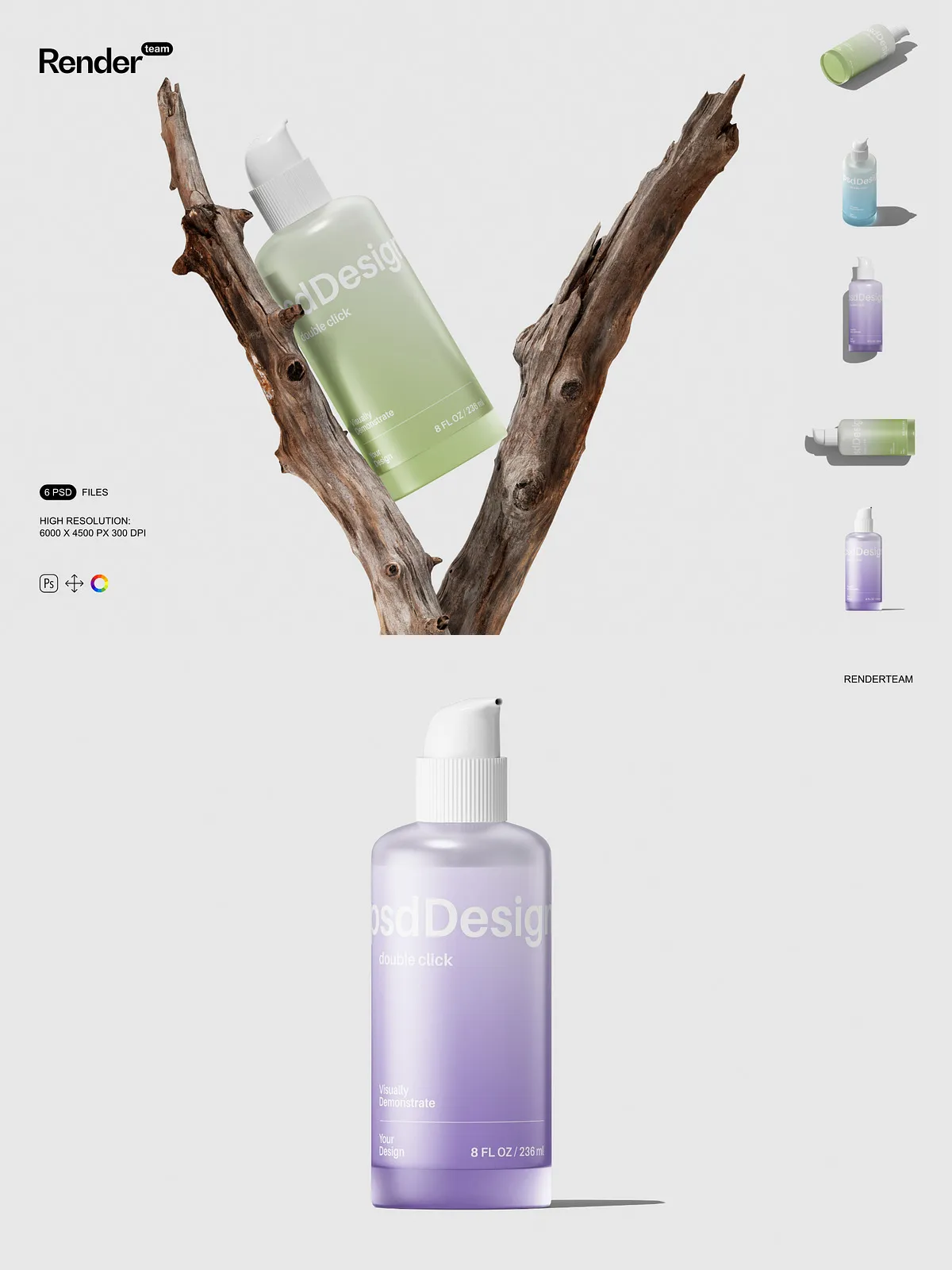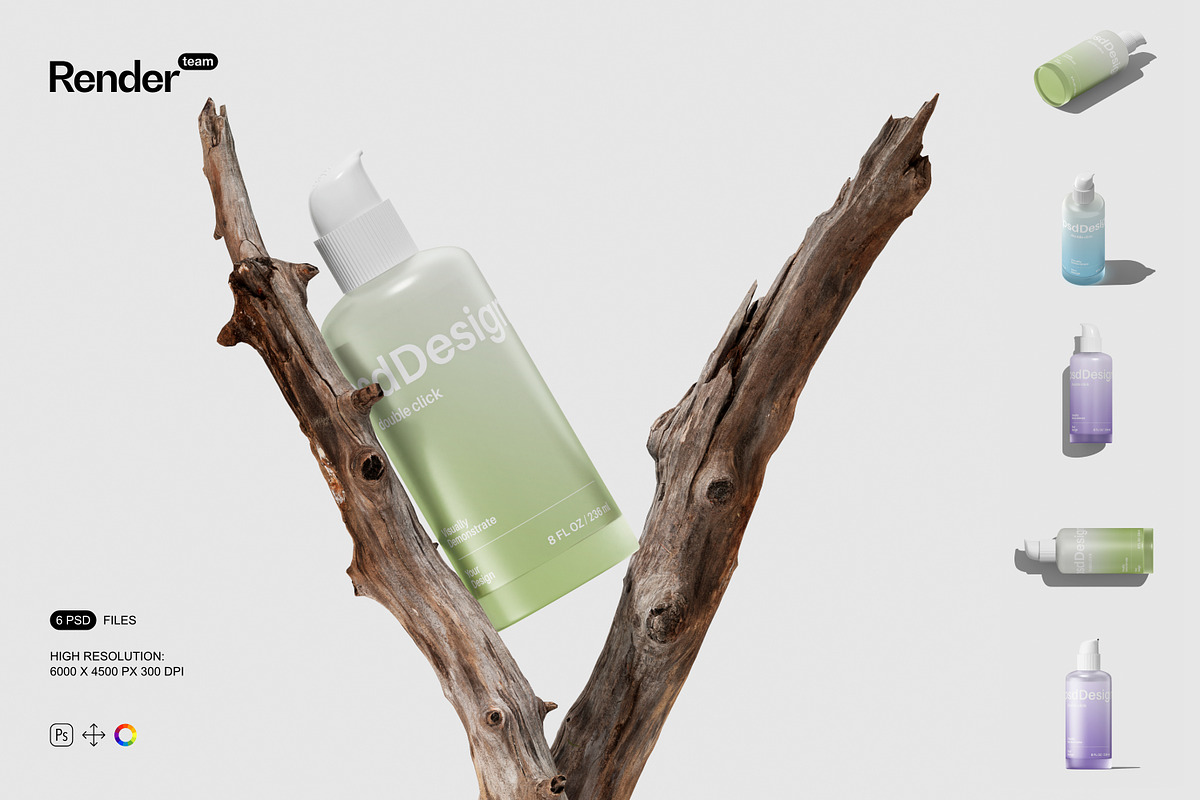
The Cosmetic Bottle Mockup Set delivers five meticulously crafted, fully layered PSD files designed to showcase your cosmetic bottle and packaging designs with realism and polish. Each mockup uses Smart Objects and organized color layers so you can apply your label artwork and color schemes quickly and non-destructively. The files come at high resolution (6000 × 4500 px, 300 dpi) to preserve texture detail and typography clarity for both web previews and print-ready proofs. Whether you prepare product presentation images for client reviews, online stores, or portfolio displays, this set helps you produce consistent, high-quality visuals that emphasize material, finish, and scale.
Key Features
Fast, Non-Destructive Smart Object Workflow
Save time and keep your originals intact by editing the dedicated Smart Object for each bottle. Double-click the Smart Object layer, place your artwork or label design, align to the guides, then save. The main scene updates automatically so you can iterate multiple variations without altering the master mockup.
Organized Layers and Color Controls
Each PSD includes clearly named folders and grouped layers separating bottle body, cap, label, highlights, and shadows. Use the color layers to change bottle finishes and label backing instantly. Organized groups let you toggle elements, swap backgrounds, and adjust effects without hunting through many unnamed layers.
High Resolution and Isolated Elements
Mockups are delivered at 6000 × 4500 px and 300 dpi, ensuring crisp renders and preserved surface detail for close-up and full-scene compositions. All objects and shadows are isolated to allow independent adjustment or export. You can reduce shadow intensity, remove reflections, or composite bottles into other scenes while maintaining realistic lighting and perspective.
Fully Editable Compositions
Every mockup preserves editable layers for highlights, textures, and overlays so you can tailor the visual outcome to brand requirements. Replace label designs, recolor caps, and control specular highlights with layer opacity and blending modes for a true-to-life finish.
Included Files
- 5 layered PSD mockup files showing different bottle types and angles
- Smart Object layers for each bottle label and artwork
- Separated shadow, reflection, and highlight layers for precise control
- Color adjustment layers to switch bottle and cap finishes
- High-resolution files (6000 × 4500 px, 300 dpi) ready for web and print
- PDF help file with step-by-step instructions and export recommendations
How to Use
1. Open the PSD and Review Layers
Open a mockup in Adobe Photoshop (Creative Cloud recommended). Review the Layers panel to locate Smart Objects, color controls, and shadow groups. Identify the bottle, cap, label, and environment folders before inserting artwork.
2. Insert Your Label or Artwork
Double-click the Smart Object thumbnail for the label layer to open the editable canvas. Place your artwork, align using guides, and save the Smart Object. Return to the main document to see the design applied with perspective and lighting intact.
3. Adjust Materials and Lighting
Use the color adjustment layers to change the bottle body or cap finish. Modify highlight and shadow layers to match your desired lighting scenario. Toggle environment overlays and background blur to emphasize depth of field or product detail.
4. Export Final Assets
Export in sRGB for web use or convert to a print-ready profile for proofs. Use the included PDF for recommended export sizes, color profiles, and sharpening settings to ensure consistent results across channels.
Compatibility and Notes
The Cosmetic Bottle Mockup Set requires Adobe Photoshop with Smart Object support, layer styles, and blending modes. For best performance and full feature support, use a current Creative Cloud release. Any preview images, stock photos, or fonts shown in sample previews are not included and require separate licensing. The PSD files are optimized for Photoshop and may not function identically in non-Adobe editors.
Why Choose This Mockup Set
Choose this set when you need realistic, customizable product images delivered quickly. The Smart Object workflow and structured layers let you iterate on multiple concepts, demonstrate color and finish variations, and export high-resolution images suitable for client presentations, e-commerce listings, and marketing materials. With five polished mockups and a clear PDF guide, you can reduce turnaround time and deliver professional packaging renders that support decision-making and sales presentations.
Tips for Best Results
- Match your artwork resolution to the Smart Object canvas to avoid pixelation.
- Work non-destructively: use adjustment layers and masks inside Smart Objects.
- Preview at 100% to confirm typographic clarity and texture detail before exporting.
- Keep backups of original PSD files before heavy color grading or compositing.