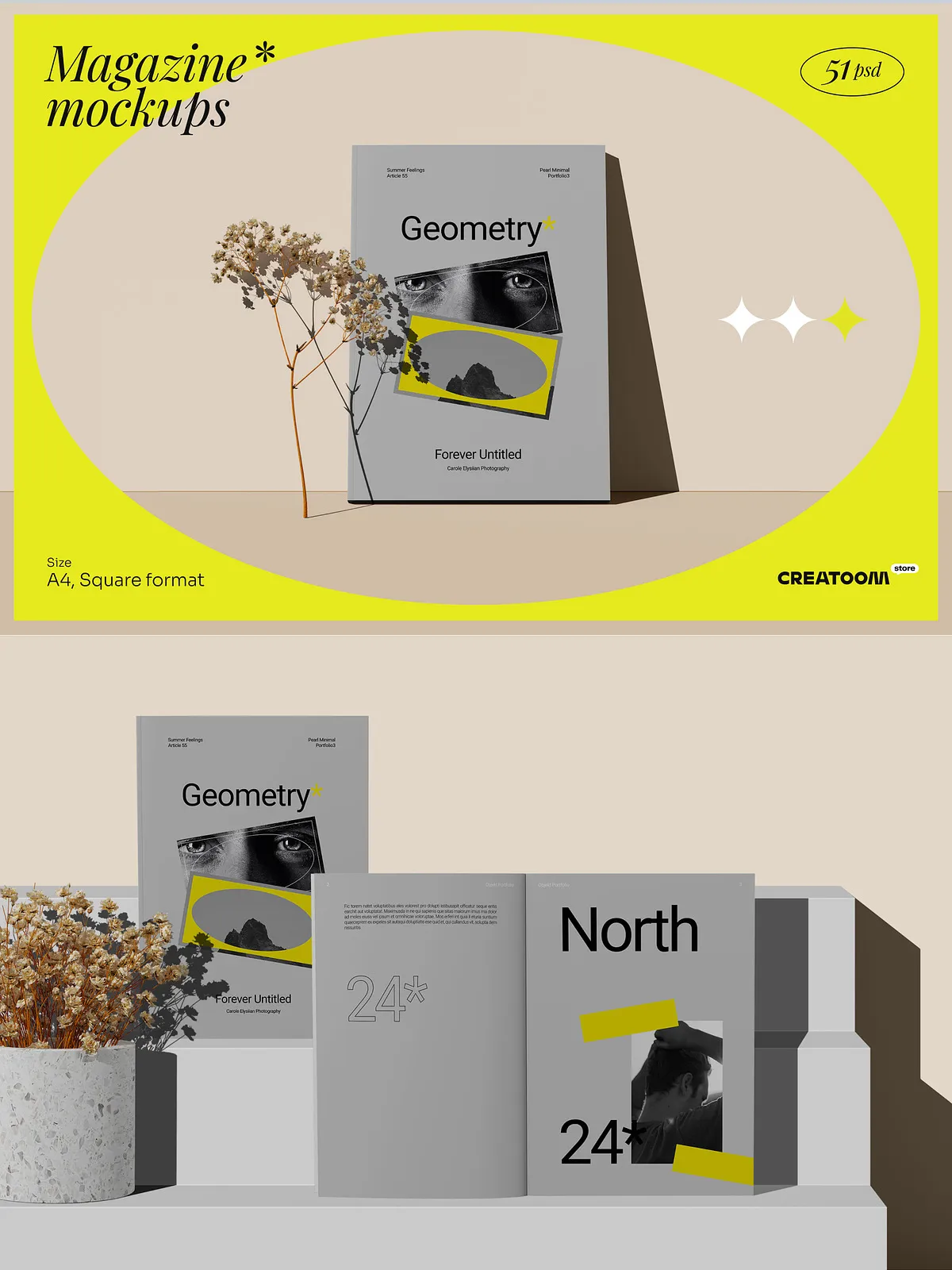
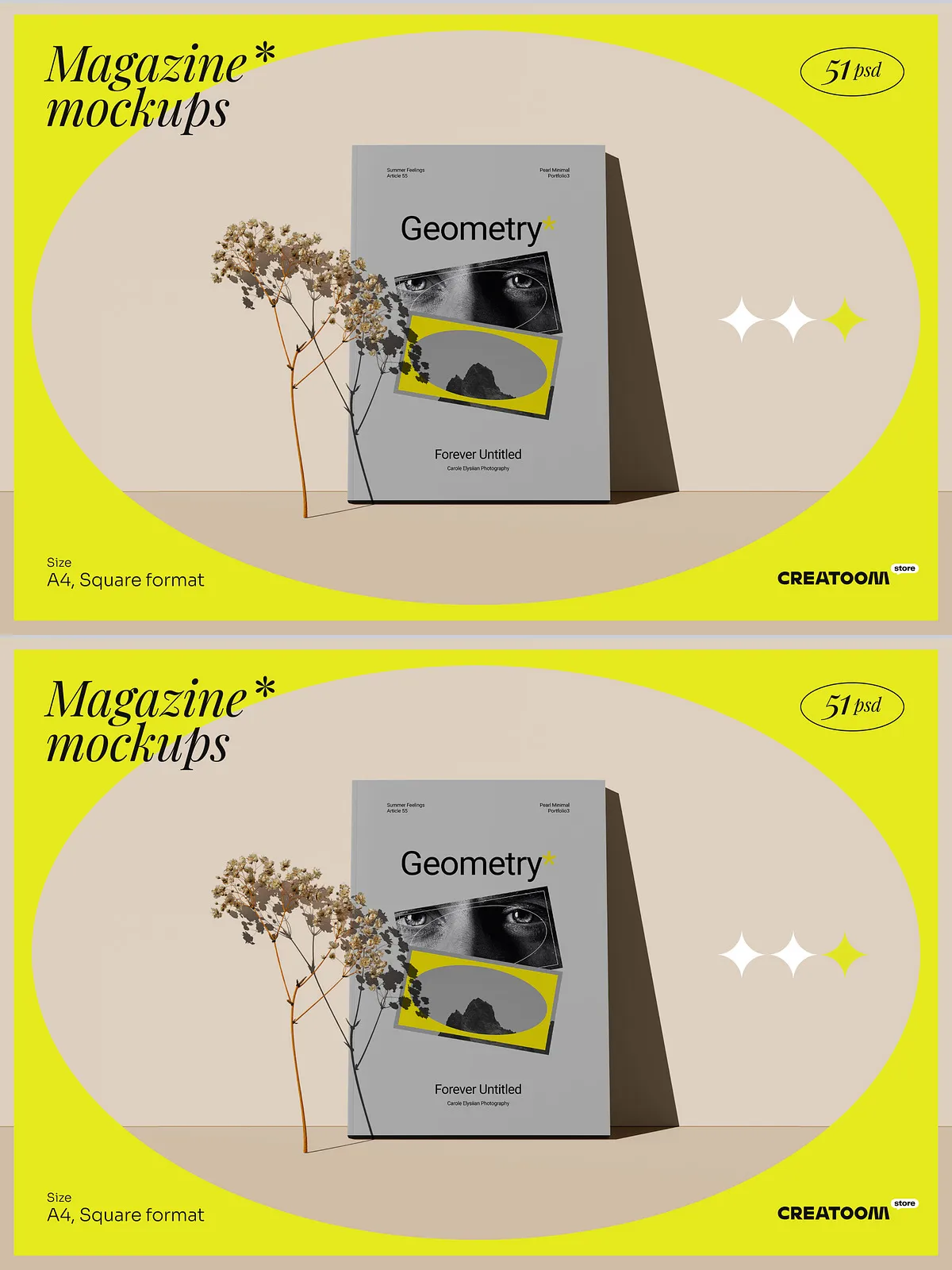
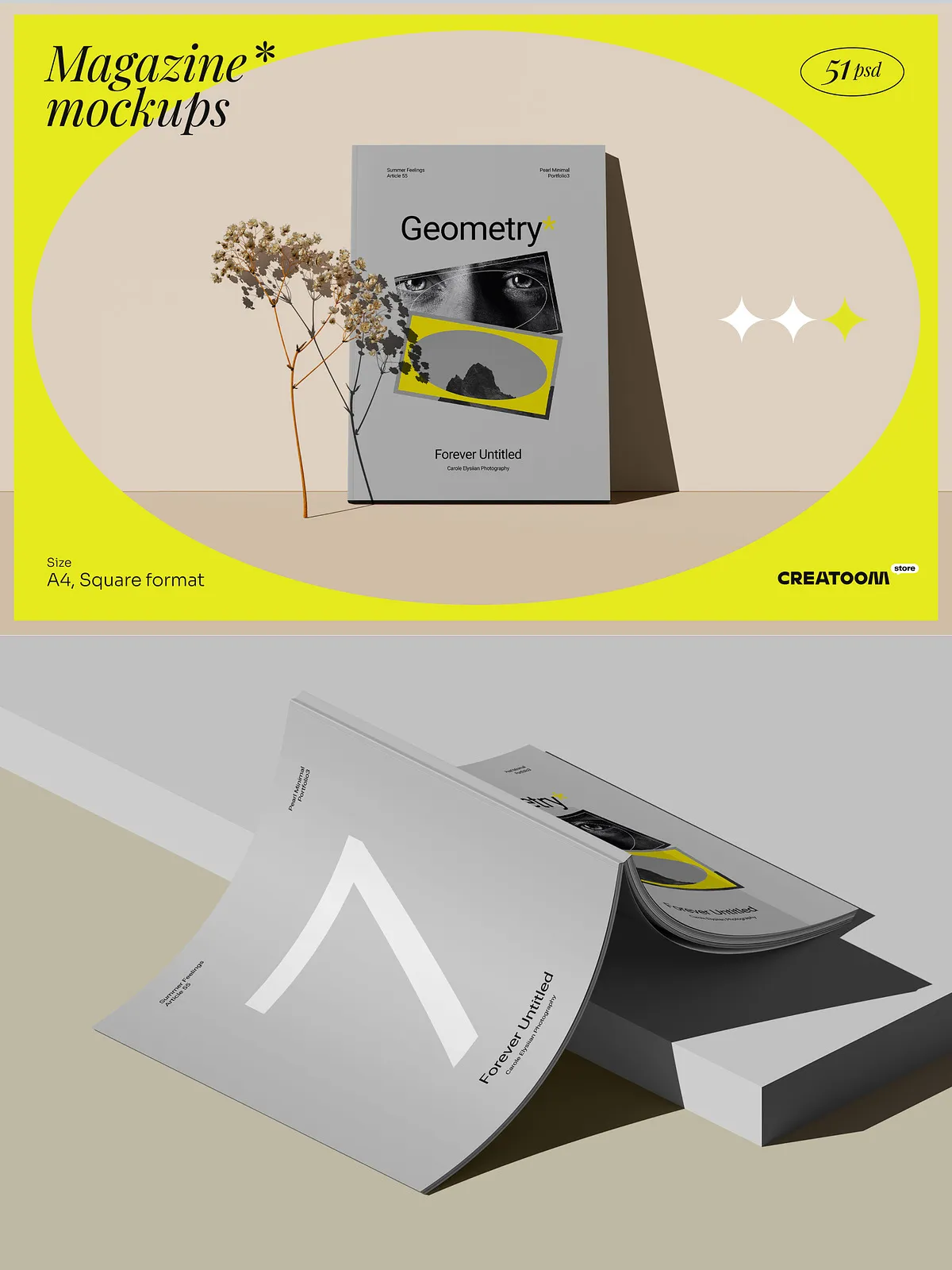
Elevate your creative process with the Geometry Magazine Mockups Scene Creator—a sleek, modern, and highly functional collection engineered for designers who value minimalism, clarity, and professional presentation. This powerful suite delivers 54 fully customizable magazine mockups in three distinct perspectives: front view, isometric, and top view—giving you complete visual control over how your content is showcased. Whether you’re presenting a print layout, digital magazine, brand campaign, or editorial project, this kit helps you deliver polished, realistic visuals in minutes.
Stop spending hours building scenes from scratch. With this set, you gain instant access to structured, studio-ready environments where every detail—from lighting to surface texture—can be customized to match your exact vision.
Comprehensive Layouts for Every Design Need
The Geometry suite offers unmatched versatility with multiple formats, views, and customizable components, ensuring your work stands out in any context.
- A4 Vertical & Square Magazine Mockups: Optimize your presentation for standard print sizes and modern digital layouts. Choose from portrait orientation designs that mimic real-world magazine dimensions, or use square formats for social media, digital portfolios, and web content.
- Front View (18 Magazine + 8 Branch Mockups): 18 professional front-view templates deliver realistic, flat placements ideal for print mockups. The 8 branch versions offer dynamic variations—perfect for showing alternate layouts, covers, or regional editions.
- Isometric View (26 Magazine + 9 Branch Mockups): Add depth and dimension with 26 isometric scenes that bring your magazine to life. These views simulate real-world lighting, perspective, and spatial harmony—ideal for presentations, pitch decks, and digital portfolios.
- Top View (10 Magazine + 10 Branch Mockups): Showcase editorial layouts from above, simulating how a magazine would be stacked or arranged on a table or shelf. Great for product design, packaging, and lifestyle branding.
Full Creative Control with Real-Time Customization
Every asset is built to empower you with instant, non-destructive edits. Customize every aspect of your mockup to match your brand, color palette, and creative mood:
- Adjust Shadow Saturation and Reflection Intensity: Fine-tune ambient lighting and depth effects with precision. Control shadow softness, opacity, and direction to create dramatic contrast or soft, minimalist elegance.
- Change Background Colors and Textures: Swap out surfaces instantly—from marble and concrete to wood, paper, or digital gradients—without compromising realism or layer integrity.
- Replace Magazine Covers and Interior Pages: Use smart object layers to insert your own designs, layouts, images, or typography with perfect alignment and scaling.
- Modify Surface Textures and Materials: Experiment with glossy, matte, textured, or translucent finishes to match the tone of your project—be it luxury editorial, high-energy fashion, or clean tech publishing.
Streamlined Workflow with Smart Folder Structure
Every file is meticulously organized for maximum efficiency. The convenient folder structure separates content by view (front, isometric, top), format (A4, square), and type (magazine, branch), enabling rapid access and seamless project management. Whether you’re working solo or in a team, this intuitive system supports version control, file reuse, and consistent branding across multiple deliverables.
Designed for Real-World Impact
This kit isn’t just for show—it’s built for professional results. Use it to:
- Present editorial concepts with authentic spatial context.
- Showcase branding and packaging designs in realistic environments.
- Create stunning portfolios, social media content, and pitch materials.
- Speed up client revisions with editable, layer-based PSDs that adapt instantly.
- Deliver digital-first magazines with dynamic, immersive visuals.
Why Designers Choose Geometry Magazine Mockups
- Modern Minimalism at Its Best: Clean lines, balanced composition, and subtle shadows create a high-end aesthetic that highlights your design—not the template.
- Time-Saving by Design: Launch projects 80% faster with pre-built, editable scenes that eliminate manual modeling and scene construction.
- Consistent Quality Across All Formats: All assets maintain uniform scale, lighting, and perspective—ensuring professional cohesion across multiple mockup types.
Unlock Your Next Great Presentation
The Geometry Magazine Mockups Scene Creator is more than a toolkit—it’s your visual command center. Whether you’re a graphic designer, editor, art director, or creative agency, this set gives you the speed, flexibility, and polish needed to impress clients, publish work with confidence, and communicate ideas with unmatched clarity.