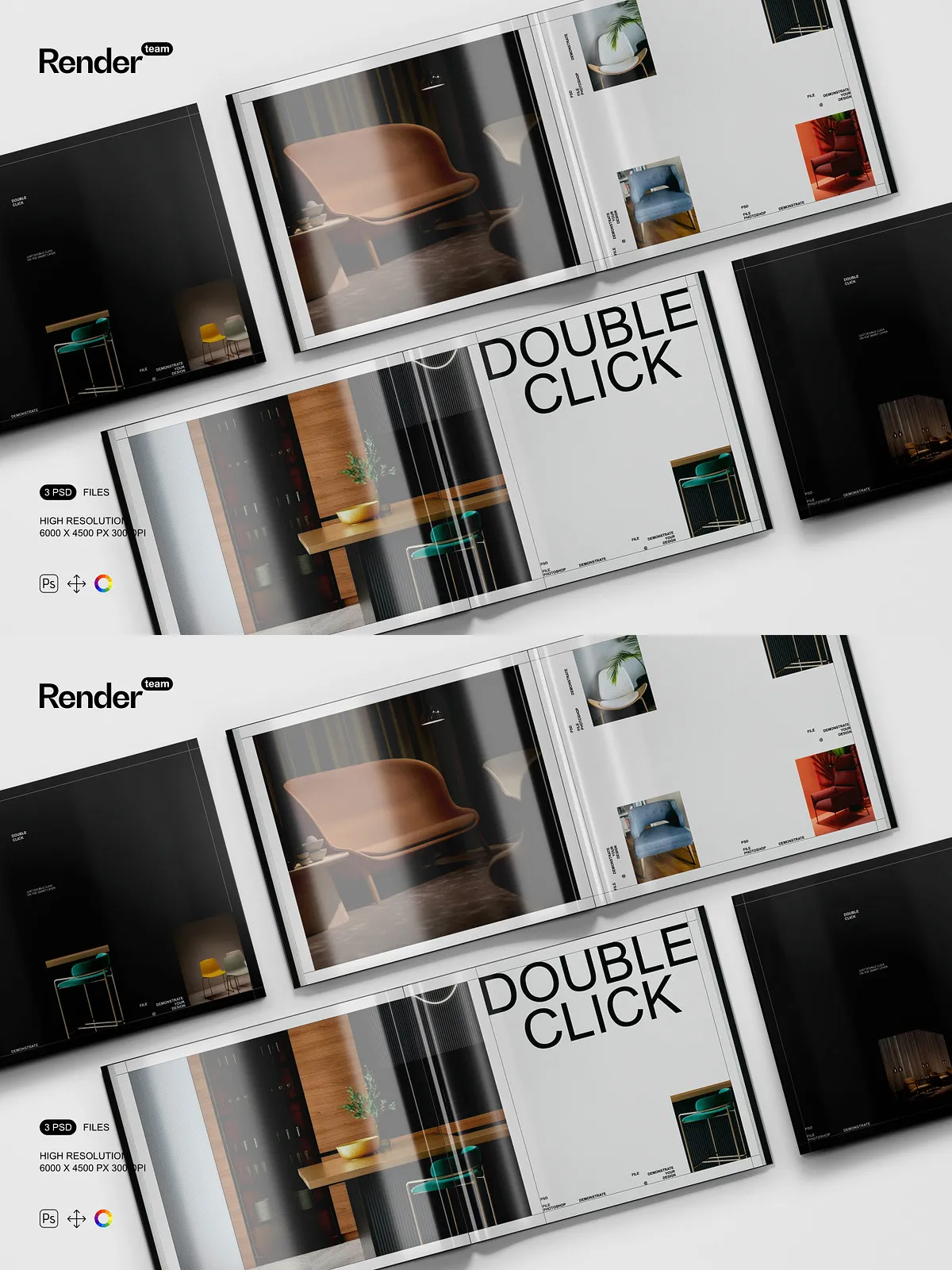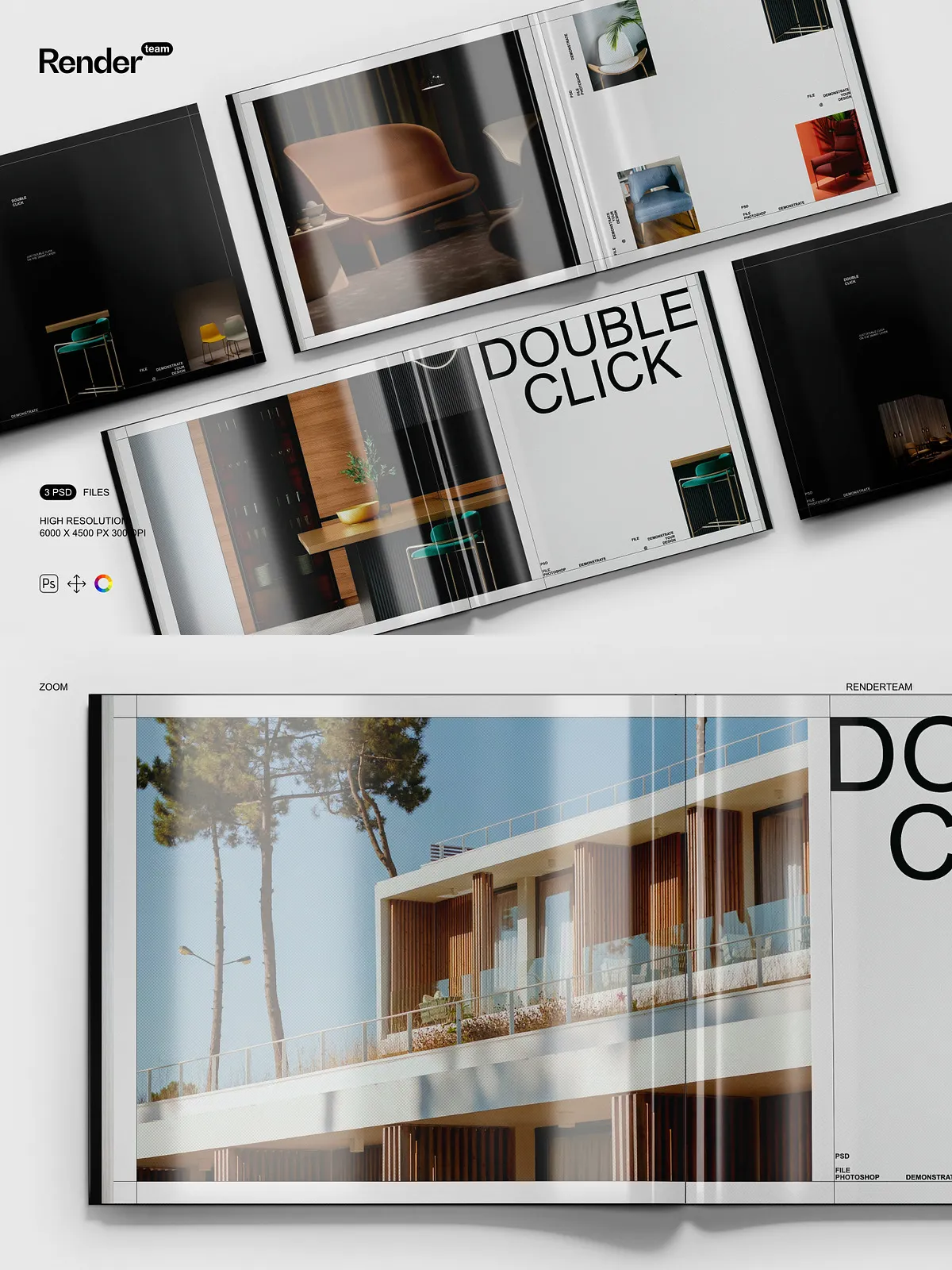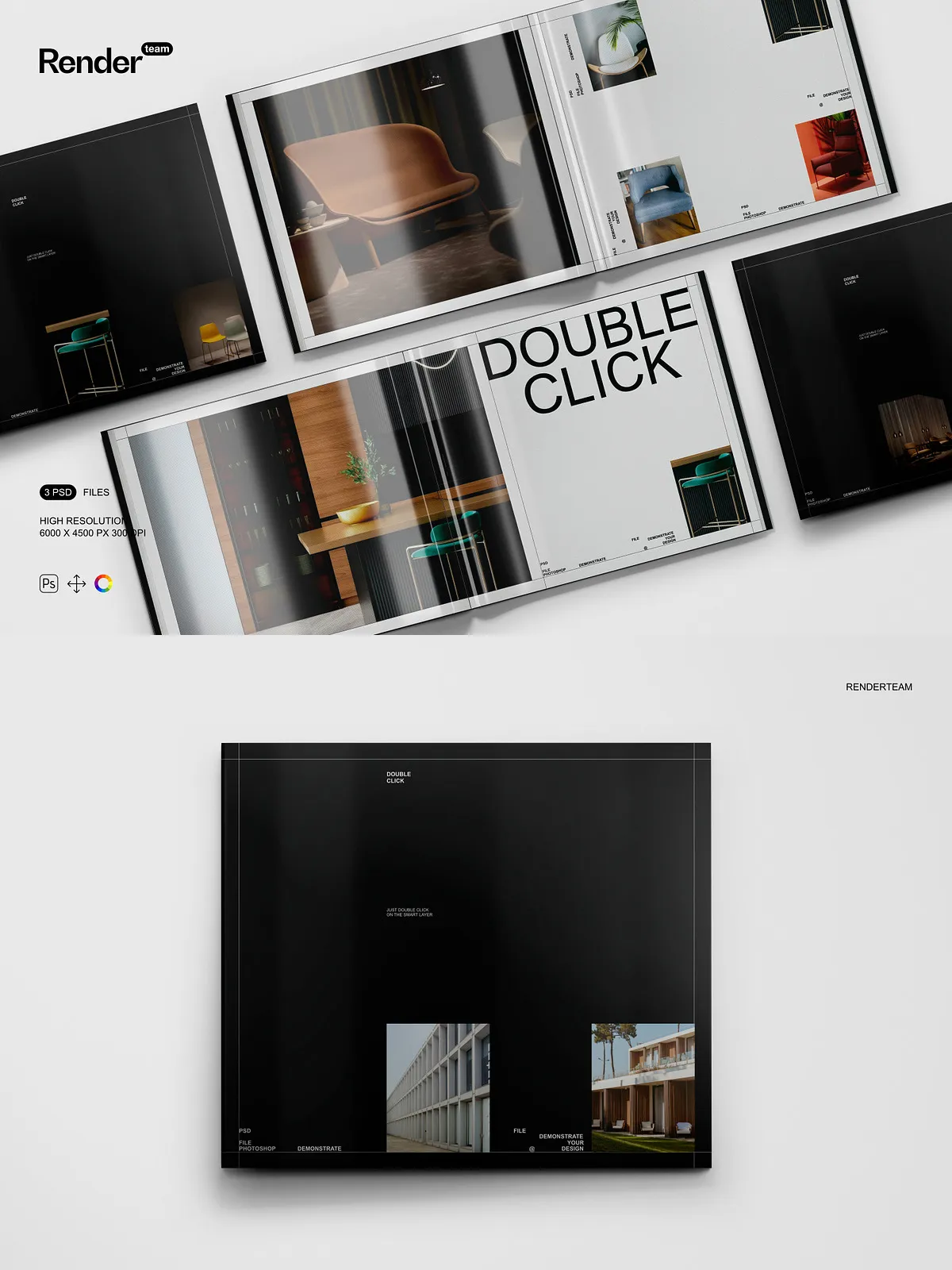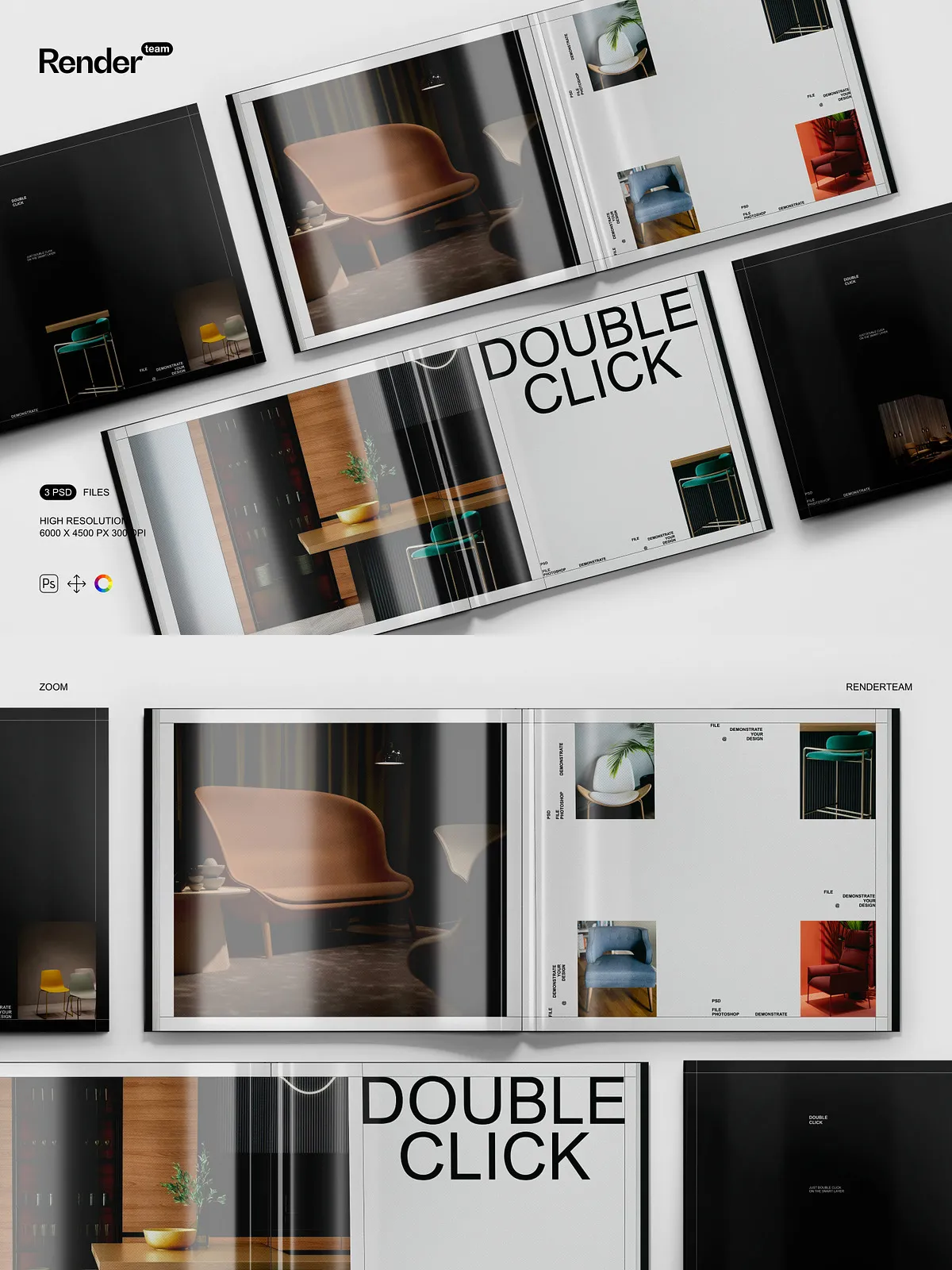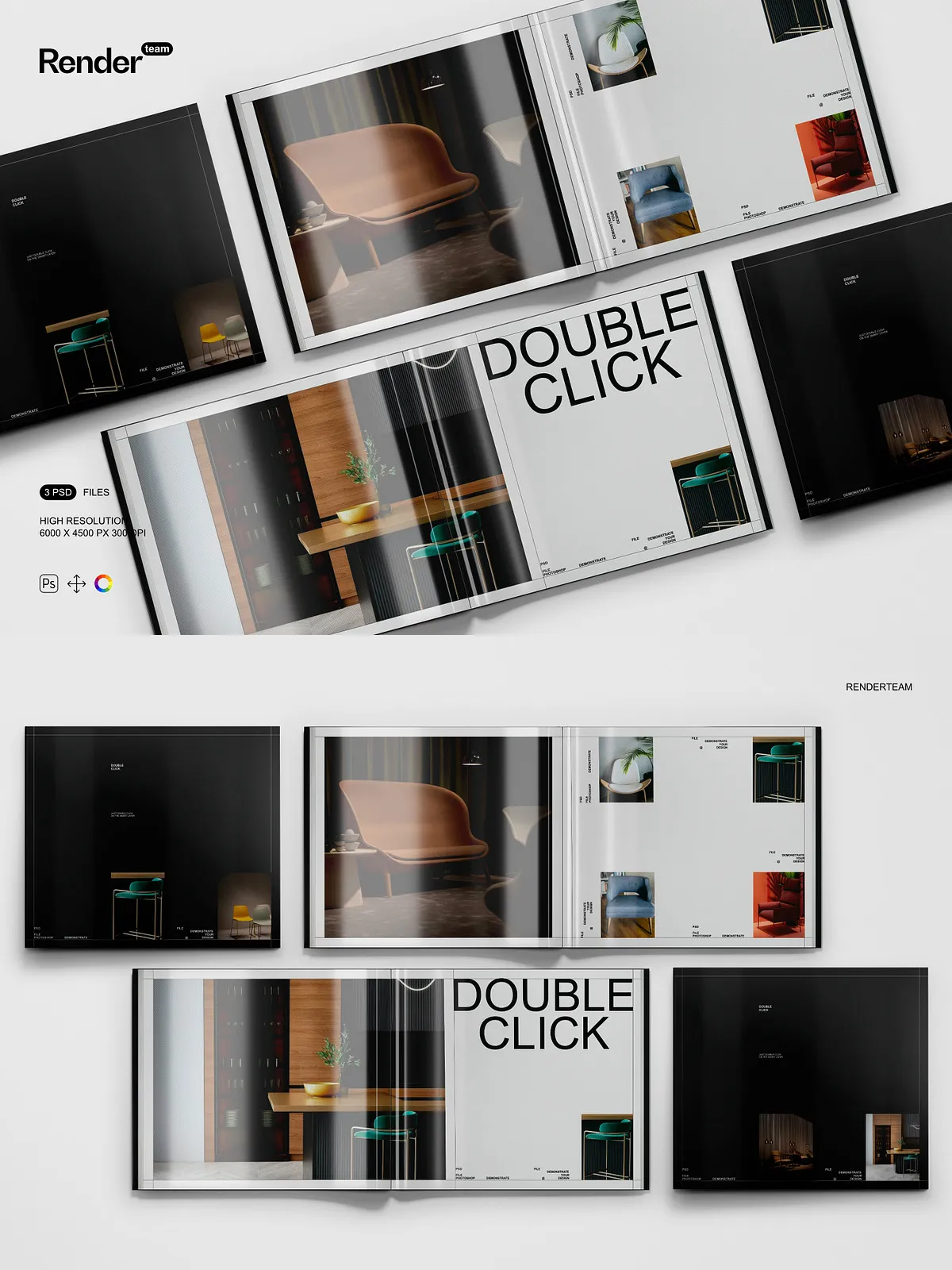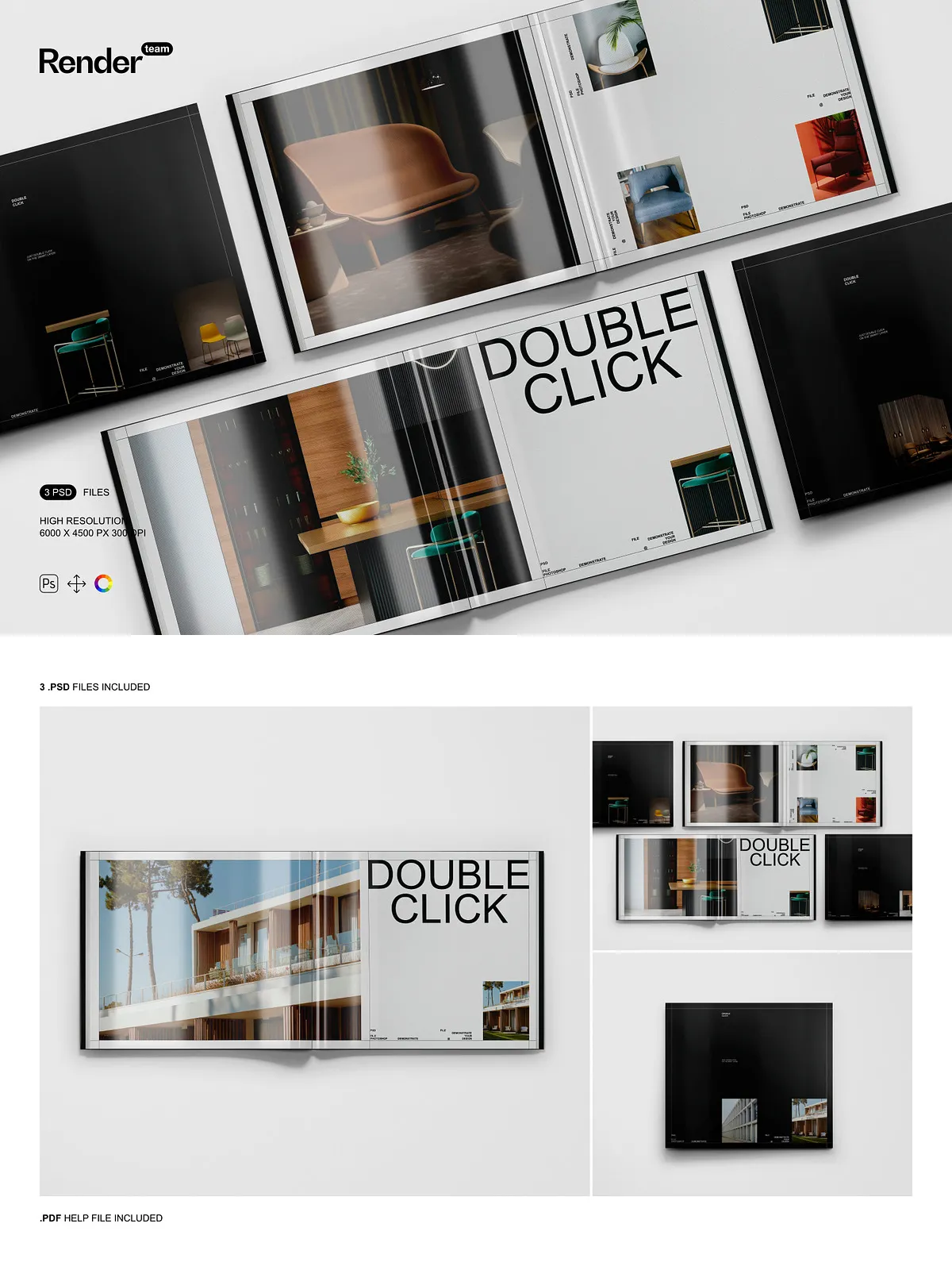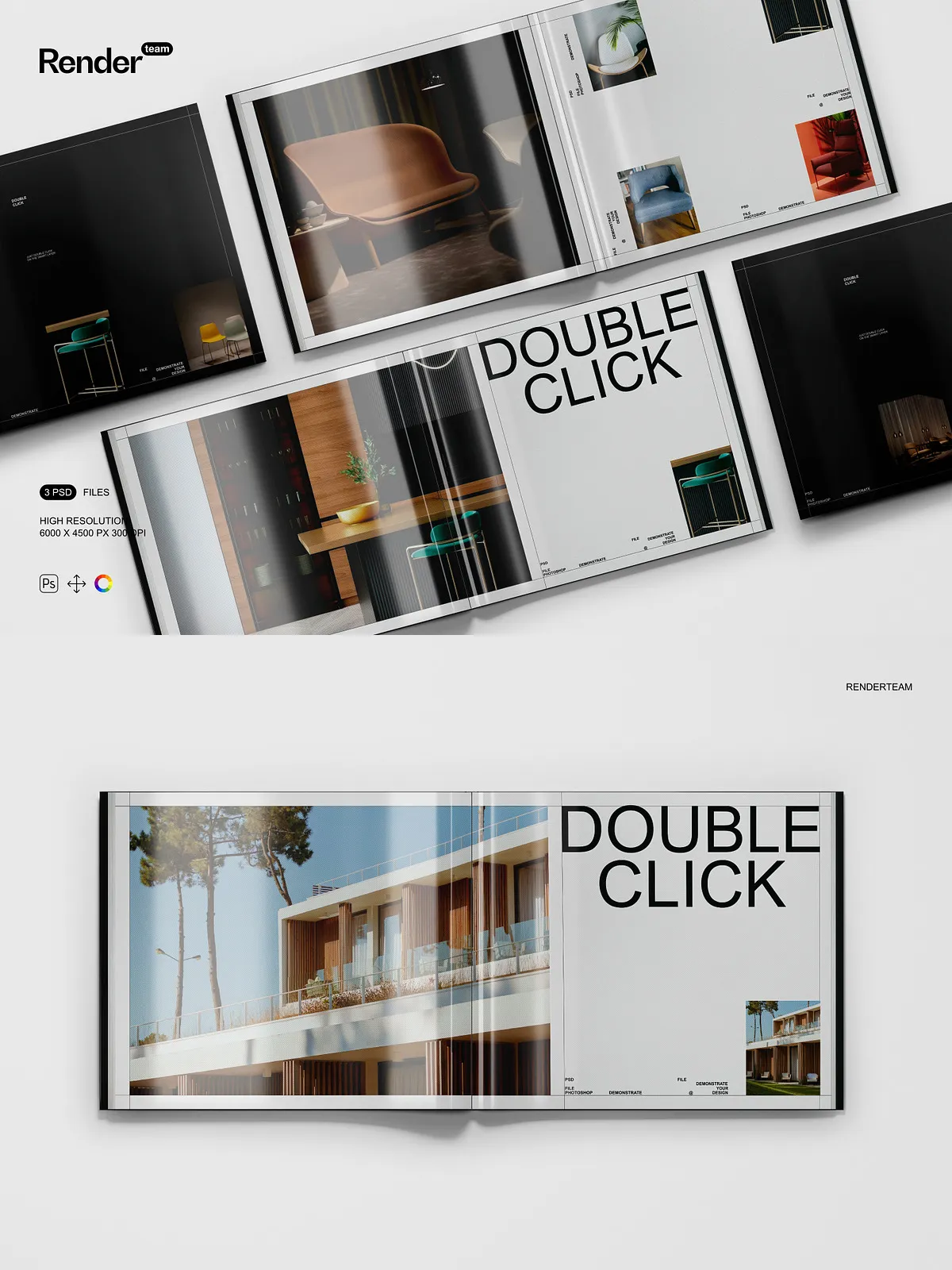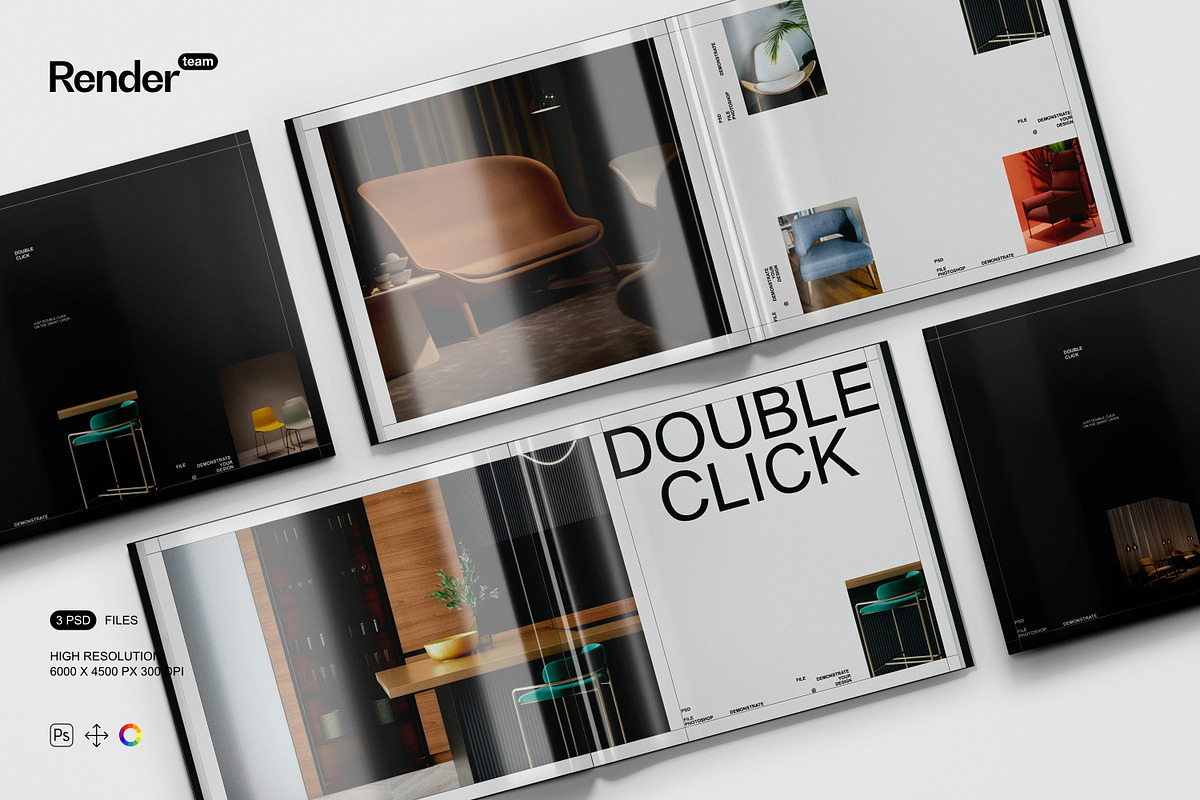
Immerse your audience in premium visual storytelling with the Glossy Magazine Mockup set—three expertly crafted, fully layered, and editable .PSD files engineered to display your custom magazine cover and interior pages with breathtaking realism. Whether you’re a graphic designer, publisher, or brand marketer, these mockups empower you to showcase your layout, typography, illustrations, and branding in lifelike environments: on a sleek coffee table, next to a laptop in a modern workspace, or under studio lighting for editorial flair. Quickly swap in your designs, adjust colors, enhance textures, and deliver polished, high-impact visuals that convey professionalism, creativity, and editorial excellence—without the need for complex 3D rendering or costly photo shoots.
What’s Included: A Complete Visual Storytelling Kit
High-Impact Assets for Professional Design Presentation
- Three professionally styled PSD mockups: one showing the glossy magazine open on a glass coffee table with warm ambient lighting, another displayed in a minimalist office setting with a laptop and coffee mug for context, and a third shot from above with natural light streaming through a window to emphasize texture and reflectivity
- A comprehensive PDF help file with step-by-step instructions, layer navigation guides, editing shortcuts, and pro tips to ensure instant setup and flawless execution
Technical Excellence Built for Real-World Use
- Ultra-high resolution: 6000 × 4500 pixels at 300 dpi—ideal for print brochures, high-end portfolios, trade show displays, and large-format digital banners
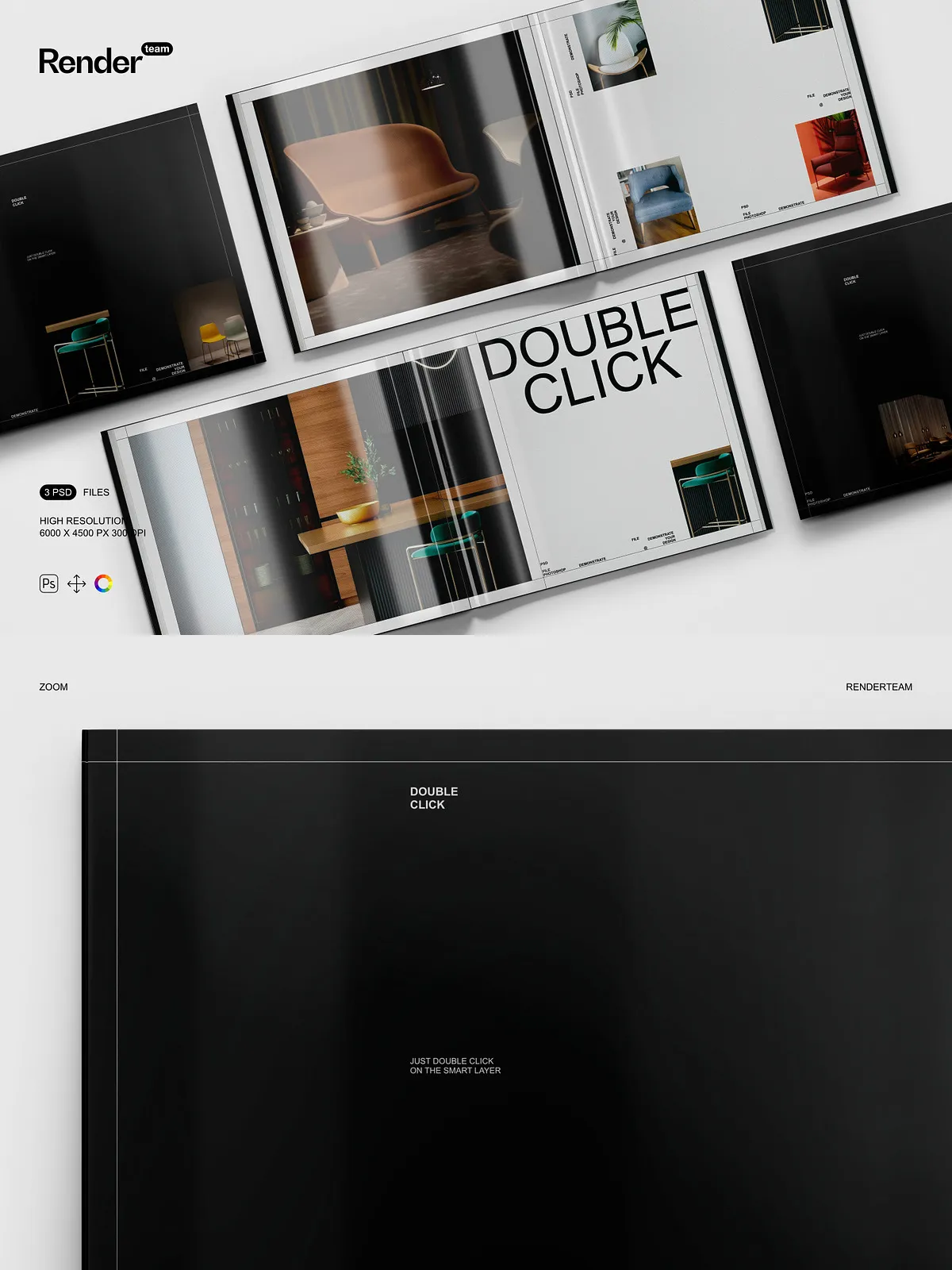
- Smart Object integration: Double-click any Smart Layer to access the embedded design canvas, insert your cover artwork, resize with Free Transform, and save—your main mockup updates instantly with pixel-perfect clarity and no quality degradation
- Isolated components: Every element—magazine cover, spine, interior pages, reflections, shadows, and background textures—is placed on separate, clearly labeled layers for precise, non-destructive editing
- Structured layer hierarchy: Organized folders such as “Cover Design,” “Spine Details,” “Page Layout,” “Shadow System,” “Highlight Effects,” and “Background Lighting” allow for rapid workflow navigation and error-free project management
- Adjustable color and lighting layers: Use non-destructive adjustment layers to modify the glossy finish, shift from warm to cool tones, simulate different lighting conditions, or create a matte alternative—all in real time
Effortless Editing, Immediate Visual Impact
Launch Your Cover Design in Seconds
Open your chosen PSD in Adobe Photoshop CC 2023 or later, then locate the Smart Object layer titled “Insert Your Magazine Cover” or “Place Your Design.” Double-click the layer to activate the embedded workspace. Paste your high-resolution design into the safe zone—ensuring your logo, headline, and imagery align perfectly with the frame. Use Free Transform (Ctrl/Cmd + T) to scale, rotate, and reposition your content for visual harmony. Save the file and exit—the main mockup updates instantly with crisp, natural-looking results. This seamless workflow supports rapid iteration, dynamic client feedback, and flawless presentation readiness.
Refine Realism with Advanced Control Tools
Adjust shadow intensity, angle, and softness to match different lighting environments—natural daylight, indoor studio lights, or dramatic spotlighting. Replace background scenes with alternate settings: switch from coffee table to bookshelf, or from office desk to living room lounge for diverse brand positioning. Apply gradient overlays to generate premium finishes like metallic sheen, soft glow, or high-gloss reflection. Enhance contrast, saturation, and clarity using Levels, Curves, and Hue/Saturation layers to ensure your magazine looks premium, consistent, and perfectly aligned with your brand identity.
Build Engaging Visual Narratives for Marketing Campaigns
Transform your magazine into a story: place it beside a pair of reading glasses, a tablet, a notebook, or a steaming mug to evoke a lifestyle theme. Add dynamic text overlays—“Now Available,” “Editor’s Pick,” “Limited Edition,” or “Free With Subscription”—to drive urgency and engagement on social media, landing pages, and email newsletters. Develop seasonal variations—holiday issues with festive color schemes, summer-themed covers with beachy gradients, or winter spreads with frost effects—to align with promotions, brand events, or seasonal content calendars. Prepare motion-ready exports for interactive website sections, animated ads in After Effects, or dynamic social content with hover animations and smooth transitions.
Optimize Workflow for Speed, Scalability, and Team Collaboration
Step-by-Step Guide to Flawless Output
- Launch Adobe Photoshop CC 2023 or newer and open your selected PSD file.
- Locate the Smart Object labeled “Place Your Cover Design” or “Insert Magazine Content”.
- Double-click the layer to enter the embedded canvas environment.
- Paste your custom cover layout, logo, title, and image into the designated safe zone with precise alignment.
- Use Free Transform (Ctrl/Cmd + T) to scale, reposition, or rotate the design for visual balance.
- Save the file (Ctrl/Cmd + S), close the embedded window, and watch your mockup update in real time.
- Apply adjustment layers for contrast, brightness, and color vibrancy to elevate visual appeal.
- Export in PNG (web), JPEG (social media), or TIFF (print) with transparency or high-resolution settings as needed.
Suit Every Project: For Designers, Publishers, and Marketers
This mockup set is purpose-built for professionals who demand precision, speed, and visual impact. Use it to:
- Create eye-catching Instagram posts, Facebook ads, or Pinterest visuals featuring your magazine in authentic, relatable settings
- Build compelling e-commerce product pages with realistic, clickable mockups that boost engagement and conversion rates
- Secure client approval with presentation-ready visuals that demonstrate technical skill, creative vision, and brand consistency
- Enhance your design portfolio with dynamic