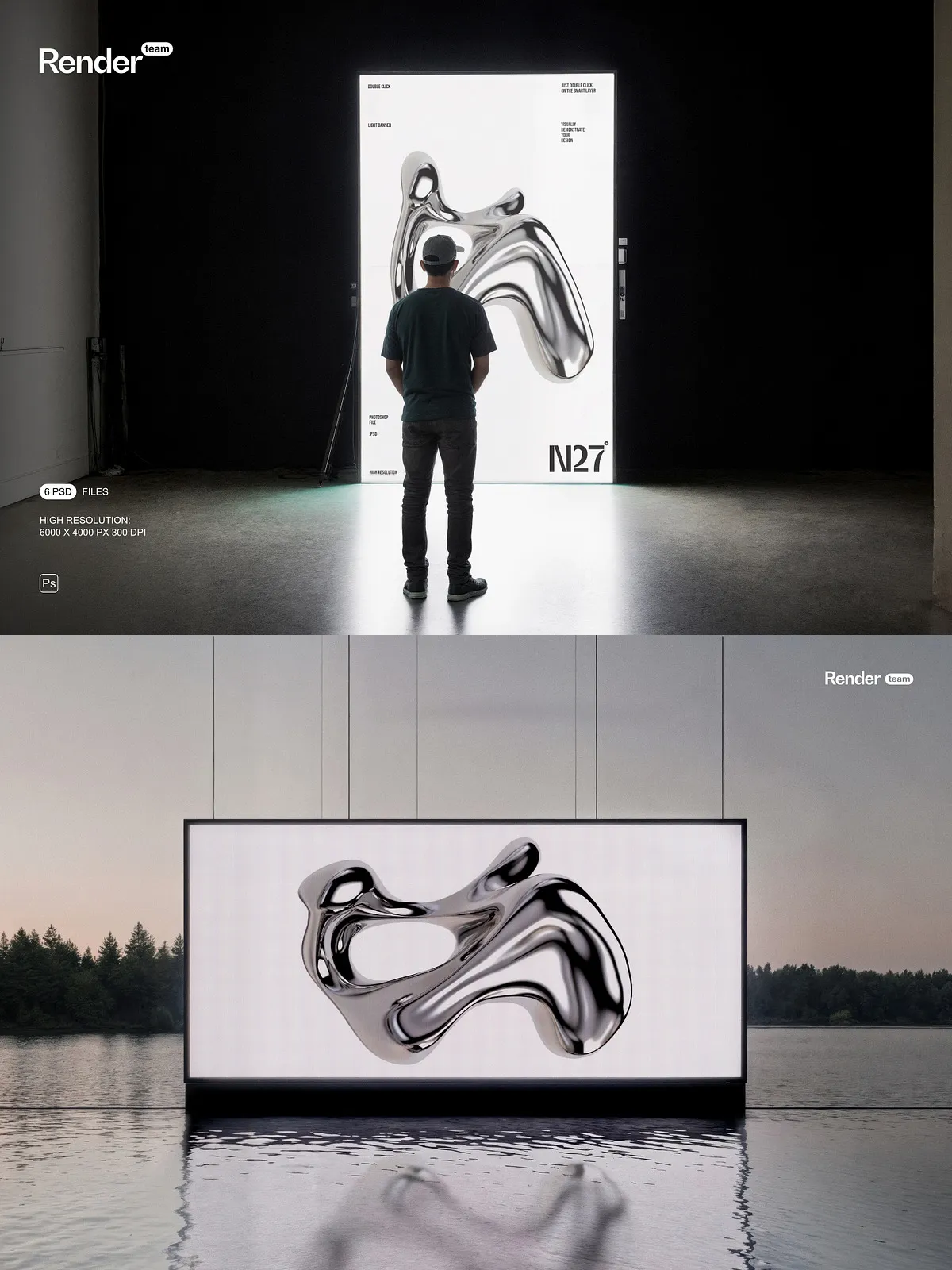
Step into the future of visual storytelling with the iPhone 17 Pro Scene Mockup Set, a powerful suite of 6 professionally crafted, layered PSD files engineered to showcase your custom designs with unparalleled realism and speed. Designed for brands, designers, and marketing teams aiming to captivate audiences on platforms from social media to billboards, this mockup set delivers 6000 x 4500 pixels at 300dpi, ensuring pixel-perfect clarity for print, web, and video formats. Every scene is meticulously crafted with depth, light, and texture to simulate real-world usage—making your mockups not just visual assets, but compelling storytelling tools.
Breakthrough Editing with Smart Object Technology: Replace in Seconds
Revolutionize your workflow with instant, non-destructive editing. Open any PSD file, double-click the designated Smart Object layer, insert your design—whether it’s a new app UI, brand logo, product shot, or lifestyle image—and save. Your content auto-scales with perfect proportions, crisp resolution, and zero distortion. No masking. No resizing. No frustration. Simply drag, drop, and transform. This intuitive system empowers you to generate dozens of variations in minutes for campaign testing, A/B content comparison, or multi-market localization—without ever compromising quality.
6 Immersive Real-World Scenarios: From Sunlit Streets to Evening Coffee Shops
Place your design where it belongs—within authentic, high-fidelity environments that reflect how users interact with their devices:
- Urban Morning Commute: iPhone 17 Pro on a City Bus with Natural Sunlight – Capture the energy of a bustling city with golden-hour light streaming through windows, soft shadows, and motion blur from passing traffic—perfect for tech, lifestyle, or travel brands.
- Cozy Coffee Shop: iPhone 17 Pro Resting on Wooden Table with Steam & Ambient Glow – Simulate warm, inviting atmospheres with soft reflections, steam rising from a cup, and natural textures—ideal for food tech, app developers, or minimalist branding.
- High-End Office Desk: iPhone 17 Pro with Multiple Monitors and Professional Setup – Present your product in a sleek, modern workspace environment with sleek edges, metallic glare, and digital content integration—ideal for B2B, SaaS, or productivity-focused campaigns.
- Beachside Sunset: iPhone 17 Pro Tucked in a Beach Bag with Reflections & Sand Texture – Add a touch of spontaneity and adventure with ambient light, sand particles, and natural gradients—perfect for travel apps, outdoor gear, or summer promotions.
- Dark Room with Soft Ambient Light: iPhone 17 Pro Displaying Night Mode UI – Showcase dark mode features, glowing notifications, and dynamic screen illumination with subtle background glow—ideal for UI/UX designers and app developers.
- Outdoor Park Scene: iPhone 17 Pro in a Backpack with Leaf Shadows & Daylight Filter – Bring realism to outdoor life with natural shadows, dappled sunlight, and organic textures—great for fitness, wellness, or environmental brands.
Intelligent Lighting & Scene Integration: Design Meets Environment
Go beyond static mockups—experience dynamic visual harmony with real-time environmental adaptation:
- Dynamic Lighting Response: The mockup automatically adjusts ambient light to match the dominant color palette of your design. Warm tones trigger golden glows; cool tones activate blue hour lighting—no extra adjustment needed.
- Auto-Reflection Technology: Glass, metal, and screen surfaces respond realistically to your design’s brightness and contrast, creating authentic reflections that enhance depth and credibility.
- Depth Layering & Surface Textures: Every mockup includes fine-grain texture layers for screen glass, fabric, wood, or metal, ensuring no two scenes look identical—and none look artificial.
- Manual Override Options: For full creative control, toggle off auto-adjustments and manually tweak lighting intensity, reflection strength, or shadow softness for branded consistency or artistic freedom.
This isn’t just a mockup—it’s an interactive environment that evolves with your design.
Perfectly Organized Layer Structure: Master Every Detail
Every visual element is grouped logically in dedicated folders with clear naming conventions, giving you complete control over the final output:
- Turn on/off layers for quick previews, side-by-side comparisons, or animation testing.
- Access isolated layers for shadows, highlights, reflections, and background noise to fine-tune realism.
- Reposition the phone freely within the scene—rotate, scale, or tilt without breaking perspective.
- Apply custom gradients, lens flares, or texture overlays to simulate wear, aging, or environmental exposure.
Whether you’re editing for a client, building a portfolio, or developing a campaign—this structure gives you power without complexity.
Professional-Grade Print and Digital Output: From Website to Billboard
Engineered for versatility across platforms and uses:
- High-Resolution for Print: 300dpi ensures flawless reproduction on posters, brochures, flyers, and billboards without pixelation.
- Optimized for E-Commerce: Crisp details and professional lighting build instant trust—ideal for Shopify, Etsy, or Amazon product listings.
- Perfect for Social Media: Designed with square and vertical aspect ratios ready for Instagram, TikTok, and Facebook.
- Ready for Video & Animation: Clean edges and layered elements make this ideal for motion graphics, explainer videos, or product reveal sequences.
- CMYK & RGB Compatible: Export in both modes for seamless use in digital campaigns or print production.
One set. Infinite applications. Zero compromises.
Comprehensive PDF Help File: Learn & Execute in Minutes
Get up and running instantly with the included PDF help file, your ultimate guide to mastering the entire workflow:
- How to open and navigate the layered PSD structure.
- Step-by-step instructions for replacing Smart Object content.
- How to enable auto-lighting, color adaptation, and reflection adjustments.
- Exporting in PNG, JPG, and PDF formats for web, print, and client sharing.
- Troubleshooting common issues: missing fonts, layer glitches, and compatibility warnings.
- Using the mockups seamlessly in Photopea (free online editor) and Affinity Photo (lightweight desktop alternative)—no software installation required.
From beginner to pro—this guide turns confusion into confidence in under 10 minutes.
Universal Compatibility: Design Anytime, Anywhere
Use this mockup set in your preferred design environment:
- Adobe Photoshop (CS6 and later): Full access to all Smart Objects, blending modes, and layer effects.
- Photopea (Free Web-Based Editor): Edit and export directly in your browser—no download, no cost, full functionality.
- Affinity Photo (Windows/macOS): Lightning-fast rendering with superior memory management and vector support.
Whether you’re on a desktop, laptop, or tablet—the creative power is always just one click away.