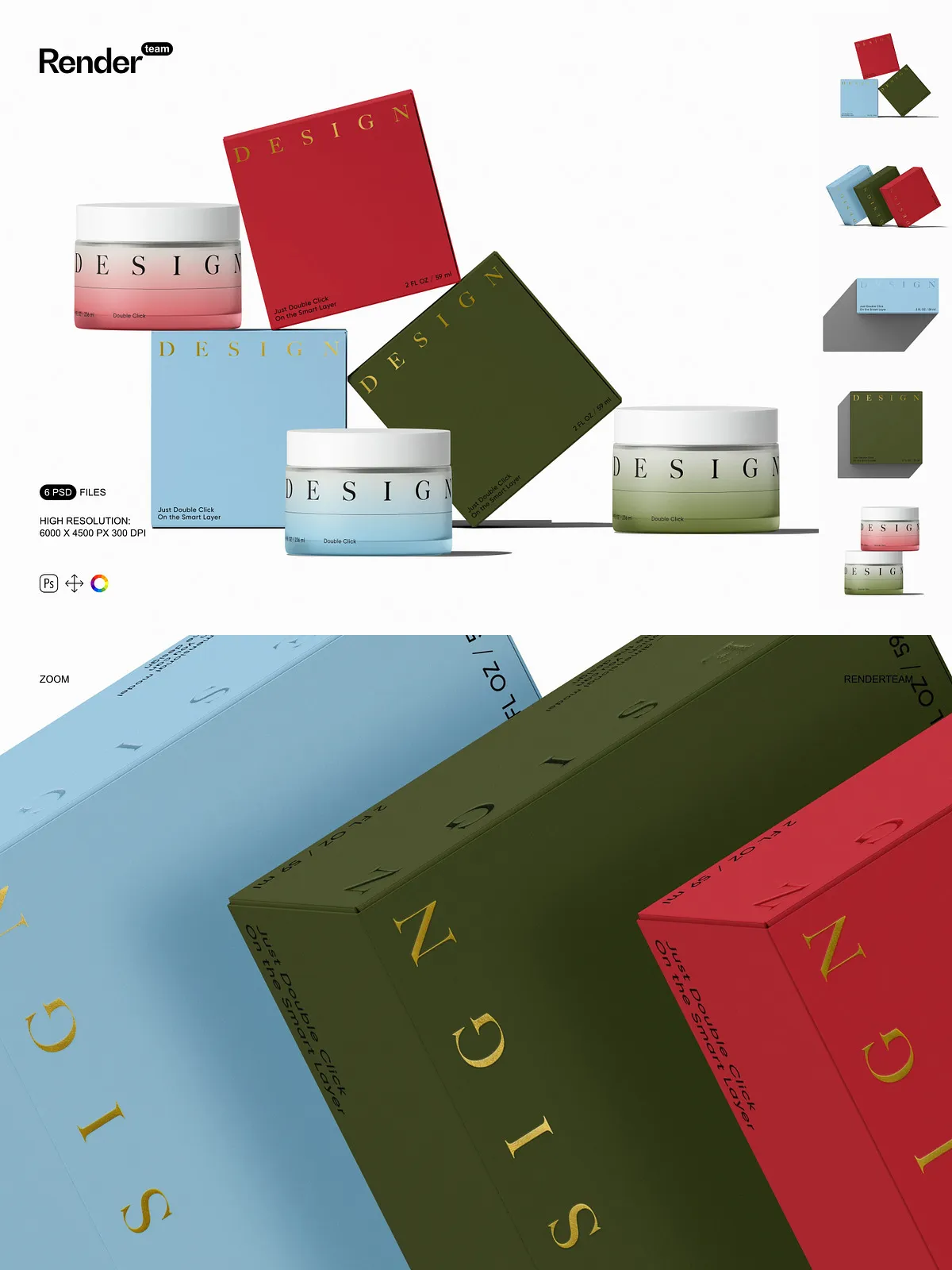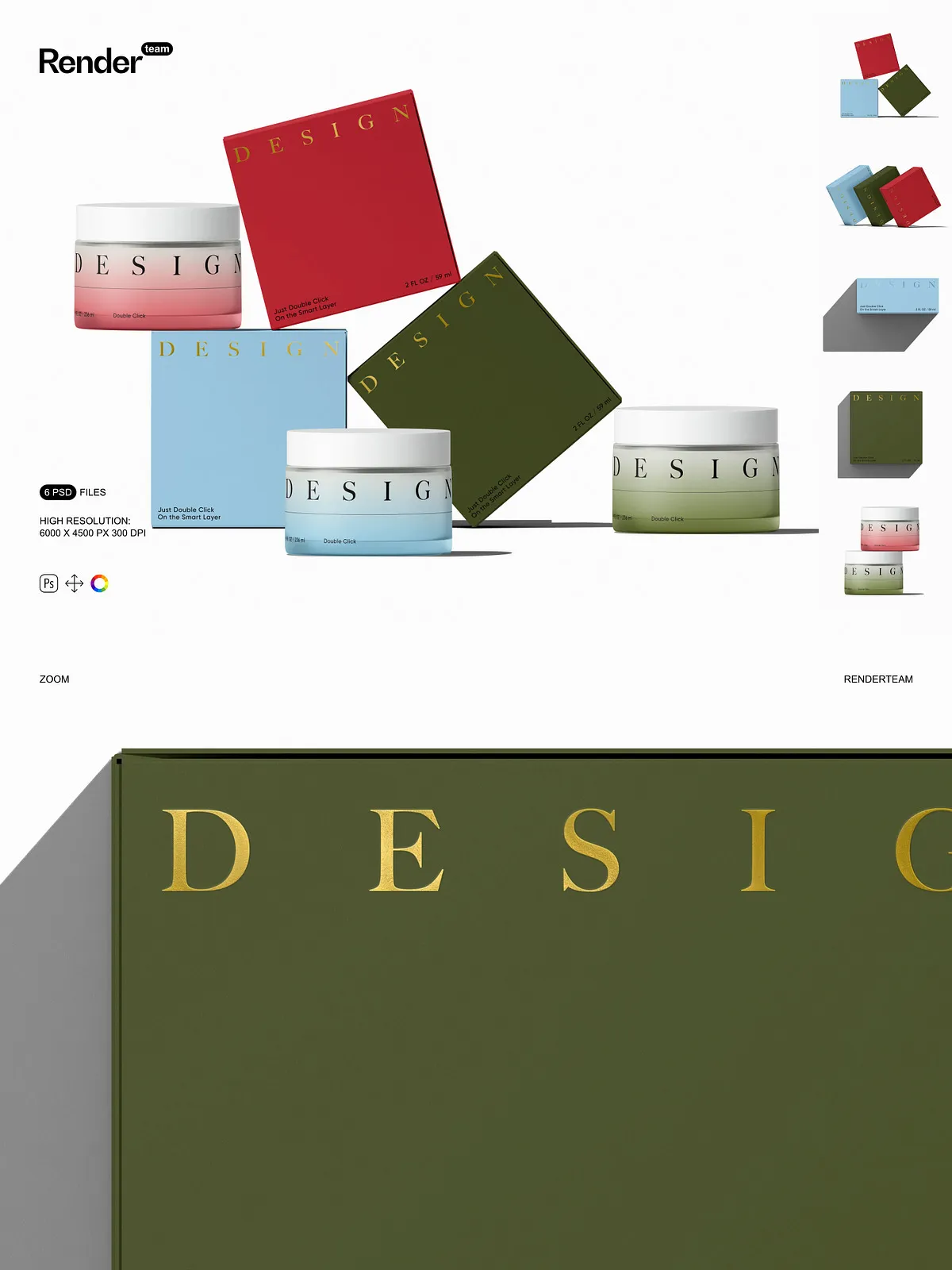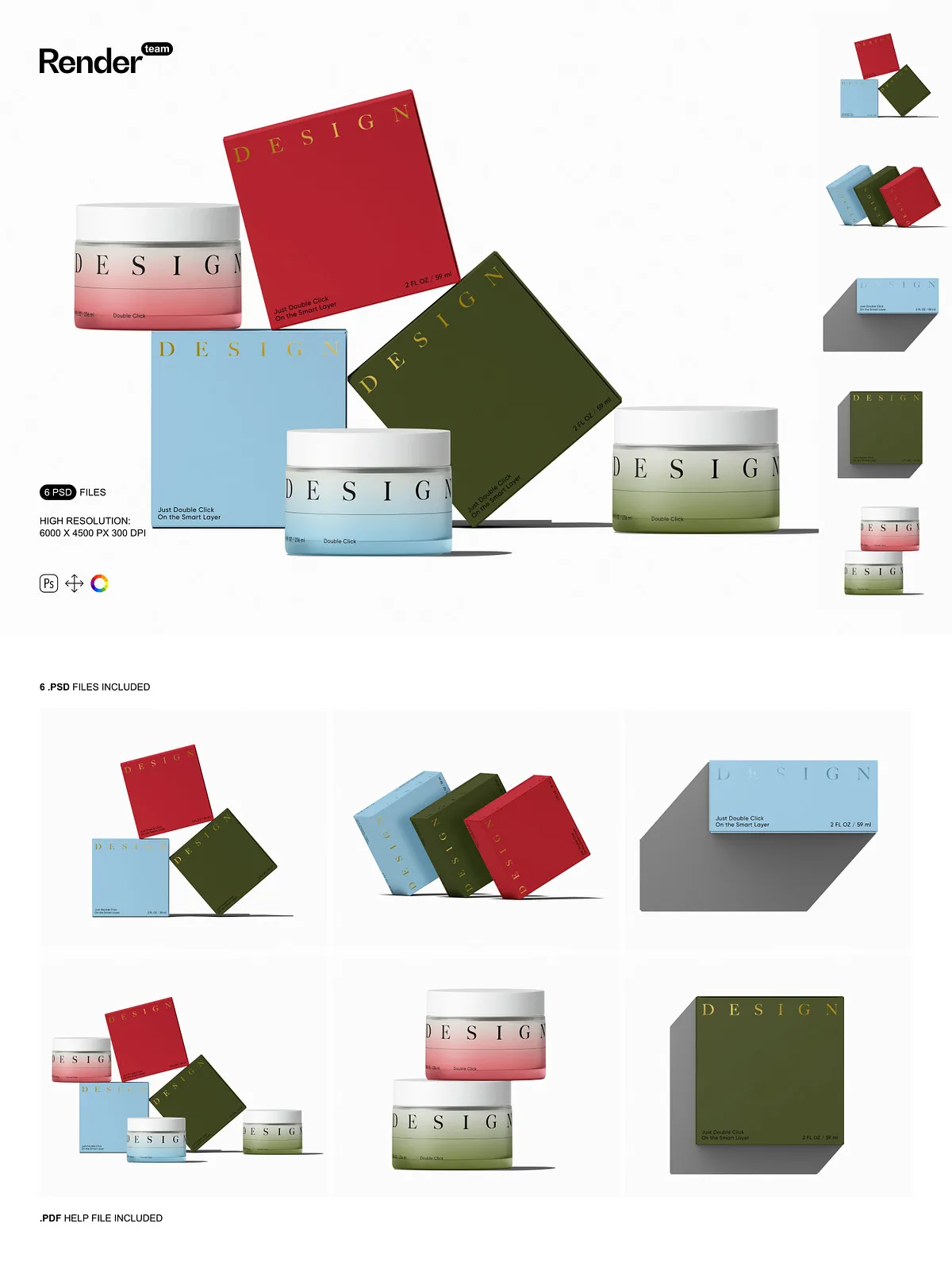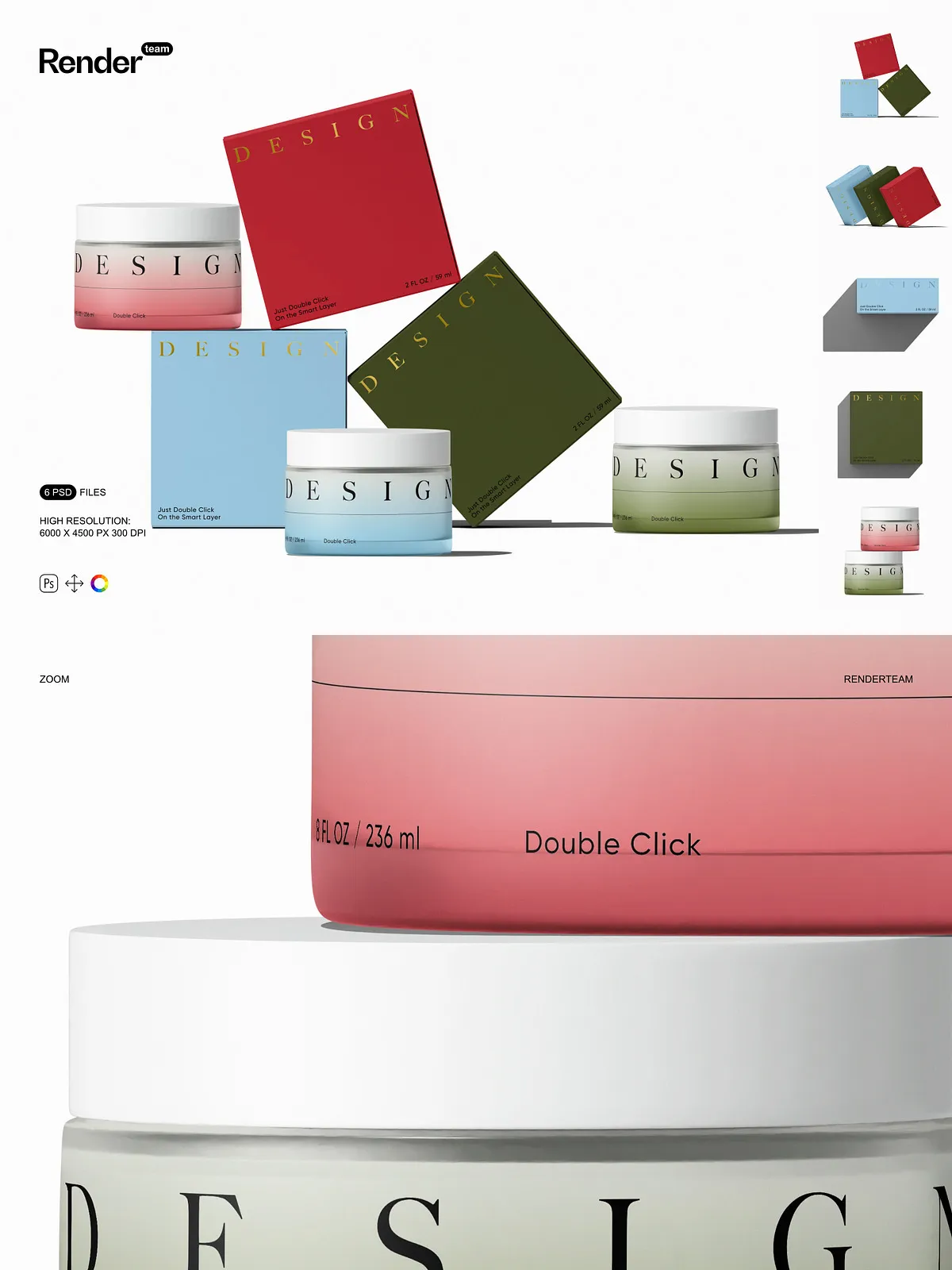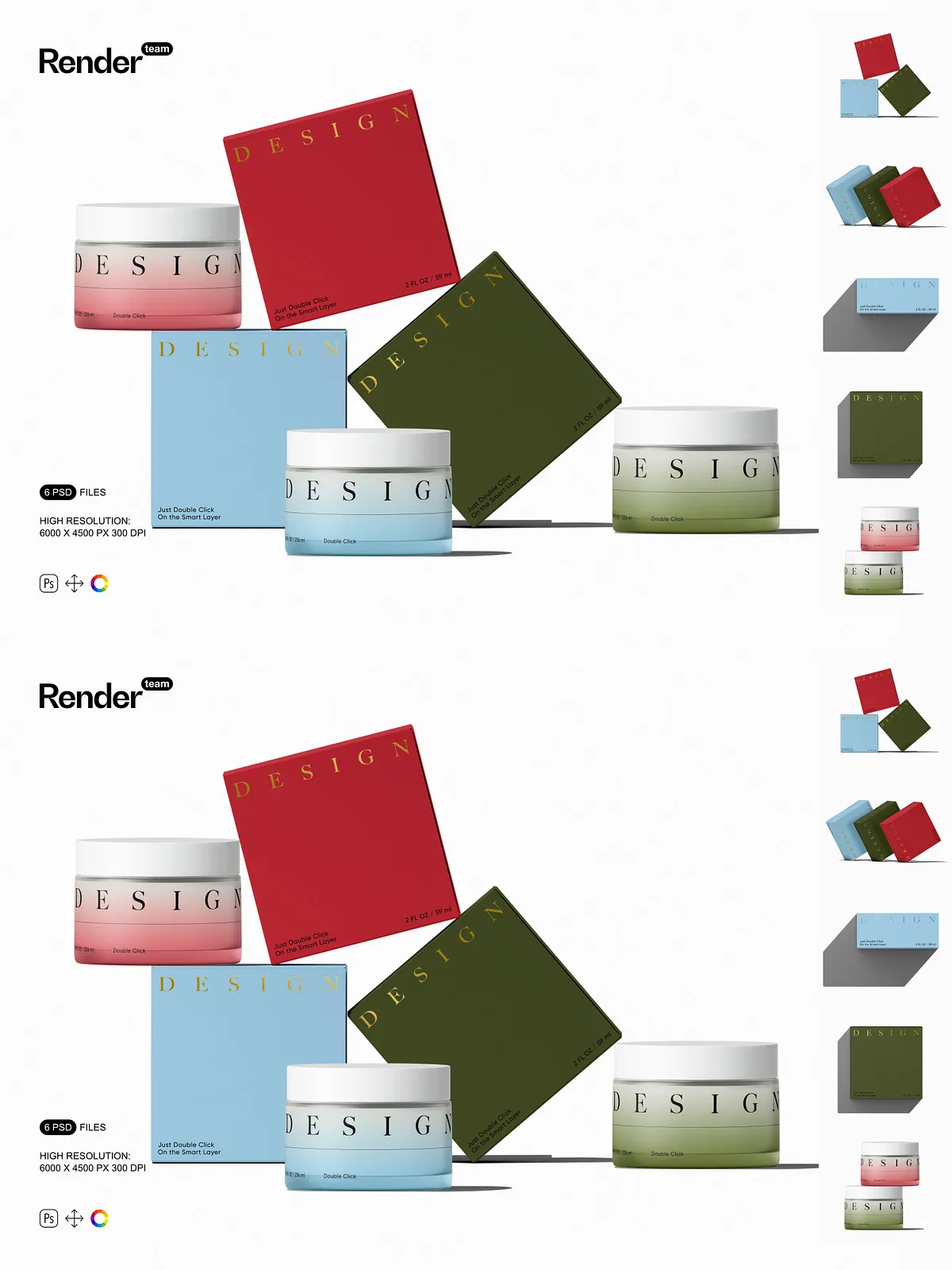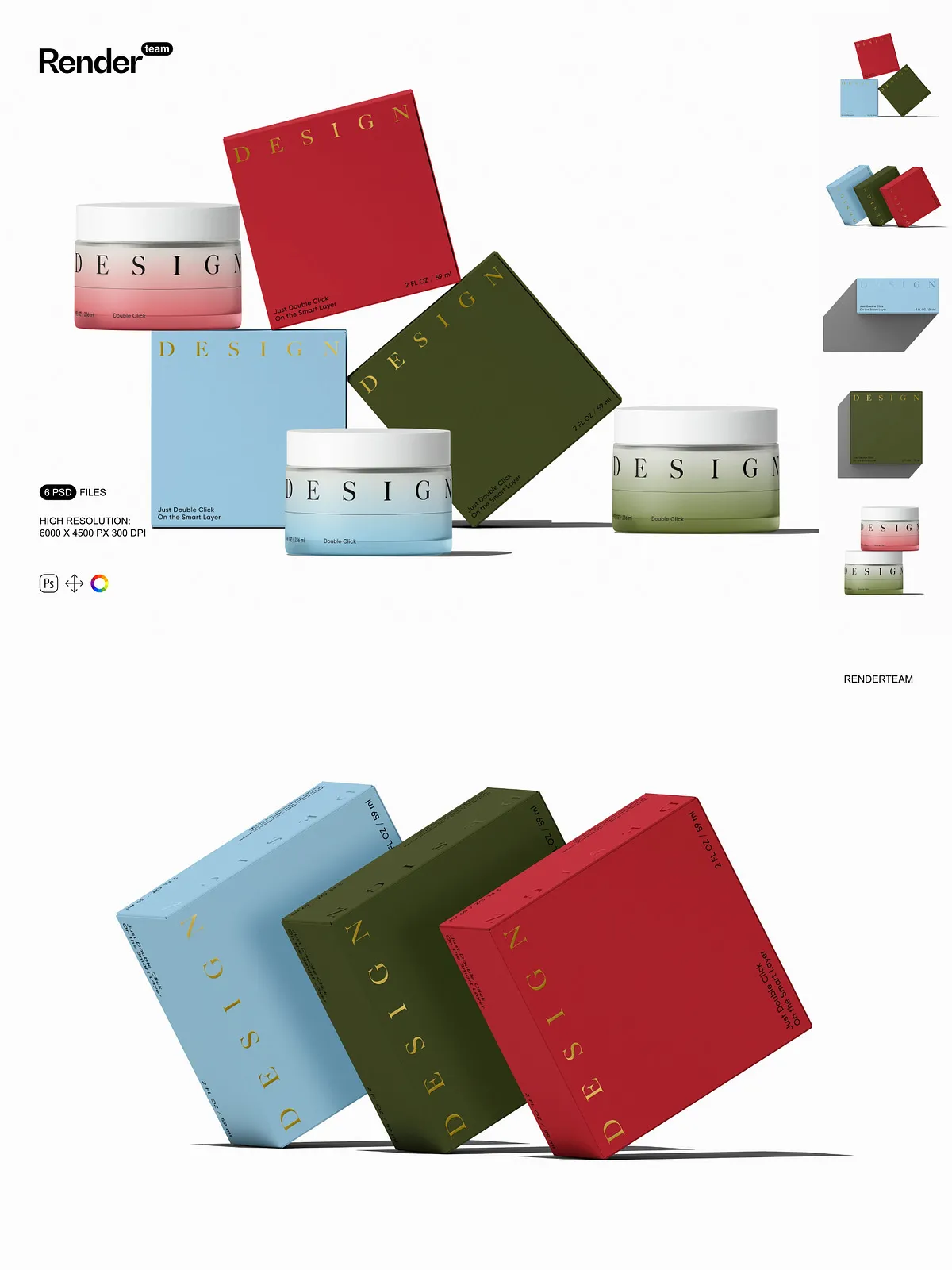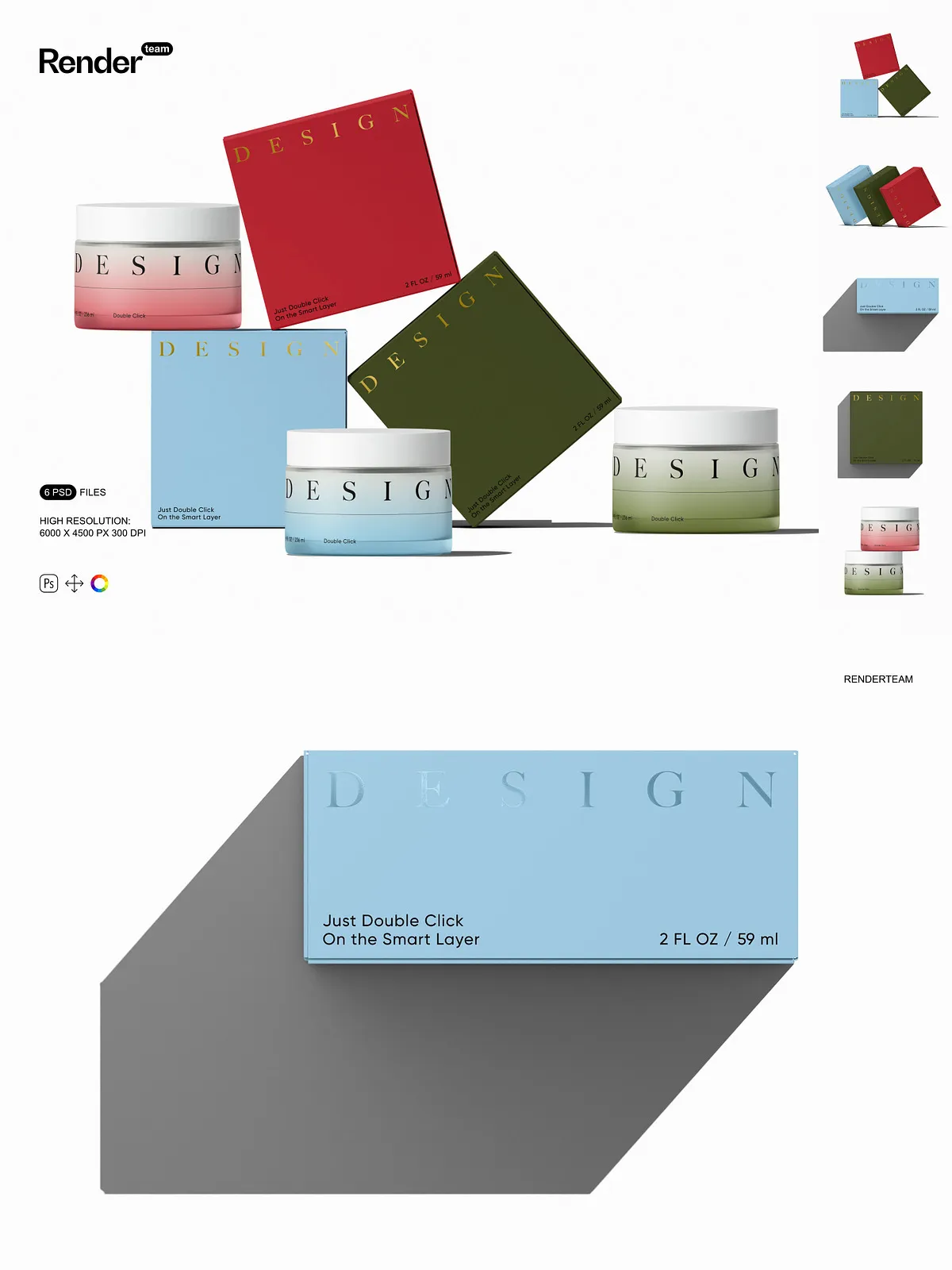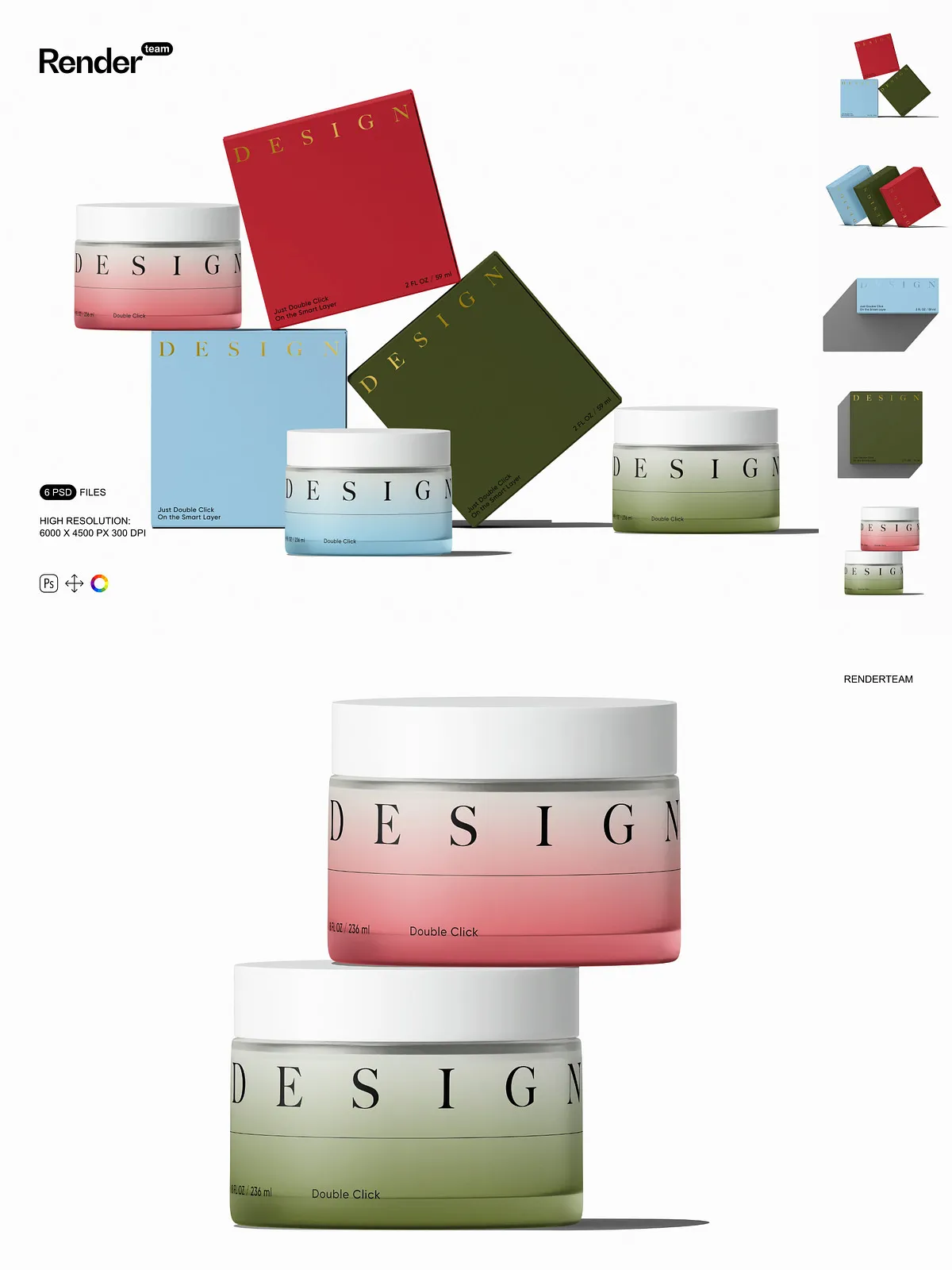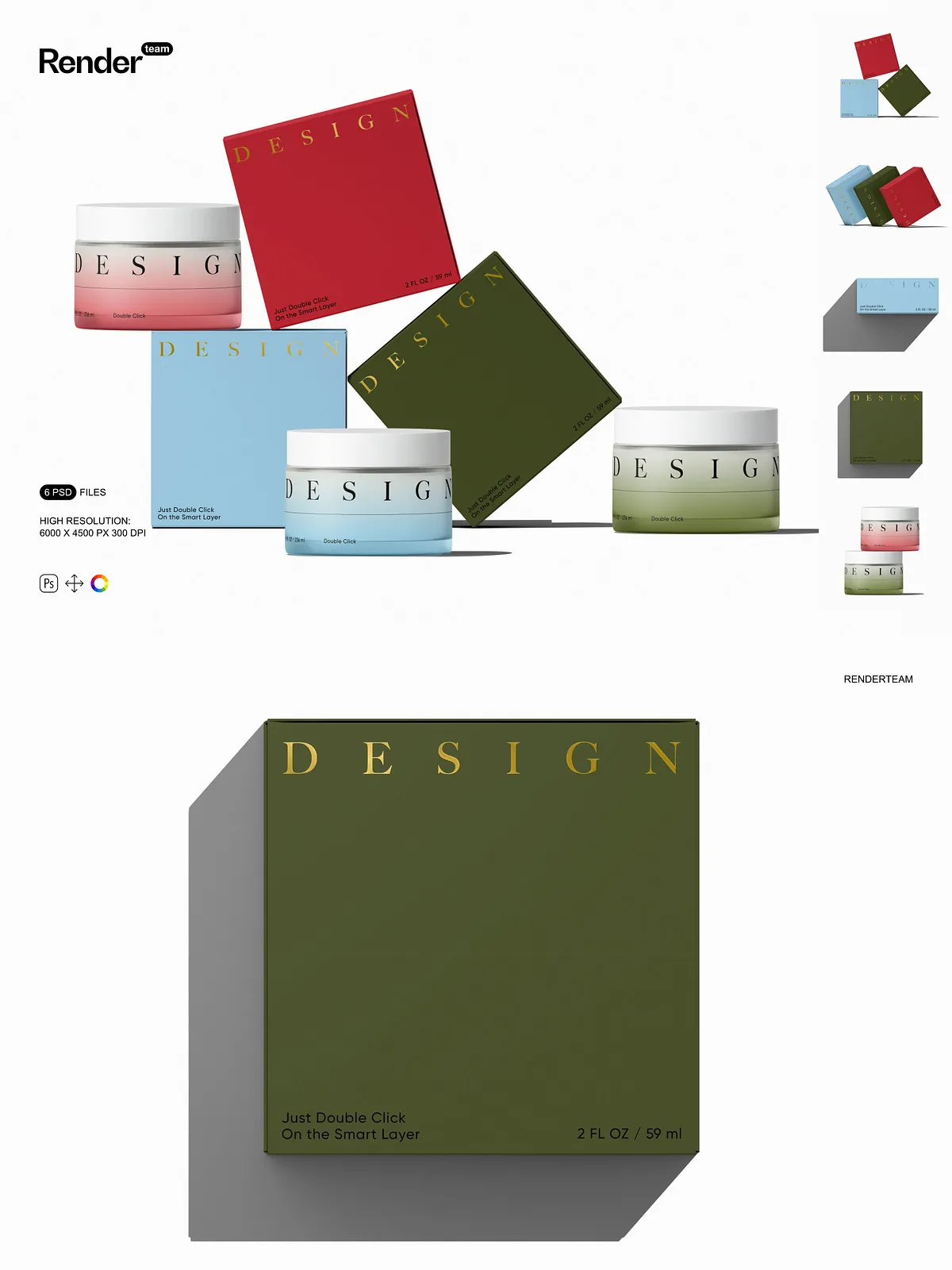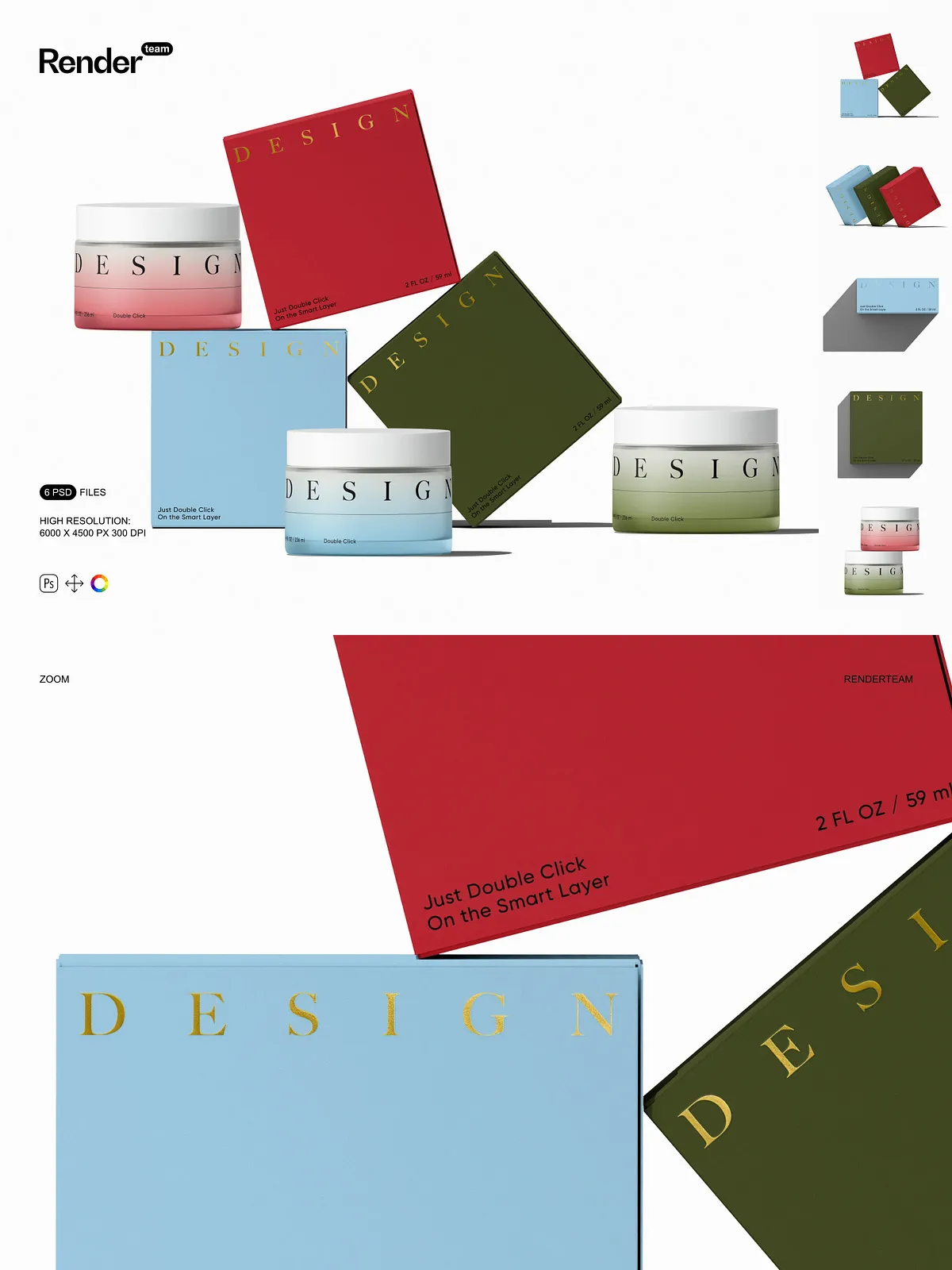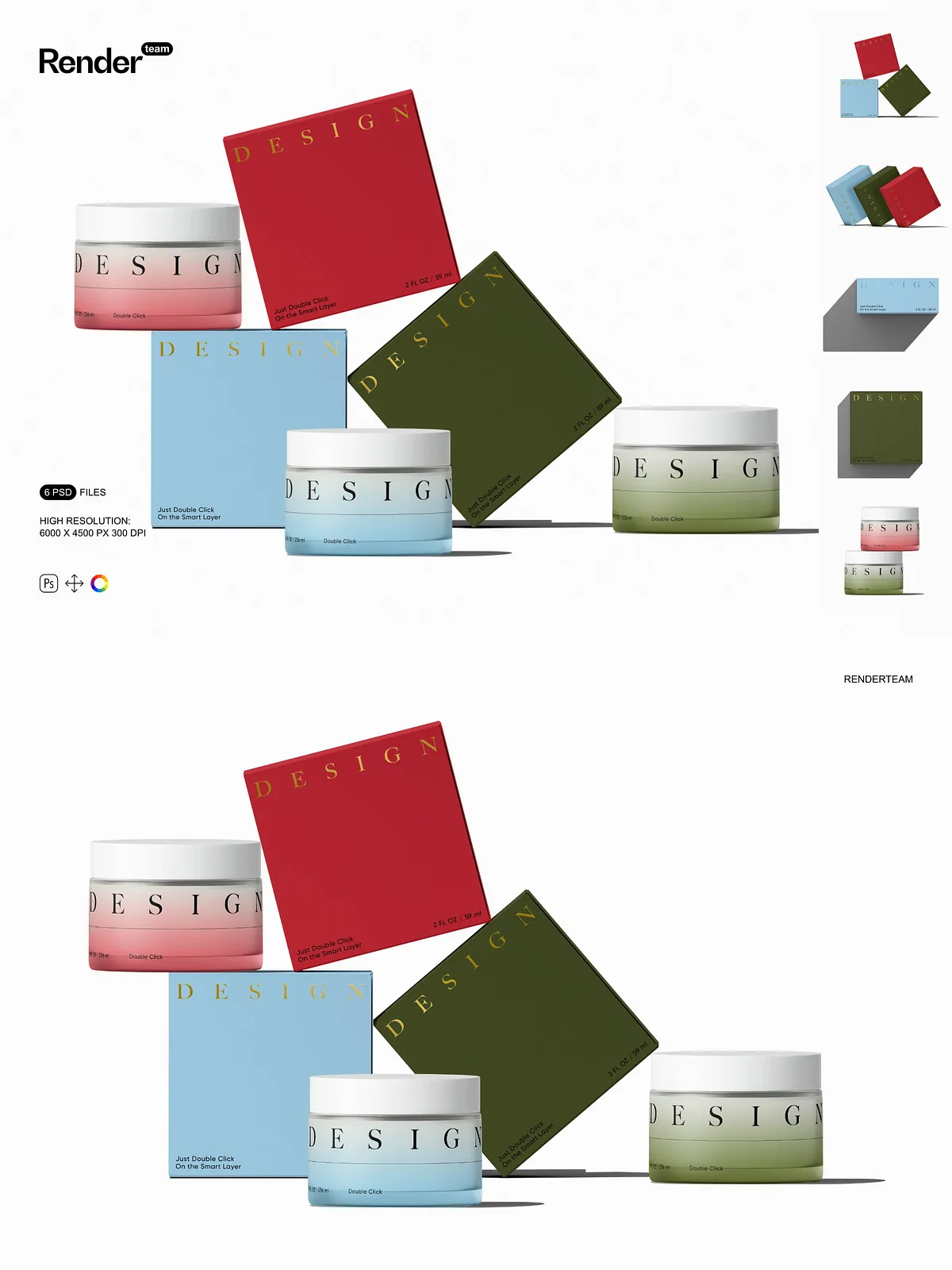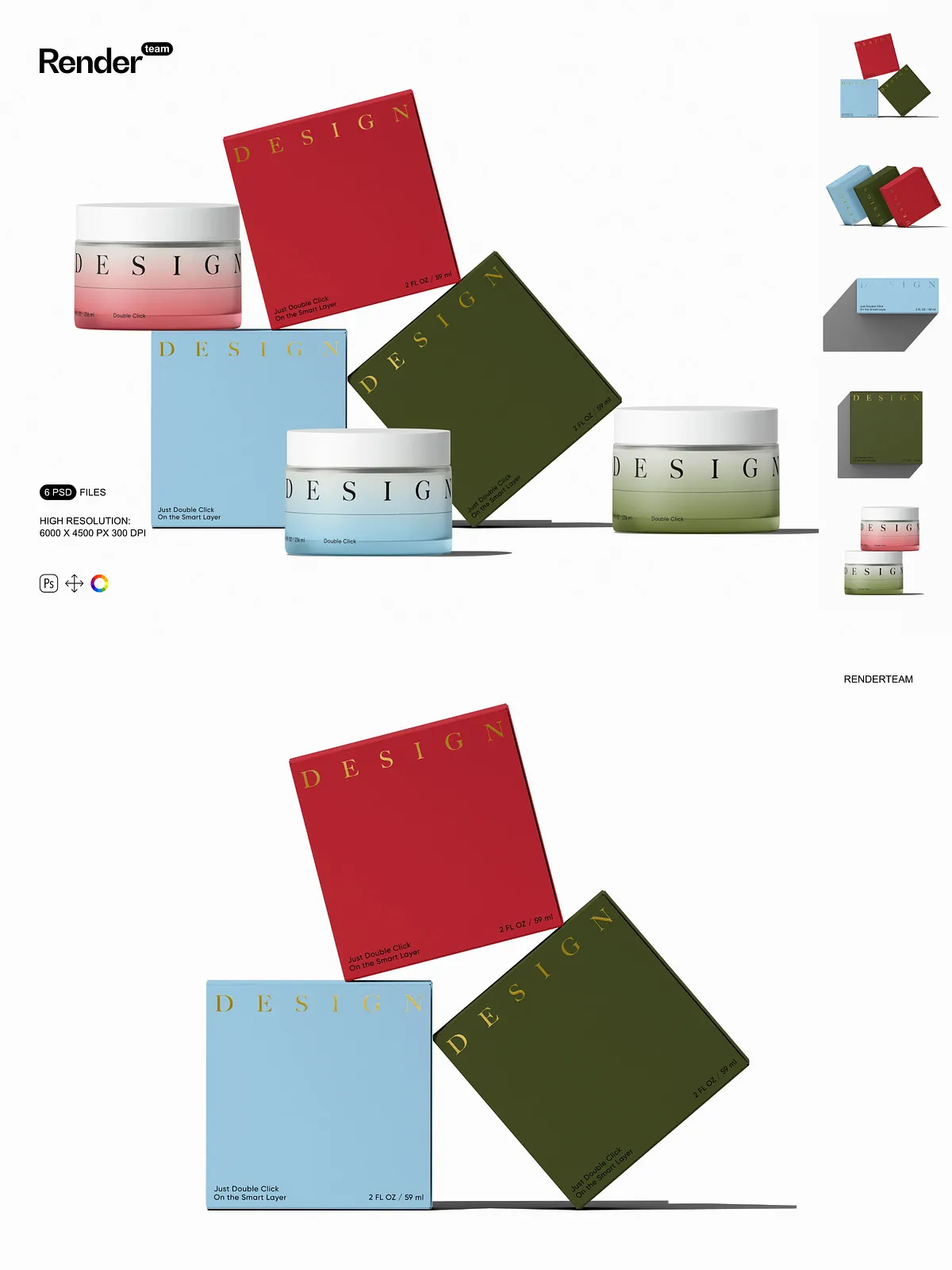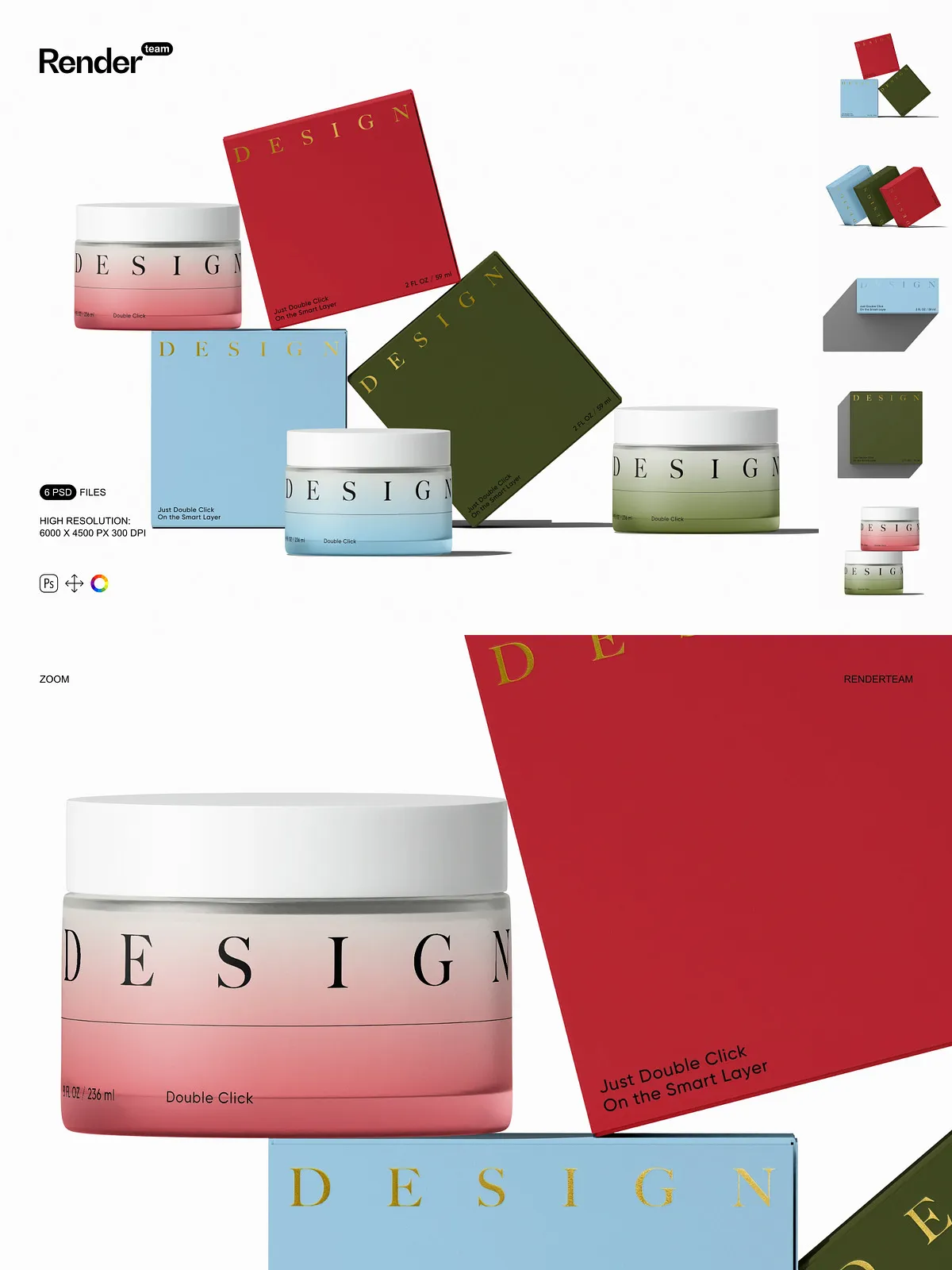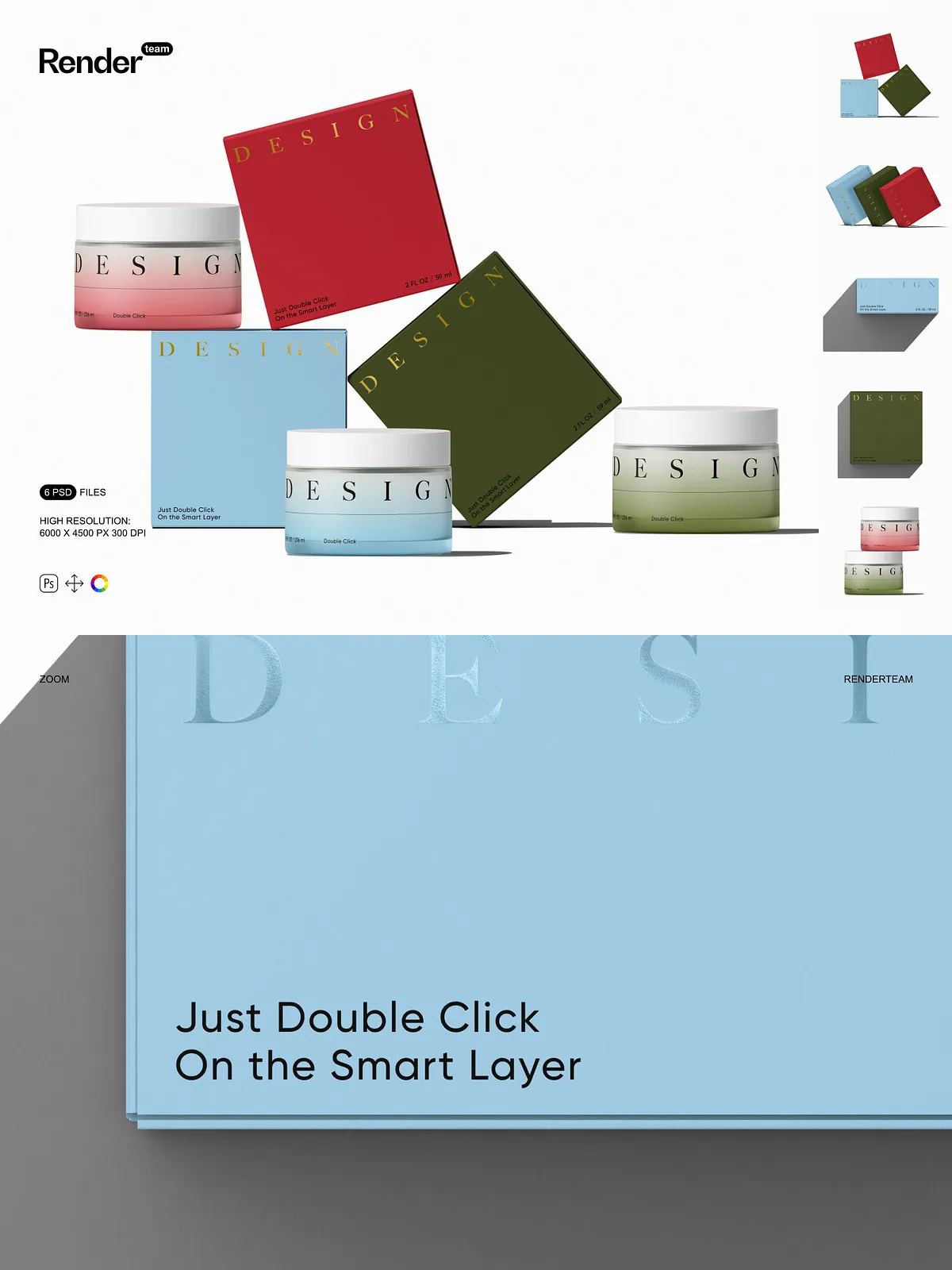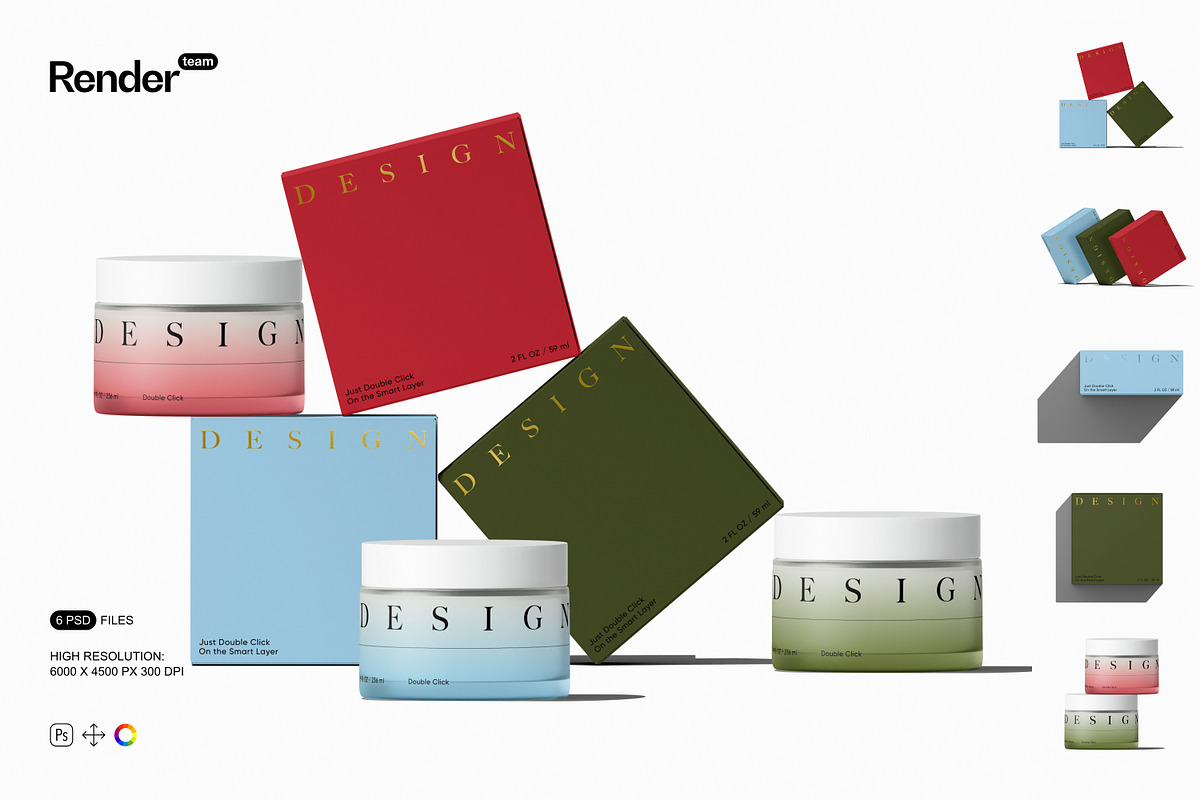
The Paper Box and Cosmetic Jar Mockups package delivers six layered, fully editable PSD files designed to present your packaging, labels, and branding with professional clarity. Each mockup uses Smart Object layers and adjustable color controls so you can replace artwork, test finishes, and produce polished visuals fast. These mockups let you evaluate box dielines, jar labels, lid finishes, and surrounding environment without scheduling a photoshoot or sourcing physical prototypes.
Key Features
Fast Smart Object Editing
Replace artwork and labels instantly by opening the Smart Object layer, pasting or placing your design, saving, and returning to the main file — the scene updates automatically. This non-destructive editing workflow speeds iteration and supports multiple variations while preserving the original mockup. For details on Smart Objects and best practices, see [Smart Objects — overview and benefits](https://helpx.adobe.com/photoshop/desktop/create-manage-layers/smart-objects/smart-objects-overview-and-benefits.html).
High Resolution and Print-Ready Output
Each PSD is provided at 6000 x 4500 px at 300 DPI so your textures, shadows, and fine type remain crisp for both online presentation and print proofs. Work at full resolution for high-quality exports, or downsample for web-ready files while maintaining accurate shadow and material rendering.
Organized Layers and Isolated Elements
The files include a clear folder structure with descriptive layer names so you can quickly locate box panels, jar bodies, lids, and shadow groups. Objects and cast shadows sit on separate layers so you can adjust shadow intensity, move or hide elements, and composite scenes without impacting your artwork layers.
Color, Finish and Lighting Controls
Control wall and surface colors, tweak frame lighting, and toggle gloss or matte finishes using dedicated adjustment layers. Simulate glass reflections or soft diffused lighting to preview how labels and coatings will behave under different conditions. These controls help you validate brand choices and packaging finishes before production.
What You Receive
- 6 fully editable PSD mockup files covering multiple box and jar compositions
- Smart Object layers for rapid artwork replacement
- Isolated object and shadow layers for flexible compositing
- Color and adjustment layers to control finishes and lighting
- High-resolution files: 6000 x 4500 px at 300 DPI
- PDF help file with step-by-step instructions and export recommendations
How to Use
Open and Prepare
Open a PSD in Adobe Photoshop (Creative Cloud recommended). Locate the Smart Object layer labeled for the panel, label, or art placement. Double-click to open the Smart Object canvas, which preserves the mockup while you edit inside a separate document.
Insert and Adjust Your Design
Place your label, dieline, or artwork into the Smart Object. Align, scale, and position using the guides. Save the Smart Object to apply your artwork to the mockup. Use masks and clipping paths inside the Smart Object to preserve bleed and safe areas when necessary.
Refine Scene and Export
Adjust color layers, shadow opacity, and reflectivity to craft the desired presentation. When ready, export using appropriate color profiles: use sRGB for web or the correct CMYK/profile for print. The included PDF explains recommended export settings and common troubleshooting steps.
Compatibility and Requirements
These mockups require Adobe Photoshop with Smart Object support. For reliable behavior with advanced blending modes, layer effects, and adjustments, use a recent Creative Cloud release. The download package contains PSD files and a PDF help file only; preview artwork, fonts, and photographs seen in demo images are not included and must be provided under your own license.
Important Notes
Preview images in product listings may contain placeholder artwork, fonts, or photos that are not part of this download. The mockups do NOT include those designs, fonts, or photographs. These resources cannot be edited in other programs such as Canva or Procreate; they require Photoshop. Confirm licensing for any external assets you add and verify final files meet printer or production specifications before submitting for manufacturing.
Why Choose This Set
Replace expensive staged photography with a flexible, editable mockup suite that speeds decision-making and improves presentation quality. Use these mockups to iterate label designs, compare box styles, preview jar finishes, and deliver consistent visuals to clients or ecommerce stores. Active Smart Object workflows, isolated shadow controls, and high-resolution files combine to give you full creative control and faster delivery.