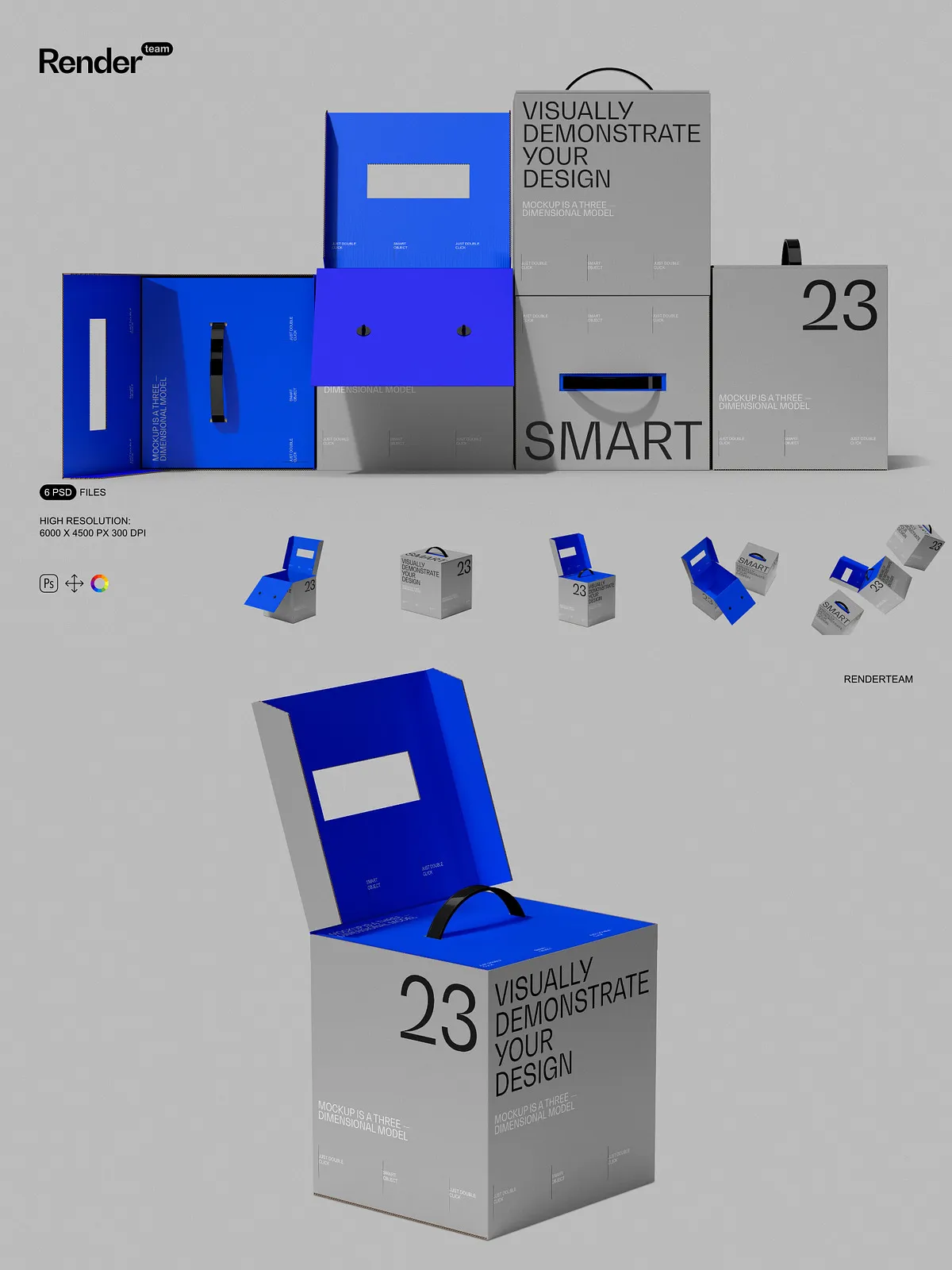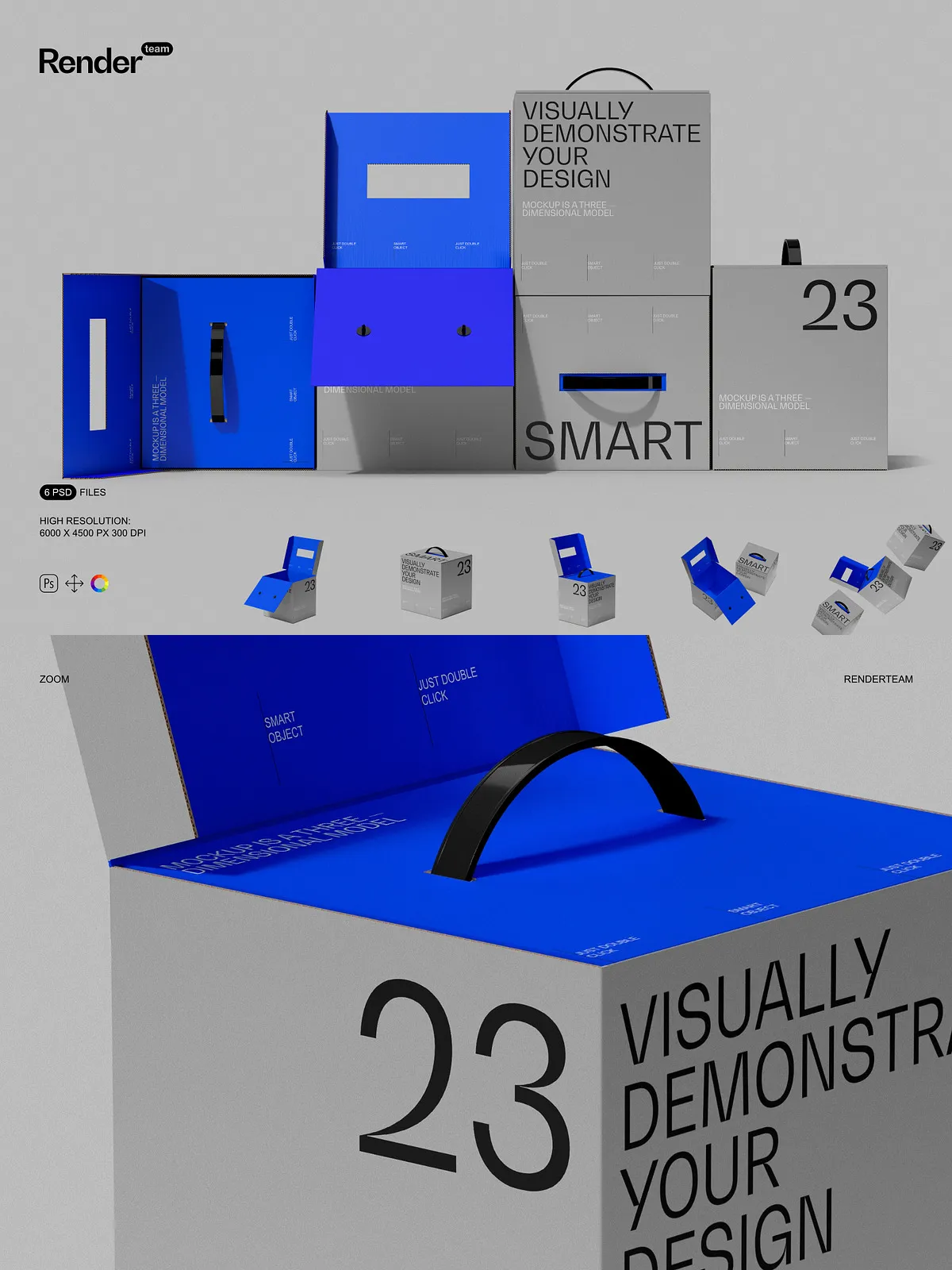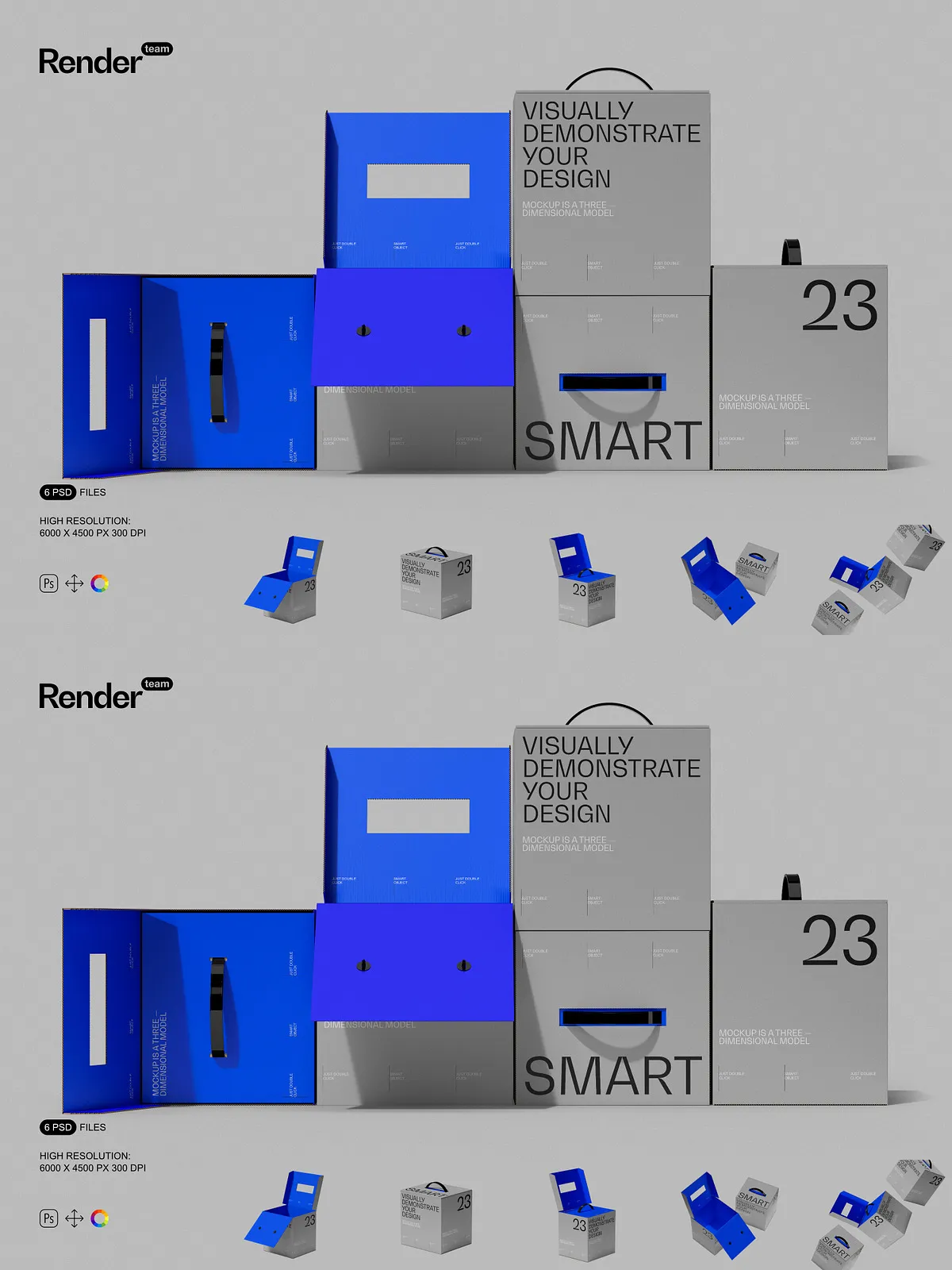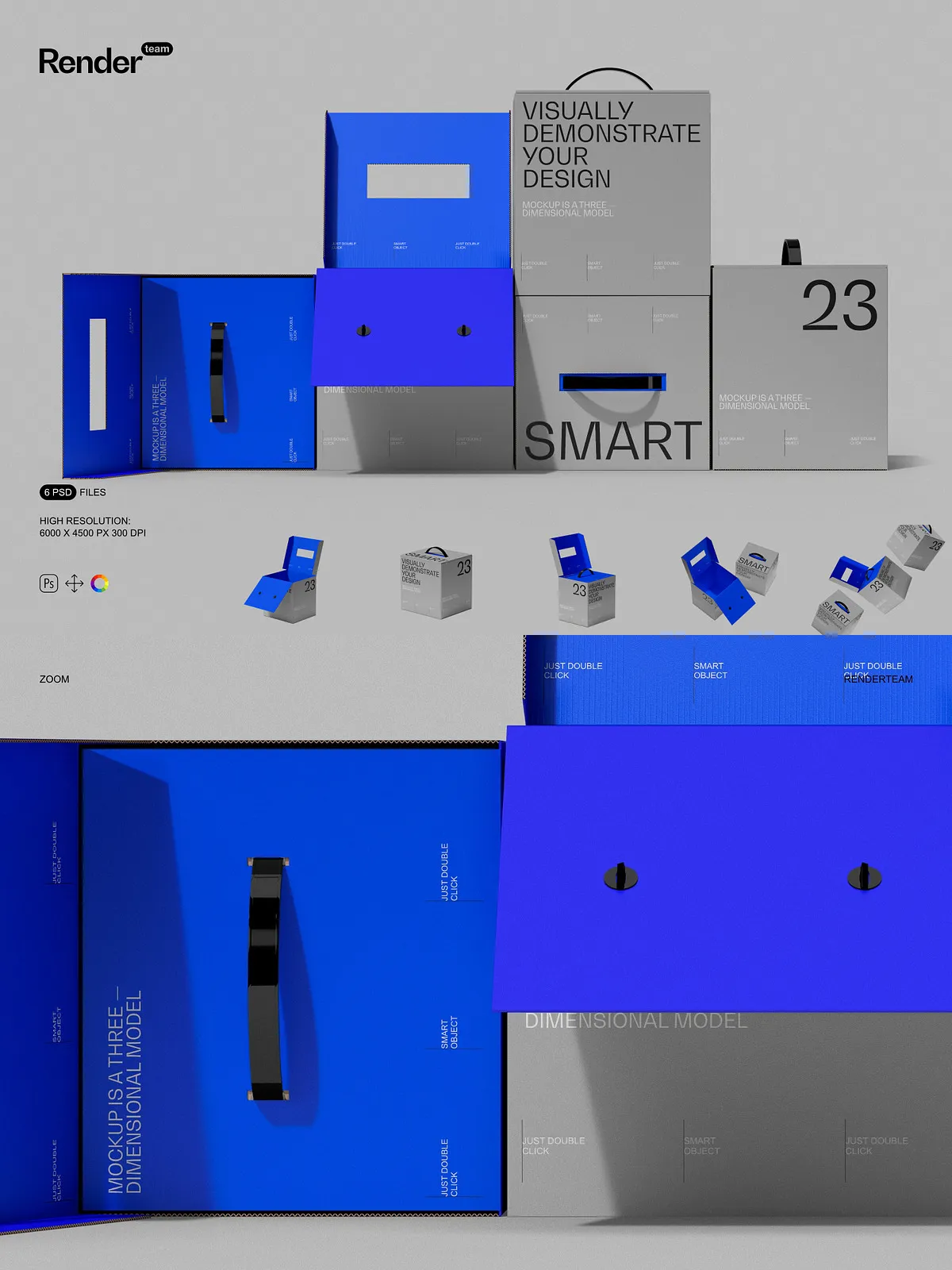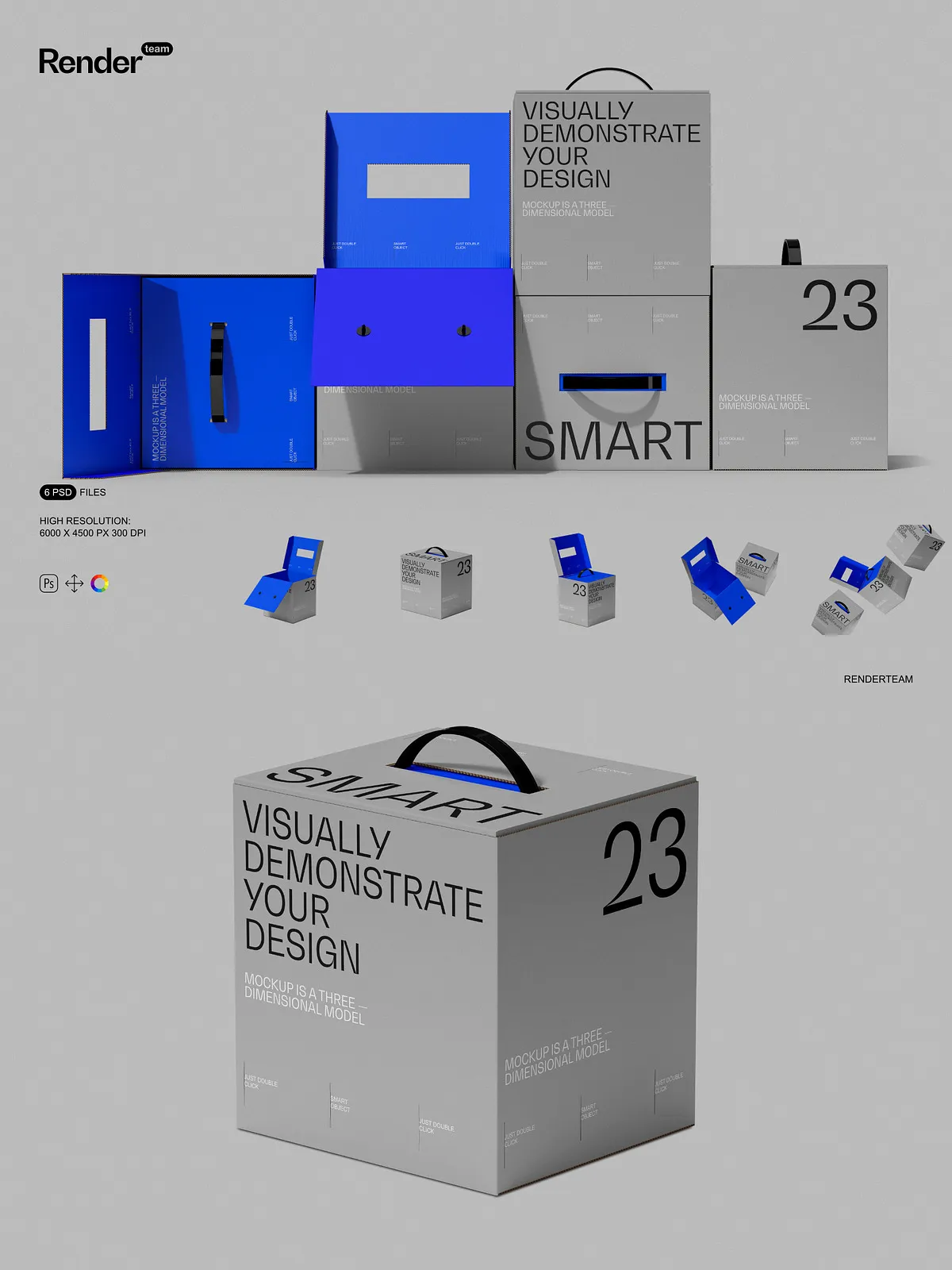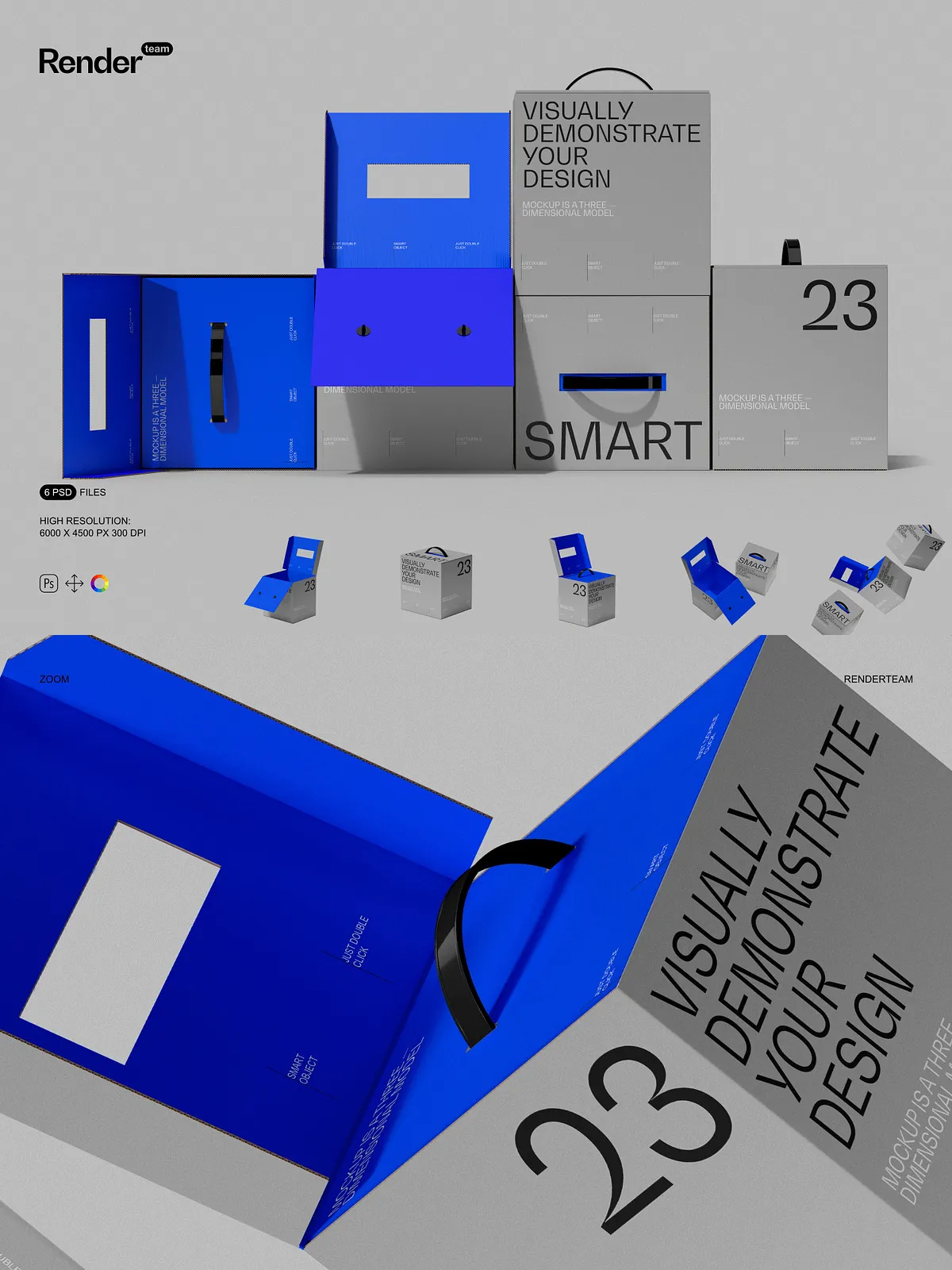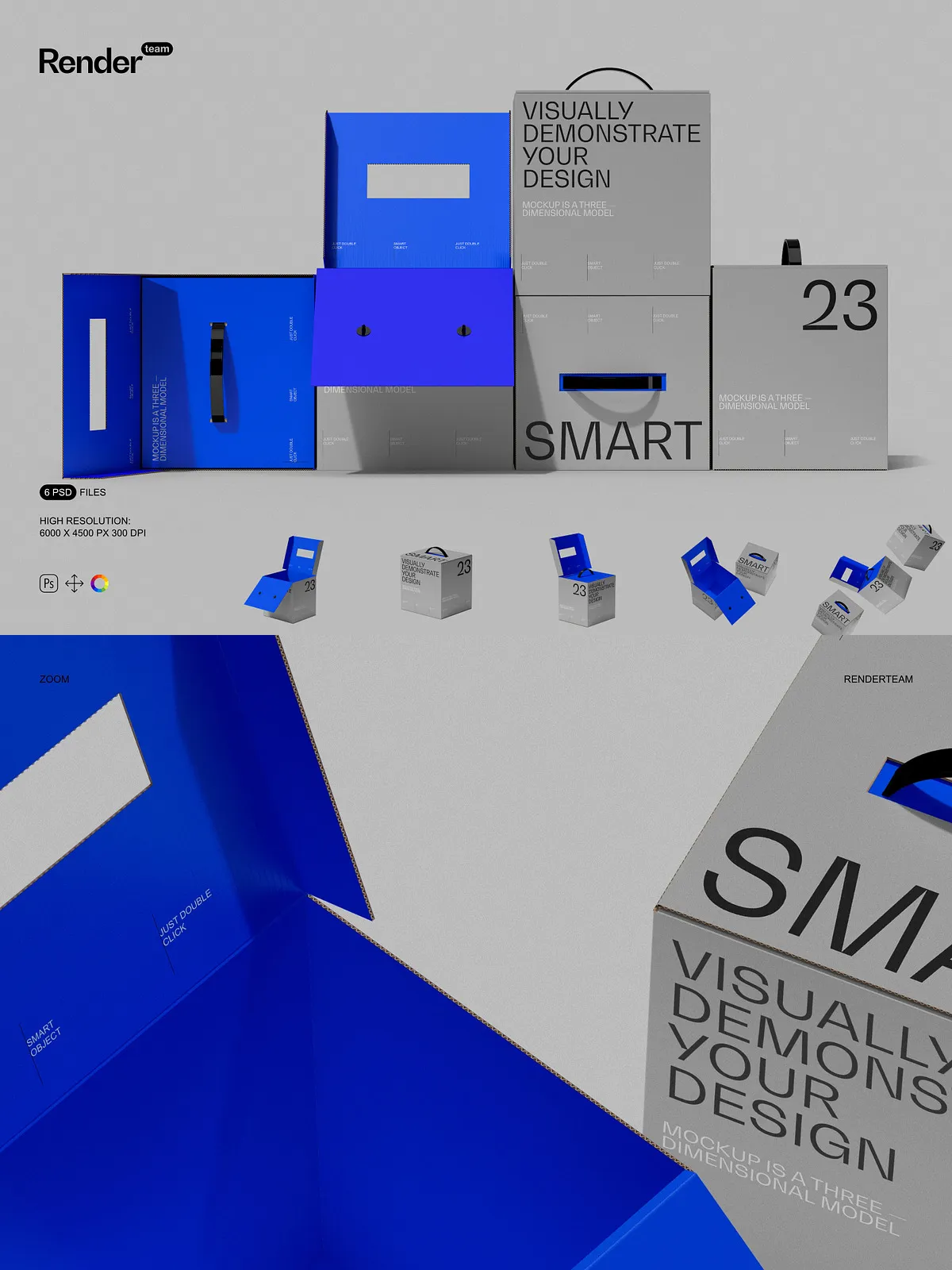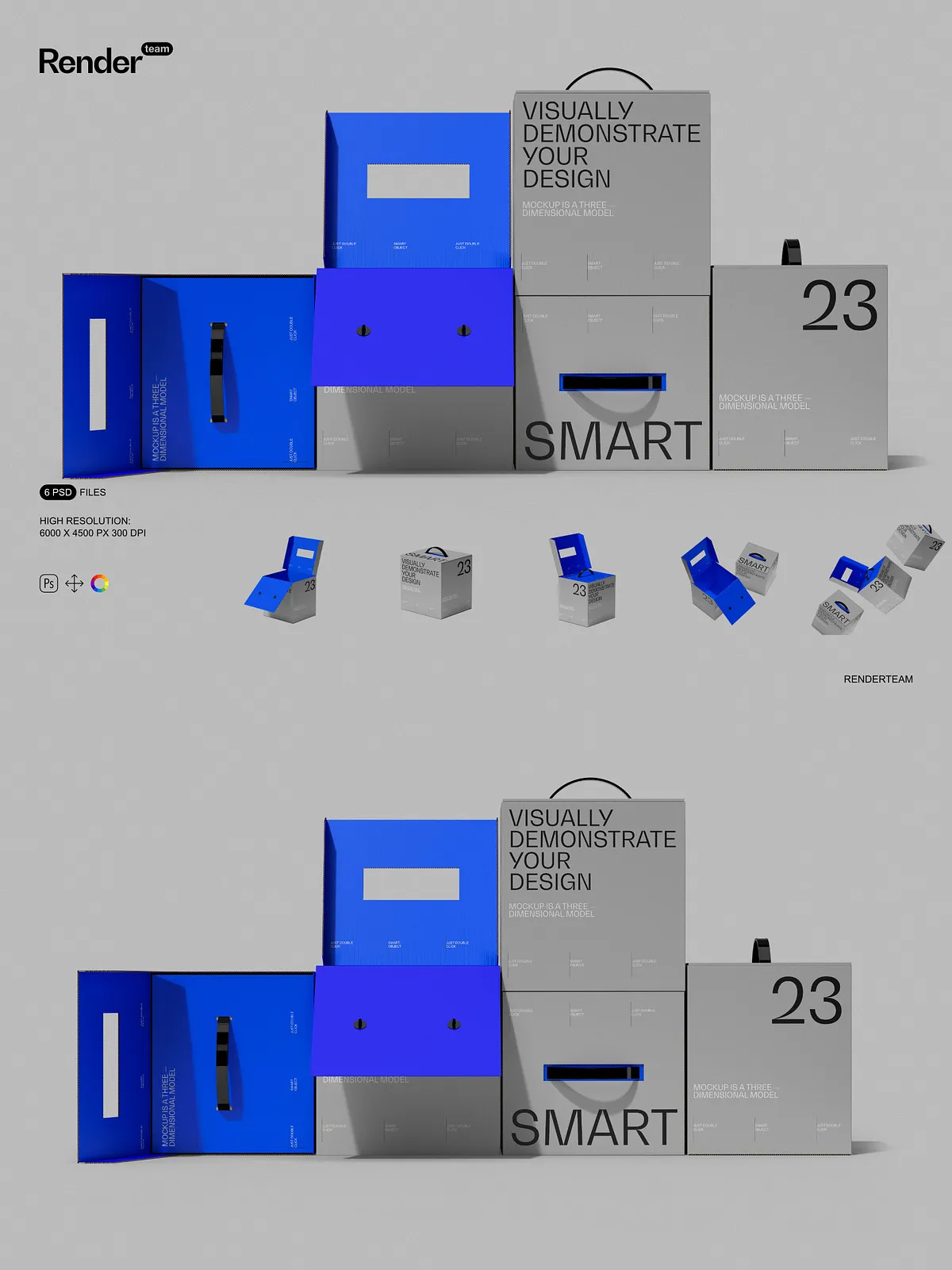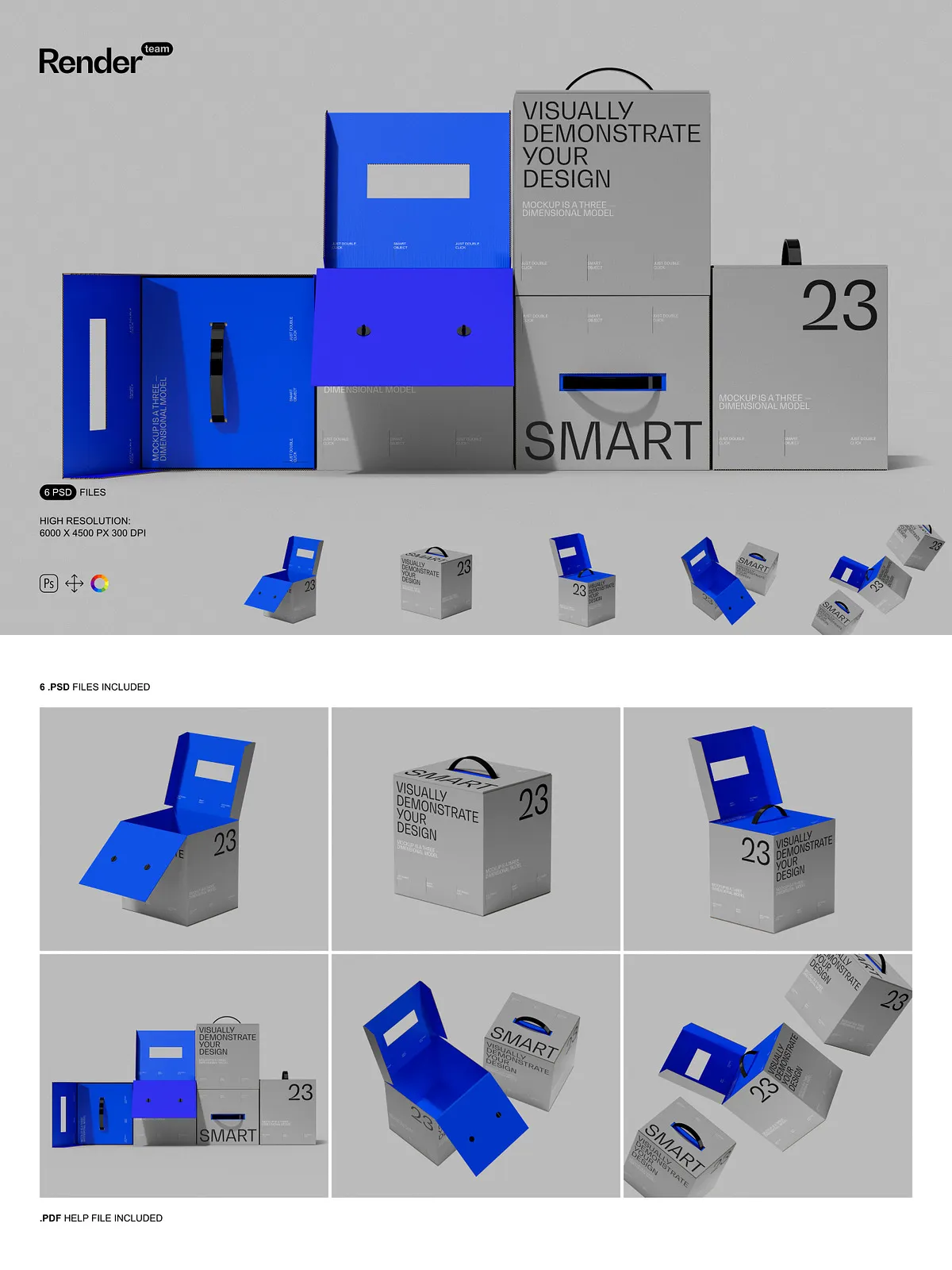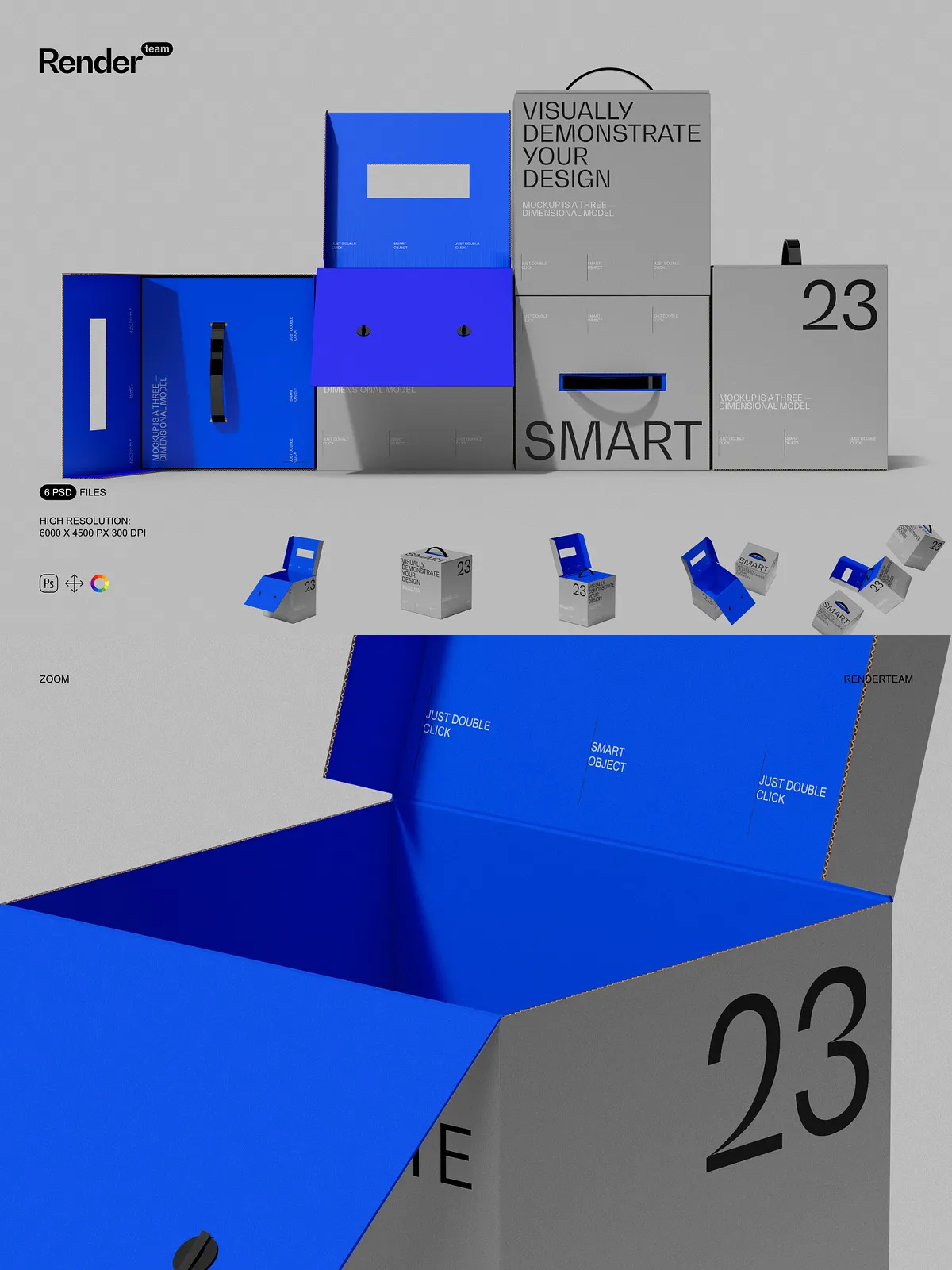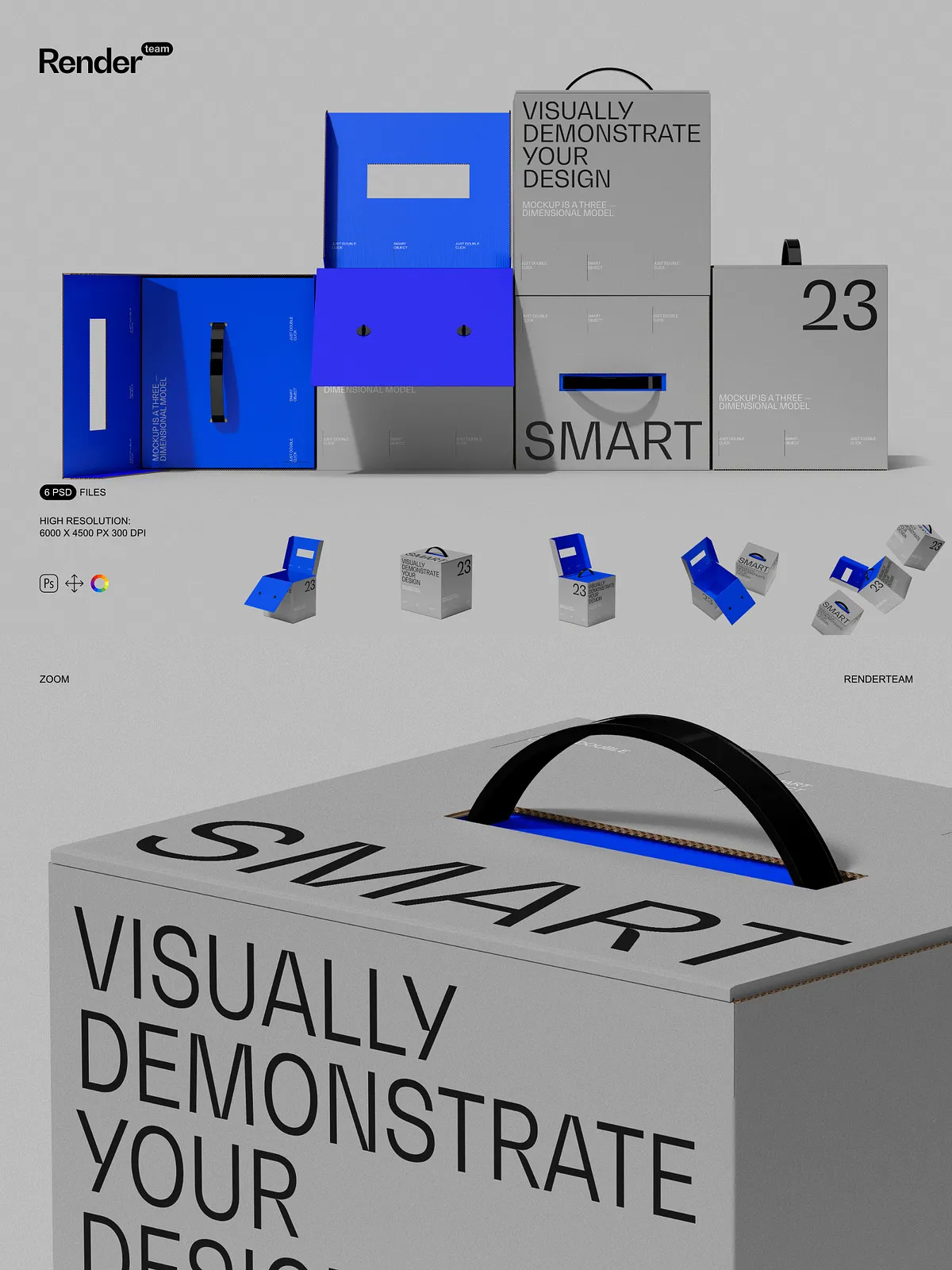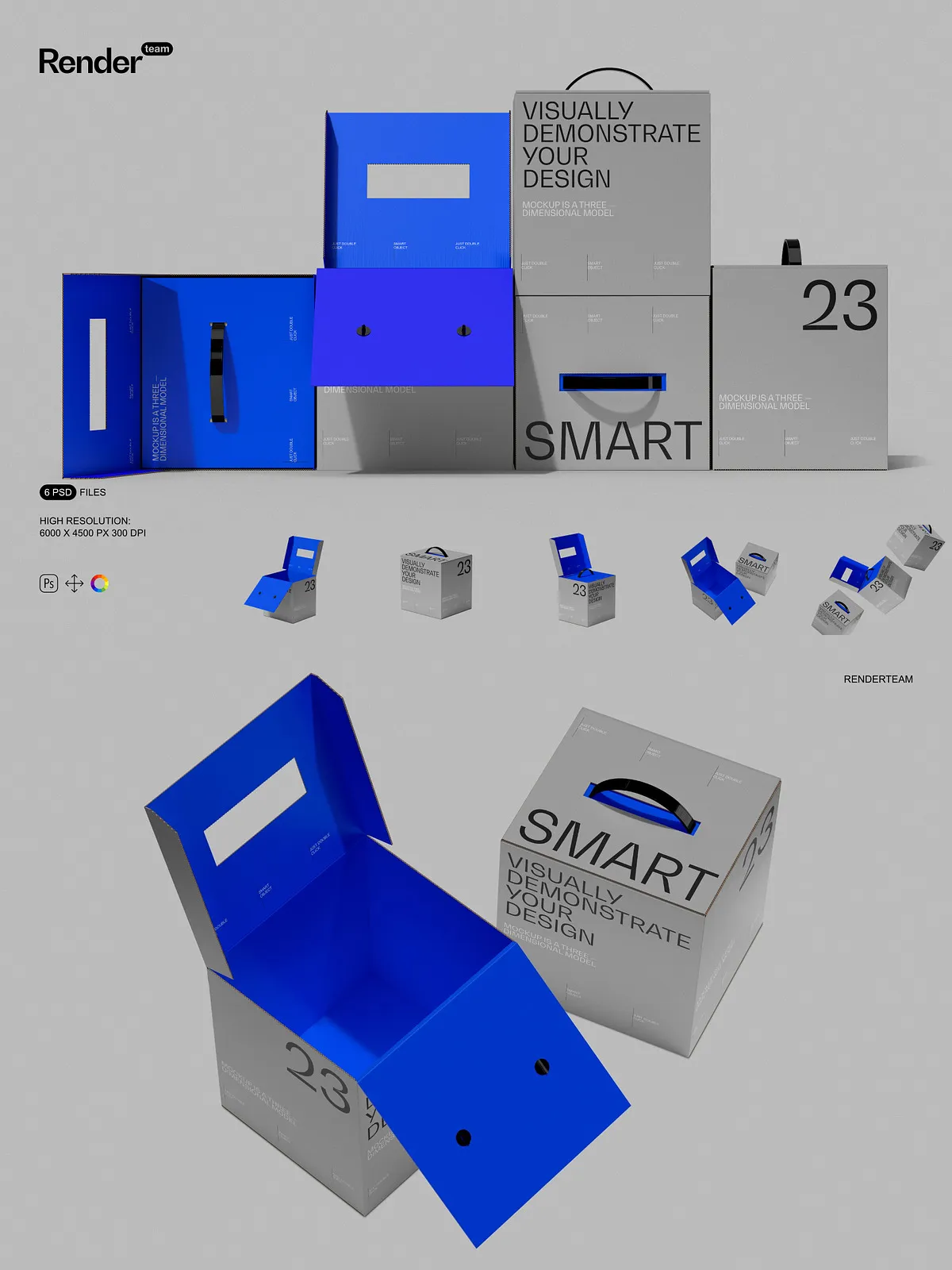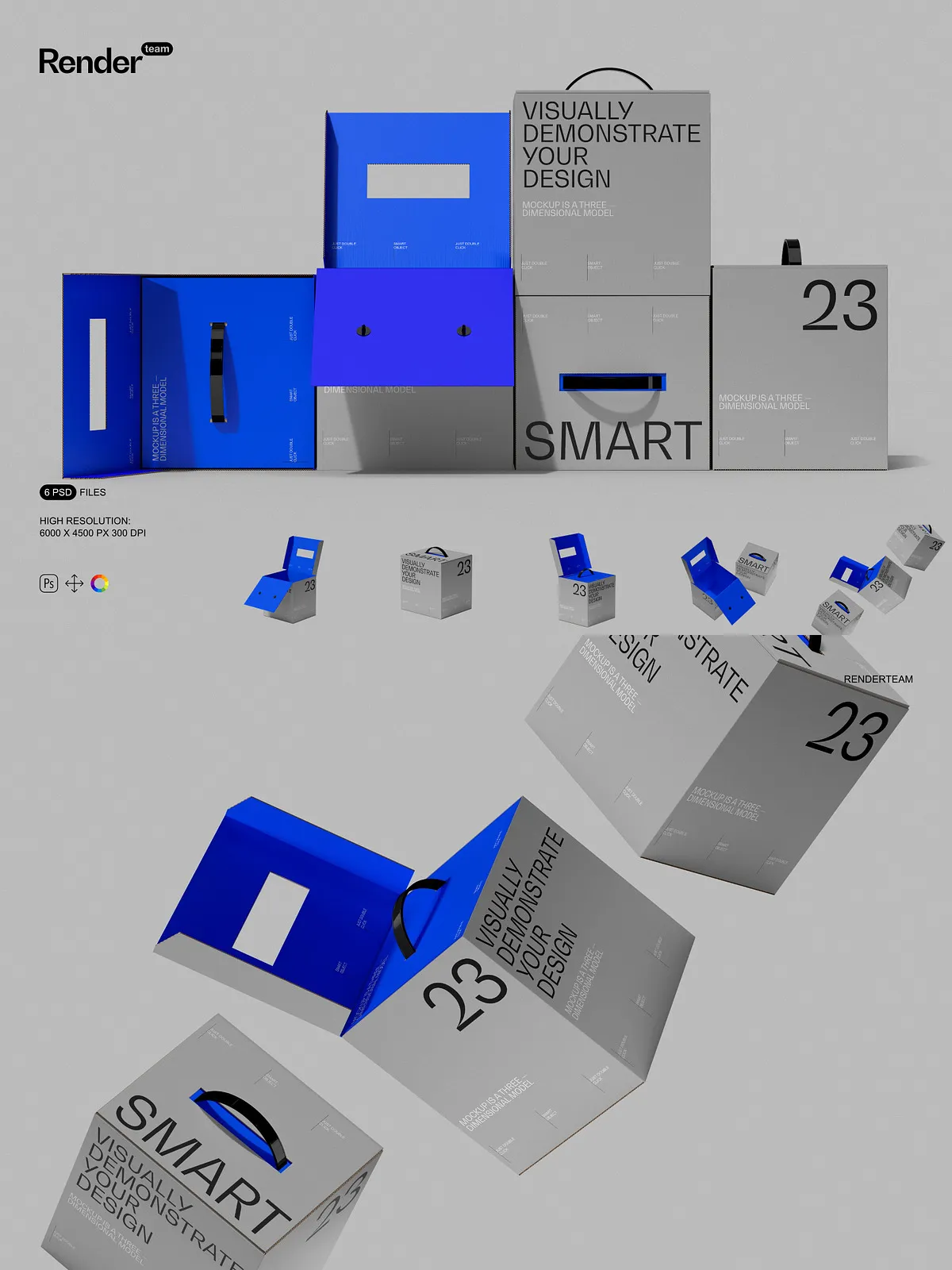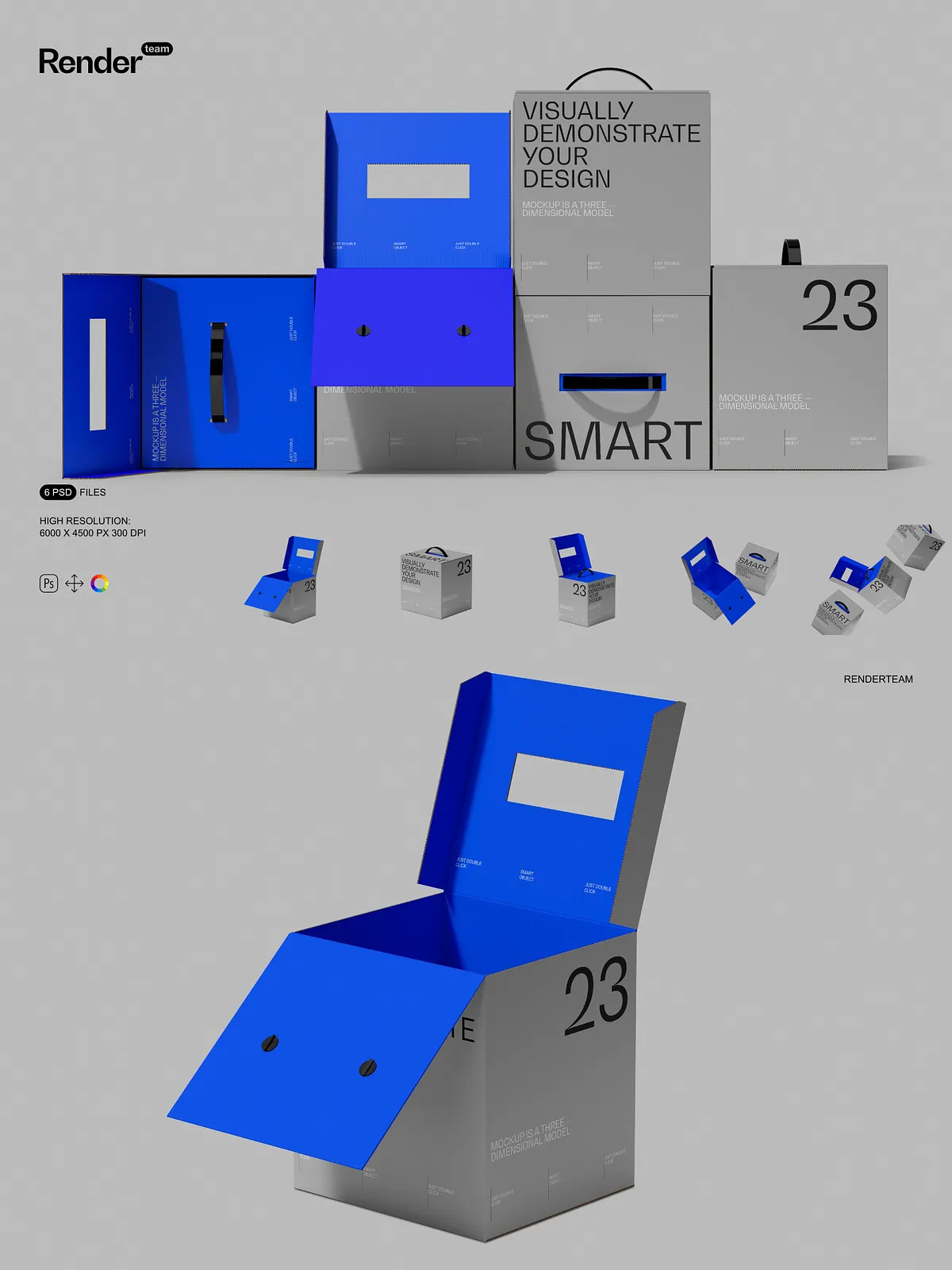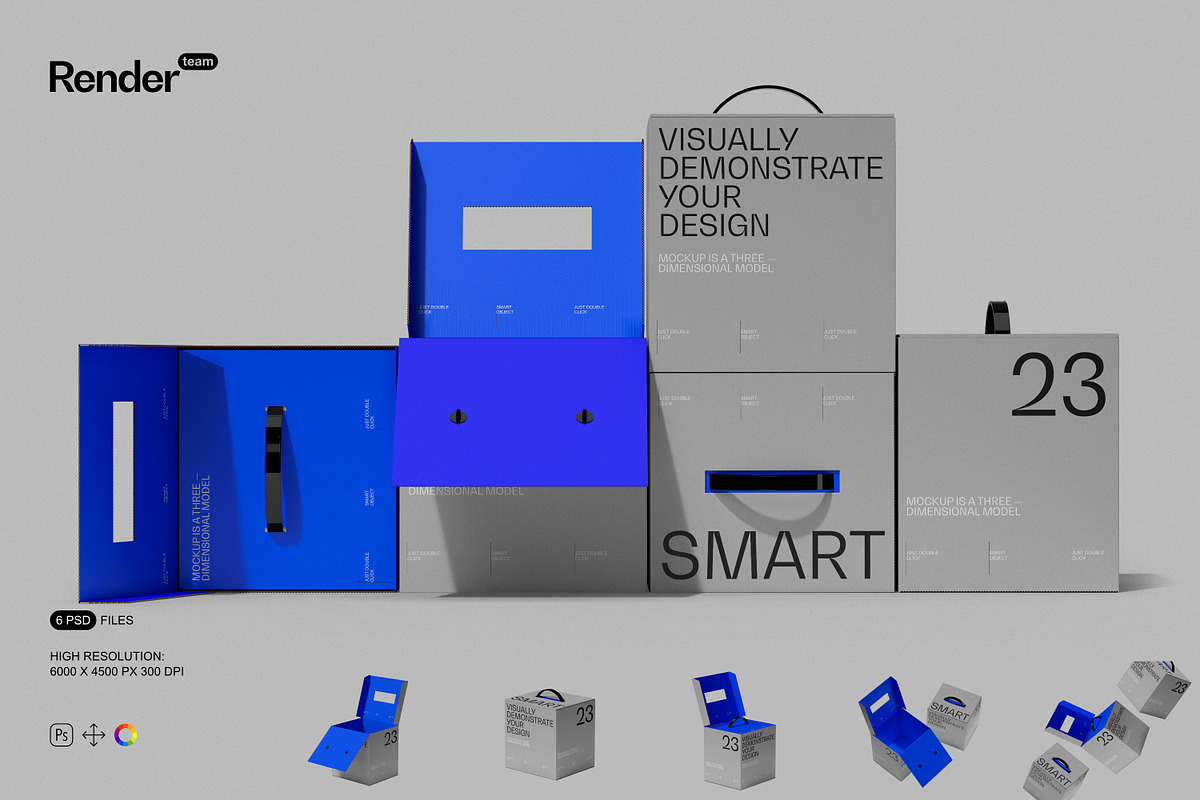
Unleash the full potential of your product branding with the ultimate Paper Box Mockup Set, meticulously crafted for designers, entrepreneurs, and marketing teams who demand realism, quality, and efficiency. These layered, fully editable .psd files allow you to showcase your custom packaging designs in lifelike scenarios—whether it’s a gift box, cosmetic container, or retail-ready packaging. With photorealistic textures, accurate lighting, and natural material properties, every mockup conveys premium quality and attention to detail, instantly boosting credibility and engagement across digital platforms.
Instant Customization with Smart Object Technology
Double-Click, Design, Save — Edit in Seconds
Stop wasting time on complex manual adjustments. Every key surface—front panel, lid, side flaps, and logo area—is equipped with a dedicated Smart Object layer, enabling you to edit your design with lightning speed. Simply double-click the layer, insert your artwork, align it perfectly, and save—your changes instantly reflect across the entire 3D box view. No need for masking hacks, distortion corrections, or complicated blending. Whether you’re testing different color schemes, updating brand logos, or refining typography, this seamless workflow ensures rapid iteration and flawless preview quality.
Structured Layers for Maximum Control and Collaboration
Each mockup is built with a clean, well-organized layer hierarchy. All components—box structure, internal folds, shadow layers, texture maps, reflective highlights, and background elements—are grouped into clearly labeled folders. This ensures you can adjust individual parts without unintended side effects. Modify the depth of the box’s flaps without affecting the outer surface. Tweak the reflection on the lid while preserving the paper grain beneath. Whether you’re working solo or collaborating with a team, the intuitive structure keeps your workflow fast, error-free, and scalable. Perfect for agencies managing multiple clients and projects simultaneously.
Professional-Grade Resolution for Print and Digital Excellence
Engineered at a sharp 6000×4500 pixels with 300 DPI resolution, this mockup set delivers exceptional clarity for any use case. Whether your visuals are used on high-end websites, large format banners, mobile ads, or print catalogs, every detail remains crisp and defined. The high-resolution construction captures subtle textures—paper weave, embossed patterns, matte finishes, and soft creases—adding a tactile realism that flat graphics lack. Achieve publishing-ready results without compromise, no matter the output medium.
What’s Included in This Premium Mockup Collection
- 6 fully editable, high-resolution PSD files featuring diverse paper box styles: gift box, minimalist box, gift bag-style box, open-top box, standing box, and desk scene placement
- Smart Object layers for one-click design replacement—no technical skills required
- All object and shadow layers isolated, enabling independent adjustments for depth and realism
- Adjustment layers for fine-tuning exposure, contrast, and color tone
- Comprehensive PDF help file with setup guides, layer explanations, export tips, and creative best practices
Bring Your Packaging to Life in Authentic Environments
Go beyond static previews. Integrate your paper box into realistic settings—on a desk, wrapped in ribbon, placed beside a cup of coffee, or nestled among other products. These contextual placements help viewers visualize the product’s function, size, and lifestyle appeal. Whether you’re presenting to clients, launching on a Shopify store, or creating Instagram carousels, these mockups build narrative depth and emotional connection, turning a simple box into a story-rich marketing asset.
Designed for Adobe Photoshop — Full Creative Freedom
This Paper Box Mockup Set is fully compatible with Adobe Photoshop (Creative Cloud). It makes full use of advanced tools like Smart Objects, blending modes, linked layers, and layer effects to deliver maximum performance and flexibility. Ensure optimal results by using the latest version of Photoshop.
Important Usage Guidelines
⚠️ All preview images contain placeholder content—including sample text, default logos, stock photos, and example fonts—these are not included in the download package. You must supply your own original designs, licensed visuals, and approved branding assets. This purchase grants exclusive rights only to the PSD files and PDF guide. Be sure all external content adheres to its respective licensing terms to avoid legal issues.
Why This Paper Box Mockup Set is a Game-Changer for Designers
Choose this Paper Box Mockup Set to:
- Accelerate visual production with reusable, high-quality templates
- Deliver polished, professional visuals that win client approvals and drive sales
- Test packaging layouts, color variants, and branding concepts before physical prototyping
- Ensure visual consistency across digital marketing, e-commerce, and trade show materials
5-Step Process to Immediate Visual Impact
- Open your selected PSD file in Adobe Photoshop.
- Locate the Smart Object layer labeled “Front Design” or “Box Lid”.
- Double-click the layer to open the embedded canvas for editing.
- Insert your custom artwork, resize as needed, and align it precisely.
- Save the file—your updated packaging appears instantly in the main scene.
- Consult the included PDF guide for advanced features such as multi-angle exports and texture blending.