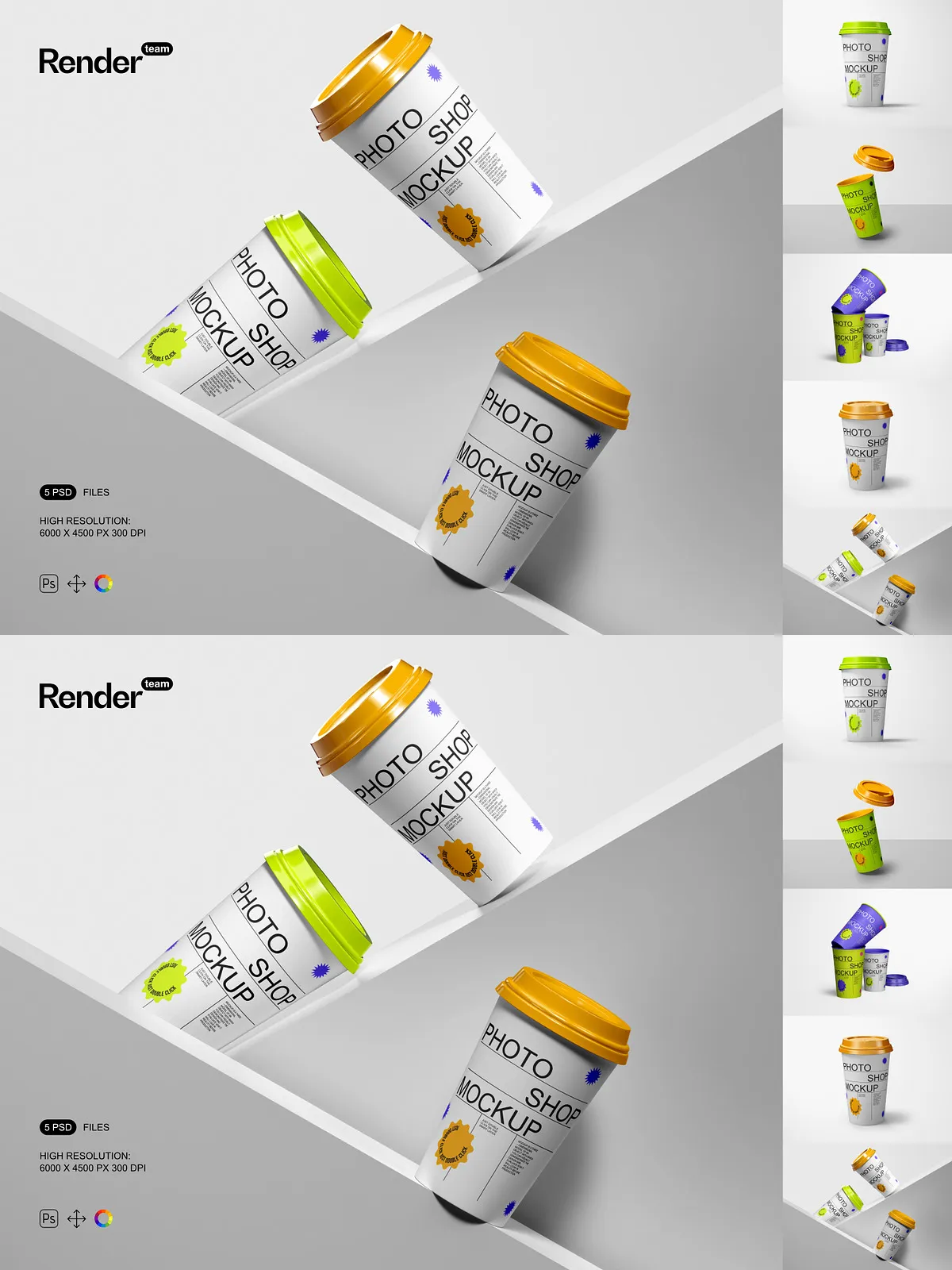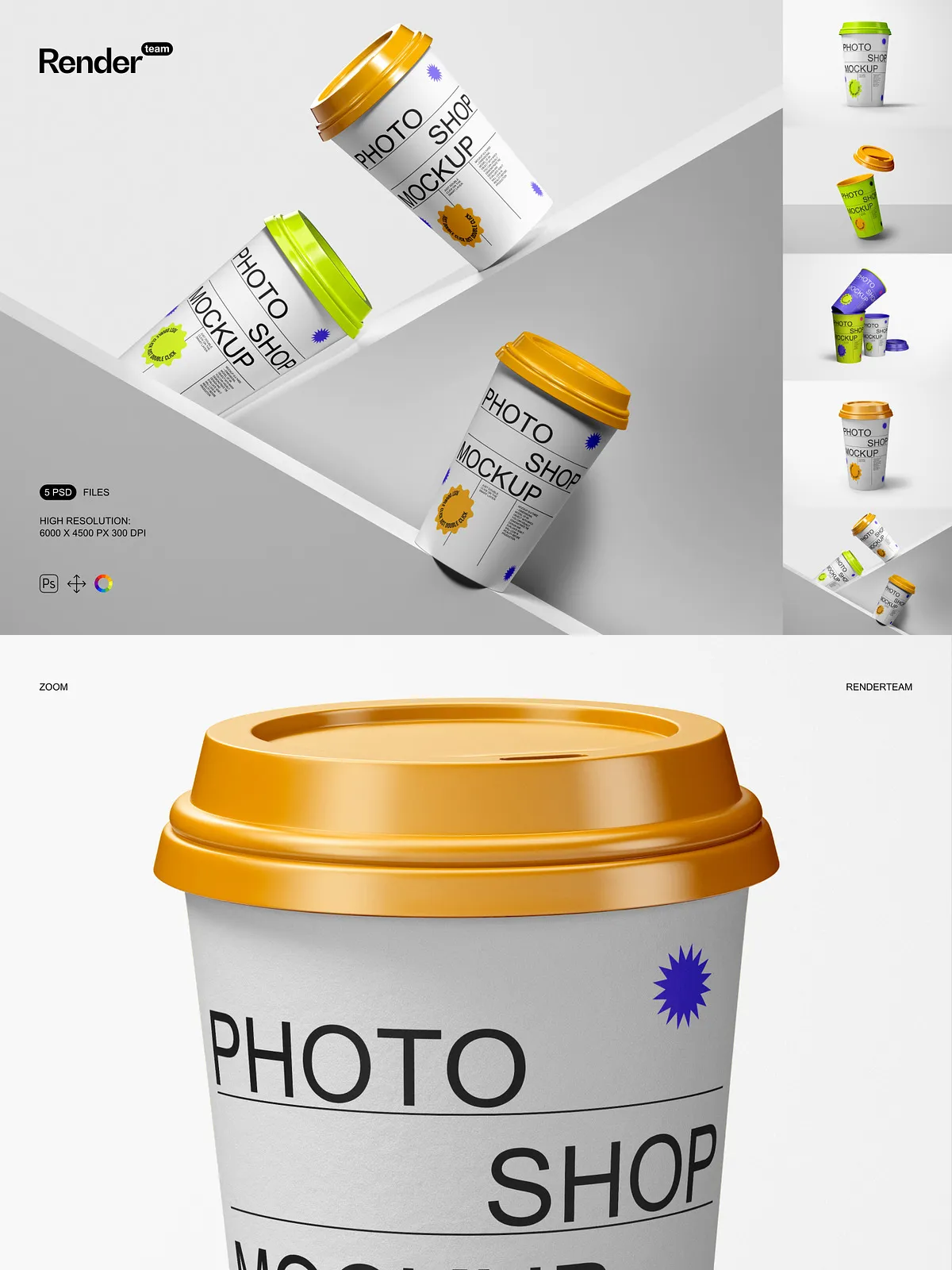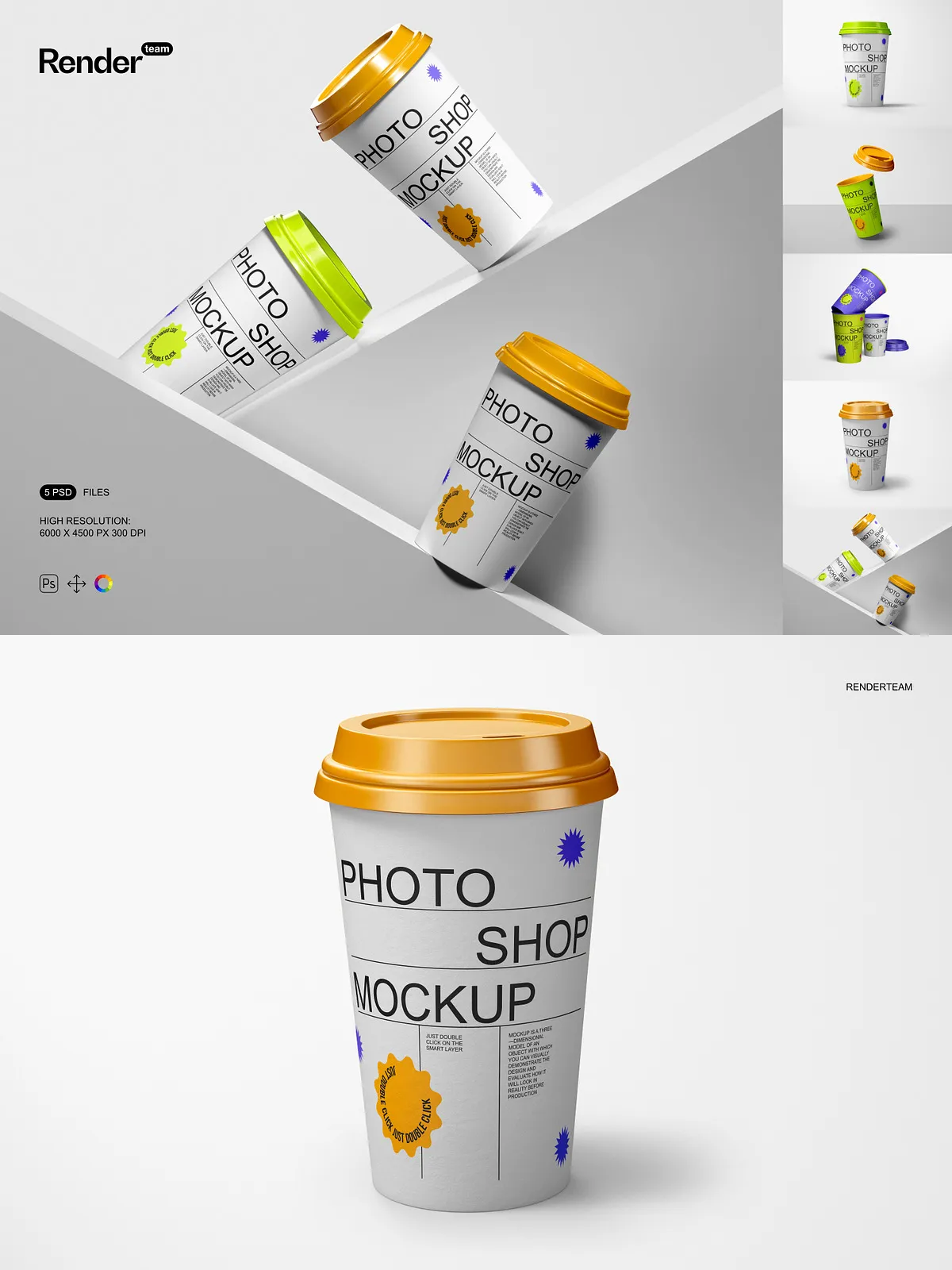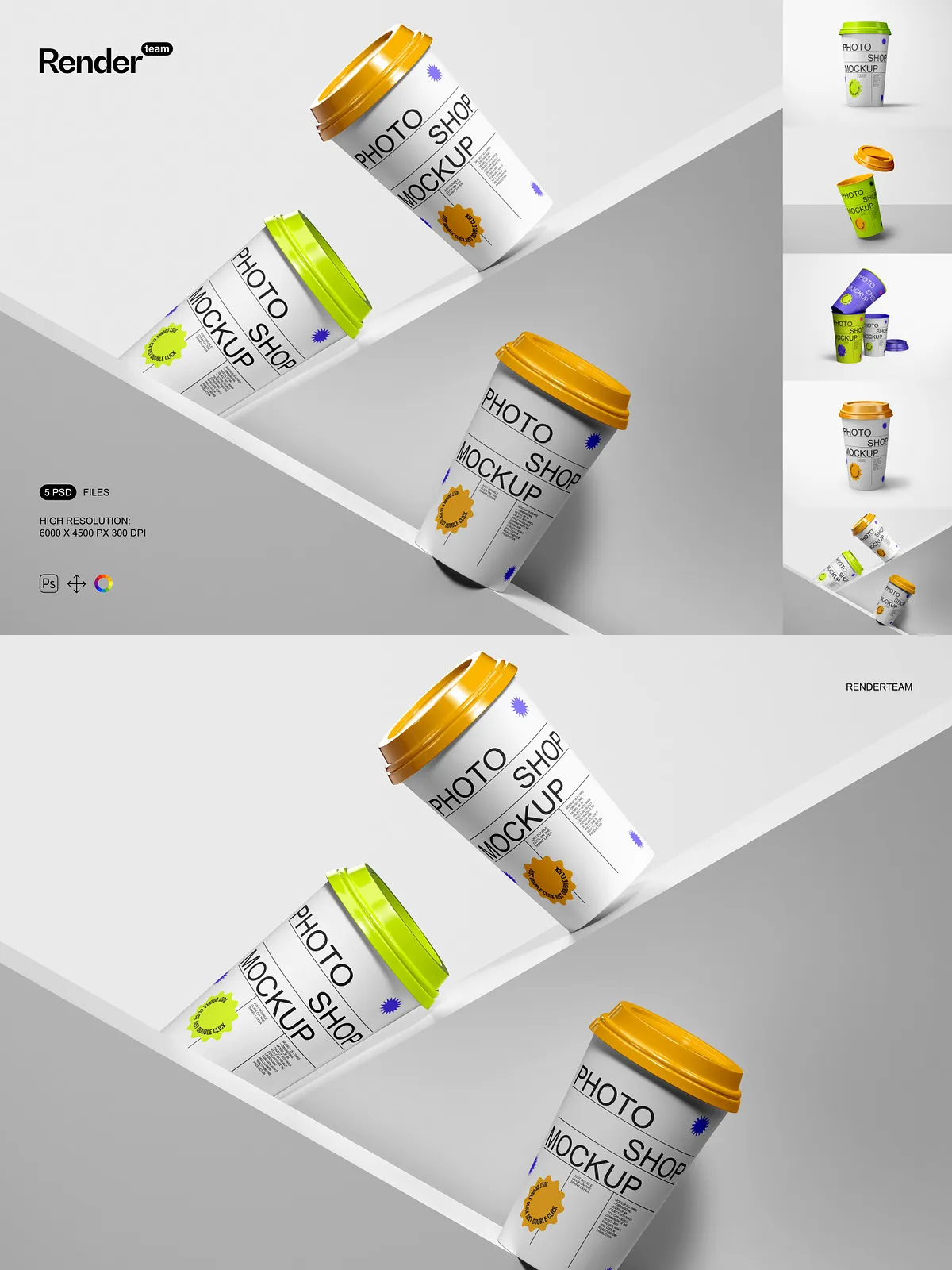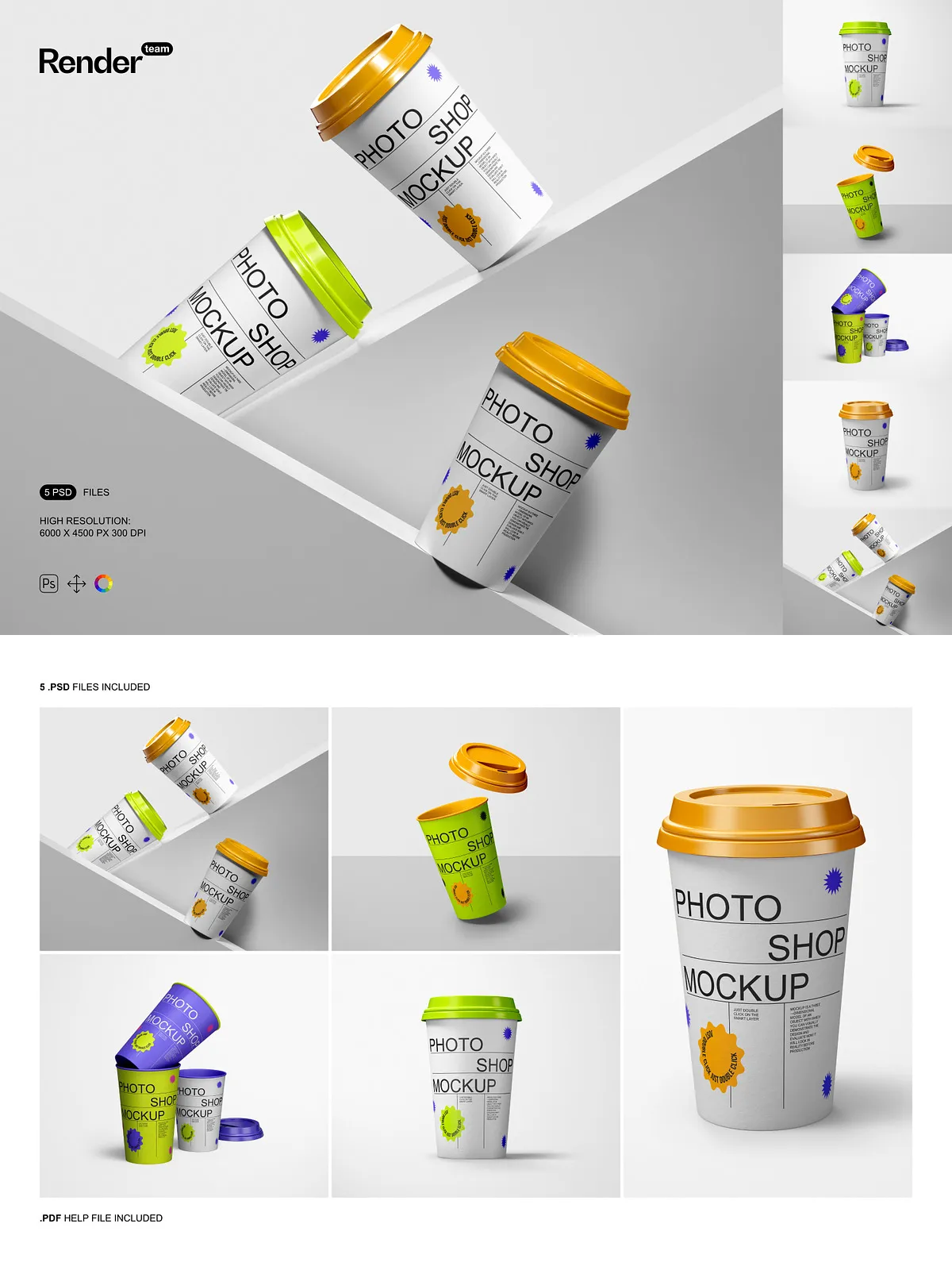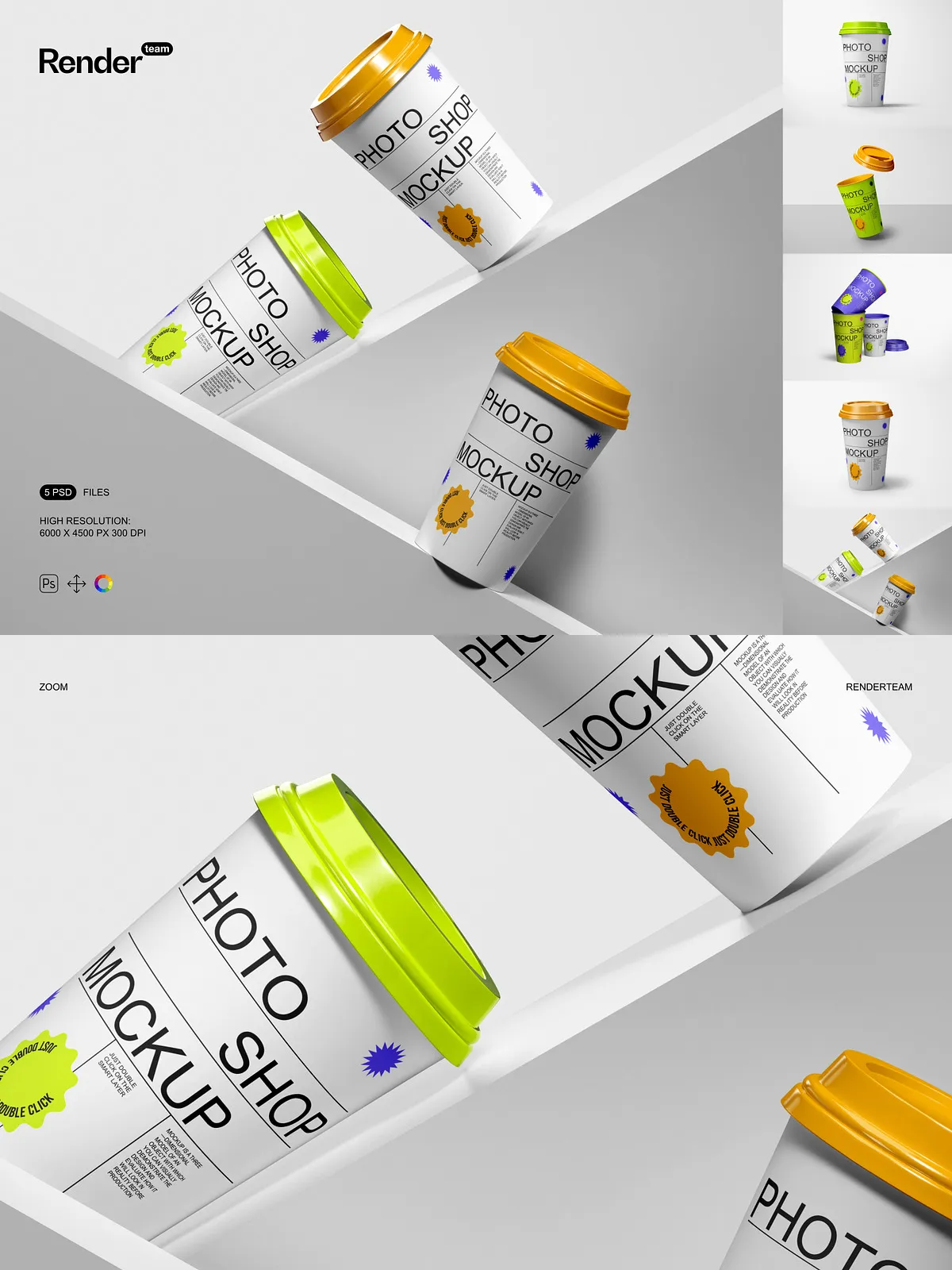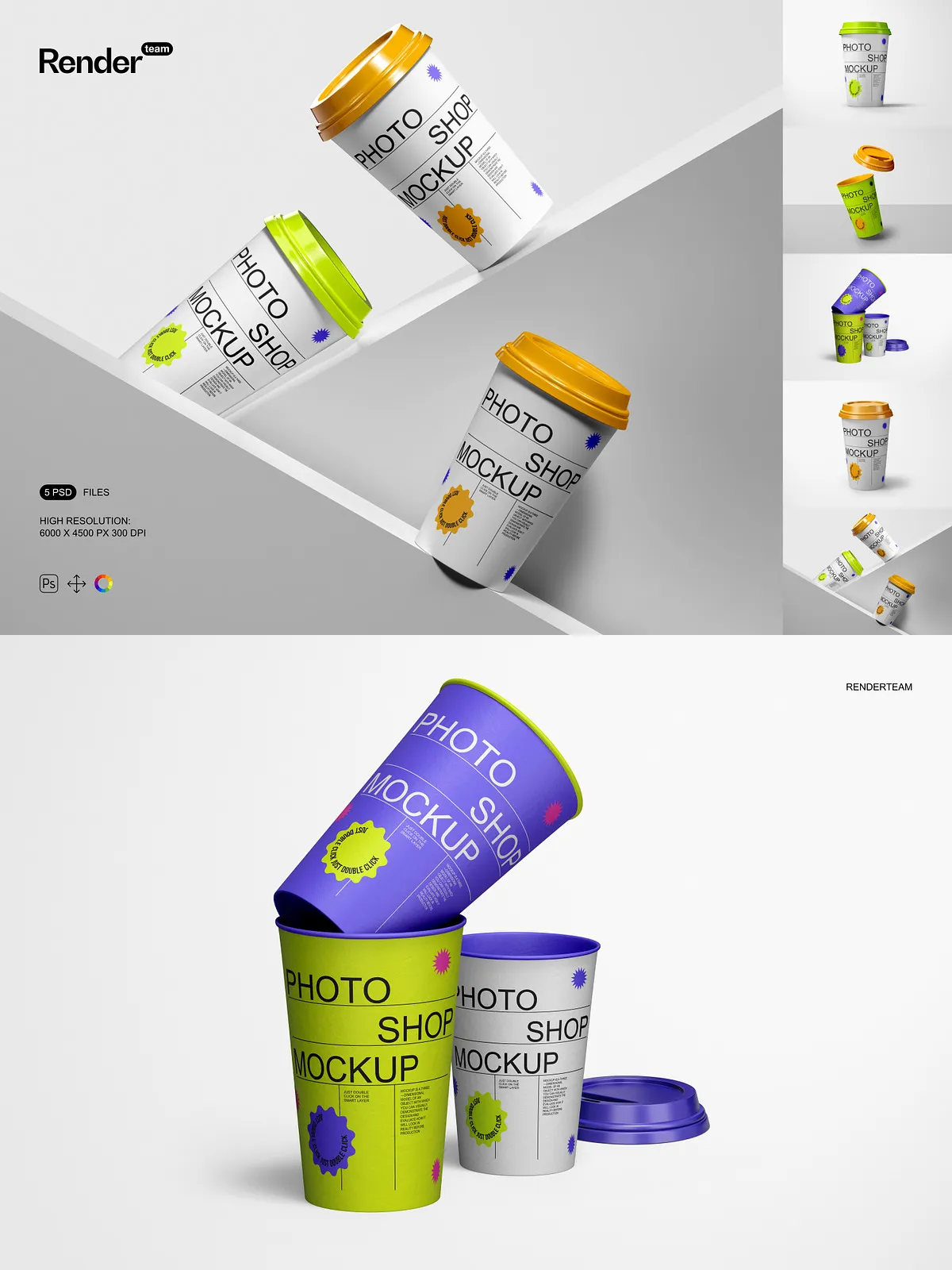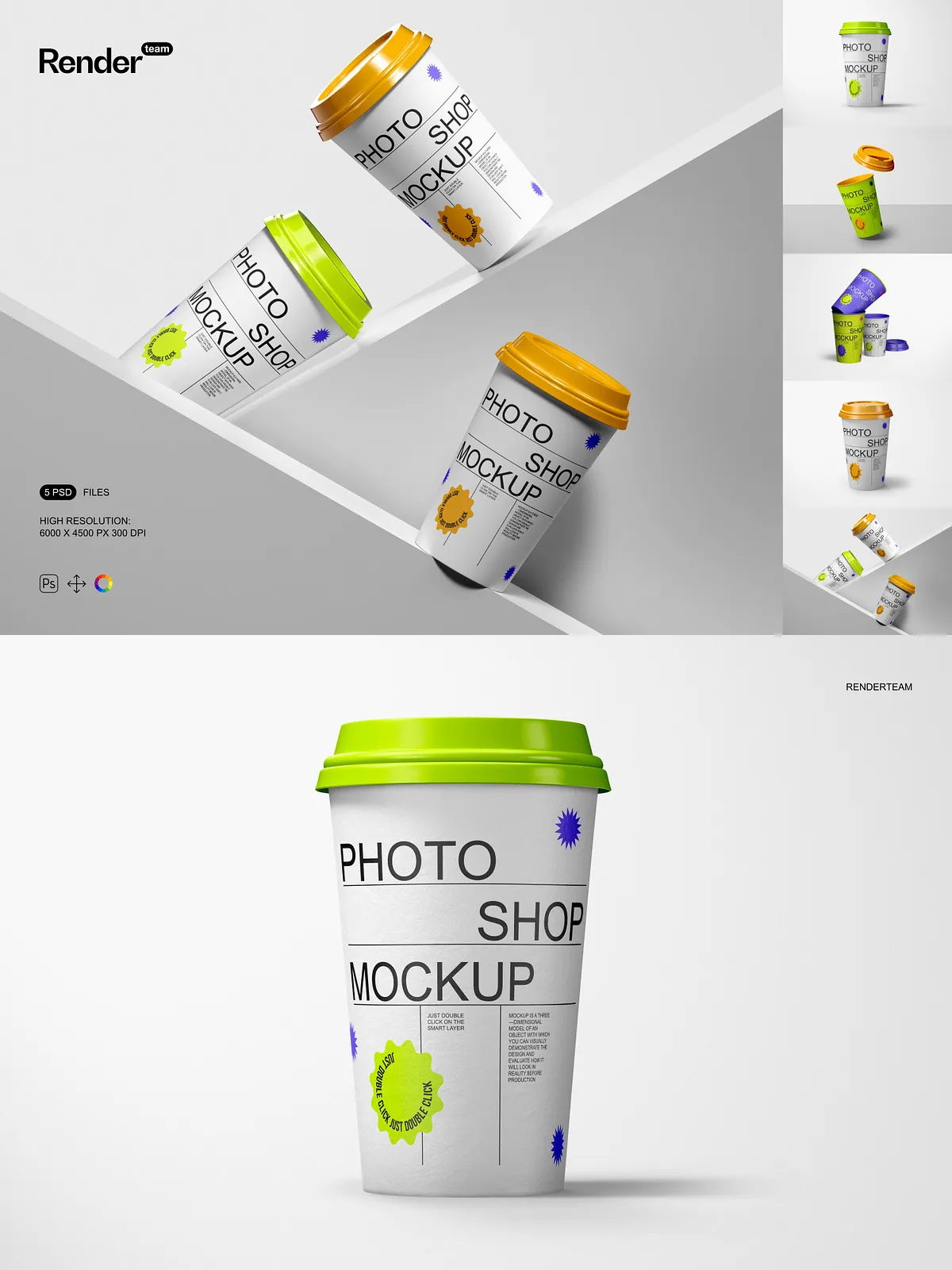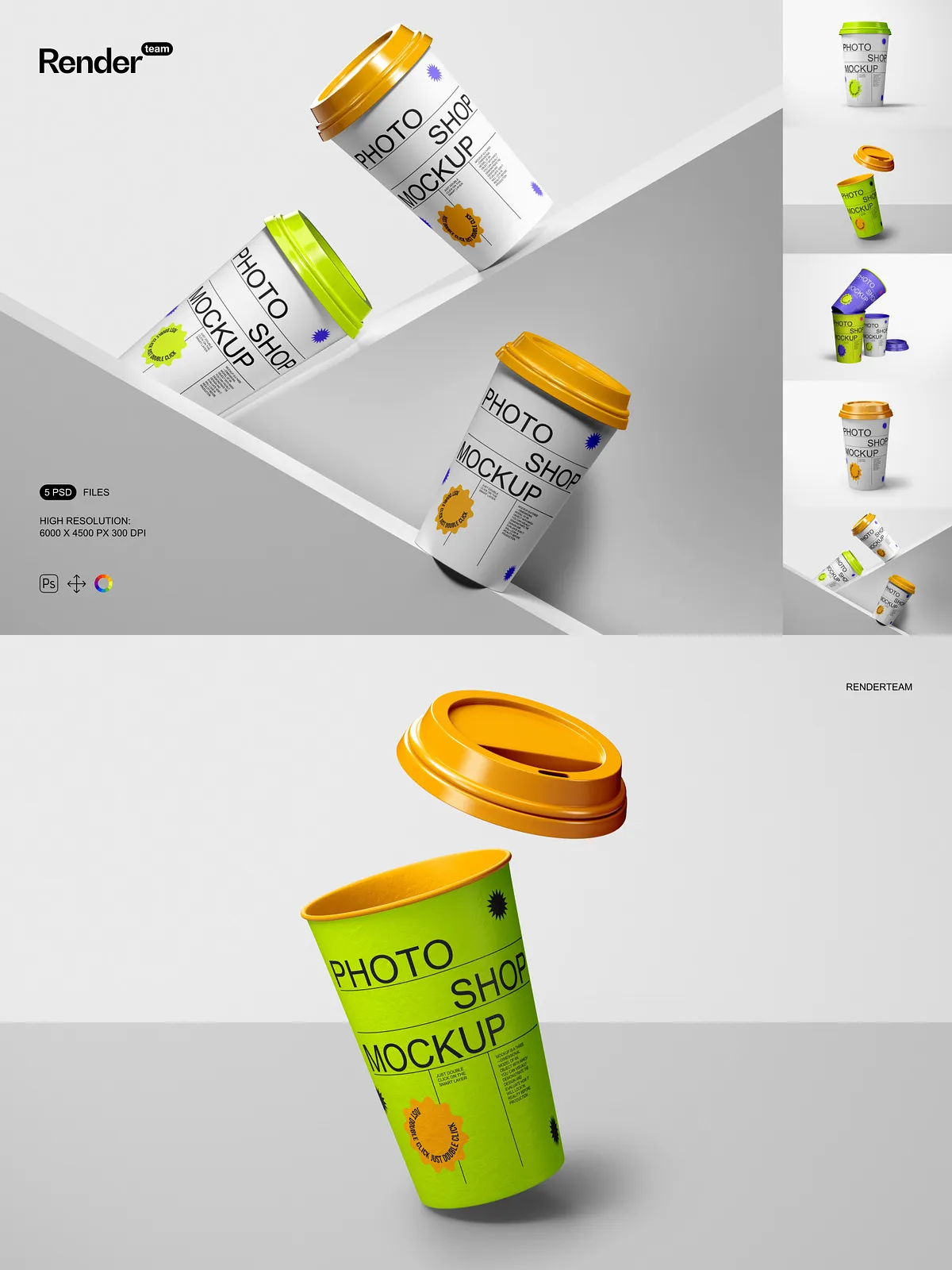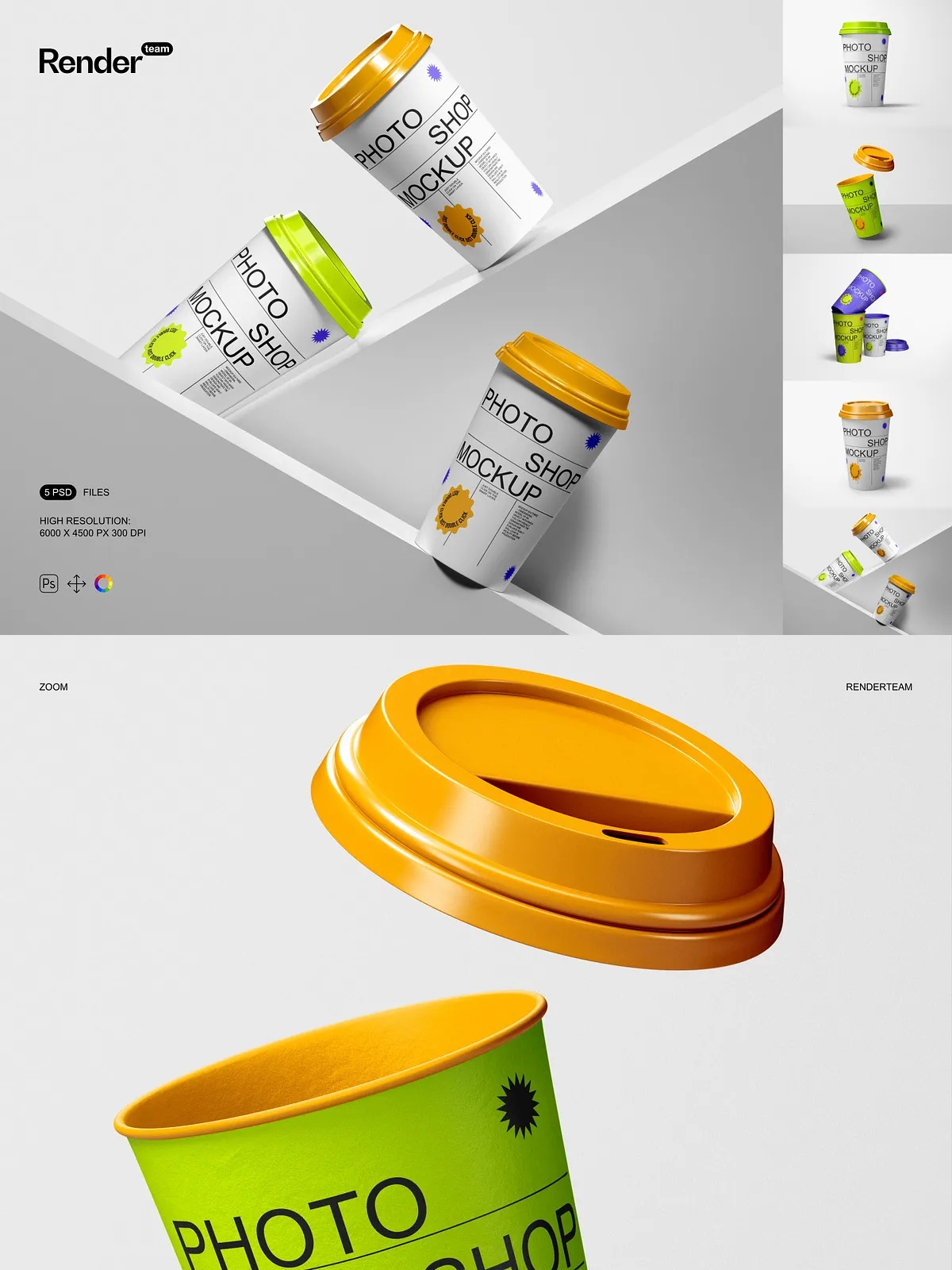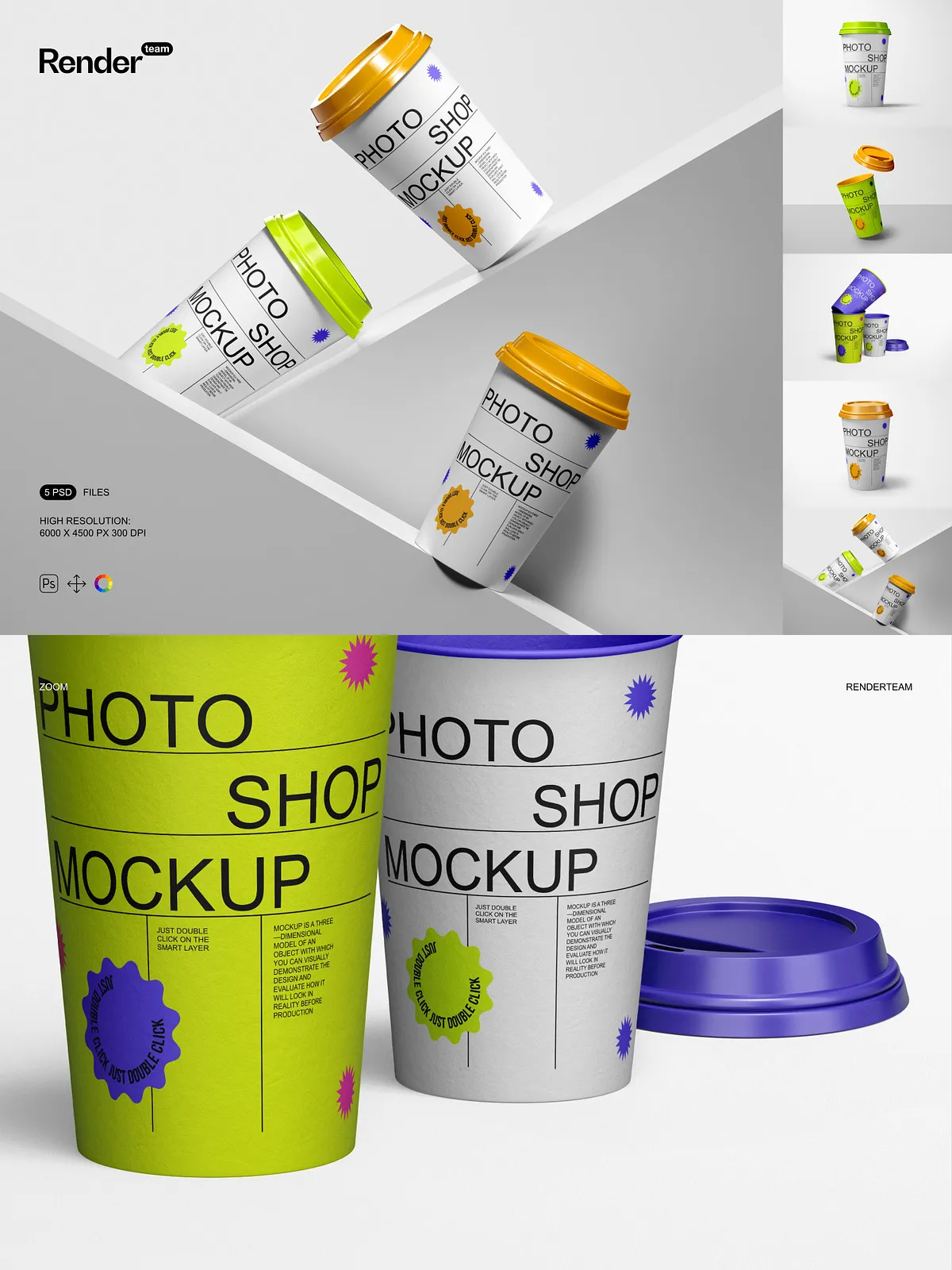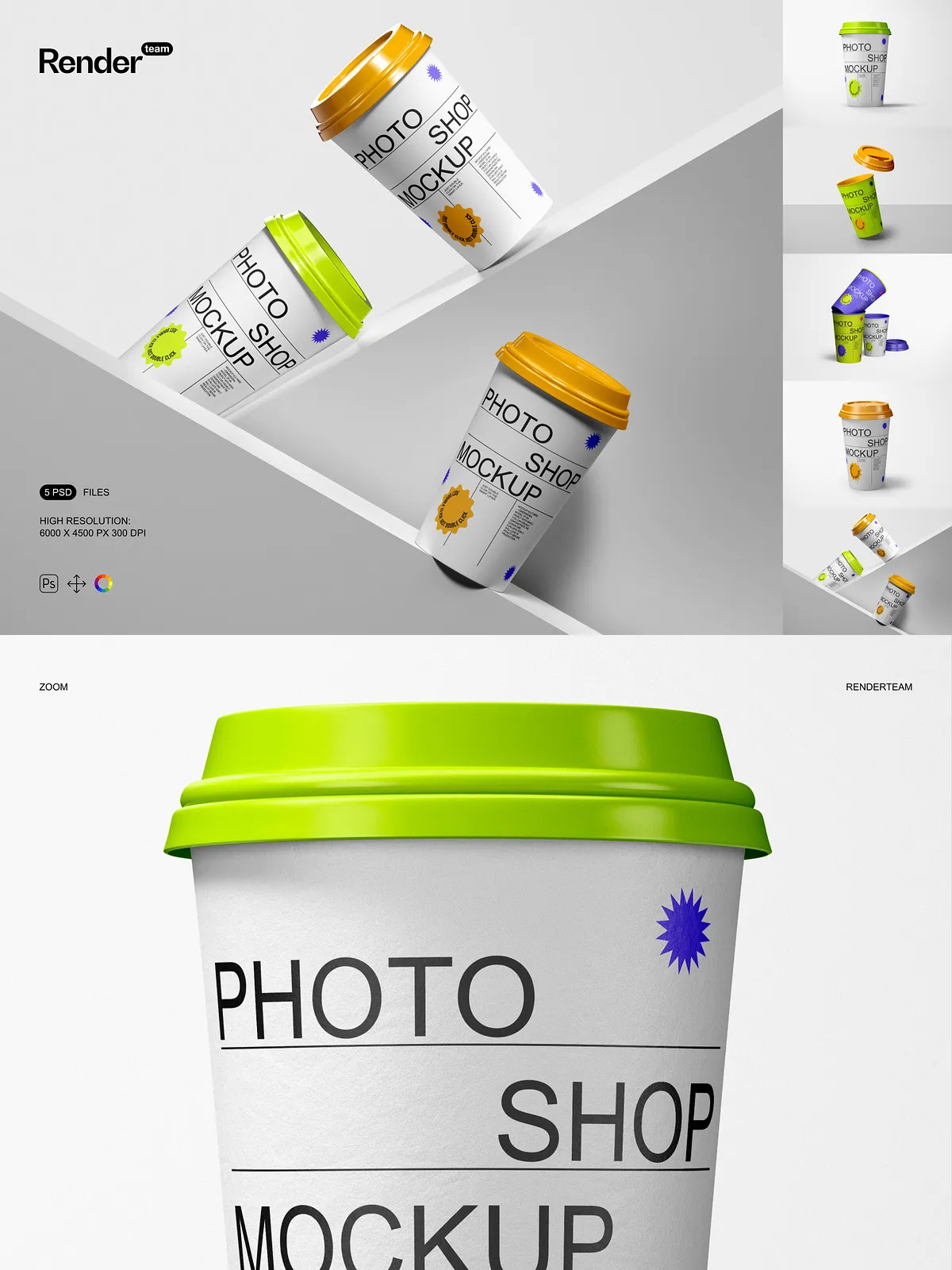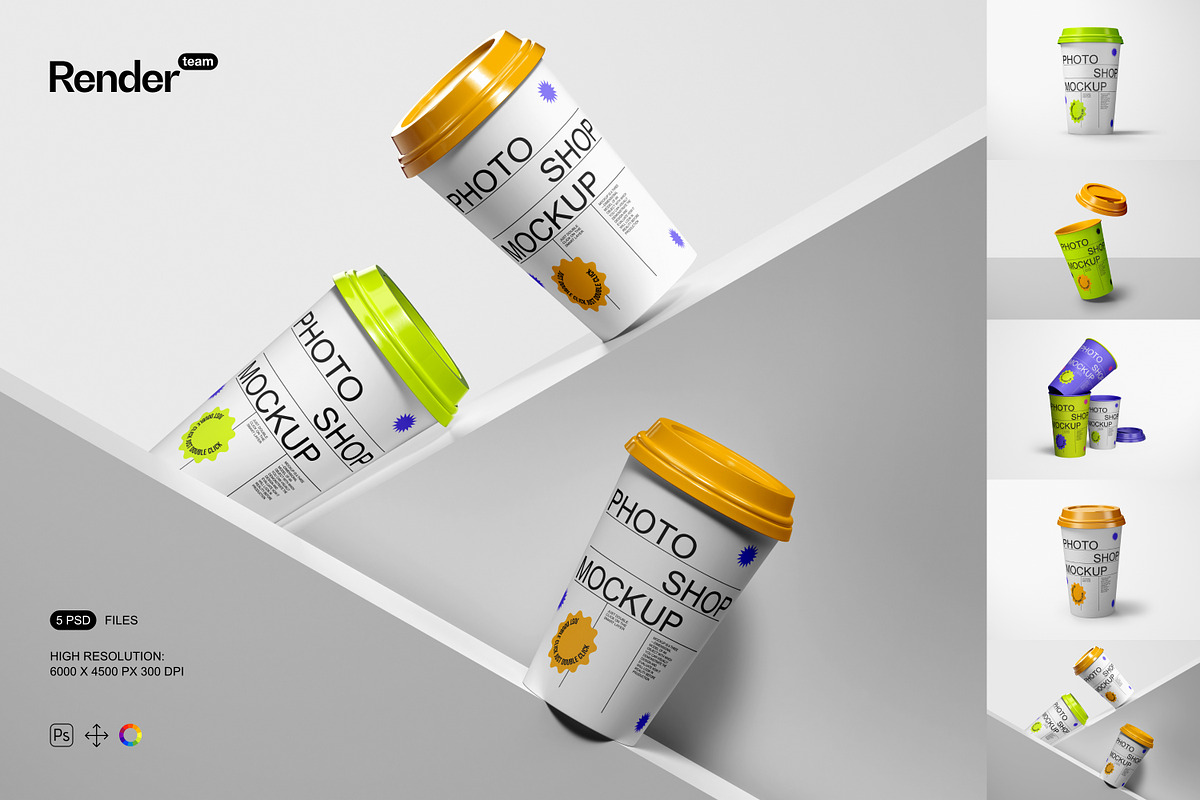
Unleash the full potential of your brand identity with the Paper Cup Mockup Set — a premium collection of five meticulously crafted, layered PSD files designed to showcase custom cup artwork with stunning realism and precision. Tailored for designers, packaging experts, and marketing professionals, this set enables you to present your cup designs in lifelike environments—perfect for e-commerce product pages, client presentations, social media campaigns, or print portfolios. Elevate your creative output with mockups that communicate quality, attention to detail, and professionalism from the first glance.
What’s Included in the Set
Core Files and Resources
- 5 high-resolution, fully layered .PSD mockup files for paper cups in varied angles and settings
- 1 comprehensive PDF help file containing setup instructions, layer navigation guide, and best practices for efficient editing
Technical Excellence & Design Quality
- Impeccable resolution: 6000 × 4500 px at 300 dpi for sharp print quality and high-detail web display
- All objects and shadows completely isolated — no overlapping textures or hidden interference
- Smart Object integration: Replace artwork instantly with a double-click, edit, and save — no manual tracing or repositioning
- Logical, hierarchical layer organization with clearly labeled folders for faster navigation and editing efficiency
Accelerate Your Workflow with Smart Object Editing
Instant Design Replacement — Zero Hassle
Transform your cup design in seconds. Open the PSD file, locate the Smart Object layer labeled “Cup Artwork,” and double-click it. A new window opens — insert your design at the correct dimension (6000 × 4500 px), adjust as needed, save, and close. The mockup updates live. This nondestructive workflow allows unlimited revisions without compromising the original structure, making rapid iteration possible even under tight deadlines.
Complete Isolation for Full Creative Control
Each component — from the cup structure and rim to shadows, reflections, and background surfaces — lives on its own isolated layer group. Adjust lighting, enhance ambient shadows, swap background scenes, or modify texture gradients without affecting the core design. This level of separation ensures every element behaves independently, giving you total command over visual storytelling and environmental context.
Advanced Customization Beyond the Basics
Go beyond simple replacement. Use color layers to test different brand palettes, tweak brightness and contrast to match real-world lighting, or apply subtle blur and depth effects for cinematic realism. Modify the cup’s orientation, add realistic hand-hold shadows, or overlay environmental textures like wood, concrete, or marble. These mockups are not just placeholders — they are active canvases where your design comes to life.
Step-by-Step Setup & Usage Guide
Start Your Project Confidently
- Open your chosen PSD file in Adobe Photoshop CC or a compatible version (Creative Cloud recommended).
- Locate the Smart Object layer labeled “Cup Artwork” or “Design Insert.”
- Double-click the layer to open the linked design file in a new window.
- Paste or place your custom design, ensuring it aligns perfectly with the 6000 × 4500 px canvas.
- Resample only if necessary — maintain original resolution for sharp output.
- Save the file (Ctrl/Cmd + S), close the window, and watch your mockup update automatically.
- Adjust shadows, background, or lighting using the provided adjustment layers for enhanced realism.
- Export final images in high-quality formats: PNG (for web), JPEG (for social media), or TIFF (for print).
Ideal for Real-World Design Deliverables
Designed for agencies, freelancers, and in-house marketing teams, this set excels in high-stakes branding projects. Use it to pitch food and beverage brands, promote seasonal drinks, showcase eco-friendly packaging, or produce compelling e-commerce visuals. Whether you’re working on coffee shop cups, festival merchandise, or premium beverage lines, these mockups add credibility, visual weight, and immediate professionalism to your deliverables.
Optimized for Performance & Compatibility
All files are compatible with Adobe Photoshop CC and newer versions. For optimal performance, use a system with at least 8GB RAM and an SSD drive. Close unnecessary applications during editing to prevent lag when working with large PSD files. Please note: sample images included are for demonstration purposes only and are not provided in the download — replace them with your own or licensed visuals for full branding control.
Best Practices for Superior Results
- Always prepare your design artwork at the full 6000 × 4500 px resolution to avoid pixelation or stretching.
- Use vector-based formats (such as AI or SVG) when creating original cup designs for clean, scalable visuals.
- Apply nondestructive adjustments using color overlay layers or hue/saturation settings for quick brand variations.
- Export mockups in multiple sizes: social media (1080×1350 px), website banners (1920×1080 px), and print-ready formats (6000×4500 px).
- Always back up original PSD files before applying batch edits or automated processing.