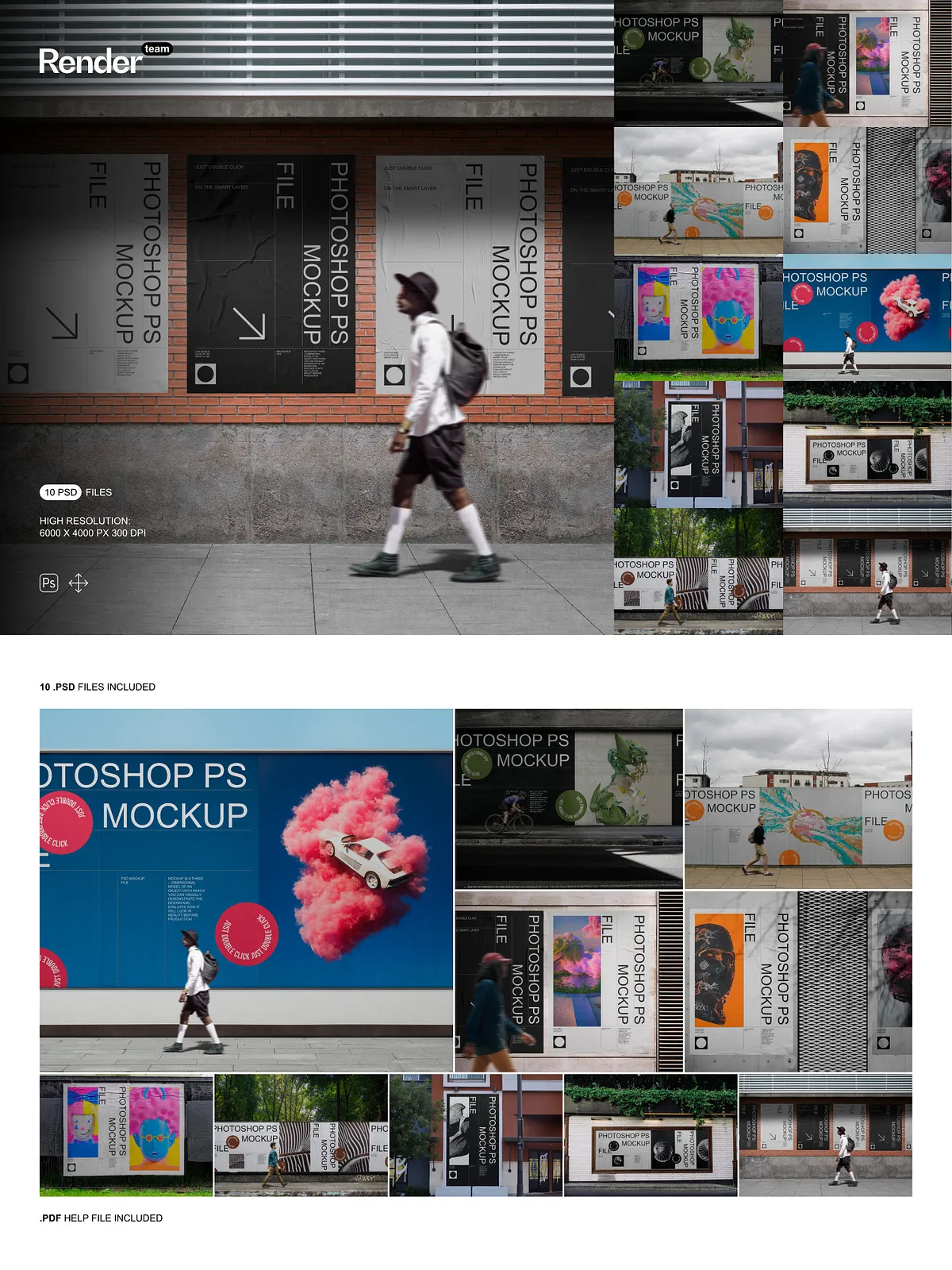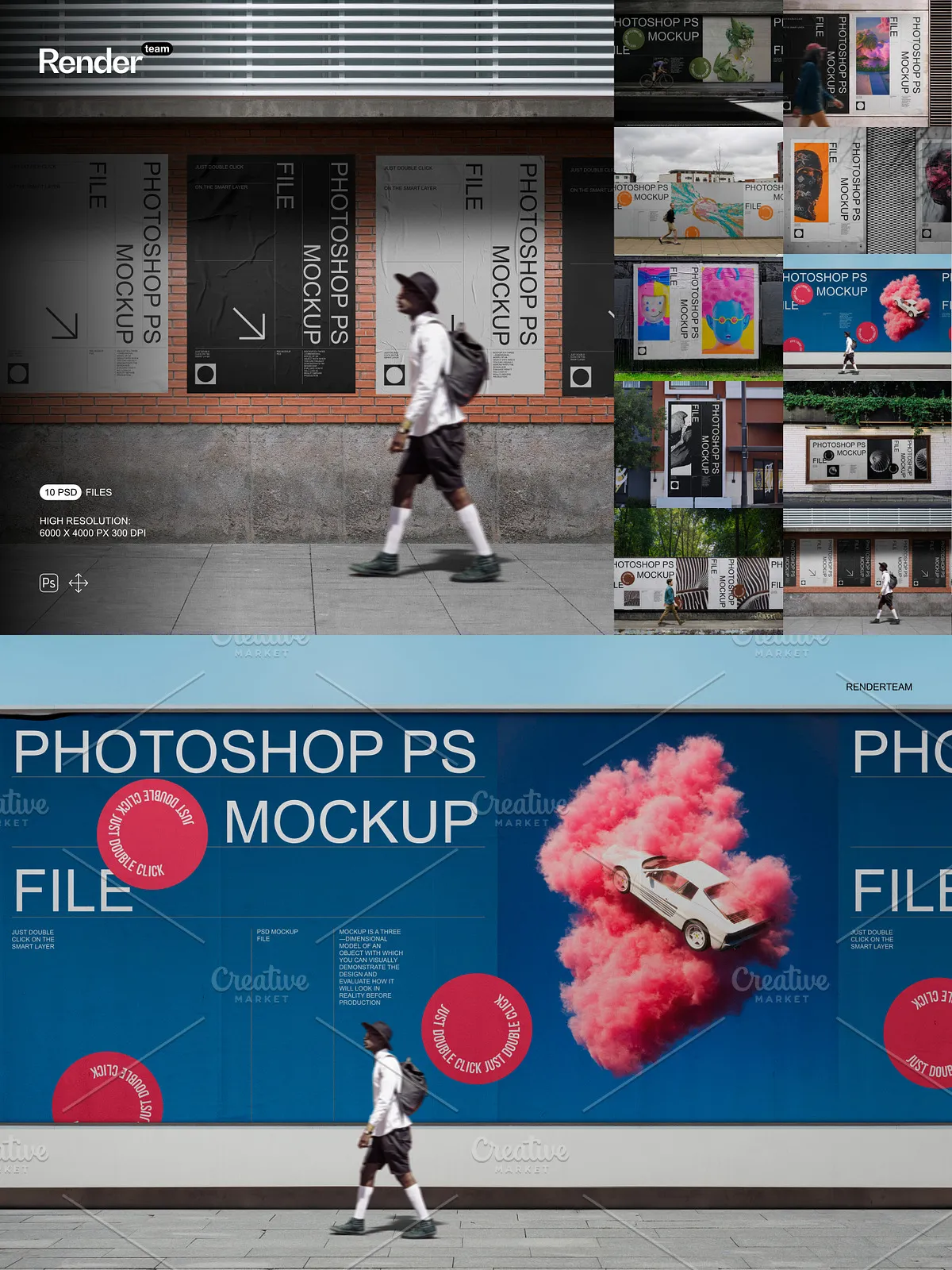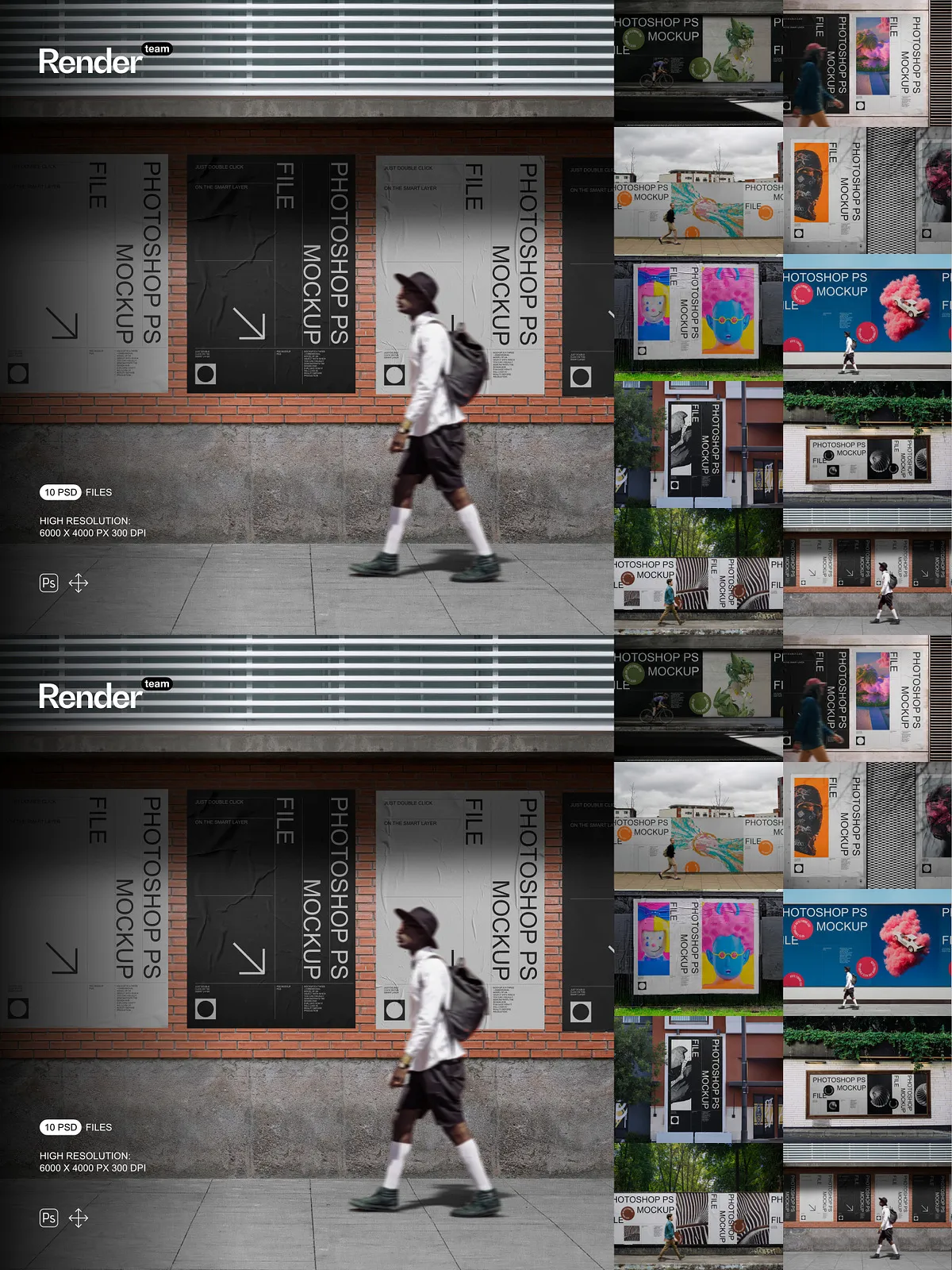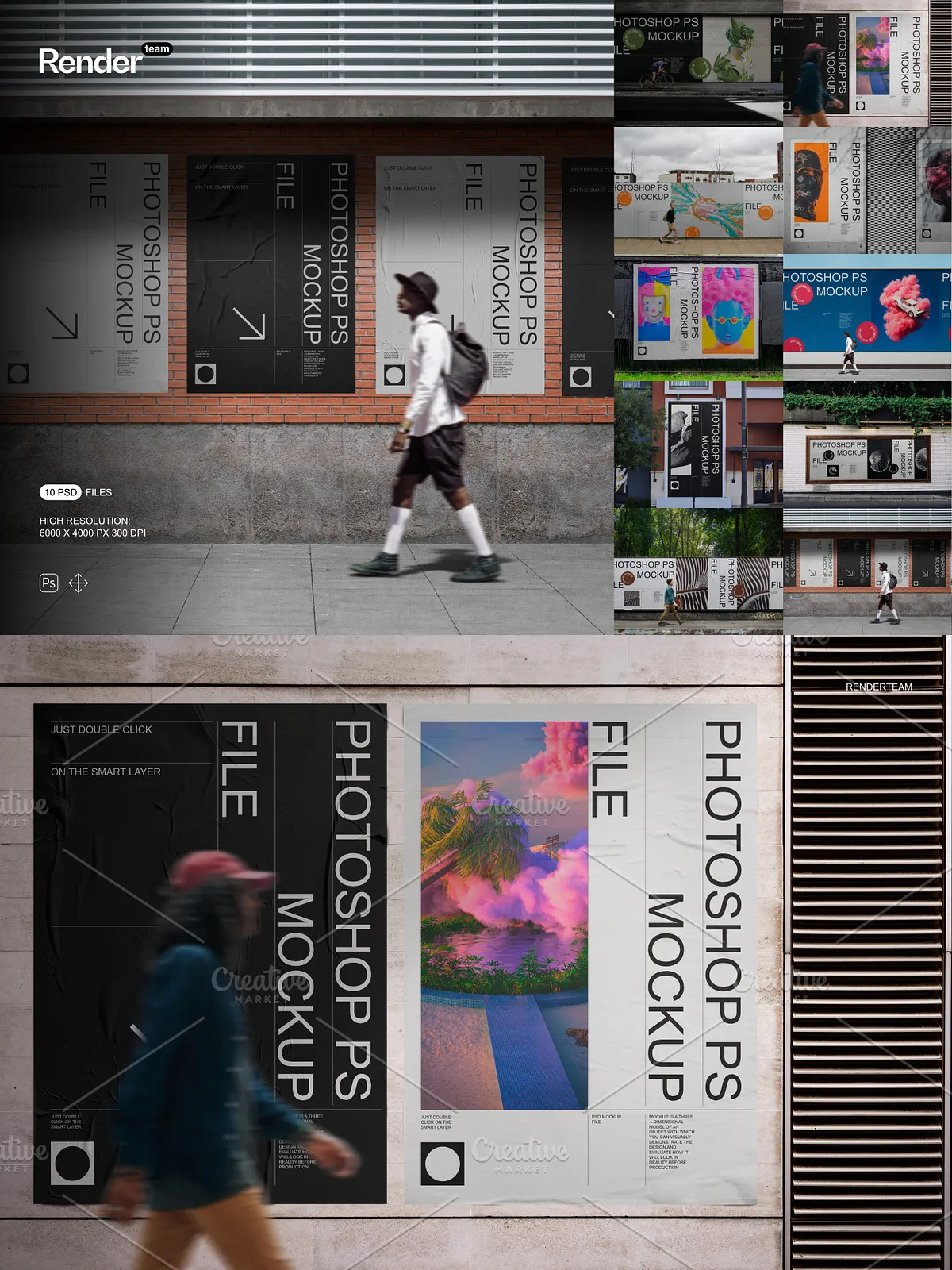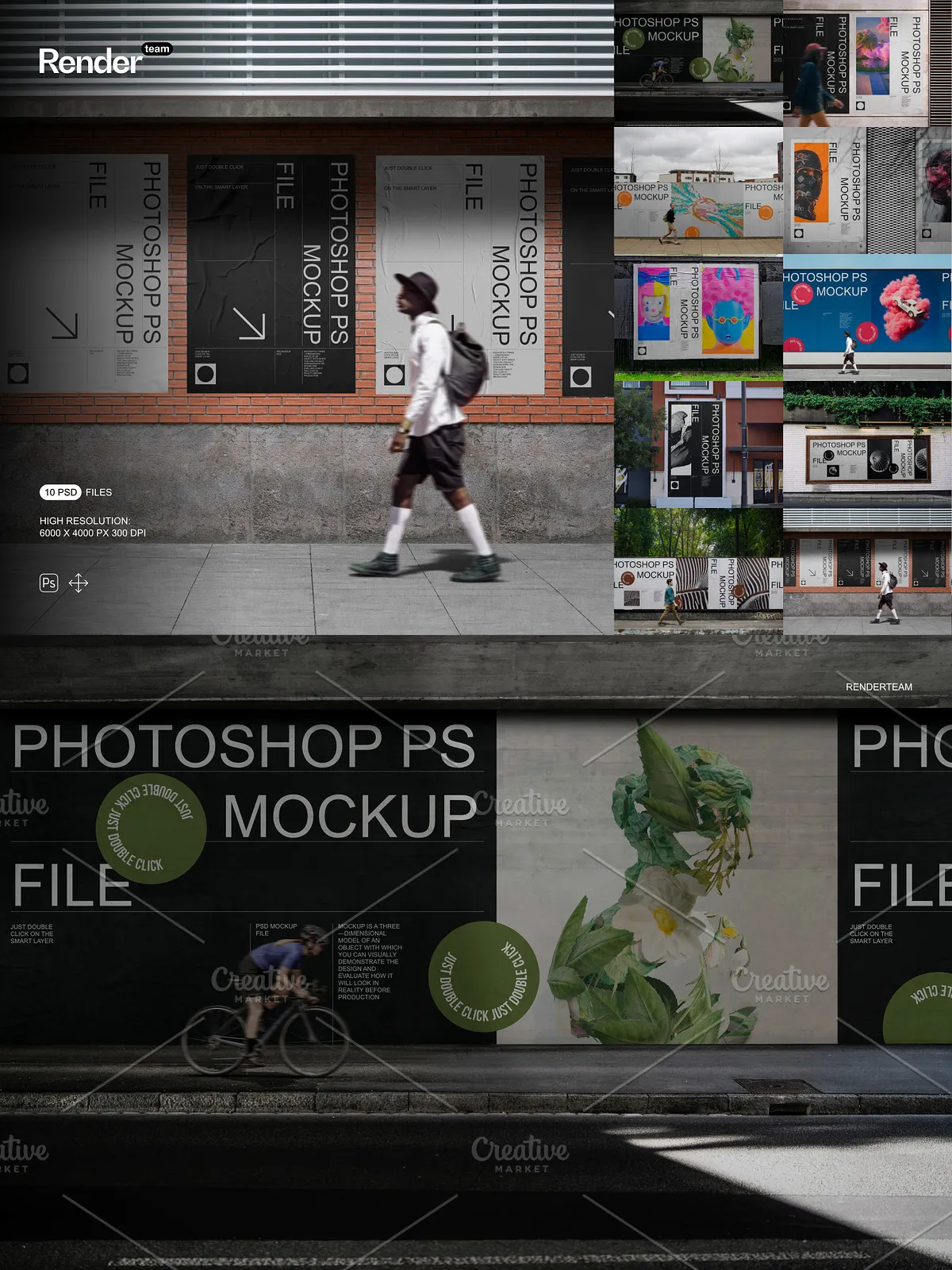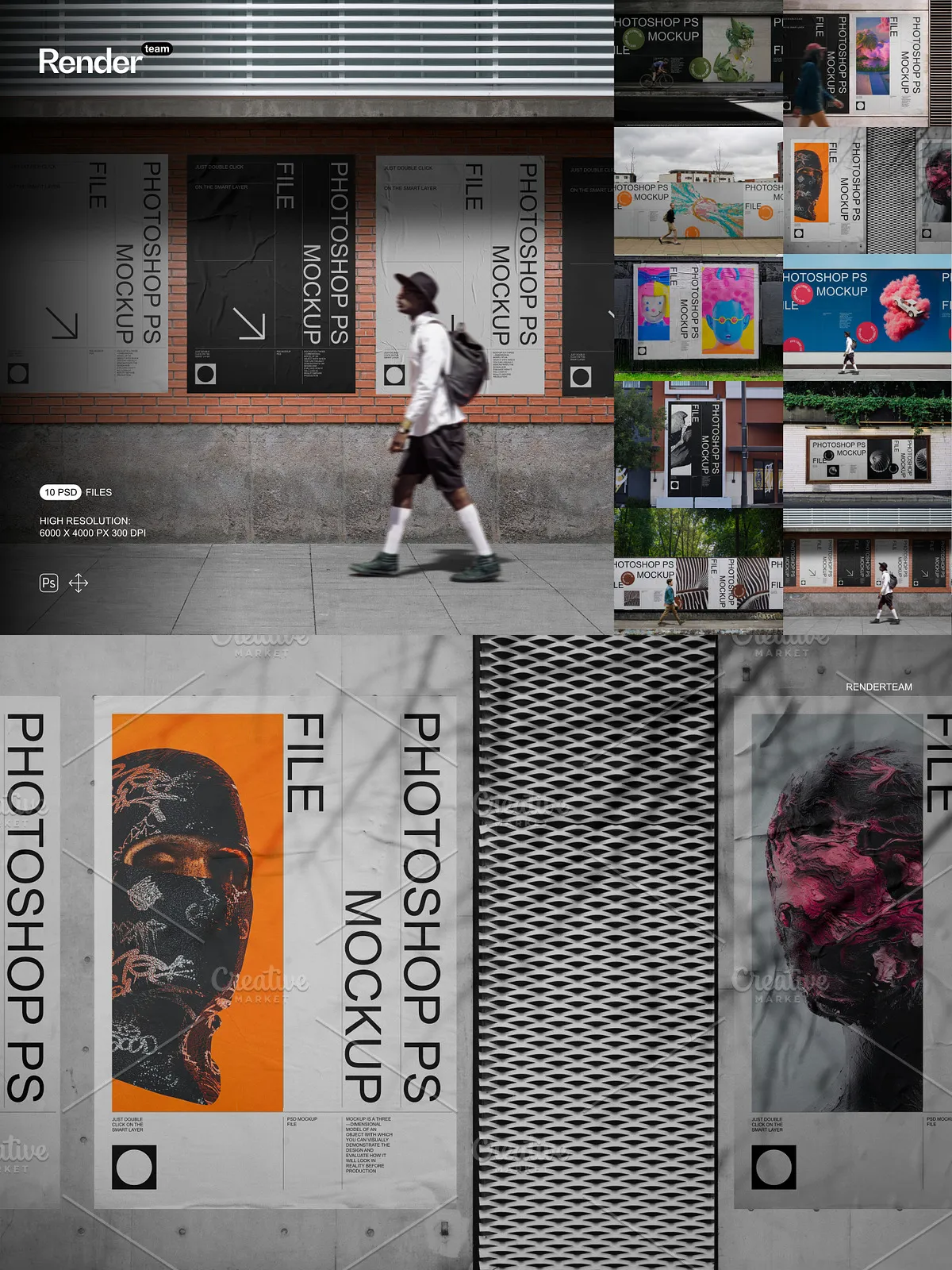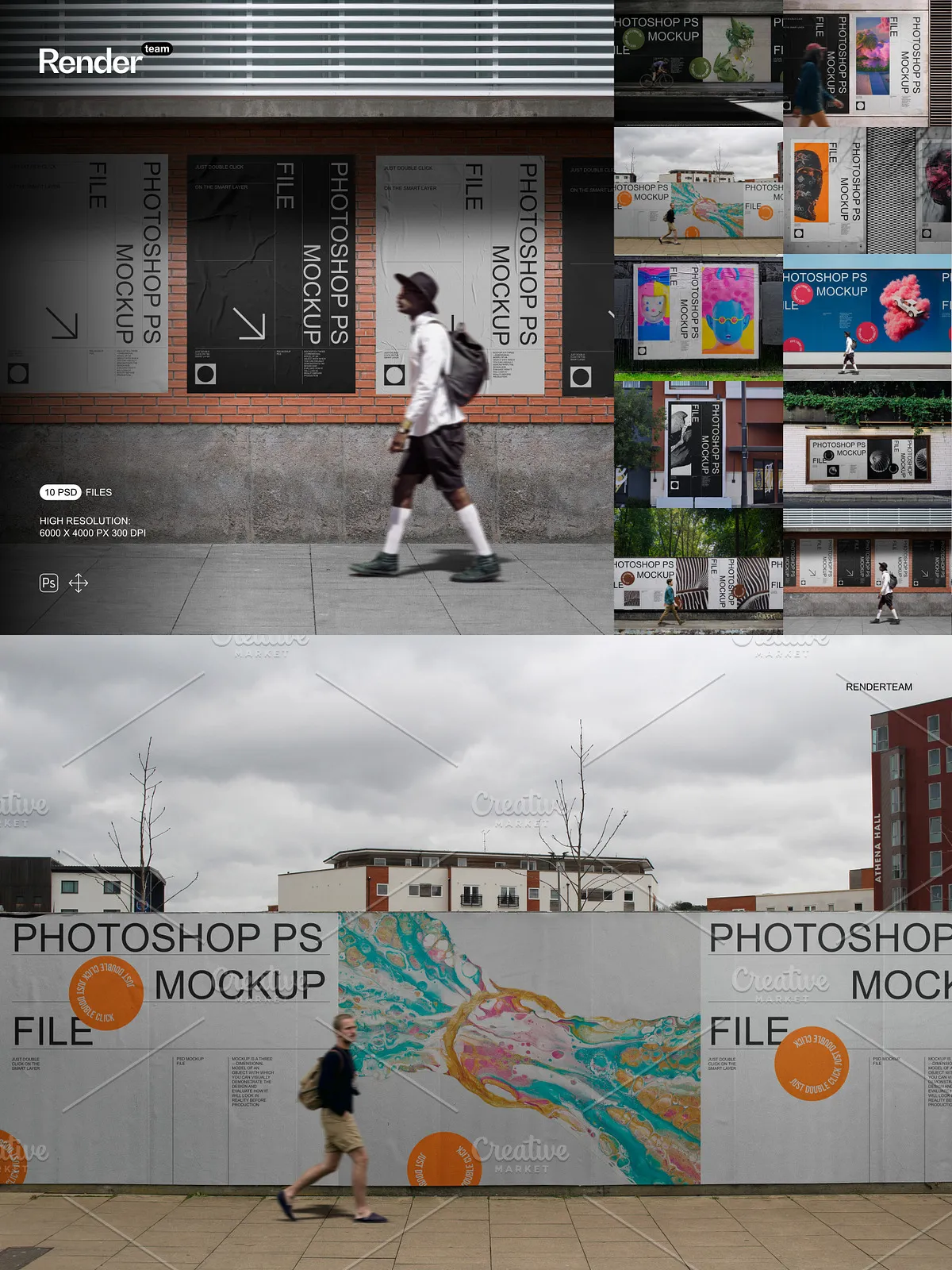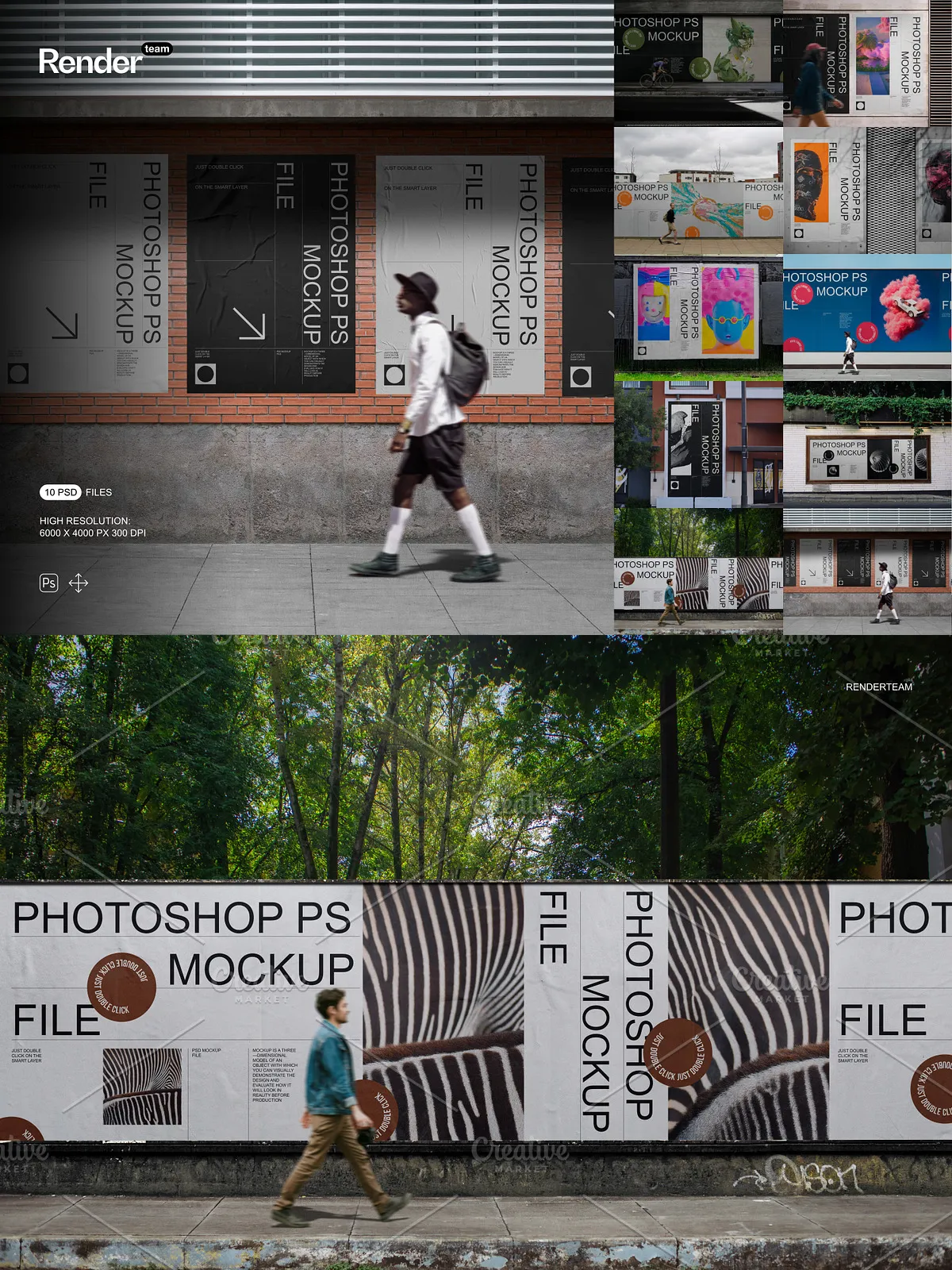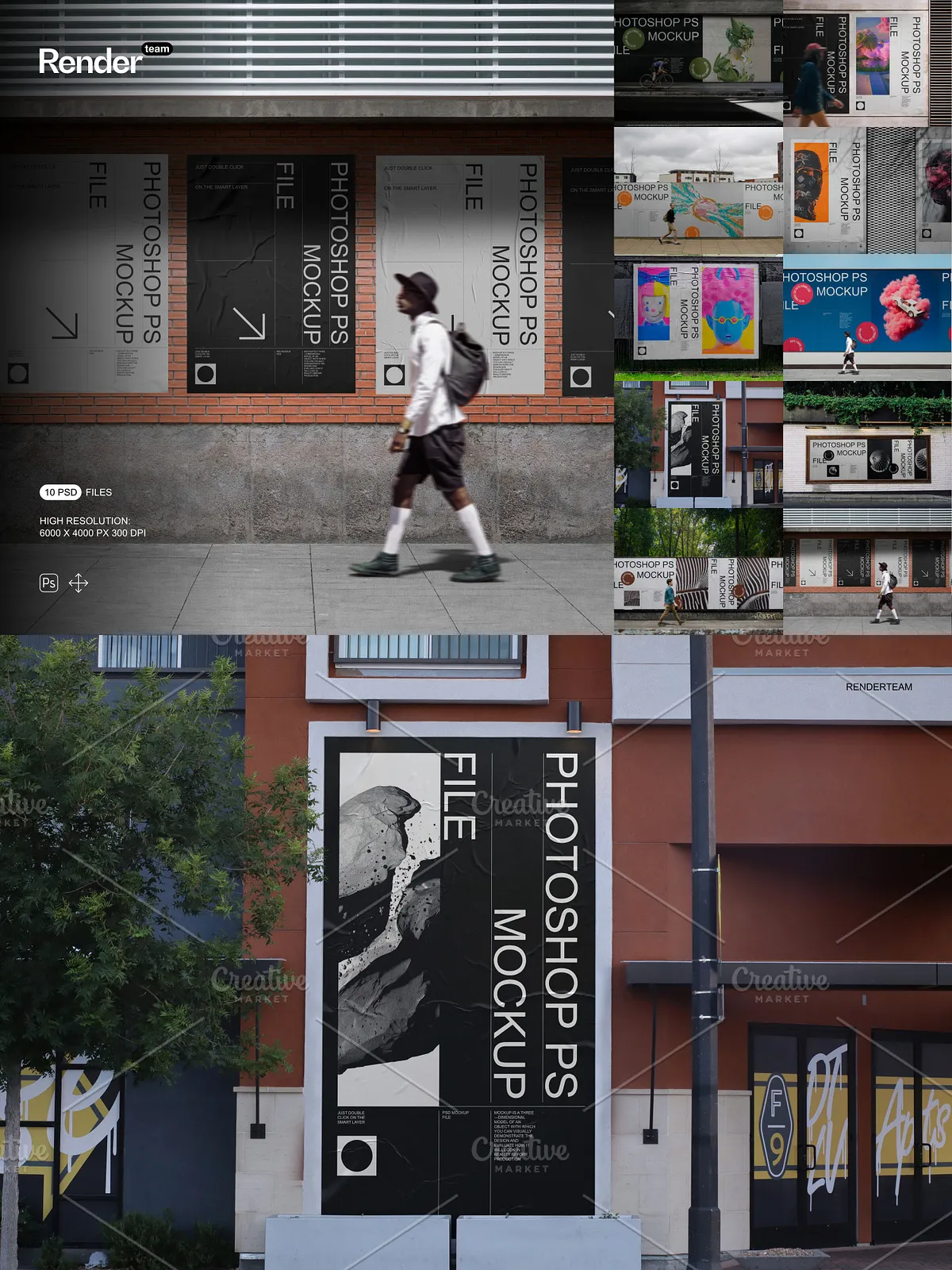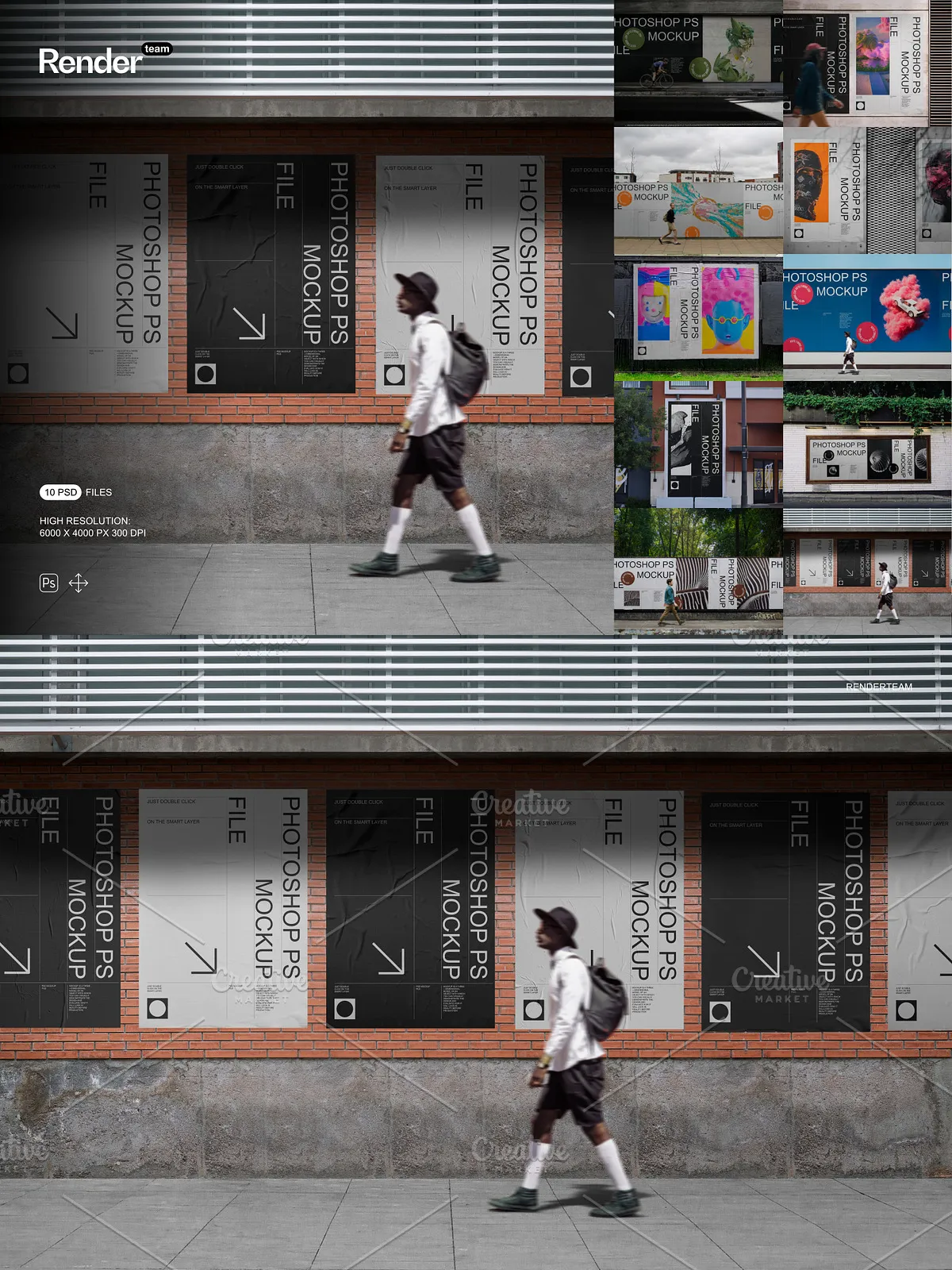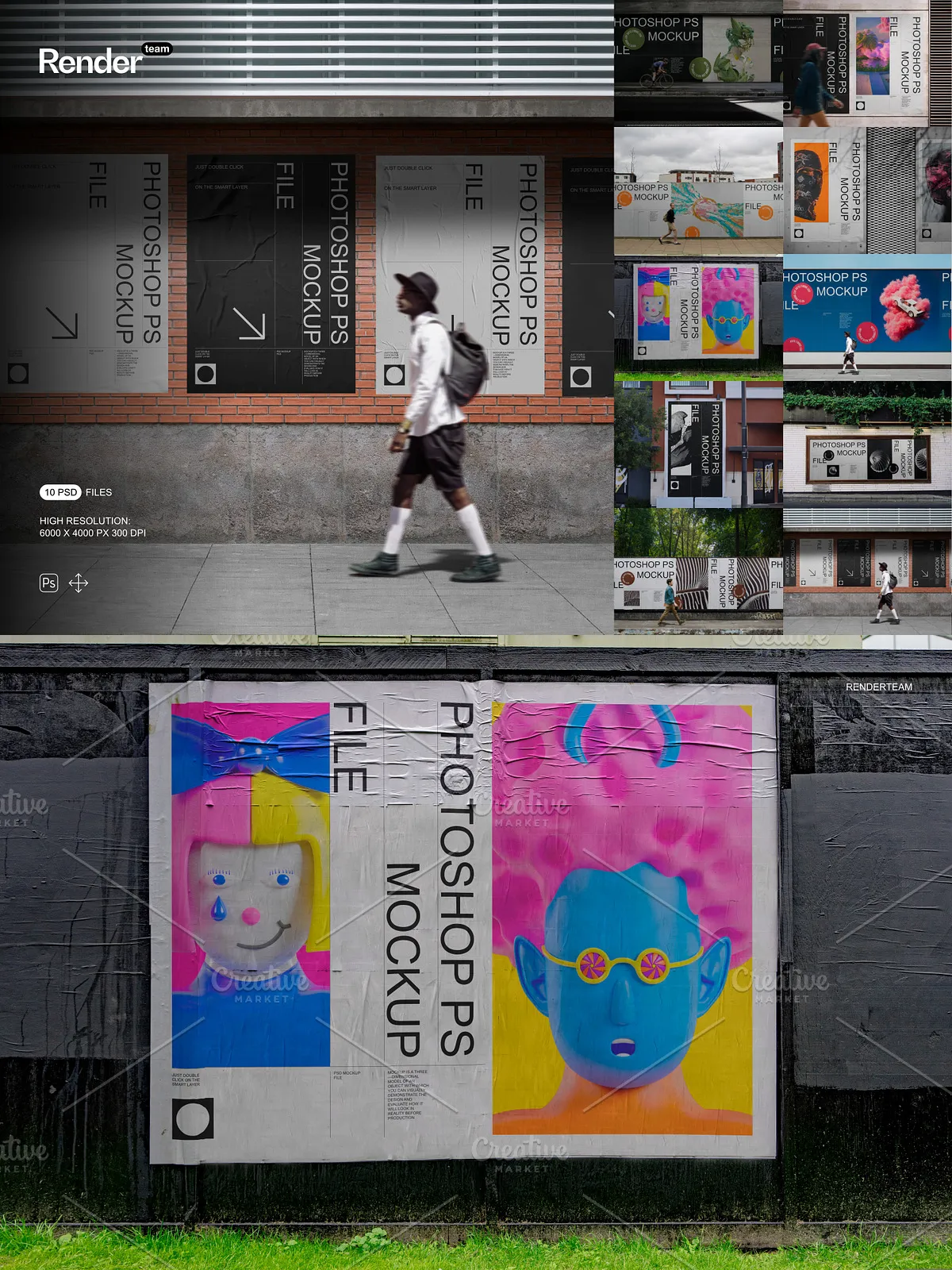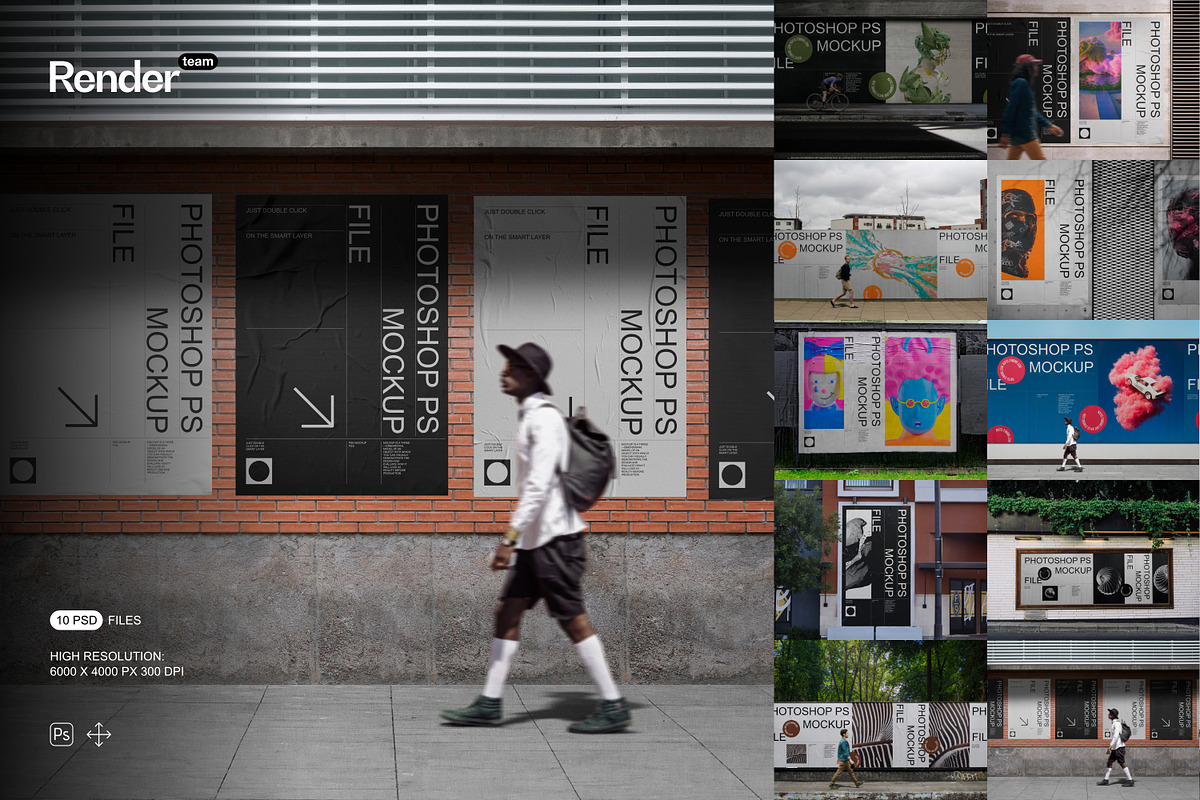
The Poster and Billboard Mockup Set delivers ten carefully crafted, fully layered PSD files designed to showcase posters, billboards, and large-format advertising designs with precision and realism. Each mockup is Smart Object–ready so you can replace artwork instantly, producing polished presentation images without complex workflows. The pack prioritizes editable elements, isolated shadows, and high-resolution canvases suitable for both digital previews and print-ready exports.
What’s Included
Files and Documentation
- 10 layered PSD mockup files tailored for poster and billboard displays
- One PDF help file with step-by-step instructions, recommended export settings, and troubleshooting tips
Technical Specifications
- Canvas resolution: 6000 × 4000 px at 300 dpi for crisp, print-capable renders
- All objects and shadows isolated for independent control of scene elements
- Fully editable Smart Objects for nondestructive artwork replacement
- Organized layers and clearly labeled folders to speed up editing
Key Features and Benefits
Rapid Smart Object Workflow
Replace artwork in seconds using Smart Objects. Double-click the Smart Object layer, paste or place your design at the recommended resolution, save, and the mockup updates automatically. This approach reduces iteration time and preserves the original artwork files so you can produce multiple variations quickly.
Independent Scene Control
Because every object, background, and shadow is isolated, you can adjust lighting, color, and composition without affecting your embedded artwork. Tweak shadow intensity, reposition elements, or replace backgrounds to adapt each mockup precisely to your campaign requirements or client brief.
High-Resolution Output for Diverse Uses
With a 6000 × 4000 px canvas at 300 dpi, these mockups support large-format prints, detailed portfolio displays, and high-fidelity web images. Export optimized JPEGs and PNGs for web and social, or produce TIFFs and print-ready files for professional production without sacrificing detail.
How to Use — Quick Start
Step-by-Step Editing
- Open the desired PSD file in Adobe Photoshop (Creative Cloud recommended for full Smart Object support).
- Locate the Smart Object layer labeled for artwork (commonly named “Poster” or “Artwork”) and double-click to open it.
- Place your design into the Smart Object at the recommended pixel dimensions or scale proportionally to fill the canvas.
- Save the Smart Object window (Ctrl/Cmd+S) and close it; the main mockup updates automatically with your artwork applied.
- Adjust isolated layers — background, shadows, reflections, and color overlays — to match lighting and campaign tone.
- Export final images as JPEG, PNG, or TIFF at the desired resolution for online presentation or print production.
Recommended Use Cases
Use this mockup set to produce compelling visuals for client presentations, portfolio pieces, ad campaigns, and pitching sessions. The high resolution and isolated elements make the set ideal for demonstrating how designs will read at scale, preparing print proofs, designing transit advertising, and creating social media previews of large-format work.
Compatibility and System Requirements
To fully utilize Smart Objects and layered adjustments, open the PSD files in Adobe Photoshop CC or later. Large PSD files require adequate system memory and disk space; for best performance, work on a local SSD and close unnecessary applications. Any third-party fonts or stock photography used in preview images are not included and must be licensed separately or replaced.
Best Practices and Tips
- Prepare artwork at high resolution to avoid upsampling; use vector-based files for posters and billboards where possible.
- Use nondestructive adjustment layers to match color temperature and contrast so the artwork integrates naturally with the scene lighting.
- Keep a backup of original PSD files before making large-scale edits or exporting multiple variants.
- Export multiple sizes optimized for web, high-resolution displays, and print to streamline client review and final delivery.