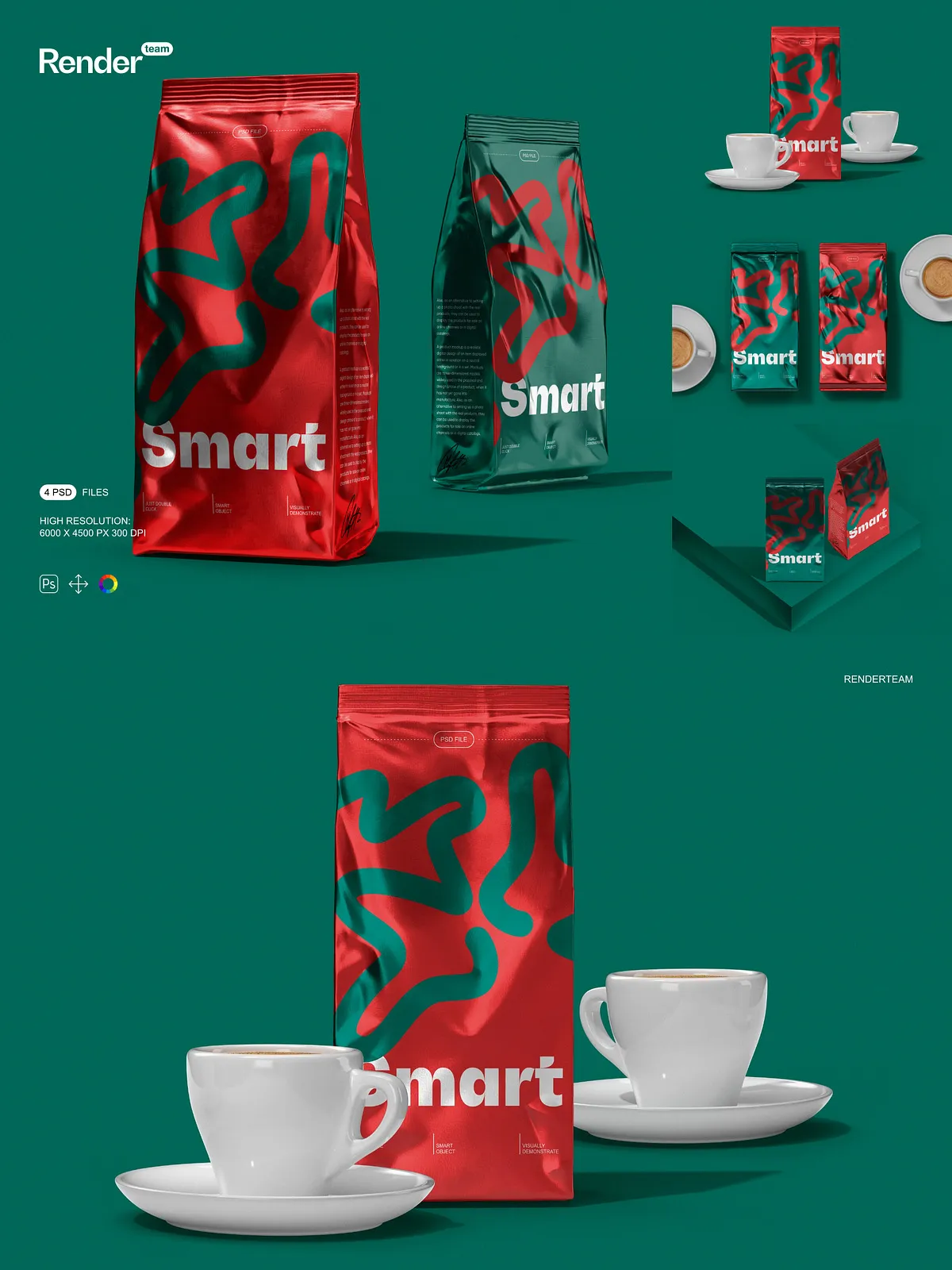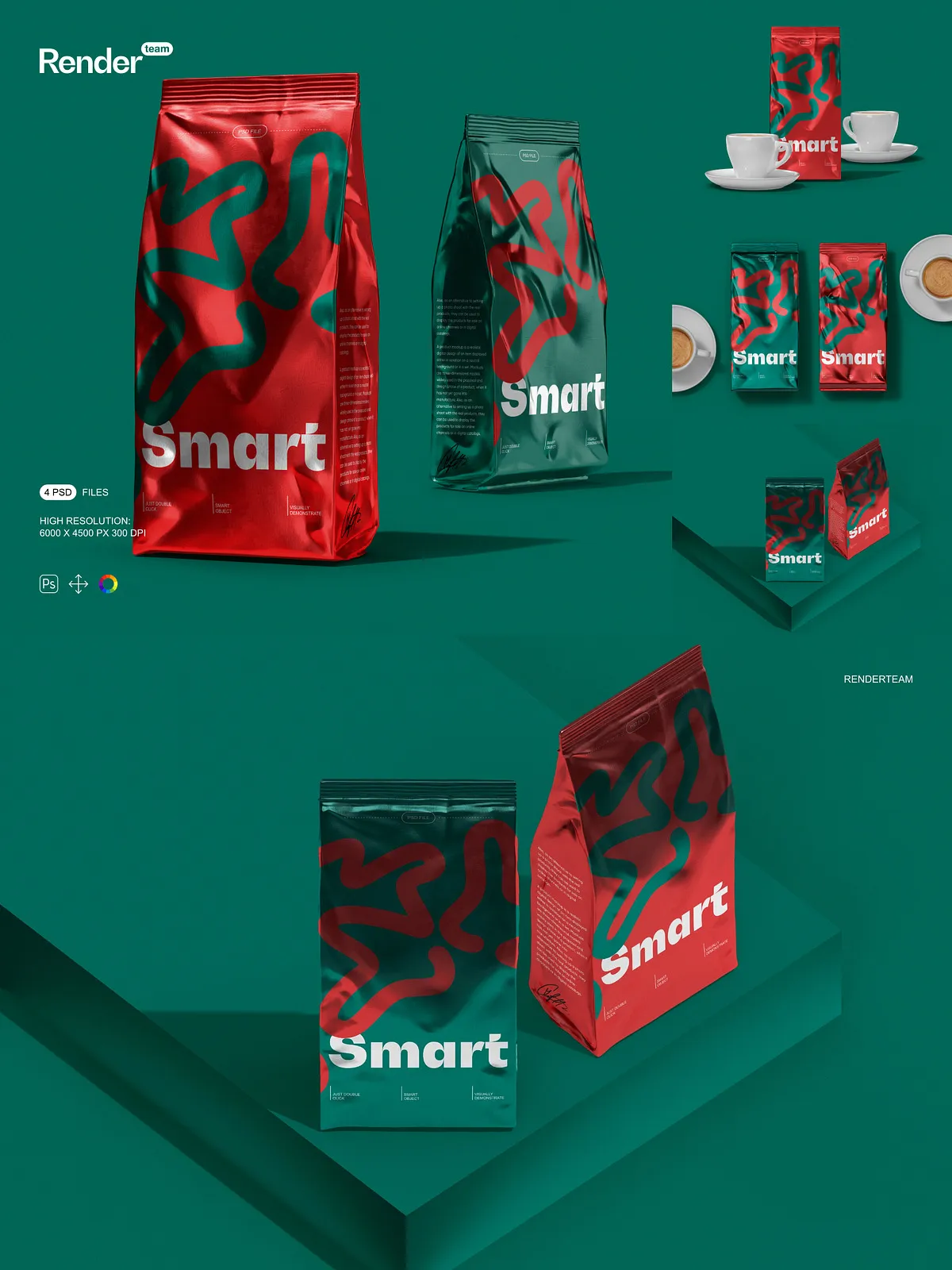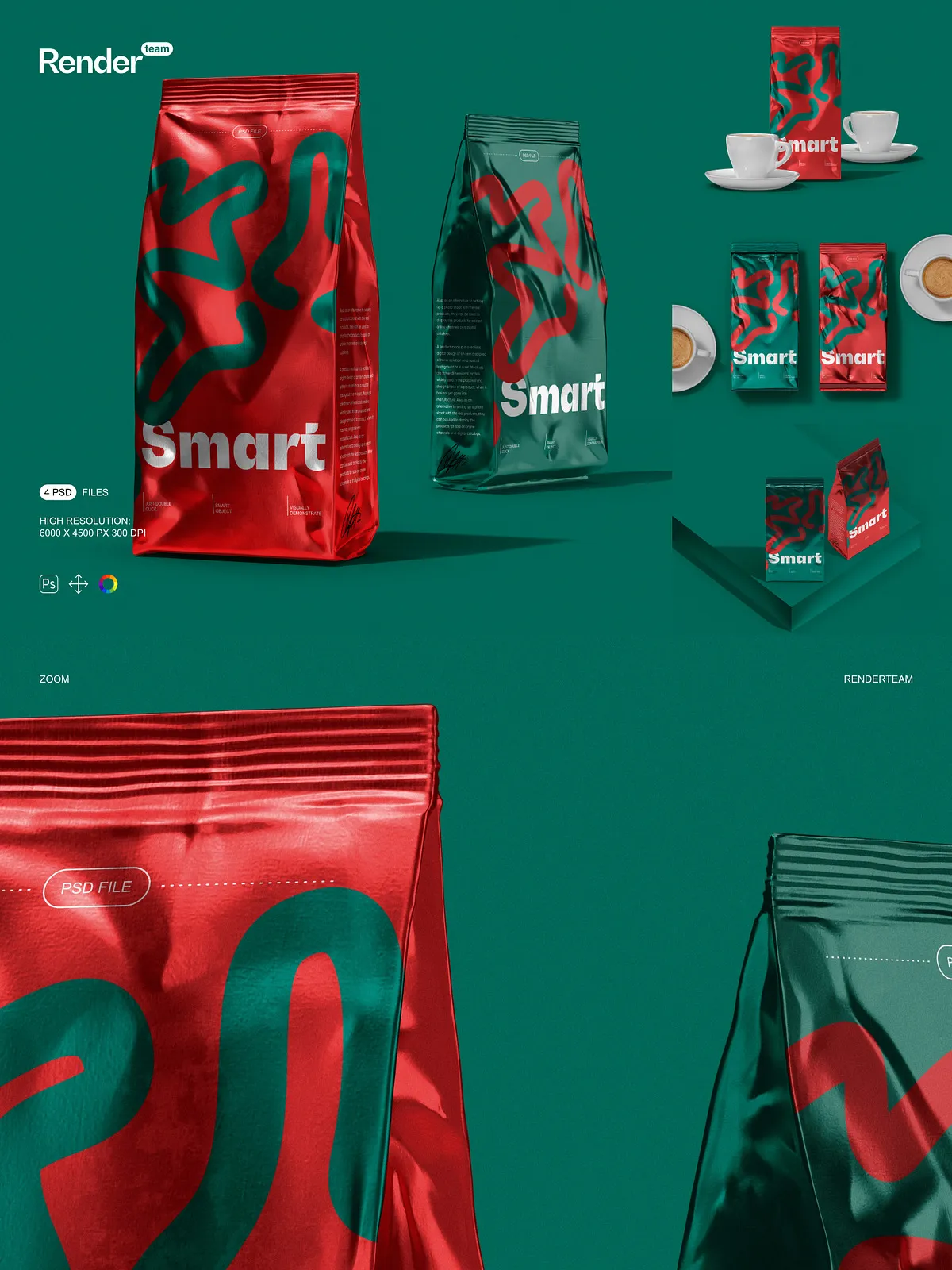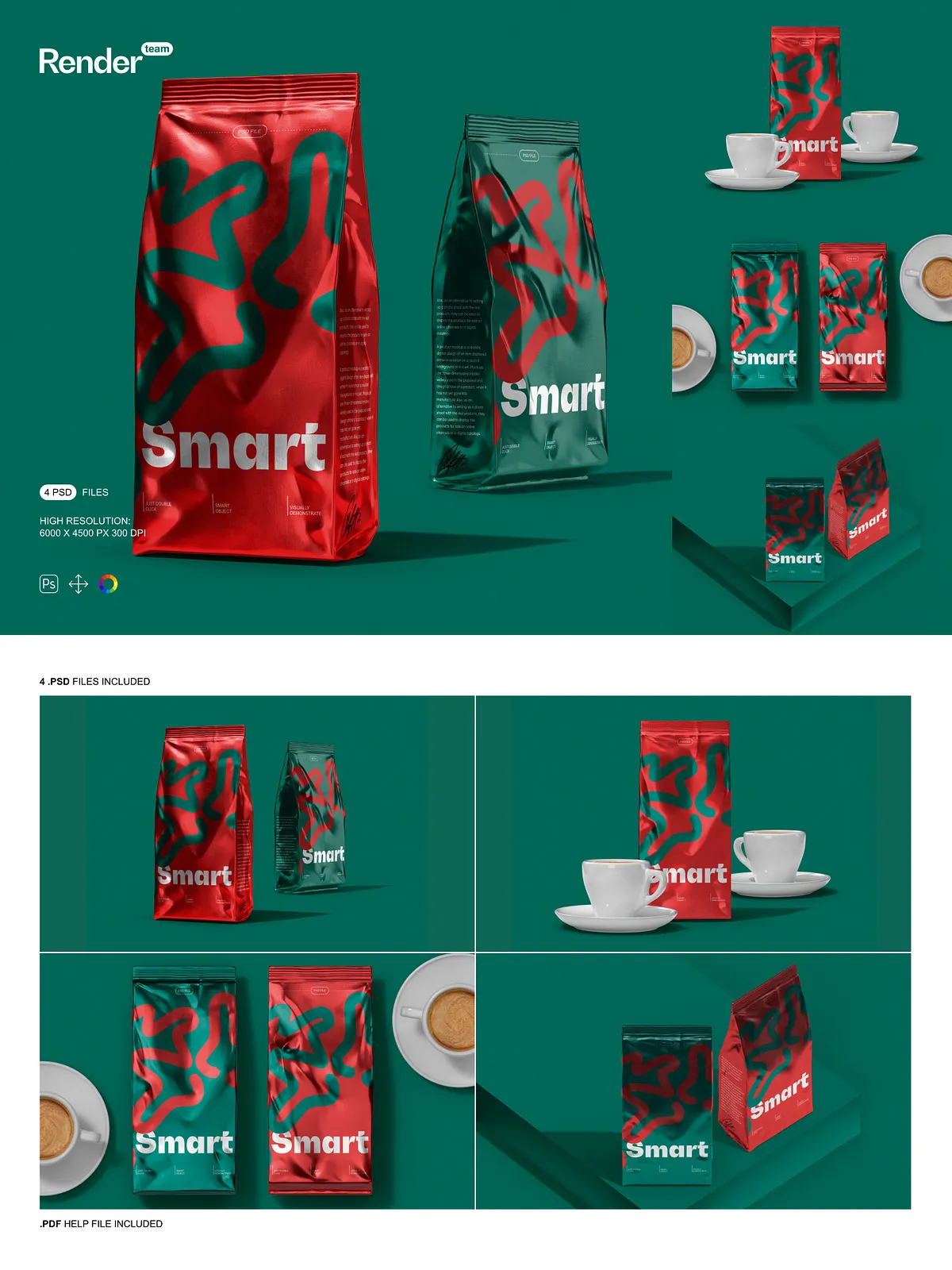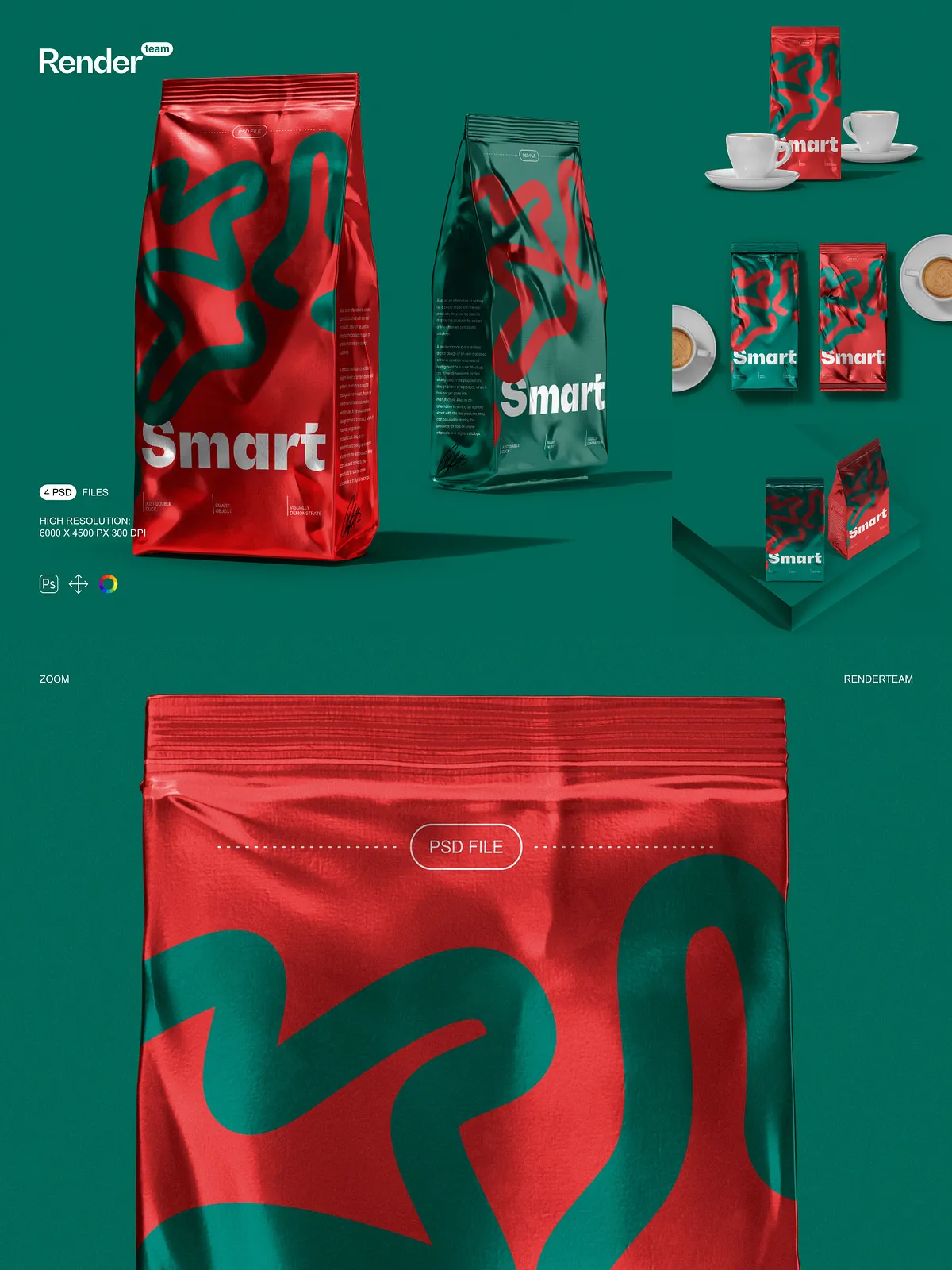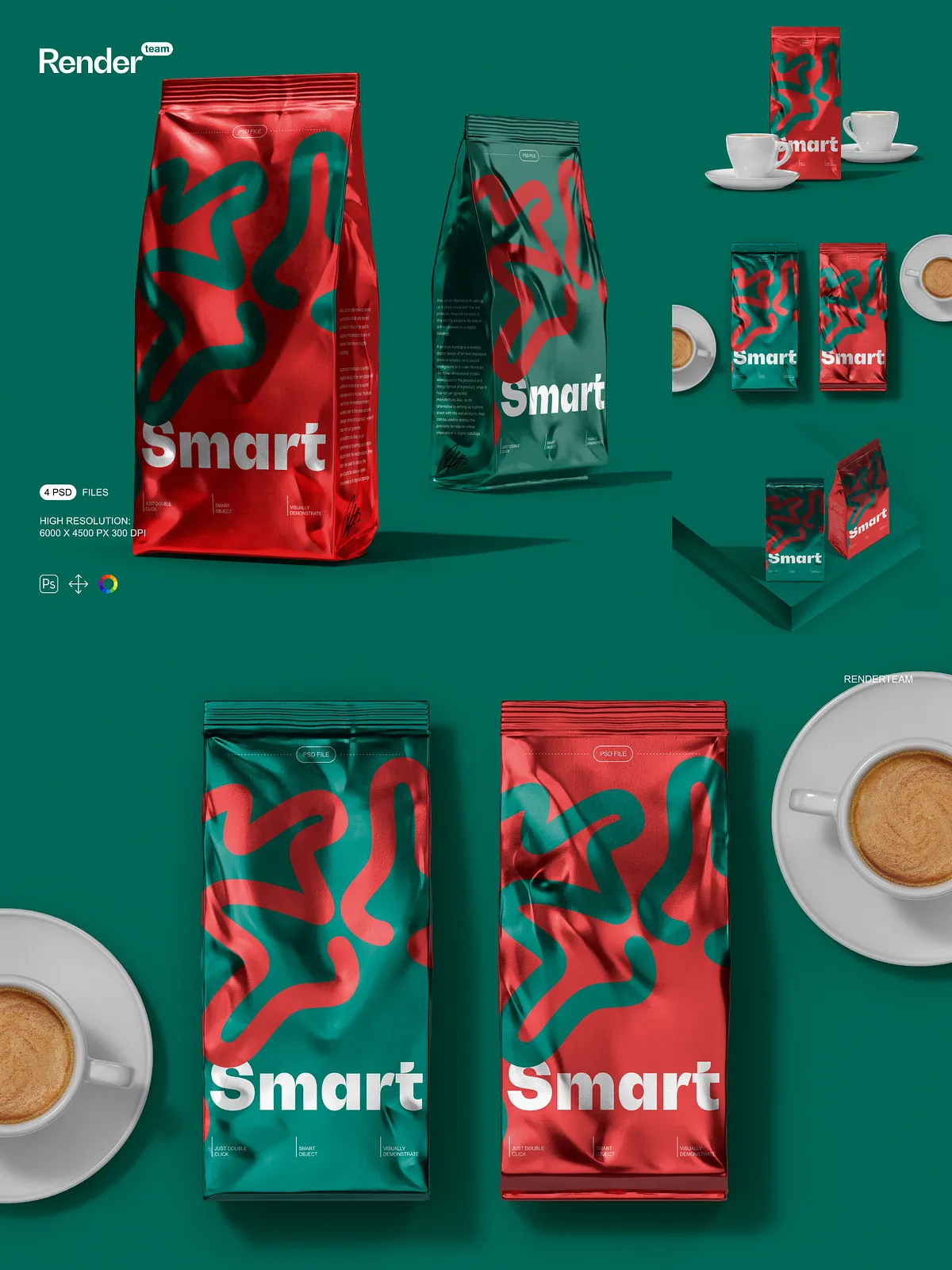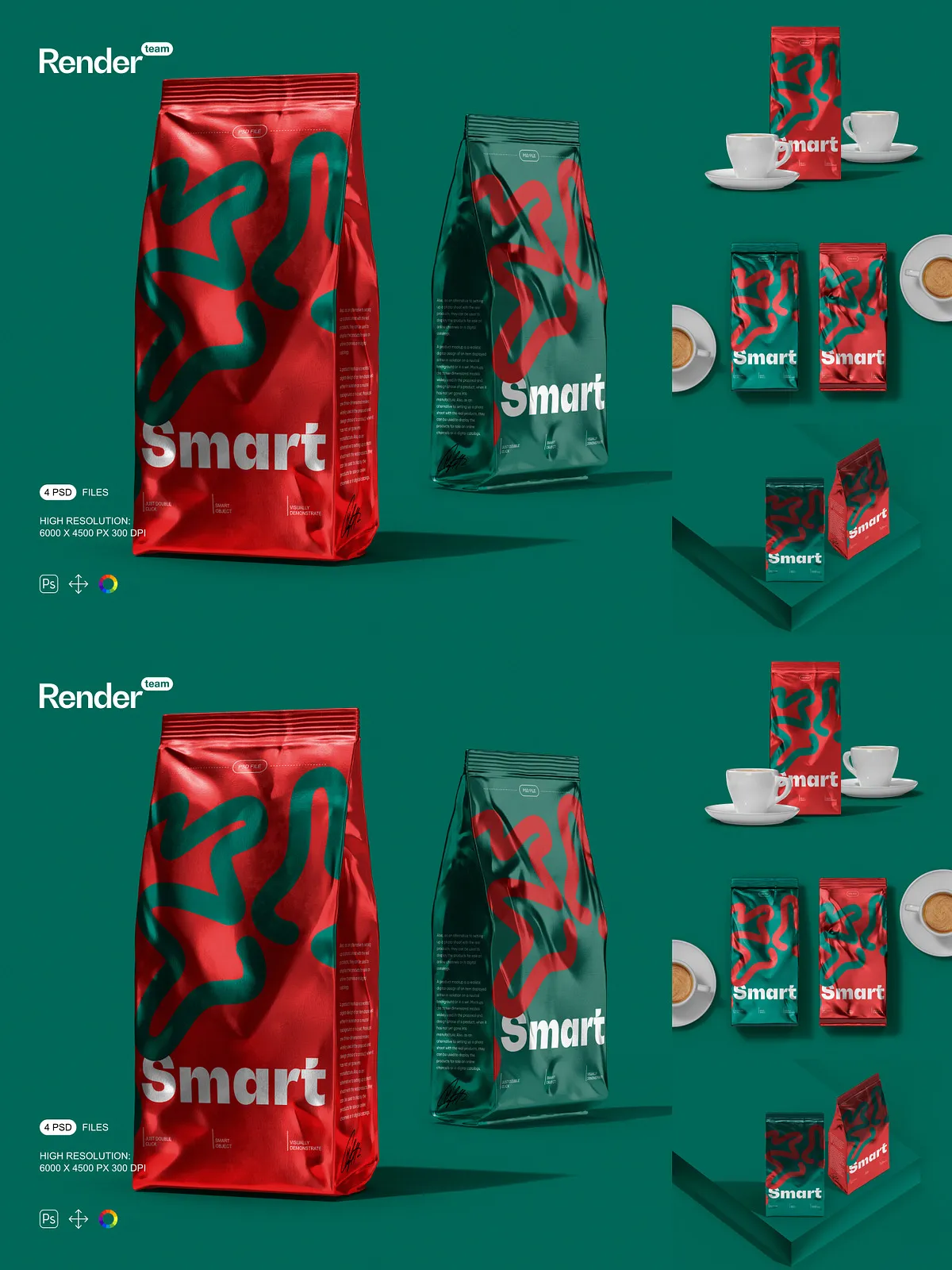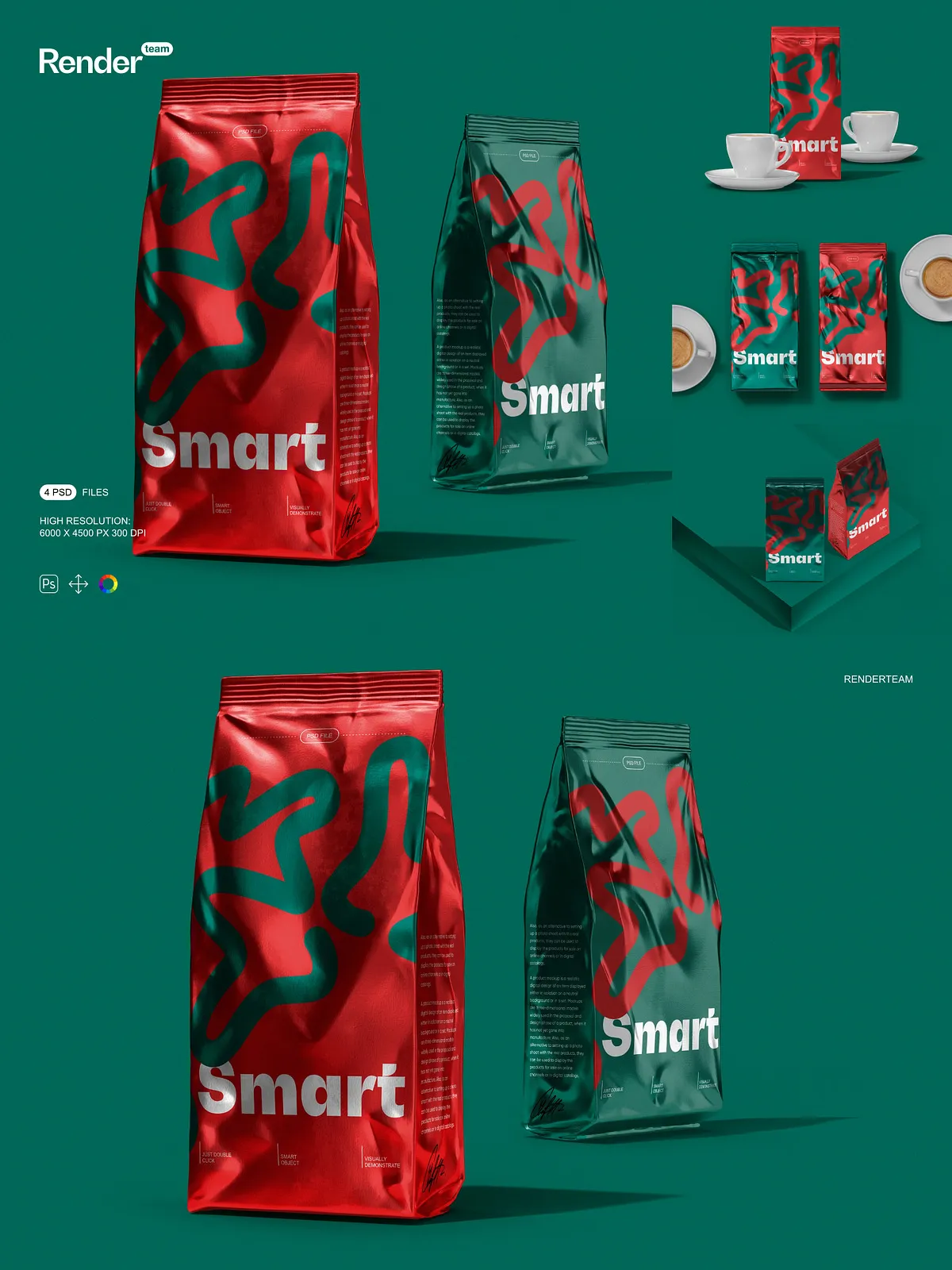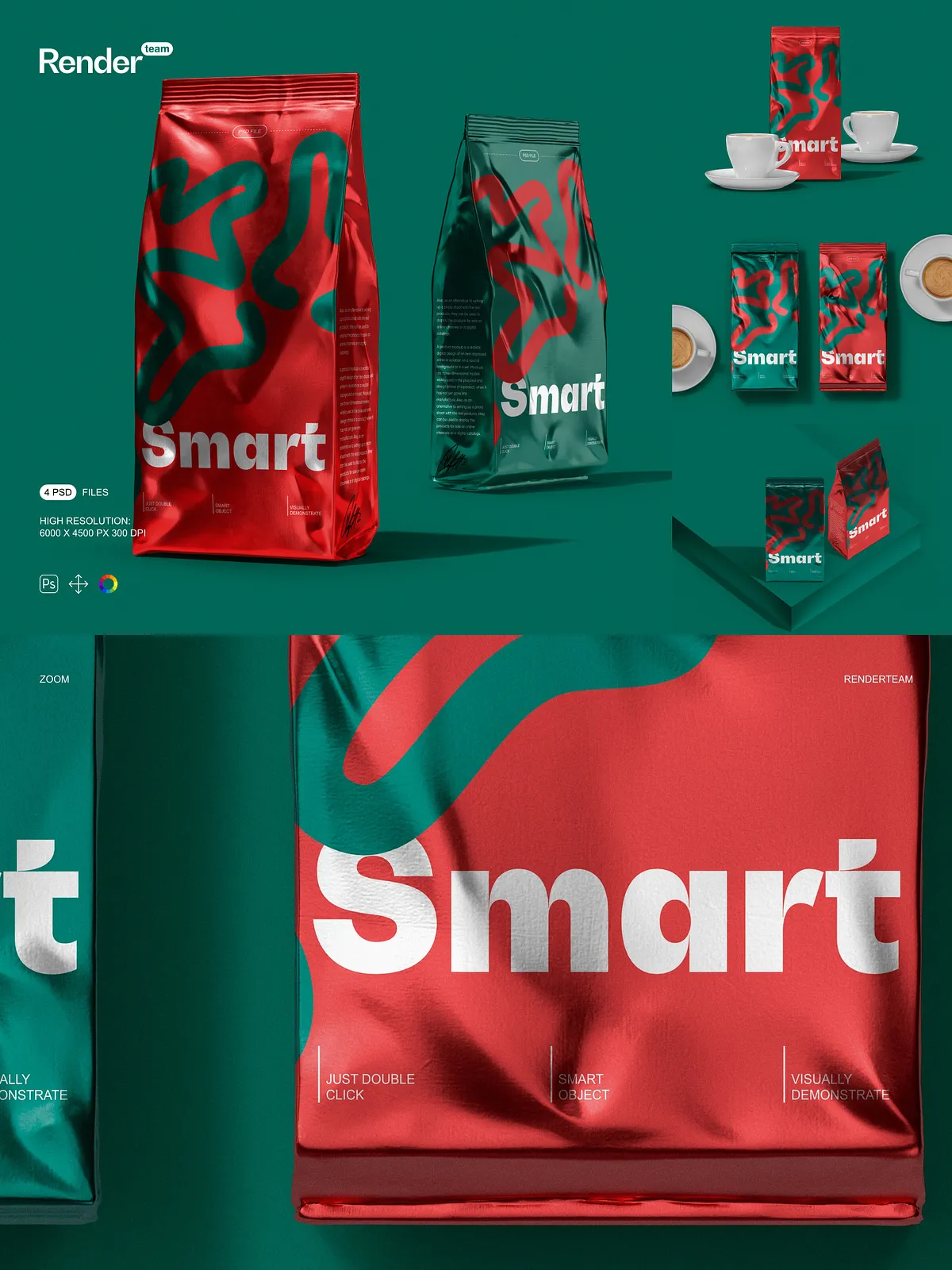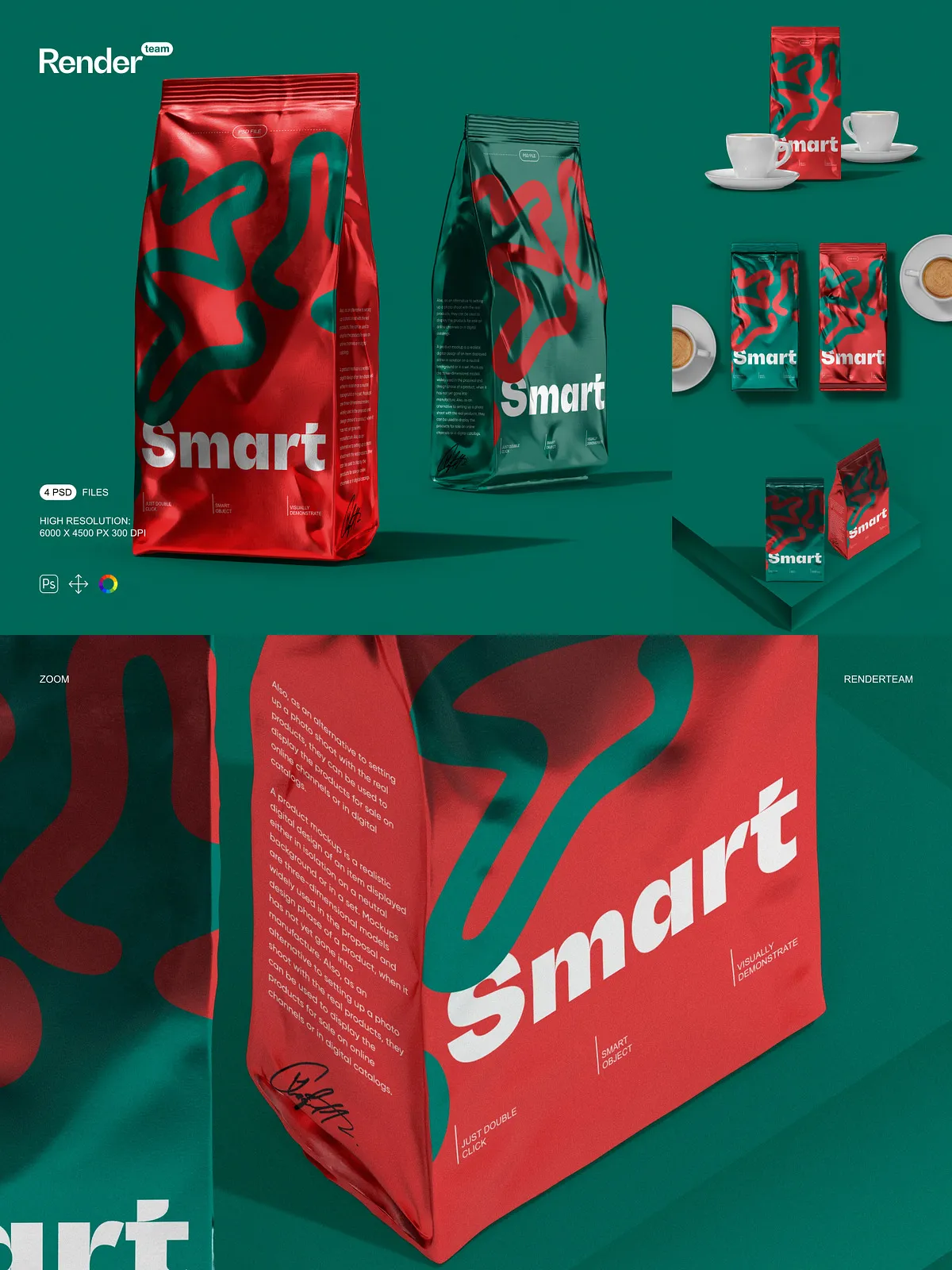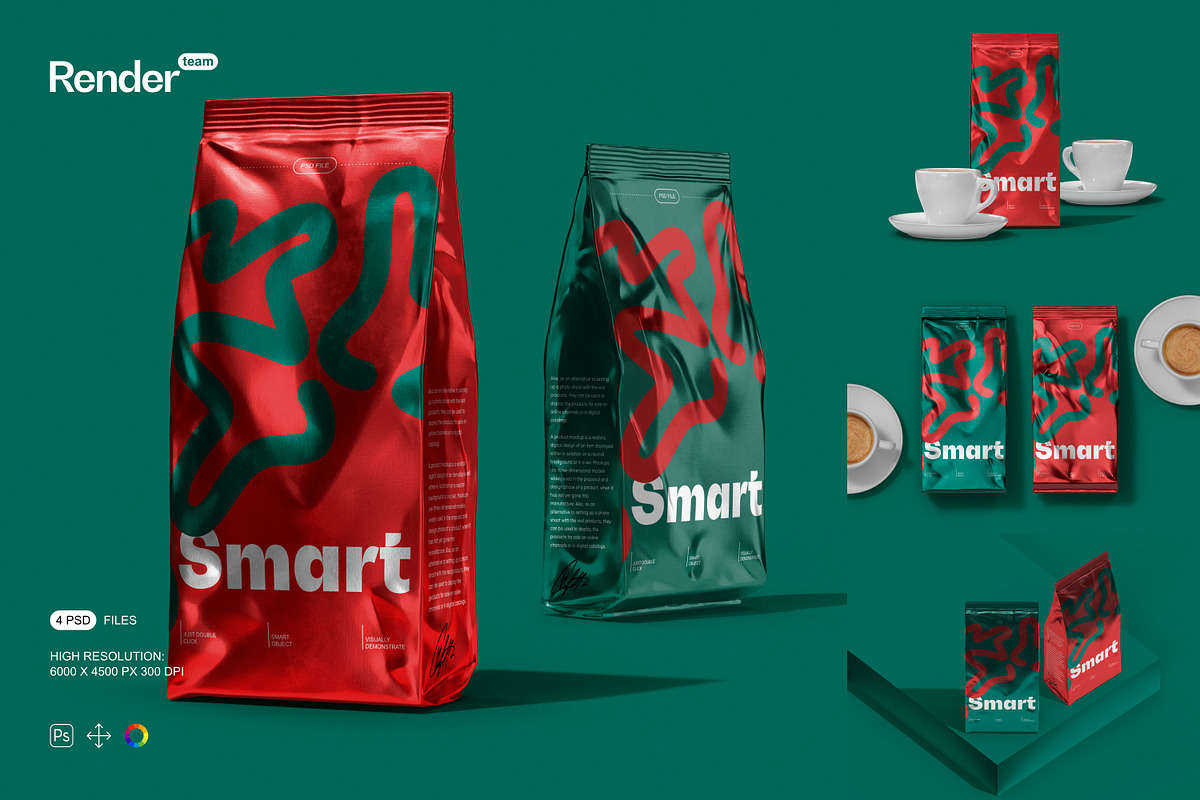
Immerse your audience in lifelike packaging presentations using the Stand Up Pouch Mockup collection—engineered for designers and marketers who need bold, professional visuals in seconds. These high-fidelity PSD mockups capture every detail: crisp folds, accurate lighting, subtle fabric textures, and convincing shadows that mirror physical products. Whether you’re promoting a snack brand, organic supplement, cosmetic product, or specialty coffee, this mockup set transforms your designs into compelling, market-ready visuals with unmatched realism and precision.
Transform Your Designs in Seconds — No Complex Skills Required
Smart Object Editing: Double-Click, Insert, Save — Done
Revolutionize your workflow with Smart Object technology. Simply double-click on any designated layer labeled “Custom Design” or “Logo” to open a linked document. Insert your artwork, adjust sizing, reposition with ease, and save—your changes update automatically in the main scene. This seamless, non-destructive process allows rapid iteration, batch editing, and consistent branding across multiple product variants—without compromising image quality or design integrity.
Master Every Detail with Precise Layer Control
Take full command of your visual narrative. Modify color tones, add gradients, adjust brightness, and tweak textures using dedicated adjustment layers. Isolate shadows, reflections, and fabric folds for individual enhancement, ensuring your pouch appears perfectly positioned under diverse lighting conditions—natural daylight, studio lighting, or ambient indoor settings. Customize both appearance and context to suit your brand’s unique aesthetic and target audience.
Optimized for Speed, Clarity, and Professional Workflow
Each mockup file features a meticulously organized layer hierarchy with clearly named folders and grouped elements. Sections such as the front panel, back label, zipper, standing base, and shadow layers are fully separated for instant access. This logical structure minimizes errors, accelerates collaboration, and keeps your document clean—even when managing dozens of iterations across different product lines or seasonal launches. No more lost layers. No more confusion. Just a smooth, efficient process from concept to presentation.
Professional-Grade Resolution for Print and Digital Impact
Rendered at 6000×4500 pixels with 300 DPI resolution, these mockups provide crystal-clear detail at any scale. Whether you’re using them in a high-end e-commerce listing, Instagram carousel post, website product page, or print catalog, the resolution guarantees sharp edges, rich contrasts, and zero pixelation. Export for web with optimized file sizes, or maintain print readiness with maximum fidelity—this is the visual standard your brand deserves.
What’s Included in This Premium Mockup Pack
- 4 fully layered, high-resolution PSD files for different stand-up pouch styles (e.g., flat pouch, stand-up with zipper, wide-mouth, gusseted base)
- Smart Object layers for instant design replacement without complex masking or manual alignment
- Isolated layers for shadows, reflections, texture overlays, and light effects
- Dedicated adjustment layers for fine-tuning colors, brightness, contrast, and tone
- Comprehensive PDF user guide with editing tutorials, scene tips, export settings, and best practices
Create Authentic Moments That Build Consumer Trust
Move beyond static flat lays. Place your pouch on a kitchen counter with coffee beans nearby, stack multiple pouches on a retail shelf, or position one in a shopping bag beside other products. The modular design supports imaginative real-world scenes that enhance credibility and visual storytelling. These mockups don’t just show packaging—they communicate a brand experience, build authenticity, and help consumers visualize the product in their lives.
Designed Exclusively for Adobe Photoshop — Full Creative Control
This mockup set is developed specifically for Adobe Photoshop (Creative Cloud). It uses advanced features like Smart Objects, blending modes, and linked layers that are not available in other platforms like Canva, Procreate, or Figma. For best performance, always use the latest version of Photoshop. Download the free trial or access via Creative Cloud at: [Adobe Photoshop Official Site](https://www.adobe.com/products/photoshop.html).
Important Usage Notice
⚠️ All preview images contain placeholder text, sample logos, stock photos, and fonts that are not included in the download. You must supply your own original designs, licensed imagery, and brand assets. This purchase grants rights only to the PSD files and PDF guide. Ensure all external assets used comply with their respective licensing agreements to avoid legal issues.
Why This Mockup Set Is Essential for Modern Branding Teams
Choose the Stand Up Pouch Mockup collection to:
- Speed up digital marketing content creation with reusable, high-quality templates
- Deliver professional-grade visuals that impress clients, stakeholders, and retailers
- Test different color schemes, typography, and label layouts before final production
- Boost conversion rates by showcasing products in realistic, relatable contexts
Quick Start: Edit Your Pouch Mockup in 5 Simple Steps
- Open the desired PSD file in Adobe Photoshop.
- Locate the Smart Object layer labeled “Front Label” or “Custom Artwork.”
- Double-click the layer to open the embedded document.
- Paste your design, align it precisely, and scale it to fit the pouch surface.
- Save the changes—your custom design appears perfectly integrated into the mockup scene.
- Refer to the included PDF guide for advanced scene-building techniques and export formats.
Turn Packaging into a Storytelling Platform
In today’s competitive marketplace, packaging is more than a container—it’s a first impression, a promise, and a brand statement. The Stand Up Pouch Mockup set empowers you to craft that story with clarity, confidence, and visual impact. Don’t just present your product. Make it unforgettable. From concept to client pitch, this mockup collection is your ultimate tool for turning design ideas into powerful, market-ready visuals.