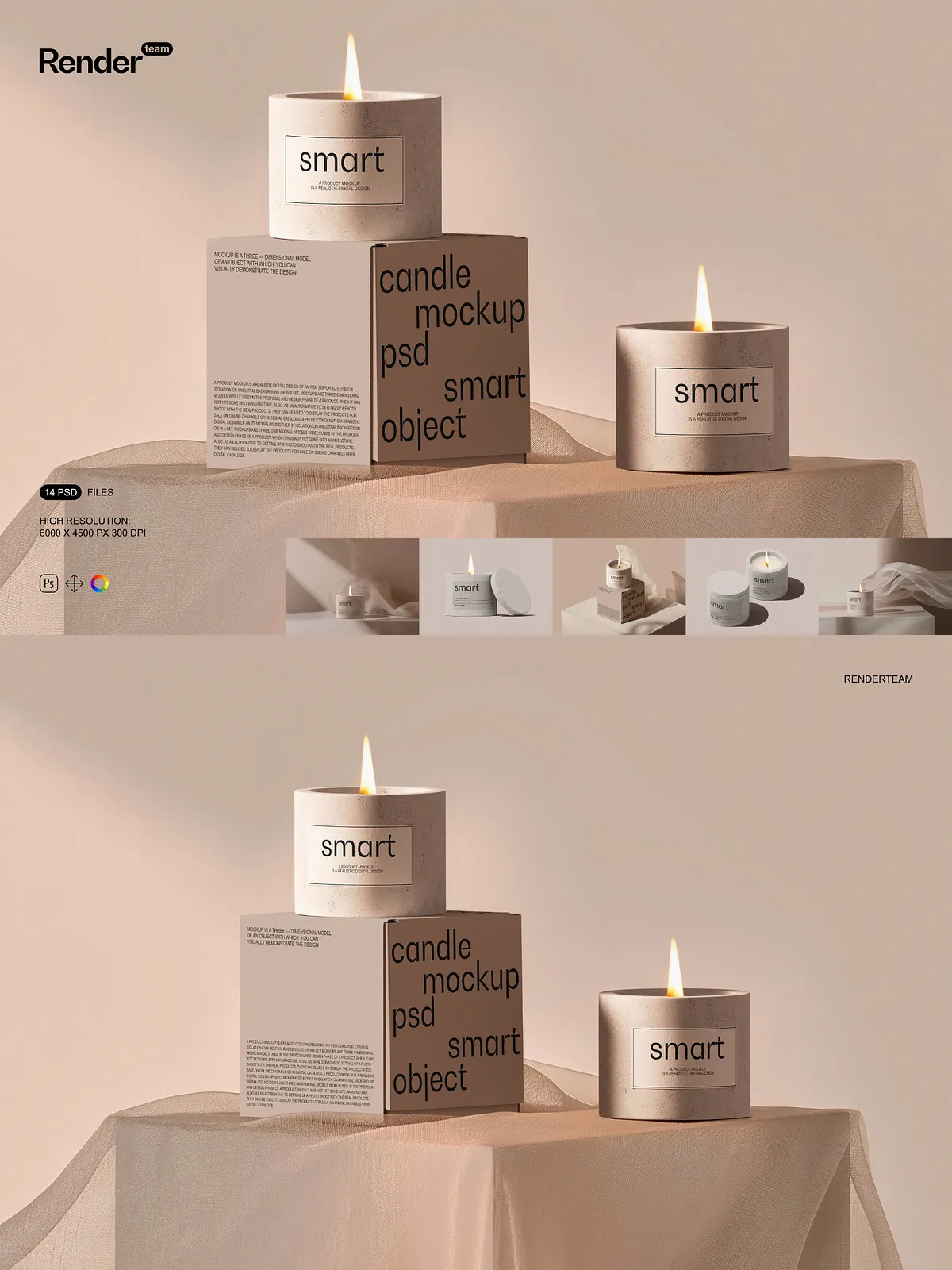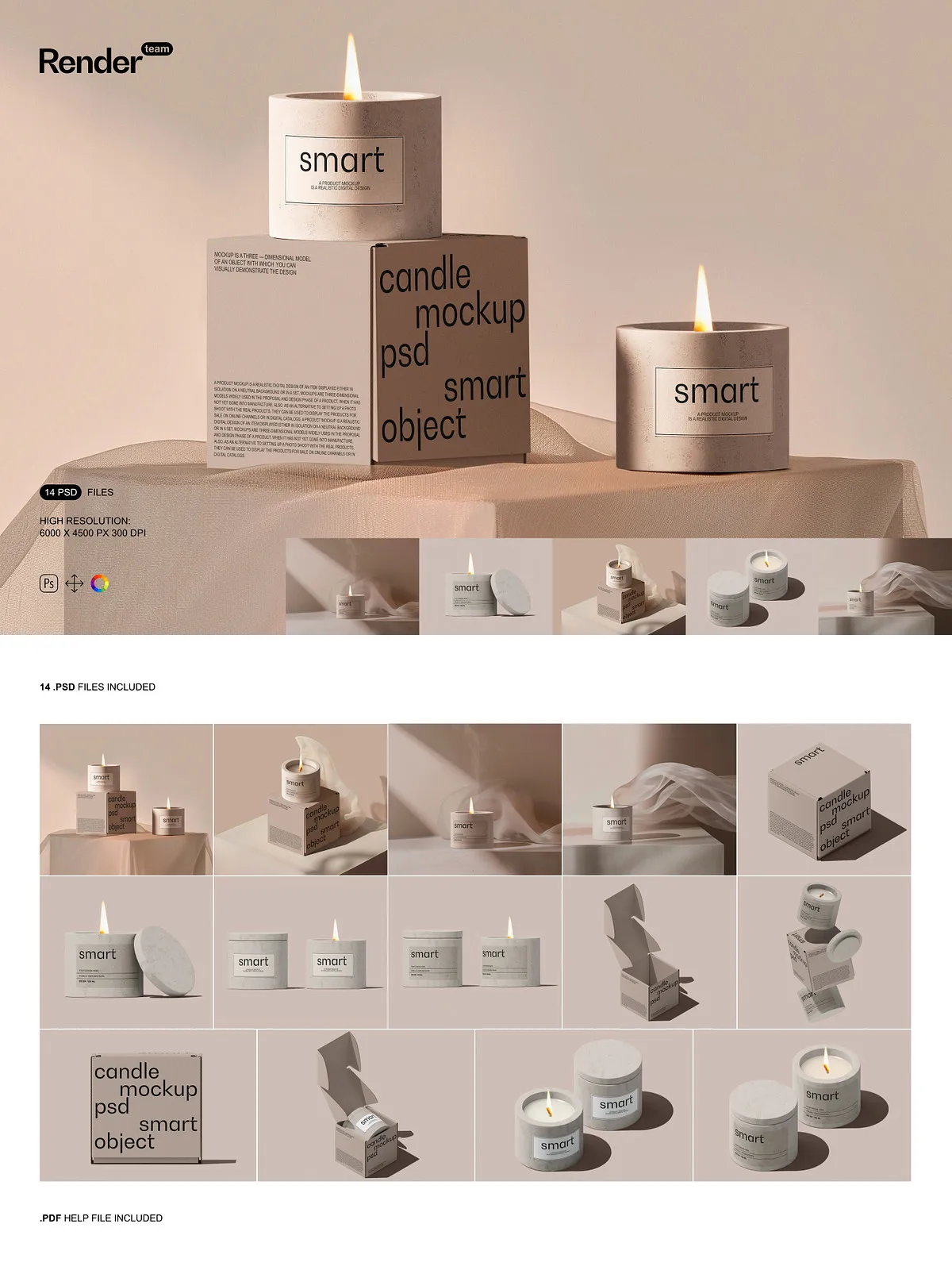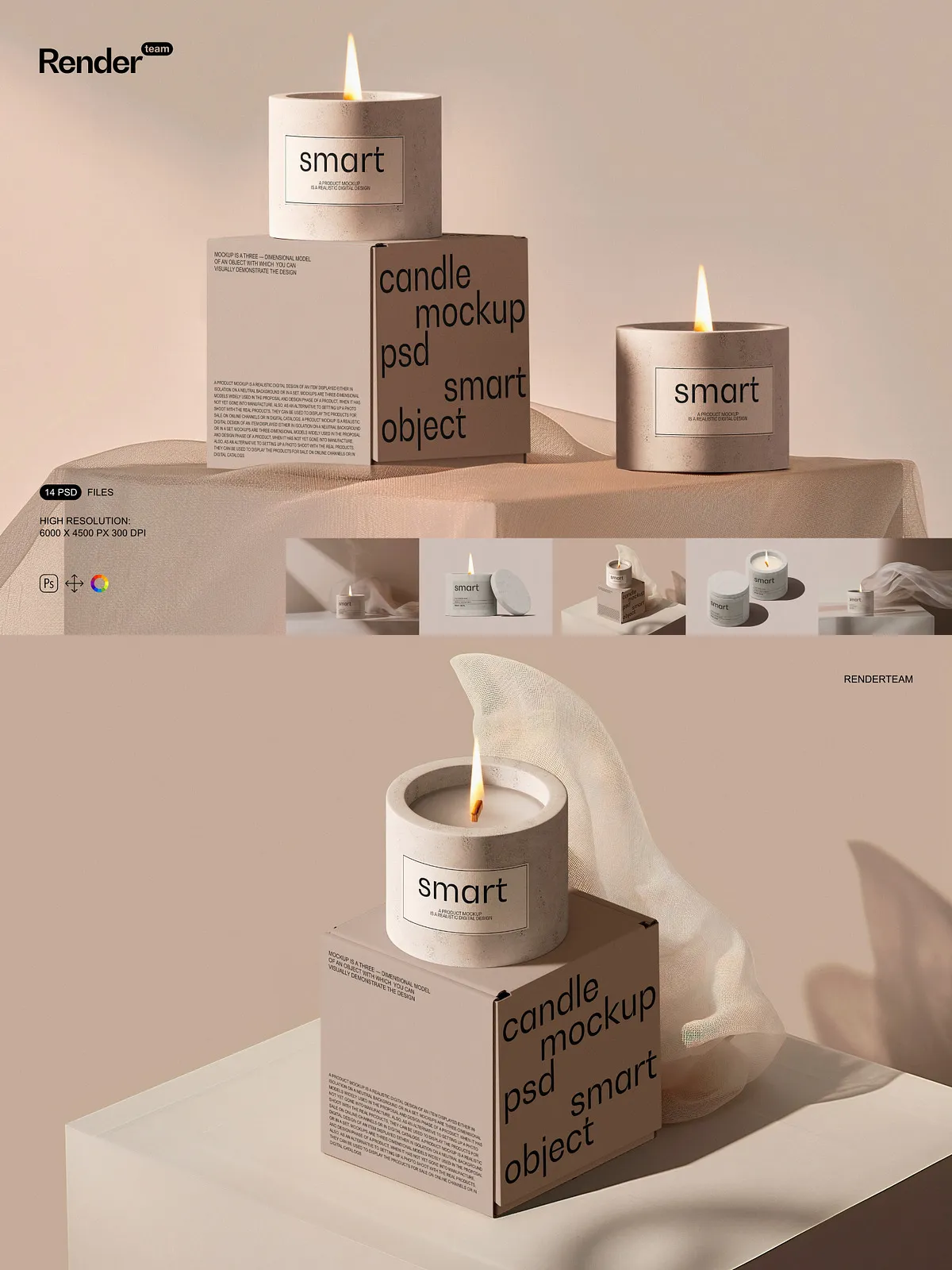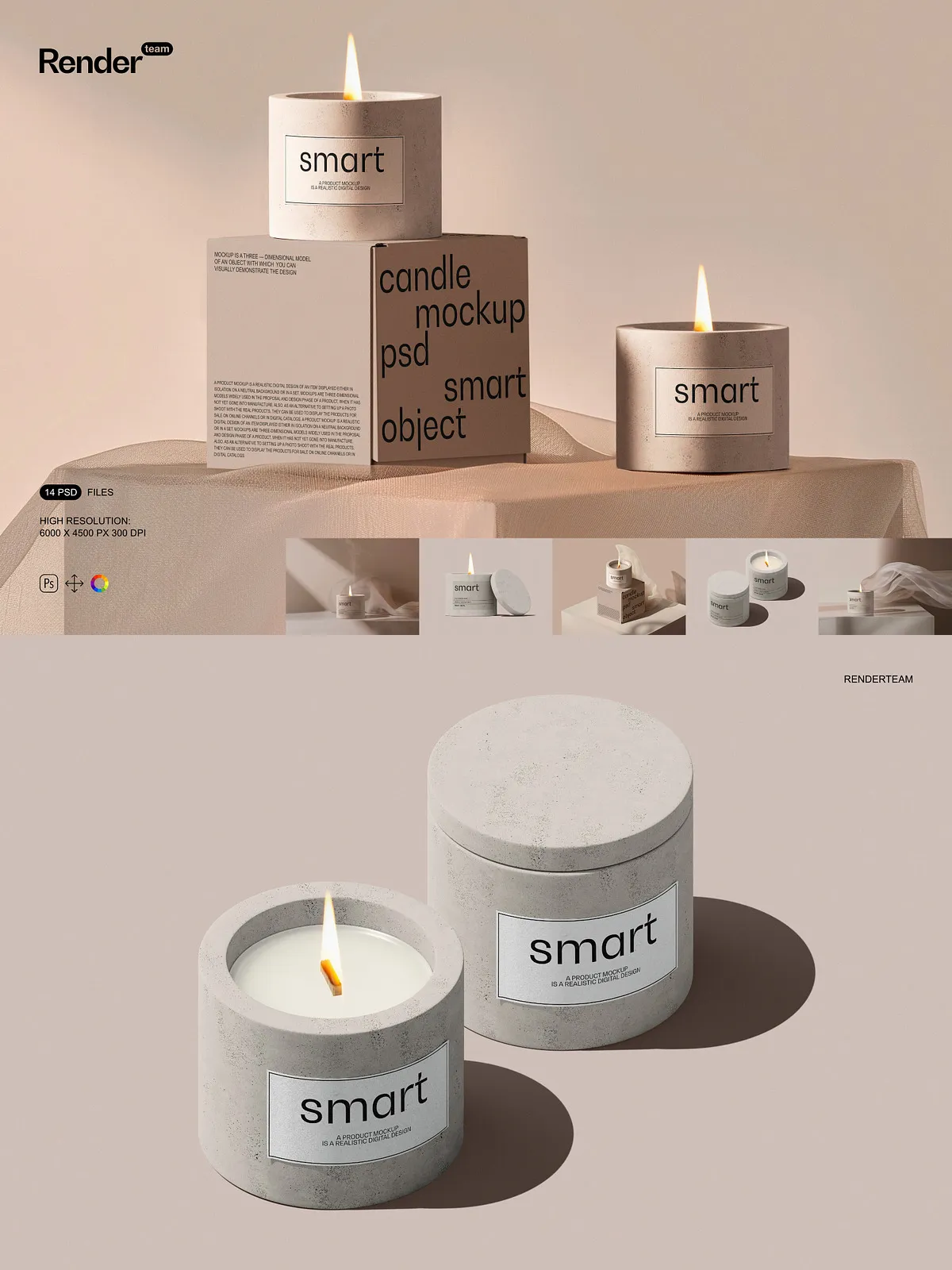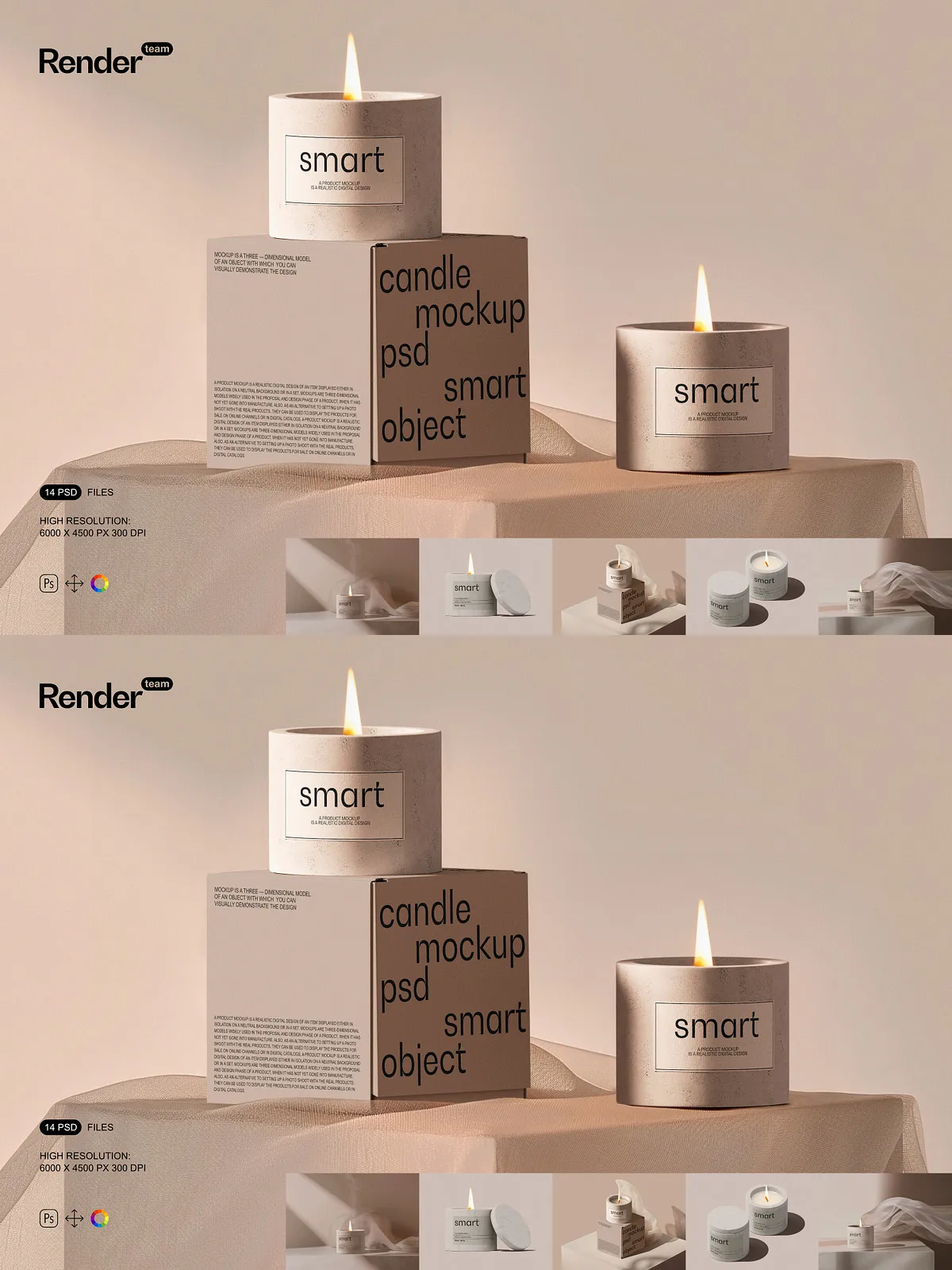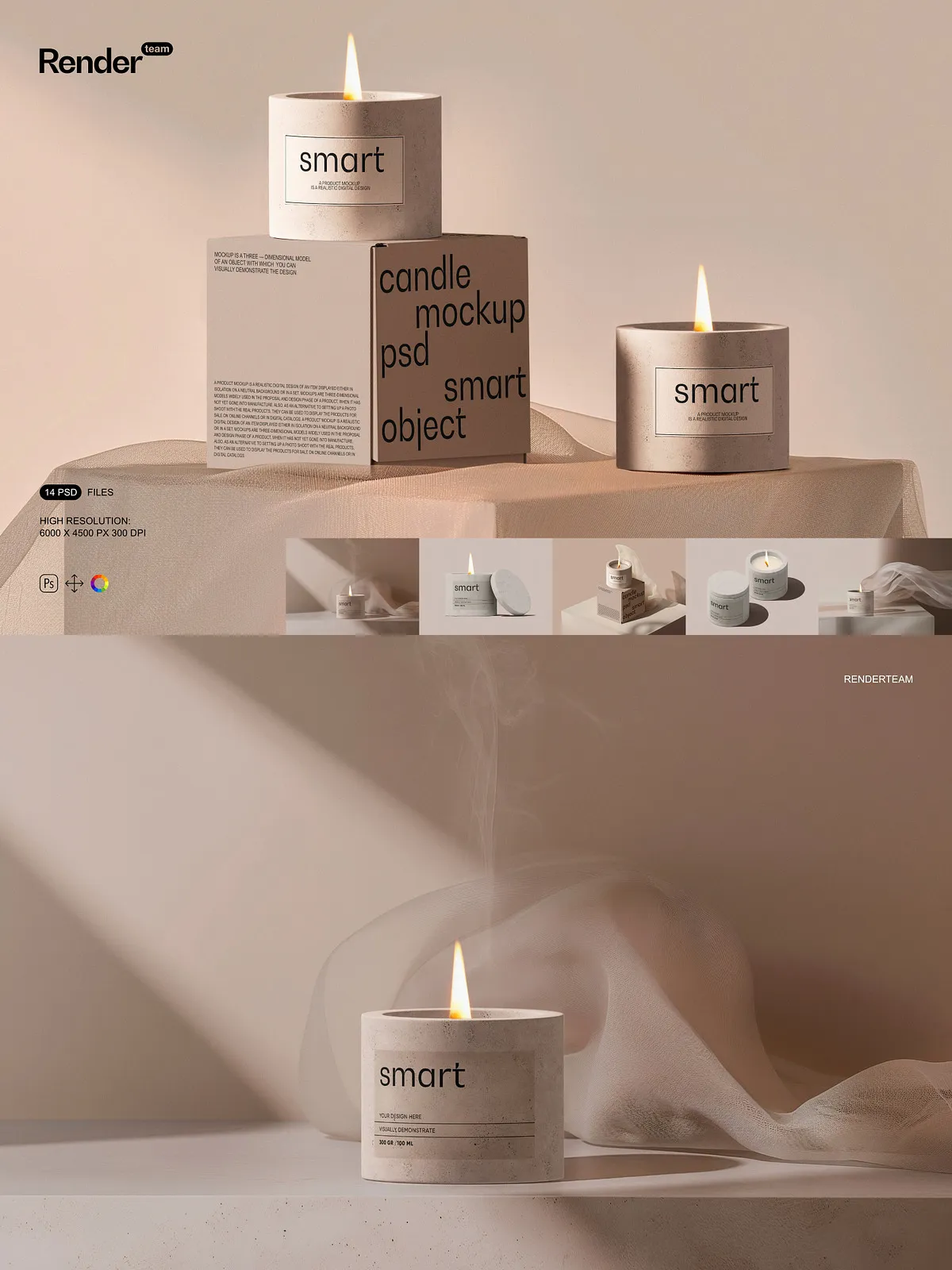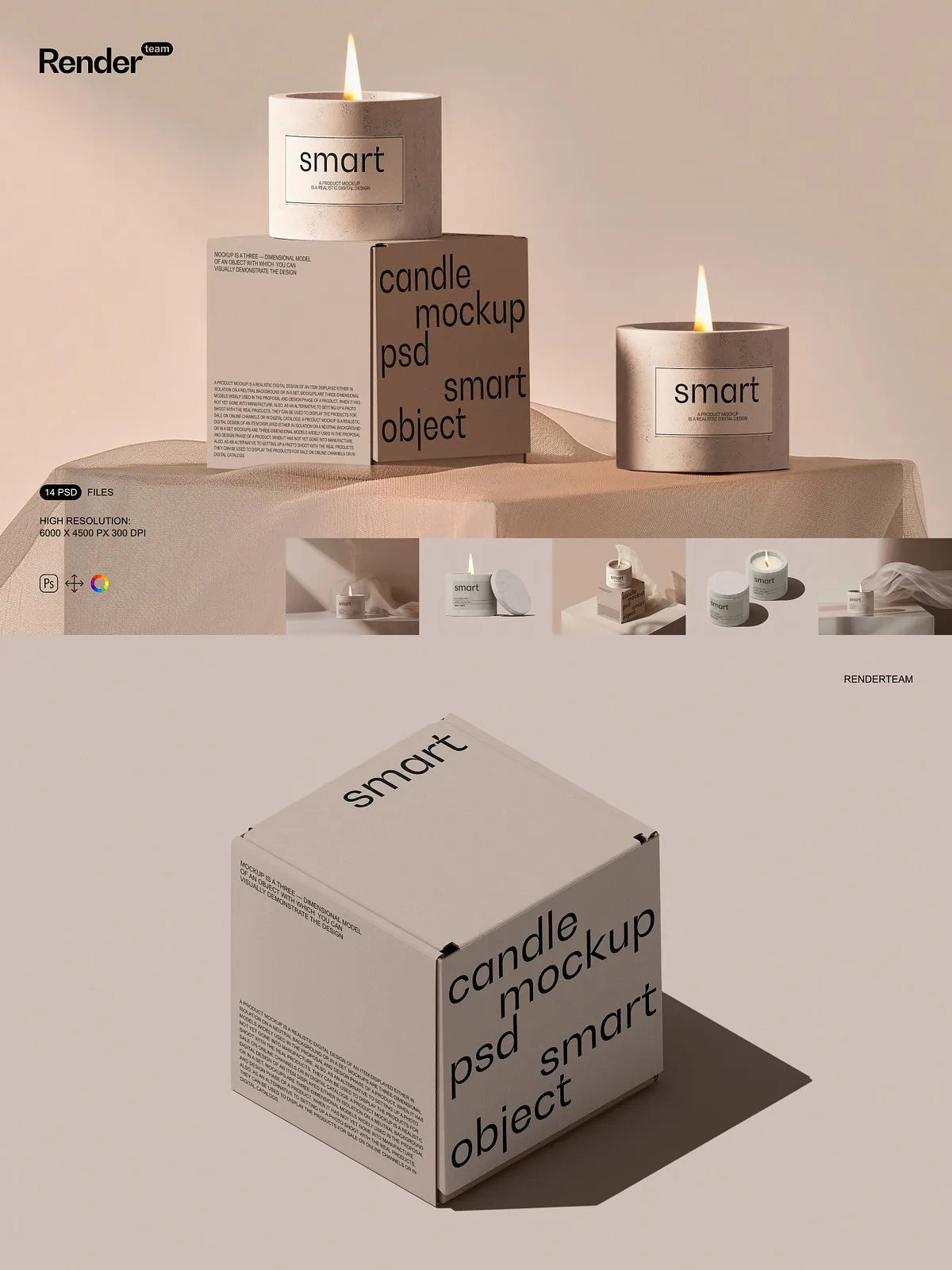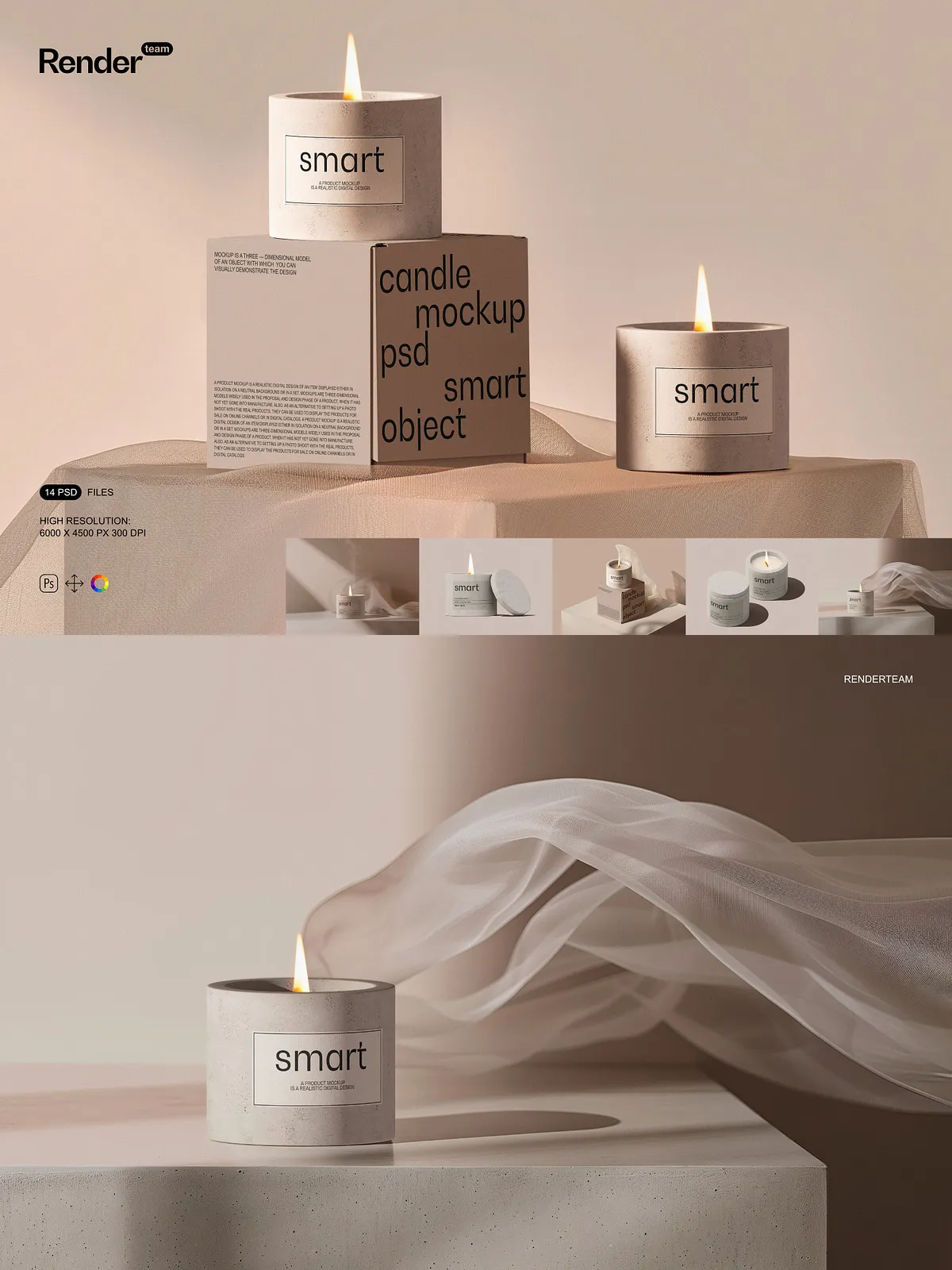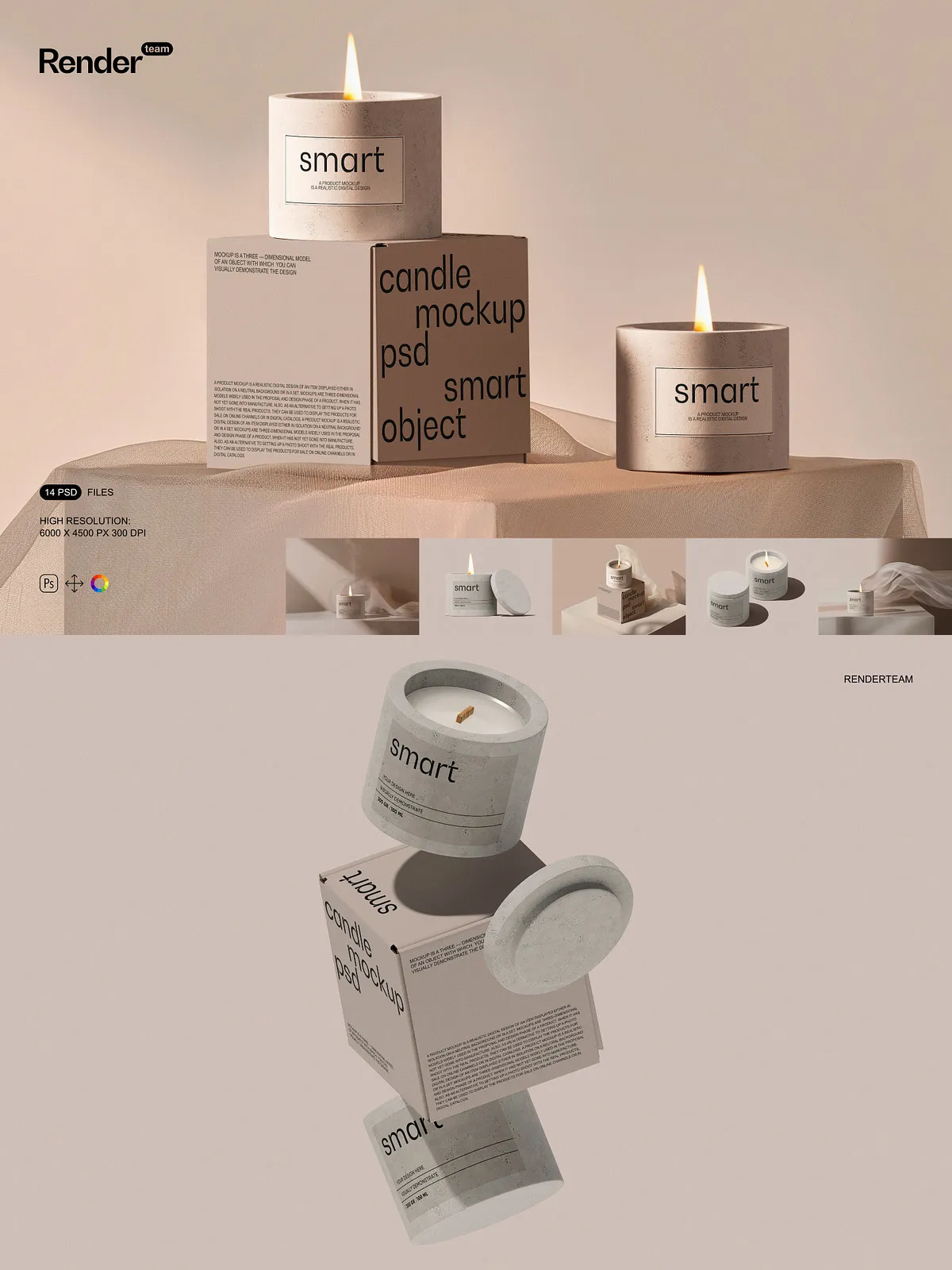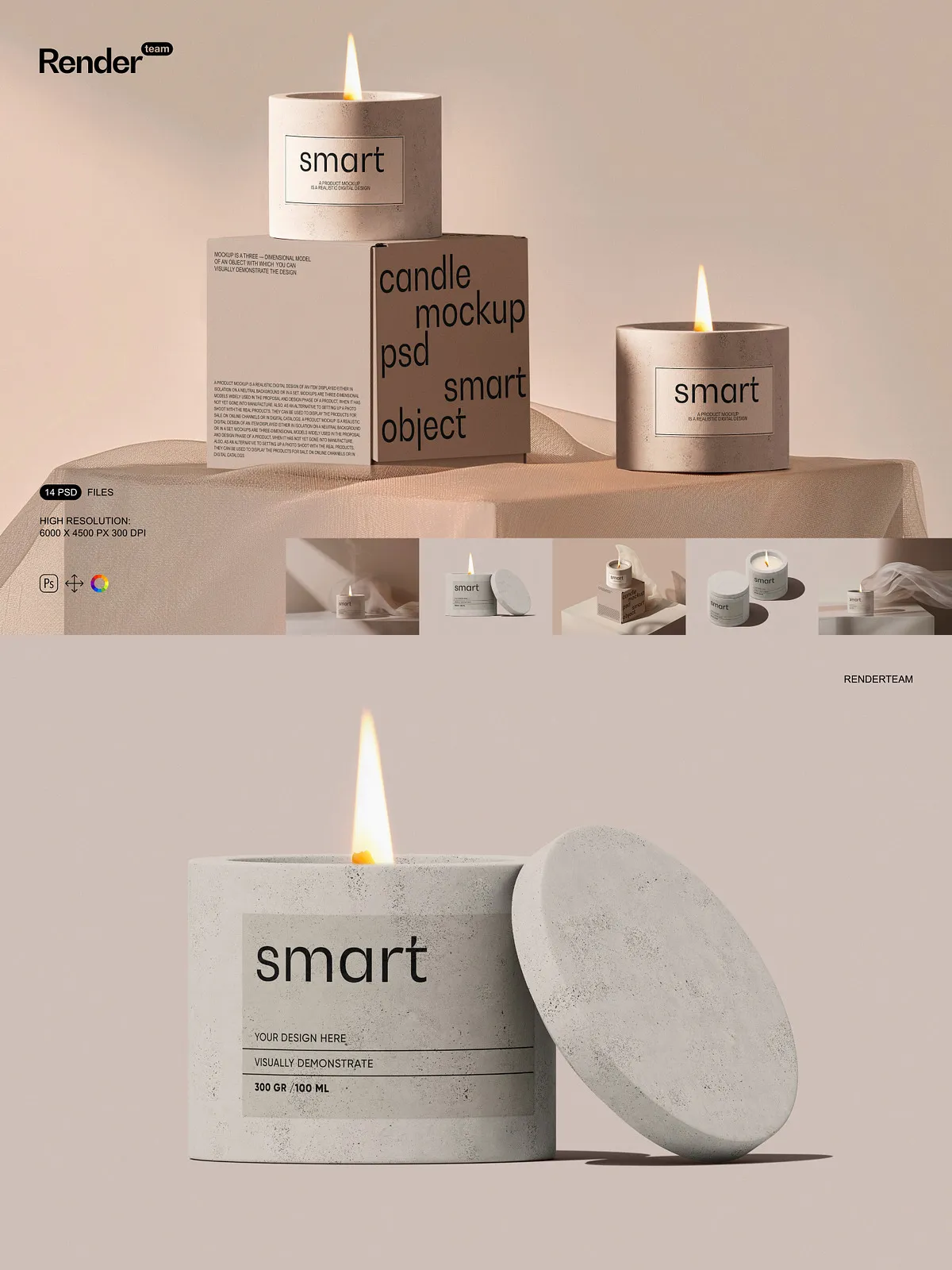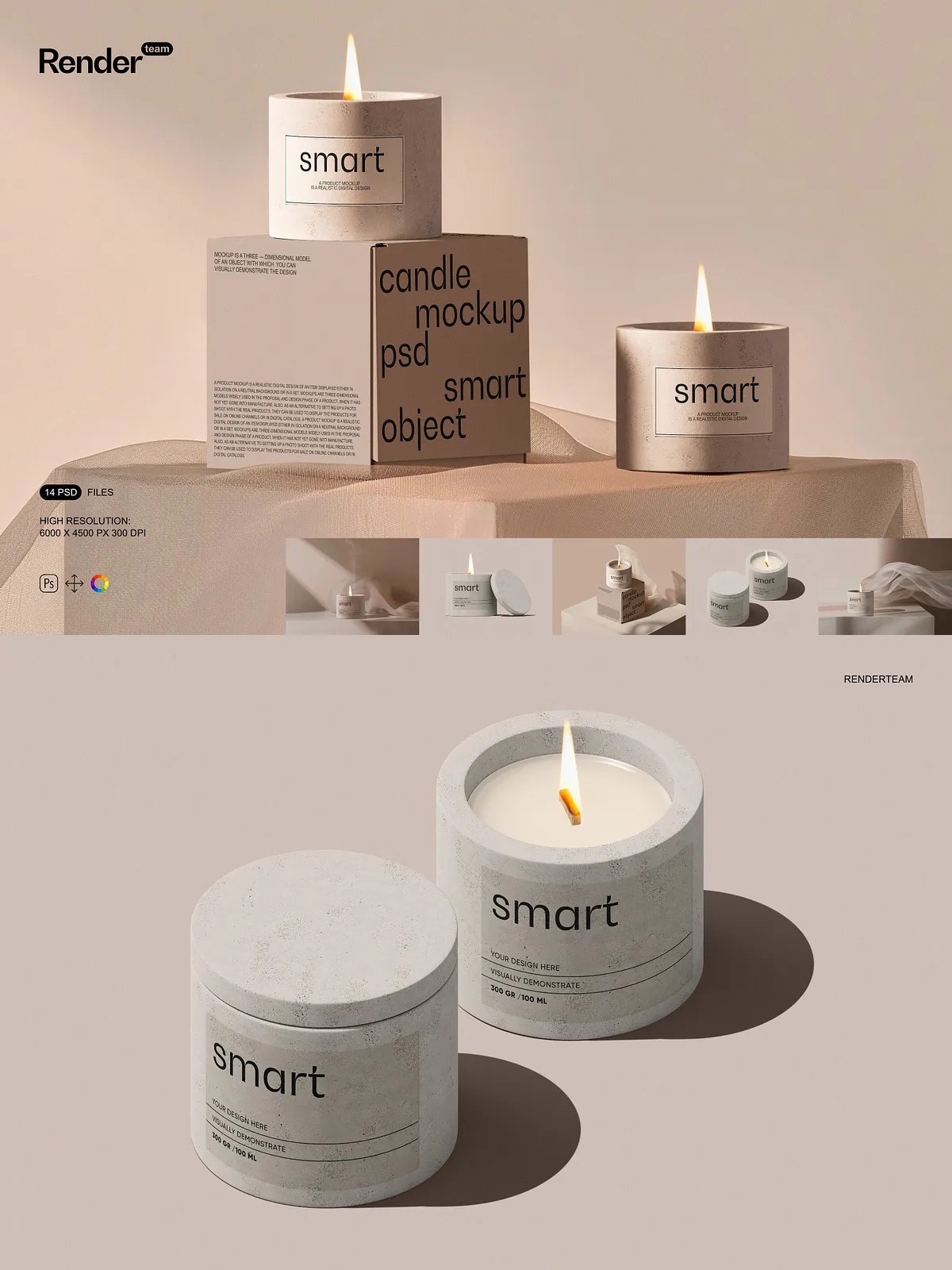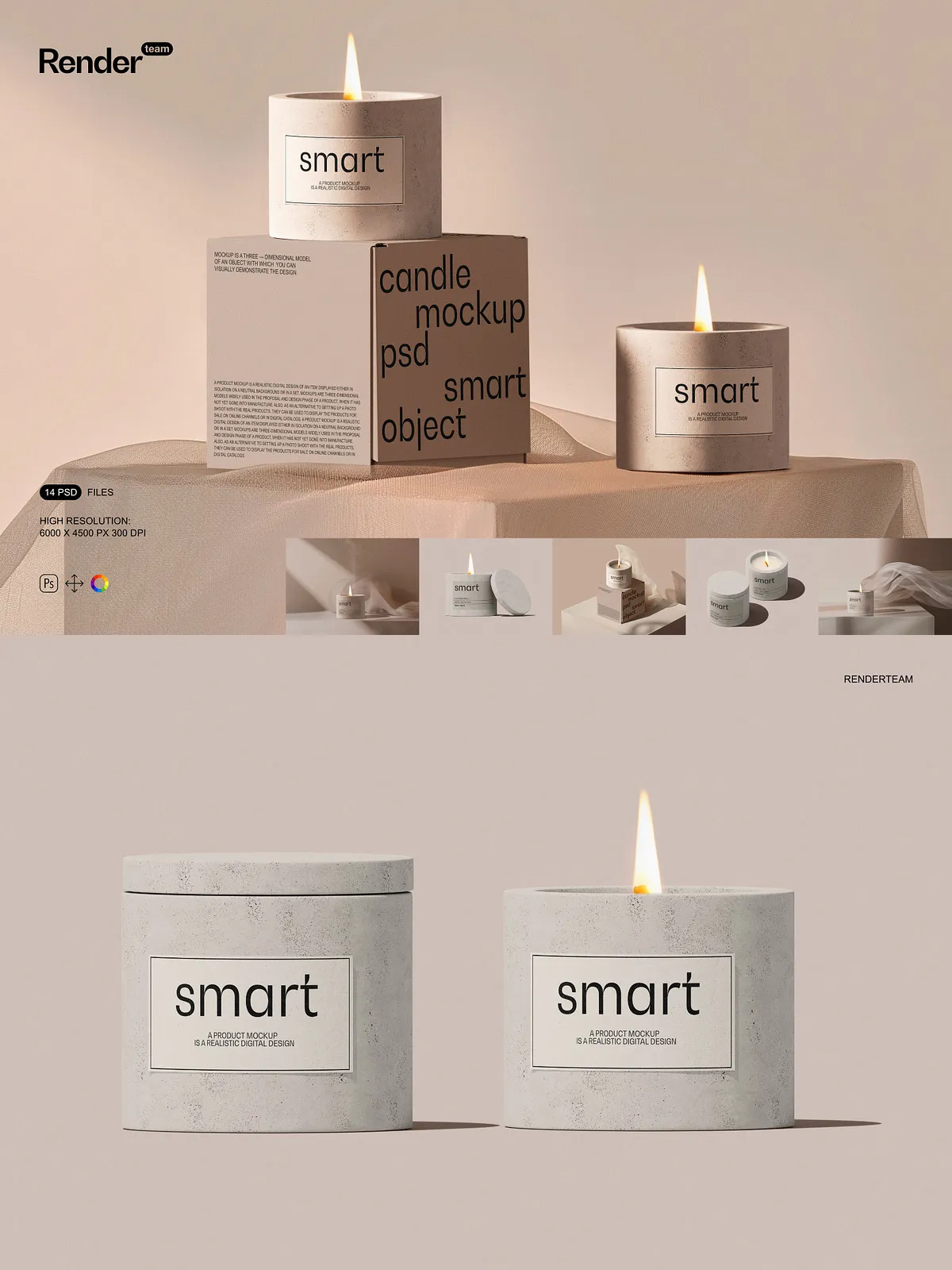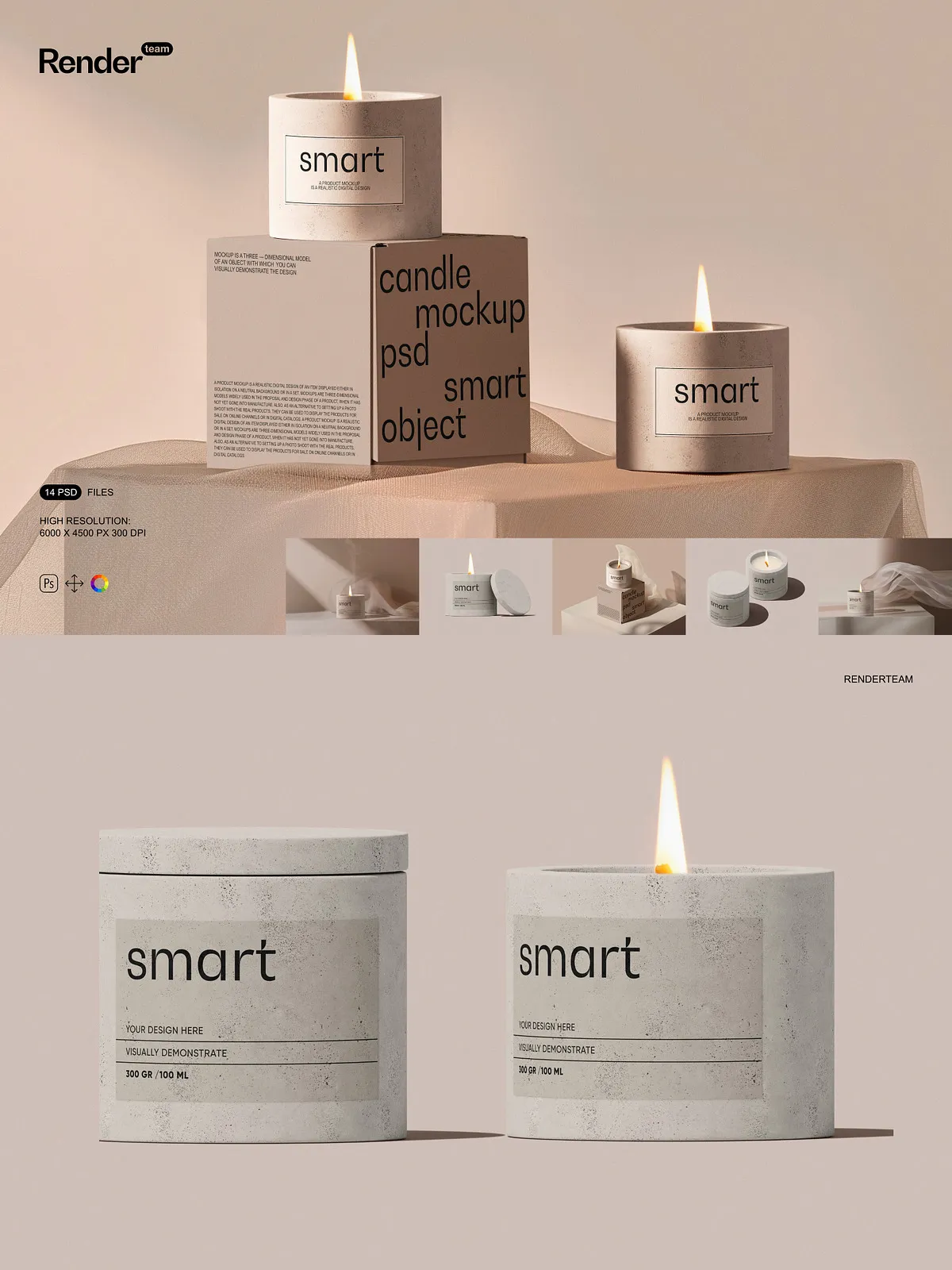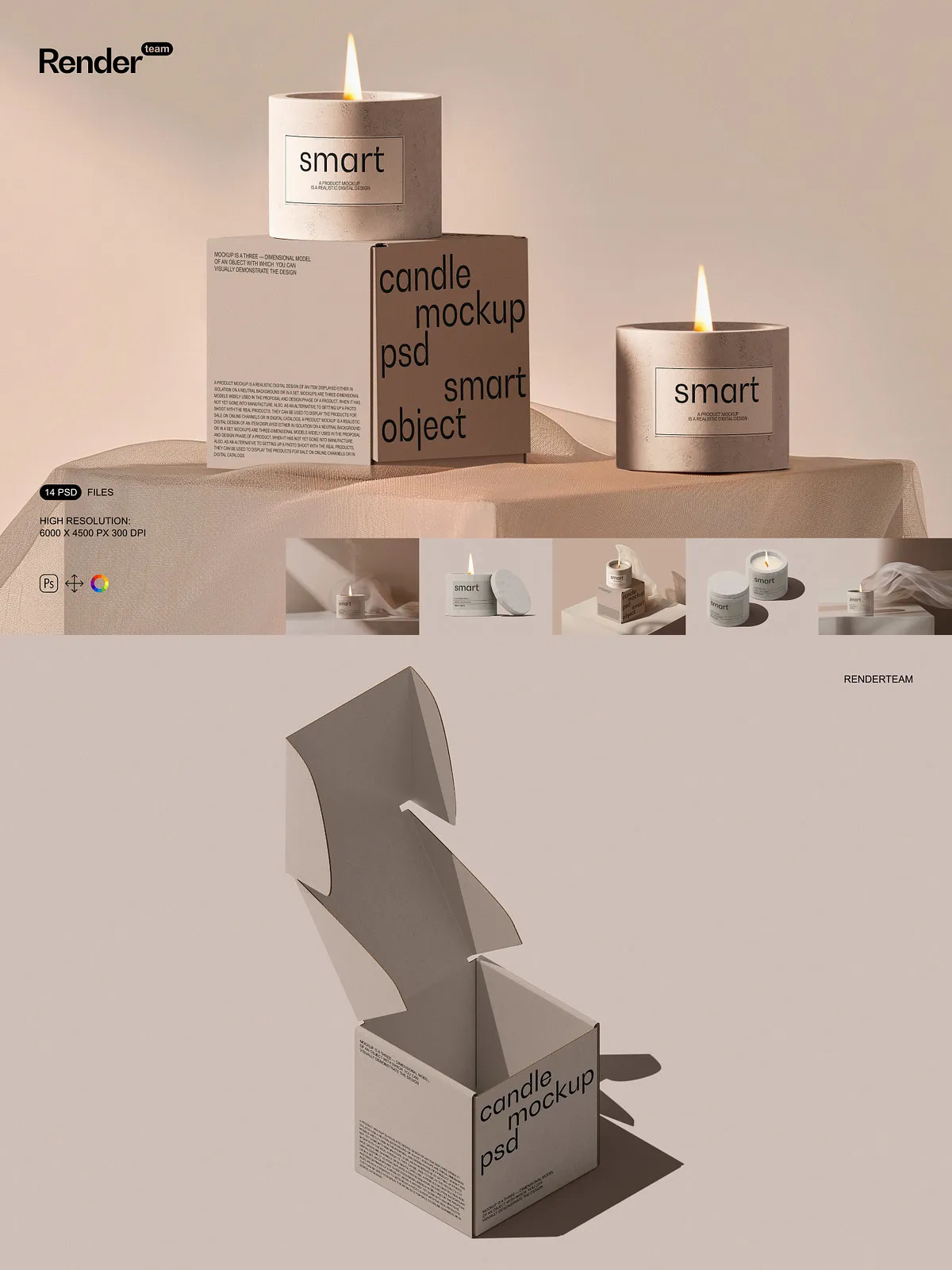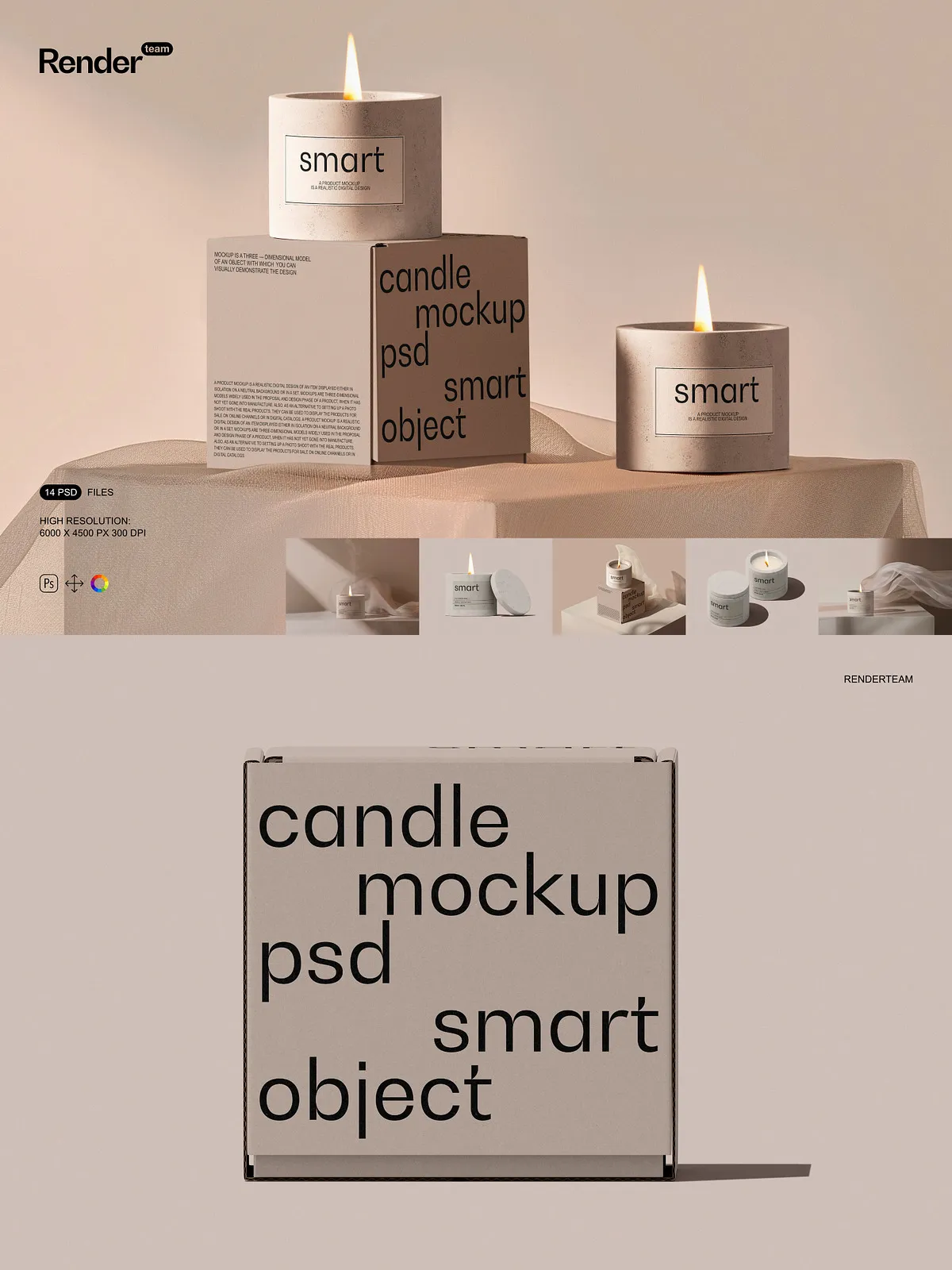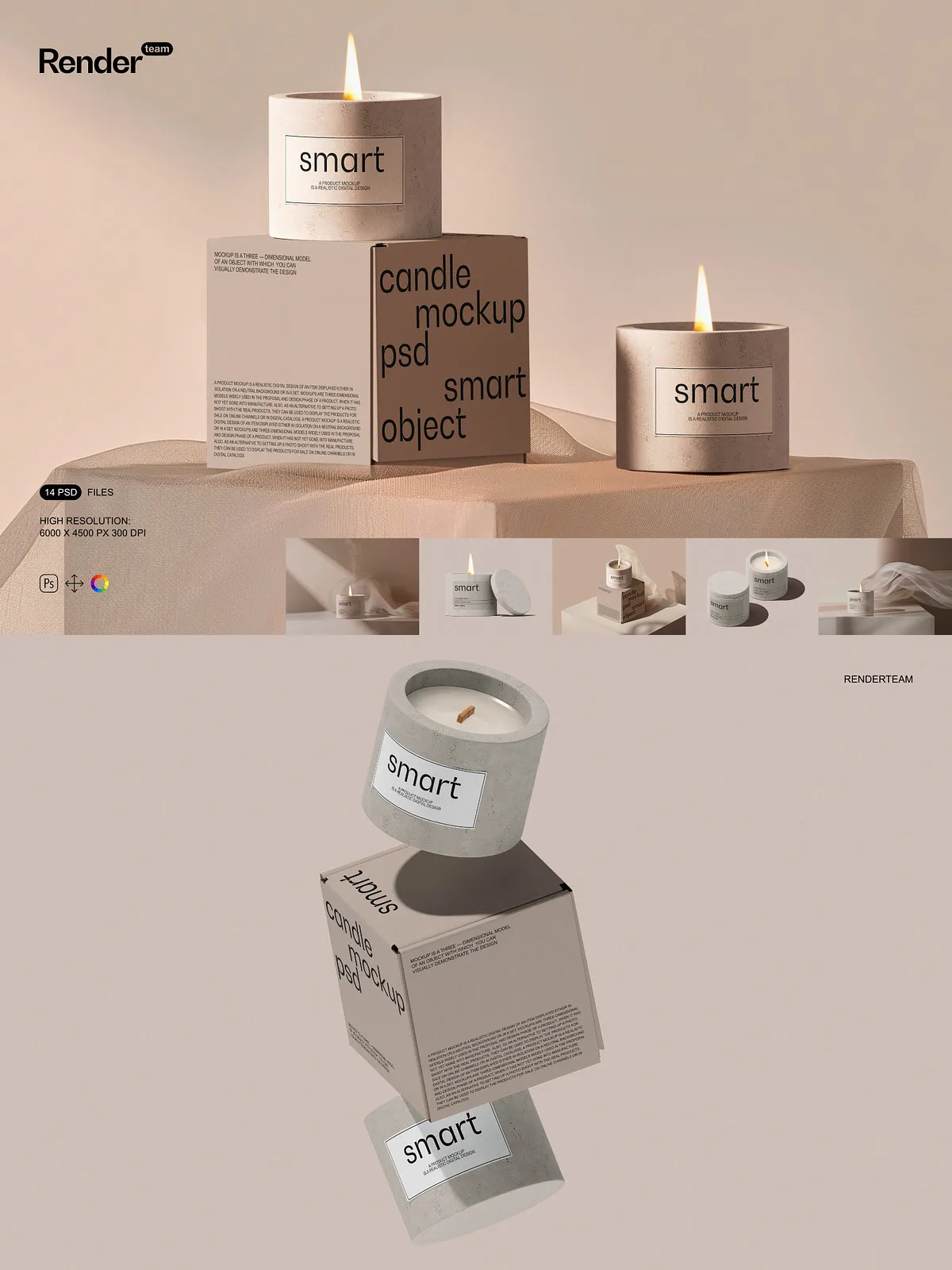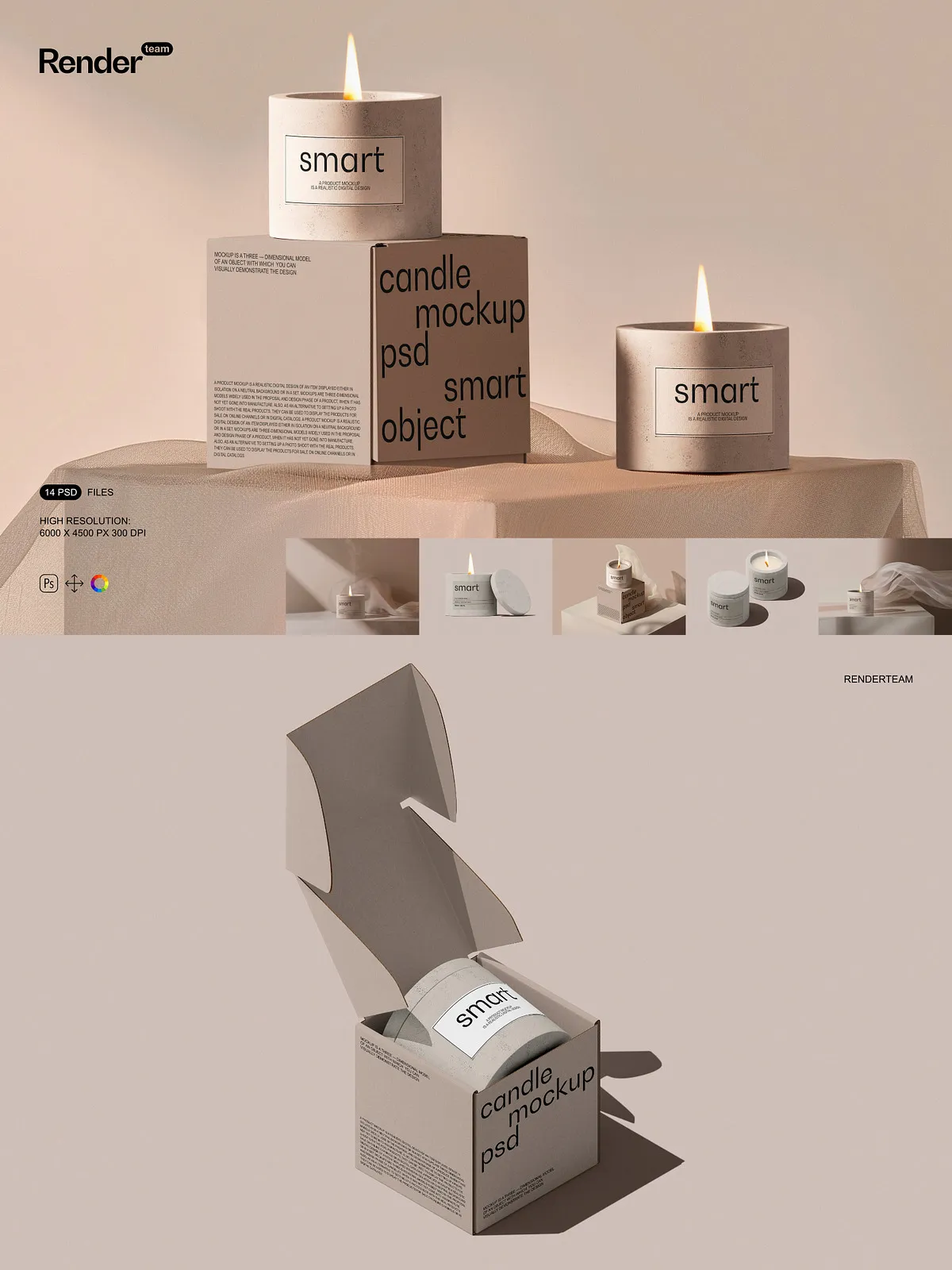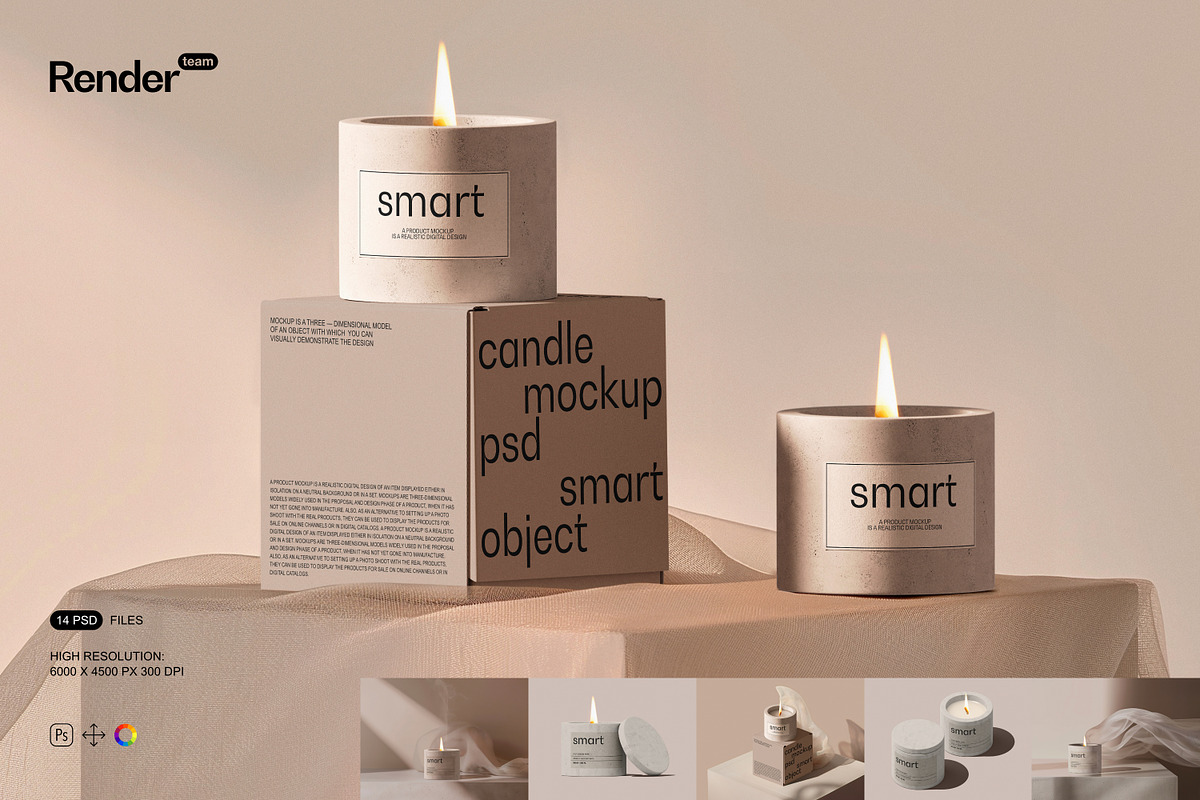
This Candle and Paper Box Mockup Set delivers a polished, high-resolution canvas to present candle labels, box artwork, and brand packaging with confidence. The collection contains 14 layered, editable PSD files that employ Smart Object technology so you can quickly insert your graphics and see them rendered in realistic scenes. Designed for designers, brand owners, and agencies, these mockups accelerate the review cycle and showcase concepts in marketing pitches, online stores, and portfolios.
Key Features and Technical Specs
Smart Object Editing for Instant Results
Edit your designs by double-clicking the Smart Object layer, pasting artwork, and saving — the mockup automatically applies perspective, lighting, and subtle reflections. This workflow keeps your edits non-destructive and repeatable, so you can test variations and iterate faster.
High Resolution and Print-Ready Detail
Each PSD renders at 6000×4500 px at 300 dpi, producing crisp visuals suitable for large-scale presentations and high-quality prints. The generous resolution preserves fine typography, textured paper finishes, and delicate candle label details when viewed close-up or printed for client review.
All Objects and Shadows Isolated
Every object and shadow sits on separate, well-labeled layers so you can rearrange the scene, hide or reveal elements, and fine-tune lighting and shadow intensity. Isolated elements give full creative control to reposition boxes, candles, and backgrounds without compromising realism.
Organized Layers and Ready-to-Use Scenes
The PSD files follow an intuitive folder structure with clear labels for backgrounds, props, device elements, and effects. Use the included scene compositions for fast results or customize layers to build bespoke compositions tailored to a client brief.
What You Get
- 14 layered, fully editable PSD mockups
- Smart Object integration for each packaging surface
- High-resolution files at 6000×4500 px, 300 dpi
- All objects and shadows isolated for maximum control
- Organized layers and folders for efficient workflow
- Comprehensive PDF help file with step-by-step guidance
How to Use the Mockups
Step-by-Step Workflow
Open a PSD in Adobe Photoshop, locate the named Smart Object layer for the candle label or box face, and double-click to open it in a new window. Paste or design directly inside the Smart Object, save, and return to the main PSD to view the applied changes. Adjust background color, shadow opacity, and element positions as needed to craft the final presentation. Repeat across scenes to create a cohesive set of marketing images for product listings, social posts, and print collateral.
Creative Possibilities
Use the mockups to test label finishes (matte, gloss, spot varnish), evaluate dieline alignment, and preview how type scale and pattern repeats appear on a cylindrical candle surface or box panel. Build lifestyle variations by combining studio and ambient scenes, or create a cohesive product gallery for an e-commerce catalog. The isolated elements let you compose product arrangements, group multiple SKUs, or construct flat-lay hero images that highlight brand storytelling.
Compatibility and Important Notes
These mockups are created for Adobe Photoshop and work best with the latest Creative Cloud release. They do not include the sample designs, fonts, or photographs shown in preview images. The files will not function in alternative apps such as Canva, Procreate, or other non-Photoshop editors. For consistent results, ensure Photoshop supports Smart Objects and layered PSD files.
Support and Documentation
The package includes a PDF help file that explains how to use Smart Objects, manage layers, and export final images at the correct resolution. If questions arise about file structure or editing steps, consult the included documentation first, then reach out to support provided by the product seller for additional guidance.