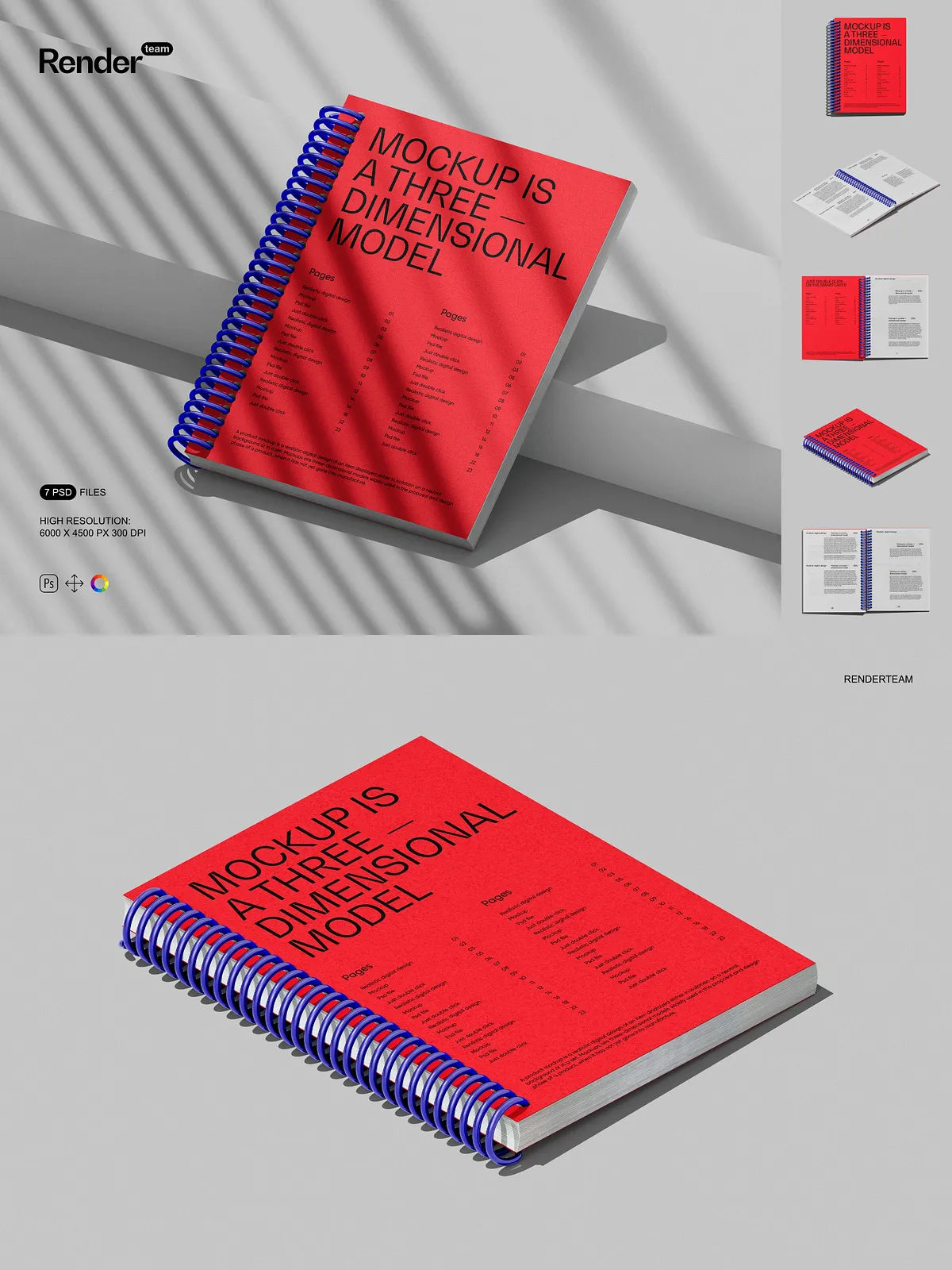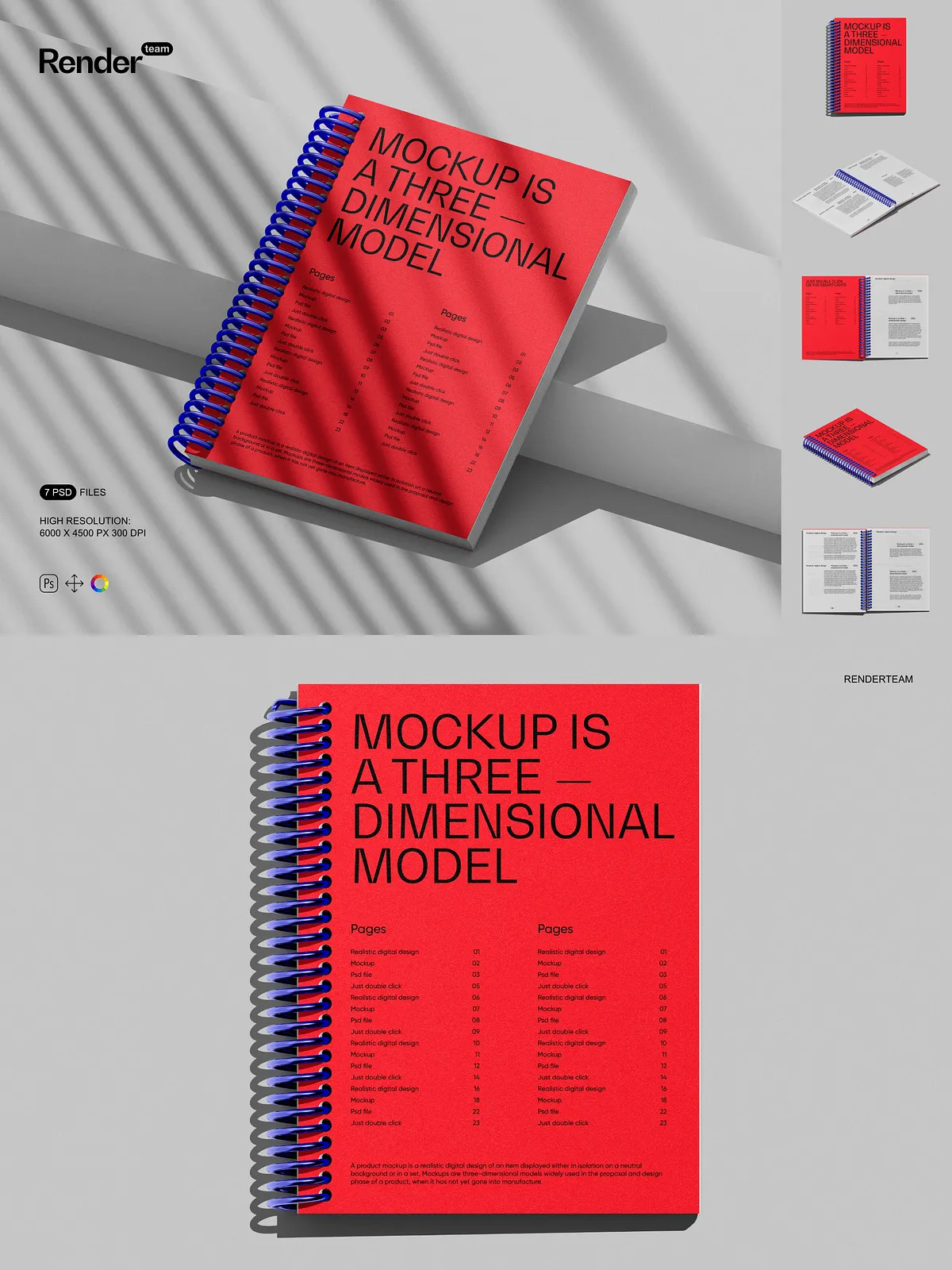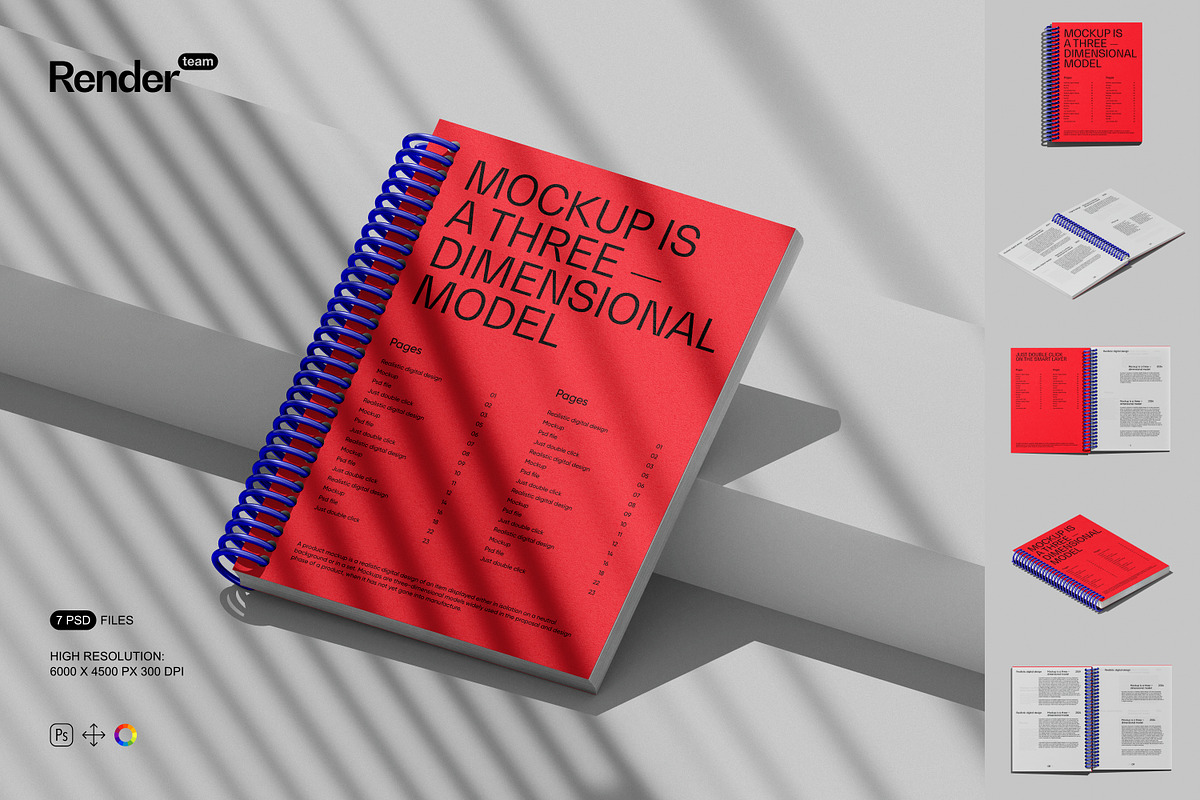
Transform your product showcases into compelling visual stories with the ultimate Notepad Mockup Set. Engineered for clarity, speed, and realism, these layered PSD files deliver lifelike textures, precise lighting, and natural wear patterns that mirror real-world usage. Whether you’re designing notebooks for students, planners for professionals, or journals for creatives, this mockup set ensures your branding stands out with undeniable authenticity. Use them on websites, social media, ads, or pitch decks to instantly capture attention and communicate quality.
Effortless Customization via Smart Object Technology
Double-Click, Design, Save — Edit in Seconds
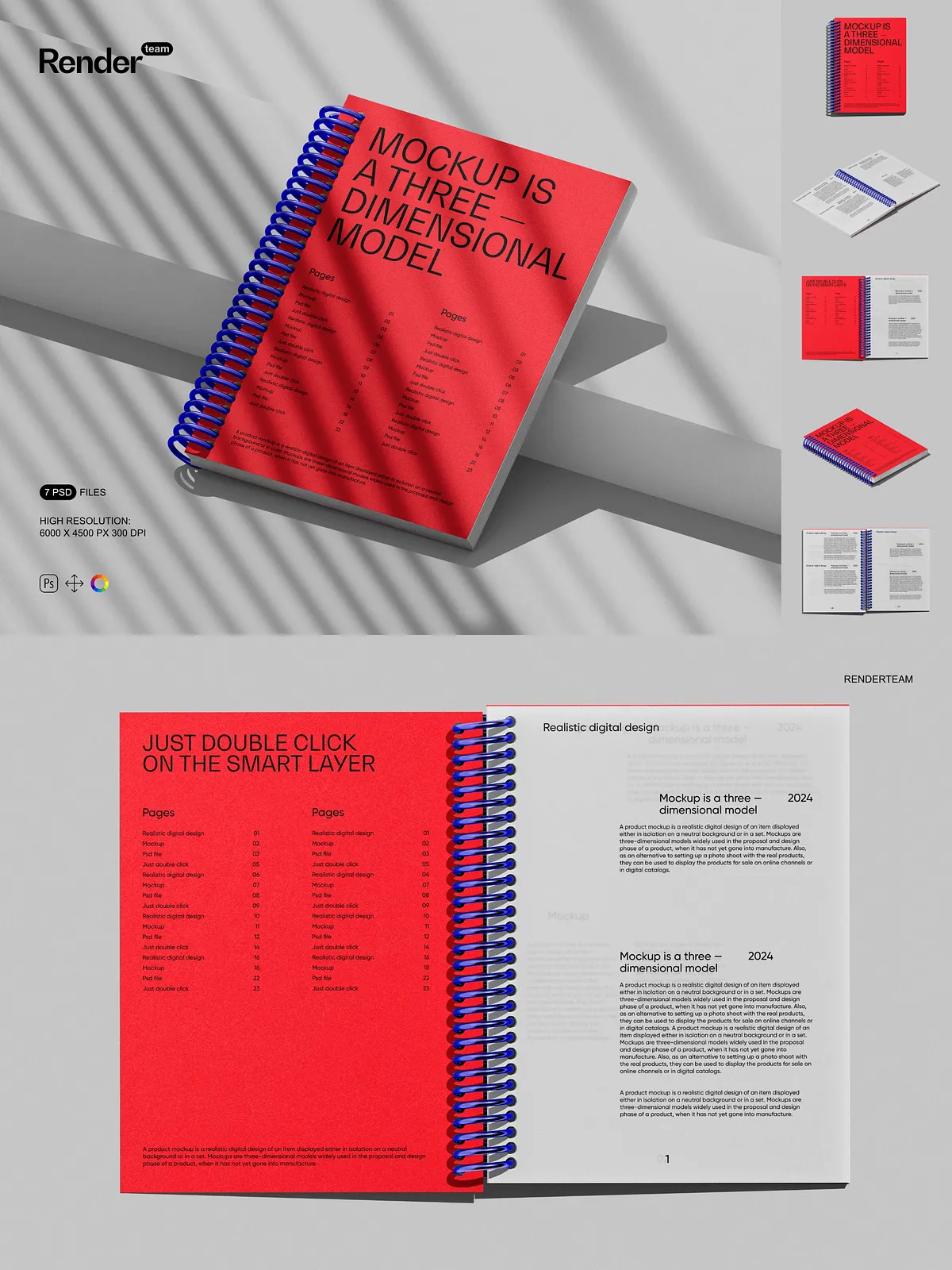
Stop spending hours manually reworking templates. With Smart Object editing, customizing your notepad design is as simple as double-clicking a layer. Locate the “Front Cover” or “Title Page” smart object, open your original artwork, paste it in, and save—your changes update instantly across the entire mockup scene. No masking. No distortions. No guesswork. This seamless workflow allows you to test multiple cover designs, experiment with typography, and preview color variations in minutes, not days. Perfect for designers under deadline pressure or brands launching seasonal collections.
Clutter-Free Layers for Precision and Control
Every design element is organized into clearly labeled folders and grouped layers—cover, spine, pages, texture, shadow, and logo layers—all cleanly separated. Adjust the reflection on the cover without affecting the texture layer. Modify the thickness of the notebook’s spine while keeping the paper stack perfect. With this intuitive architecture, collaboration becomes effortless, design revisions are fast, and consistency across mockups is guaranteed. Whether working solo or with a team, you’ll maintain complete control over every pixel.
Ultra-High Resolution for Crisp, Print-Ready Quality
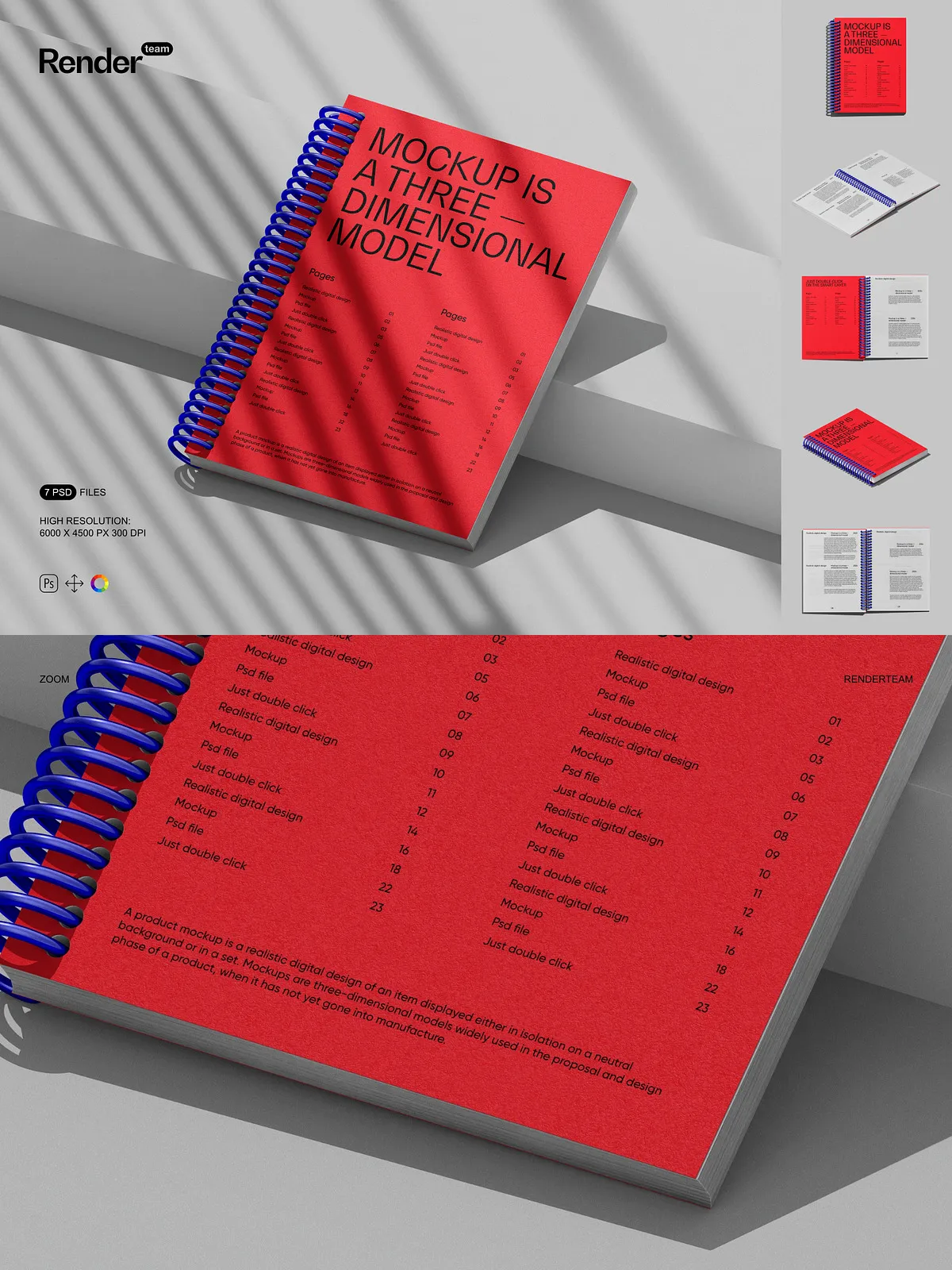
Built at a professional 6000×4500 pixels with 300 DPI output, this mockup set ensures razor-sharp detail at any scale. From large banners to tiny social media thumbnails, every design remains crystal clear and free from pixelation. The high resolution captures fine textures—paper grain, embossed logos, and soft creases—adding depth and realism that flat images simply can’t match. Whether you’re preparing materials for web, mobile, or print, these visuals meet the highest industry standards.
What’s Included in This Premium Mockup Pack
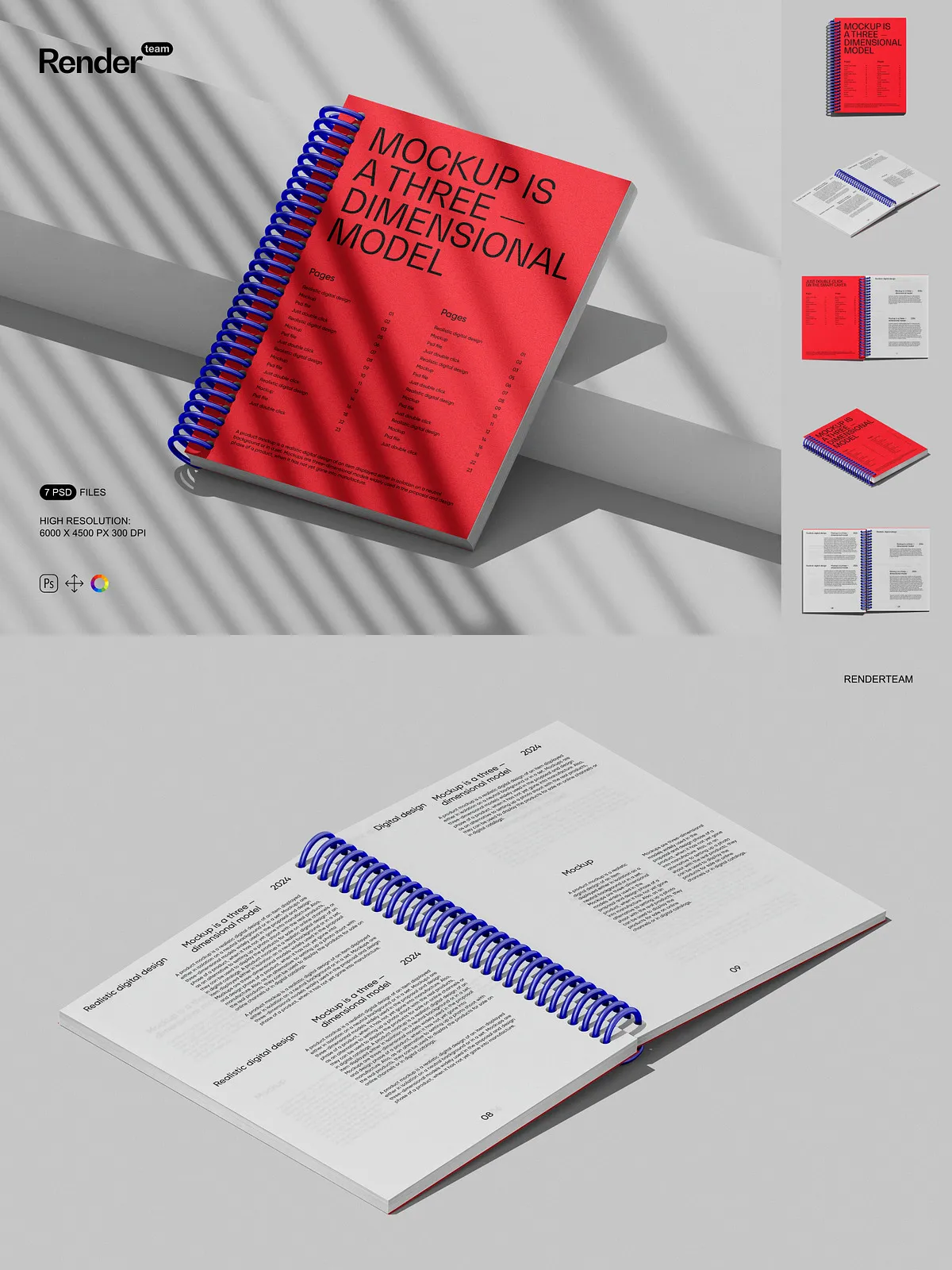
- 7 fully editable, high-resolution PSD files showcasing diverse notepad styles (e.g., lined notebook, dotted grid, blank pages, spiral-bound, hardcover, open and closed views, desk scene)
- Smart Object layers for one-click design replacement—no technical expertise required
- Isolated shadow, reflection, and texture layers for enhanced realism and visual depth
- Adjustment layers for color correction, exposure, and tone balancing
- Complete PDF help file with step-by-step editing instructions, layout tips, export guides, and creative use cases
Create Realistic Scenarios That Communicate Brand Value
Move beyond static images. Use these mockups to place your notepad in authentic environments: on a coffee shop table, inside a backpack, or in a hand during a brainstorming session. Each scene enhances narrative impact, helping viewers visualize how your product fits into real-life routines. This contextual storytelling builds emotional connection, strengthens brand identity, and makes your offering feel tangible and desirable—boosting engagement and conversion rates.
Optimized for Adobe Photoshop — Total Creative Freedom
This mockup set is fully compatible with Adobe Photoshop (Creative Cloud). It leverages advanced features like Smart Objects, blending modes, and linked layers to maximize performance and flexibility. Ensure smooth operation by using the latest version of Photoshop.
Important Usage Note
⚠️ All preview images include placeholder text, sample logos, stock photos, and default fonts, which are not included in the download package. You must supply your own original designs, licensed images, and brand assets. This purchase grants rights only to the PSD files and PDF guide. Make sure all external content complies with its licensing agreements to avoid legal risks.
Why This Notepad Mockup Set Is a Must-Have for Designers
Choose this Notepad Mockup Set to:
- Speed up content creation with reusable, high-quality templates
- Present professional, polished visuals that impress clients, retailers, and customers
- Test page layouts, cover designs, and branding strategies before physical production
- Build strong, consistent visual identities across digital and print platforms
Quick 5-Step Process to Stunning Results
- Open your preferred PSD file in Adobe Photoshop.
- Navigate to the Smart Object layer labeled “Cover Design” or “Front Page.”
- Double-click the layer to open the embedded design canvas.
- Paste your custom artwork, align it precisely, and adjust scaling as needed.
- Save the file—your updated notepad appears instantly in the main scene.
- Use the included PDF guide to explore advanced techniques like texture overlays and multi-angle exports.