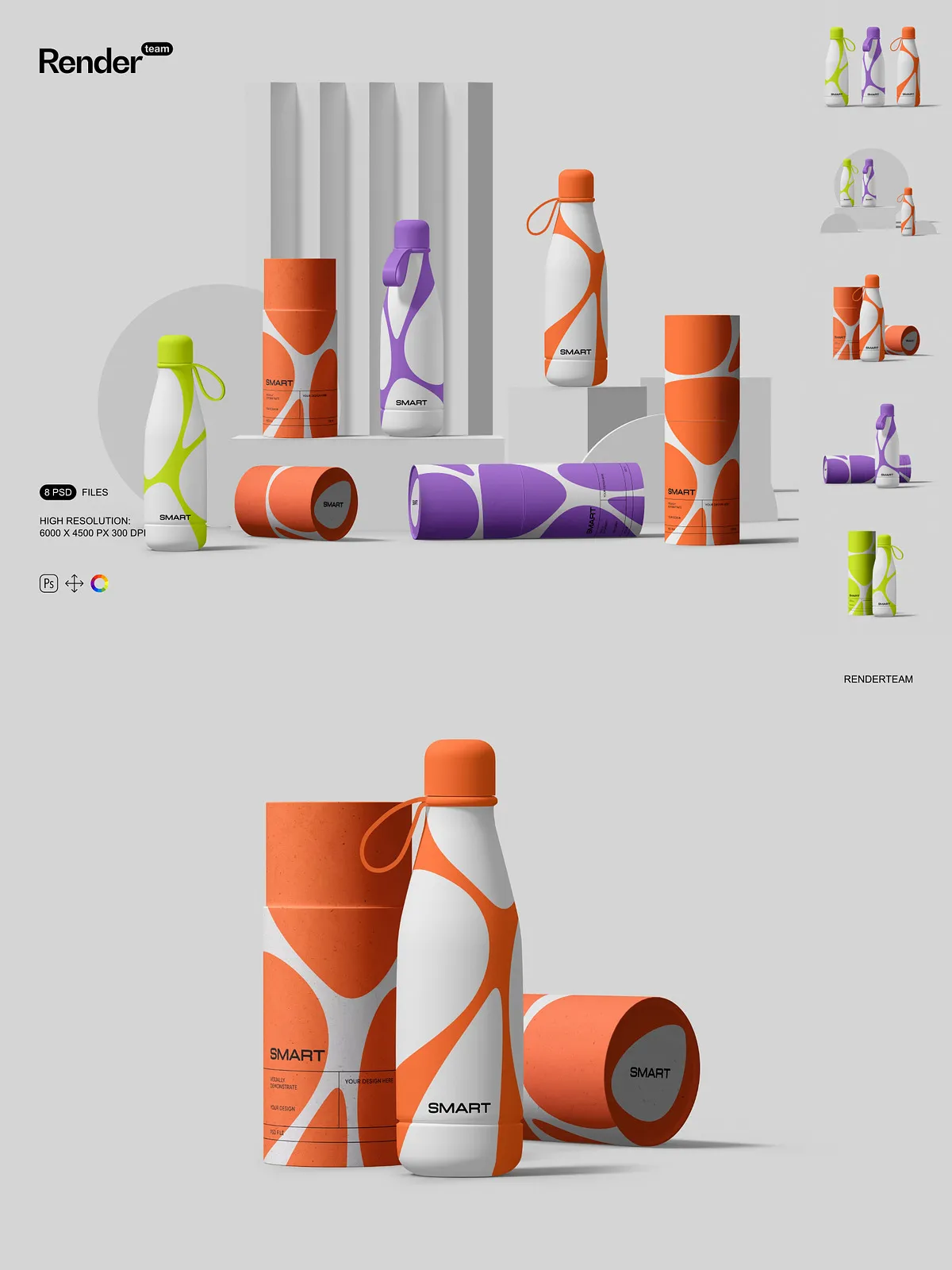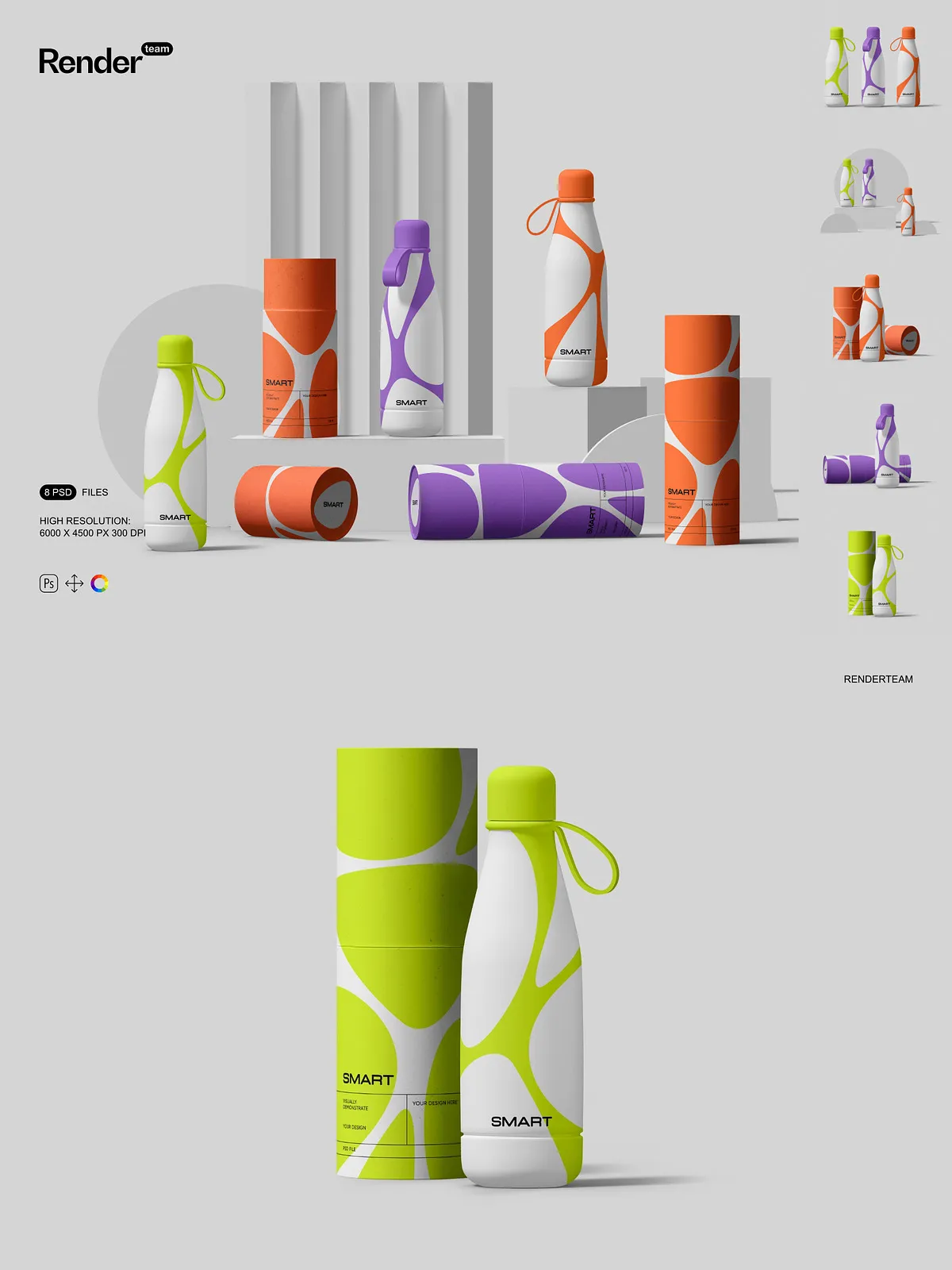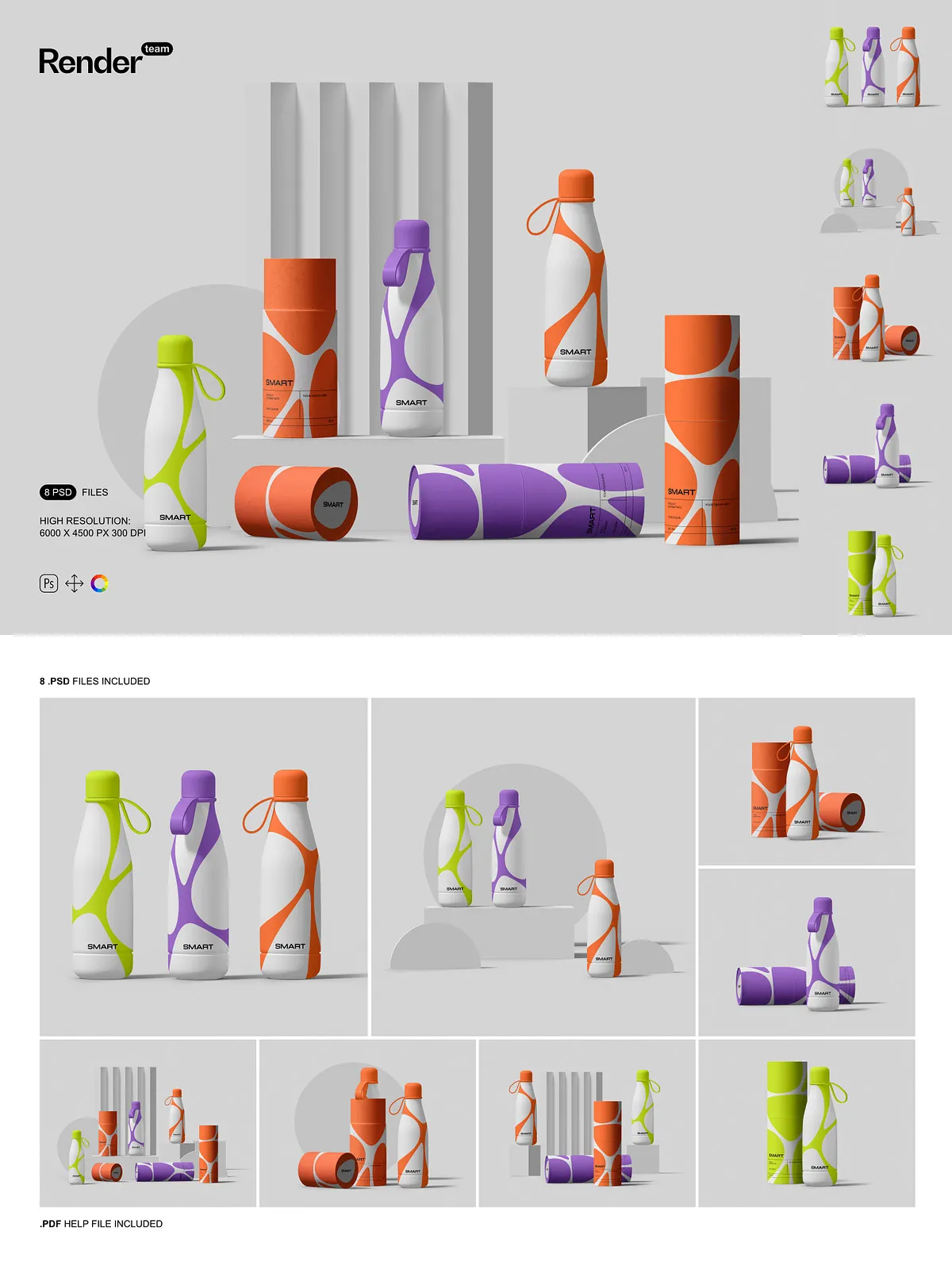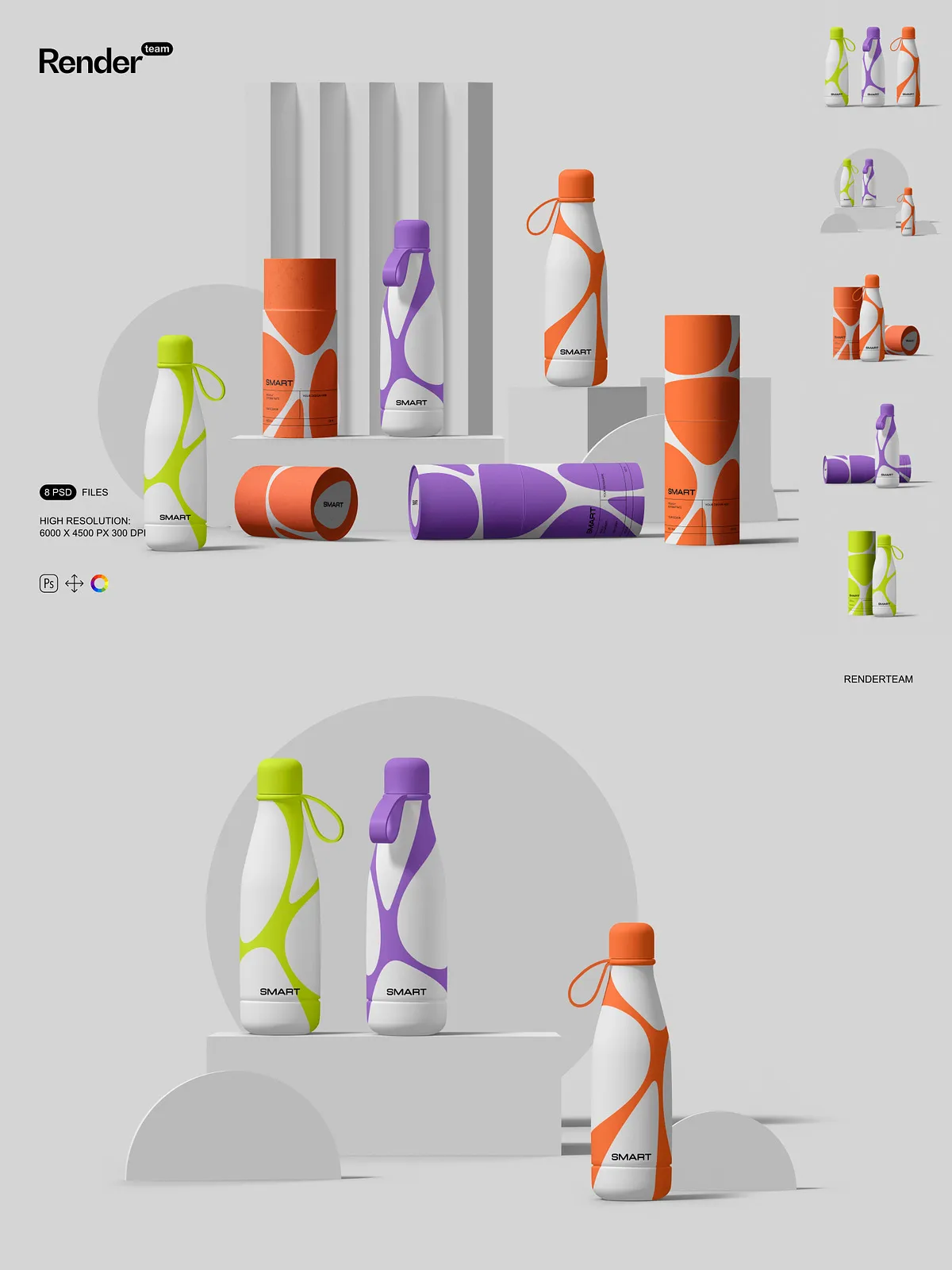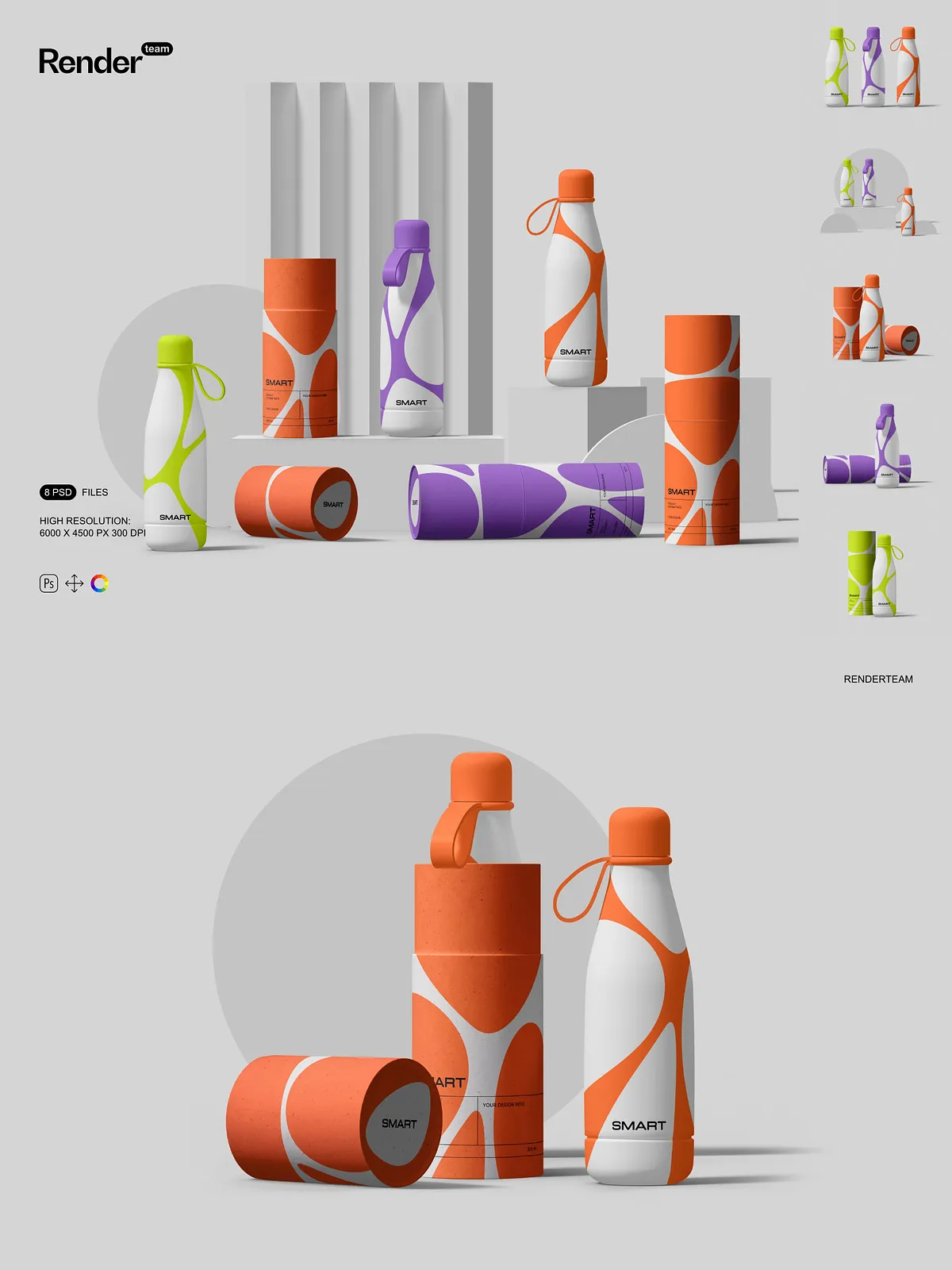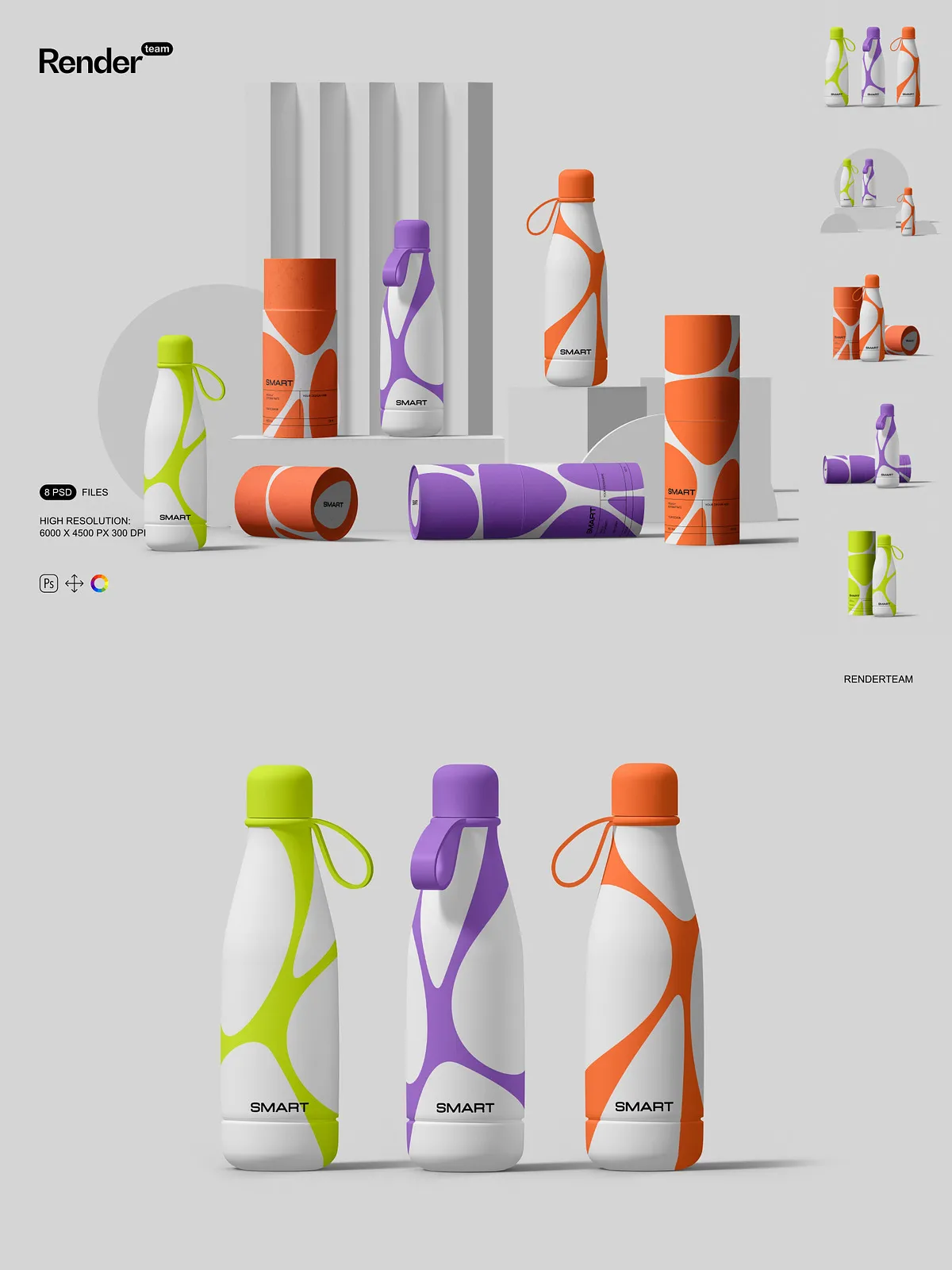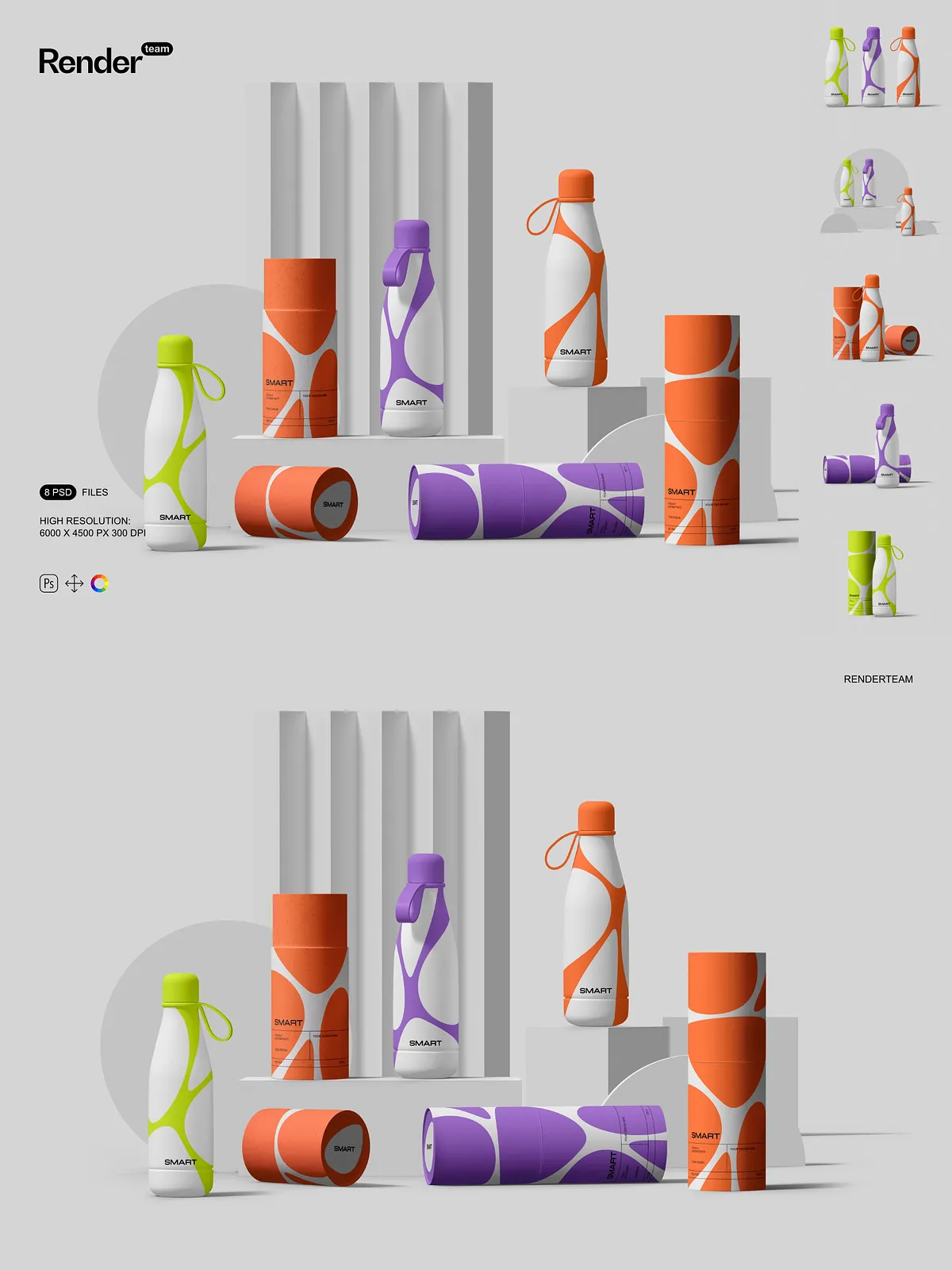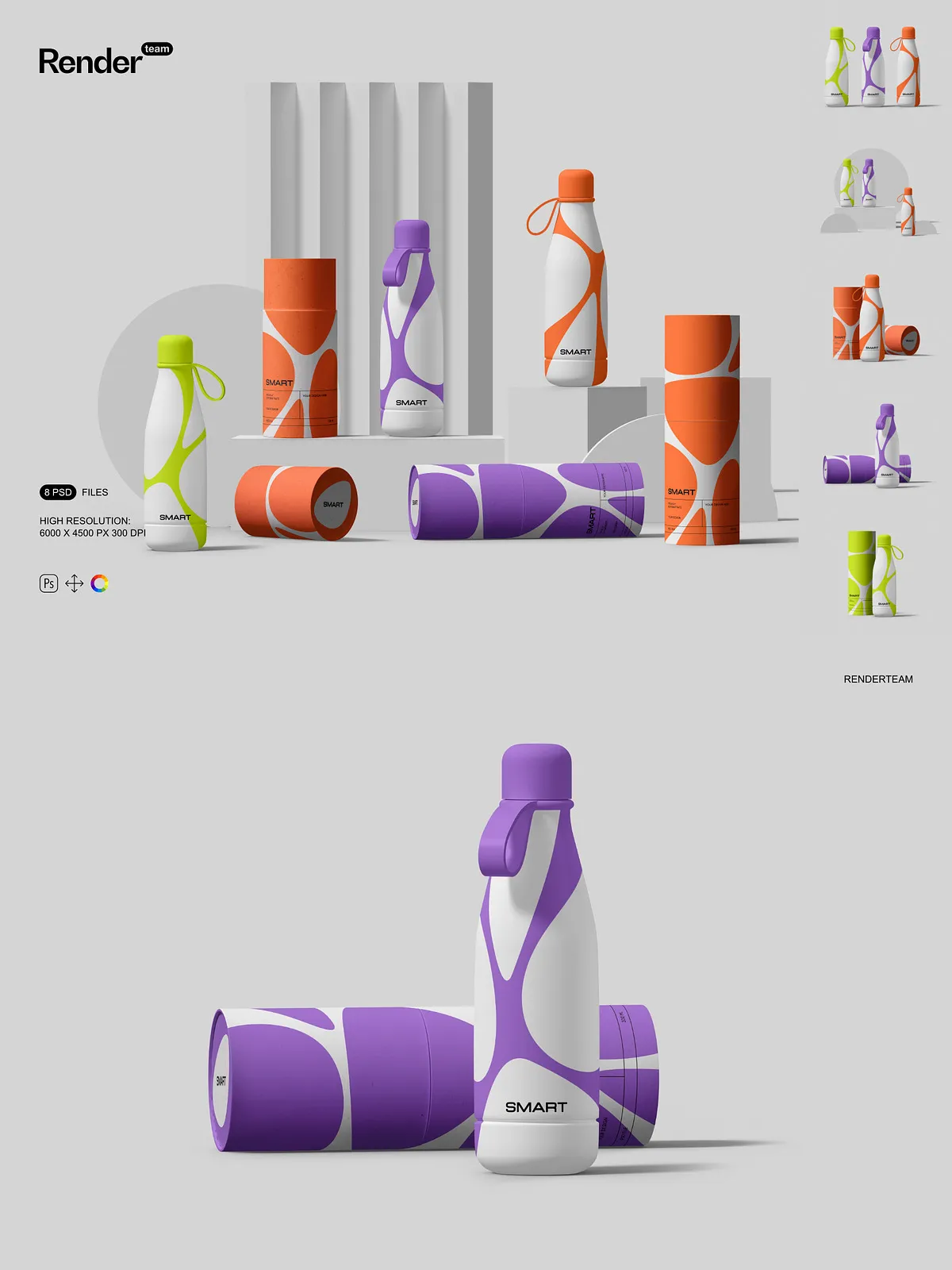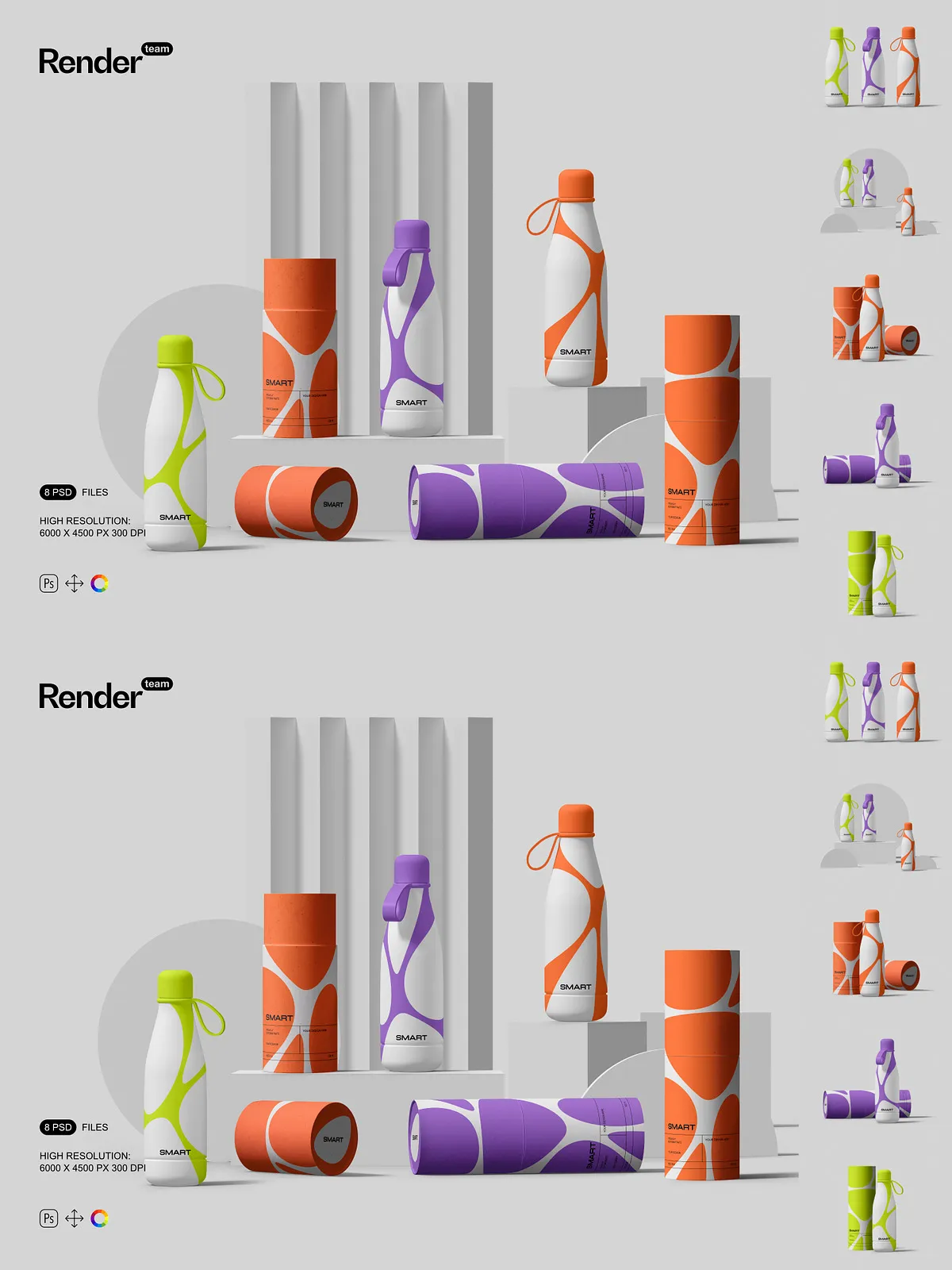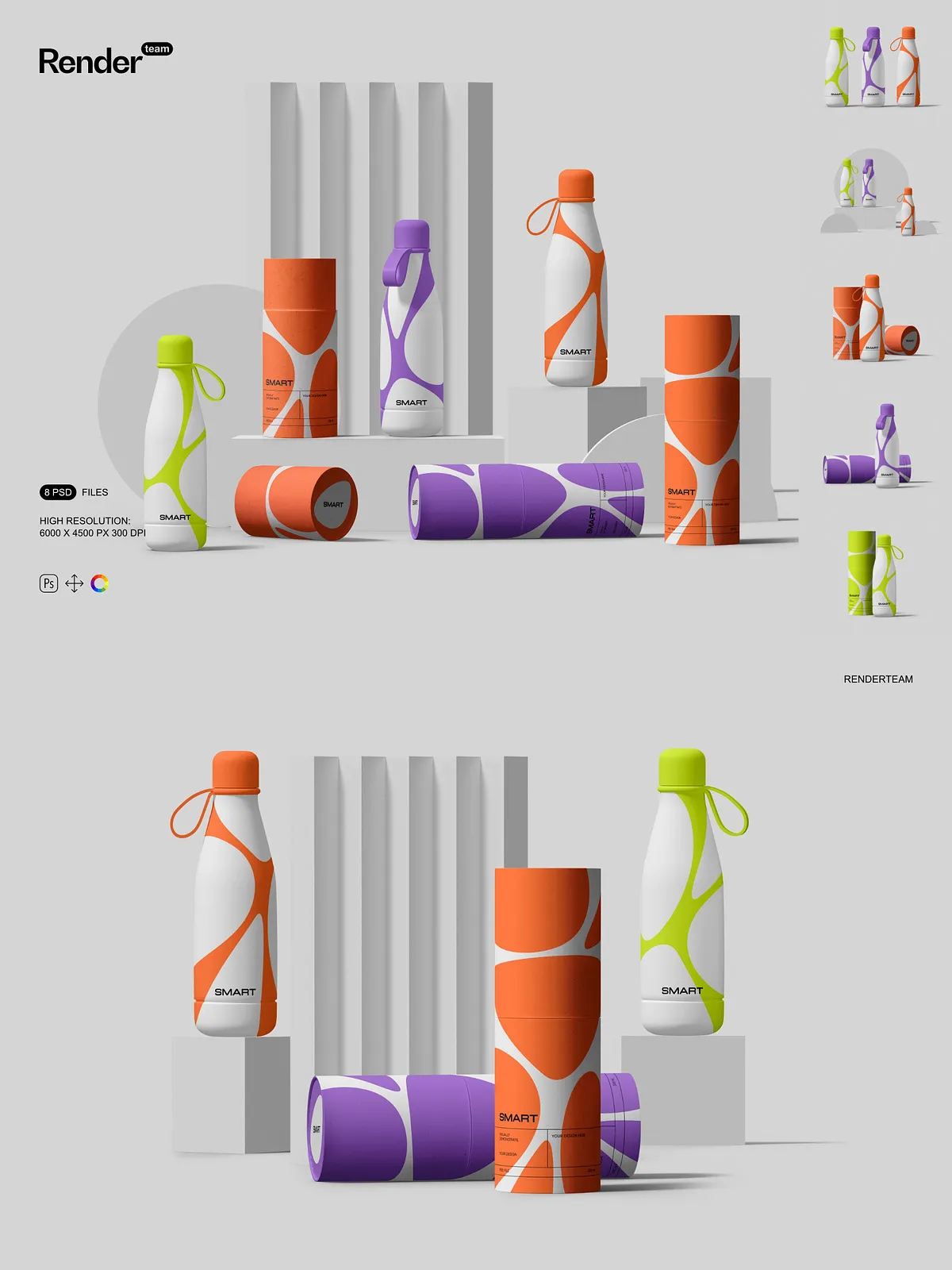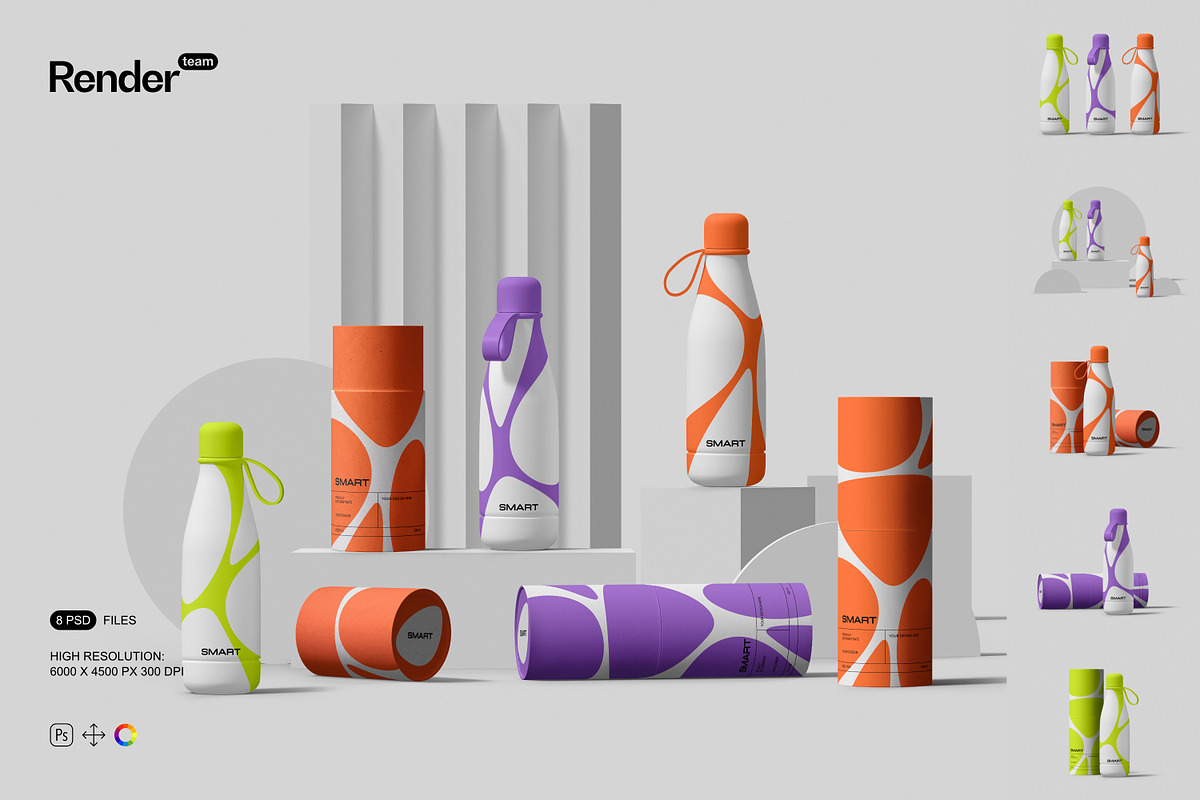
Present your packaging designs with clarity and speed using this Tube and Bottle Mockup Set. Designed for creative professionals and brand teams, this collection includes eight fully layered, editable PSD mockups that let you display product labels, branding, and artwork in realistic photographic contexts. Every scene uses Smart Objects and isolated elements so you can replace artwork, change colors, and fine-tune composition without altering the original files.
What the Pack Contains
Complete Mockups and Resources
This set contains 8 PSD mockup files showing common product arrangements and angles suitable for e-commerce, portfolios, and client presentations. The package delivers high-resolution canvases at 6000 × 4000 px and 300 dpi so your designs remain crisp for both web and print. All objects, shadows, and reflections are isolated on separate layers to give you precise control over final composition and export.
Organized Layers for Faster Workflow
The layers and folders follow a clear, consistent naming scheme to reduce setup time. Device or product elements, shadows, highlights, background textures, and adjustment layers sit in distinct groups so you can toggle visibility, adjust opacity, or replace assets quickly. This organization accelerates batch edits and keeps your workflow non-destructive and repeatable.
Editing and Customization
Smart Object Workflow
Apply your artwork instantly through Smart Objects. Double-click the Smart Object layer, paste or place your label or design, align it to the guides, and save. The main PSD updates automatically with the correct perspective, scale, and mask so you avoid manual distortions. For a guided quick-start on Smart Objects, see this tutorial: [Smart Objects in Photoshop: Learn The Basics](https://www.youtube.com/watch?v=yeQR0qAl_-k).
Color and Lighting Controls
Adjust colors and scene mood with grouped color layers and editable adjustment layers. Change base material colors, tweak ambient strength, or modify highlight tones to match brand identity. The isolated lighting layers let you emphasize specific areas of the product or create consistent variations for merchandising and advertising campaigns.
Shadow and Reflection Isolation
Because all objects and shadows are isolated, you can replace backgrounds or composite the product into a lifestyle image without losing realistic shadow behavior. Toggle shadow layers to increase or decrease contrast, or position the product in a new environment while maintaining believable light interaction.
Files Included and Technical Details
The package includes 8 layered PSD mockup files, each featuring Smart Object layers for all label placements and primary artwork. The files deliver output at 6000 × 4000 px, 300 dpi, and include a PDF help file with step-by-step instructions on replacing artwork, exporting assets, and recommended settings for web and print output. The PSDs are fully editable and compatible with recent versions of Adobe Photoshop that support Smart Objects and adjustment layers.
How to Use
Open and Inspect
Open the selected PSD in Photoshop and locate the Smart Object thumbnails in the Layers panel. Inspect grouped layers for background, shadow, and lighting controls so you can plan changes without trial and error.
Insert Your Design
Double-click the Smart Object to open its internal canvas, paste your label or artwork, align to the guides, and save. Return to the main document to view the applied design at correct perspective and finish. Use color adjustment layers to fine-tune material tones and light balance.
Export
Export in sRGB for web or convert to a print profile for physical proofs. Follow the included PDF help file for recommended export sizes, sharpening settings, and color profile guidance to ensure consistent results across platforms and media.
Why Choose This Mockup Set
Choose this Tube and Bottle Mockup Set to speed up presentations, maintain consistent branding across product shots, and produce high-quality visuals that persuade stakeholders and customers. With Smart Object editing, isolated shadows, and organized layers, you can iterate rapidly, produce multiple variants, and deliver polished, print-ready assets without rebuilding scenes from scratch.