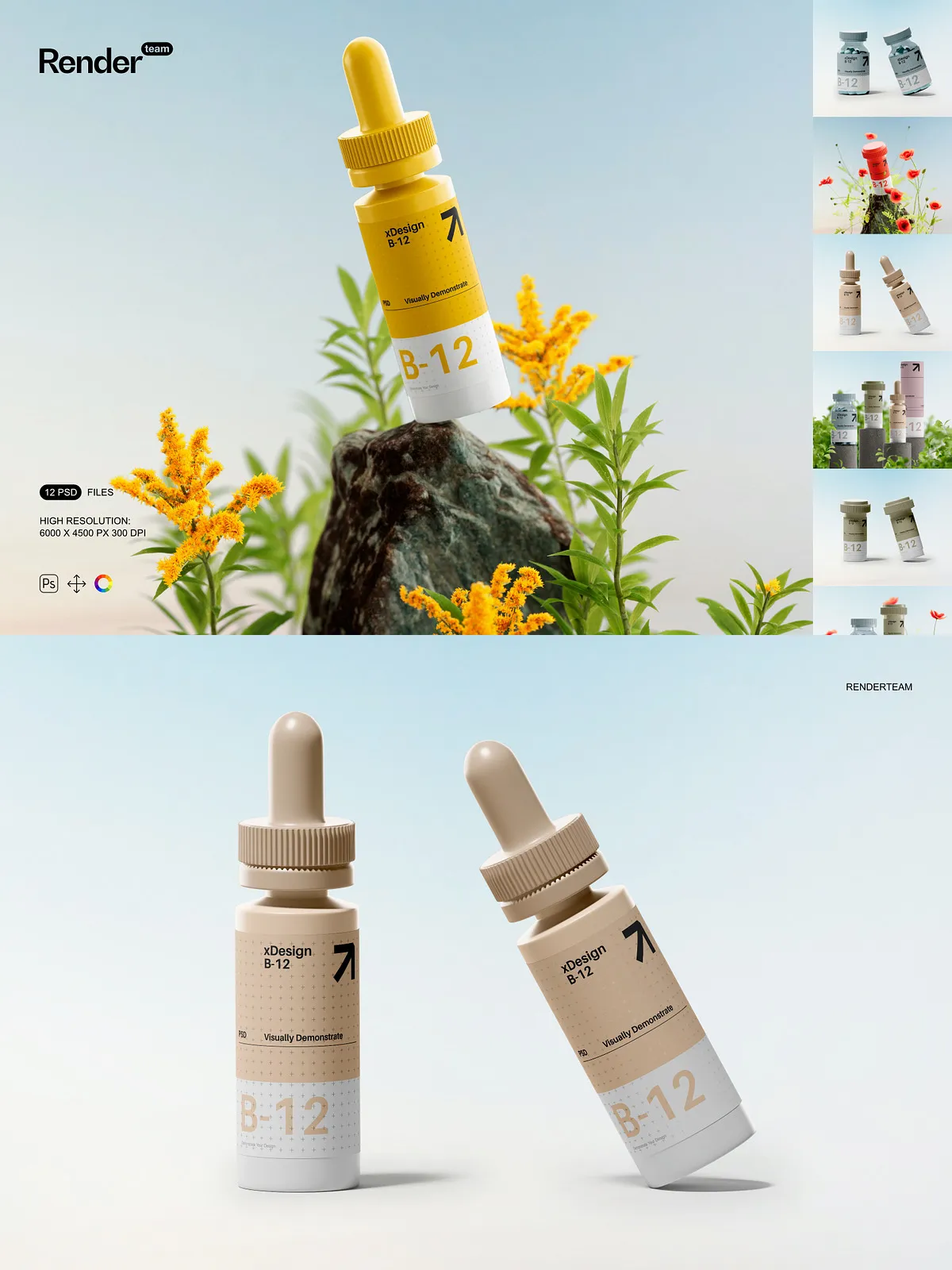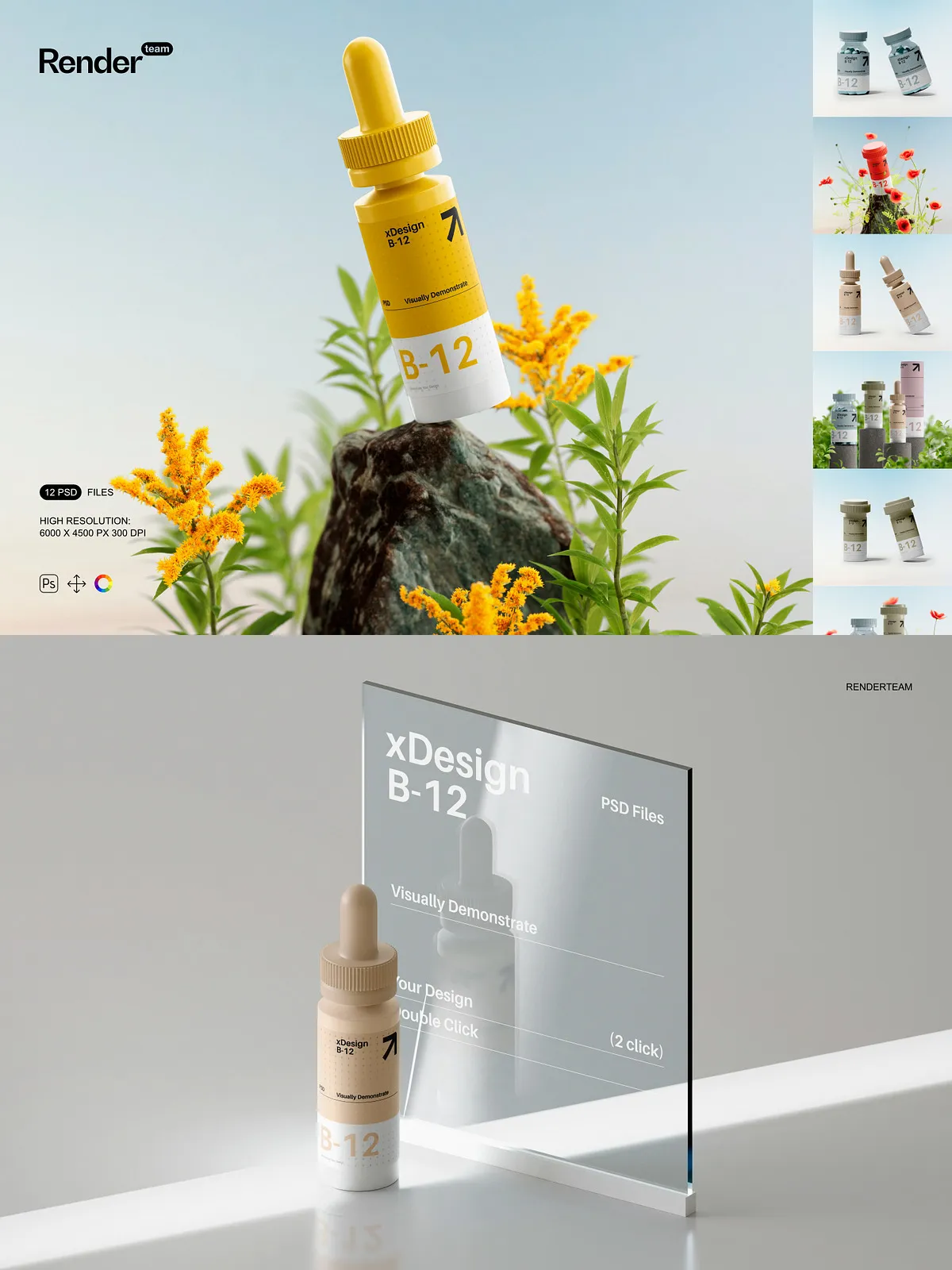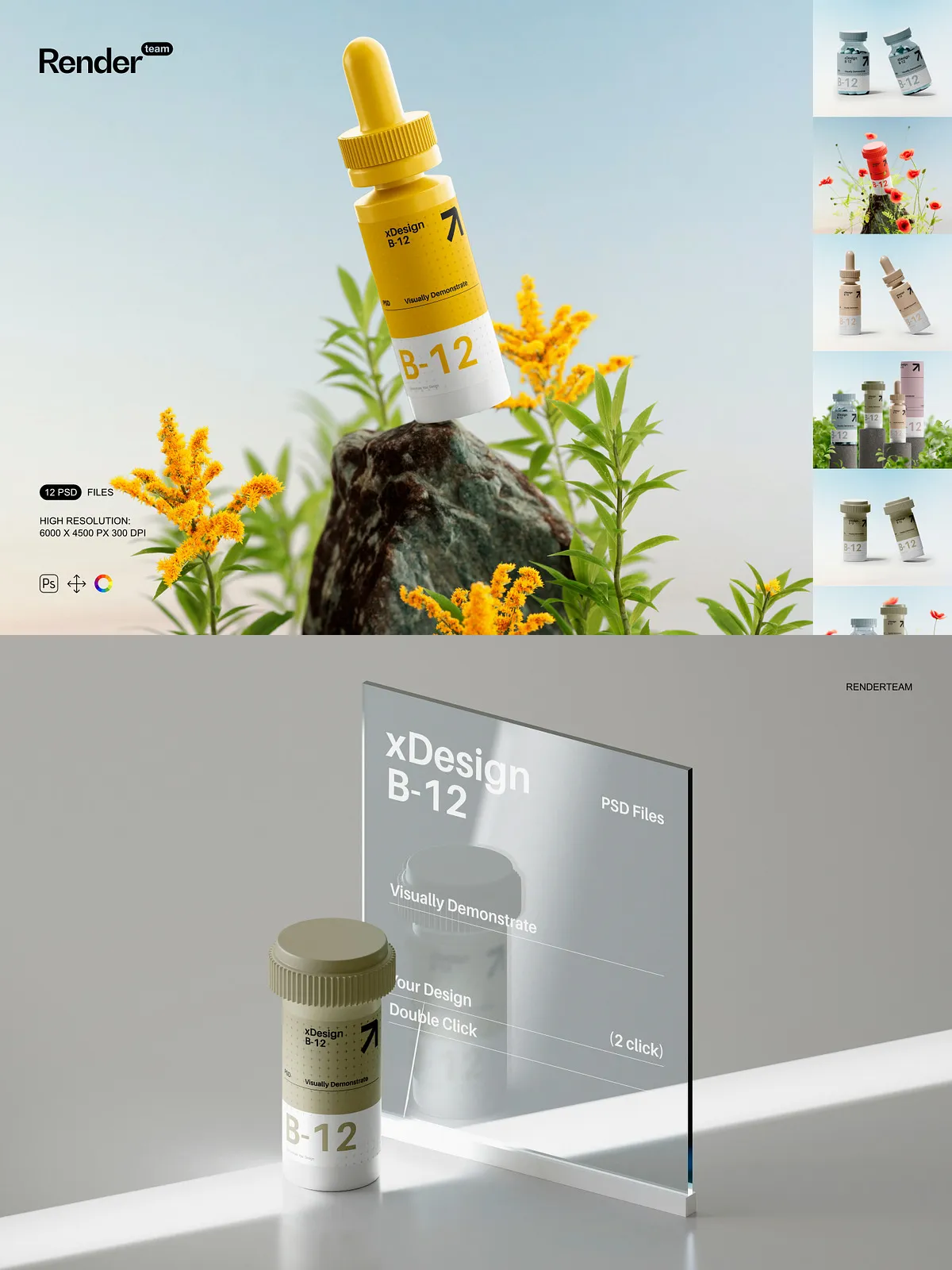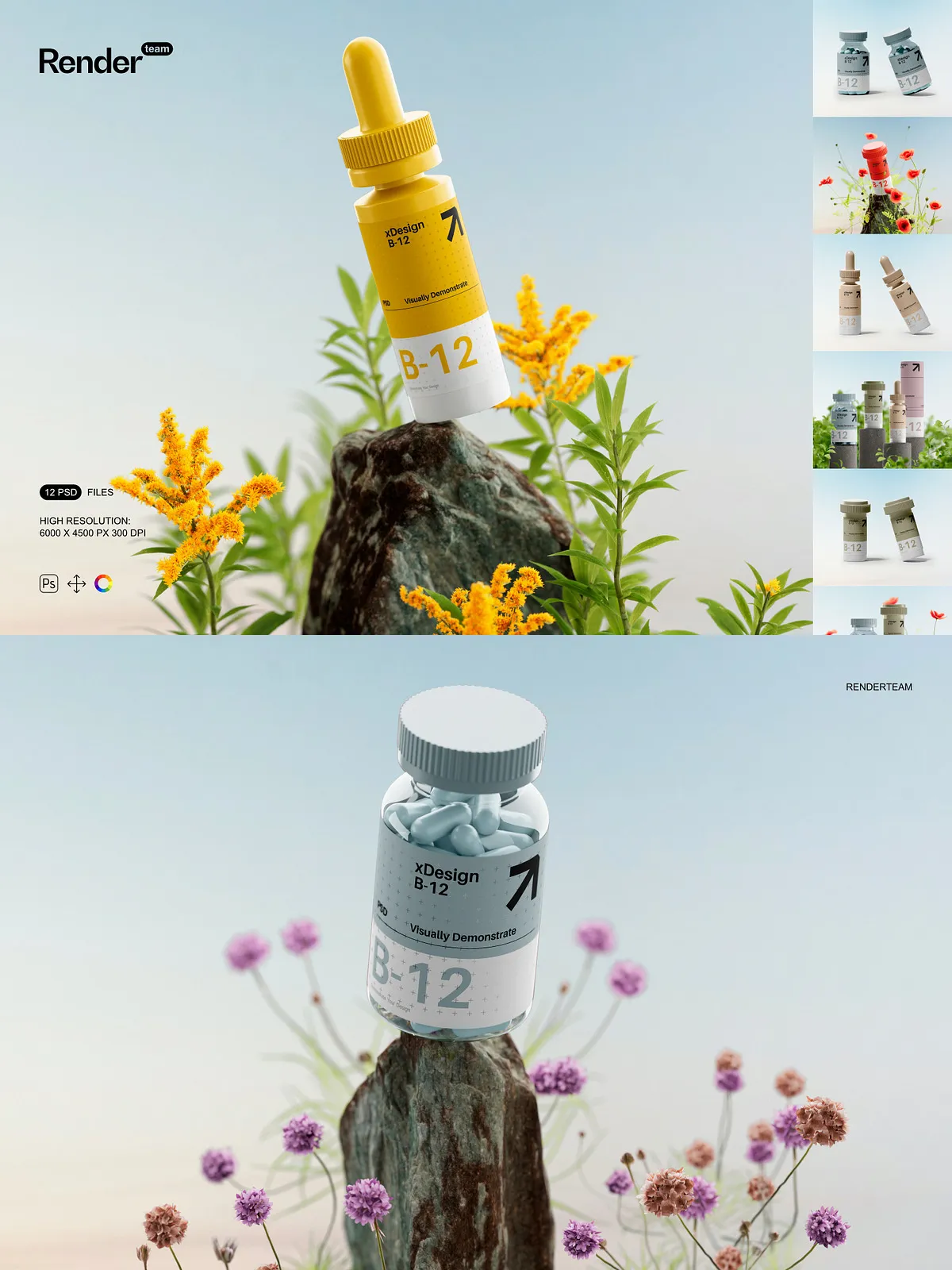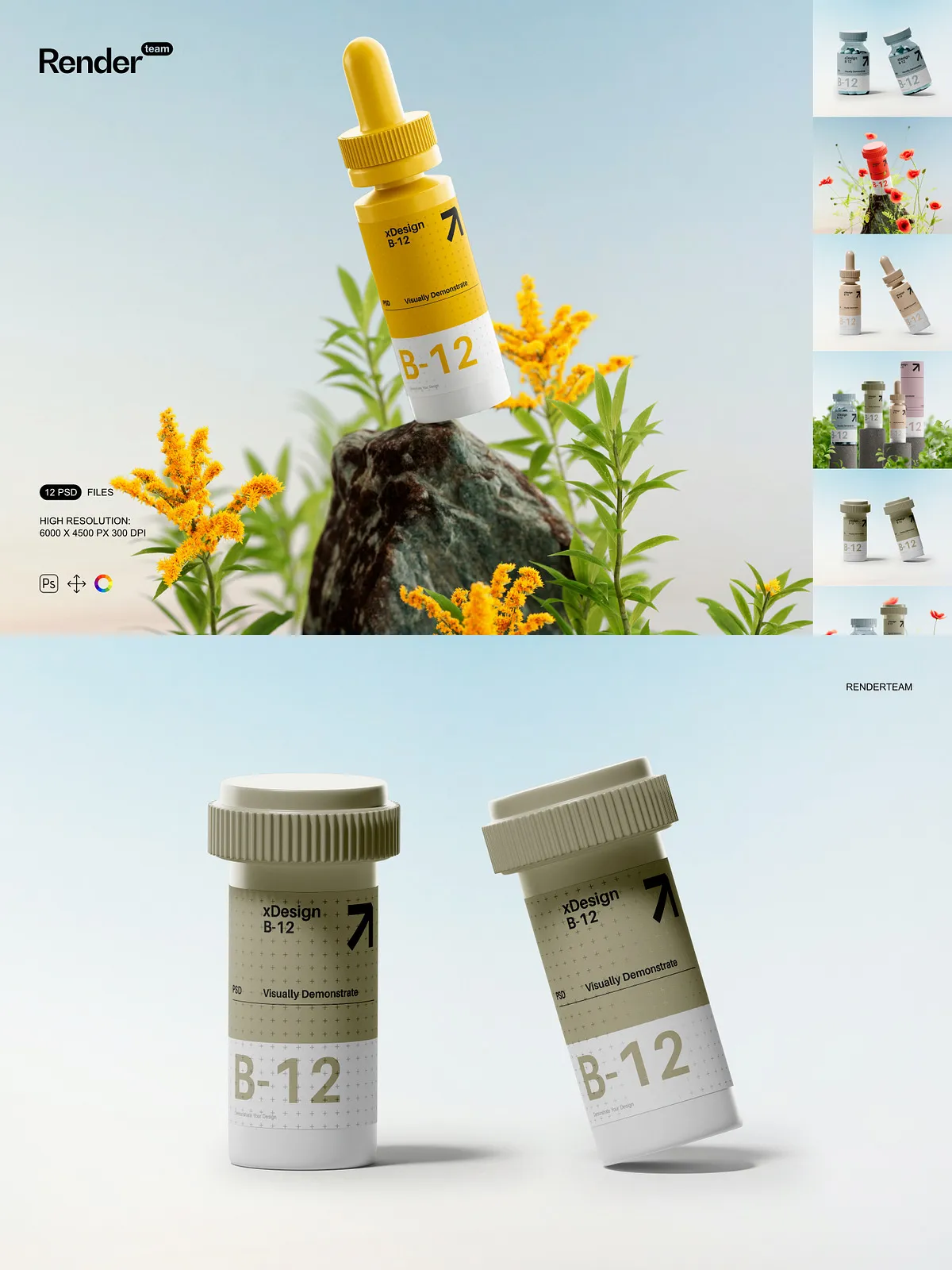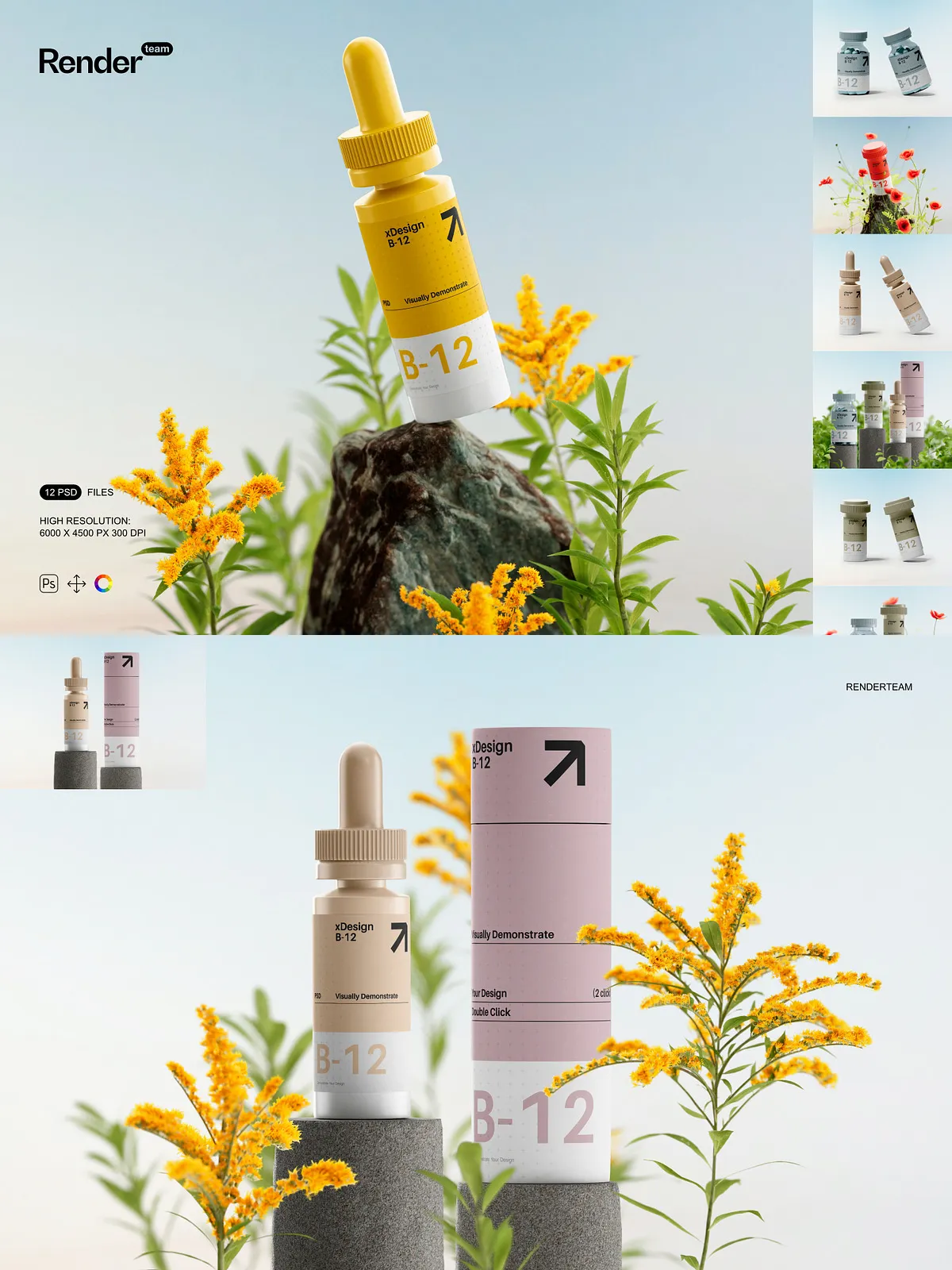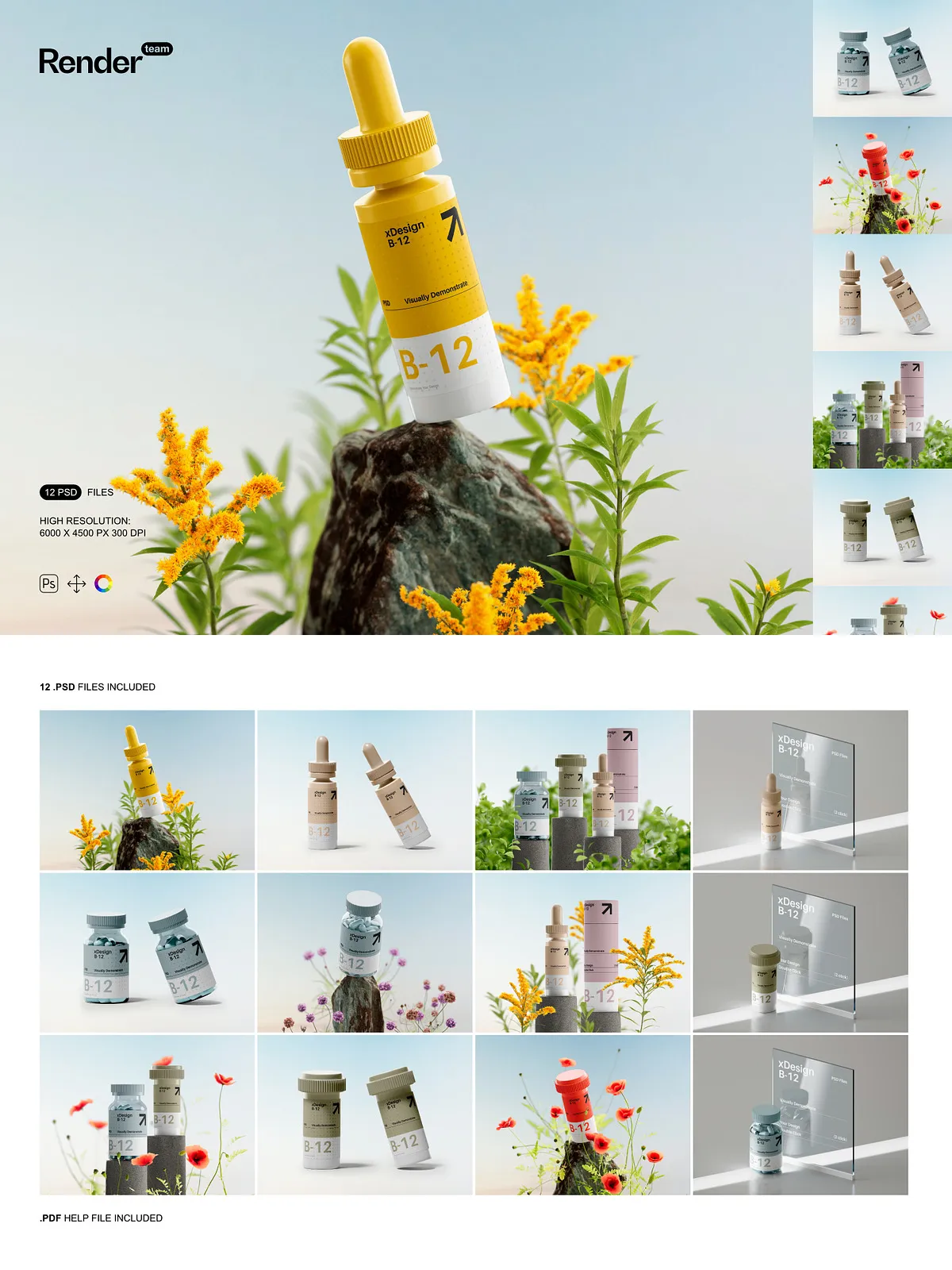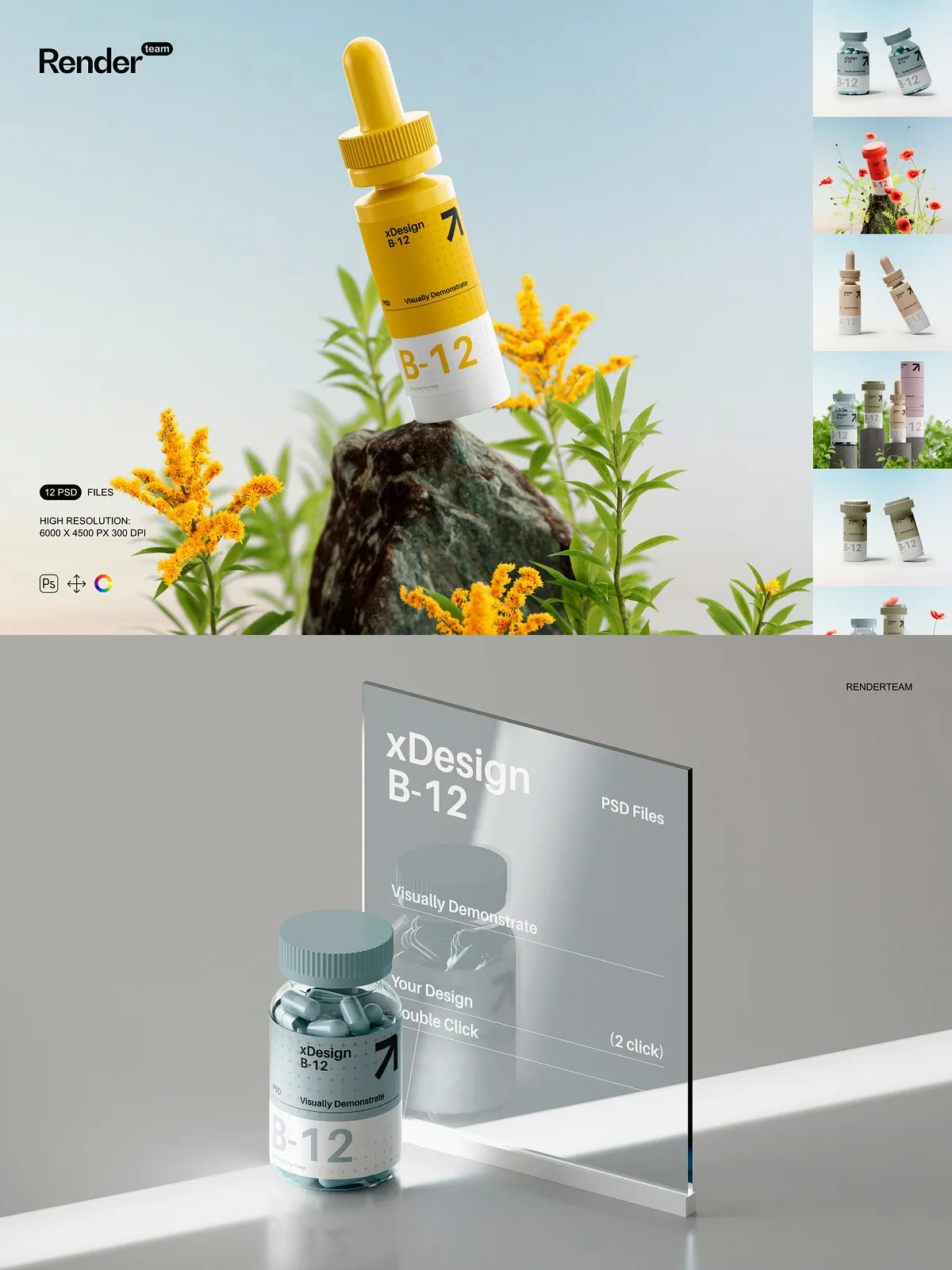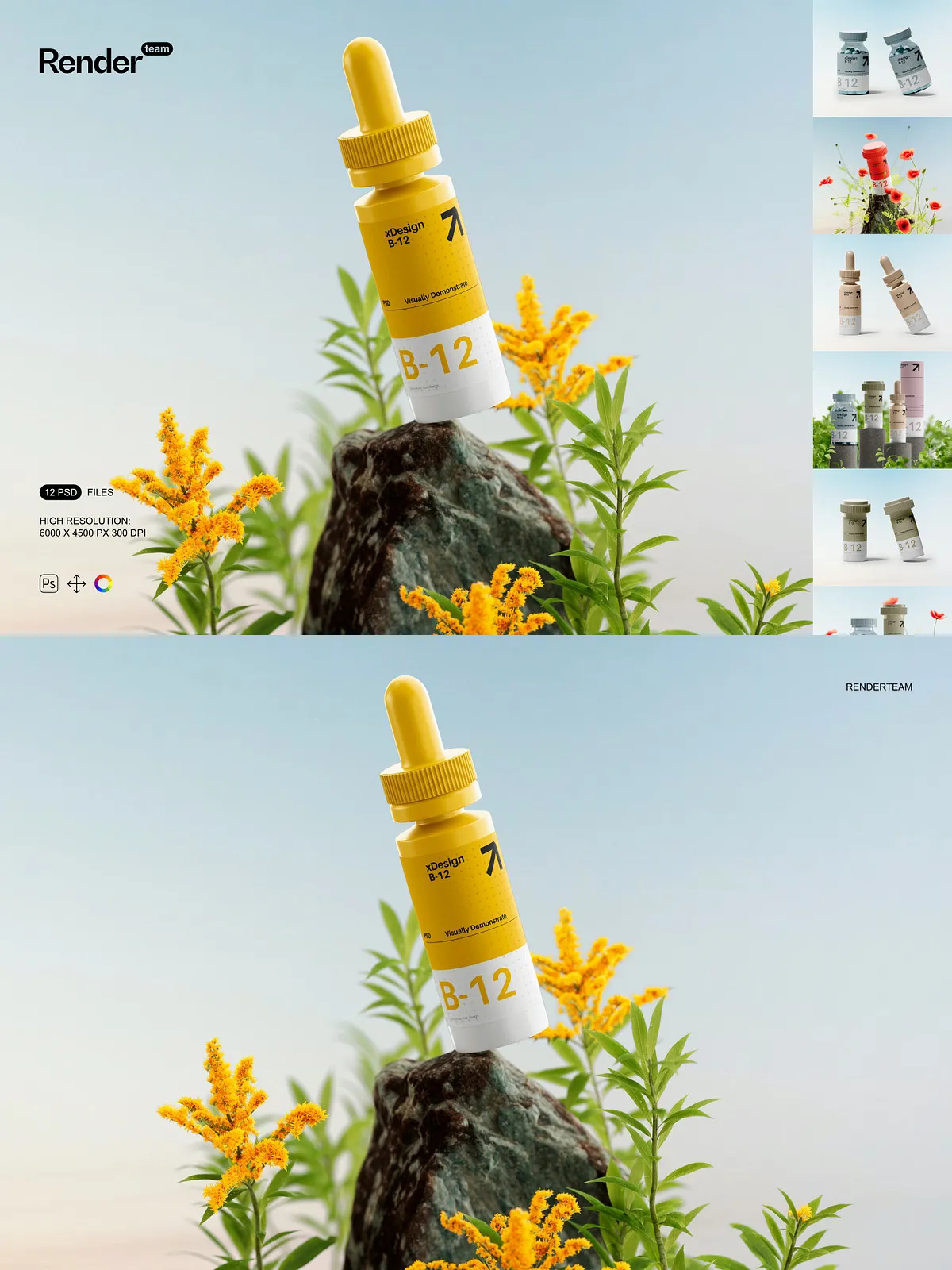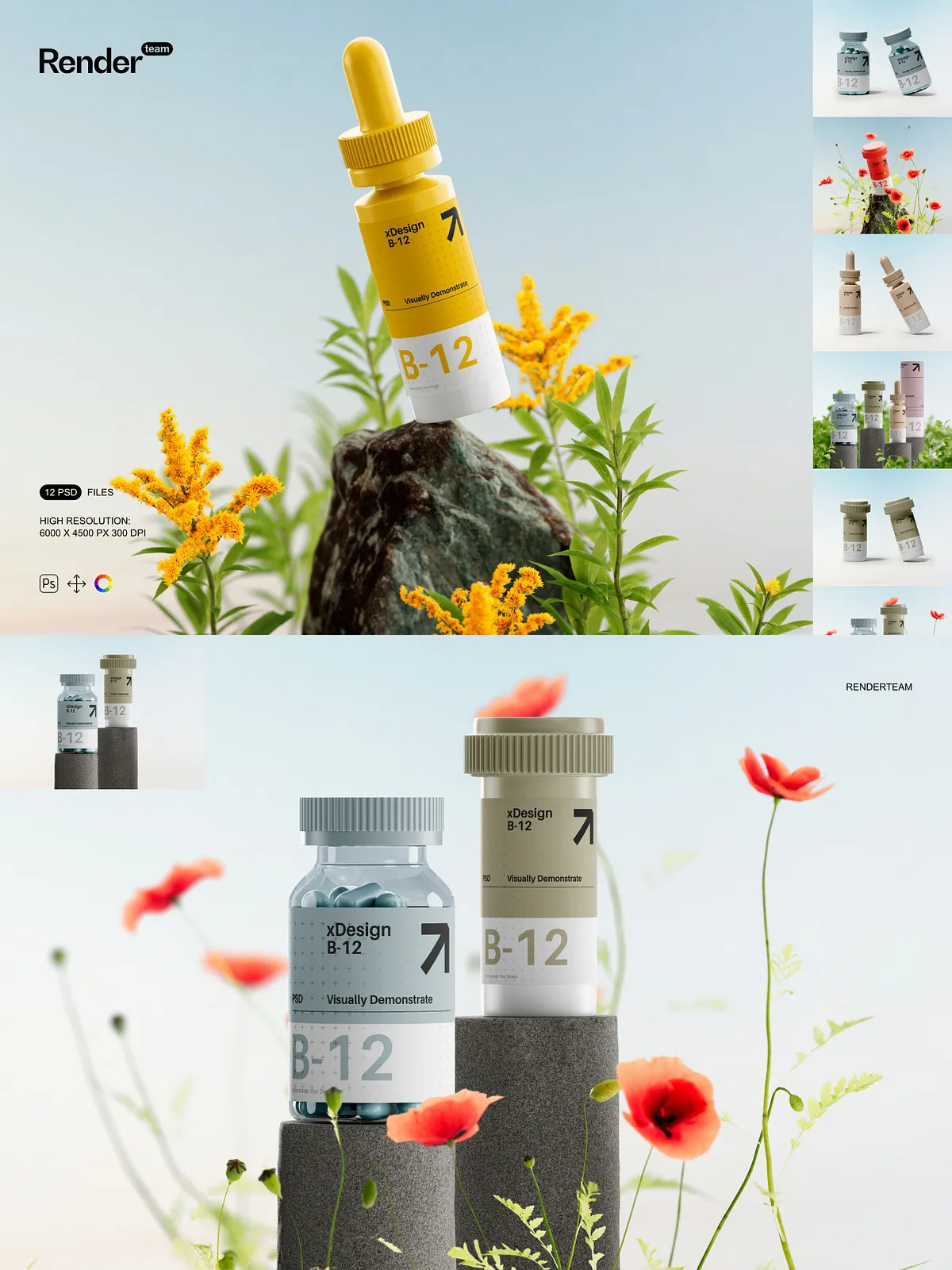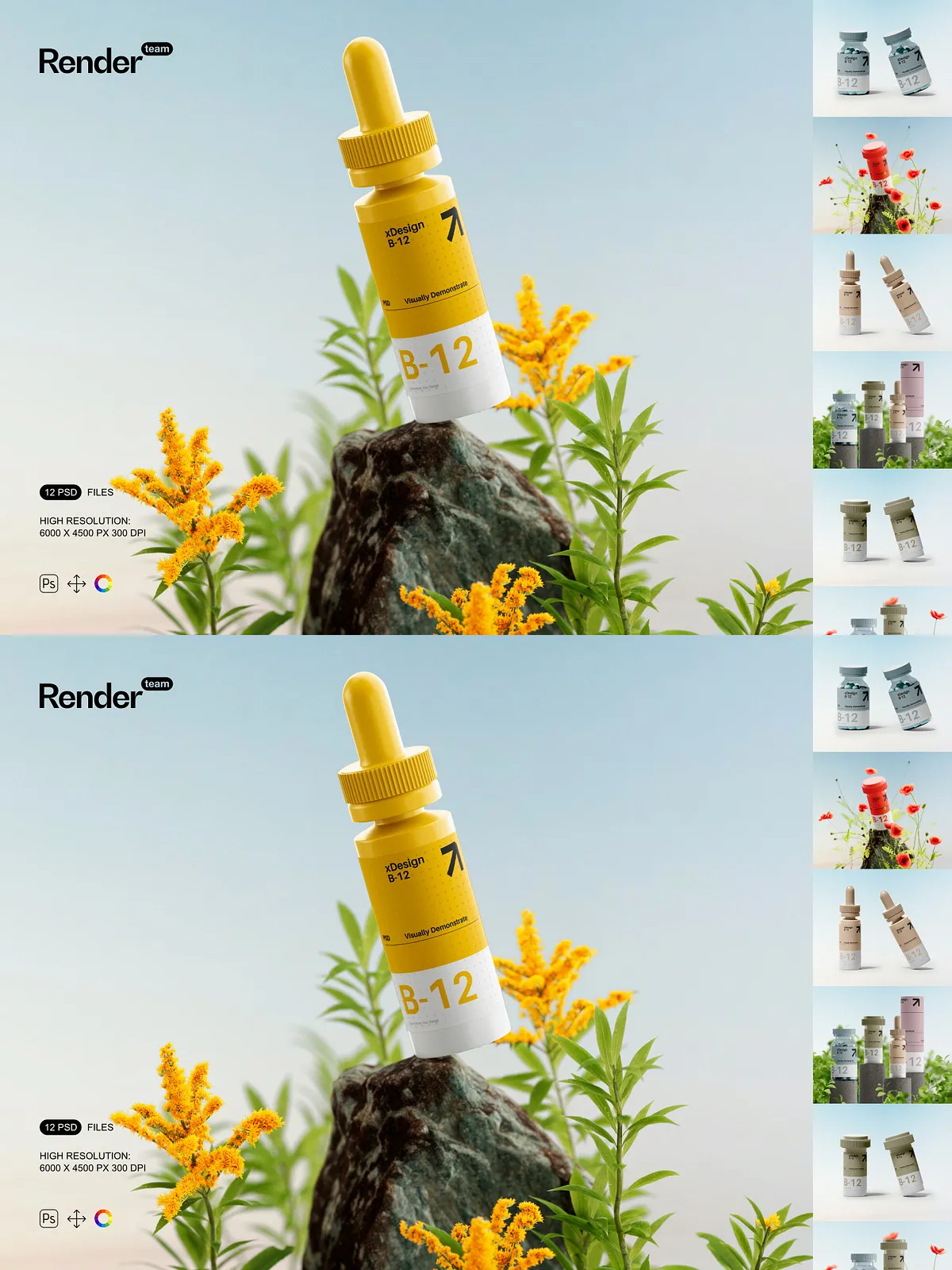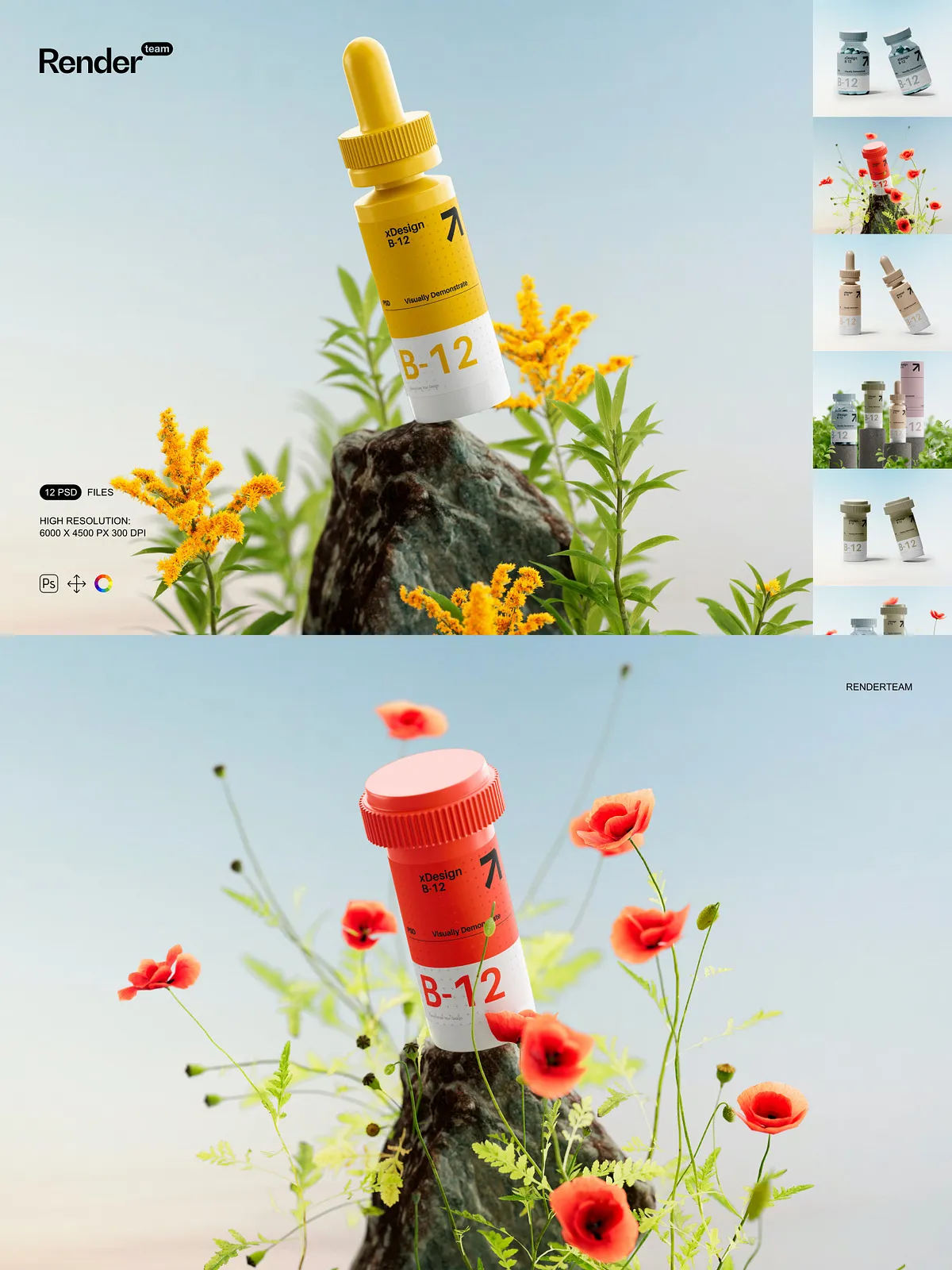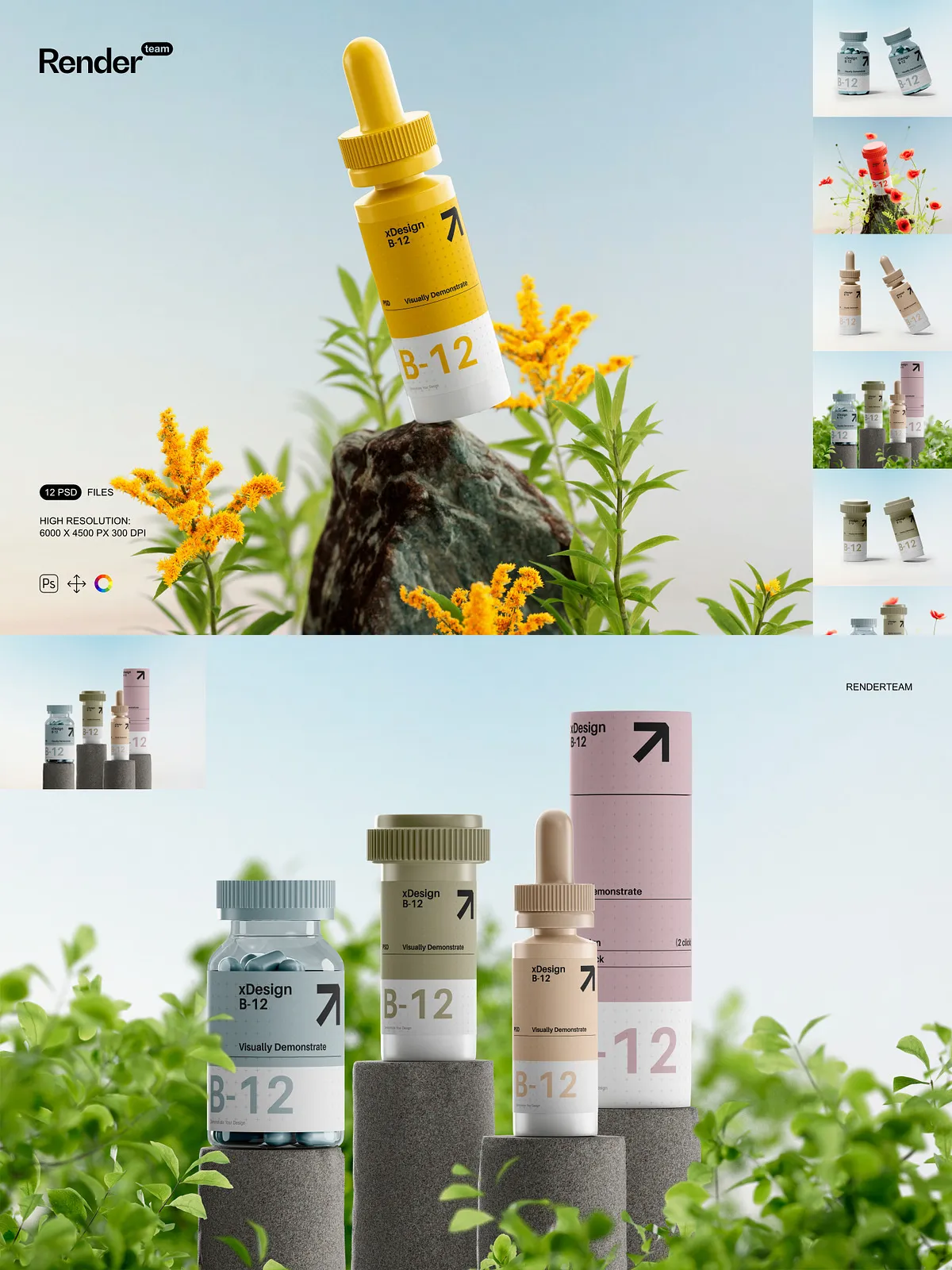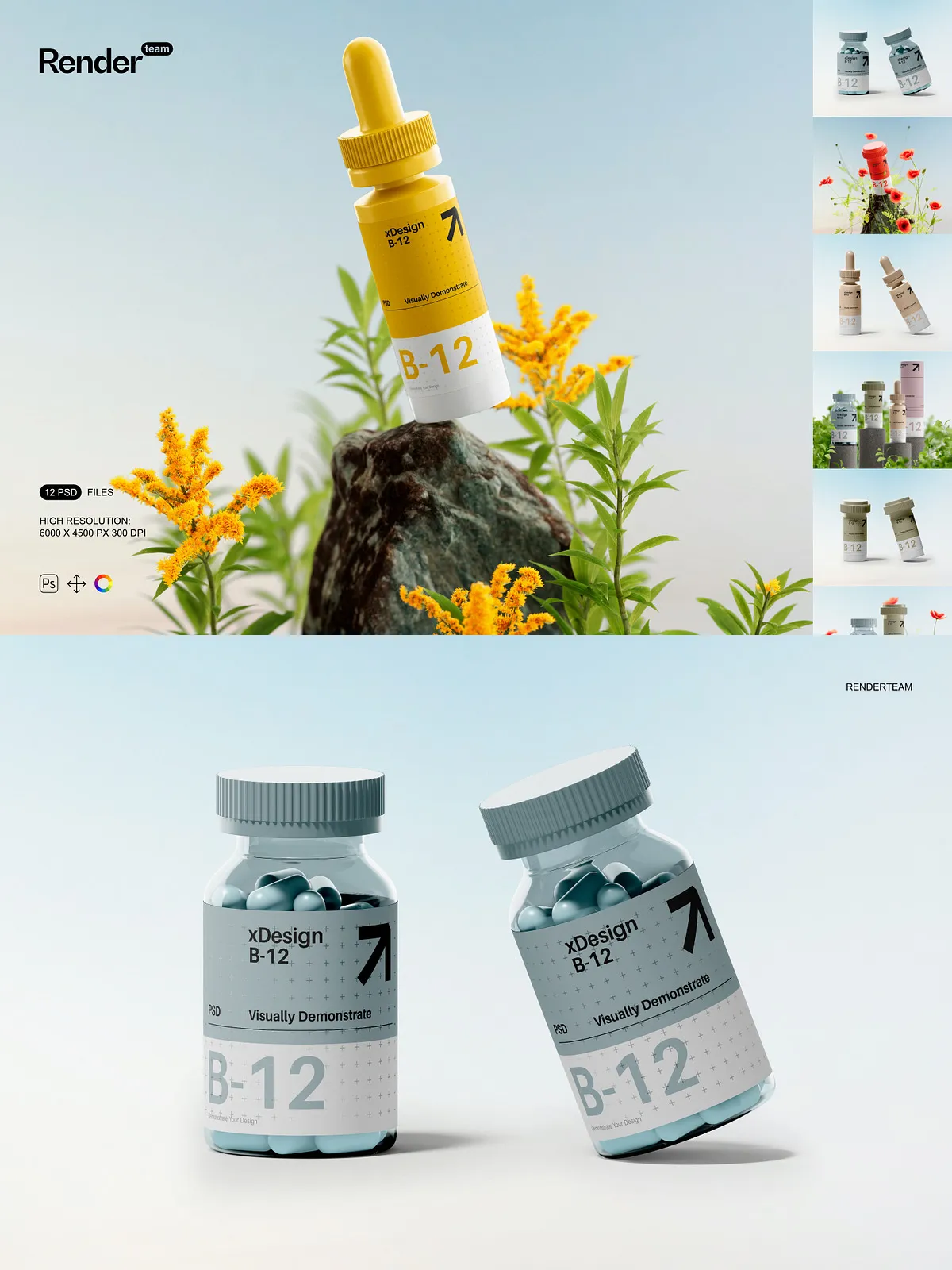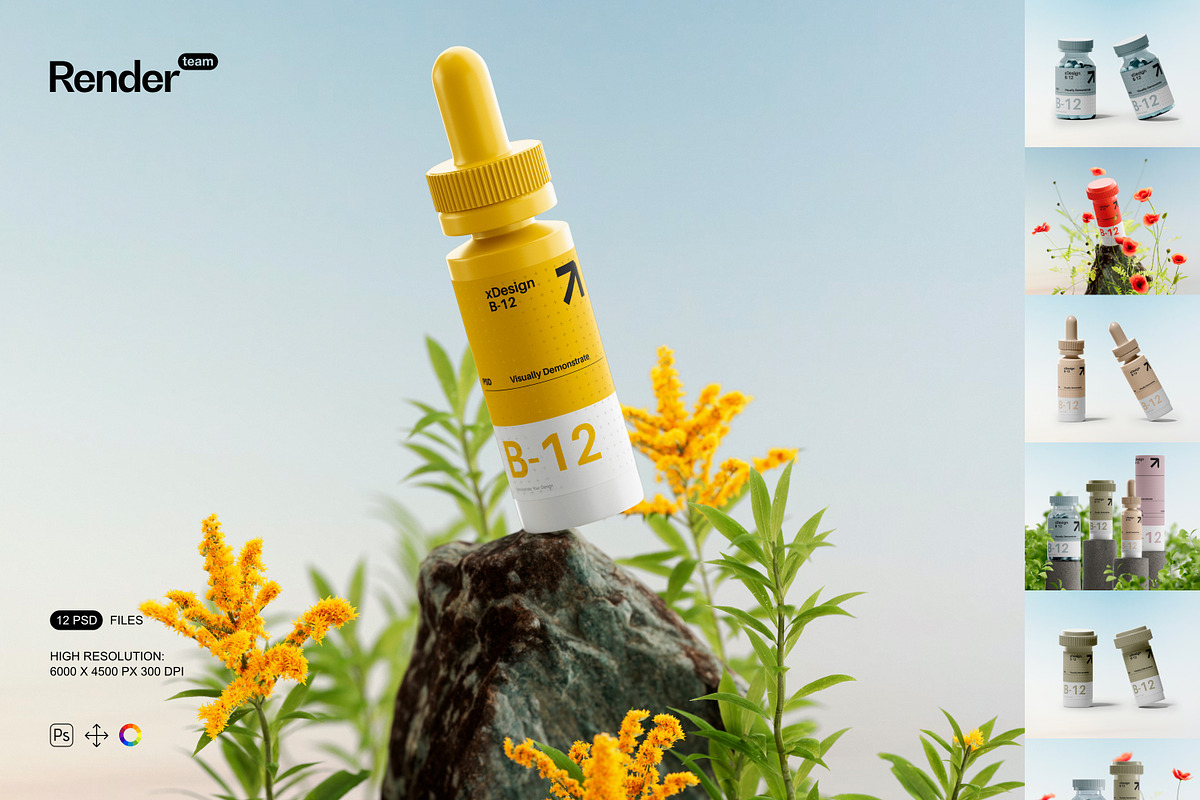
Take your product presentations to the next level with this comprehensive Medical Bottle Mockup Set, a meticulously crafted collection of twelve fully editable, high-resolution PSD files designed to showcase custom labels, branding, dosage instructions, and packaging details with unmatched authenticity. Engineered for healthcare professionals, pharmaceutical marketers, wellness brands, and packaging designers, this set enables instant, high-fidelity visualization of medical bottles in realistic environments—perfect for client pitches, e-commerce platforms, health product catalogs, and regulatory documentation. Every mockup is built with accuracy, clarity, and professional-grade detail to highlight your brand’s trustworthiness and precision in a competitive market.
What’s Included in the Set
Core Assets and Technical Specifications
- 12 high-resolution PSD mockups featuring diverse bottle types: glass vials, plastic medicine bottles, dropper containers, pill bottles, and compact travel packs
- Resolution: 6000 × 4500 px at 300 dpi—optimized for print, website displays, and high-impact digital presentations
- Smart Object layers on every label surface, cap, and product detail area—double-click to insert your label design instantly and non-destructively
- All structural elements, shadows, reflections, and ambient effects isolated on separate layer groups for granular control and seamless background customization
- Dedicated layer folders: Label Area (Smart Object), Cap & Seal, Shadow & Depth Effects, Lighting Adjustments, Background Context
- Comprehensive PDF help file with layer-by-layer navigation, editing workflows, export standards, and troubleshooting steps for instant onboarding
Advanced Layer Organization for Maximum Efficiency
- Intelligent naming conventions: “Label – Smart Object”, “Shadow – Inner”, “Cap Reflection – Glossy” for lightning-fast file navigation
- Locked master groups with descriptive labels to protect critical elements while allowing safe experimentation
- Layer thumbnails with embedded previews to identify editable areas at a glance
- Consistent alignment guides and bleed zones (5mm) for print-ready accuracy and prevention of content cutoff
Pro-Level Features for Instant, High-Impact Results
Smart Object Editing — Replace in Seconds, Not Hours
Revolutionize your workflow with instant design replacement. Locate the Smart Object label layer—marked for quick access—and double-click it to launch your artwork into a separate window. Insert your logo, product name, ingredient list, or compliance info with pixel-perfect alignment. Resize, reposition, and fine-tune your design, then save and close. The updated version appears immediately in the main composition, fully integrated with shadows, depth, and lighting—no manual adjustments, no distortions, no delays.
Non-Destructive Color & Lighting Control
Fine-tune visual tone with precision. Use adjustment layers for contrast, brightness, hue, and saturation to match your brand identity—without altering original artwork. Modify lighting using the “Ambient Light” layer to simulate clinical lighting, natural daylight, or soft studio conditions. Apply gradient maps to create subtle tint shifts for different product lines or seasonal campaigns—all with zero risk to original content.
Isolated Design Components for Seamless Compositing
Every element—bottle shape, cap, label, shadow, and background—is isolated for full customization. Replace the background with a lab environment, pharmacy shelf, or hospital counter. Insert custom textures, lighting effects, or environmental blur to match your desired brand narrative. Swap label finishes between matte, glossy, holographic, or translucent with a single adjustment layer—ideal for testing multiple design directions quickly.
Step-by-Step Workflow for Maximum Productivity
1. Open the PSD in Adobe Photoshop
Launch Photoshop CC (2018 or newer) and open one of the twelve mockup files in the set.
2. Locate the Editable Smart Object
In the Layers panel, find the Smart Object layer labeled “Label – Smart Object” or similar. It’s clearly marked for easy identification.
3. Insert Your Custom Design
Double-click the Smart Object layer. A new document opens with alignment guides and safe zones. Paste your label content—ensure it fits within the 5mm bleed area. Adjust sizing, font scaling, and layout for optimal fit.
4. Save and Close the Layer
Press Ctrl + S (Windows) or Cmd + S (Mac) to save changes and close the Smart Object window. The updated design appears instantly in the mockup.
5. Refine Visual Details
Adjust shadow softness, modify cap reflection intensity, or switch between glossy or matte finishes using color overlay and blending layers. Test multiple color schemes quickly to compare visual impact.
6. Export for Any Purpose
Follow the export best practices from the PDF guide: use sRGB for digital content, CMYK for print, and PNG-24 with transparency for layered web graphics. All files are production-ready for Shopify, LinkedIn, medical journals, or investor presentations.
Expert Design Tips for Maximum Impact
- Design labels using a minimum 4mm safe margin to avoid content clipping in printed or zoomed views.
- Apply blending modes like “Soft Light” or “Overlay” for subtle texture overlays such as paper grain or foil stamping effects.
- Create multiple design variants—e.g., “Prescription Version”, “Over-the-Counter”, “Organic Range”—and reuse them across all mockups with one adjustment.
- Duplicate mockups to generate side-by-side comparisons, seasonal promotions, or product family lineups.
Ideal Use Cases for This Medical Bottle Mockup Set
Pharmaceutical and Biotech Brand Launches
Deliver confidence-inspiring product visualizations in boardroom pitches and investor decks. Showcase drug packaging with precise labeling, warnings, barcodes, and dosage details—mirroring real-world standards and compliance requirements.
E-Commerce and Health Product Marketing
Generate eye-catching product images for websites, Amazon listings, or Instagram campaigns. The high 300 dpi resolution delivers crisp clarity on mobile screens, ensuring your product stands out in competitive health and wellness spaces.
Medical Device and Wellness Brand Portfolios
Display your design process with realistic mockups that communicate professionalism and attention to detail. Create portfolio pieces that demonstrate your ability to design for accuracy, clarity, and compliance—essential in regulated industries.
Why This Set Exceeds the Competition
This Medical Bottle Mockup Set is not just a design template—it’s a strategic visual toolsuite built for performance, clarity, and ease of use. Unlike generic, flat, or poorly layered mockups, this set delivers intelligent layering, full editability, and real-world environmental staging. Designed by professionals for professionals, it saves hours of rendering time, eliminates the need for 3D modeling software, and puts the power of high-quality visualization directly into your hands—anytime, anywhere. From concept to client approval, this set transforms your packaging idea into a persuasive, believable, and compelling visual reality.