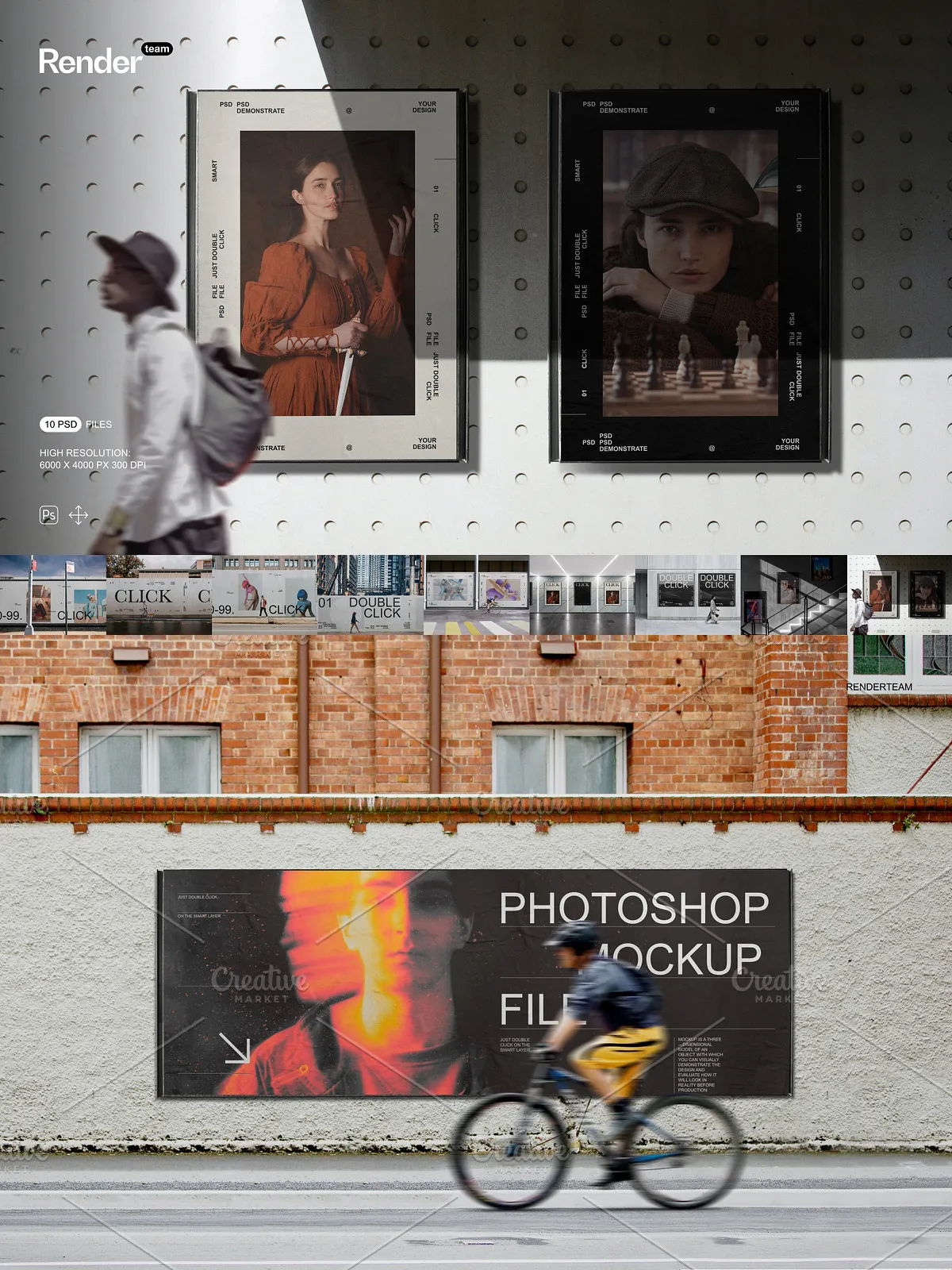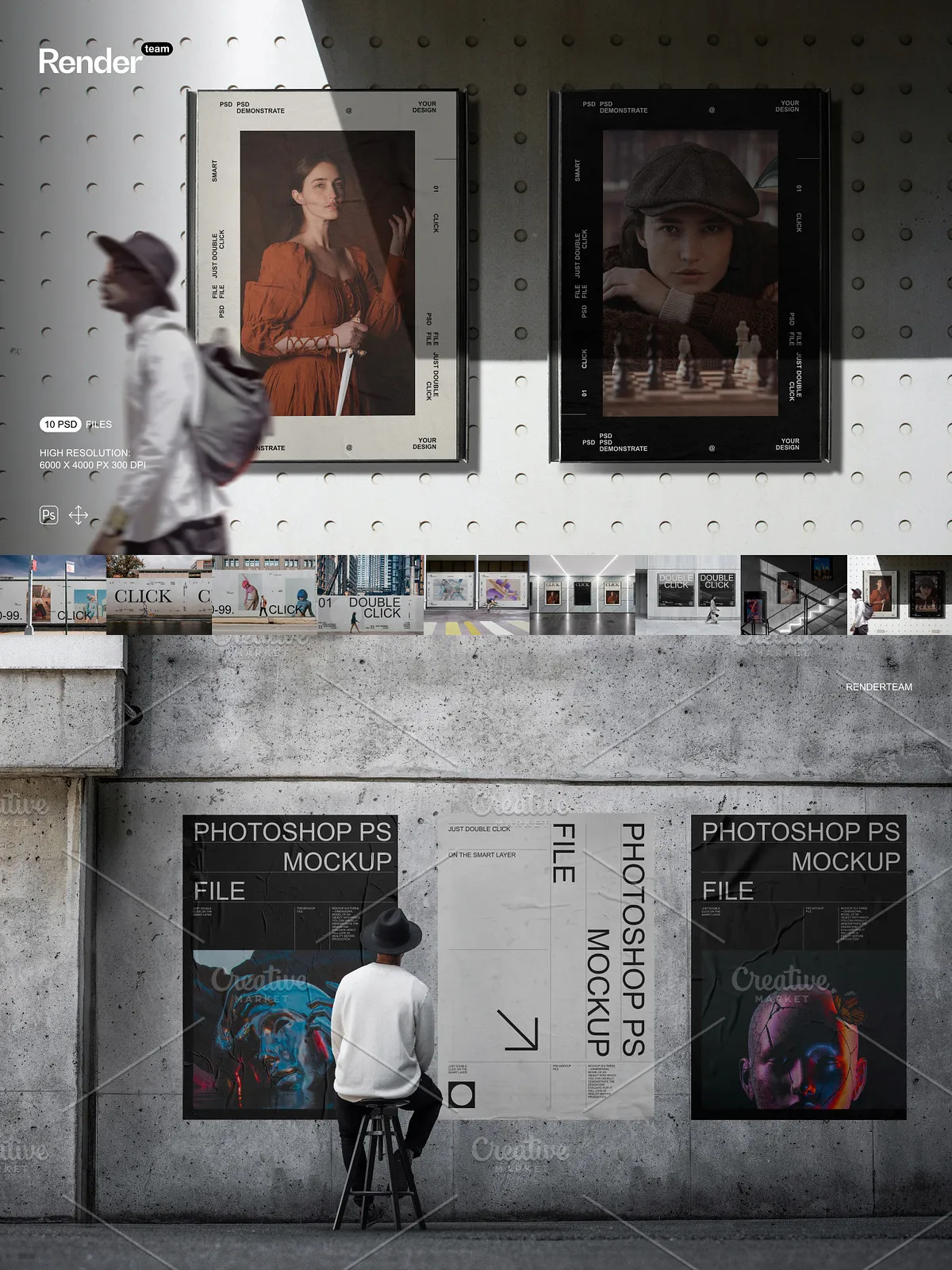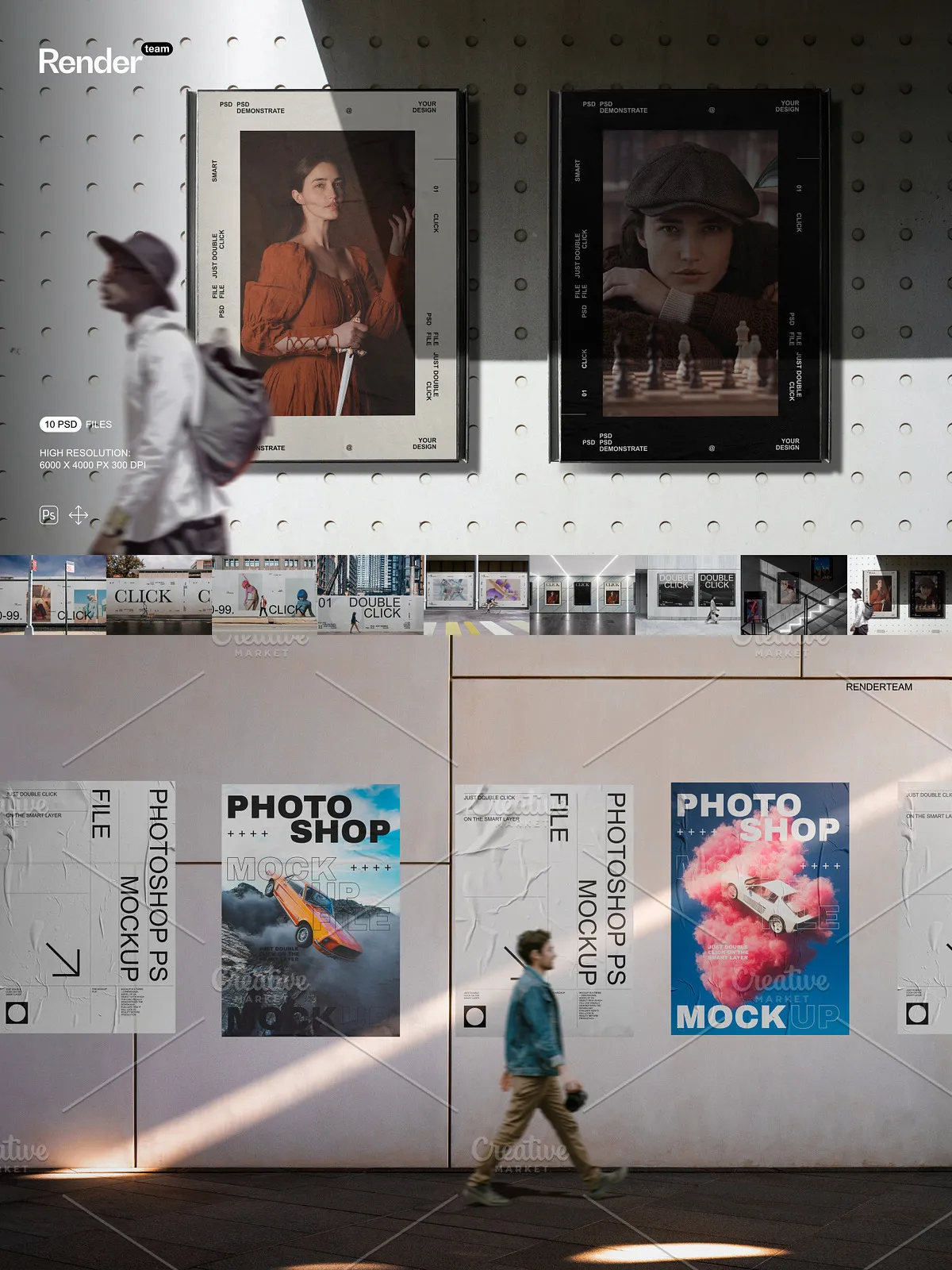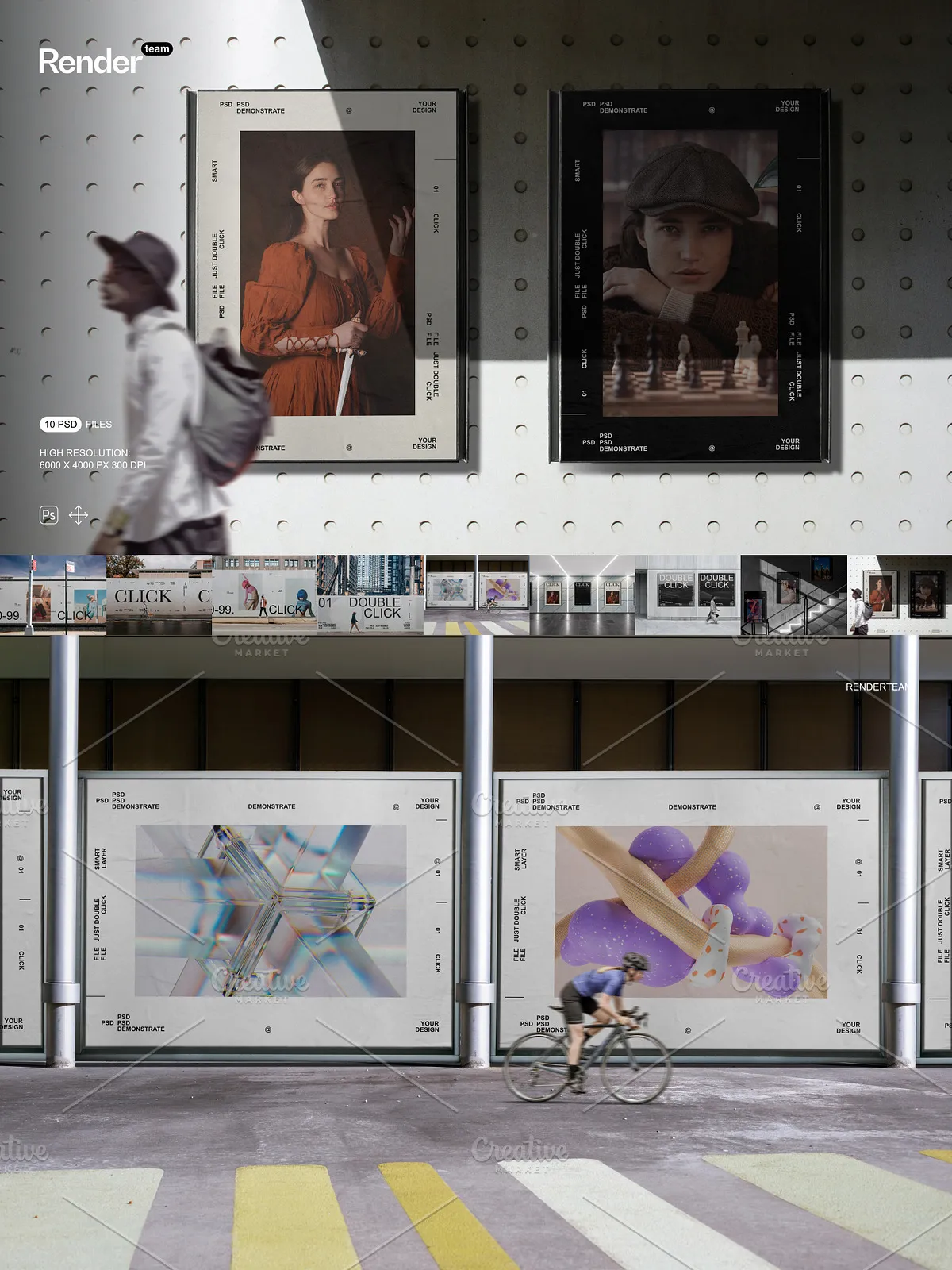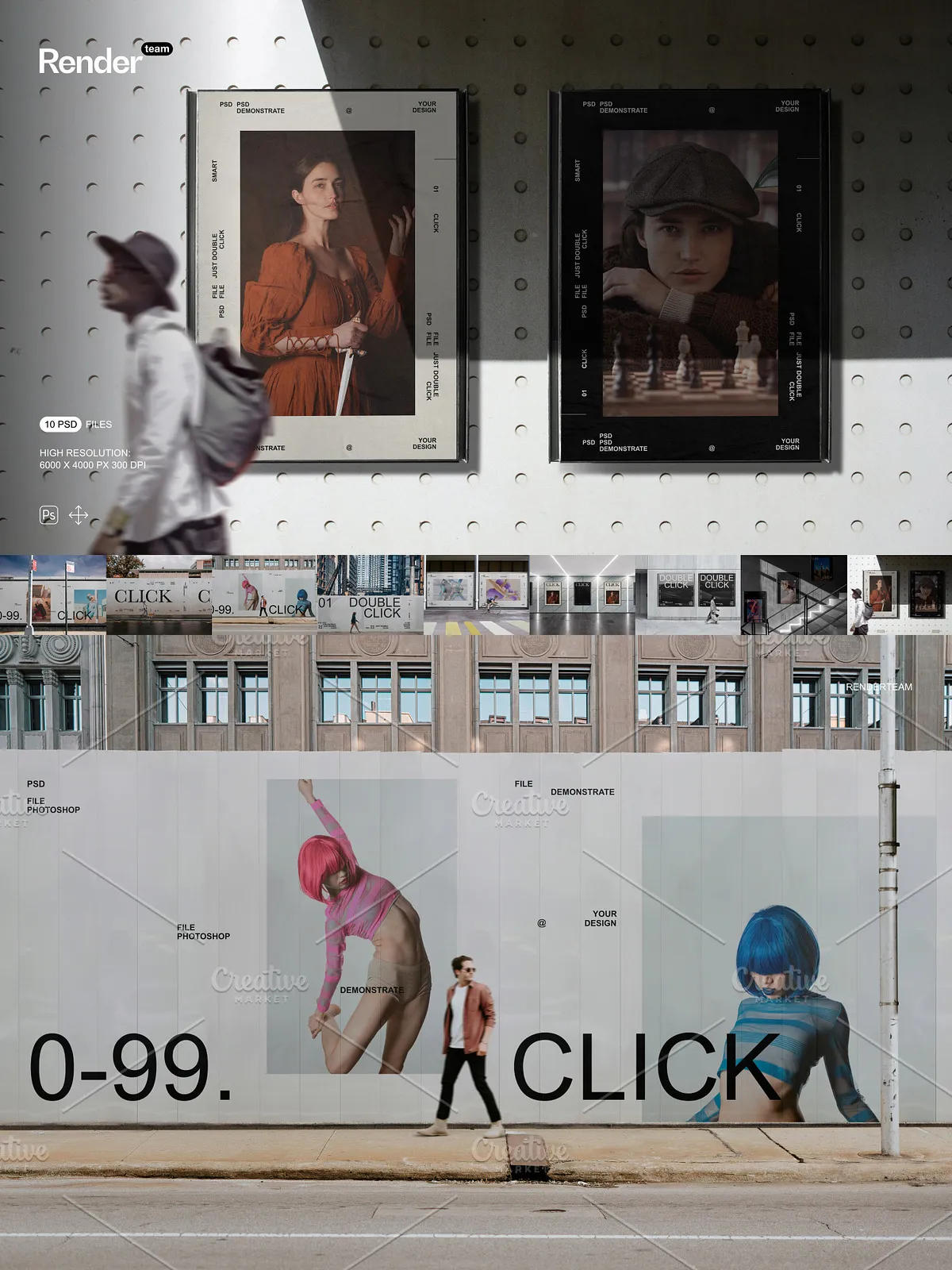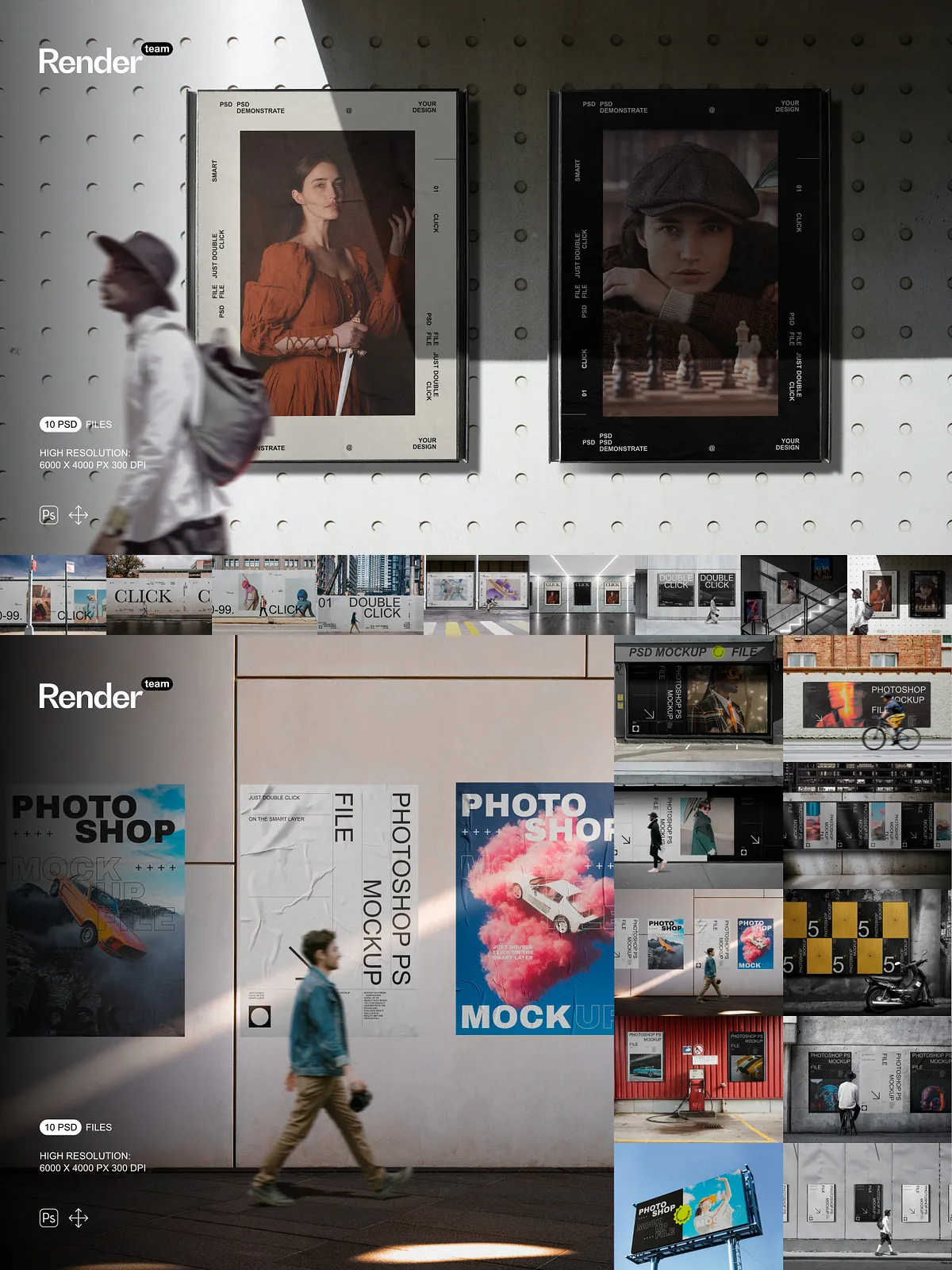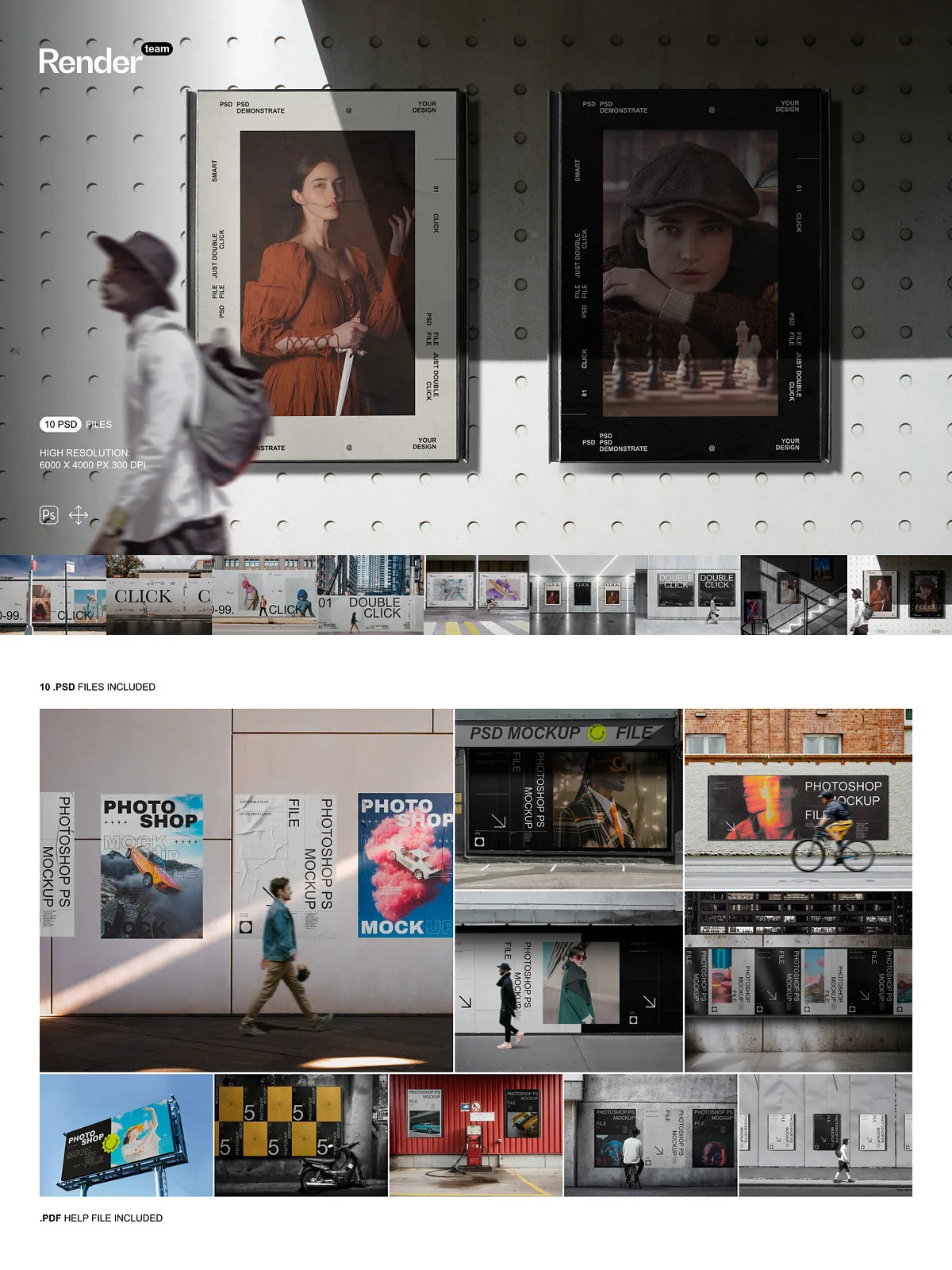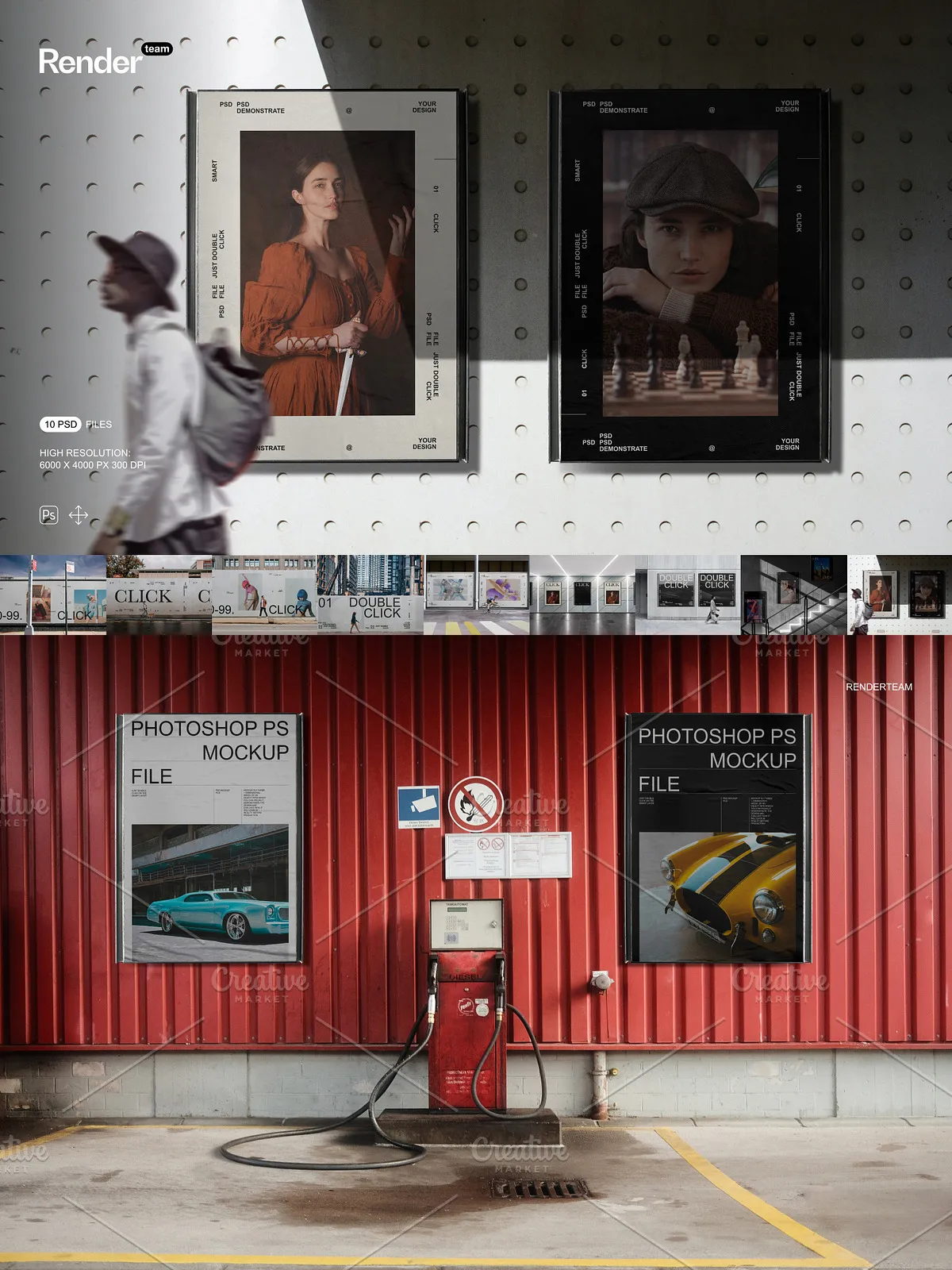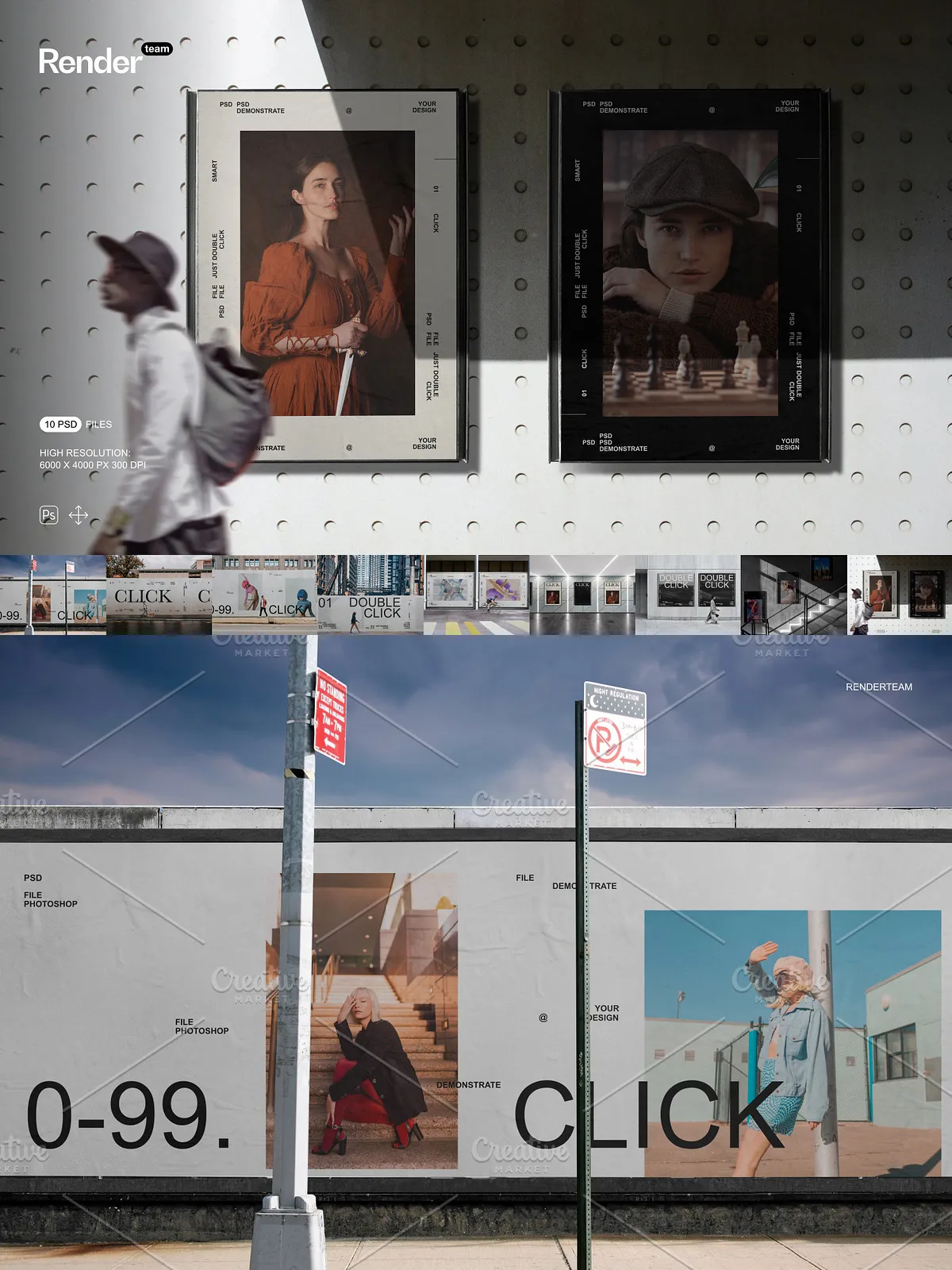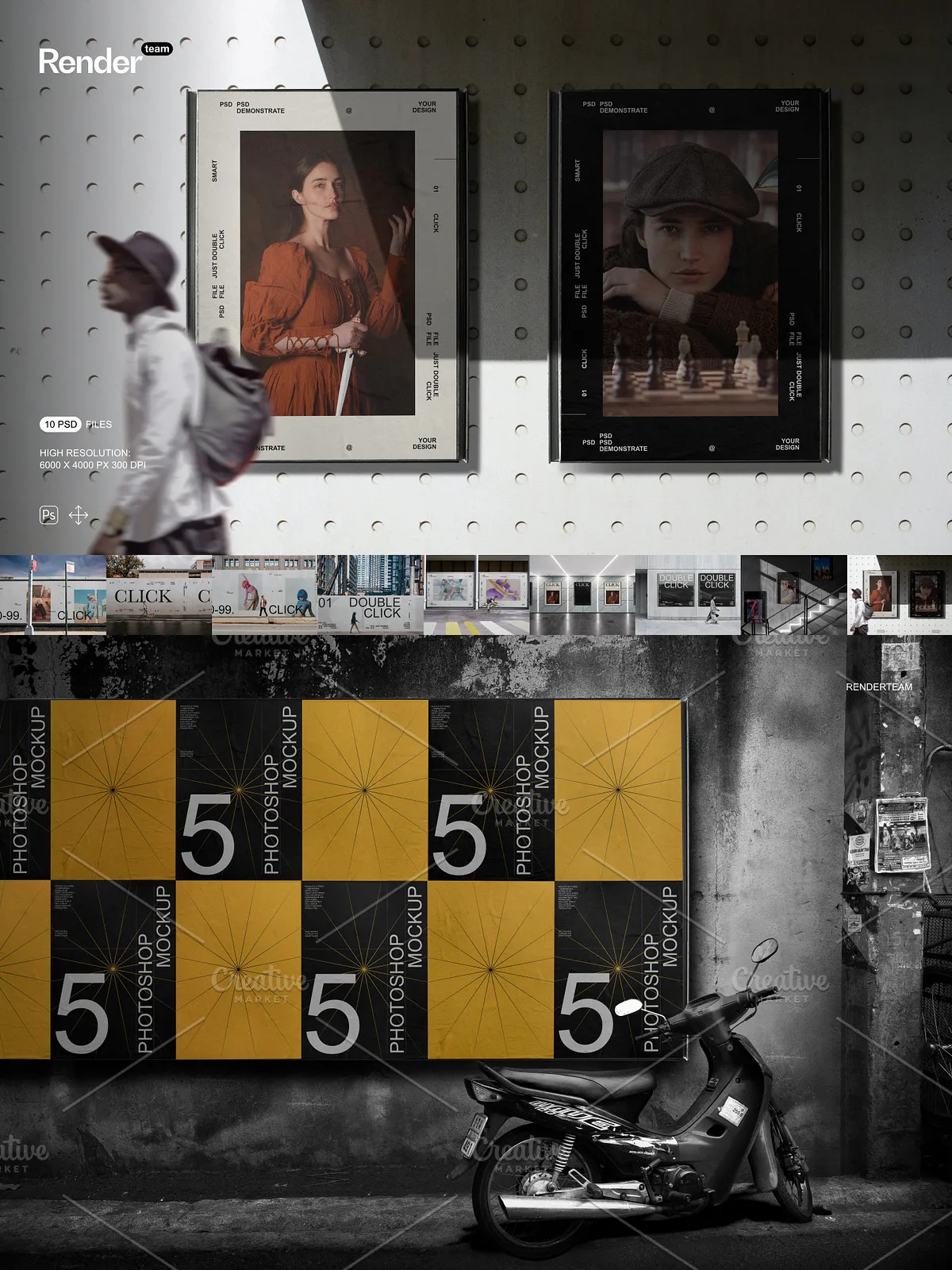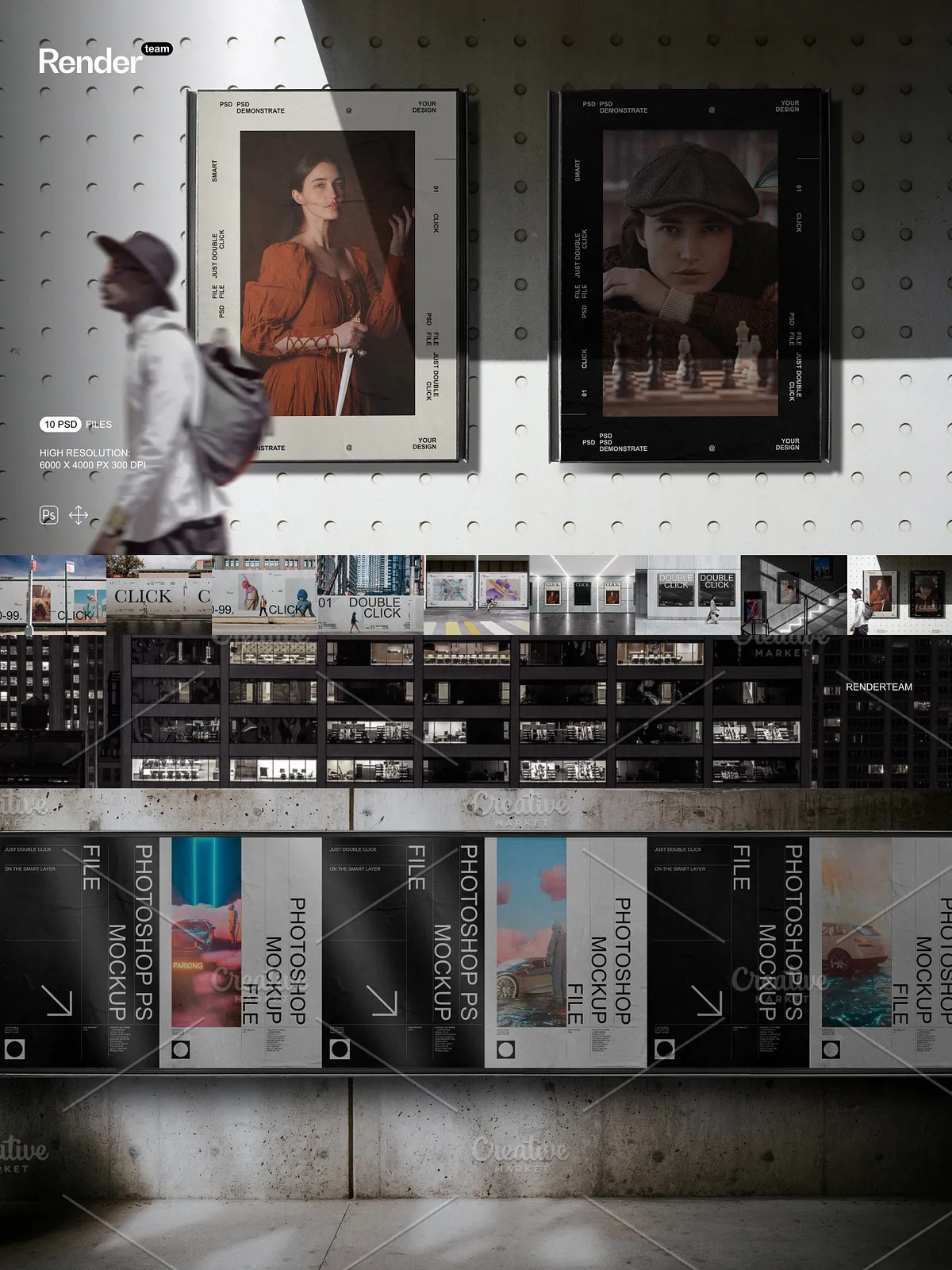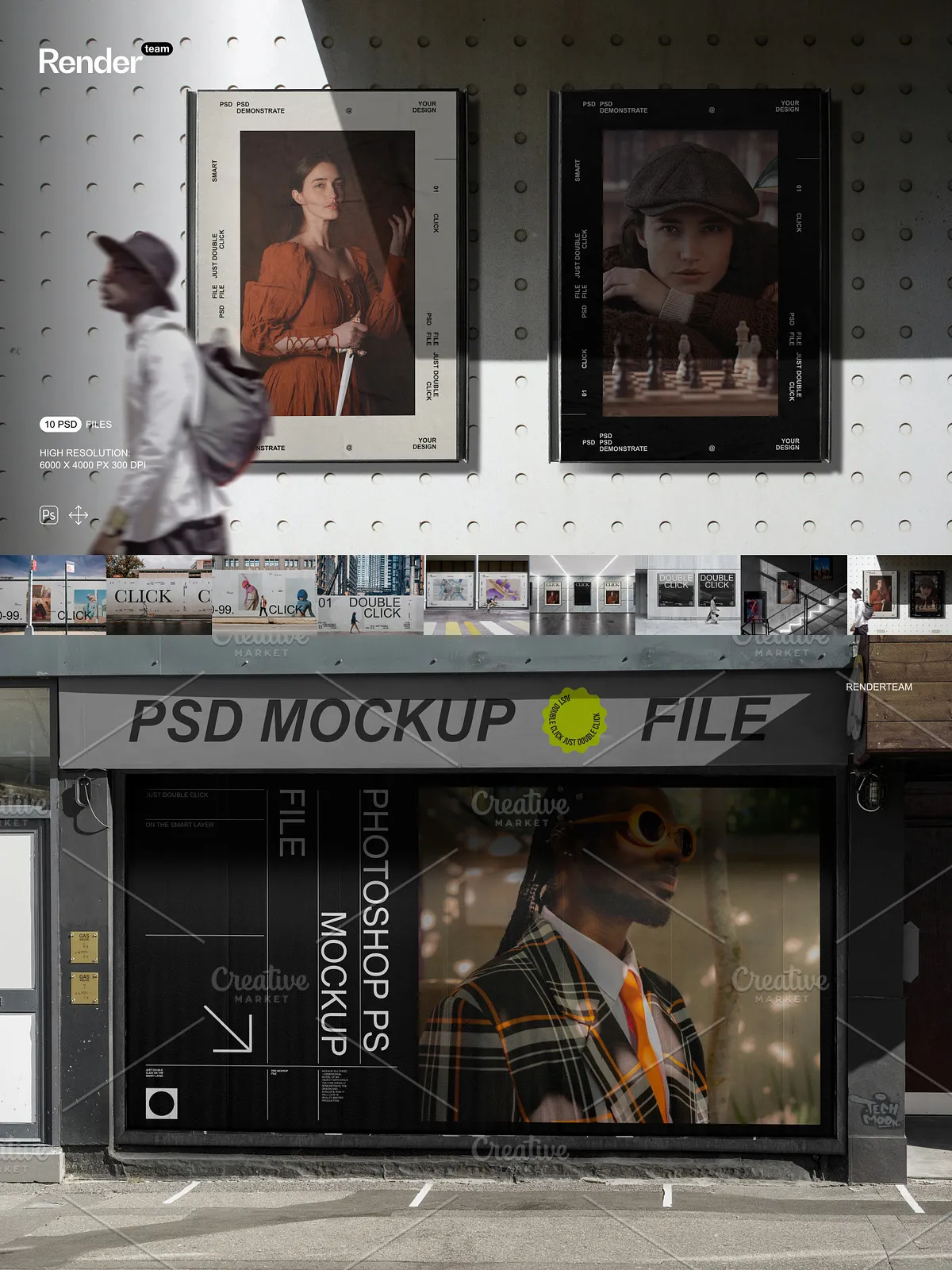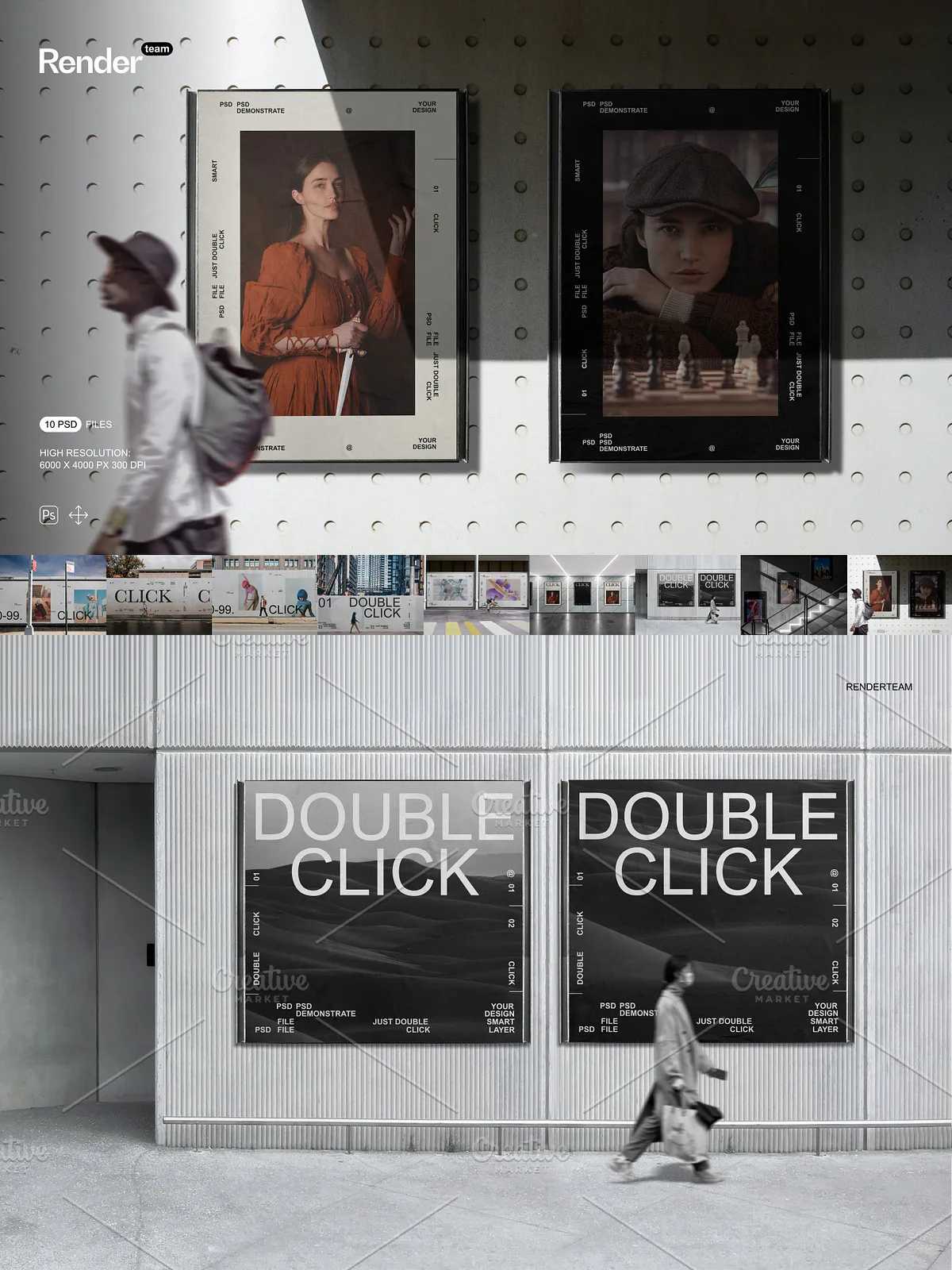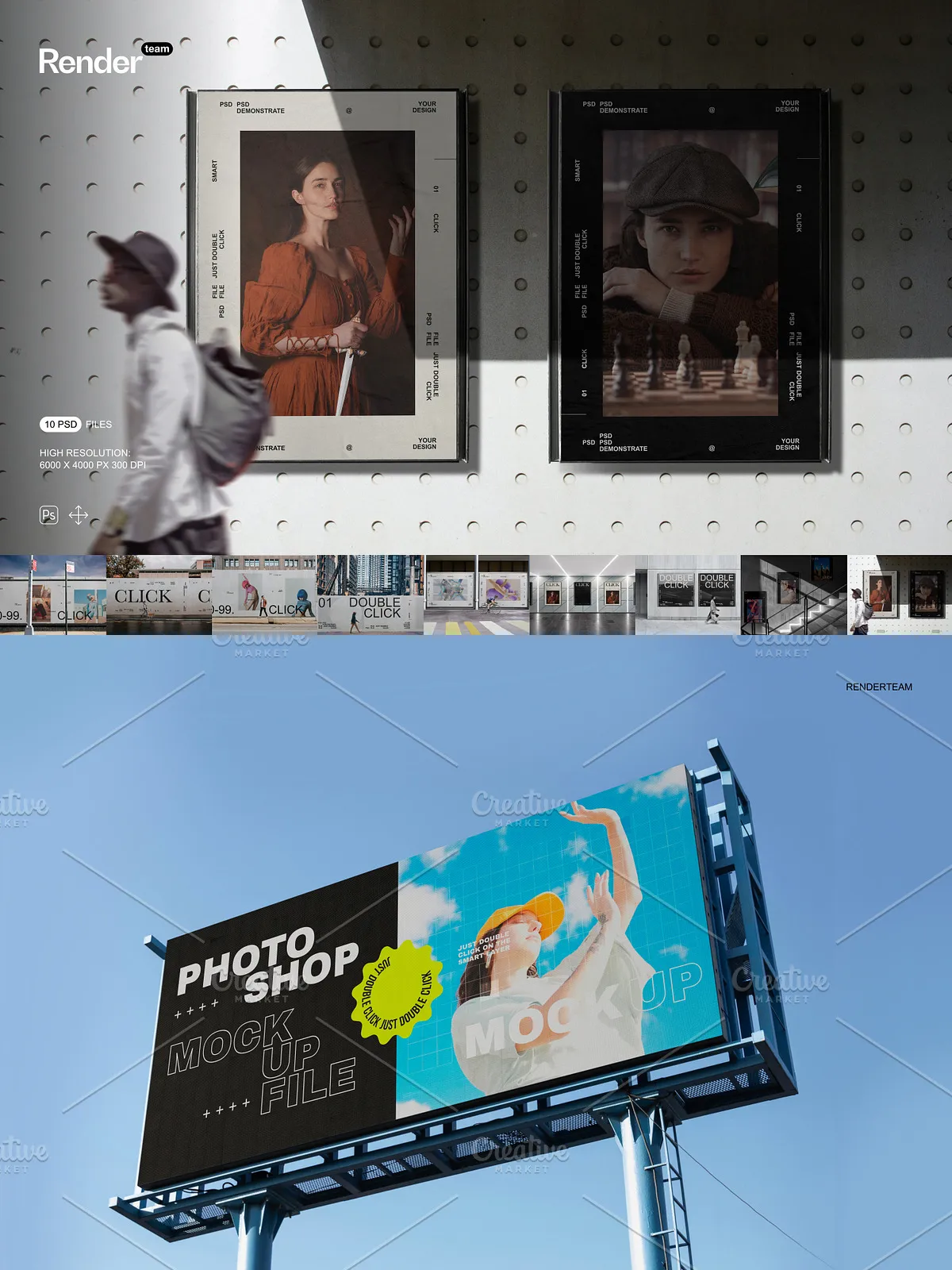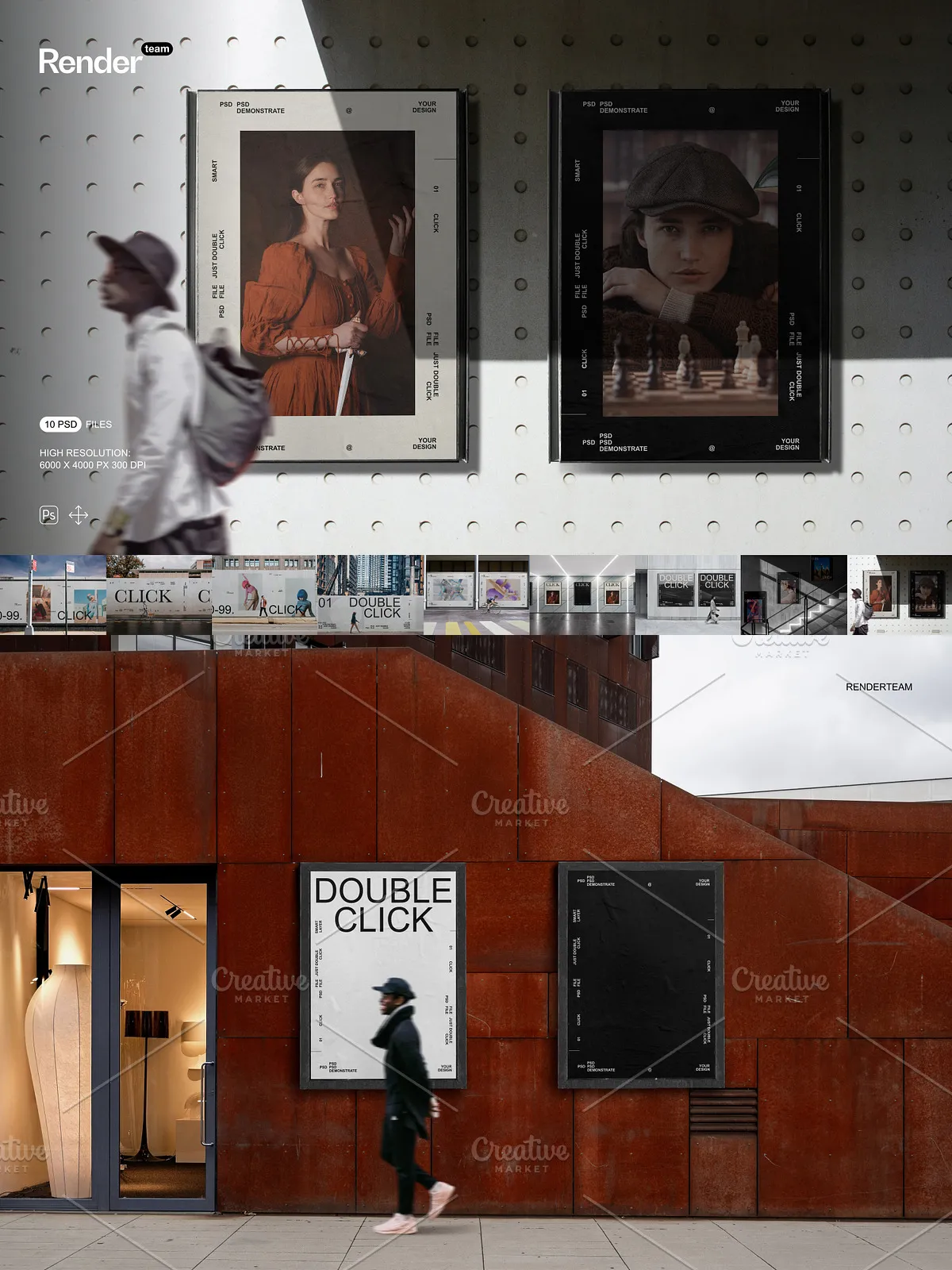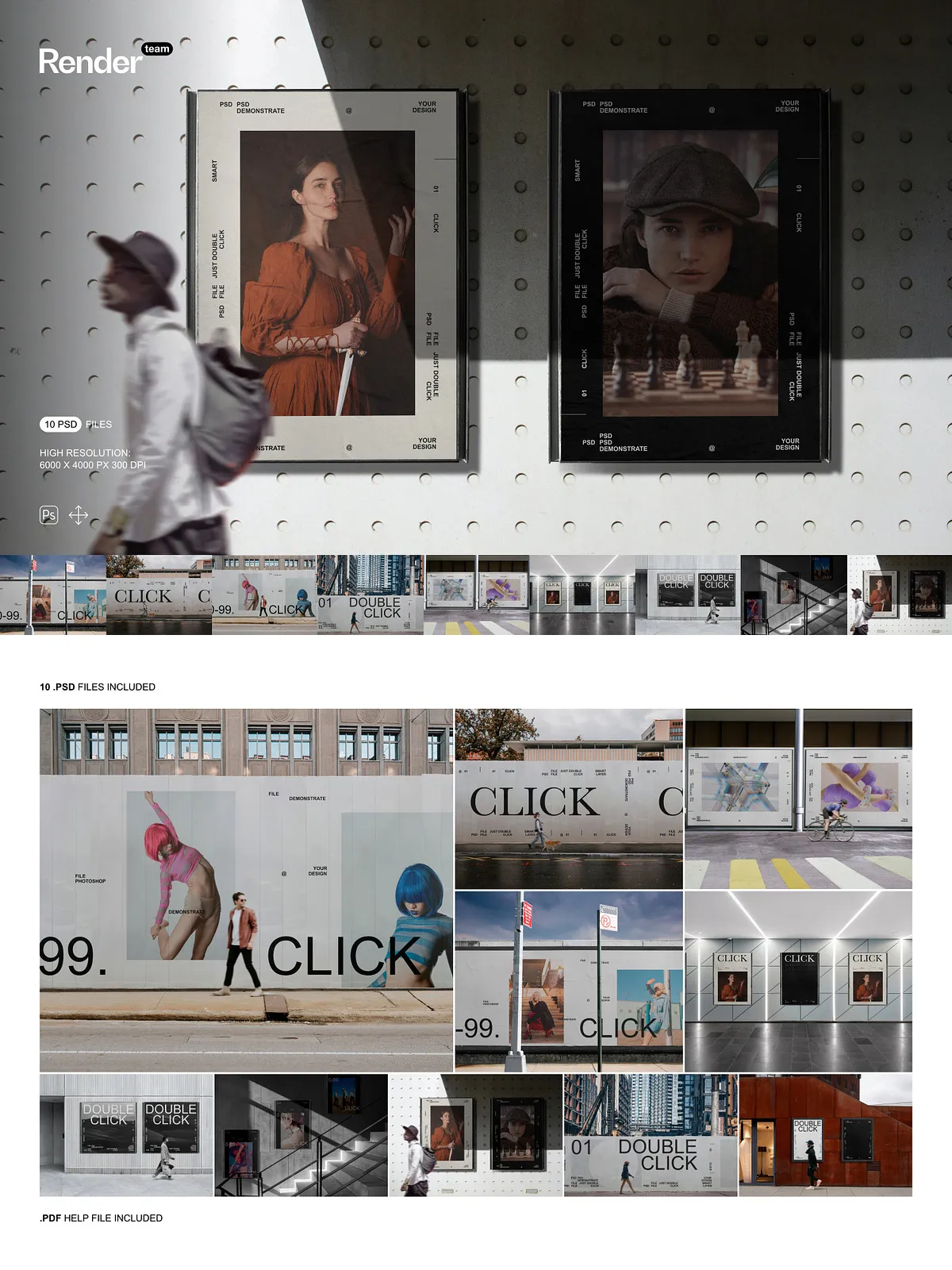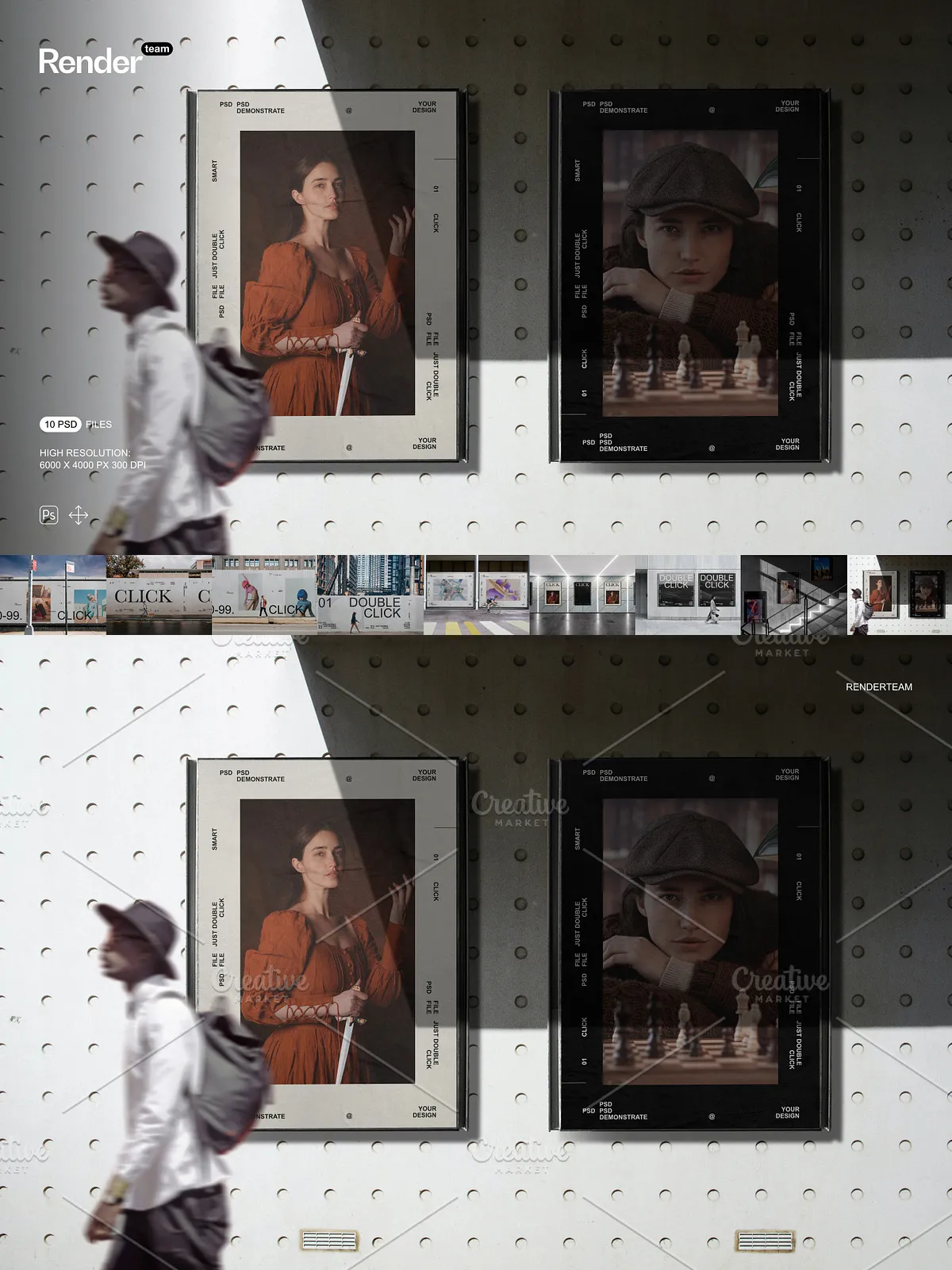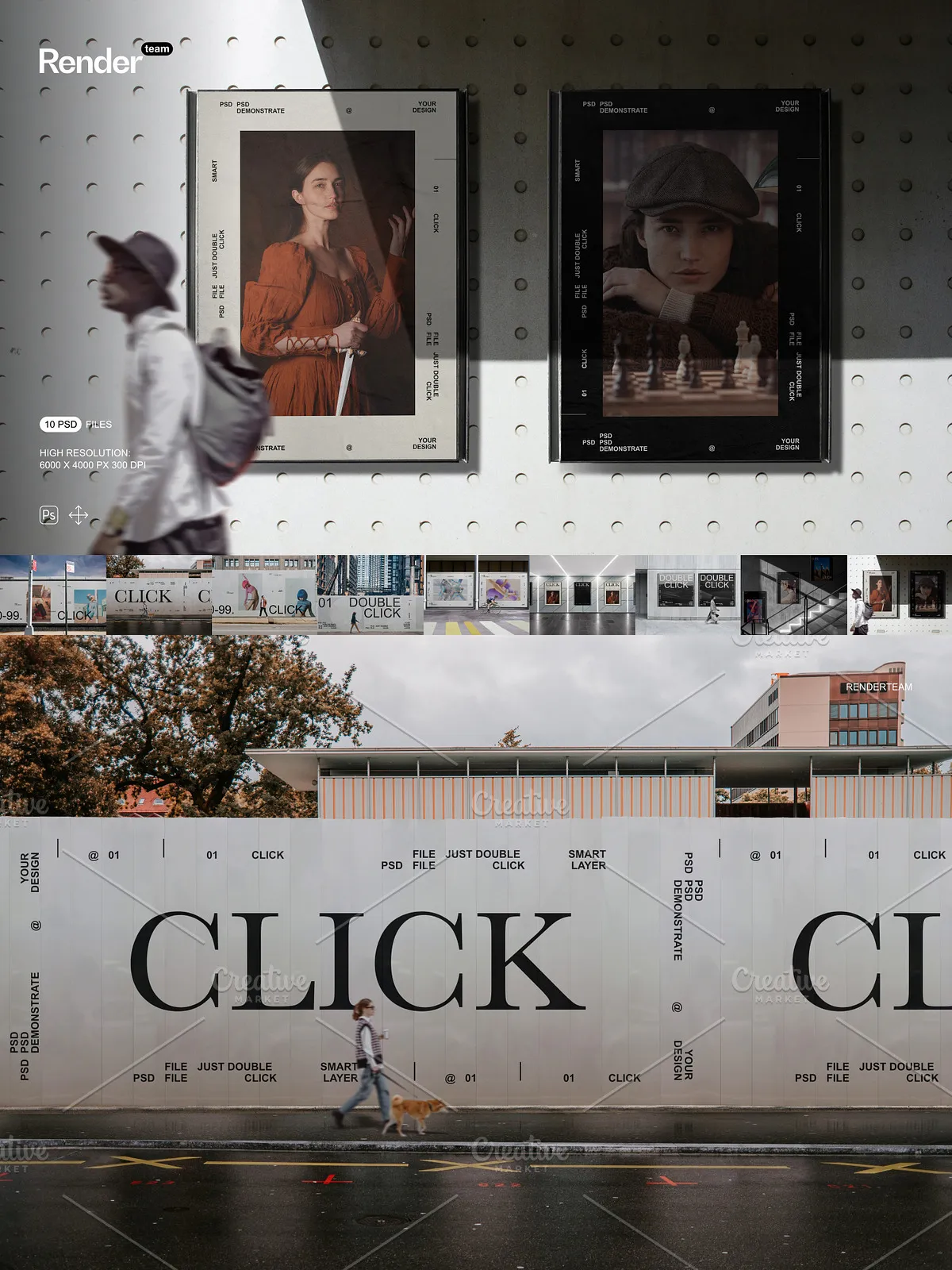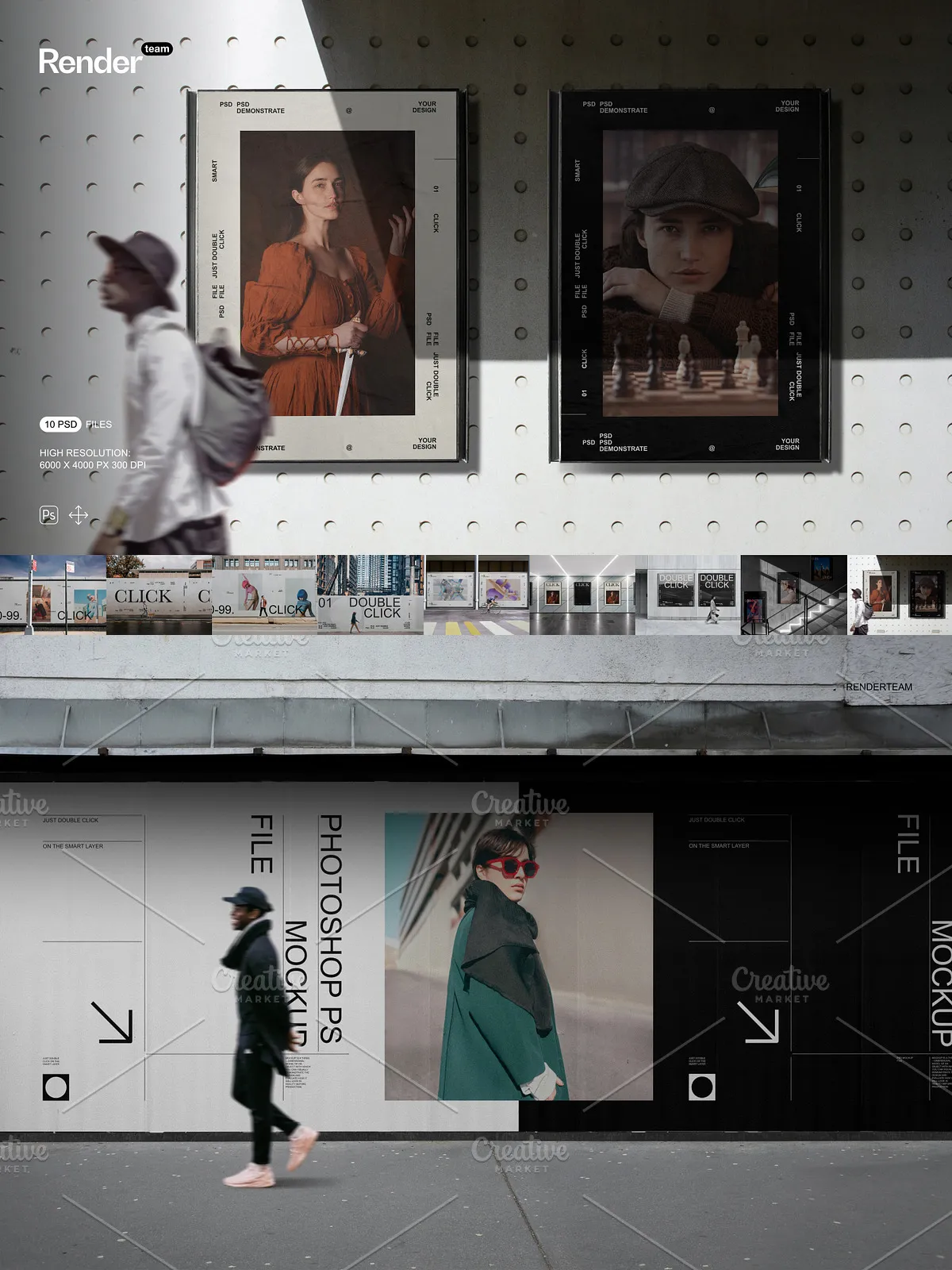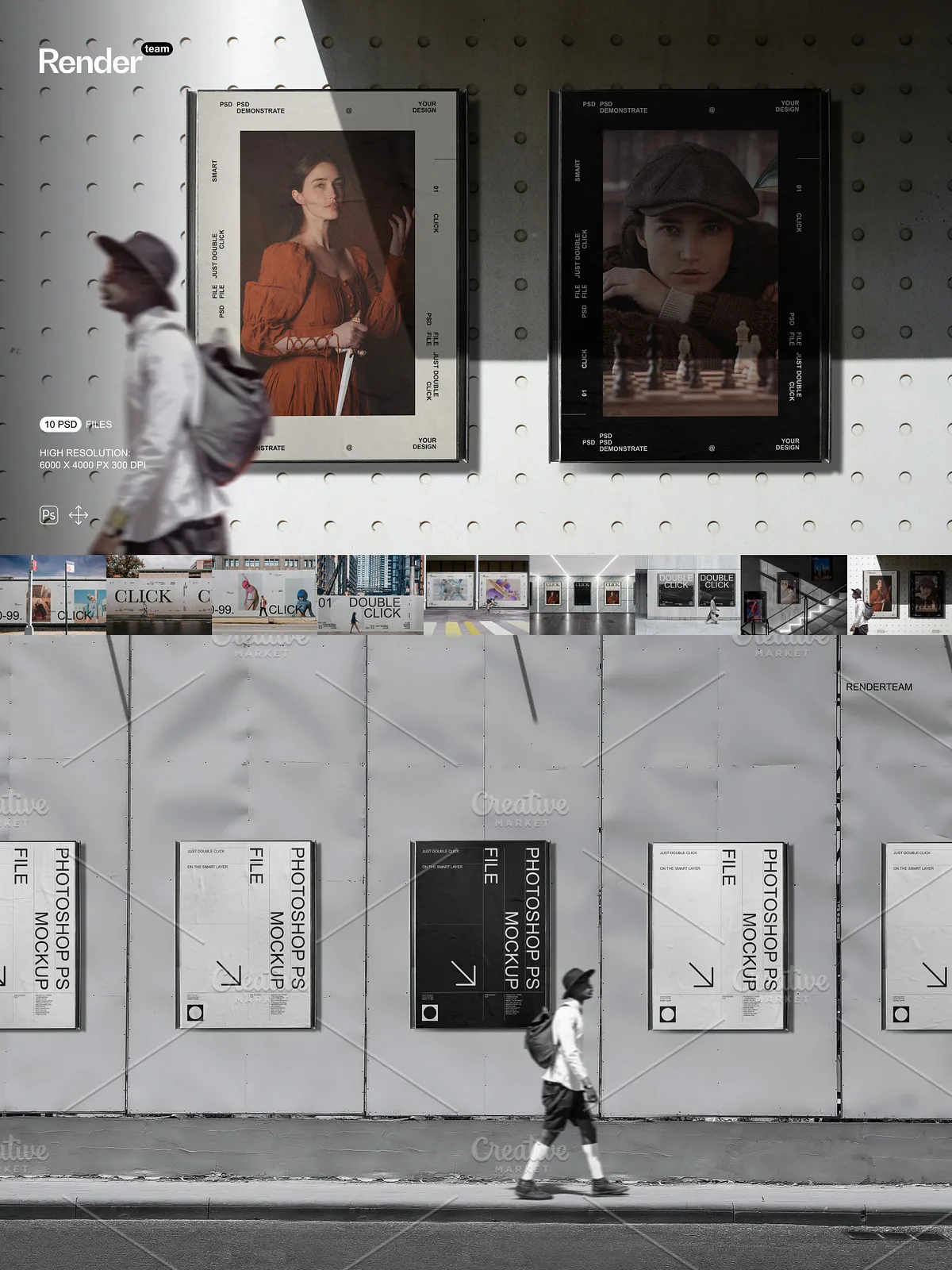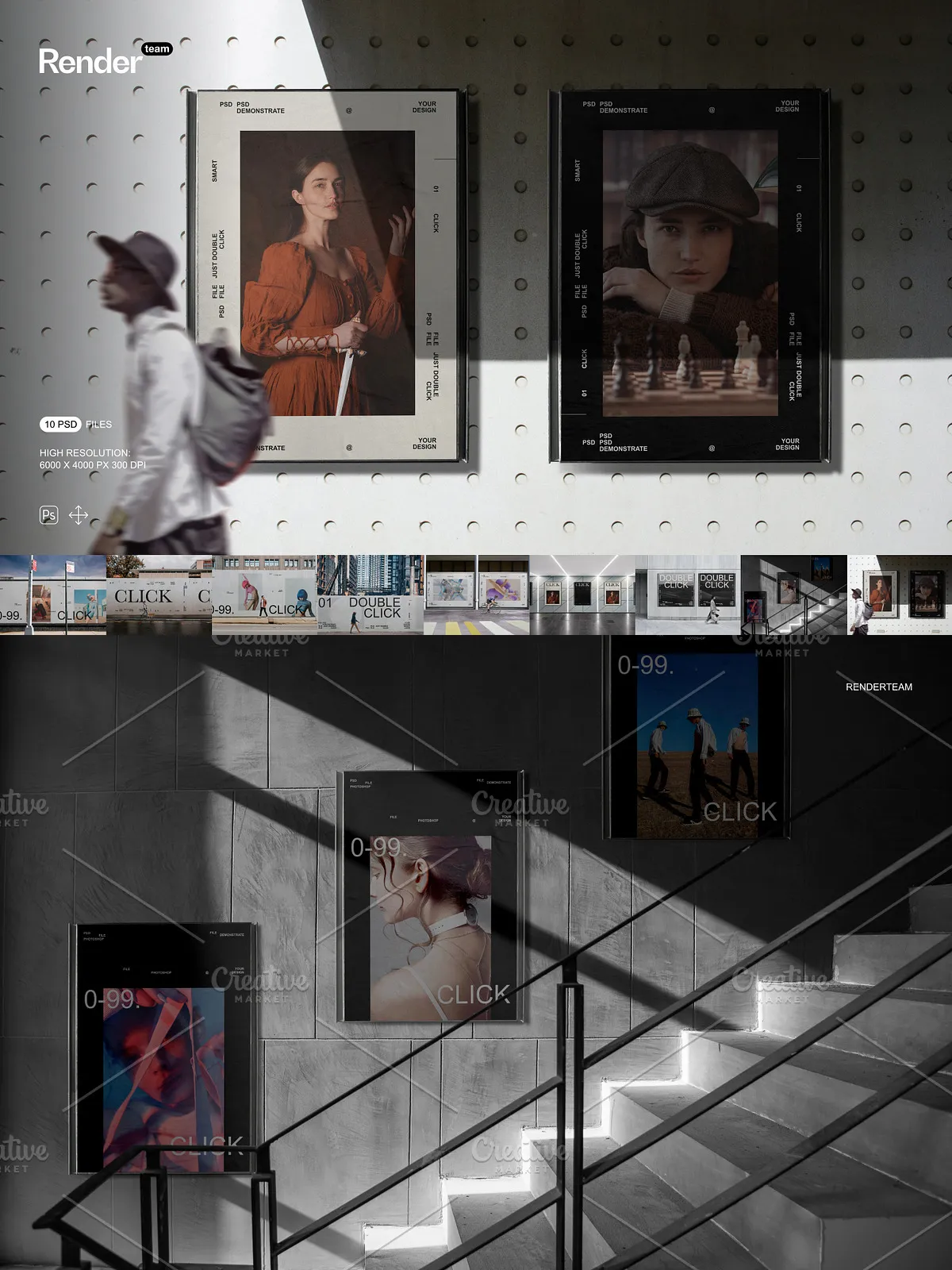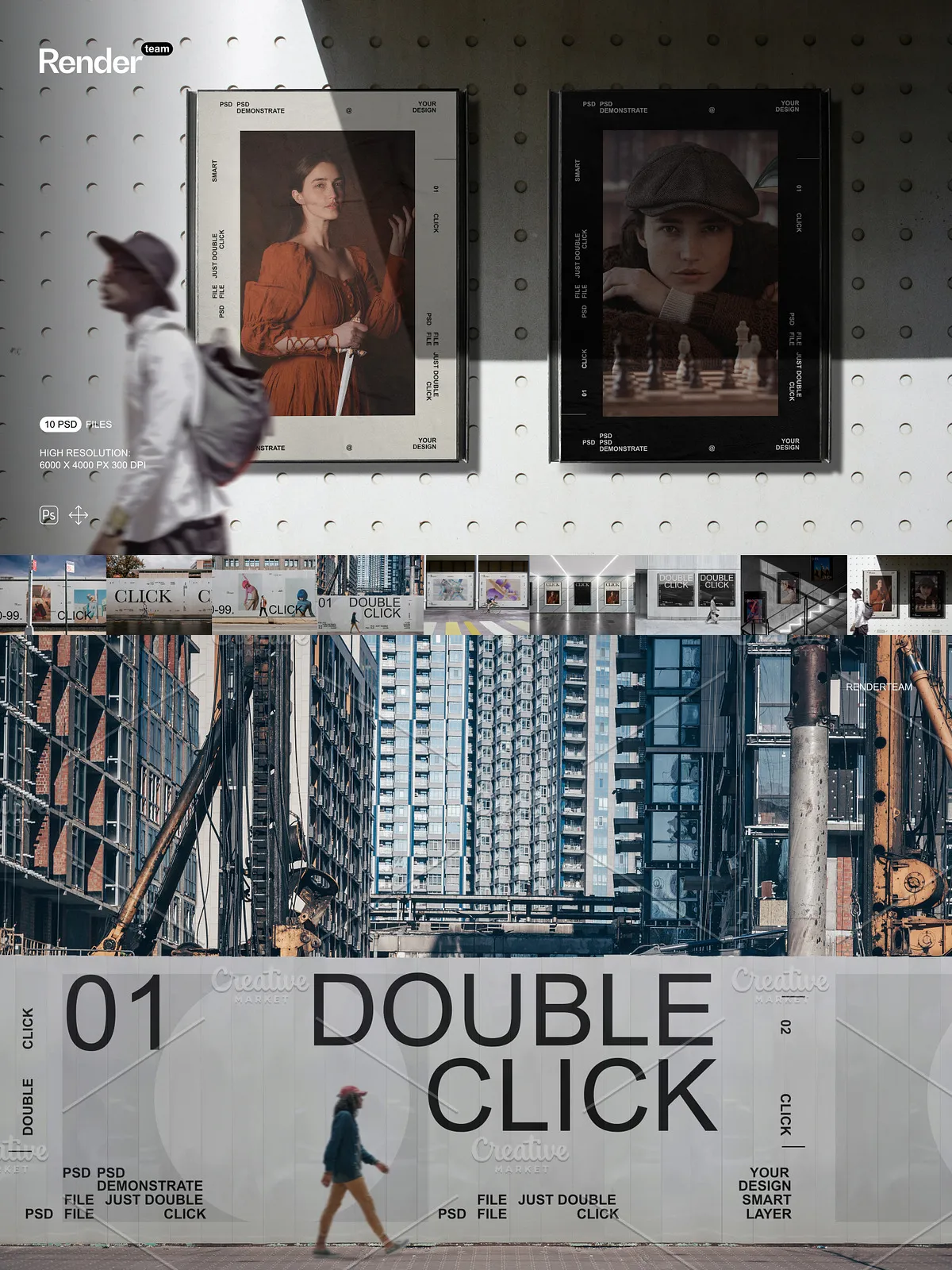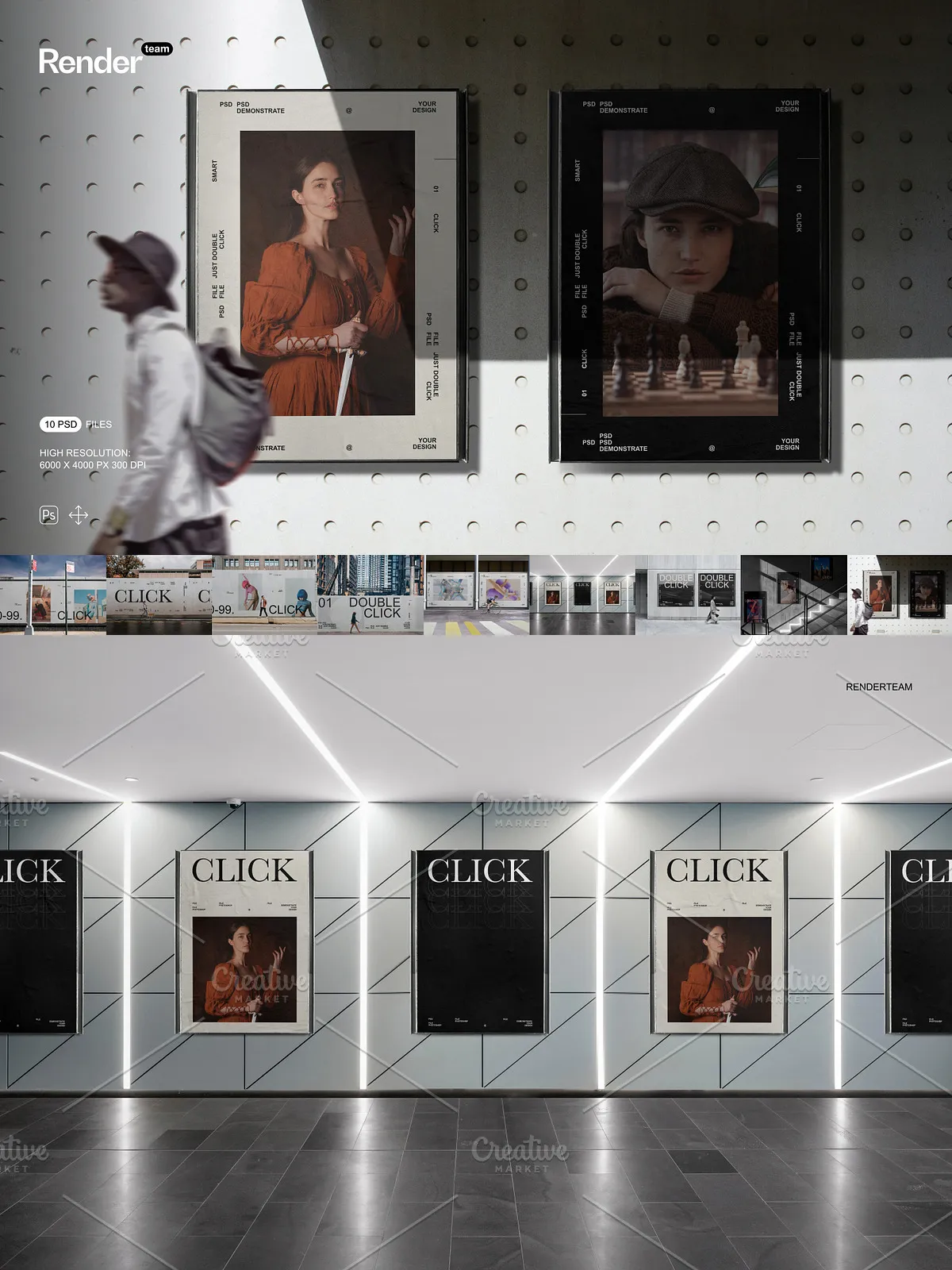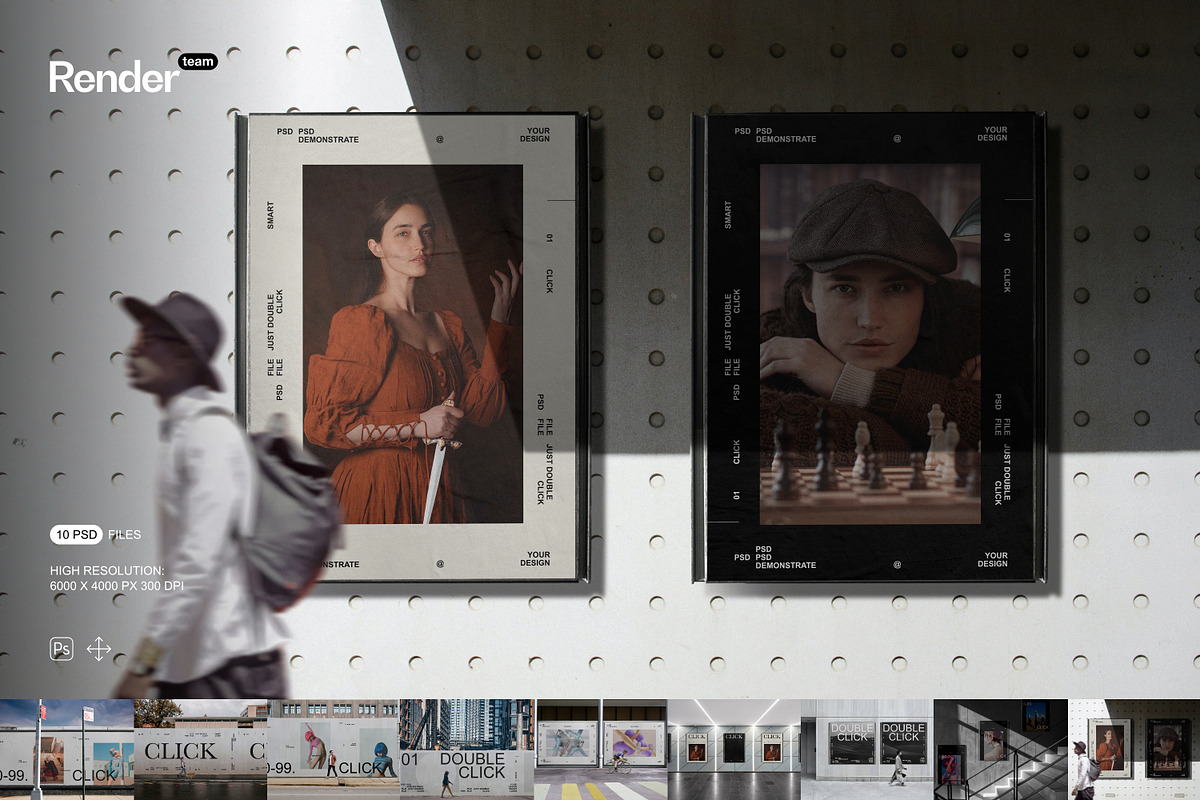
Launch compelling visual campaigns with this professional-grade Poster and Billboard Mockup Set, a powerful collection of ten fully editable, high-resolution PSD files engineered for marketers, designers, and creative agencies. Each mockup delivers lifelike presentations of large-format print materials in realistic urban and outdoor environments—perfect for showcasing event posters, brand slogans, concert announcements, product launches, and public service campaigns. Built for speed, clarity, and precision, this set empowers you to instantly visualize your designs in real-world contexts, enhancing client confidence and campaign impact without the need for physical shoots or complex 3D rendering.
Complete Package: What’s Inside the Set
High-Resolution Assets and Technical Excellence
- 10 meticulously crafted PSD templates featuring diverse poster and billboard types: urban street posters, digital billboards, transit ads, bus shelters, outdoor murals, and illuminated signs
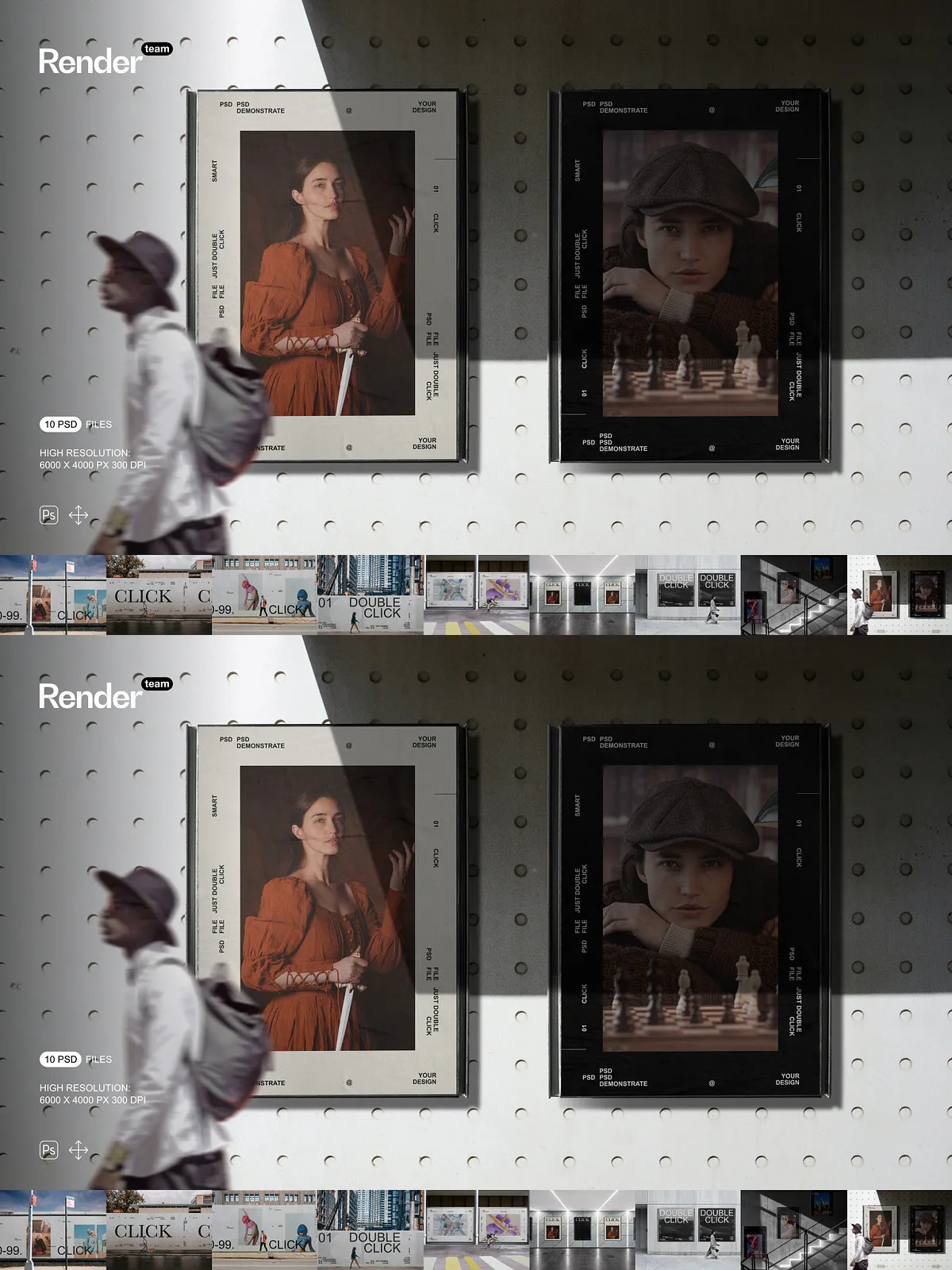
- Resolution: 6000 × 4000 px at 300 dpi—optimized for print precision, large-format displays, and high-resolution digital portfolios
- Smart Object layers integrated across all design areas—double-click to insert your artwork, adjust layout, and save changes instantly with zero distortion
- Layered structure with clearly labeled groups: Printable Design Area (Smart Object), Surface Texture, Shadow & Depth, Environmental Lighting, Background Context
- Isolated elements including surface reflections, fabric wrinkles on poster frames, and ambient shadows—each controllable independently for maximum customization
- Comprehensive PDF help file with layer navigation, editing workflows, export settings, and compatibility notes for Adobe Photoshop CC 2018 and newer
Advanced Layer Management for Seamless Workflows
- Smart naming convention: “Poster – Main Label”, “Shadow – Base”, “Lighting – Ambient” for rapid file scanning and precision editing
- Protected master layers and locked group folders to prevent accidental changes while maintaining full access to editable zones
- Thumbnail previews embedded in layers to identify editable regions at a glance
- Bleed zones set to 5mm—ensuring your content remains fully visible and avoids clipping during print or cropping
Intelligent Features for Effortless, Professional Results
Smart Object Editing — Replace in Seconds, Not Hours
Redefine your workflow with instant design replacement. Navigate to the “Poster – Main Label” Smart Object layer, double-click it, and open your custom design in a separate window. Paste your artwork, adjust fonts, reposition text, or update imagery—everything is protected from distortion. Save your file and close the window, and the updated design appears instantly inside the mockup, perfectly aligned with real shadows, depth, and surface texture.
Non-Destructive Color and Lighting Control
Refine the mood of your ad in seconds. Use adjustment layers to tweak brightness, contrast, and saturation to match brand guidelines. Modify ambient lighting with the “Environmental Light” layer to simulate noon sun, golden hour, or artificial street lighting. Apply gradient overlays to add subtle glow effects or simulate neon signs—without ever altering the original design file.
Customize Background Contexts for Strategic Storytelling
Replace default urban scenes with tailored environments. Swap city streets for festival grounds, subway stations, or corporate lobbies. Insert custom textures, motion blur, or lens flares to reinforce narrative tone. Whether you’re promoting a music festival or a tech product launch, control every visual cue to match your audience and message.
Step-by-Step Editing Workflow for Maximum Speed
1. Open the PSD in Adobe Photoshop
Launch Adobe Photoshop CC (2018 or later) and load one of the ten available mockups from the set.
2. Identify the Smart Object Layer
In the Layers panel, locate the layer marked “Poster – Main Label” (or similar). It is clearly highlighted for fast access.
3. Insert Your Custom Design
Double-click the Smart Object layer to open a new document. Paste your artwork—ensure it fits within the 5mm bleed area. Scale, reposition, and refine layout for optimal visibility and balance.
4. Save and Close
Press Ctrl + S (Windows) or Cmd + S (Mac) to save and close. The updated design embeds automatically into the mockup, including accurate shadows and surface depth.
5. Customize Visual Details
Adjust the intensity of shadows, modify surface gloss, or switch between matte and glossy finishes using blending modes and layer effects. Test multiple variants quickly to compare emotional impact.
6. Export for Any Platform
Follow the export guidelines in the PDF help file: use sRGB for web use, CMYK for print, and PNG-24 with transparency for layered graphics. All files are production-ready for LinkedIn, Facebook ads, Google Ads, print-on-demand, and client presentations.
Expert Design Tips for Superior Impact
- Maintain a minimum 4mm safe margin around all critical text and logos to prevent unwanted clipping.
- Use blending modes like “Overlay” or “Soft Light” to add subtle textures—such as concrete grunge or paper grain—for authenticity.
- Create multiple versions (e.g., “Night Mode”, “High-Visibility Day”, “Minimalist Variant”) and reuse across all mockups with minimal effort.
- Duplicate templates to build side-by-side comparisons or campaign timelines—ideal for pitch decks and strategy documents.
Ideal Use Cases for This Poster and Billboard Mockup Set
Event Promotions and Music Festivals
Produce eye-catching visual campaigns for concerts, conferences, and live events. Show how your poster will look on a real billboard, building excitement and anticipation before the event.
Brand and Product Launches
Present new products with confidence. Visualize how your slogan, QR code, or packaging will appear in a public space—enhancing credibility and consumer engagement.
Public Service and Awareness Campaigns
Design impactful messages for health, safety, and social causes. Use realistic mockups to simulate real-world visibility and effectiveness in urban environments.
What Makes This Set Stand Out from the Rest
This Poster and Billboard Mockup Set isn’t just a design template—it’s a strategic creative toolkit built for speed, clarity, and professional impact. Unlike flat, uneditable assets or poorly structured PSDs, this set delivers intelligent layering, true non-destructive editing, and real-world realism. Whether you’re a freelance designer, marketing agency, or creative team, this set saves hours of work, reduces revision cycles, and delivers professional-grade results every time—directly from the Adobe Photoshop workspace.