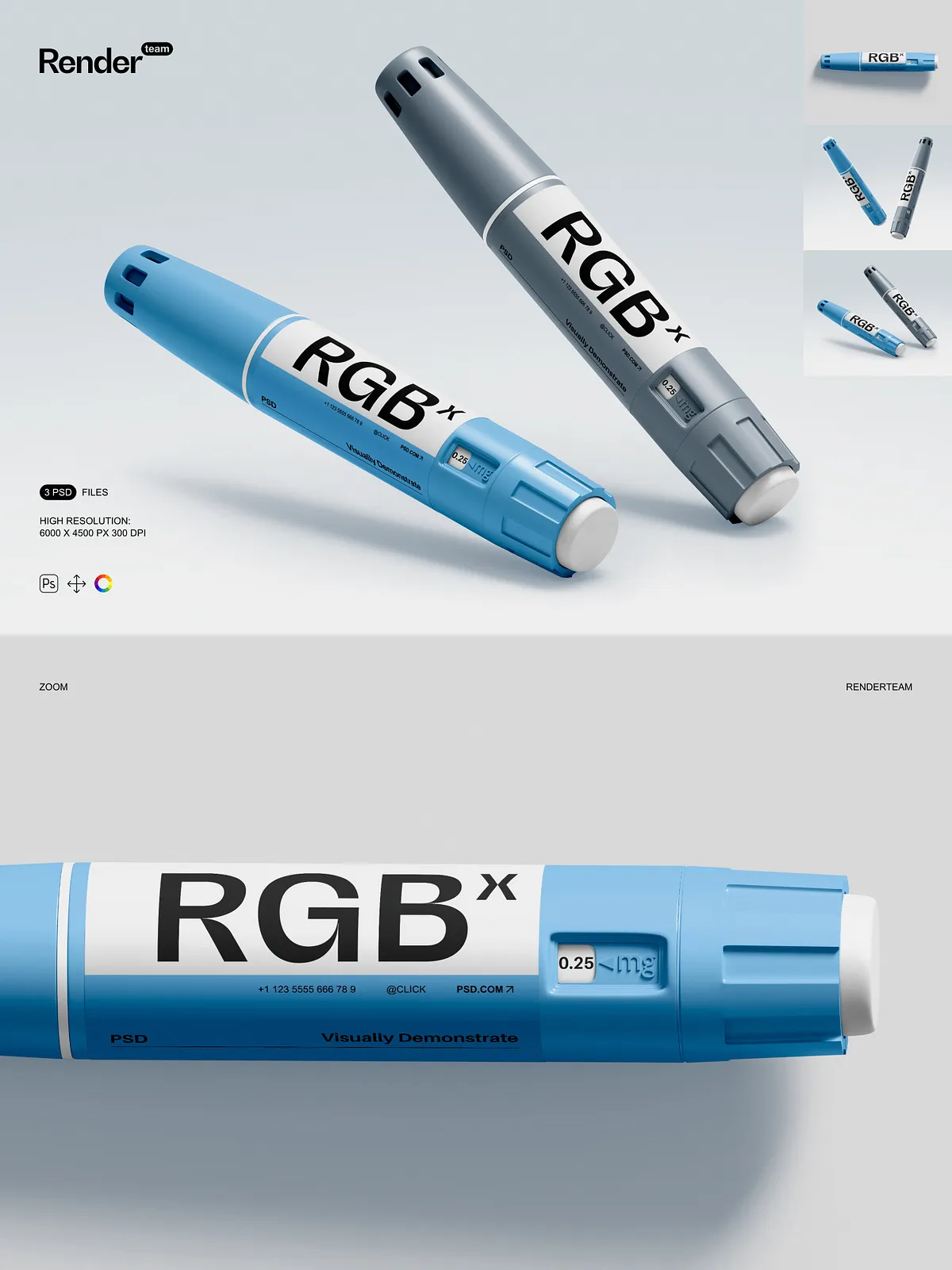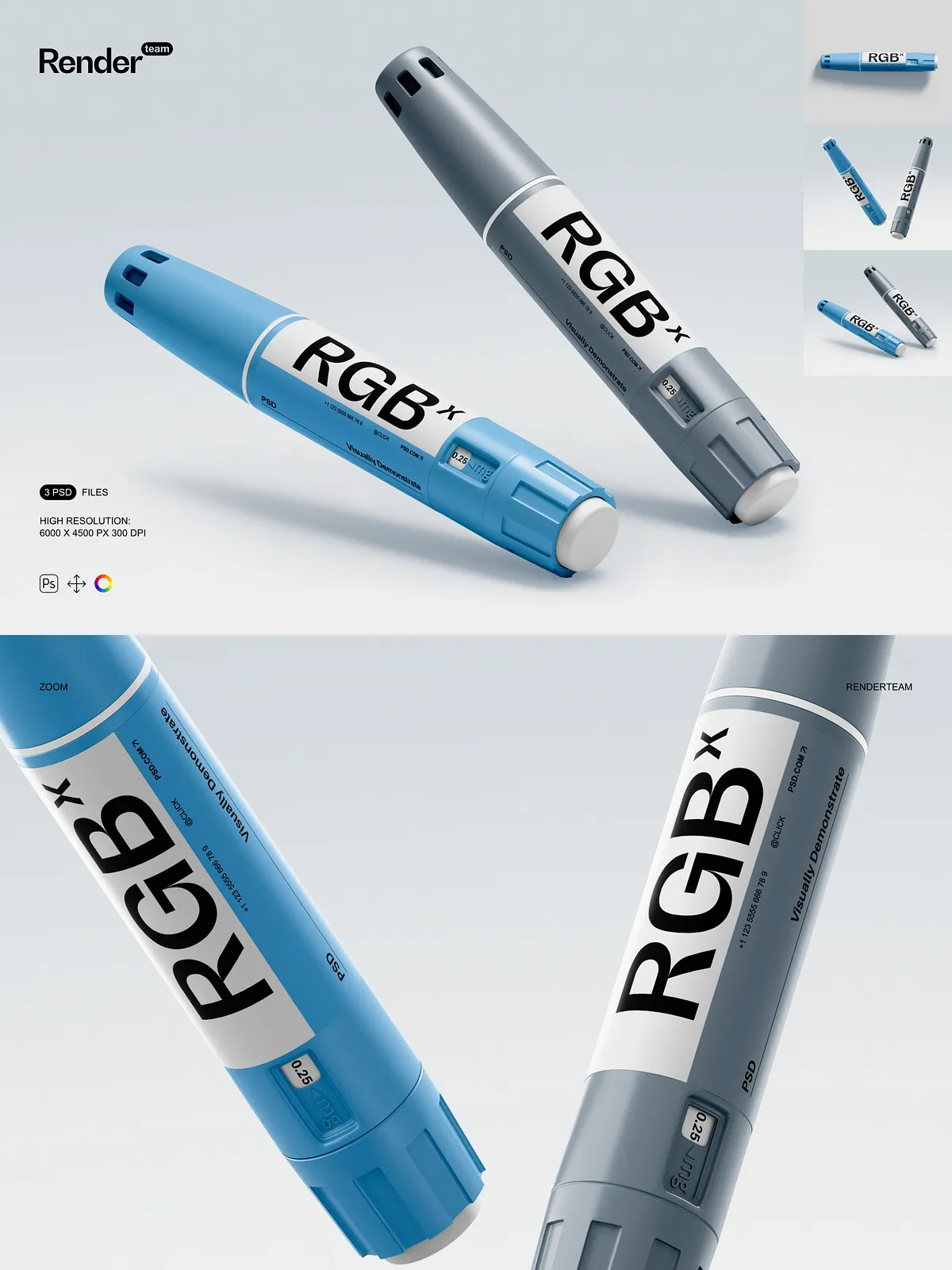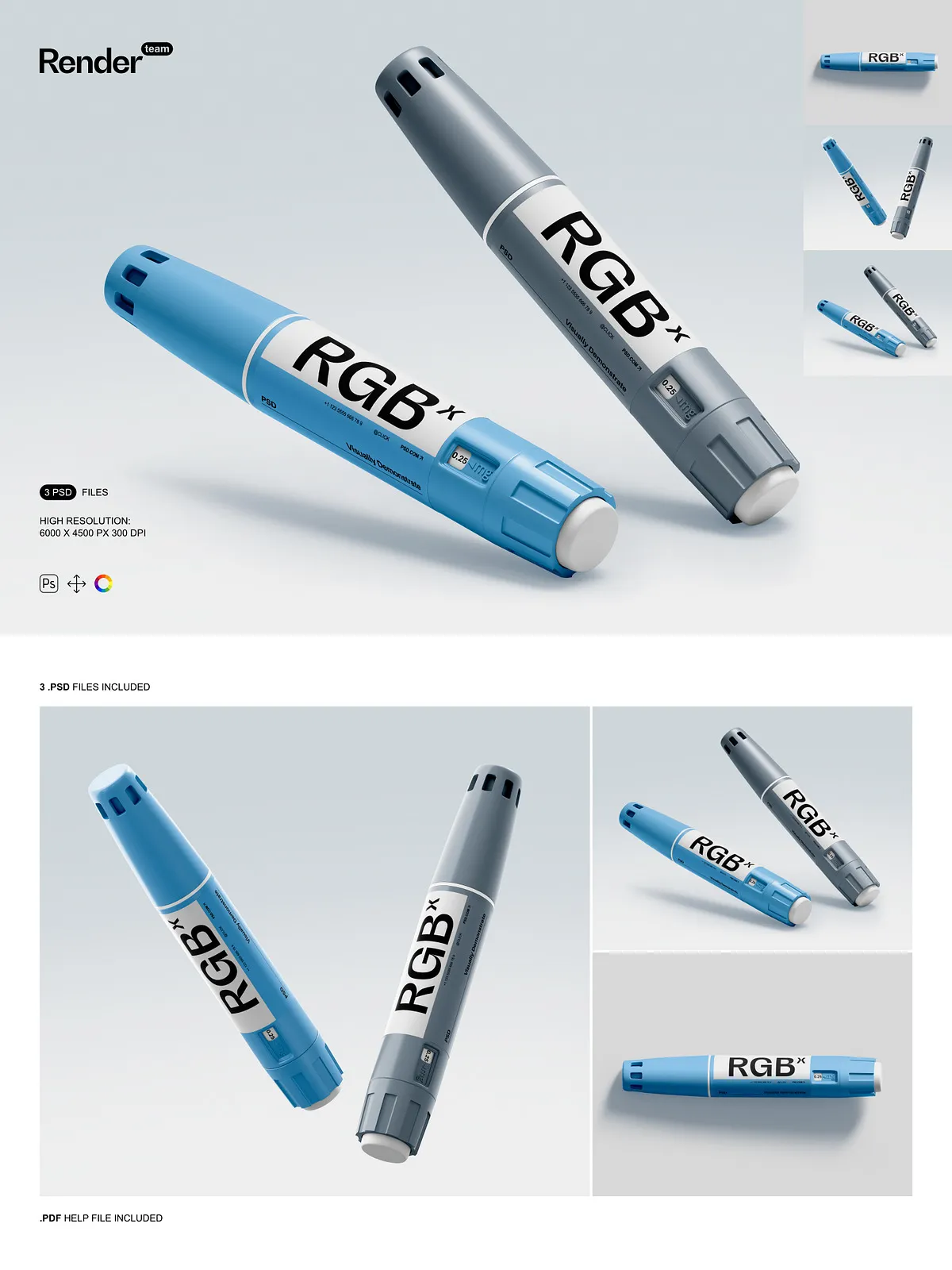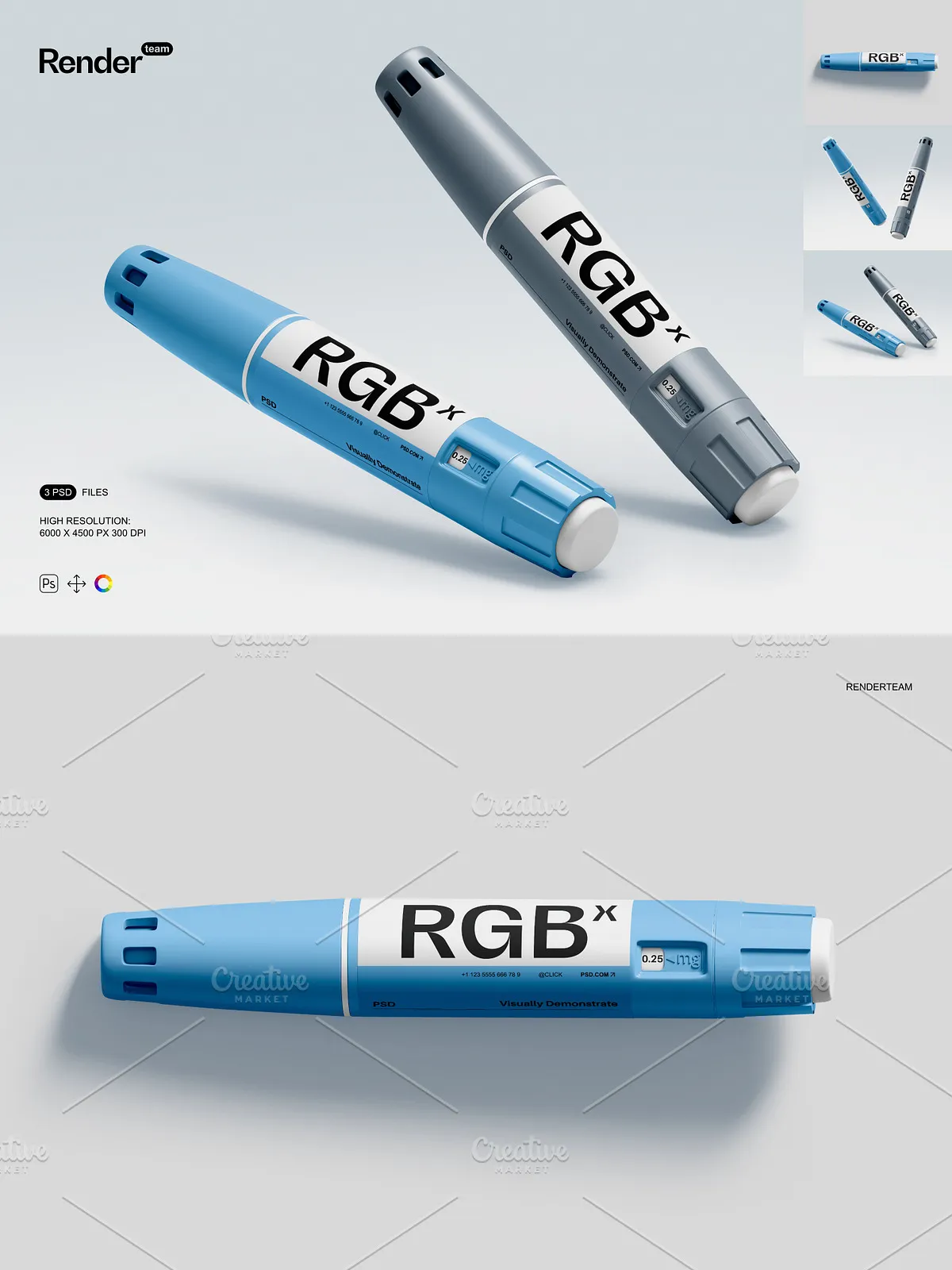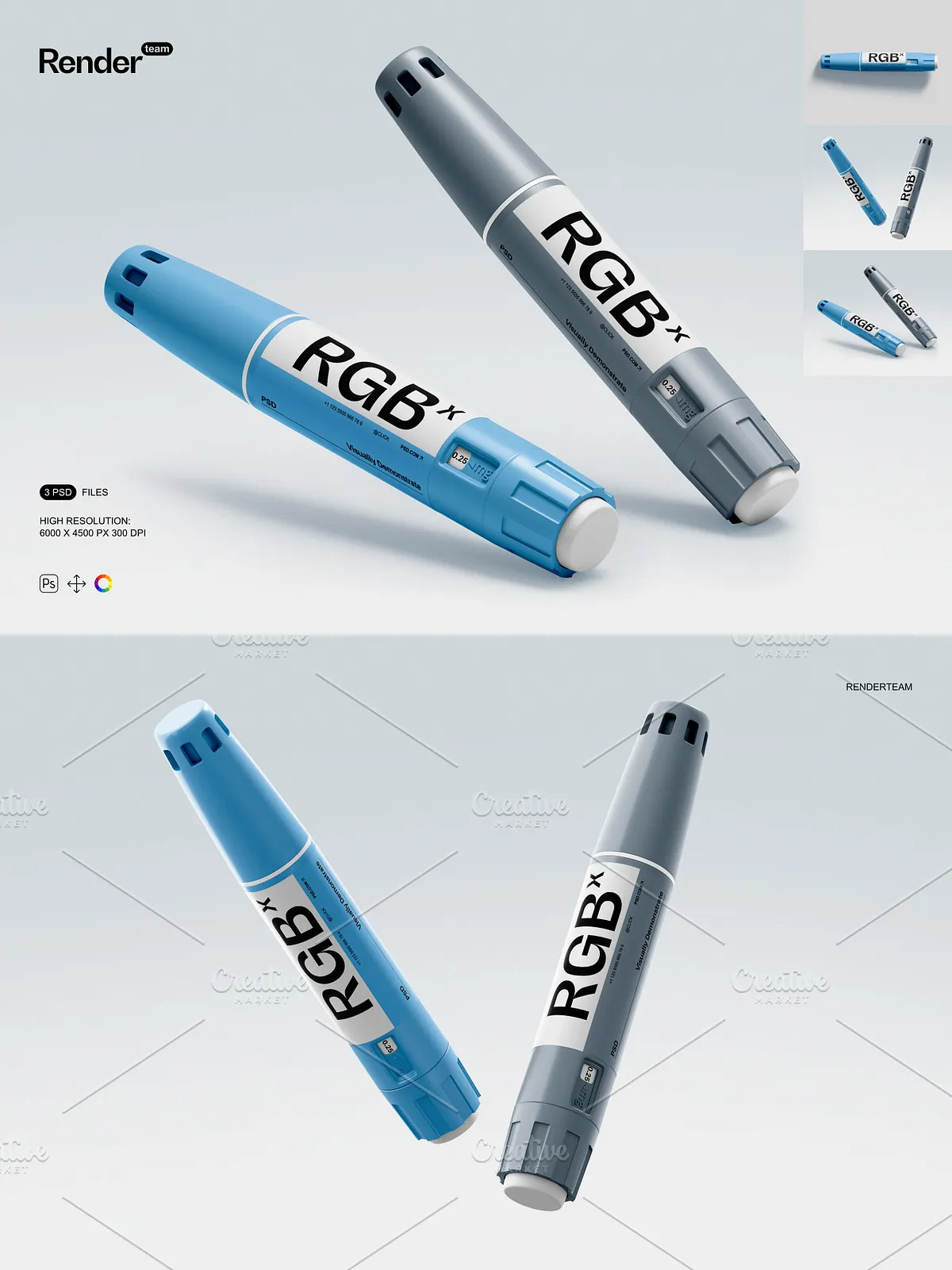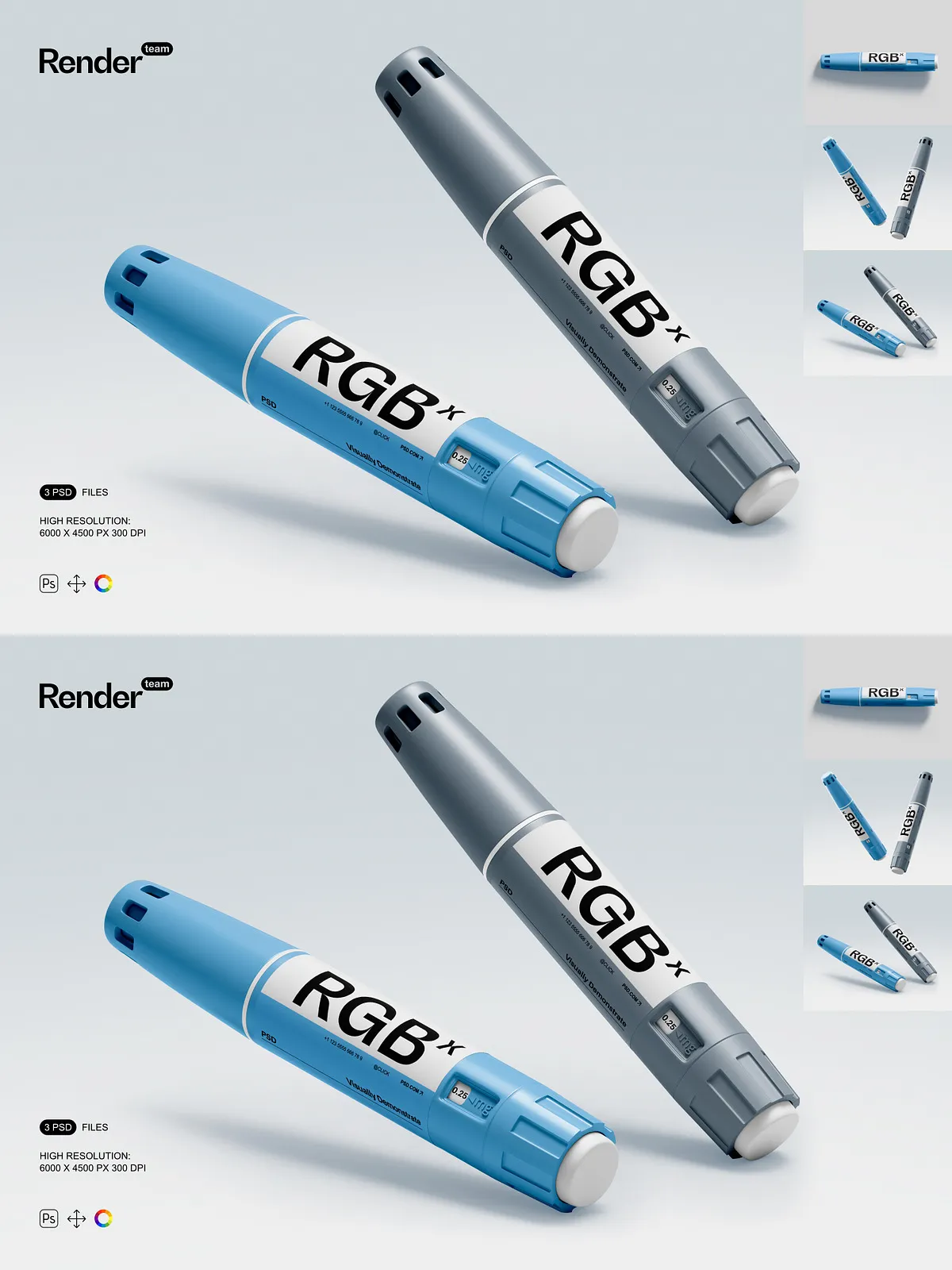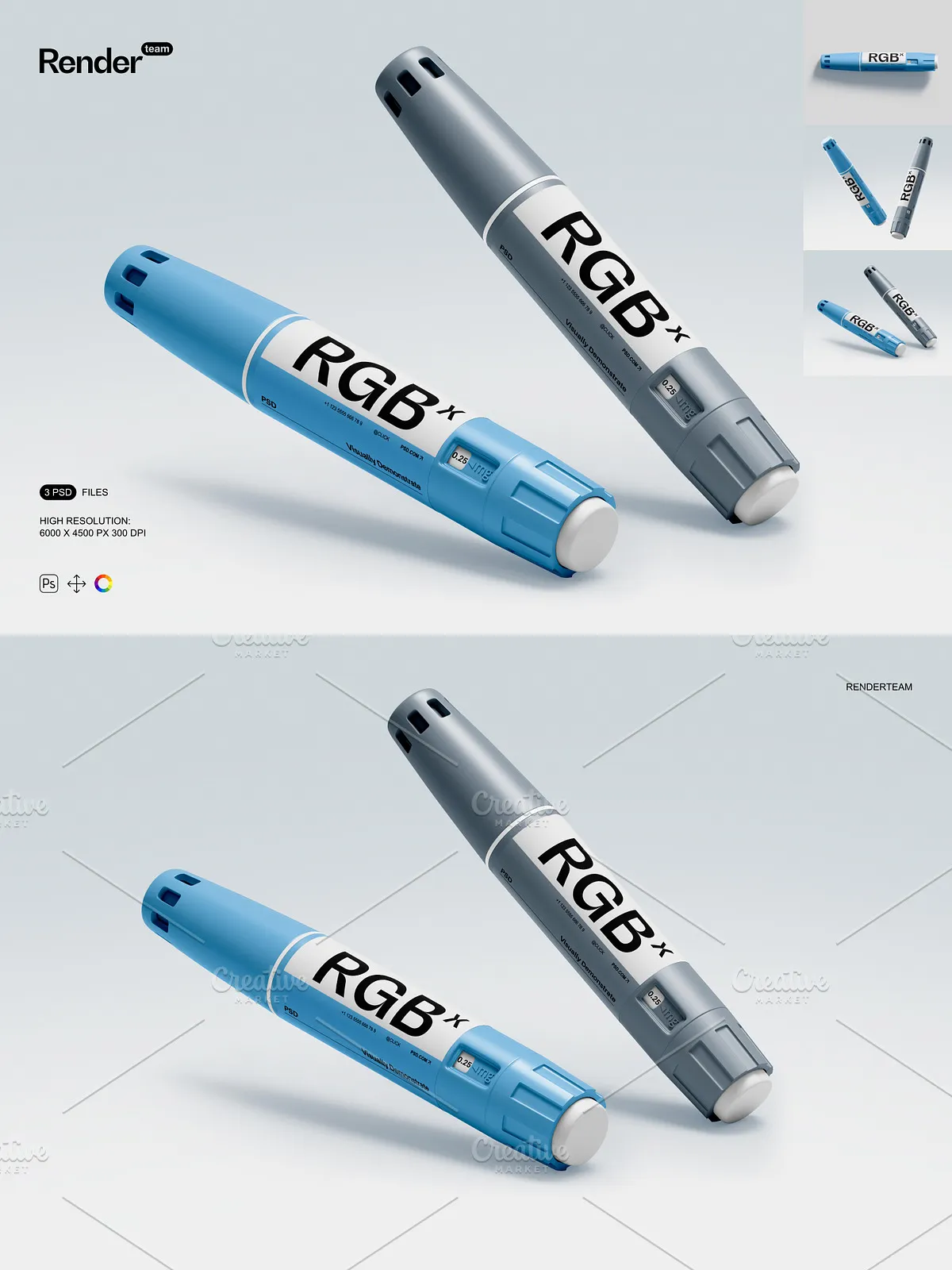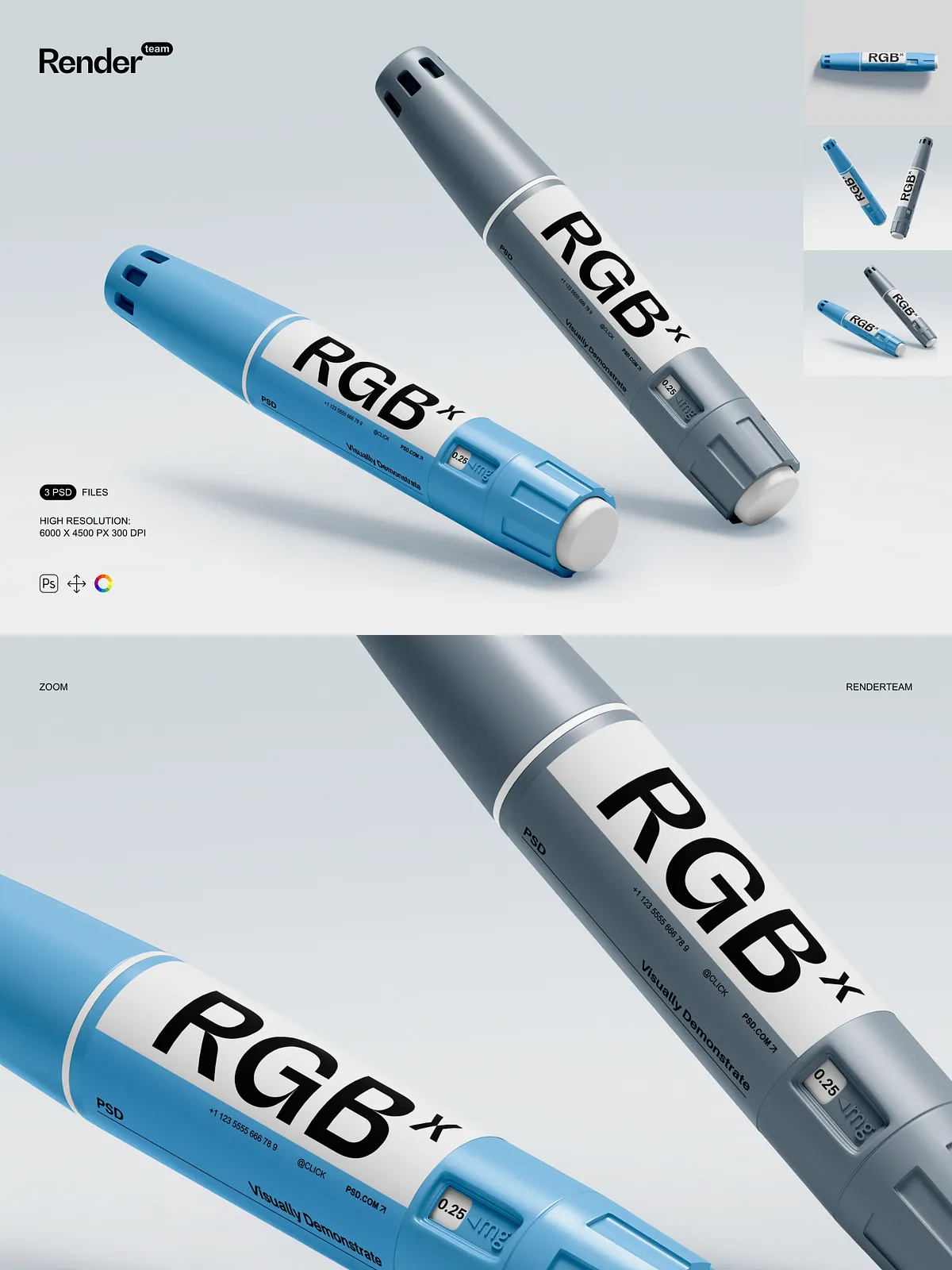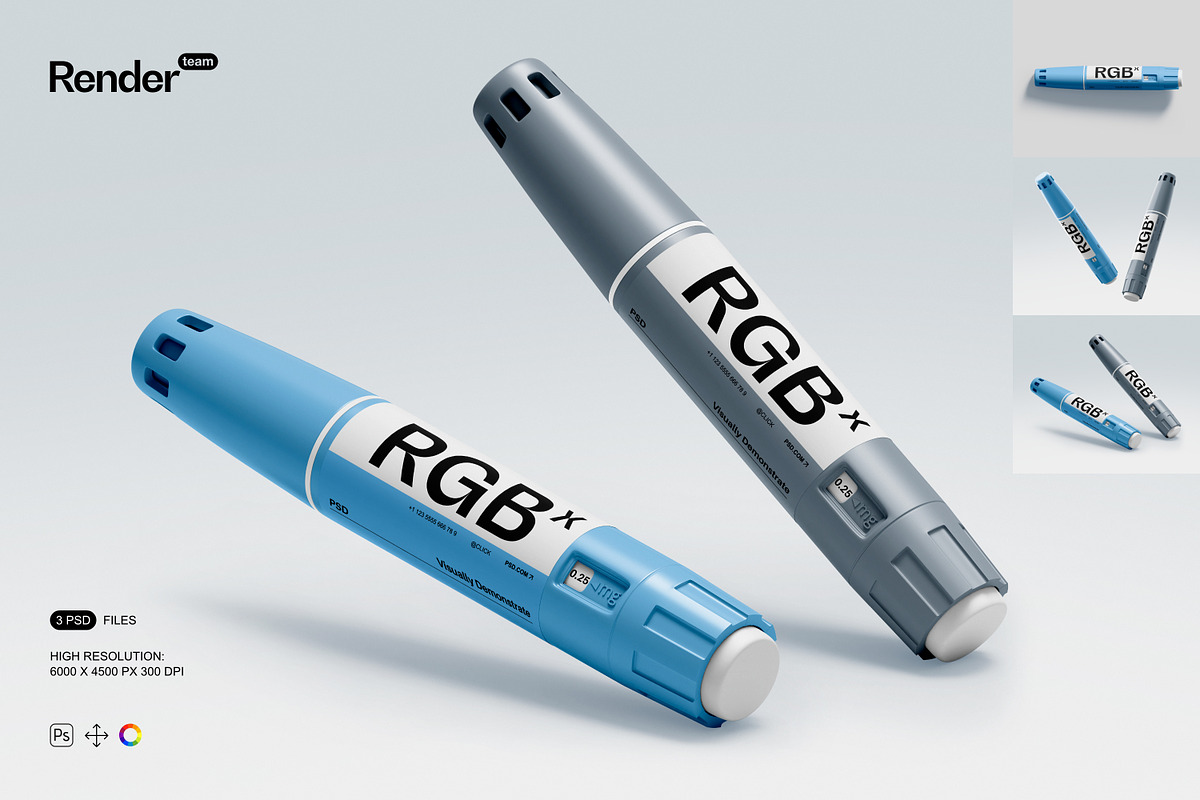
Present your insulin pen designs with clinical precision and visual credibility using this professional Insulin Pen Mockup Set, a collection of three fully editable, high-resolution PSD files engineered for healthcare marketers, pharmaceutical designers, and medical product teams. Each mockup delivers hyper-realistic depictions of insulin pens in clinical, home, and professional settings—perfect for showcasing product labels, branding elements, user instructions, and promotional content. Whether promoting a new delivery system, launching a new formula, or creating patient education materials, this set ensures your design communicates trust, clarity, and modern innovation—without the cost or complexity of physical photo shoots.
📦 Complete Package: What’s Inside the Set
High-Definition Assets Designed for Real-World Accuracy
- 3 meticulously crafted PSD templates featuring insulin pens in diverse environments: clinical consultation rooms, home medication stations, and medical supply counters
- Resolution: 6000 × 4500 px at 300 dpi—optimized for medical documentation, print brochures, digital health platforms, and client presentations
- Smart Object layers embedded in all design zones—double-click to insert custom branding, product labels, or instructions, then save instantly with zero distortion
- All key components isolated: Pen Body, Cap, Label Area (Smart Object), Shadows, Backgrounds, and Lighting Effects—each independently editable
- Realistic surface textures including anti-slip grip patterns, matte finish, and precise edge detailing to reflect the authentic look of medical devices
- Comprehensive PDF help file with layer-by-layer navigation, editing workflows, export standards, and compatibility notes for Adobe Photoshop CC 2018 and newer
Advanced Layer Organization for Seamless Design Control
- Intelligent naming system: “Insulin Pen – Label”, “Shadow – Base Layer”, “Lighting – Ambient”, “Background – Clinic” for instant file scanning
- Group folders with logical hierarchy: Editable Content, Texture & Surface Detail, Environmental Context, Non-Destructive Adjustments
- Bleed zones set to 3mm—ensuring all text and logos remain fully visible during print or cropping, critical for medical regulations
- Locked master layers protect structural integrity while allowing full access to design zones—ideal for collaborative workflows
- Thumbnail previews embedded in layer groups to identify editable areas instantly, reducing revision time by up to 50%
⚙️ Intelligent Features for Precision, Speed, and Professionalism
Smart Object Editing — Replace Designs in Seconds
Revolutionize your workflow with instant customization. Locate the “Insulin Pen – Label” Smart Object layer, double-click to open your design in a separate window. Paste your custom label, adjust font size, reposition text, or update graphics. Save your changes and close the window—your revised label appears instantly within the mockup, perfectly aligned with shadows, depth, and grip texture. This non-destructive method ensures your original artwork remains untouched and reusable across projects.
Color and Lighting Control — Match Any Medical Environment
Adapt your product to any setting. Use adjustment layers to shift color temperature—simulate fluorescent lighting in clinics, warm tones for home use, or soft daylight for presentation brochures. Control shadow intensity, surface gloss, and ambient reflectivity to match real-world conditions. Add subtle gradients for a modern tech look or apply a matte overlay for a minimalist, professional aesthetic—all without altering the base design.
Customize Contexts for Strategic Messaging
Switch between professional and personal use cases. Replace a clinic background with a patient’s home setting or a pharmacy counter. Layer in small contextual elements: a medicine cabinet, a pill organizer, or a digital diabetes tracker. Use this to communicate not just the product, but its place in daily health routines—great for patient-facing marketing, training materials, or investor pitch decks.
🚀 Step-by-Step Editing Workflow for Maximum Efficiency
1. Open the PSD in Adobe Photoshop
Launch Adobe Photoshop CC (2018 or later), then open one of the three available mockup files.
2. Pinpoint the Smart Object Layer
In the Layers panel, find the layer labeled “Insulin Pen – Label” or similar. It’s highlighted and clearly marked for fast access.
3. Insert Your Custom Design
Double-click the layer to open your artwork in a new window. Paste your label—ensure content fits within the 3mm bleed zone. Adjust layout, scale elements, or reposition icons with pixel-perfect precision.
4. Save and Close
Press Ctrl + S (Windows) or Cmd + S (Mac) to save and close. The updated design embeds seamlessly into the mockup with accurate shadows and texture alignment.
5. Refine Visual Tone
Adjust contrast, brightness, and saturation using adjustment layers. Apply blending modes like “Overlay” to add subtle texture—such as soft fabric or paper grain—for added realism.
6. Export for Any Platform
Follow the export guidelines in the PDF help file: use RGB for digital platforms (websites, social media), CMYK for printed packaging and brochures, and PNG-24 for transparent web graphics. All files are production-ready for healthcare websites, medical journals, FDA submission materials, and client presentations.
💡 Expert Design Tips for Maximum Impact
- Always maintain a 3mm safe zone around critical information like “Do Not Freeze” or dosage instructions to ensure readability and compliance.
- Use layer effects like drop shadows and inner glows to make the pen appear three-dimensional and tactile—enhancing perceived realism.
- Create variants: “Clinic Use”, “Home Use”, “Travel-Friendly” to showcase different user scenarios in a single campaign.
- Duplicate templates to compare different label designs side by side—ideal for A/B testing branding messages before finalizing product packaging.
🎯 Ideal Use Cases for This Insulin Pen Mockup Set
Pharmaceutical Marketing and Product Launches
Announce new insulin formulations with credibility. Visualize how your product label, dosage guide, or QR code will appear in real-world medical environments—boosting stakeholder confidence and consumer understanding.
Patient Education and Health Literacy Materials
Design clear, accessible information sheets or instructional visuals. Show how the pen is used in daily routines—great for diabetes management programs, community clinics, and digital health apps.
Medical Device Presentations and Investor Pitches
Present your product with realism. Showcase not just the device, but how it fits into patient life—ideal for investor decks, regulatory submissions, and industry trade shows.
✅ What Makes This Set Exceptional
This Insulin Pen Mockup Set is more than a template—it’s a strategic visual tool designed for precision, ethics, and impact in healthcare communication. Unlike generic, poorly layered files, this set features real isolation of shadows, non-destructive editing, and medical-grade accuracy. Built for performance, clarity, and compliance, it empowers healthcare professionals, designers, and marketers to produce trusted, professional visuals quickly and confidently—where every pixel matters, and every detail speaks to safety, quality, and patient care.