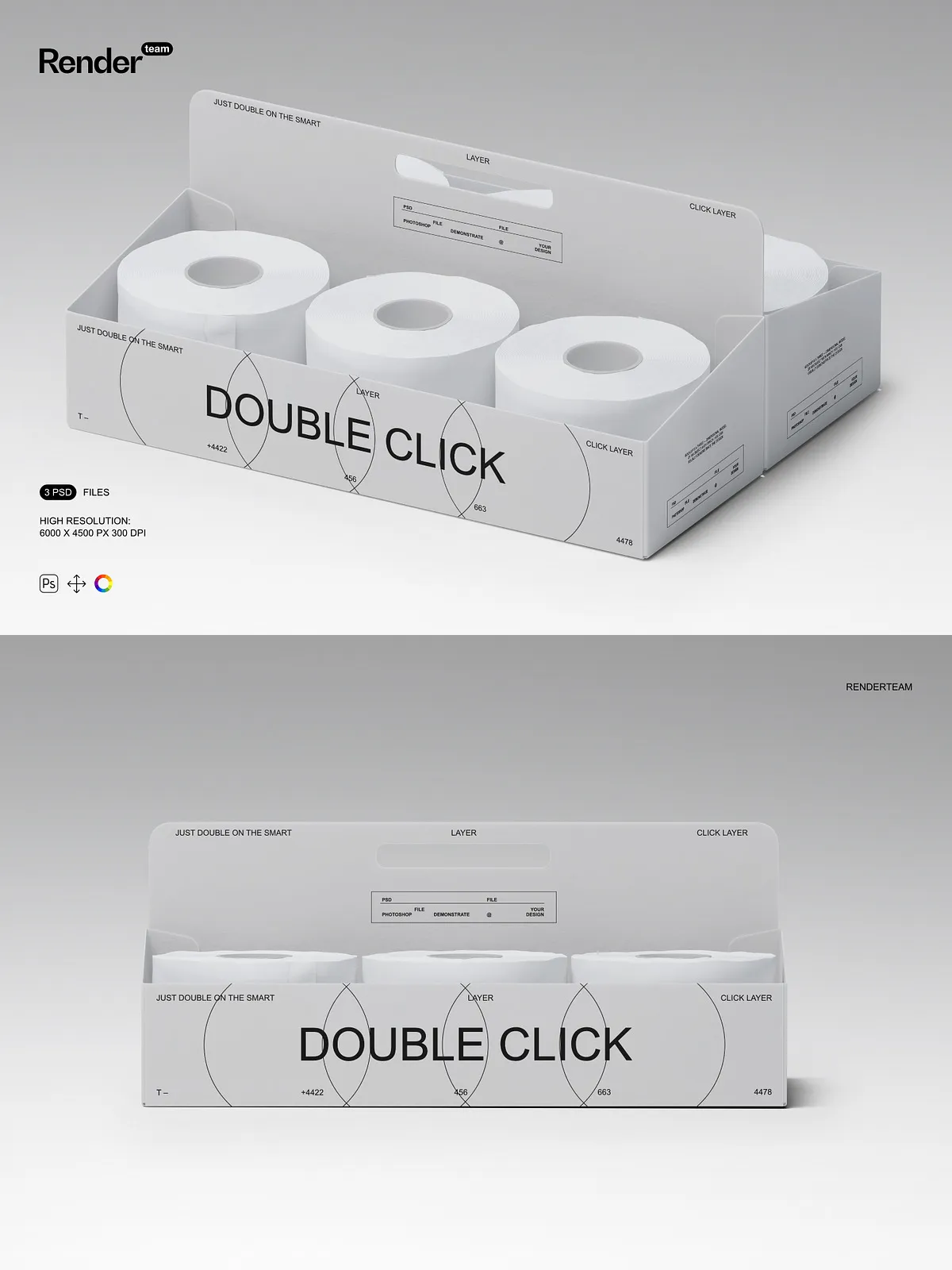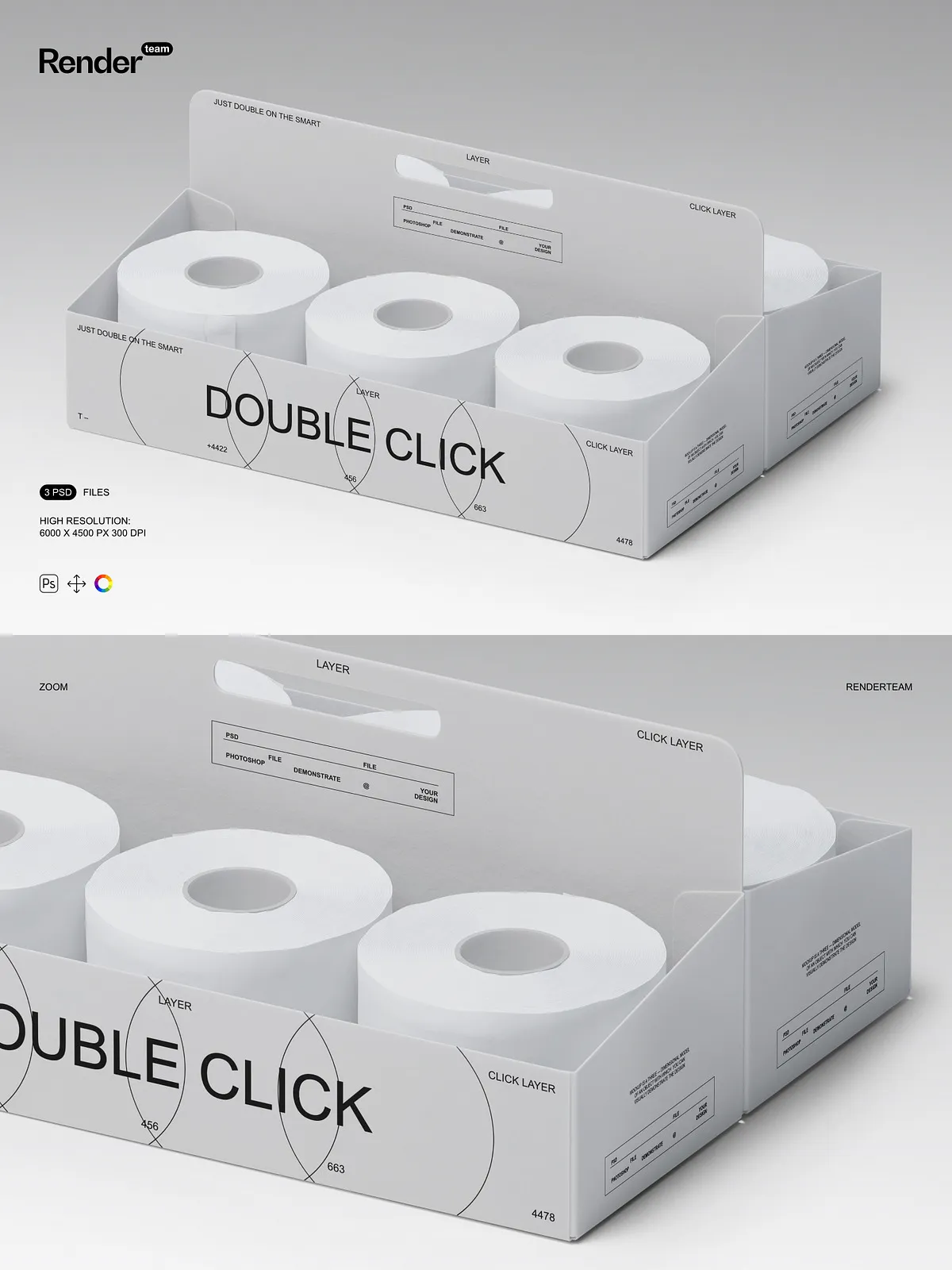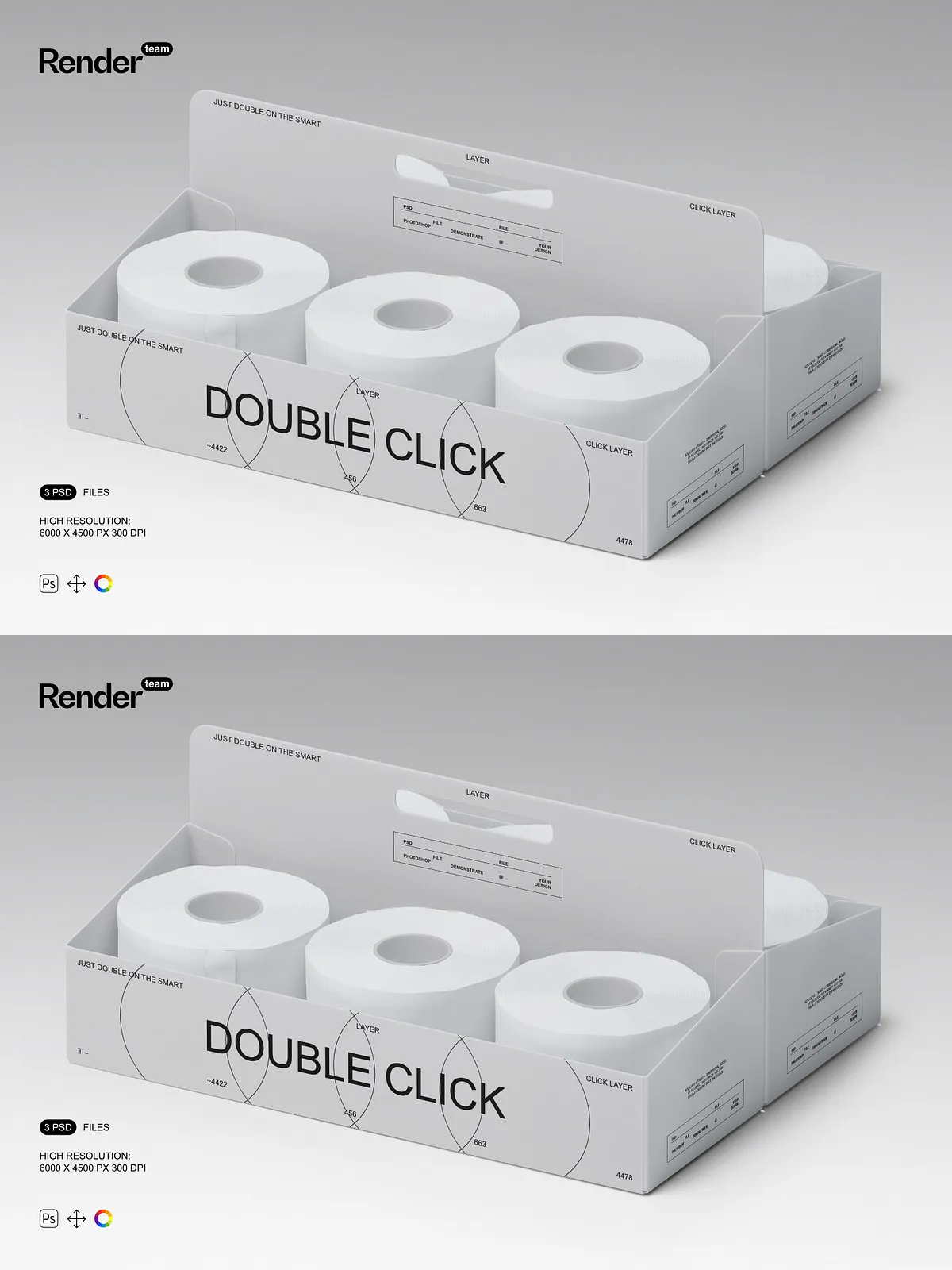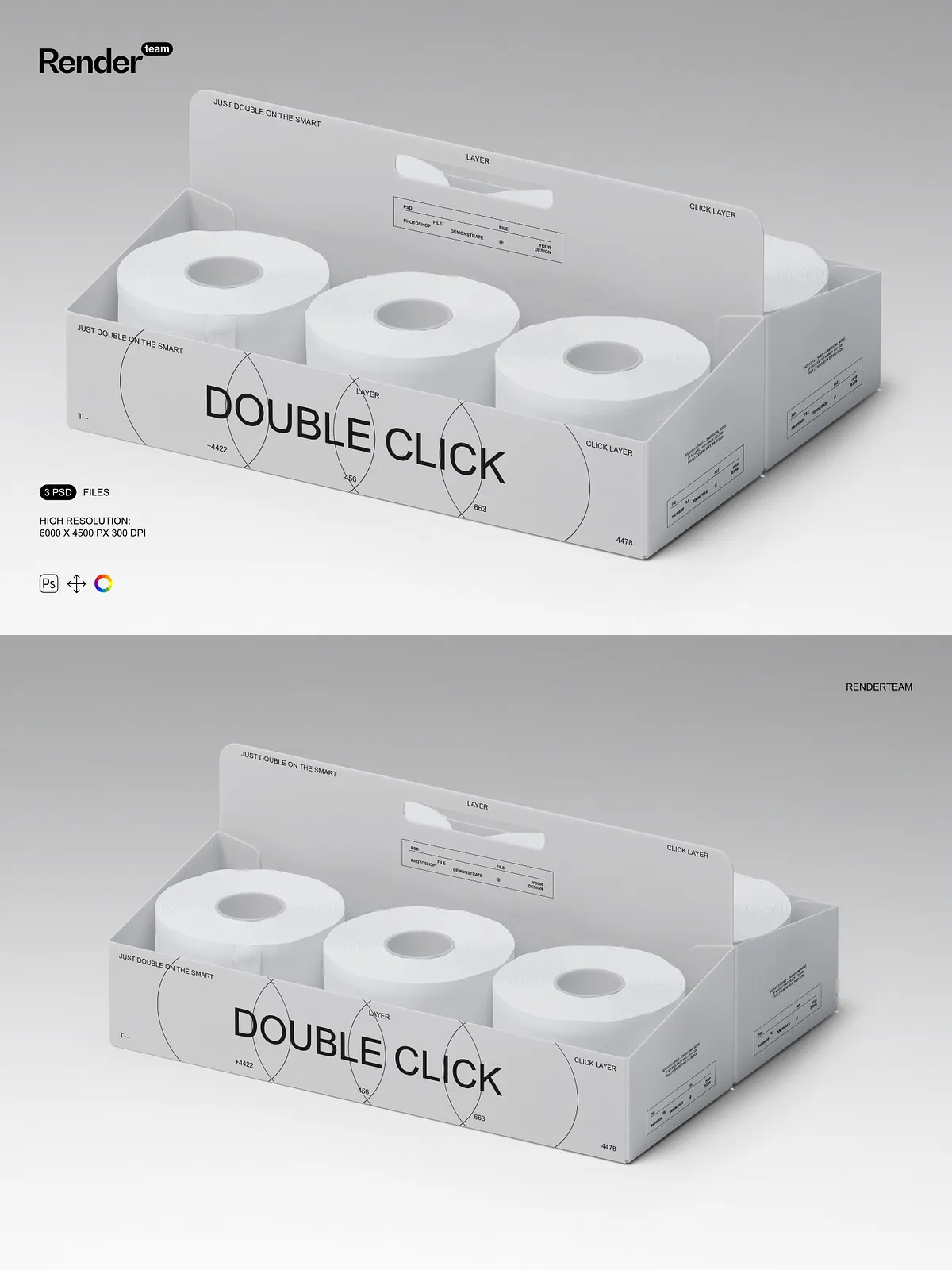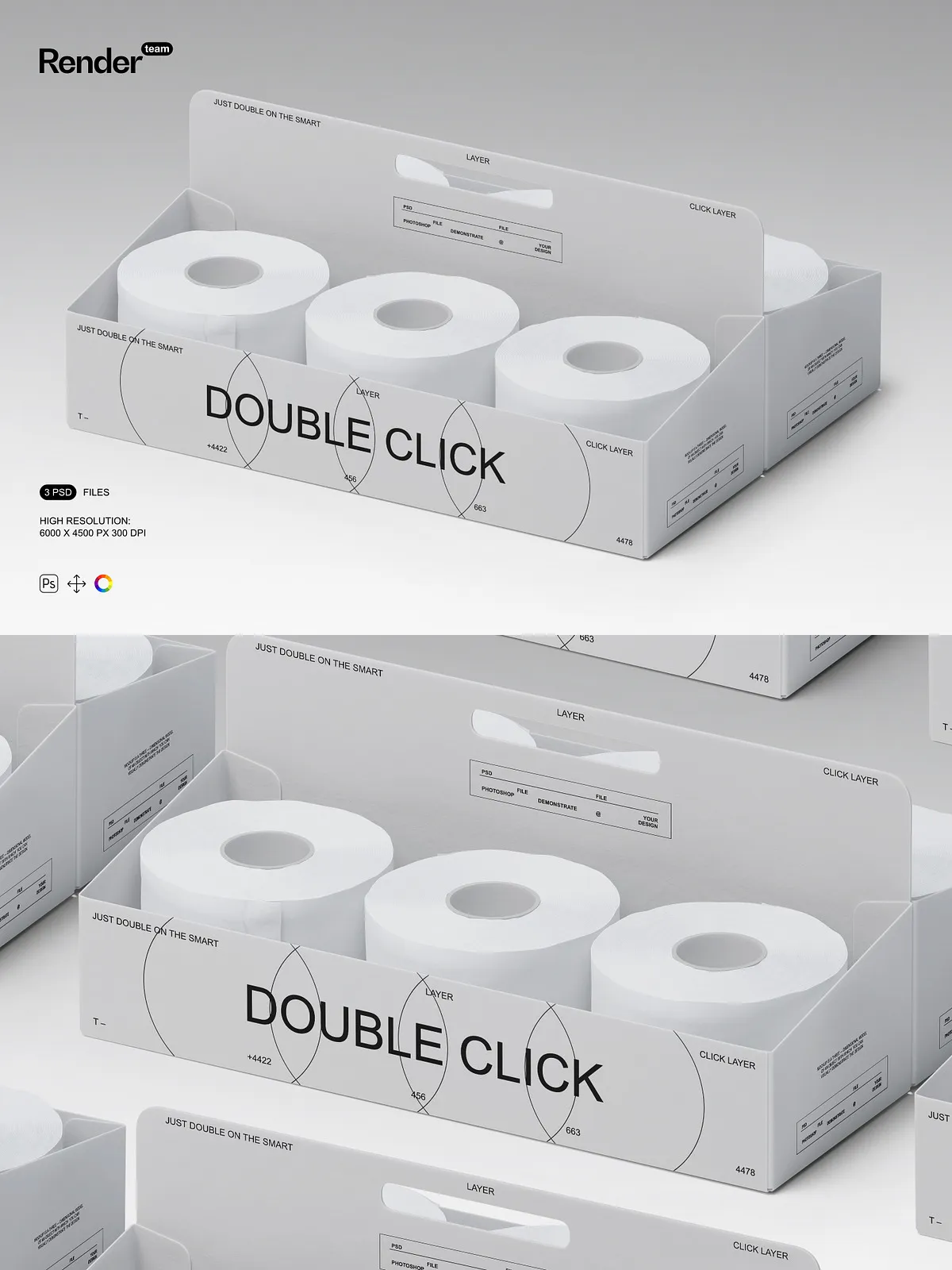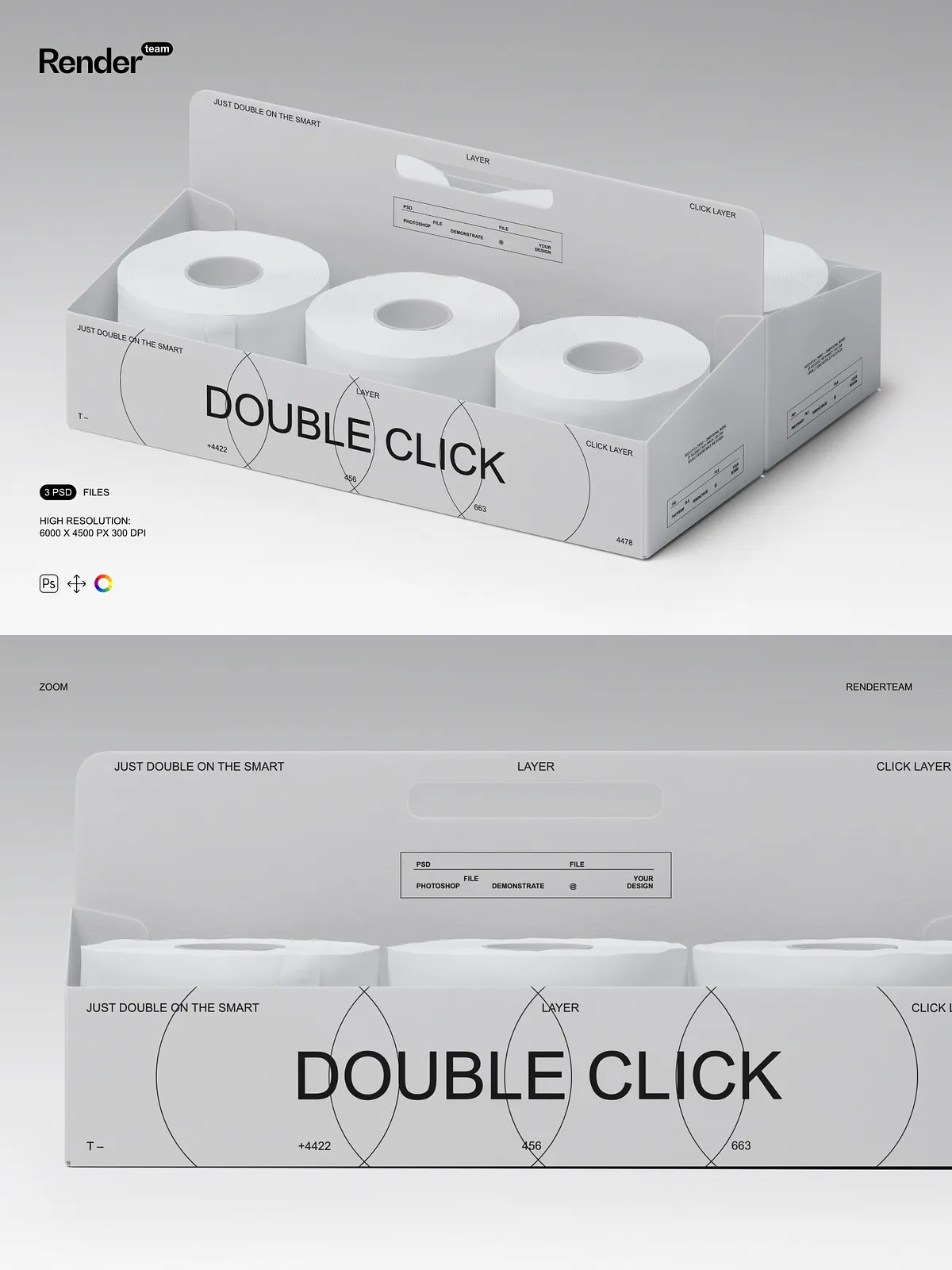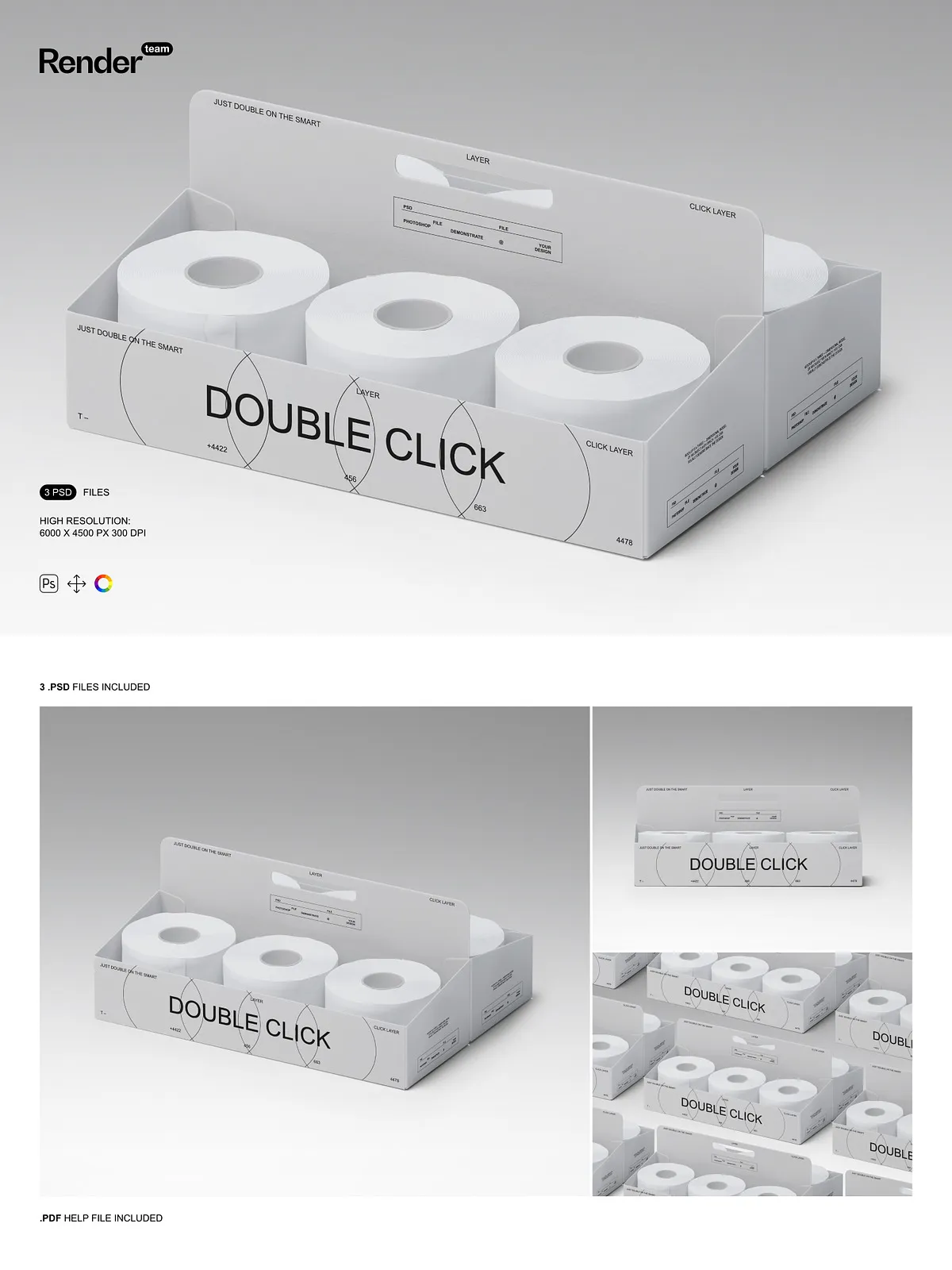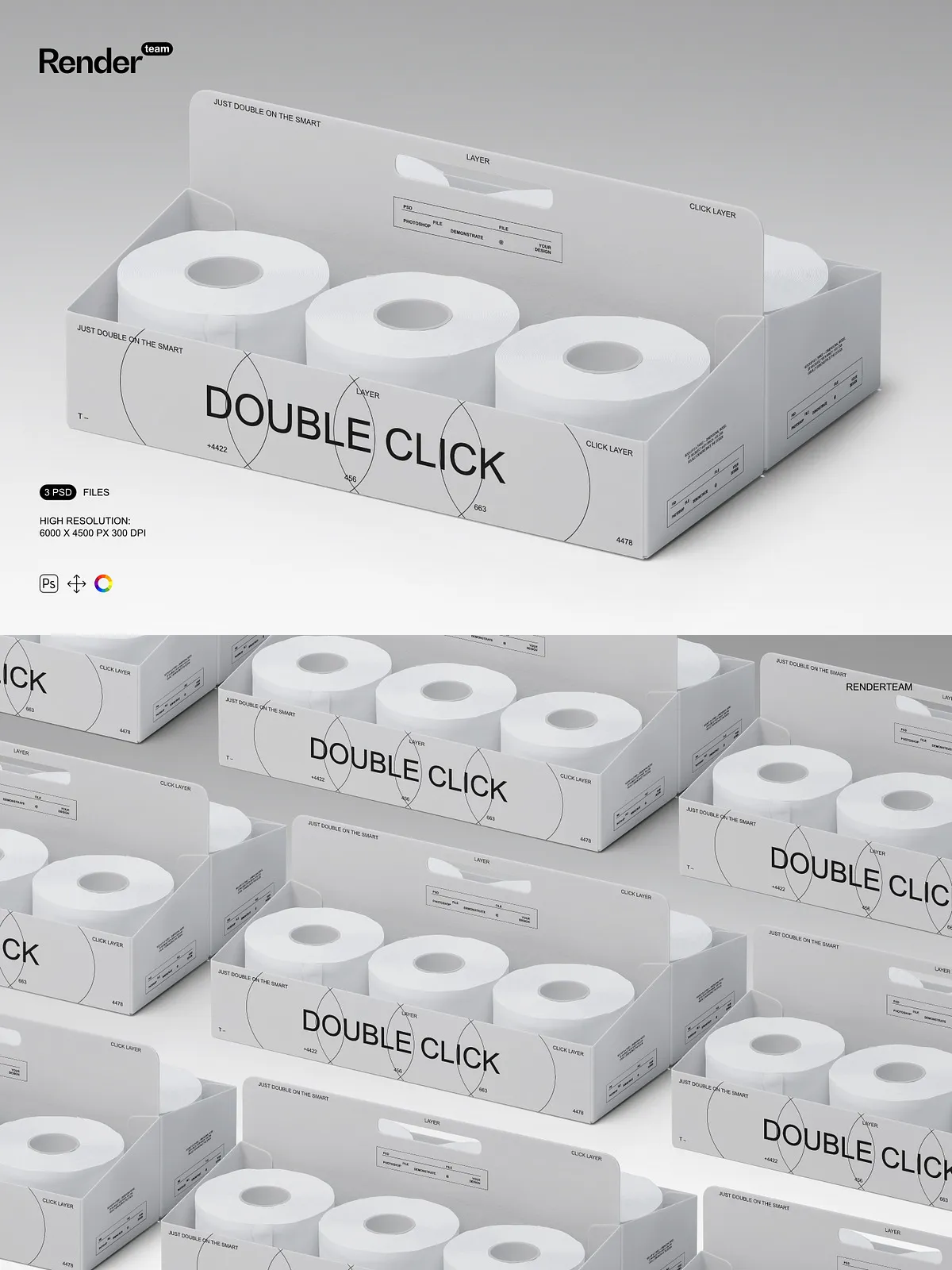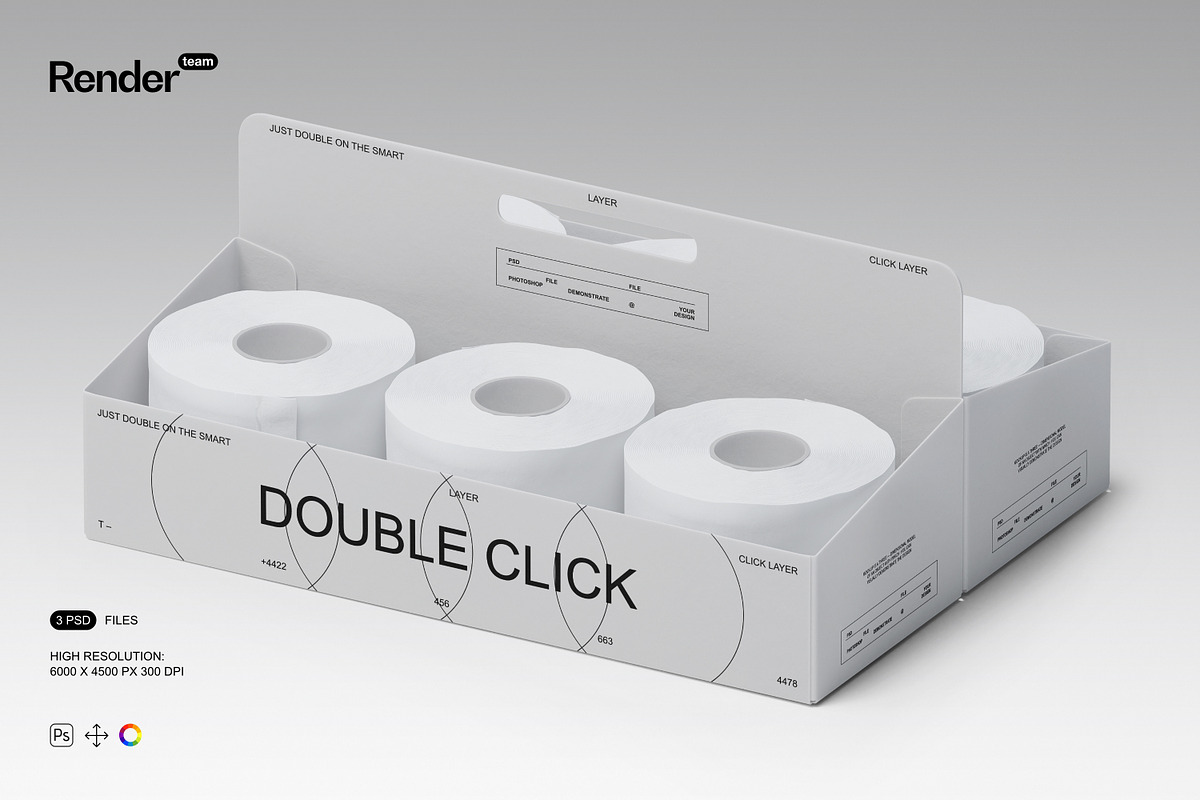
Capture attention and convey quality with the premium Toilet Paper Packaging Mockup set—three meticulously crafted, fully layered, and editable .PSD files designed to showcase your custom packaging with exceptional realism. Whether you’re a packaging designer, brand strategist, or product developer, this mockup set allows you to visualize your toilet paper box design in lifelike scenarios: on a bathroom shelf, inside a retail display, or on a minimalist countertop. Replace design elements in seconds, adjust colors and textures, and deliver polished, client-ready visuals that communicate professionalism, creativity, and market readiness—without needing advanced 3D modeling or rendering software.
What’s Included: A Complete Packaging Visualization Toolkit
Dynamic Assets for High-Impact Product Storytelling
- Three highly realistic PSD mockups: one showing the toilet paper box on a tiled bathroom shelf under soft natural lighting, one displayed in a commercial retail setting with other hygiene products, and another placed on a modern bathroom countertop with a matching hand soap bottle for cohesive brand styling
- A comprehensive PDF help file delivering a structured workflow, layer explanation, editing shortcuts, and best practices to ensure rapid onboarding and flawless results
Technical Precision Built for Professional Use
- Ultra-high resolution: 6000 × 4500 pixels at 300 dpi—perfect for print brochures, trade show displays, large-format banners, and high-end e-commerce product pages
- Smart Object integration: Double-click any Smart Layer to open the embedded canvas, paste your logo, texture, or packaging artwork into the safe zone, scale with Free Transform, and save—your main mockup updates instantly with crisp, pixel-perfect clarity
- Isolated elements: Every component—box, lid, label, shadow, reflection, and background texture—is separated into individual layers with clear group names, enabling non-destructive editing and effortless customization
- Organized layer hierarchy: Structured folders like “Label Design,” “Shadow System,” “Color Variants,” “Background Lighting,” and “Surface Textures” ensure rapid navigation and error-free workflow management
- Color control layers: Modify tones, lighting mood, and surface finishes using non-destructive adjustment layers—shift from glossy to matte, warm to cool, minimalist to festive—without altering the original design
Effortless Editing, Instant Visual Impact
Launch Your Design in Under 30 Seconds
Open your chosen PSD in Adobe Photoshop CC 2023 or later and locate the Smart Object layer labeled “Insert Your Packaging Design.” Double-click it to enter the embedded workspace. Paste your custom label design, brand colors, and typography into the designated area (3000 × 3500 px safe zone), scale using Free Transform, and exit. The main file updates in real time—no waiting, no glitches, no quality loss. This non-destructive approach preserves file integrity, supports rapid revisions, and streamlines the entire design approval cycle, especially useful when responding to client feedback or testing multiple versions.
Refine Every Detail with Precision Controls
Adjust shadow depth, angle, and transparency to simulate various lighting environments—bright daylight, ambient room light, or dramatic spotlighting. Replace background scenes: switch from bathroom shelf to retail rack, or from counter to industrial warehouse for B2B branding. Apply gradient overlays to introduce premium finishes such as metallic sheen, soft gloss, or textured paper effects. Fine-tune contrast, brightness, and color balance through adjustment layers to ensure your packaging looks premium, consistent, and perfectly aligned with your brand identity.
Create Compelling Visual Narratives for Marketing Success
Turn your packaging into a story: place the box beside a hand towel, soap dispenser, or bathroom mat to suggest wellness, hygiene, or luxury. Add dynamic text overlays—“Eco-Friendly,” “Ultra-Thick & Soft,” “Sustainable Packaging,” or “Now Available”—to drive interest on social media, landing pages, and email campaigns. Develop seasonal variations—holiday-themed packaging with festive colors, winter motifs, or summer gradients—to coincide with promotions, brand launches, or retail events. Prepare motion-ready exports for interactive website mockups or animated ads in After Effects with hover effects and smooth transitions.
Optimize Your Workflow for Speed and Scalability
Step-by-Step Guide to Flawless Output
- Open Adobe Photoshop CC 2023 or newer and load your selected PSD file.
- Locate the Smart Object labeled “Place Your Packaging Design” or “Insert Label Content”.
- Double-click the layer to access the embedded canvas.
- Paste your high-resolution logo, product name, and tagline into the safe zone with accurate alignment.
- Use Free Transform (Ctrl/Cmd + T) to scale, rotate, and reposition your design for visual harmony.
- Save the file (Ctrl/Cmd + S), close the embedded window, and watch your mockup update instantly.
- Apply Levels, Curves, or Hue/Saturation layers to enhance contrast, sharpness, and color vibrancy.
- Export in PNG (web), JPEG (social media), or TIFF (print) with transparency where needed.
Suit Every Need: For Designers, Brand Owners, and Marketers
This mockup set is engineered for professionals who demand visual excellence and fast delivery. Use it to:
- Create striking Instagram, Facebook, or Pinterest posts featuring your toilet paper packaging in authentic, relatable environments
- Build compelling e-commerce product pages with realistic, clickable mockups that boost engagement and conversion rates
- Win client approval with presentation-ready visuals that demonstrate attention to detail, technical proficiency, and brand consistency
- Enhance your design portfolio with dynamic, professional-grade examples that highlight innovation and strategic packaging thinking
- Develop interactive mockups for online catalogues, brand websites, or product launch videos with micro-interactions and hover states
From small eco-conscious startups to established retail brands, this toolkit empowers you to communicate value, quality, and sustainability—visually and instantly.
Ensure Peak Performance and Long-Term Compatibility
All files are compatible with Adobe Photoshop CC 2023 or higher. For optimal performance, ensure your system has at least 8GB of RAM and an SSD for fast layer loading. Close background applications during editing to prevent lag. Note: All sample content is for demonstration only. Replace all placeholders with original or licensed artwork to maintain full copyright ownership and compliance with branding standards.
Best Practices for Premium, Industry-Standard Results
- Create your packaging design at a minimum resolution of 3000 × 3500 pixels to ensure sharpness across all platforms
- Use vector-based formats (AI, SVG) for your logo and typography to maintain crisp scalability in print and digital media
- Test different shadow styles and lighting directions to find the most authentic, balanced look for your brand’s aesthetic
- Always preview your final mockup on multiple devices and screen sizes to ensure consistency in branding presentation
- Maintain version control by saving separate files (e.g., “Final_Mockup_V1”, “Revised_V2”) to track design evolution