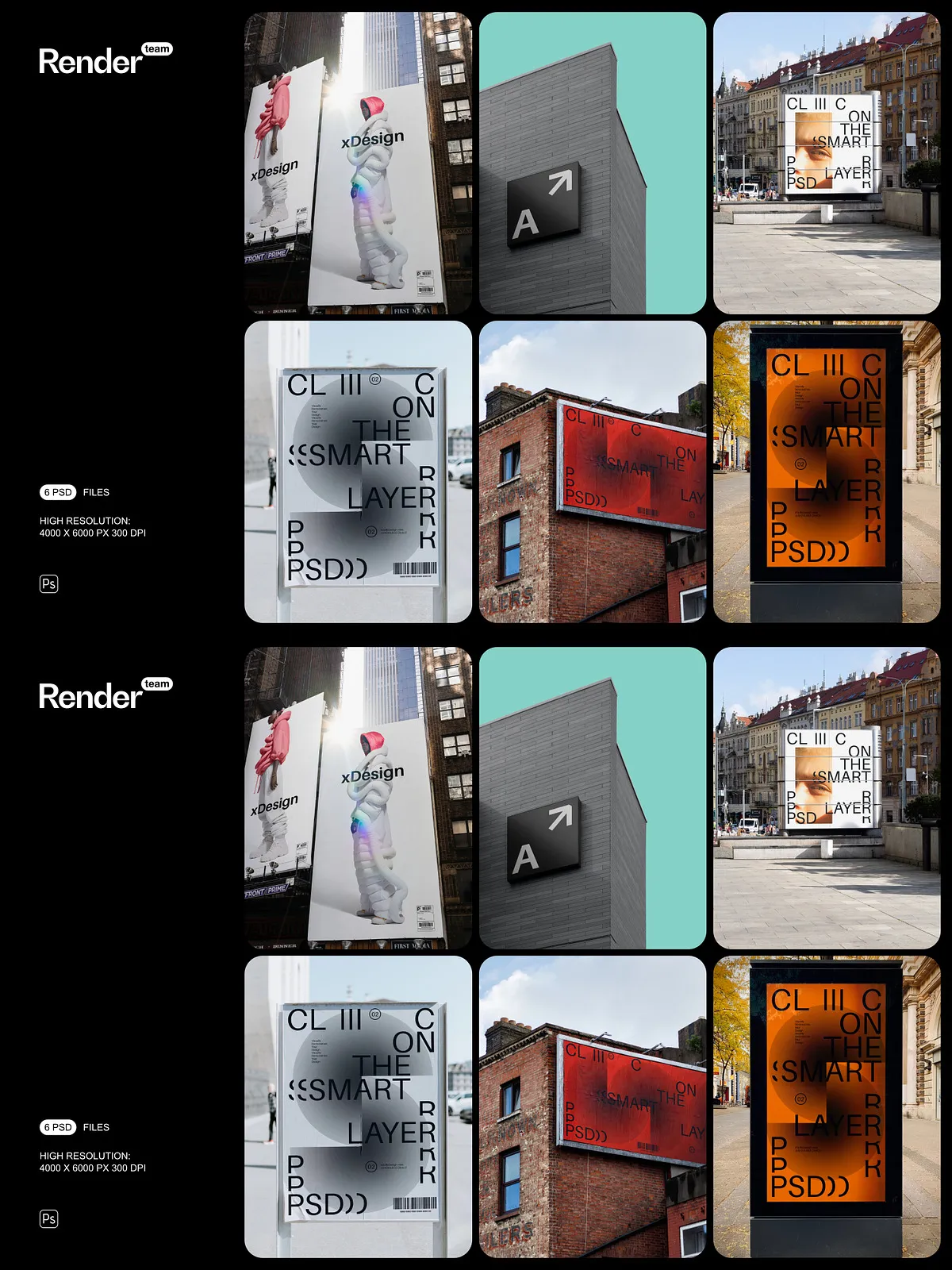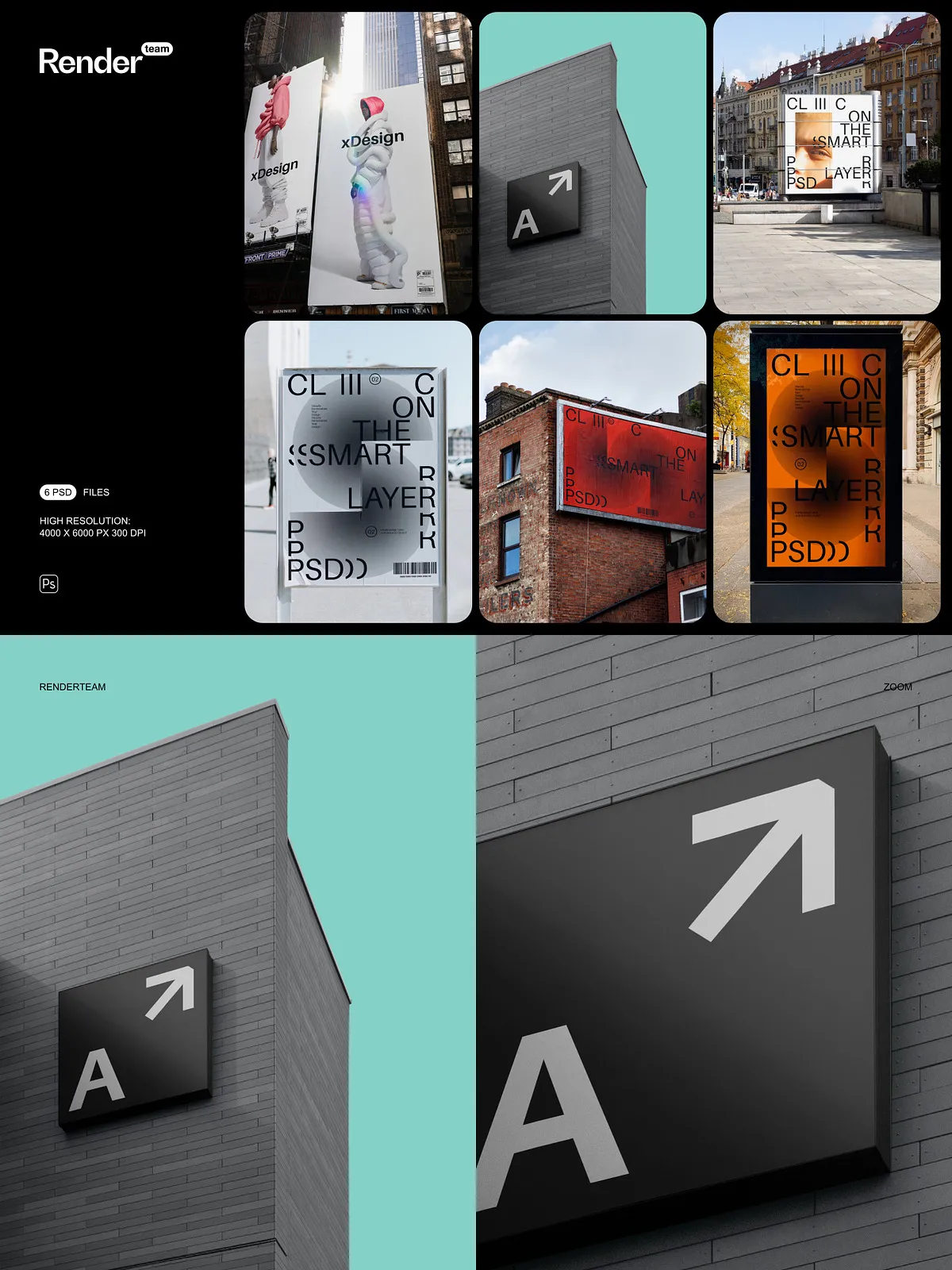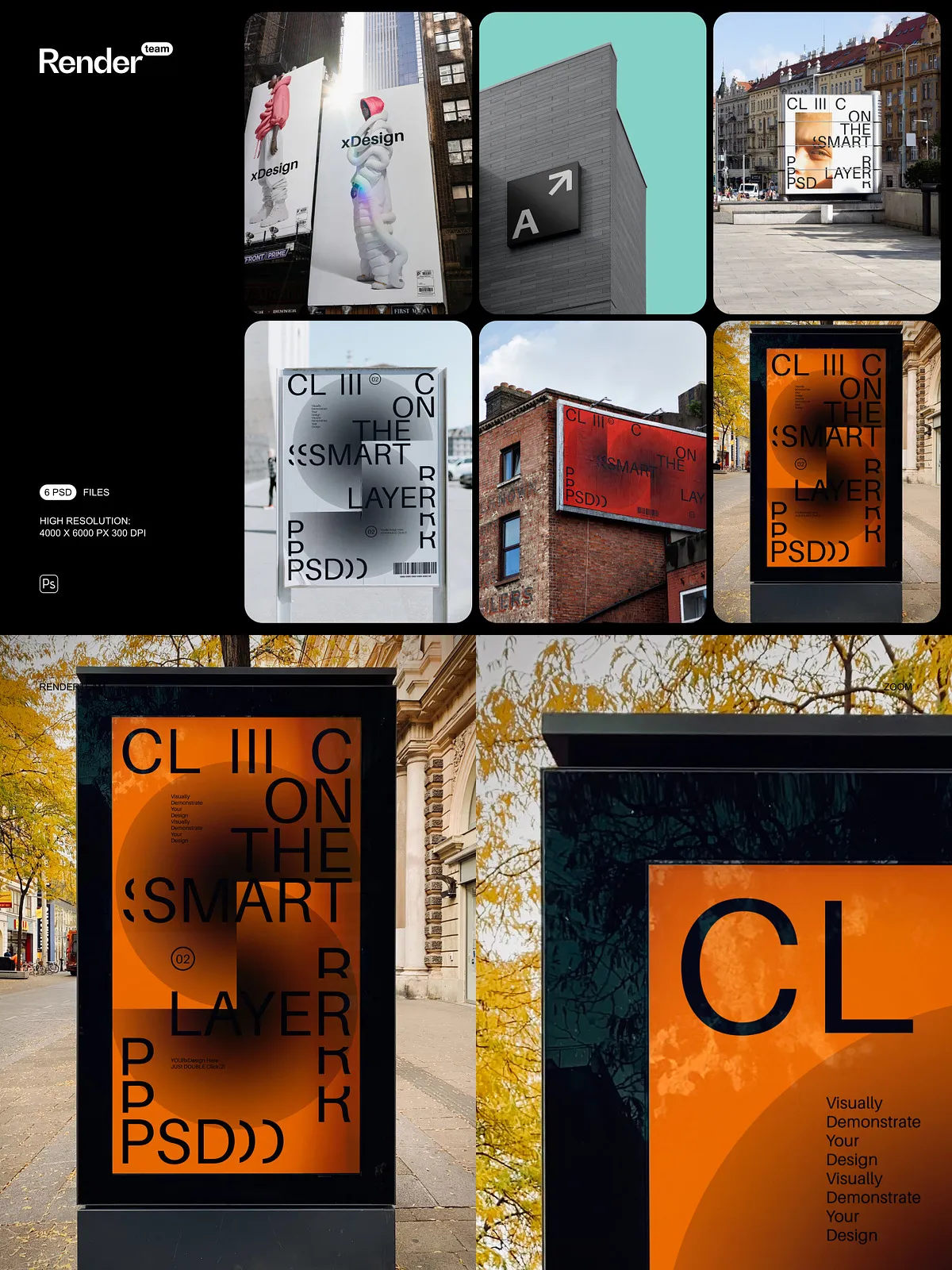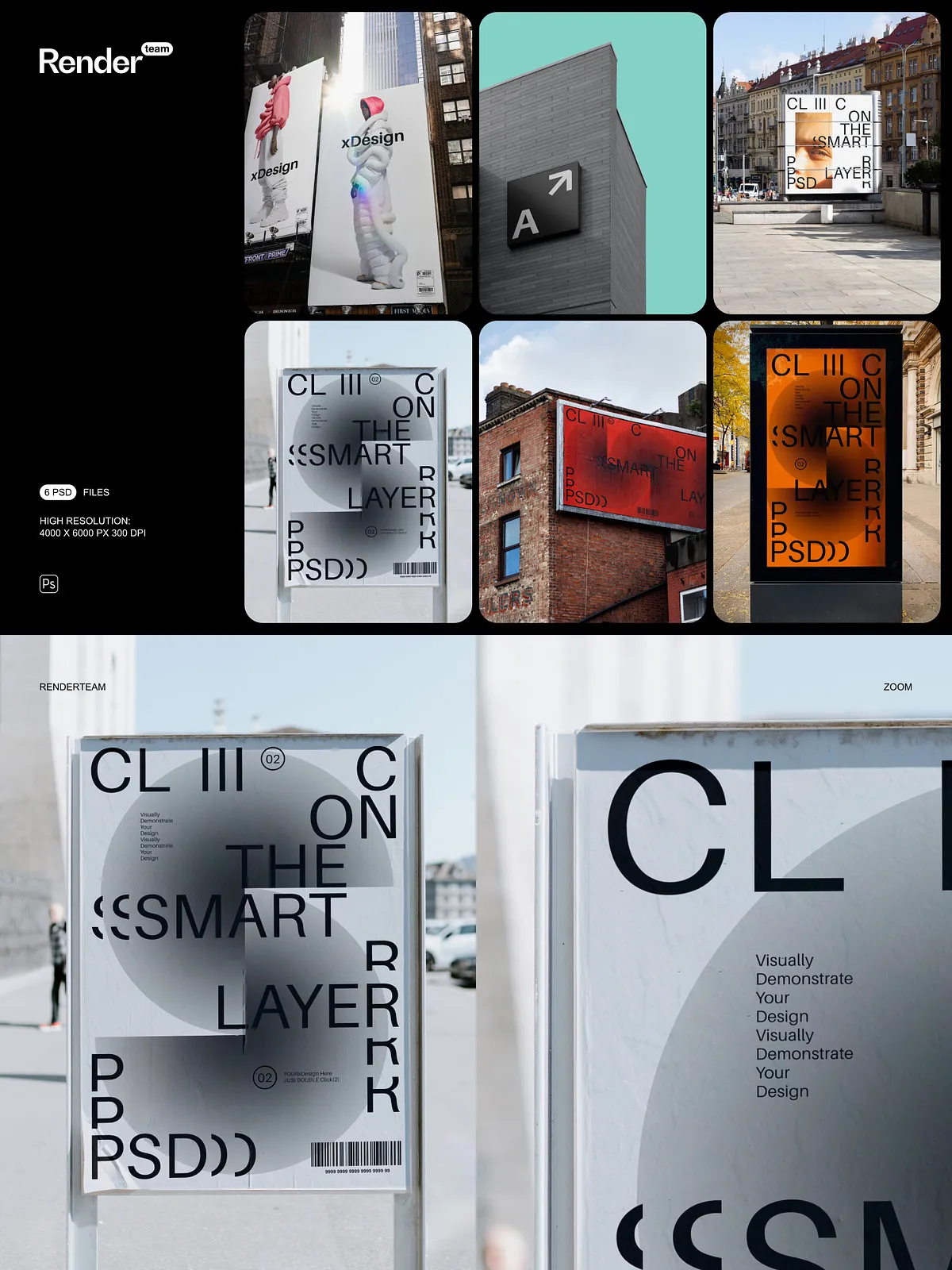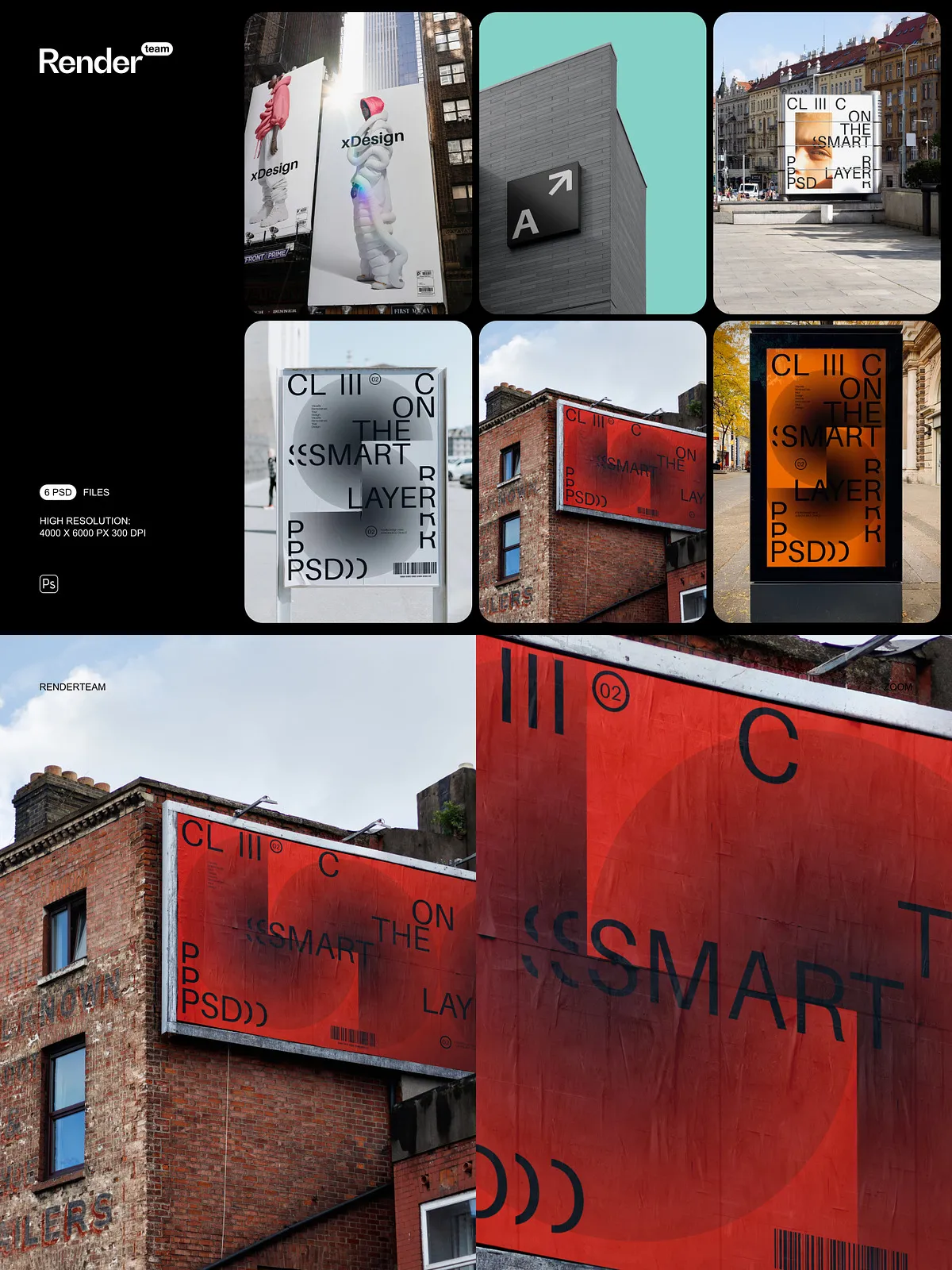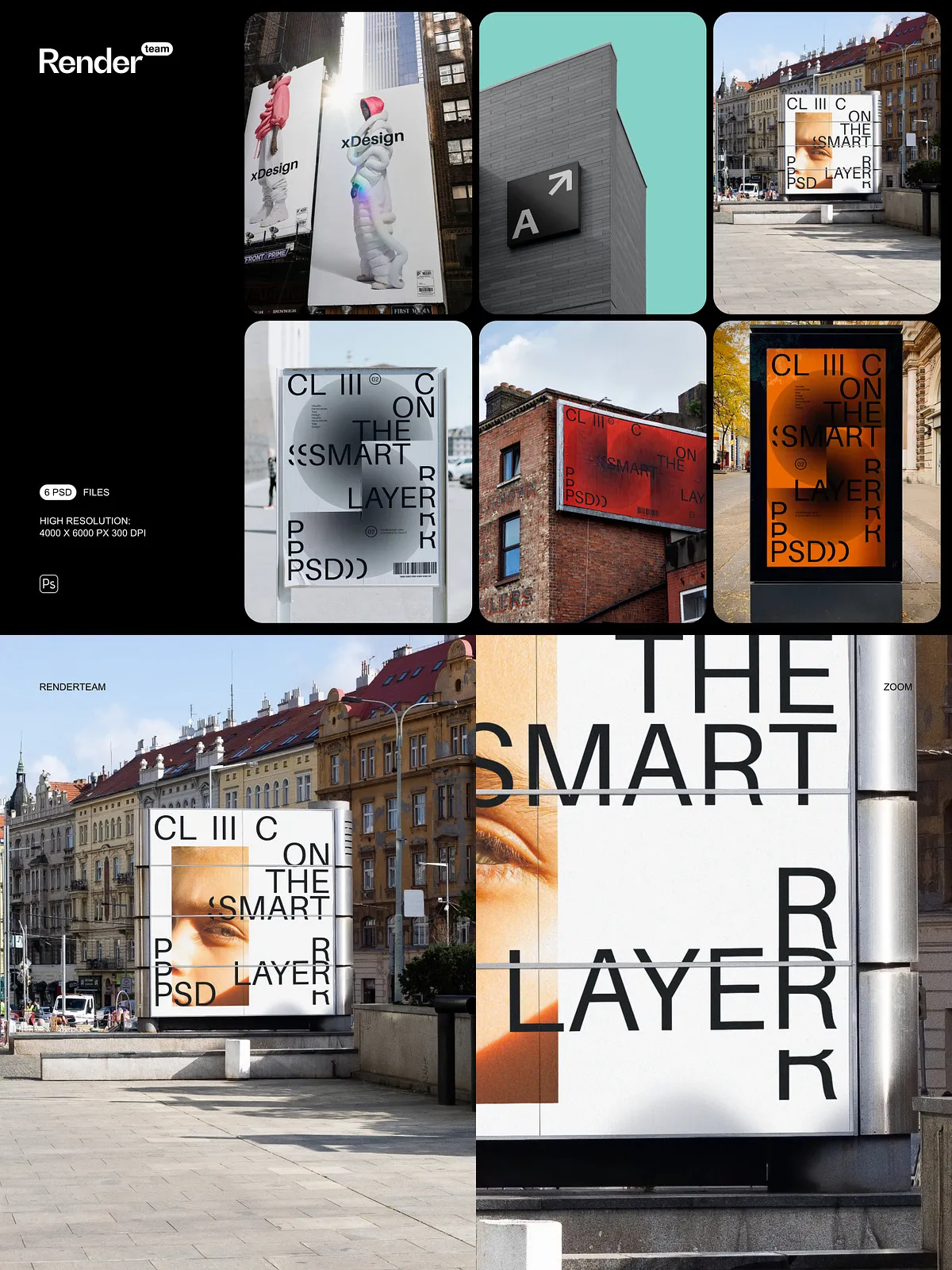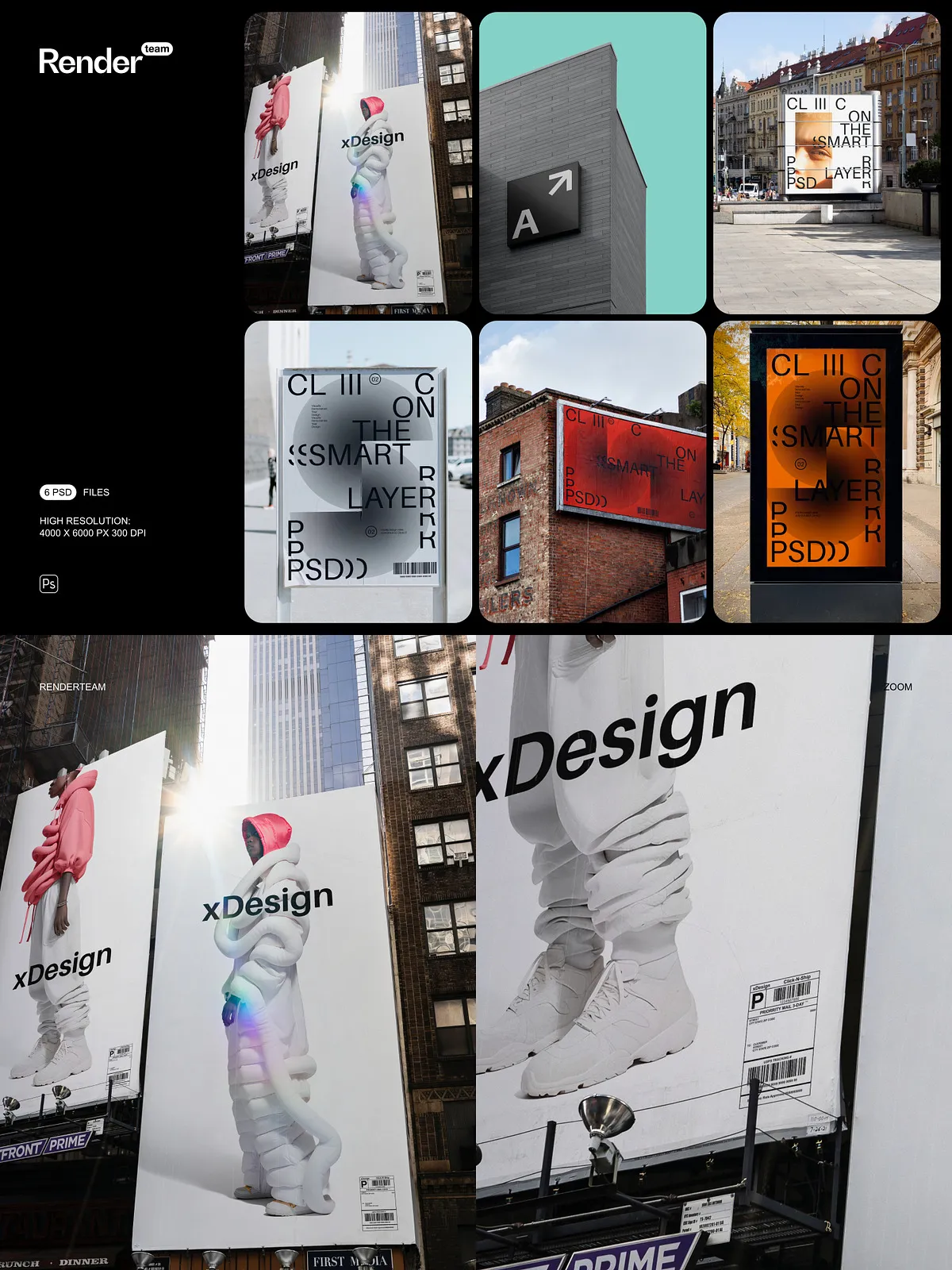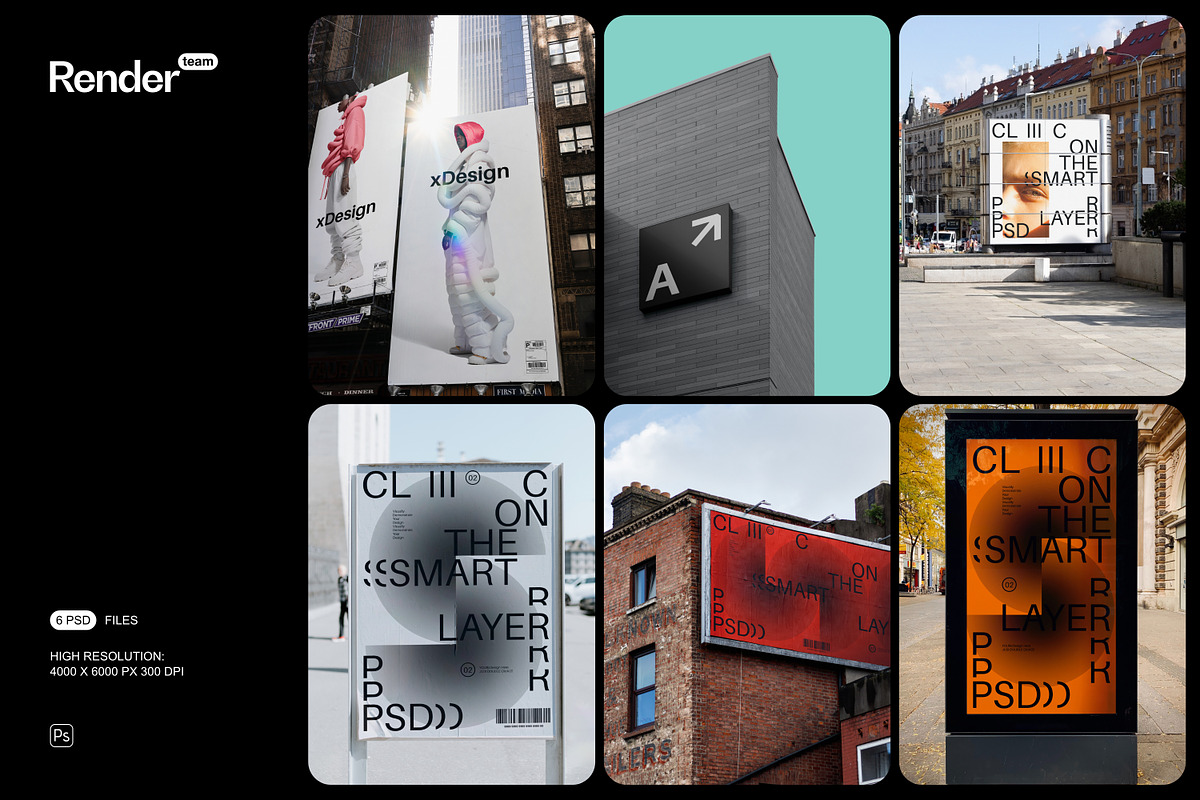
The Advertising Mockup Set delivers six high-resolution, portrait-oriented PSD mockups specifically crafted to present advertising designs with clarity and impact. Each file is fully layered and prepared for Smart Object editing so you can insert artwork quickly and produce professional visuals for client pitches, portfolio pages, online stores, and promotional campaigns. The pack emphasizes speed, fidelity, and ease of use to help you convert concepts to polished presentations without technical friction.
What’s Included
Files and Documentation
- 6 layered PSD mockup files, optimized for portrait advertising formats
- PDF help file containing step-by-step instructions, recommended export settings, and troubleshooting tips
Technical Specifications
- Resolution: 4000 × 6000 px at 300 dpi for crisp, print-ready results
- Orientation: Portrait
- Fully editable Smart Objects for instant artwork replacement
- Organized layers and clearly named folders to speed up editing
- All core objects and shadows isolated to allow precise compositing
Key Features and Benefits
Smart Object–Driven Workflow
Replace artwork in seconds using Smart Objects. Double-click the Smart Object layer, paste or place your design, save, and the mockup updates automatically with correct perspective and blending. This approach keeps your original assets intact and dramatically reduces turnaround time for multiple revisions.
High-Resolution Portrait Output
With a 4000 × 6000 px canvas at 300 dpi, these mockups produce sharp, detailed images that work equally well for large-format prints and detailed online previews. The portrait orientation aligns with common advertising formats such as posters, magazine ads, and vertical displays, enabling accurate presentation of scale and composition.
Organized Layers for Efficient Editing
Layers and groups follow a clear naming convention so you can find and modify elements without digging through complex hierarchies. Adjustment layers and editable color overlays allow you to harmonize tones non-destructively, test variations, and match brand guidelines quickly.
Versatile Advertising Contexts
The set includes multiple portrait scenes suitable for different advertising needs—studio shots, in-situ placements, product display contexts, and clean isolated layouts—so you can choose the best environment to sell the concept and communicate message hierarchy effectively.
How to Use — Quick Start
- Open the PSD file in Adobe Photoshop (Creative Cloud recommended for best compatibility).
- Locate the Smart Object layer labeled for artwork or content and double-click to open it.
- Place your design inside the Smart Object at the recommended canvas size, align and scale, then save the Smart Object window.
- Adjust lighting, shadow, and color layers to match your brand tone and the desired mood.
- Export the final composition as JPEG, PNG, or TIFF at the desired resolution for web, social, or print.
Recommended Use Cases
Use the Advertising Mockup Set to produce client-ready presentations, create portfolio entries that demonstrate real-world scale, visualize print campaigns before production, and generate marketing visuals for online product pages. The portrait orientation makes these files ideal for posters, magazine spreads, vertical displays, and social ad creatives that require a tall composition.
Compatibility and Requirements
To fully utilize Smart Objects and non-destructive layers, use Adobe Photoshop CC or later. Large PSD files require sufficient system memory and disk space; for optimal performance, close unnecessary applications and work on a local drive. Note that any third-party fonts or stock images shown in preview images are not included and should be installed or replaced as needed.
Best Practices and Tips
- Prepare artwork at the mockup’s recommended dimensions to avoid scaling artifacts.
- Use adjustment layers to blend your design with scene lighting and color temperature.
- Keep a backup of the original PSD files before making heavy edits.
- Export several sizes and formats for web, print, and client review to streamline approvals.