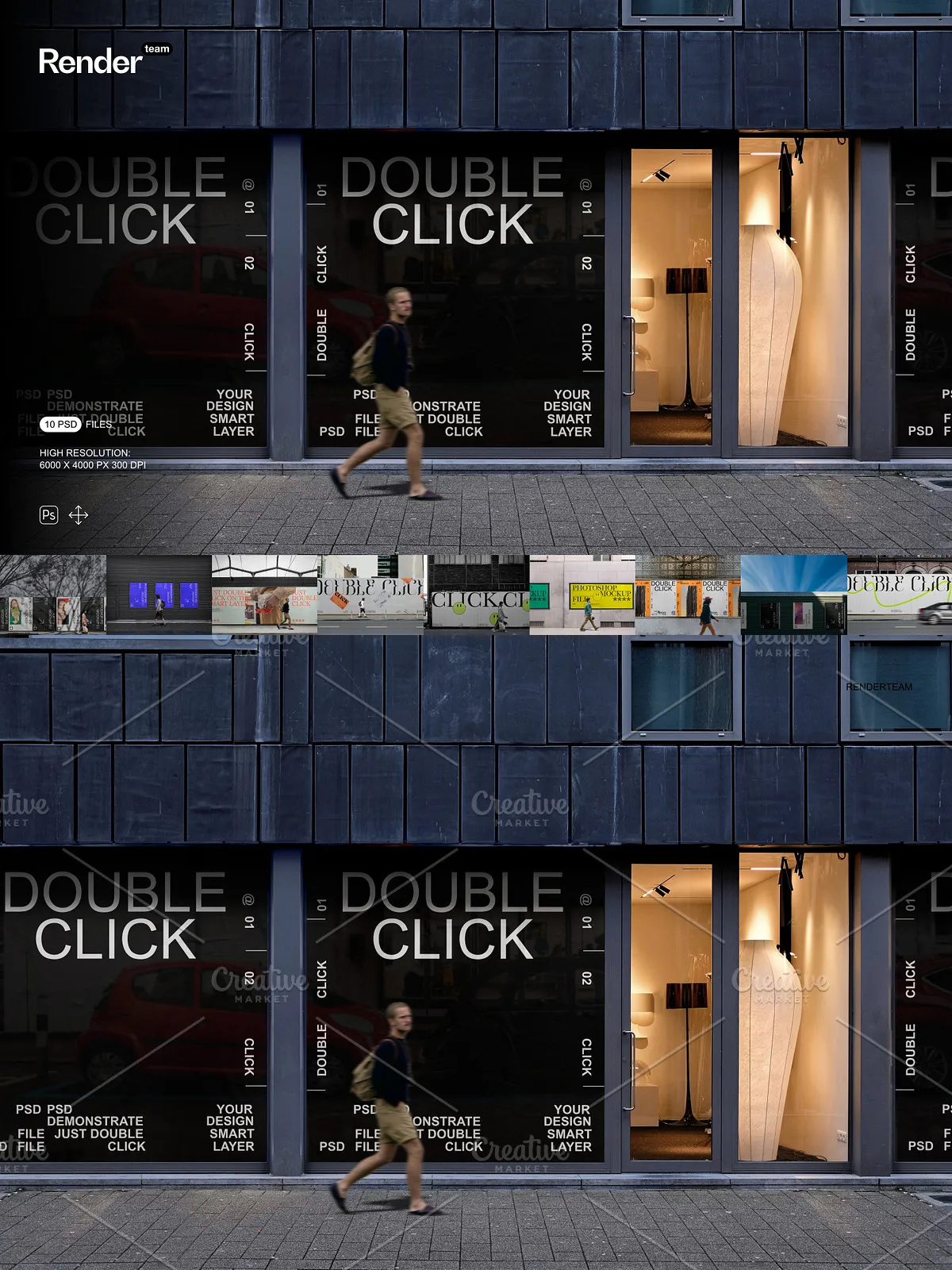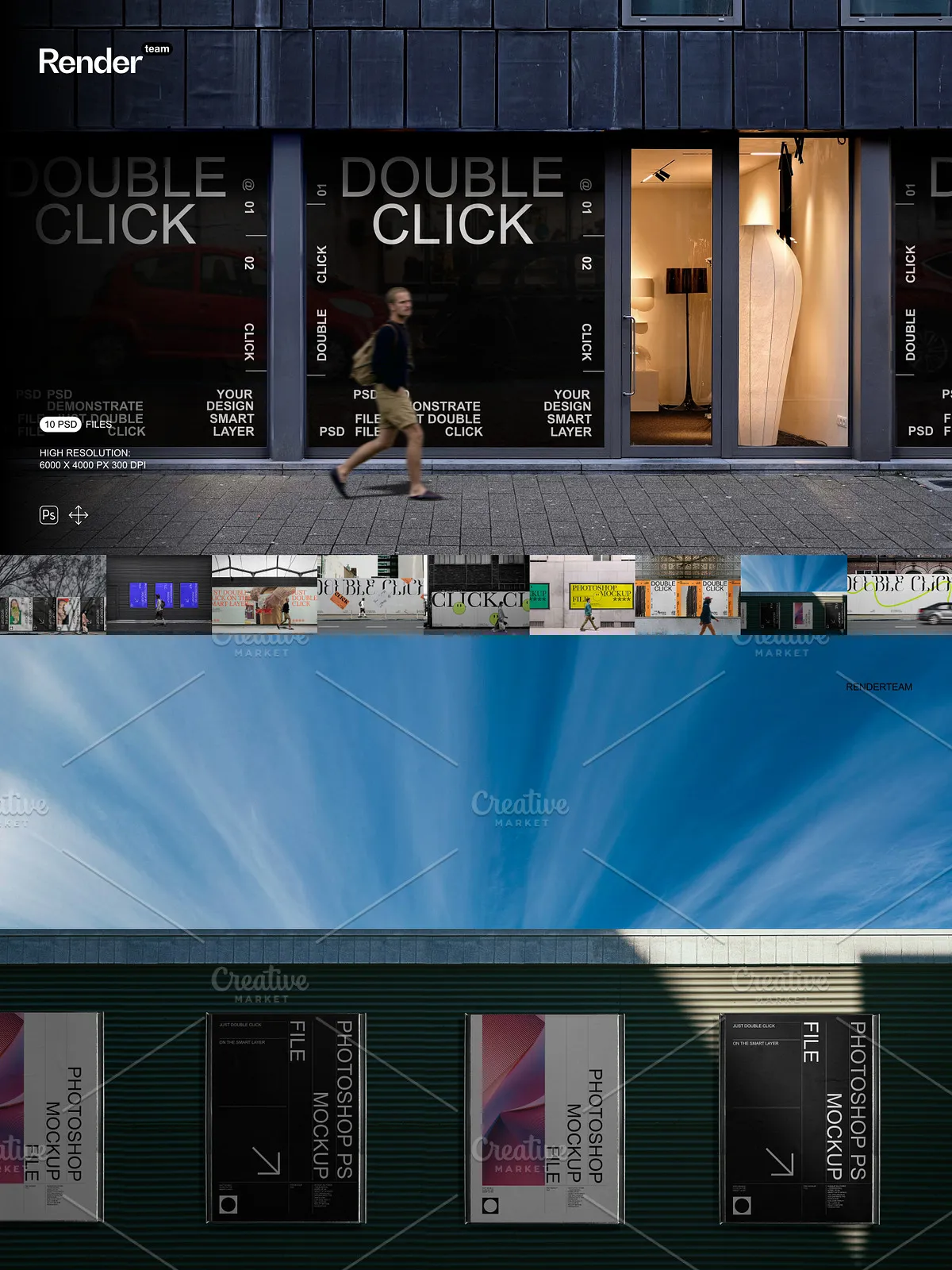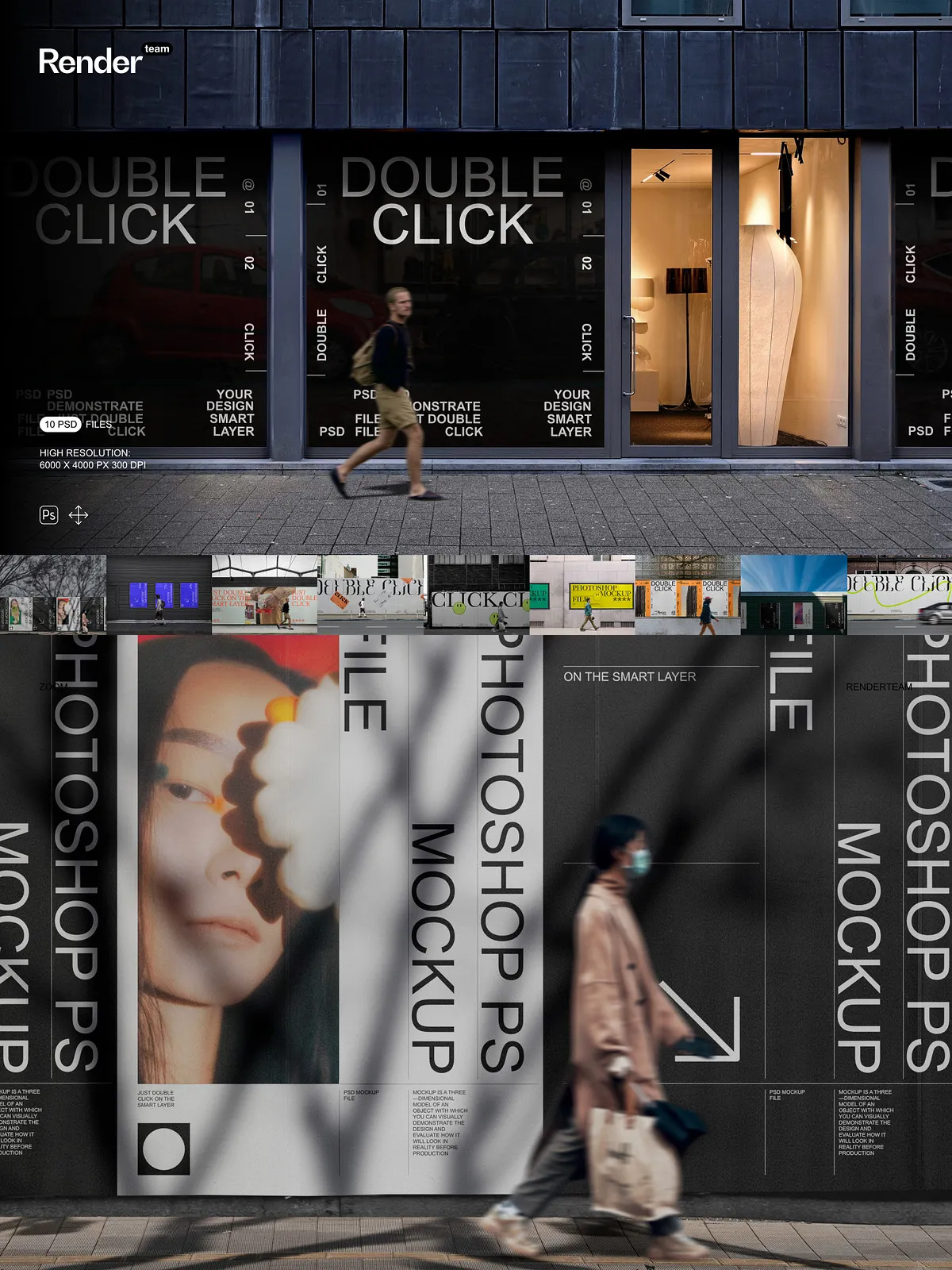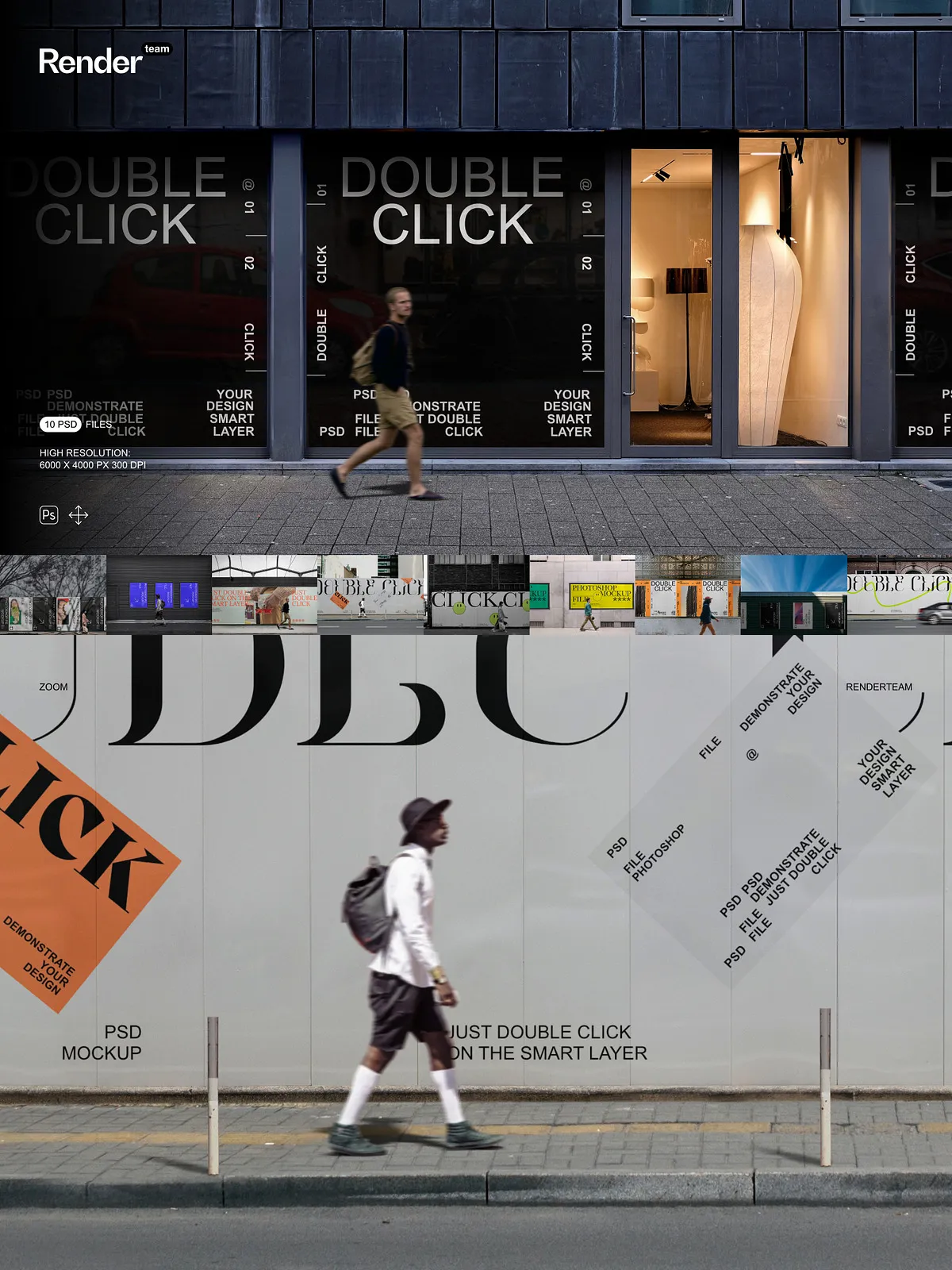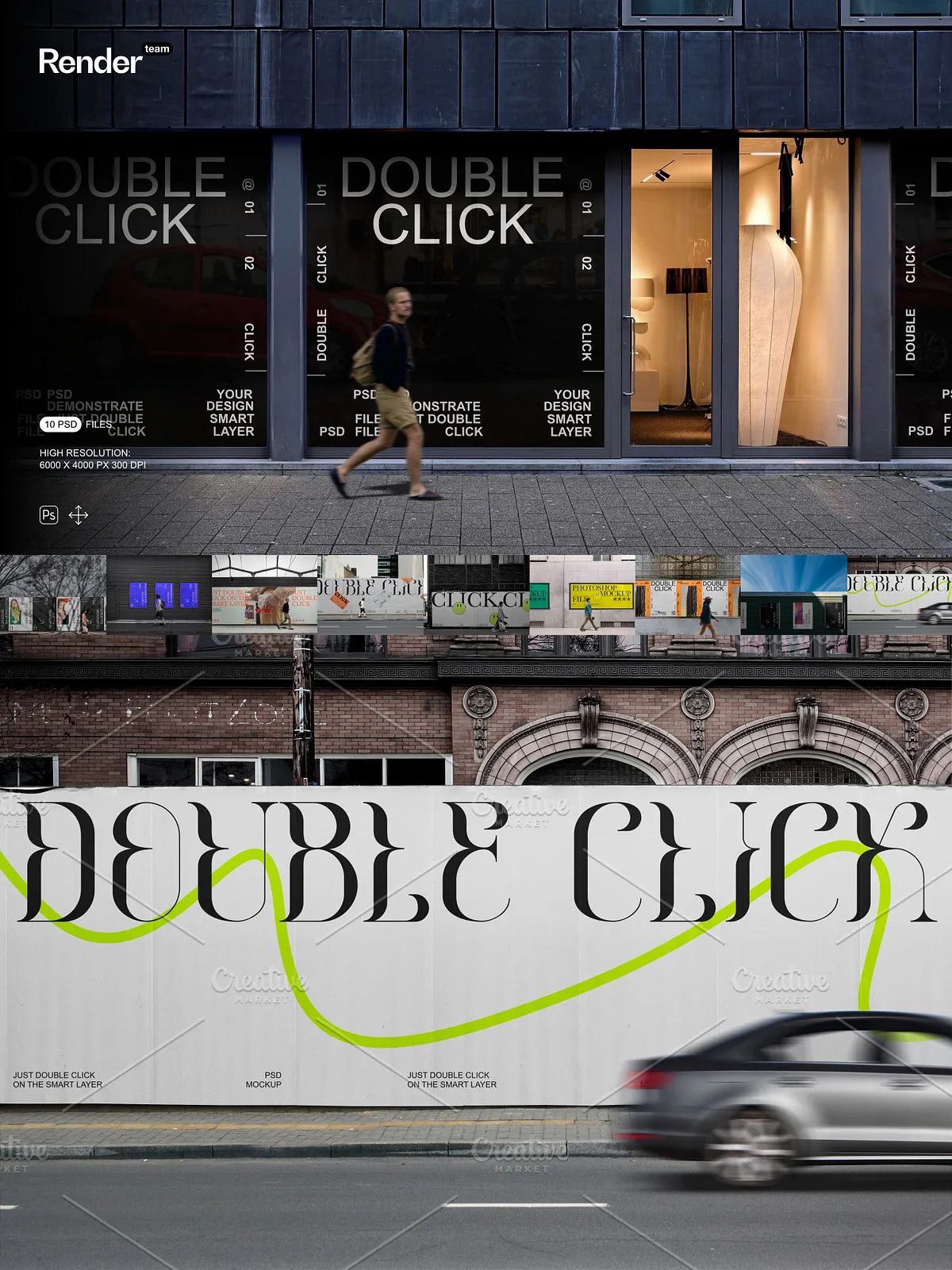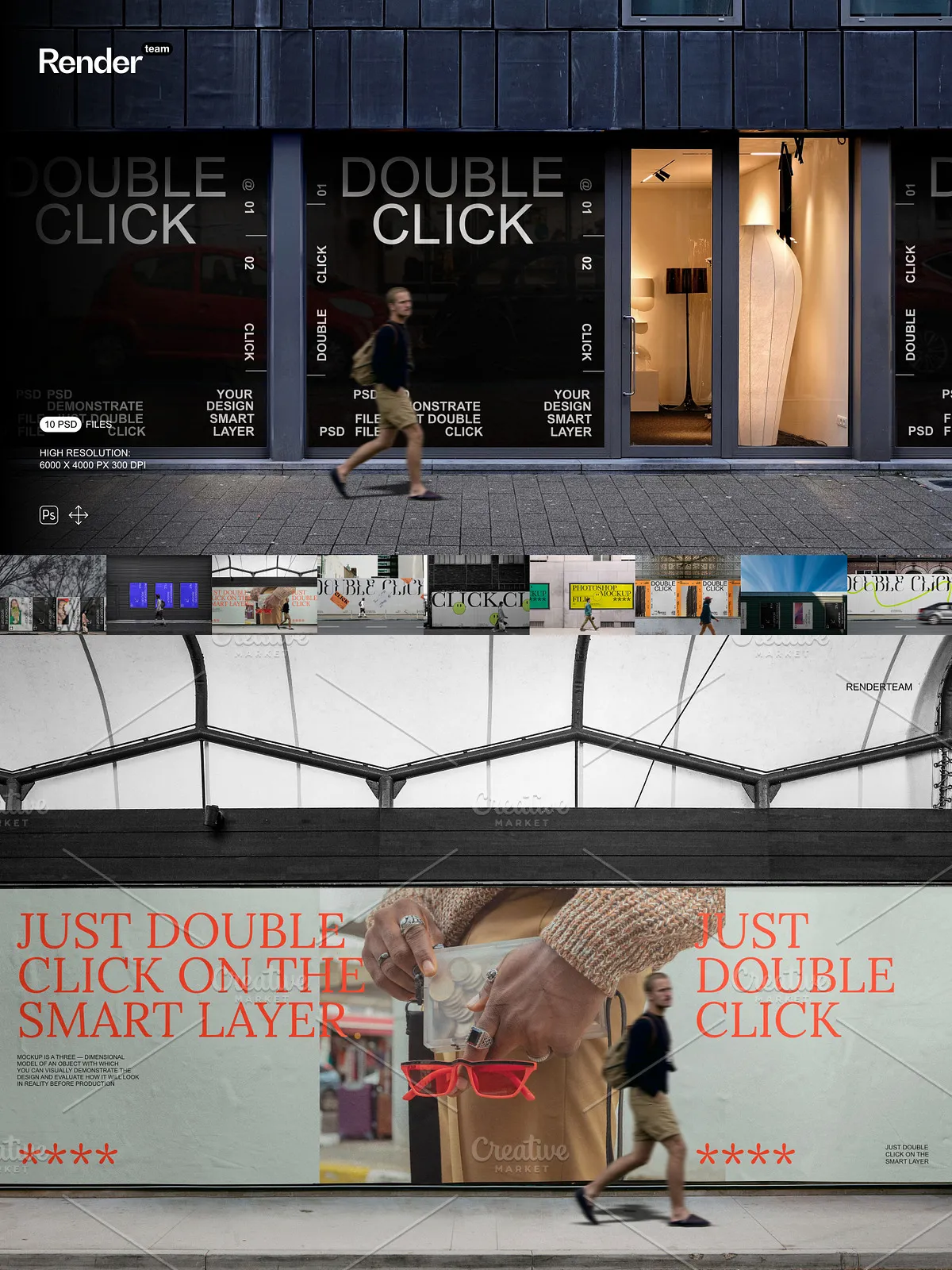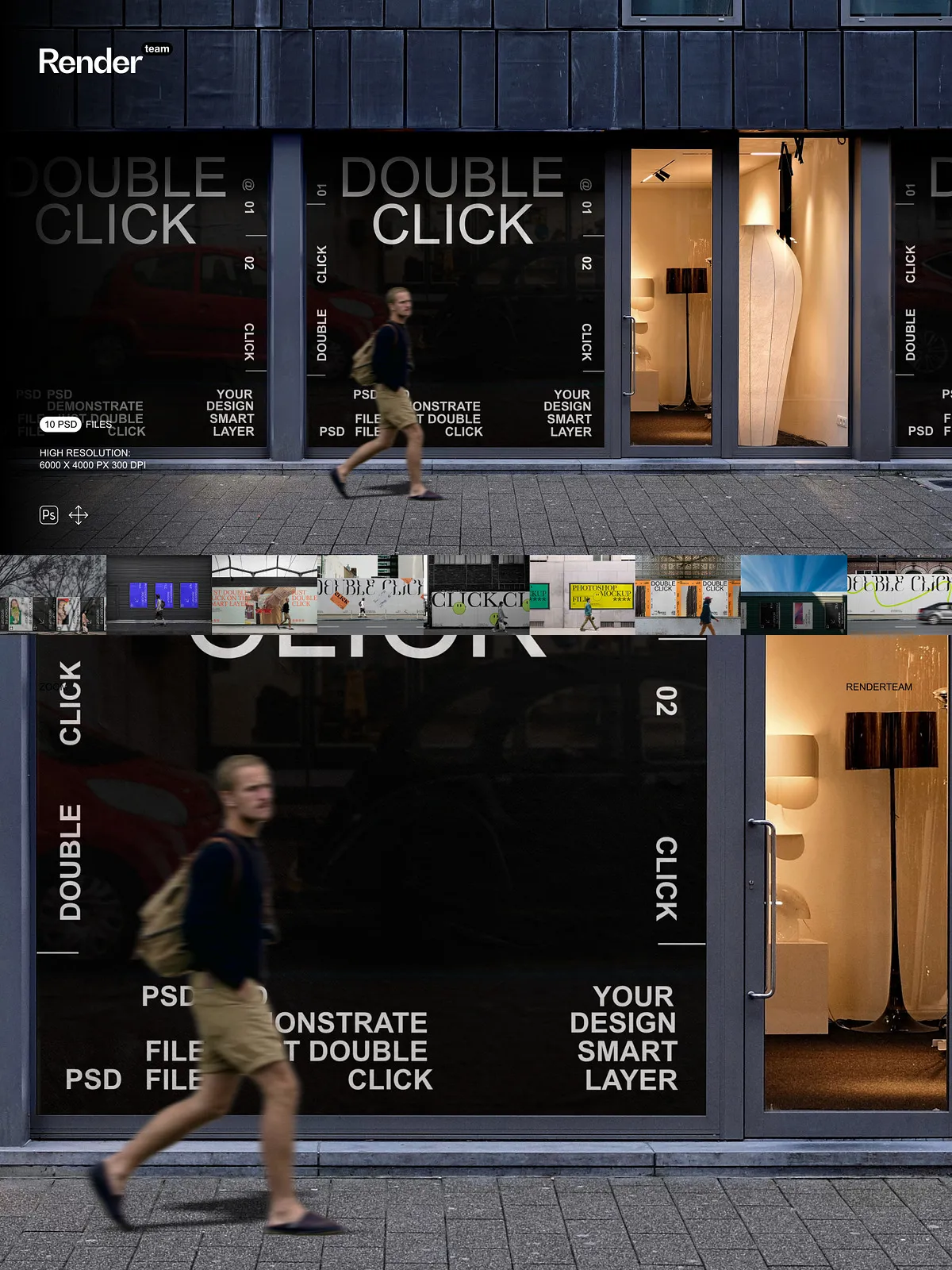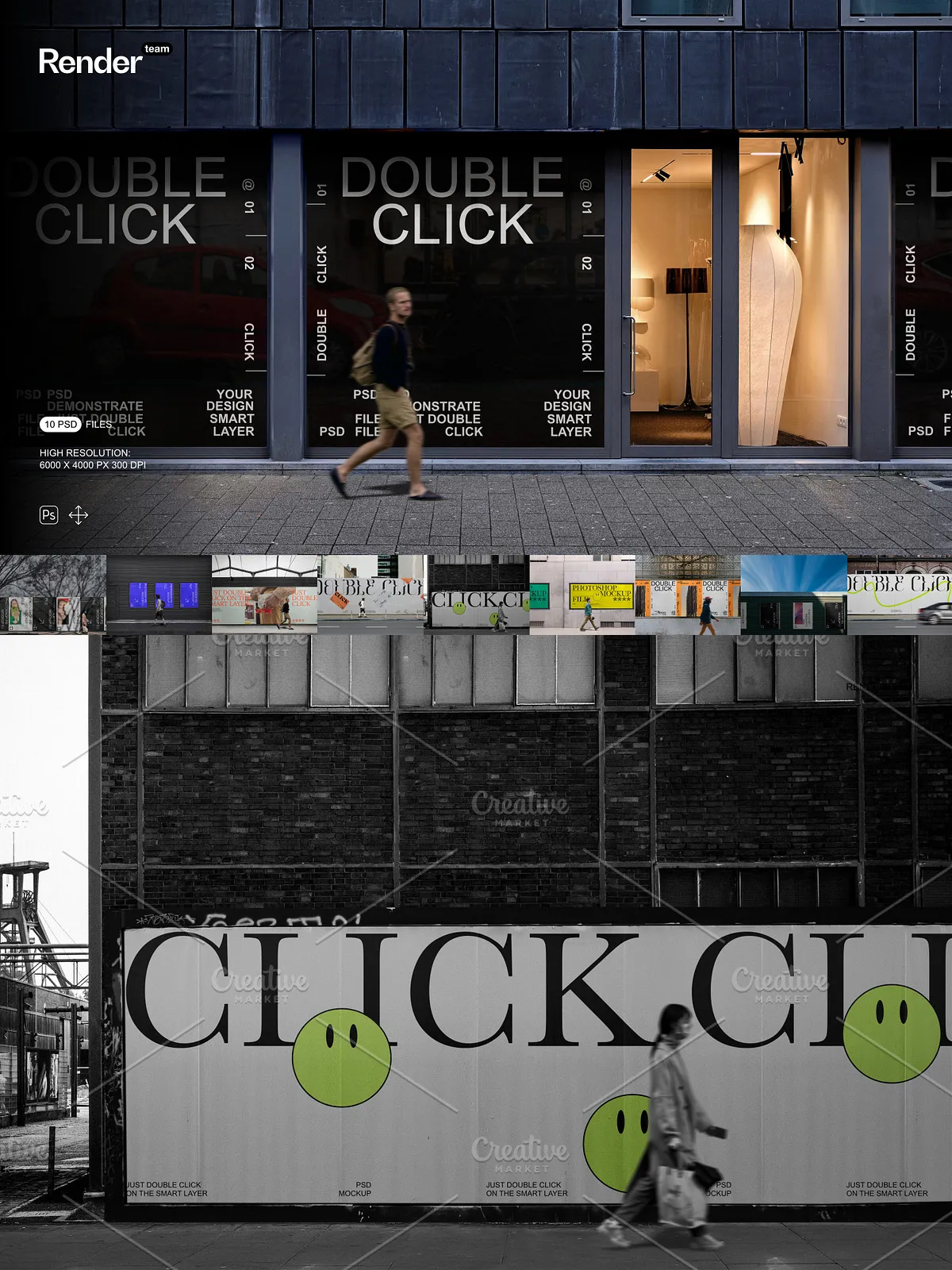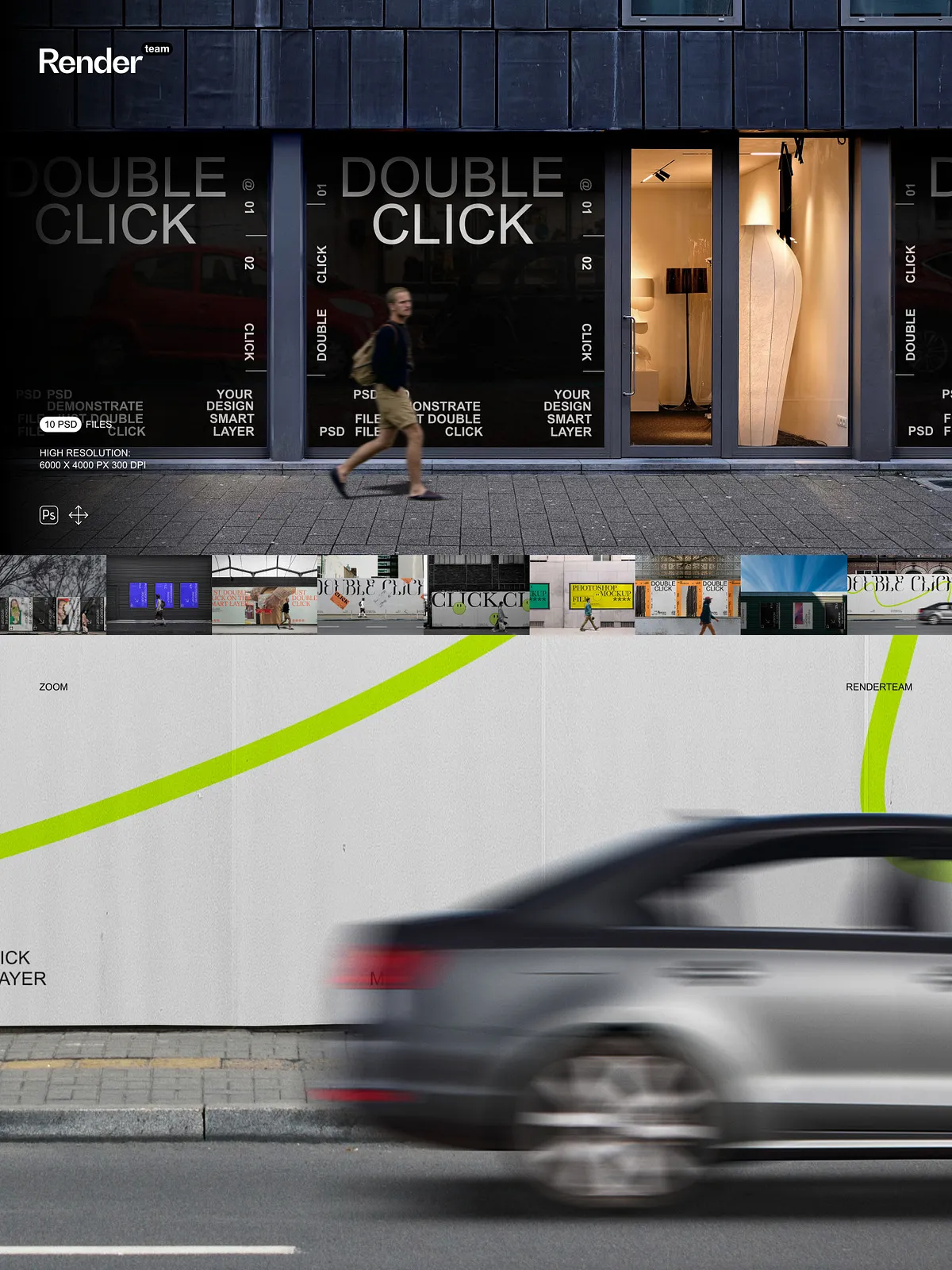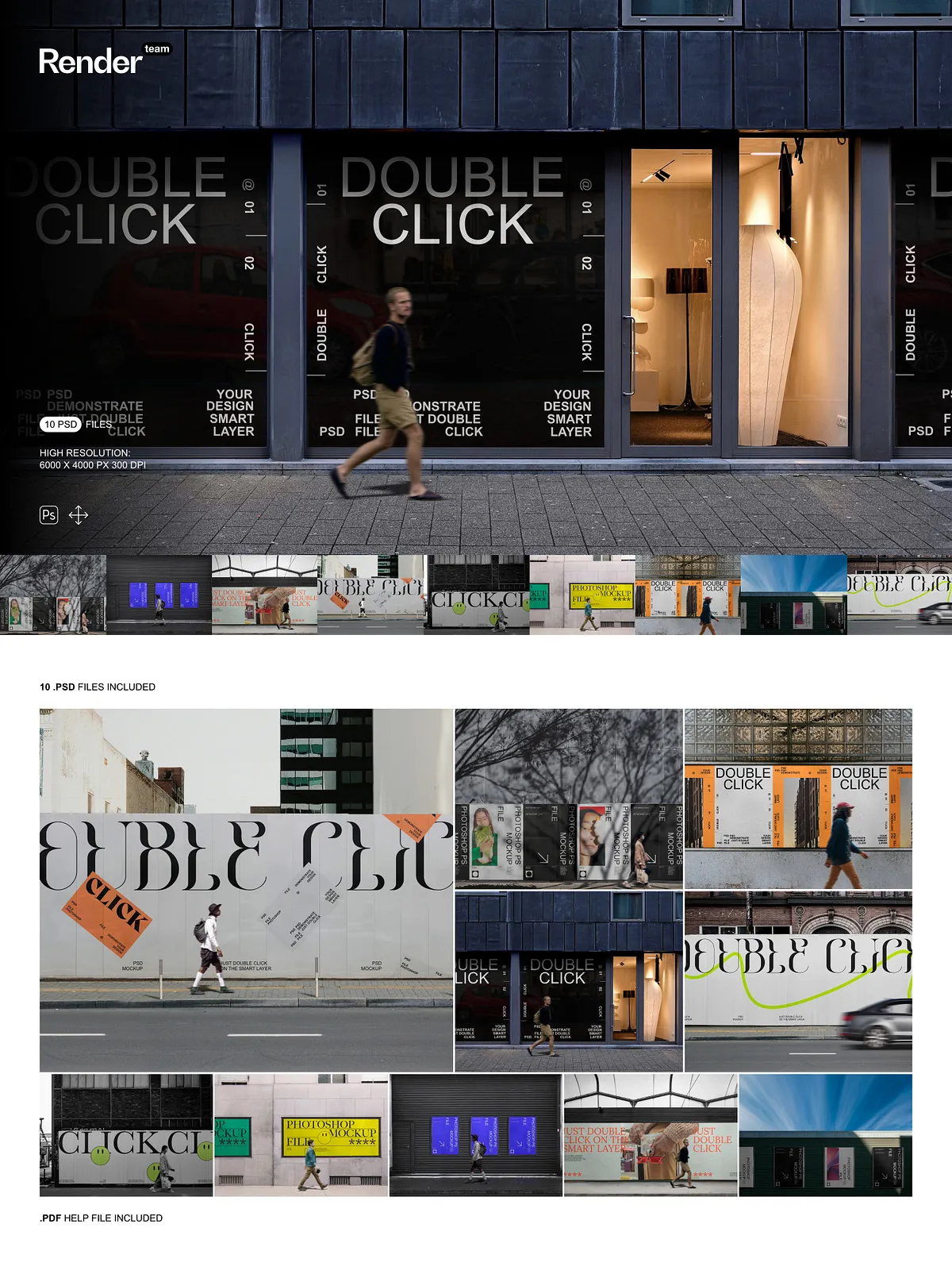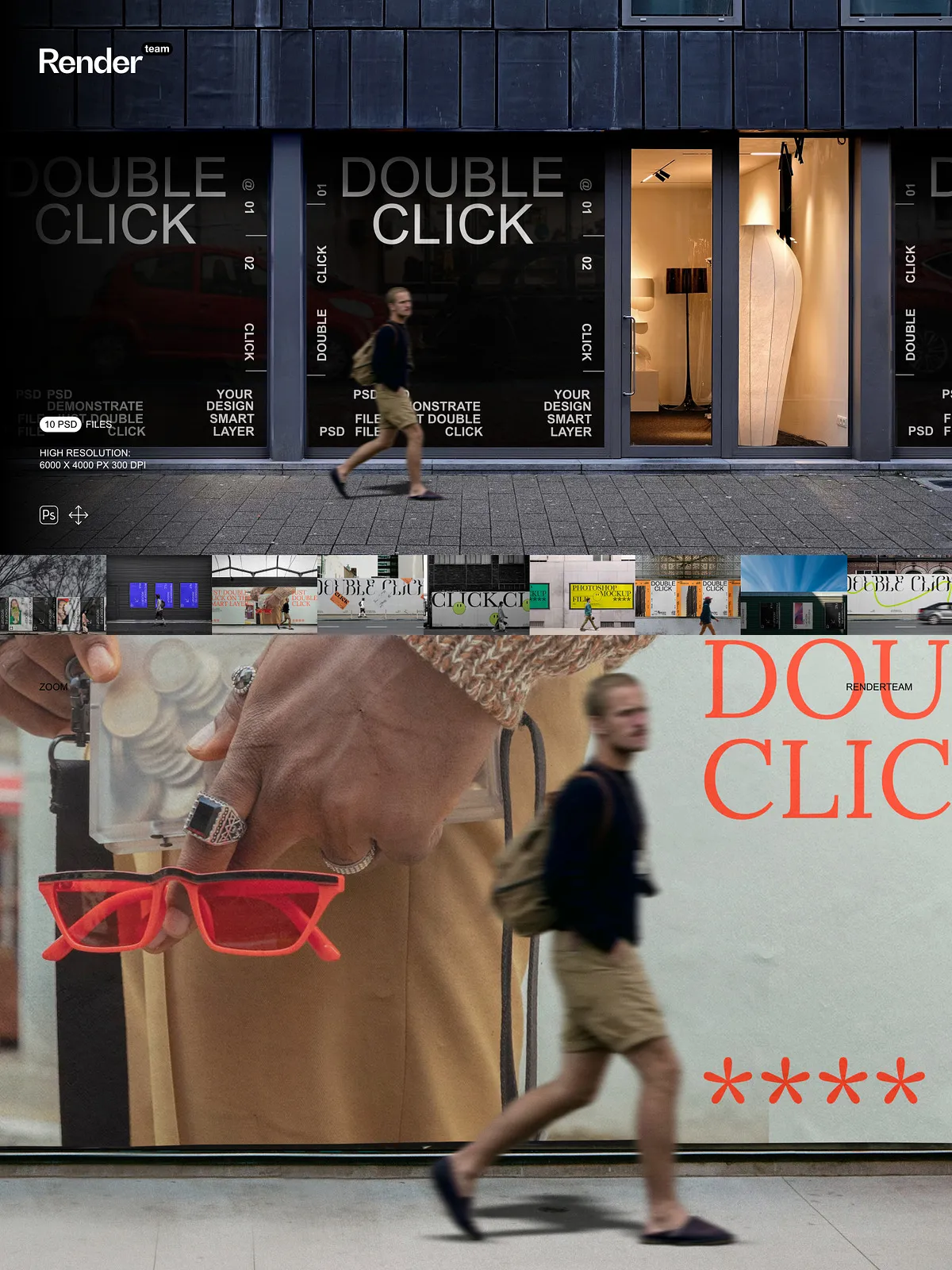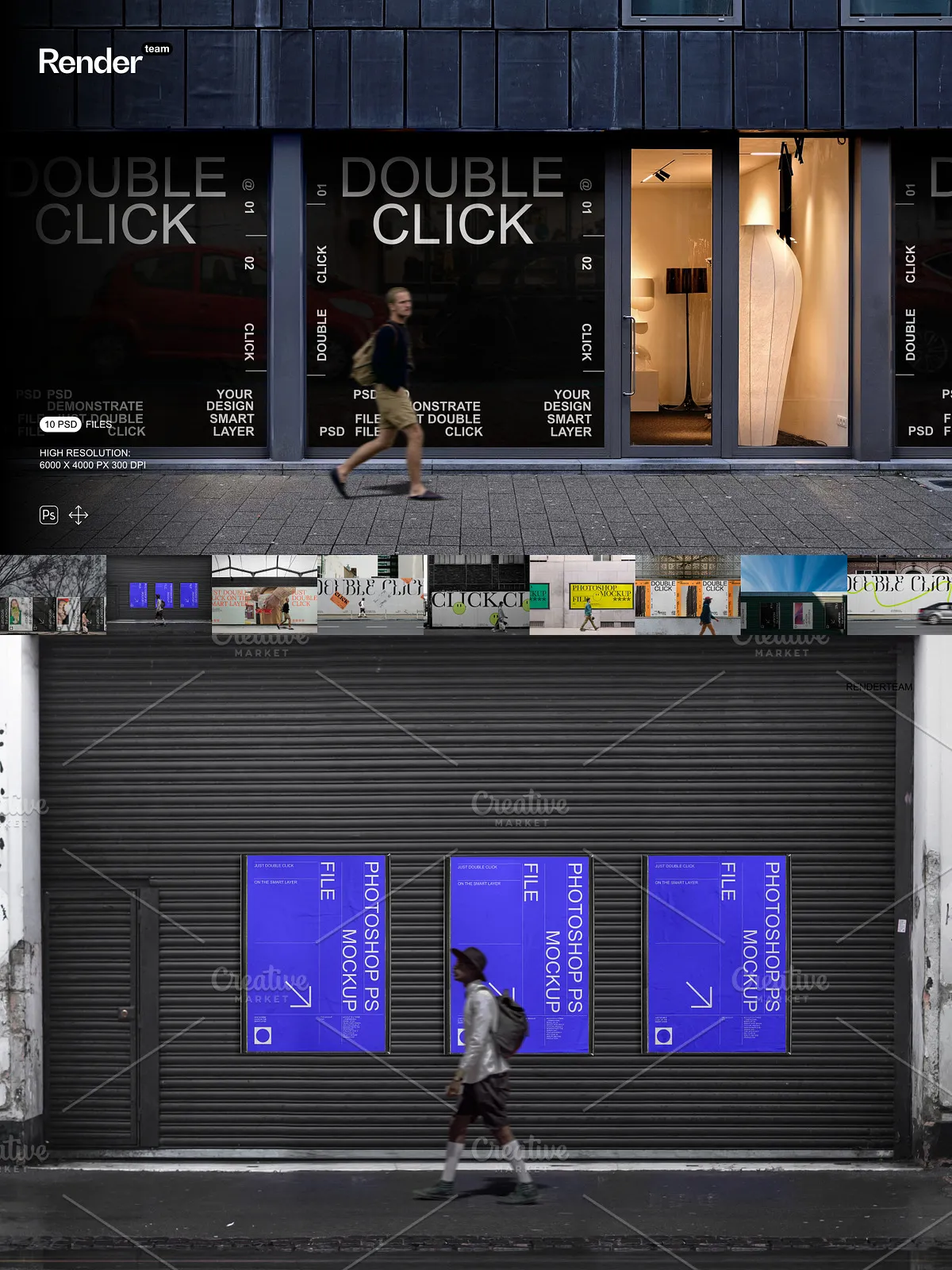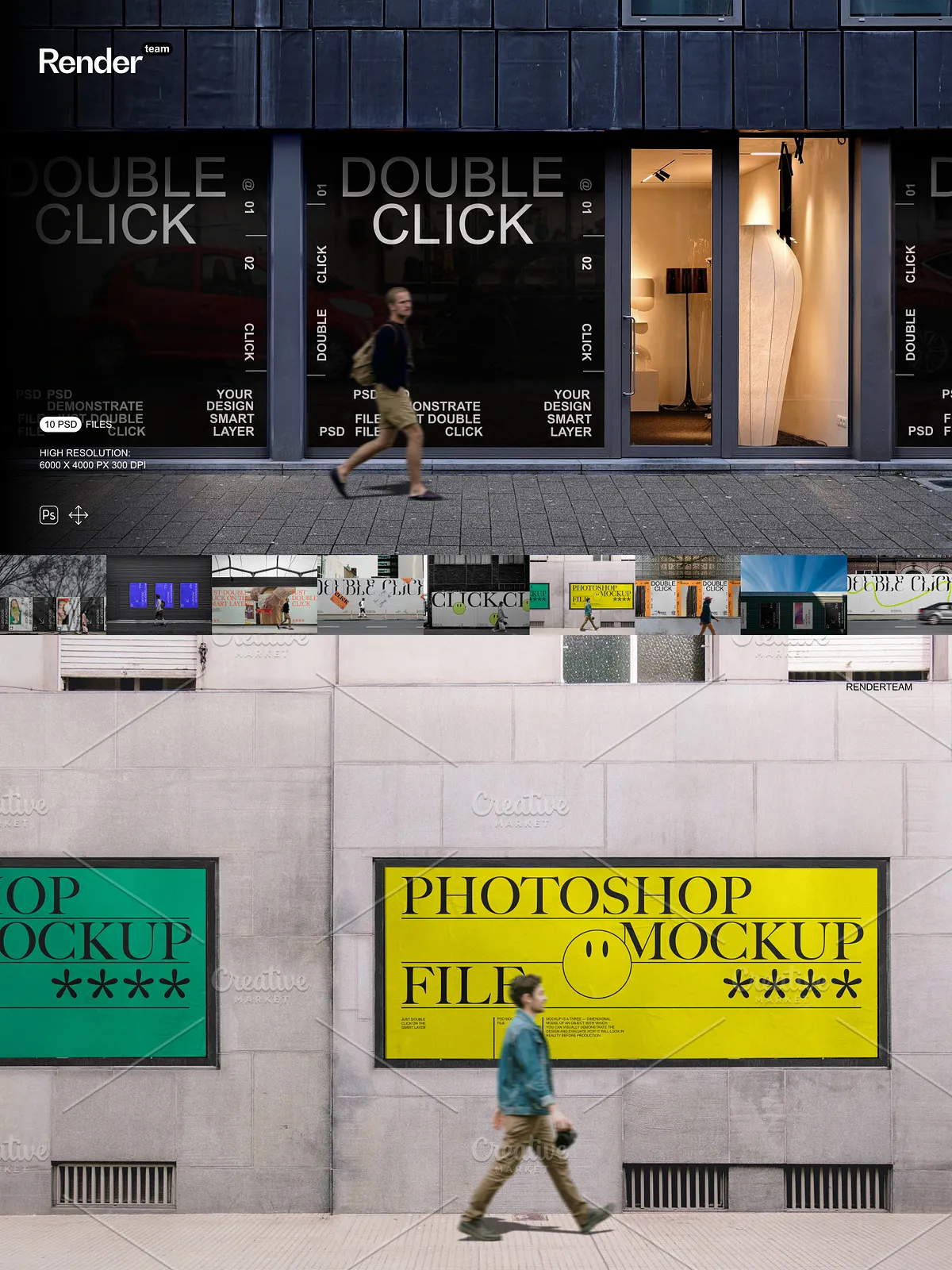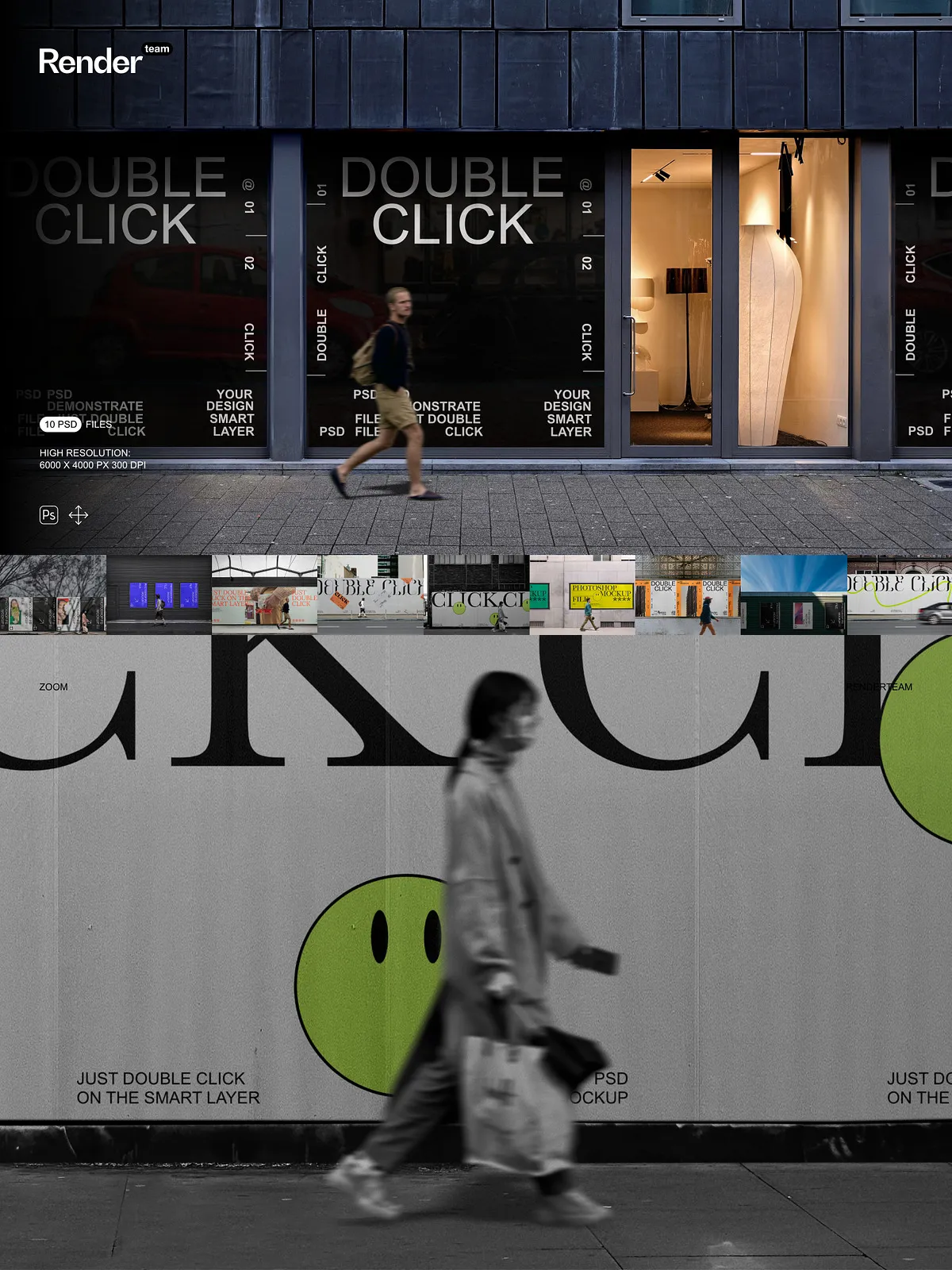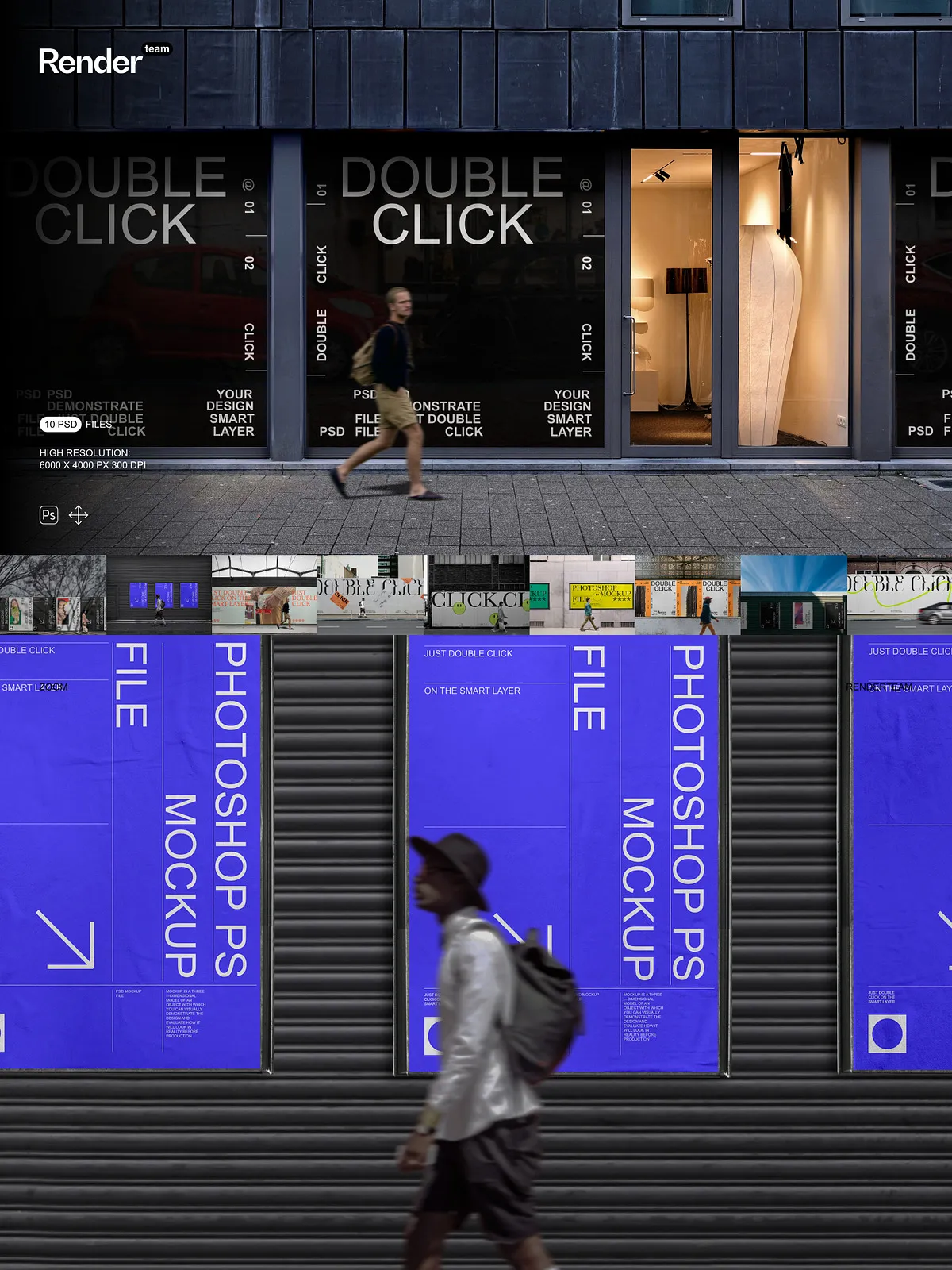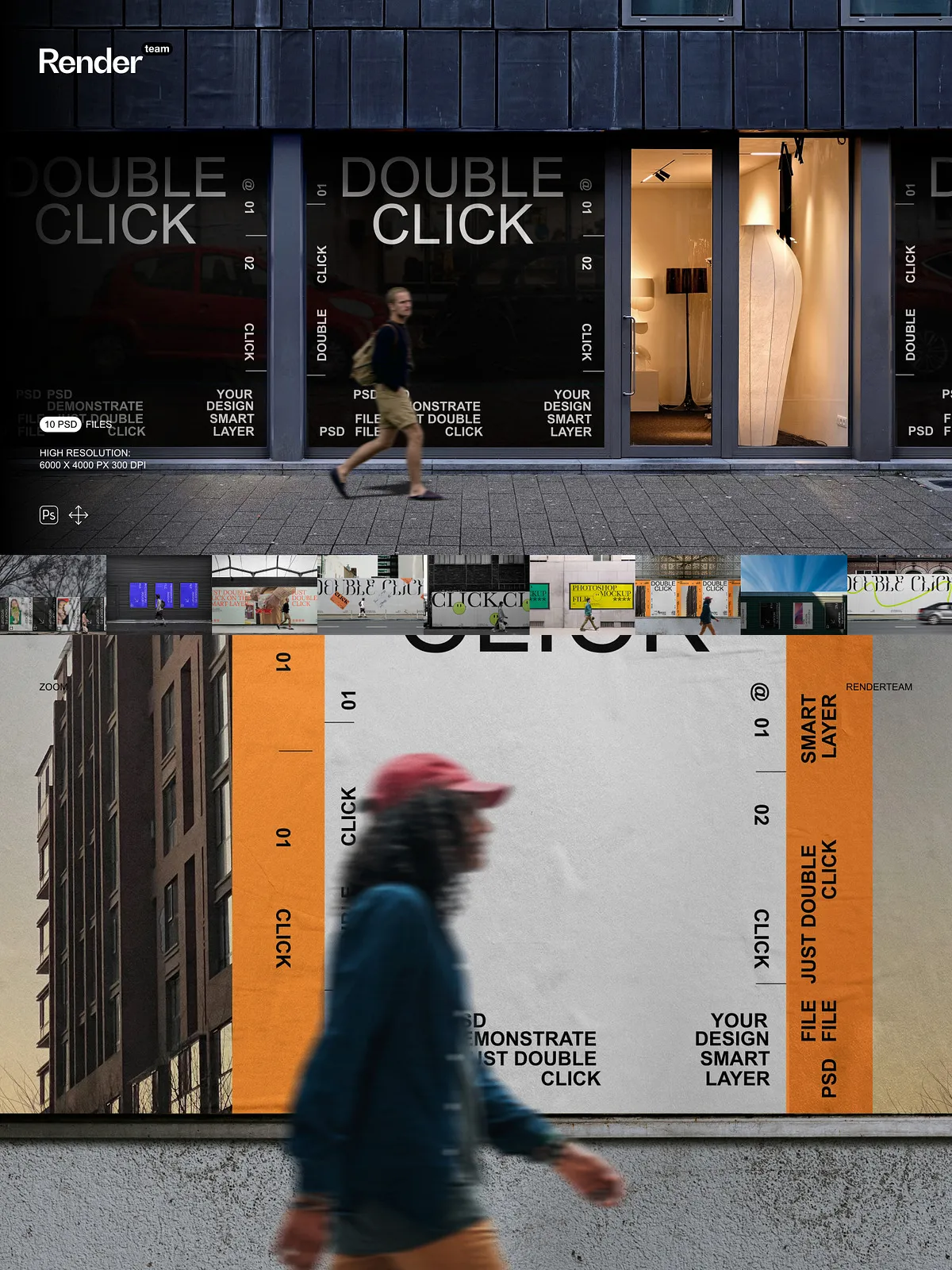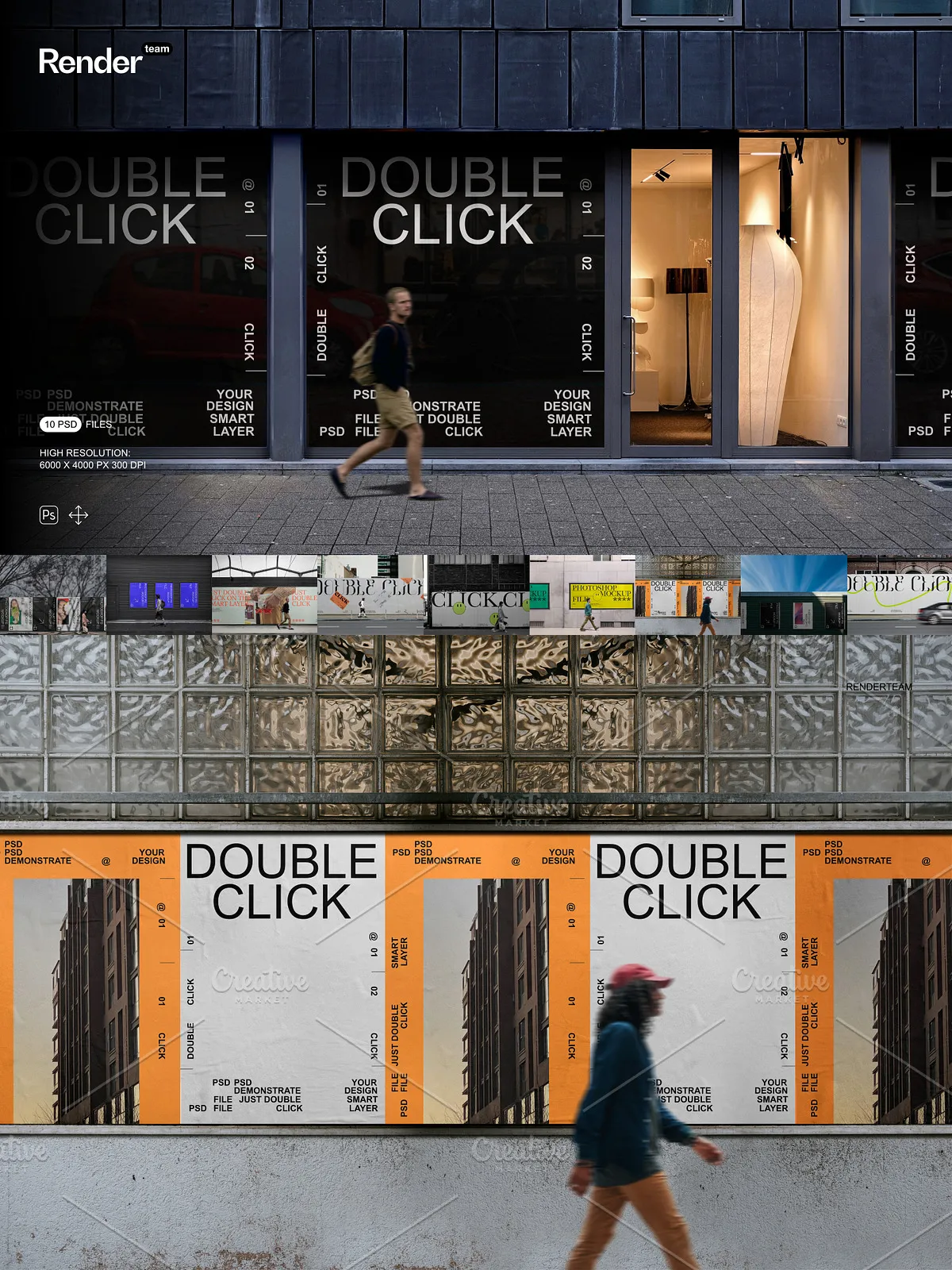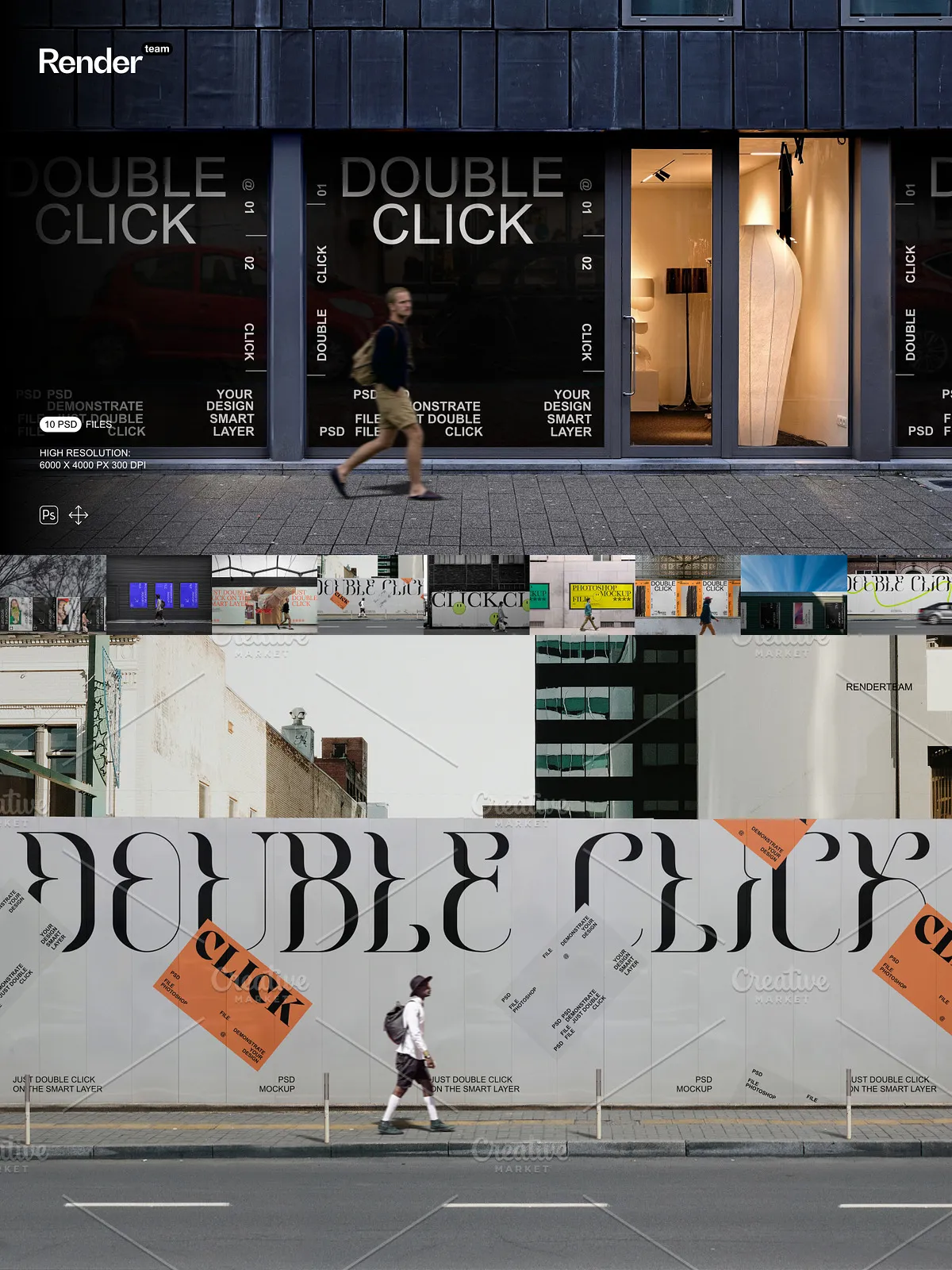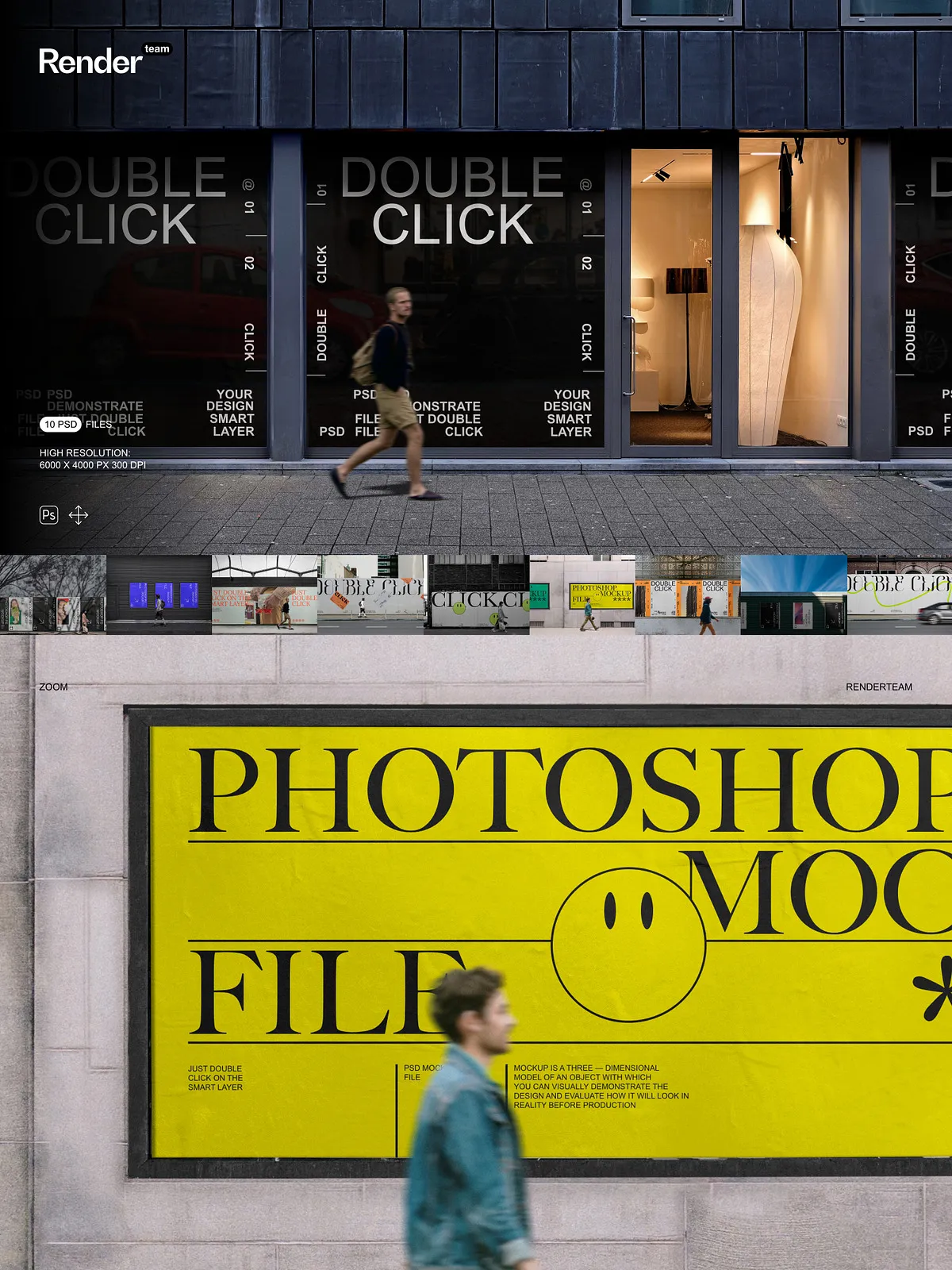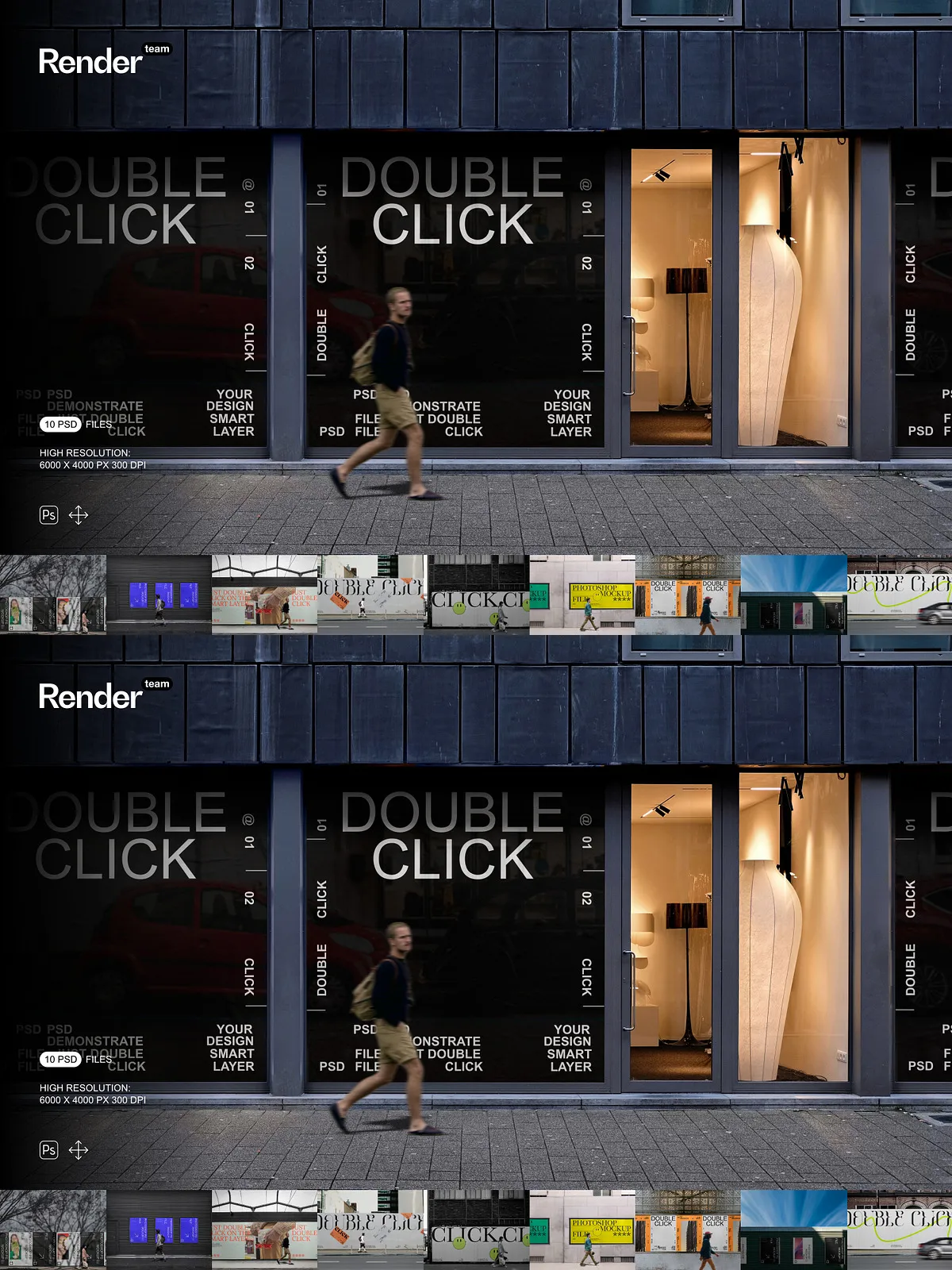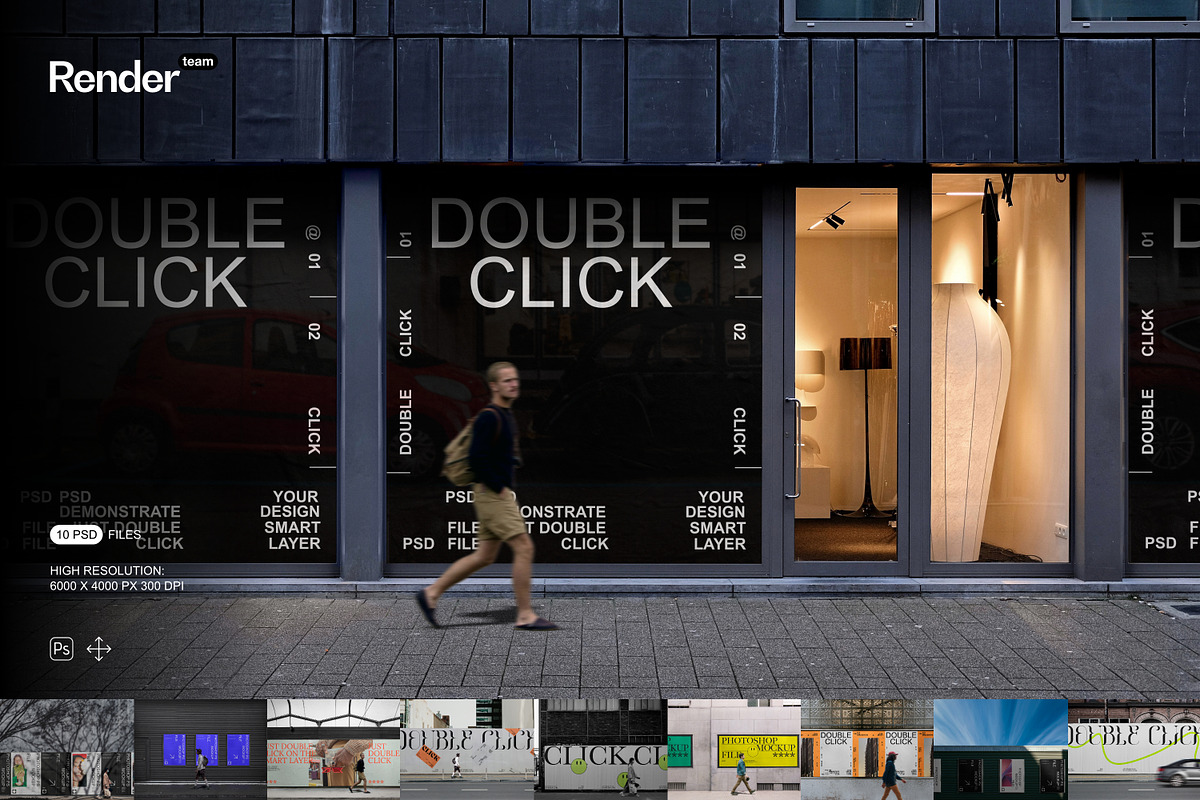
The Urban Mockup Set provides ten professionally composed, fully layered PSD files designed to present your designs in authentic urban environments. Each mockup uses Smart Objects and organized folders to let you replace artwork quickly, refine compositions, and export production-ready images. This pack focuses on speed and realism so you can craft portfolio images, marketing hero banners, social posts, and client presentations with minimal setup.
What’s Included
Files and Documentation
- 10 layered PSD mockup files showcasing a variety of urban contexts (billboards, storefronts, posters, transit placements, and building wraps)
- PDF help file containing step-by-step editing instructions, recommended export settings, and troubleshooting tips
Technical Specifications
- Resolution: 6000 × 4000 px at 300 dpi for crisp, high-fidelity output suitable for both web and large-format print
- Fully editable elements with Smart Object integration for instant artwork replacement
- Organized layers and named folders to speed up navigation and collaborative work
- All main objects editable and isolated to allow clean compositing and transparent exports
Key Features and Benefits
Rapid Smart Object Workflow
Open any PSD, double-click the Smart Object, paste or place your design, and save — the mockup updates automatically. This workflow preserves perspective, reflections, and environmental blending so you can produce polished variations in minutes rather than hours.
Organized Layers for Efficient Editing
Layers and groups use clear naming conventions so you can find and edit assets without hunting through complex hierarchies. Adjustment layers and editable color overlays let you fine-tune tones non-destructively, enabling you to test multiple looks while keeping the original files intact.
High-Resolution Output
With 6000 × 4000 px at 300 dpi, the mockups deliver sharp results for hero website images, printed posters, and presentation visuals. The high resolution ensures you can crop, zoom, or scale without compromising detail, so your final deliverables remain professional across mediums.
Versatile Urban Scenarios
The set covers multiple urban placements — from street-level posters and bus shelters to large-scale billboards and storefront graphics — letting you demonstrate how a design behaves in diverse real-world settings. Use the variations to build case studies, marketing samples, or product pages that communicate context and scale effectively.
How to Use — Quick Start
- Open the chosen PSD file in Adobe Photoshop (Creative Cloud recommended).
- Locate the Smart Object layer labeled for artwork or screen content and double-click to open it.
- Place your design inside the Smart Object at the recommended canvas size, align and scale, then save the Smart Object.
- Adjust background, lighting, and shadow layers to match your brand tone and desired mood.
- Export the final composition as JPEG, PNG, or TIFF at the desired resolution for web or print delivery.
Recommended Use Cases
Designers, agencies, and marketing teams can use these mockups to visualize campaigns, present branding concepts in situ, create realistic product previews for online stores, and assemble persuasive pitch materials. The realistic urban contexts help clients and stakeholders understand how branding performs across everyday city touchpoints.
Compatibility and Requirements
To edit Smart Objects and maintain full functionality, you need Adobe Photoshop (Creative Cloud recommended). Ensure you have sufficient system memory and disk space to handle large PSD files at high resolution. Preview images may include third-party fonts or stock photos that are not included — install or replace any required assets separately.
Best Practices and Tips
- Prepare artwork at the mockup’s recommended dimensions to avoid scaling artifacts and preserve detail.
- Use adjustment layers to harmonize color and contrast between your artwork and the urban scene.
- Export transparent PNGs when integrating mockups into composite layouts or web templates.
- Create working copies of PSD files before performing heavy edits to retain original assets.
Why Choose the Urban Mockup Set
This mockup pack combines high-resolution assets, a streamlined Smart Object workflow, and thoughtfully organized layers so you can deliver realistic urban presentations quickly. Use the set to accelerate client approvals, enhance portfolio presentation, and produce consistent, high-quality visuals for both digital and print campaigns.