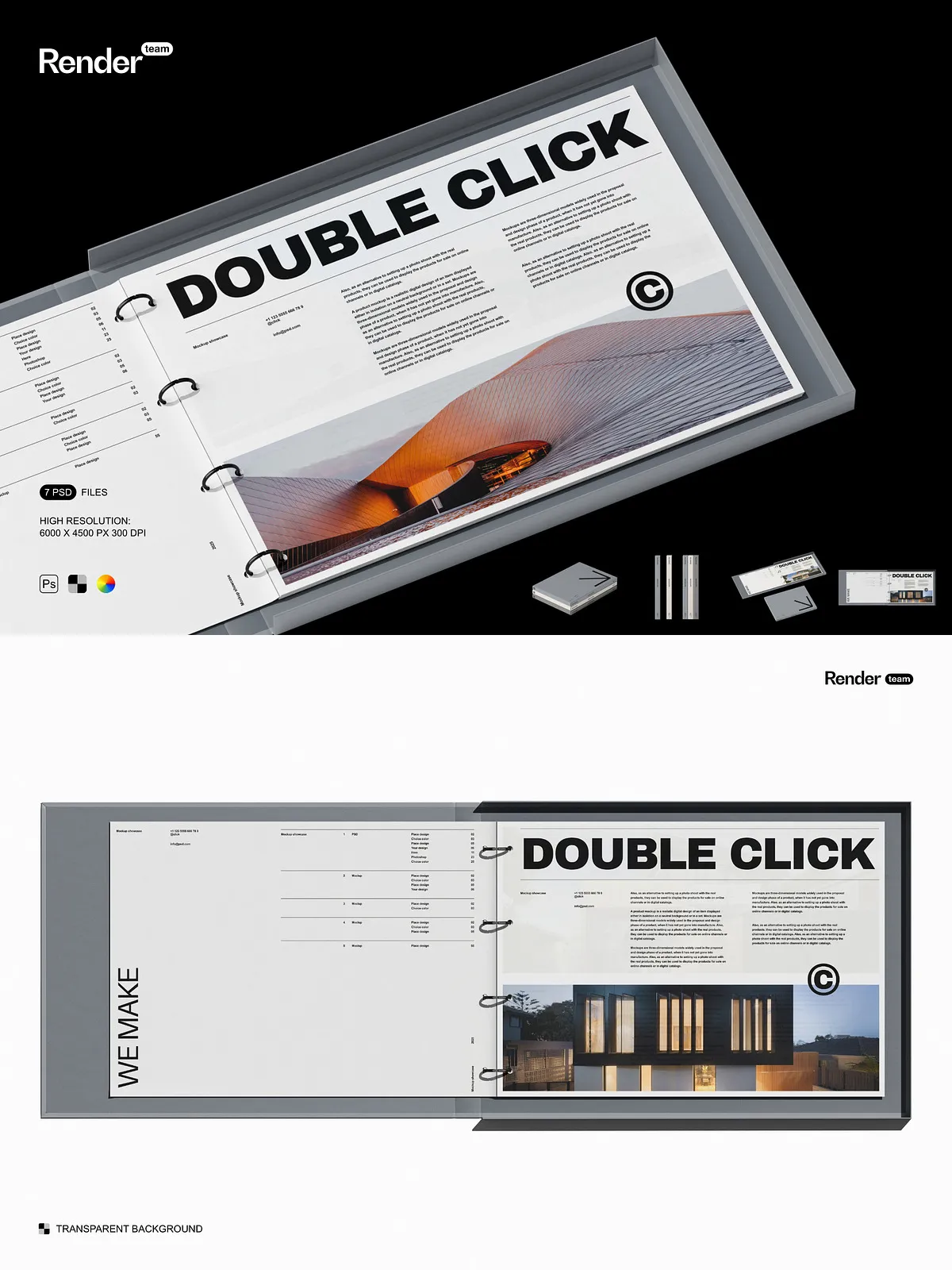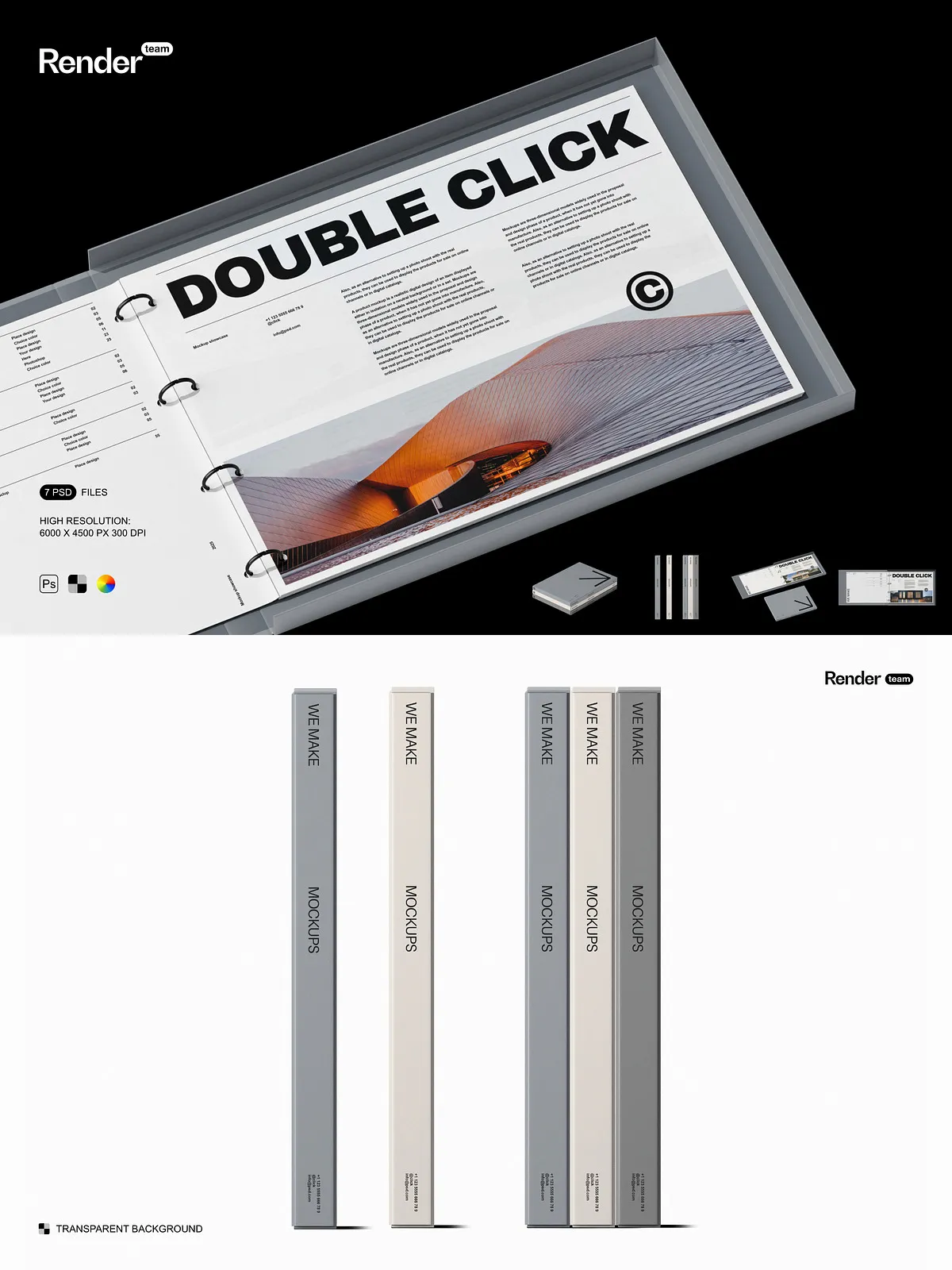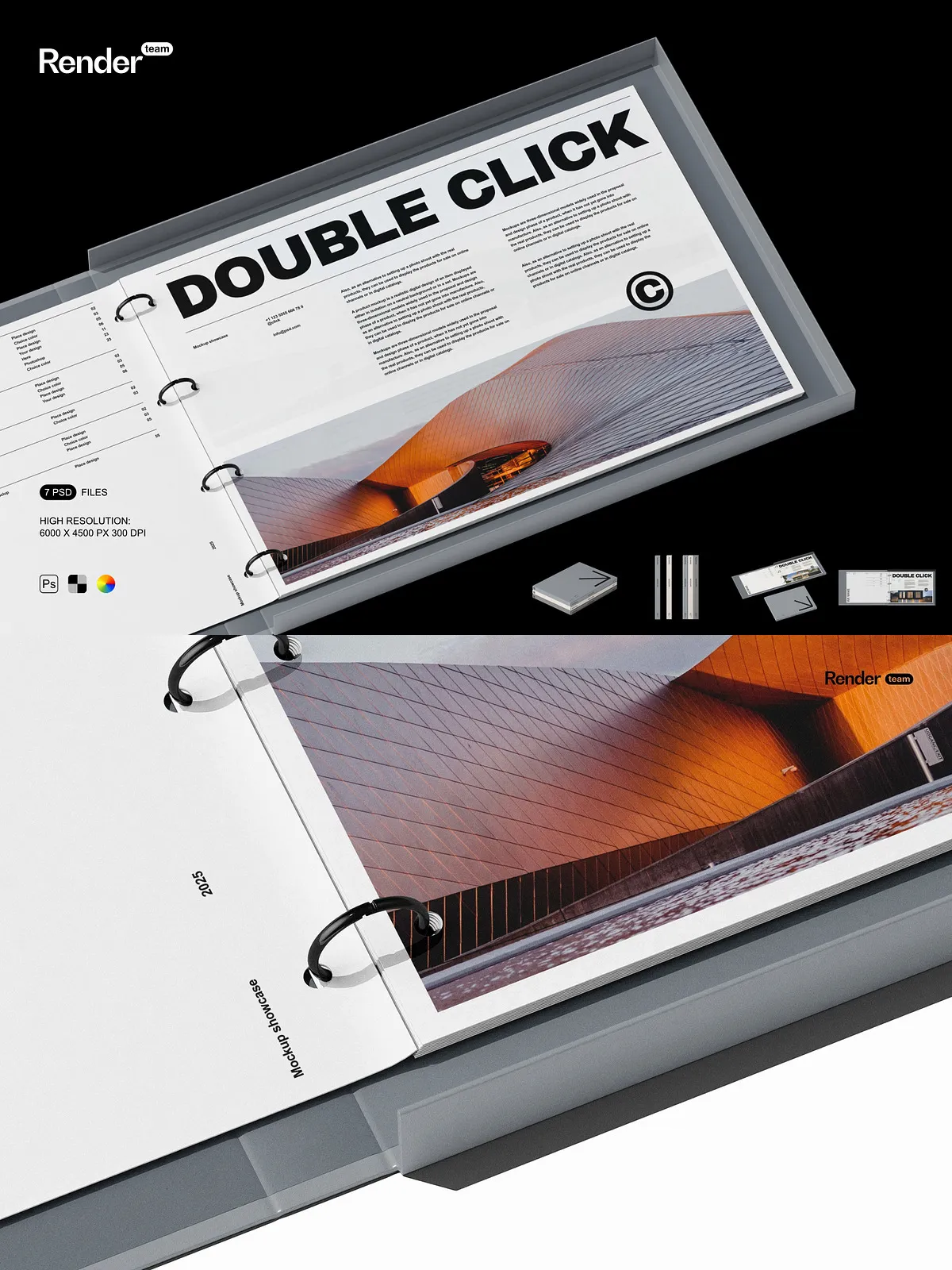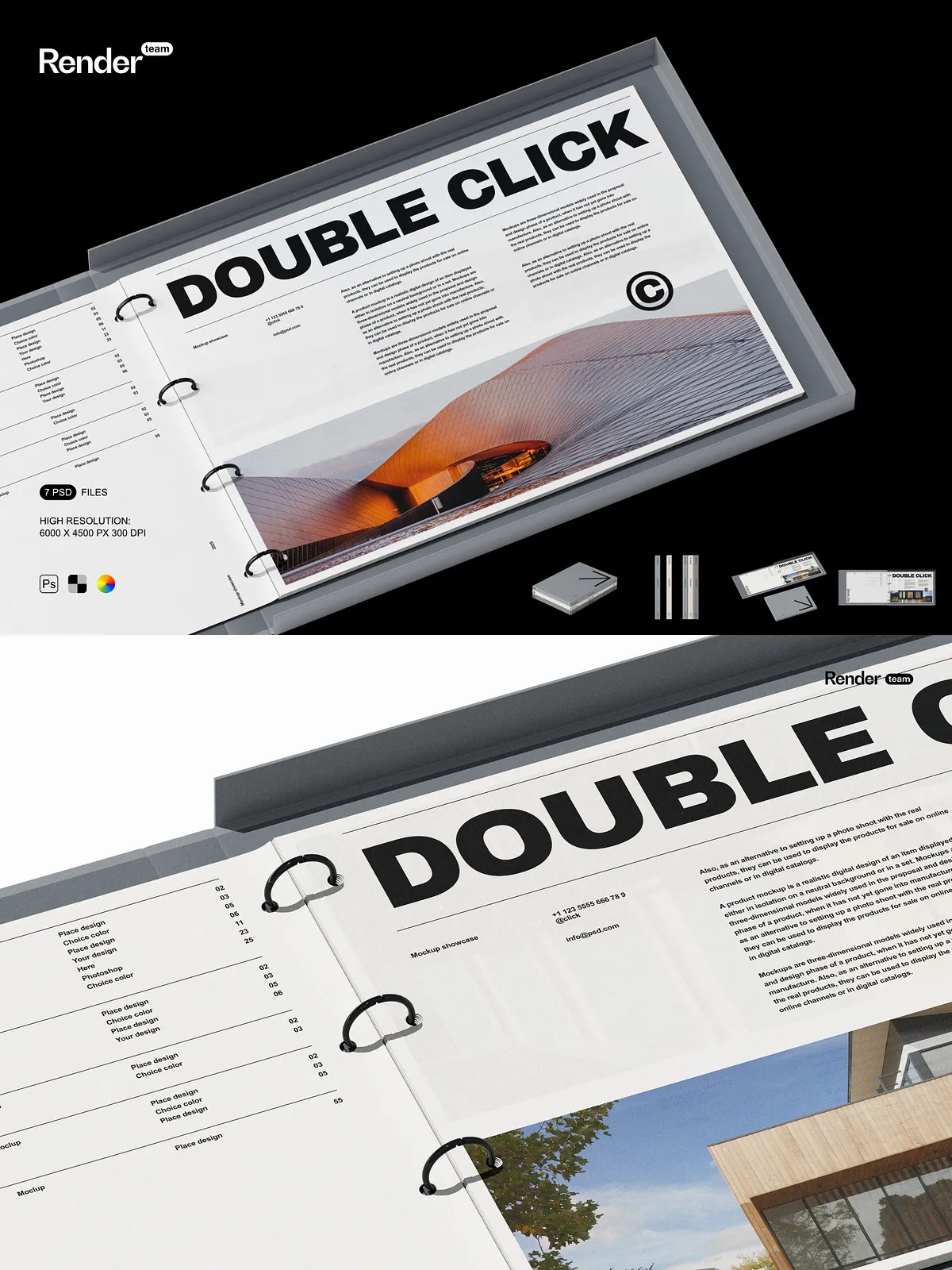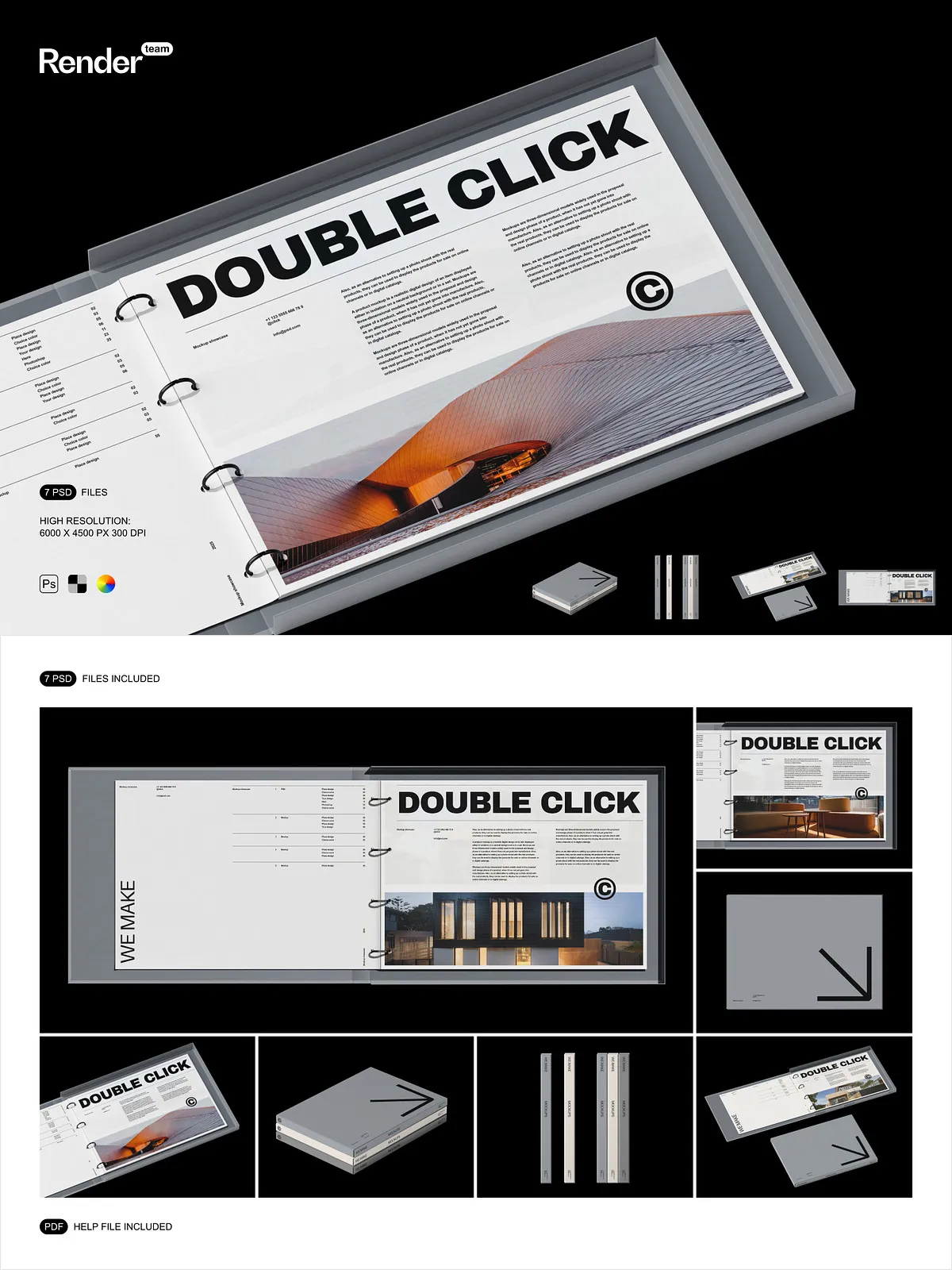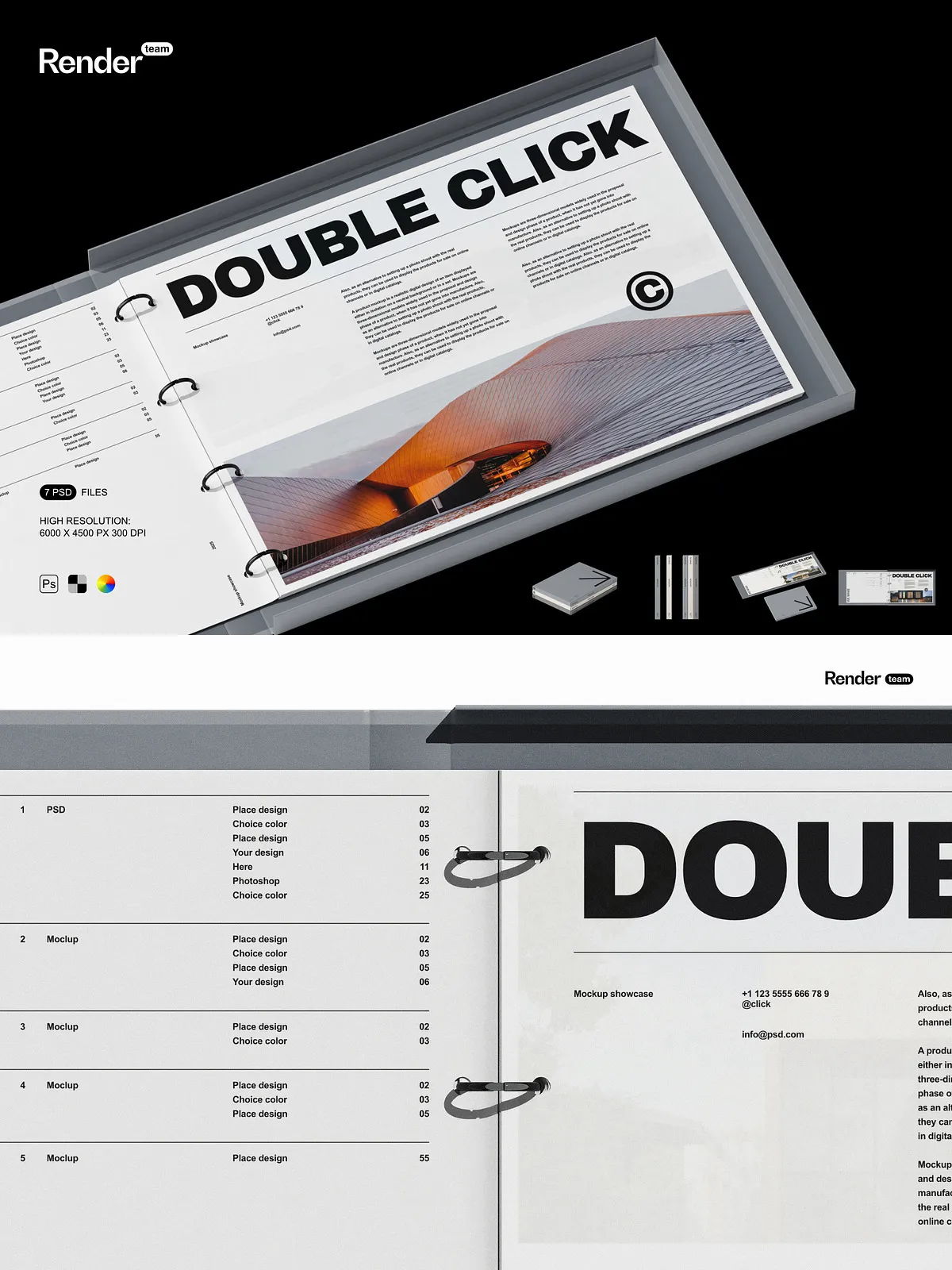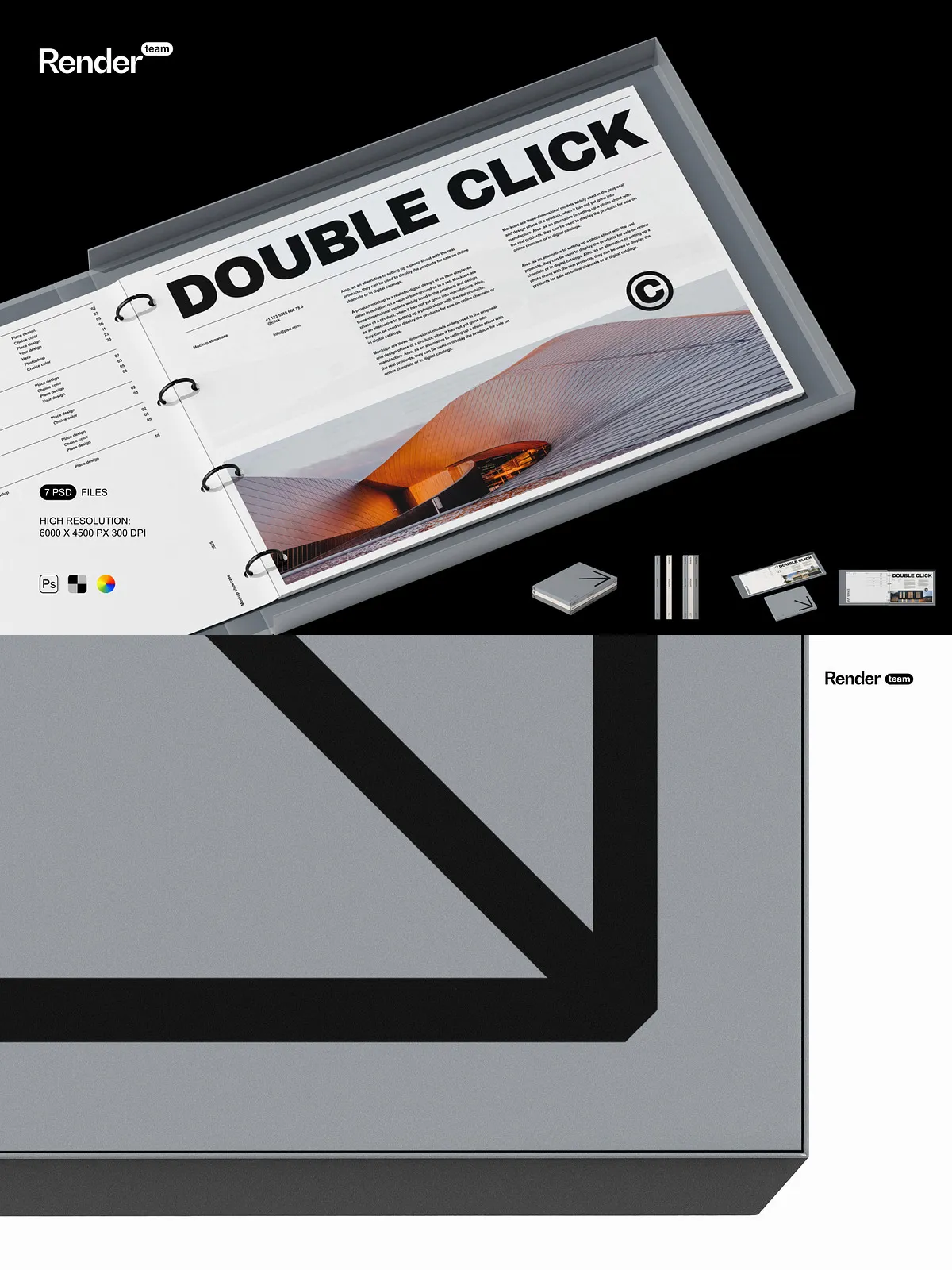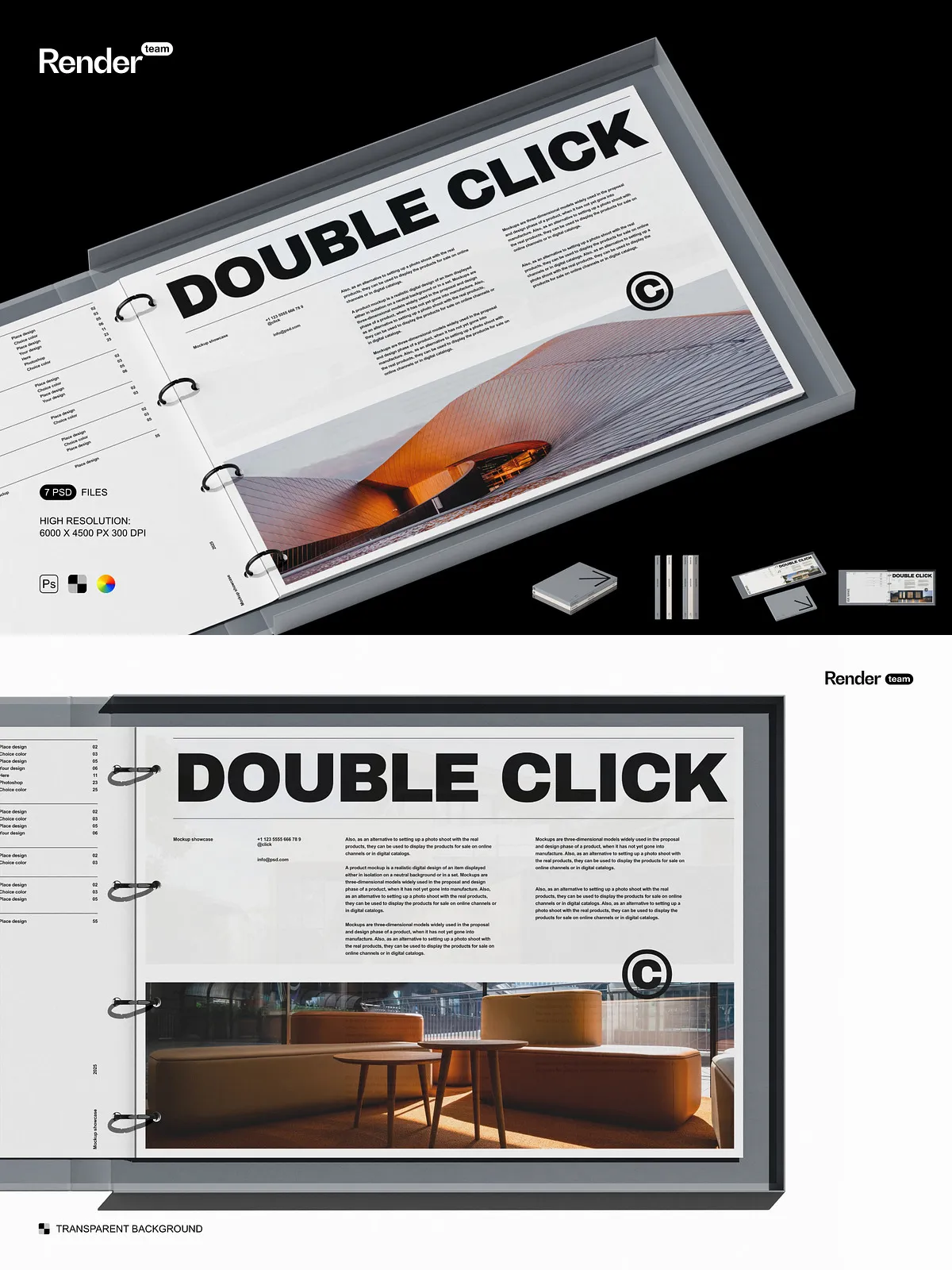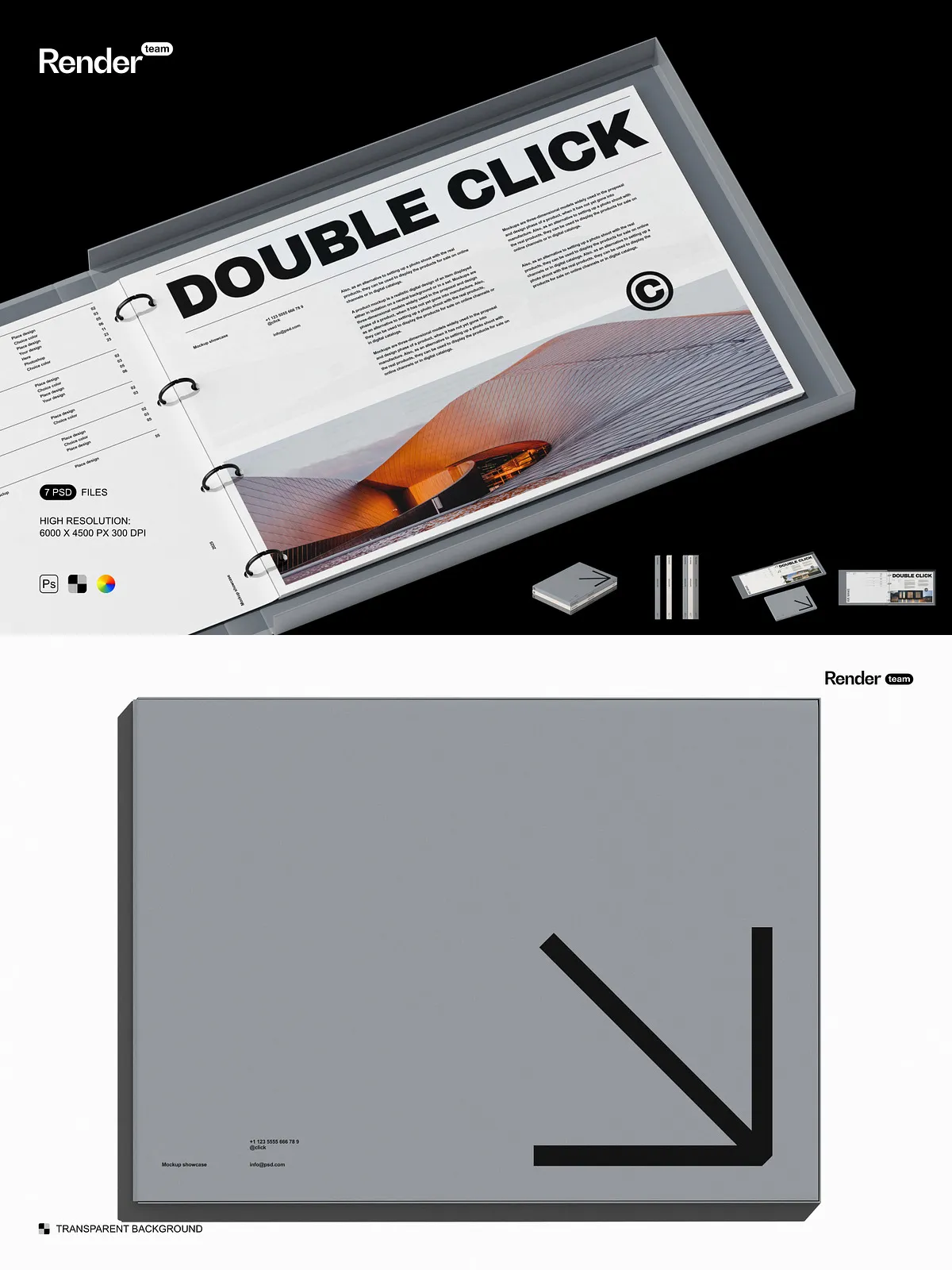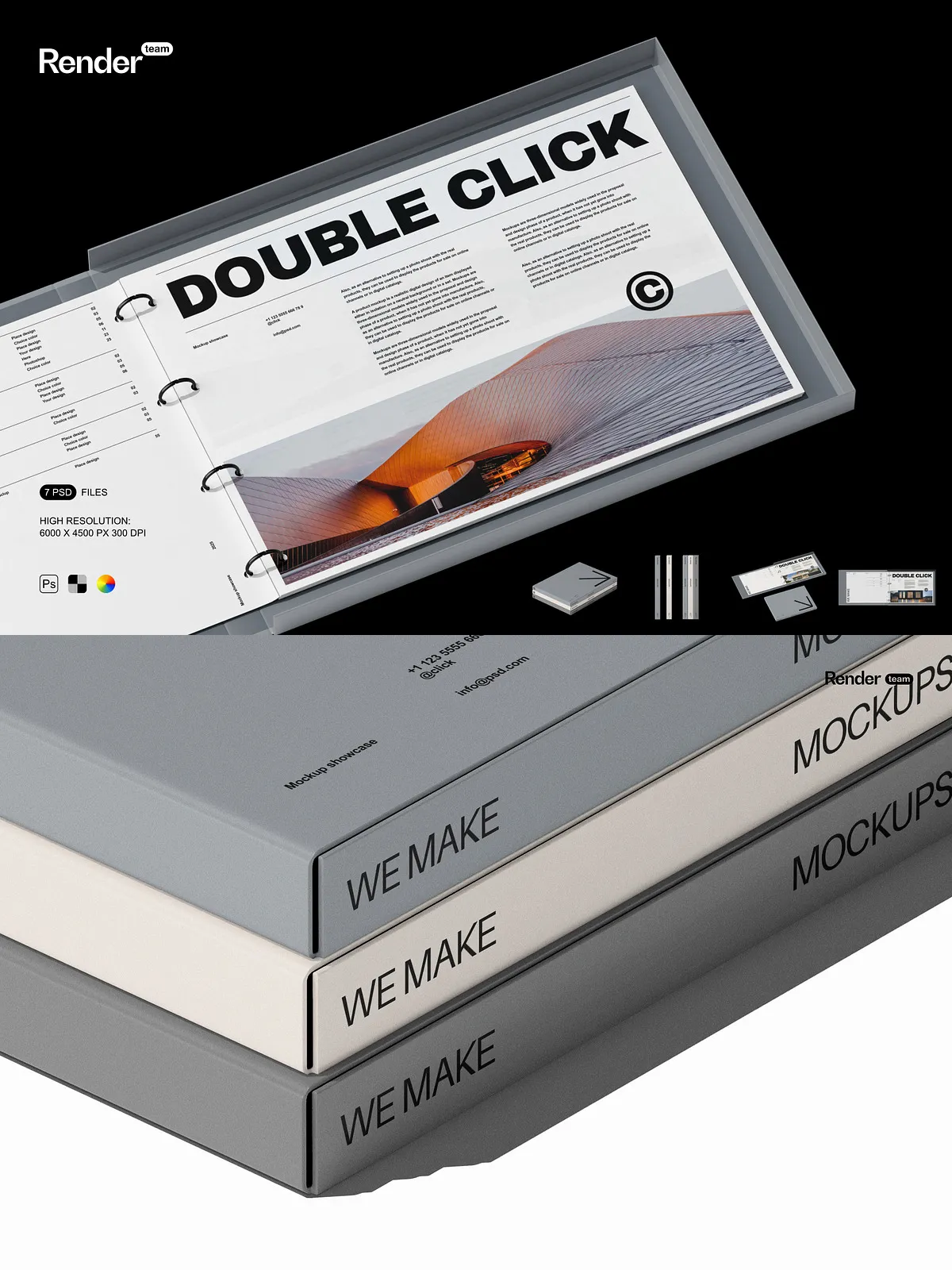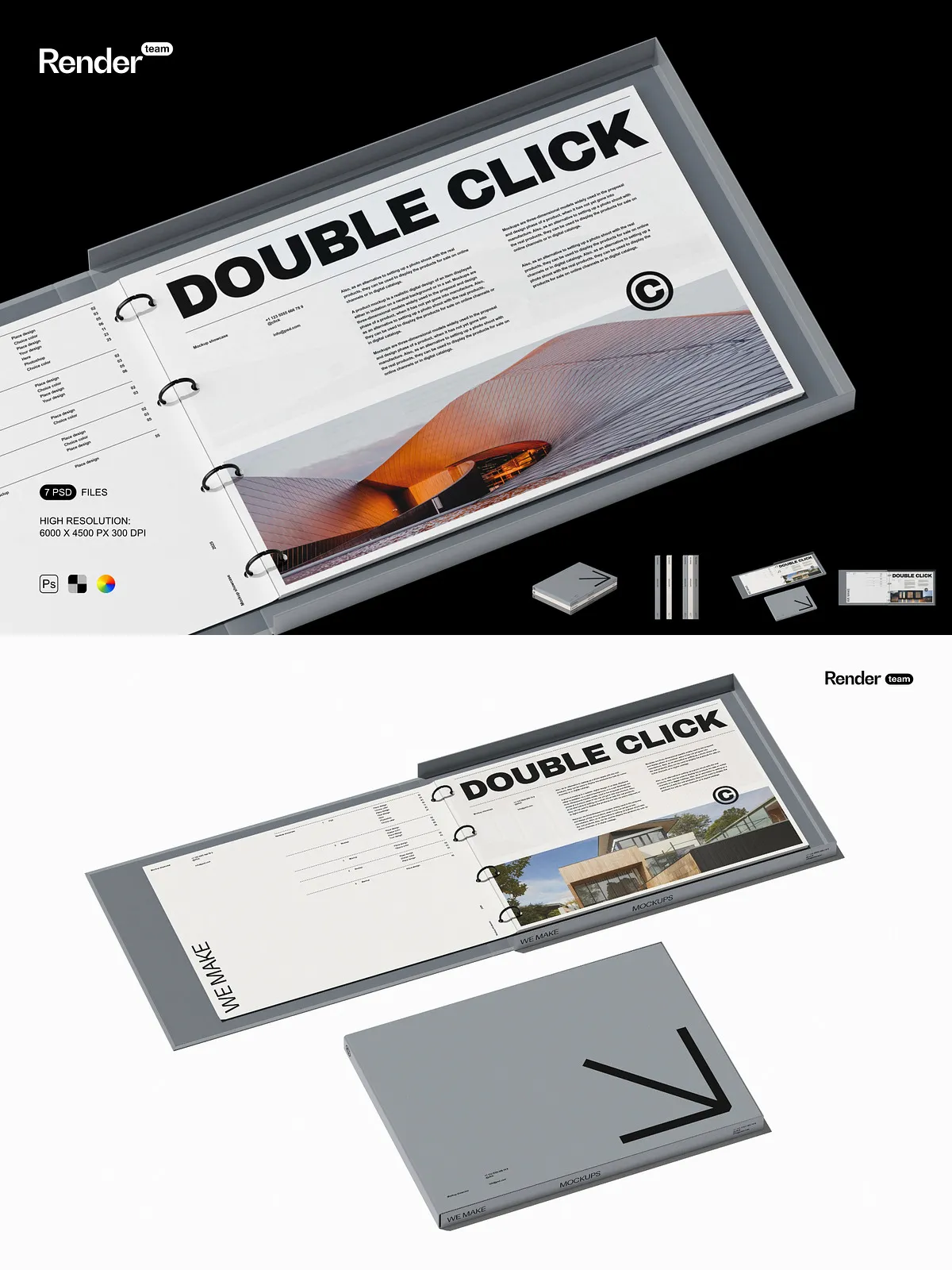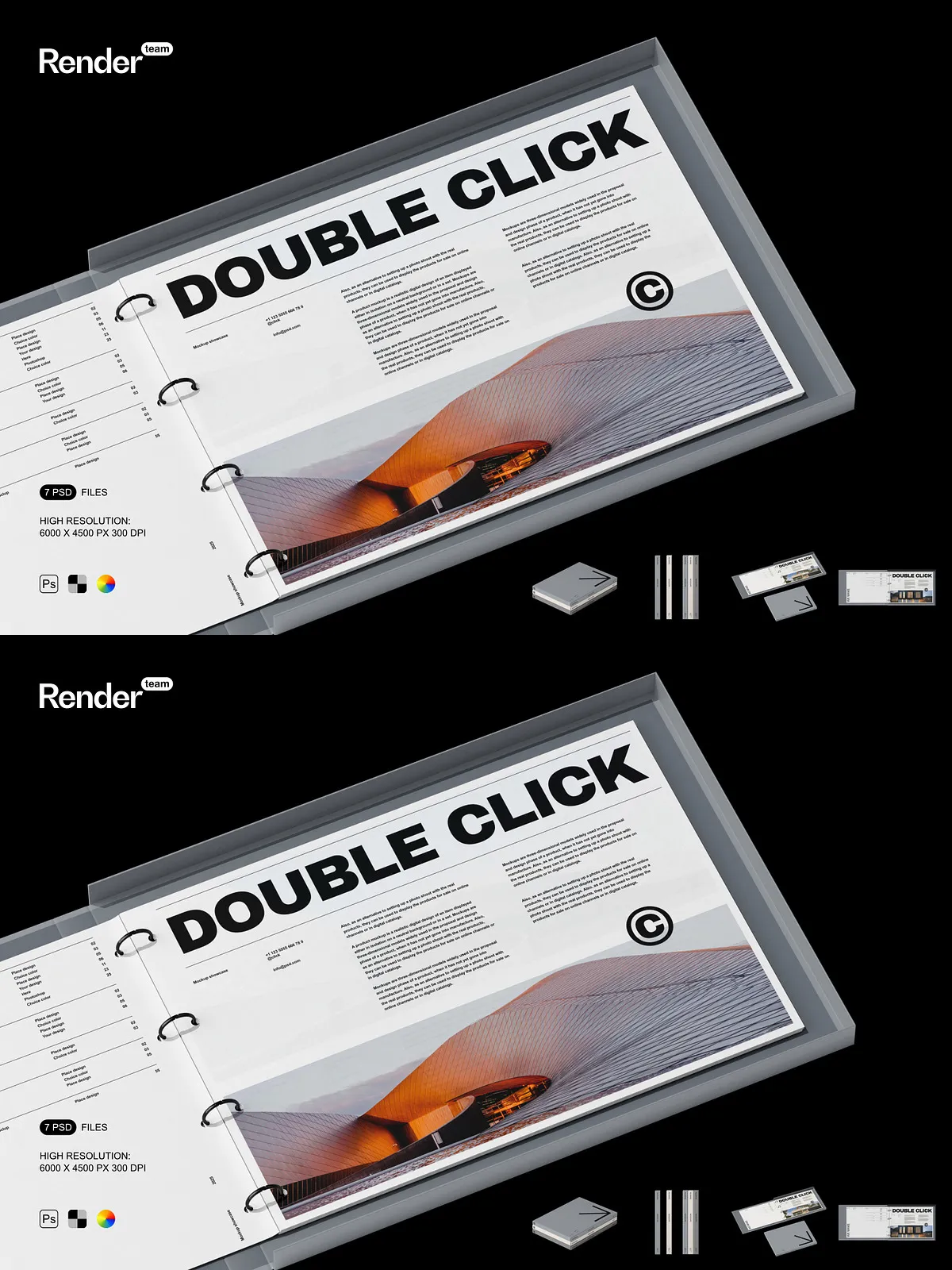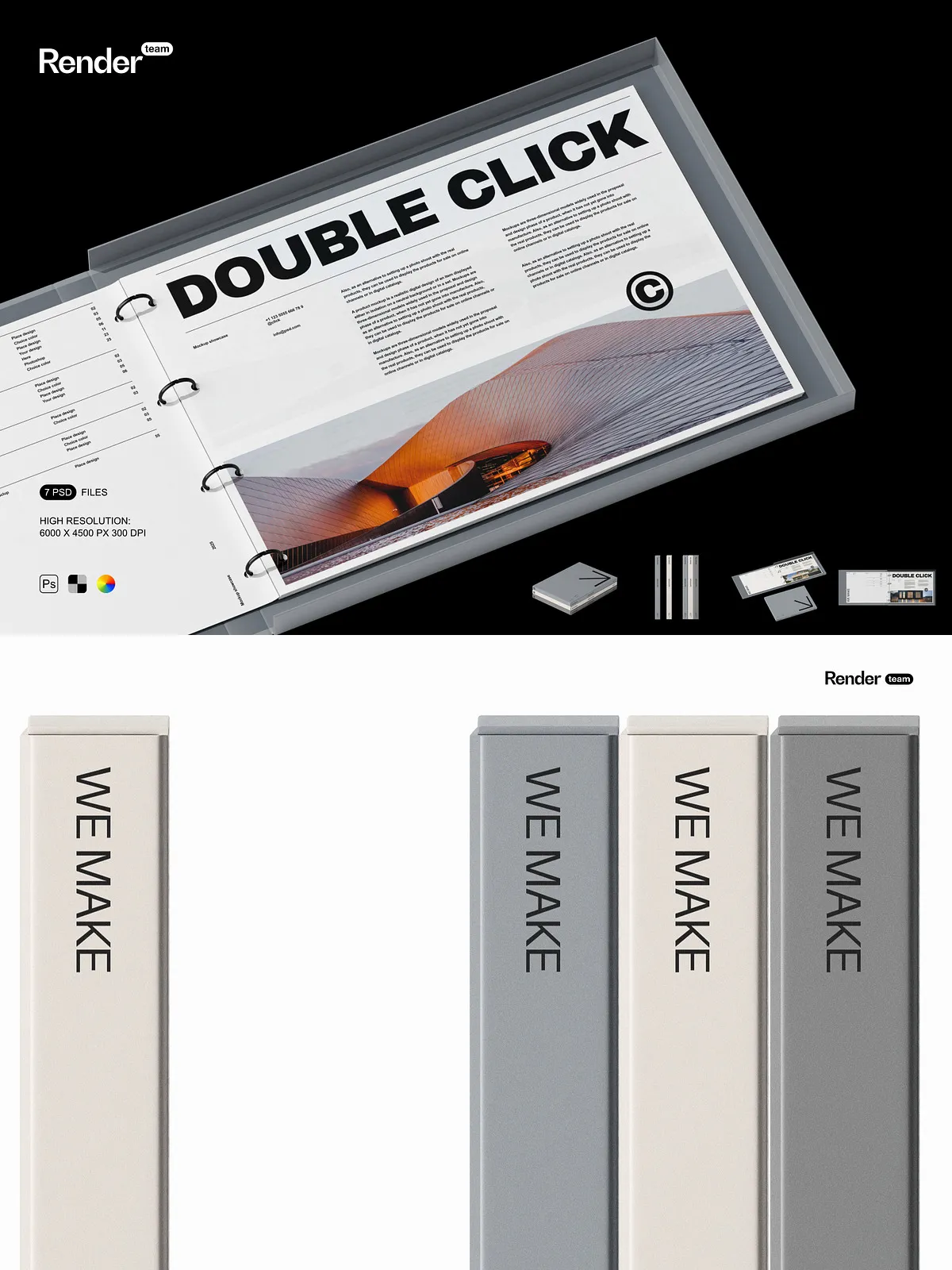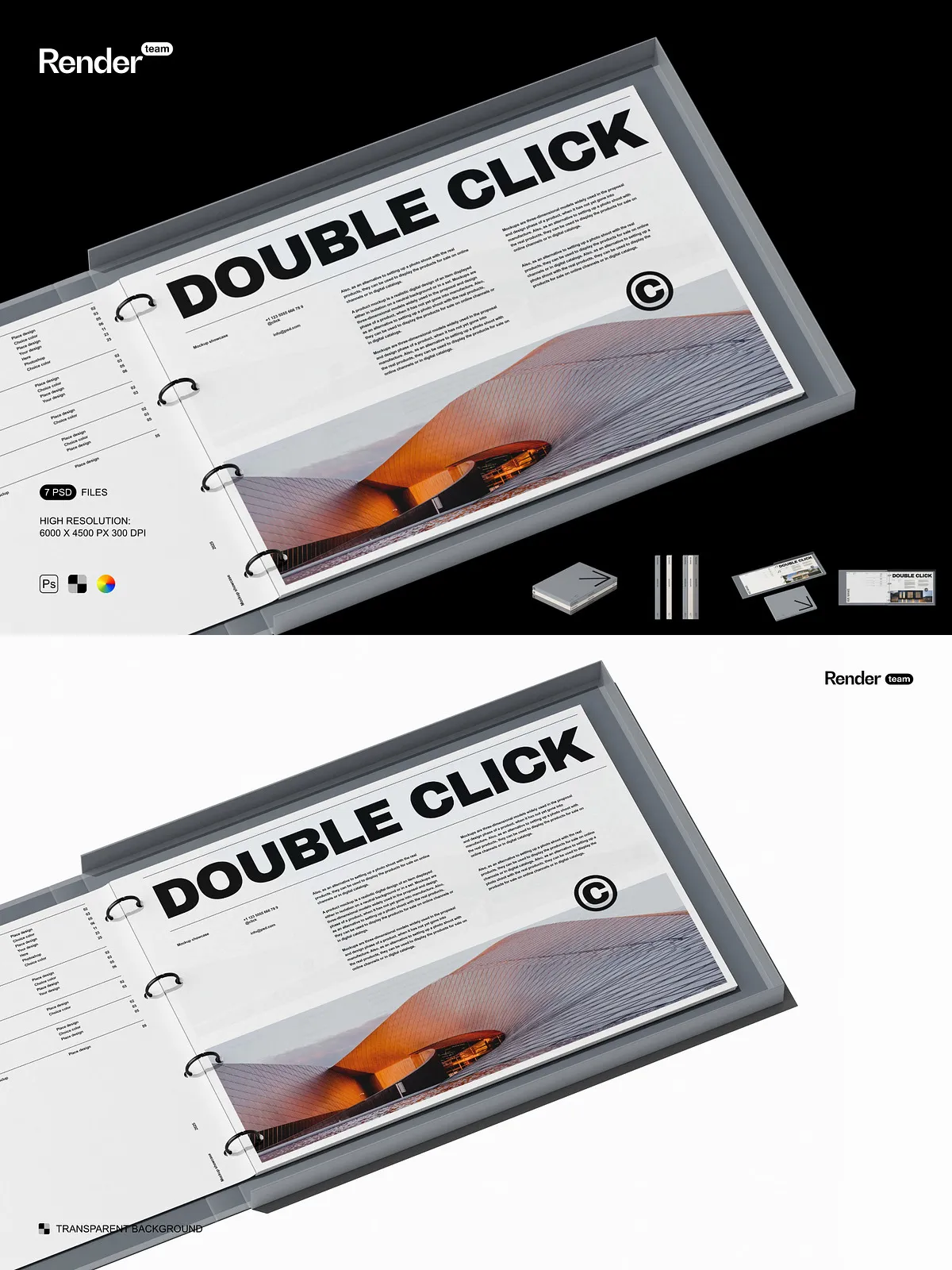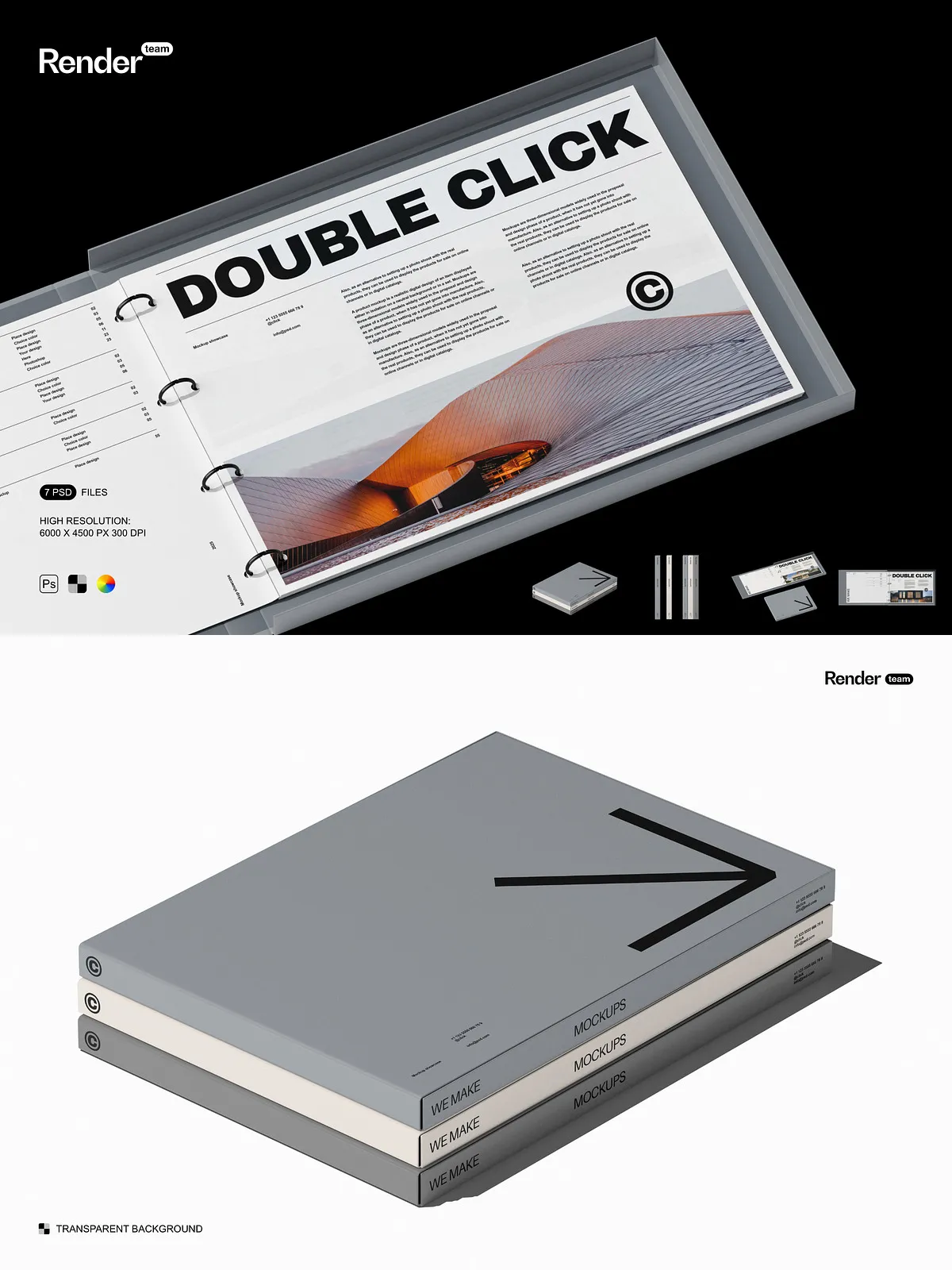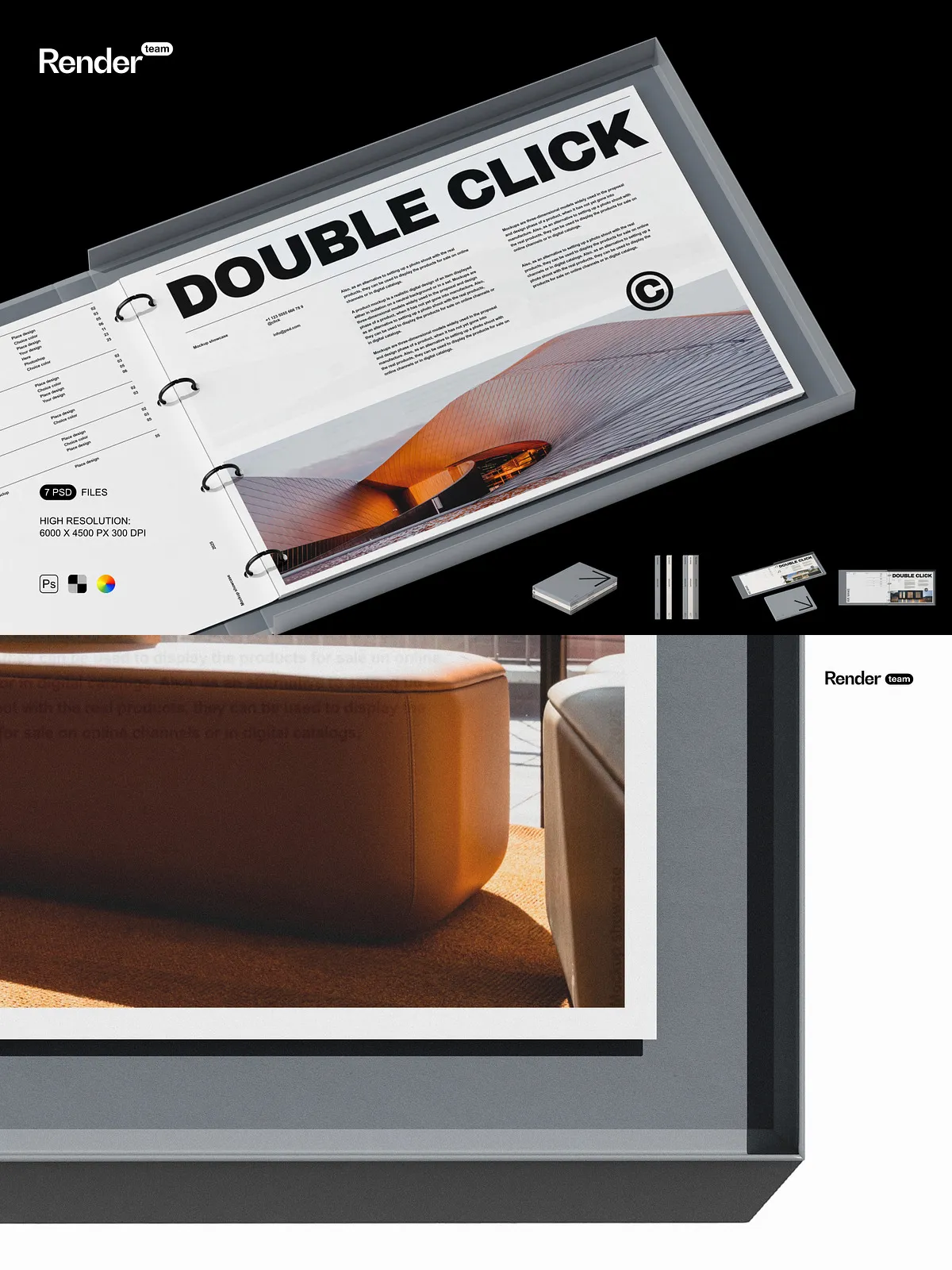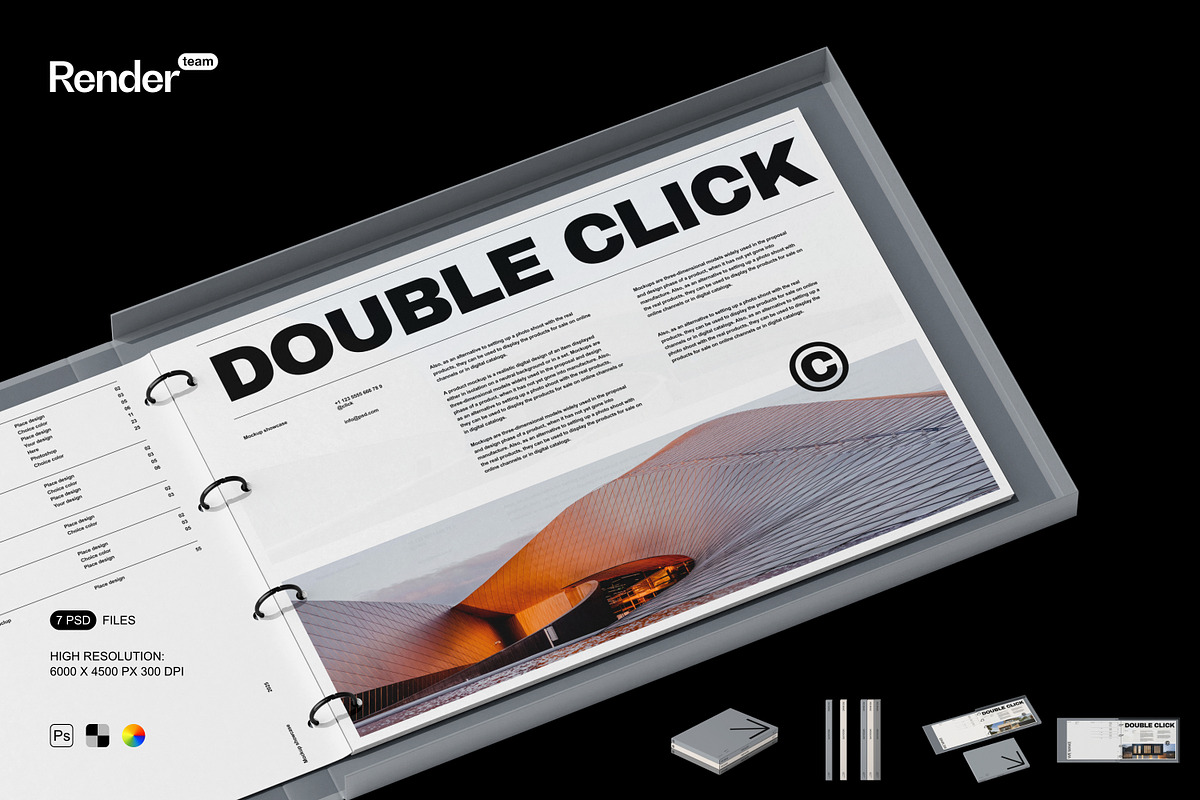
The Binder Mockup Set gives designers, agencies, and brand teams a fast, reliable way to present ring-binder concepts and stationery systems with photorealistic impact. This collection contains seven layered, editable .psd files built to highlight cover artwork, spine treatments, die-lines, and material finishes. Use these mockups to display proposals, e-commerce images, client presentations, and portfolio shots that communicate craftsmanship and attention to detail.
Fast, Non-Destructive Editing with Smart Objects
Replace Artwork in Seconds — Double-Click, Paste, Save
Each mockup uses Smart Object layers so you can replace the binder artwork quickly and without altering the source file. Open the smart layer, paste or place your design, adjust position and scale, and simply save — the scene updates automatically. For reference on how Smart Objects work and their benefits, see Adobe’s documentation: Smart Objects – overview and benefits.
High Resolution and Production-Ready Output
6000 x 4500 px at 300 dpi for Crisp, Scalable Results
All PSD files come at 6000 x 4500 pixels and 300 dpi, ensuring exported images remain sharp across digital channels and print materials. Export high-resolution images for portfolios, create product listings with clear detail, or prepare marketing assets for large-format displays without sacrificing fidelity. The files allow you to produce final deliverables that meet both web and print standards.
Organized Layers and Clean Folder Structure
Work Efficiently with Clearly Named Groups
Layers and folders are organized logically with descriptive names so you can locate and edit elements immediately. Typical groups include “Cover Smart Object,” “Spine Detail,” “Reflections,” “Shadow (isolated),” and “Background.” This structure reduces friction when collaborating with teammates or handing files to production, letting you focus on creative direction instead of hunting through disorganized layers.
Complete Control Over Visual Elements
Isolated Objects and Editable Shadows for Precise Composition
The mockups isolate objects, reflections, and shadow layers to give you fine control over composition and mood. Toggle background colors, hide or move accessories, adjust shadow opacity, and simulate different material finishes (matte, gloss, textured). These controls let you adapt scenes to brand guidelines or campaign formats quickly and precisely.
What You Receive
Seven Editable PSD Mockups and a PDF Help File
- 7 high-resolution PSD files designed for binder and stationery presentation
- Smart Object integration for rapid artwork replacement
- All objects and shadows isolated for independent editing
- Organized layer groups with clear naming conventions
- PDF help file with step-by-step instructions and export recommendations
Who Will Benefit
Designers, Agencies, Print Providers, and Brand Managers
Graphic designers will streamline mockup production and iterate on multiple concepts faster. Creative agencies can deliver polished visuals to clients without scheduling photoshoots. Print providers and production teams can preview how designs appear under different finishes, while brand managers can evaluate consistency across packaging and stationery systems.
Export Recommendations and Best Practices
Prepare Files for Web, Print, and Client Review
After customizing a mockup, hide helper layers and export using appropriate formats: PNG or JPG for web, TIFF or high-quality JPG for print. Keep 300 dpi for print deliverables and use sRGB for most web projects; confirm CMYK profiles with your print vendor when producing physical proofs. The included PDF help file lists recommended export settings and workflow tips to preserve color fidelity and image quality.
Getting Started
Quick Workflow to Produce Final Visuals
Download the Binder Mockup Set, open a PSD, double-click the smart object layer labeled “Cover Smart Object,” paste your artwork, adjust scale and alignment, then save. Tweak background, shadows, and reflections to match your brand’s visual tone, and export the final image in the desired format. This efficient, repeatable workflow helps you produce consistent, professional visuals with minimal time investment.
Start Presenting Binder Designs Confidently
Use the Binder Mockup Set to accelerate your design approvals, improve portfolio presentation, and produce product-ready images that sell. Replace artwork in seconds, customize scenes to match brand aesthetics, and deliver polished mockups that impress stakeholders and clients.