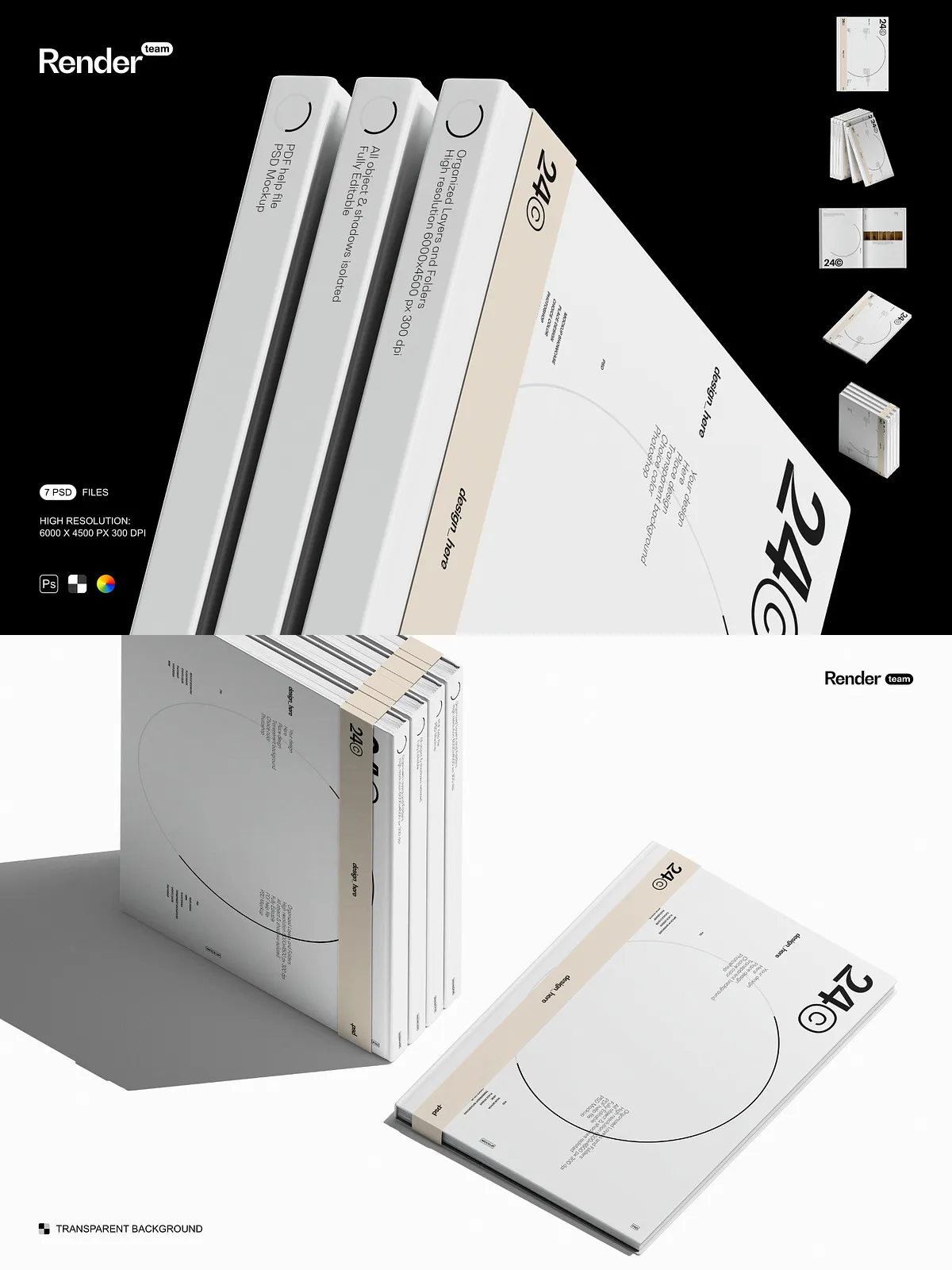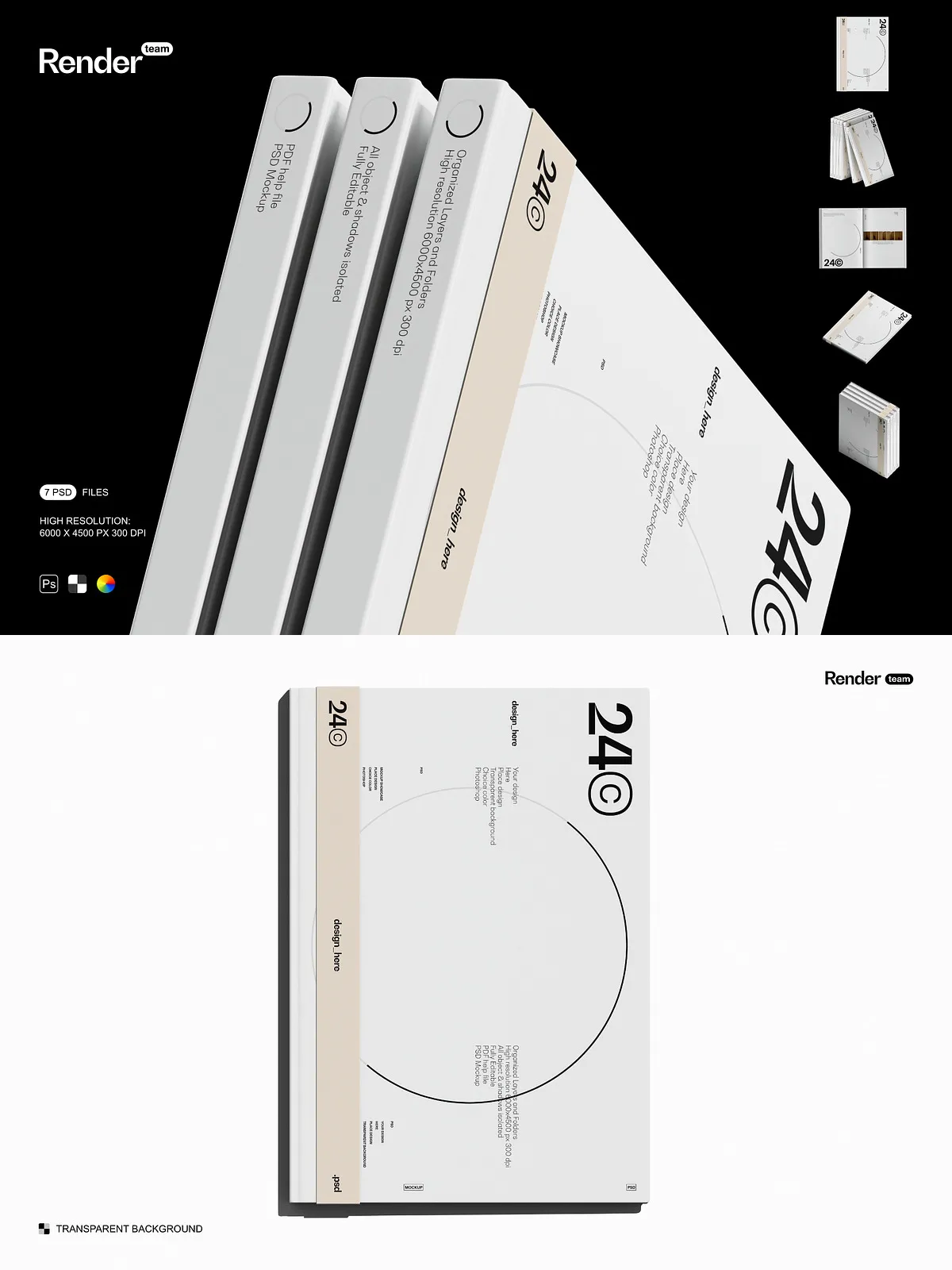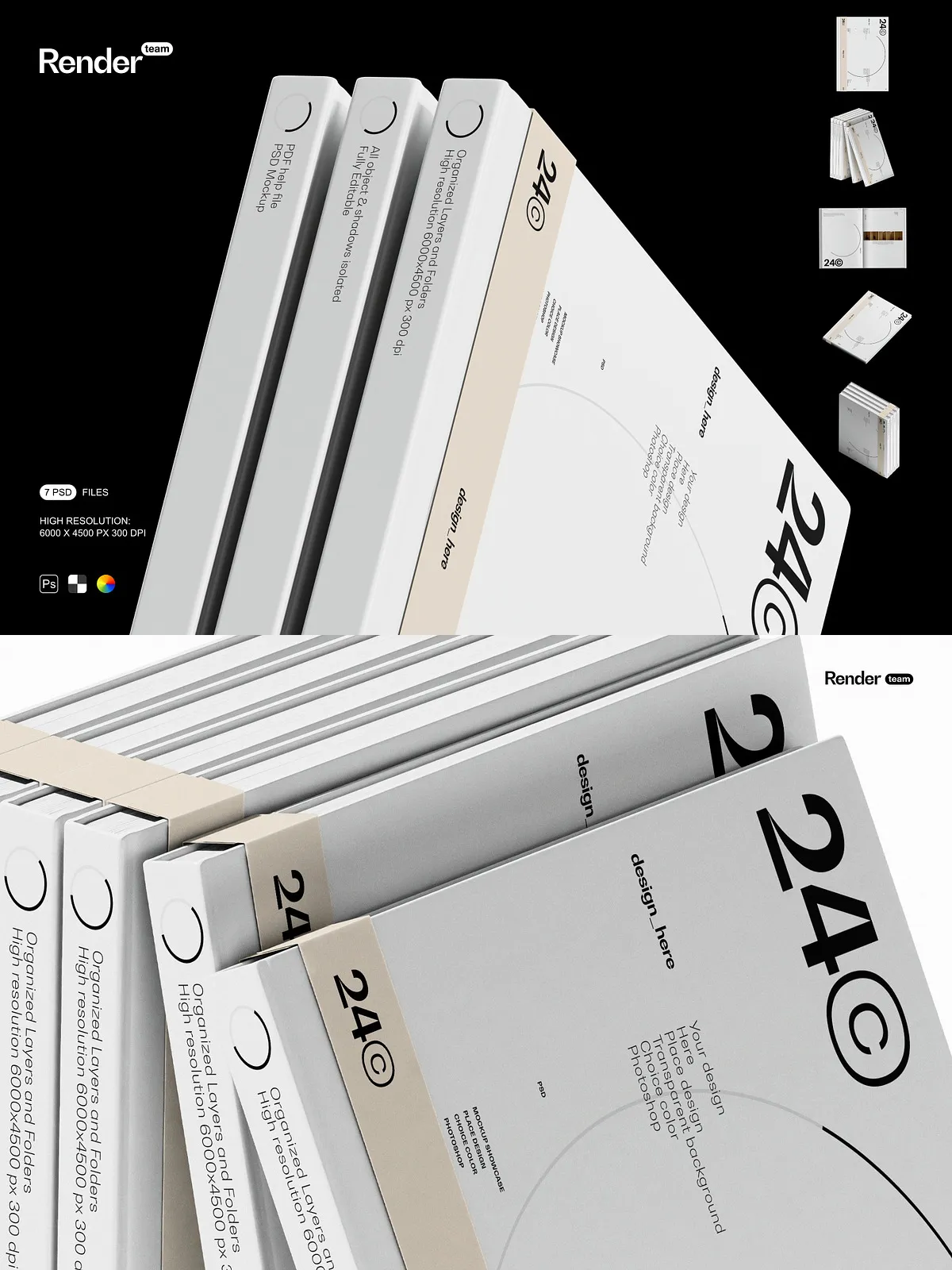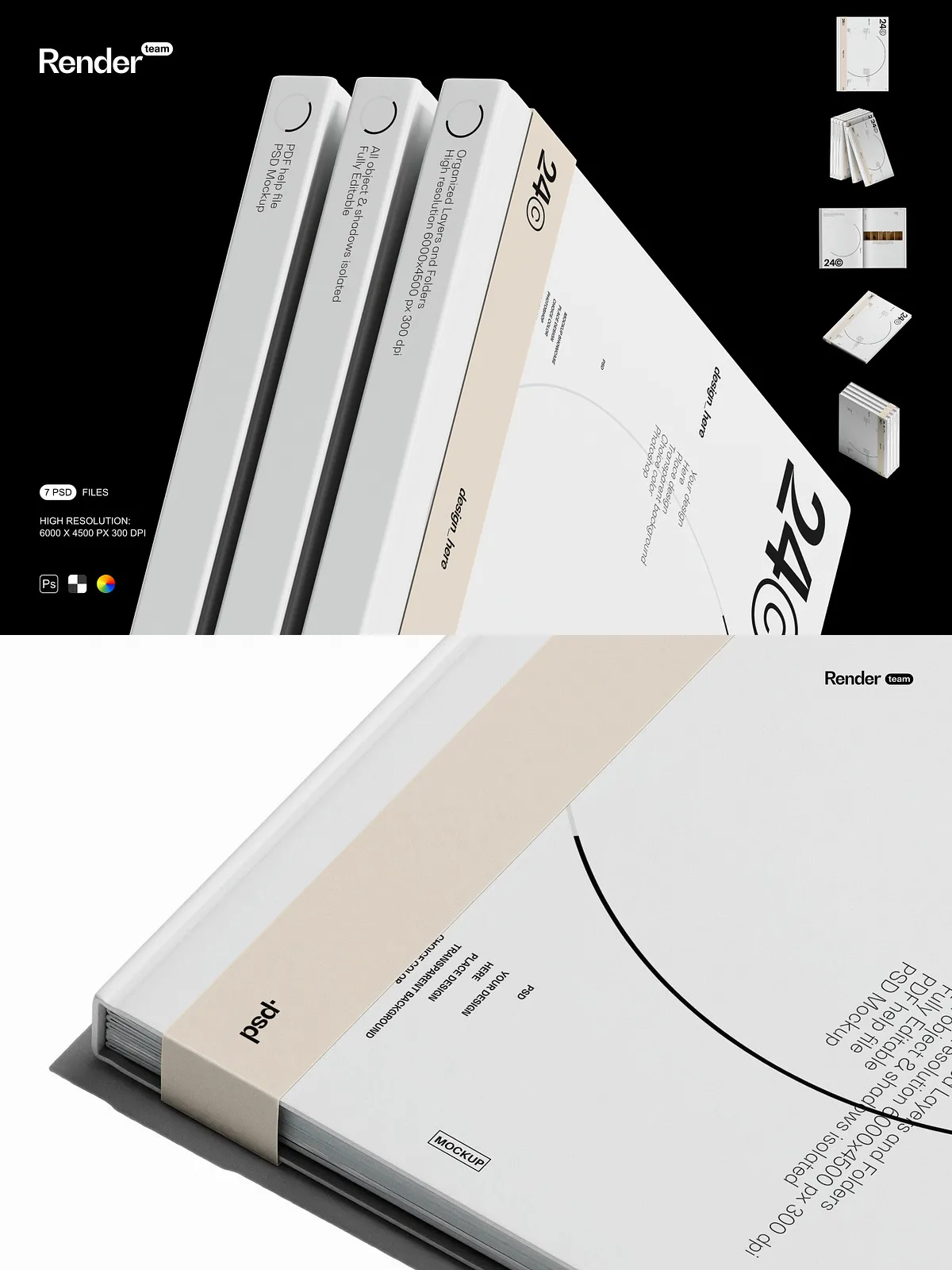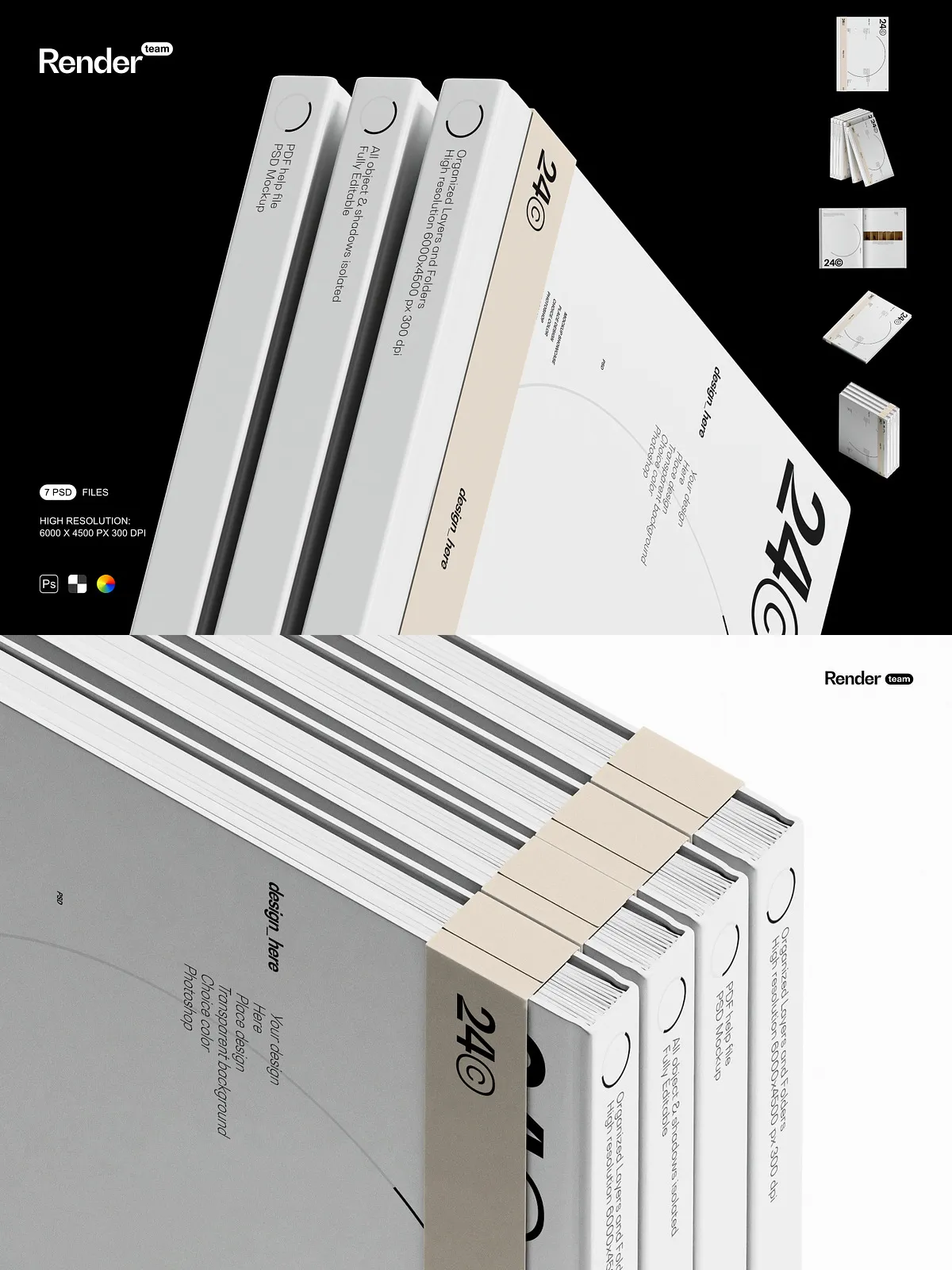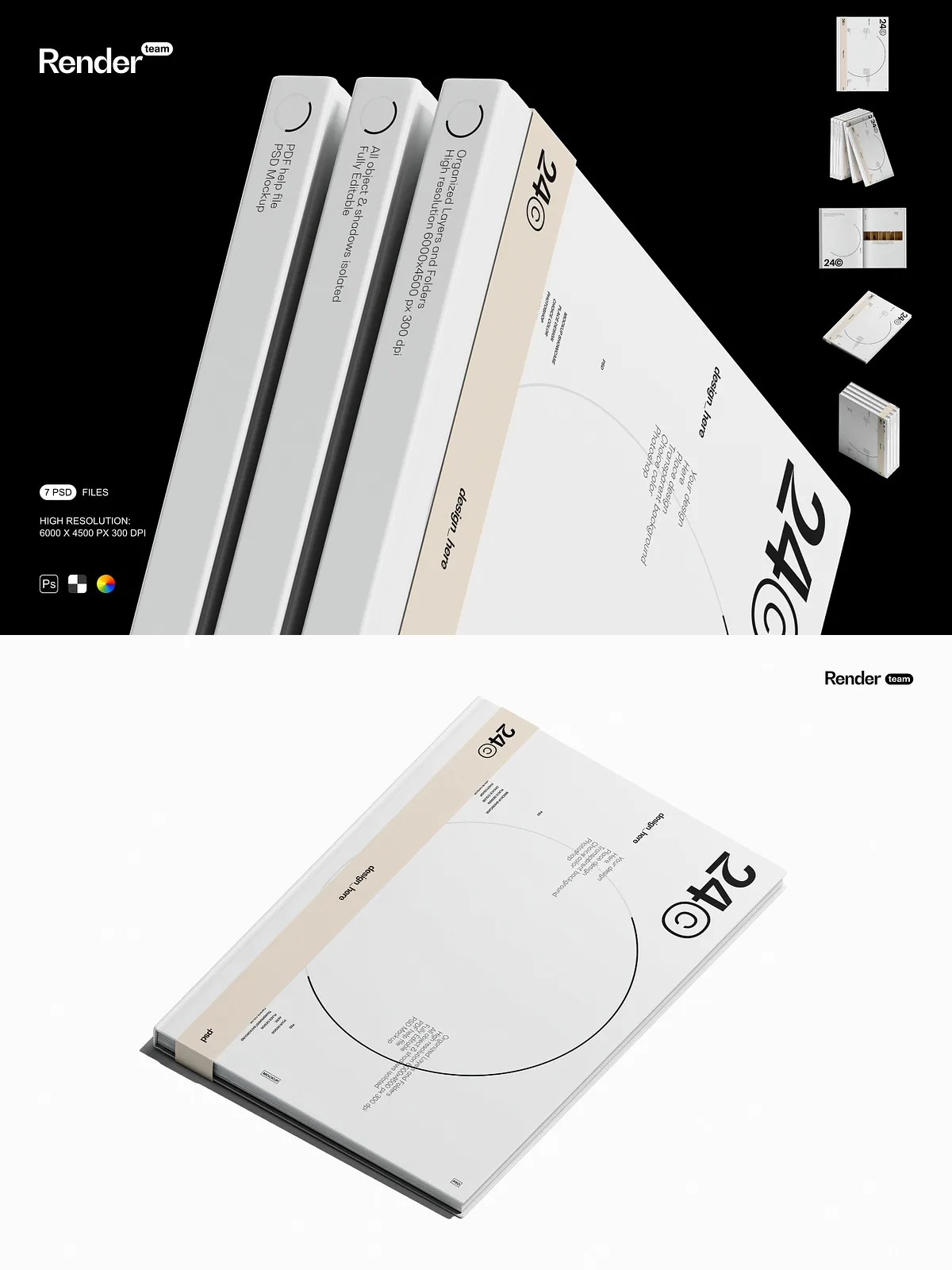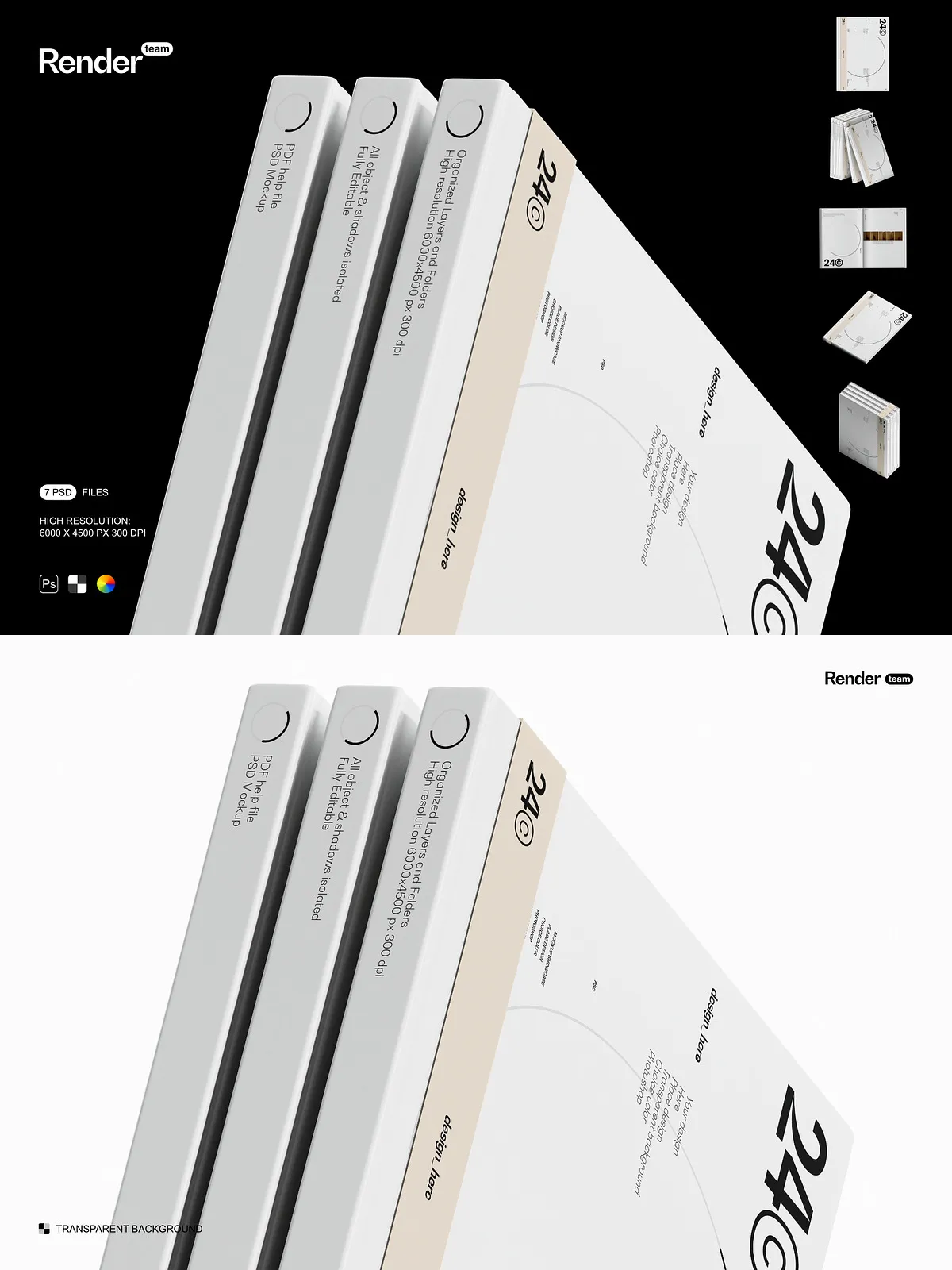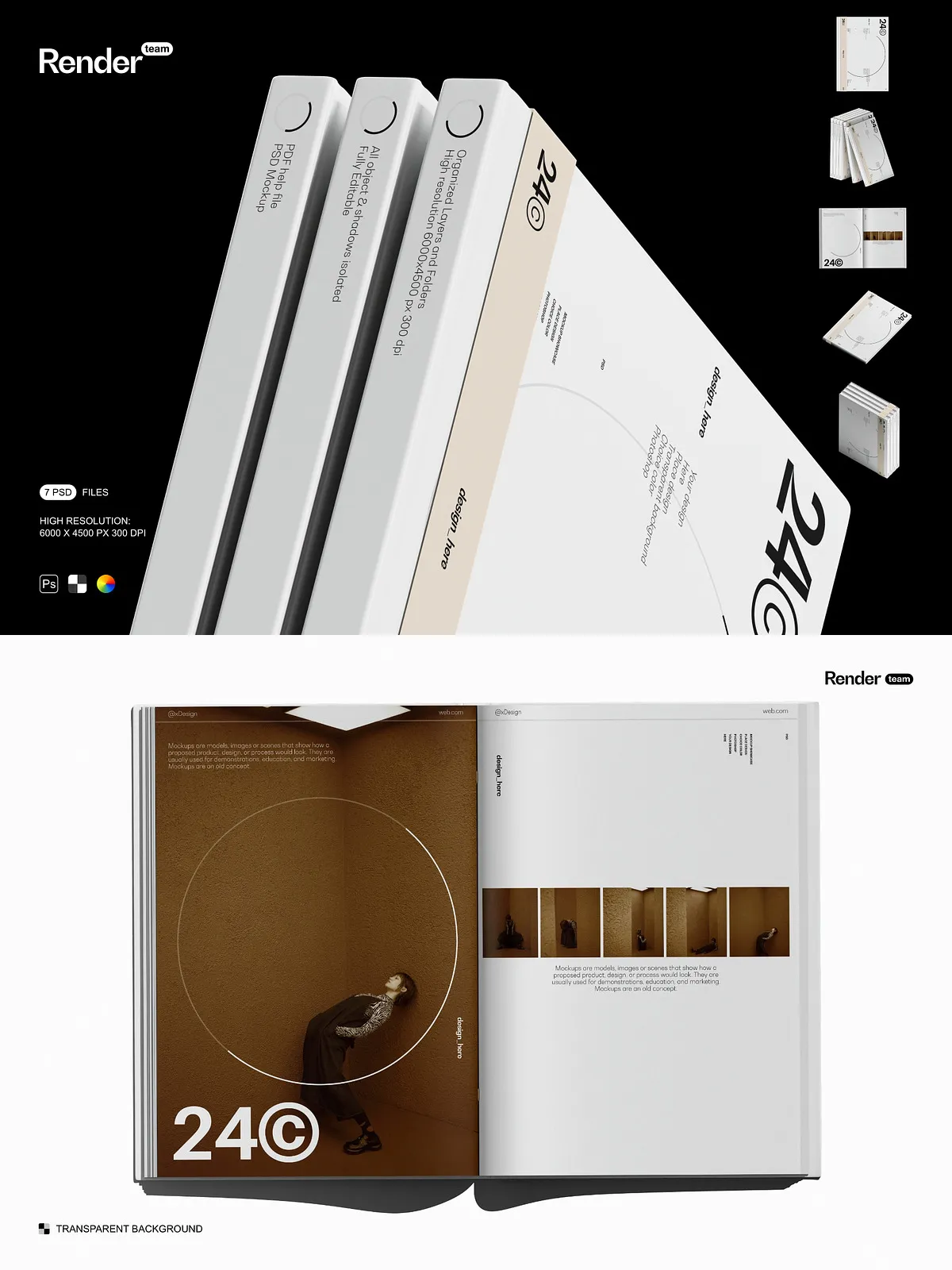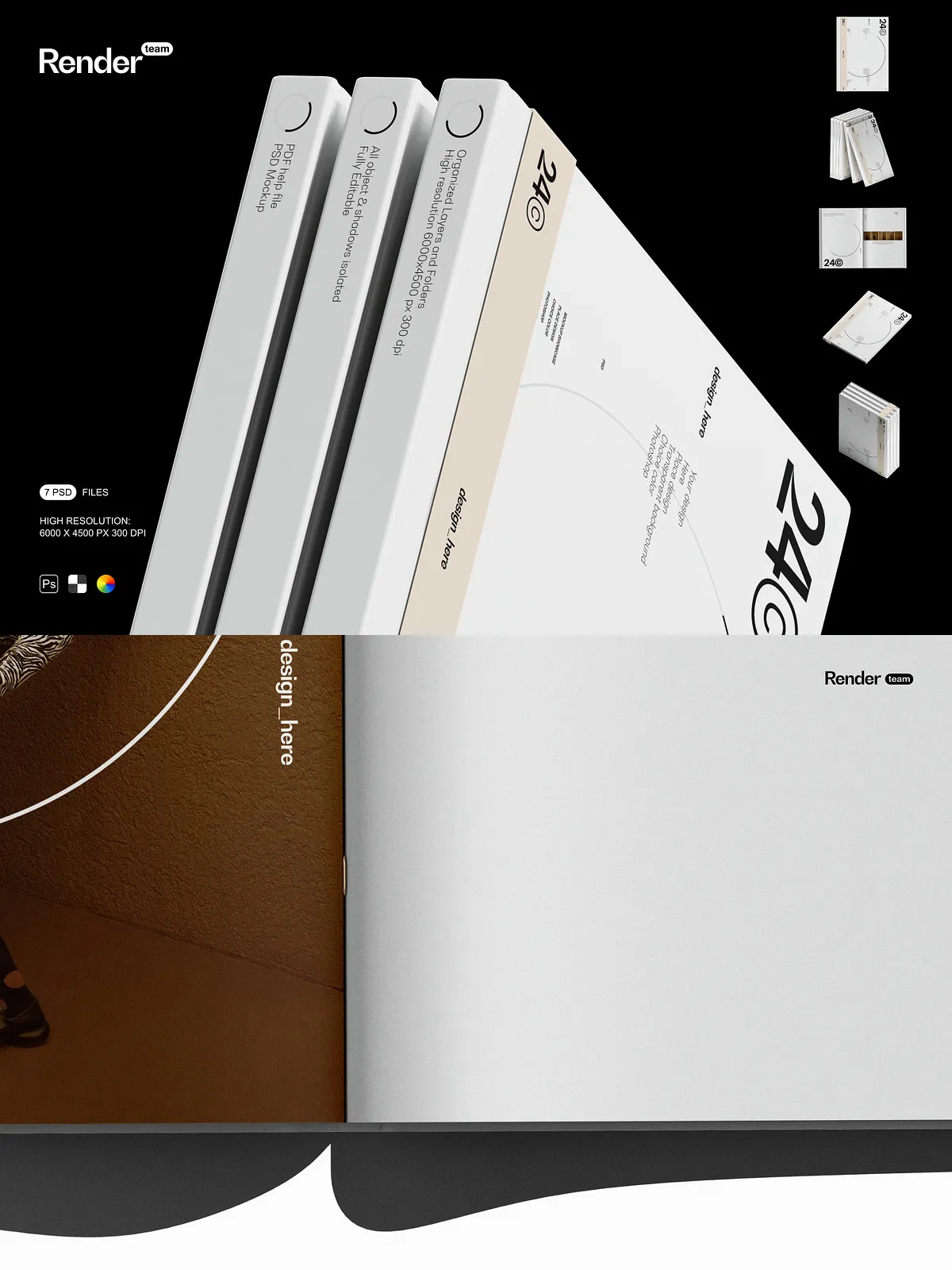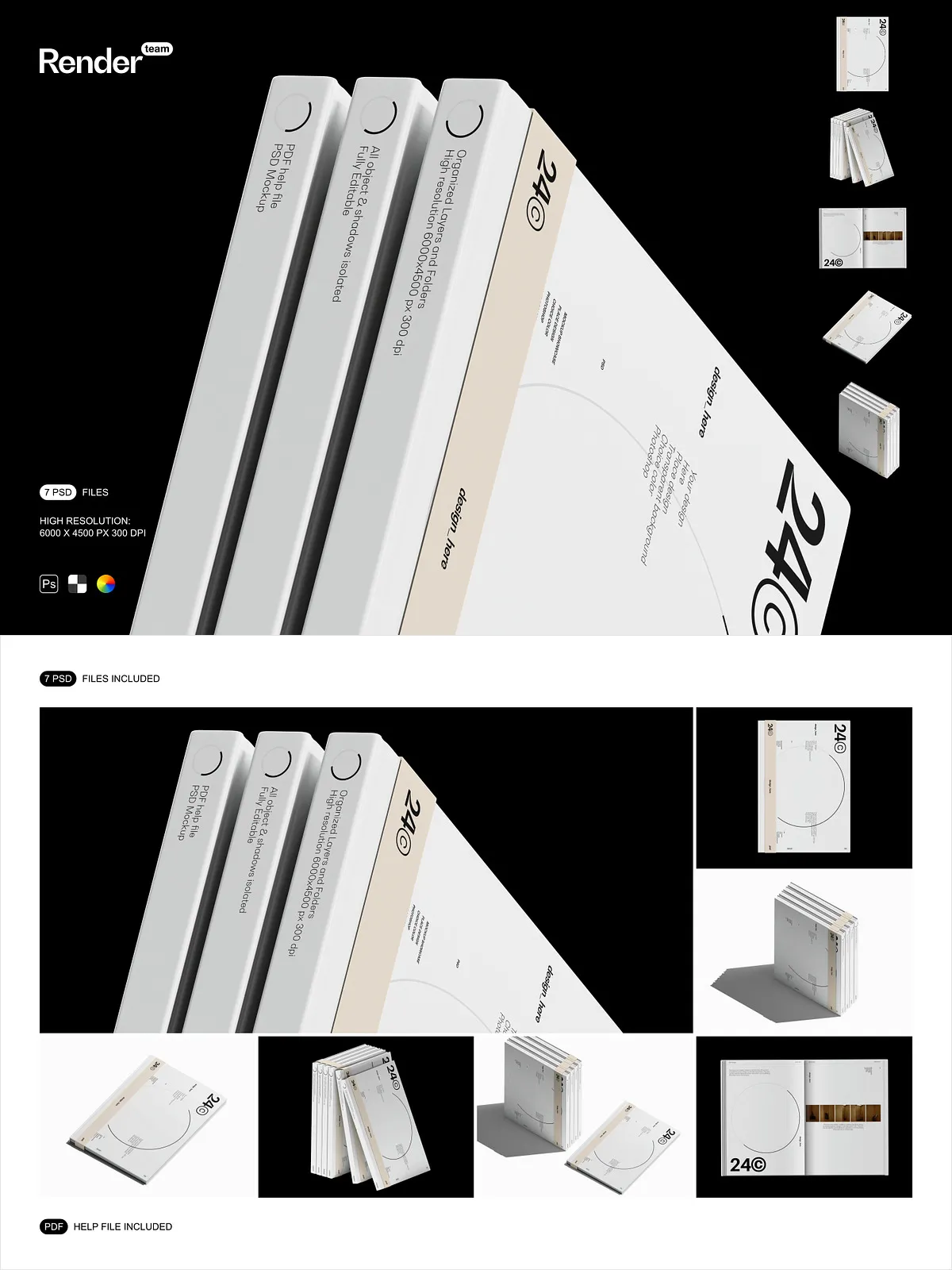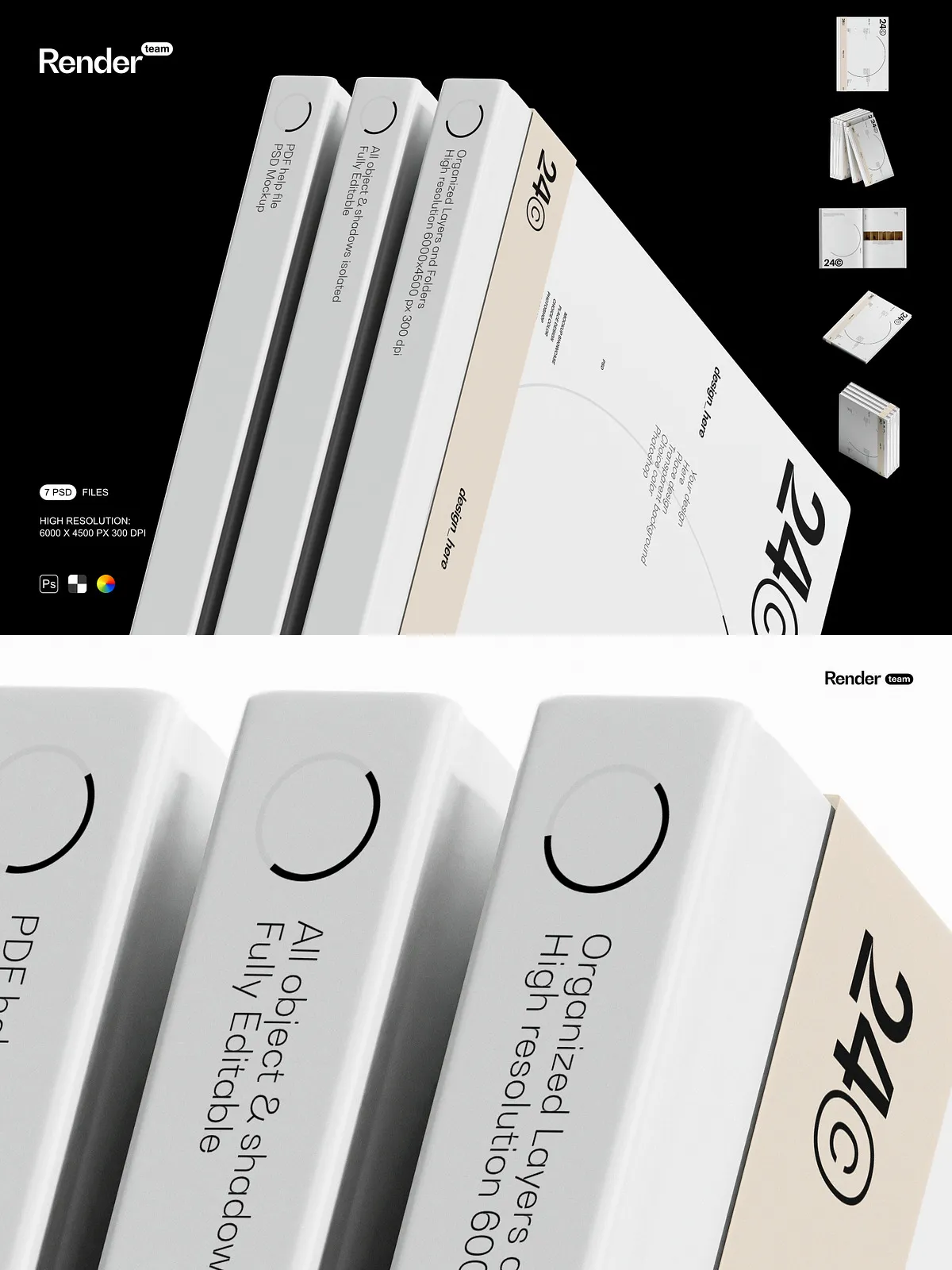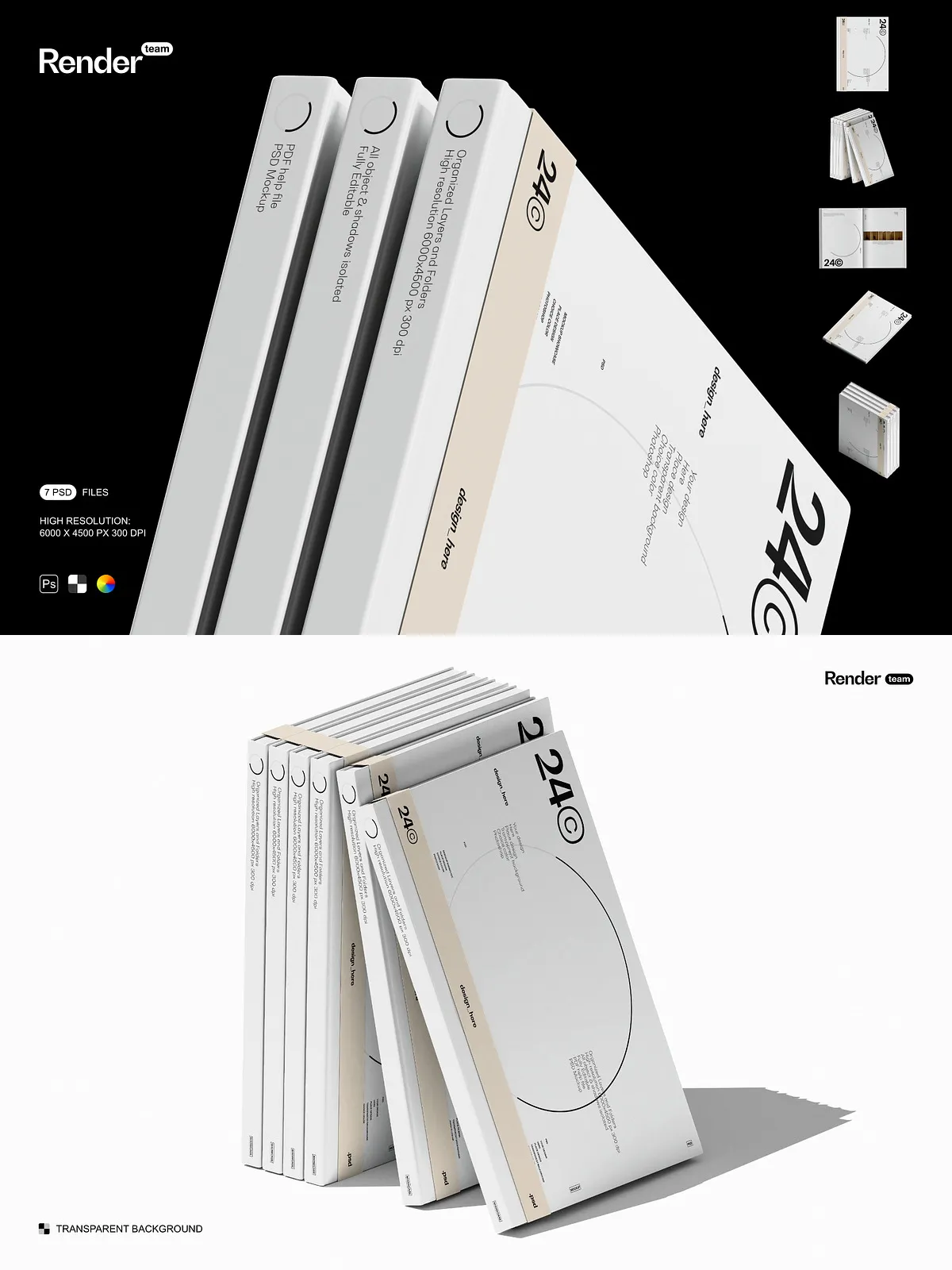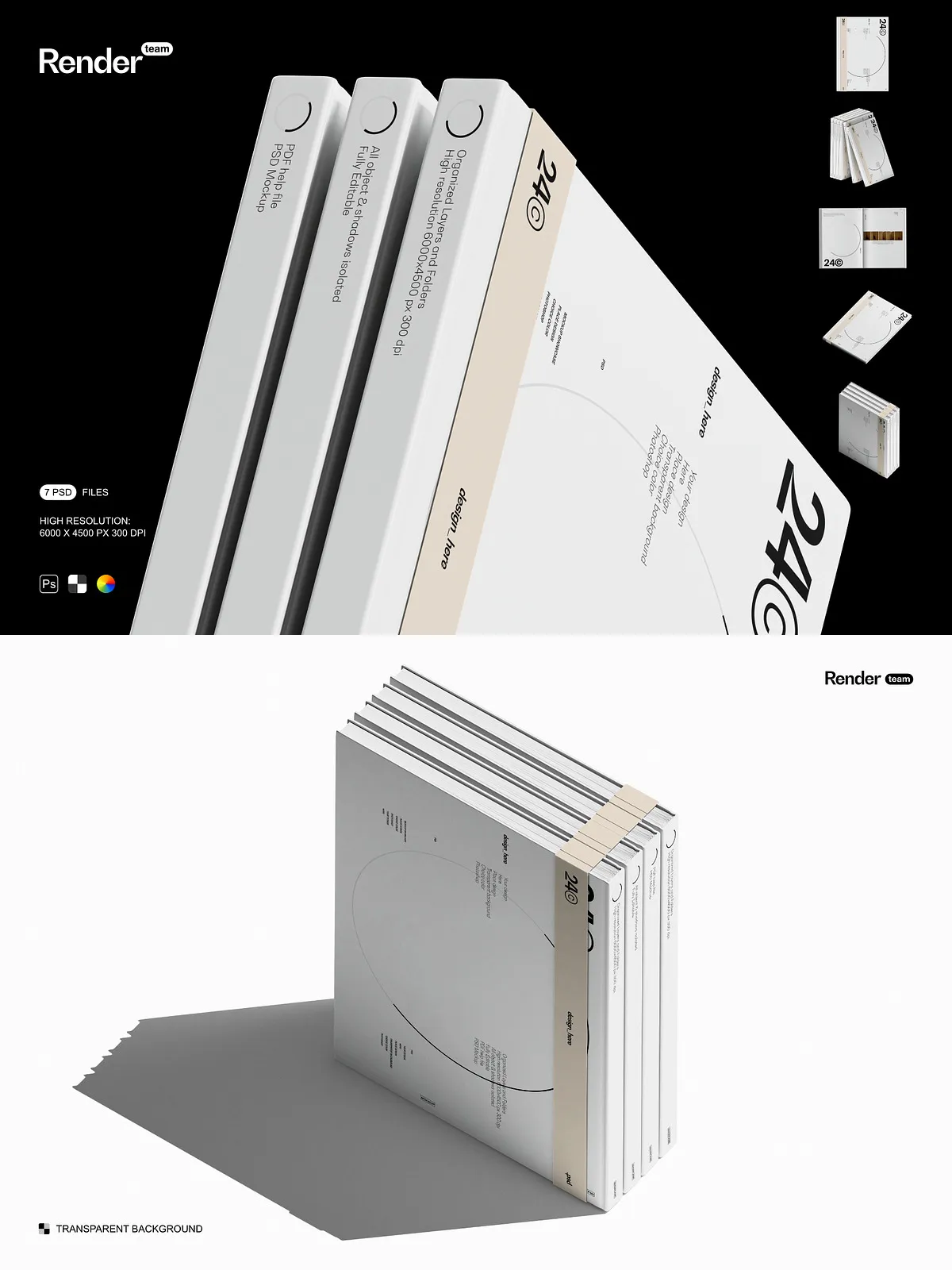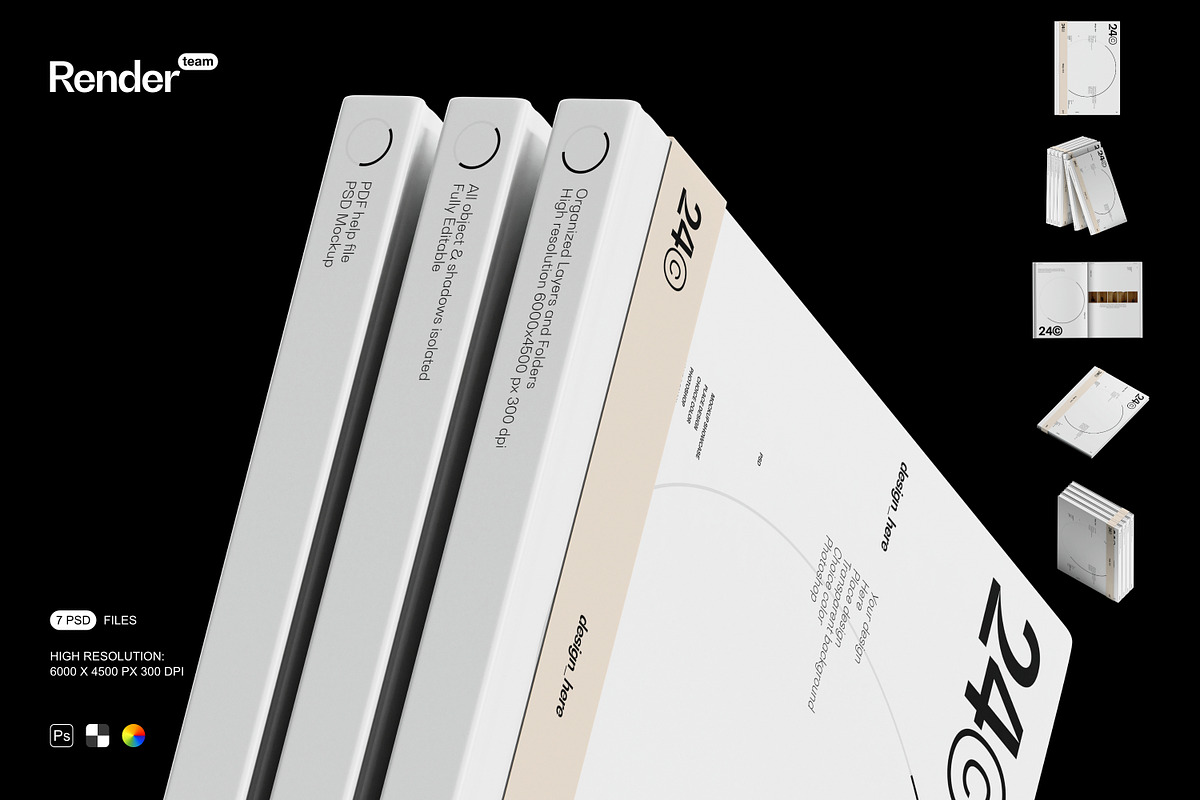
This Book Mockup Set delivers a complete, production-ready collection of seven layered and editable .psd files designed to help designers, authors, publishers, and creative teams showcase book covers, dust jackets, spines, and interior spreads with confidence. Each mockup focuses on realistic lighting, isolated shadows, and flexible composition, allowing you to tailor scenes for e-commerce thumbnails, client presentations, portfolio imagery, and marketing assets. The package reduces the need for physical photoshoots and accelerates feedback cycles by letting you preview and iterate on designs directly in Photoshop.
Fast, Non-Destructive Editing
Smart Objects Make Replacements Instant
Each mockup uses Smart Object layers so you can place your artwork quickly and non-destructively. Double-click the Smart Object, paste or place your cover design, adjust scale and alignment, then save — the preview updates automatically within the main PSD. For information about how Smart Objects preserve source content and improve workflow flexibility, see Adobe’s Smart Objects documentation: Smart Objects — overview and benefits.
Technical Specifications
High Resolution, Print-Ready Files
- Resolution: 6000 x 4500 px at 300 dpi for crisp exports suitable for both web presentation and high-quality print proofs.
- Files included: 7 fully layered PSD mockups, each carefully constructed for easy customization.
- Layer structure: Organized and clearly named folders to speed edits and handoffs to teammates or vendors.
- Isolated elements: Objects, reflections, and shadows are separated into independent layers so you can adjust or remove each element without impacting others.
- Support: PDF help file included with step-by-step instructions and recommended export settings.
Features and Workflow
Designed for Efficiency and Control
Work quickly and precisely with logically grouped layers such as “Cover Smart Object,” “Spine Detail,” “Soft Shadow,” and “Background Color.” Toggle visibility to compare variations, change background tones to match brand palettes, and fine-tune shadow opacity to match lighting conditions. Because all object layers remain editable, you can replace artwork, swap textures, and adjust finishes (matte, gloss, or textured paper) without rebuilding the composition.
What You Receive
Complete Deliverables for Immediate Use
- 7 high-resolution PSD mockup files tailored for various book views (front cover, angled spreads, closed spine, and open spread presentations).
- Smart Object integration to insert your artwork rapidly and non-destructively.
- All objects and shadows isolated for independent editing and compositing.
- Organized layer groups to simplify collaboration and production handoffs.
- PDF help file with step-by-step guidance and export recommendations.
Who Benefits
Designers, Publishers, Authors, and Agencies
Graphic designers will speed up mockup creation and present multiple concepts without repeated photoshoots. Publishers and authors can generate high-quality cover previews for preorders, listings, and promotional campaigns. Creative agencies can produce consistent, branded imagery for clients, while production teams and print vendors can inspect finishes and scale details before committing to print runs.
Export Recommendations and Best Practices
Prepare Final Files for Web and Print
After customizing a mockup, hide helper layers and export the final image according to your target channel. Use PNG or JPG for web and high-quality TIFF or JPG for print. Maintain 300 dpi for print deliverables and use sRGB for most online images; confirm CMYK profiles with your print vendor if you produce physical proofs. The included PDF lists recommended export settings and tips to preserve color fidelity and image quality.
Getting Started — Quick Workflow
Create Final Mockups in Minutes
Open any PSD from the Book Mockup Set, locate the Smart Object labeled for the cover or spread, double-click to open it, place your design and adjust scale, then save the Smart Object. Return to the main file, adjust background, shadow, and reflection layers to match your visual direction, and export the finished image. This repeatable workflow helps you iterate rapidly and produce consistent, professional visuals with minimal time investment.
Start Presenting Book Designs Confidently
Use the Book Mockup Set to speed approvals, enhance your portfolio, and produce product-ready visuals that attract readers and stakeholders. Replace artwork in seconds, customize scenes to match brand aesthetics, and deliver polished mockups that communicate the quality and intent of your book designs.