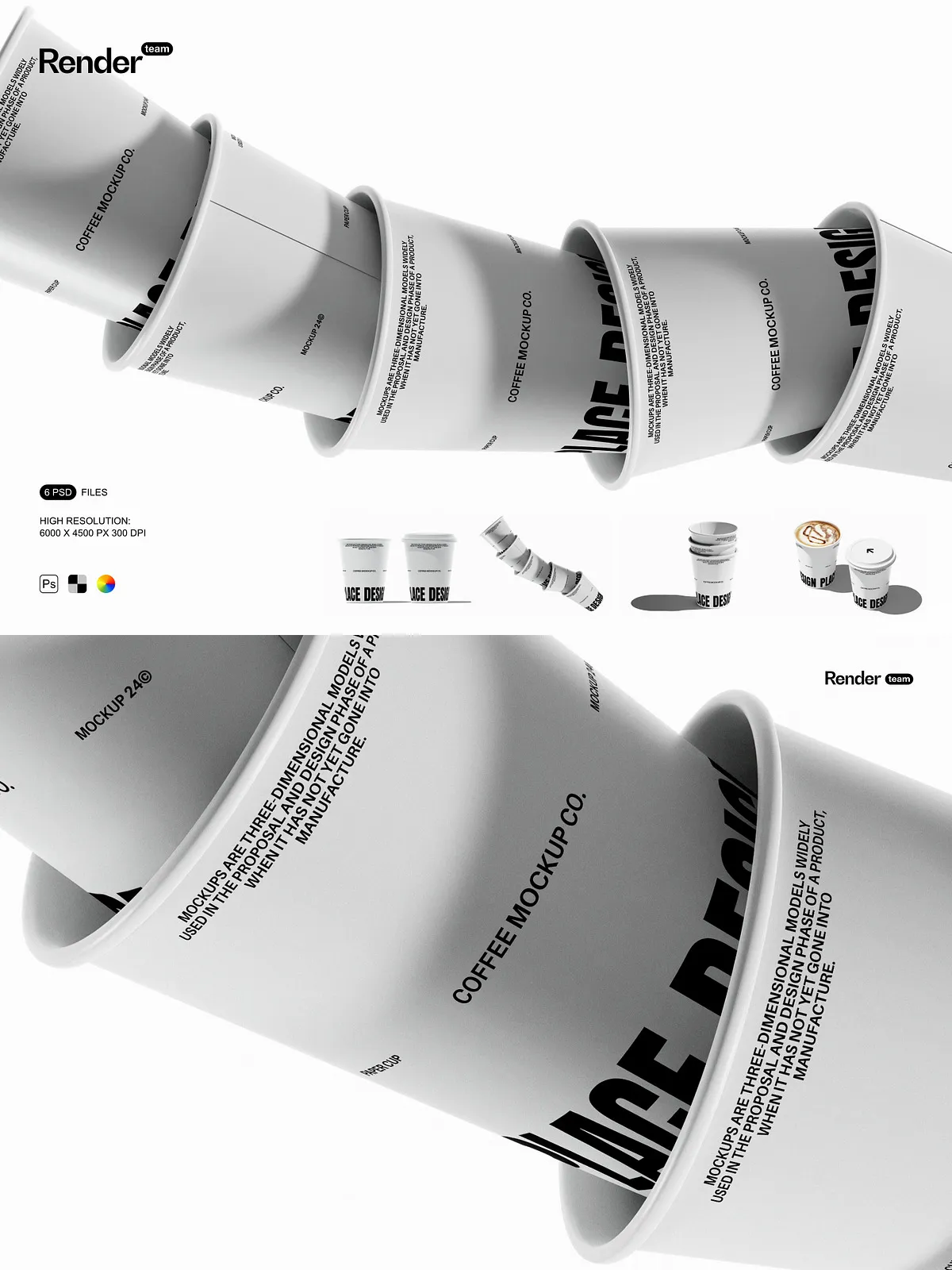
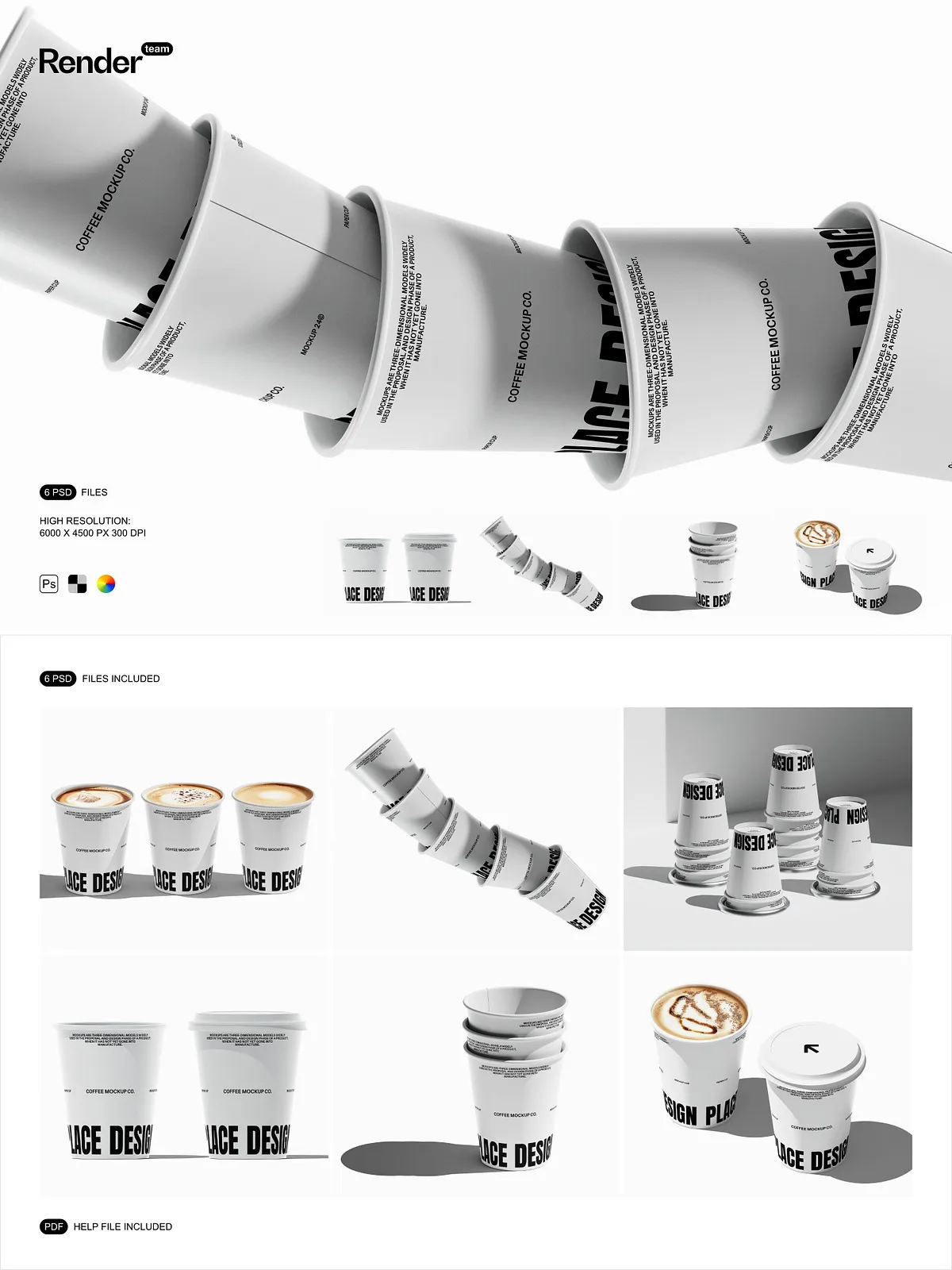
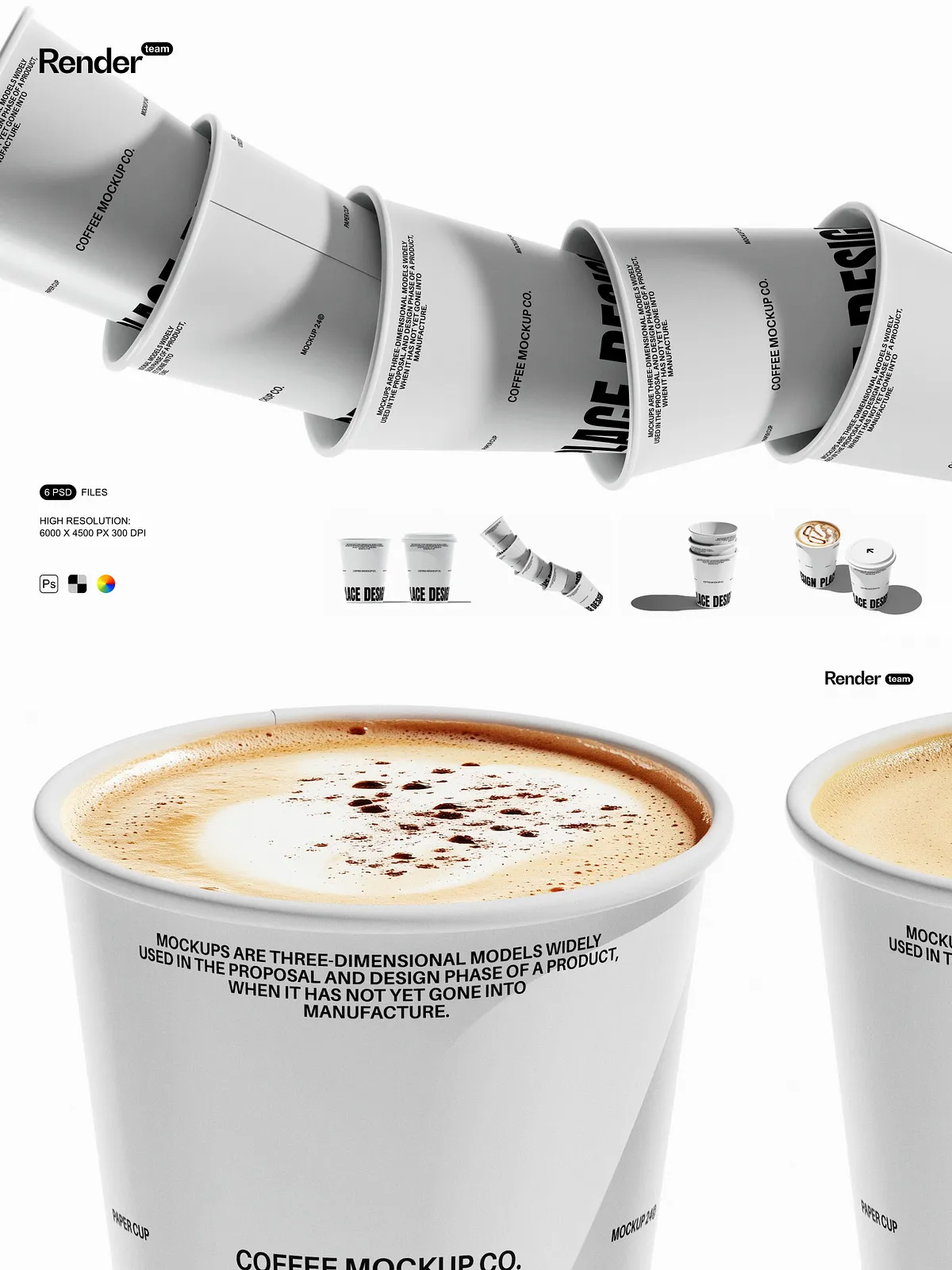
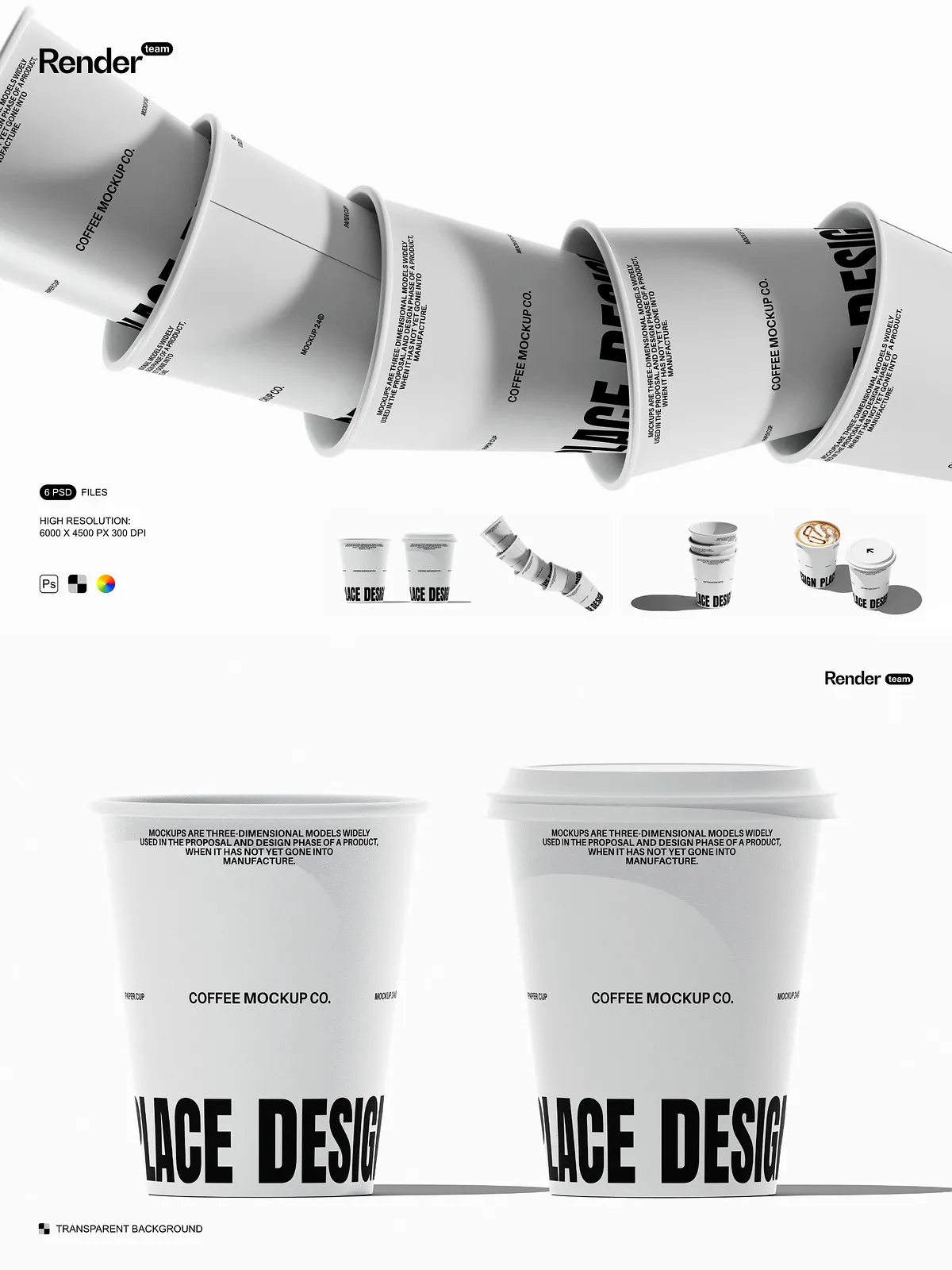
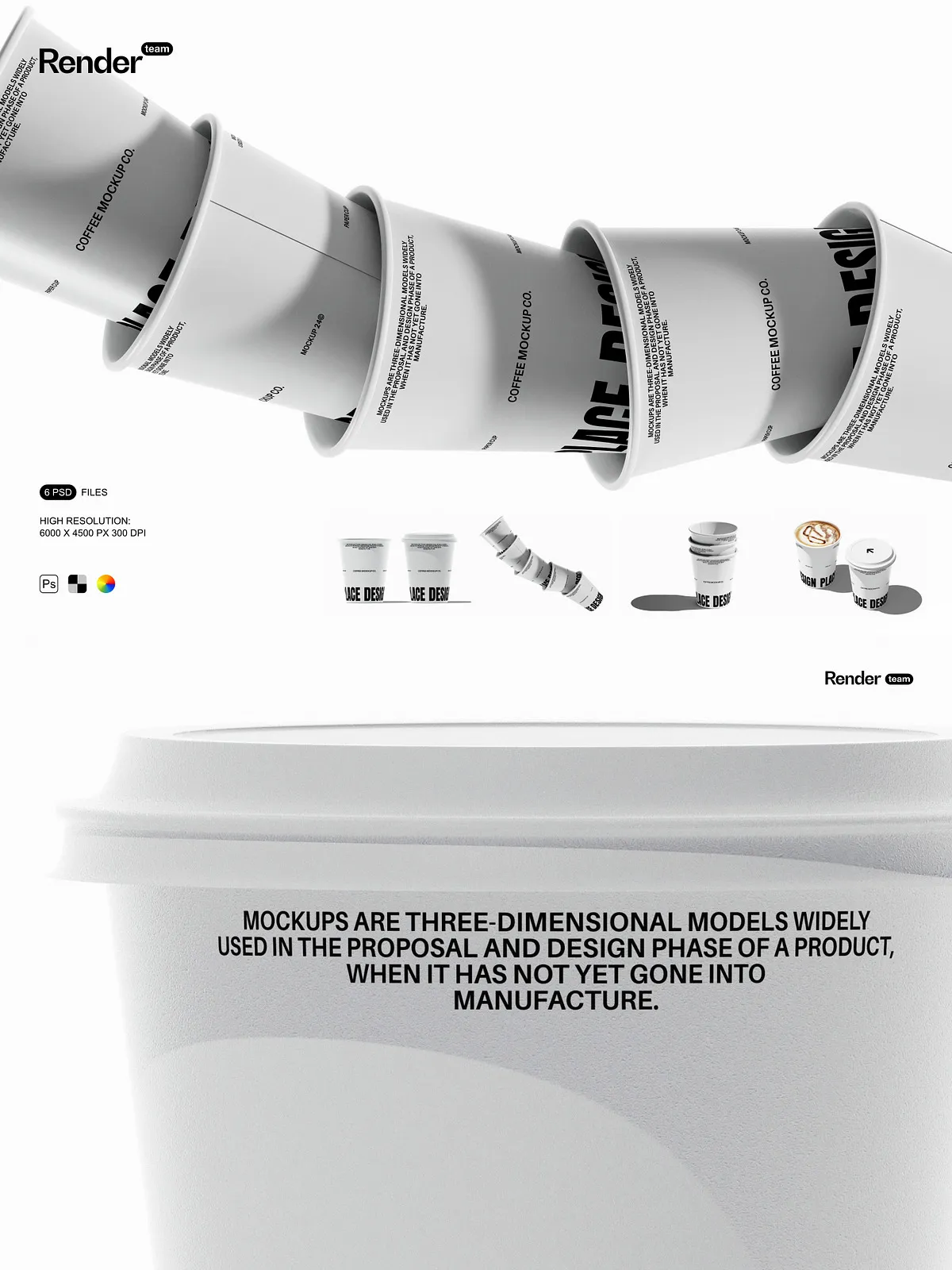
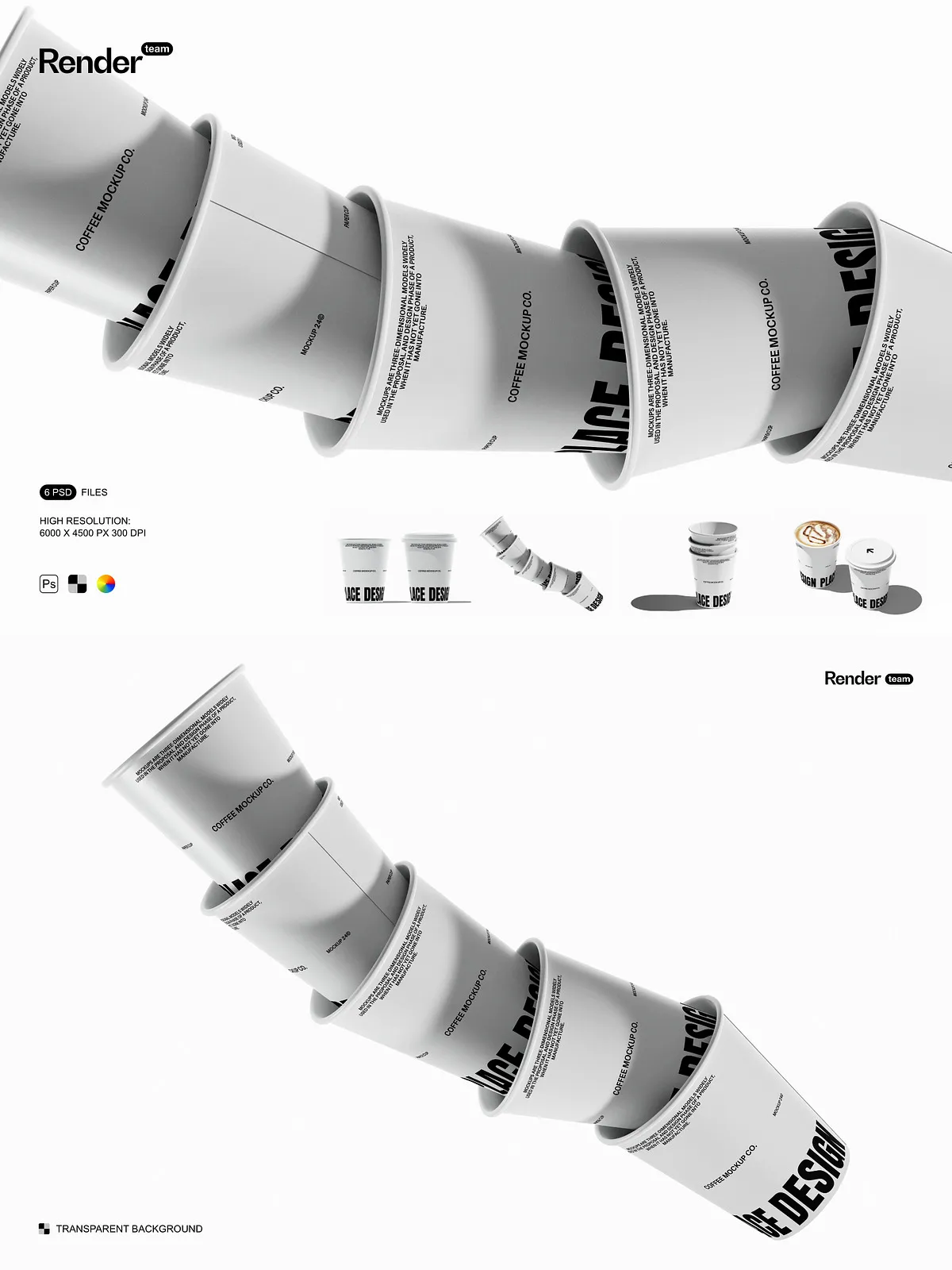
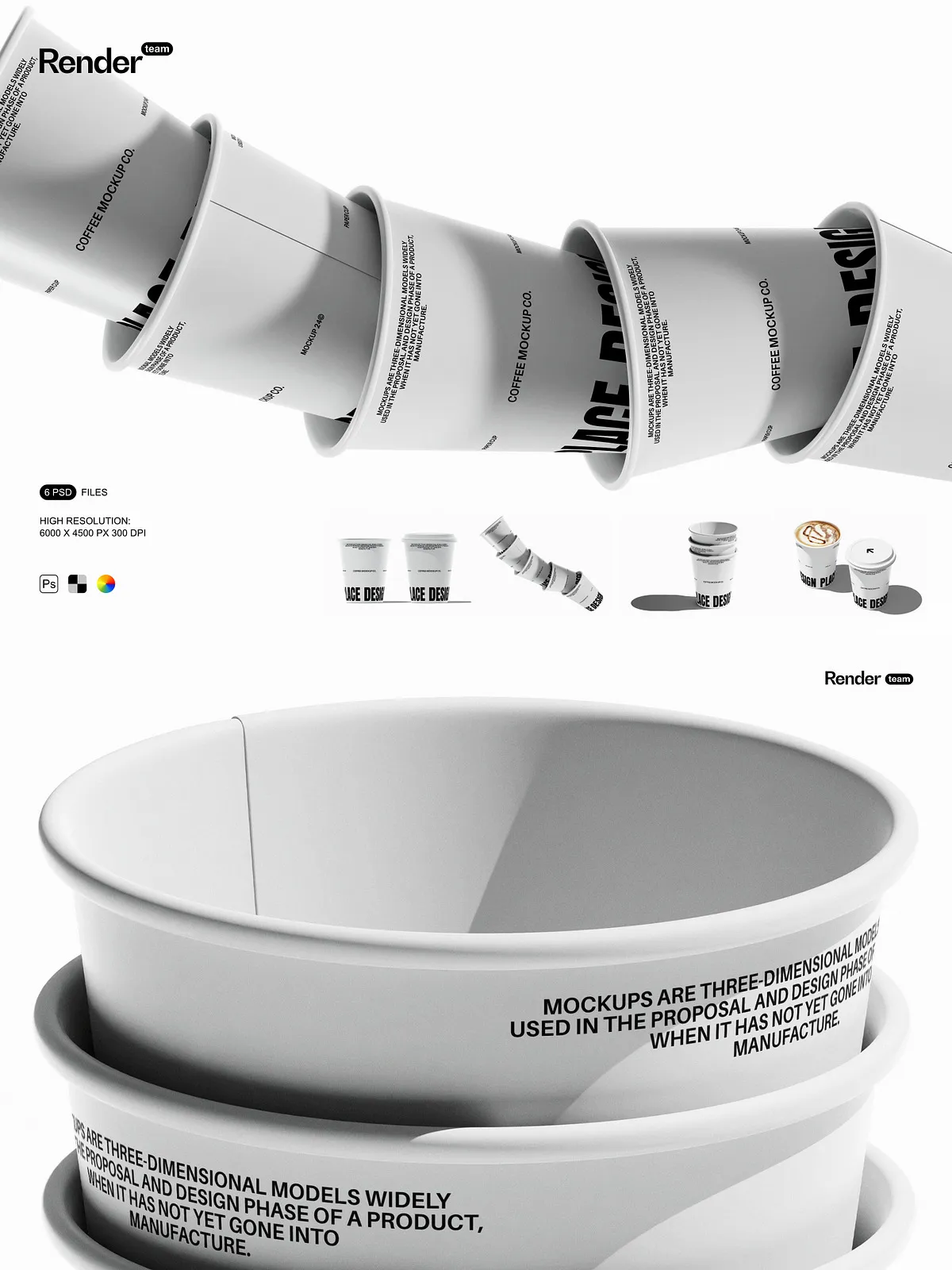
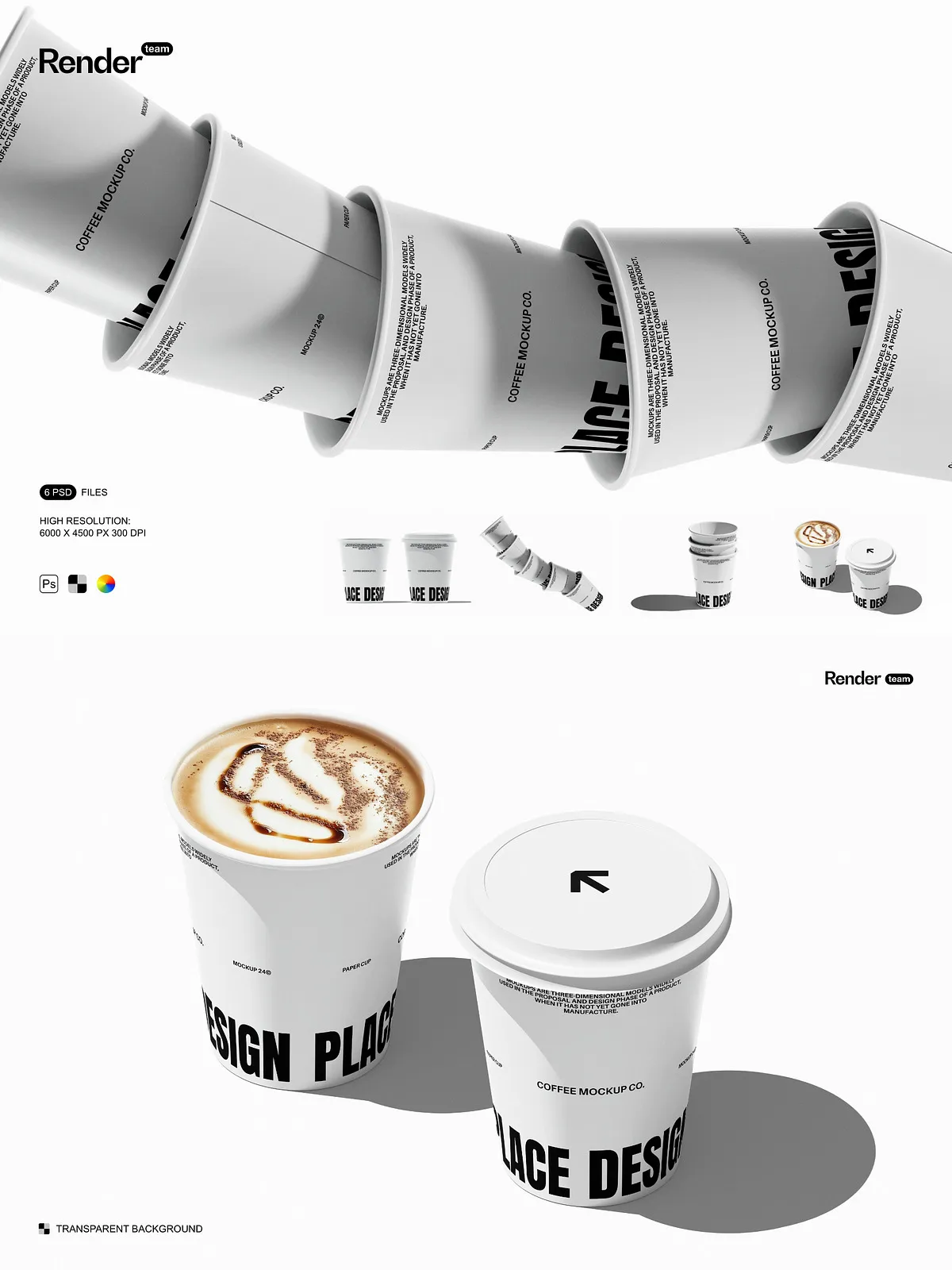
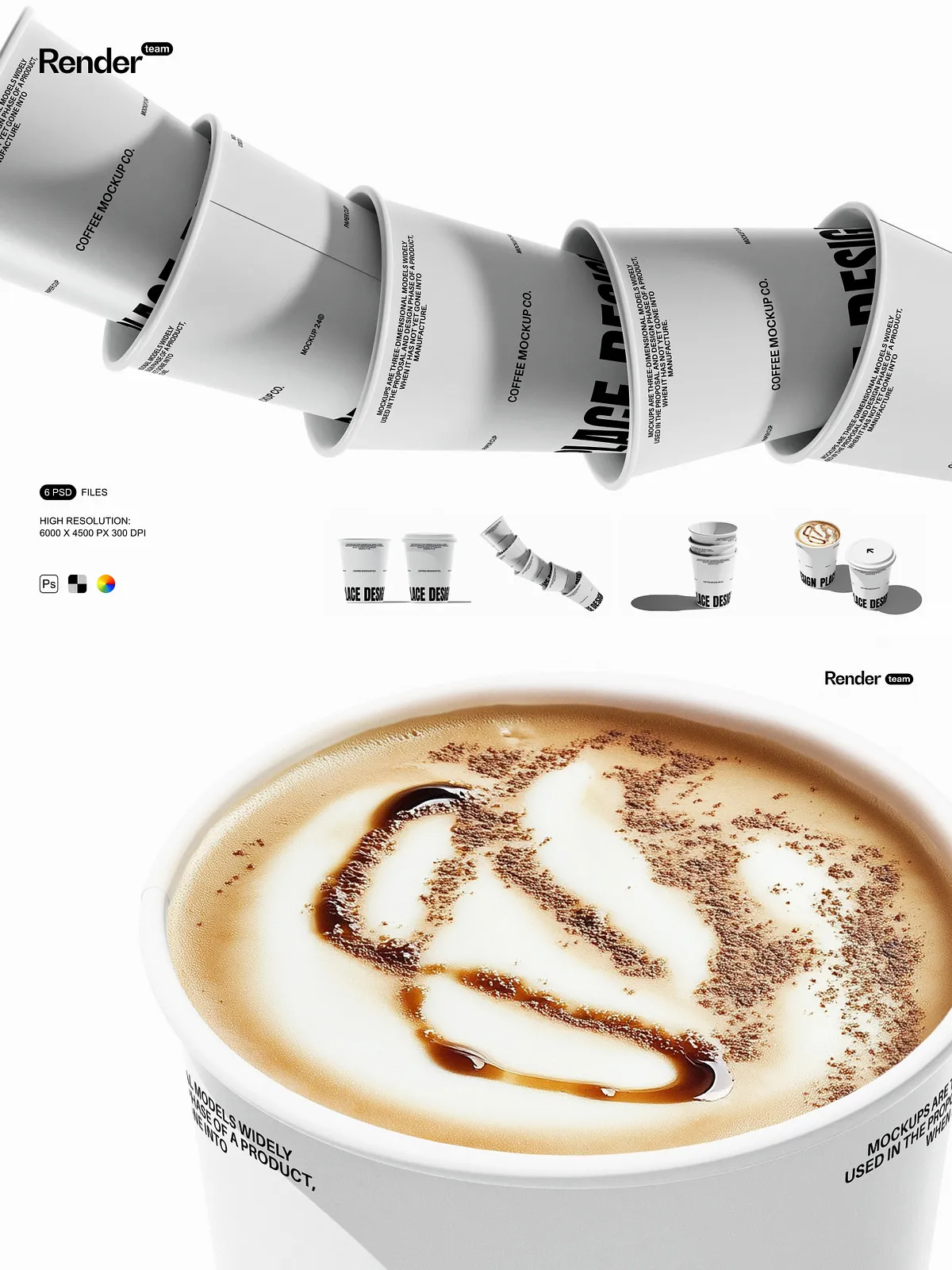
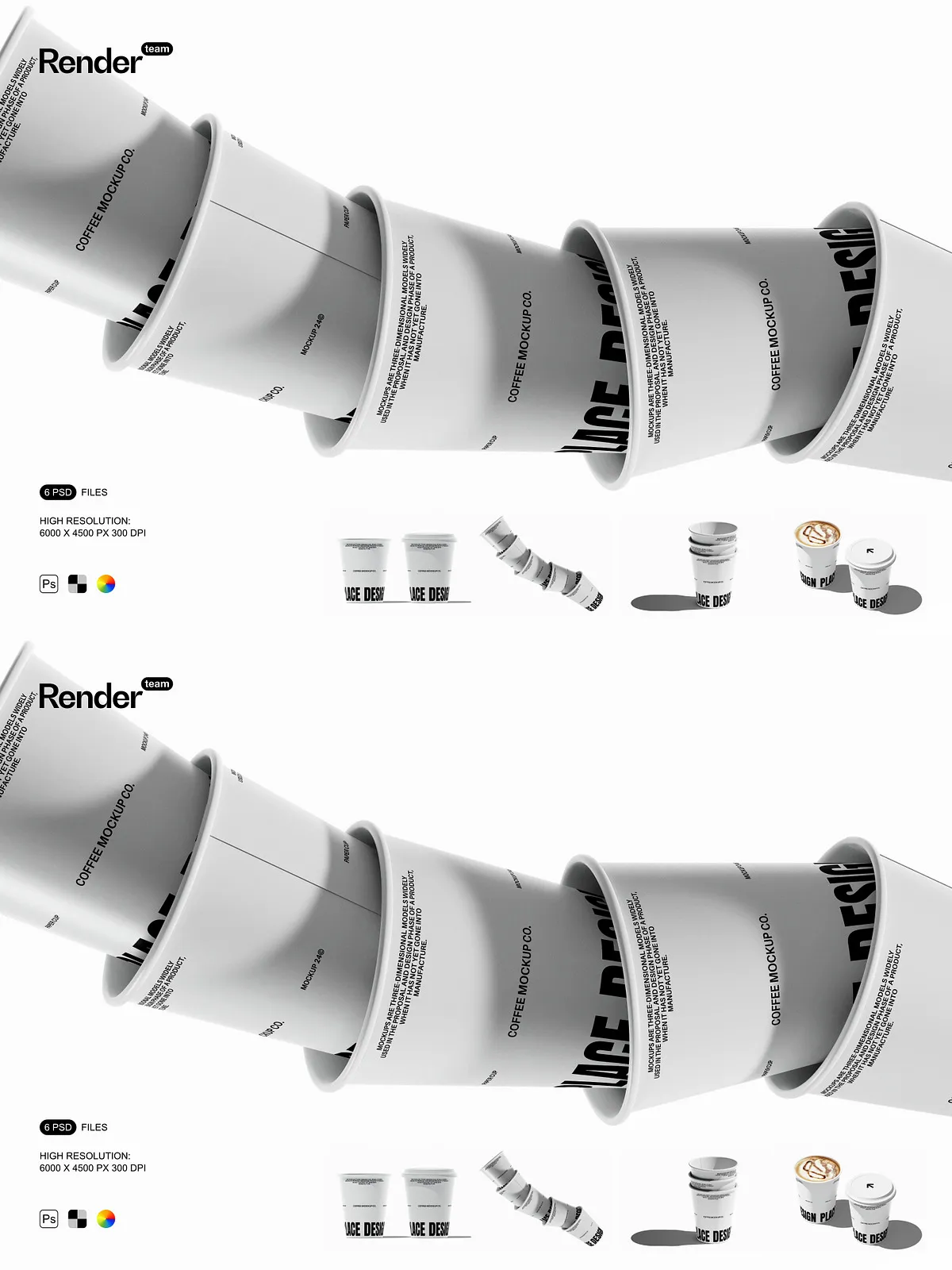
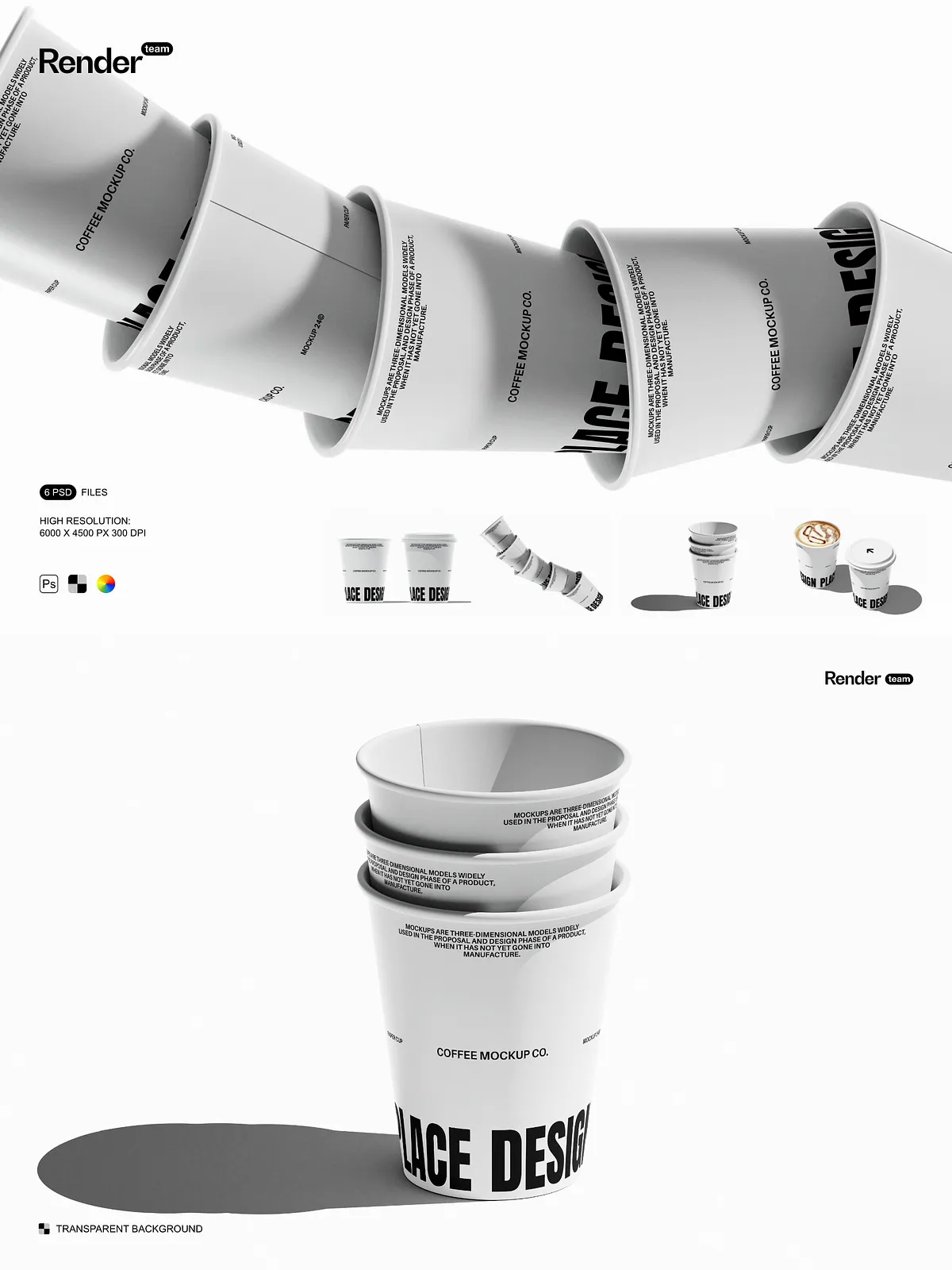
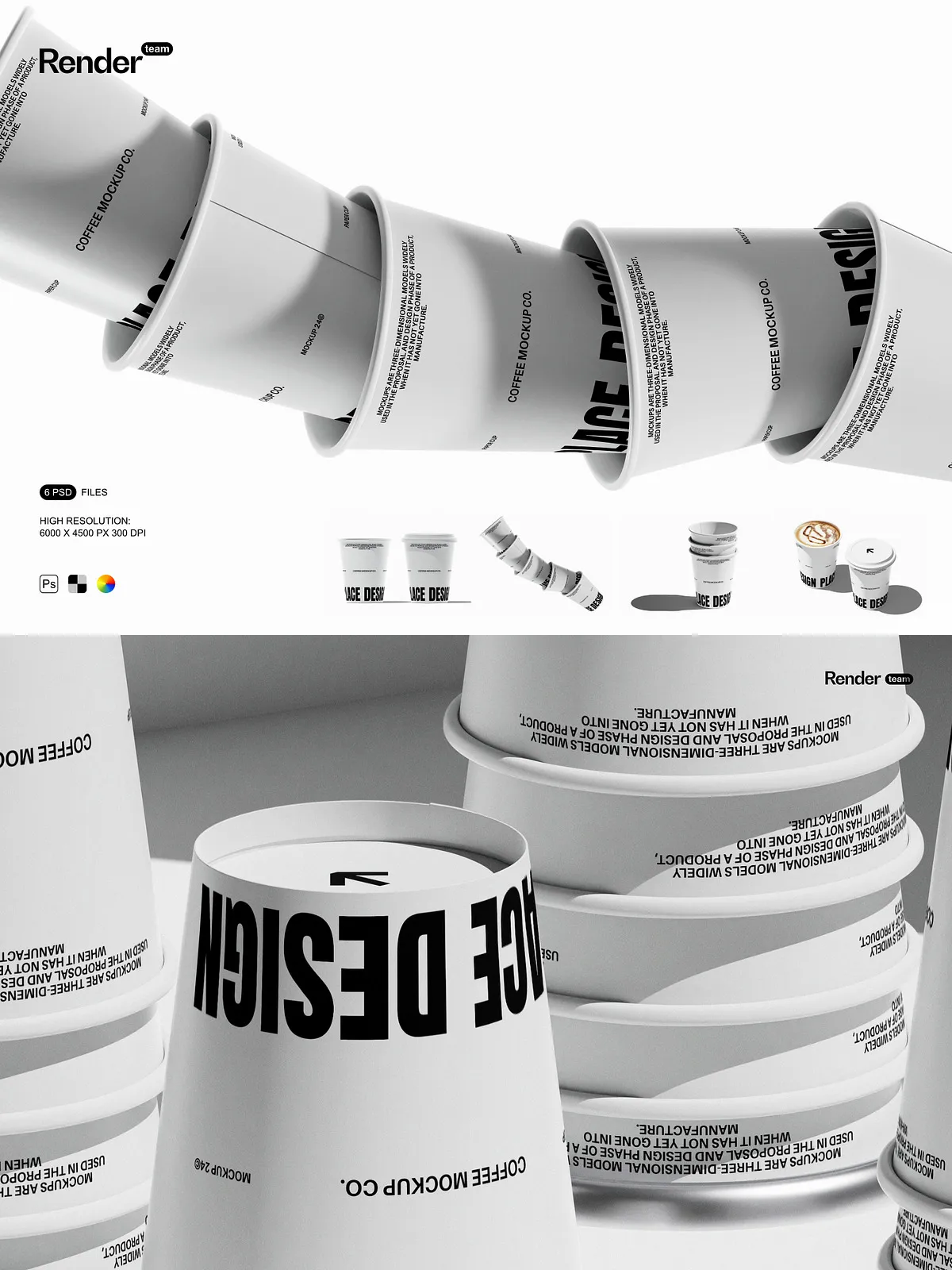
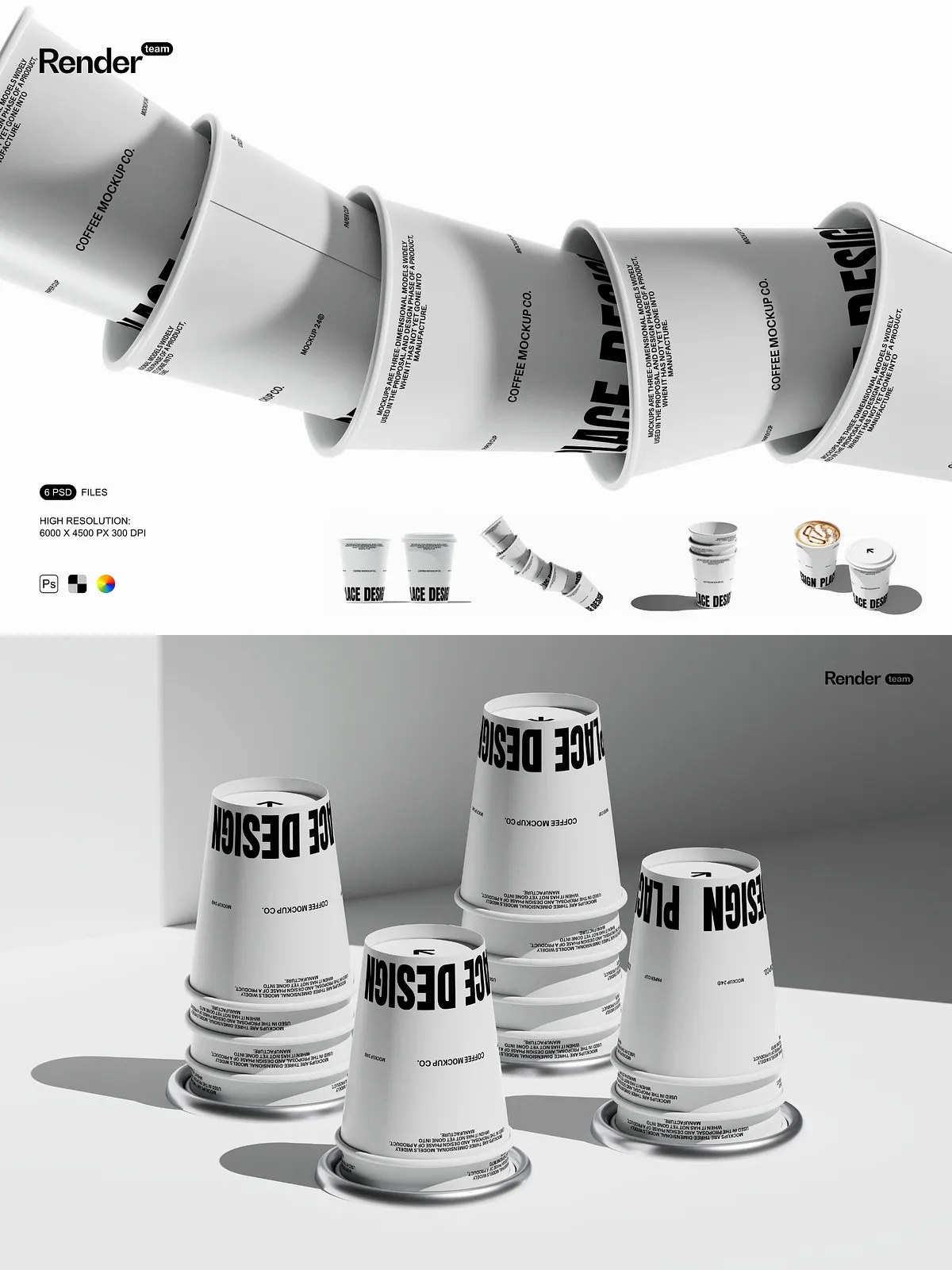
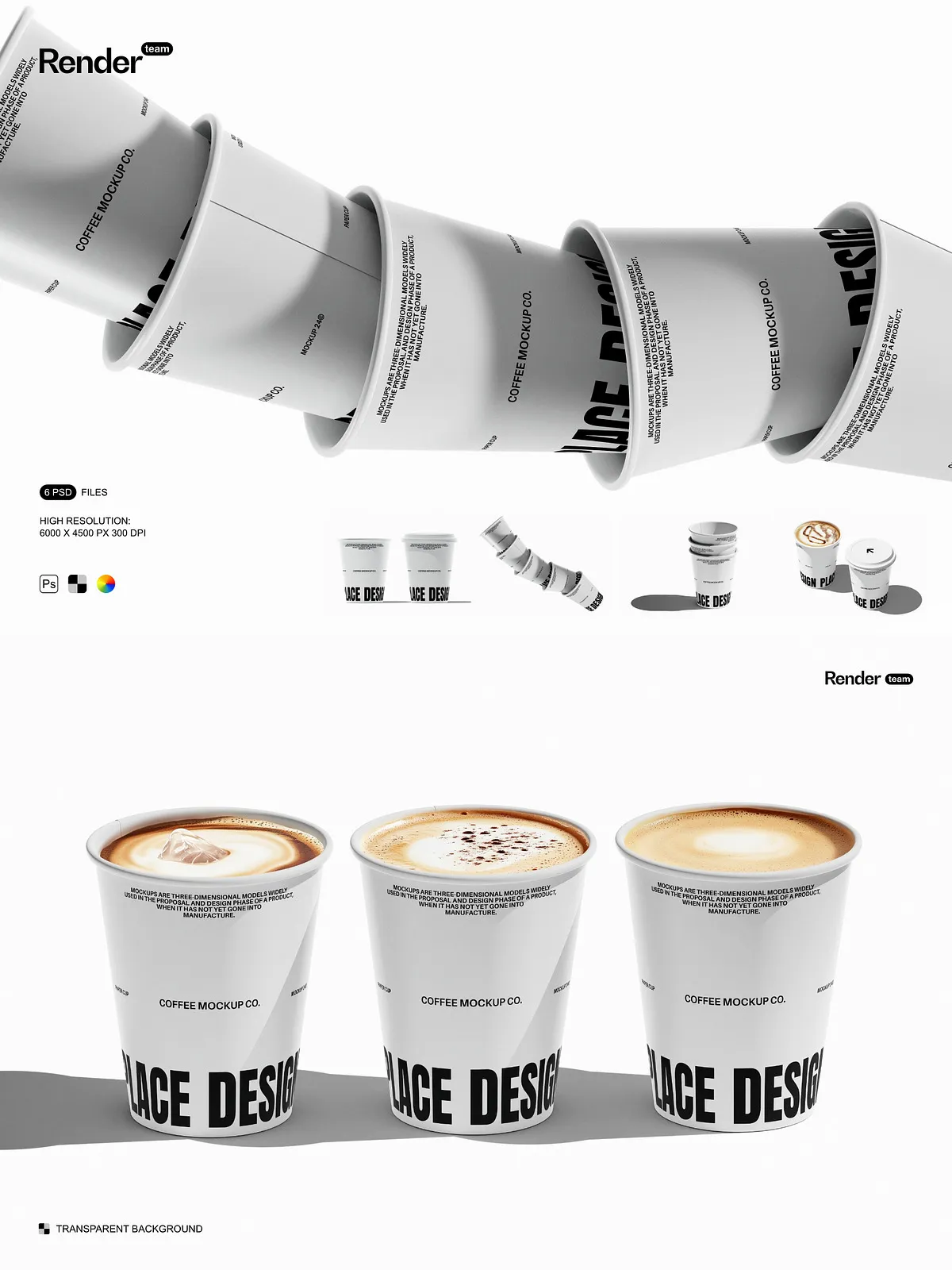
Unlock the full potential of your beverage packaging concepts with this Paper Cup Mockup Set. Designed for maximum flexibility and visual impact, these six layered, fully editable PSD files enable you to instantly visualize your custom artwork on high-quality paper cups. Perfect for cafés, event planners, beverage brands, and packaging designers, each mockup captures authentic textures, light reflection, and depth to deliver professional-grade previews that impress clients and enhance marketing campaigns.
Effortless Customization with Smart Object Technology
Replace Designs in Seconds — No Photoshop Expertise Needed
Each mockup leverages Adobe Photoshop’s Smart Object system to allow fast, non-destructive editing. Simply double-click the designated Smart Object layer, paste your artwork—whether it’s a logo, pattern, or seasonal design—adjust scaling and positioning, then save. The change updates instantly across the entire composition. This seamless workflow eliminates the need for time-consuming manual placement, making it easy for beginners and pros alike to produce polished visuals rapidly. Learn more about the benefits of Smart Objects: Adobe Smart Objects: Overview and Benefits.
Engineered for Precision and Professional Use
High-Resolution, Isolated Layers for Maximum Control
- Resolution: 6000 x 4500 pixels at 300 dpi—perfect for print proofs, high-end portfolios, and detailed web displays.
- File Count: Six distinct paper cup mockups showcasing various angles—front view, angled side, open cup, stacked cups, hand-held, and ambient scene setups.
- Layer Organization: All elements are grouped into clearly labeled folders (e.g., “Cover Art,” “Shadow,” “Background,” “Texture Layer”) for fast navigation and collaboration.
- Isolated Components: Objects, shadows, and reflections are separated into individual, editable layers—allowing you to remove, replace, or modify elements without affecting the rest of the design.
- Full Editability: Color layers, gradients, and textures are adjustable, so you can match your brand’s palette or experiment with finishes like matte, glossy, or kraft paper effects.
Maximize Your Creative Workflow
Speed Up Presentations and Client Approvals
Eliminate delays caused by physical prototypes and photoshoots. Instead of waiting days for samples, generate multiple variations in minutes. Adjust lighting, change background colors, insert seasonal themes, or swap cup designs—all within the same PSD file. This level of control accelerates feedback cycles, enhances storytelling in presentations, and boosts confidence in client decisions. Whether launching a new smoothie line, promoting eco-friendly packaging, or creating social media content, these mockups let you go from concept to showcase in record time.
Everything You Need — Ready to Use
Complete Package for Instant Success
- 6 high-resolution, layered PSD mockups optimized for professional output.
- Smart Object layers for instant artwork replacement with no quality loss.
- Isolated shadows and reflections for realistic depth and composition.
- Organized layer structure with descriptive naming for efficiency.
- PDF help file with step-by-step tutorial, export tips, and recommended color profiles.
For Designers, Marketers, and Entrepreneurs
Perfect for Brands, Agencies, and Creative Teams
Graphic designers can streamline mockup creation and maintain brand consistency across multiple campaigns. Marketing teams can produce engaging Instagram posts, product landing pages, and ad creatives with minimal effort. Startups and small businesses can showcase their unique packaging without costly production. Agencies can deliver visual concepts faster, reducing client revision rounds and impressing with high-fidelity previews.
Exporting for Every Channel
Prepare Your Files with Confidence
After customizing your mockup, export using the most appropriate format:
- Web & Social Media: Save as PNG (transparent background) or JPG (high quality, sRGB color profile).
- Print & Presentations: Use TIFF or JPG at 300 dpi; ensure CMYK color mode if printing.
- Portfolio Submissions: Create 5000px+ thumbnails with clean margins and minimal file bloat.
The included PDF guide walks you through these steps, ensuring your final output meets both digital and print standards.
Get Started in Three Simple Steps
Create a Professional Mockup in Minutes
- Open any PSD file from the Paper Cup Mockup Set.
- Locate the Smart Object layer labeled for the cup artwork.
- Double-click it, insert your design, scale and position as needed, then save and close.
- Return to the main file, adjust background, shadows, or lighting to enhance realism.
- Export the final image using optimal settings for your purpose.
Transform Ideas Into Impact
Amplify Your Brand with Stunning Packaging Imagery
Stop imagining—start presenting. The Paper Cup Mockup Set empowers you to visualize, refine, and showcase your design with confidence. Whether for e-commerce listings, trade shows, or brand launches, these mockups put your creativity at center stage with professional-quality results, built for speed, ease, and excellence.