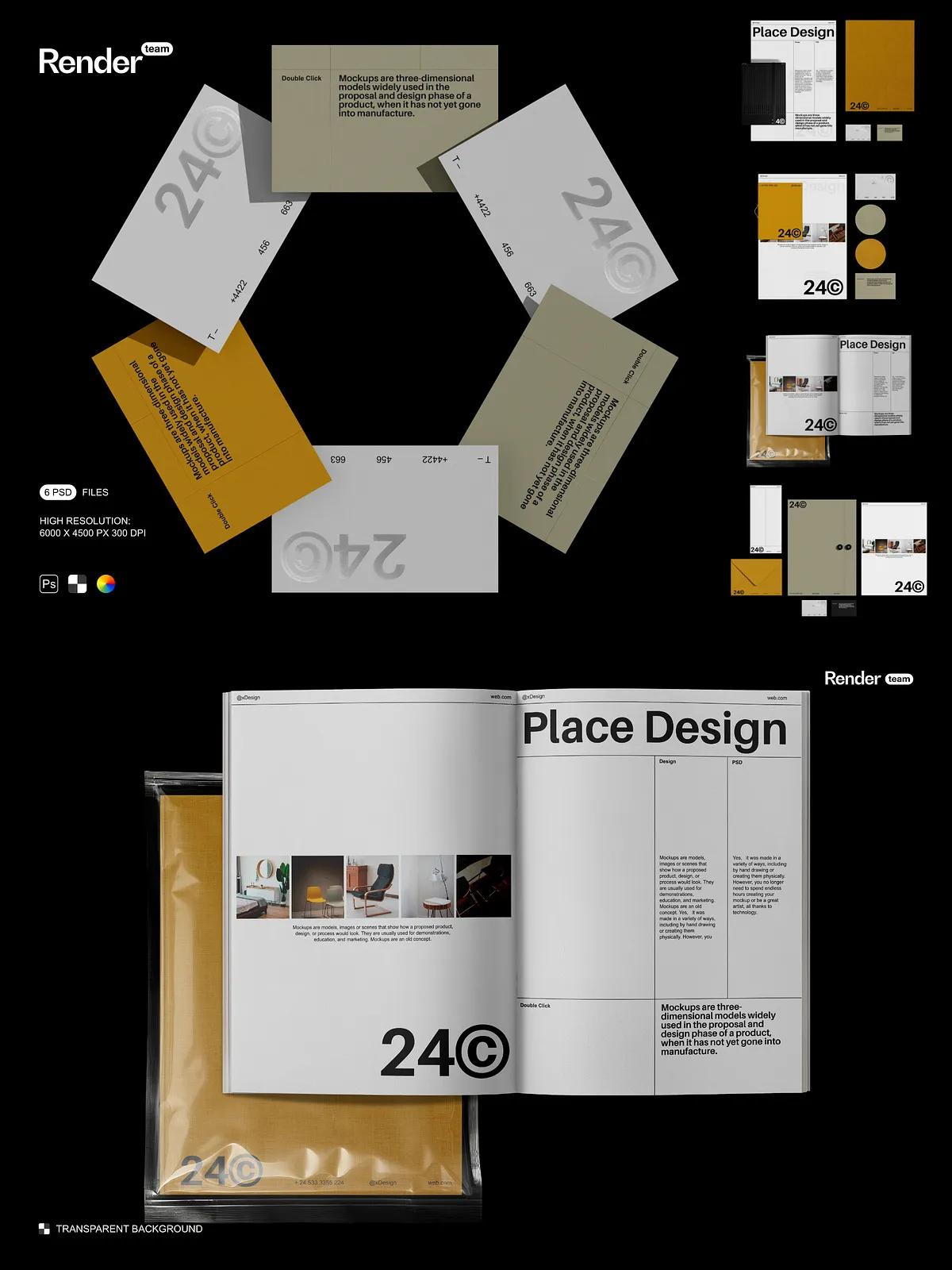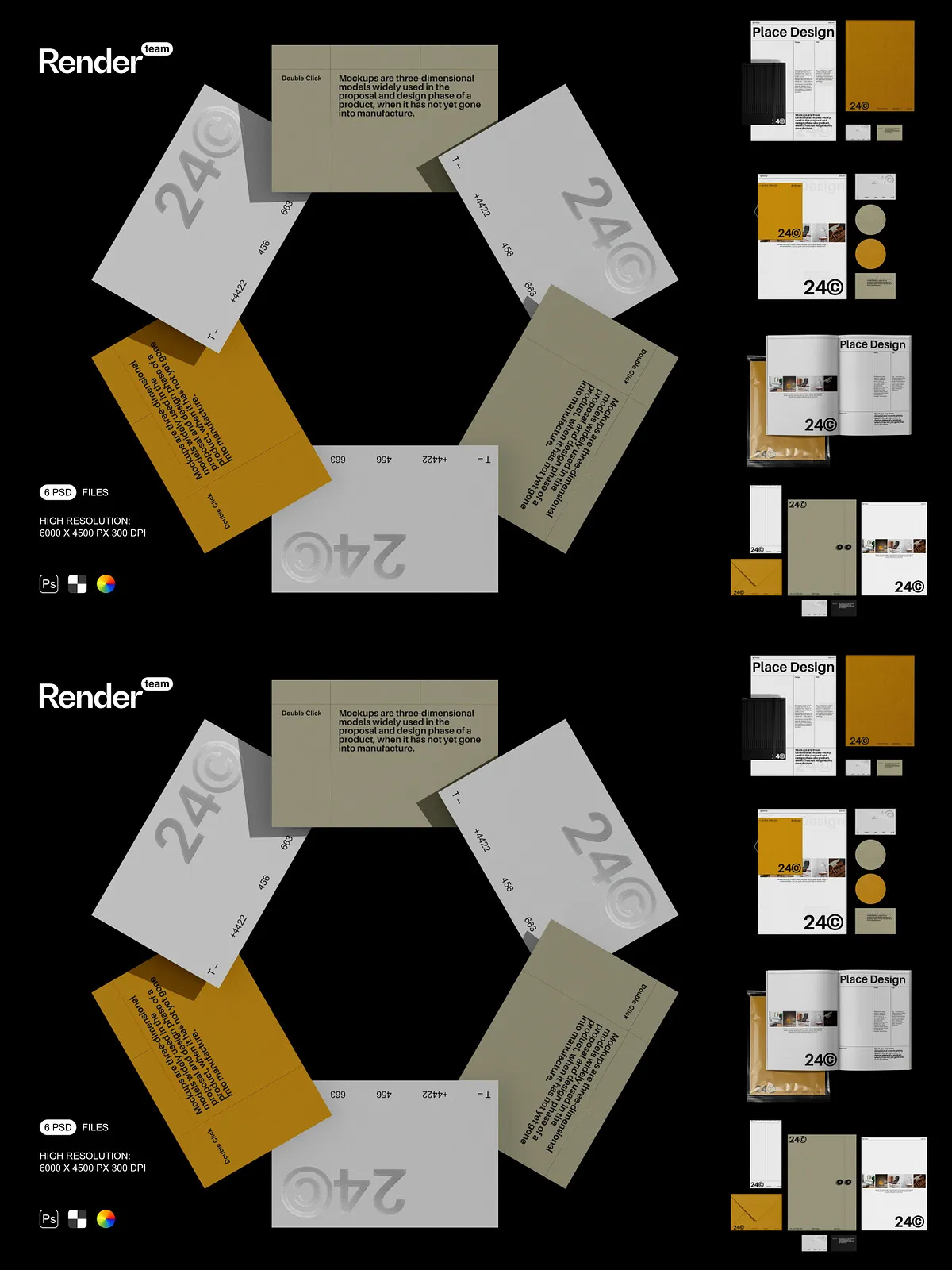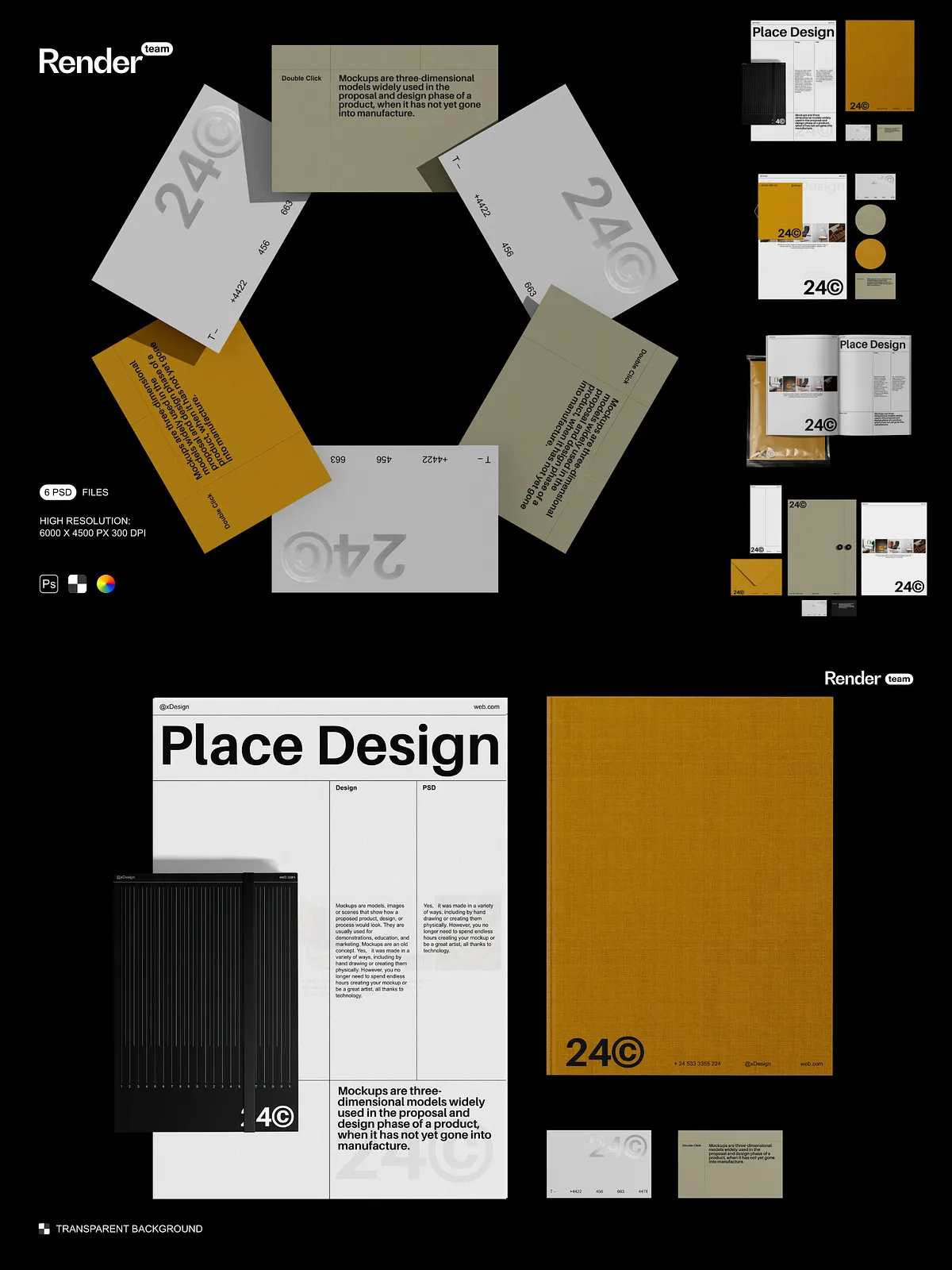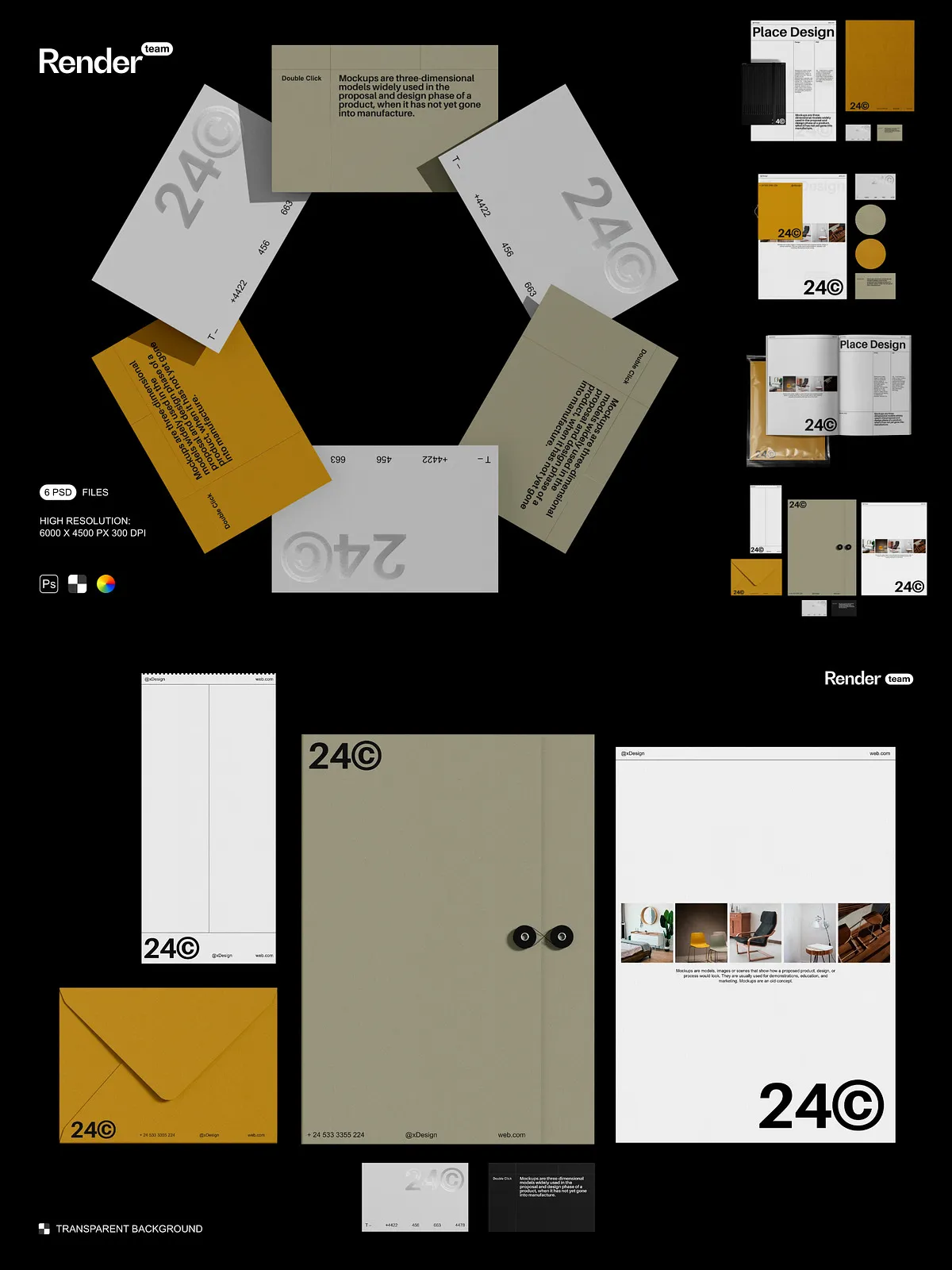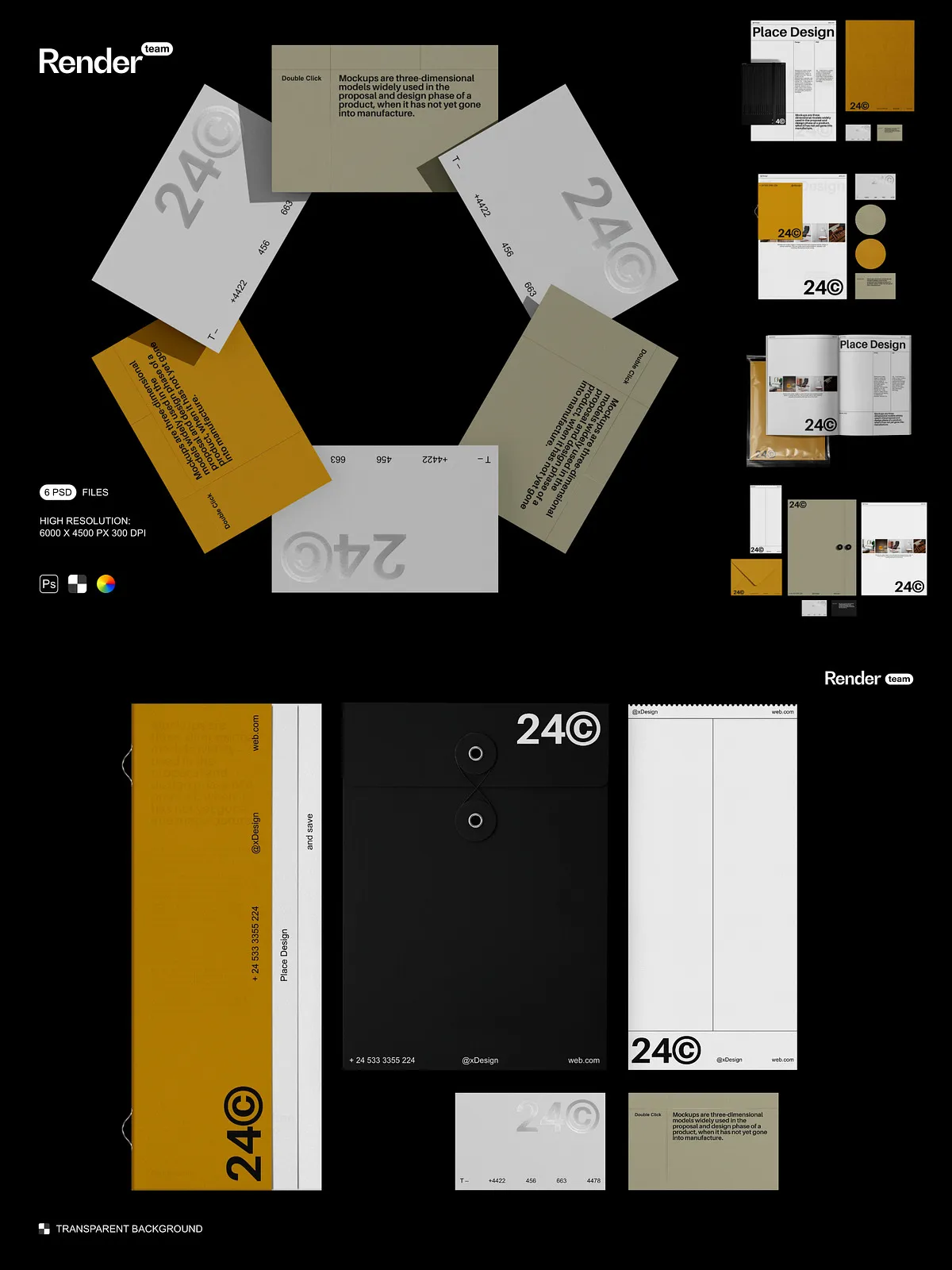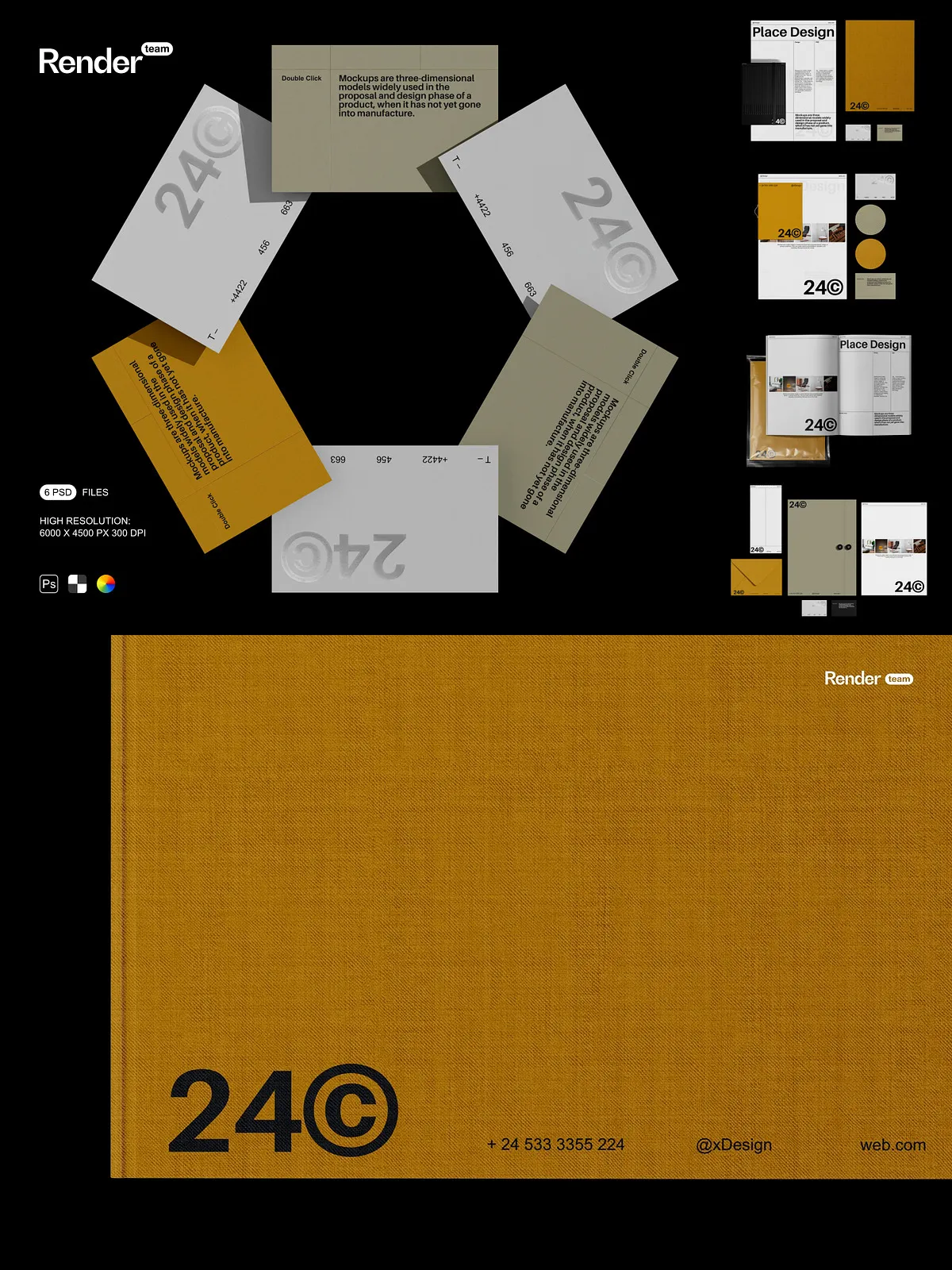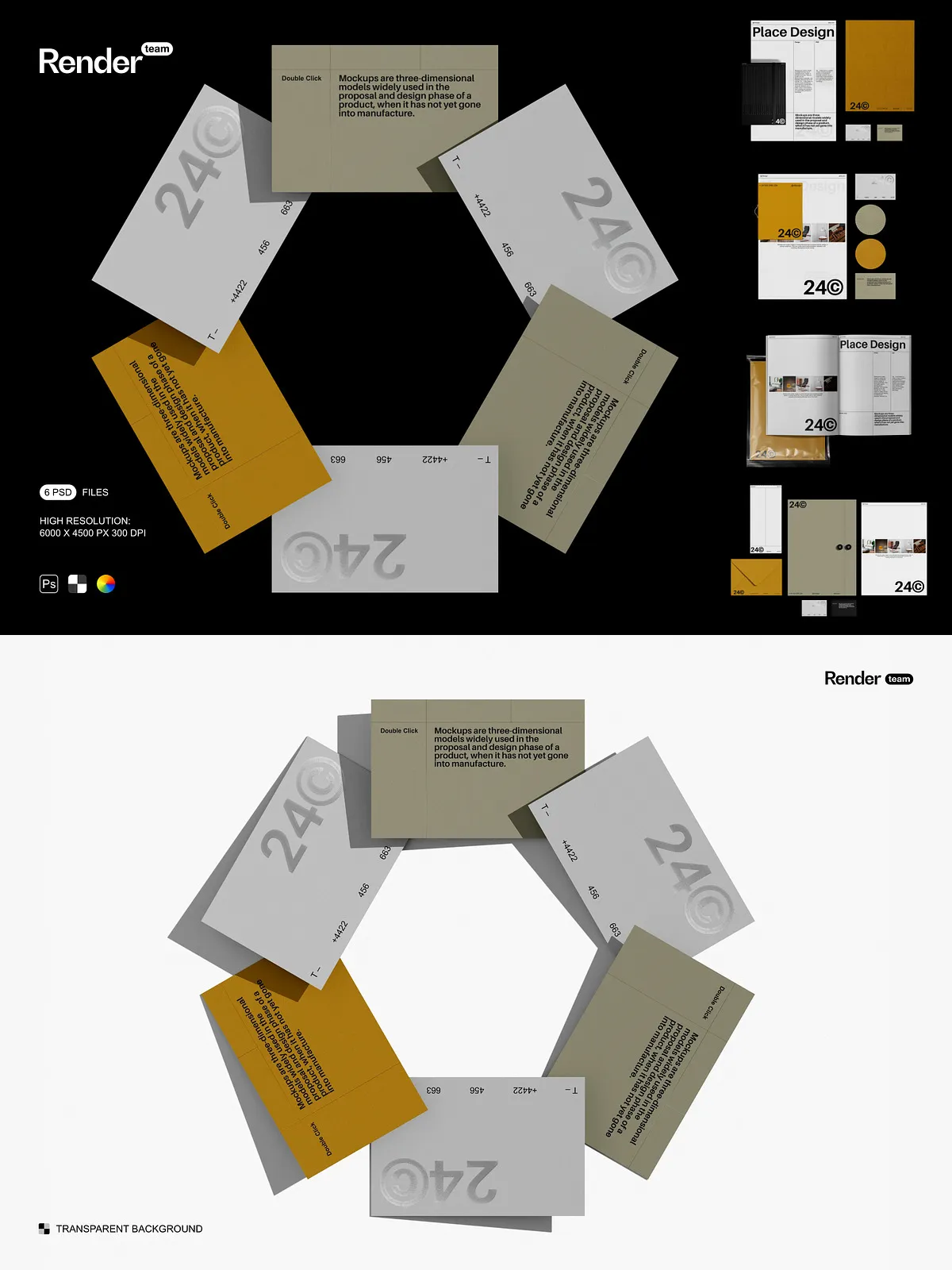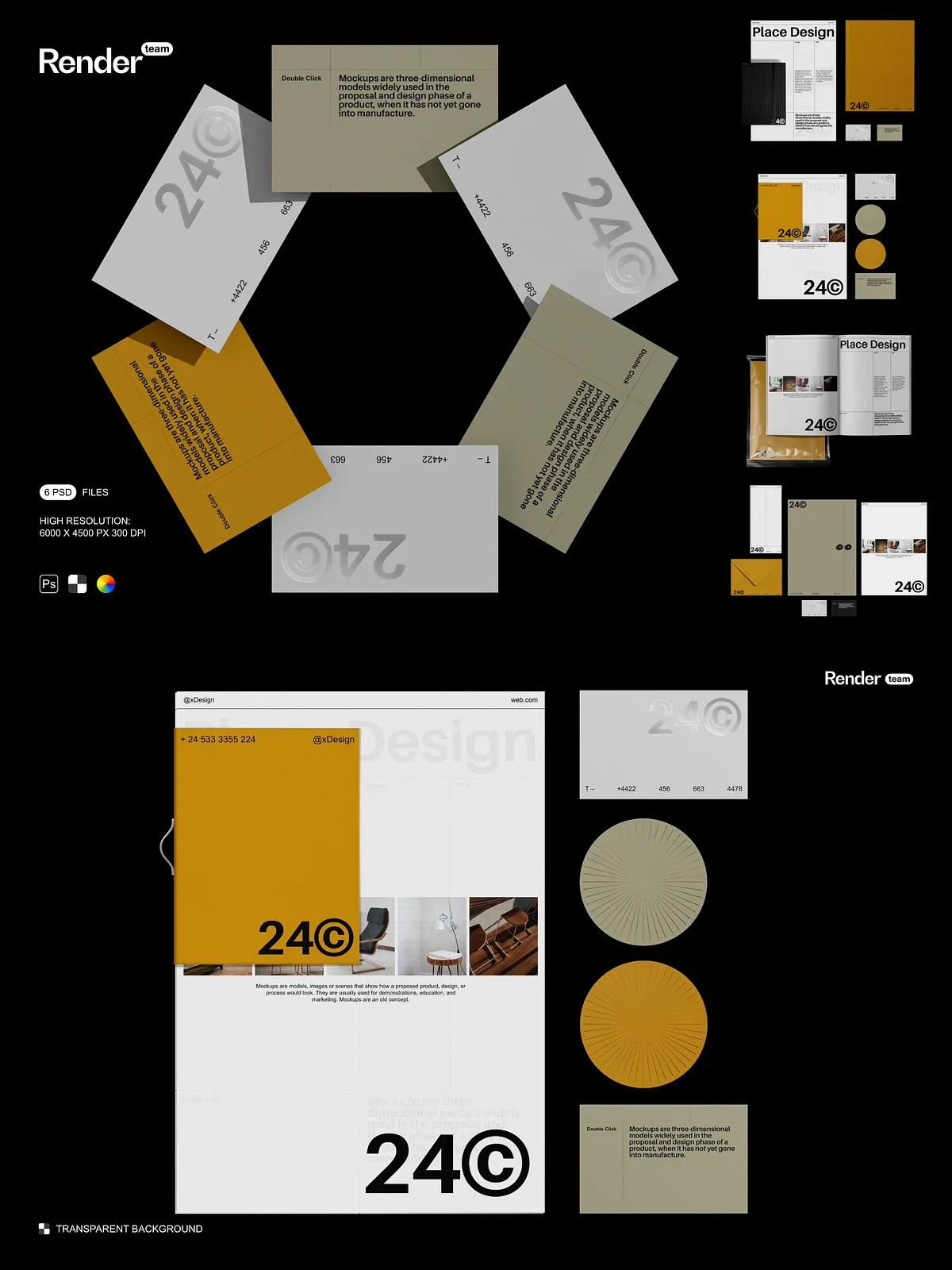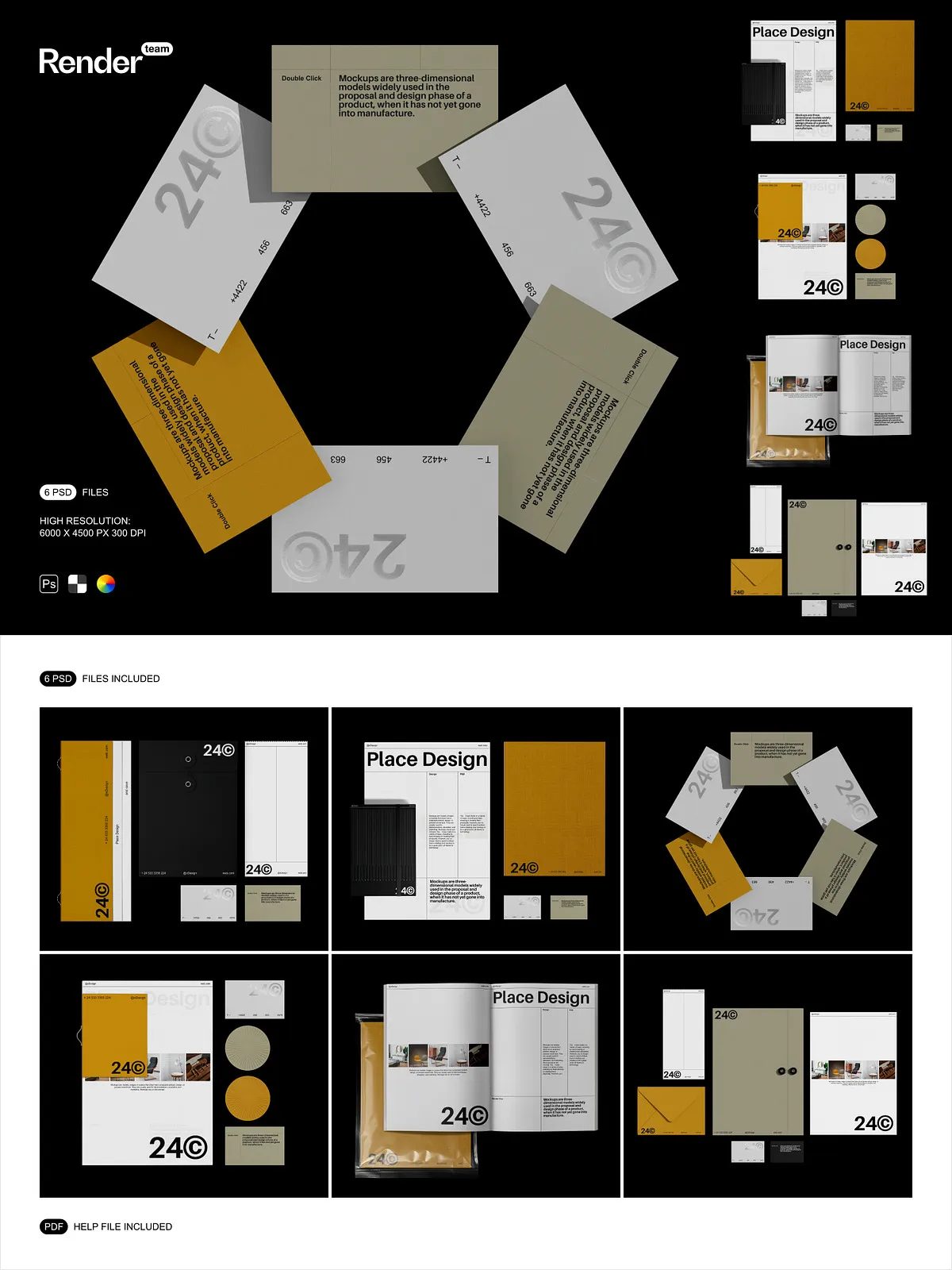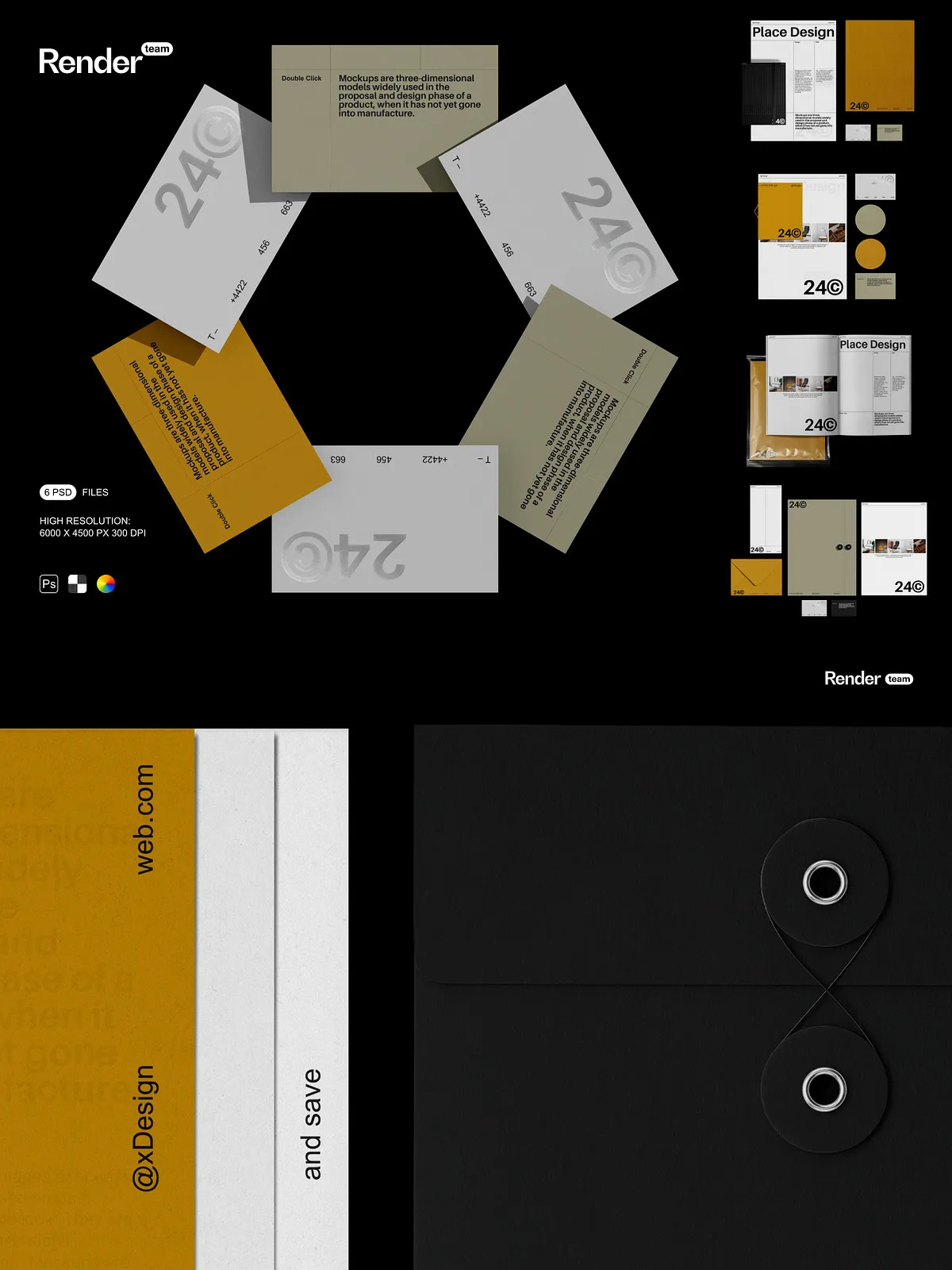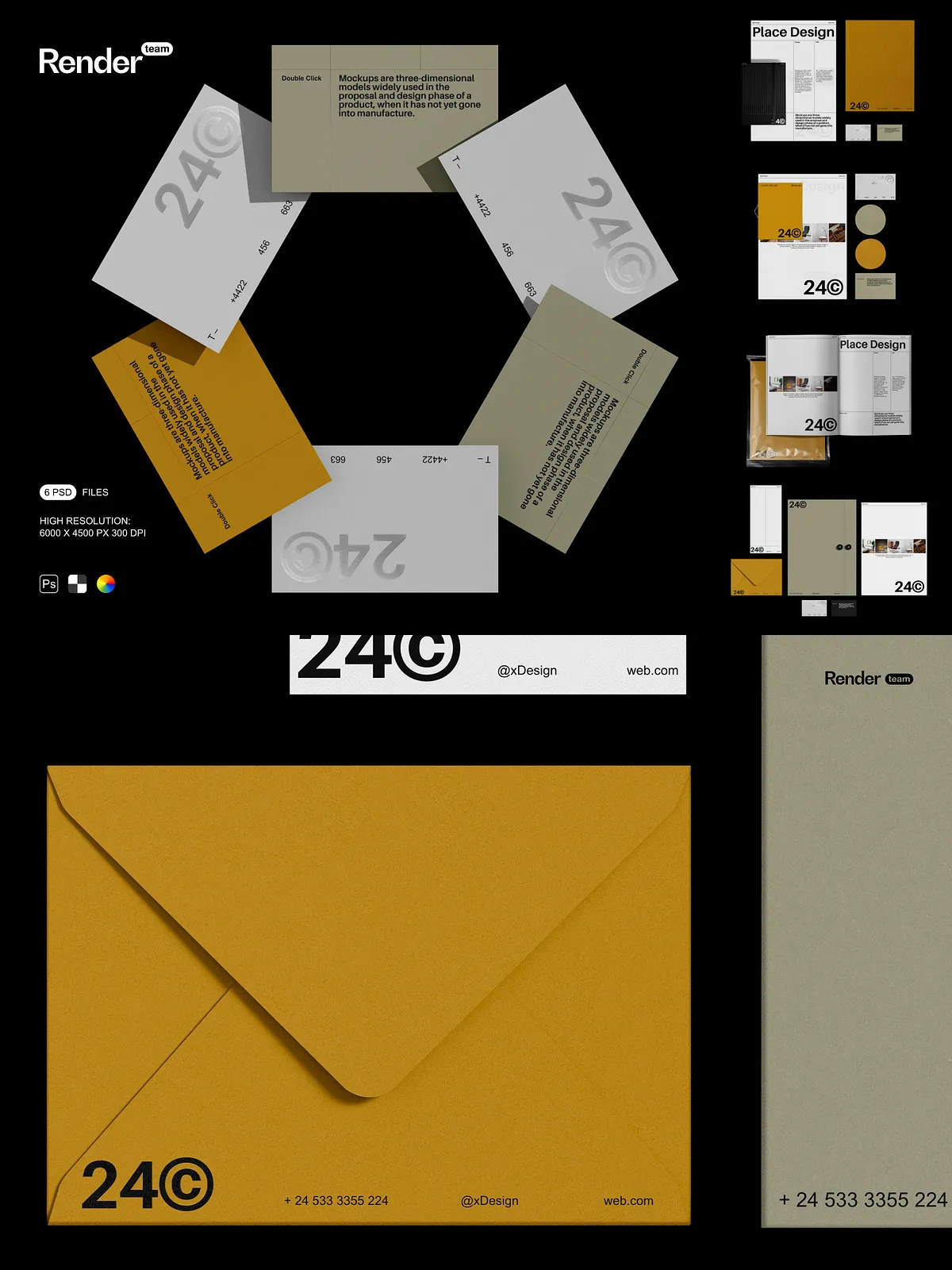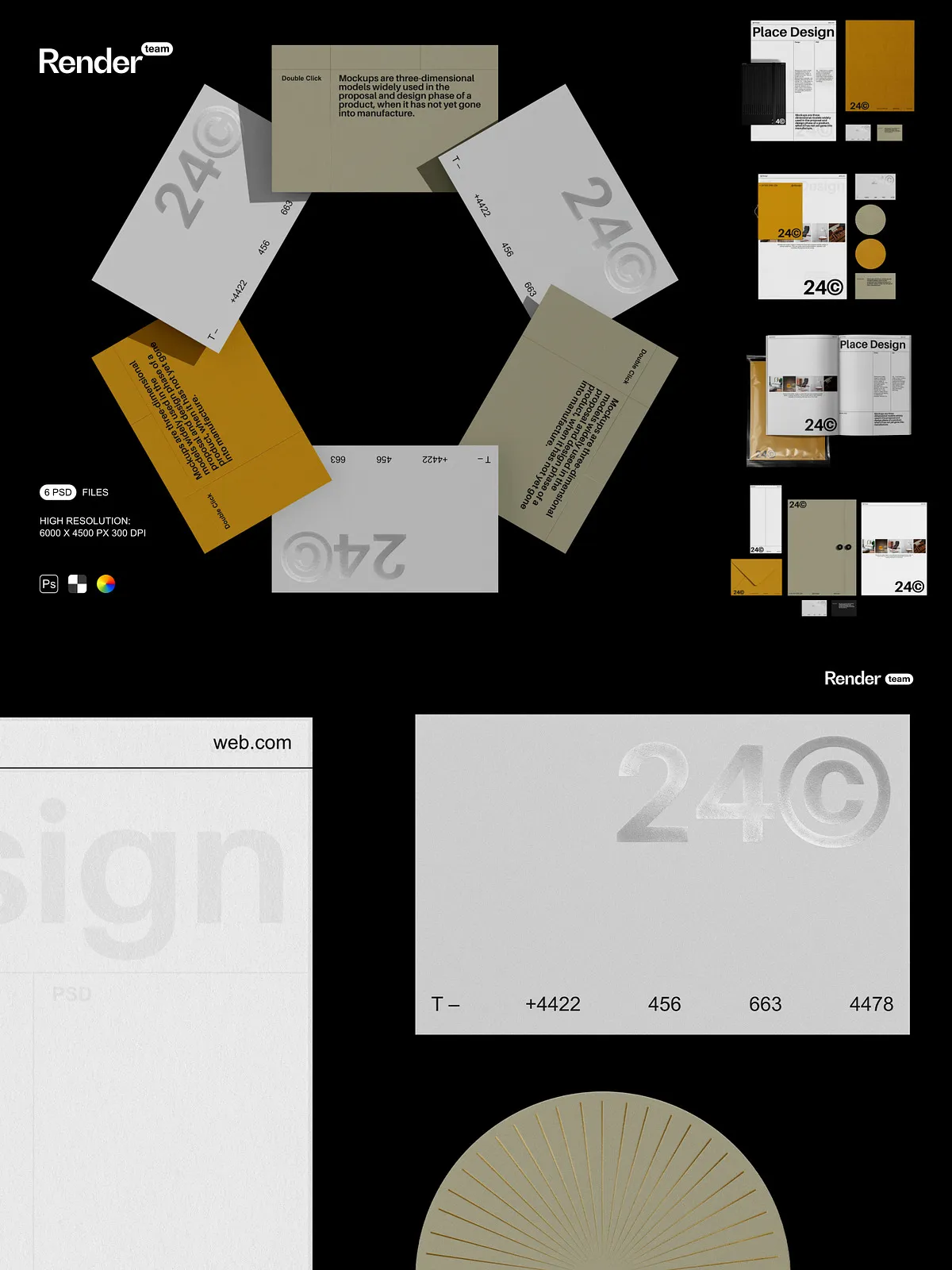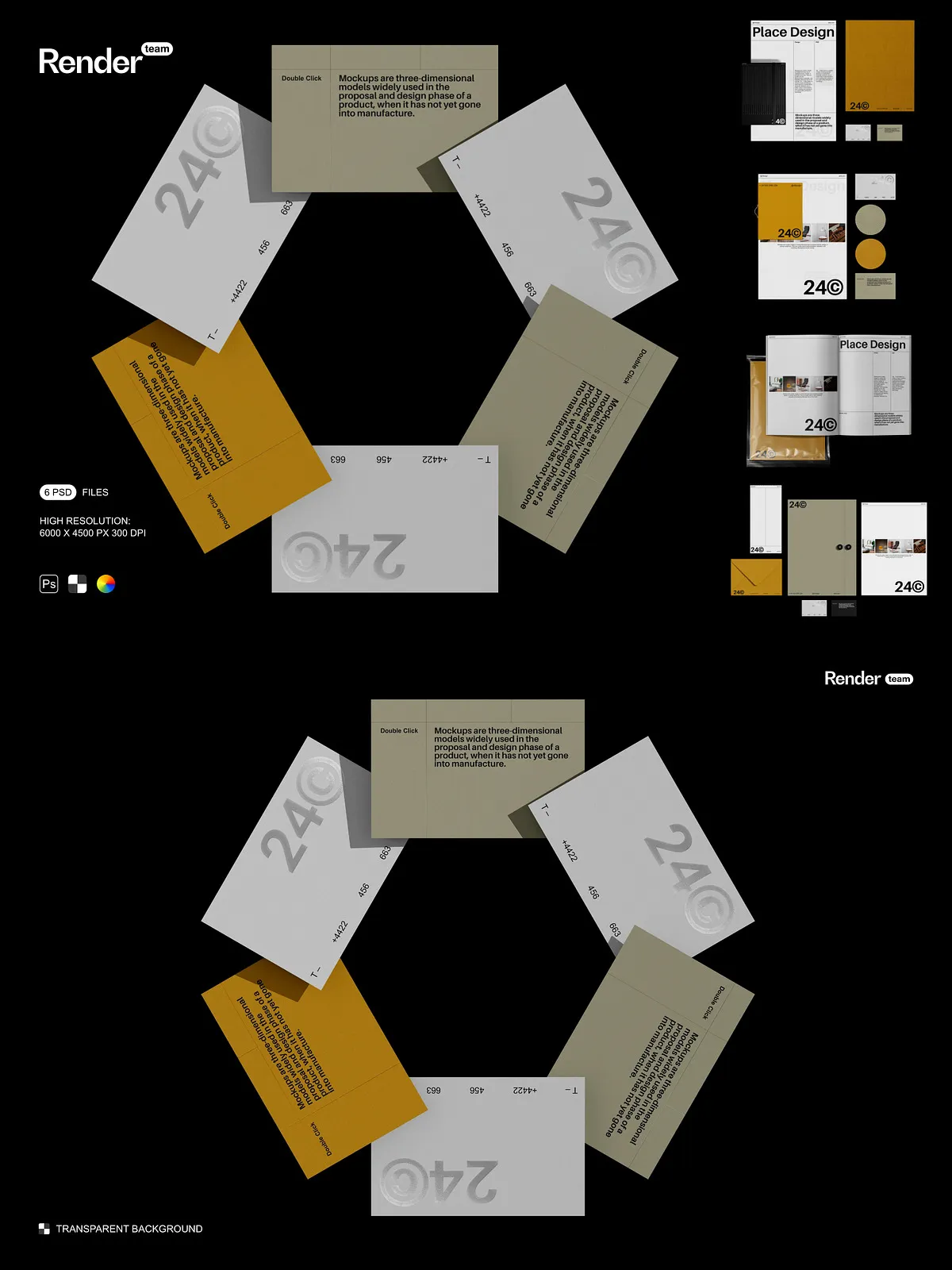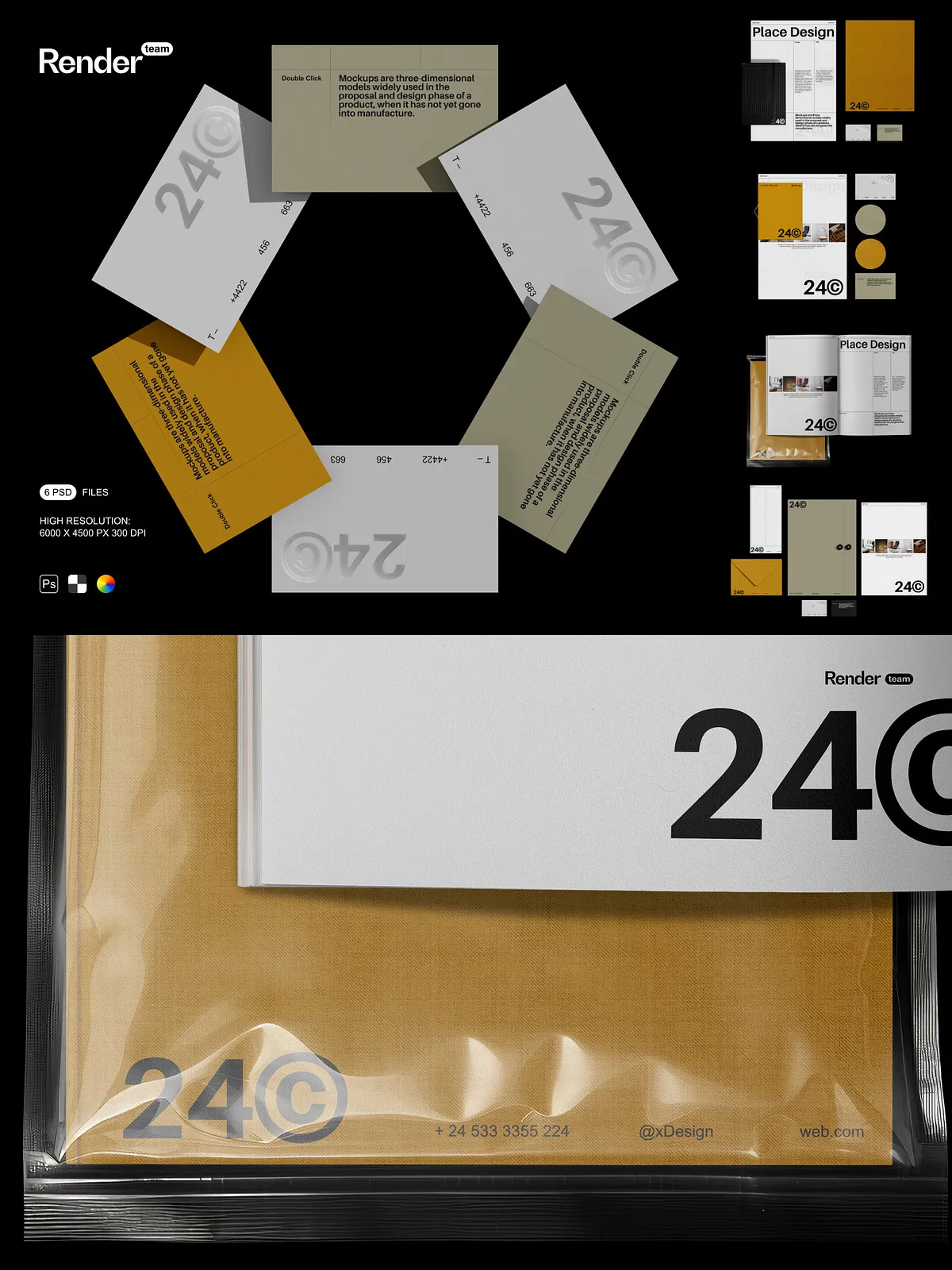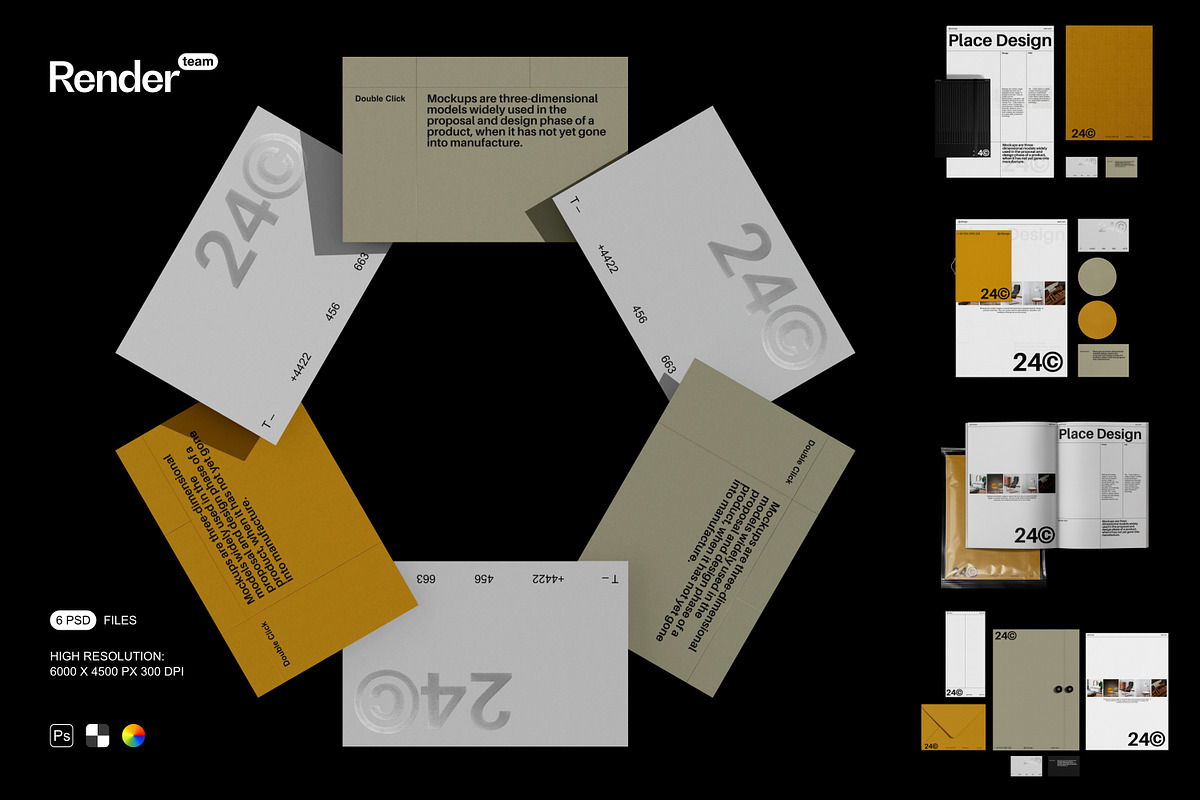
Elevate your brand messaging with this premium Brand Identity Mockup Set—six meticulously crafted, layered, and fully editable PSD files designed to showcase your custom logo, business cards, stationery, and more. Engineered for precision and visual realism, these mockups place your identity in authentic, dynamic settings, from sleek office desks to vibrant urban environments. Whether you’re a creative agency, startup founder, or branding consultant, these files deliver instant professionalism, eliminating the need for real-world photoshoots or costly prototypes.
Supercharge Your Workflow with Smart Object Technology
Edit Designs Instantly—No Photoshop Mastery Required
Each mockup leverages Adobe Photoshop’s powerful Smart Object system, enabling seamless, non-destructive editing. Simply double-click the Smart Object layer, insert your artwork—be it a logo, tagline, or business card design—adjust scale and position, then save. The transformation updates instantly across the entire composition. This effortless method ensures zero quality loss and lets you iterate rapidly, experiment with variations, and deliver client-ready visuals in seconds. For more on how Smart Objects enhance design efficiency: Adobe Smart Objects: Overview and Benefits.
Engineered for Precision, Designed for Creativity
High-Resolution Layers, Fully Isolated for Maximum Flexibility
- Resolution: 6000 x 4500 pixels at 300 dpi—ideal for print, web, portfolios, and high-resolution digital displays.
- Mockup Variety: Six distinct configurations including logo on business card, branded notebook, stationery set, letterhead, desktop mockup, and ambient branding presentation.
- Layer Structure: All elements categorized into clearly labeled folders: “Logo Art,” “Shadow,” “Background,” “Texture,” “Color Gradients,” and “Brand Elements” for fast navigation and team collaboration.
- Isolated Components: Shadows, reflections, and lighting effects are separated into individual layers—allowing you to modify or remove them without disrupting the core design.
- Color & Layer Control: Adjust color tones, gradients, and transparency with ease to match brand guidelines or experiment with alternative palettes.
Boost Client Confidence with Realistic Visuals
Speed Up Approvals and Deliver Premium Results
End the frustration of vague feedback and endless revisions. With these mockups, you can present your branding in photorealistic settings that communicate professionalism, attention to detail, and market readiness. Swap logos, test color schemes, or apply seasonal themes—all within a single file. Use them to build compelling pitch decks, e-commerce listings, social media content, or exhibition materials. The visual clarity they provide ensures stakeholders understand your vision instantly, increasing approval rates and reducing project timelines.
All You Need—Ready to Use from Day One
Complete Package for Fast, Hassle-Free Design
- 6 high-resolution PSD mockups optimized for professional branding applications.
- Smart Object layers for instant, scalable design replacement with no pixelation.
- Isolated shadows and lighting for depth, realism, and dynamic visual balance.
- Organized, descriptive layer names and folder structure for seamless workflow.
- Comprehensive PDF help file with step-by-step editing instructions, export settings, and color profile recommendations.
Designed for Designers, Marketers, and Entrepreneurs
Empower Your Creative Team with One-Stop Branding Tools
Designers gain unmatched control over visual presentation without losing time in manual compositing. Marketing teams can generate multiple social media variations from a single file. Startups can launch their brand image with confidence, even without a large design budget. Agencies can maintain consistency across client projects and deliver high-impact visuals under tight deadlines. This set is the ultimate toolkit for creating polished, credible brand representations in a fraction of the time.
Export with Confidence and Precision
Optimize for Every Platform and Purpose
After customizing your mockup, export using the correct format and settings for your intended use:
- Web & Social Media: Use PNG (transparent background) or JPG (high quality, sRGB color profile) at 1920px or higher for sharp, scalable visuals.
- Print & Presentations: Export in TIFF or high-quality JPG at 300 dpi; switch to CMYK color mode for physical output.
- Portfolio Submissions: Create clean 5000px+ thumbnails with minimal file size and proper margins to ensure visibility and professionalism.
The included PDF guide provides detailed instructions to ensure your final exports meet industry standards, whether digital, print, or presentation-ready.
Get Started in Three Steps—No Learning Curve
Transform Your Brand Identity in Minutes, Not Hours
- Open any PSD file from the Brand Identity Mockup Set.
- Locate the Smart Object layer labeled for the primary artwork (e.g., “Logo,” “Business Card”).
- Double-click the layer, paste your design, scale and position it accurately, then save and close.
- Return to the main canvas and adjust background, shadows, or lighting to enhance realism.
- Export your final image using the optimal format and settings for your target platform.
Turn Ideas into Impact with Power and Precision
Dramatically Enhance Your Brand’s Presence with Professional-Grade Mockups
Stop describing your brand—show it. The Brand Identity Mockup Set equips you with the tools to create stunning, realistic presentations that stand out in competitive markets. From pitch decks to e-commerce pages, trade shows to client portfolios, these mockups ensure your brand’s message is seen, understood, and remembered. Built for Adobe Photoshop, fully compatible with the latest Creative Cloud version, this set is your essential companion for every branding journey—fast, flexible, and flawless.