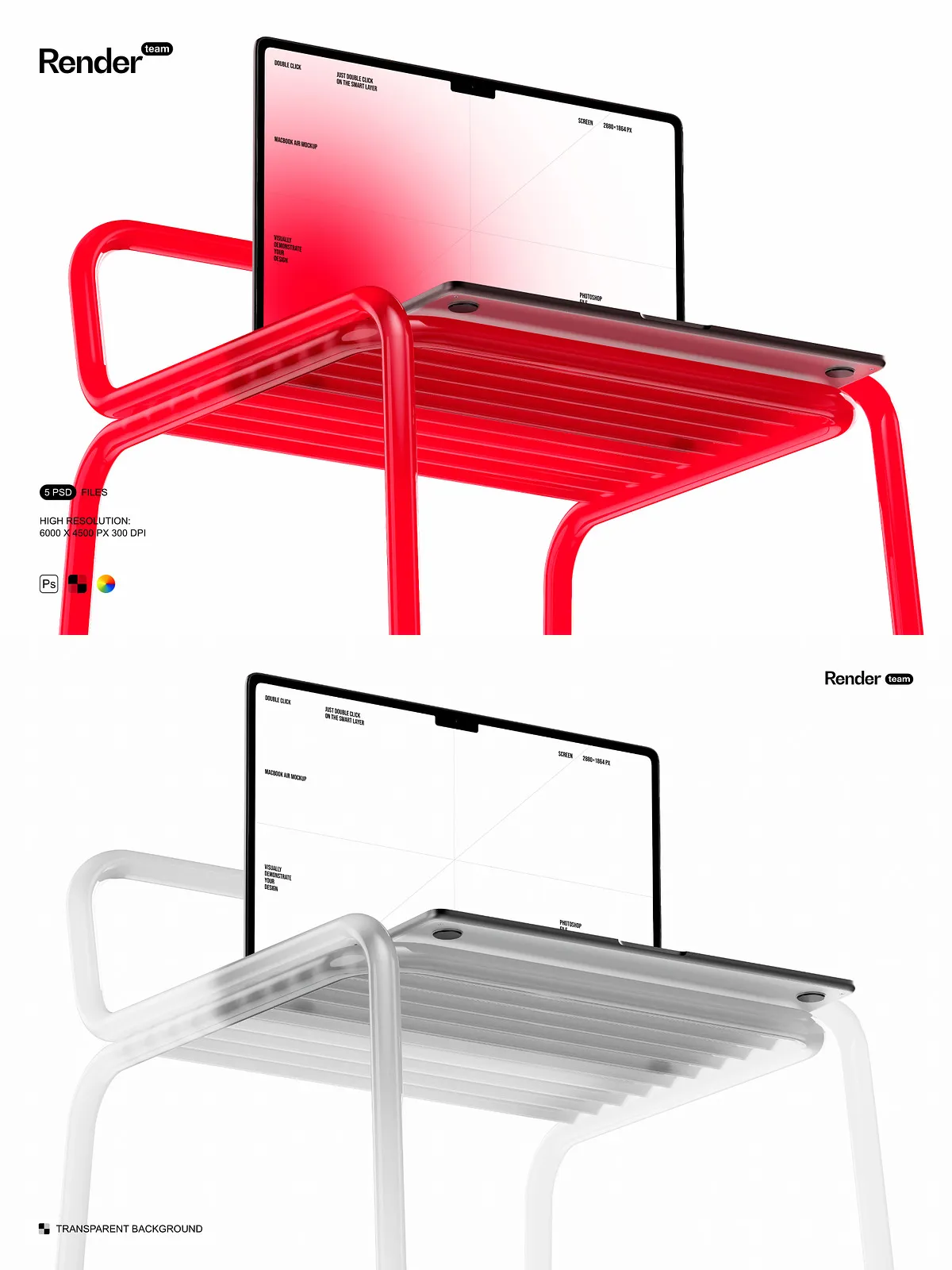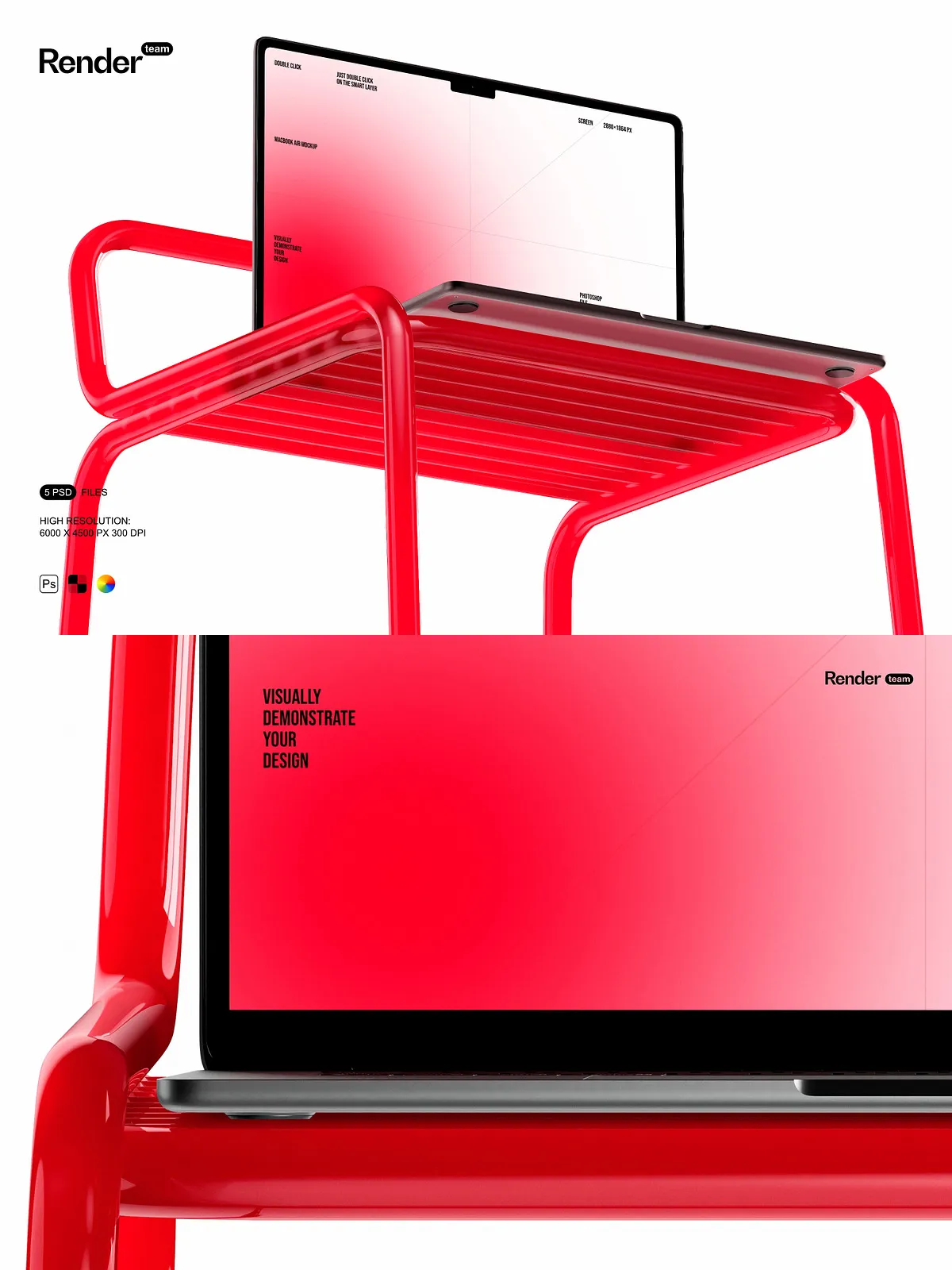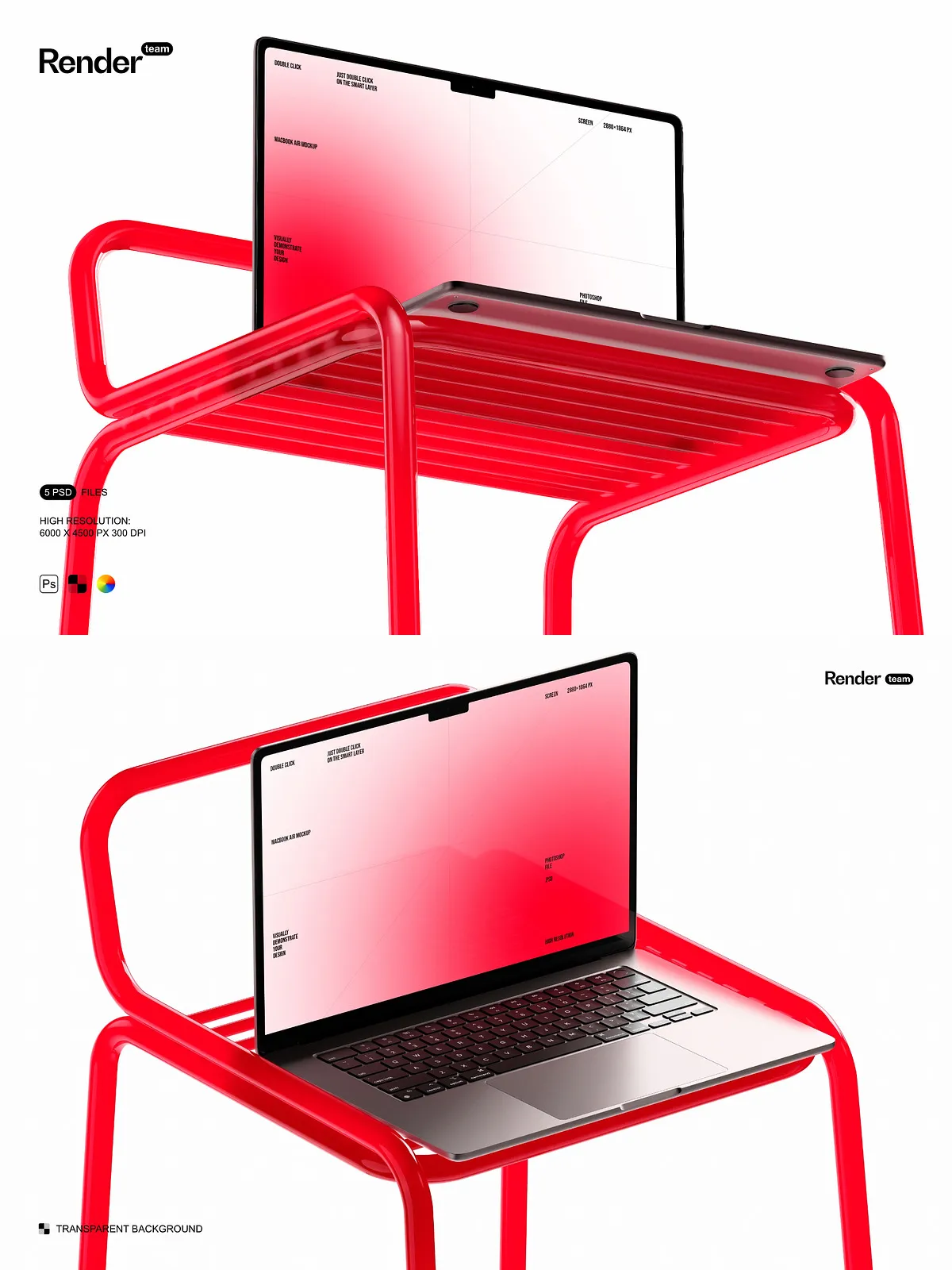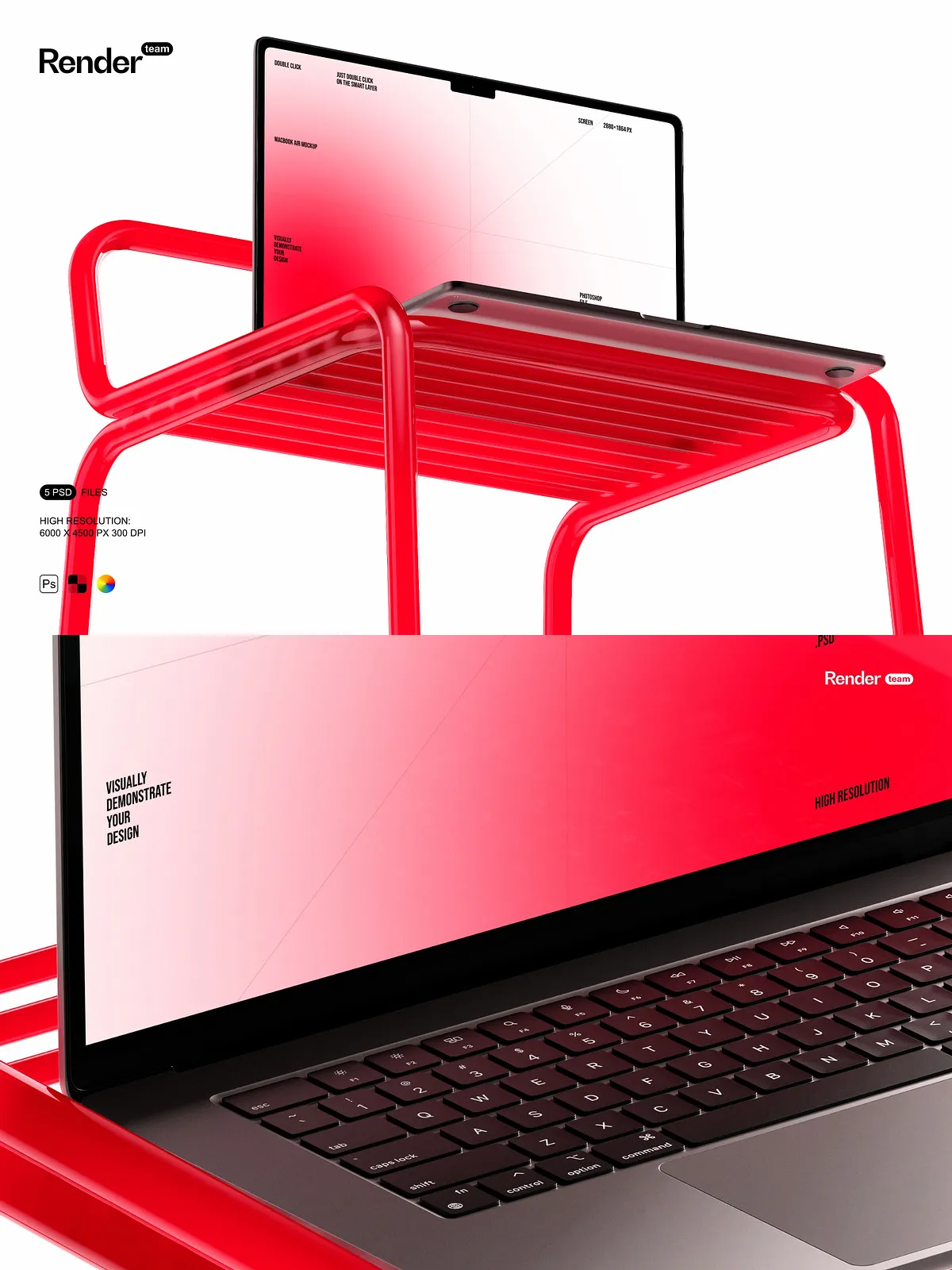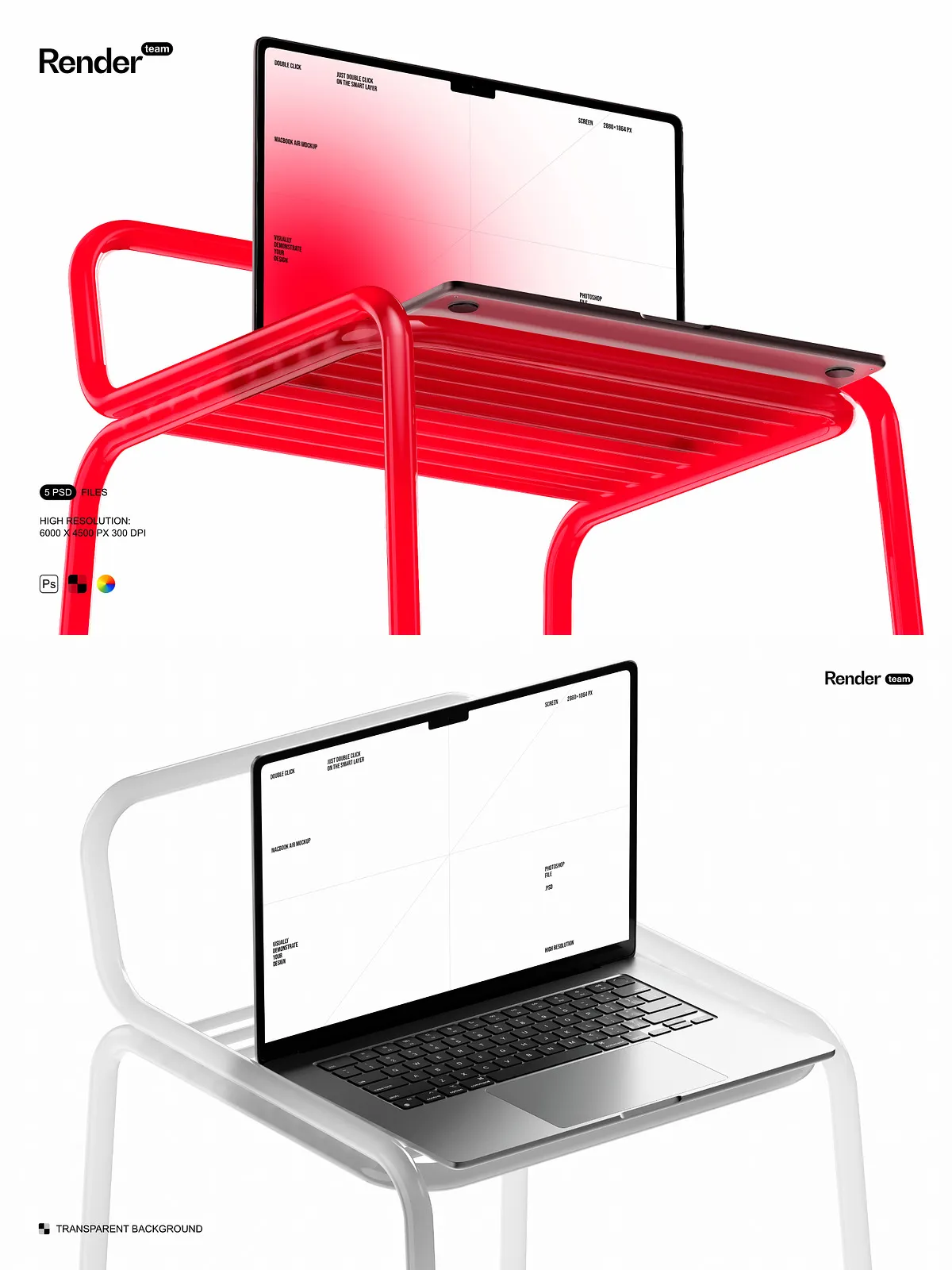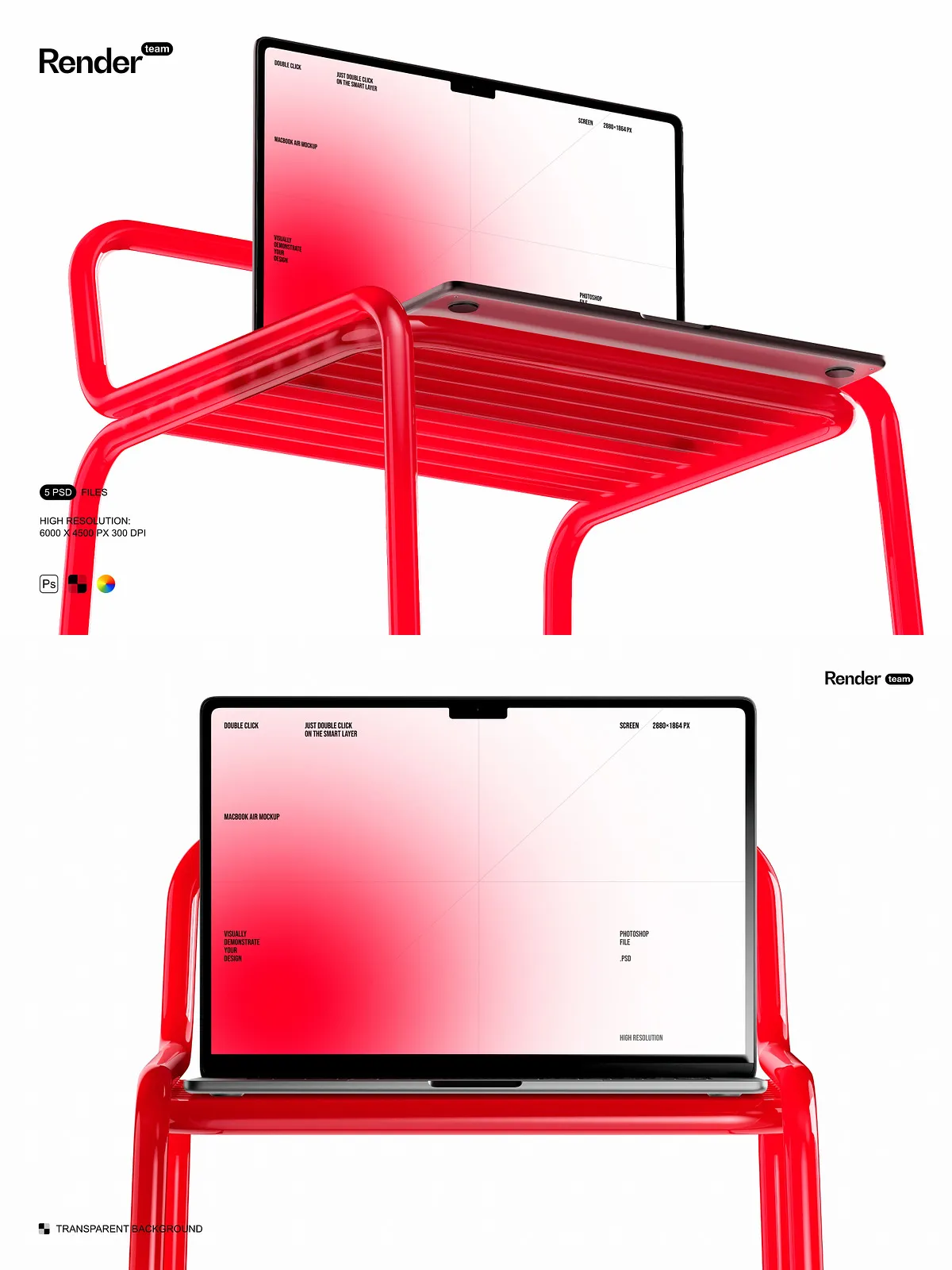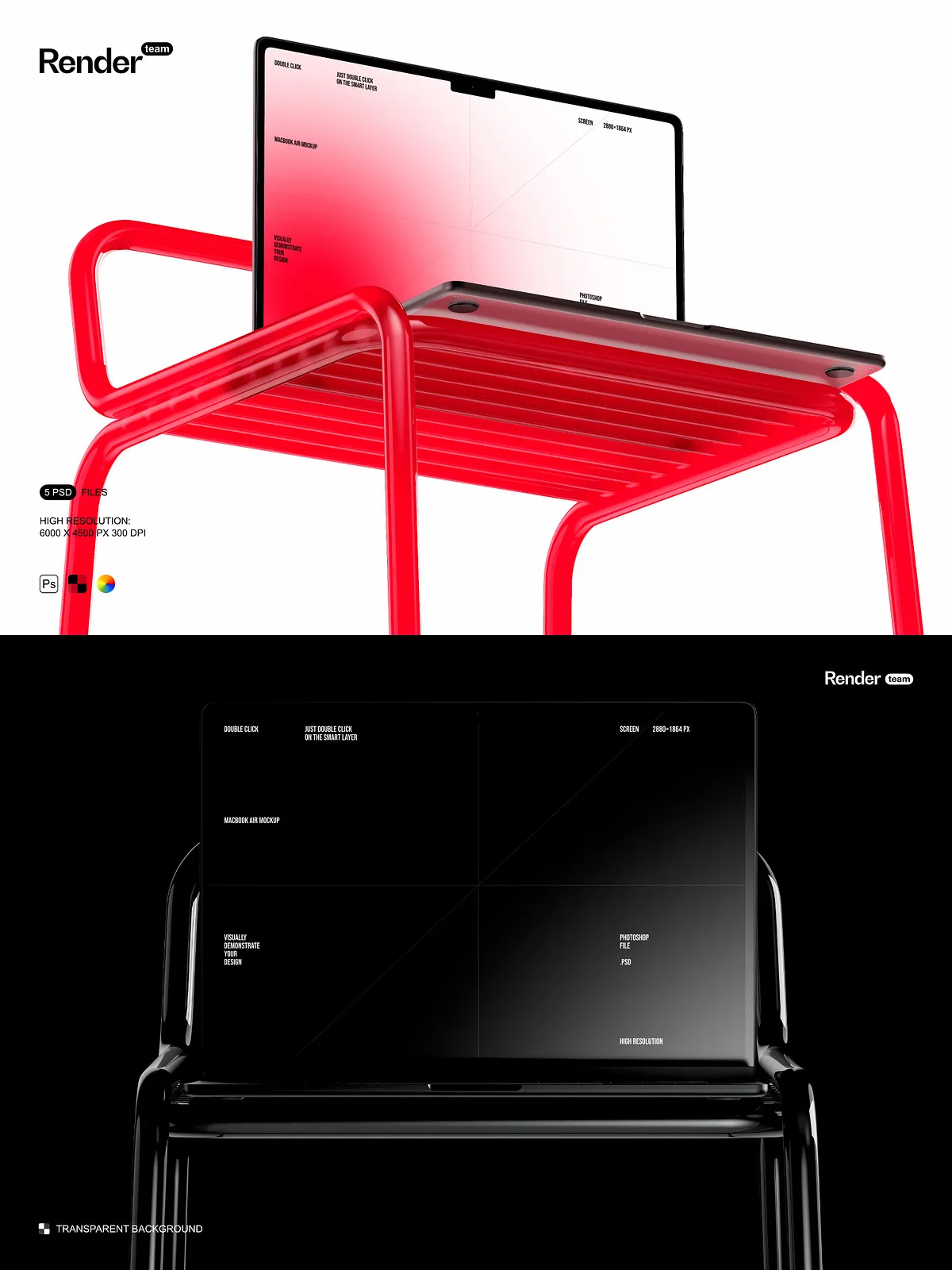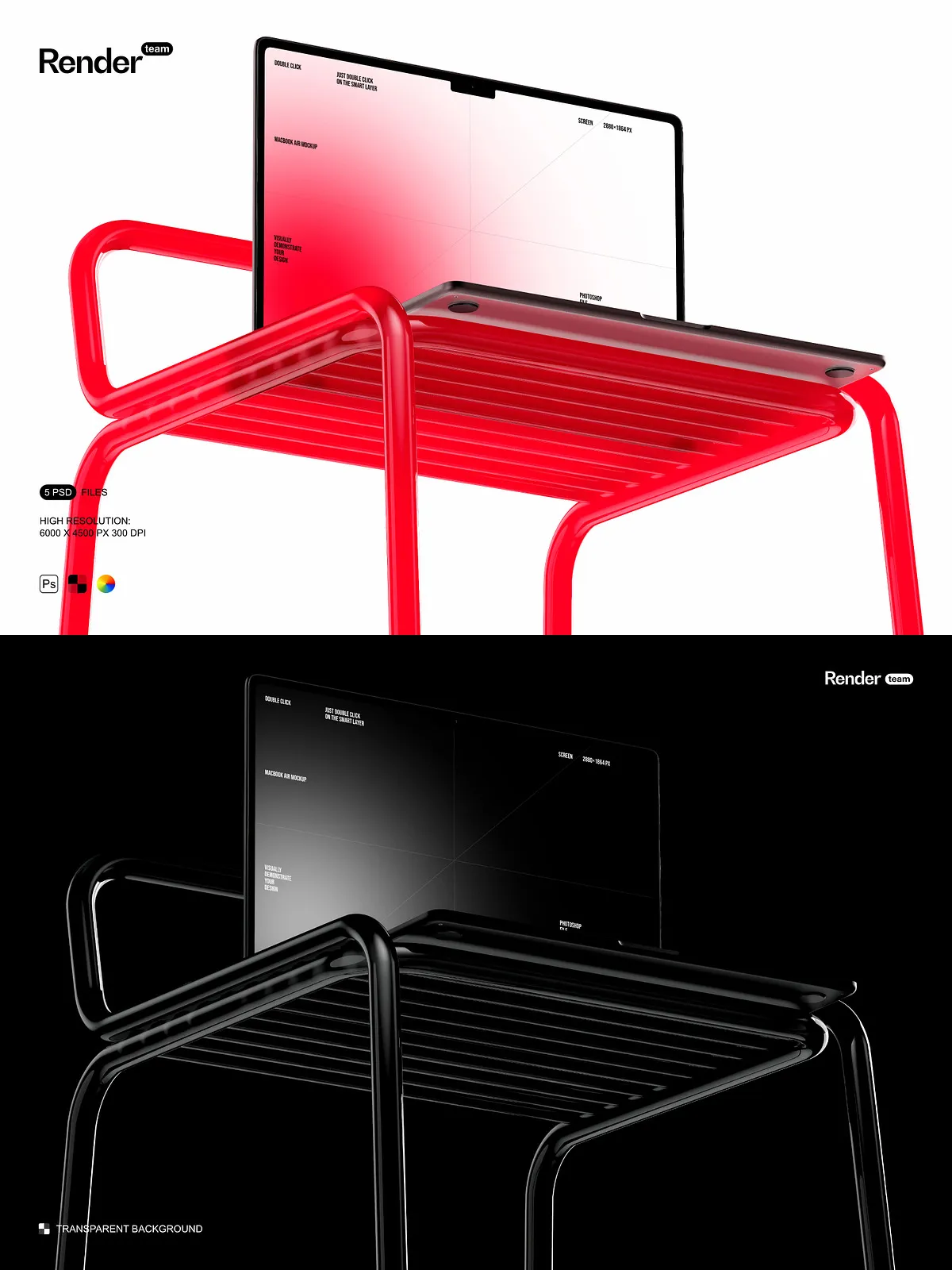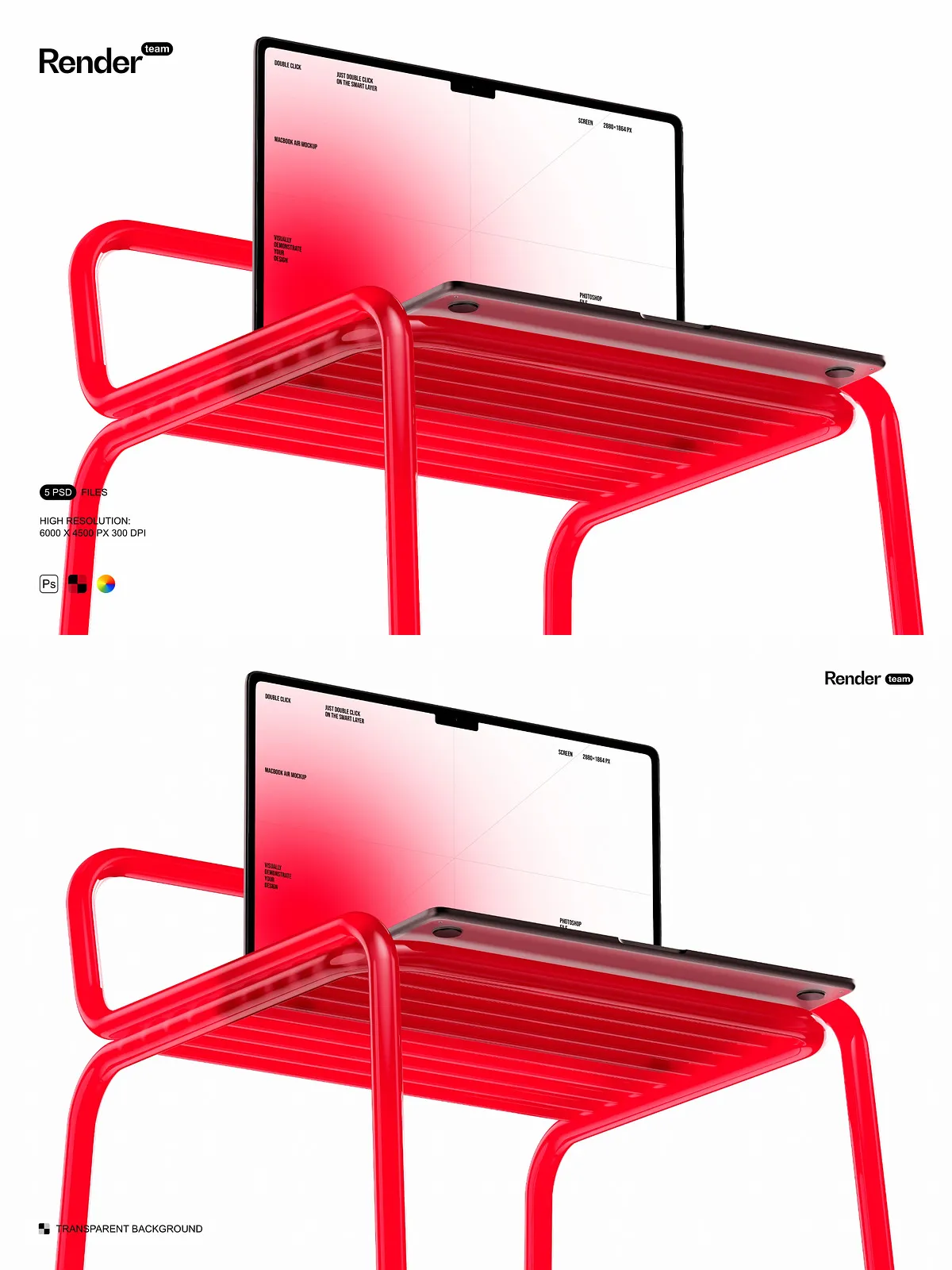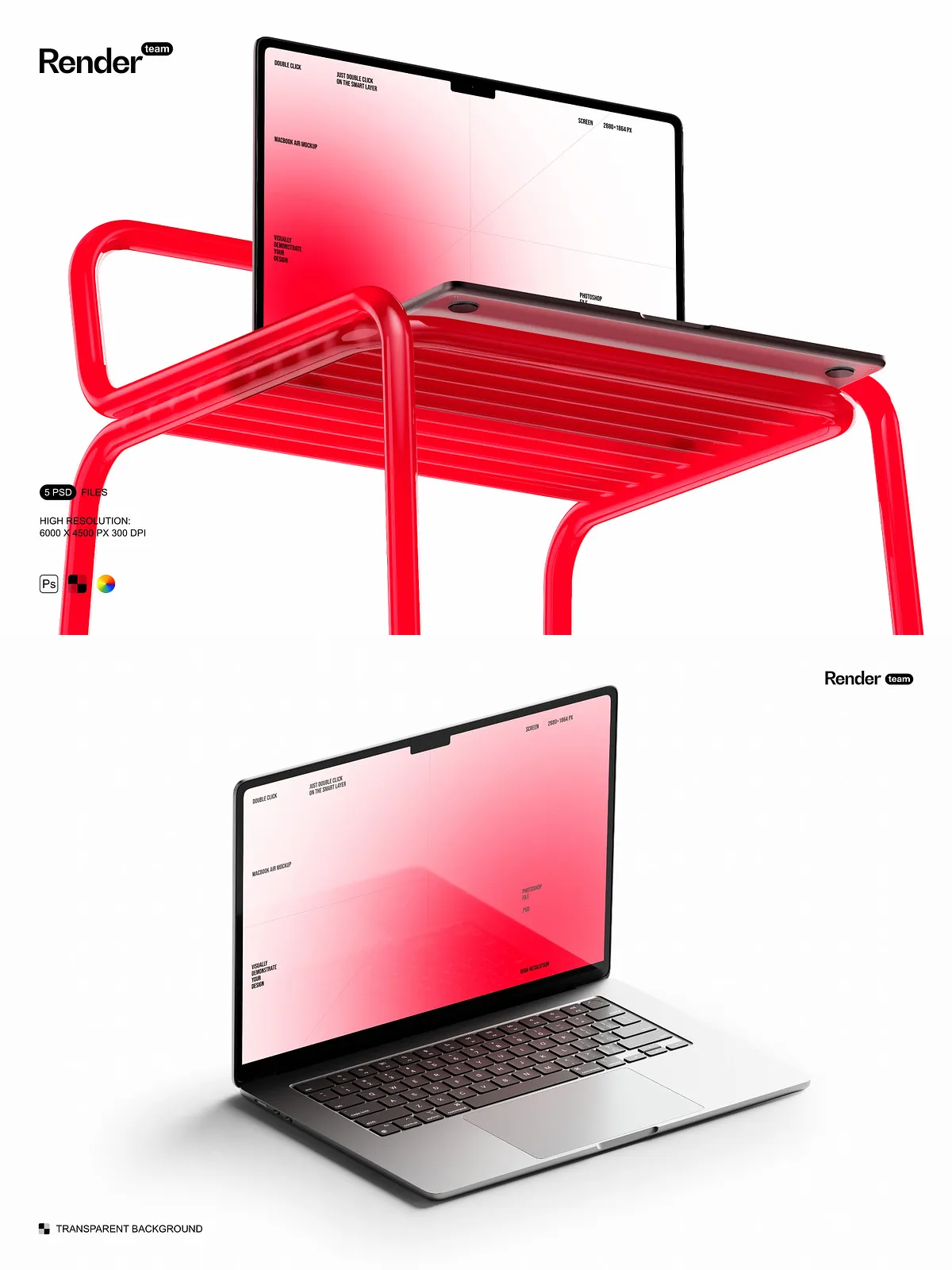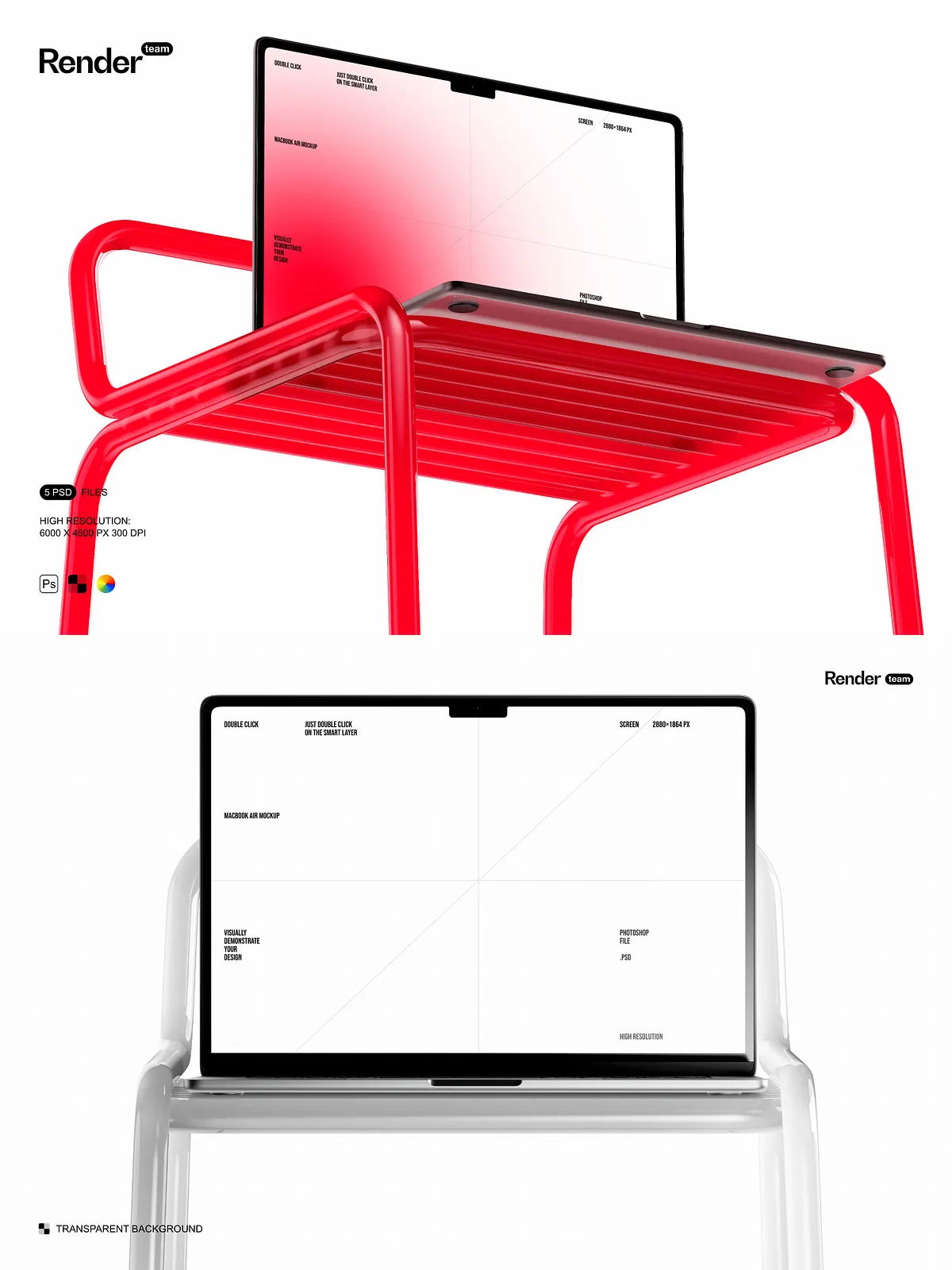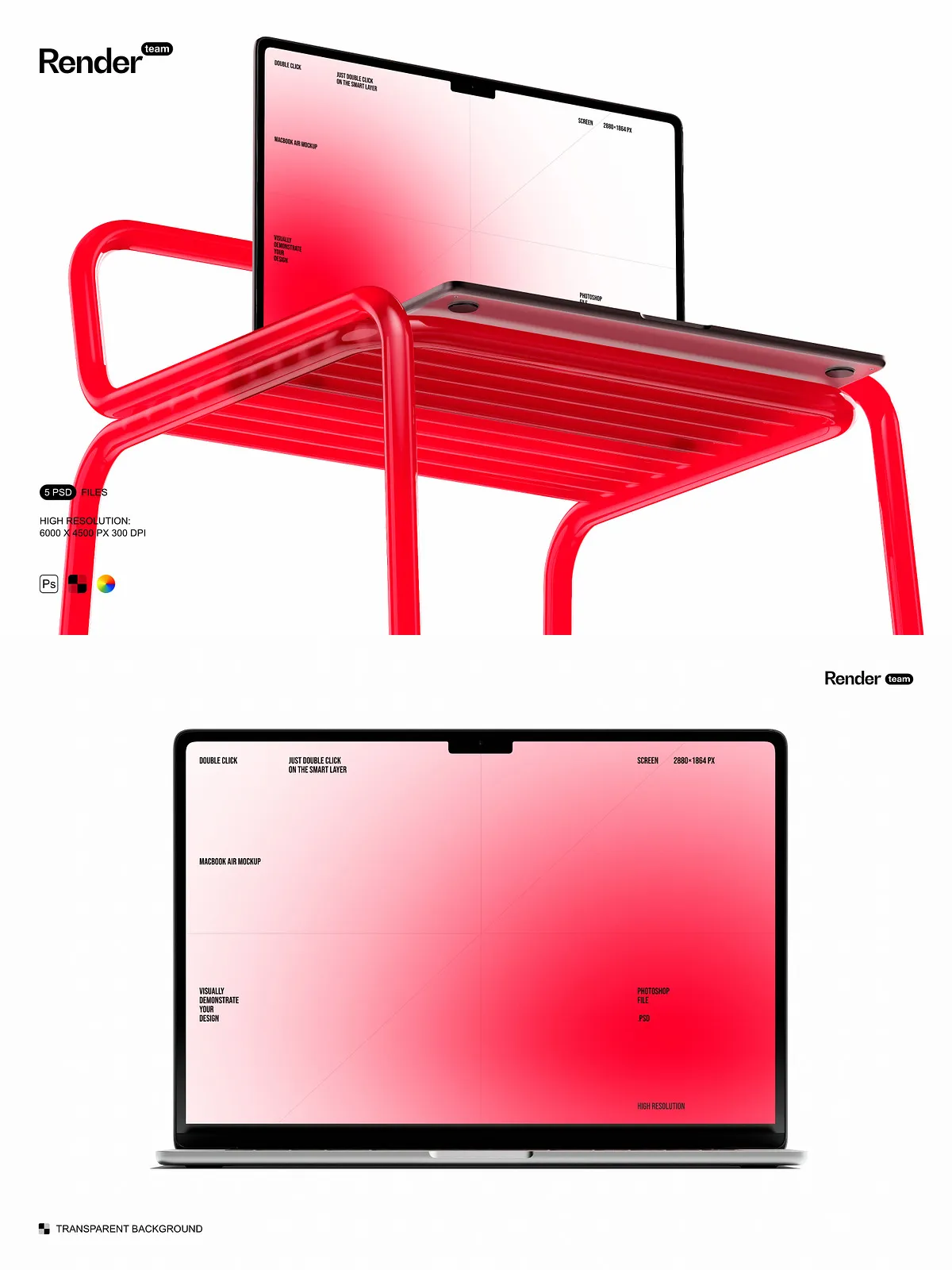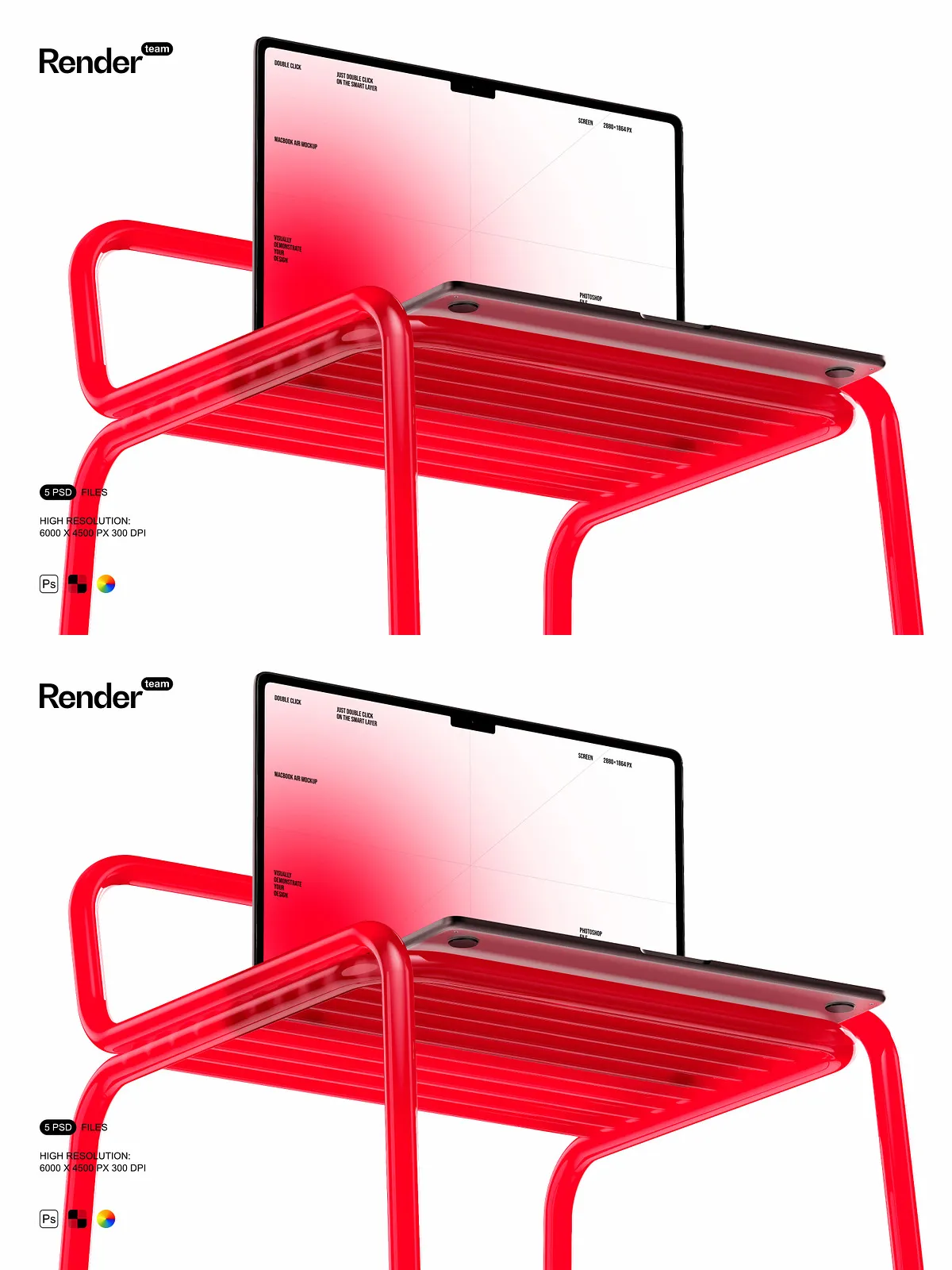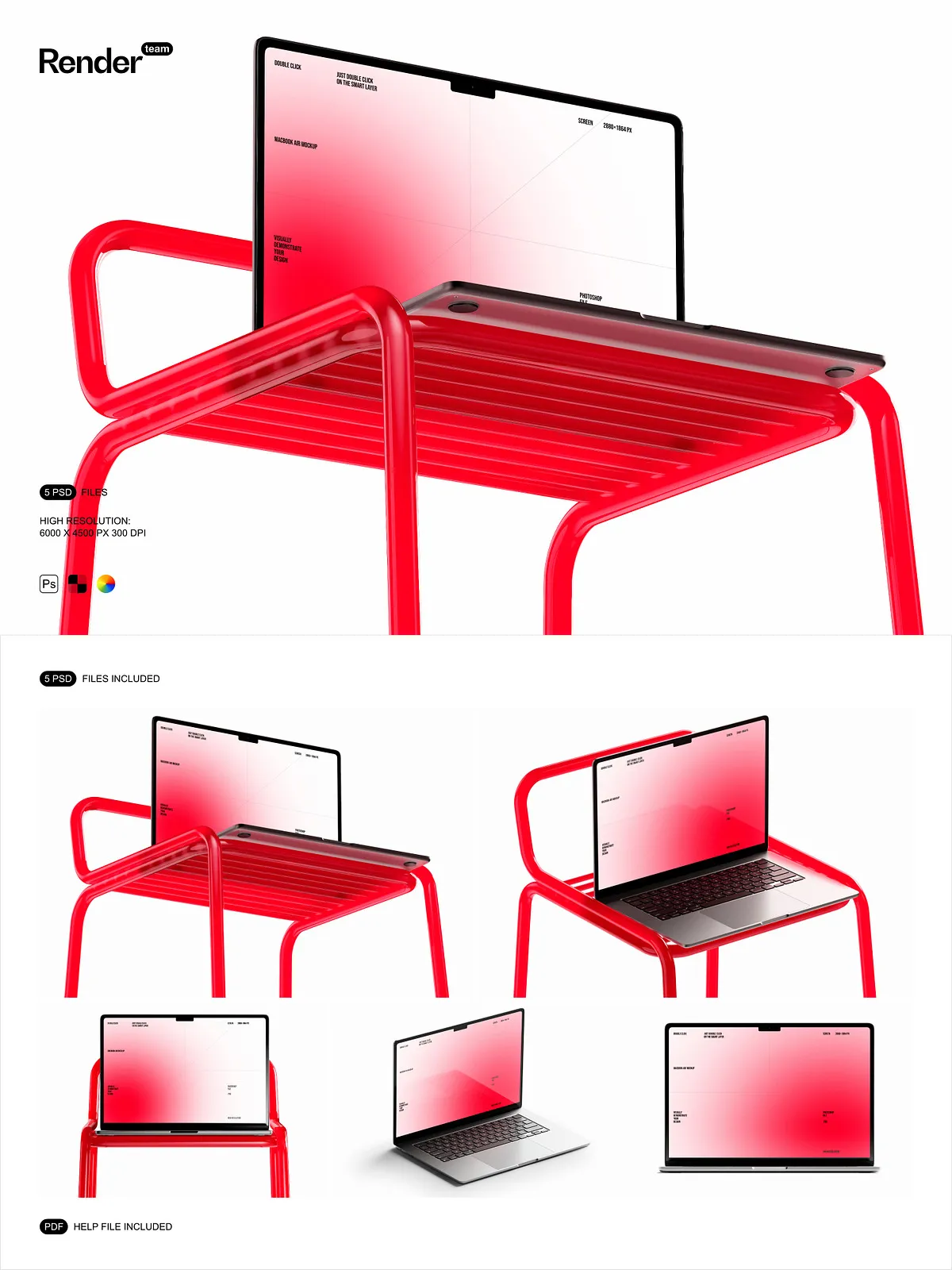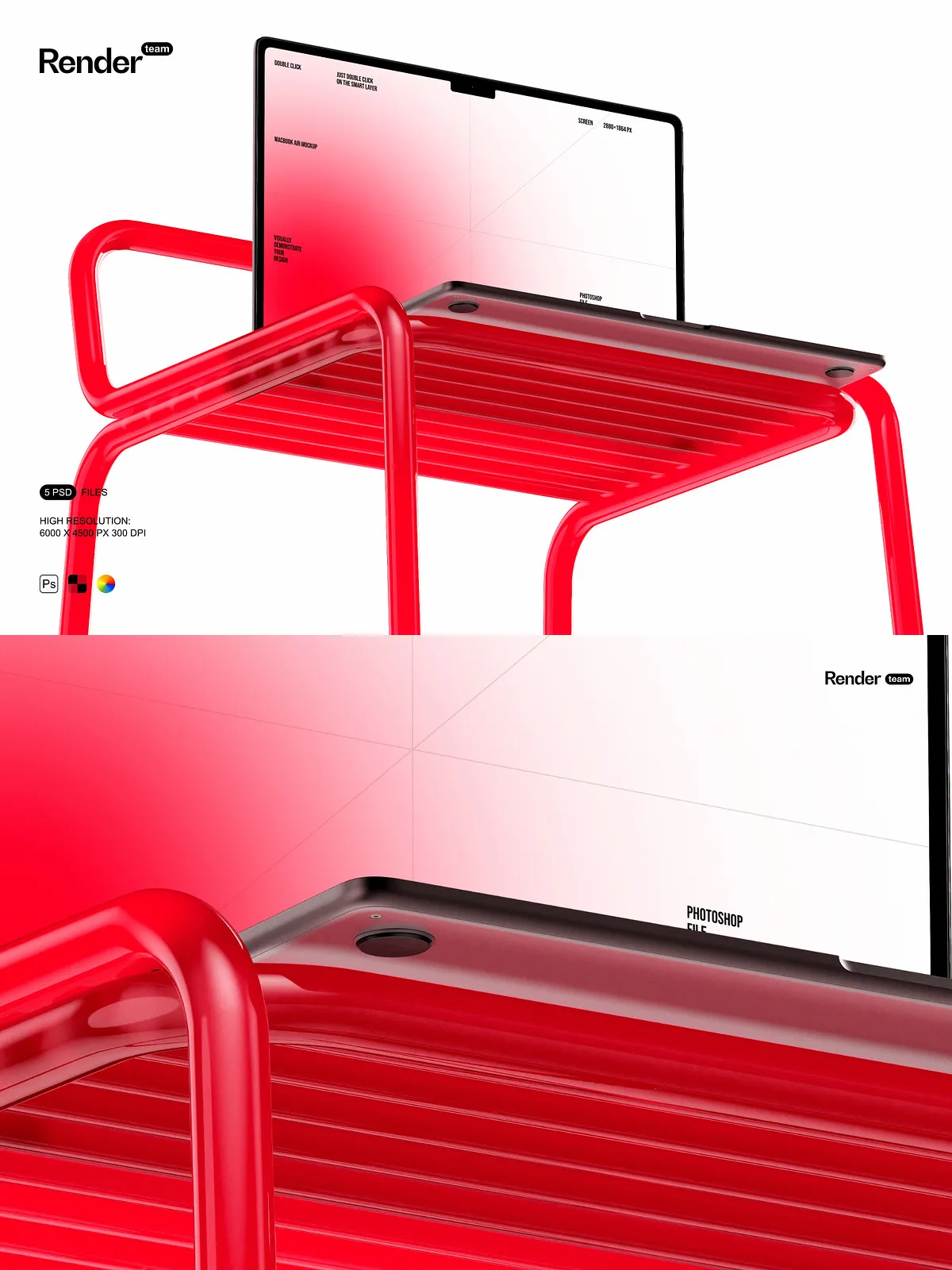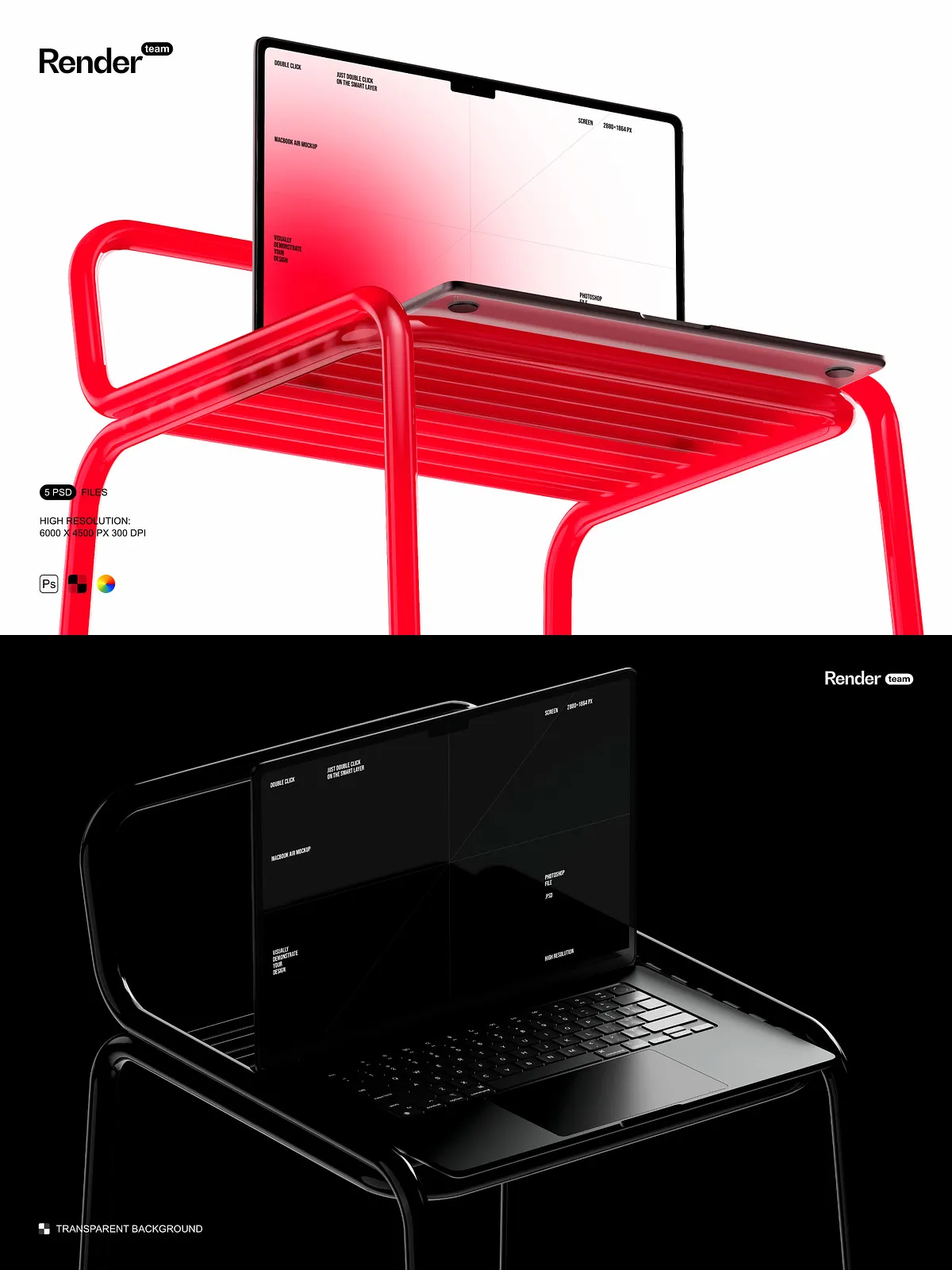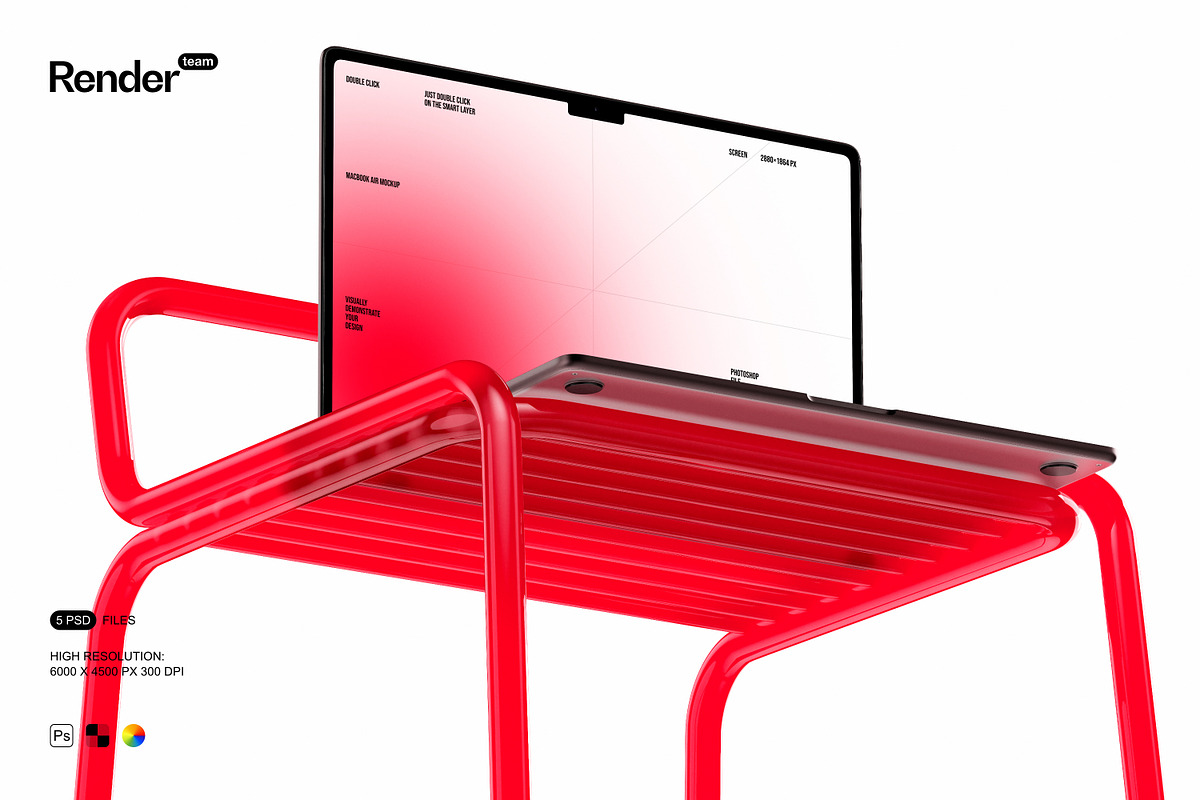
Unleash the full potential of your digital creations with this premium MacBook Air Mockup Set—five expertly crafted, layered, and fully editable PSD files designed to display your website layouts, app interfaces, presentations, and creative projects in authentic, dynamic environments. From sleek desktops to vibrant café settings, these mockups place your work in professional contexts that capture attention and communicate credibility. Whether you’re a web designer, UX specialist, digital marketer, or product developer, this set gives you the edge to deliver polished, client-ready visuals in minutes—without complex modeling or photo editing.
Revolutionize Your Editing Workflow with Smart Objects
Swap Designs Instantly—No Photoshop Expertise Required
Each mockup leverages Adobe Photoshop’s powerful Smart Object system for non-destructive, high-fidelity editing. Simply double-click the Smart Object layer designated for the screen, paste your design—whether a mobile UI, web layout, or software interface—adjust size, alignment, and cropping, then save. The update refreshes instantly across the entire composition, preserving every detail. This intuitive method ensures pixel-perfect results, enables rapid iteration, and eliminates guesswork. For advanced guidance on maximizing Smart Objects: Adobe Smart Objects: Overview and Benefits.
Engineered for Excellence: Precision, Clarity, and Creative Freedom
High-Resolution Layers, Fully Isolated for Ultimate Flexibility
- Resolution: 6000 x 4500 pixels at 300 dpi—ideal for print, portfolio displays, websites, and high-end digital presentations.
- Screen Size: Accurately modeled at 2880×1864 px—matching the real retina display dimensions of the MacBook Air for authentic scaling and visual accuracy.
- Layer Organization: All elements categorized into clearly labeled folders: “Screen Content,” “Shadow,” “Reflection,” “Background,” “Lighting,” and “Branding Elements”—ensuring fast navigation and smooth team collaboration.
- Isolated Components: Shadows, reflections, and ambient lighting are separated into independent layers—giving you full control to modify tone, opacity, or remove effects without compromising core visuals.
- Color & Depth Control: Adjust gradients, contrast, and lighting intensity to simulate different times of day, environments, or brand themes with ease.
Win More Clients with Professional-Grade Visuals
Accelerate Approvals and Reinforce Brand Credibility
Stop relying on placeholder images or generic templates. These mockups deliver photorealistic quality that elevates your work from concept to presentation. Use them to build compelling pitch decks, create eye-catching social media content, launch e-commerce product pages, or showcase client projects in digital portfolios. Test multiple UI variations, apply seasonal themes, or adjust color schemes—all within the same file. The realism ensures stakeholders instantly grasp the visual impact, reducing misunderstandings, speeding up feedback loops, and increasing approval confidence.
Everything You Need—Delivered in a Complete, Ready-to-Use Pack
Start Your Project Without Any Setup
- 5 professional-grade PSD mockups optimized for digital product presentation.
- Smart Object layers for instant, scalable design replacement with zero quality loss.
- Isolated shadows and reflections for depth, realism, and dynamic visual balance.
- Clear naming conventions and logical folder structure for efficient workflow and team use.
- Comprehensive PDF help file with step-by-step editing instructions, export tips, and color profile recommendations.
Power Your Digital Marketing, Design, and Development Teams
Scale Creativity Across Projects with Consistent, High-Performance Tools
Designers can generate multiple visual iterations from a single template. Developers can showcase product interfaces with precision. Marketers can create engaging ads and landing pages with authentic visuals. Startups can present their app or platform as polished and market-ready—even before launch. Agencies can maintain consistent branding across clients and campaigns, ensuring every deliverable looks professional and reliable. This set is the ultimate solution for anyone who needs to visually communicate digital innovation with speed, clarity, and impact.
Export Your Designs with Confidence and Industry Standards
Customize for Any Platform—Web, Print, or Presentation
After customizing your mockup, export with the correct settings for your target medium:
- Web & Social Media: Use PNG (transparent background) or JPG (high quality, sRGB color profile) at 1920px or higher for sharp, scalable visuals.
- Print & Presentations: Export in TIFF or high-quality JPG at 300 dpi; switch to CMYK color mode for physical materials like brochures or banners.
- Portfolio Submissions: Create clean 5000px+ thumbnails with proper margins and minimal file size to maximize visibility and professionalism.
The included PDF guide provides detailed export workflows to ensure your final images meet professional, publication, and client standards.
Begin in Just Three Steps—No Experience Needed
Launch Your Project in Minutes, Not Hours
- Open any PSD file from the MacBook Air Mockup Set.
- Locate the Smart Object layer labeled “Screen Content” or “UI Design”.
- Double-click the layer, paste your design, fine-tune positioning and scale, then save and close.
- Return to the main canvas and adjust lighting, shadows, background, or environment to enhance realism.
- Export your final image using the recommended format and settings for your intended platform.
Elevate Your Digital Presence with Power and Precision
Stand Out in a Competitive Market with Professional-Grade Mockups
Stop asking people to imagine your design—show them. The MacBook Air Mockup Set gives you the tools to present your digital ideas with the clarity, realism, and polish that demand attention. Whether you’re pitching to investors, building a product website, or sharing your work on Behance or Dribbble, these mockups deliver instant credibility. Built exclusively for Adobe Photoshop, fully compatible with the latest Creative Cloud version, this set is essential for every digital creative’s toolkit—fast, flexible, and flawless.