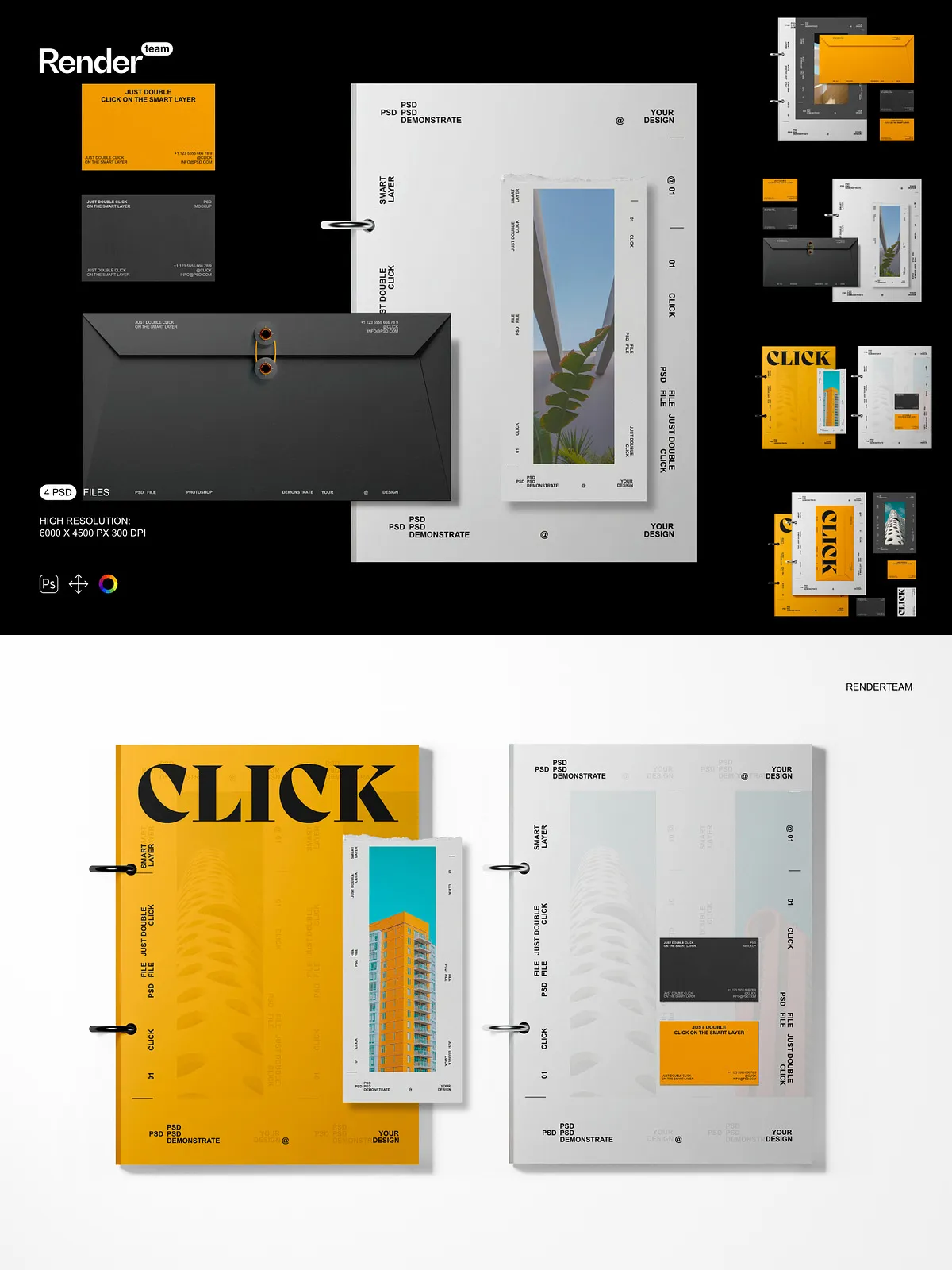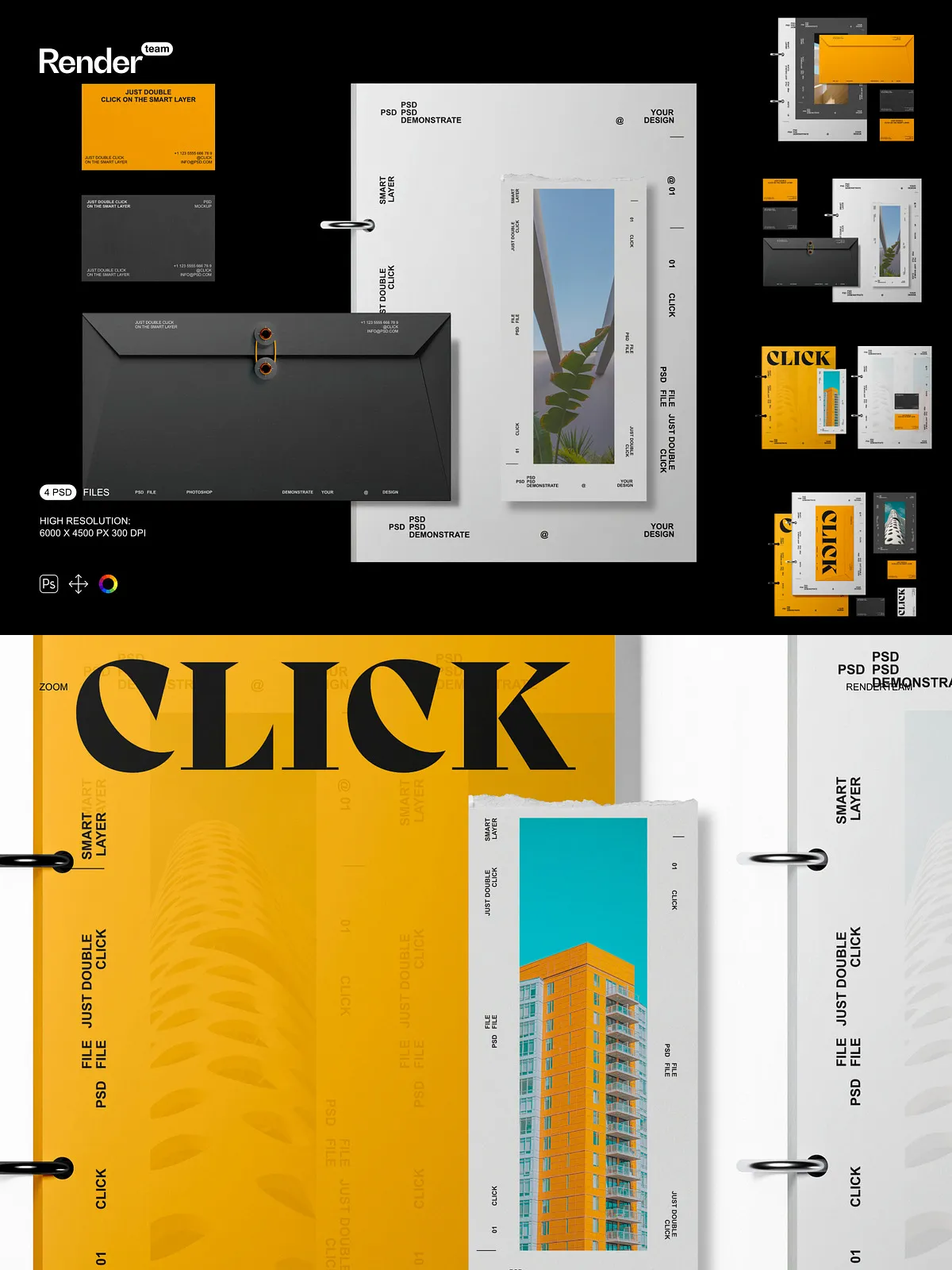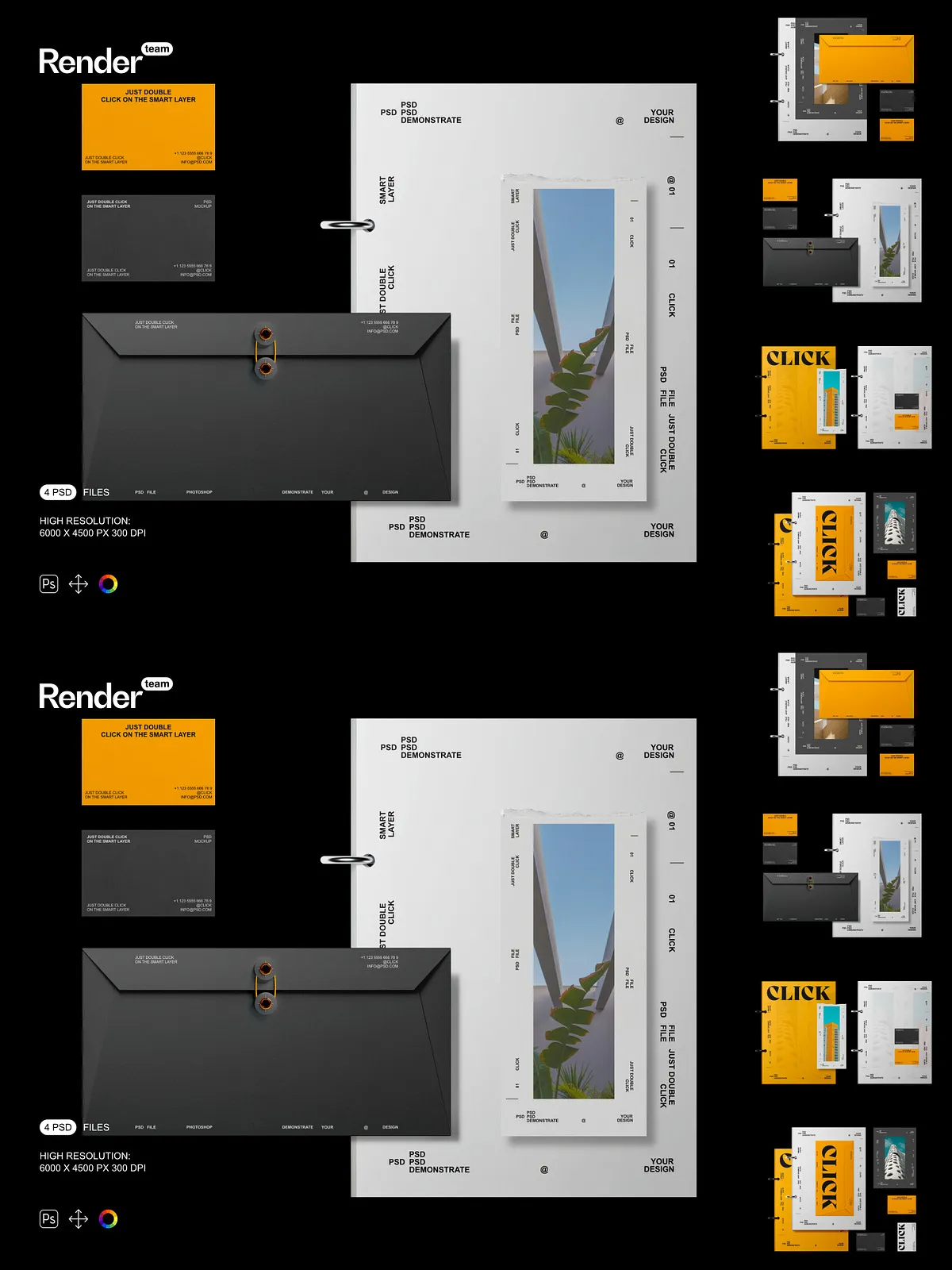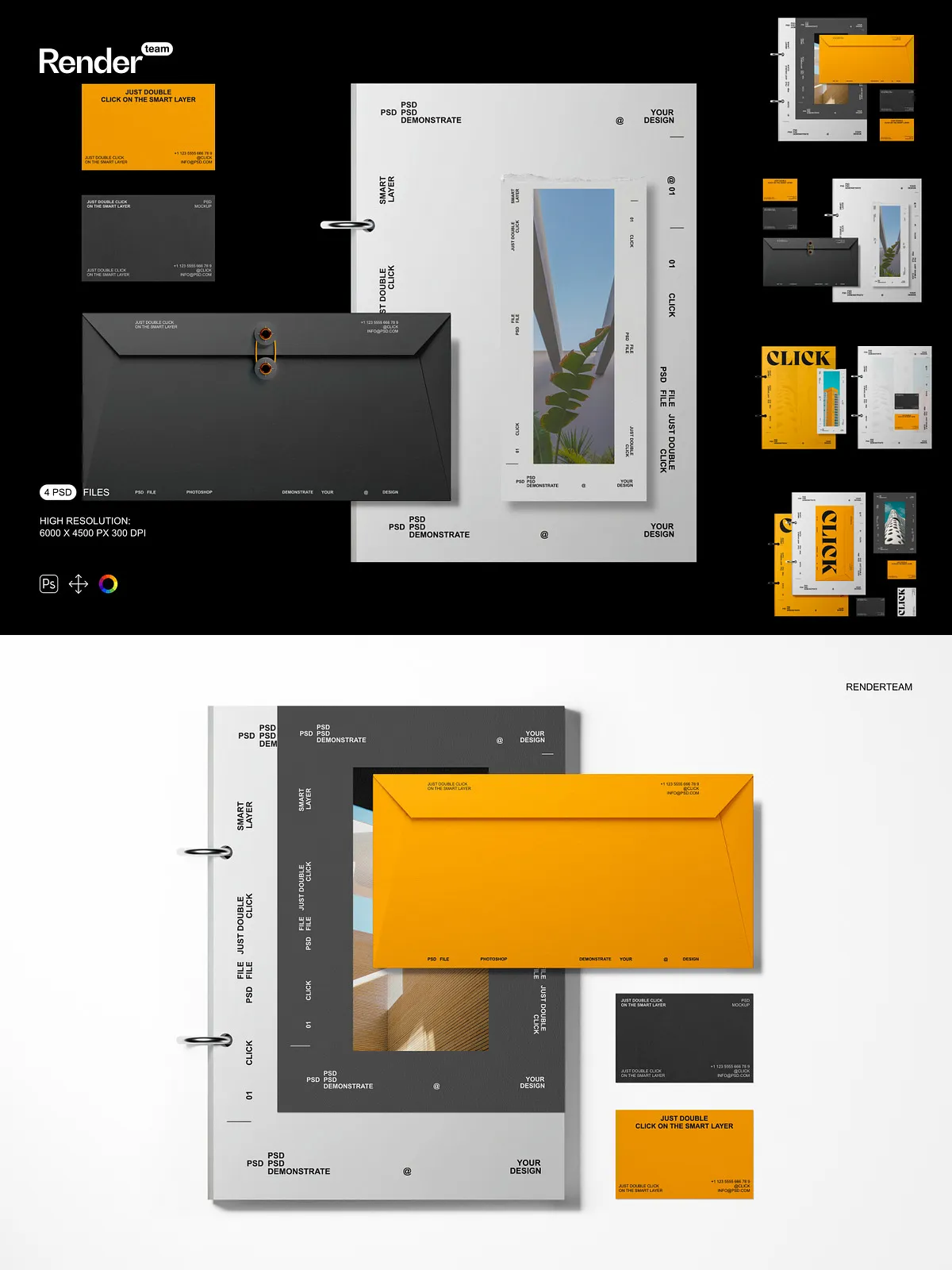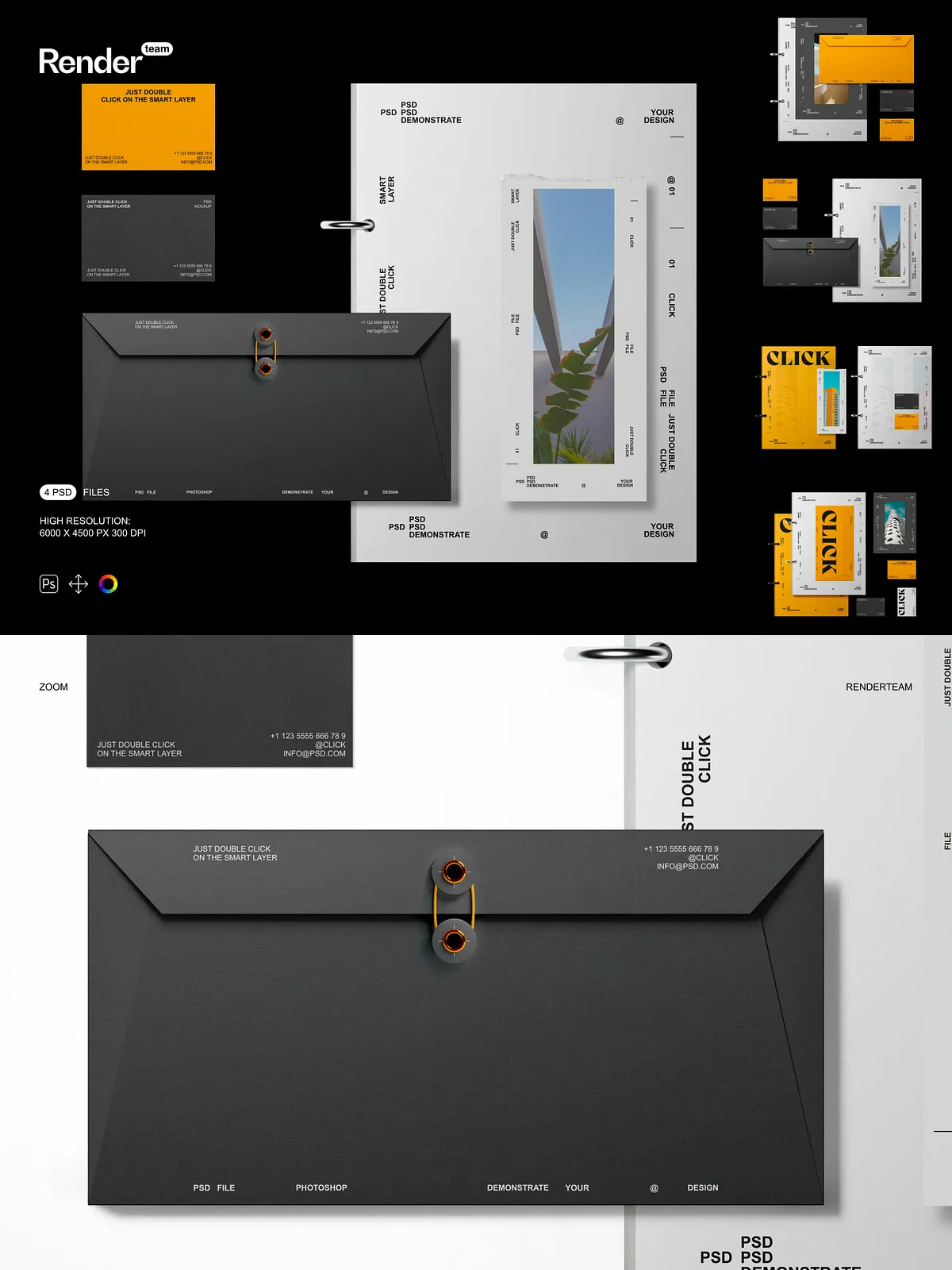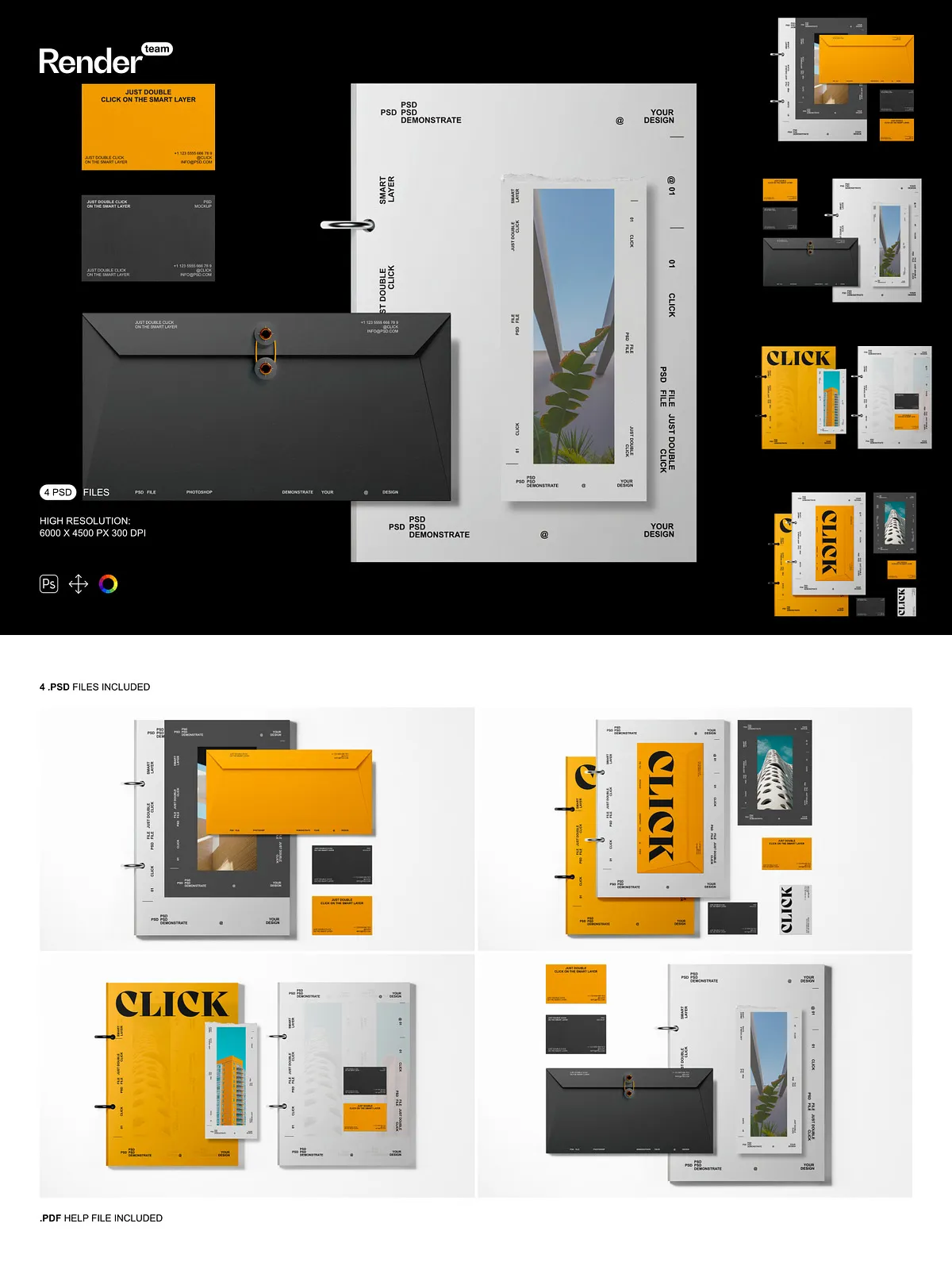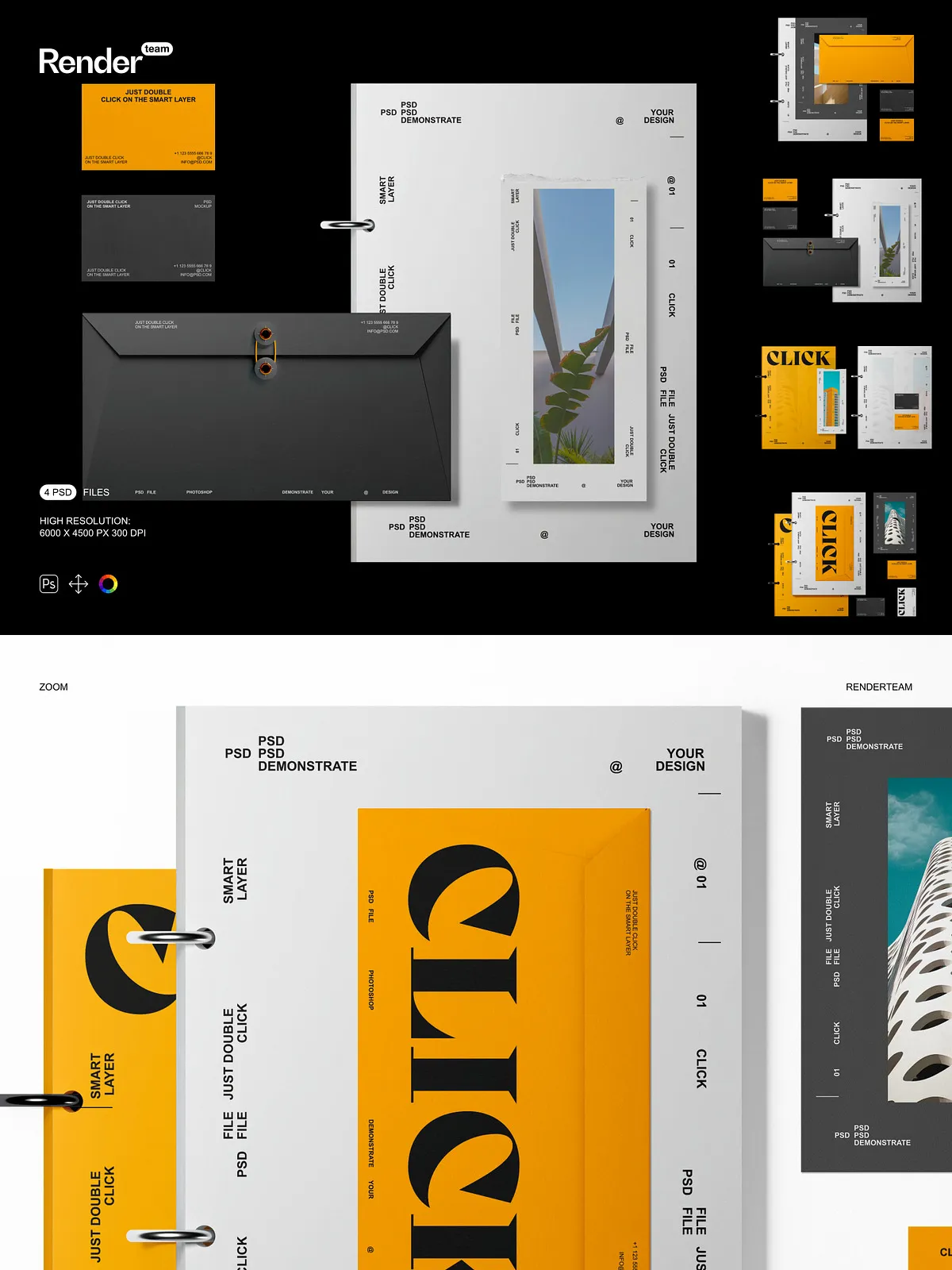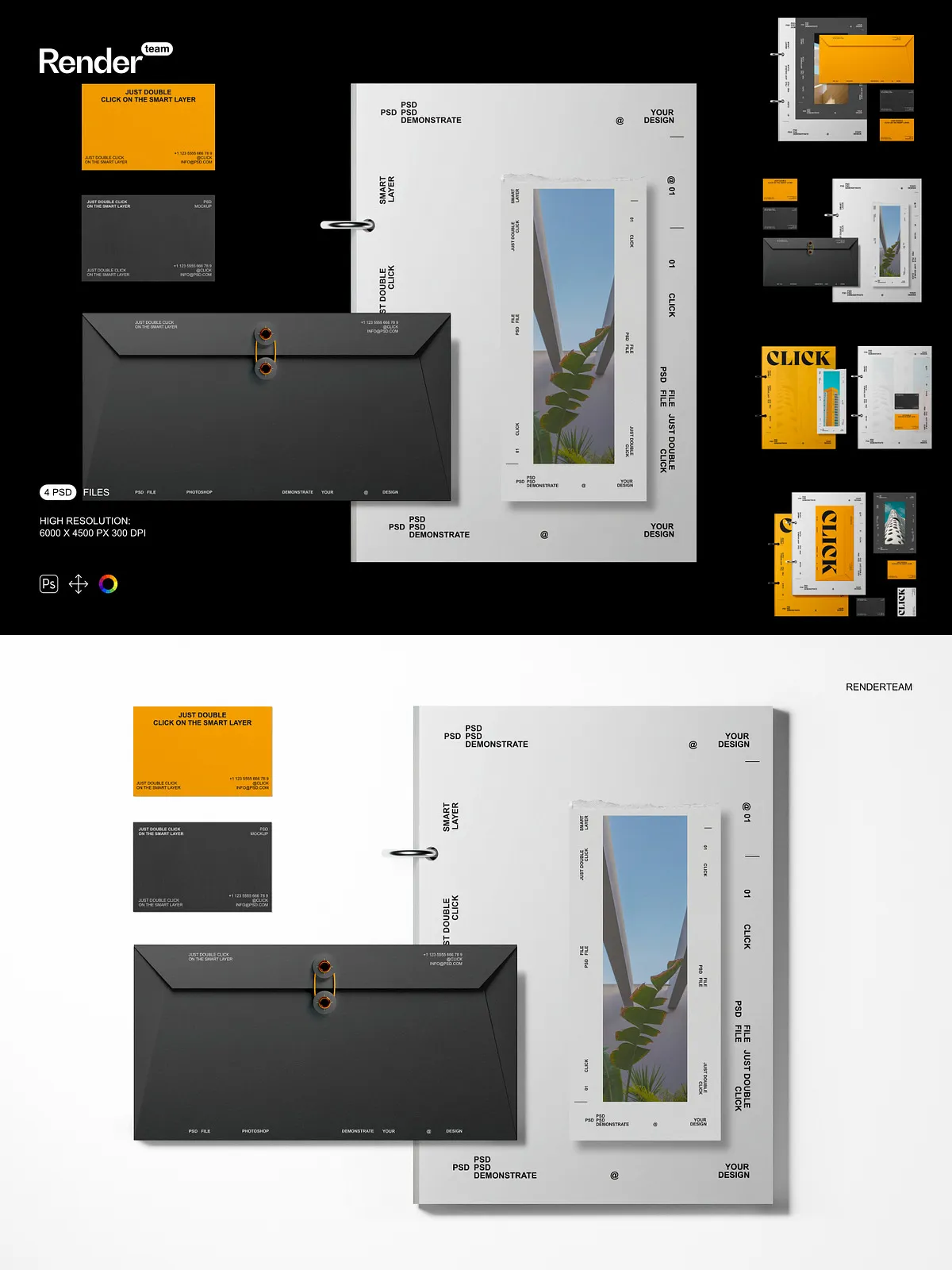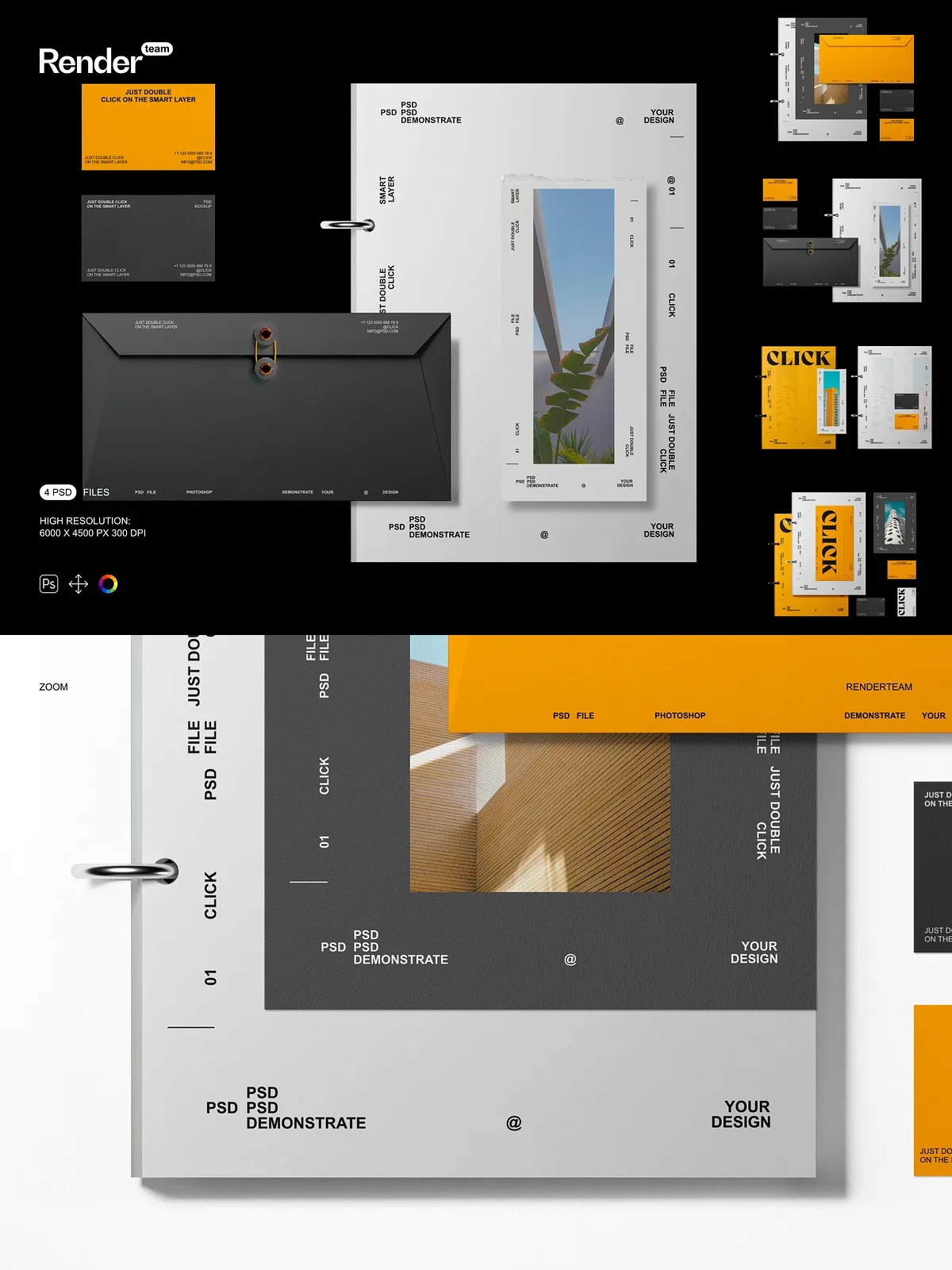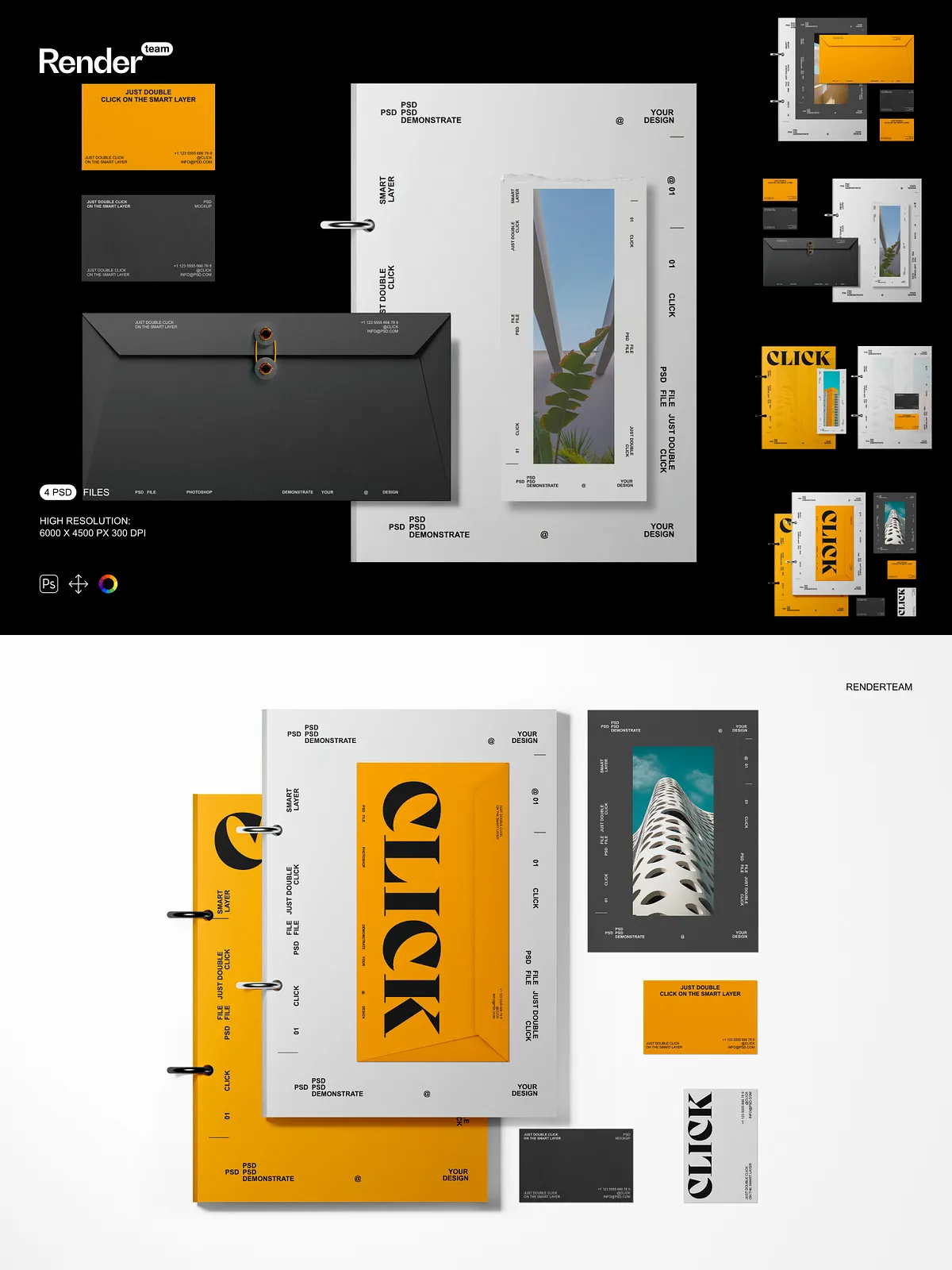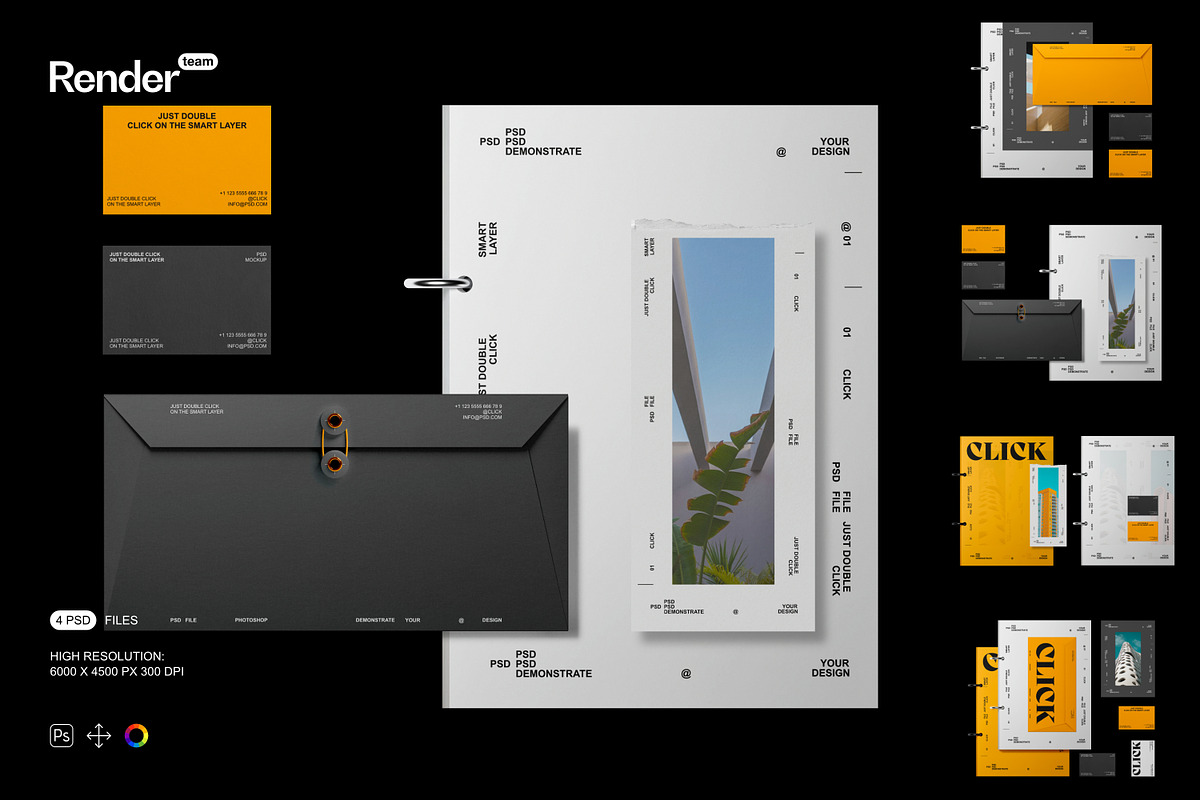
Amplify your brand’s presence with the ultimate Brand Identity Mockup Set: a powerful suite of four professionally crafted, fully layered, and instantly editable .PSD files. Designed for designers, branding agencies, and marketing professionals, this set enables you to present your logo, business cards, packaging, stationery, or digital branding elements in lifelike, real-world contexts—without the need for complex 3D modeling or photography. Whether you’re pitching to clients, updating your website, crafting social media posts, or building a portfolio, these mockups deliver immediate credibility, sophistication, and visual engagement that captivates audiences and builds trust in your brand’s identity.
What’s Included: A Complete Brand Presentation Toolkit
Core Assets for Instant Visual Impact
- 4 high-resolution PSD mockups showcasing your brand identity across diverse contexts: business card on desk, logo on notebook, packaging on shelf, and stationery in a lifestyle setting
- One comprehensive, step-by-step PDF help file with layout diagrams, layer navigation guides, and advanced editing techniques for rapid onboarding and expert-level workflow optimization
Professional-Grade Technical Specifications
- Ultra-high resolution: 6000 × 4500 pixels at 300 dpi — perfect for print, web, presentation decks, and high-end digital displays
- All objects and shadows isolated in dedicated layers — allowing independent editing of placement, transparency, and intensity without affecting other design elements
- Smart Object-enabled content insertion — simply double-click the designated layer, insert your artwork, and save. The mockup updates instantly with no resizing or distortion
- Color layer controls in structured groups — adjust the hue, saturation, and brightness of the background, surface, or ambient lighting to match brand guidelines or environmental tones
- Organized layer hierarchy with clearly labeled folders: Logo Layer, Background, Shadows, Textures, Branding Elements, and Lighting Effects — enabling fast navigation, collaborative workflows, and error-free editing
Effortless Editing, Infinite Creative Possibilities
Begin Your Design Session in Under 30 Seconds
Open your preferred PSD file in Adobe Photoshop CC (2023 or newer), locate the Smart Object layer labeled “Insert Your Logo” or “Place Branding Content,” and double-click it. A new window opens—a clean canvas ready for your design. Paste your custom logo, business card, or packaging layout, resize it perfectly to fit the designated space, and save. Instantly, your mockup reflects your brand exactly as it will appear in real-world use. This non-destructive workflow preserves original file integrity, supports endless revisions, and eliminates common issues like pixelation, misalignment, and color shifts — delivering flawless outputs with minimum effort.
Master Every Detail with Precision Controls
Each visual component is meticulously separated and fully controllable: the texture of the desk surface, the soft shadow beneath the object, the reflective glow on glossy packaging, and the subtle grain of the paper. Independently adjust the opacity, size, and direction of shadows to simulate different lighting conditions—natural daylight, office fluorescents, or warm evening lighting. Swap out background scenes with alternative environments (e.g., a modern office, minimalist desk, or coffee shop table) for contextual versatility. Apply tint overlays or gradient layers to match your brand’s mood—calm, energetic, luxurious, or minimalist.
Create Immersive Brand Experiences
Go beyond static images. Construct dynamic storytelling scenes: place your business card beside a coffee cup and laptop, display your logo on a stack of books in a creative workspace, or show your packaging line-up on a well-lit retail shelf. Add subtle interactive cues—hover effects, call-to-action text, or animated pop-up icons (via motion graphics) to simulate digital interactivity. Generate seasonal or campaign-specific variations: a winter-themed version with frosty textures and soft blue tones, or a summer edition with bright sunlit backgrounds and vibrant color palettes. Customize the entire mockup environment to reflect your brand’s personality and target audience.
Streamlined Workflow for Maximum Productivity
Get Your Brand Visuals Live in Under 5 Minutes
- Launch Adobe Photoshop CC (2023 or later) and open the desired PSD file.
- Navigate to the Smart Object layer marked for content insertion (e.g., “Brand Logo Here”).
- Double-click the layer to open the embedded canvas.
- Paste your high-resolution design into the designated area — ensure it fits within the 3000×4000 px frame for optimal output.
- Use the Free Transform tool to scale and align your artwork without stretching or distorting.
- Save the file (Ctrl/Cmd + S), close the Smart Object window, and watch your mockup update in real time.
- Apply adjustment layers such as Levels, Curves, or Hue/Saturation to enhance visual contrast and color accuracy.
- Export your final deliverable in PNG (web), JPEG (social media), or TIFF (print) with transparent backgrounds as needed.
Suit Every Project: From Startups to Enterprise Brands
This mockup set is engineered for professionals who require polished, consistent, and rapid visual delivery. Use it to:
- Design compelling landing pages with realistic brand previews that increase conversion rates
- Deliver eye-catching social media posts showcasing logos, packaging, and stationery with authentic depth and dimension
- Build powerful client pitches with immersive visuals that demonstrate attention to brand detail and professionalism
- Enhance design portfolios with dynamic, publication-ready mockups that highlight creativity and technical skill
- Prepare high-converting e-commerce product pages with lifelike brand presentation for online stores and Shopify sites
From early-stage startups to global brands, these mockups help you convey brand identity with confidence, clarity, and visual precision.
Optimized for Performance and Future-Proof Workflows
All files are compatible with Adobe Photoshop CC (version 2023 or higher). For optimal speed and performance, ensure your system has at least 8GB RAM and SSD storage for fast layer loading. Close unnecessary applications during editing to maintain smooth responsiveness when working with large PSD files. Note: Sample content is for demonstration only. Replace all placeholders with your original or licensed artwork to maintain copyright integrity and ensure full brand ownership.
Best Practices for Flawless, Industry-Standard Results
- Create your brand assets at a minimum resolution of 3000 × 4000 pixels to guarantee sharp, crisp output across all platforms
- Use vector-based files (AI, SVG) for logos and typography to preserve clarity at any scale
- Apply adjustment layers instead of direct layer edits to maintain a non-destructive workflow
- Export versions tailored to platform standards: 1080×1920 px for Instagram Stories, 1600×900 px for blog thumbnails, and 6000×4500 px for print or high-res presentations
- Always back up original PSD files before batch processing or automation tasks