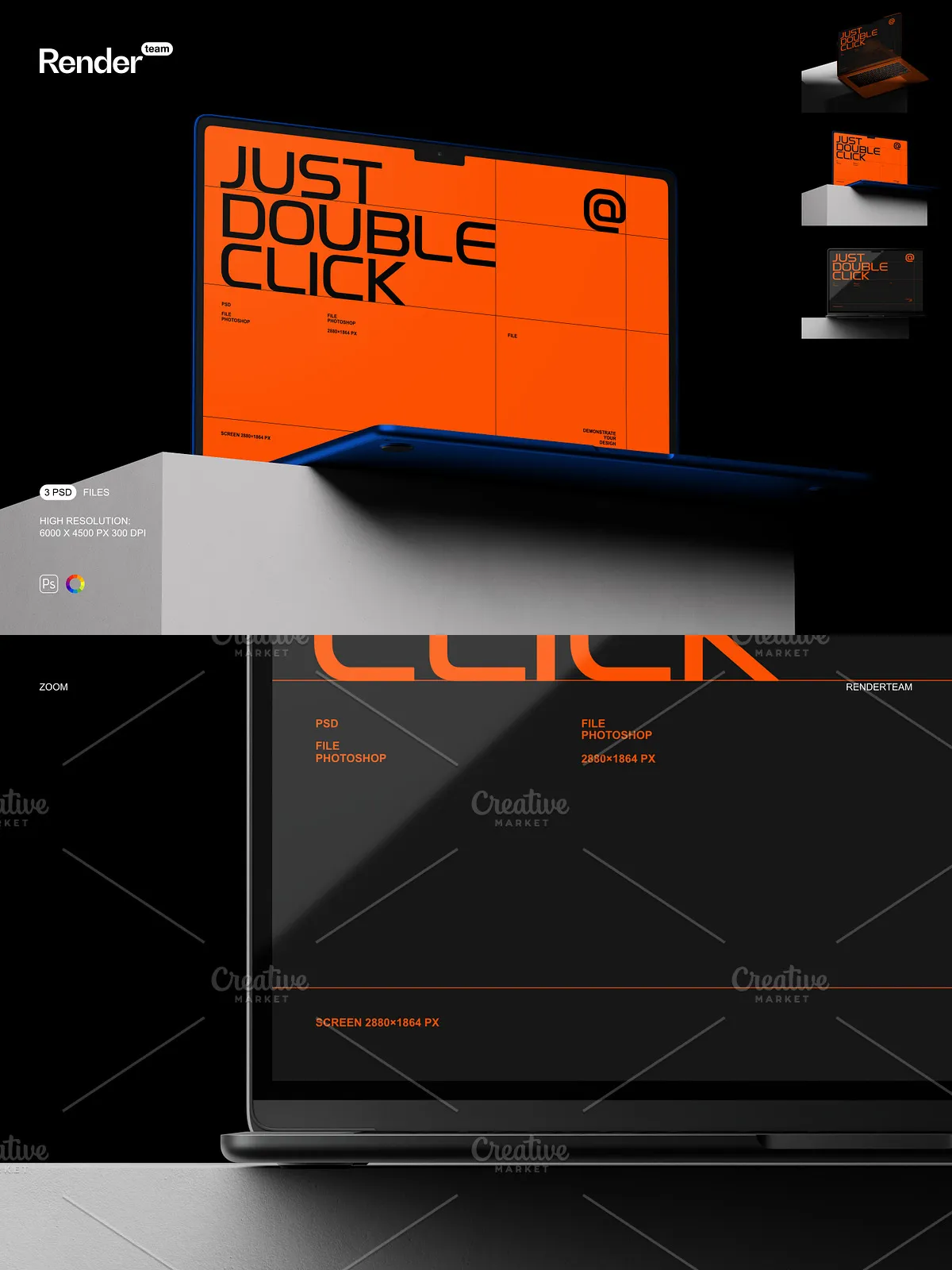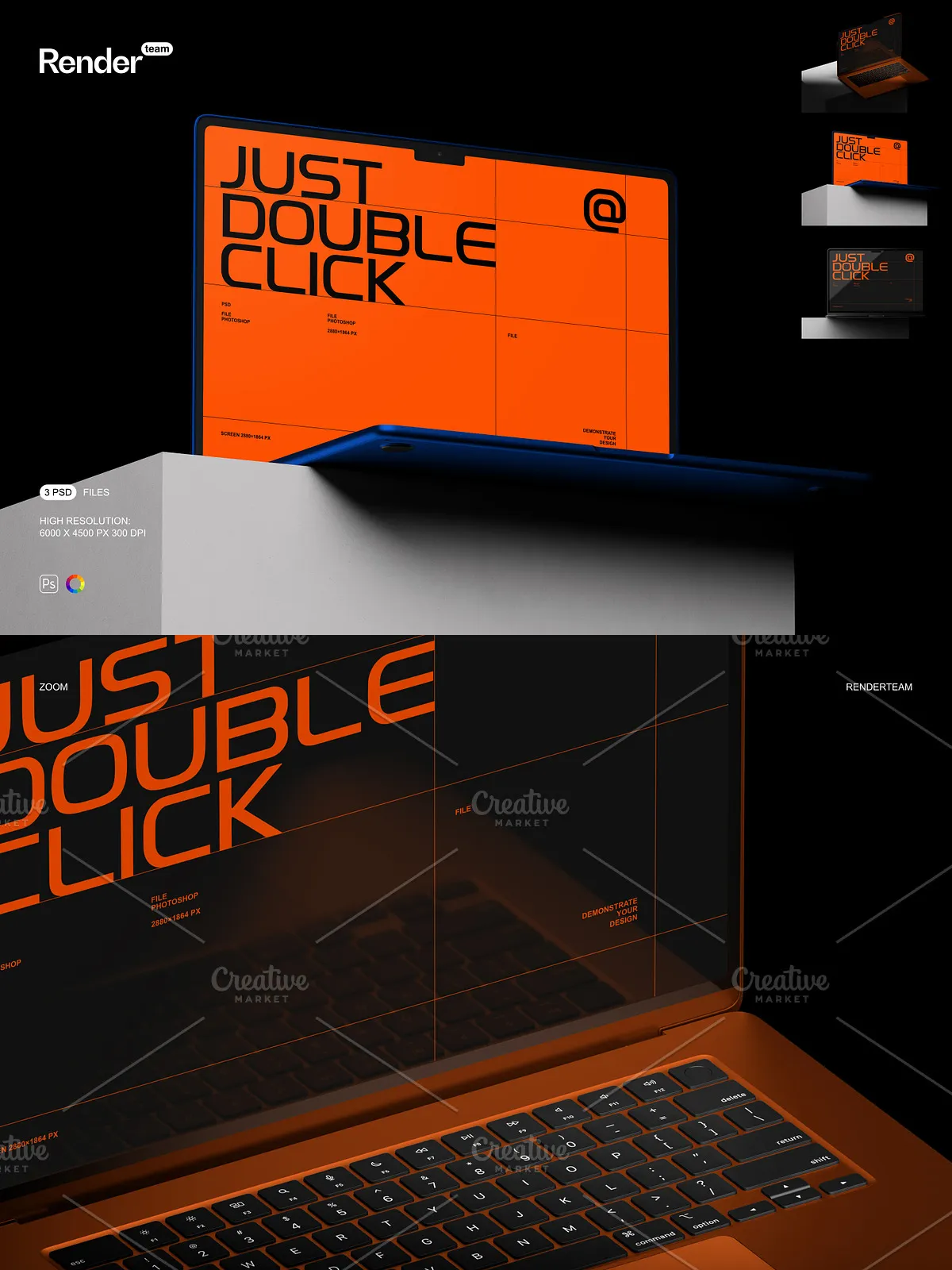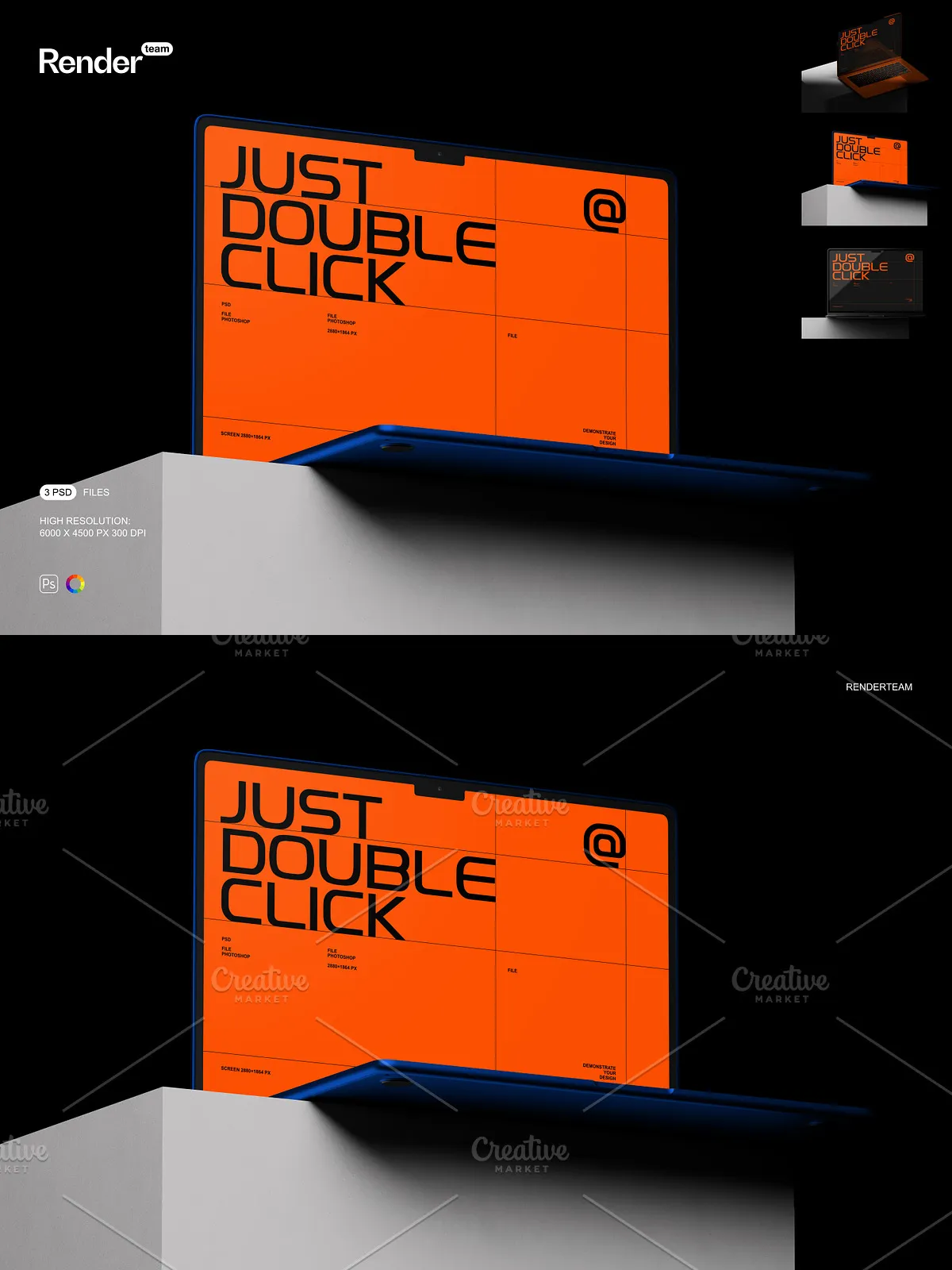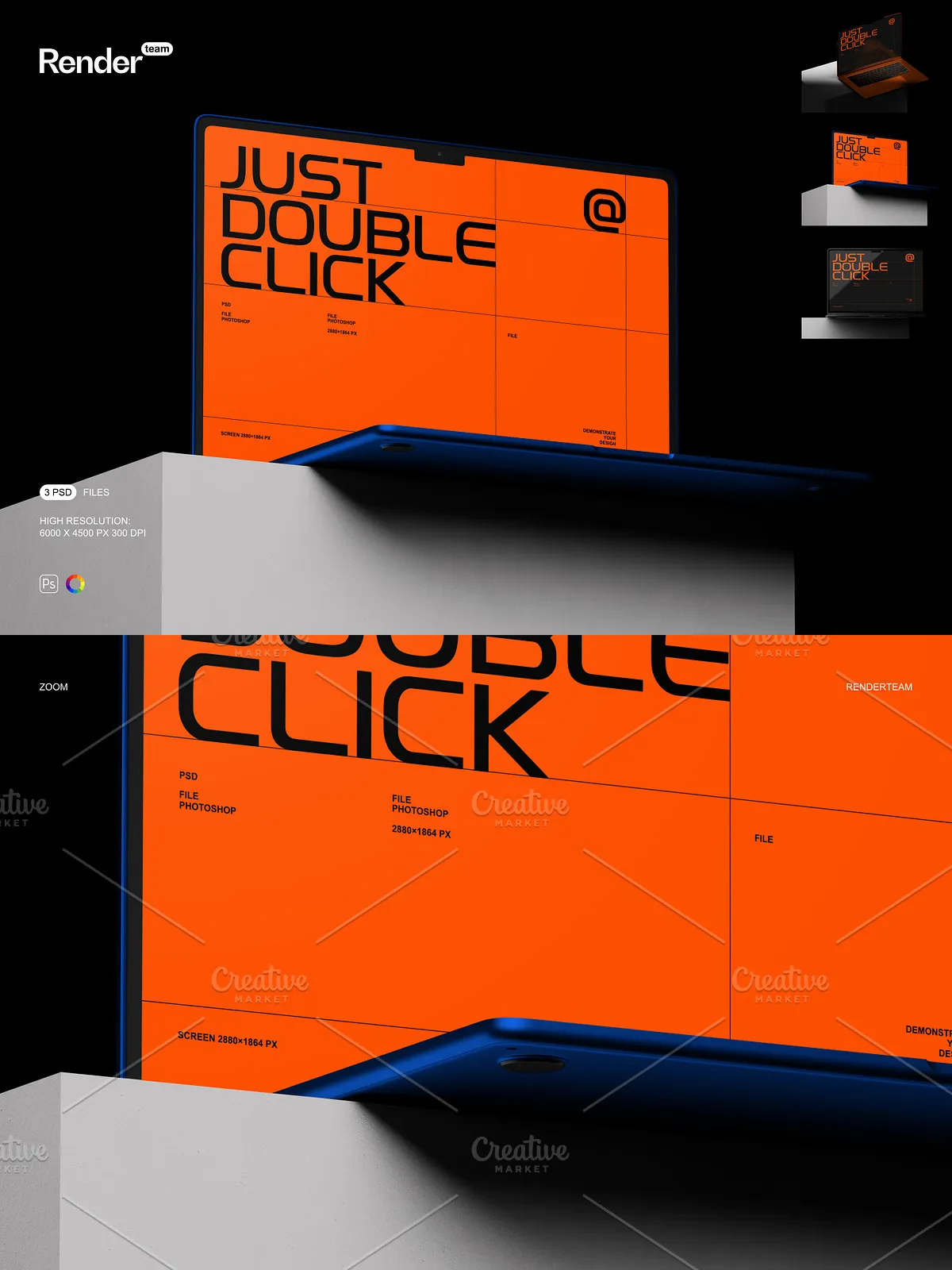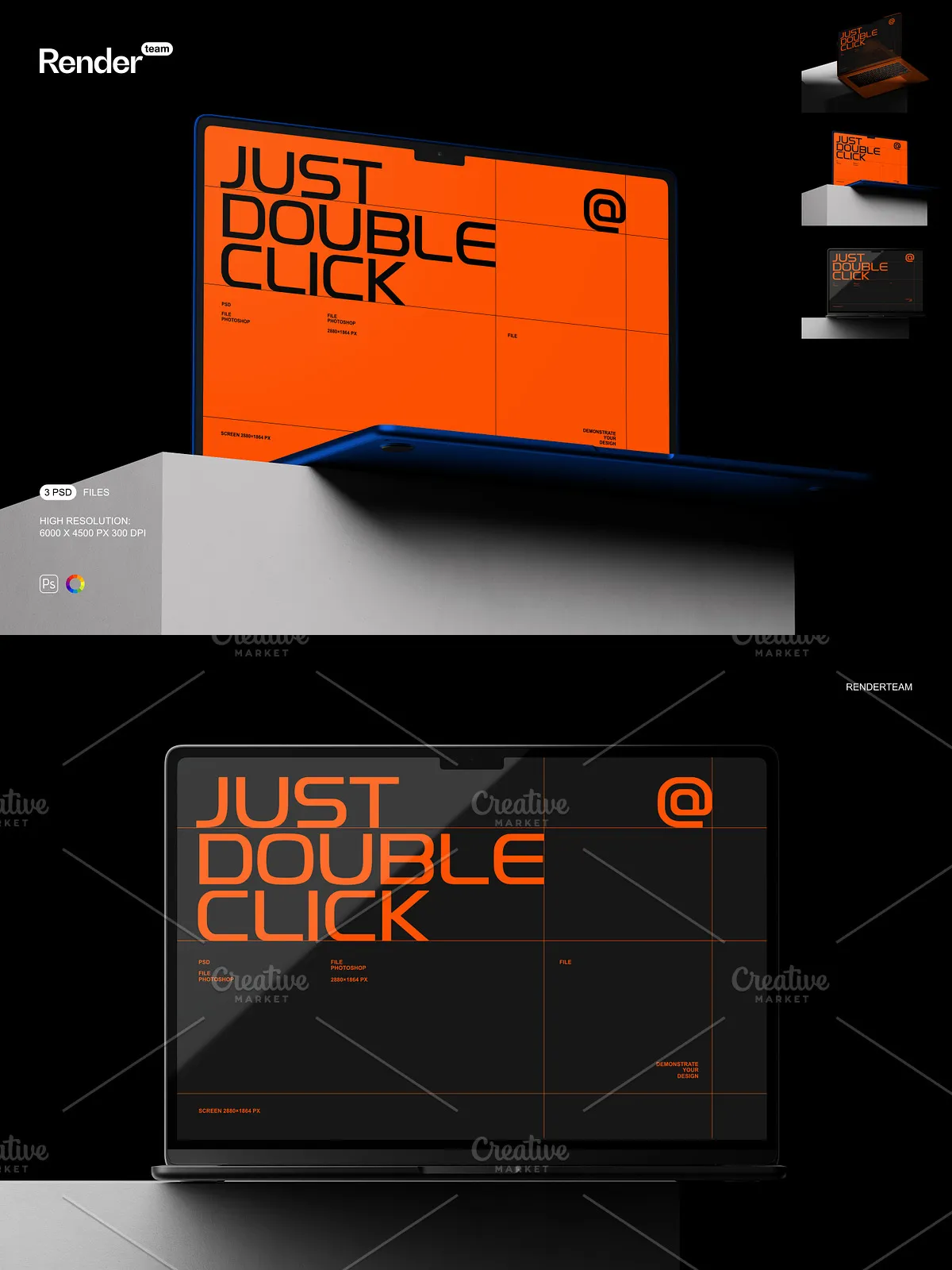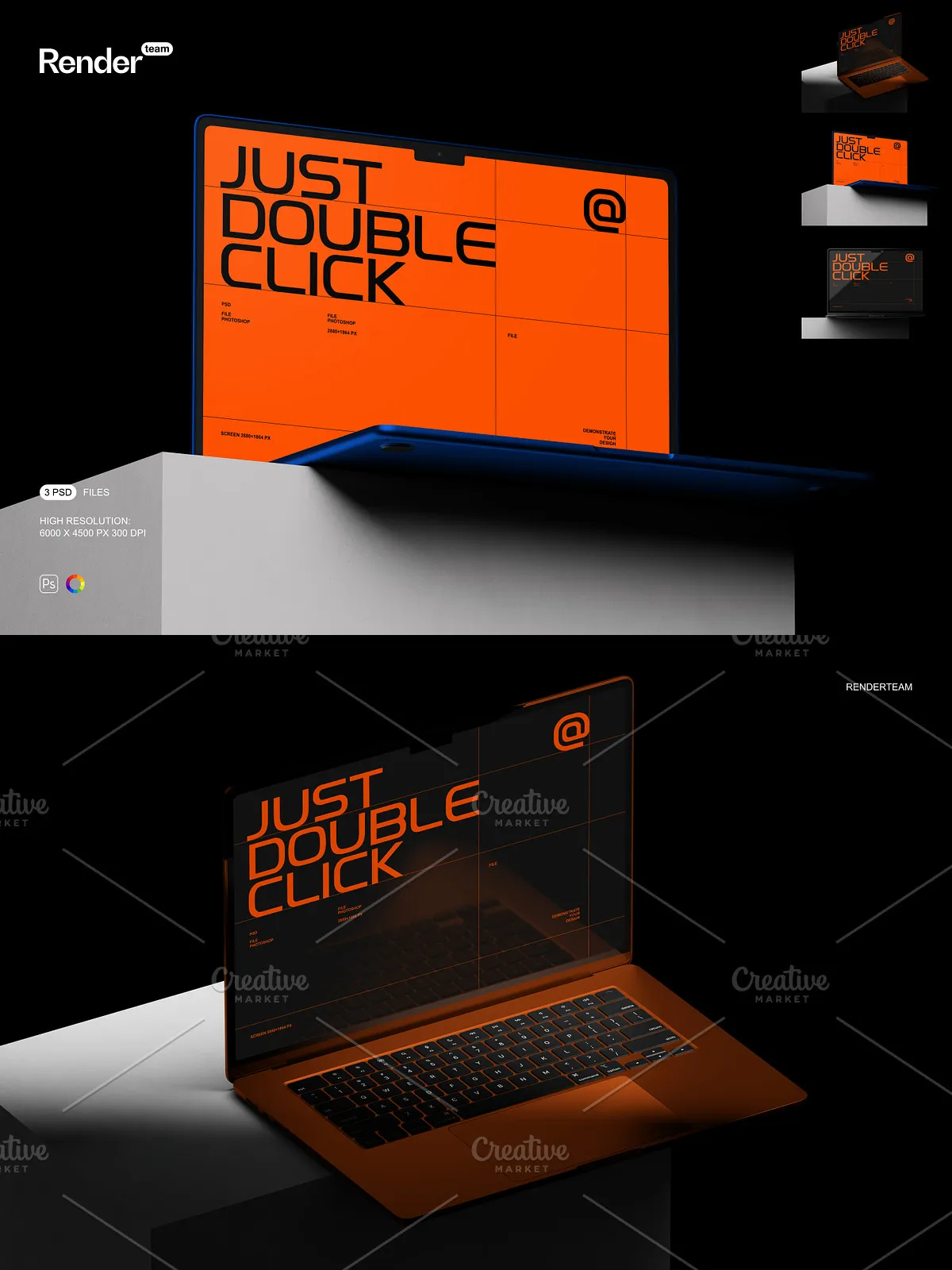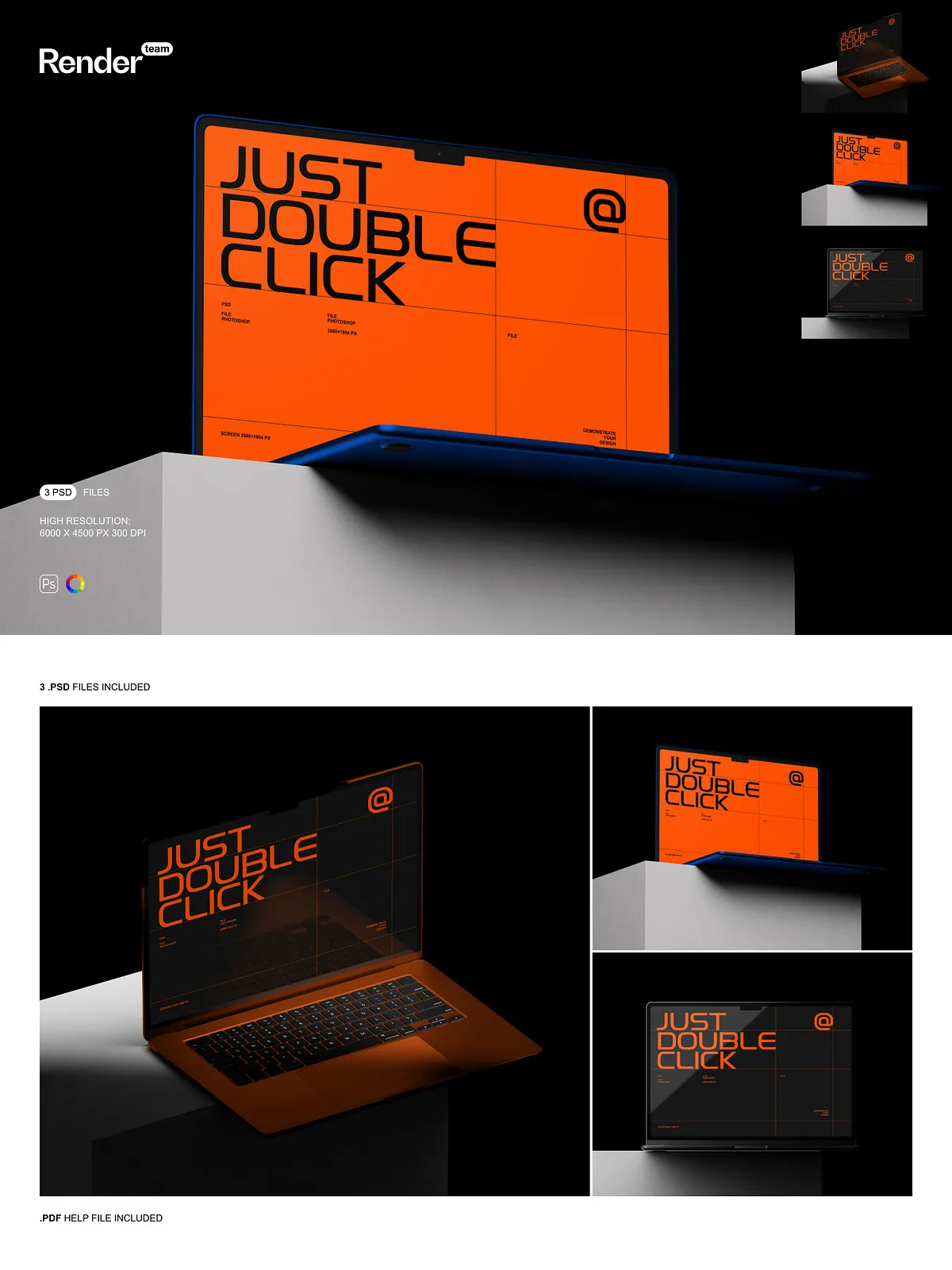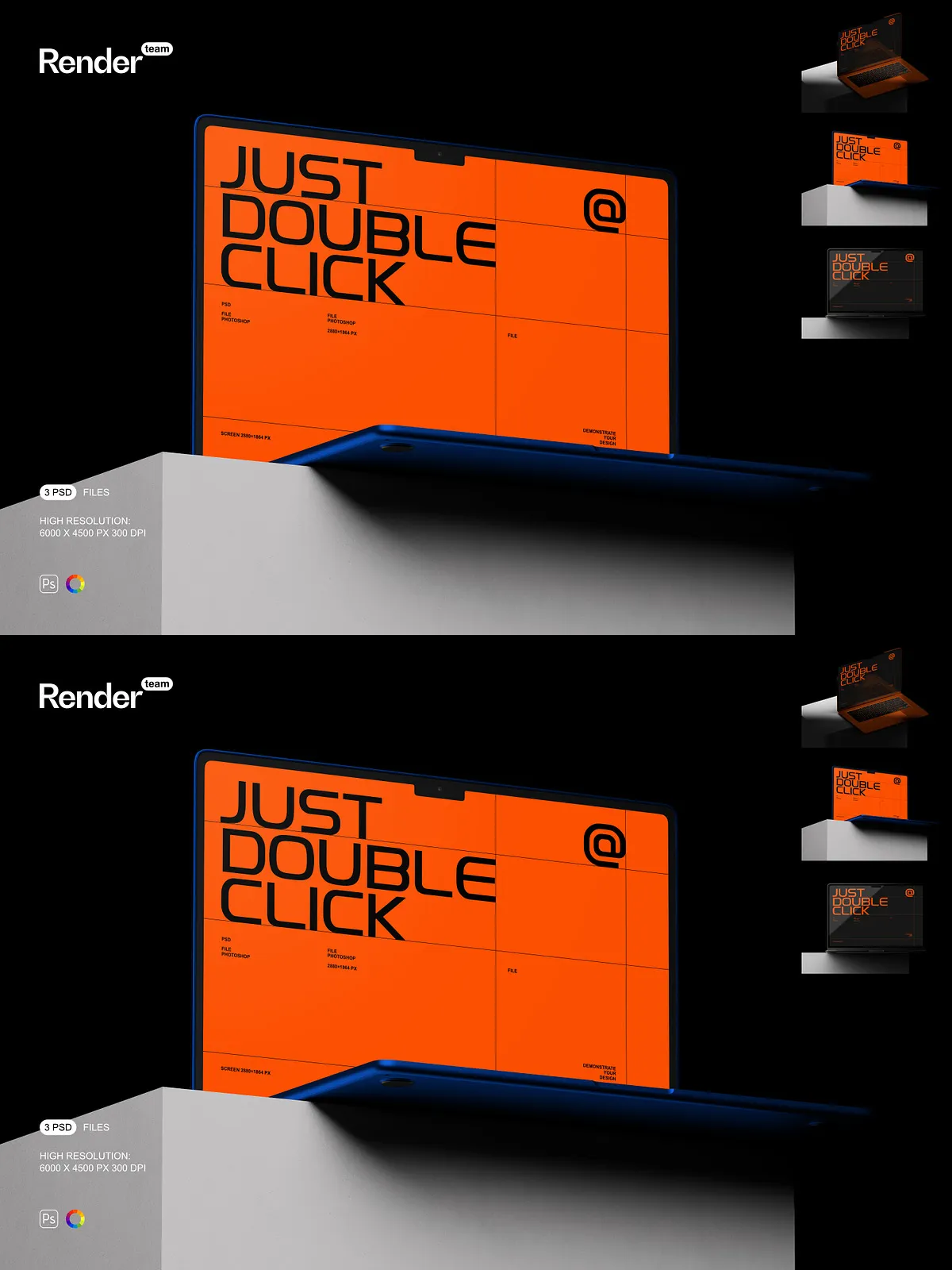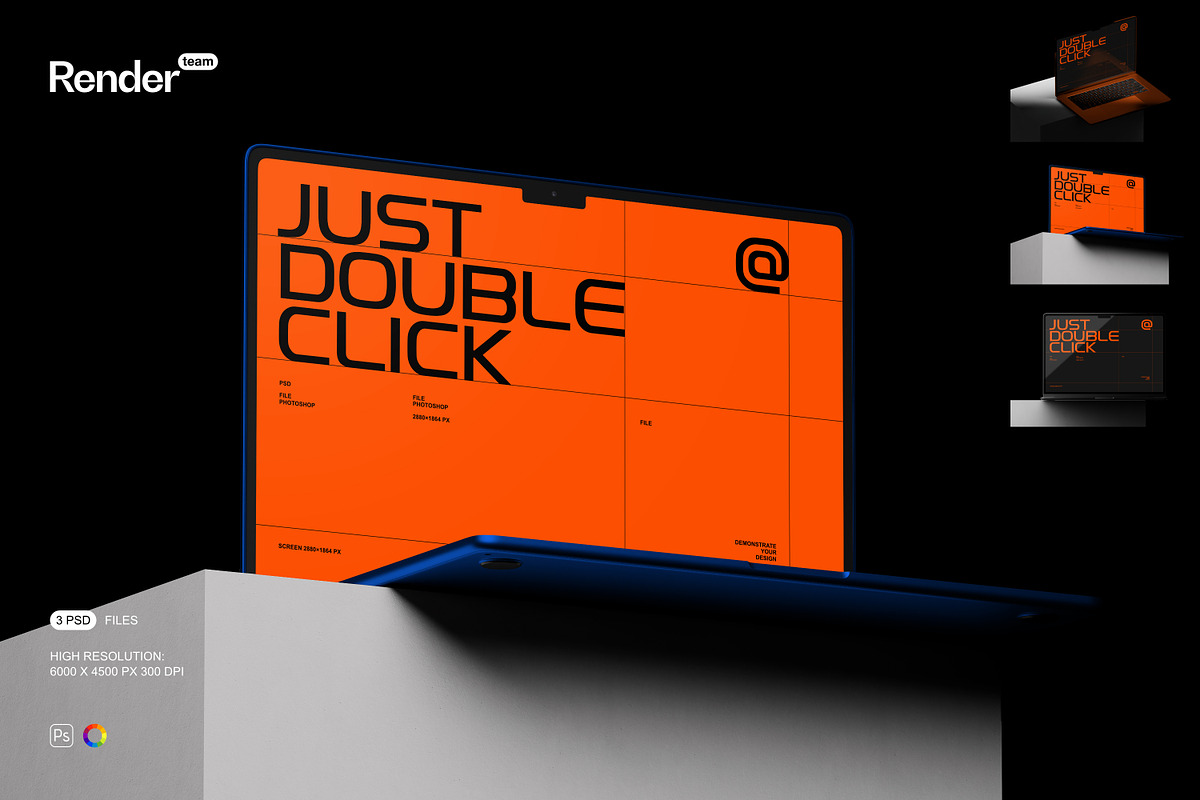
Unleash the full potential of your design work with the MacBook Air Mockup Set — a high-performance collection of three meticulously crafted, fully layered, and instantly editable .PSD files. Engineered for designers, brands, and digital marketers who demand precision, speed, and visual realism, this set lets you showcase your custom UI, branding, web layouts, or app interfaces on Apple’s sleek MacBook Air with lifelike authenticity. Whether you’re launching a new product, building a portfolio, or creating marketing assets for social media, these mockups deliver immediate impact, elevating your visuals from ordinary to extraordinary with minimal effort and maximum professional polish.
What’s Included: A Complete Professional Mockup Toolkit
Core Assets and Essential Tools
- 3 high-resolution, fully layered PSD mockup files showcasing the MacBook Air in varied poses: front-facing with open lid, angled view from desktop, and handheld with natural desk context
- One detailed, step-by-step PDF help file providing navigation guides, editing workflows, and advanced customization tips for both beginners and experts
Technical Excellence: Resolution, Realism, and Editability
- Ultra-high resolution output: 6000 × 4500 pixels at 300 dpi — ideal for print campaigns, high-end digital displays, and flawless web integration
- Screen dimensions precisely matched to 2880 × 1864 pixels — the exact display resolution of the MacBook Air, ensuring perfect alignment and pixel-perfect fidelity
- Smart Object-enabled editing: Double-click the designated screen layer, insert your design, and save — the mockup instantly updates with your content, no resizing required
- Color layer controls in separate groups — adjust the lid shade, keyboard glow, and ambient reflection to match your brand’s visual identity or environment lighting
- Organized layer hierarchy with clearly labeled folders and groups: screen, bezel, shadow, lighting, background, and texture — enabling fast navigation and seamless collaboration
Accelerate Your Workflow with Non-Destructive Smart Editing
Simple, Powerful, and Instantly Refreshing Updates
Start your design session in under 30 seconds. Open any PSD file in Adobe Photoshop CC (version 2023 or higher), locate the Smart Object layer labeled “Screen Content”, and double-click it. A new window opens with your canvas — paste your UI, logo, or layout, stretch or scale it to fit the 2880 × 1864 px screen area, save your changes, close the window, and watch the mockup update in real time. This non-destructive workflow preserves original file integrity, supports infinite revisions, and eliminates common errors like pixelation or misalignment — the gold standard for rapid turnaround on client projects, digital campaigns, and multi-platform content creation.
Master Every Detail with Granular Control
Each structural element is isolated and editable: the thin aluminum edge, the Apple logo, the ambient glow under the screen, the subtle reflections on the matte surface, and the realistic shadow beneath the device. Modify the intensity and direction of light sources, adjust the transparency of shadows, or apply custom texture overlays to simulate leather desk pads, wooden surfaces, or glass tables. Fine-tune color gradients to reflect different lighting environments — daylight, office lamps, or soft evening light — to create contextually accurate visuals for diverse branding applications.
Immerse Your Audience in Dynamic Visual Narratives
Go beyond static screenshots. Craft compelling real-world scenarios: place the MacBook Air on a sunlit balcony, beside a steaming coffee mug, or within a creative workspace filled with notebooks and pens. Layer additional elements like keyboard keys, cursor effects, or notification pop-ups to simulate active use. Generate seasonal or event-based variations — for example, a sleek black-themed mockup for a winter campaign or a vibrant gradient design for a music festival promotion. Customize the color of the MacBook lid to match your brand’s color scheme or use tint filters for a dramatic visual effect.
Streamlined Setup for Maximum Efficiency
Get Your Project Live in Less Than 5 Minutes
- Open the desired PSD file in Adobe Photoshop CC (2023 or later).
- Navigate to the Smart Object layer named “MacBook Screen Insert” or similar.
- Double-click the layer to open the embedded design canvas.
- Insert your high-resolution design into the 2880 × 1864 px canvas area.
- Resize and align your content without distortion — maintain full resolution for crisp output.
- Save the file (Ctrl/Cmd + S), close the window, and observe the mockup update instantly with your design.
- Use adjustment layers to enhance contrast, refine colors, or simulate screen brightness in different environments.
- Export final visuals in PNG (for web), JPEG (for social media), or TIFF (for print) with transparent backgrounds as needed.
Perfect for App Developers, Design Agencies, and E-Commerce Brands
This mockup set is engineered for professionals who insist on premium quality and fast delivery. Use it to:
- Create standout product pages with realistic device previews for website and online stores
- Pitch digital product concepts to investors or stakeholders with immersive, tangible visuals
- Produce dynamic social media content that showcases app features and branding stories
- Build high-converting landing pages with authentic device imagery that builds trust
- Enhance design portfolios with professional-grade visuals that highlight technical precision and creativity
Whether you’re marketing a new SaaS platform, launching a creative tool, or promoting a digital education course, these mockups instantly communicate innovation, sophistication, and technical excellence.
Optimized for Performance and Compatibility
All files are compatible with Adobe Photoshop CC (version 2023 or later). For peak performance, ensure your system has at least 8GB RAM and SSD storage to maintain smooth layer responsiveness. Close unused applications during editing to prevent lag when working with large PSD files. Important: Sample content is for demonstration only. Replace it with your original or licensed artwork to protect intellectual property and ensure full brand ownership.
Best Practices for Flawless, Premium-Grade Outputs
- Design your UI at exactly 2880 × 1864 pixels to guarantee perfect fit and clarity.
- Use vector-based assets (AI, SVG) for logos and typography to preserve sharpness on all devices.
- Apply adjustment layers instead of direct color edits to maintain non-destructive workflows.
- Export platform-specific versions: 1080×1920 px for Instagram Stories, 1600×900 px for blog thumbnails, and 6000×4500 px for high-res presentations or print.
- Always backup original PSD files before batch processing or automated design tasks.