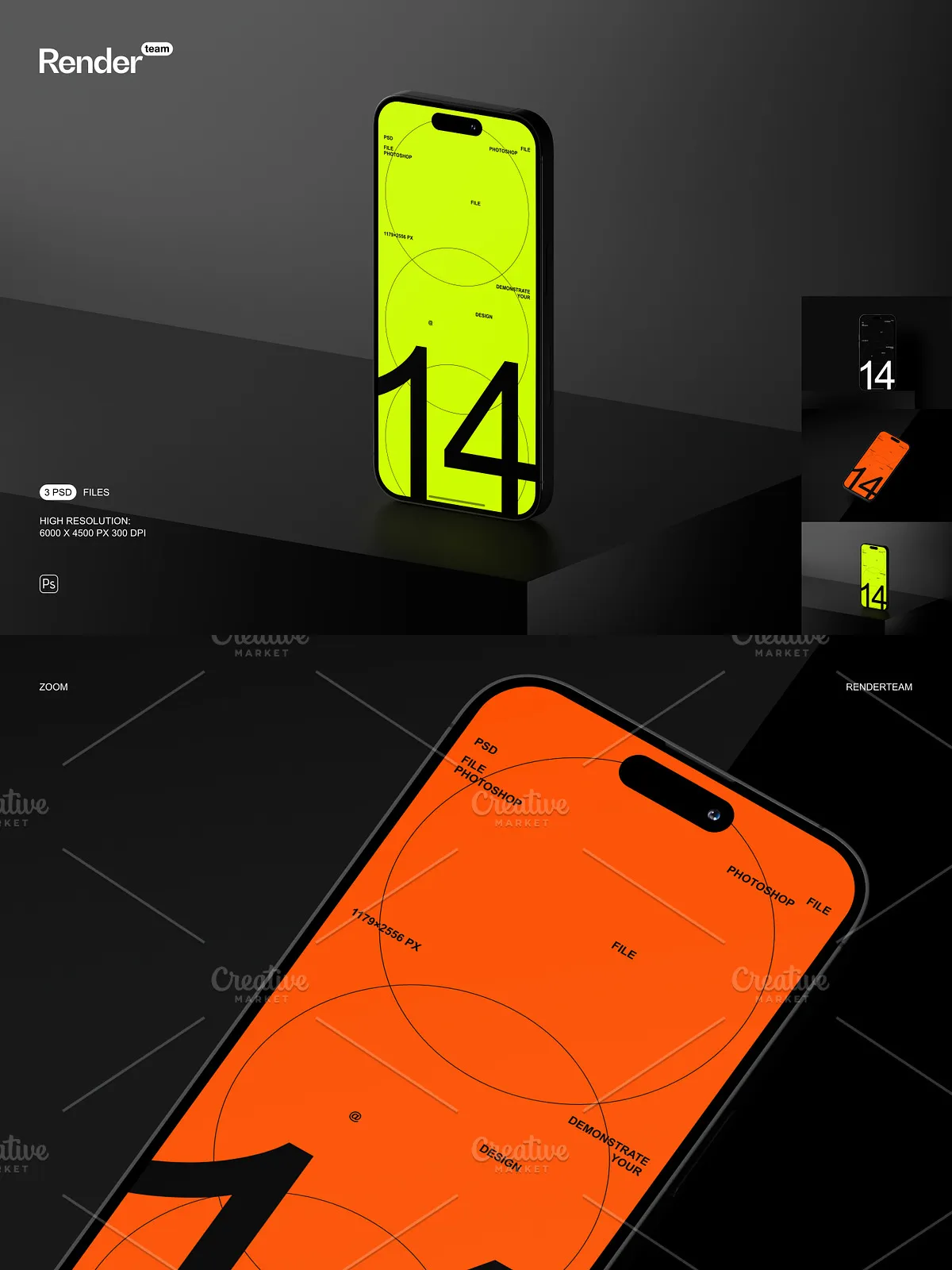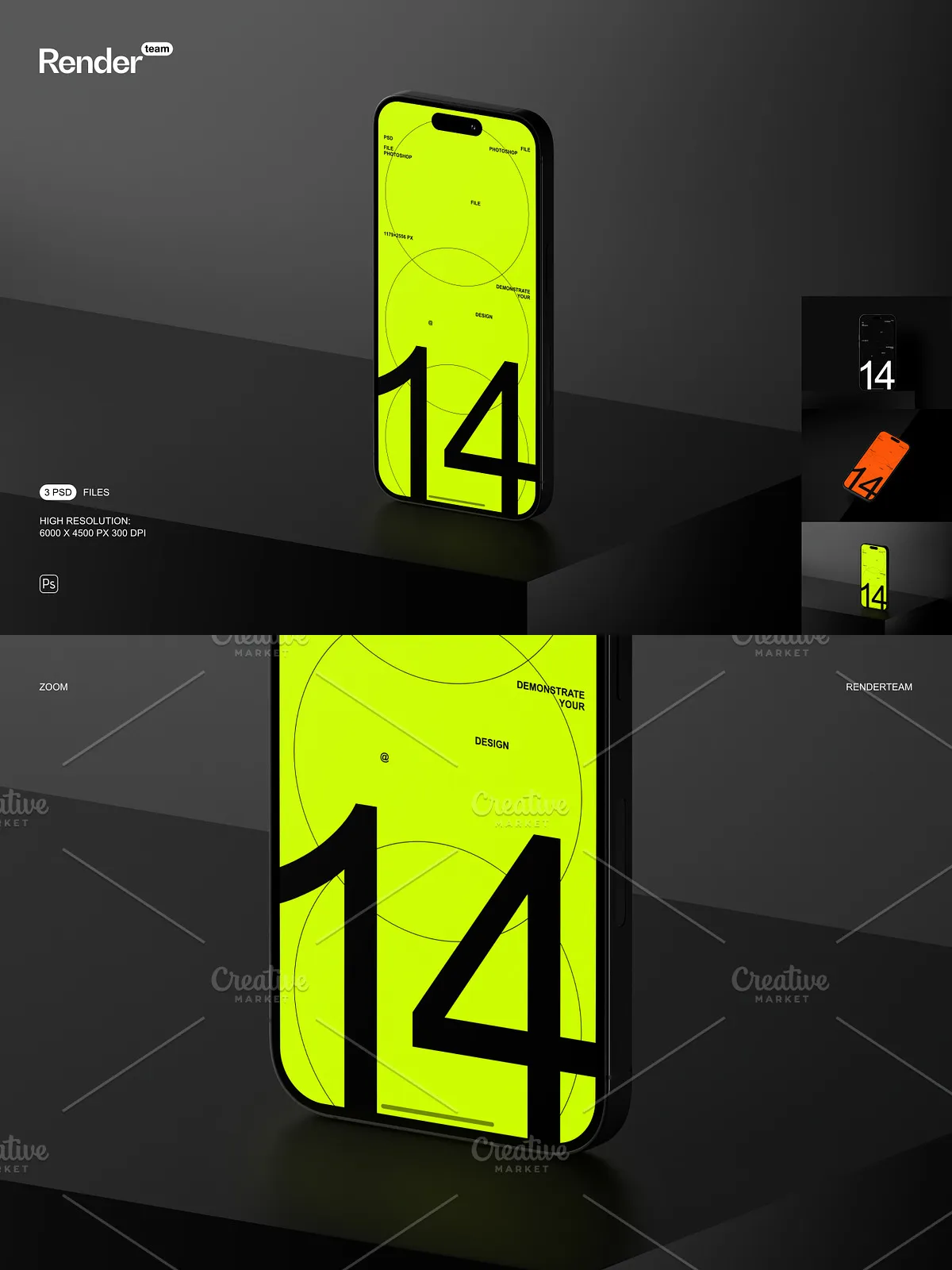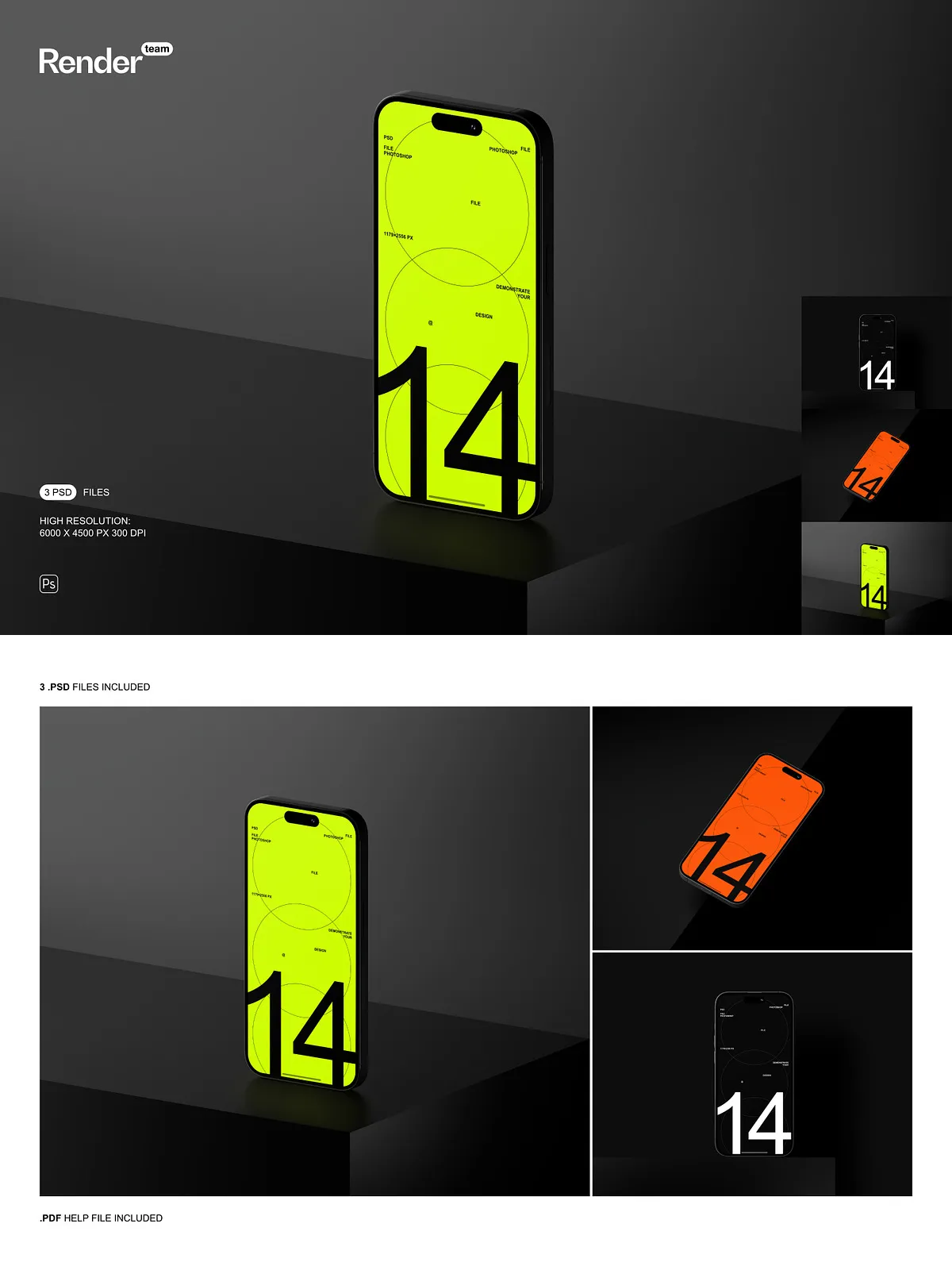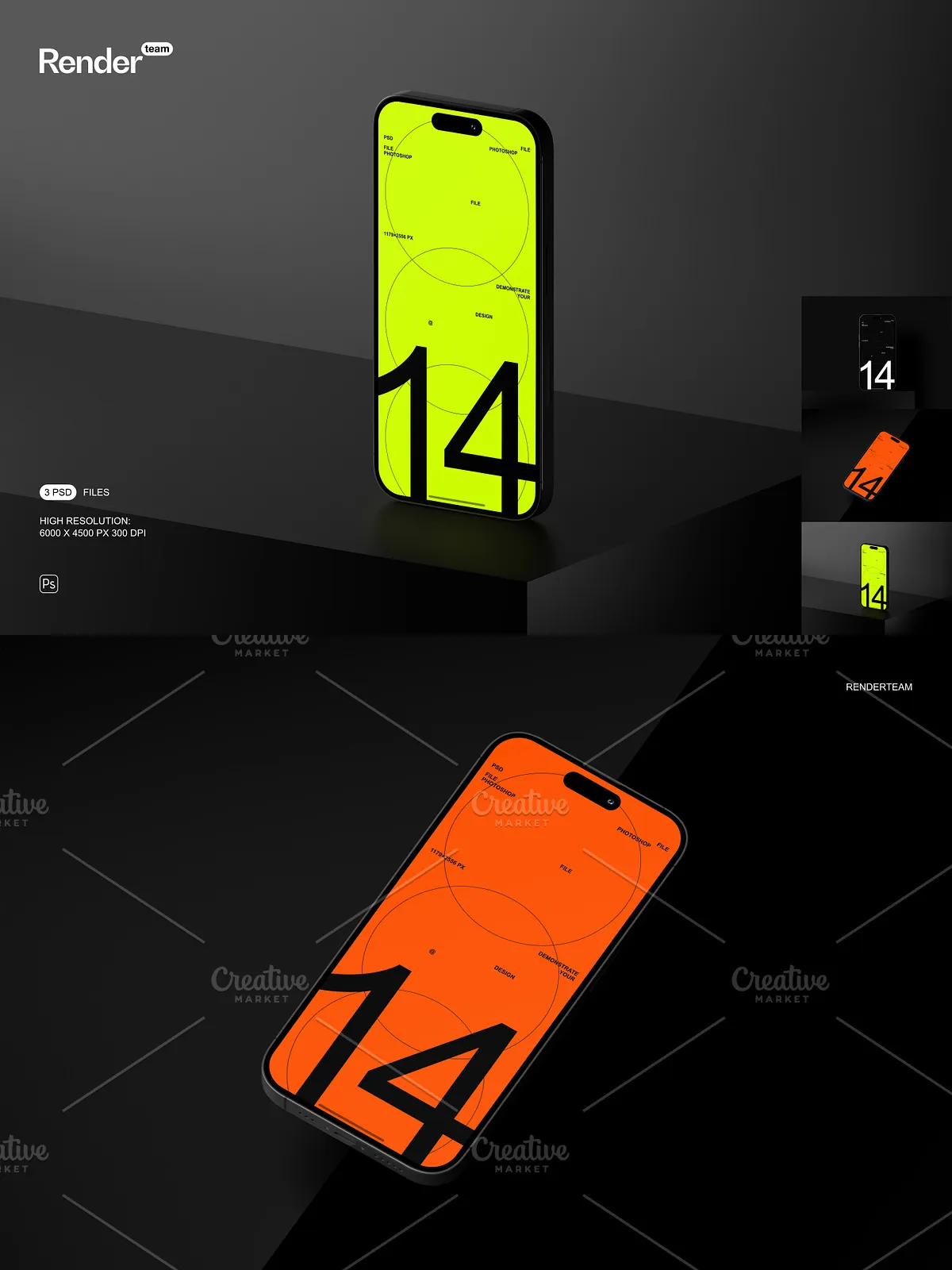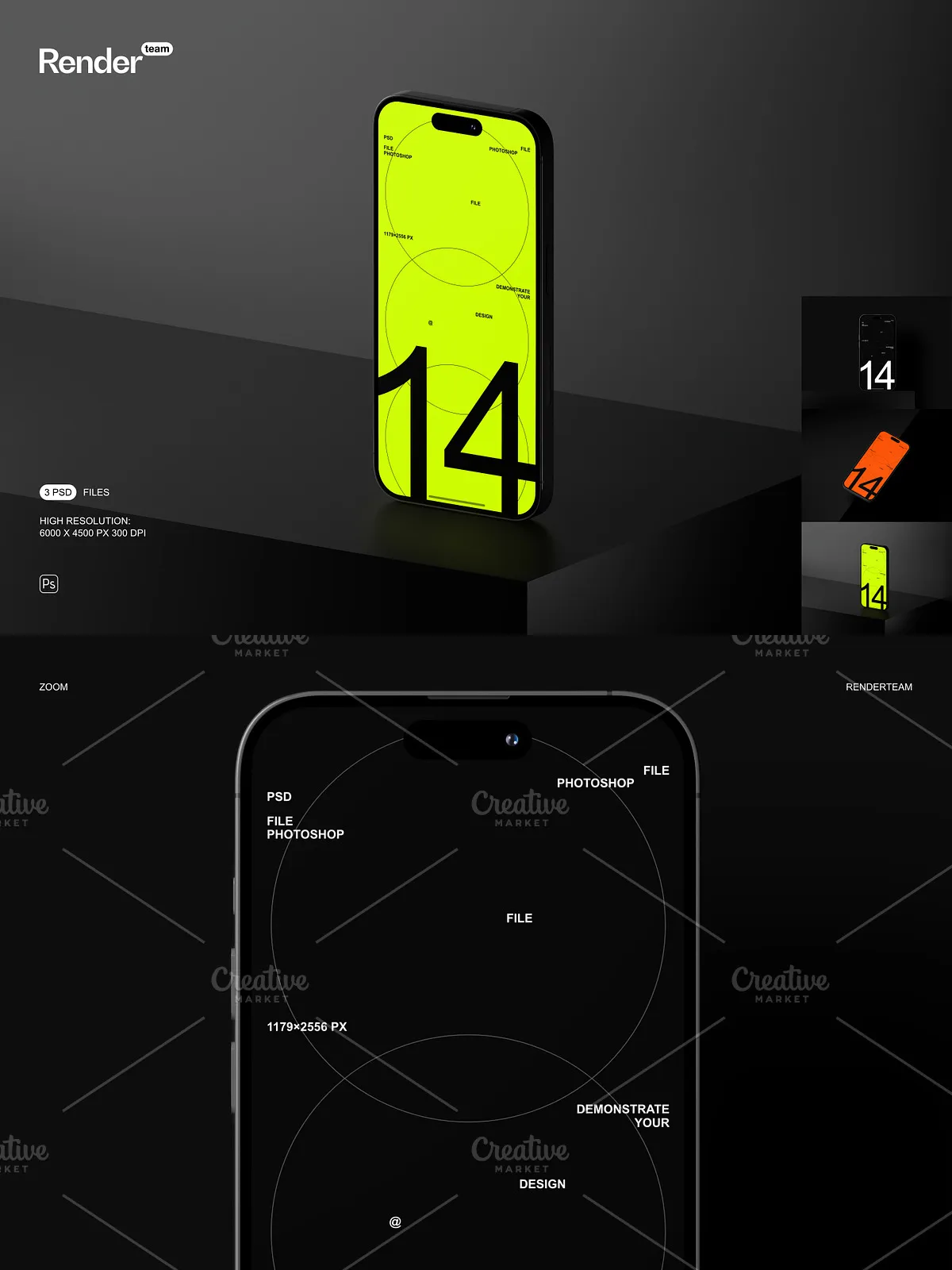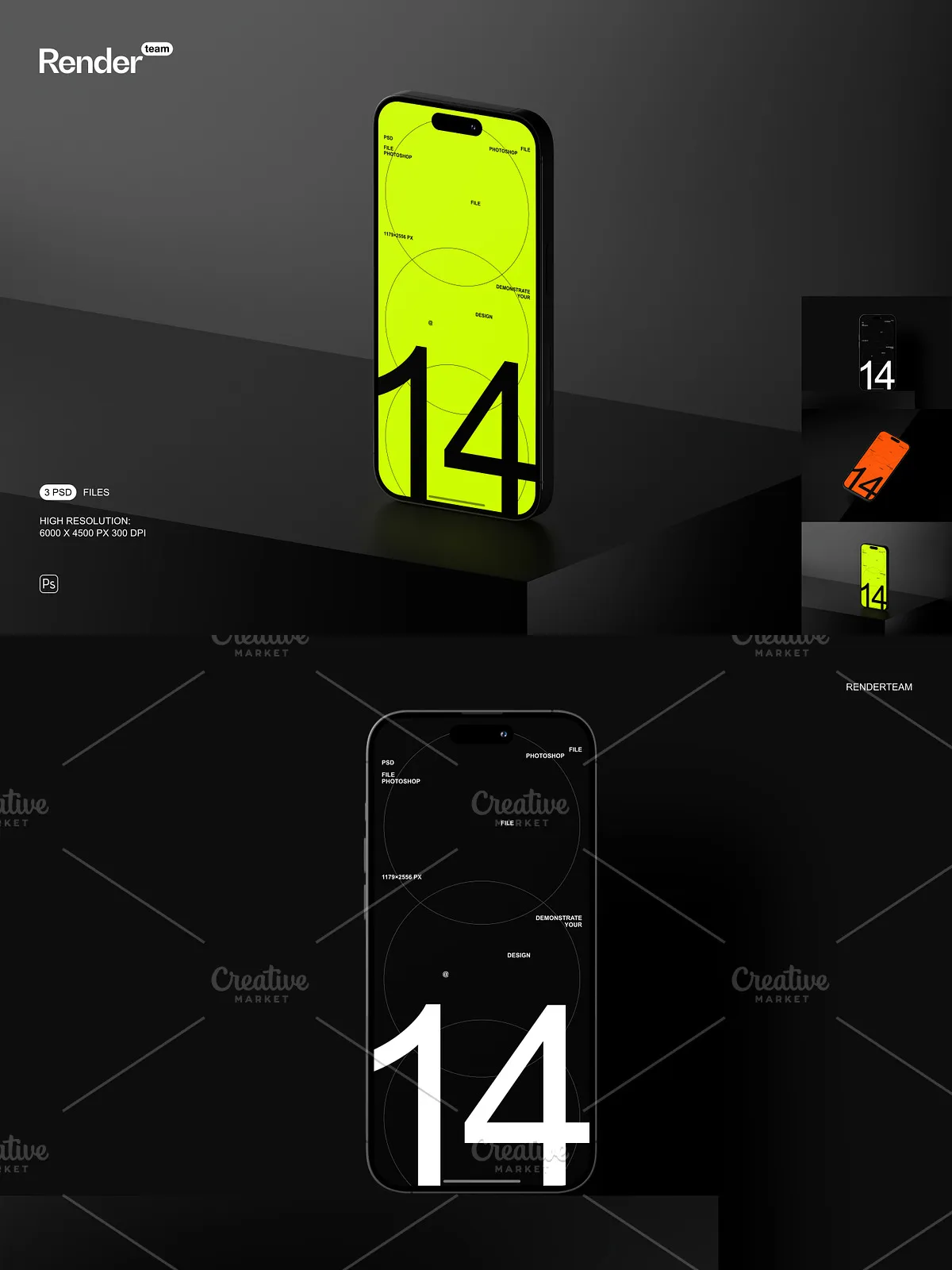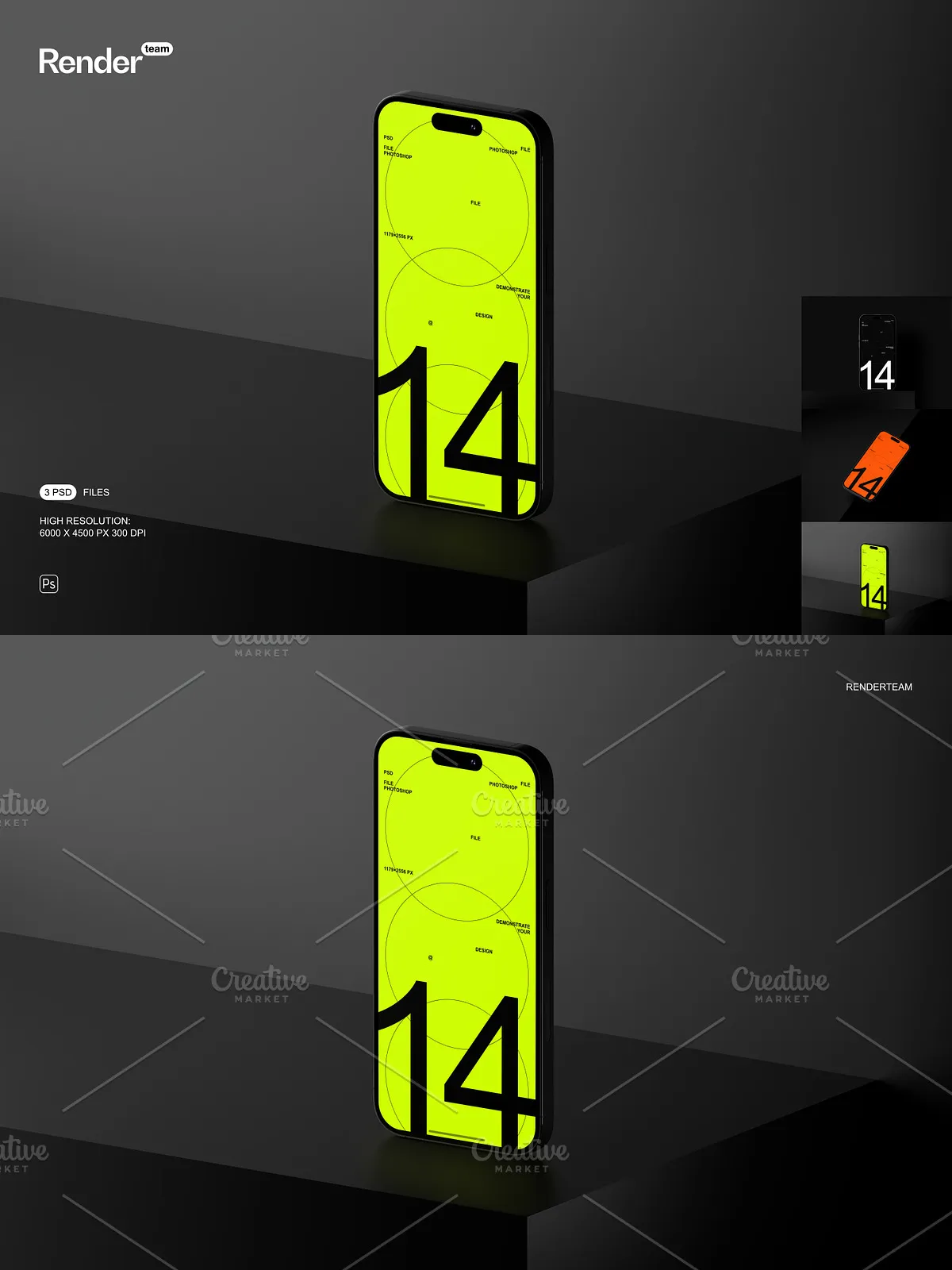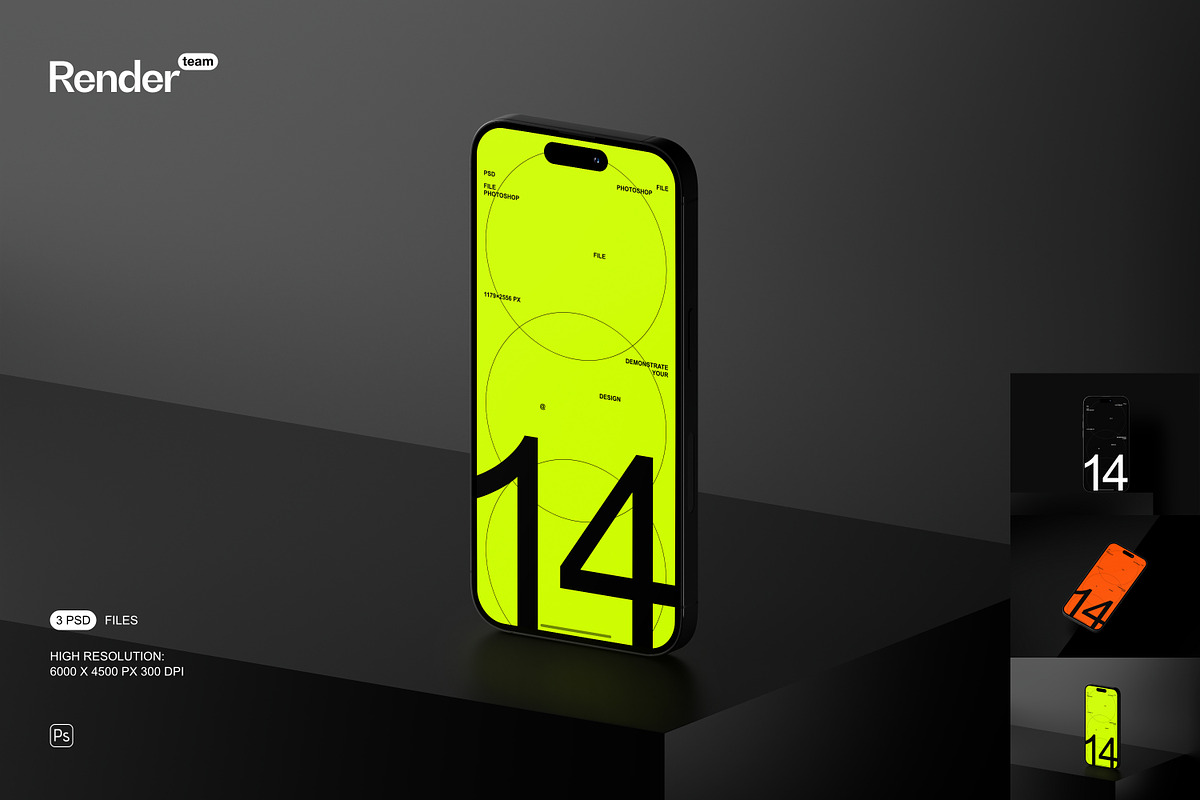
Amplify your design portfolio, e-commerce store, or client pitch with the iPhone 14 Pro Mockup Set — a premium collection of three dynamically layered, fully editable PSD files crafted to display your custom UI, app interfaces, or branding with photorealistic accuracy. Engineered for speed, clarity, and visual professionalism, this set empowers designers, developers, marketers, and entrepreneurs to instantly visualize their digital creations on the iconic iPhone 14 Pro hardware. Whether you’re launching an app, unveiling a new brand identity, or creating digital marketing assets, these mockups deliver an instant credibility boost with minimal setup and maximum impact.
What’s Included in This Premium Mockup Collection
Core Files and Essential Resources
- 3 high-resolution, fully layered .PSD mockup files showcasing the iPhone 14 Pro in distinct poses: front-facing, angled view, and handheld with realistic background context
- One comprehensive, beginner-friendly PDF help file detailing layer navigation, editing workflows, and best practices for optimal results
Technical Powerhouse: Precision, Resolution, and Realism
- Ultra-high resolution output: 6000 × 4500 pixels at 300 dpi for flawless print quality and sharp, crisp web performance
- Screen dimensions perfectly optimized to 1179 × 2556 pixels — matching the actual display size of the iPhone 14 Pro for exact visual fidelity
- All elements — including bezels, camera housing, shadow layers, and environmental reflections — are isolated in dedicated layer groups for unmatched control
- Smart Object integration enabled: Double-click the designated screen layer, insert your design, and save — the mockup instantly updates with your content
- Intelligently structured layers and folders ensure fast access, easy organization, and seamless collaboration across teams
Revolutionize Your Workflow with Instant Smart Object Editing
Duplicate, Customize, and Publish in Seconds
Begin your design session in seconds. Open any PSD file in Adobe Photoshop CC (version 2023 or later), locate the Smart Object layer labeled “Screen Content” or similar, and double-click it. Your canvas opens in a new window — paste your app UI, logo, or branding asset, stretch it to match the 1179 × 2556 px canvas, save, close. The mockup refreshes in real time with your design. This non-destructive editing method eliminates guesswork, prevents file corruption, and allows infinite revisions without compromising the original layout — perfect for fast-turnaround client feedback loops, A/B testing, or creating multiple version thumbnails.
Master Control Over Every Visual Detail
Each component of the iPhone is isolated and self-contained: the stainless steel bezel, the Dynamic Island, the screen’s ambient glow, and even subtle reflections from nearby surfaces. Adjust the hue, opacity, and brightness of shadows to simulate different lighting conditions — from office fluorescents to natural daylight. Swap background environments with ease. Overlay texture layers to mimic glass, matte, or glossy finishes. Tint the screen slightly for night mode effects or apply subtle blurring to simulate focus transitions. This level of granular control puts you in command of every visual nuance.
Build Real-World Scenarios with Dynamic Context
Go beyond static displays. Craft immersive product stories by placing the iPhone in real-life settings: on a wooden desk with a coffee cup, resting on a leather notebook, or held in a hand with natural finger shadows. Use adjustment layers to simulate screen glow under dim light or create sunlit reflections on a window. Design mockups that showcase app features like dark mode, notifications, or gesture-based navigation. Generate seasonal variants — for example, a holiday-themed interface or a summer promotional campaign — by modifying color schemes and background elements without touching the core design.
Streamlined Setup and Professional Usage Guide
Get Your Project Live in Less Than 5 Minutes
- Open your preferred PSD file in Adobe Photoshop CC or a compatible version.
- Navigate to the Smart Object layer marked “iPhone Screen Insert”.
- Double-click the layer to open the embedded design window.
- Insert your high-resolution UI, logo, or branding graphic into the 1179 × 2556 px canvas area.
- Resize and align your design without stretching or distorting — maintain native resolution for sharp output.
- Save the file (Ctrl/Cmd + S), close the window, and watch the mockup update automatically with your new content.
- Use adjustment layers to enhance contrast, balance colors, or add subtle lighting effects.
- Export final images in PNG (ideal for web), JPEG (social media), or TIFF (print-ready) formats with transparency support if needed.
Ideal for App Developers, Design Agencies, and E-Commerce Professionals
This mockup set is engineered for professionals who demand precision, speed, and visual excellence. Use it to:
- Produce compelling product previews for app marketplaces (Apple App Store, Google Play)
- Create high-converting landing pages with realistic device previews
- Present wireframes and UI/UX prototypes to clients with tangible, relatable visuals
- Generate social media content with mockups that showcase app features or brand stories
- Build digital portfolios that stand out in competitive design communities
Whether you’re pitching a fintech app, promoting a fitness tracker, or building a fashion-tech brand, these mockups instantly convey modernity, sophistication, and technical mastery.
Optimized for Performance and Compatibility
All files are compatible with Adobe Photoshop CC (version 2023 or later). For optimal performance, use a system with 8GB RAM or more and SSD storage to avoid lag when working with large PSD files. Close unused applications during editing sessions to ensure smooth layer responsiveness. Note: Sample images are for demonstration only. Replace them with your original artwork or licensed content to maintain full ownership and branding integrity.
Best Practices for Flawless, High-End Output
- Always design your UI content at the exact screen size: 1179 × 2556 pixels to ensure pixel-perfect alignment.
- Employ vector elements (AI, SVG) for logos and typography to maintain sharpness across all scales.
- Use non-destructive adjustment layers for lighting and color grading instead of direct layer edits.
- Export versions tailored to platform specs: 1080×1920 px for Instagram Stories, 1920×1080 px for YouTube thumbnails, and 6000×4500 px for print or high-res digital assets.
- Always back up original PSD files before batch editing or automating design workflows.