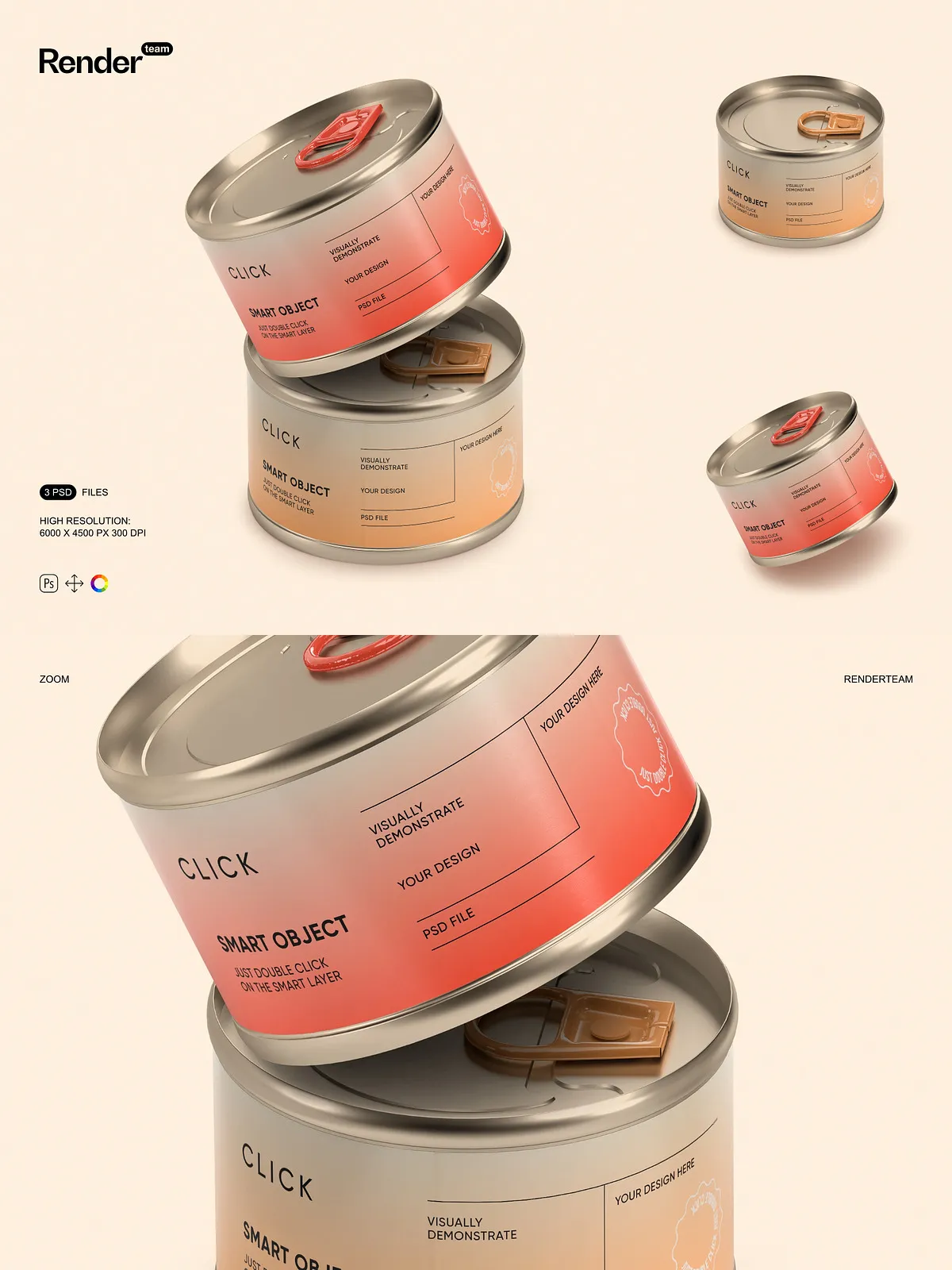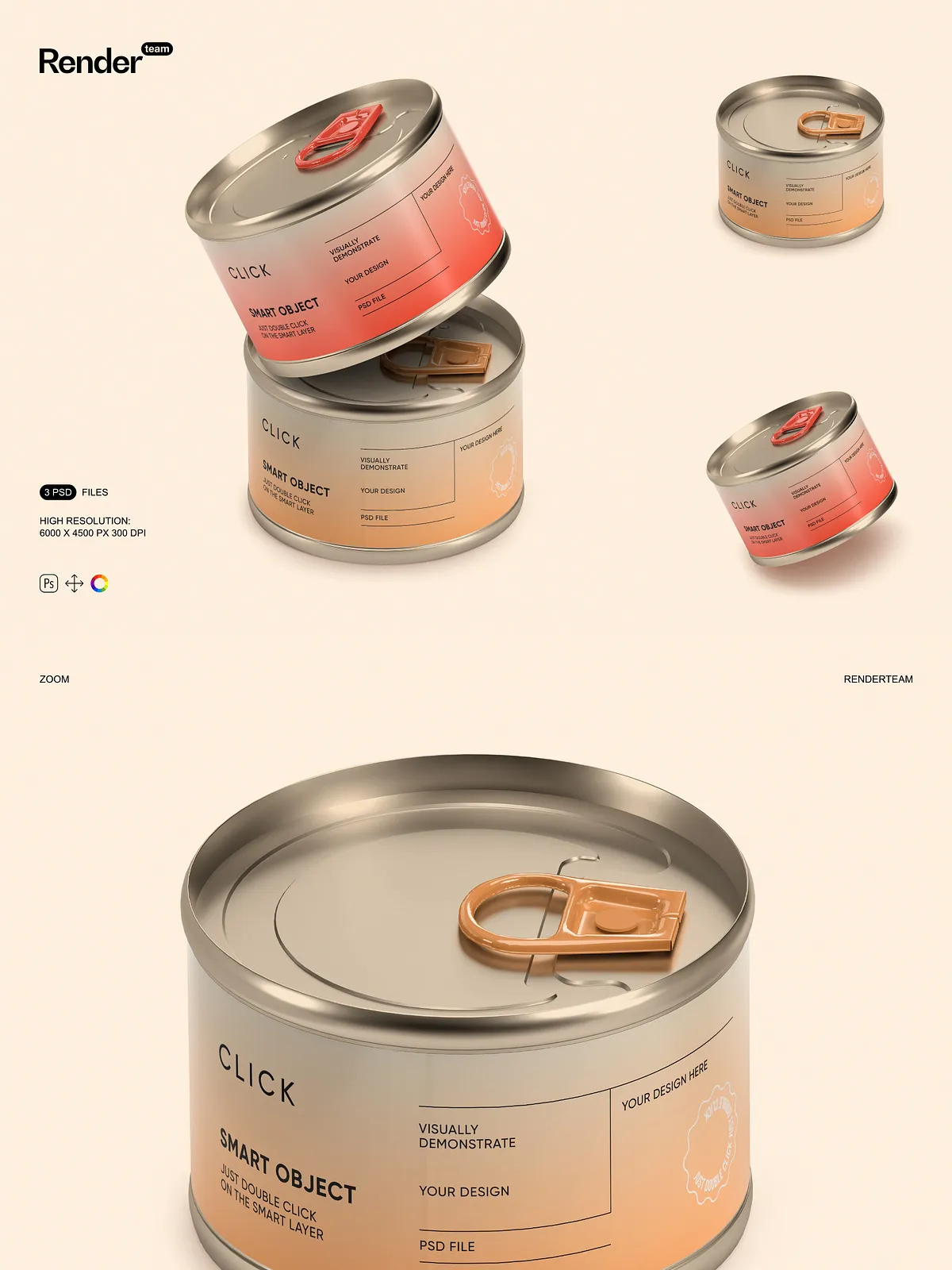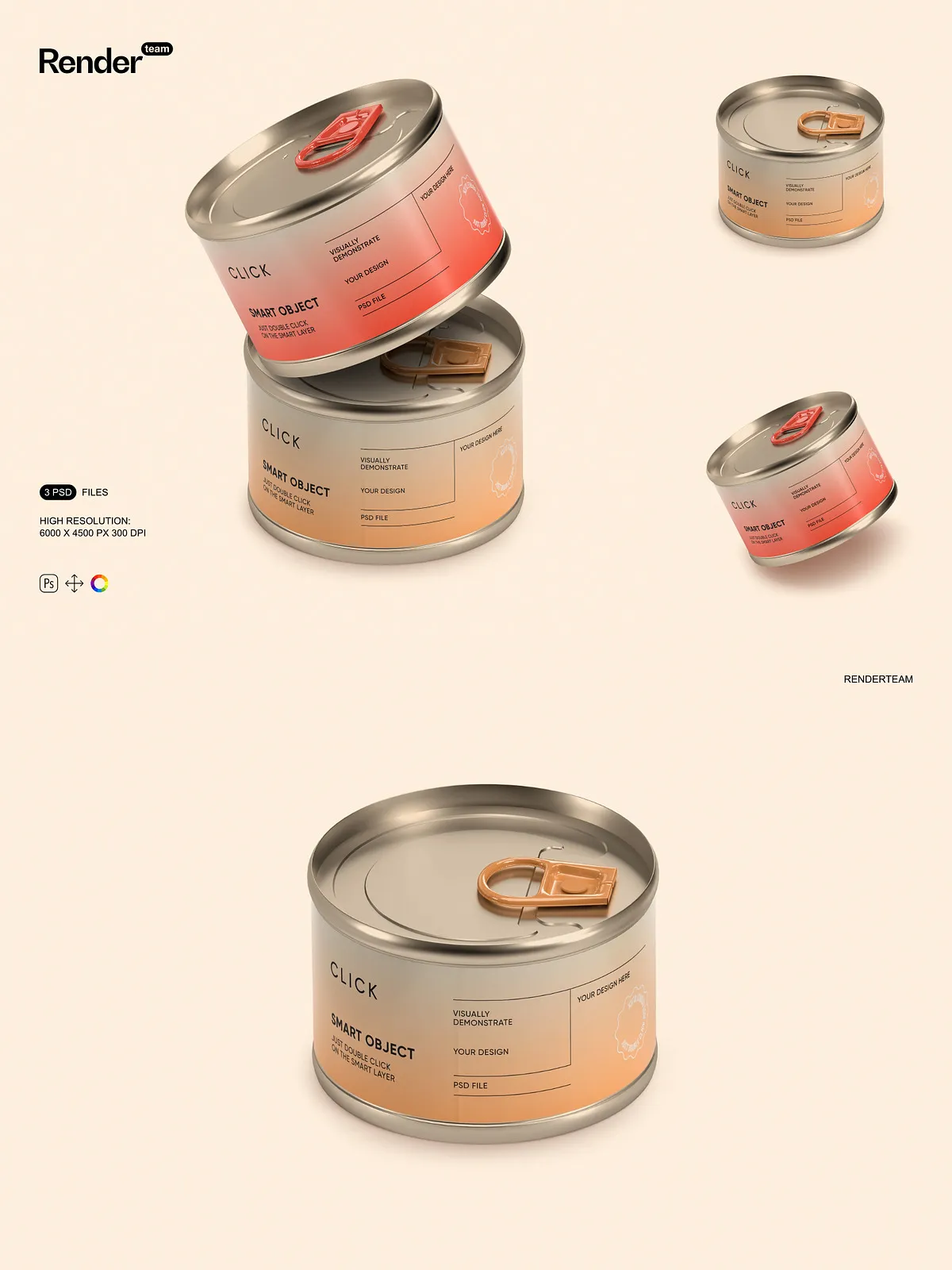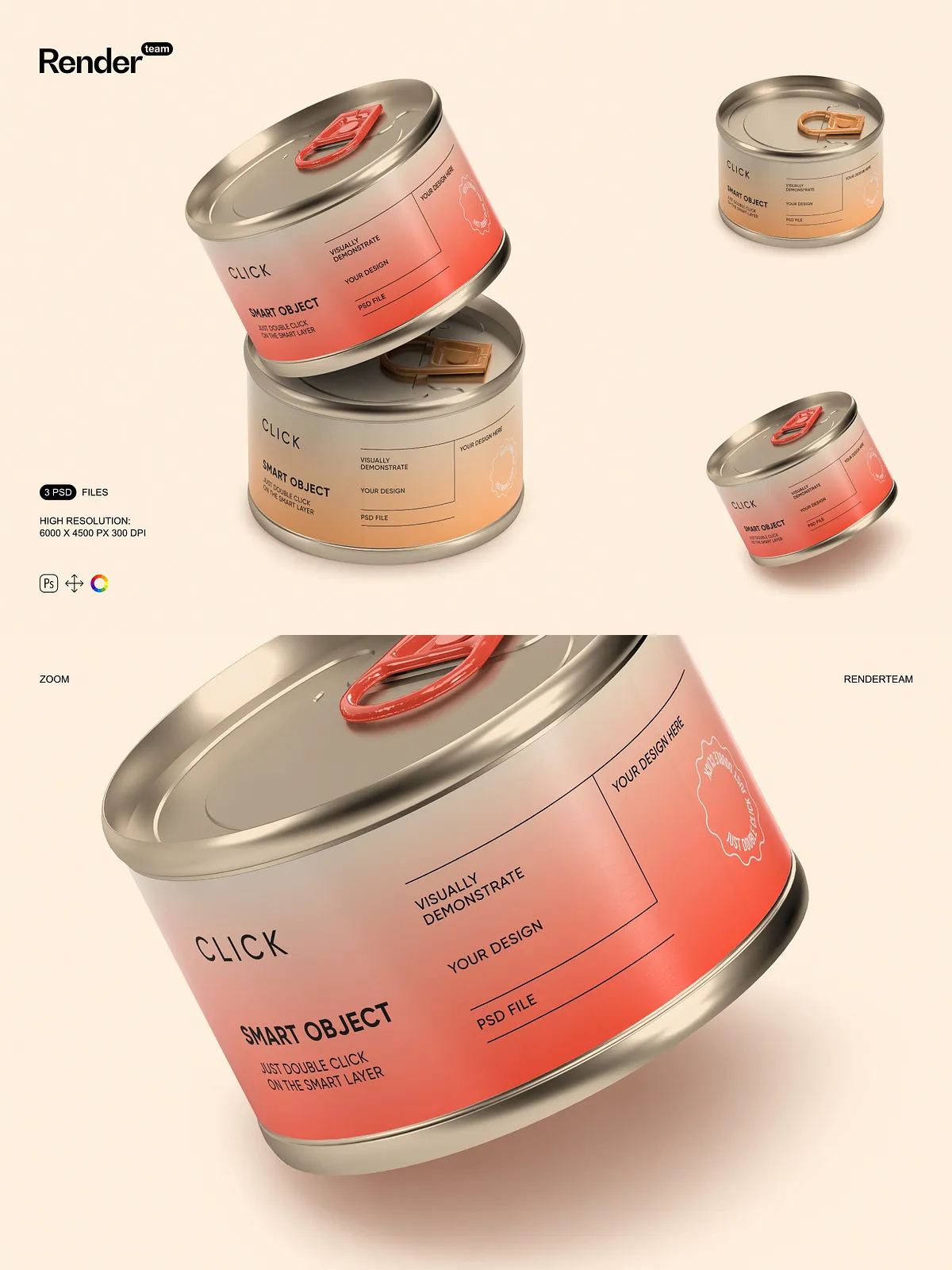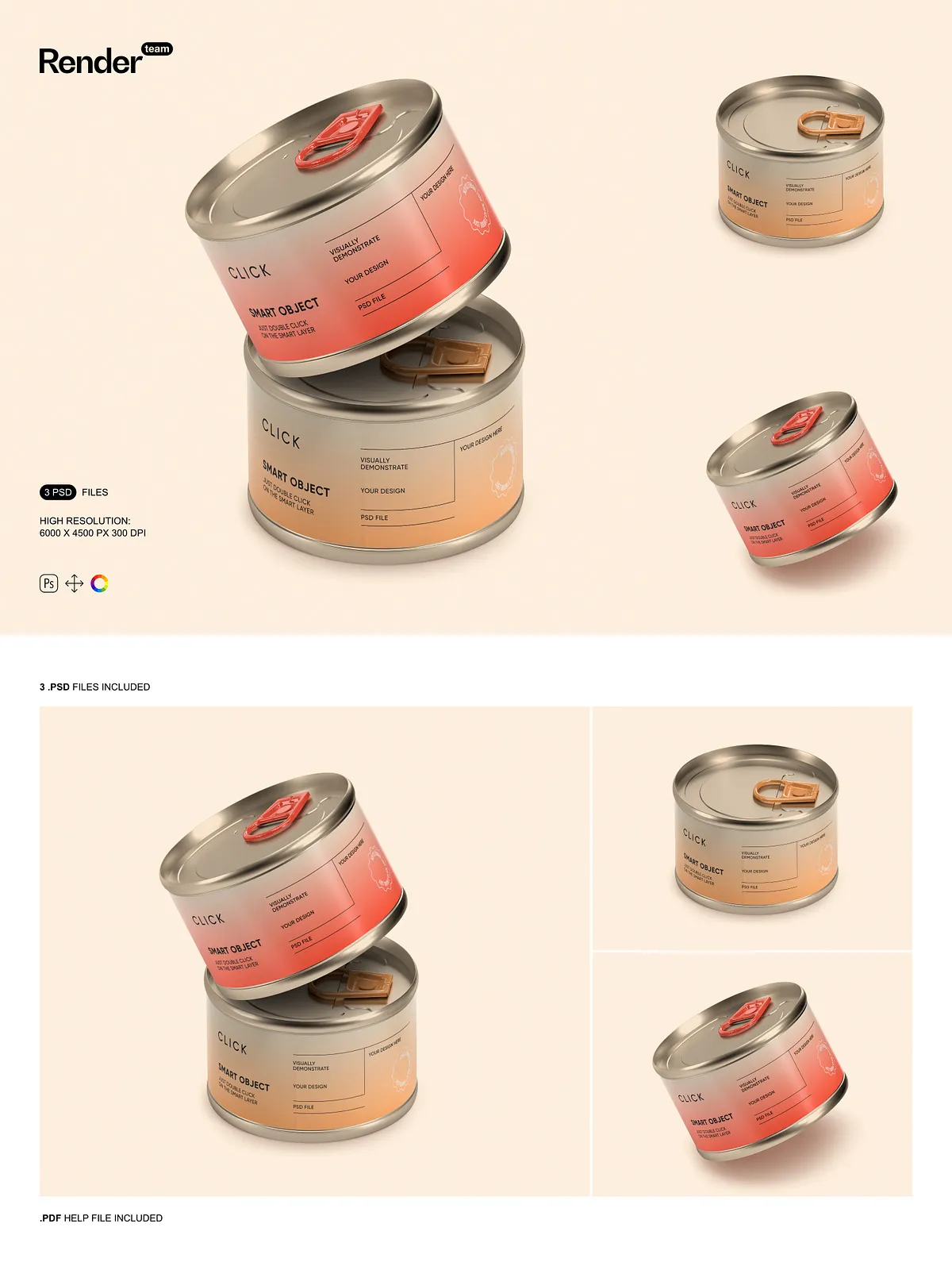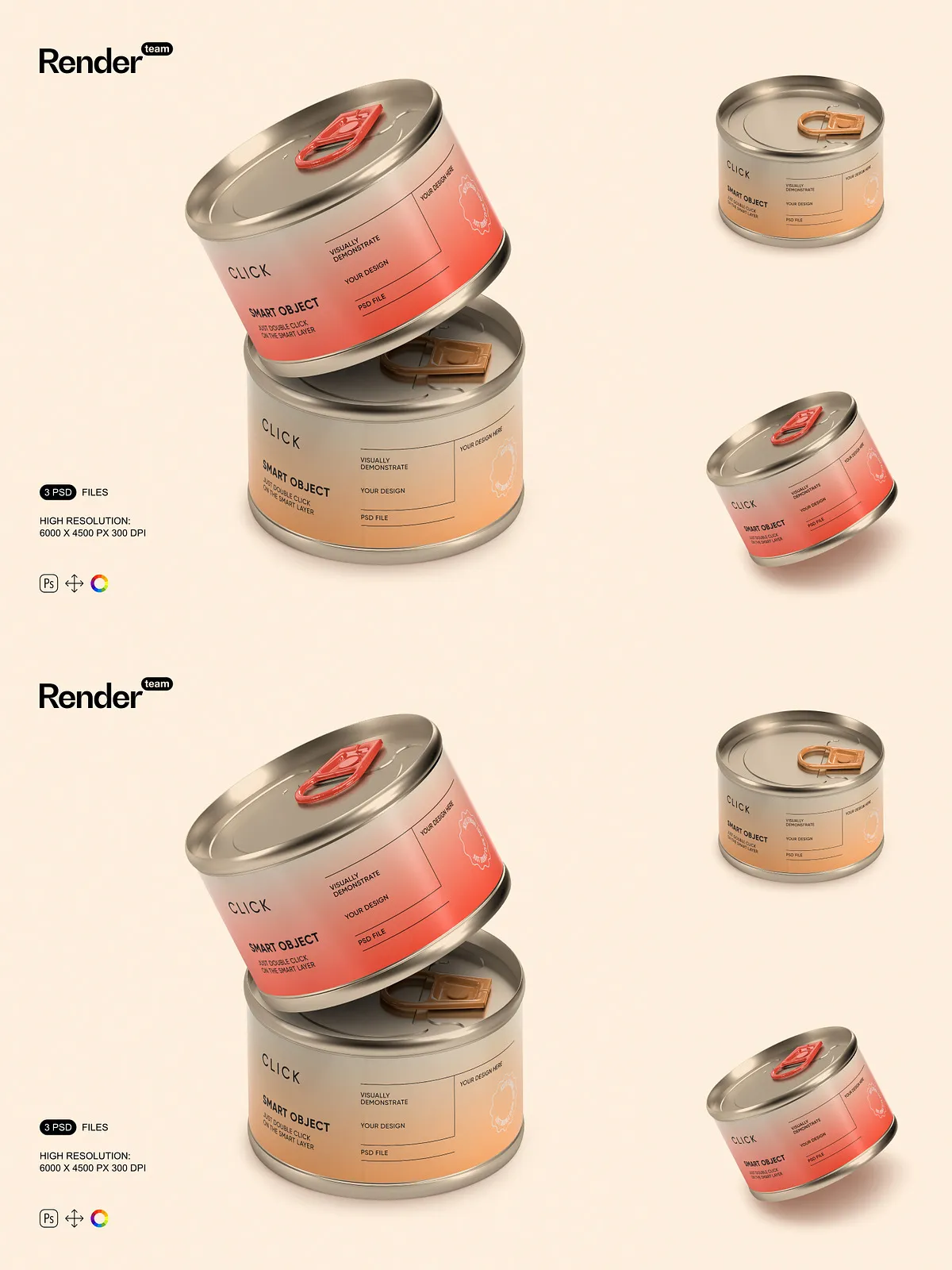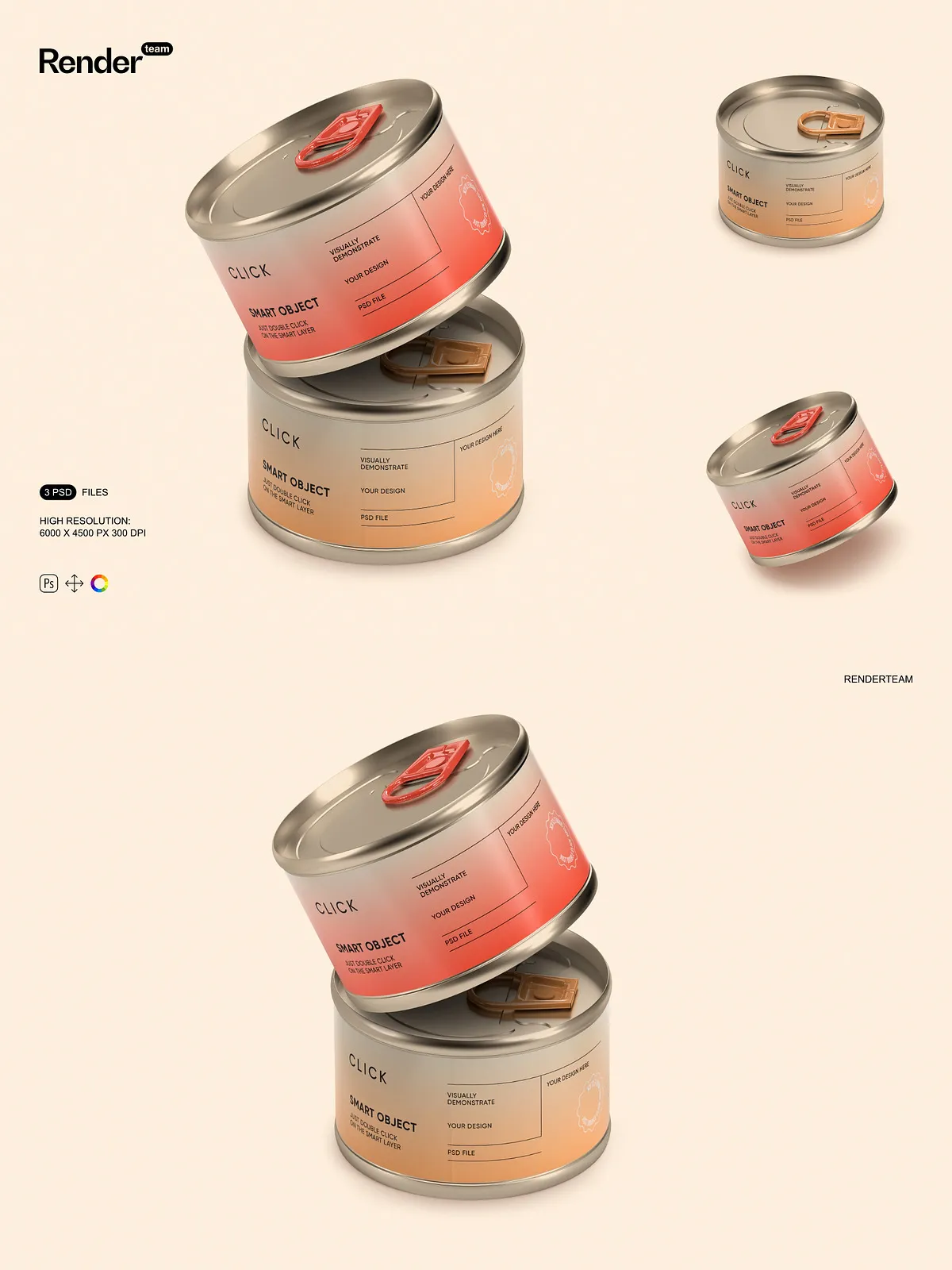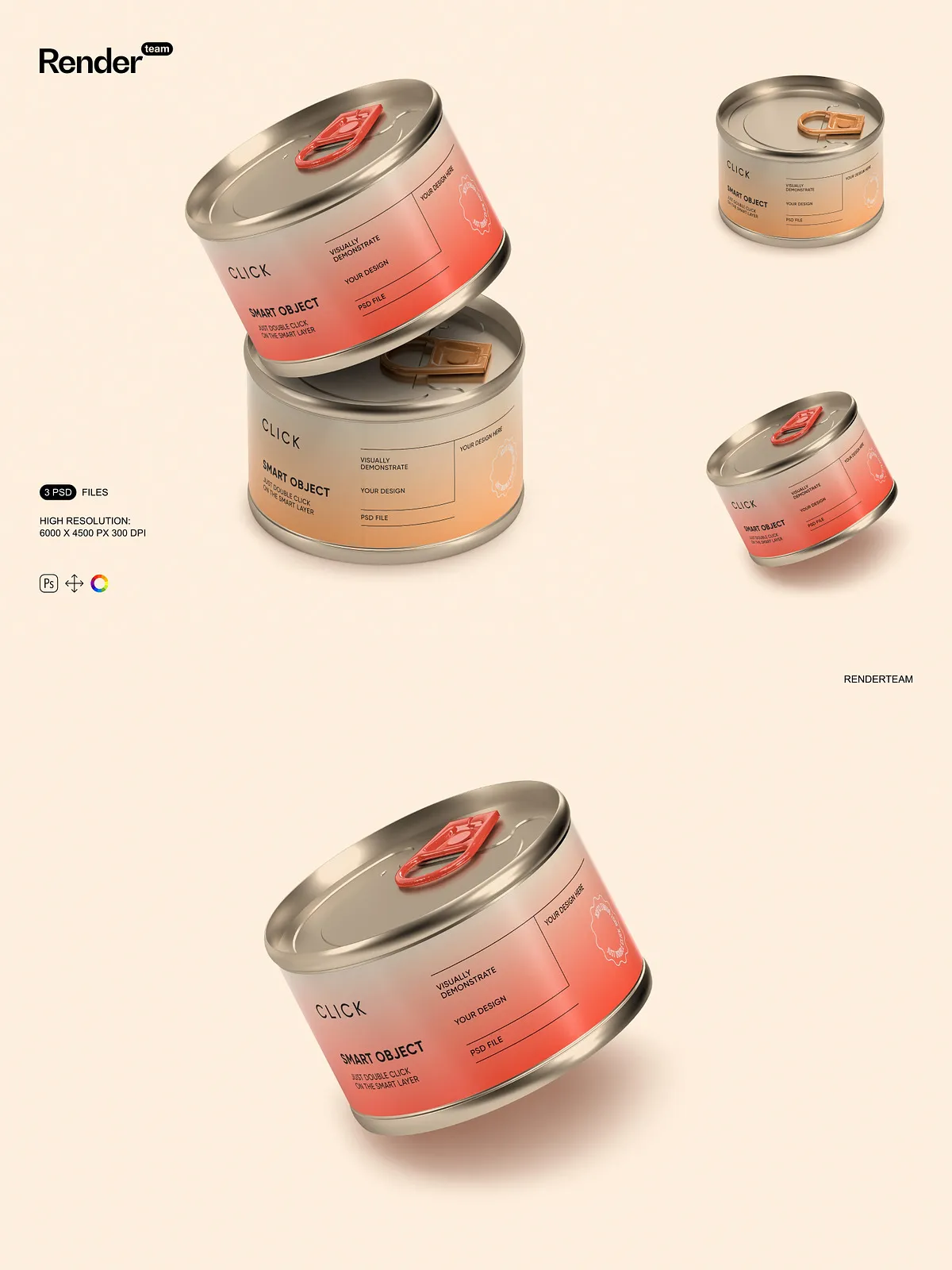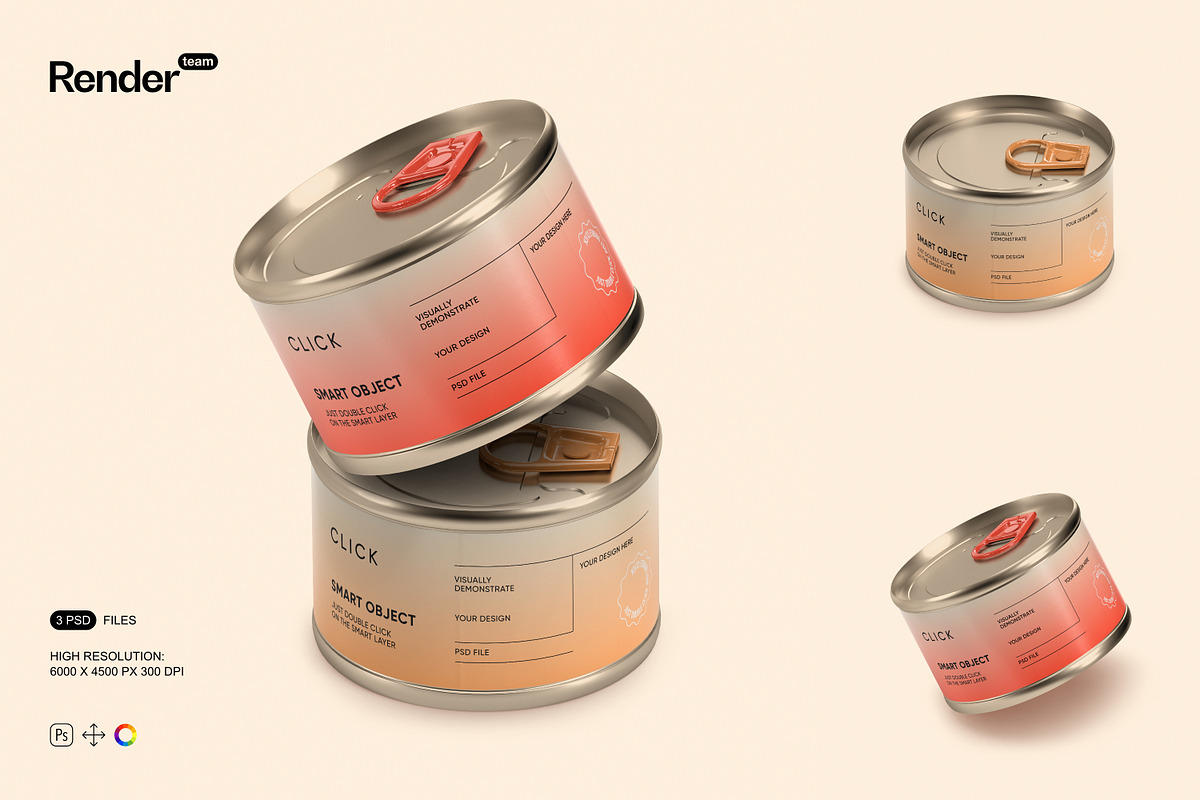
Present your food packaging concepts with stunning realism and precision using this Food Tin Can Mockup Set. Designed for speed, clarity, and creative control, this collection delivers three fully layered, high-resolution PSD files that allow you to instantly showcase custom label designs, branding schemes, and product visuals—without compromising quality or workflow efficiency.
What’s Included
Core Deliverables
- 3 high-resolution PSD mockups featuring different angles and presentation styles of food tin cans
- Resolution: 6000 × 4500 px at 300 dpi—ideal for print, web, and large-format displays
- Smart Object layers for all label surfaces—edit your artwork in one click
- Isolated object and shadow layers for clean compositing and background changes
- Separate color, lighting, and reflection layers for non-destructive adjustments
- Comprehensive PDF help file with editing guide, layer structure overview, and export best practices
Advanced Layer Organization
- Clear folder hierarchy: Label, Can Body, Background, Shadows, Light Effects, and Adjustment Layers
- Consistent naming conventions for rapid navigation and team collaboration
- Grouped layers with locked or hidden elements for safe editing sessions
- Smart Object thumbnails enable instant visual feedback during design iterations
Powerful Features for Instant Design Integration
Smart Object Editing — Replace, Revise, Repeat
Replace your artwork with one simple double-click. Open the Smart Object layer, insert your custom label, align it with the guides, and save—no manual warping, no distortion. The mockup automatically adapts your design to the correct perspective and curvature. This feature ensures consistent output across multiple SKUs, seasonal promotions, or packaging variants—streamlining your workflow and saving hours of manual adjustment.
Non-Destructive Color & Lighting Controls
Modify metallic finishes, matte textures, and highlight intensity in seconds. Use adjustment layers to experiment with different color tones and lighting conditions—simulating studio lighting, natural daylight, or ambient shelf scenes—without altering the original artwork. Adjust shadow opacity, softness, and direction to fit any background or marketing context.
Highly Isolated Elements for Seamless Integration
Every component—can body, label, lid, shadows, reflections—is isolated on its own layer group. This enables precise control over compositing: swap backgrounds, remove shadows, or add depth effects without affecting the entire scene. Whether you’re creating social media ads, e-commerce product pages, or print brochures, this modularity gives you unmatched flexibility.
How to Use – Step-by-Step Guide
1. Open the PSD File
Launch Adobe Photoshop and open the desired mockup file from the set.
2. Access the Smart Object
In the Layers panel, locate the Smart Object layer labeled for the label surface (e.g., “Label Front – Smart Object”).
3. Edit Your Design
Double-click the Smart Object thumbnail. A new window will open containing the internal document. Paste or place your custom label artwork, align it with the alignment guides, and adjust as needed.
4. Save and Return
Press Ctrl + S (or Cmd + S) to save and close the Smart Object window. Your updated design will instantly appear in the main mockup.
5. Fine-Tune Appearance
Adjust color balance, shadow intensity, or lighting effects using the dedicated adjustment layers. Test multiple design versions by duplicating and modifying layers.
6. Export with Confidence
Use the recommendations from the included PDF help file to export in sRGB for web, CMYK for print, or transparent PNG for layered designs. All files are production-ready and optimized for high-impact presentations.
Pro Tips for Maximum Impact
- Always prepare label designs with a 3mm bleed to prevent white edges during tight crops.
- Use blending modes like “Overlay” or “Soft Light” on adjustment layers for subtle lighting effects.
- Create and save color presets to rapidly apply different finishes (e.g., brushed aluminum, matte black, gold foil).
- Duplicate mockups to generate a series for A/B testing or seasonal variations without starting over.
Ideal Use Cases
Product Launches & Marketing Campaigns
Generate attention-grabbing visuals for new product lines. Show off seasonal packaging, limited editions, or rebranding efforts with confidence and high fidelity.
E-Commerce and Social Media
Produce sharp, professional product images for Shopify, Etsy, Amazon, Instagram, and TikTok. The 300 dpi resolution ensures crisp images even when zoomed in on mobile screens.
Client Presentations & Portfolio Building
Deliver compelling mockups that demonstrate your design thinking and packaging vision. Instantly swap versions to show multiple design directions, materials, or market positioning strategies.
Why This Mockup Set Stands Out
This Food Tin Can Mockup Set is engineered for speed, versatility, and creative excellence. Unlike basic templates that lock you into fixed compositions, these files empower you with full editability, non-destructive workflows, and future-ready formatting. You’re not just creating an image—you’re building a dynamic toolkit for branding, storytelling, and product communication. Whether you’re a freelance designer, packaging specialist, or brand manager, this set accelerates your creative process while maintaining top-tier quality.