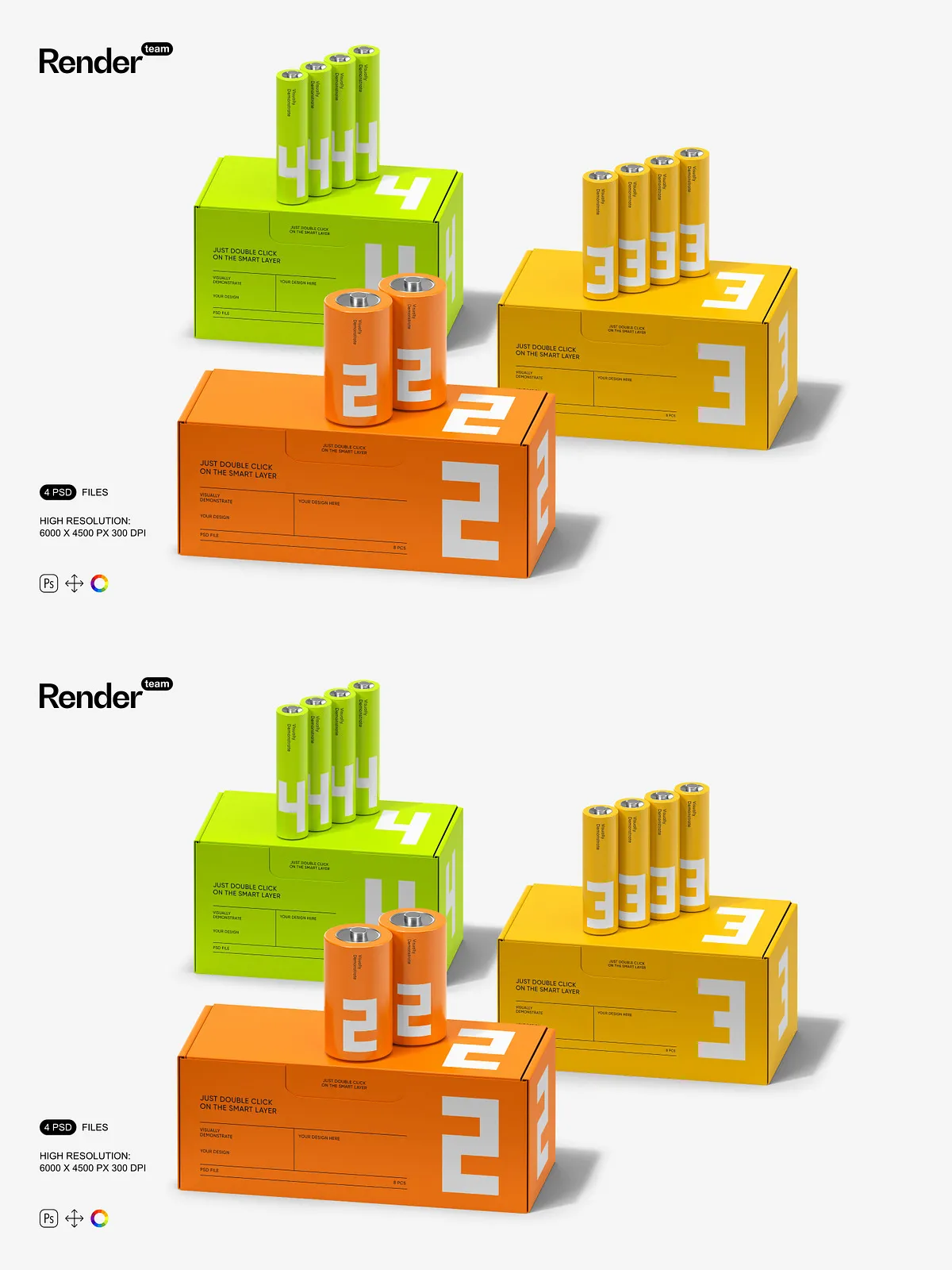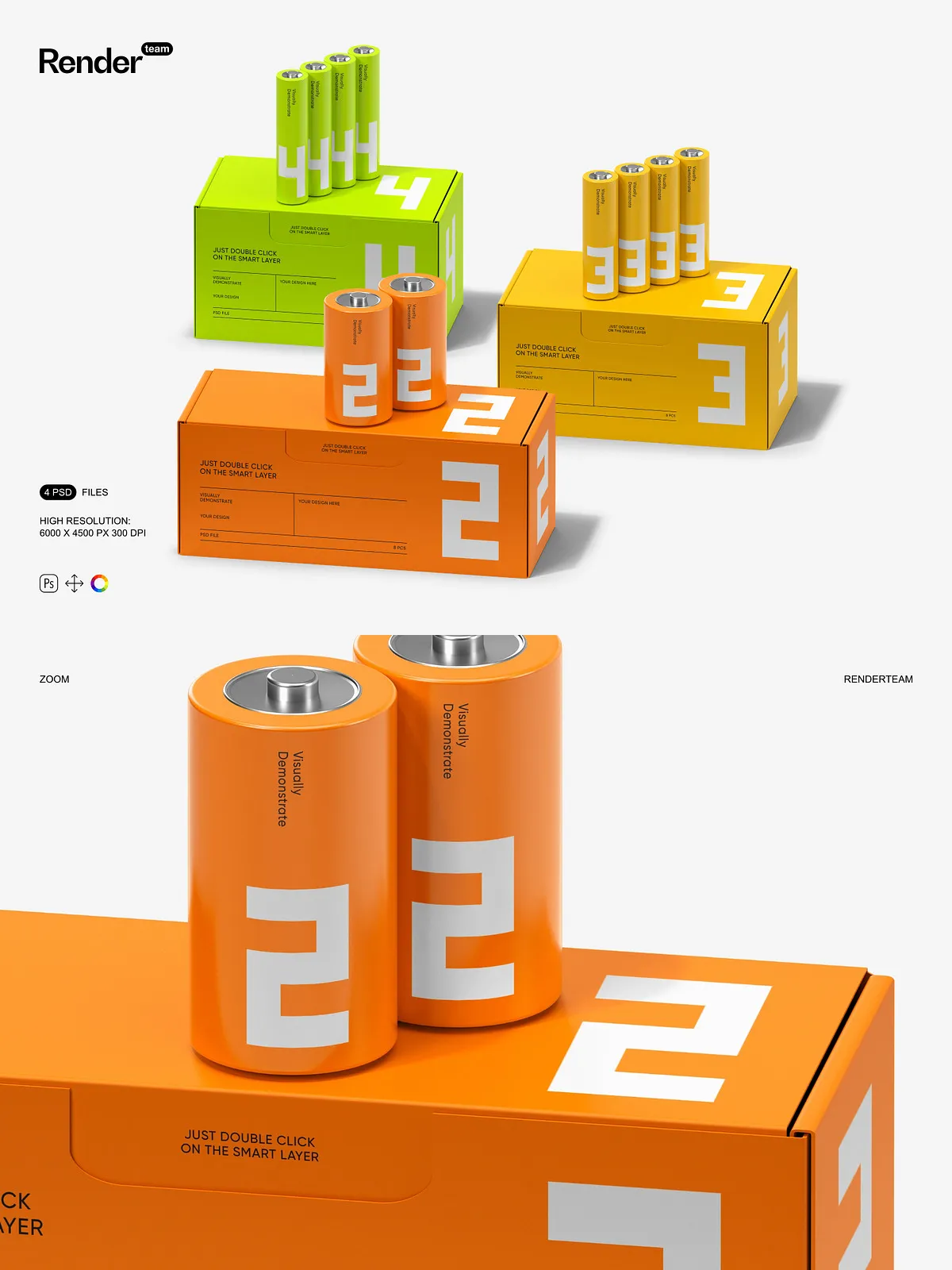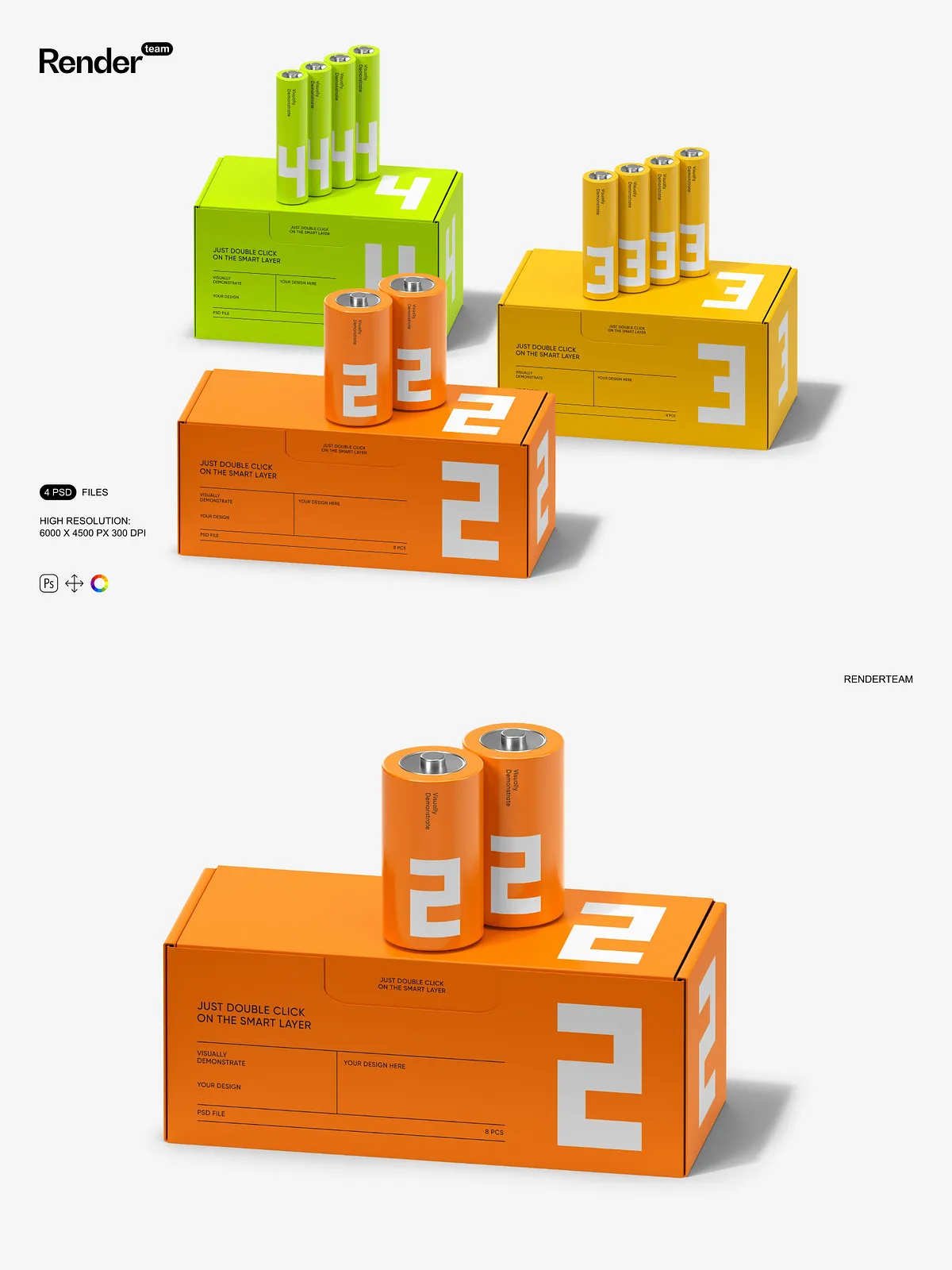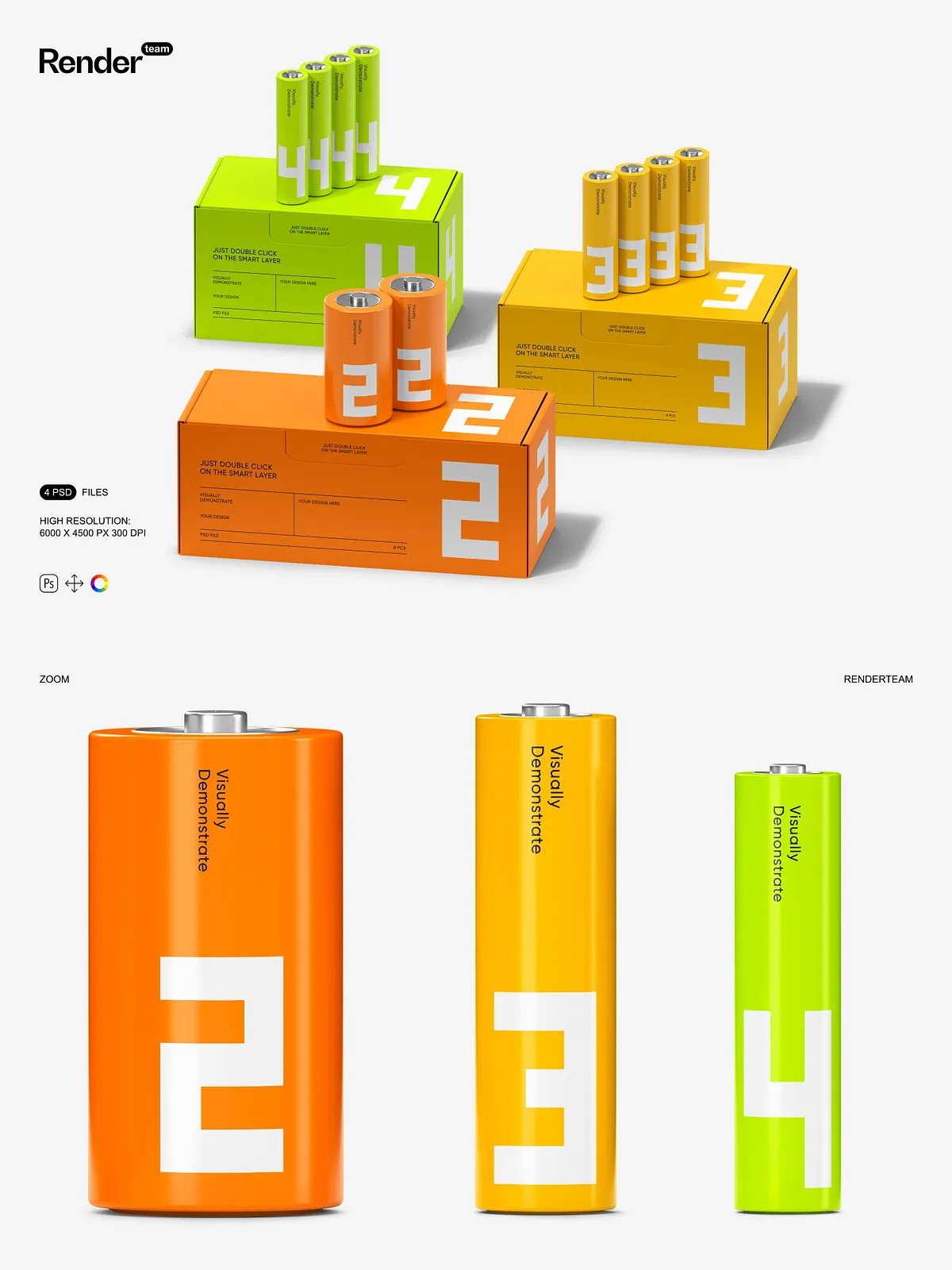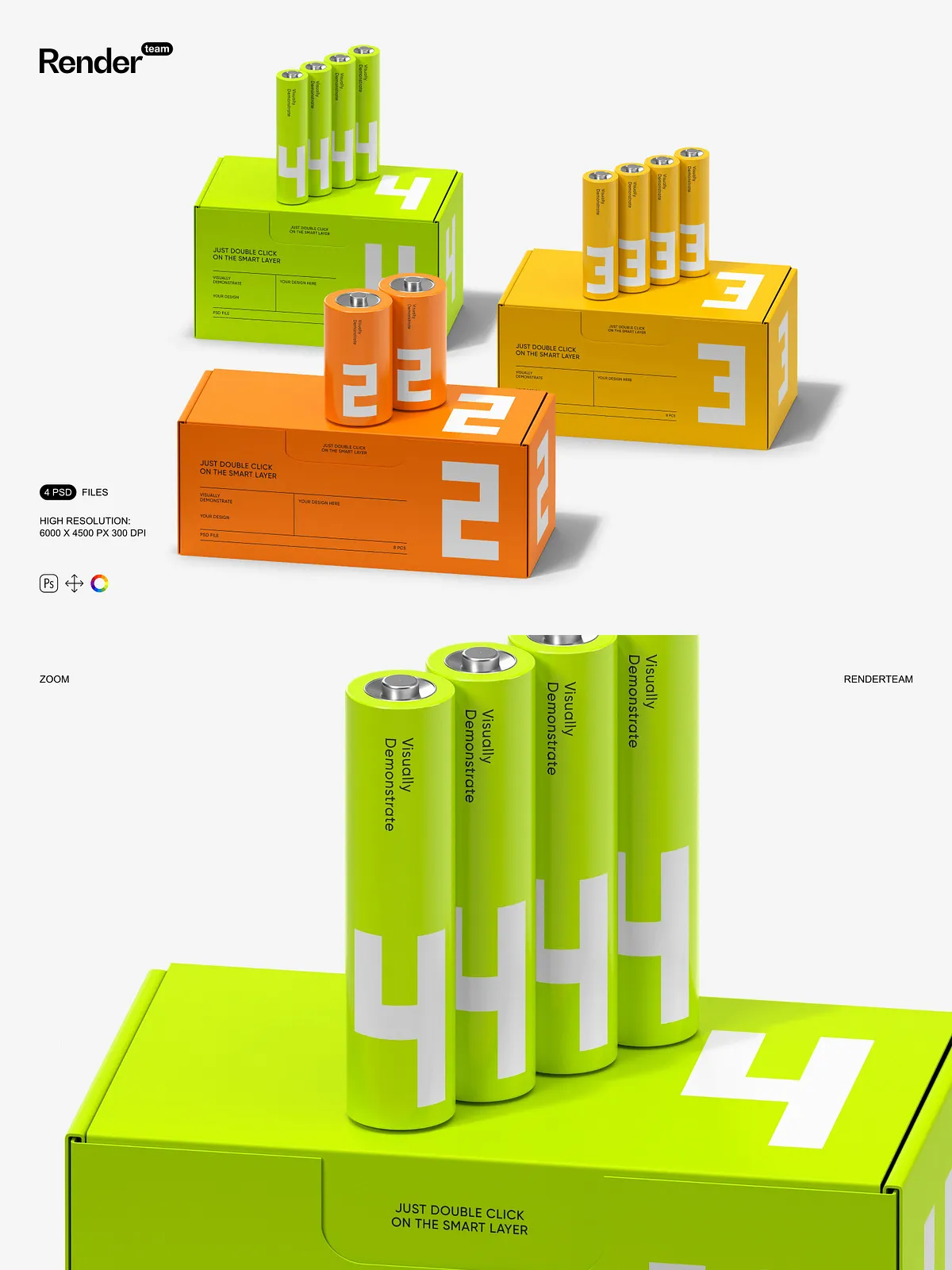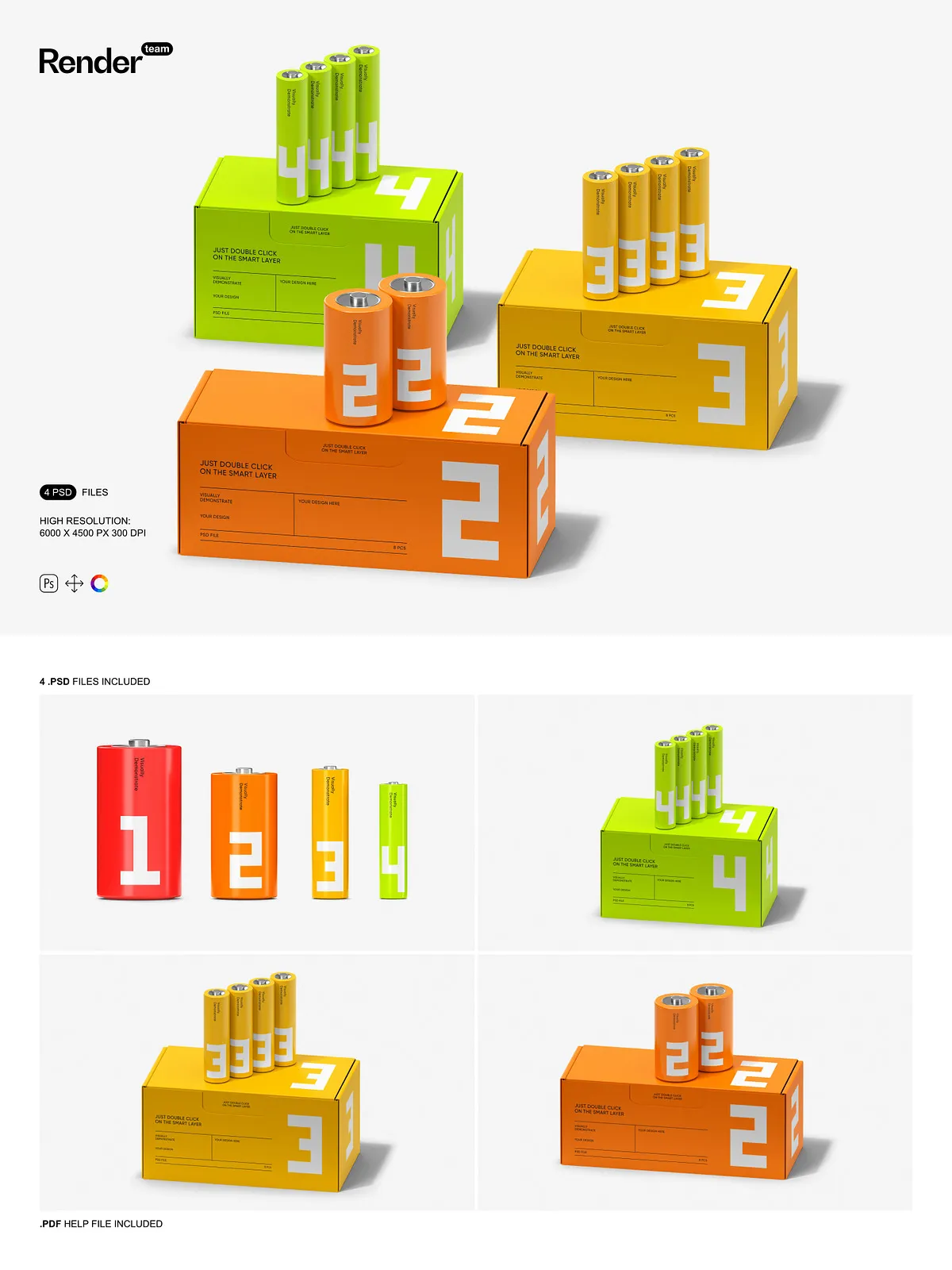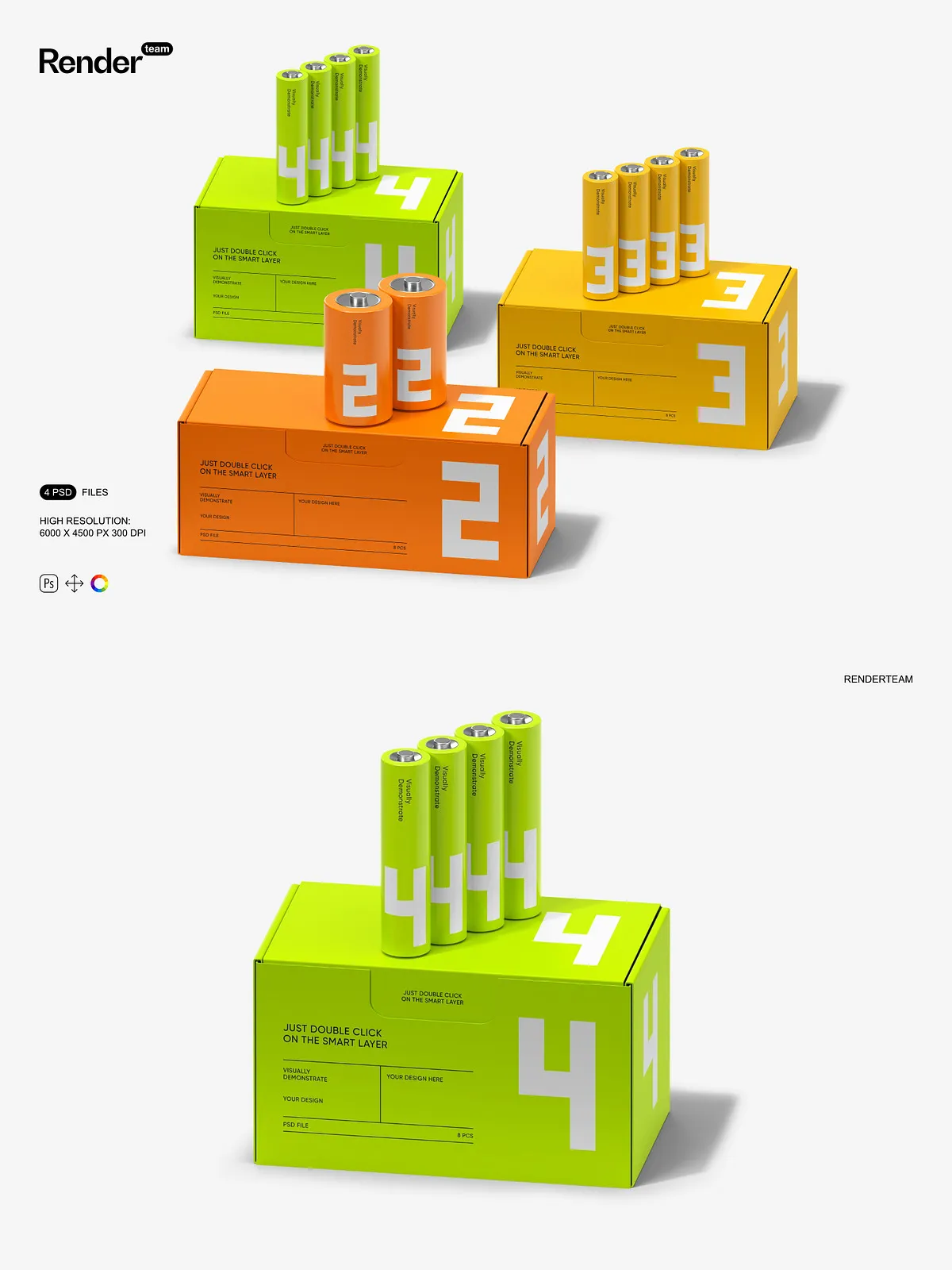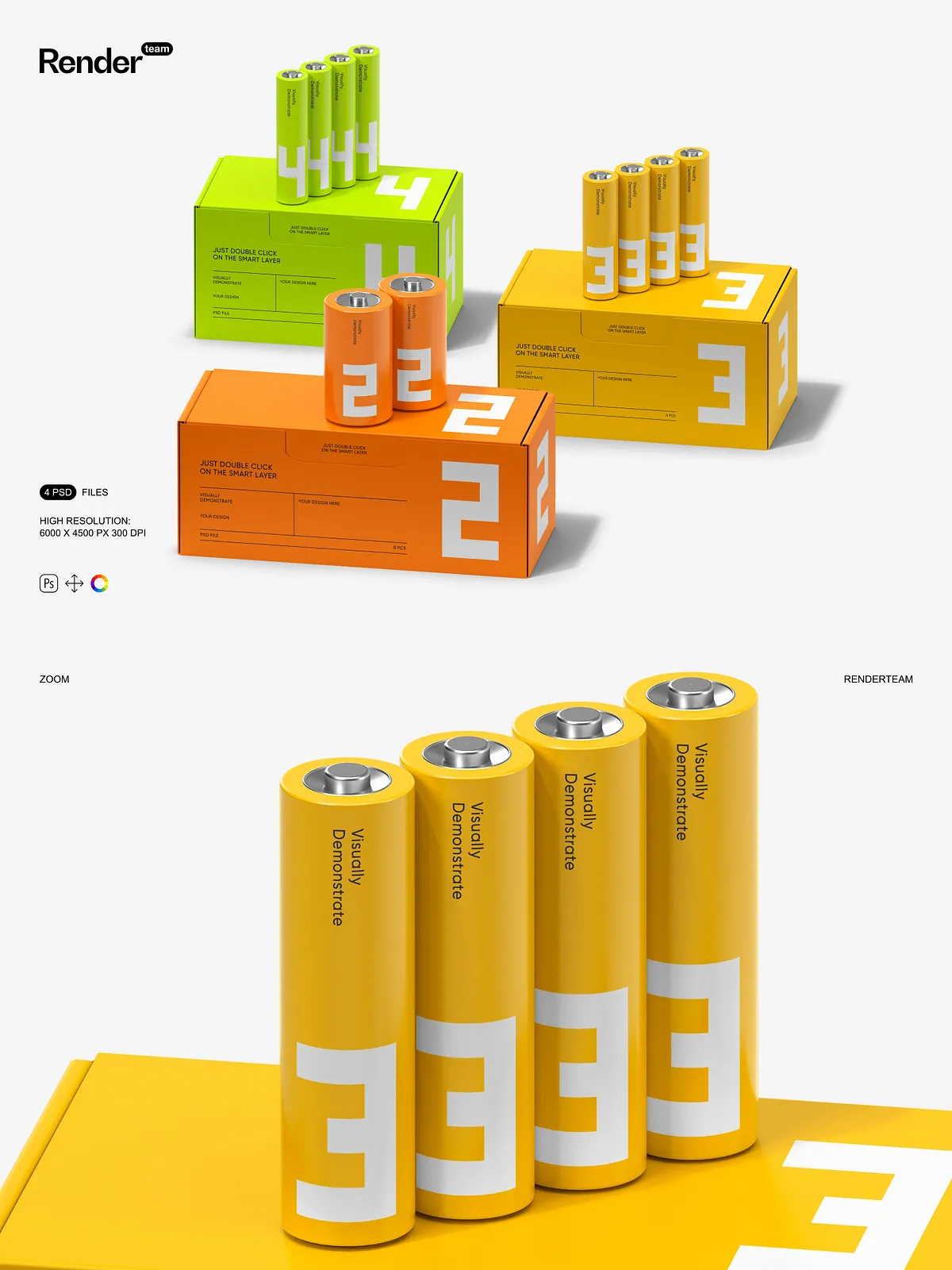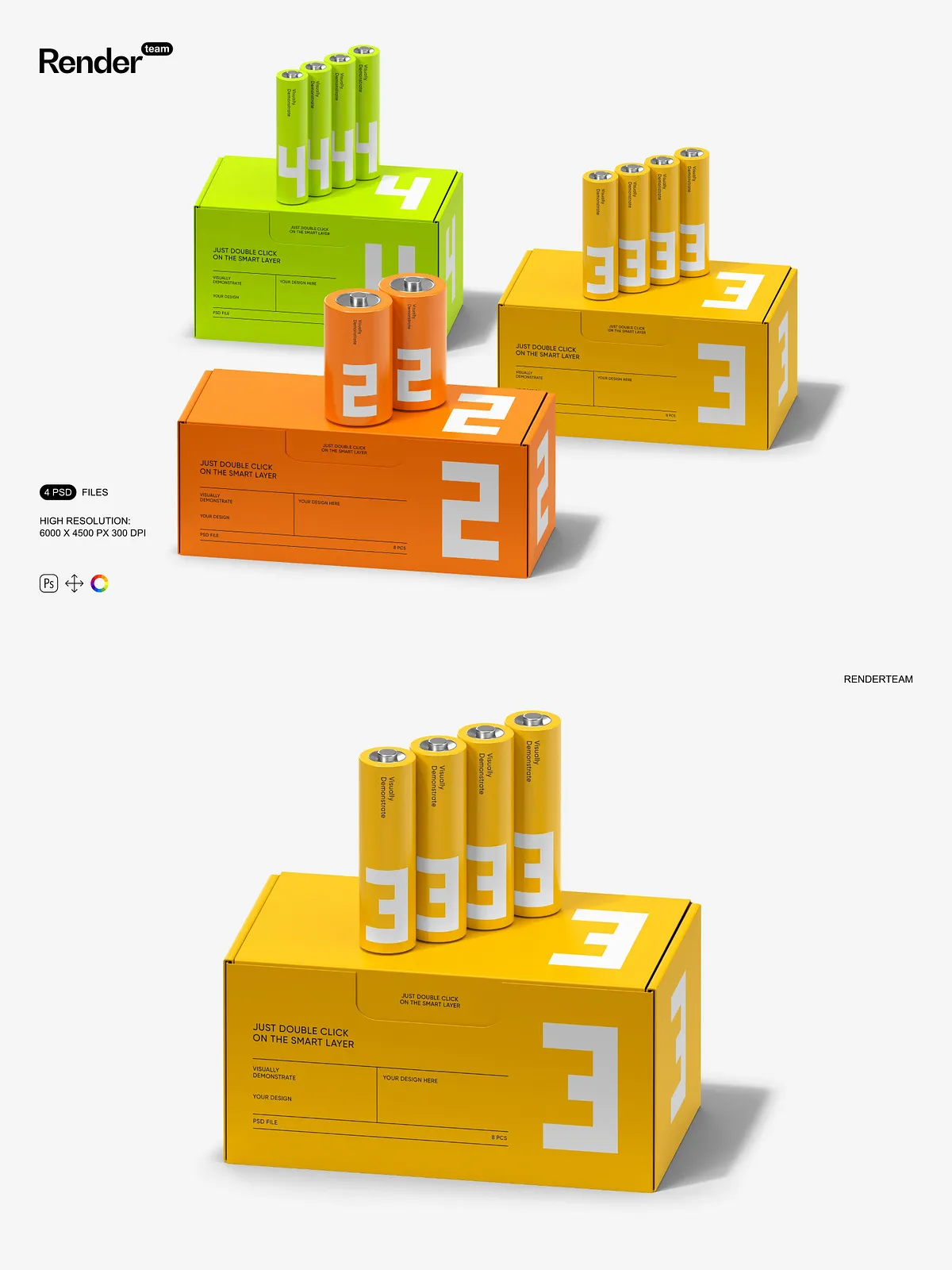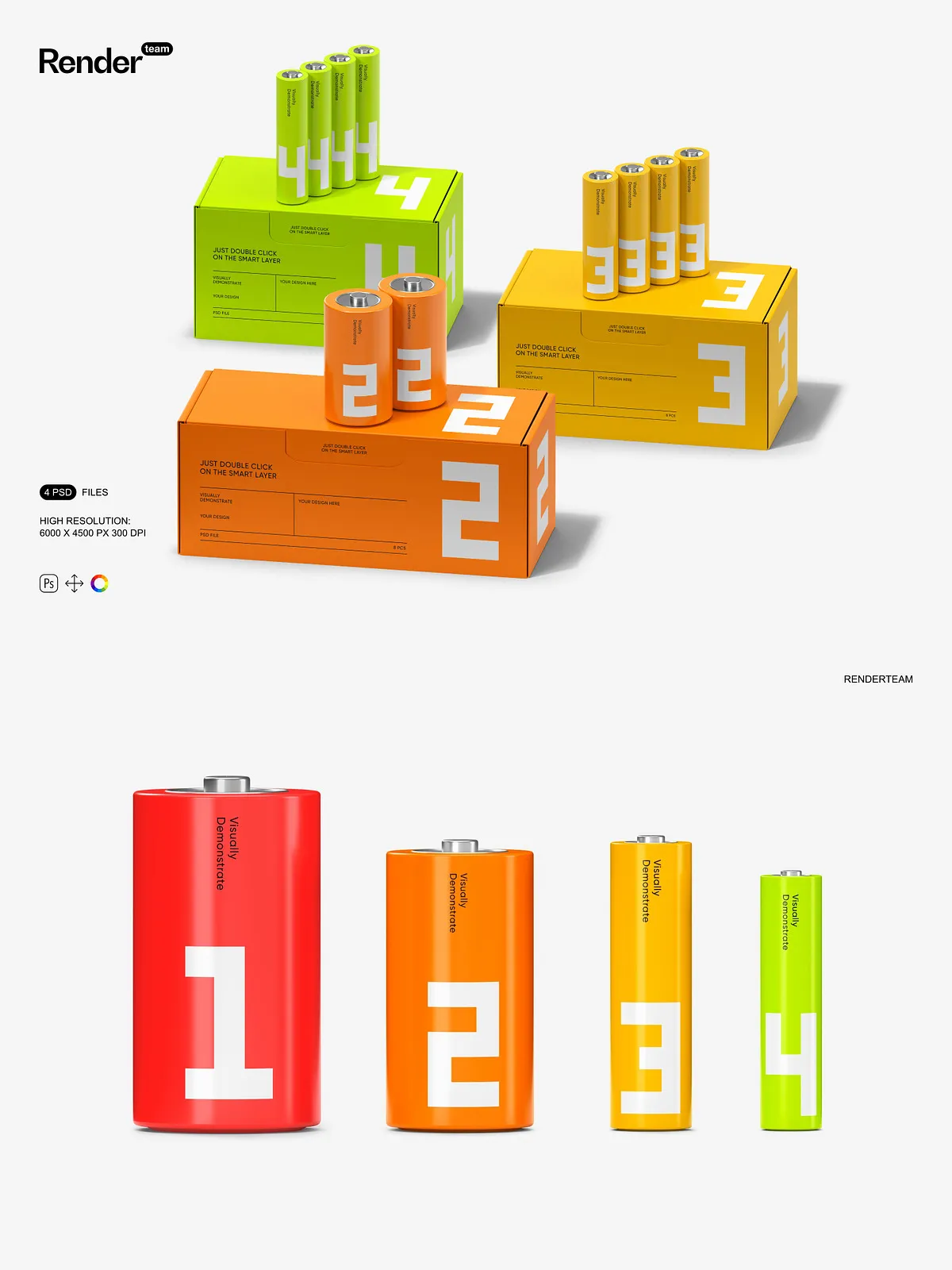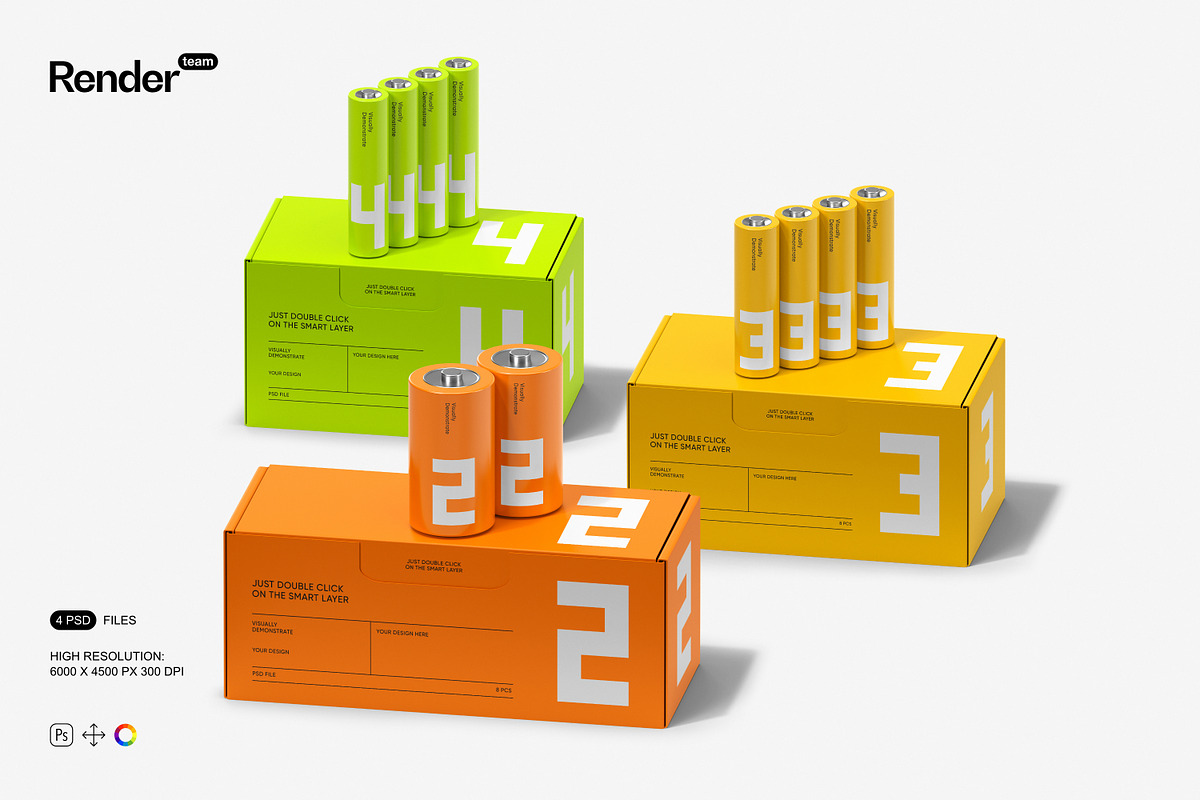
Showcase your battery packaging designs with clarity and impact using this Battery Packaging Mockup Set. Designed for speed and precision, the collection delivers four layered, fully editable PSD files that let you apply artwork, adjust colors, and refine lighting without destructive edits. The mockups use Smart Objects and separate color layers so you can replace designs quickly, experiment with material finishes, and export production-ready visuals in high resolution.
🗂️ What You Receive
Included Files
- 4 layered PSD mockup files, each configured for realistic packaging presentation
- High-resolution canvases at 6000 × 4500 px, 300 dpi for crisp exports and large-format use
- Isolated objects and shadow layers to let you composite or remove elements cleanly
- Dedicated color and lighting layers to change finishes, labels, and highlights non-destructively
- PDF help file with step-by-step editing instructions and recommended export settings
Technical Specifications
- Resolution: 6000 × 4500 px (300 dpi)
- Files: 4 PSD mockups
- Layer structure: grouped folders, named layers, isolated shadows, and adjustment layers
- Compatibility: Adobe Photoshop versions that support Smart Objects, masks, and adjustment layers
⚙️ Key Features
Smart Object Editing — Fast and Reliable
Replace artwork instantly by editing Smart Object layers; the mockups map your design to the packaging surface and preserve perspective so you avoid manual warping. Smart Objects keep your original artwork intact and let you iterate rapidly. For an official reference on Smart Objects and best practices, see Adobe’s guide: [Smart Objects – overview and benefits](https://helpx.adobe.com/photoshop/desktop/create-manage-layers/smart-objects/smart-objects-overview-and-benefits.html).
Organized Layers and Non-Destructive Workflow
The PSD files use a consistent folder and layer naming convention so you can locate label, box, background, shadow, and light groups quickly. Work non-destructively: apply adjustment layers, test color variants, duplicate groups for A/B comparisons, and lock finalized elements to prevent accidental edits.
Isolated Elements and Flexible Lighting
All objects, shadows, and reflections sit on separate layers so you can fine-tune contrast, intensity, or color independently. Use the lighting controls to simulate studio highlights or ambient scenes, and swap background plates without reconstructing the composition.
✏️ How to Edit
Quick Start — Step-by-Step
- Open the PSD file for the composition you want to use in Adobe Photoshop.
- Locate the Smart Object layer named for the packaging surface in the Layers panel.
- Double-click the Smart Object thumbnail to open its internal document.
- Place or paste your label or artwork, align it to the guides, then save and close the Smart Object window.
- Return to the main document to review the mapped artwork. Tweak color, shadow, and lighting groups as needed.
- Export using sRGB for web or convert to your print profile for proofs; follow the included PDF help file for recommended export settings.
Practical Editing Tips
- Prepare artwork at high resolution and include necessary bleed to avoid edge artifacts on tight crops.
- Prefer adjustment layers and blending modes over pixel edits so you can reverse changes easily.
- Use isolated shadow layers to match different presentation styles or to composite packaging over new backgrounds.
- Create and save color presets for fast batch exports across SKUs or campaign variants.
📈 Use Cases
Marketing and Ecommerce
Produce polished product images for online stores, advertisements, and social media campaigns. The high resolution allows you to crop tightly for thumbnails or scale up for banners while keeping fine details crisp.
Portfolio and Client Reviews
Deliver client-ready mockups that demonstrate how label designs perform on real packaging. Quickly generate multiple variants to show colorways, finishes, and label placement so stakeholders can make informed decisions faster.
✅ Why Choose This Set
This Battery Packaging Mockup Set streamlines the path from design concept to presentation. The combination of Smart Objects, organized layers, isolated shadows, and editable lighting gives you full creative control while maintaining an efficient, repeatable workflow. Whether you need ecommerce imagery, pitch-ready visuals, or large-format previews, these mockups help you deliver consistent, professional results without rebuilding scenes from scratch.