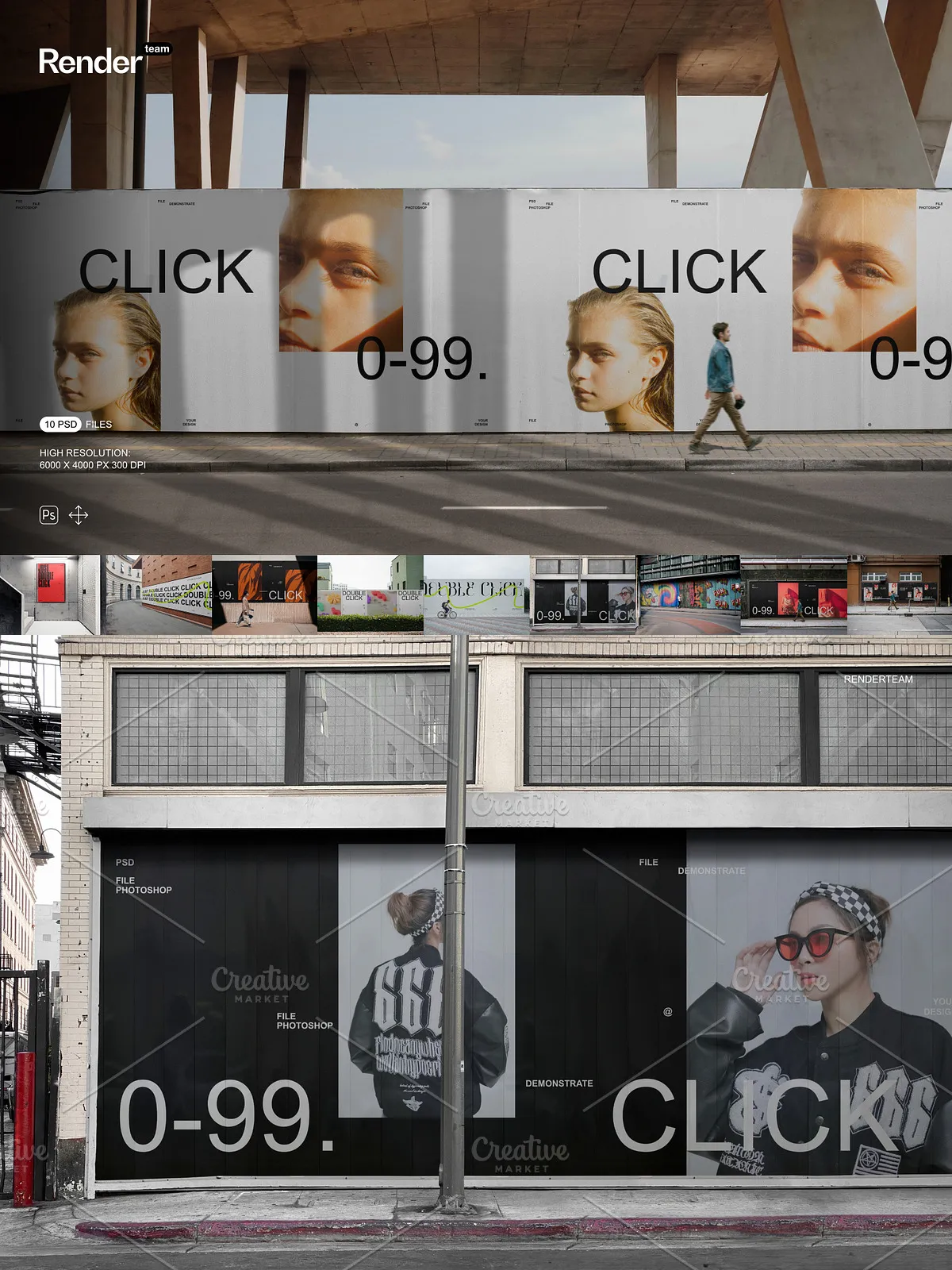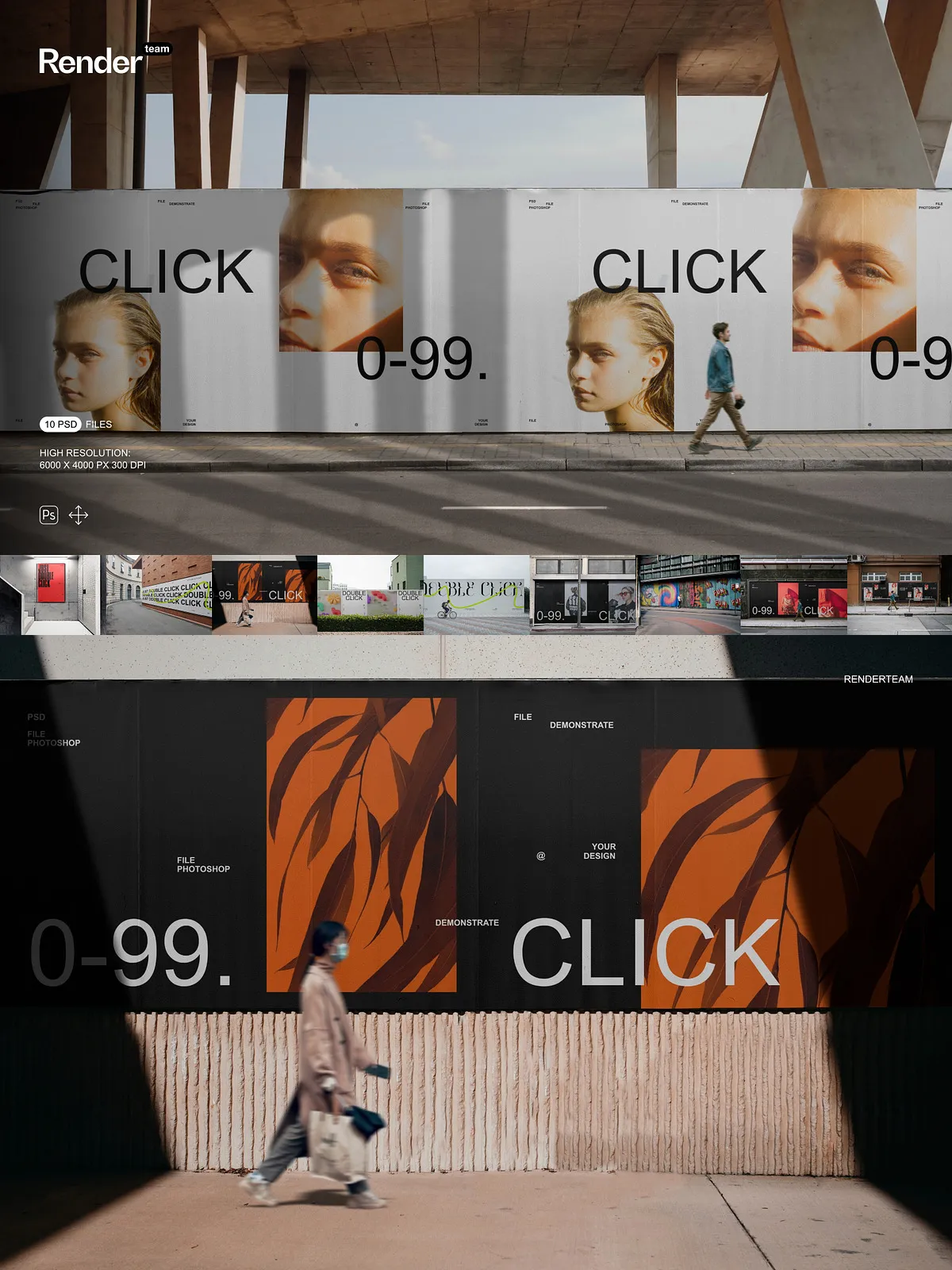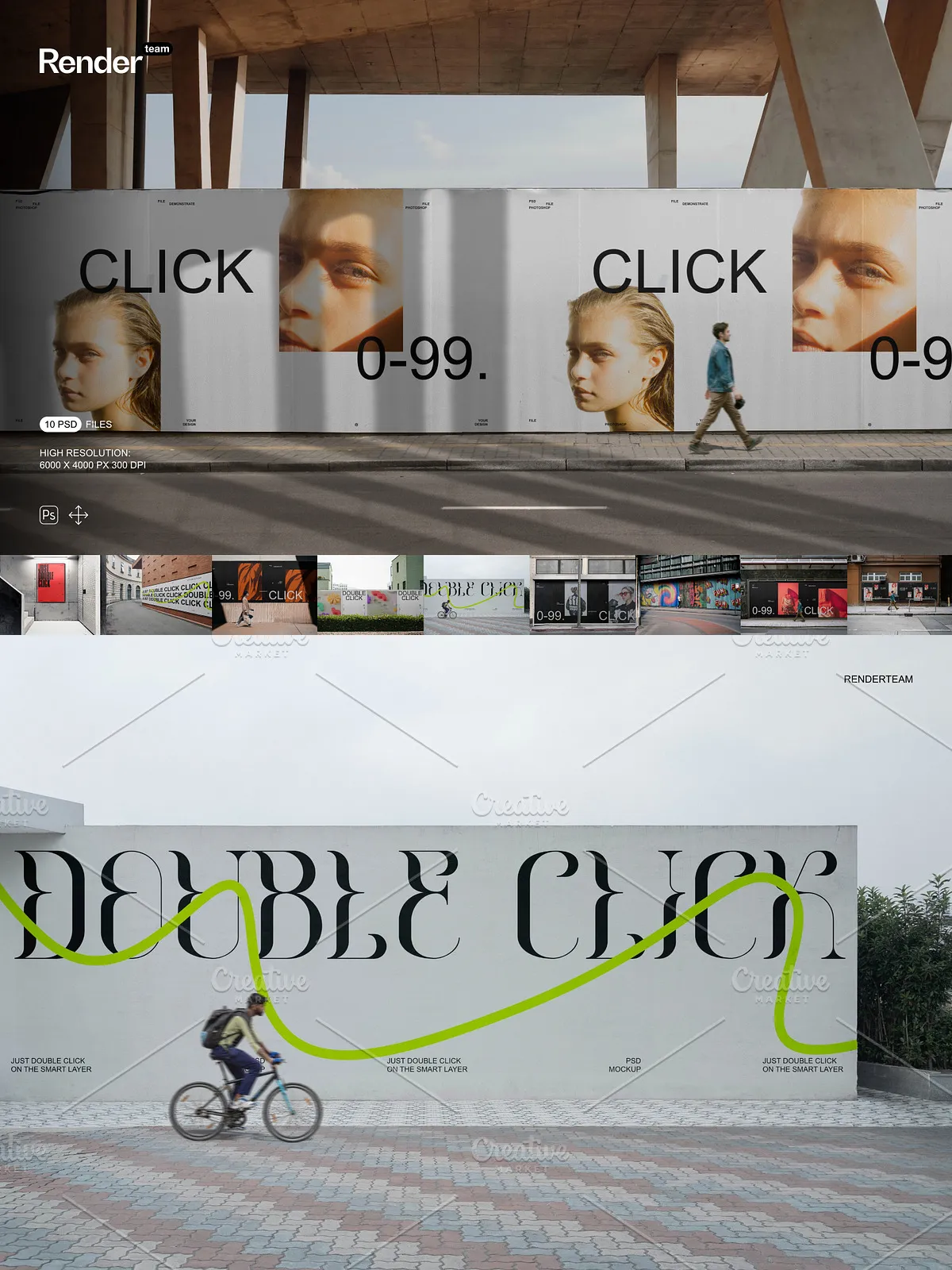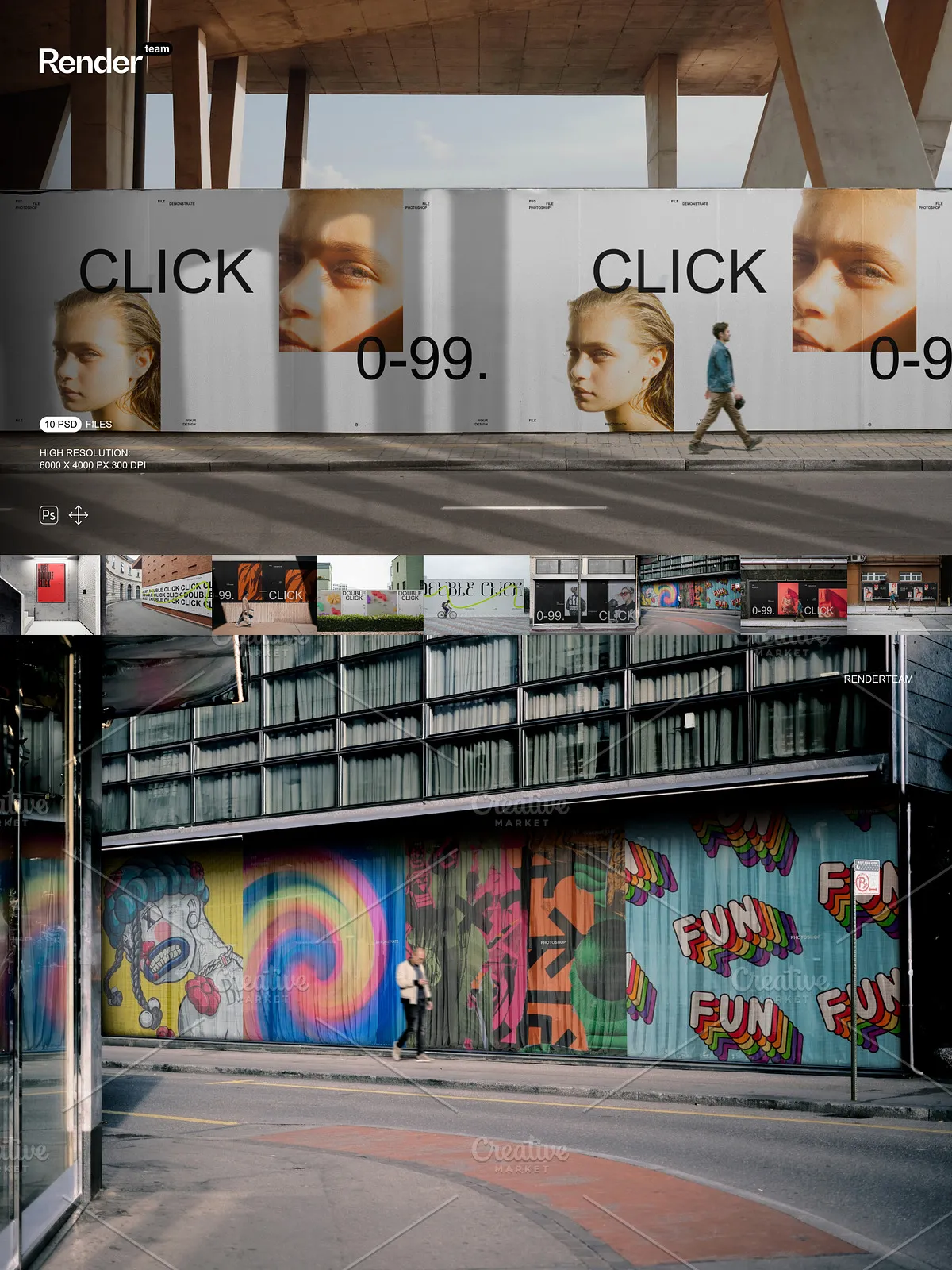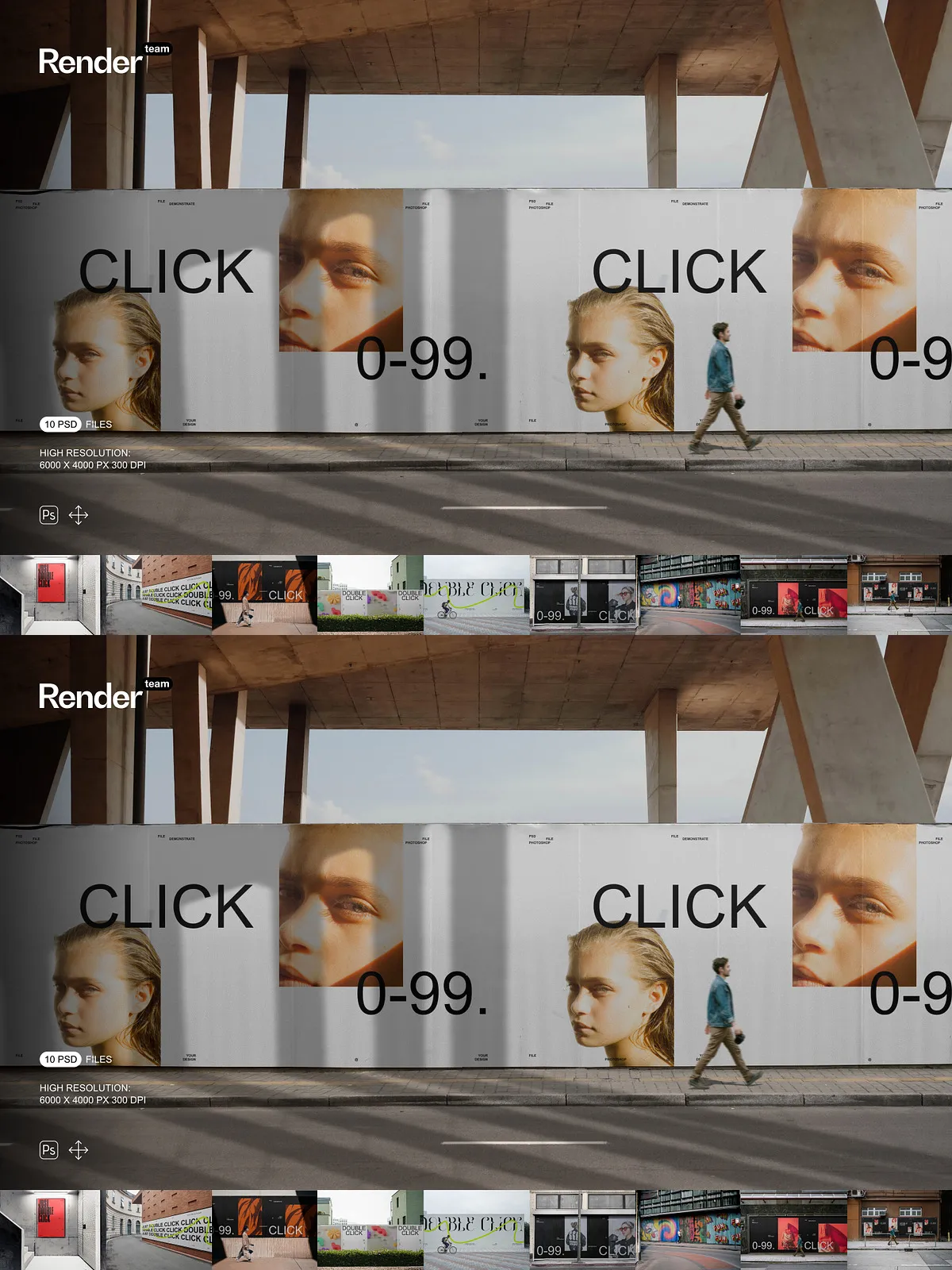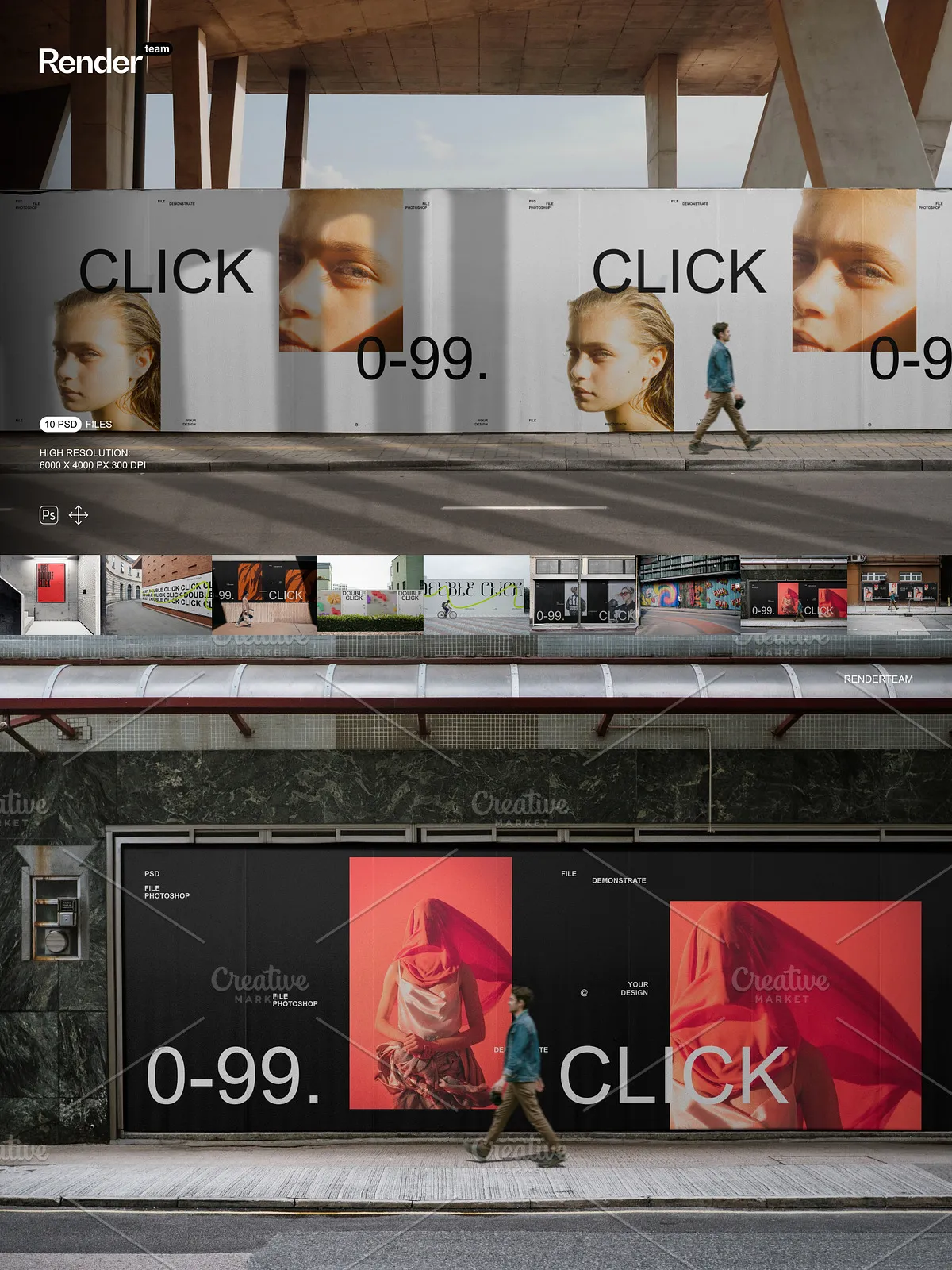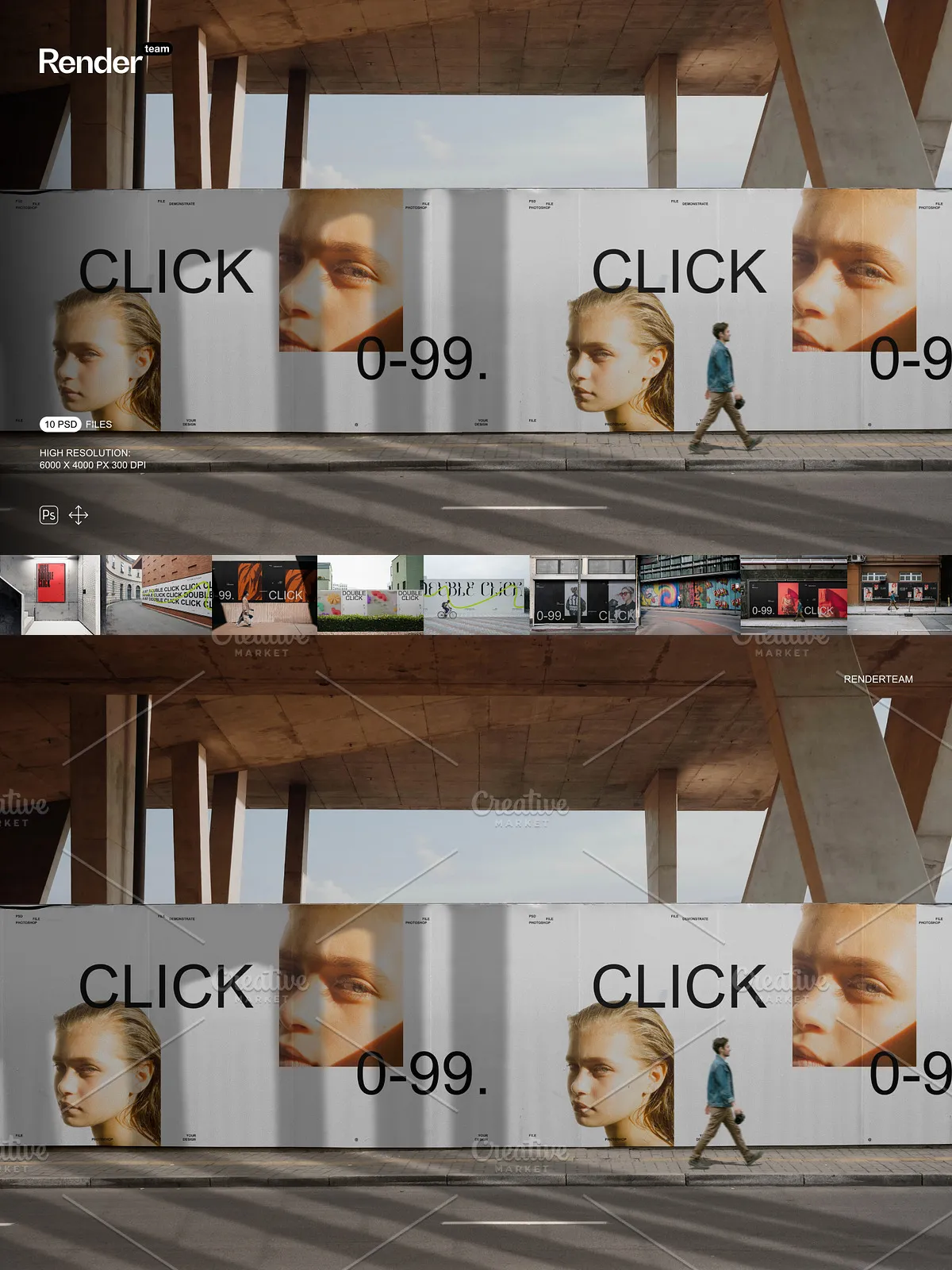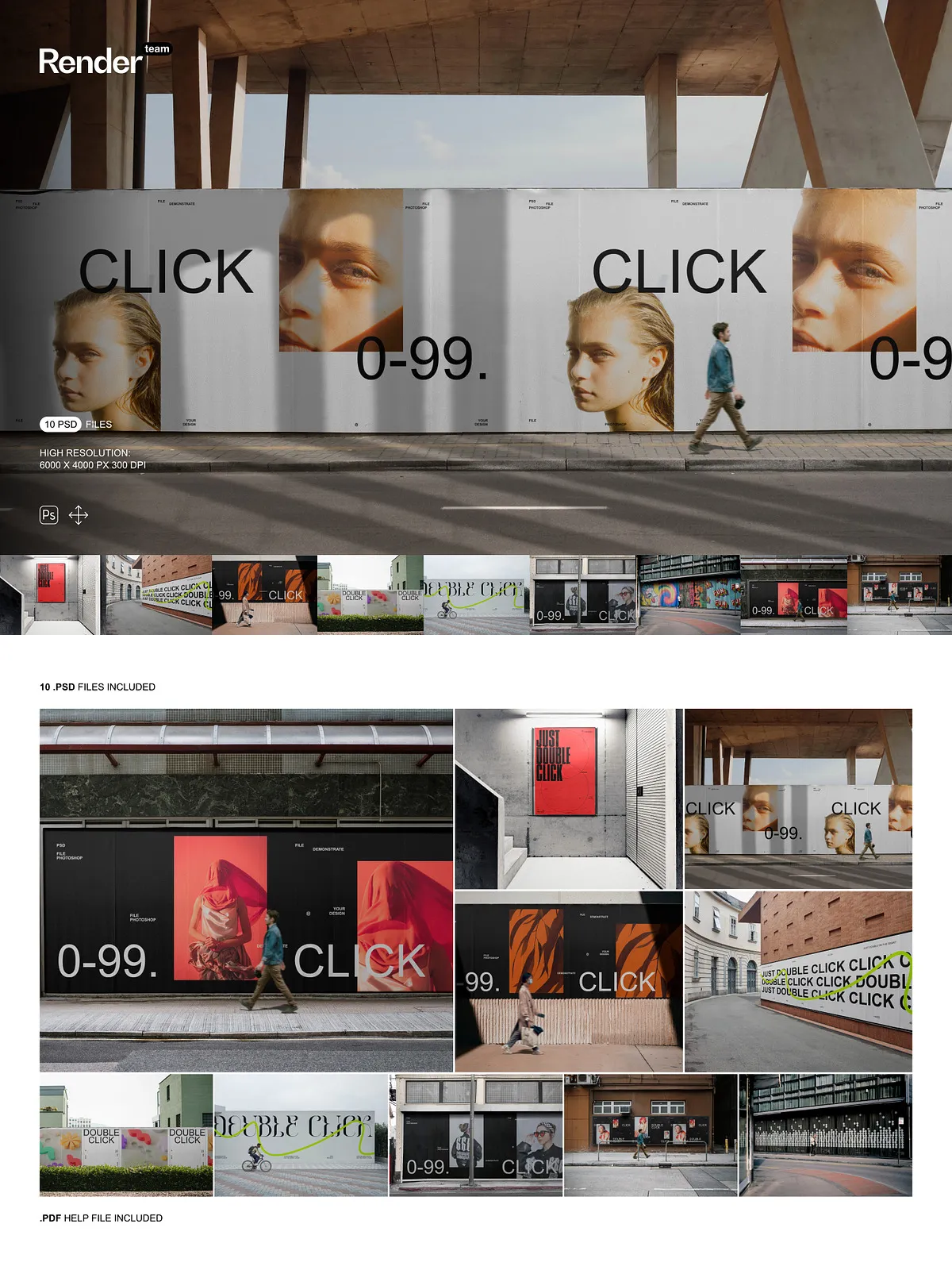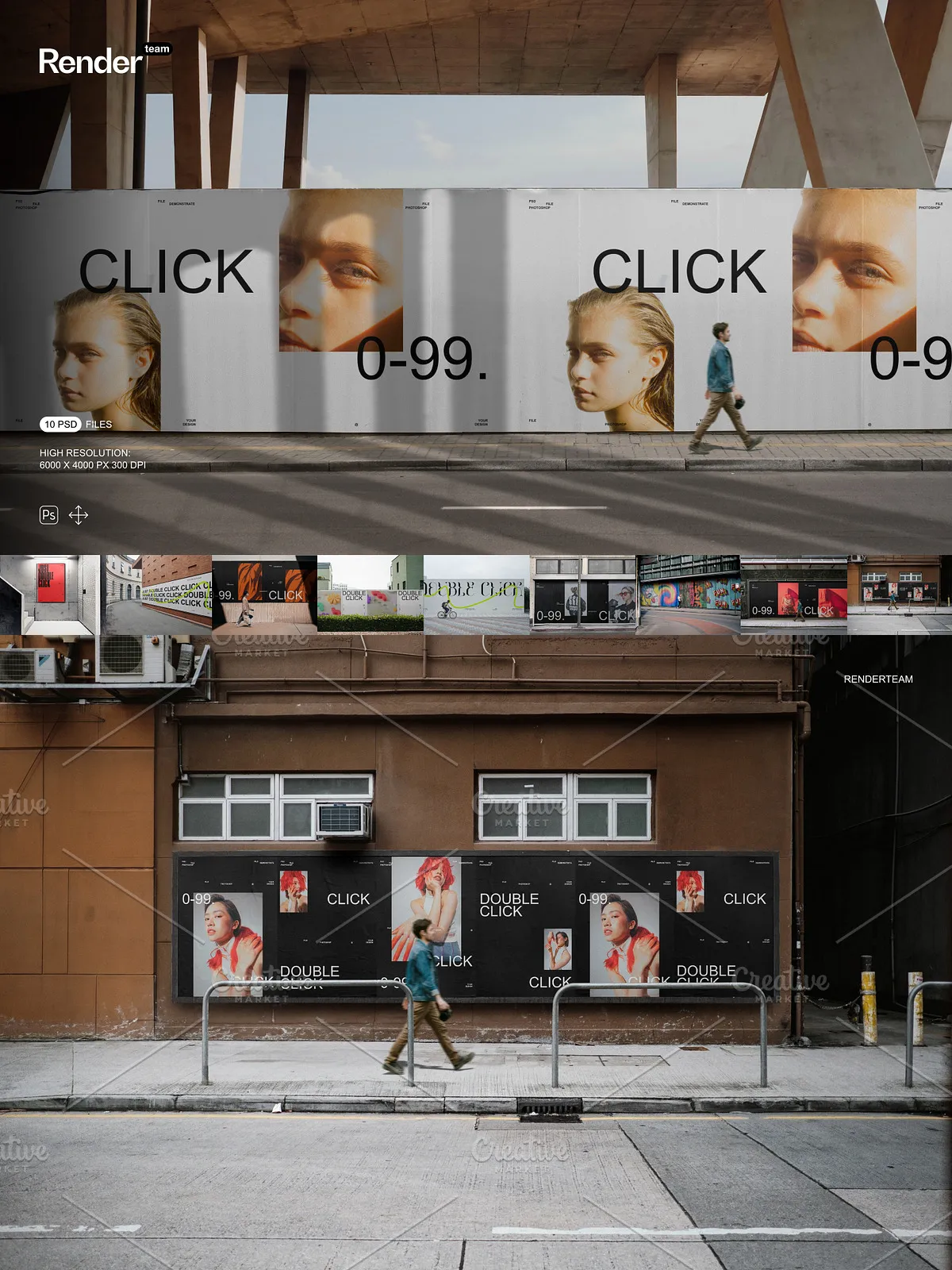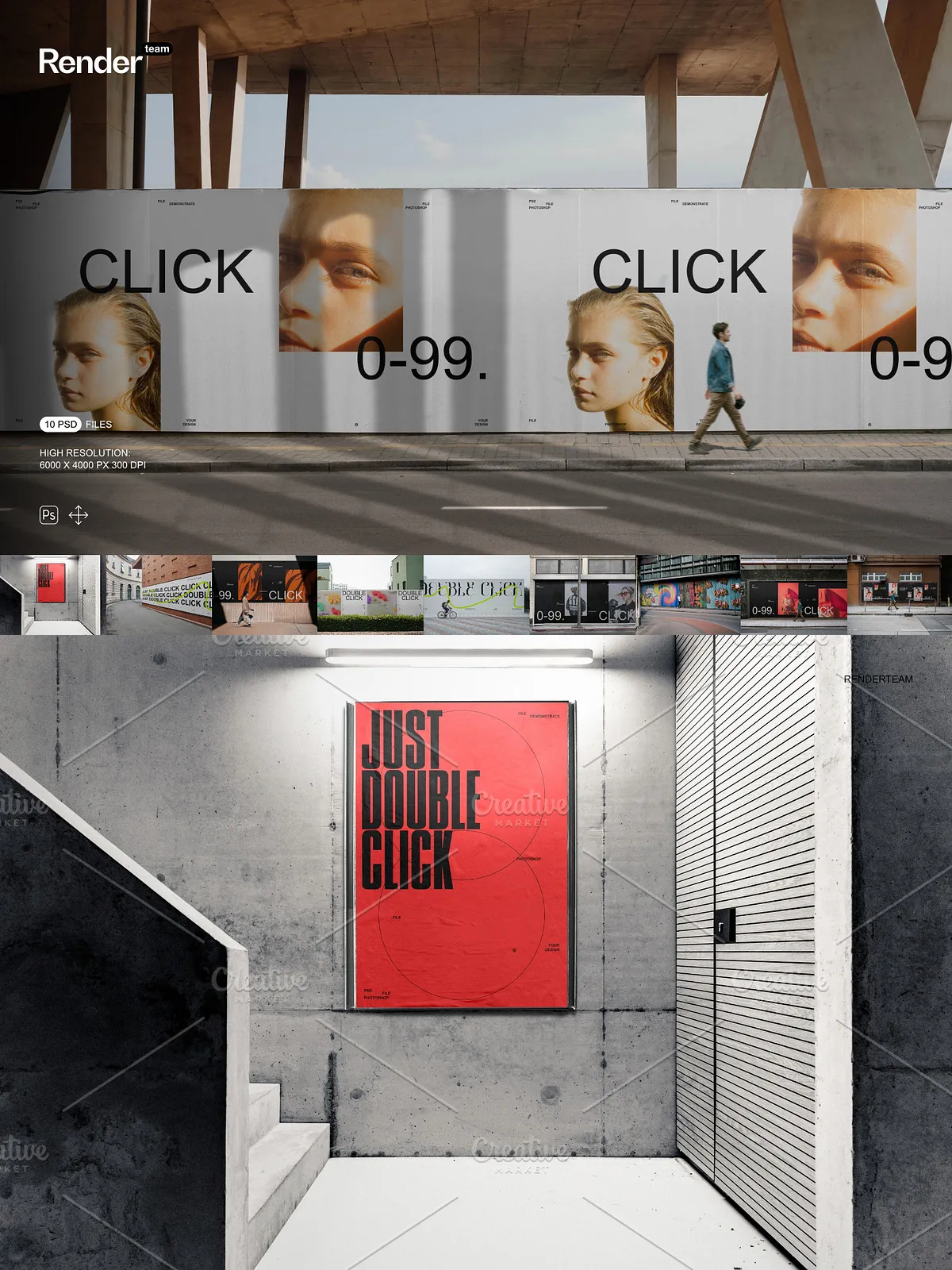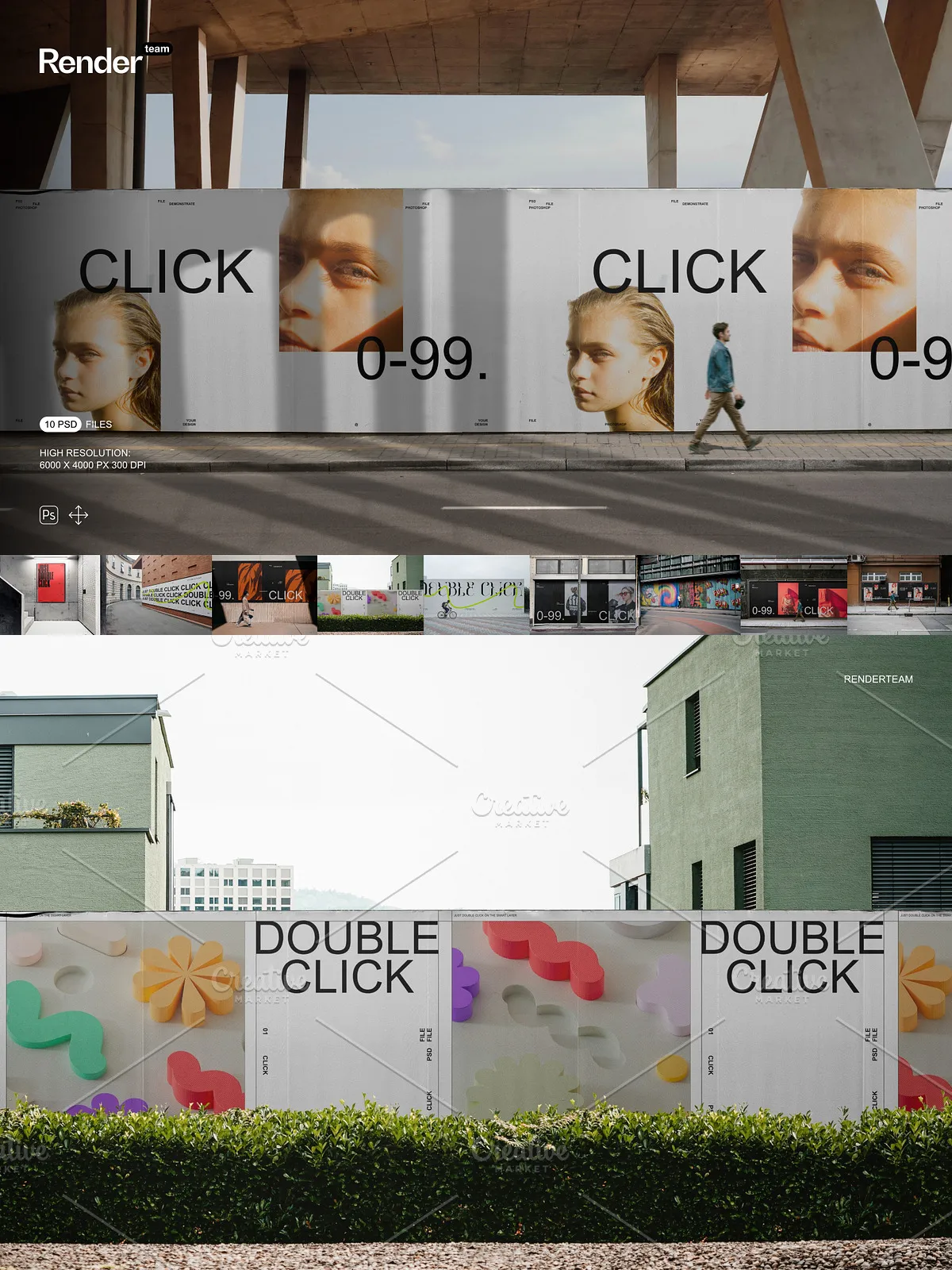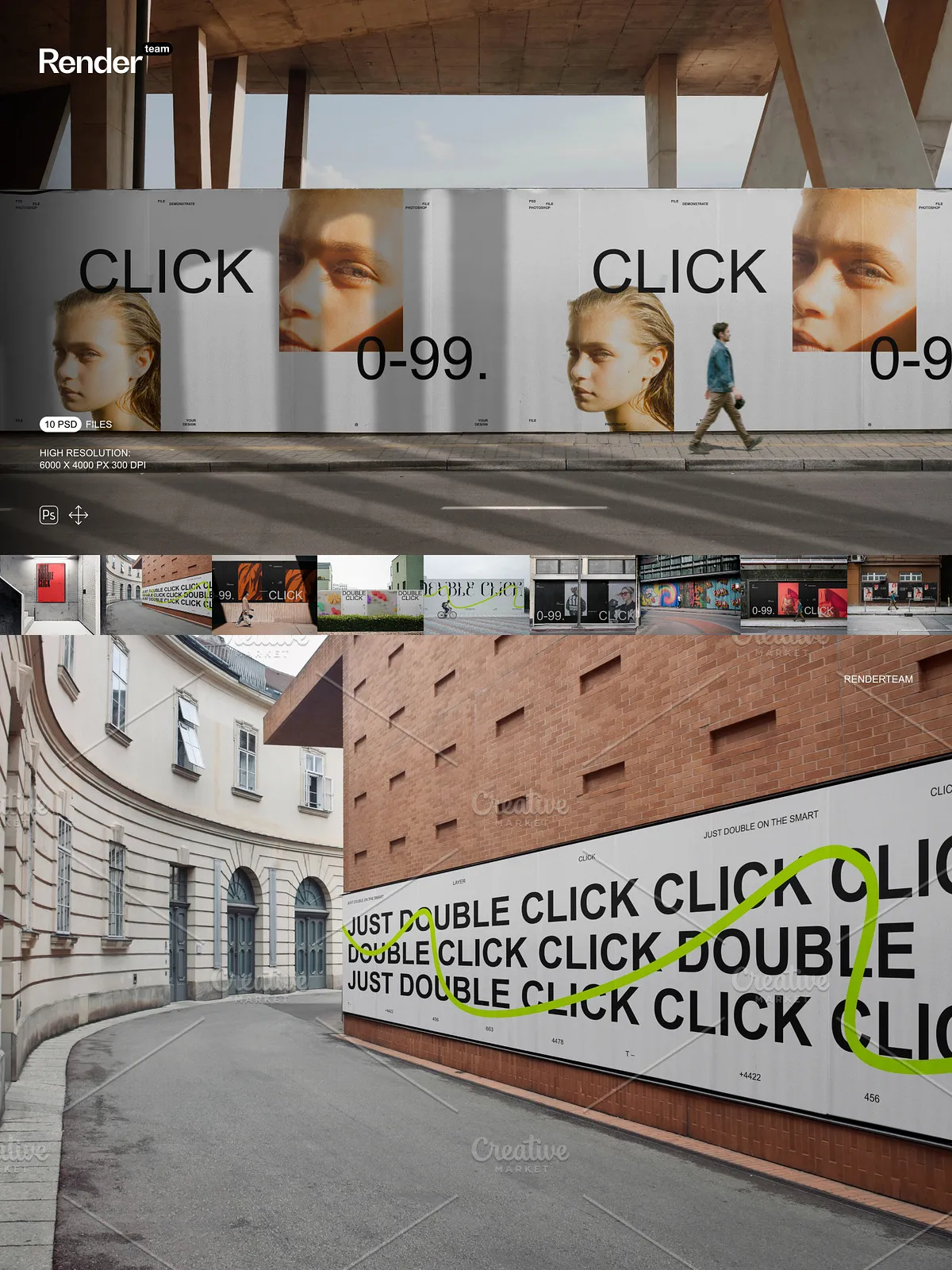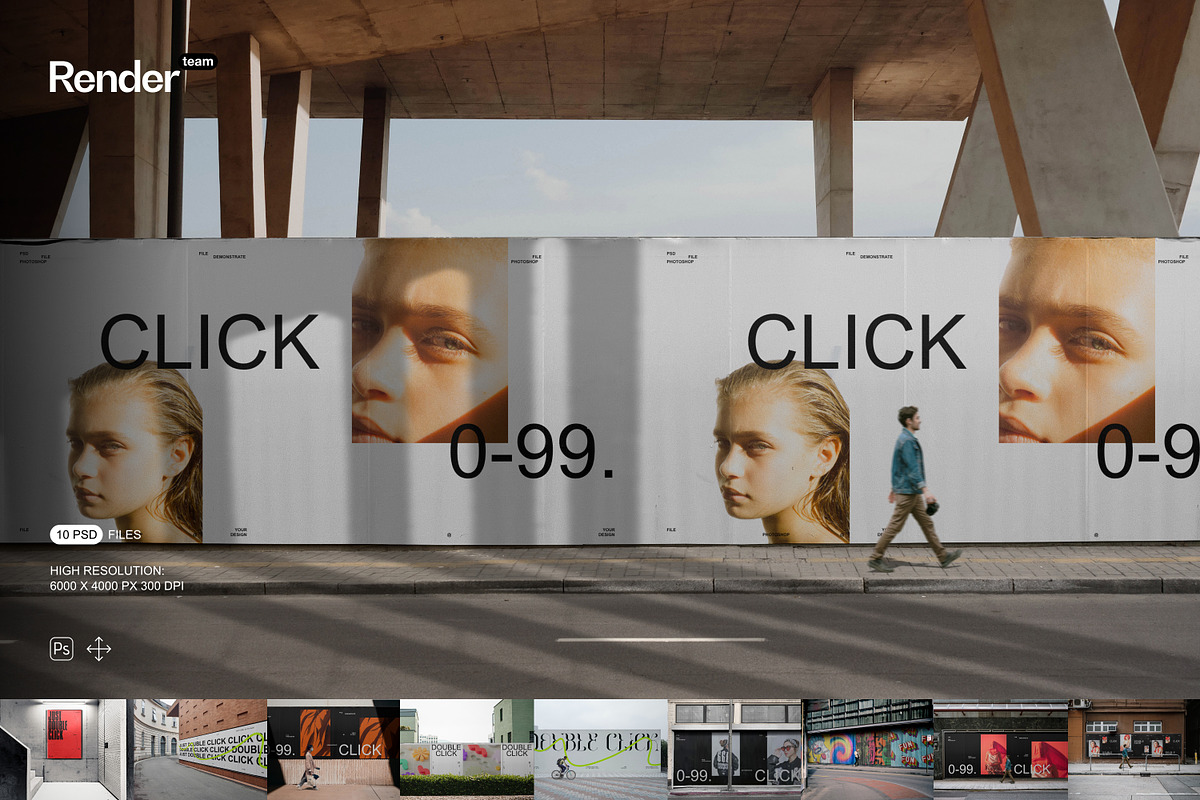
Showcase your poster and billboard designs with confidence using this Poster and Billboard Mockup Set. This collection includes ten layered, fully editable PSD files built to accelerate your workflow and deliver polished, realistic presentations. The mockups use Smart Objects for instant artwork replacement, organized folders for rapid navigation, and high-resolution canvases suitable for marketing, portfolio, and ecommerce needs.
What You Receive
Included Files
- 10 layered PSD mockup files
- High-resolution canvases at 6000 × 4000 px, 300 dpi
- Isolated objects and shadow layers for flexible compositing
- Color and lighting controls for quick colorways
- PDF help file with step-by-step instructions and recommended export settings
Technical Specifications
- Resolution: 6000 × 4000 px
- Color mode: RGB, 300 dpi
- Number of PSD files: 10
- Compatibility: Recent Adobe Photoshop versions supporting Smart Objects and adjustment layers
Key Features
Smart Object Editing — Fast and Accurate
Replace artwork in seconds by editing Smart Object layers; the mockup automatically maps your design to the correct perspective and mask so you avoid manual distortion. For details on Smart Object workflow, see Adobe’s official guide: [Smart Objects – overview and benefits](https://helpx.adobe.com/photoshop/desktop/create-manage-layers/smart-objects/smart-objects-overview-and-benefits.html).
Organized Layers and Non-Destructive Workflow
Find and modify label, poster, billboard, background, shadow, and lighting layers instantly thanks to a consistent naming convention and grouped folders. The non-destructive structure encourages experimentation: duplicate groups for variations, toggle visibility to compare options, and lock layers you do not want to change.
Isolated Elements and Lighting Controls
All objects, shadows, and reflections are provided on separate layers so you can adjust intensity, color, or remove elements without reworking the scene. Use grouped color layers and adjustment layers to change base materials and refine highlights or ambient light for each composition.
How to Edit
Quick Start — Step-by-Step
- Open the chosen PSD file in Adobe Photoshop.
- Locate the Smart Object layer named for the poster or billboard in the Layers panel.
- Double-click the Smart Object thumbnail to open its internal canvas.
- Place or paste your design, align to the guides, then save and close the Smart Object window.
- Return to the main document to review how your artwork maps to the scene. Adjust color, shadow, and lighting groups as necessary.
- Export using sRGB for web or convert to a print profile for proofs; follow the included PDF help file for recommended export settings.
Tips for Best Results
- Prepare artwork at high resolution and include bleed where applicable to avoid edge artifacts.
- Use adjustment layers rather than pixel edits to keep edits reversible.
- Use isolated shadow layers to match different environments and to composite into new backgrounds.
- Create color presets to speed batch exports for multiple SKUs or campaign variations.
Use Cases
Marketing and Ecommerce
Generate high-quality poster and billboard visuals for online stores, ad campaigns, and social media. The high resolution allows close crops and large-format exports while retaining sharpness for hero banners and product listings.
Presentations and Client Reviews
Produce client-ready mockups that demonstrate how artwork performs at scale. Quickly create multiple variants to show typography, color, and layout options in realistic contexts, making decision cycles faster and clearer.
Why Choose This Set
This Poster and Billboard Mockup Set helps you move from concept to presentation faster. The combination of Smart Objects, organized layers, isolated shadows, and editable lighting gives you full control over visual output while keeping the workflow efficient and repeatable. The included PDF help file guides you through common tasks so you or your team can produce consistent, professional assets without reconstructing scenes from scratch.
Support and Compatibility
If you encounter issues, consult the included PDF help file for troubleshooting tips and Photoshop settings. These mockups work best in versions of Adobe Photoshop that support Smart Objects, masks, and adjustment layers.