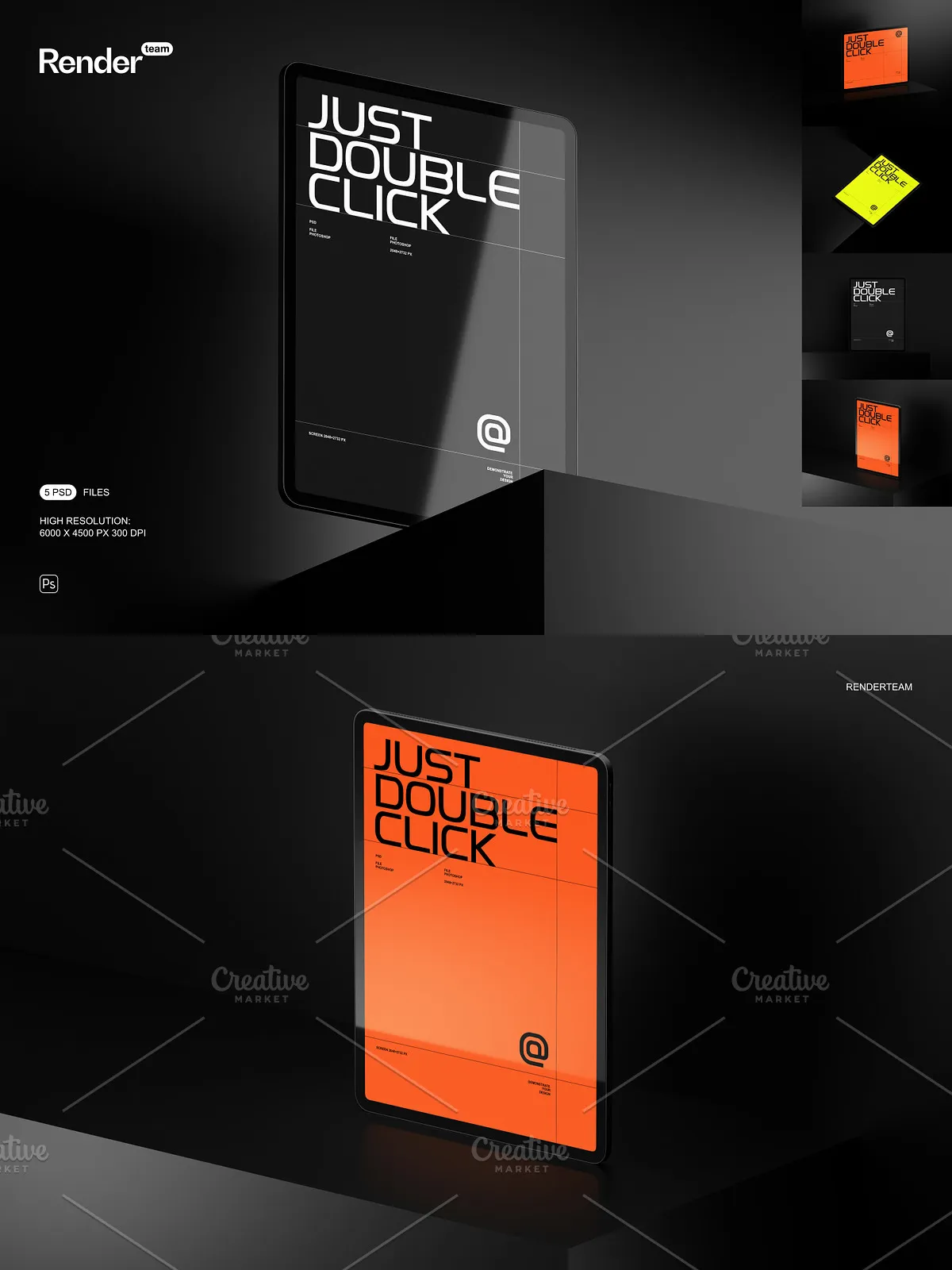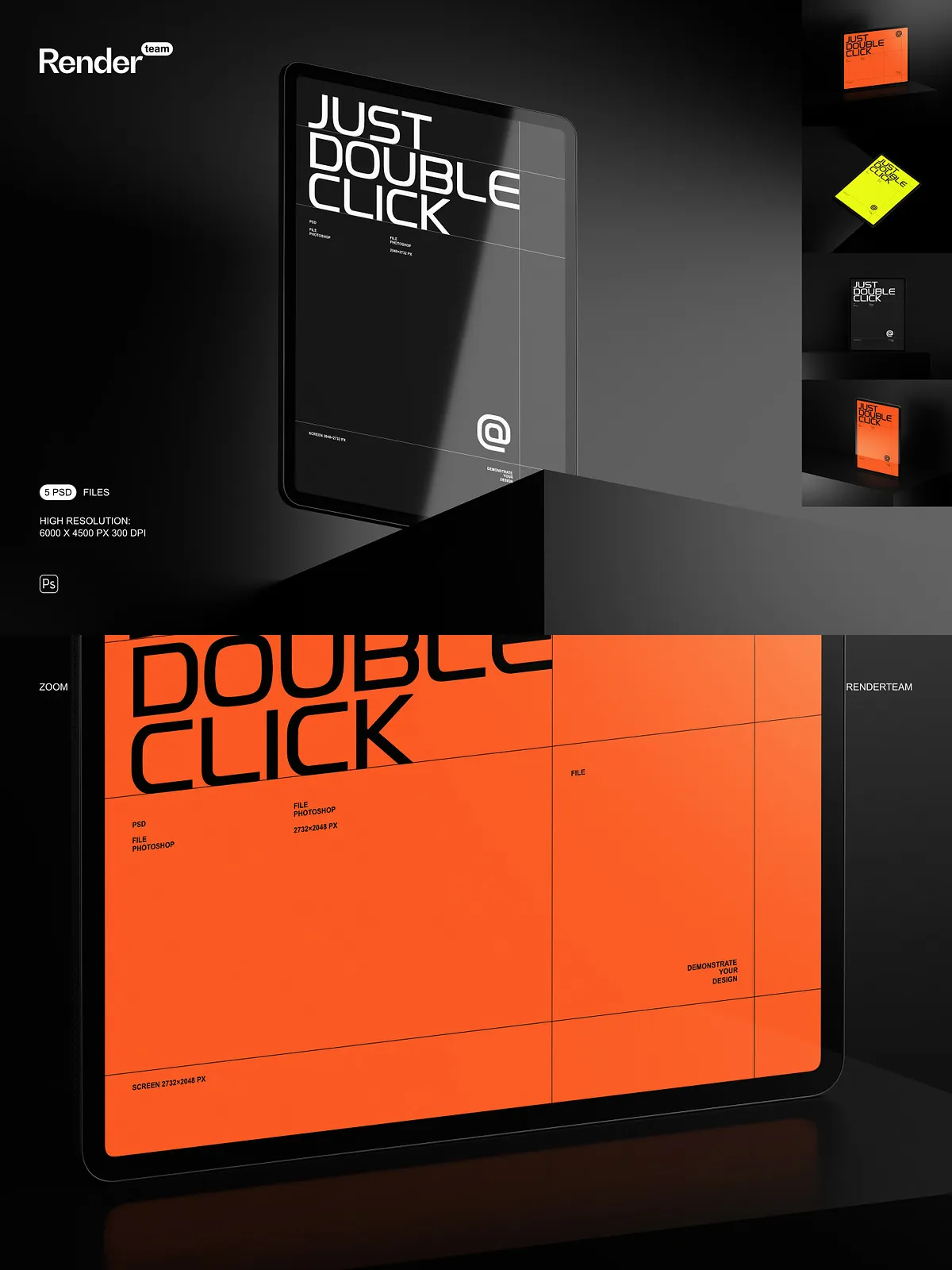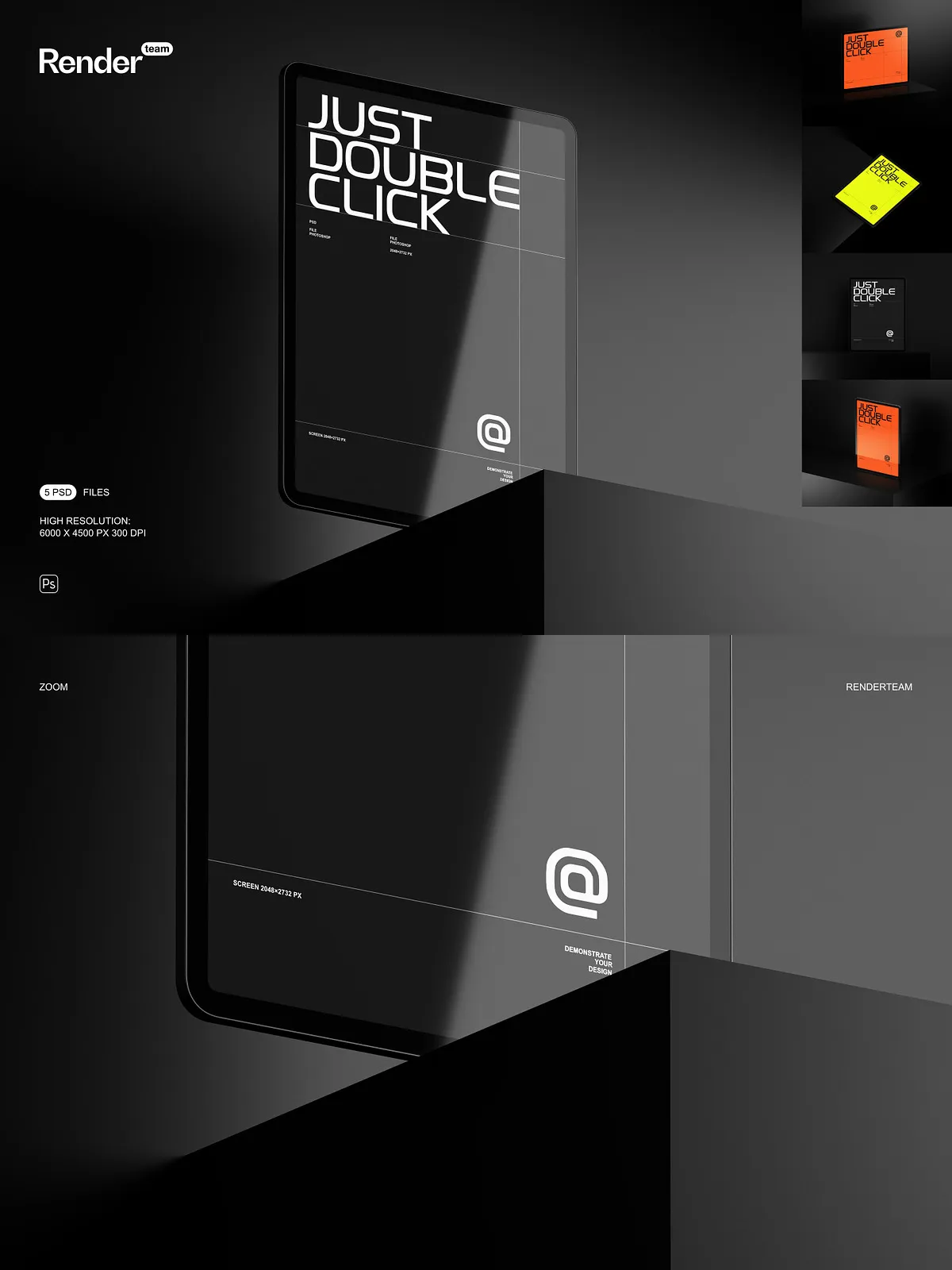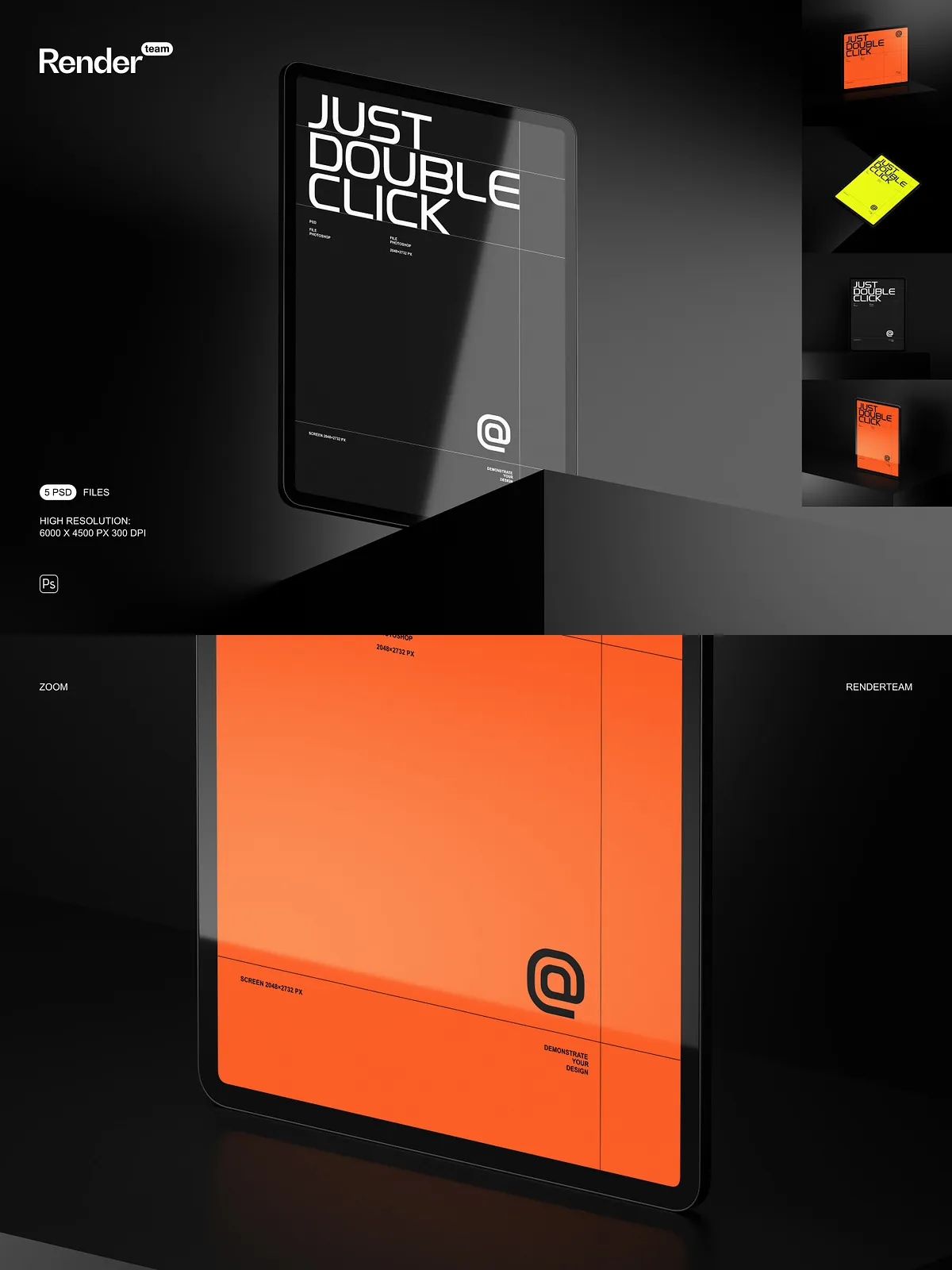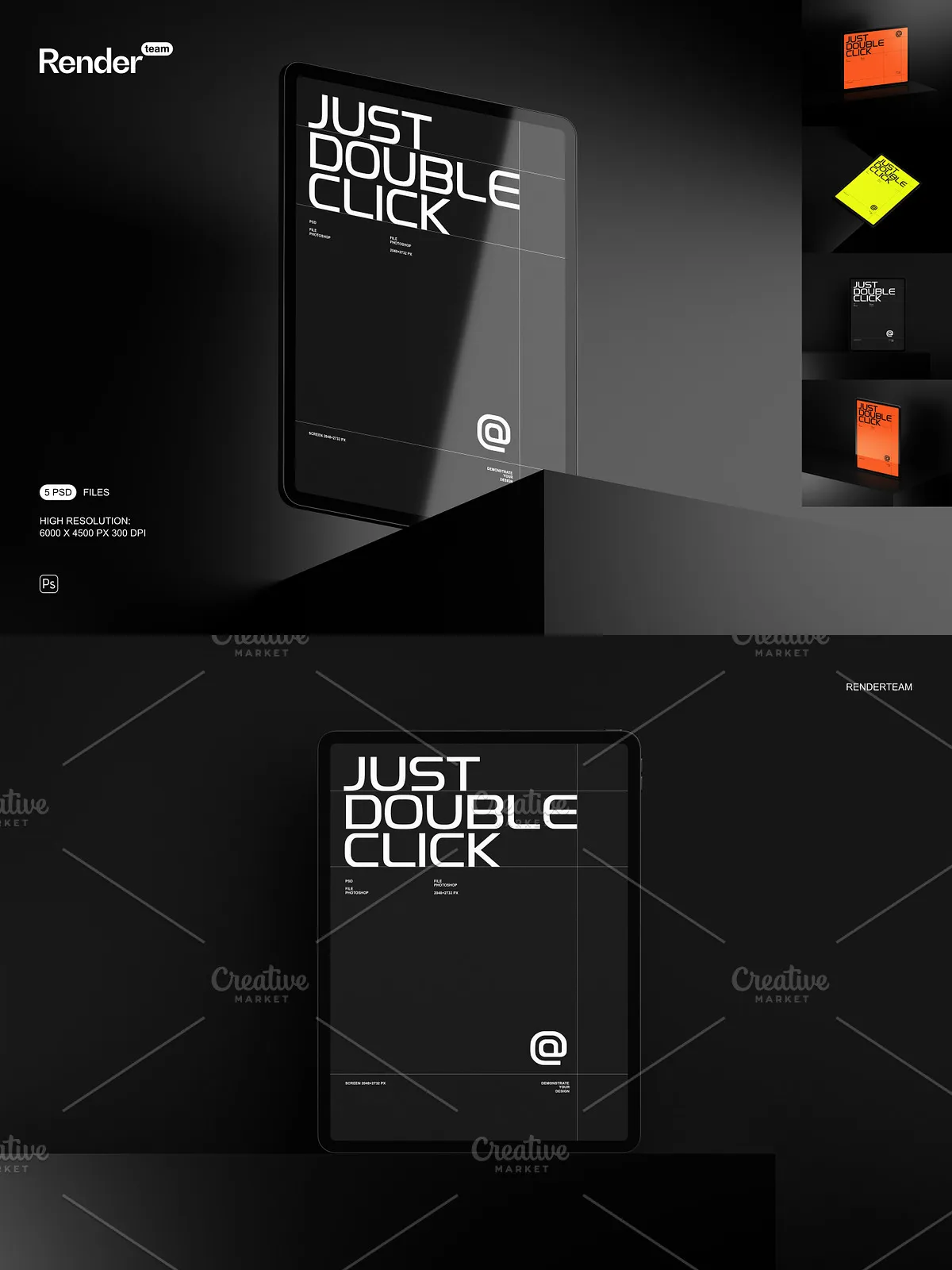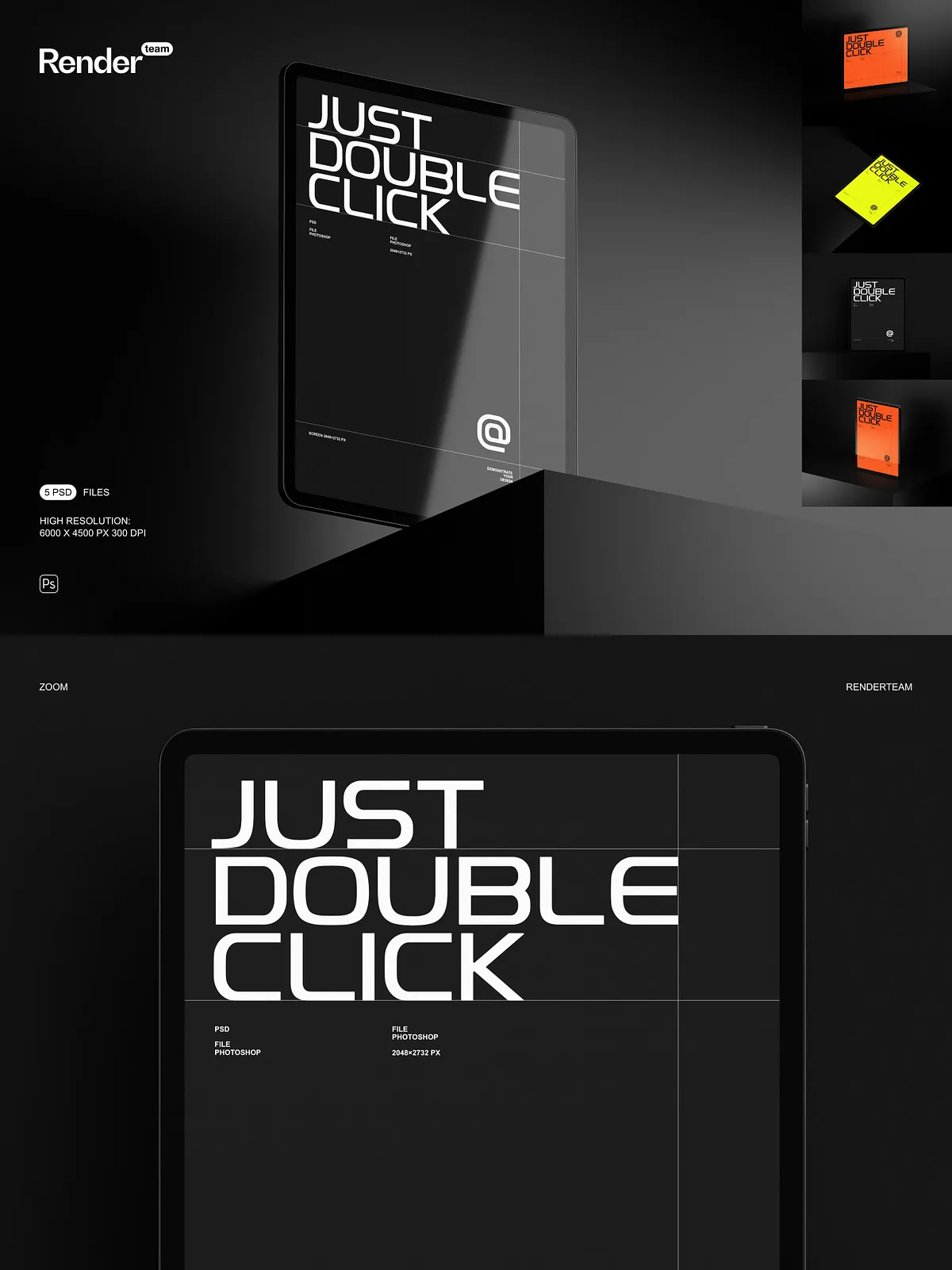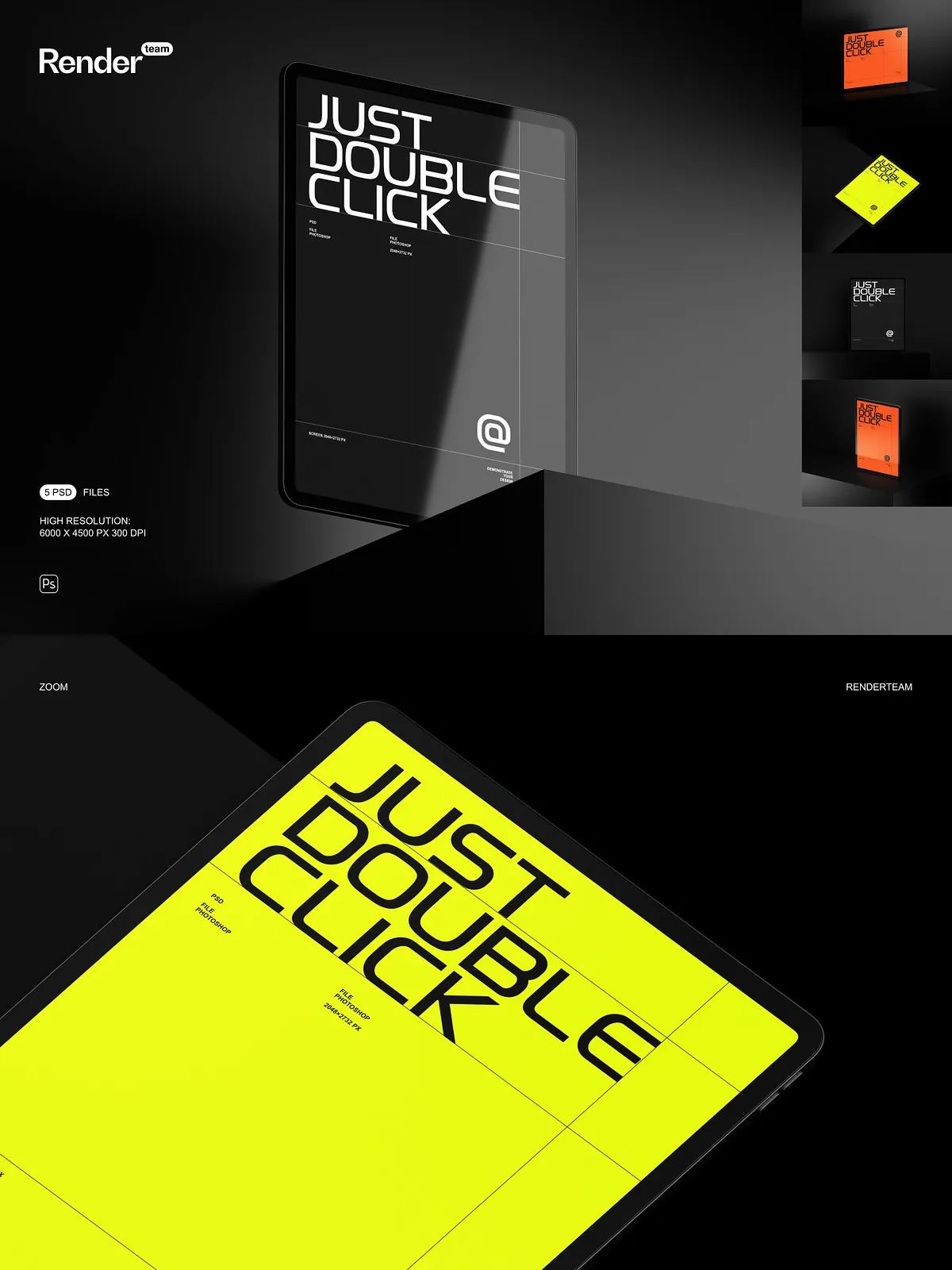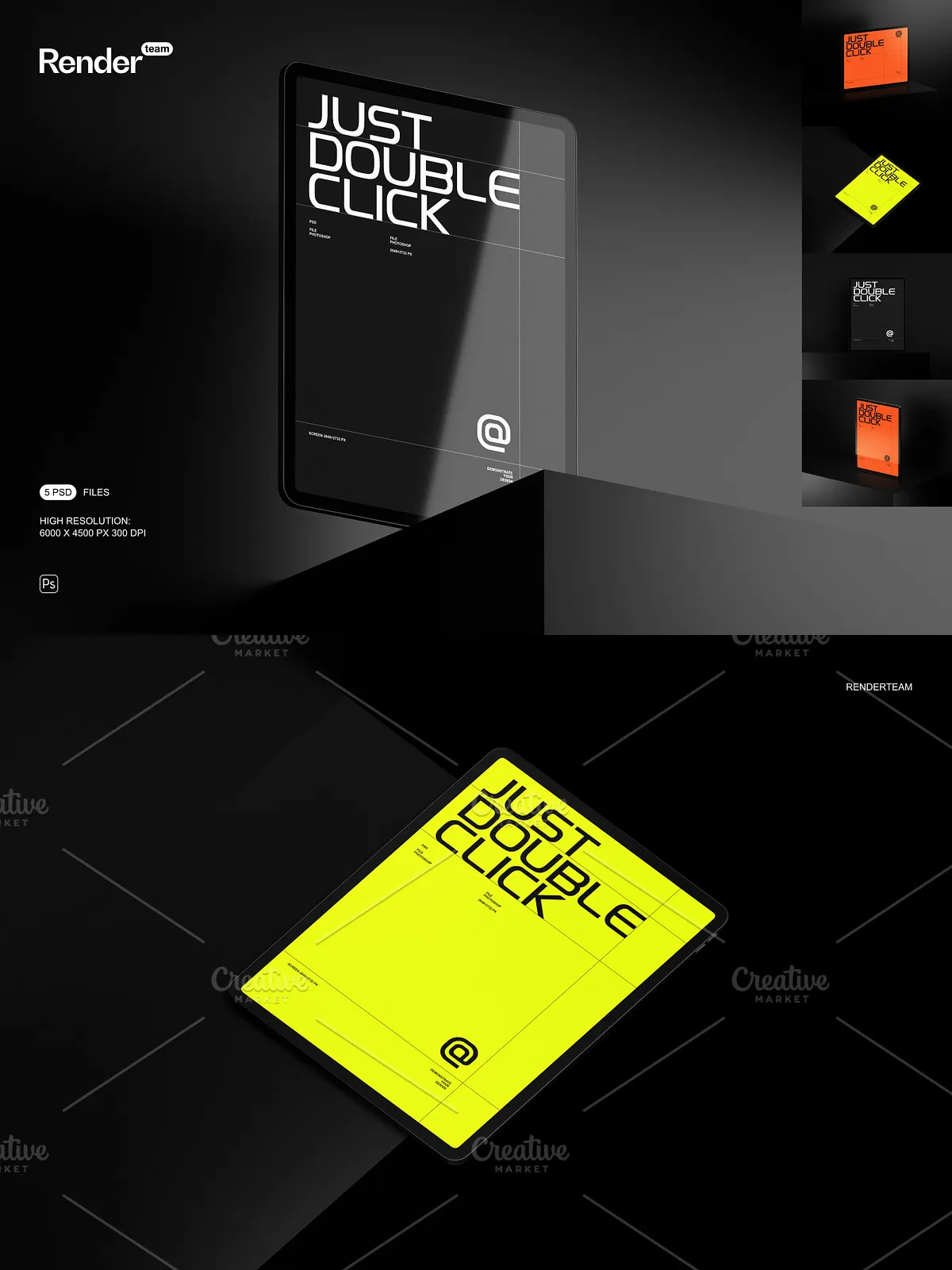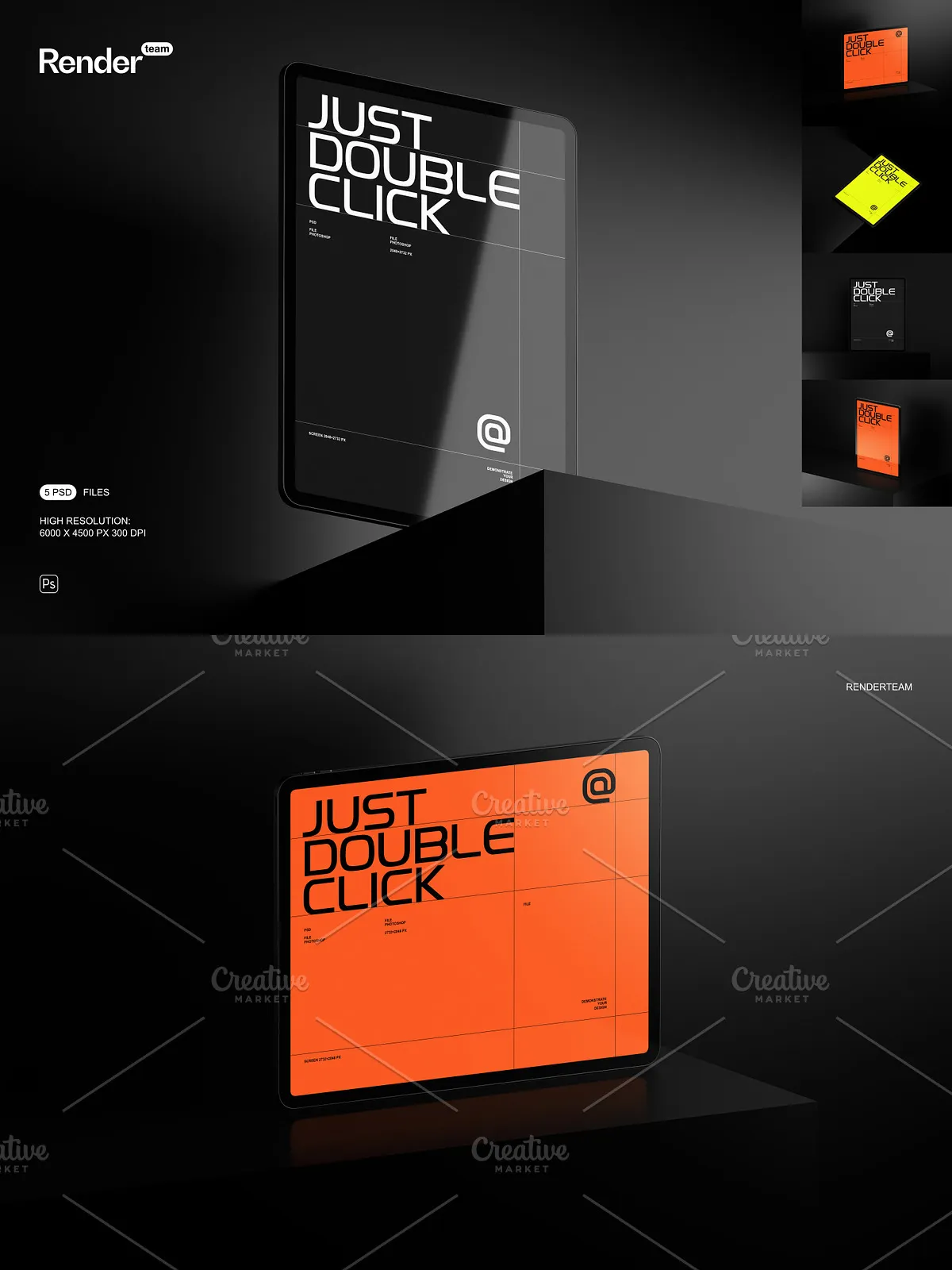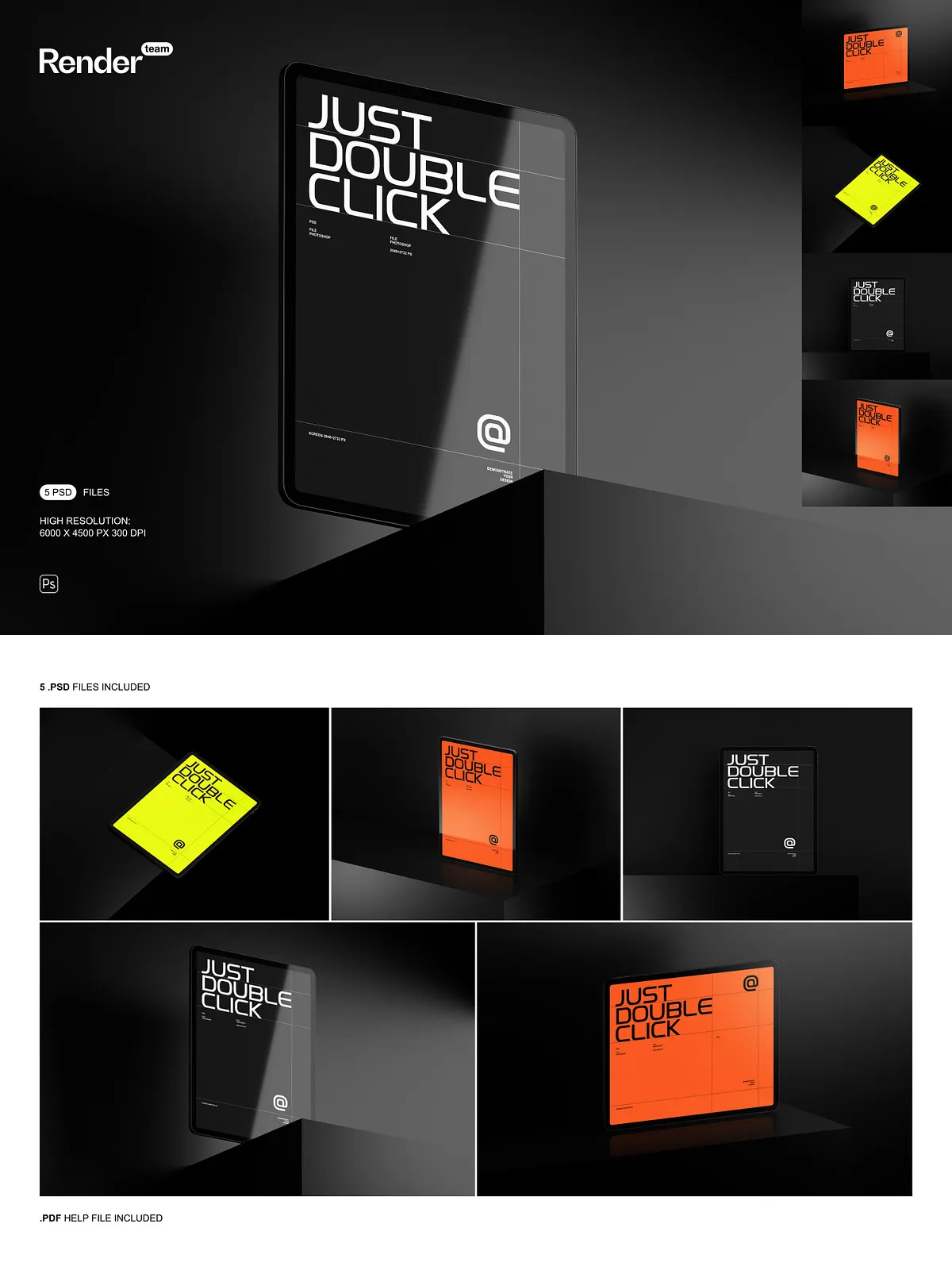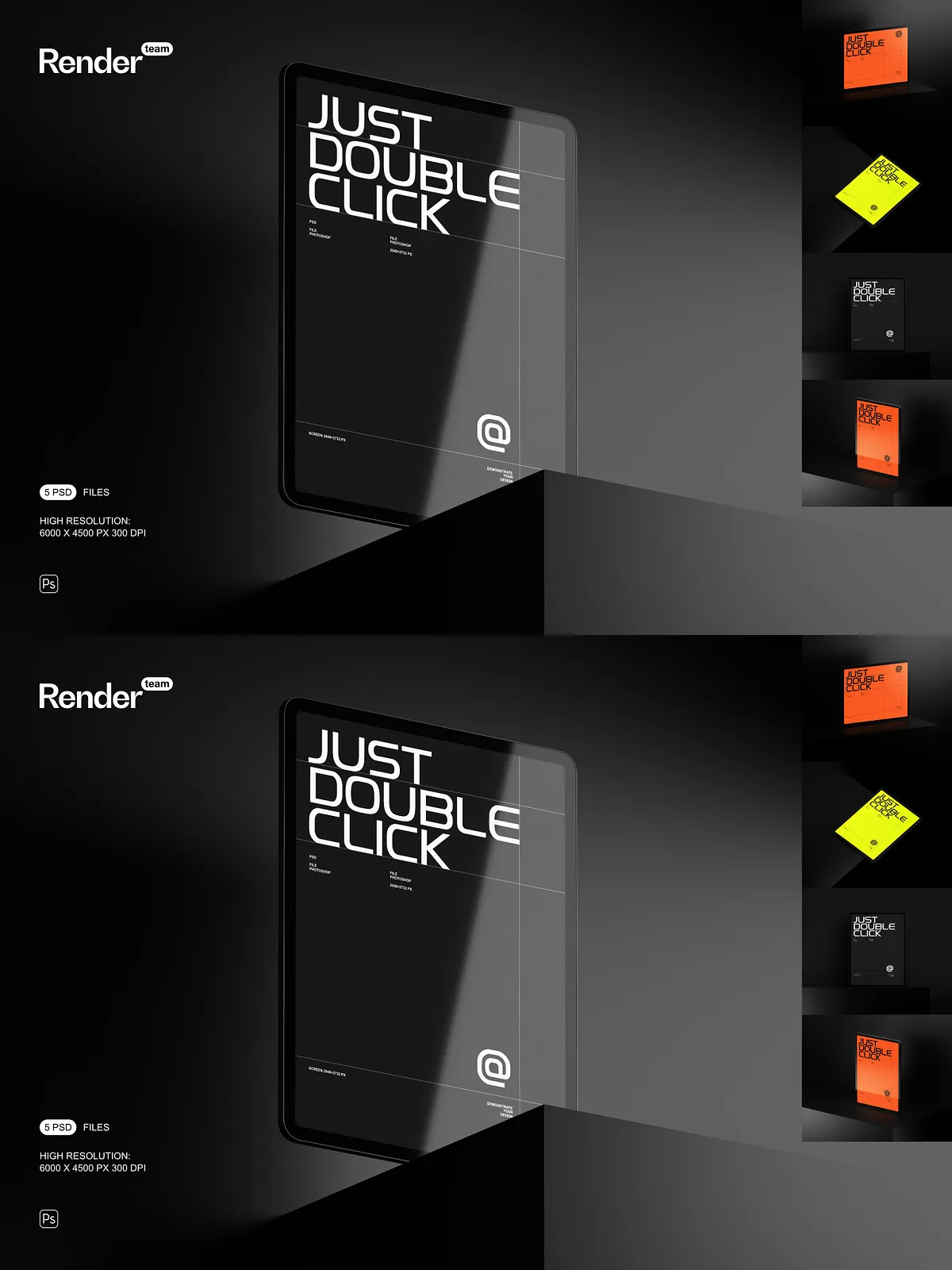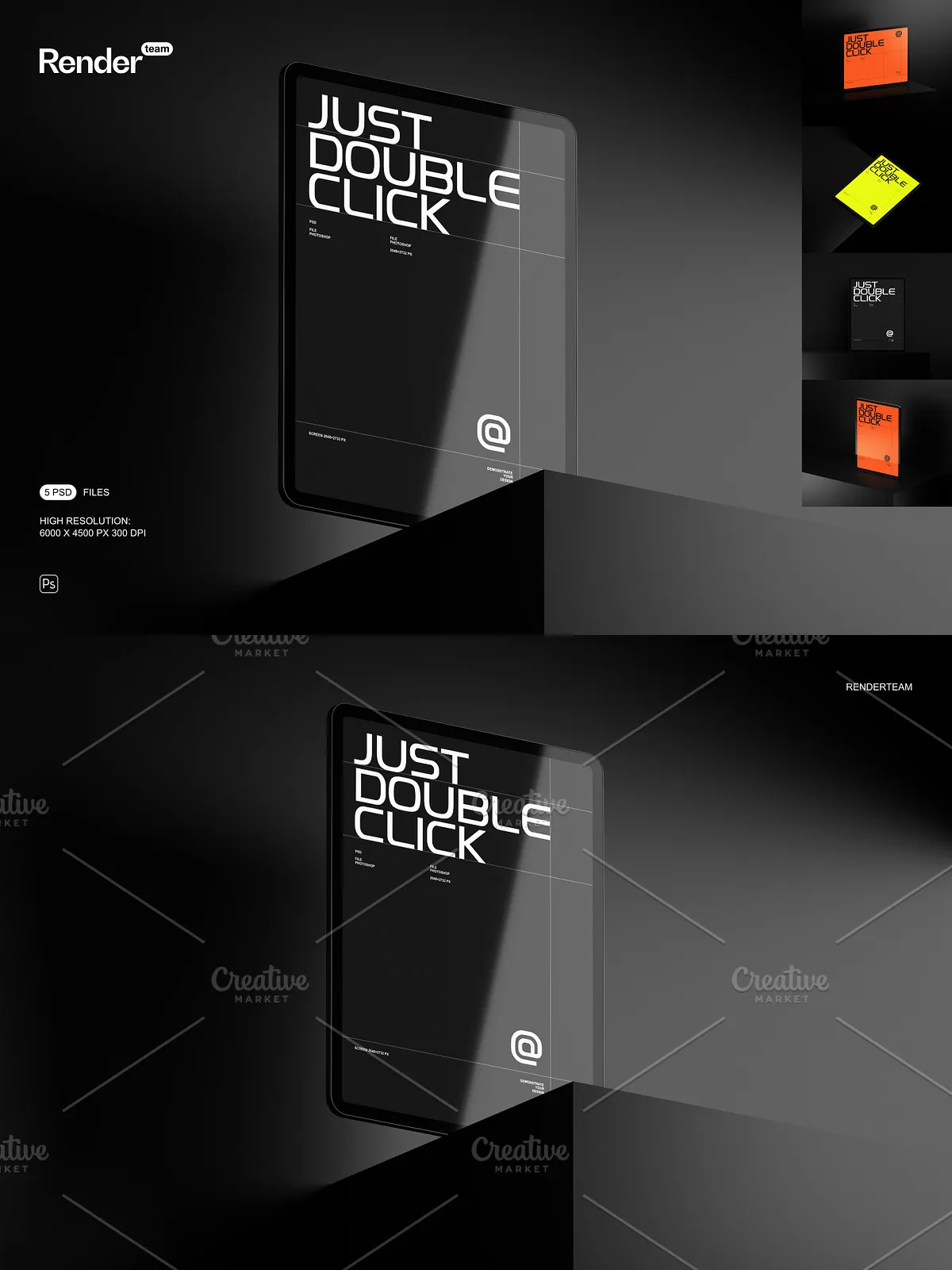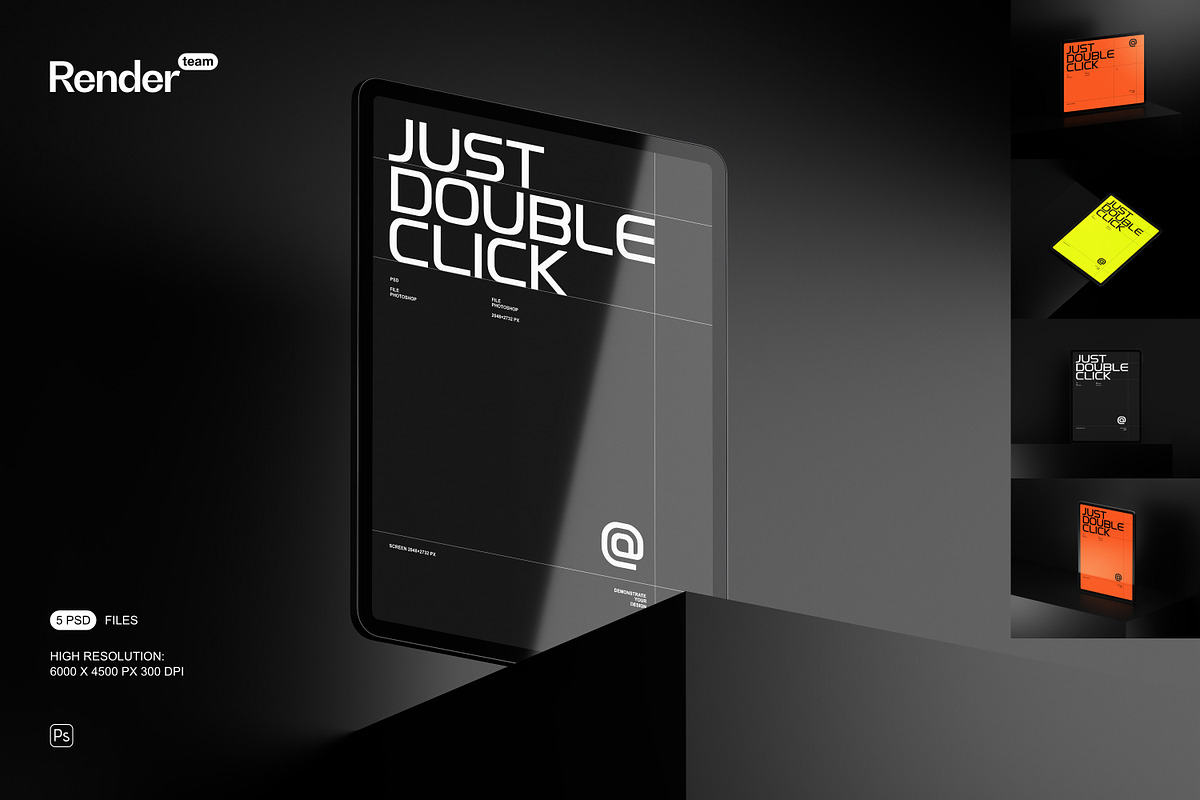
The iPad Pro 12.9 Mockup Set delivers five meticulously prepared, layered PSD files to help designers, agencies, and product teams present their work with clarity and impact. Each mockup uses Smart Objects for immediate screen replacement, color layers for quick styling, and isolated objects and shadows for seamless compositing. Use this set to create portfolio images, marketing banners, app store visuals, and client presentations that look polished and professional.
What’s Included
Files
- 5 editable PSD mockup files
- PDF help file with step-by-step instructions and export tips
Technical Specifications
- High resolution: 6000 × 4500 px at 300 dpi for crisp print and detailed web output
- Screen size: 2732 × 2048 px — accurate device proportions for realistic previews
- All objects and shadows isolated to enable precise compositing and transparent exports
- Fully layered and organized with descriptive folder names for efficient editing
Key Features and Benefits
Smart Object Workflow for Rapid Customization
Edit screens instantly by double-clicking the Smart Object layer, pasting or placing your design, and saving. The mockup updates automatically while preserving perspective, reflections, and lighting. This efficient workflow lets you test variations and produce final assets faster without rebuilding scenes.
Organized Layers and Clear Structure
The PSD files use a logical folder hierarchy and consistent layer naming so you can find and edit elements quickly. Toggle backgrounds, enable or disable shadows, adjust color overlays, and move device layers without searching through large groups of unnamed layers. The organized structure reduces errors during collaboration and speeds up delivery.
Isolated Objects and Shadow Control
With objects and shadows separated into independent layers, you can place devices into custom environments, match lighting across compositions, or export transparent PNGs for web layouts. Isolated shadows make it simple to compose multiple devices into a single scene and maintain visual consistency.
High Fidelity for Print and Digital Use
The 6000 × 4500 px, 300 dpi files produce sharp outputs suitable for both high-resolution digital displays and print materials. Export large hero images, print-ready posters, or detailed case study visuals without loss of clarity.
Use Cases
This mockup set serves multiple practical needs: designers can craft portfolio visuals that emphasize interaction and detail; product teams can assemble marketing banners and pitch decks; agencies can produce landing page hero images and social assets. The accurate screen size and high resolution make these mockups ideal for app presentations, UI showcases, and promotional graphics.
Quick Start — How to Use
- Open the desired PSD file in Adobe Photoshop.
- Double-click the Smart Object layer that represents the iPad screen.
- Place or paste your design at 2732 × 2048 px, adjust alignment and scaling as needed, and save the Smart Object.
- Switch background options, toggle shadow layers, and modify color adjustment layers to match brand tones.
- Export the final composition as PNG, JPEG, or TIFF at the required resolution.
Compatibility and Requirements
These mockups require Adobe Photoshop to edit Smart Objects and preserve full functionality. For best results, use the latest version of Adobe Photoshop available through Adobe Creative Cloud: Adobe Creative Cloud | Professional Creative Software. This package does not include fonts, third-party images, or photography shown in preview images.
Best Practices and Tips
- Prepare your screen artwork at the exact device resolution (2732 × 2048 px) to ensure pixel-perfect results.
- Use adjustment layers and color overlays to harmonize your screen content with the mockup scene.
- Export transparent PNGs when integrating mockups into web layouts or composite designs.
- Keep backup copies of original PSDs before making large edits so you can revert quickly.
Why Choose This Mockup Set
This iPad Pro 12.9 Mockup Set combines practical editing tools, carefully organized files, and high-resolution outputs to accelerate your presentation workflow. The Smart Object system and isolated shadows give you the flexibility to produce tailored visuals while maintaining realism. Whether you need portfolio images, campaign assets, or client-ready presentations, this set empowers you to create professional, market-ready visuals quickly and reliably.