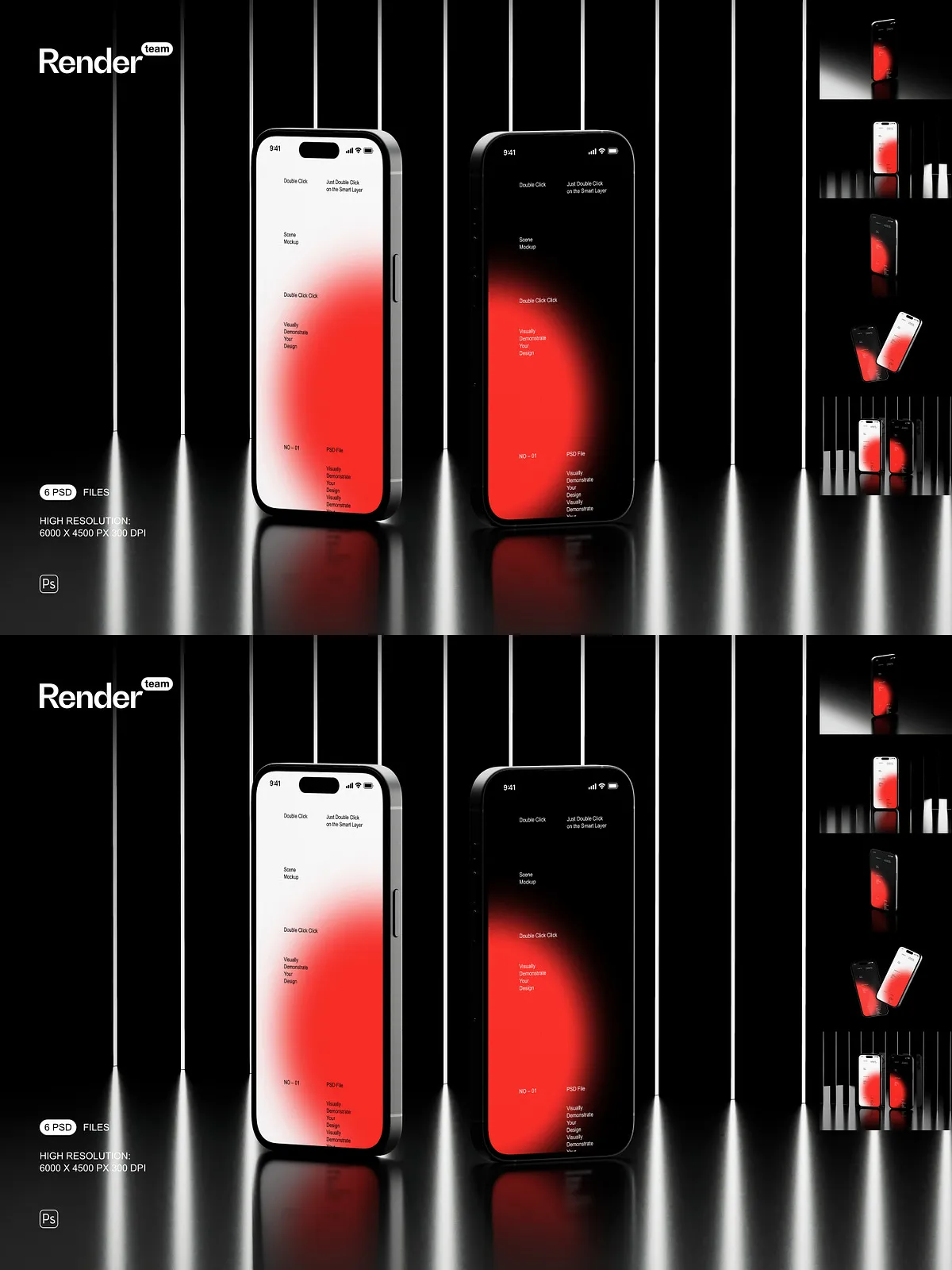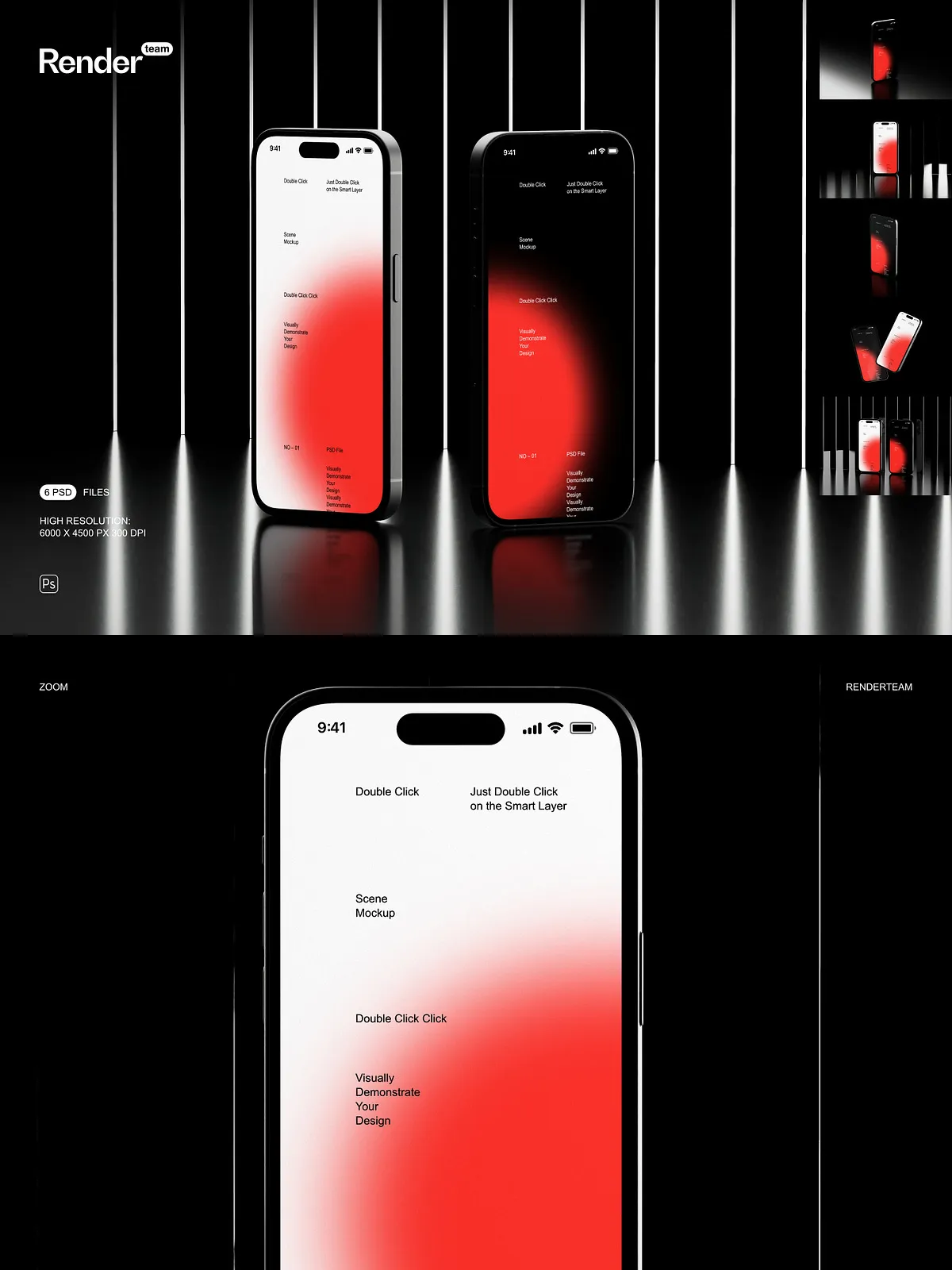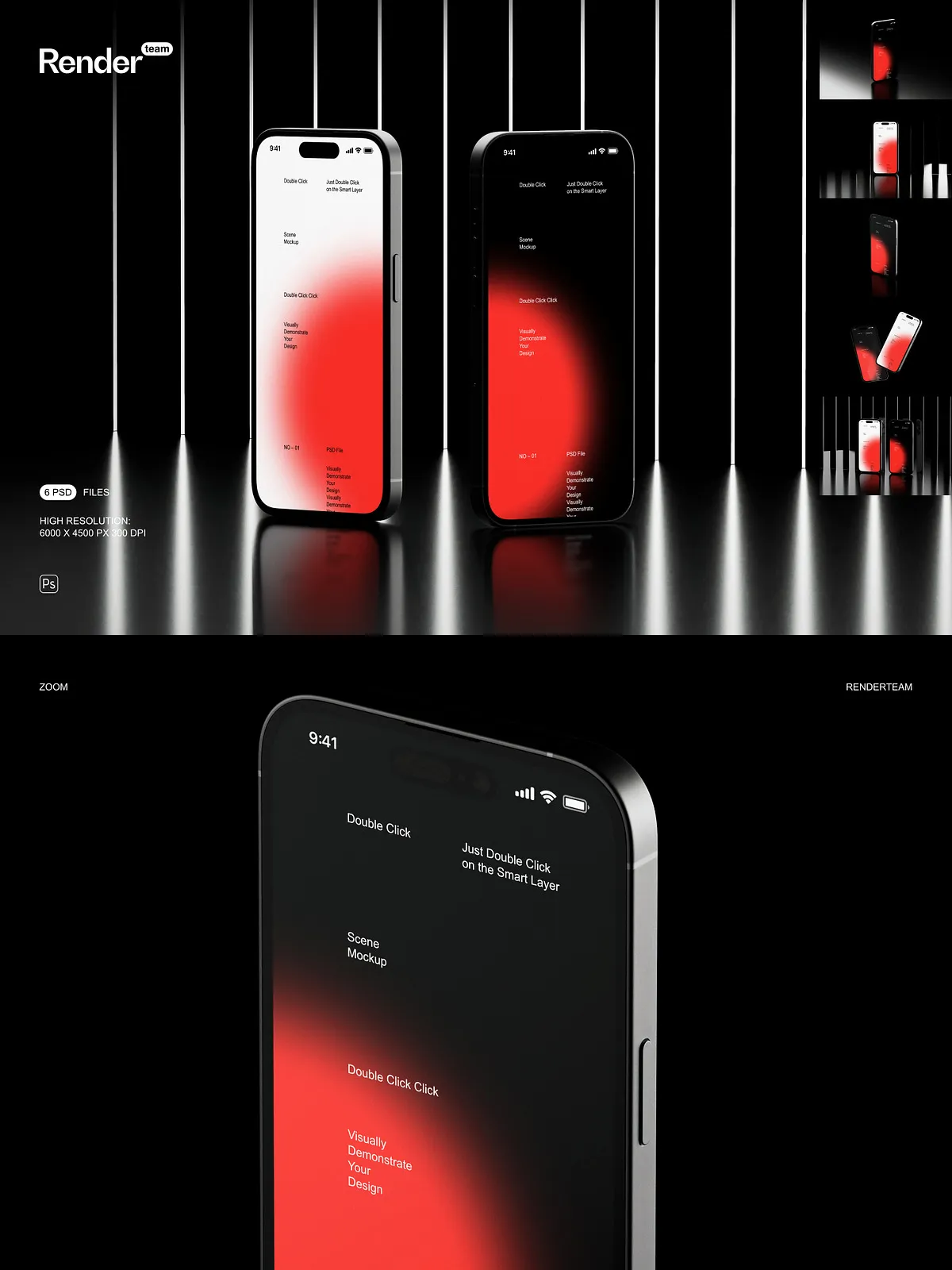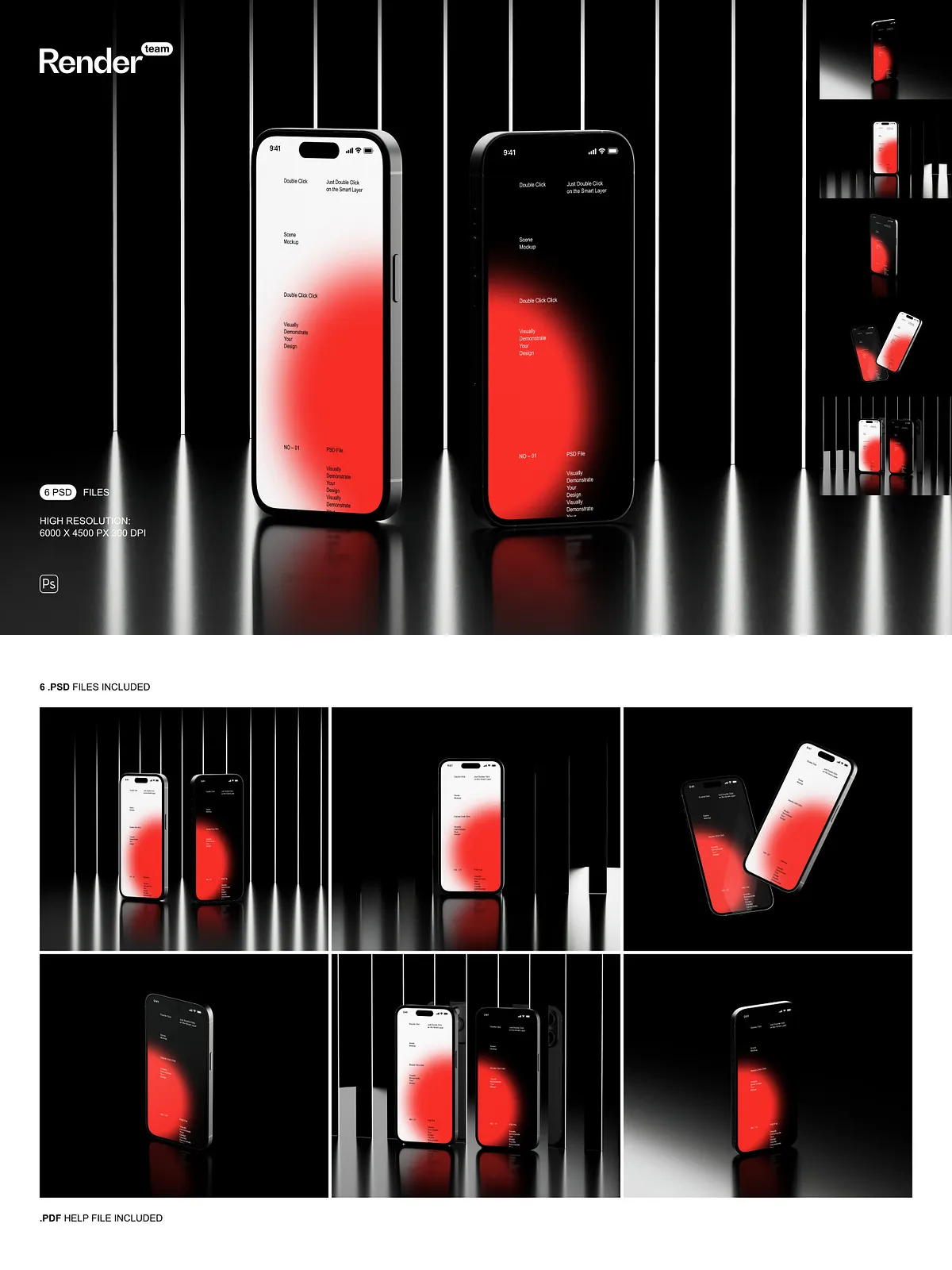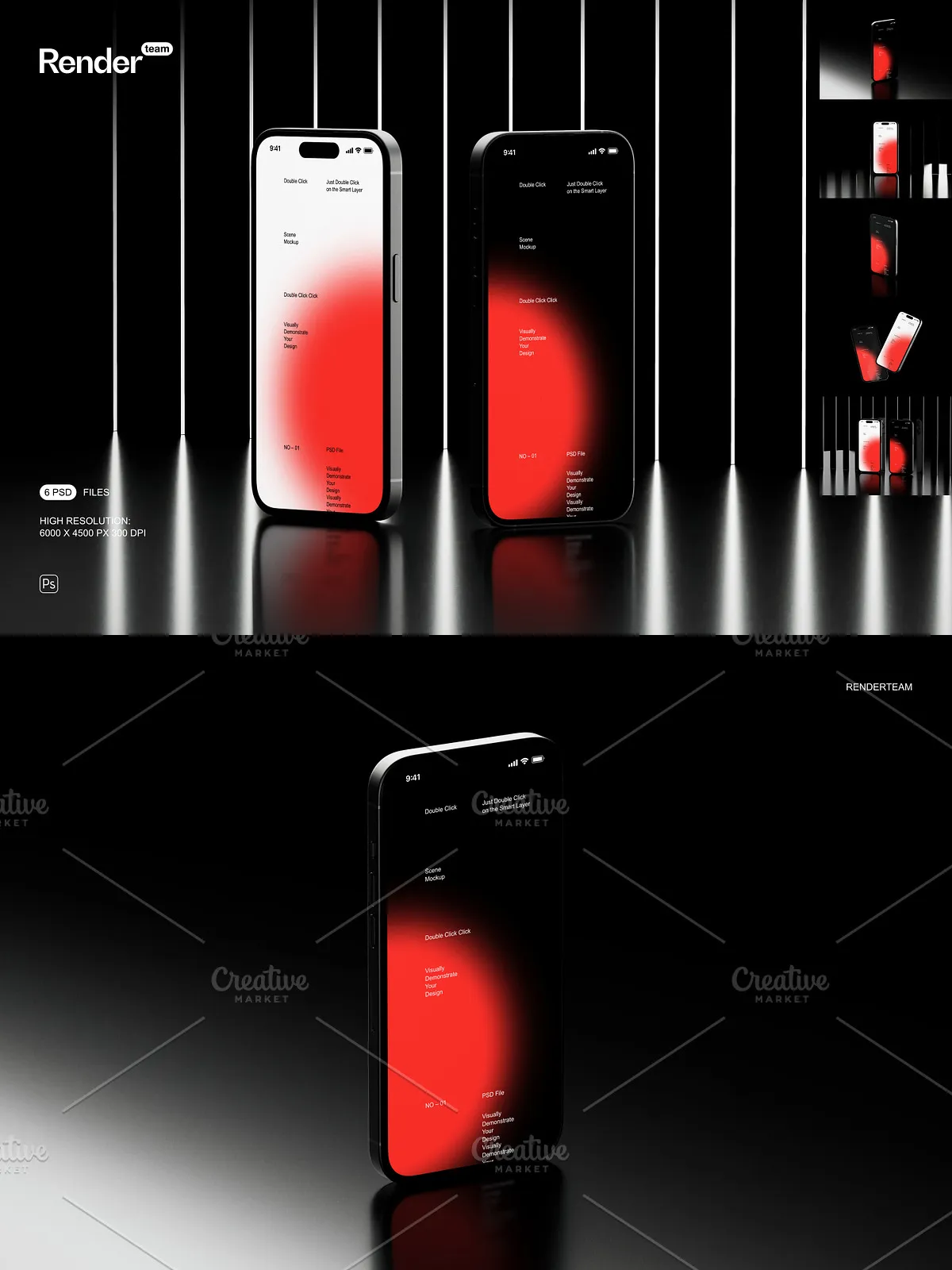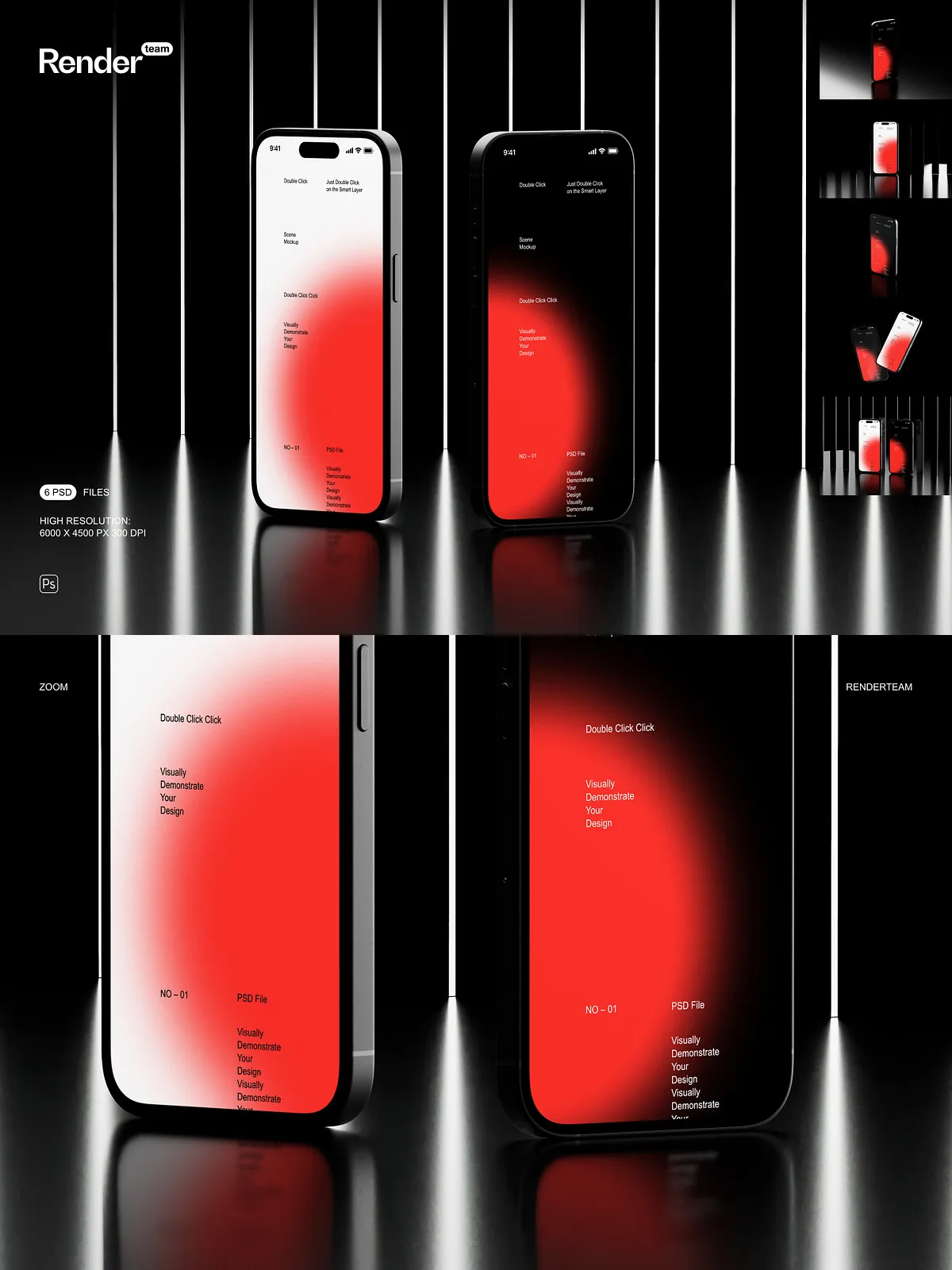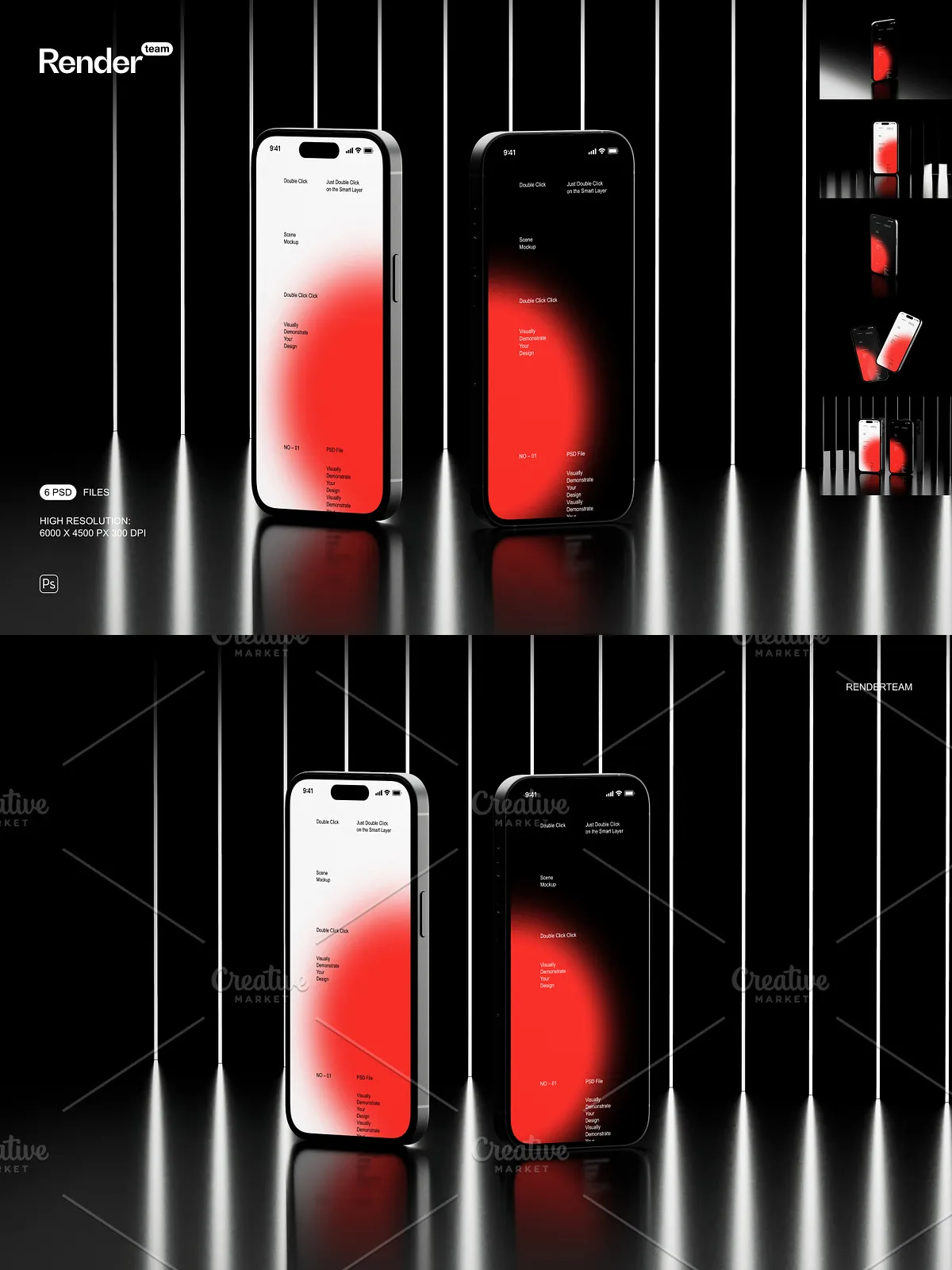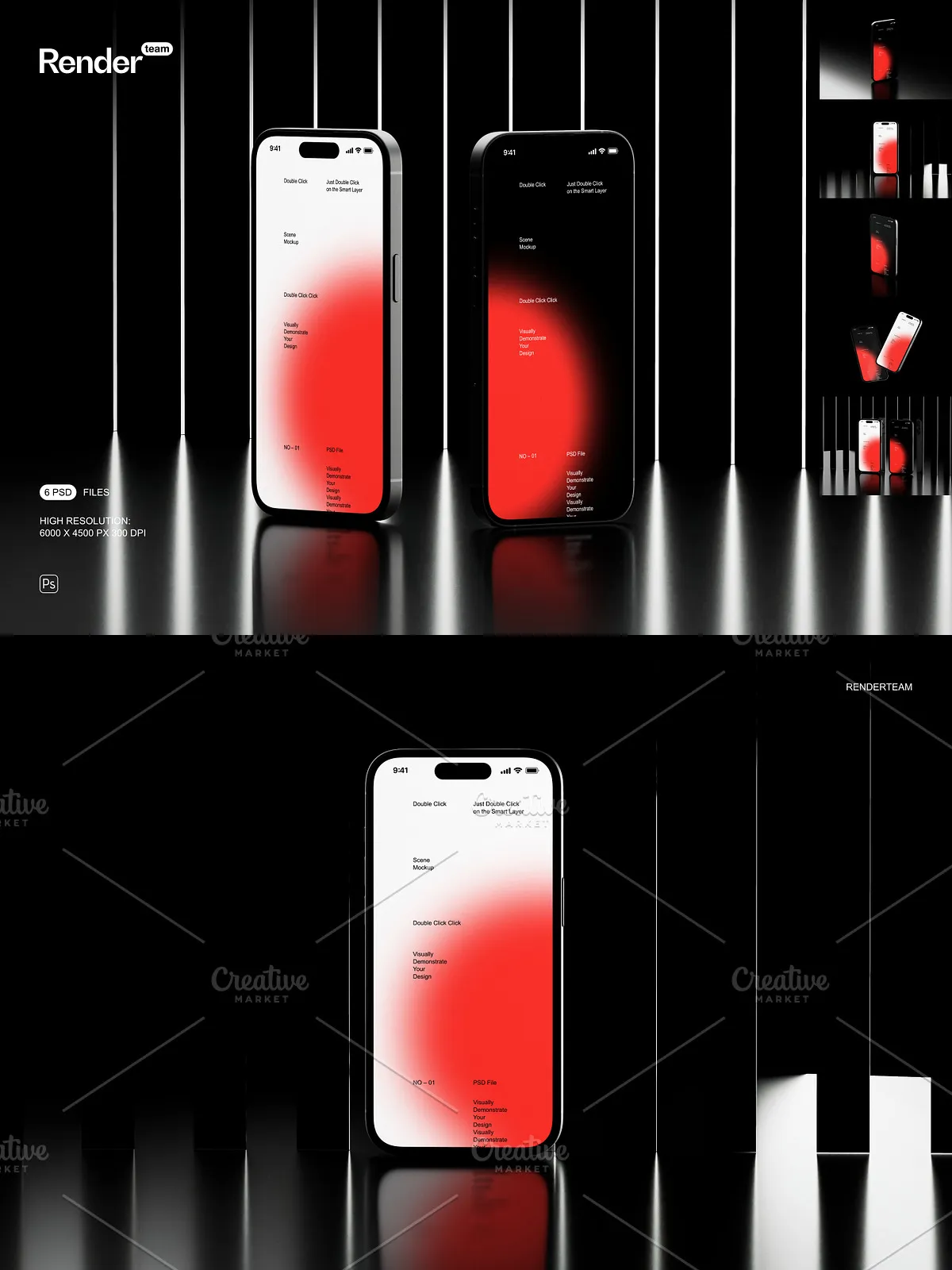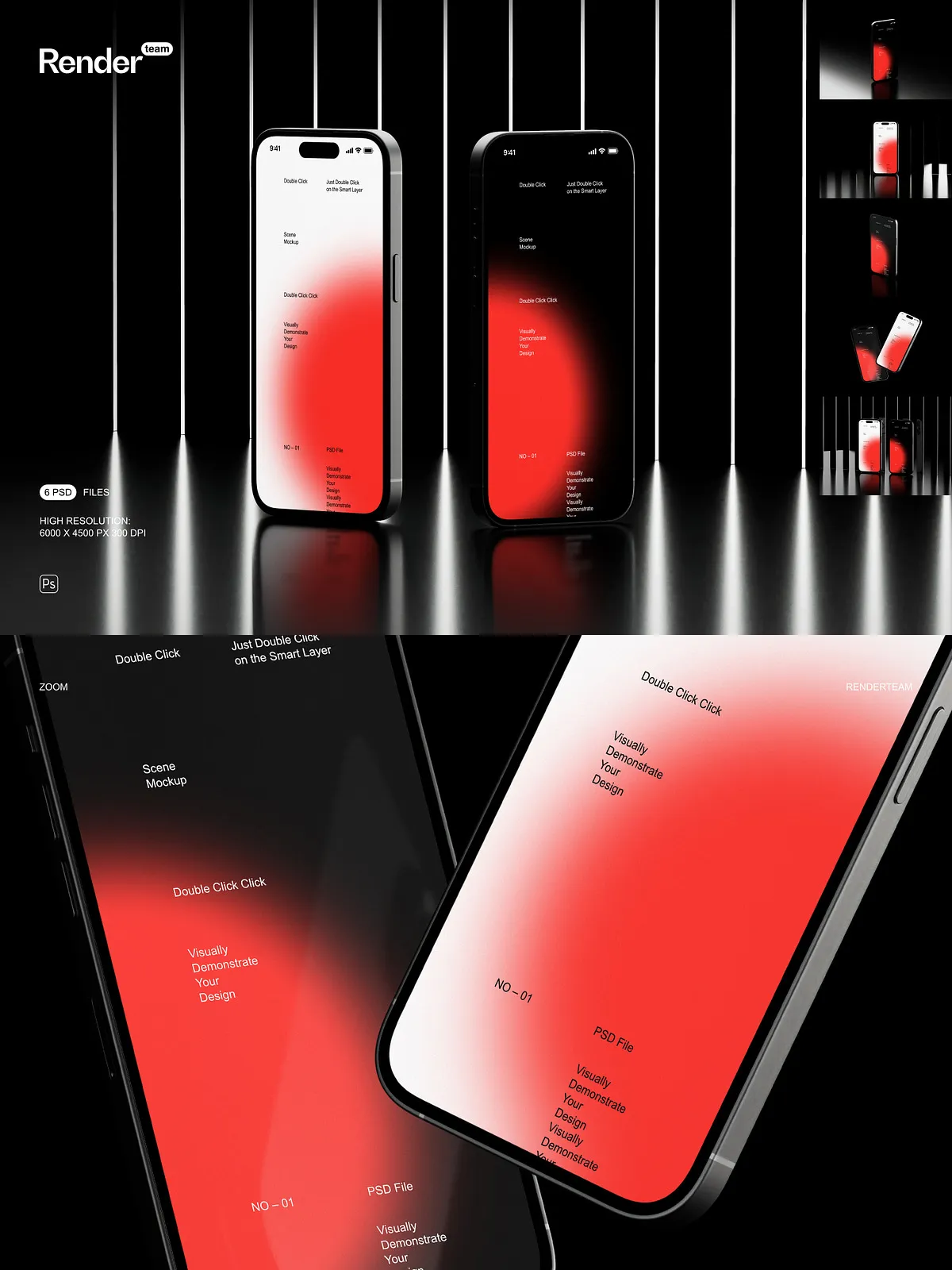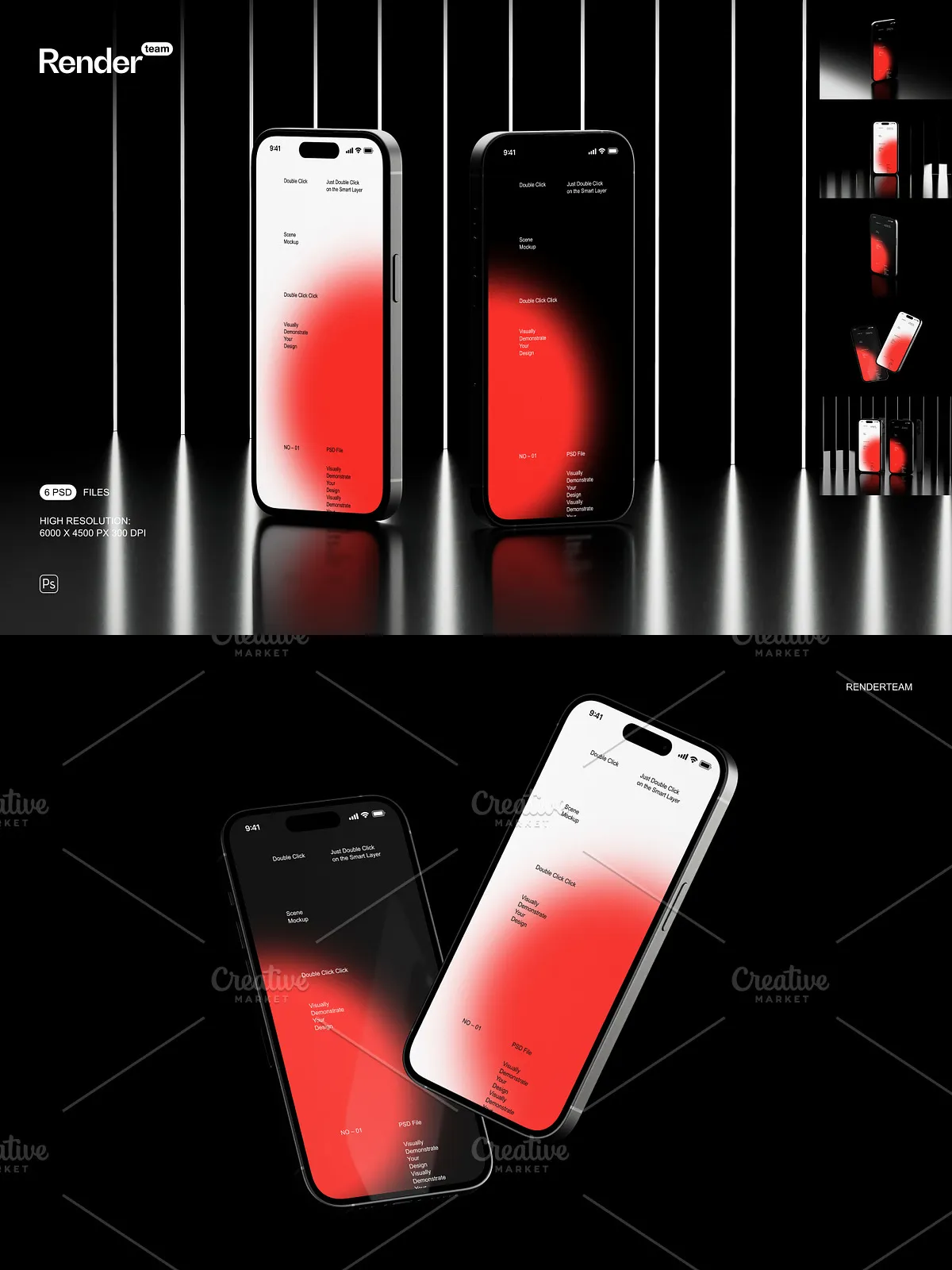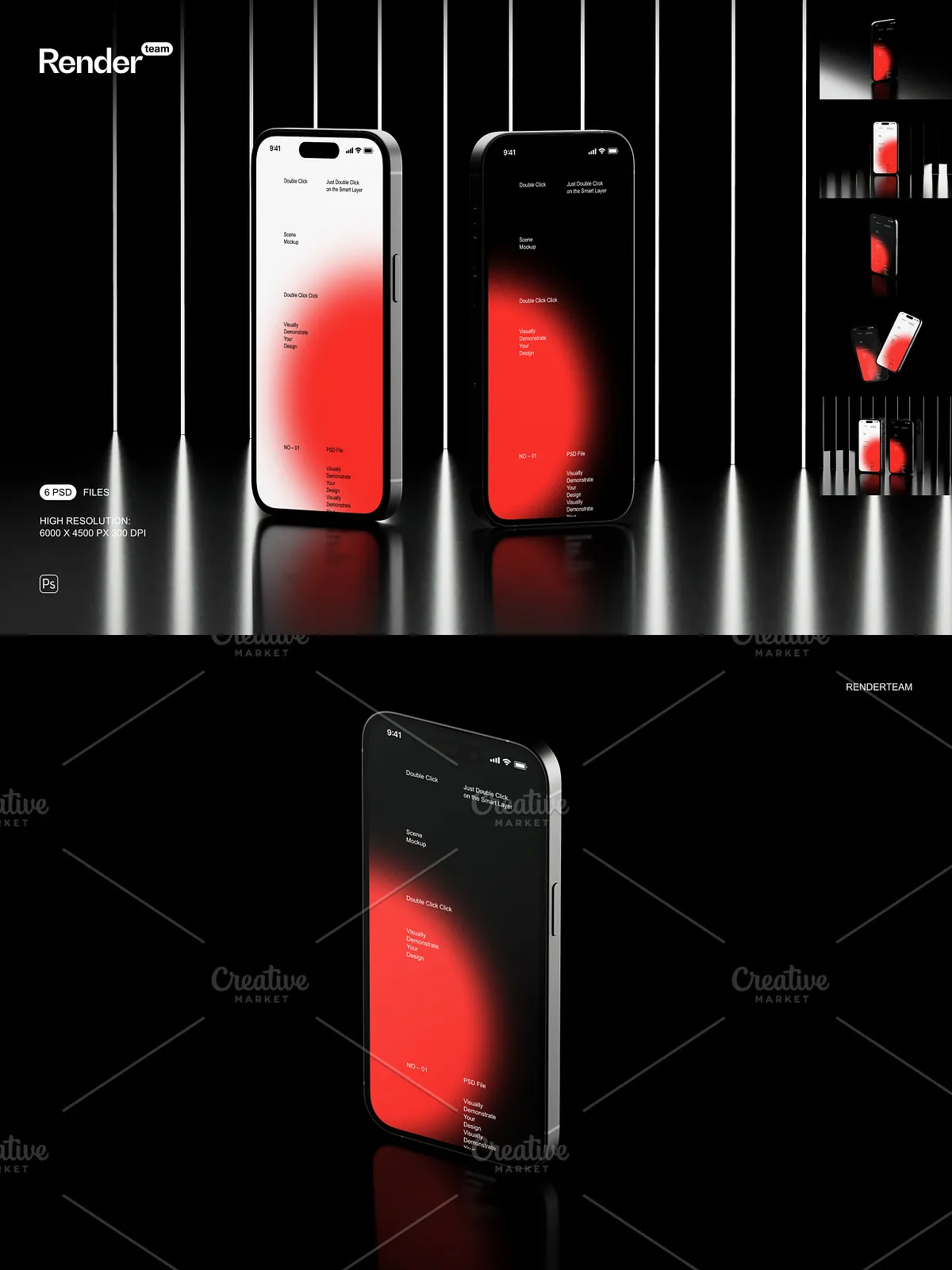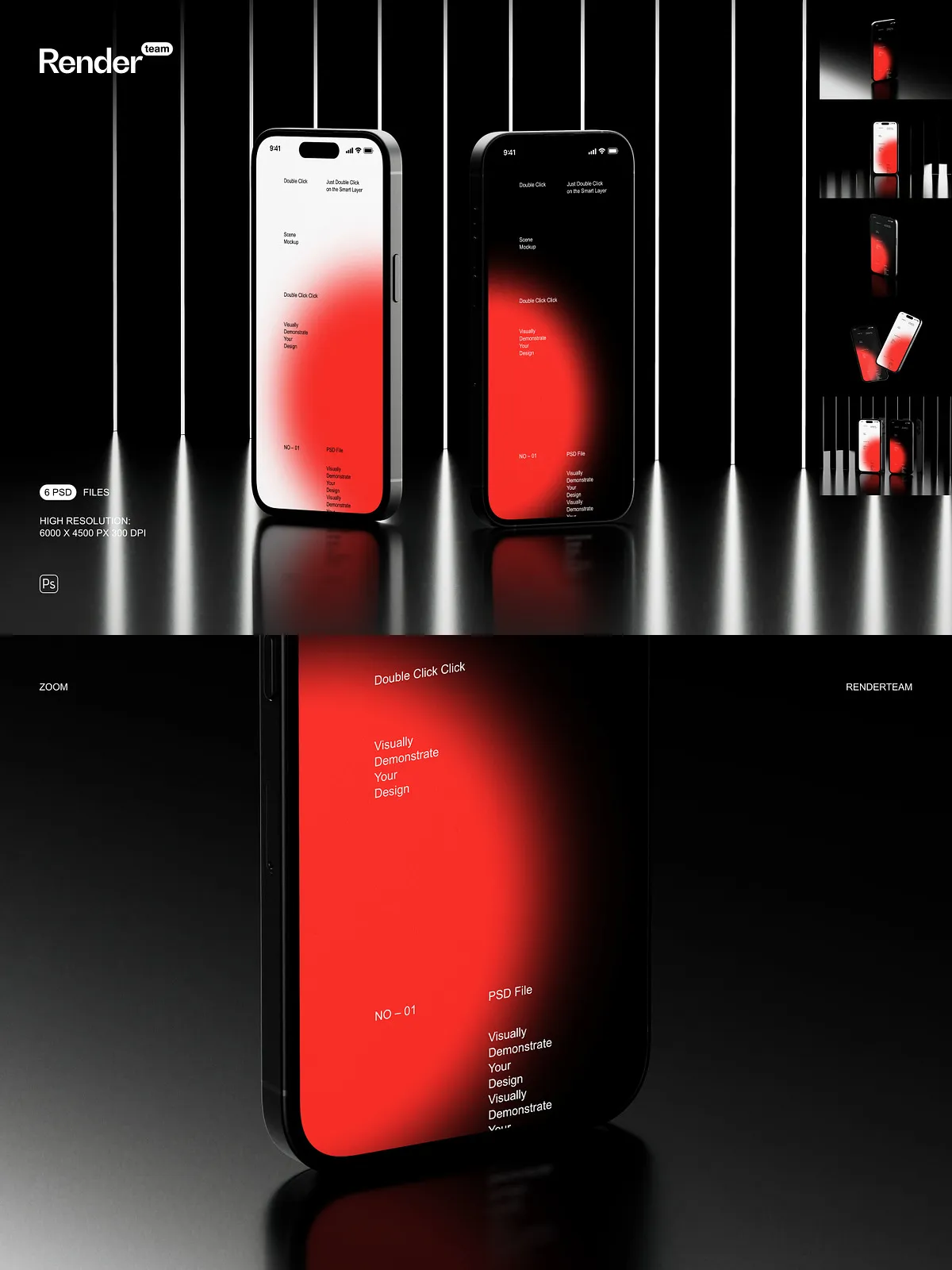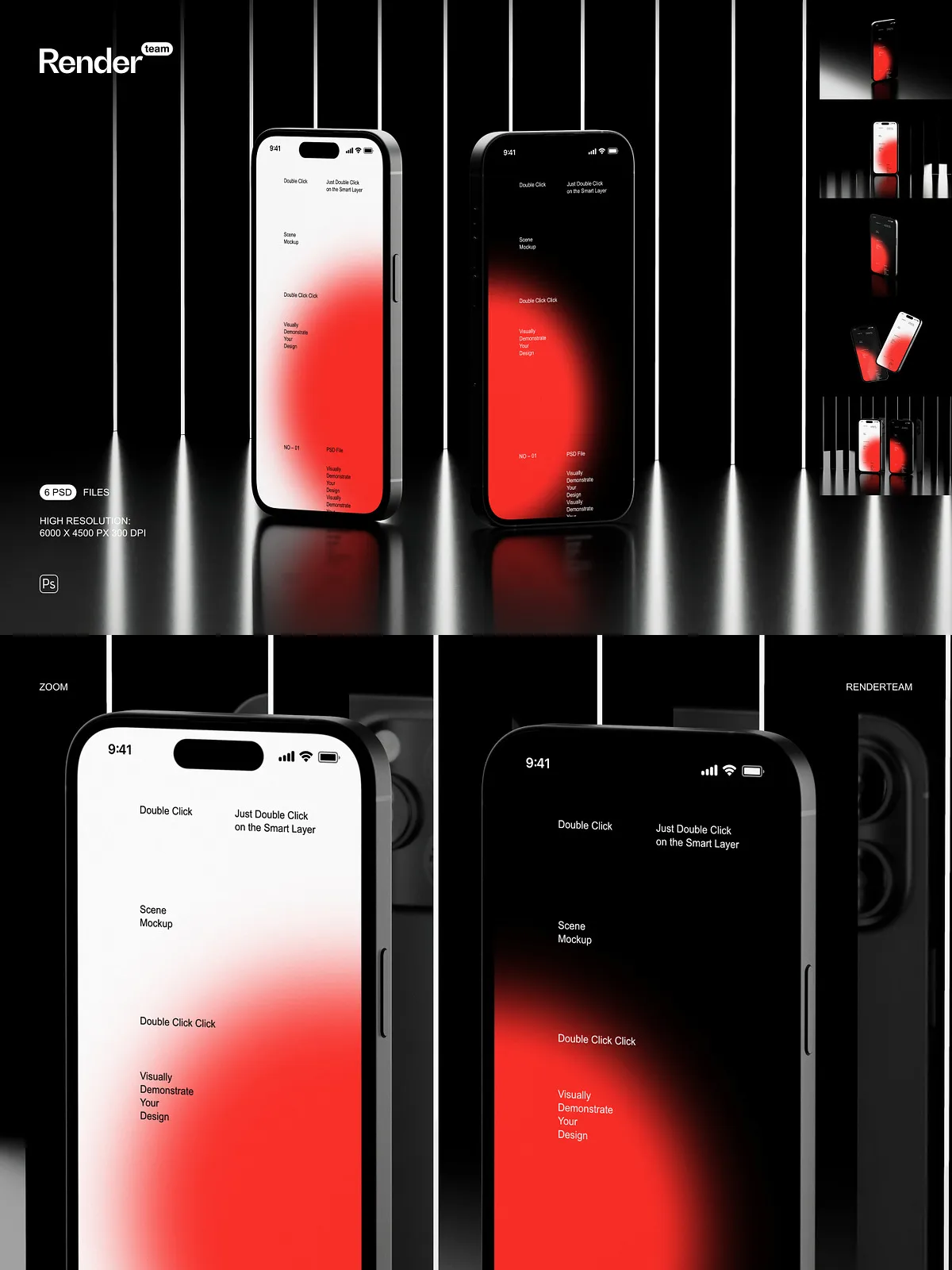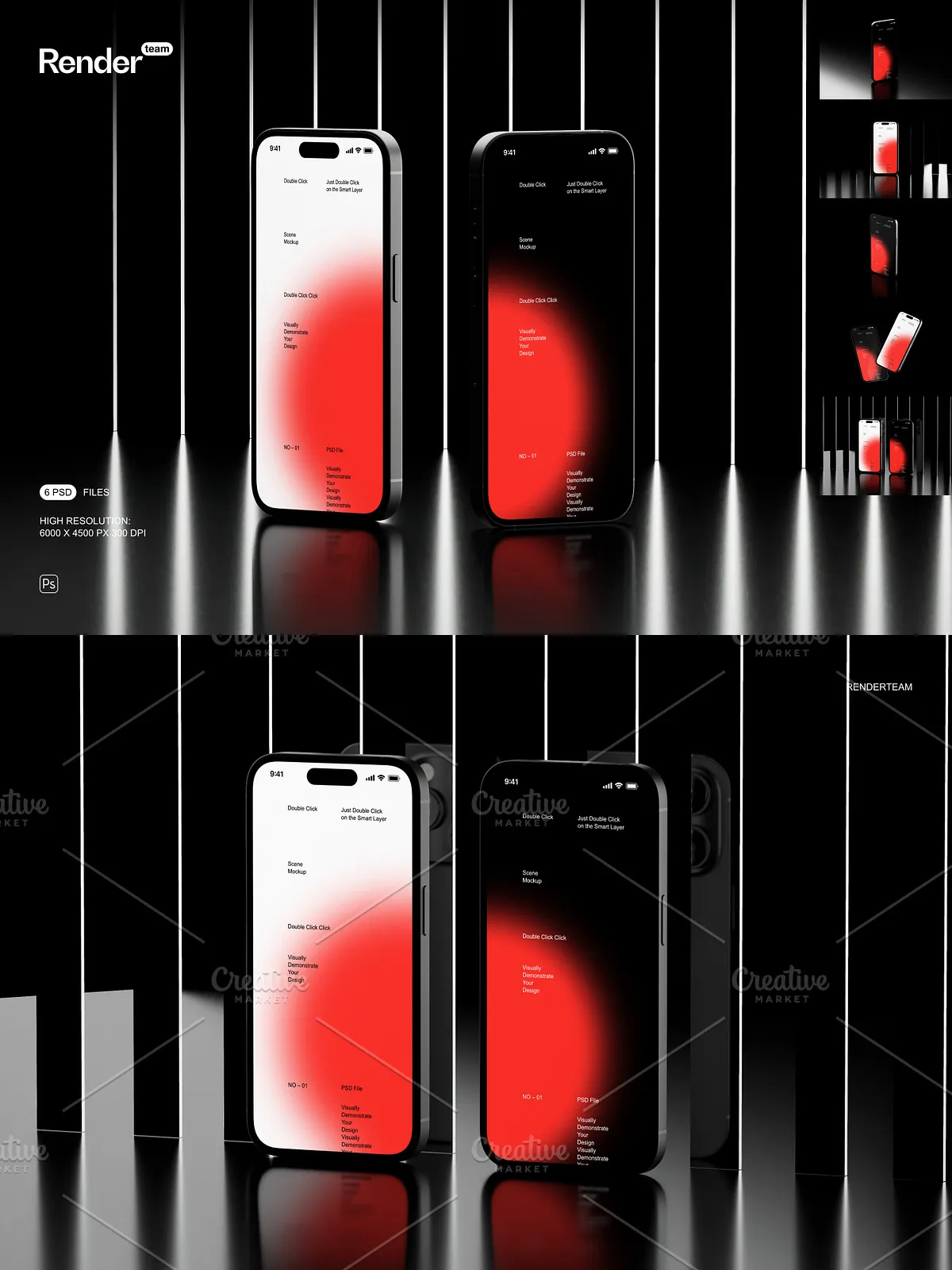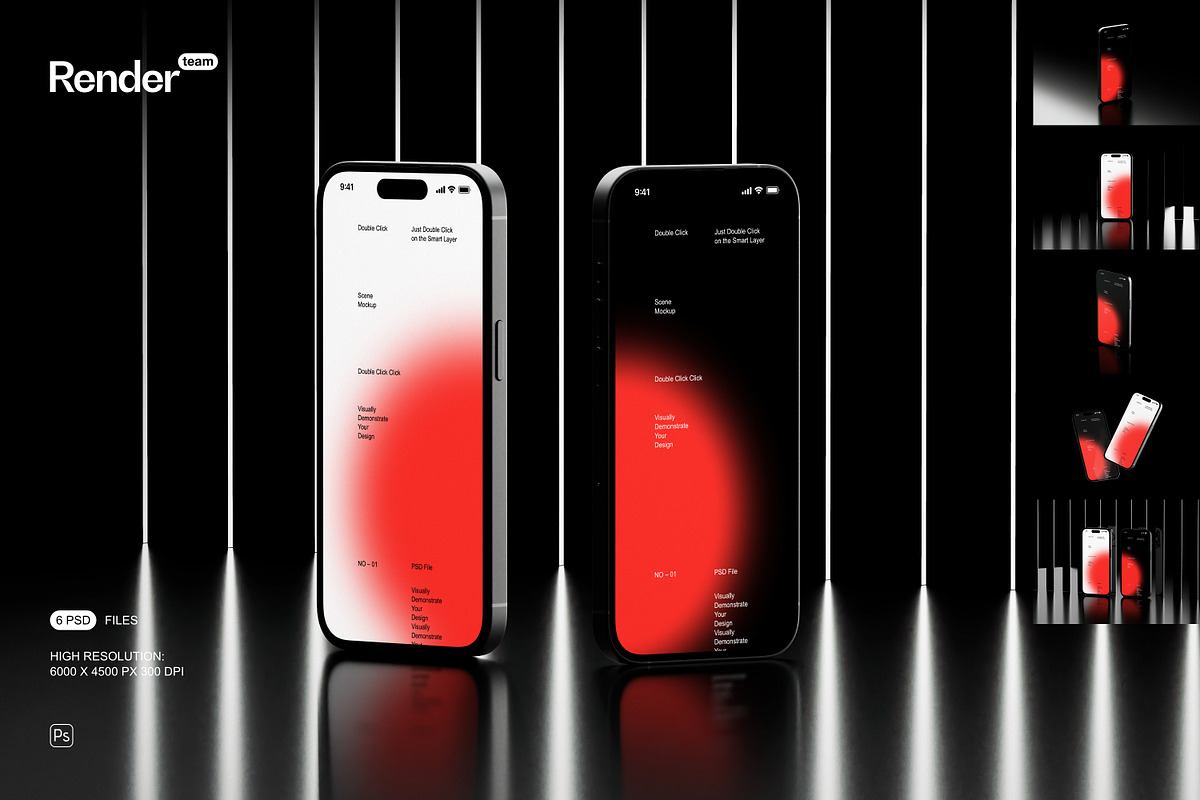
The iPhone 14 Pro Mockup Set is a collection of six meticulously crafted PSD templates designed to help designers, developers, and product teams present mobile interfaces with clarity and impact. Each mockup is layered and fully editable, enabling you to replace screen artwork through Smart Objects, adjust color layers, and compose polished presentation images without rebuilding scenes from scratch. Use these mockups to showcase app screens, UI concepts, web previews, or marketing visuals in a consistent, professional style.
What’s Included
Files and Formats
- 6 PSD mockup files, each prepared for easy customization
- PDF help file with step-by-step instructions and exporting tips
Technical Specifications
- High resolution: 6000 × 4500 px at 300 dpi for print-quality and detailed web imagery
- Screen size: 1179 × 2556 px — optimized for accurate device display proportions
- All objects and shadows isolated for precise compositing and flexible layout control
Key Features and Benefits
Smart Object Editing for Rapid Iteration
Replace artwork instantly by double-clicking the Smart Object layer, pasting your UI or screen design, and saving. The mockup updates automatically, preserving perspective, lighting, and reflections. This workflow allows you to iterate through multiple design versions quickly and present refined concepts to stakeholders without disturbing the base composition.
Organized Layers and Professional Structure
Each PSD uses a clear folder hierarchy and descriptive layer names so you can find and edit components faster. Toggle device shadows, isolate the screen layer, switch backgrounds, and adjust color overlays without hunting through hundreds of unnamed layers. The organized structure reduces errors during collaboration and shortens the time from design to delivery.
Isolated Objects and Shadow Control
Because objects and shadows are separated into independent layers, you can place devices into custom scenes, apply alternative backgrounds, or composite multiple mockups for multi-screen presentations. Isolated shadows make it simple to match lighting across assets or export transparent PNGs for web use.
Use Cases
This mockup set serves a wide range of practical needs. Designers can produce portfolio-ready images, product teams can create marketing banners and app store previews, and agencies can assemble presentation decks that emphasize interaction and visual hierarchy. The set is equally useful for creating hero images for landing pages, social media posts, and case study visuals.
How to Use — Quick Workflow
- Open the PSD file in Adobe Photoshop.
- Double-click the Smart Object layer labeled for the screen.
- Paste or place your screen design at 1179 × 2556 px, adjust as needed, and save the Smart Object.
- Switch background layers, toggle shadows, and modify color adjustments to match your brand tone.
- Export the final composite as PNG, JPEG, or TIFF at the required resolution.
Compatibility and Notes
These mockups require Adobe Photoshop to edit Smart Objects and maintain full functionality. For best results, use the latest version of Adobe Photoshop available through Adobe Creative Cloud. See Adobe Creative Cloud for more information: [Adobe Creative Cloud | Professional Creative Software](https://www.adobe.com/creativecloud.html). This product does not include the fonts, third-party images, or photography used in the preview images.
Why Choose This Mockup Set
The iPhone 14 Pro Mockup Set combines high fidelity, practical editing tools, and well-organized files to help you present work faster and with greater confidence. The high resolution ensures crisp output for both print and digital channels, while Smart Objects and isolated shadows provide the flexibility to tailor each scene precisely. Whether you need a quick hero image for a landing page or a set of presentation-ready screens for a client pitch, these mockups accelerate your workflow and elevate the perceived quality of your designs.