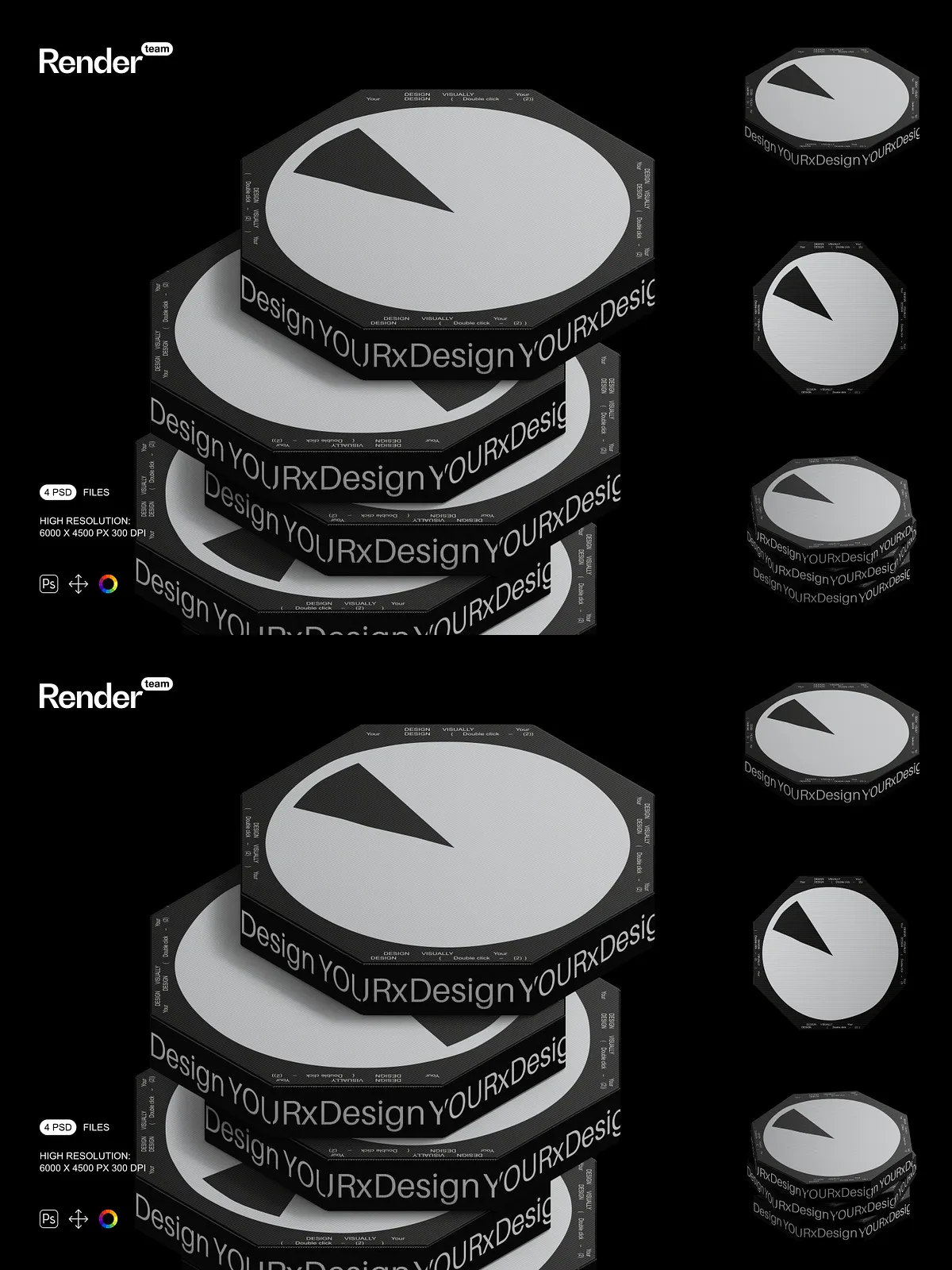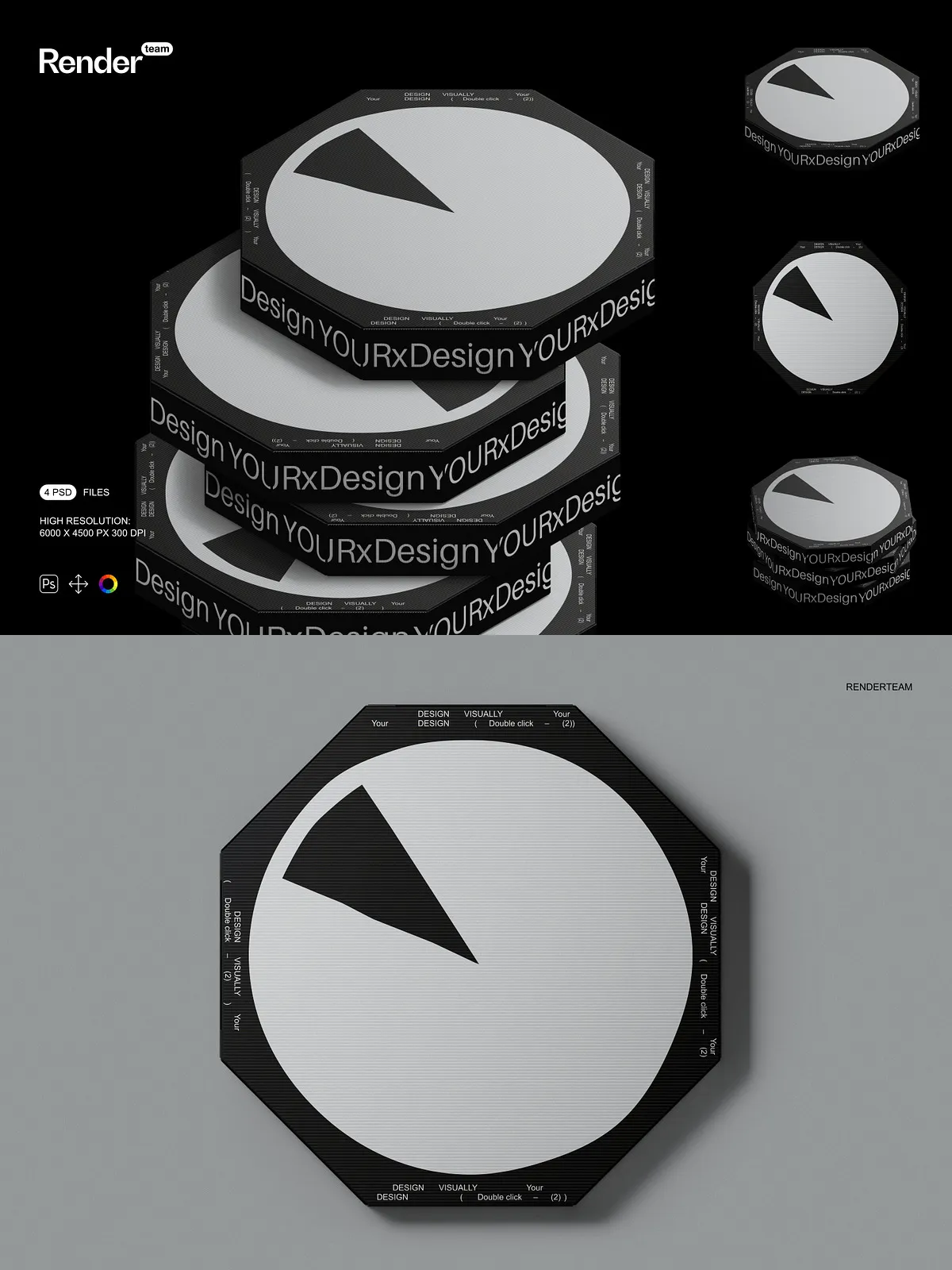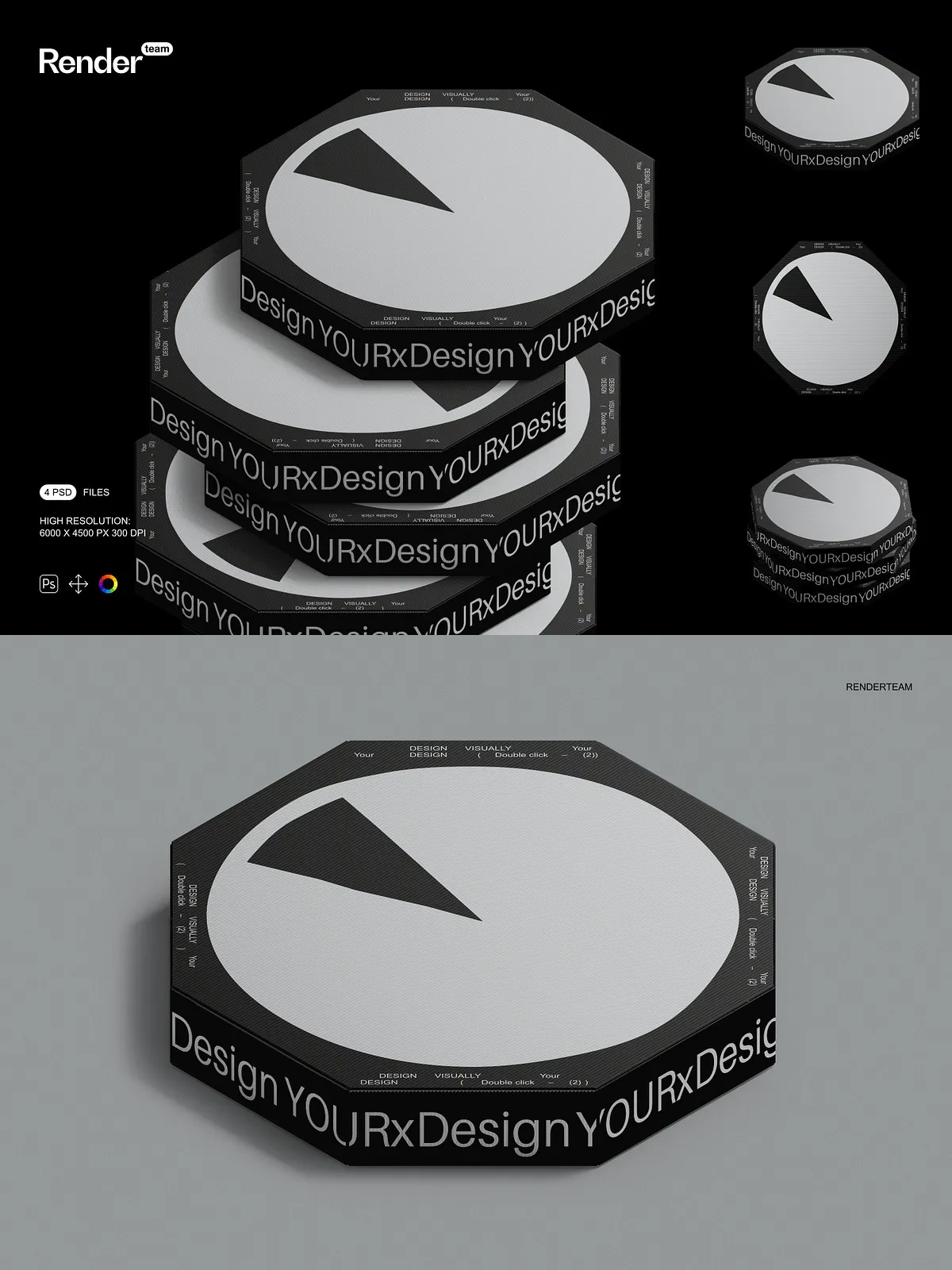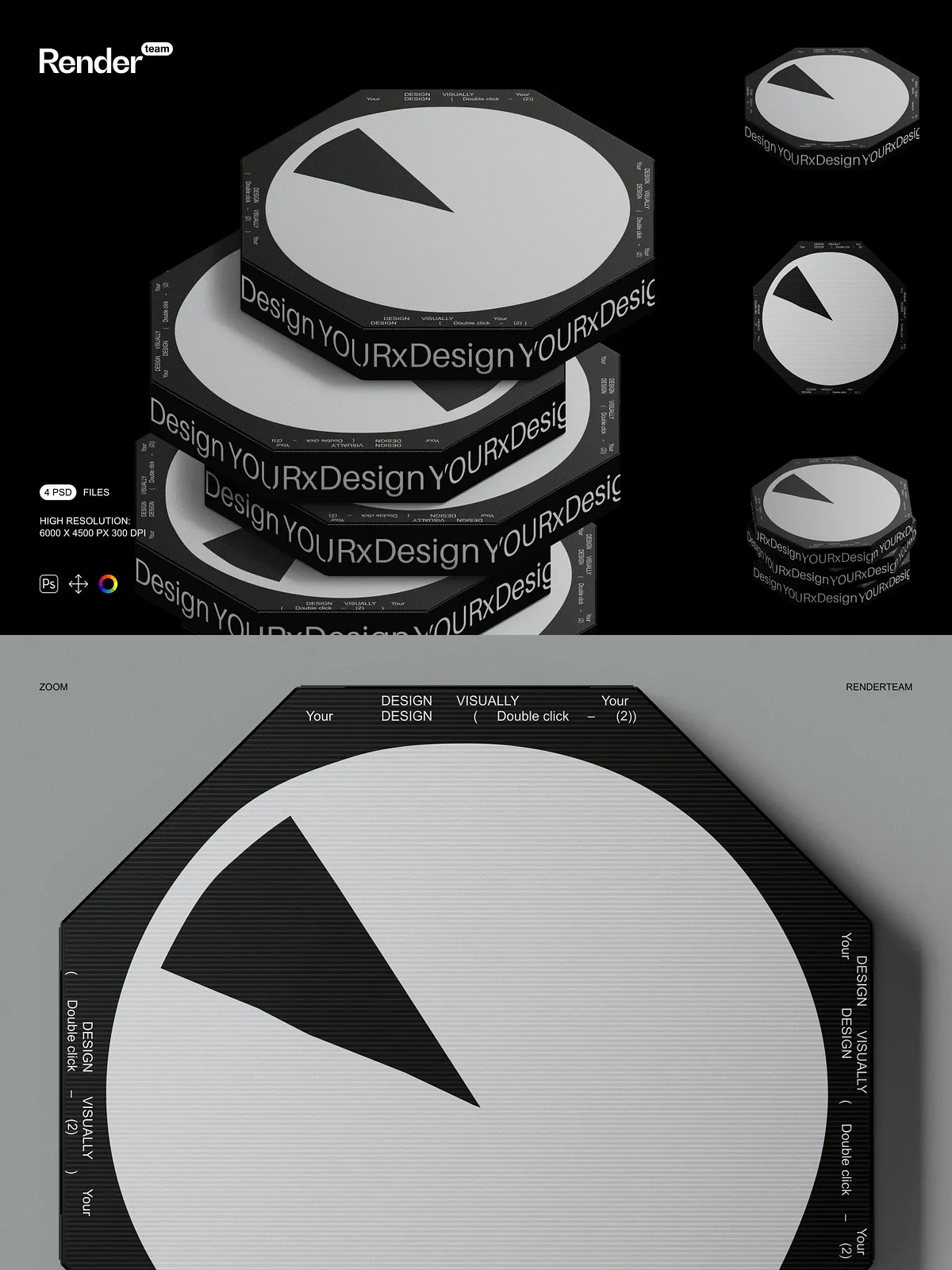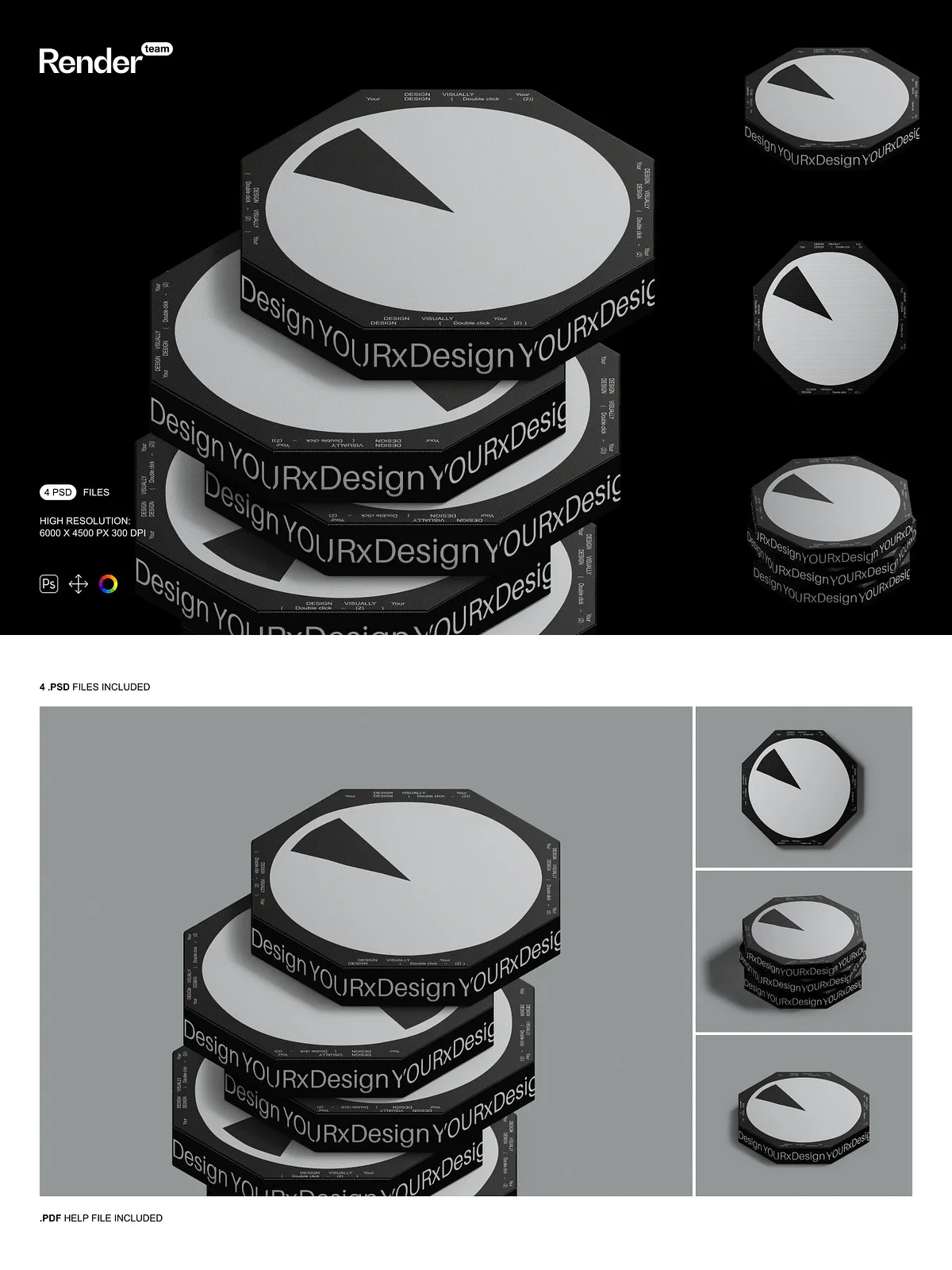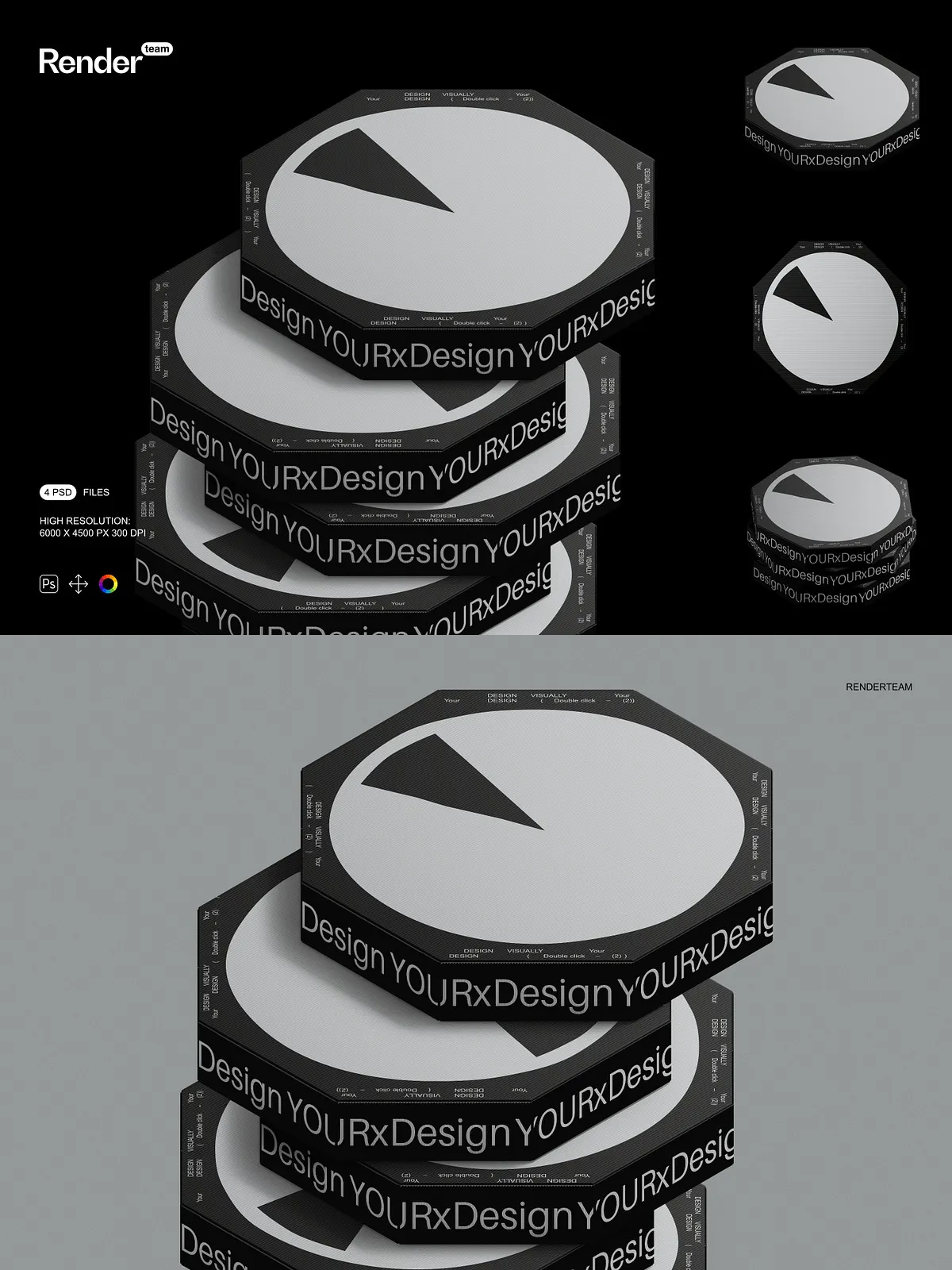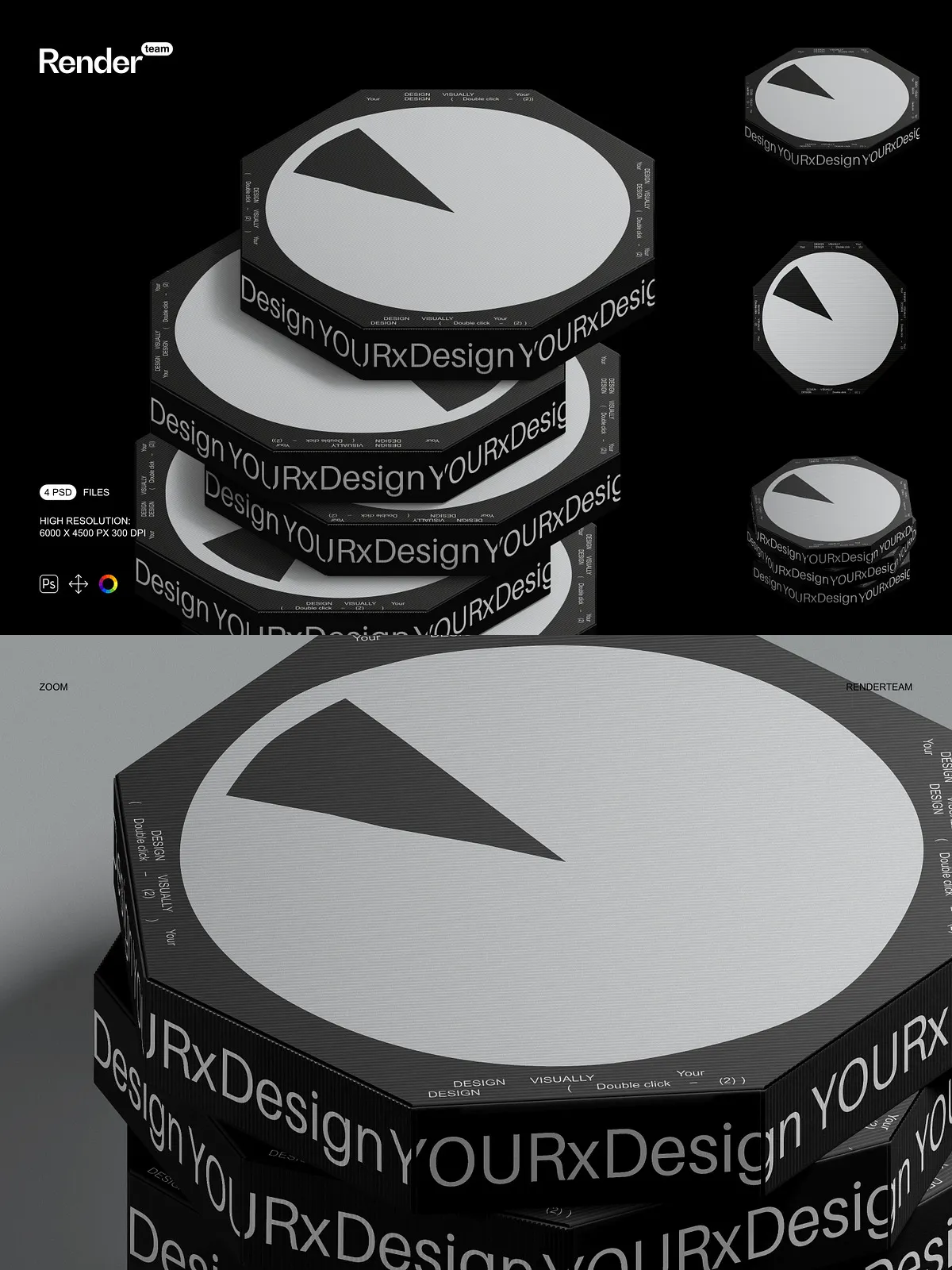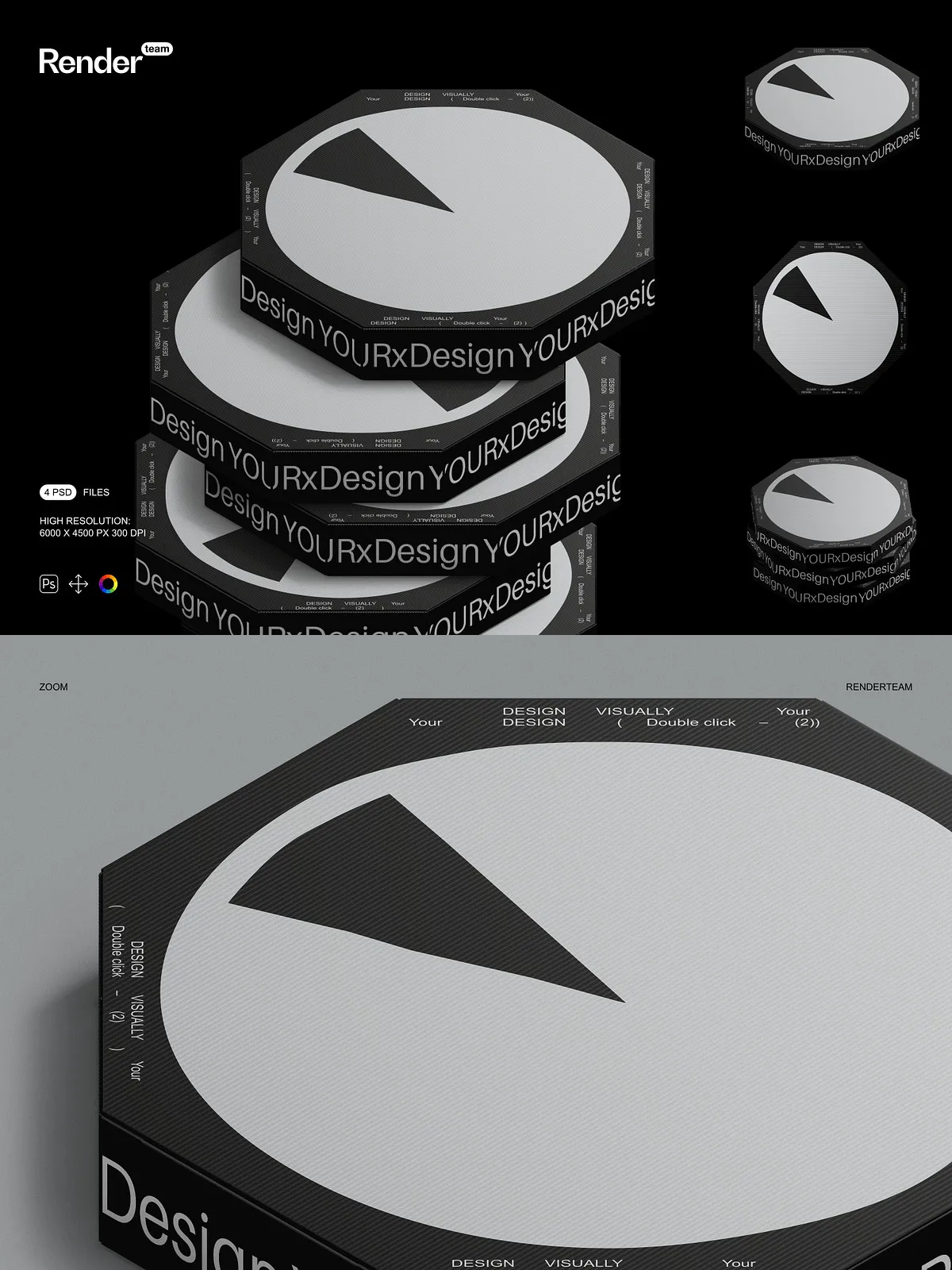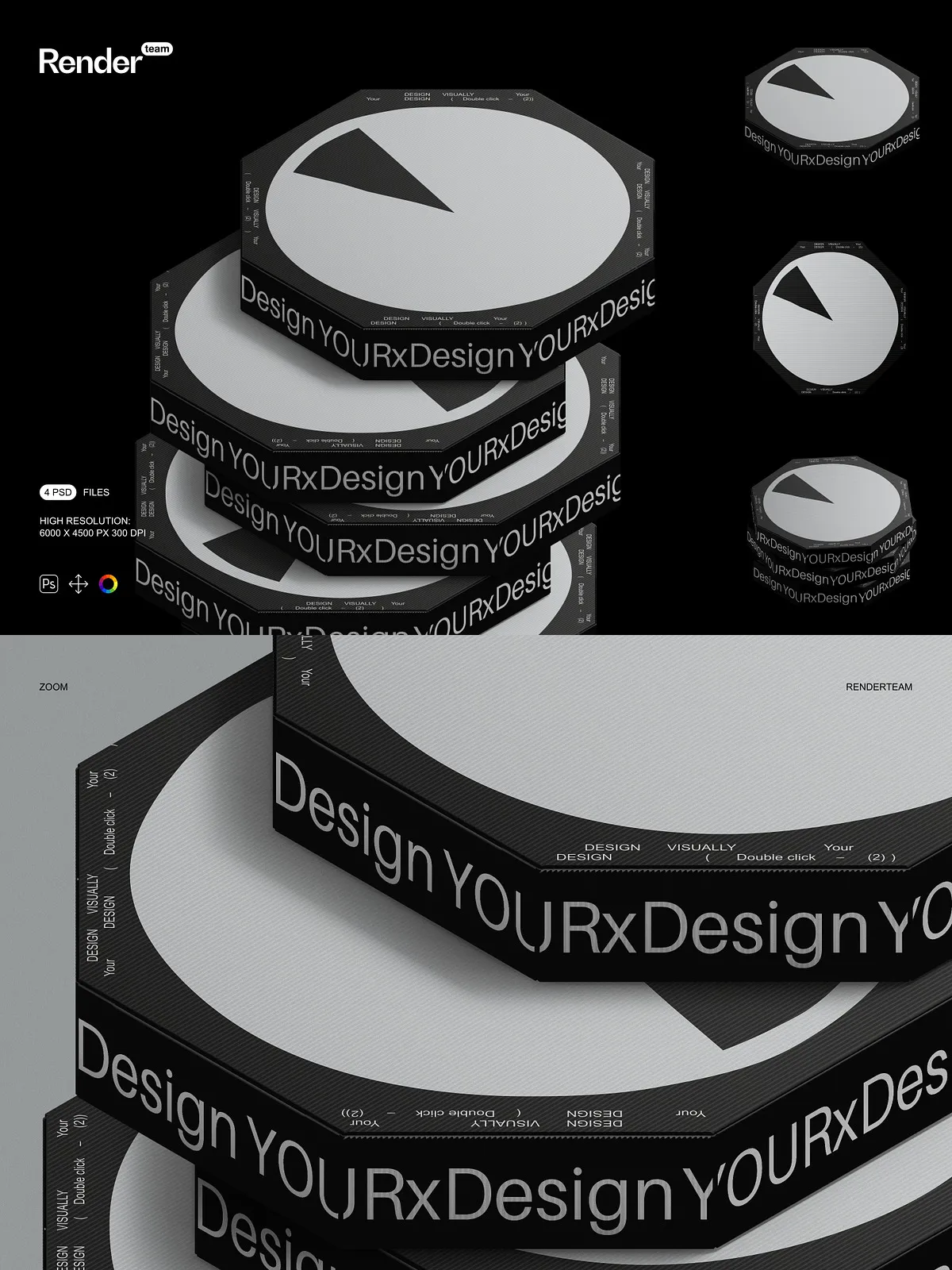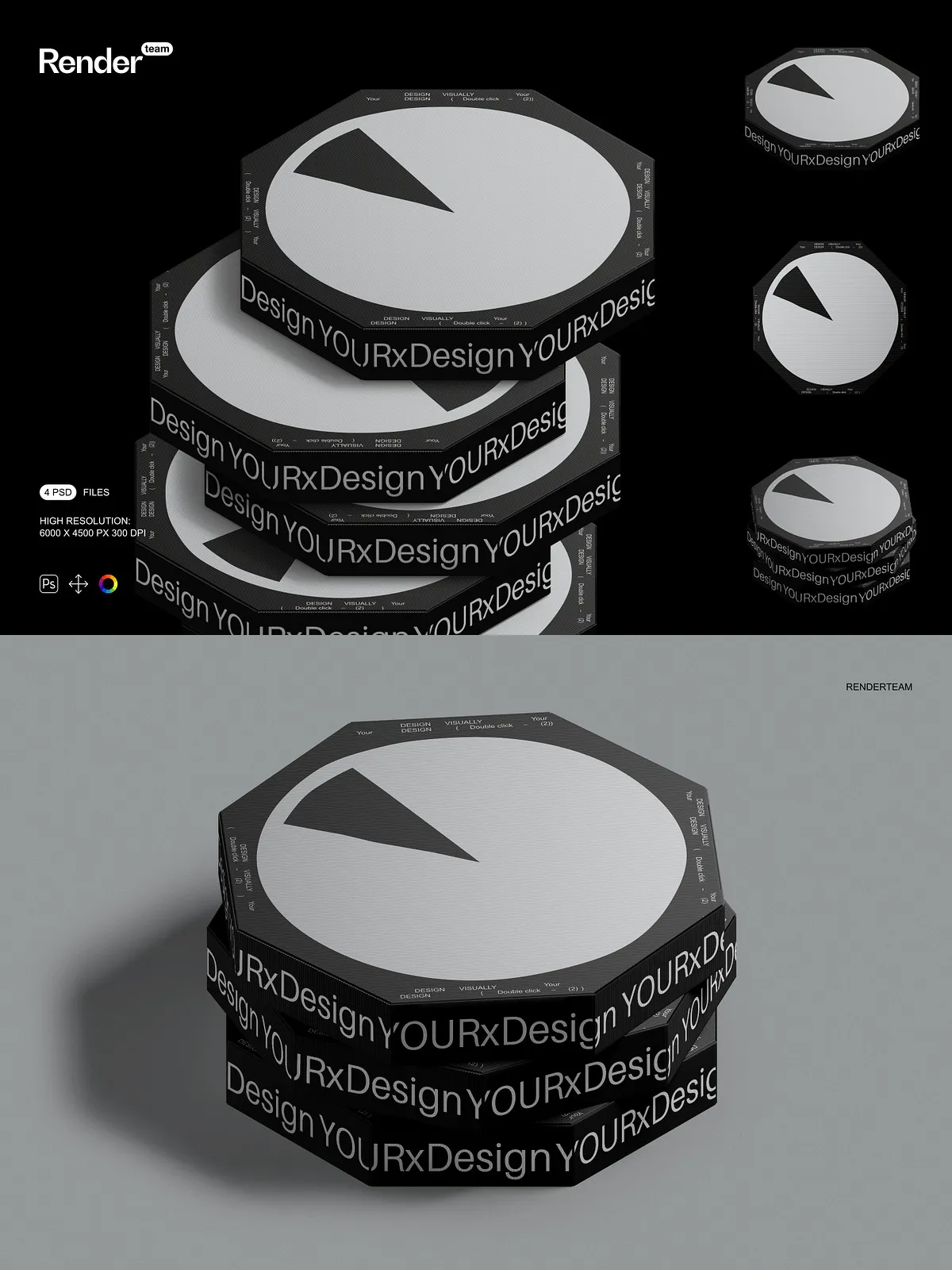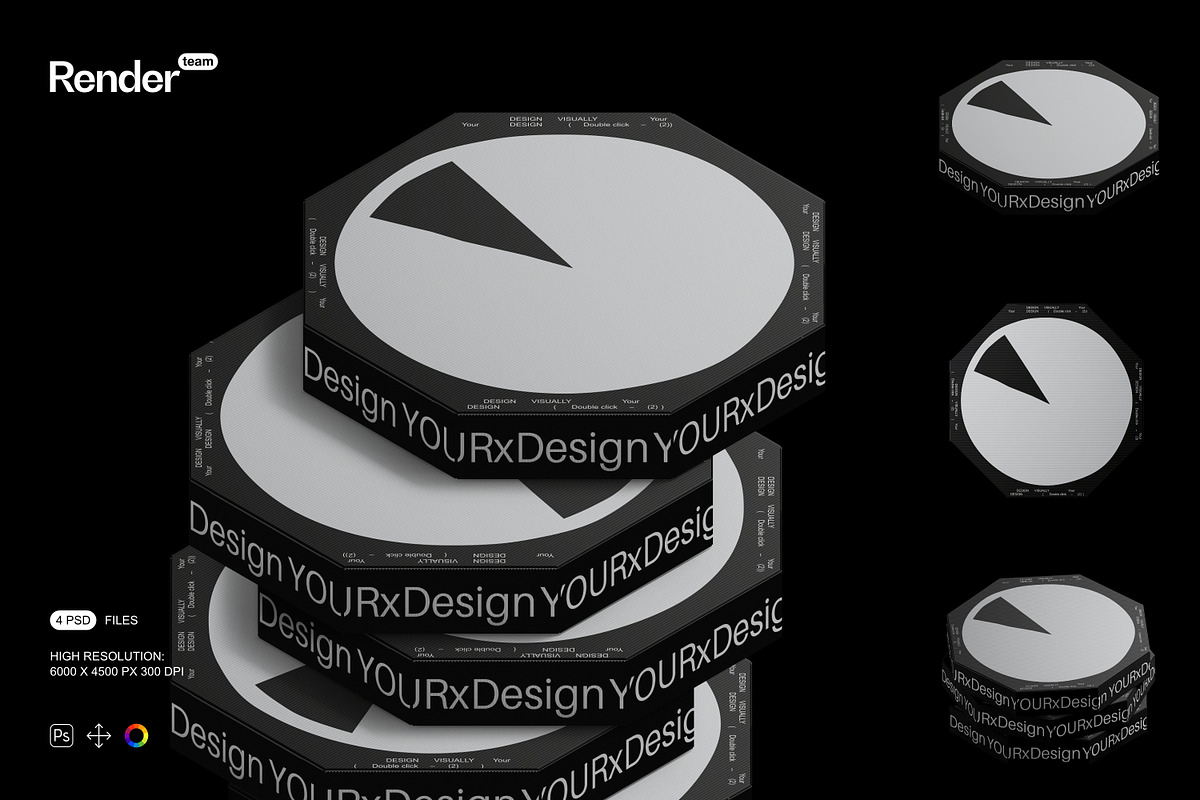
This Pizza Box Mockup pack delivers four professionally prepared, layered PSD files designed to present pizza packaging designs with clarity and impact. Each mockup is fully editable through Smart Objects and organized color layers, enabling you to swap artwork, refine finishes, and generate multiple presentation variations quickly without a photoshoot. The files are crafted at high resolution to preserve detail and maintain crisp rendering for both online galleries and print proofs.
Key Features
Smart Object Workflow for Fast Editing
Work efficiently by replacing artwork inside Smart Object layers: simply double-click the Smart Object, place your design, save, and return to the main file to see your design applied instantly. This non-destructive workflow keeps the original mockup intact while allowing you to iterate on branding, patterns, logos, and dielines without risk to the composition.
Organized Layers and Flexible Composition
Each PSD includes clearly labeled folders and layer names to help you locate box fronts, lids, inner shadows, and background elements instantly. Objects and cast shadows are isolated on separate layers so you can move, hide, or adjust them independently to create custom scenes, simulate lighting changes, or compose multi-angle presentations.
High Resolution and Print-Ready Quality
The mockups are provided at high pixel dimensions and 300 dpi to preserve texture, type legibility, and finishing details such as embossing or varnish effects. Use the files to assess color, contrast, and layout at scale; export web-optimized images or prepare print-ready files while maintaining accurate visual fidelity.
Fully Editable Elements
Change background colors, surface textures, and box materials using adjustment layers included in the PSDs. The isolated shadow system enables you to control shadow density and direction for realistic integration with other assets. These controls let you showcase matte or glossy finishes, patterned stock, and alternate colorways with minimal effort.
What You Receive
- 4 layered PSD mockup files showing different perspectives and box states
- Smart Object layers for rapid artwork placement and non-destructive edits
- Isolated object and shadow layers for precise compositing
- Adjustment layers for background, color, and finish simulation
- High-resolution files suitable for both web display and print
- PDF help file with step-by-step instructions and export recommendations
How to Use
Open the PSD in Photoshop
Open any PSD file in Adobe Photoshop (Creative Cloud recommended). Locate the Smart Object layer labeled for the box lid or panel you want to edit. Double-click to open the embedded Smart Object document in a separate window.
Insert Your Design
Place your artwork, align to guides, and scale to fit the dieline or panel area. Use masks and guides inside the Smart Object to ensure safe margins and correct alignment. Save the Smart Object (File > Save) and return to the main document; the mockup will update automatically with your design applied.
Adjust Scene and Export
Refine background color, shadow opacity, and surface texture using the provided adjustment layers. When ready, export using appropriate color profiles—use sRGB for web and confirm printer-specific profiles for production files. Refer to the included PDF help file for recommended export settings and tips to maintain color accuracy.
Compatibility and Requirements
These mockups require Adobe Photoshop and support for Smart Objects and advanced layer effects. For best results with blending modes and layer styles, use a recent Creative Cloud release. The package includes PSD files and a PDF help document only; preview images, fonts, and photographs used in mockups are not included and must be licensed separately.
Important Notes
IMPORTANT: The product does NOT include the designs, fonts, or photographs shown in the preview images. These mockups cannot be edited in programs such as Canva or Procreate — they require Photoshop. Verify licensing for any third-party assets you add, and confirm final color profiles and bleed settings with your printer before submitting files for production.