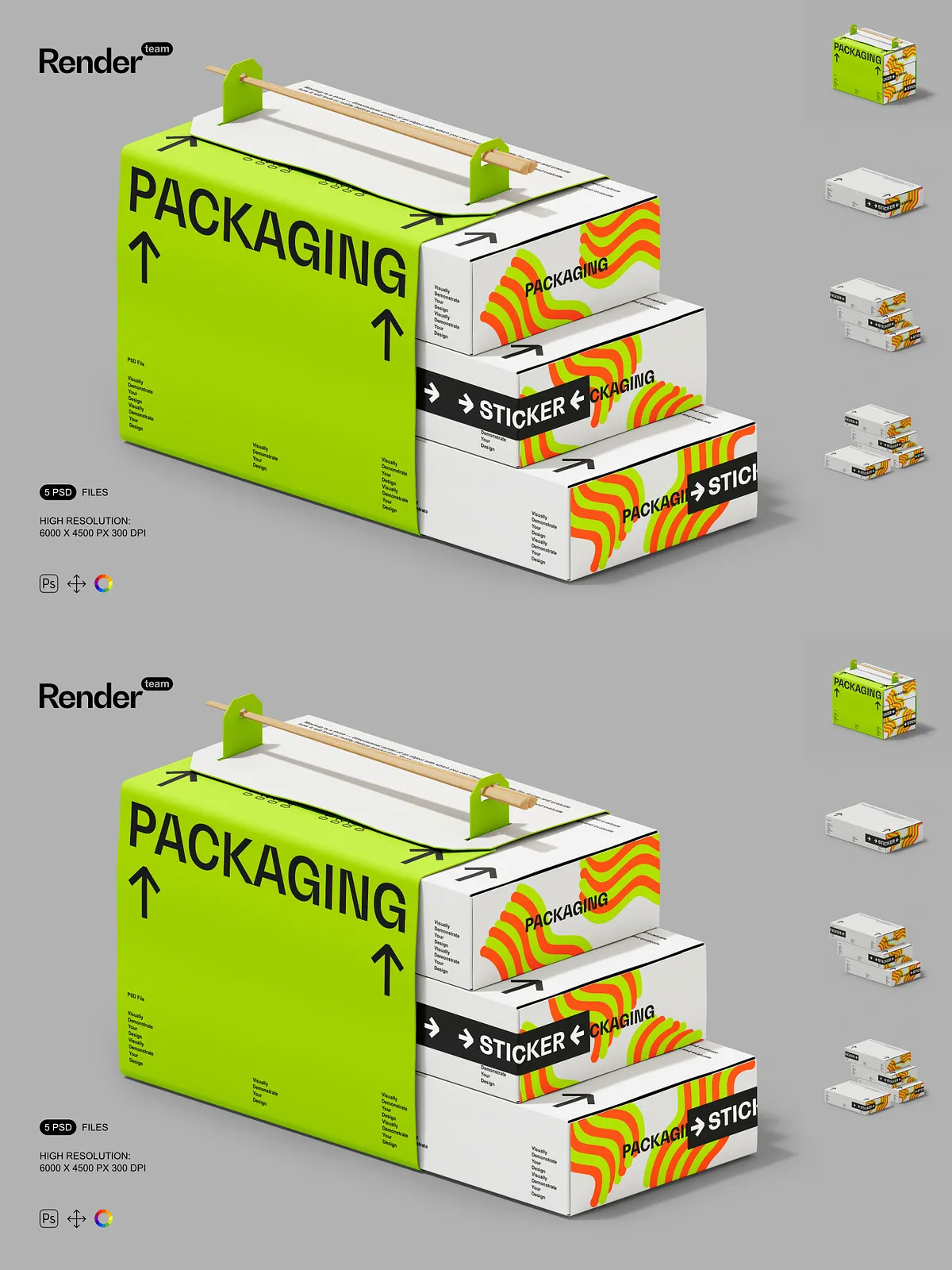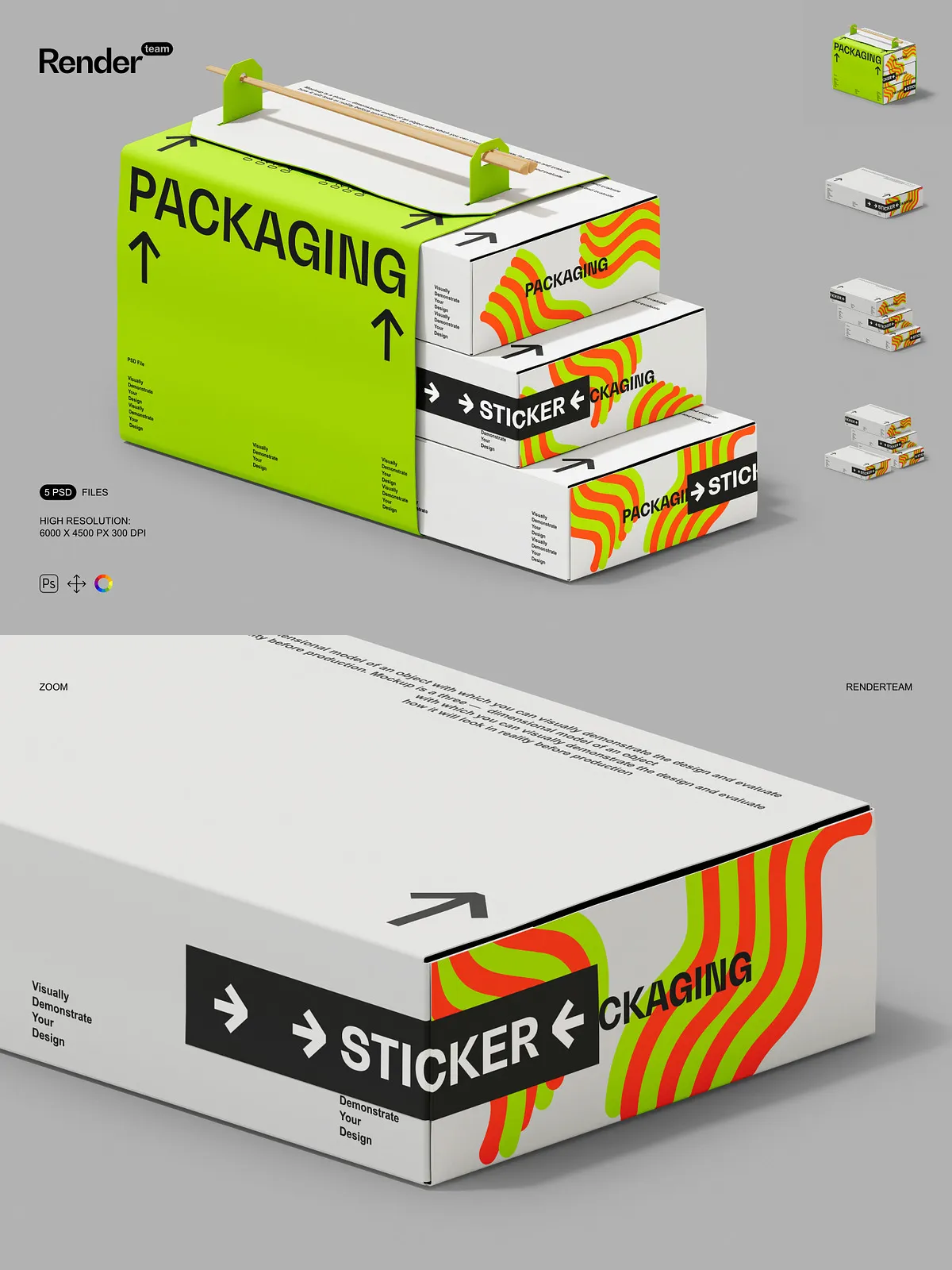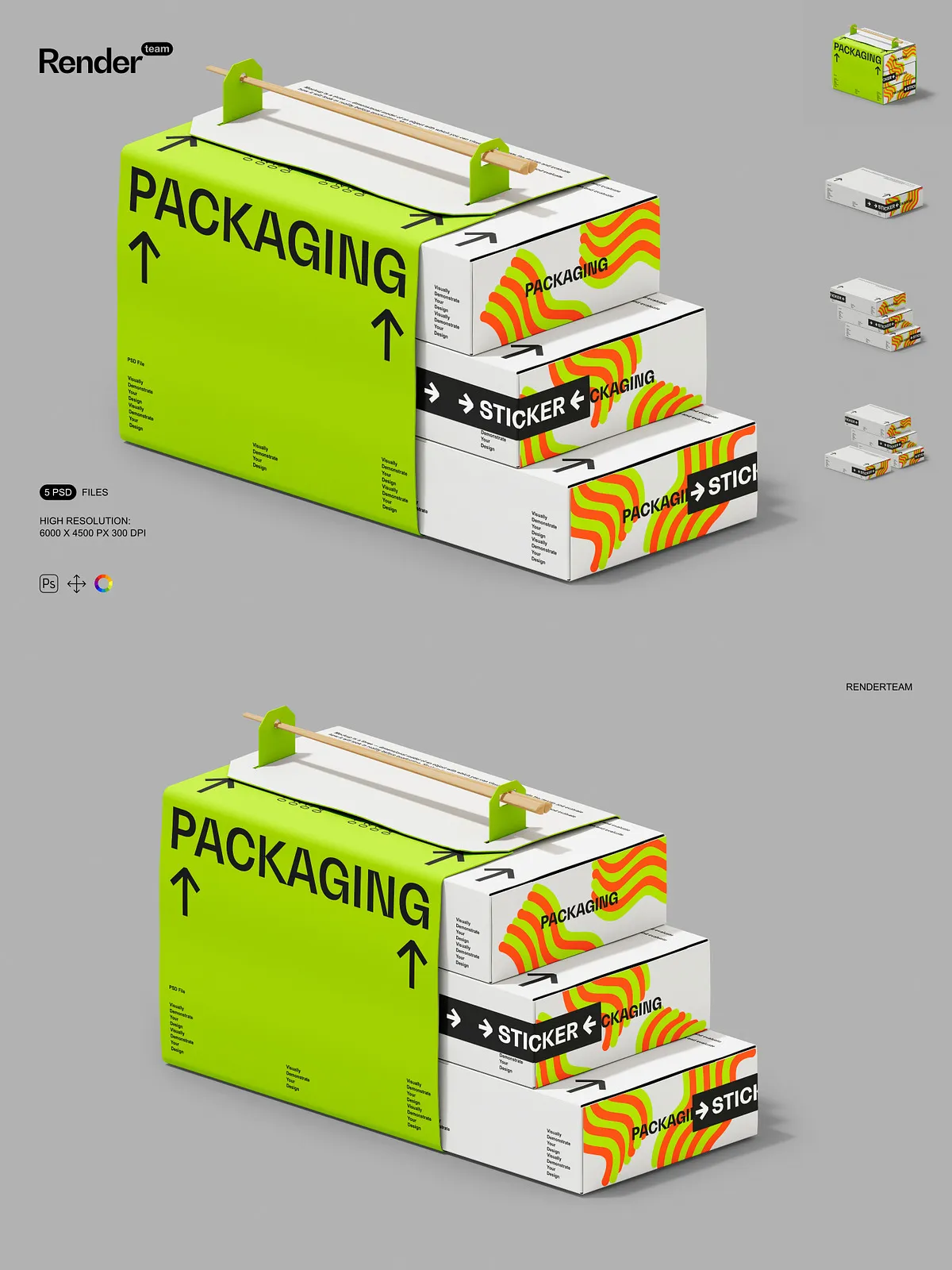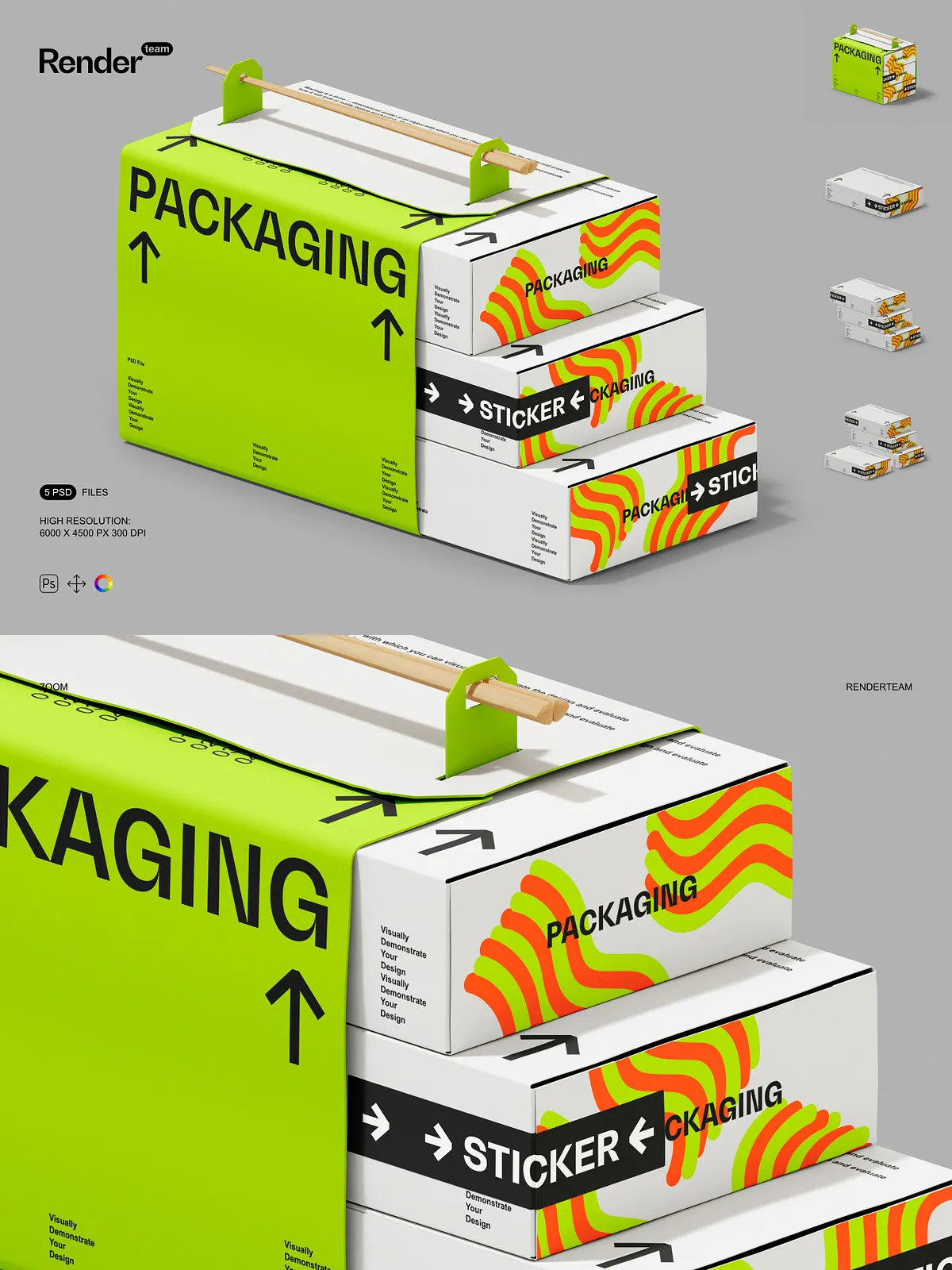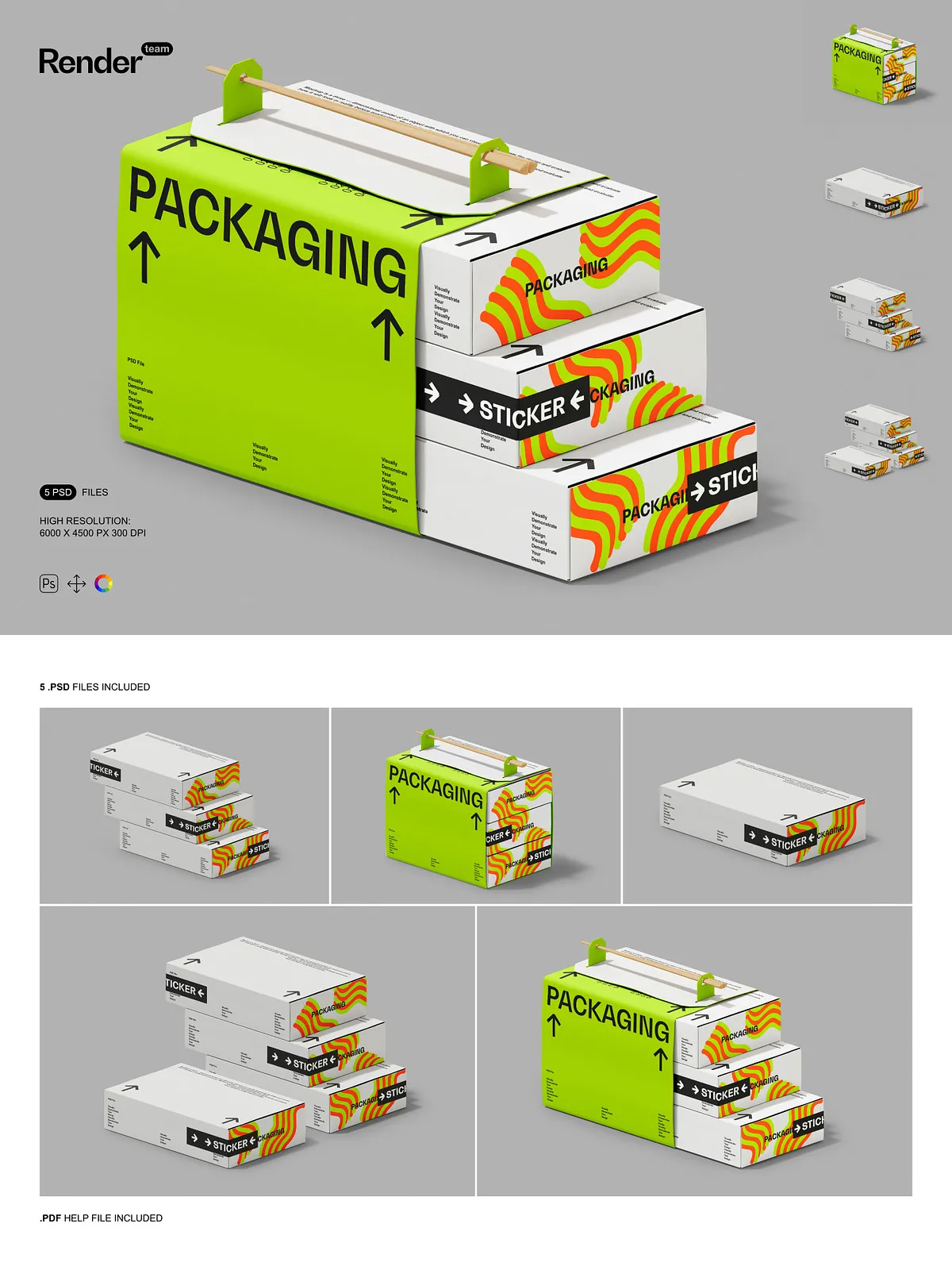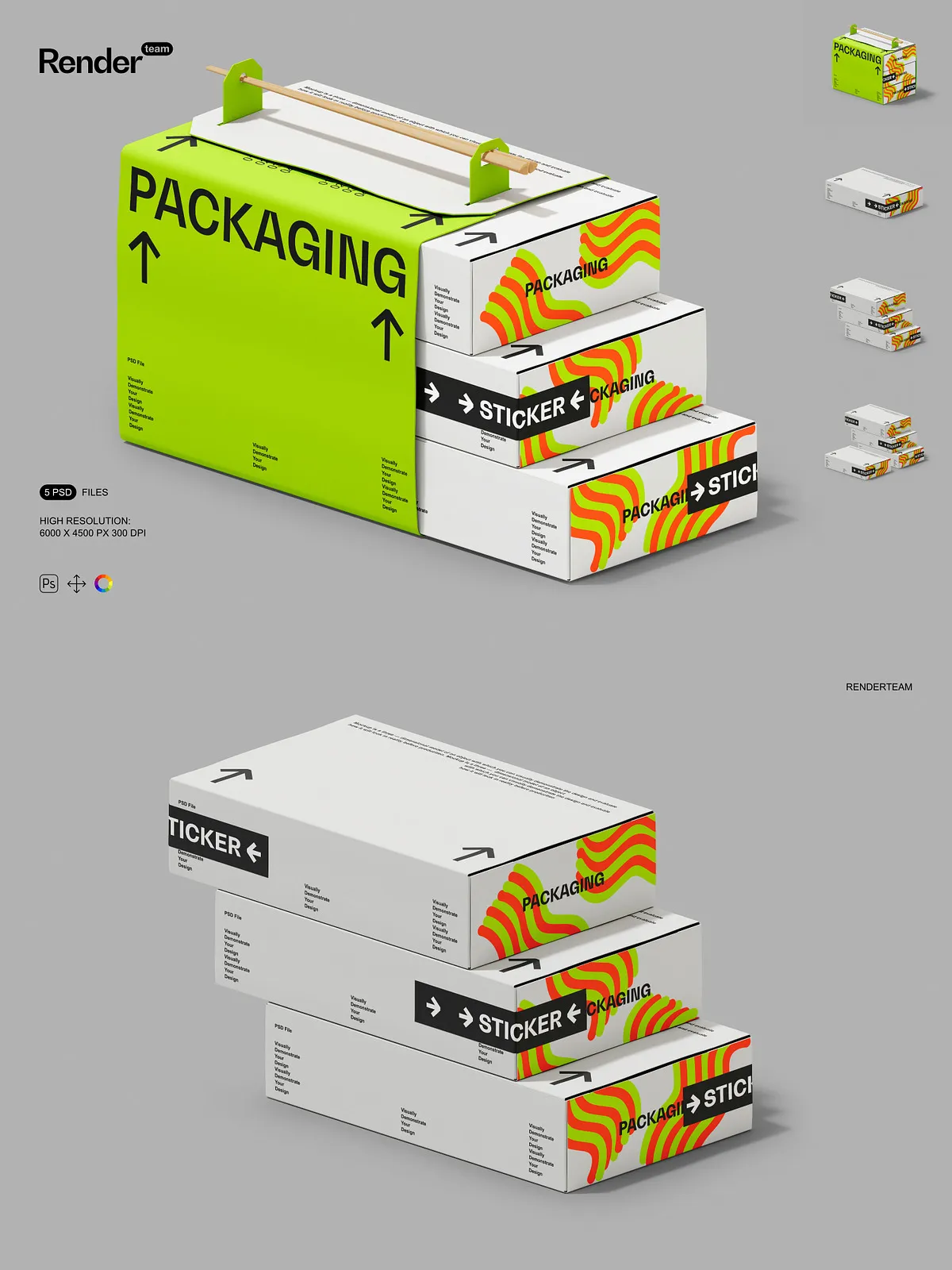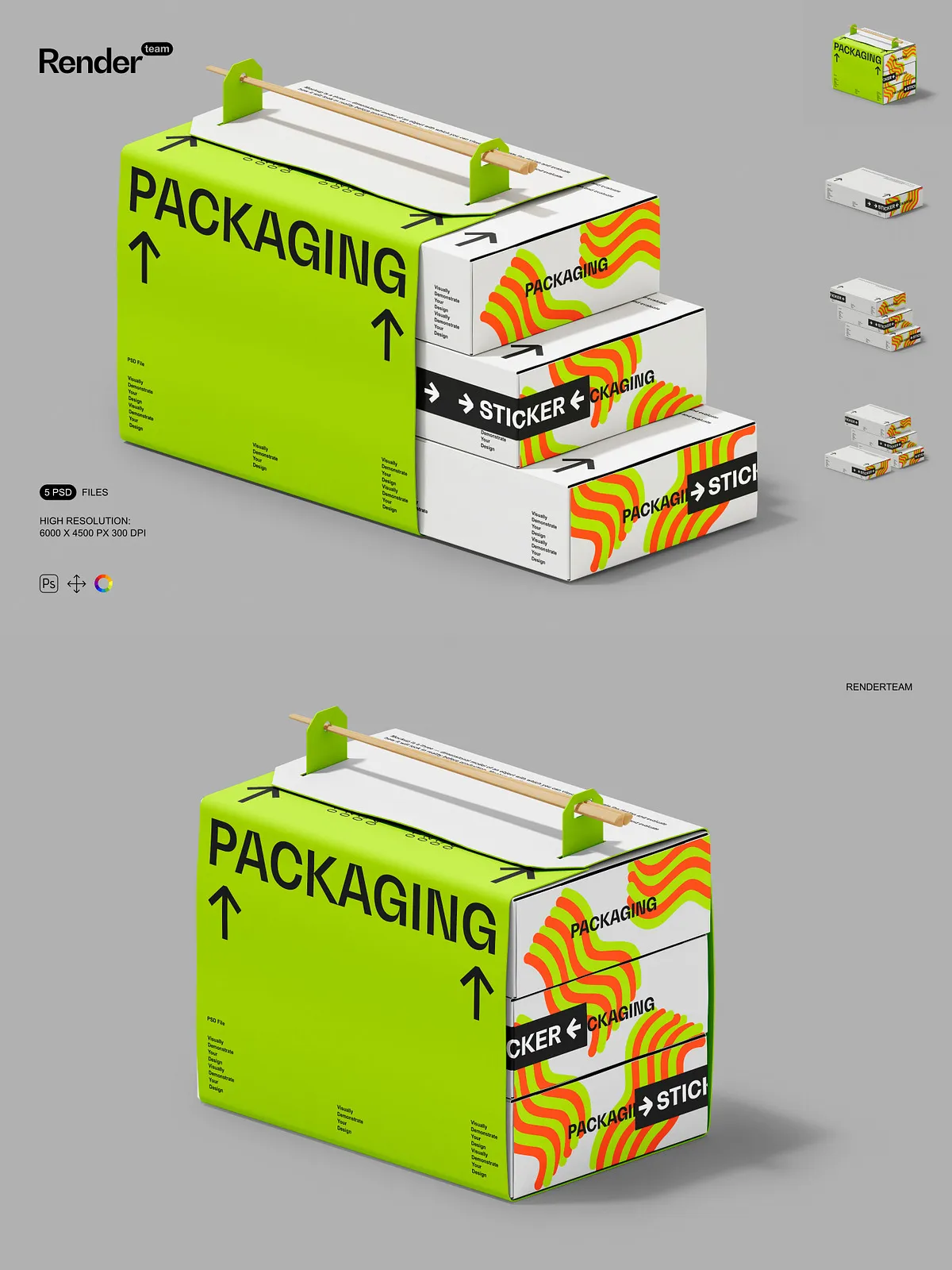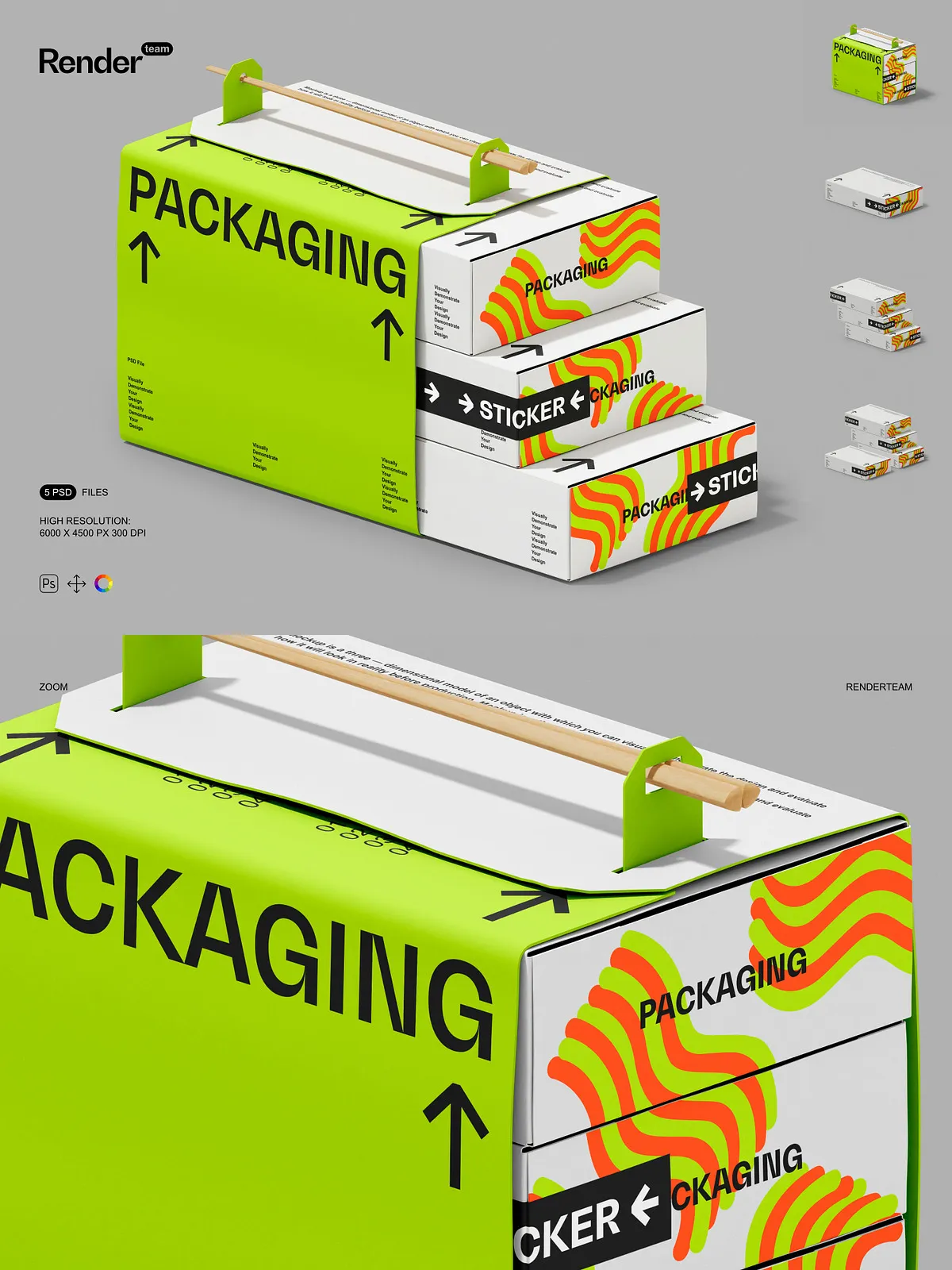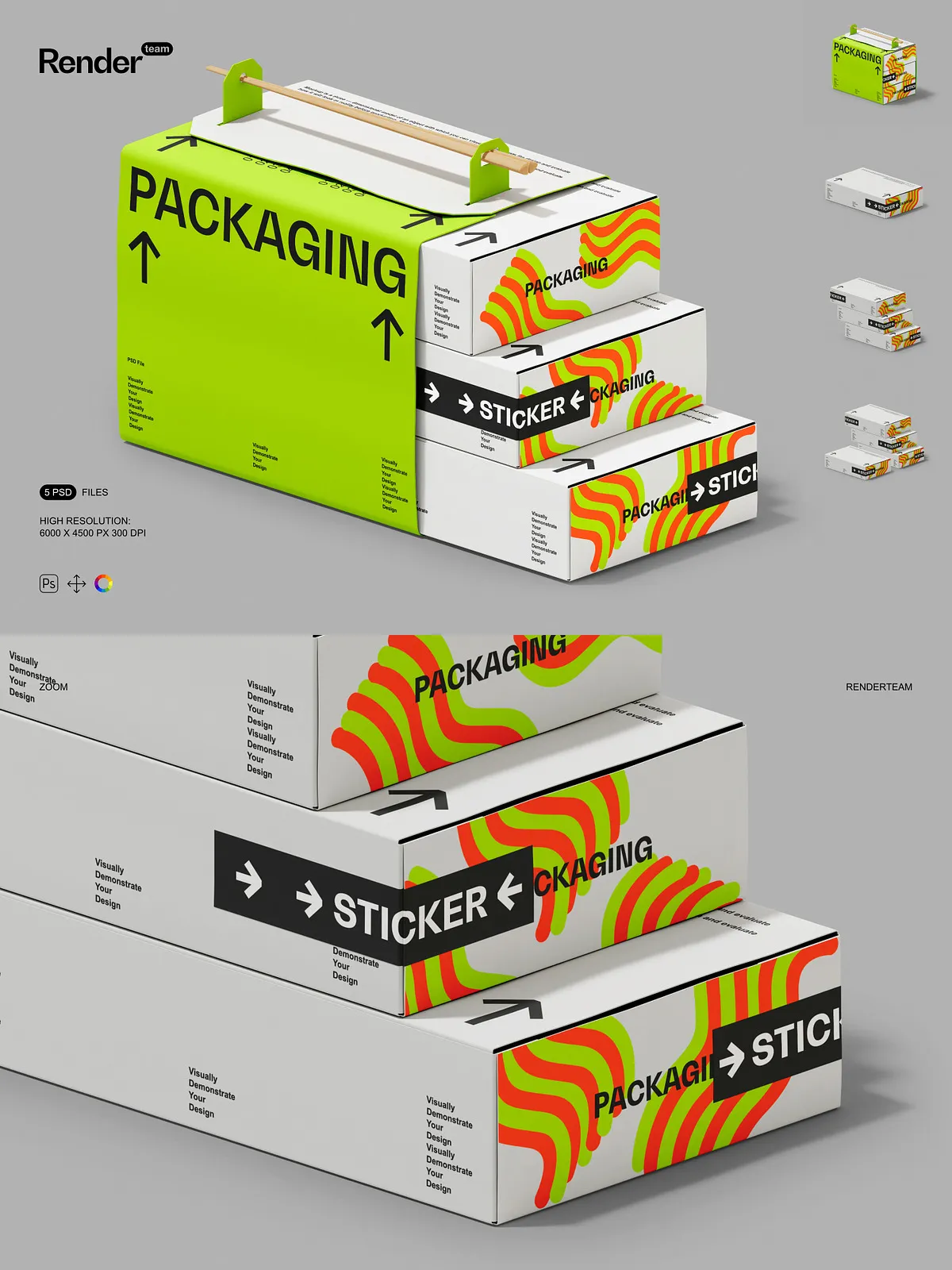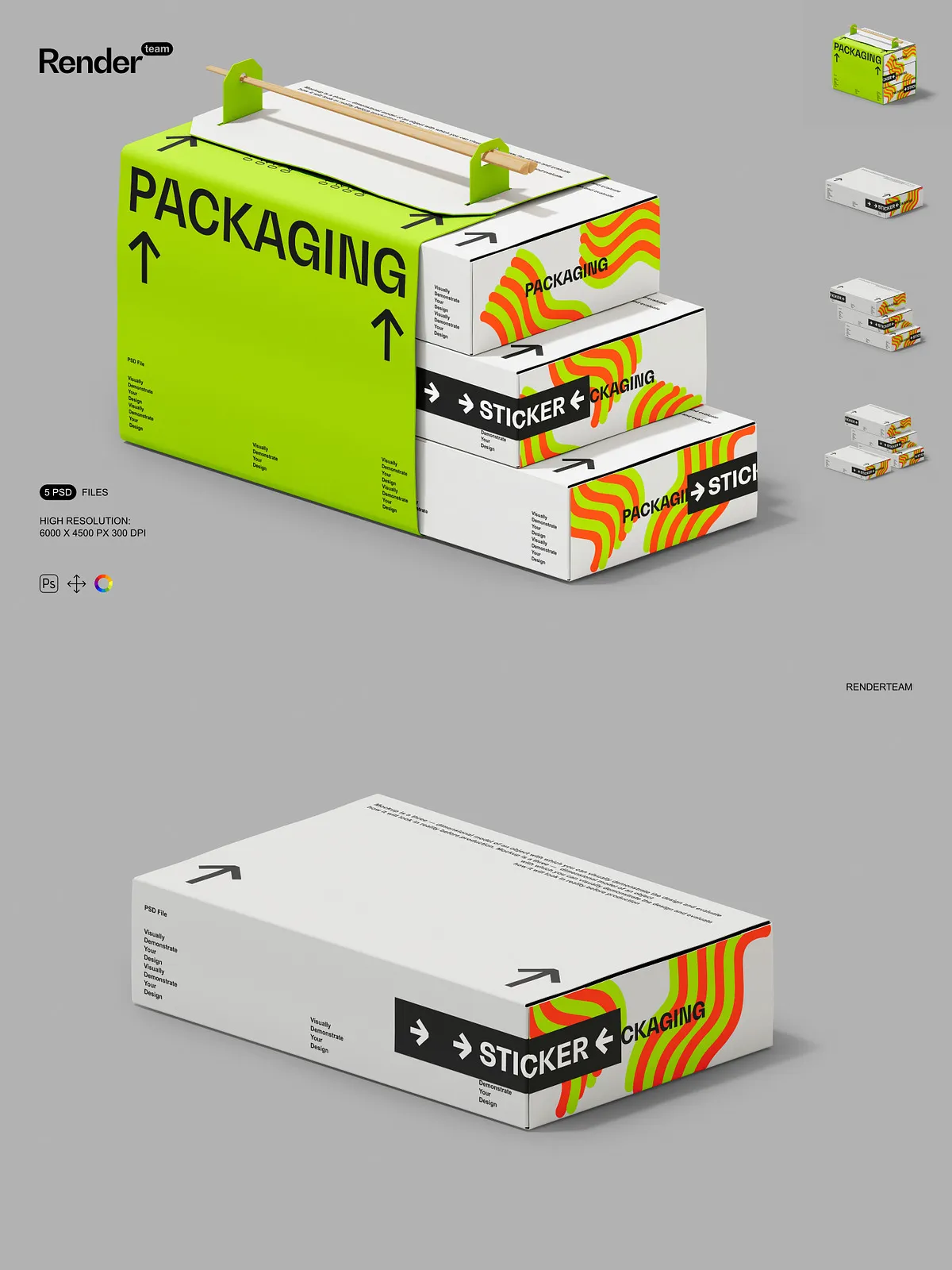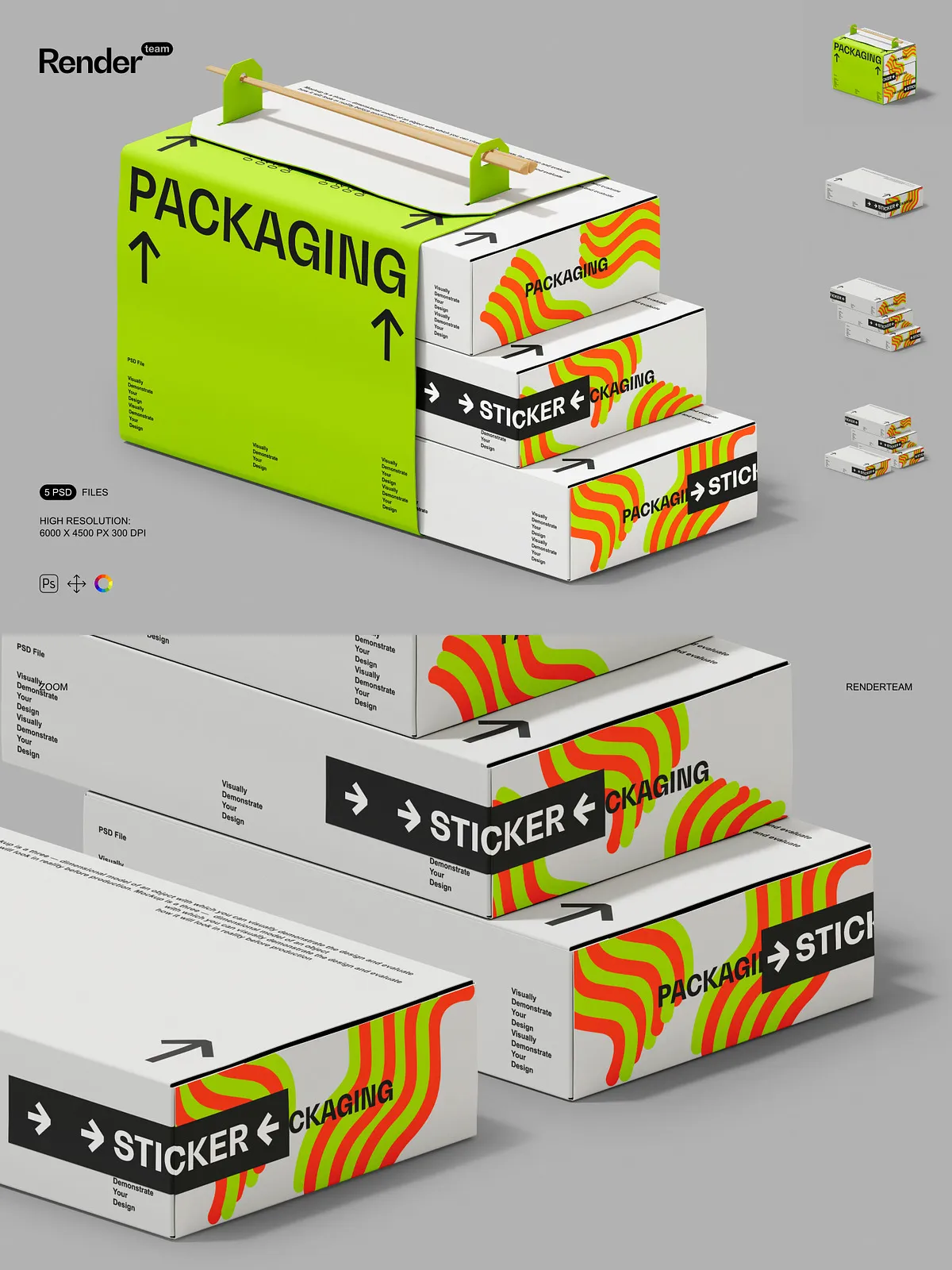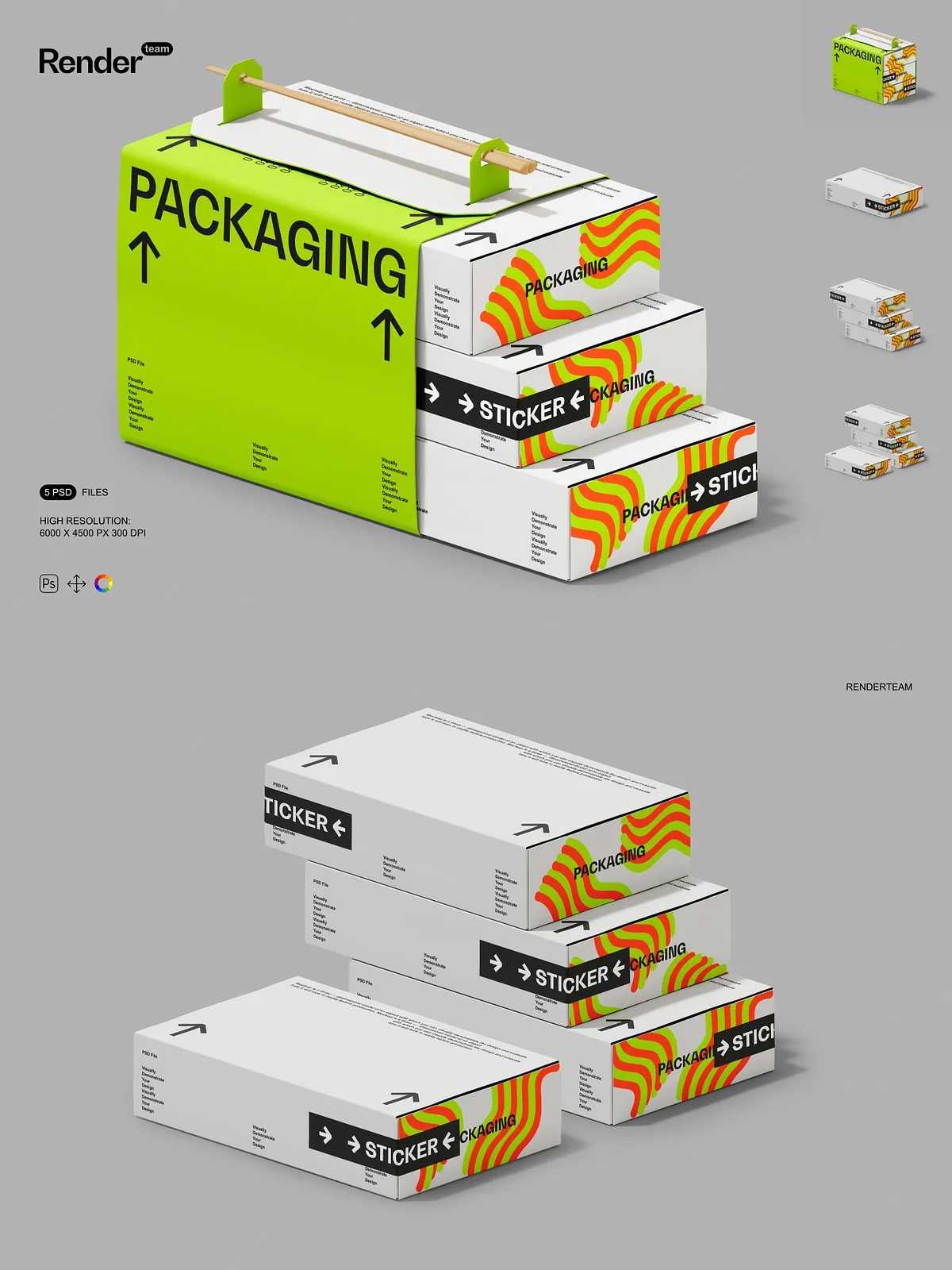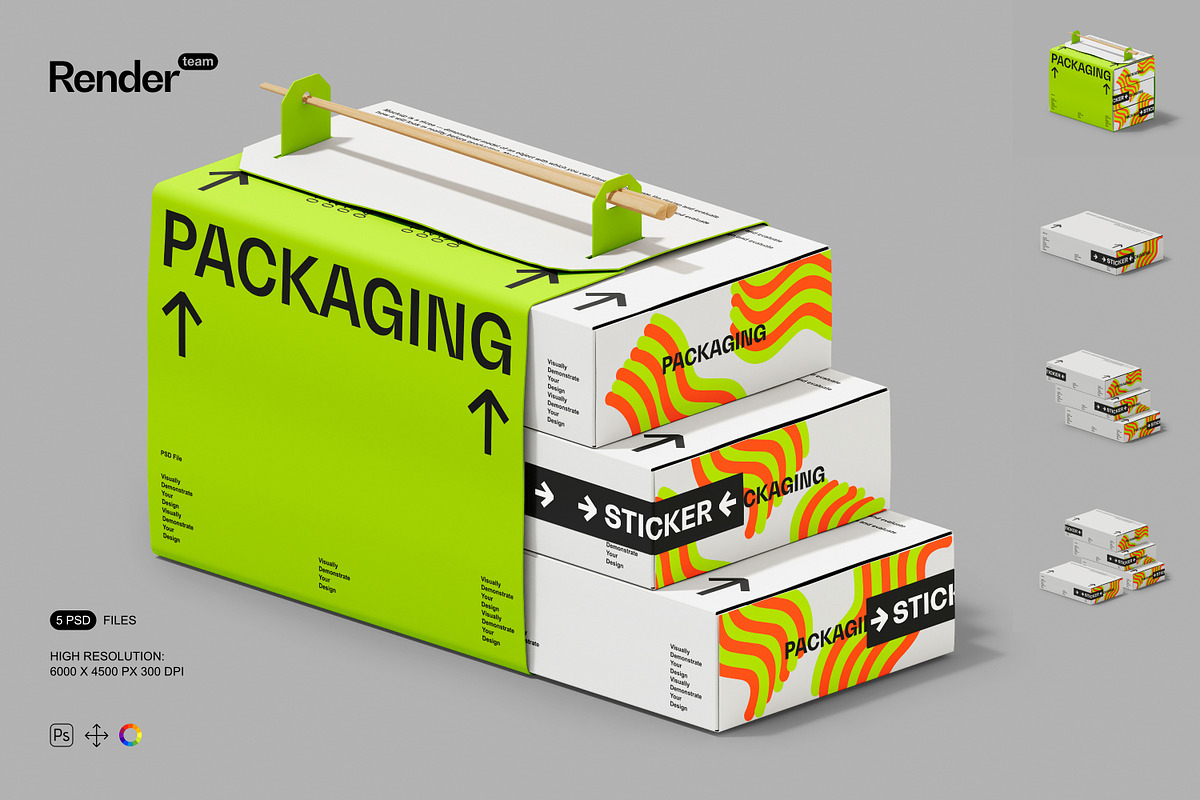
Present your sushi packaging, brand identity, and label concepts with confidence using the Sushi Box Mockup Set. This collection includes five high-resolution, fully layered PSD files that enable designers to place artwork quickly, experiment with color variations, and produce polished visual assets for clients, online stores, and promotional materials. Each mockup is built around a Smart Object workflow and organized layer structure so you can iterate rapidly without altering the master scene. Files deliver 6000 × 4500 px at 300 dpi to preserve texture and print detail across both digital and print outputs.
Key Features
Fast and Non-Destructive Smart Object Editing
Replace artwork instantly using Smart Objects: double-click the Smart Object layer, paste or place your design, align to the guides, save, and the mockup updates automatically. This non-destructive method accelerates versioning, A/B testing, and client revisions while preserving original scene settings. For authoritative guidance on Smart Objects see [Create embedded Smart Objects – Adobe Help Center](https://helpx.adobe.com/photoshop/desktop/create-manage-layers/smart-objects/create-embedded-smart-objects.html).
Organized Layers and Flexible Composition
Each PSD uses clearly named folders and grouped layers that separate box faces, lids, inner trays, shadows, highlights, and background elements. Toggle visibility, adjust blending modes, or reposition components to create alternate scenes or tailor presentations to specific brand directions. The clean structure reduces setup time and simplifies export workflows for multiple image variations.
High Resolution and Print-Ready Output
Designed for professional use, every mockup exports at 6000 × 4500 px and 300 dpi so textures, embossing, and fine typographic details render sharply. The high pixel density ensures close-up detail shots remain crisp for portfolio displays, e-commerce listings, and printed proofs.
Isolated Objects and Precise Visual Control
All primary objects and their shadows are isolated on separate layers so you can independently adjust background color, shadow intensity, reflection strength, and light direction. This level of control lets you simulate different materials (matte, glossy, textured kraft) and fine-tune the scene to match client specifications or campaign aesthetics.
What You Receive
- 5 layered PSD mockup files showing multiple box orientations and presentation styles
- Smart Object layers for rapid, non-destructive artwork placement
- Isolated object and shadow layers for precise compositing control
- High-resolution files (6000 × 4500 px, 300 dpi) suitable for both web and print
- Organized folders and labeled layers for an efficient and repeatable workflow
- PDF help file with step-by-step instructions, tips for realistic rendering, and recommended export settings
How to Use
1. Open and Inspect
Open a PSD in Adobe Photoshop (Creative Cloud recommended) and inspect the Layers panel to locate the labeled Smart Objects for top, side, or inner tray panels. Review provided adjustment layers and color controls to understand how the scene builds before placing artwork.
2. Place Artwork via Smart Object
Double-click the Smart Object layer to open it in a separate window. Paste or place your sushi box artwork, align to the template guides, apply transforms as needed, and save the Smart Object (File > Save). Return to the main document to see your design applied in-context. Repeat for different panels to compose a complete packaging presentation.
3. Refine, Simulate, and Export
Fine-tune shadow opacity, adjust highlights, and change background color or gradients to create the desired mood. Simulate material finishes by toggling relevant layer styles or replacement textures. When satisfied, export optimized files in sRGB for web use or convert to a print-ready profile for physical proofs. Use the included PDF help file for recommended export resolutions, color profiles, and sharpening tips.
Compatibility and Important Notes
The Sushi Box Mockup Set requires Adobe Photoshop with Smart Object support, layer styles, and blending modes. For best results, use a recent Creative Cloud release to ensure compatibility with advanced layer effects. IMPORTANT: This product does NOT include the preview images, fonts, or photographs shown in sample previews—those assets require separate licensing. These PSD mockups are not compatible with Canva, Procreate, or other non-Photoshop editors; they require Photoshop for full functionality.
Why Choose This Mockup Set
Use the Sushi Box Mockup Set to create professional, client-ready presentations quickly. The Smart Object workflow and organized layer design empower you to iterate faster, test multiple label and color combinations, and deliver consistent, high-fidelity visuals across platforms. Whether you present concept rounds to clients or prepare marketing assets for an online storefront, these mockups help you communicate your packaging vision clearly and convincingly.