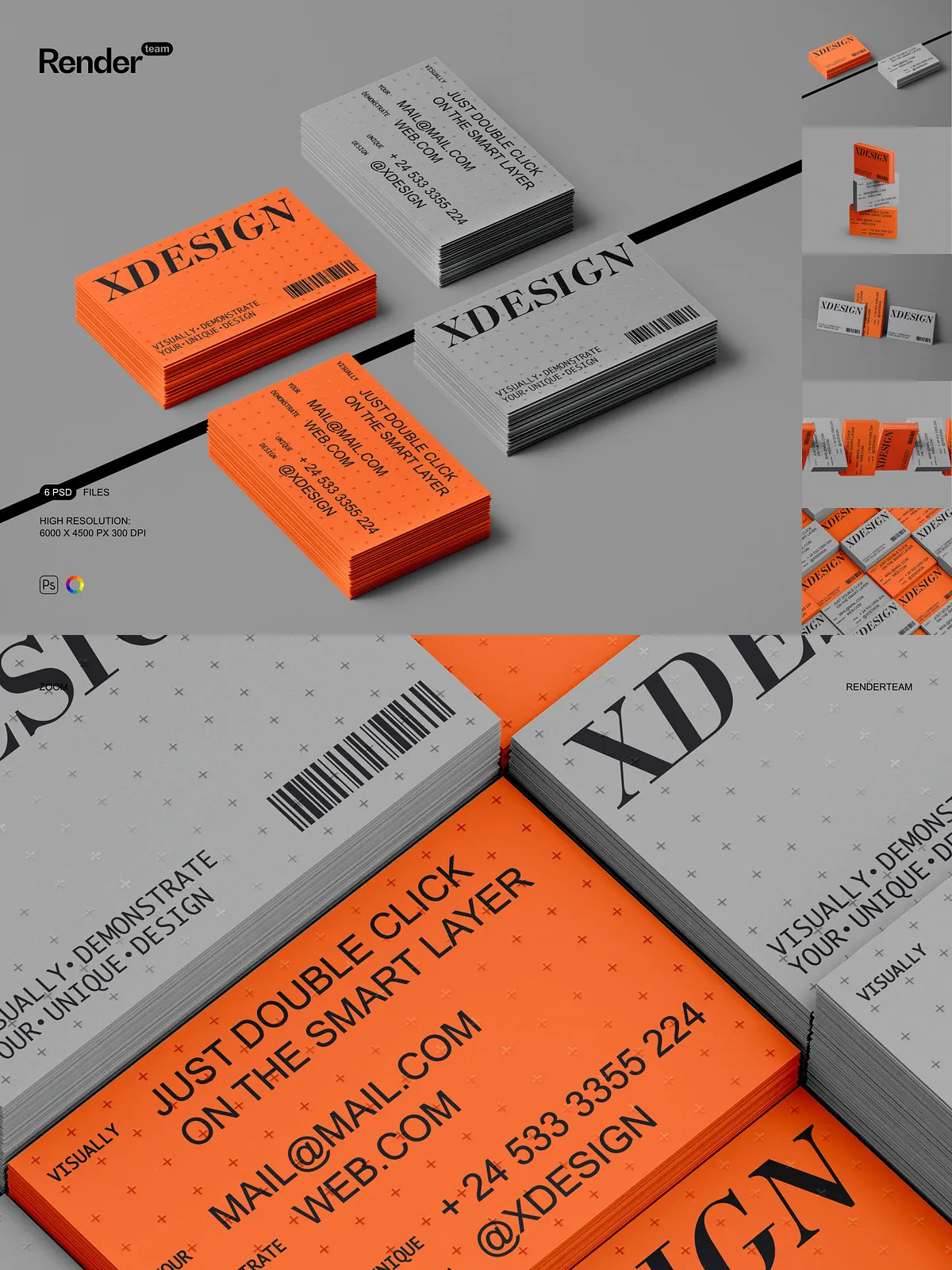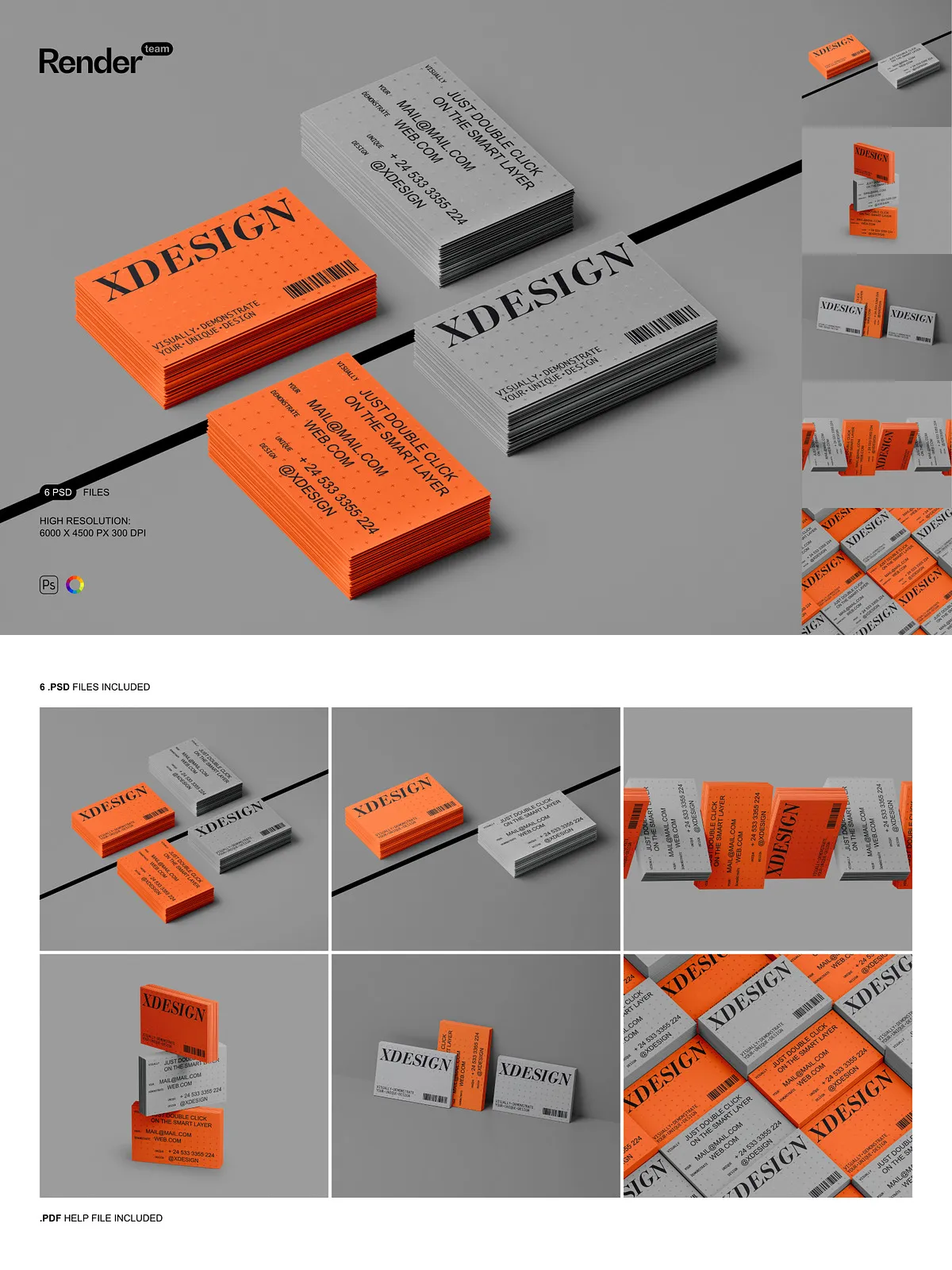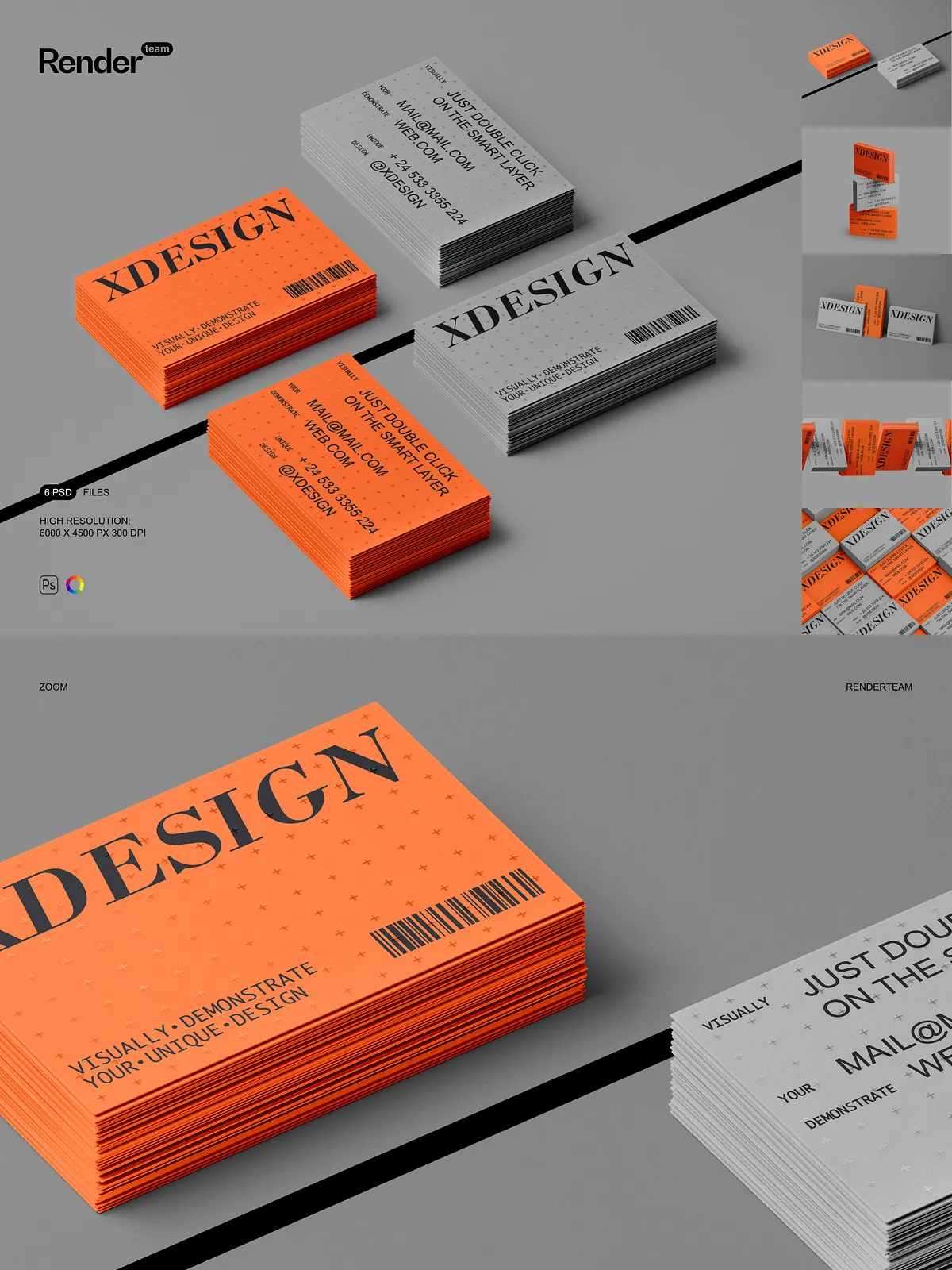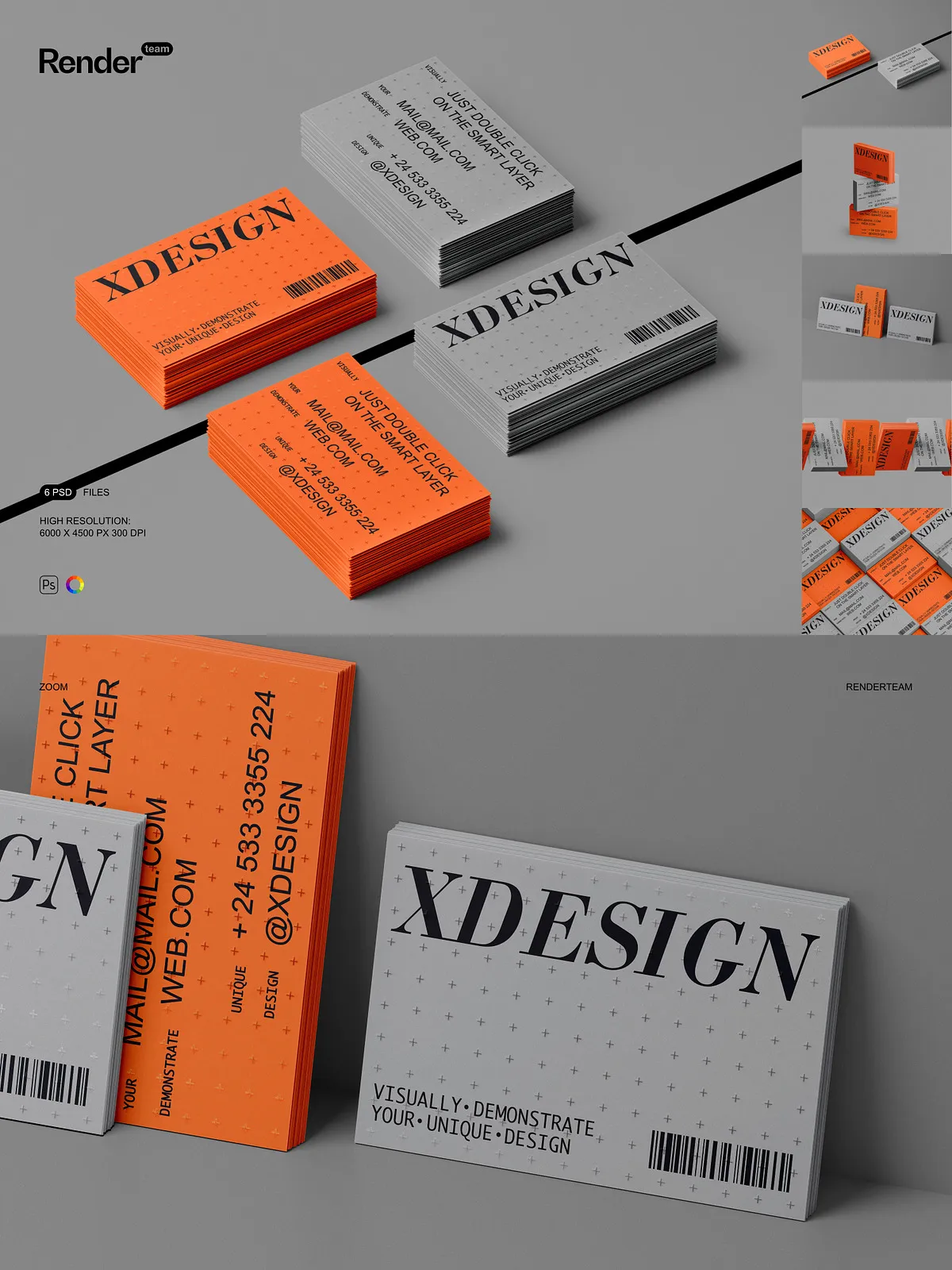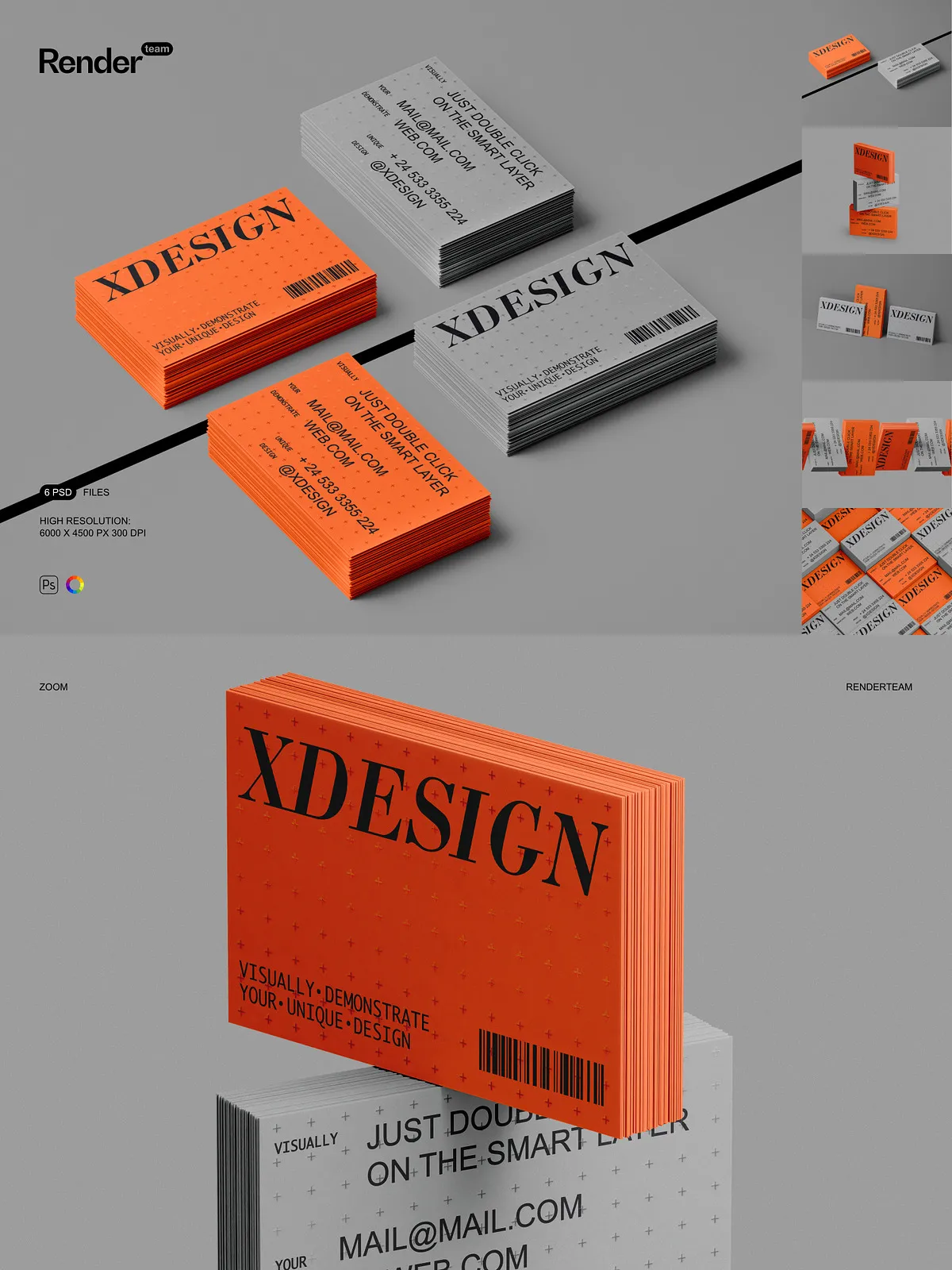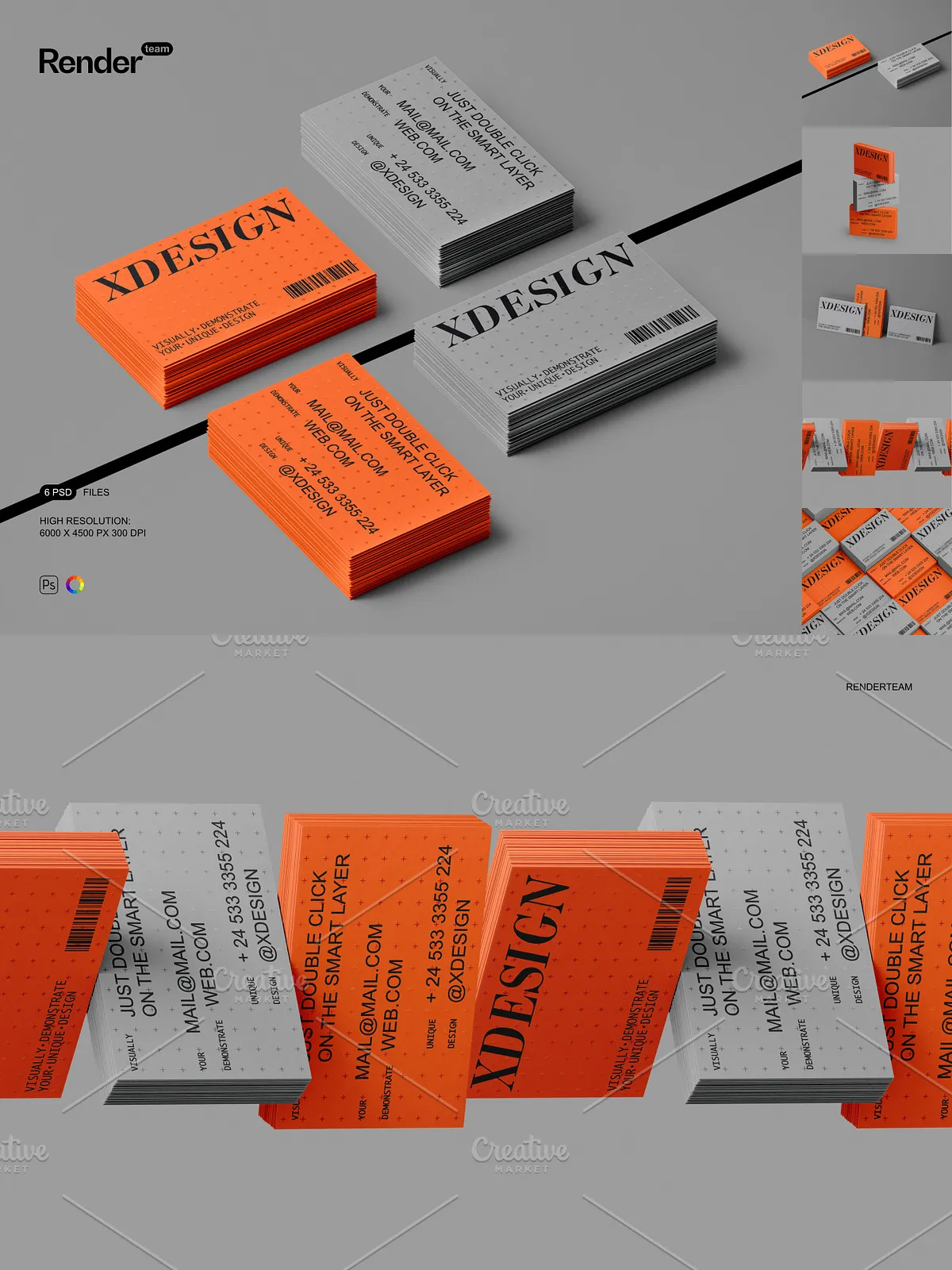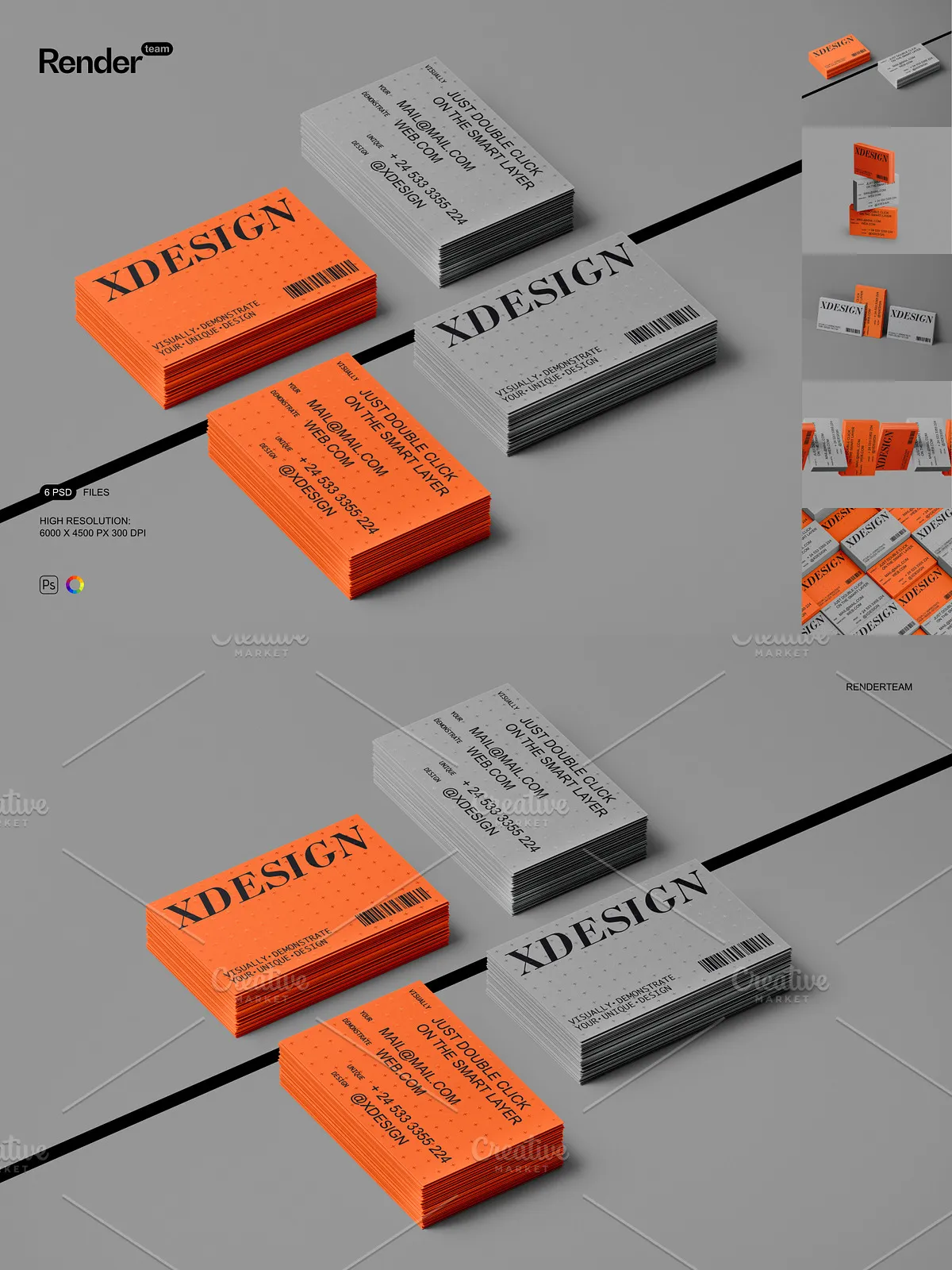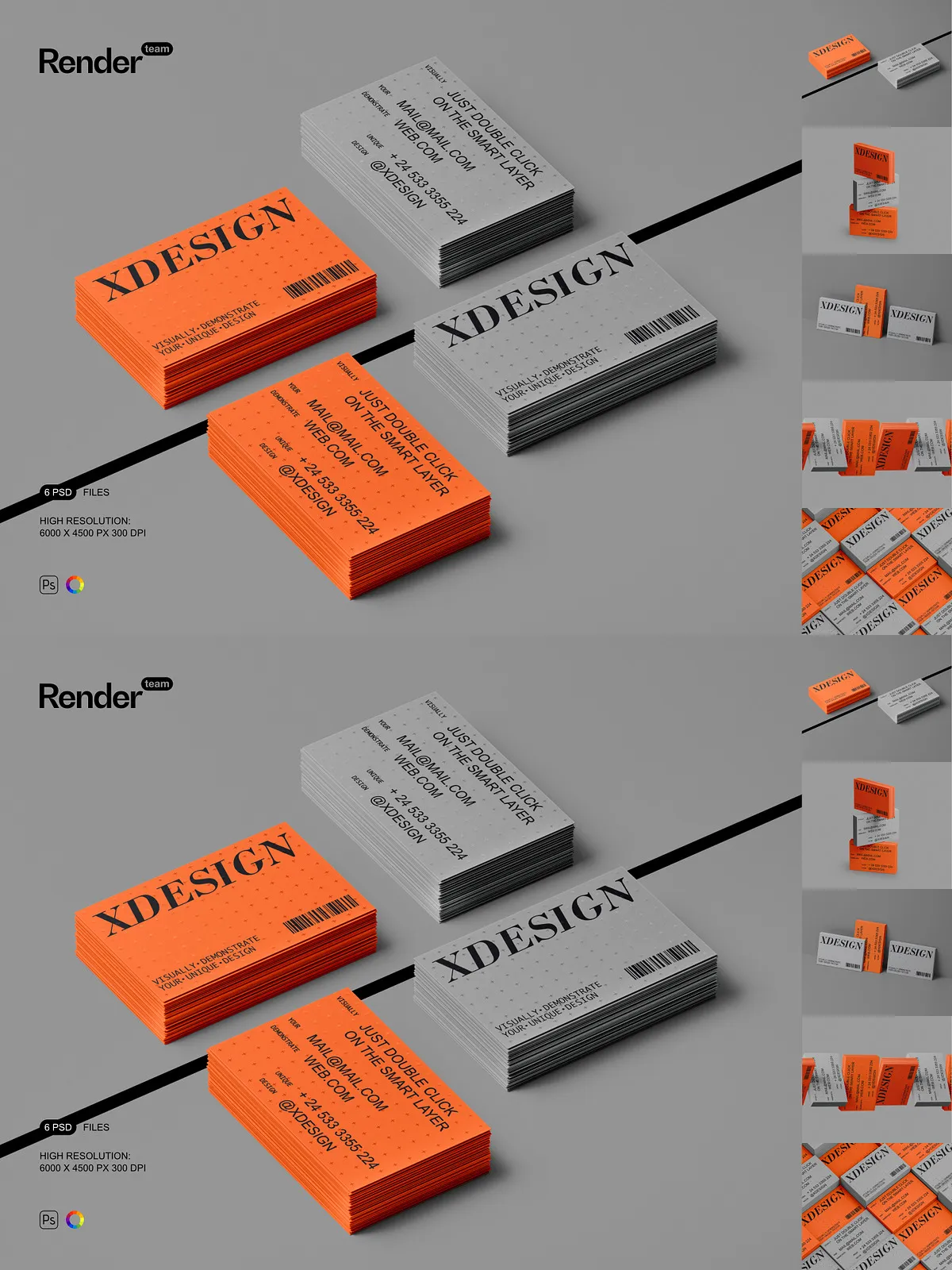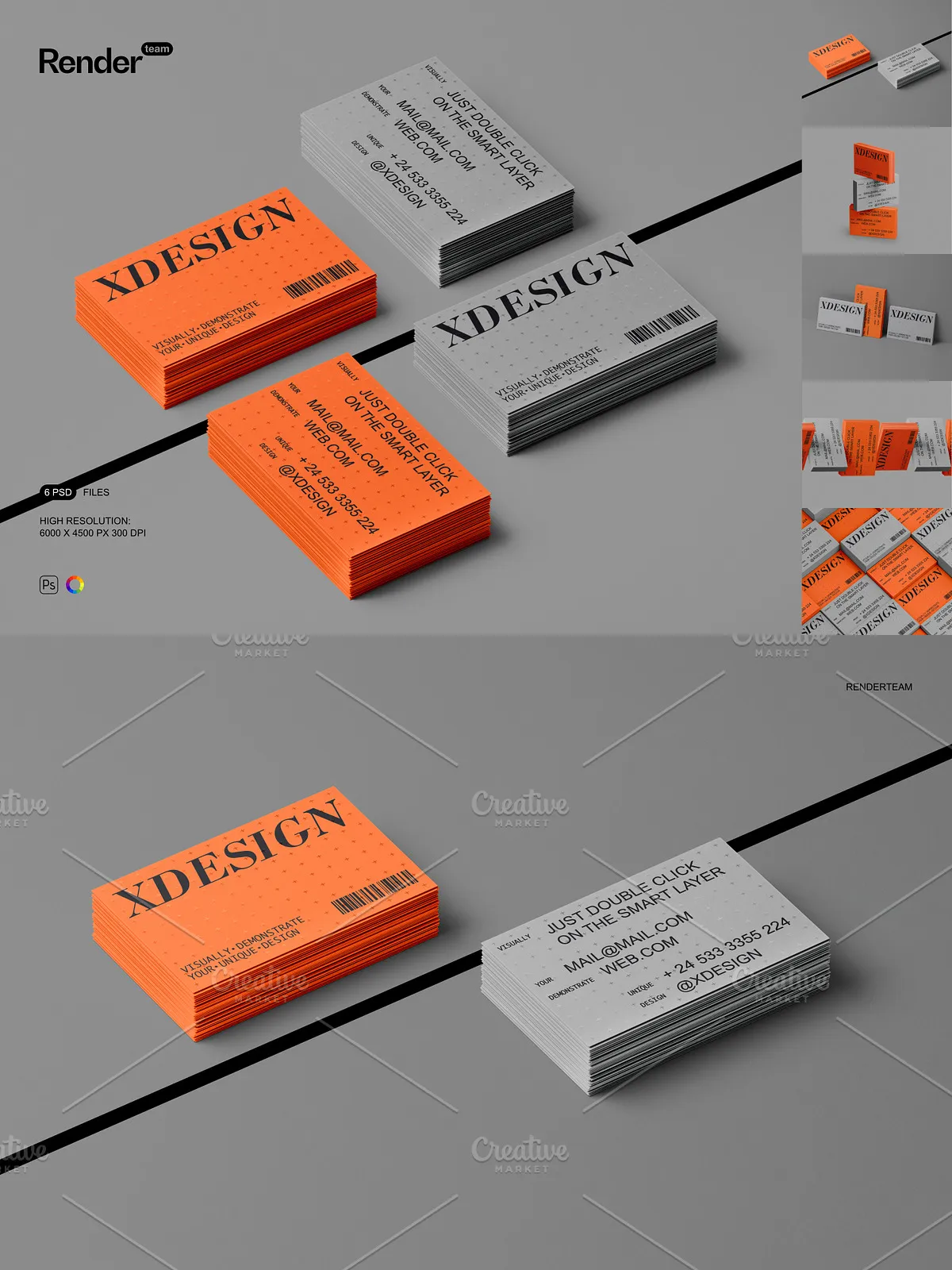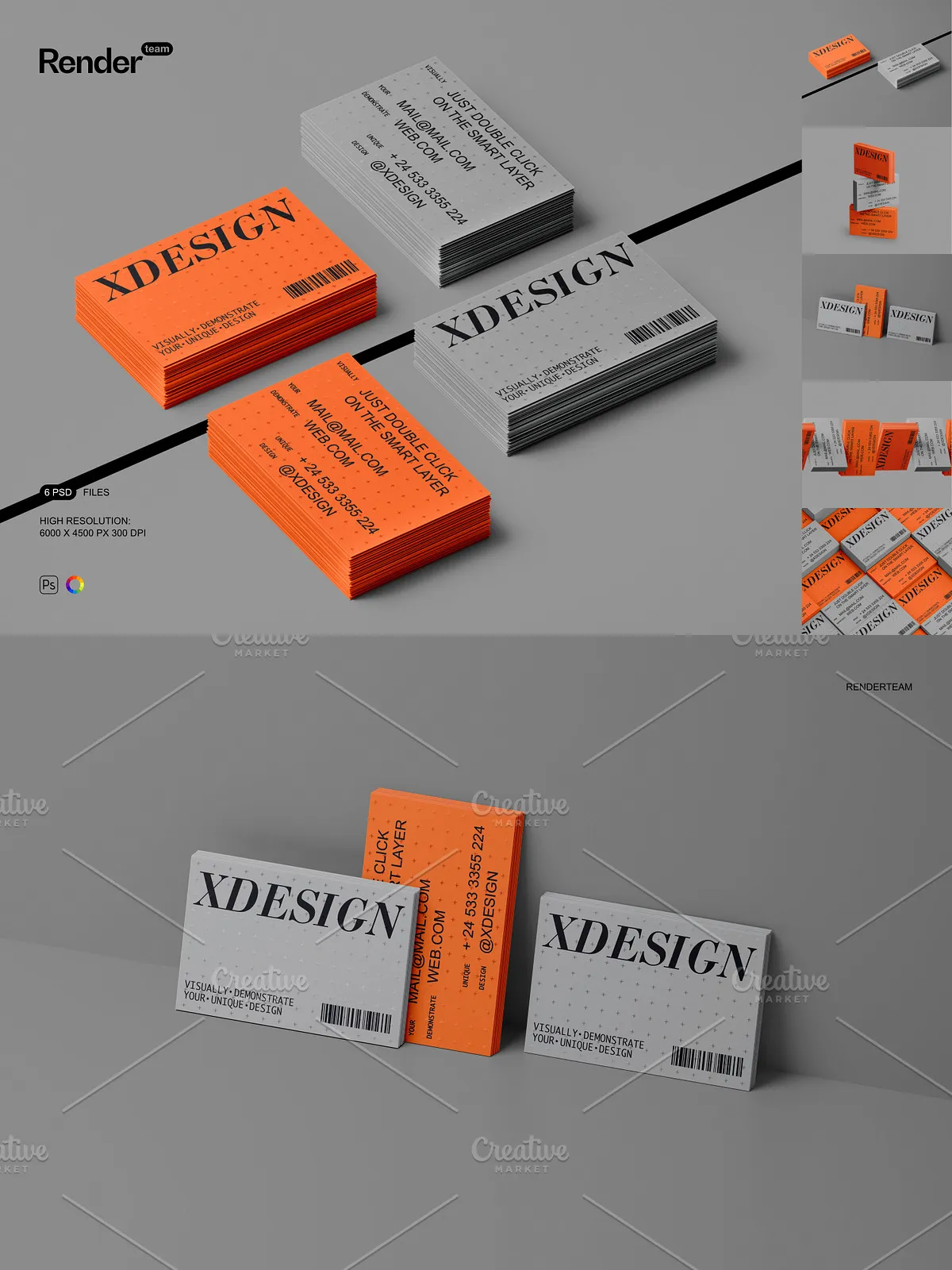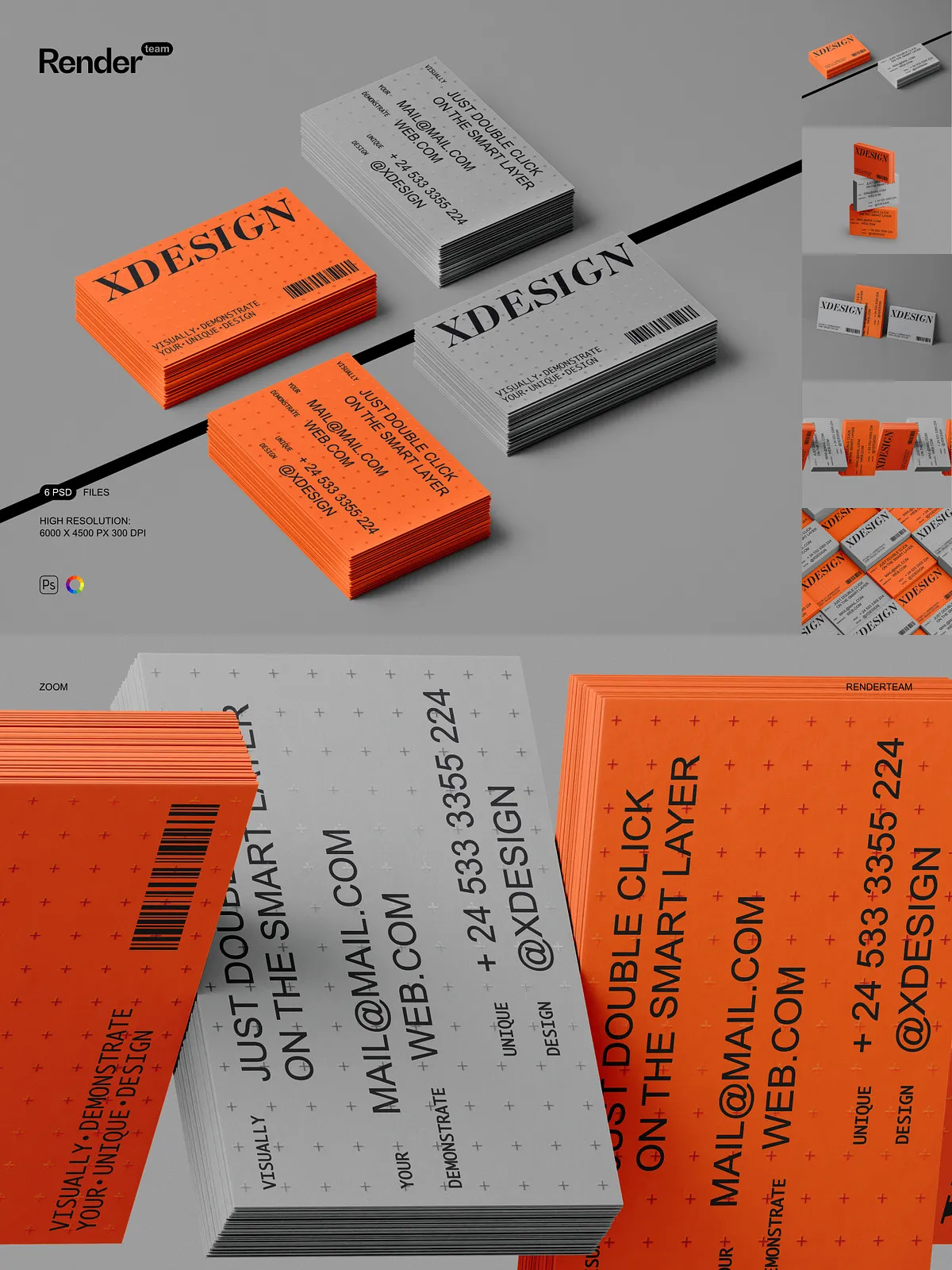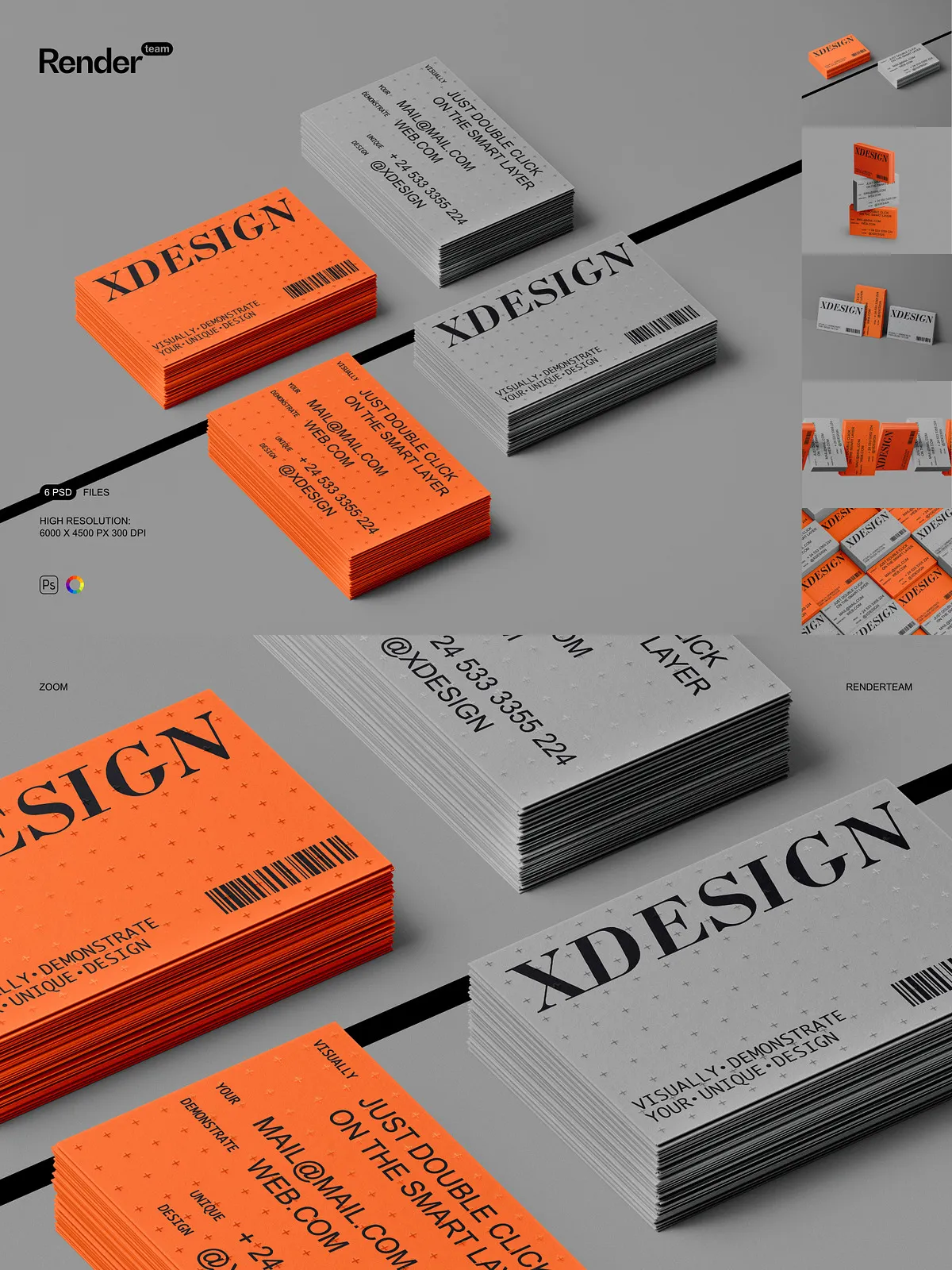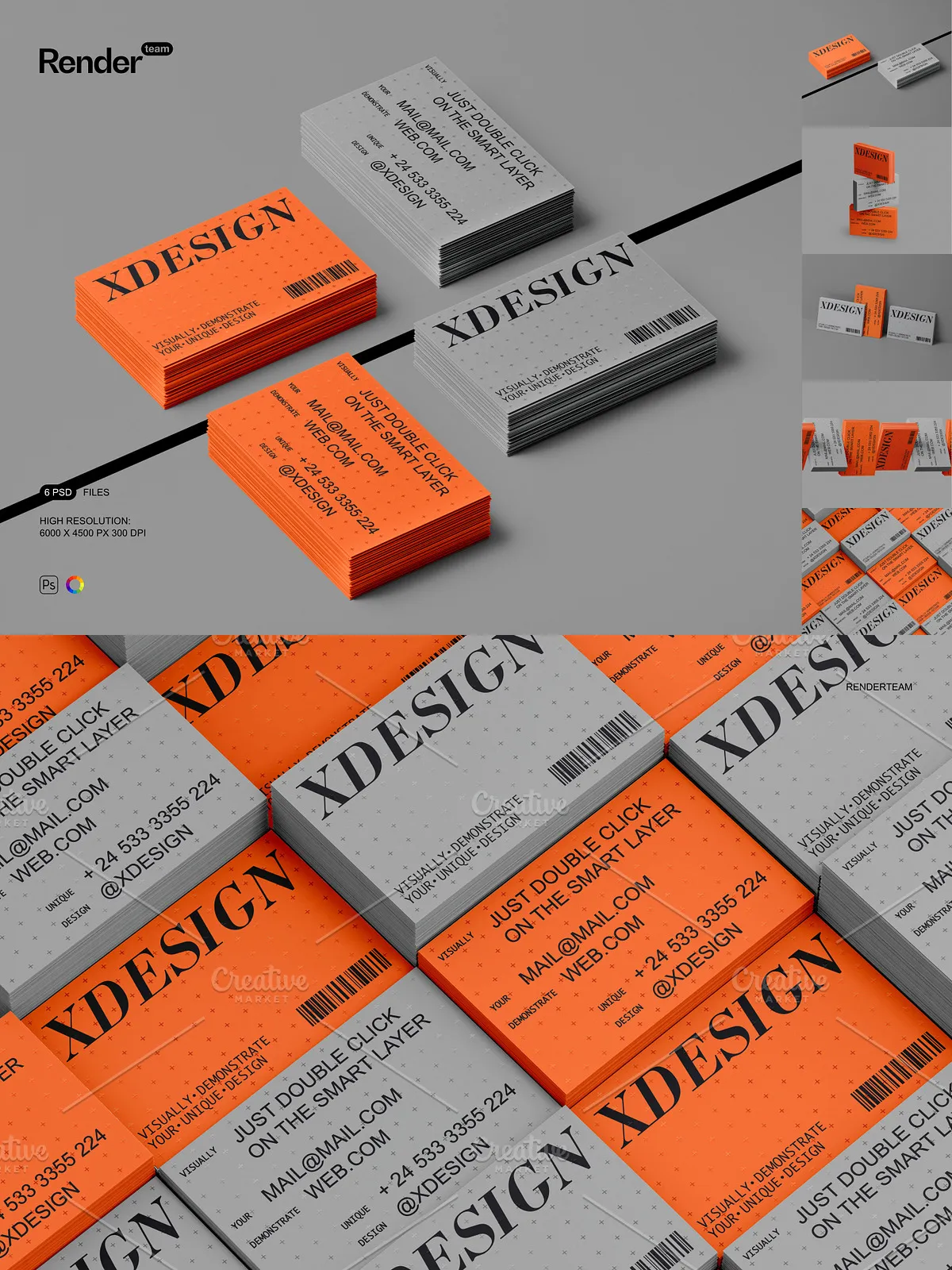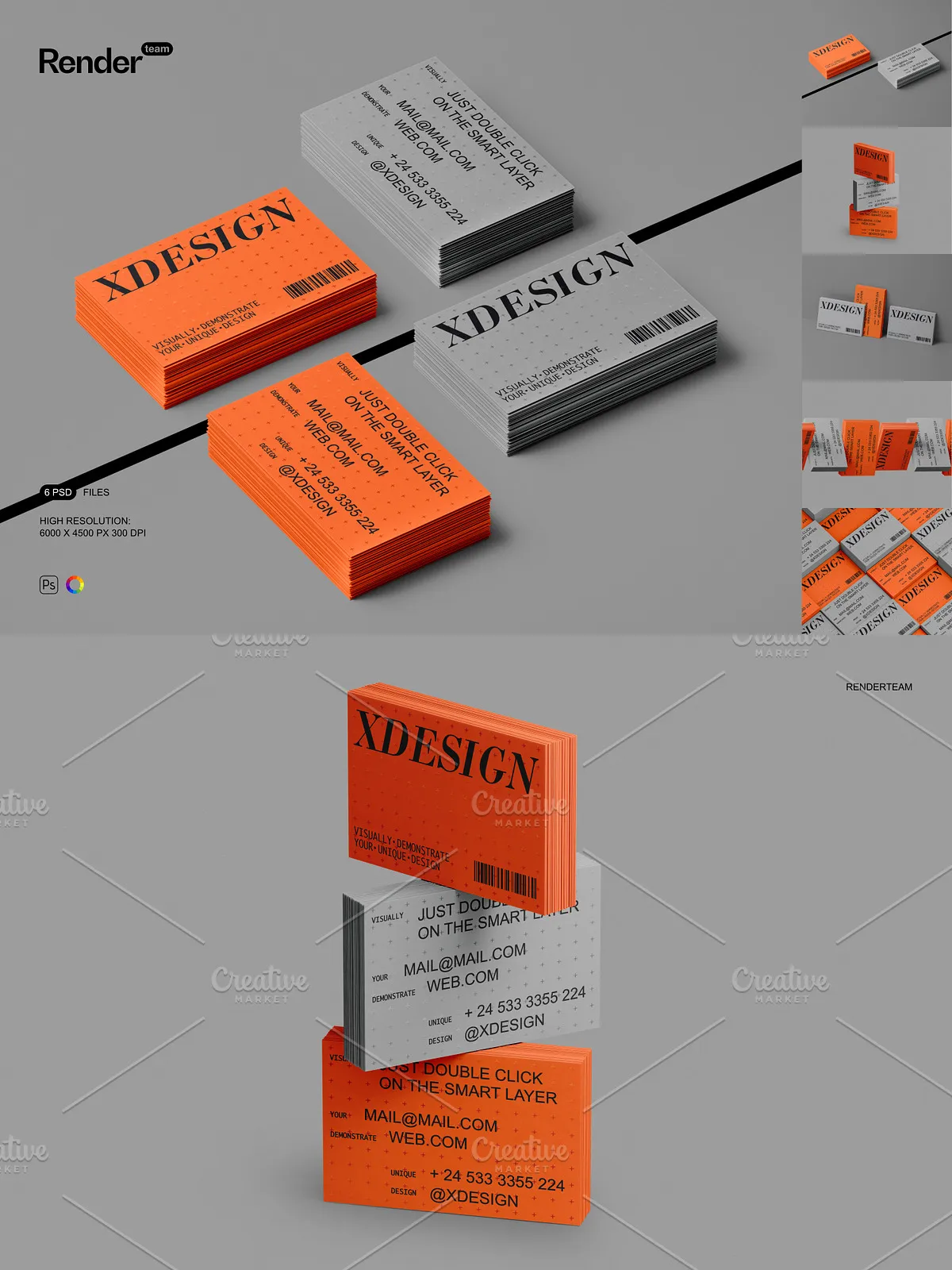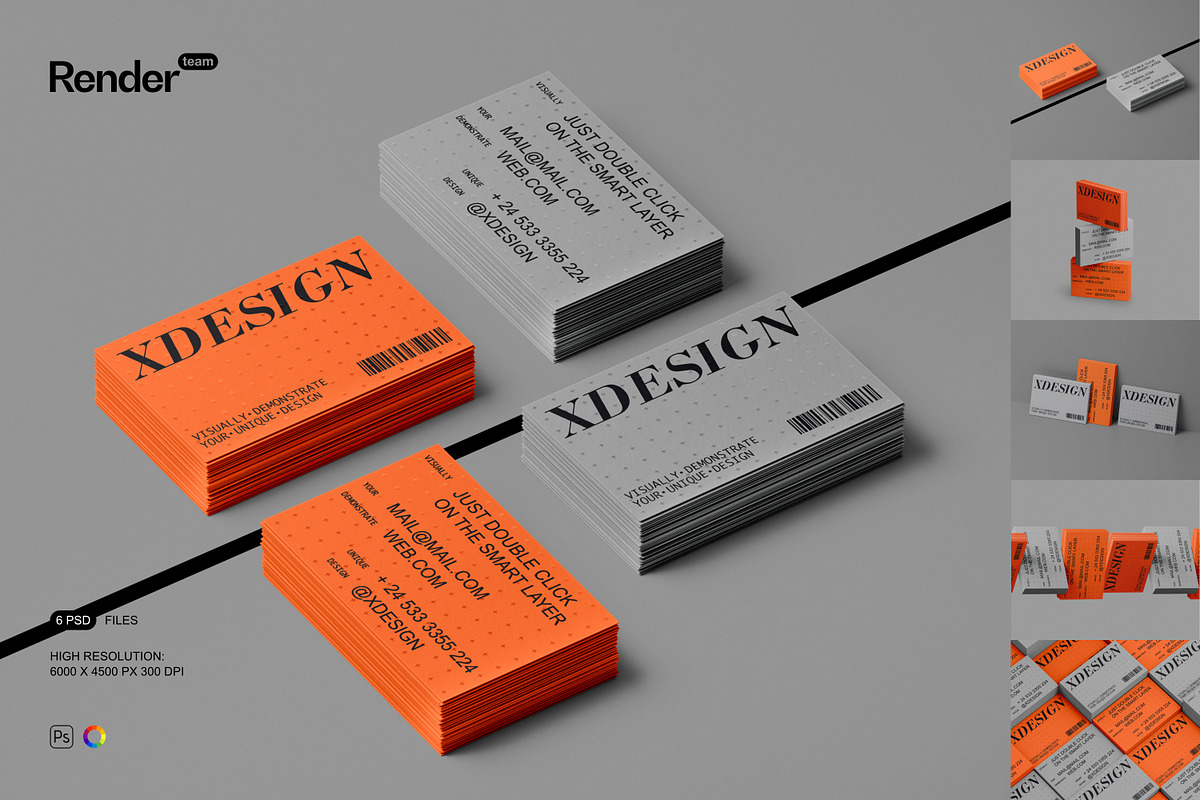
This Business Card Mockup Set includes six layered, fully editable PSD files that let you present business card designs with clarity and speed. Each mockup uses Smart Objects and organized color layers so you can insert artwork, test layouts, and produce high-quality visuals without a photoshoot. The files support rapid iteration and maintain image quality at high resolution for both online and print-ready outputs.
🔸 Key Features
Fast Smart Object Workflow
Edit artwork directly and instantly by opening the Smart Object layer, placing your design, saving, and returning to the main document — the scene updates automatically. This non-destructive workflow accelerates revisions and helps you produce multiple variations quickly.
Organized Layers and Flexible Composition
The PSDs include a logical folder structure with descriptive layer names so you can quickly locate card fronts, backs, holders, shadows, and background elements. Objects and cast shadows sit on separate layers to let you adjust shadow intensity, reposition items, or hide elements for custom compositions without altering your artwork layers.
High Resolution and Quality
Each mockup is provided at high resolution to preserve detail and sharpness. Work at full resolution for export to print or scale down exports for web while retaining accurate shadows and material rendering. The files are optimized for fidelity, allowing you to evaluate type legibility and finish effects before final production.
🔹 What You Receive
- 6 fully editable PSD mockup files showcasing different business card arrangements and perspectives
- Smart Object layers for rapid artwork replacement and non-destructive edits
- Isolated object and shadow layers for precise compositing and lighting adjustments
- Color and adjustment layers to control background, card stock, and surface tones
- High-resolution files suitable for professional presentation and printing
- PDF help file with step-by-step instructions and export recommendations
🔸 How to Use
Open and Prepare
Open a PSD file in Adobe Photoshop (Creative Cloud recommended). Locate the Smart Object layer labeled for the card face, back, or holder. Double-click the Smart Object thumbnail to open the embedded document, which keeps the main mockup intact while you edit within a separate window.
Insert Your Design
Place your business card artwork inside the Smart Object canvas, align guides, scale elements as needed, and save. The main mockup updates automatically to reflect your design. Use masks, bleed guides, and safe-area indicators inside the Smart Object to ensure accurate placement for print production.
Refine and Export
Adjust color layers, shadow opacity, and background tones to achieve the desired presentation. Use provided adjustment layers to simulate different paper stocks or lighting conditions. When ready, export using appropriate color profiles — sRGB for web or the target CMYK/profile for print — and follow the PDF help file for recommended export settings.
🔹 Compatibility and Requirements
These mockups require Adobe Photoshop with Smart Object support. For consistent behavior with advanced blending modes and layer effects, use a recent Creative Cloud release. The download package contains PSD files and a PDF help file only; preview artwork, fonts, and photographs shown in product previews are not included and must be licensed separately.
🔸 Important Notes
Please note that this product does NOT include the designs, fonts, or photographs used in the preview images. These mockups cannot be edited in programs such as Canva or Procreate — they require Photoshop. Confirm licensing for any external assets you add and verify final color profiles and bleed settings with your printer before submitting files for production.
🔹 Why Choose This Set
Replace costly studio photography with a flexible mockup suite that empowers you to iterate faster and present polished visuals to clients or ecommerce customers. The Smart Object workflow, isolated shadow controls, and organized layers deliver full creative control and streamlined delivery of final assets. Use these mockups to compare card stocks, test layout variations, and produce consistent, professional presentations.