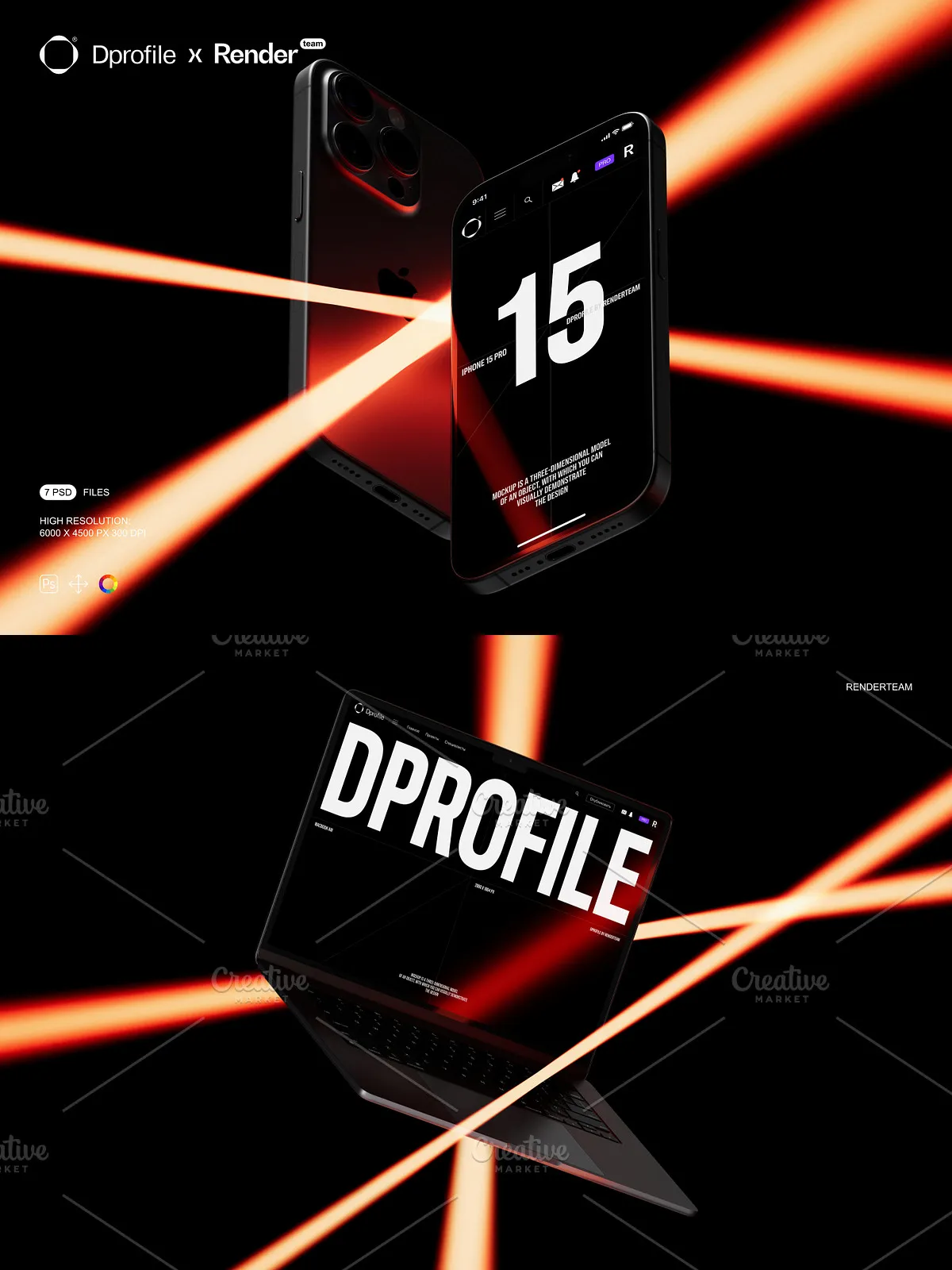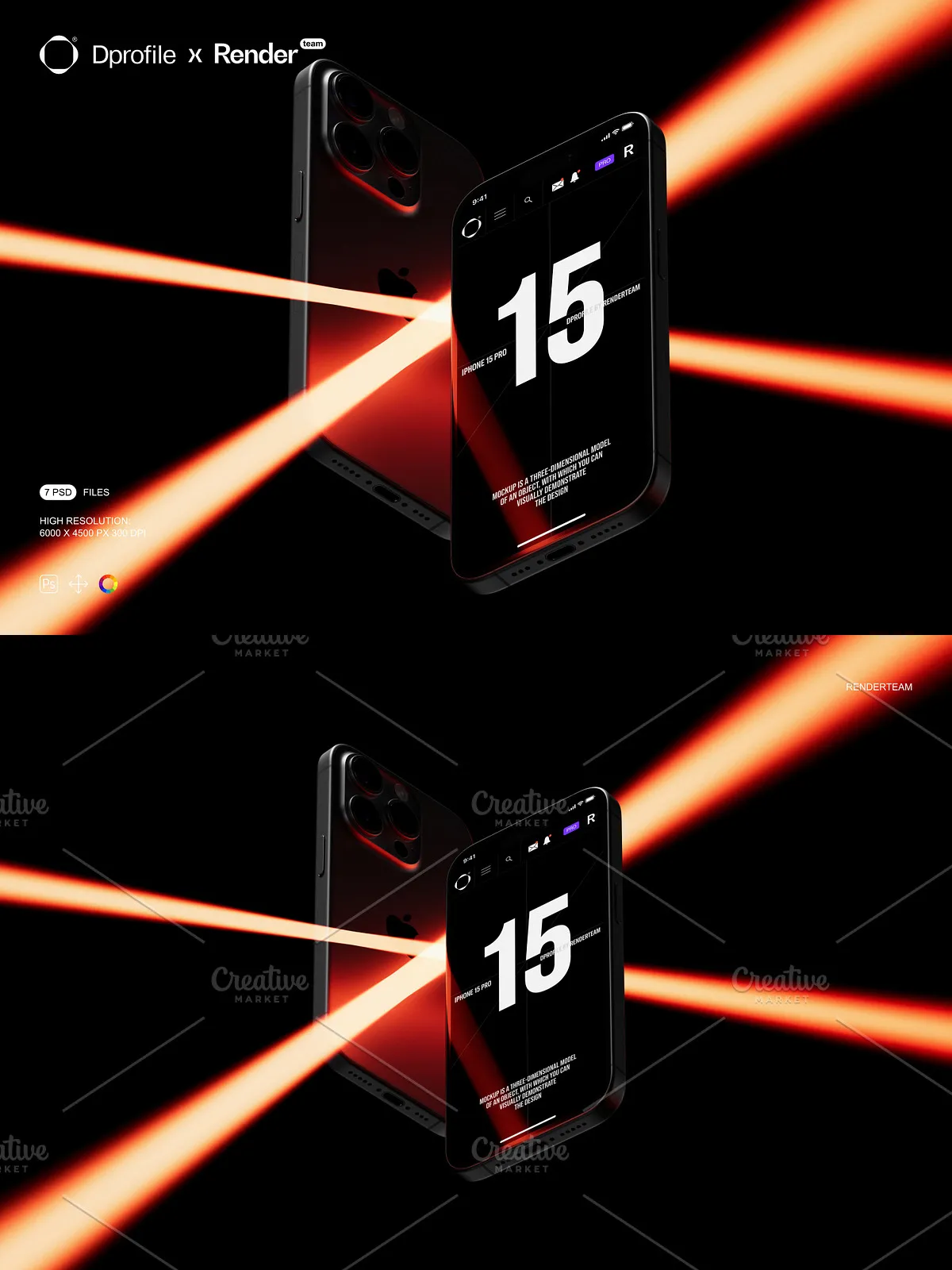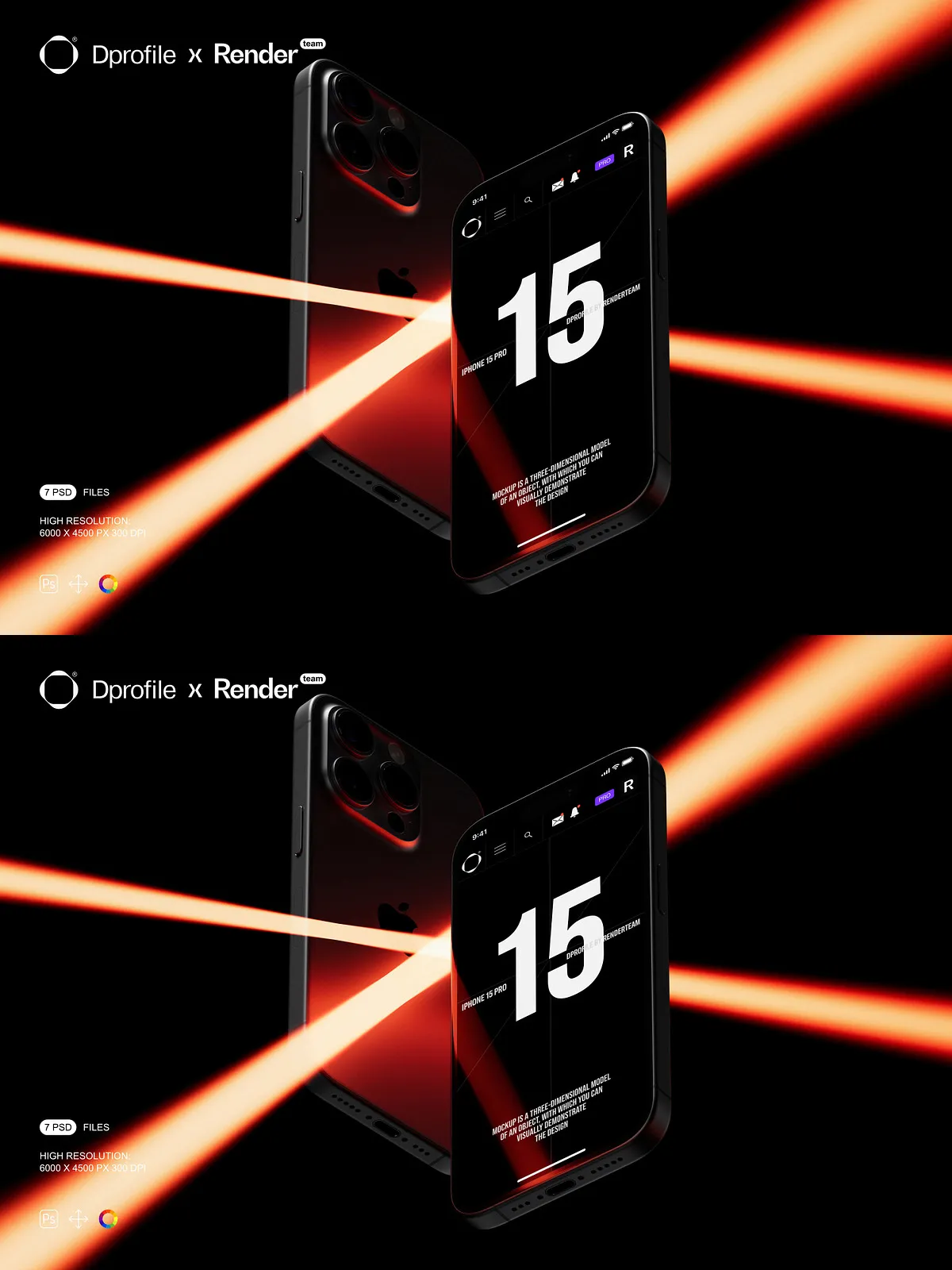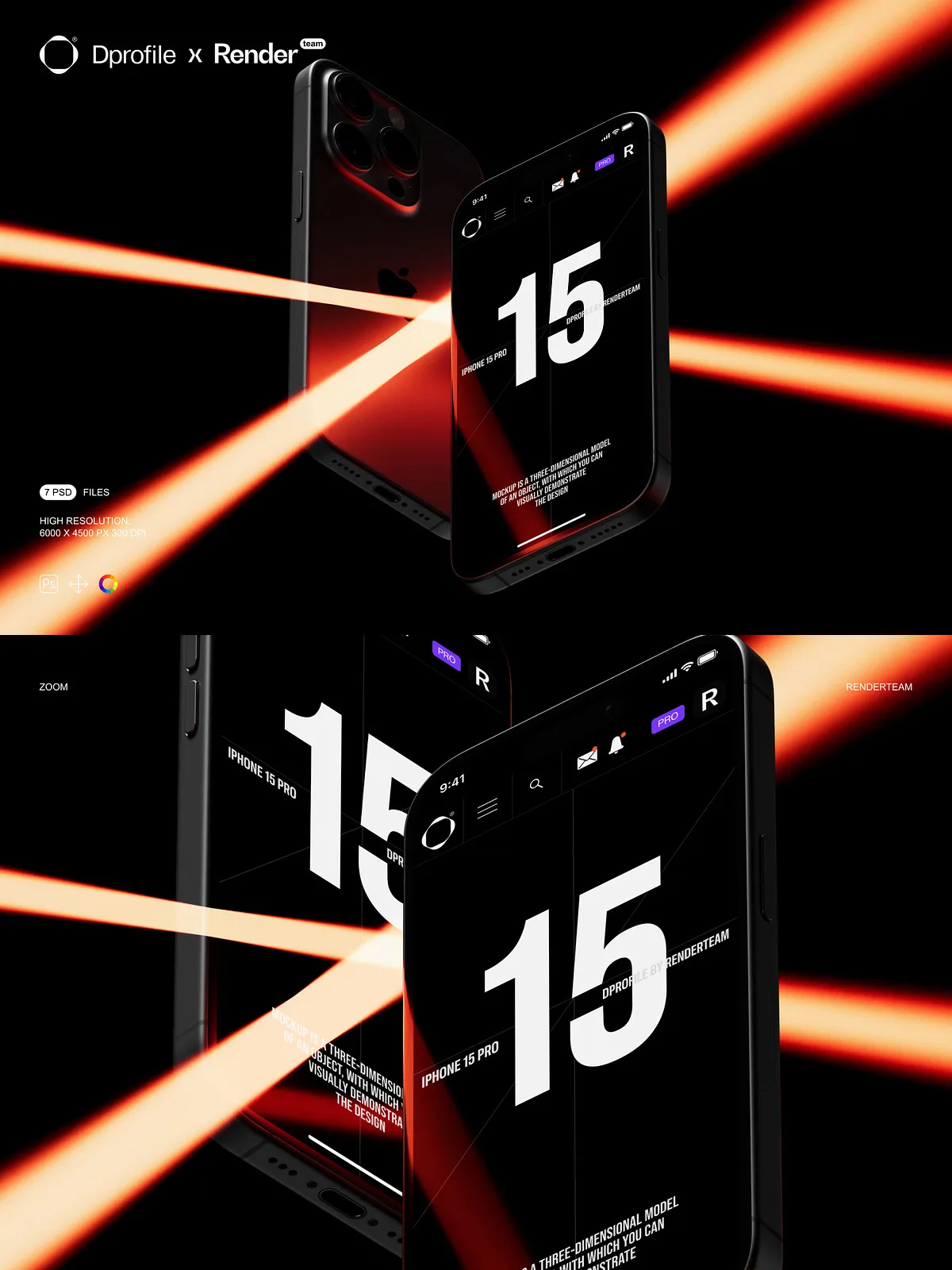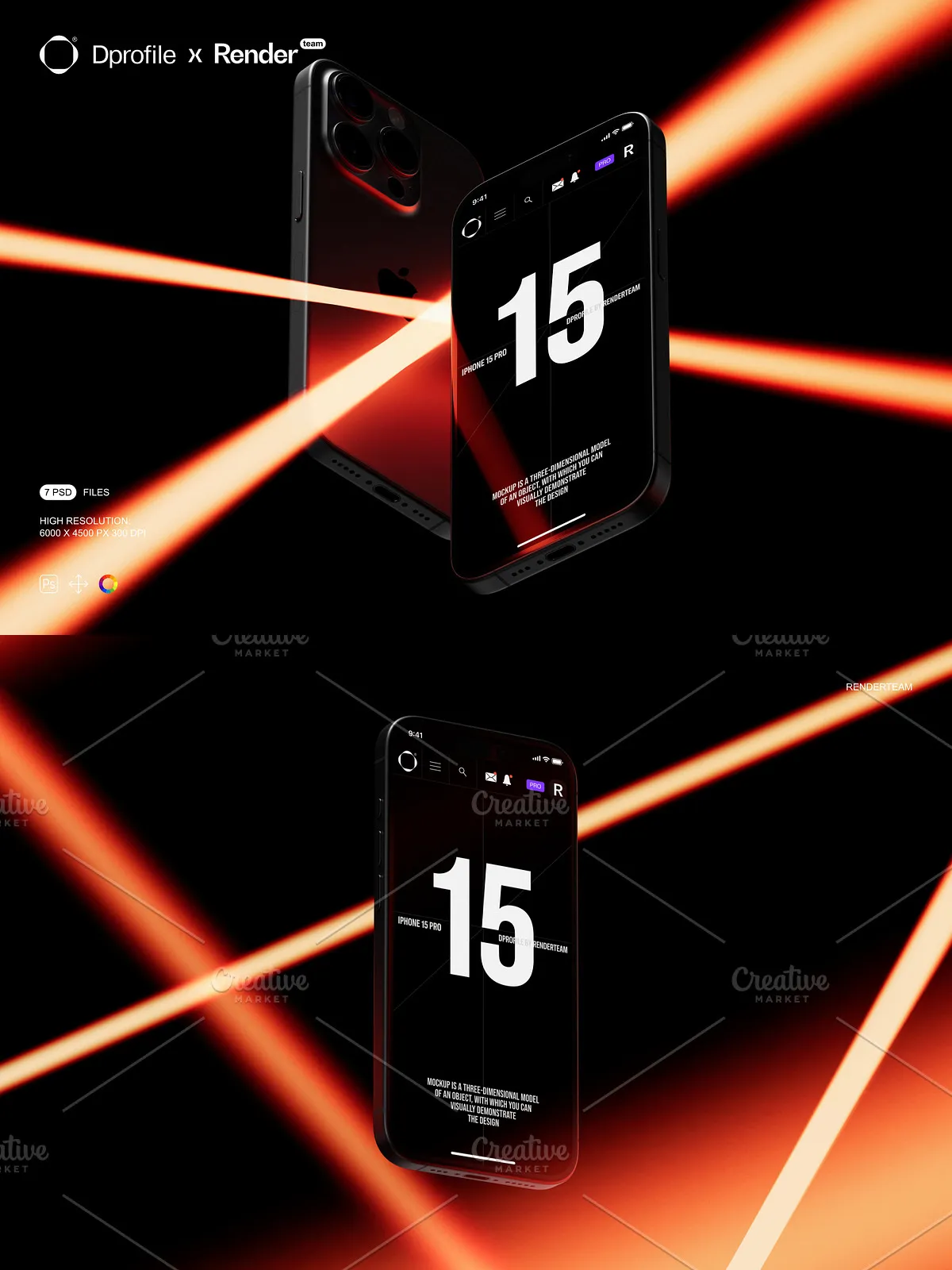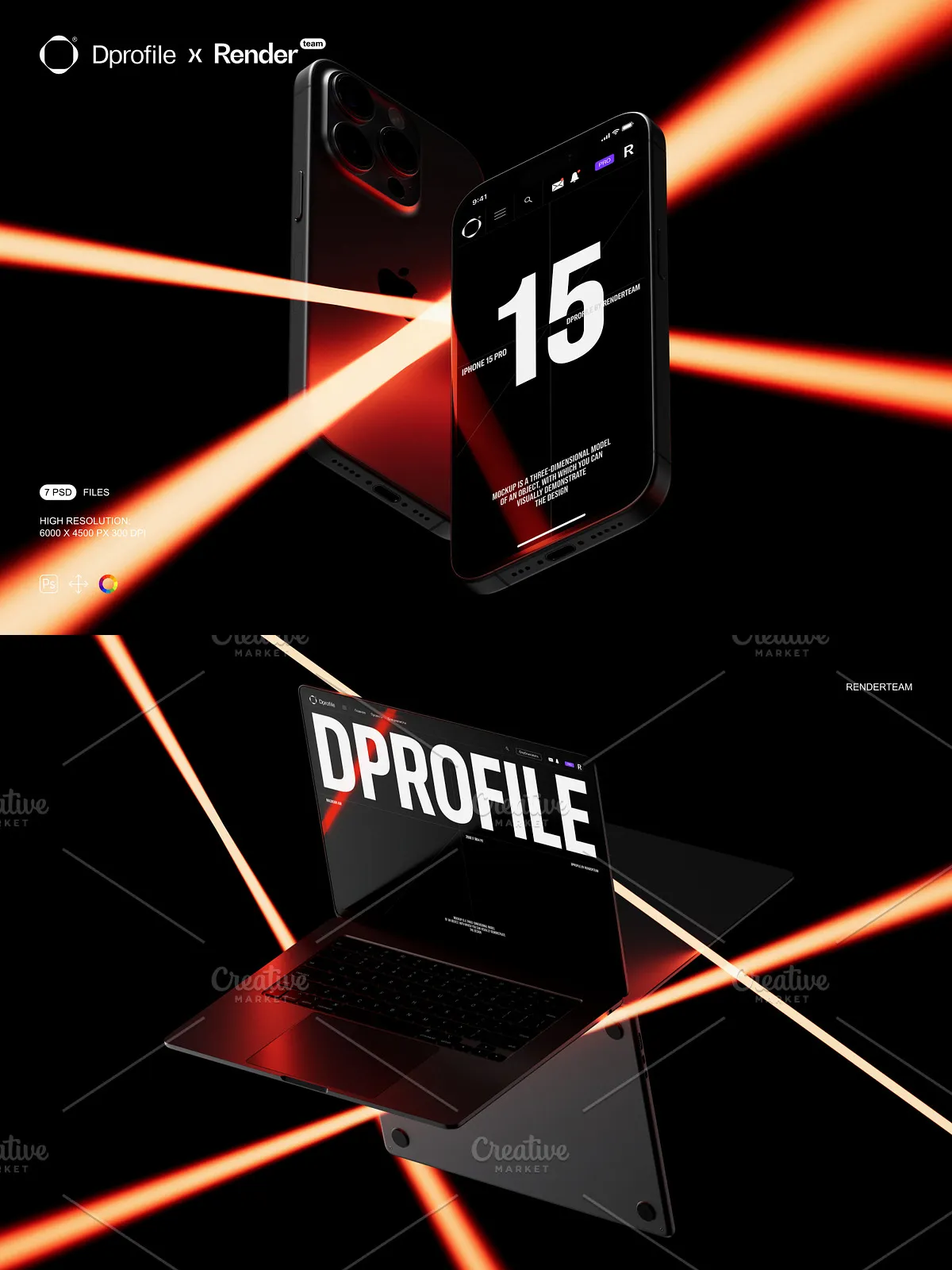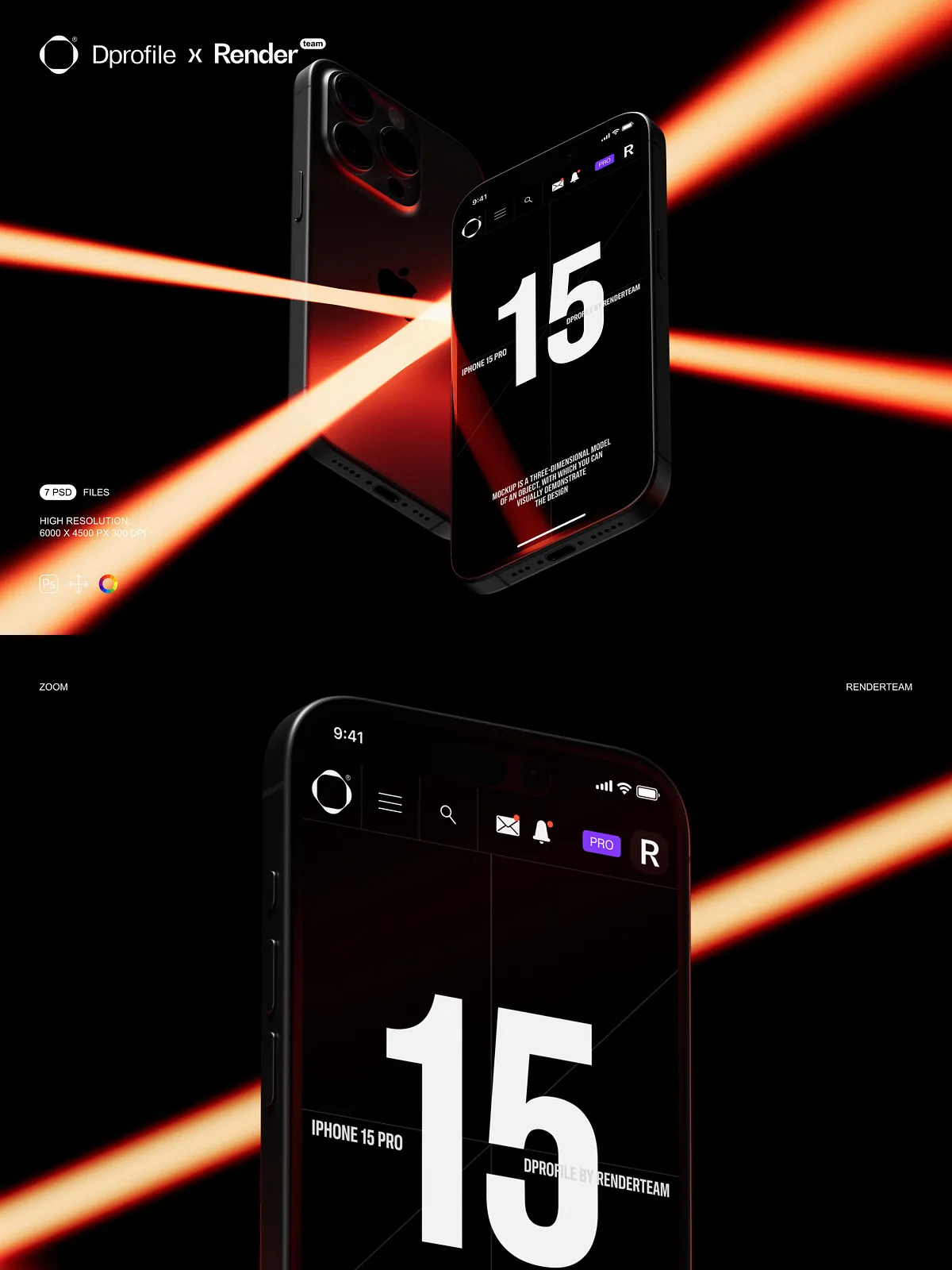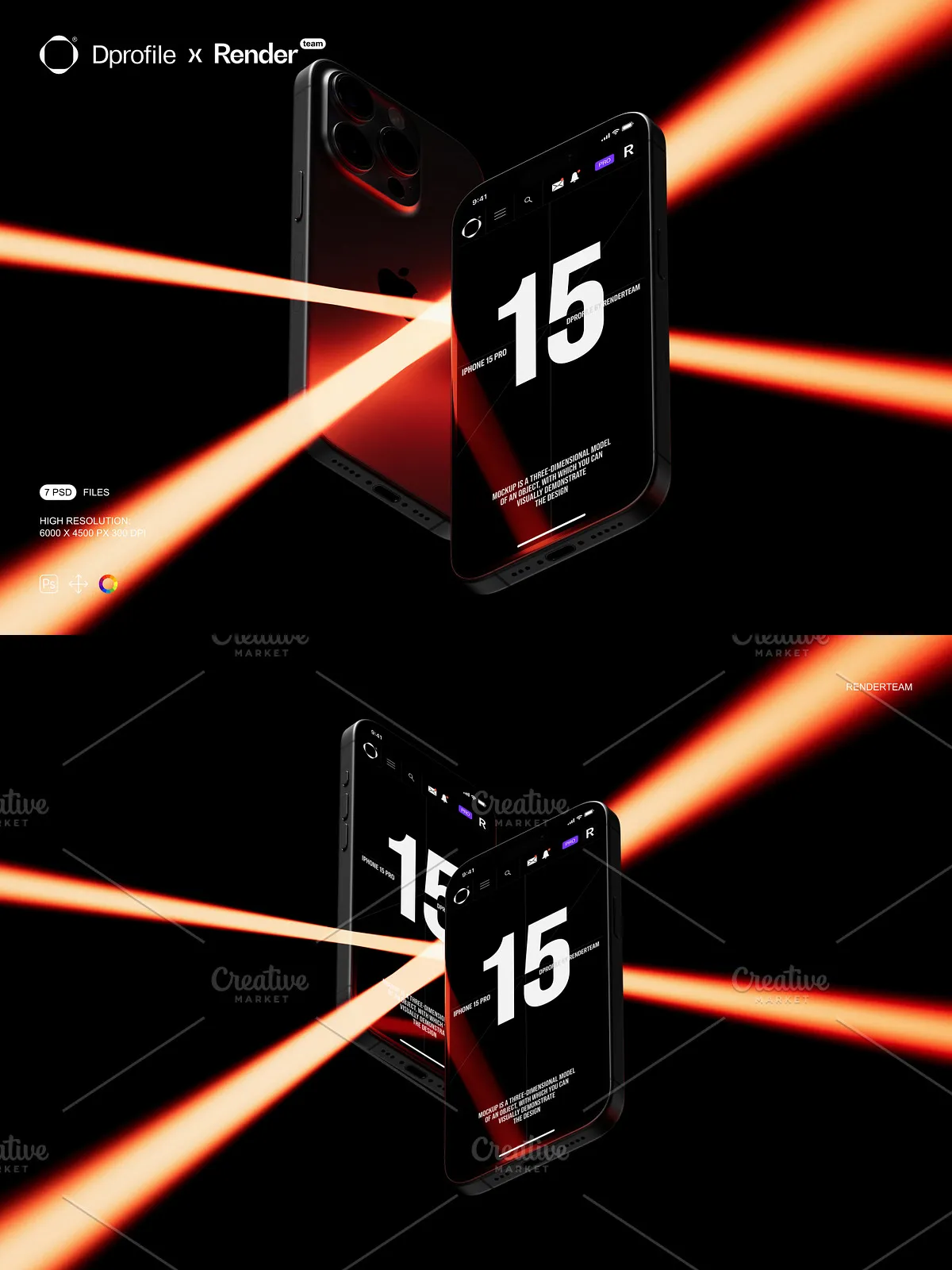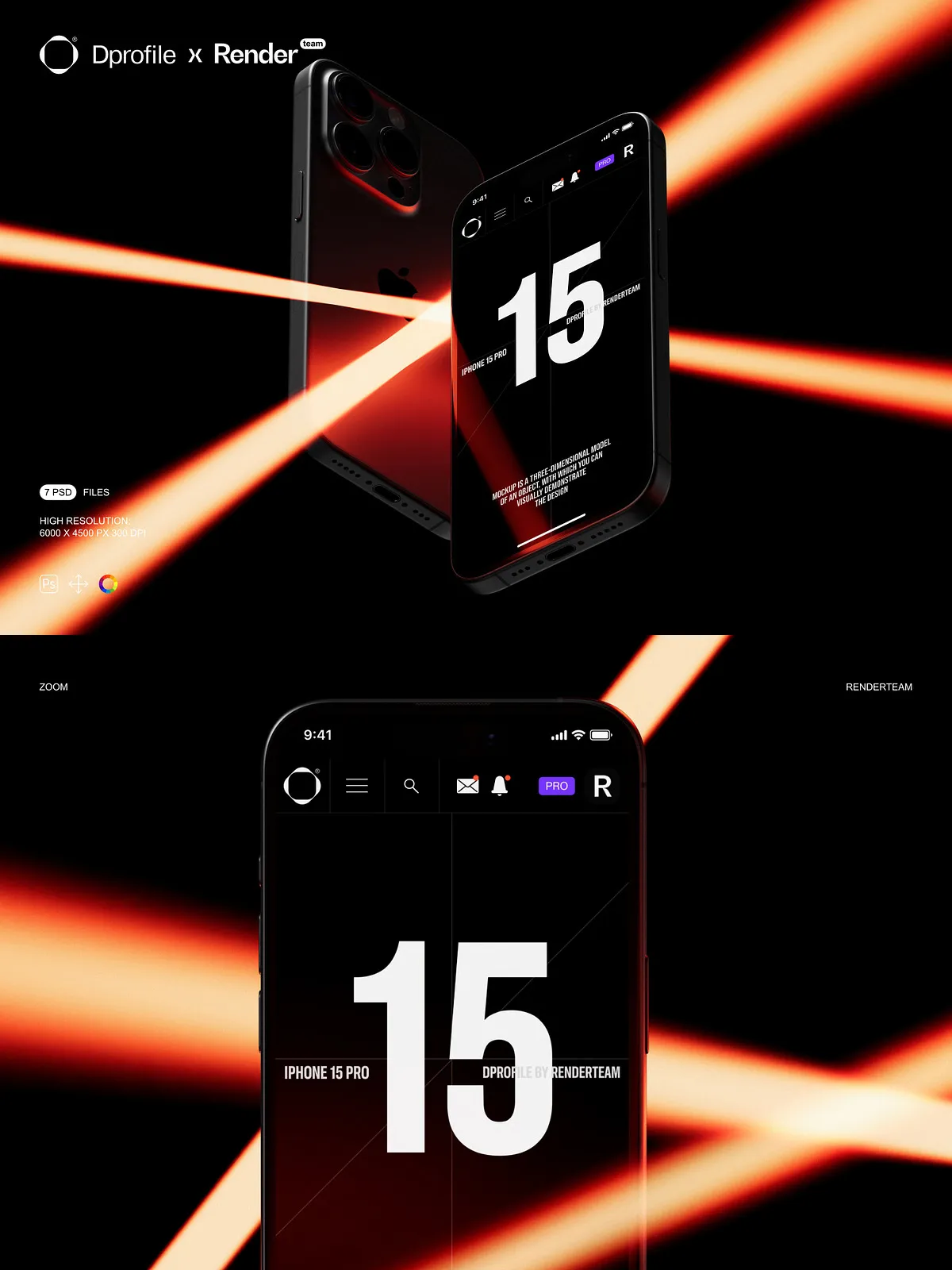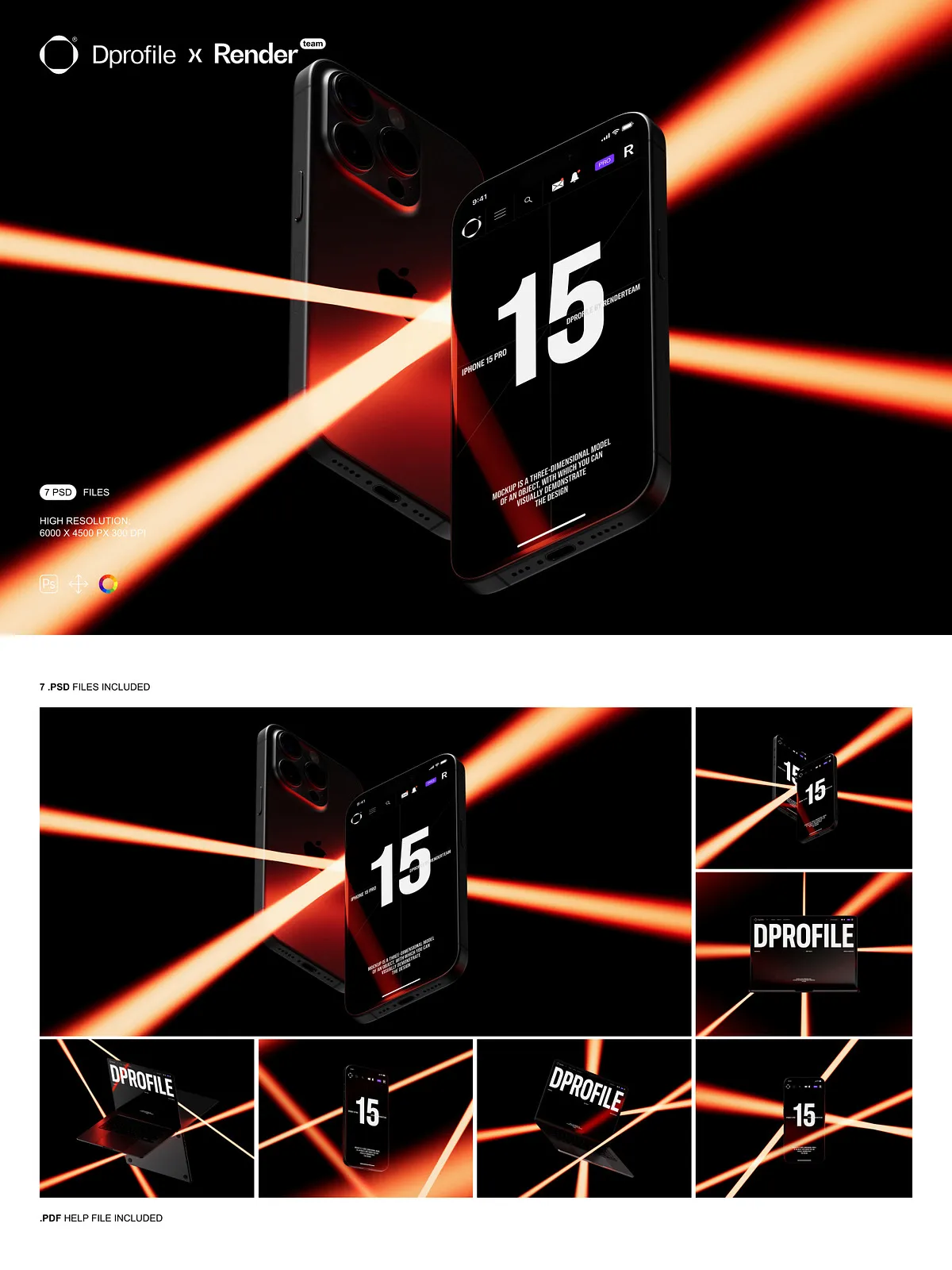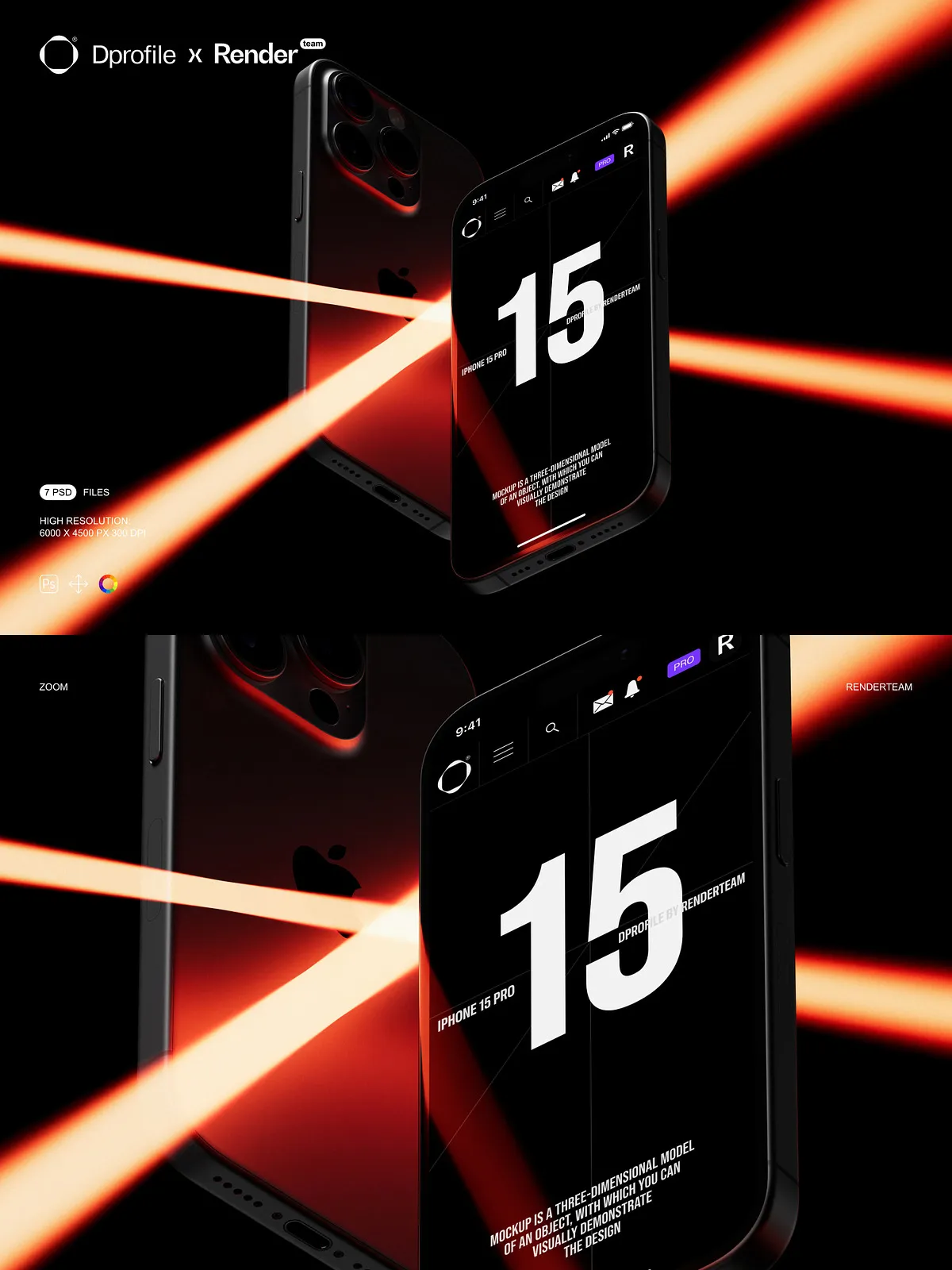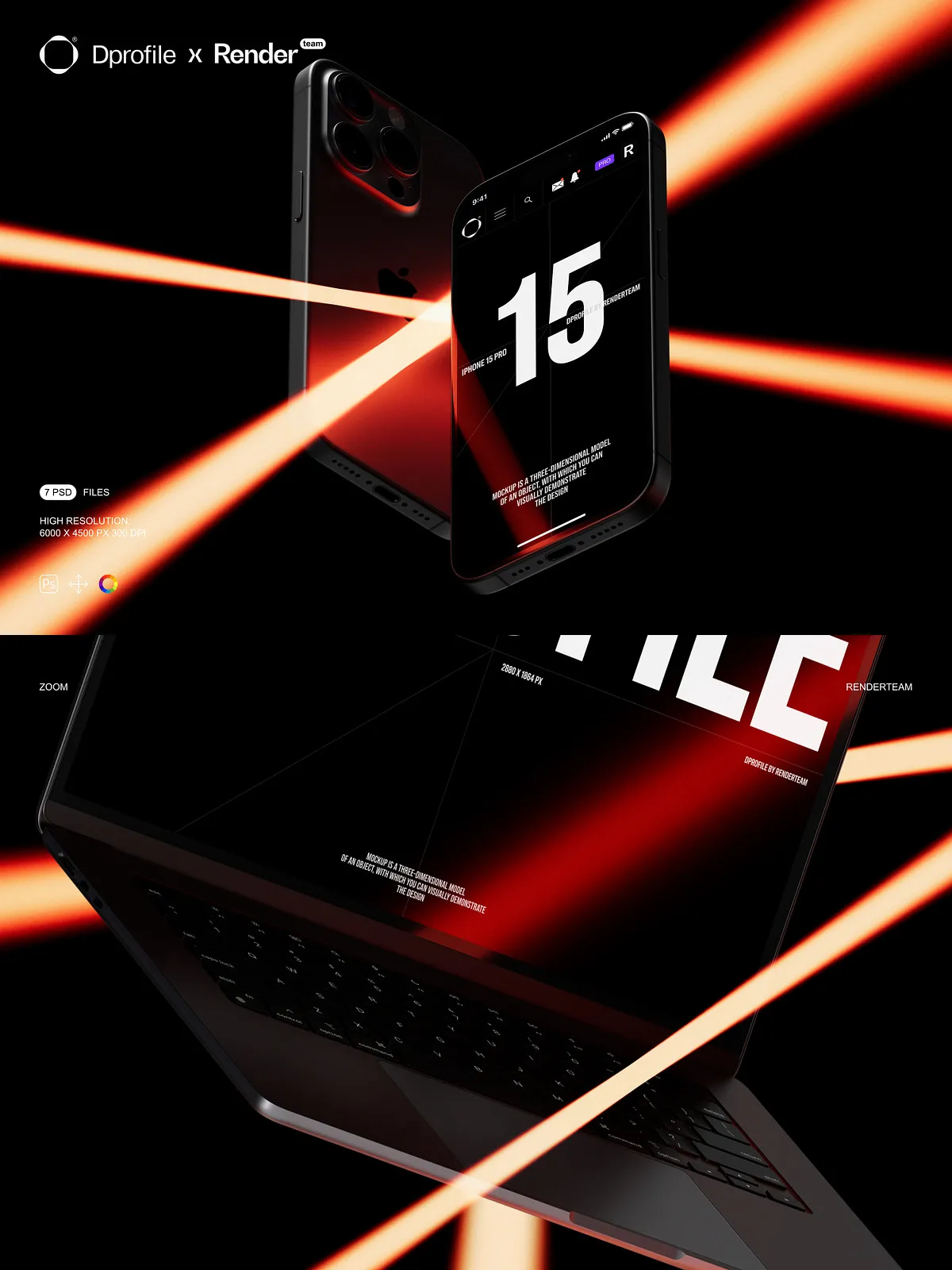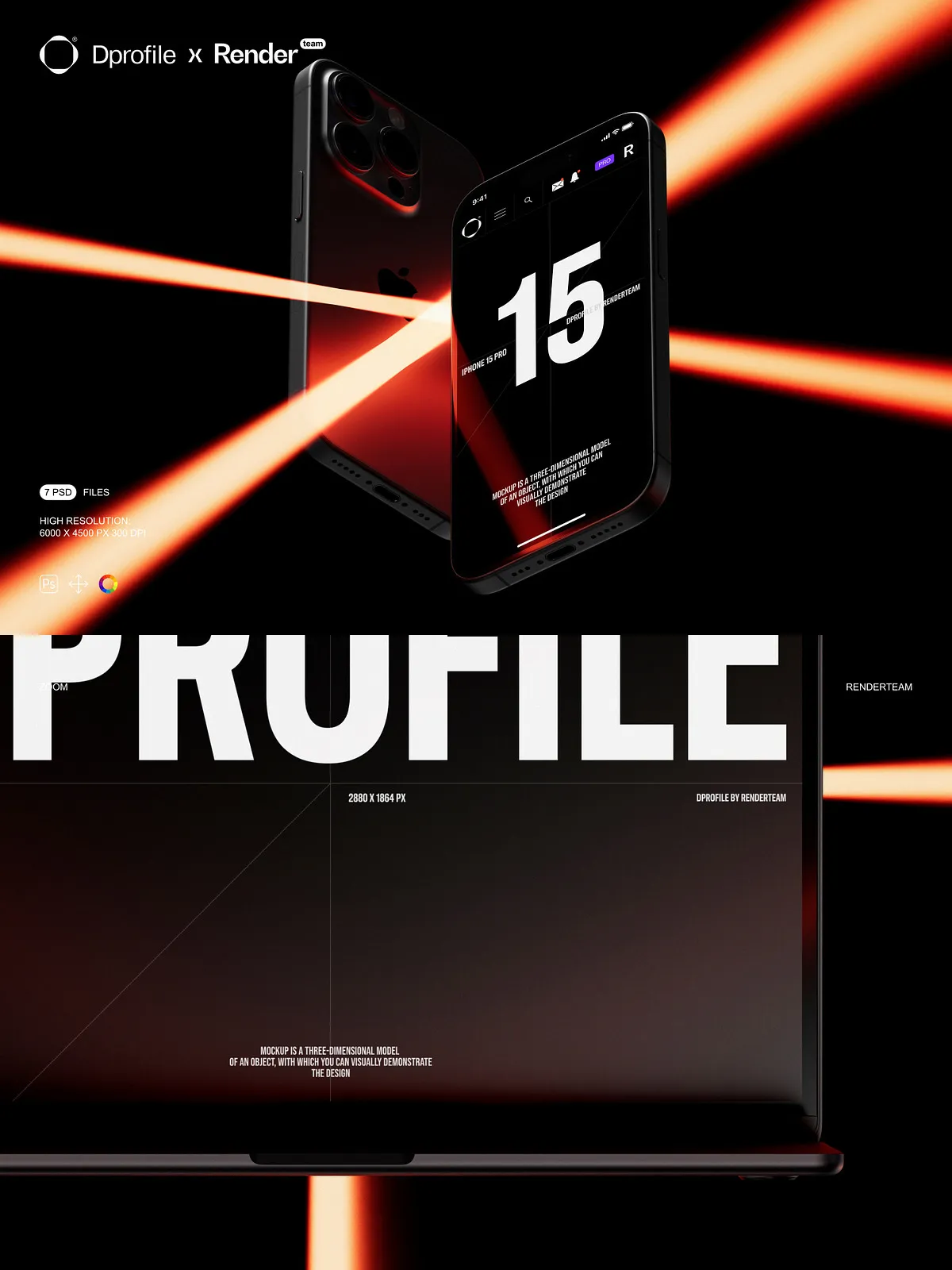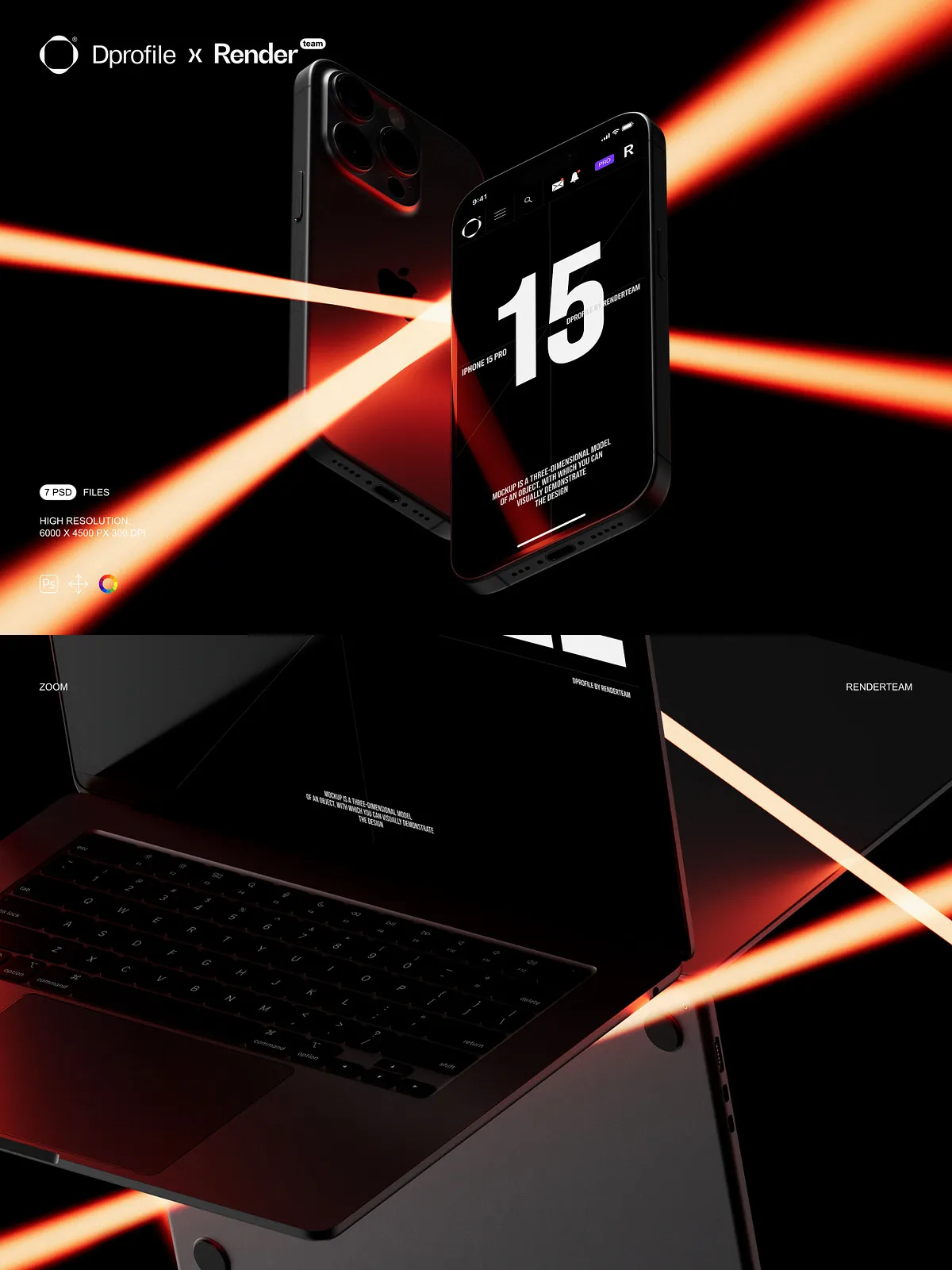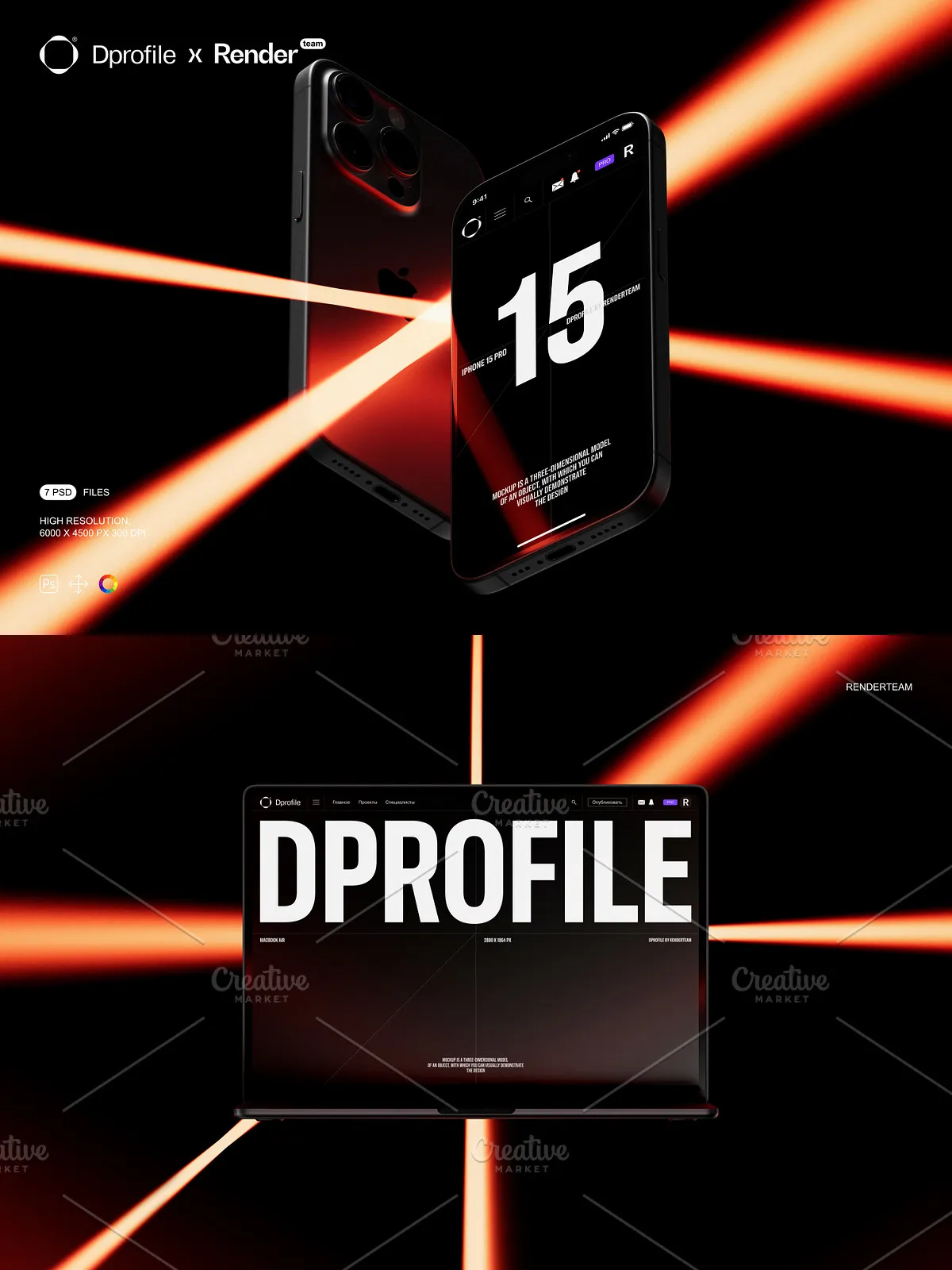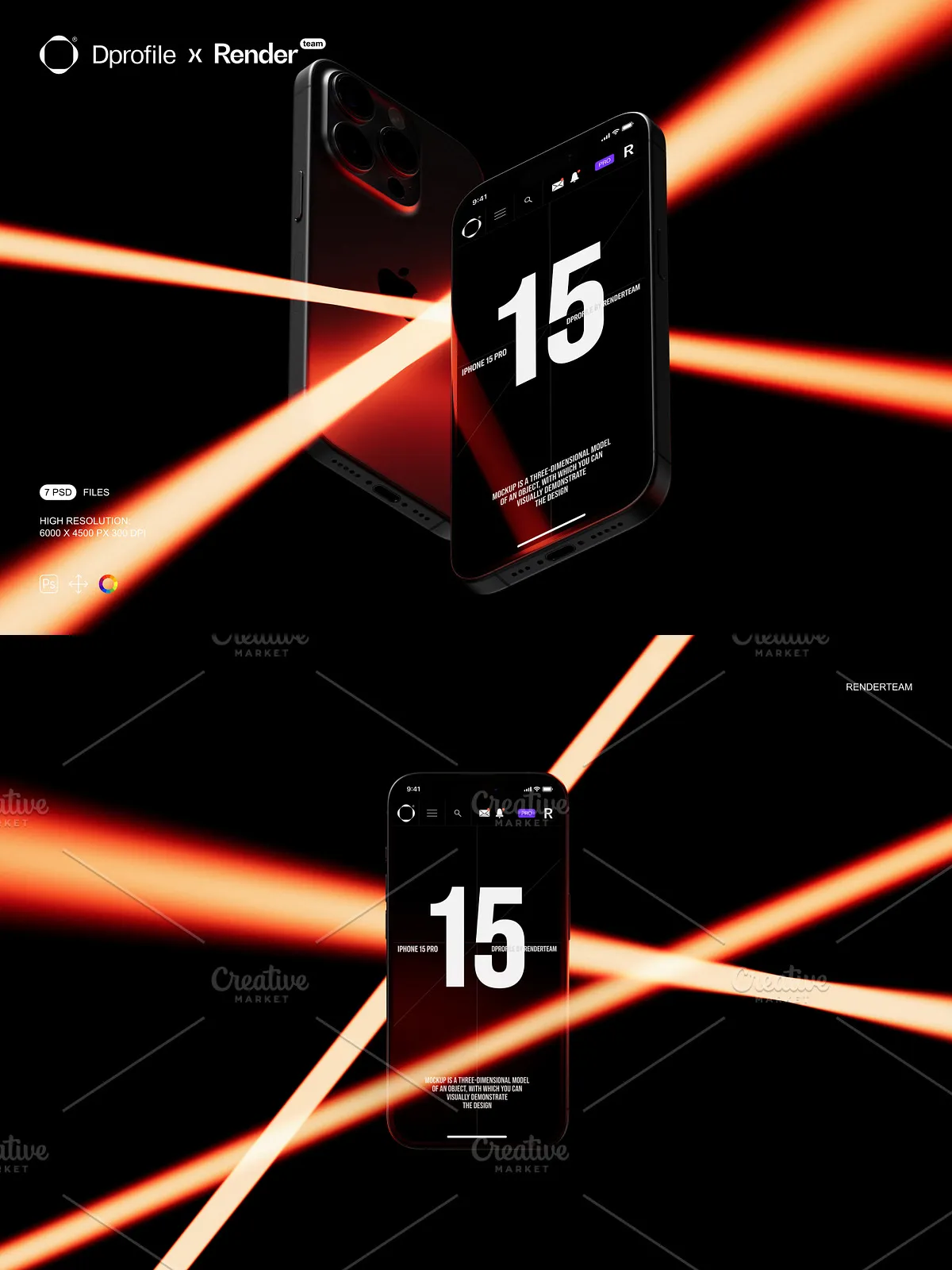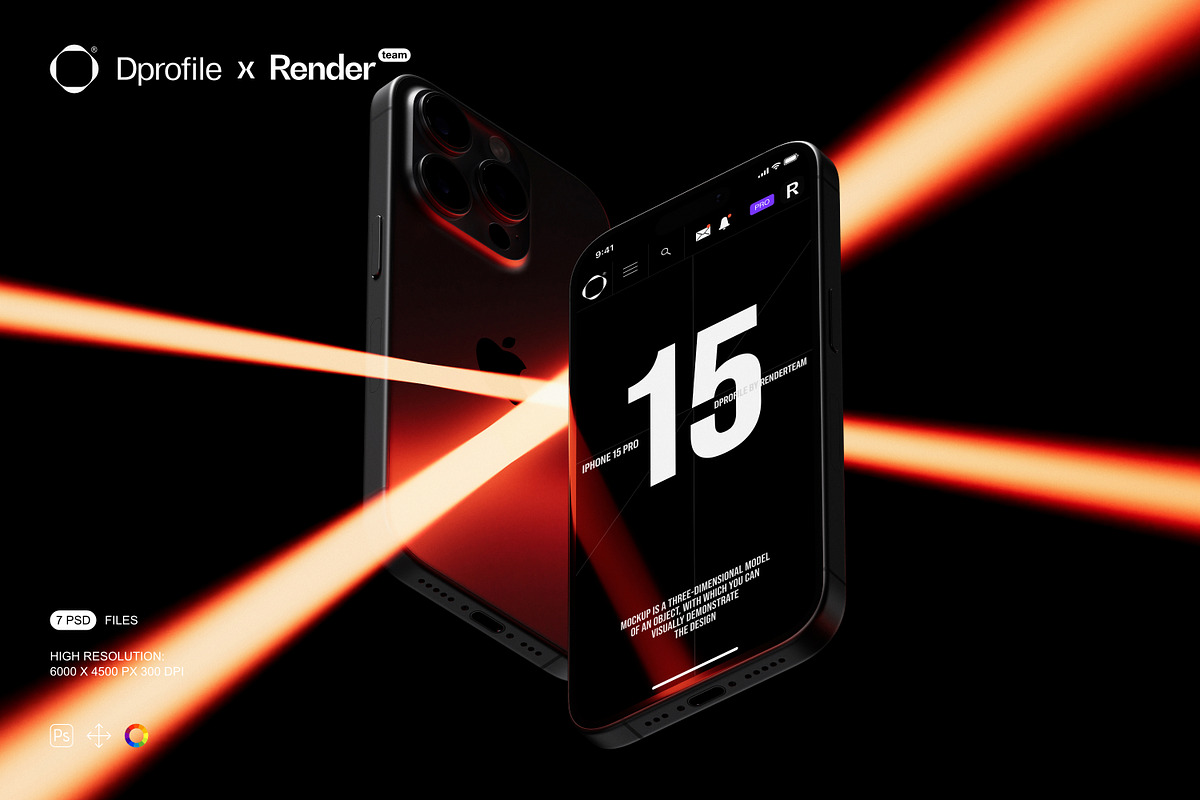
Unlock the full power of product presentation with this exclusive collaboration between Dprofile.ru and top-tier design professionals. The MacBook and iPhone Mockup Set delivers seven professionally crafted, layered, and fully editable PSD files, engineered to showcase your custom designs with realism, speed, and precision. Whether you’re launching a new app, presenting a UI concept, or developing branding assets, these mockups deliver studio-quality visuals in seconds—without requiring advanced 3D modeling or rendering skills.
What’s Included in the Set
Core Assets and Specifications
- 7 high-resolution PSD mockups featuring both MacBook and iPhone models in multiple realistic poses and environments
- Resolution: 6000 × 4500 px at 300 dpi—optimized for print, high-end digital displays, and large-format production
- Smart Object layers for every screen and surface—double-click to replace your artwork instantly and maintain perfect perspective
- All lighting elements, shadows, reflections, and object layers isolated for precise control and background adaptability
- Color and lighting adjustment layers for non-destructive tweaking of skin tones, ambient glow, and device finish (matte, glossy, etc.)
- Comprehensive PDF help file with step-by-step editing instructions, layer structure map, and export recommendations
Advanced Layer Architecture for Efficient Workflows
- Organized folder system: MacBook Body, iPhone Screen, Background Scene, Lighting & Effects, Adjustments
- Consistent naming conventions: “Screen – Smart Object”, “Shadow – Inner”, “Highlight – Ambient” for rapid navigation
- Grouped and locked layers to prevent accidental edits while enabling safe experimentation
- Smart Object thumbnails provide instant visual previews, reducing iteration time and design fatigue
Pro Features for Instant, Professional Results
Smart Object Editing — Replace Fast, Replace Often
Experience lightning-fast artwork replacement. Double-click any Smart Object layer—such as the MacBook screen or iPhone display—and instantly open your artwork in a new document. Paste your design, align with built-in guidelines, and save—your updated mockup updates automatically. This non-destructive workflow allows you to generate multiple variations, test branding ideas, and respond to client feedback without recreating the entire scene.
Non-Destructive Lighting & Color Control
Reconfigure the mood and atmosphere in real time. Use dedicated adjustment layers to shift color temperature, enhance reflections, or change screen brightness without altering the original image. Apply gradient maps, curves, or hue/saturation tools to simulate different environments—from natural daylight to dim café lighting—perfect for storytelling and contextual branding.
Isolated Components for Seamless Compositing
Every essential component is isolated on its own layer group. This enables you to swap backgrounds, remove shadows, add depth with custom overlays, or integrate the devices into mockups of real-world scenes like desks, coffee tables, or retail shelves—without distortion or visual artifacts. The modularity ensures maximum flexibility for designers, marketers, and content creators.
How to Use — Step-by-Step Workflow
1. Open the Mockup File
Launch Adobe Photoshop CC or a later version and open one of the provided PSD files from the set.
2. Identify the Smart Object Layer
Navigate to the Layers panel and locate the Smart Object layer labeled for the screen (e.g., “iPhone Screen – Smart Object” or “MacBook Display – Smart Object”).
3. Replace Your Design
Double-click the Smart Object thumbnail. A new window opens. Insert your design—ensure it’s scaled correctly and aligned with the included guides. Adjust content size, position, or aspect ratio as needed.
4. Save and Return
Press Ctrl + S (Windows) or Cmd + S (Mac) to save your design and close the Smart Object window. The updated artwork appears instantly in the main mockup composition.
5. Refine Visuals
Adjust shadows with opacity sliders, tweak light intensity using the “Ambient Light” layer, or change the device finish with color overlays. Experiment across multiple versions in minutes.
6. Export for Every Purpose
Follow the export recommendations in the PDF guide: use sRGB for web and social media, CMYK for print, and transparent PNG for layered presentations. All files are production-ready and optimized for fast delivery.
Pro Design Tips for Maximum Impact
- Design your UI with a 5mm bleed to prevent clipping during cropping or zoom-in views.
- Use blending modes like “Screen” for translucent overlays or “Overlay” for subtle light effects.
- Save multiple color presets—one for glossy finish, one for matte, one for reflective glass—then apply them with one click.
- Duplicate mockups to create a visual series for A/B testing UI layouts, branding changes, or seasonal updates.
Ideal Applications for This Mockup Set
Product Launches & Tech Branding Campaigns
Showcase new apps, operating system updates, or device integrations with realistic, attention-grabbing visuals. Present your vision with high credibility and visual polish.
E-Commerce and Social Media Marketing
Create sharp, professional product images for Shopify, Amazon, Instagram, or LinkedIn. The 300 dpi resolution ensures clarity even when users zoom in on mobile devices.
Client Presentations & Creative Portfolios
Demonstrate your design process and technical precision. Instantly generate side-by-side comparisons of different interfaces, color schemes, or app concepts—without starting from scratch.
Why This Set Stands Out from the Rest
Unlike basic, static mockups, this MacBook and iPhone Mockup Set delivers true creative freedom. Engineered for speed, scalability, and professional standards, it empowers designers, product managers, and brand strategists to produce high-impact visuals without compromise. With Smart Object integration, clean layer structure, and exclusive collaboration quality, this set is not just a tool—it’s a strategic asset in your design pipeline. Whether you’re building a personal portfolio or managing a brand’s visual identity, this set accelerates your creative process while maintaining unmatched quality and consistency.