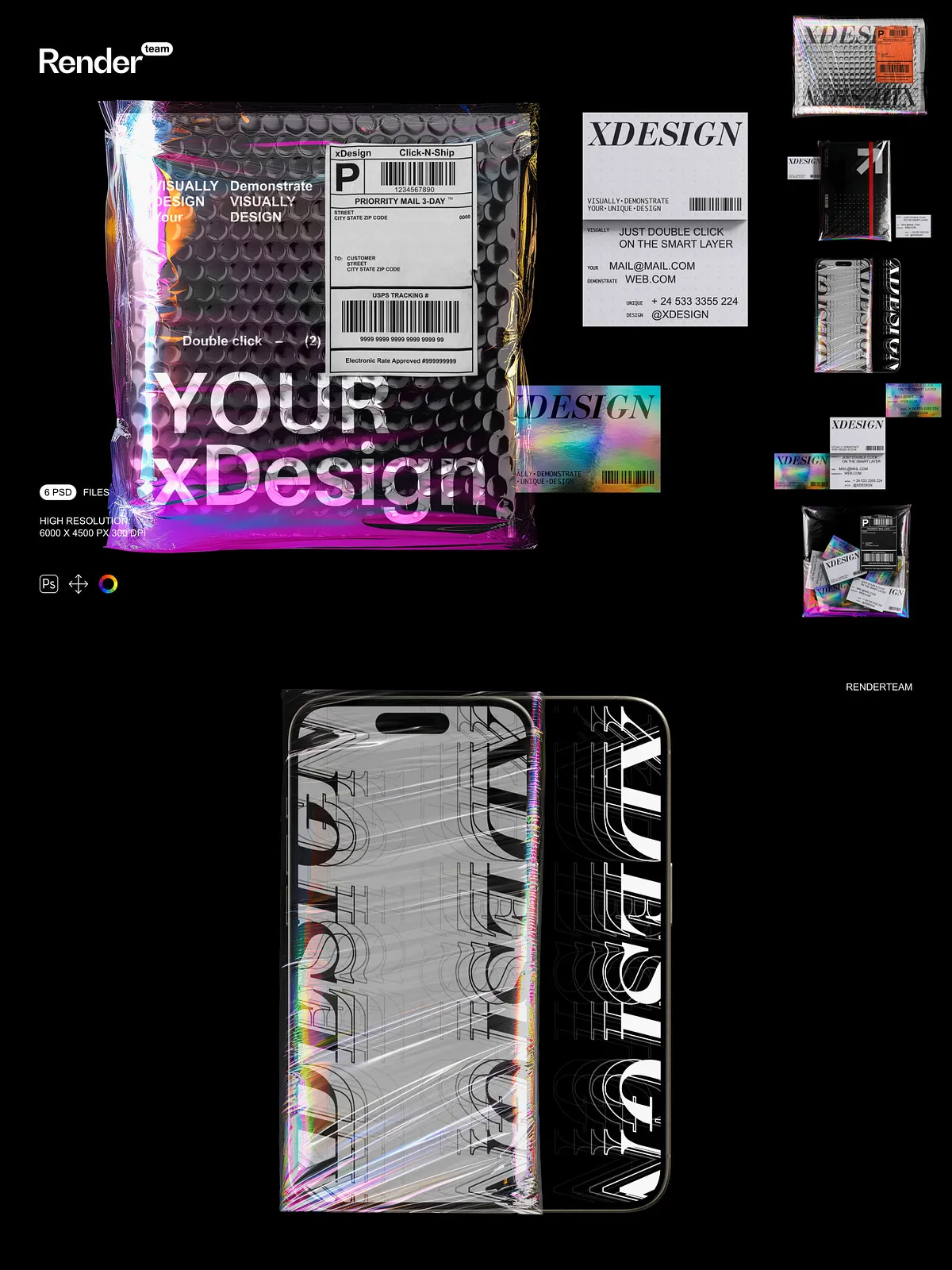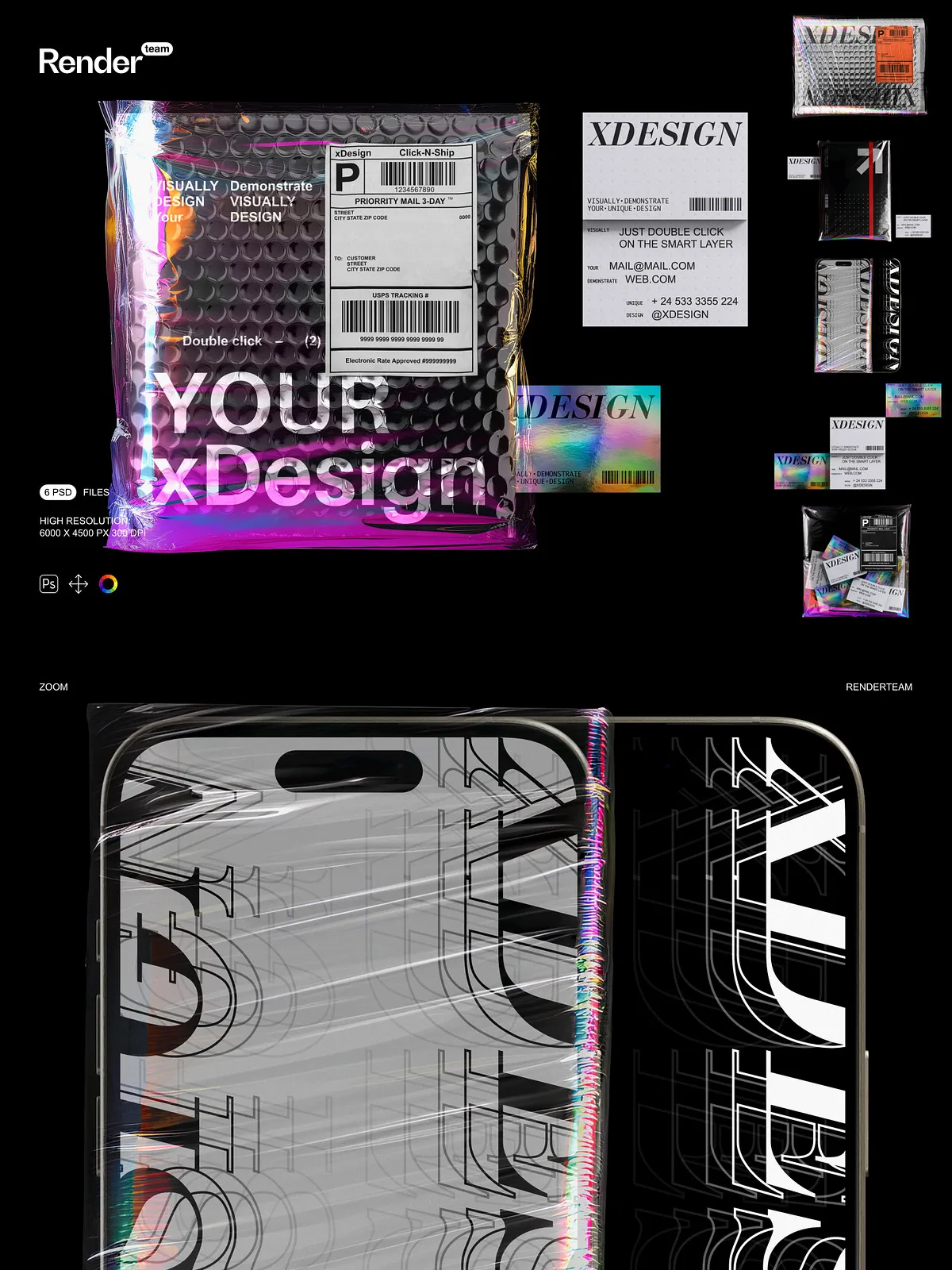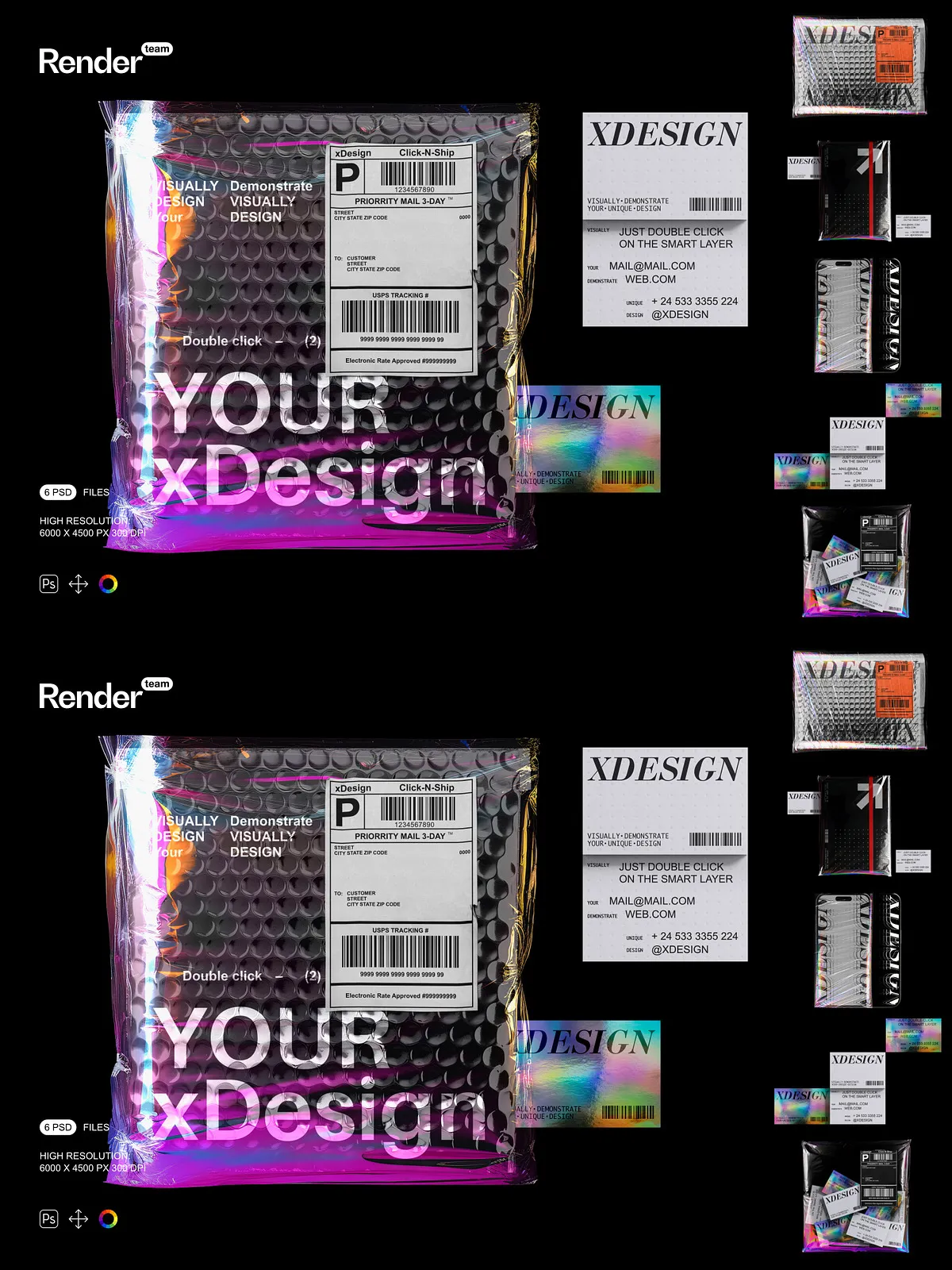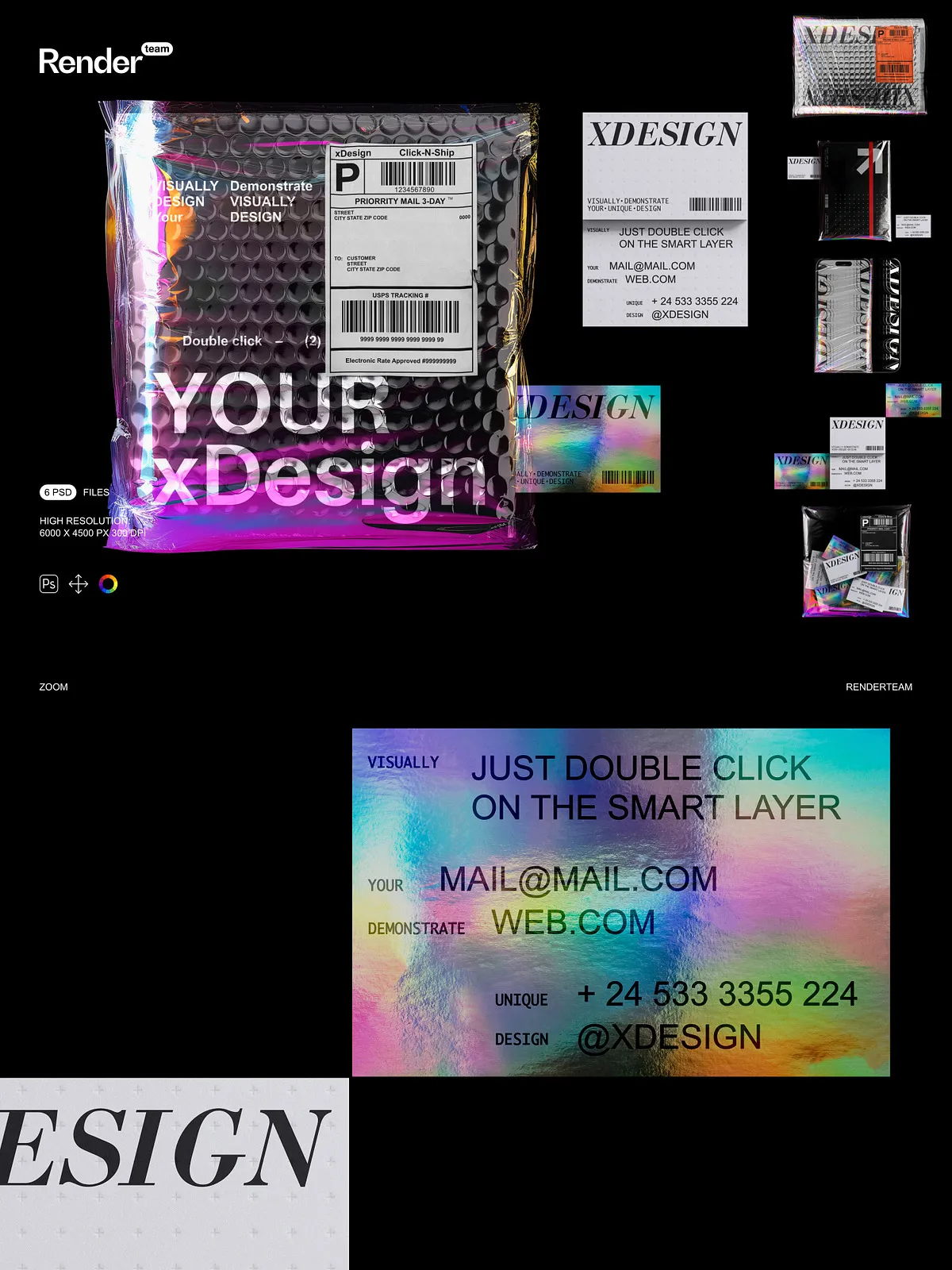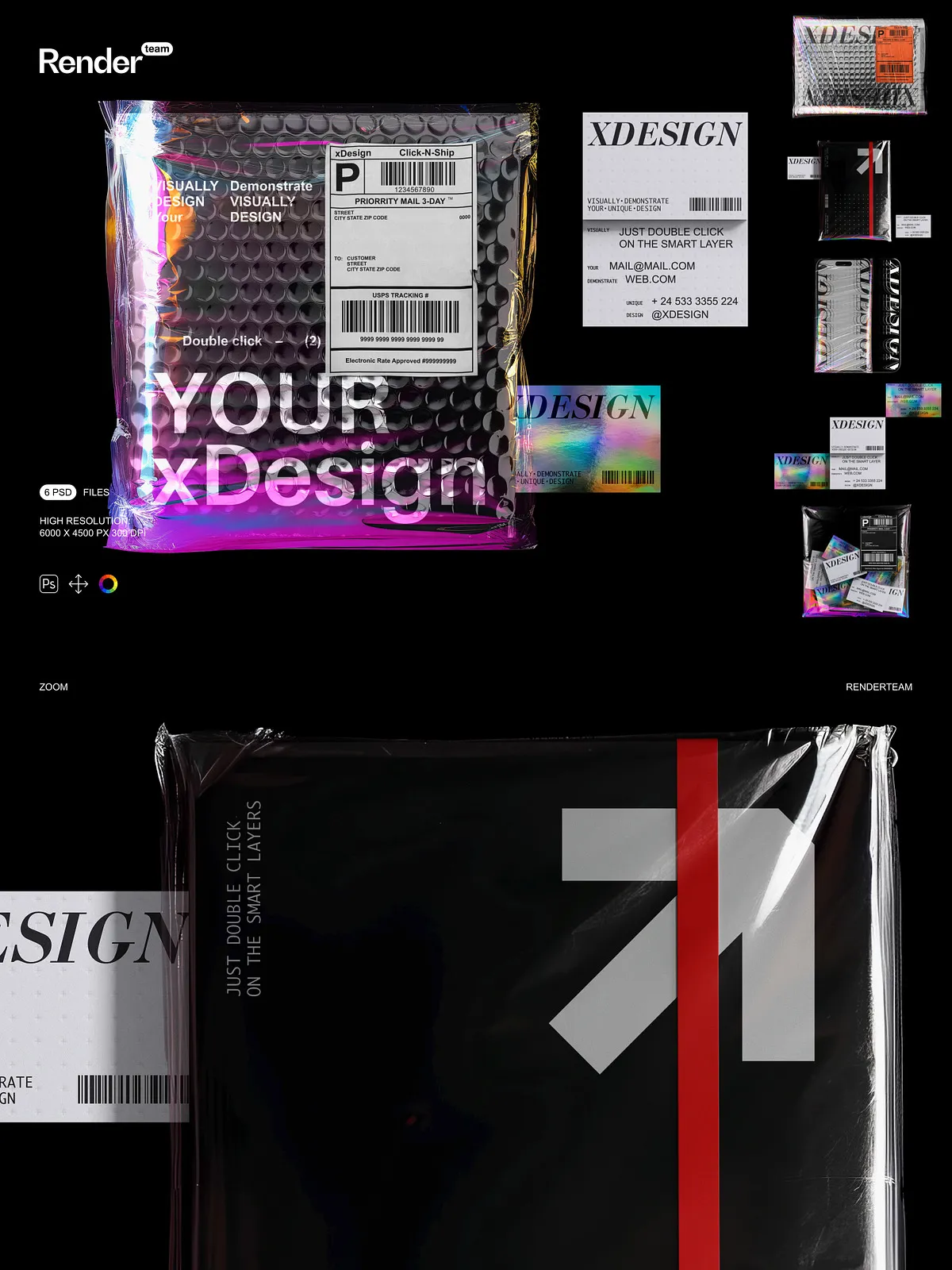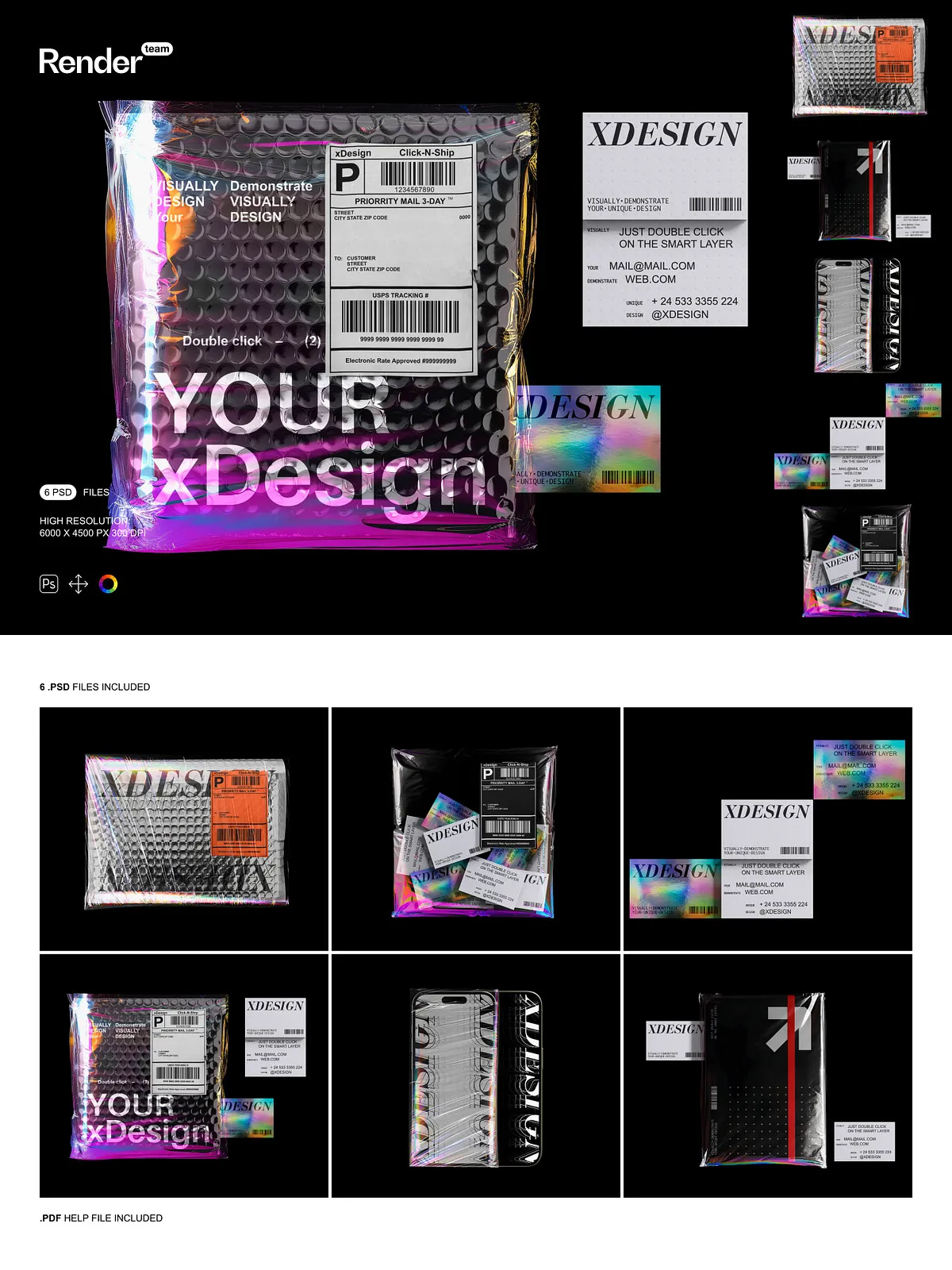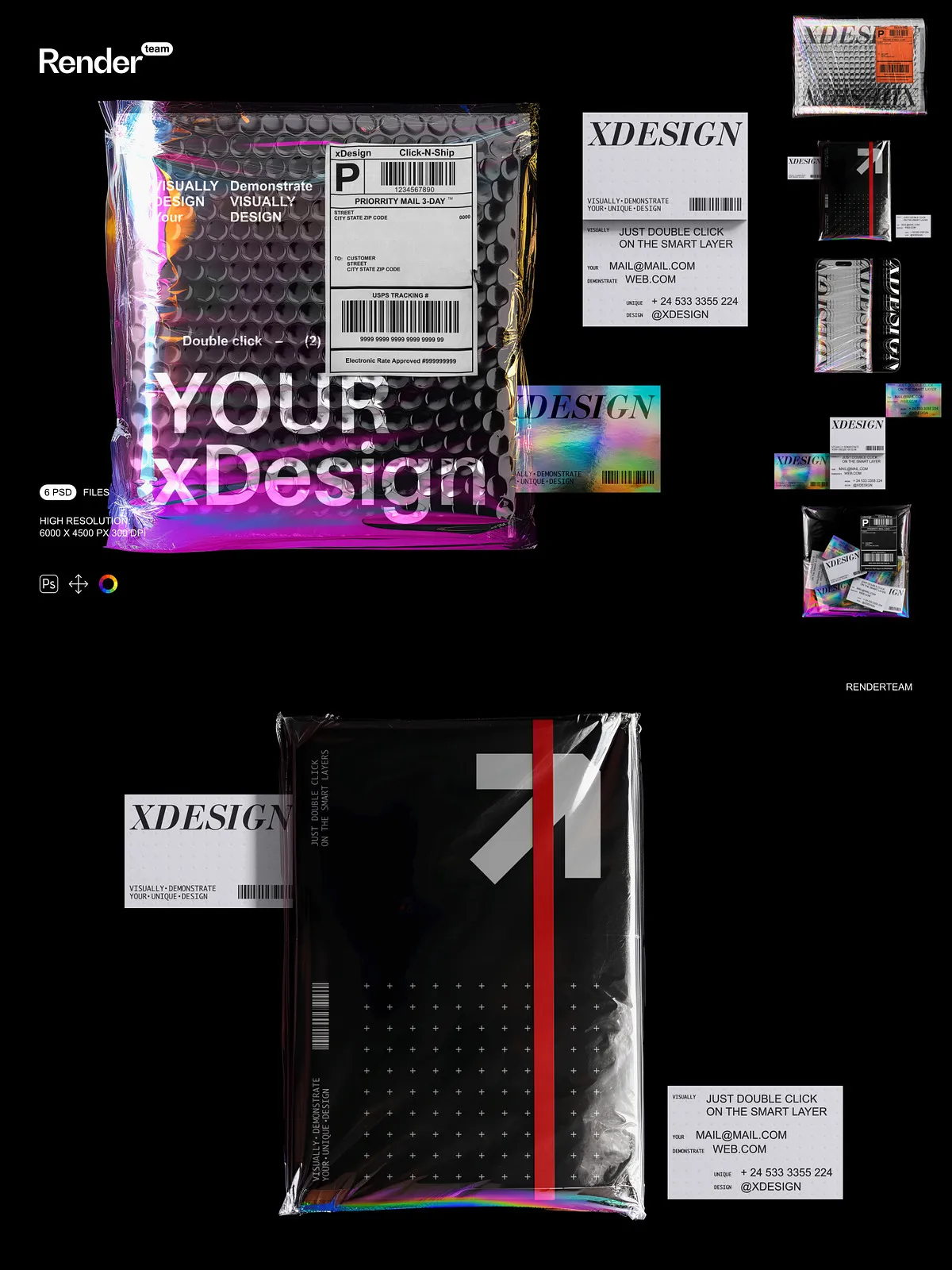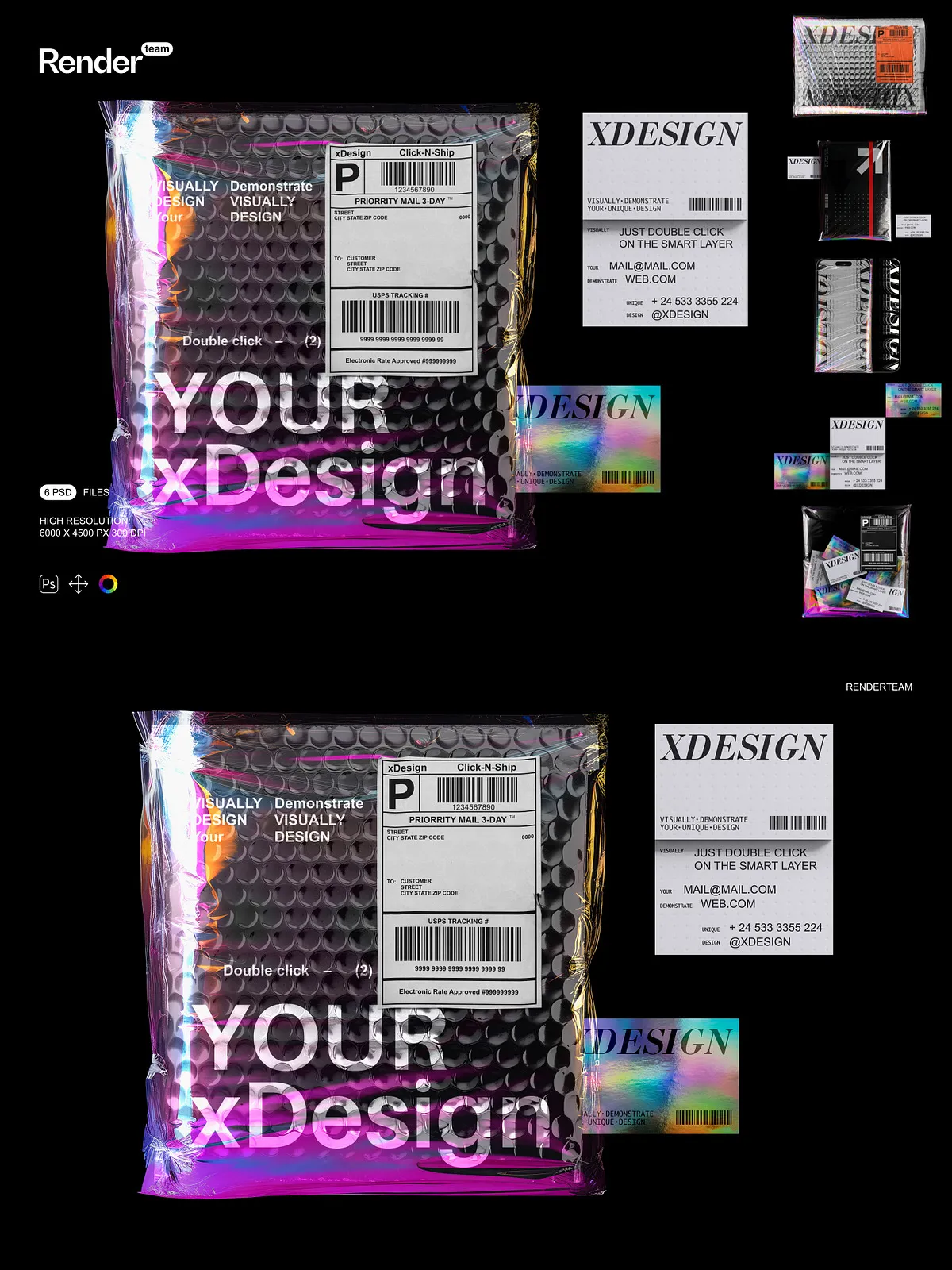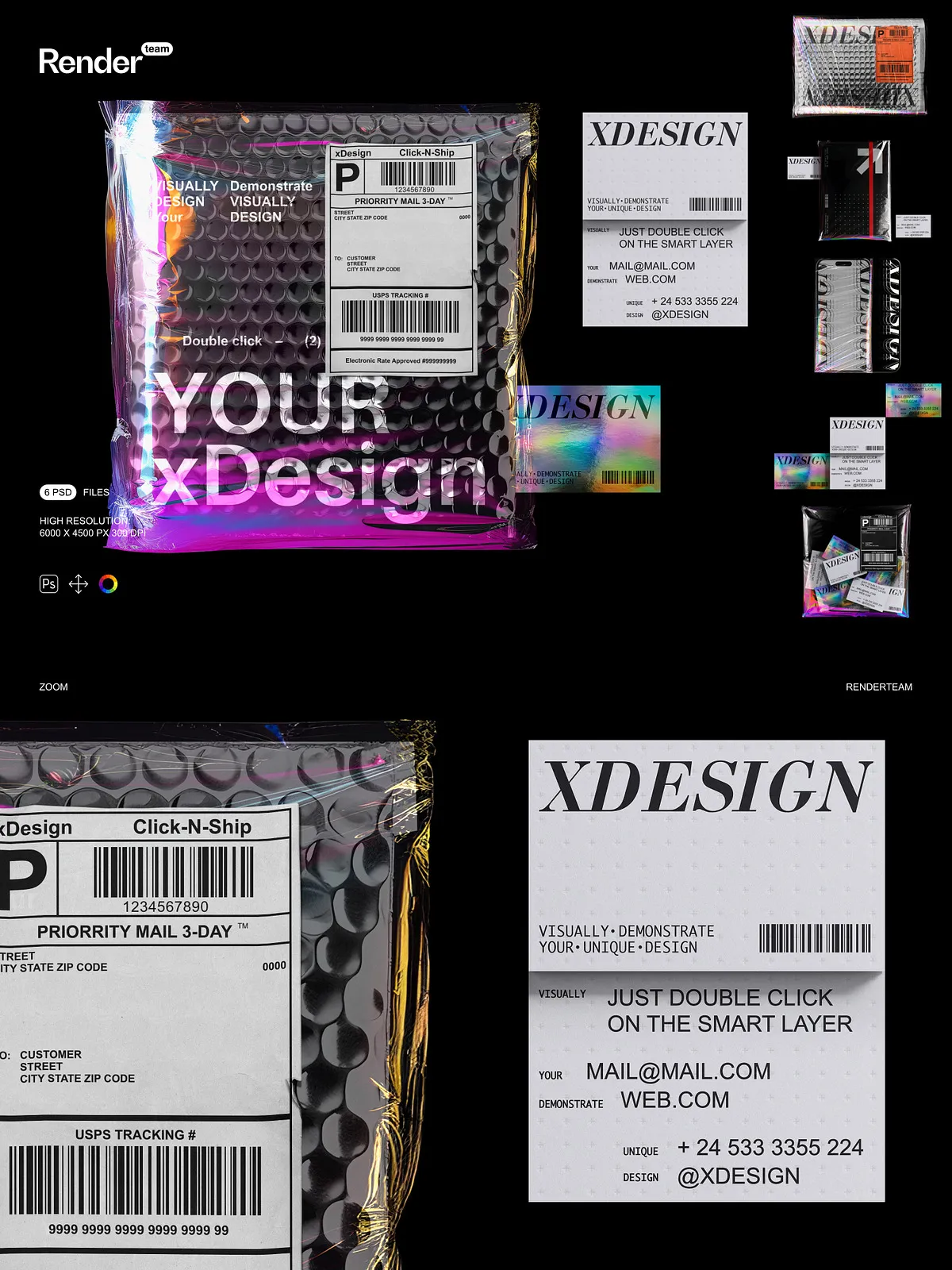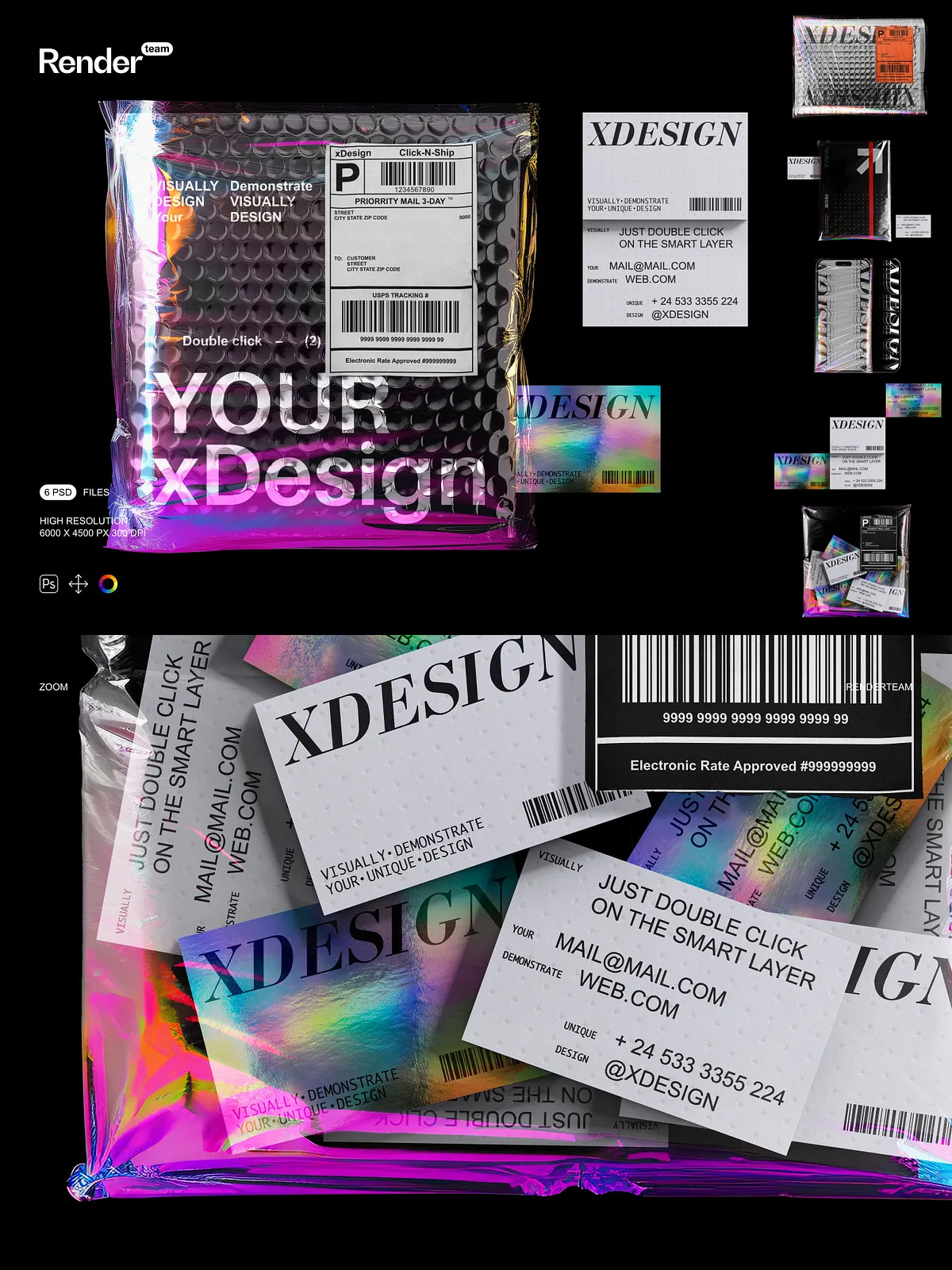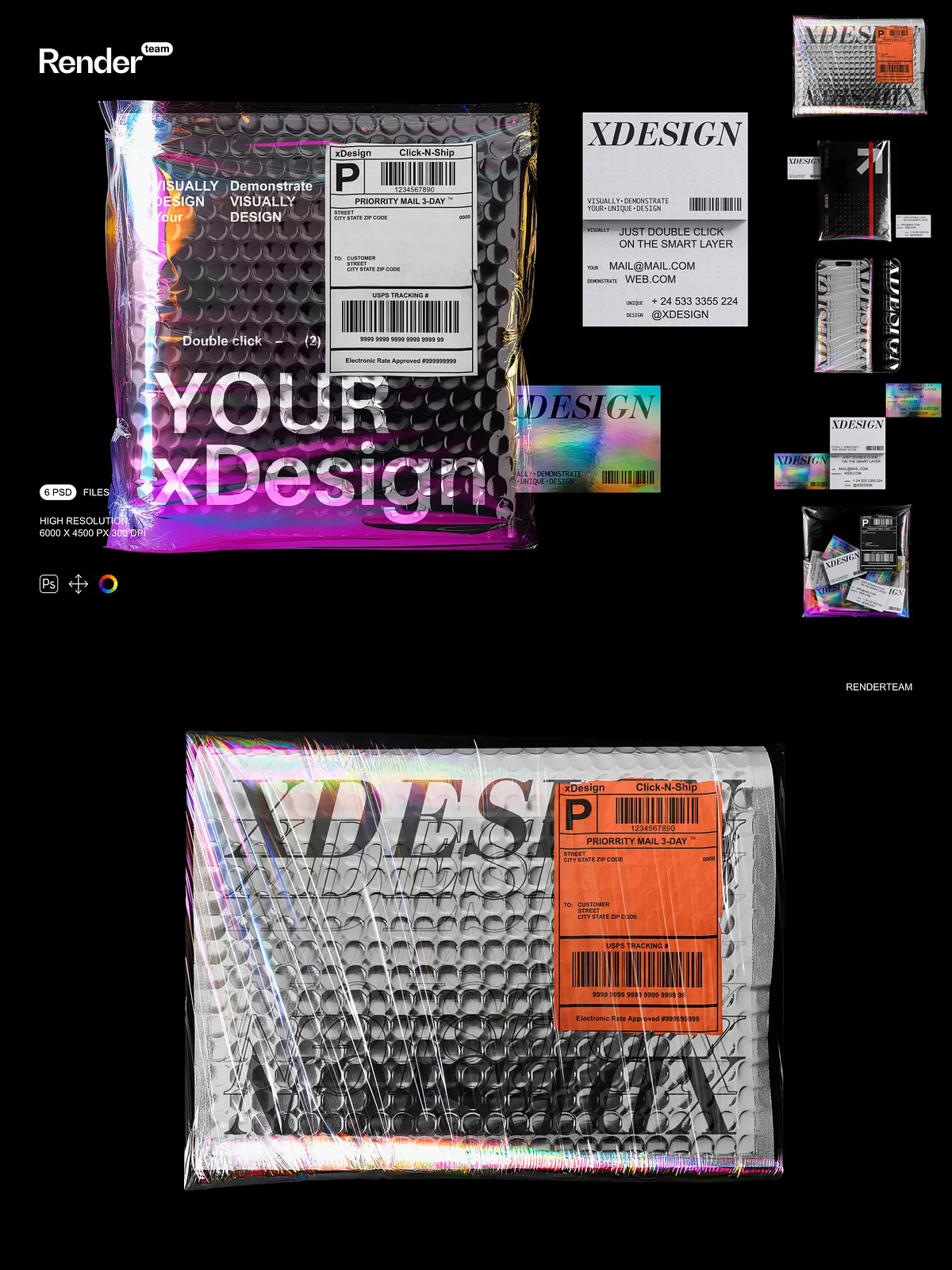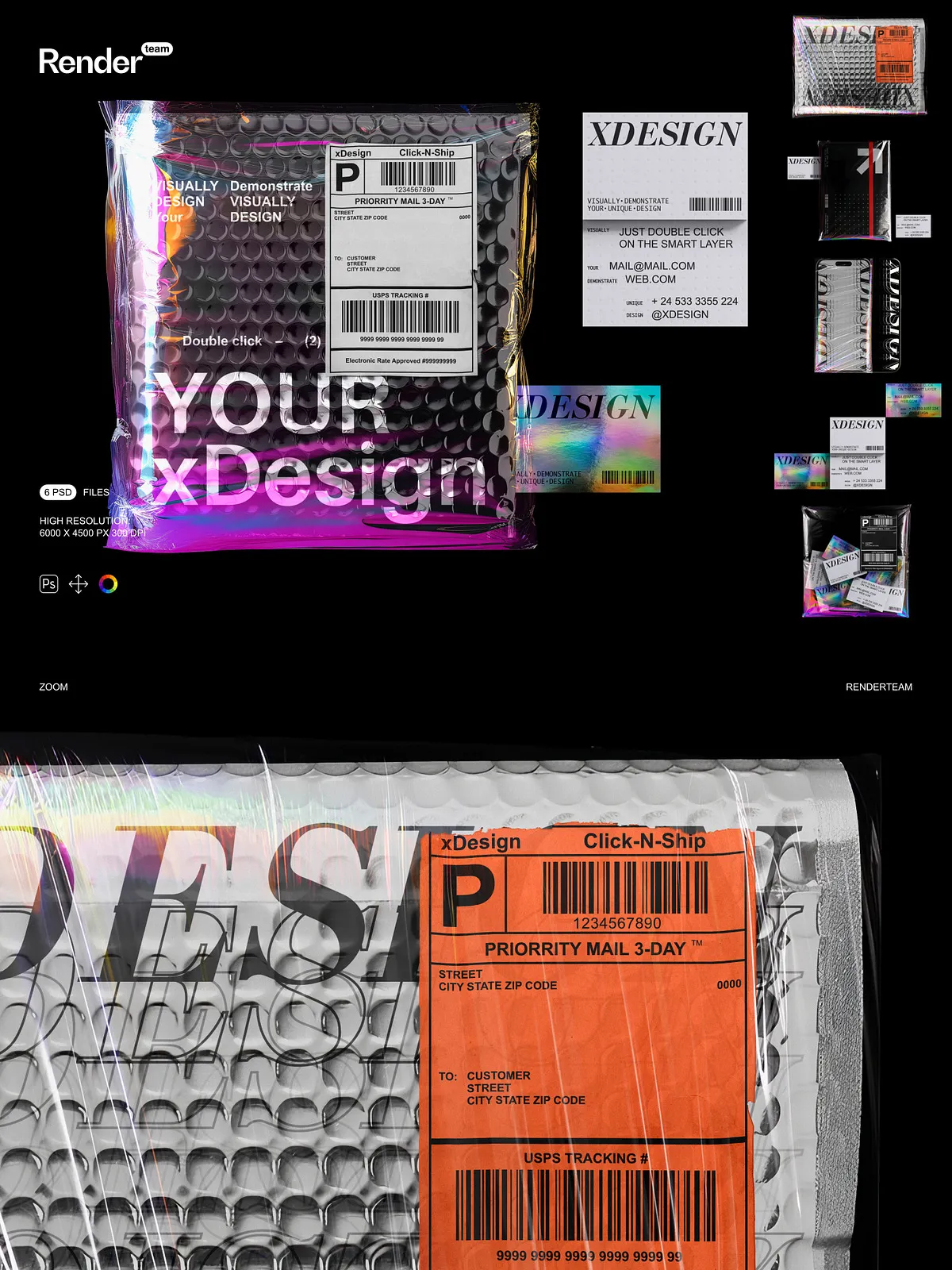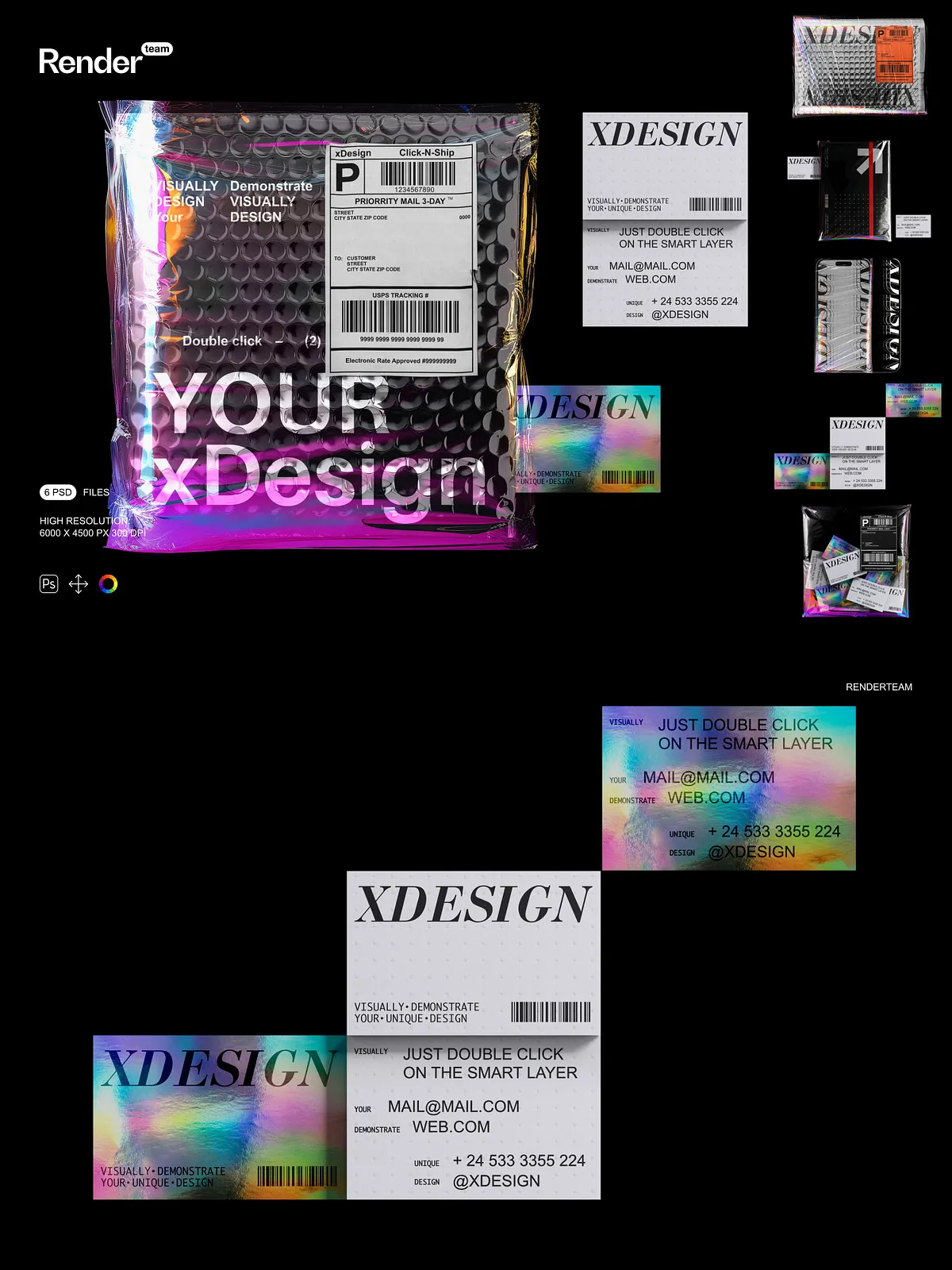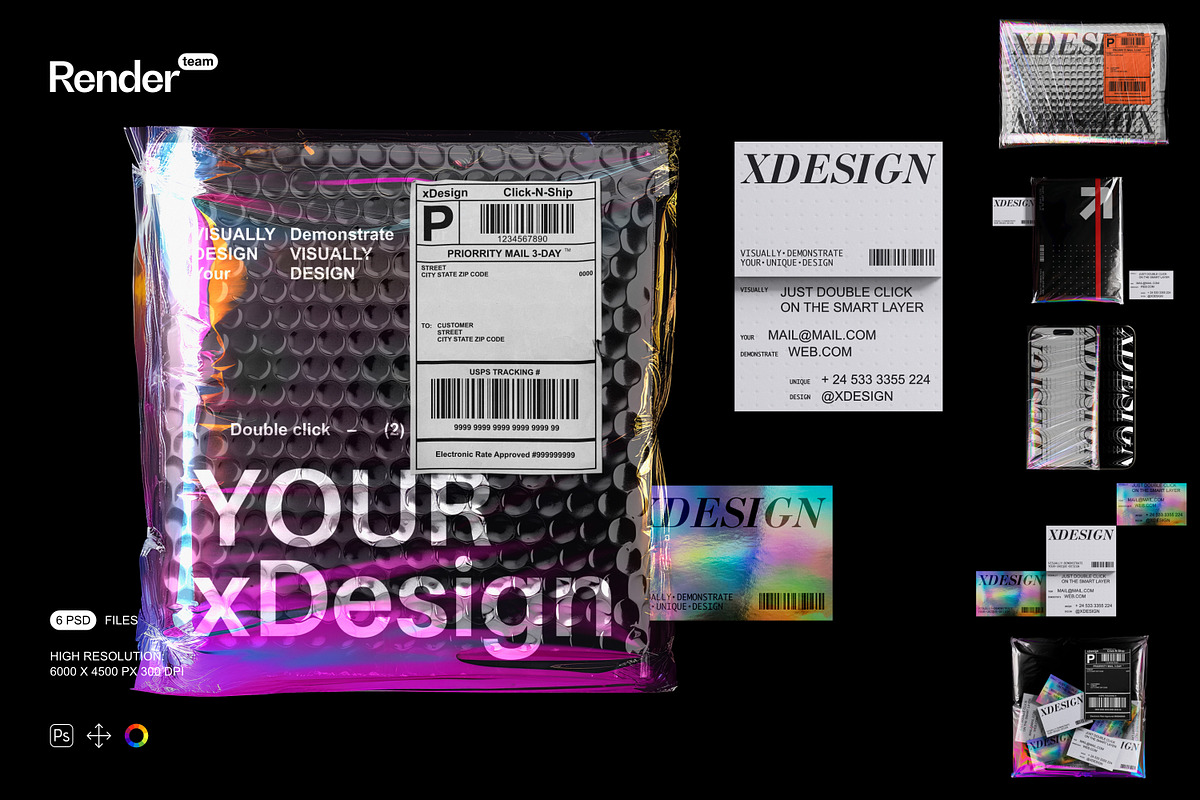
The Holographic Brand Identity Mockups deliver six fully layered, editable PSD files designed to spotlight your brand with modern holographic effects and realistic lighting. Each mockup uses Smart Objects and dedicated color layers so you can replace artwork and tune color schemes in seconds. These assets speed up presentation workflows and help you produce polished marketing visuals, portfolio images, packaging previews, and client deliverables without complex compositing.
What’s Included
Files and Documentation
- 6 editable PSD mockup files with holographic material and device/environment variations
- PDF help file with step-by-step instructions, export tips, and recommended Photoshop settings
Technical Specifications
- Resolution: 6000 × 4500 px at 300 dpi for crisp digital and print output
- All main objects and shadows isolated on separate layers for precise compositing
- Organized layers and named folders for fast access and collaborative editing
- Full Smart Object workflow for instant screen or artwork replacement
Key Features and Benefits
Smart Object Workflow for Rapid Results
Open the PSD, double-click the Smart Object, paste or place your artwork, and save — the mockup updates automatically. This process preserves reflections, perspective, and holographic blending so you can iterate quickly and present multiple variations to stakeholders in minutes.
Isolated Shadows and Elements for Clean Composition
We separate shadows, lights, and objects onto independent layers so you can place devices onto any background, blend scenes seamlessly, or export transparent PNGs. Isolated shadows allow you to match environmental lighting across different compositions and maintain realism when combining multiple mockups.
Organized Layers and Non-Destructive Editing
The PSD files use a clear folder structure and descriptive layer names so you can find and edit elements without hunting through nested groups. Adjustment layers and color overlays let you refine tones non-destructively, enabling you to experiment while preserving original assets.
High-Fidelity Output Suitable for Print and Web
With 6000 × 4500 px at 300 dpi resolution, you can export large hero images for websites, print-ready posters, and zoomable case study visuals without losing detail. The high fidelity makes these mockups ideal for agency presentations, product launches, and portfolio case studies.
How to Use — Quick Start
- Open the desired PSD file in Adobe Photoshop.
- Double-click the Smart Object layer labeled for artwork or screen content.
- Place your design at the document’s required size, align and scale as needed, then save the Smart Object.
- Toggle background and shadow layers, adjust color overlays, and fine-tune light intensity to match your brand aesthetic.
- Export the final composition as PNG, JPEG, or TIFF at the necessary resolution for web or print.
Recommended Use Cases
These holographic mockups suit a wide range of professional tasks: present new visual identities with futuristic materials, create standout product thumbnails for online stores, compose hero imagery for landing pages, or assemble presentation slides that emphasize premium finishes. Designers, brand strategists, and marketing teams will find them especially useful for communicating materiality and premium positioning to clients and stakeholders.
Compatibility and Requirements
To edit Smart Objects and preserve full functionality, you need Adobe Photoshop (Creative Cloud recommended). For best results, use the latest version of Adobe Photoshop available through Adobe Creative Cloud: Adobe Creative Cloud | Professional Creative Software. For reference in plain markdown format: [Adobe Creative Cloud | Professional Creative Software](https://www.adobe.com/creativecloud.html). This package does not include third-party fonts or stock images shown in preview images; you must install any required assets separately.
Best Practices and Tips
- Prepare your artwork at the recommended dimensions to avoid scaling artifacts and preserve holographic detail.
- Use adjustment layers to harmonize color temperature between artwork and holographic reflections.
- Export transparent PNGs for integration into web layouts or composite mockups.
- Keep original PSD copies untouched; create working duplicates when experimenting with heavy edits.
Why Choose These Mockups
These Holographic Brand Identity Mockups combine high-resolution assets, flexible Smart Object workflows, and isolated composition controls to help you produce professional visuals quickly. The set emphasizes speed and realism: replace artwork instantly, fine-tune lighting and color non-destructively, and export production-ready assets for both digital and print use. Whether you aim to pitch a new identity, showcase premium packaging, or create marketing materials, this mockup pack empowers you to present your brand with clarity and impact.