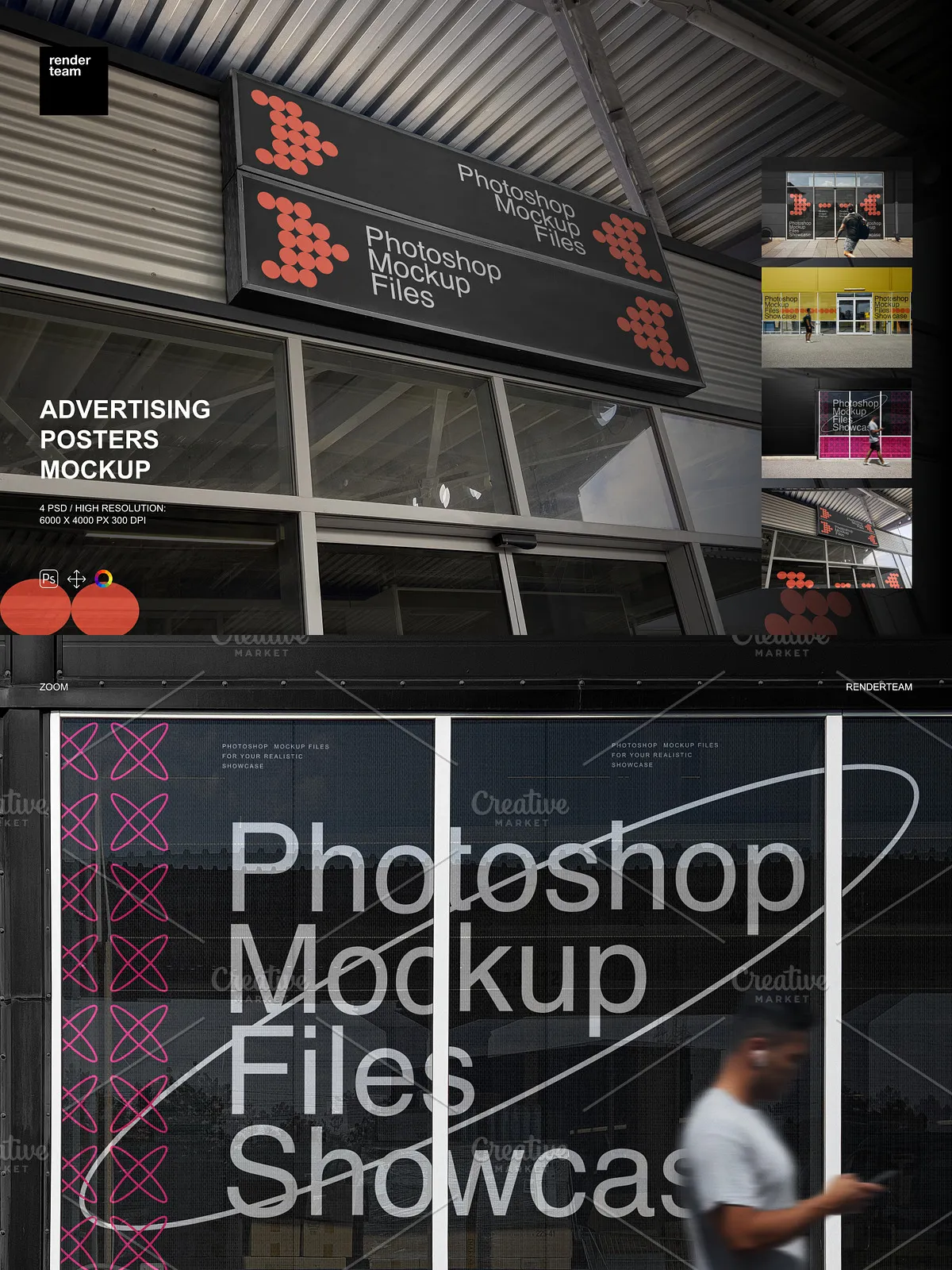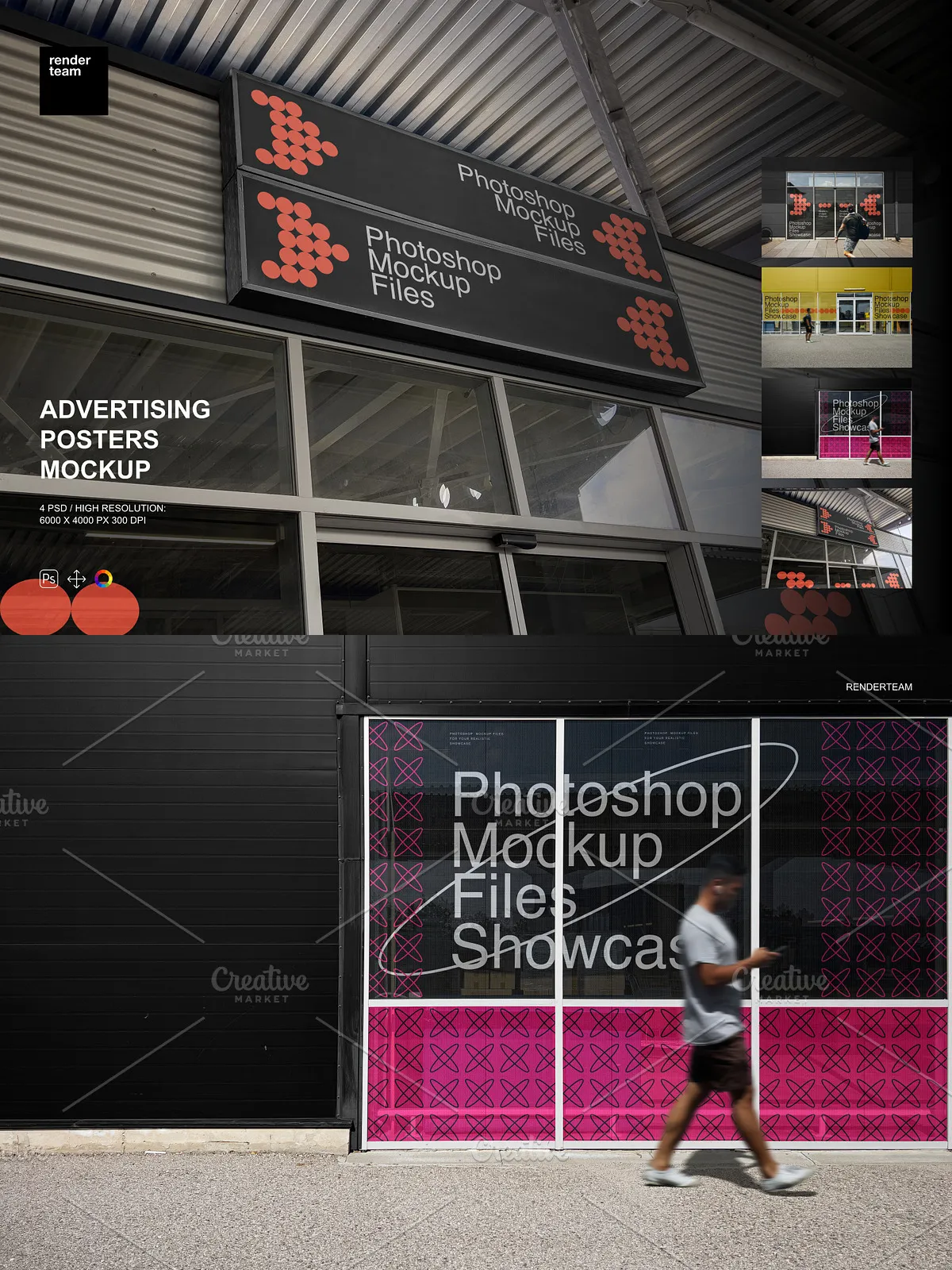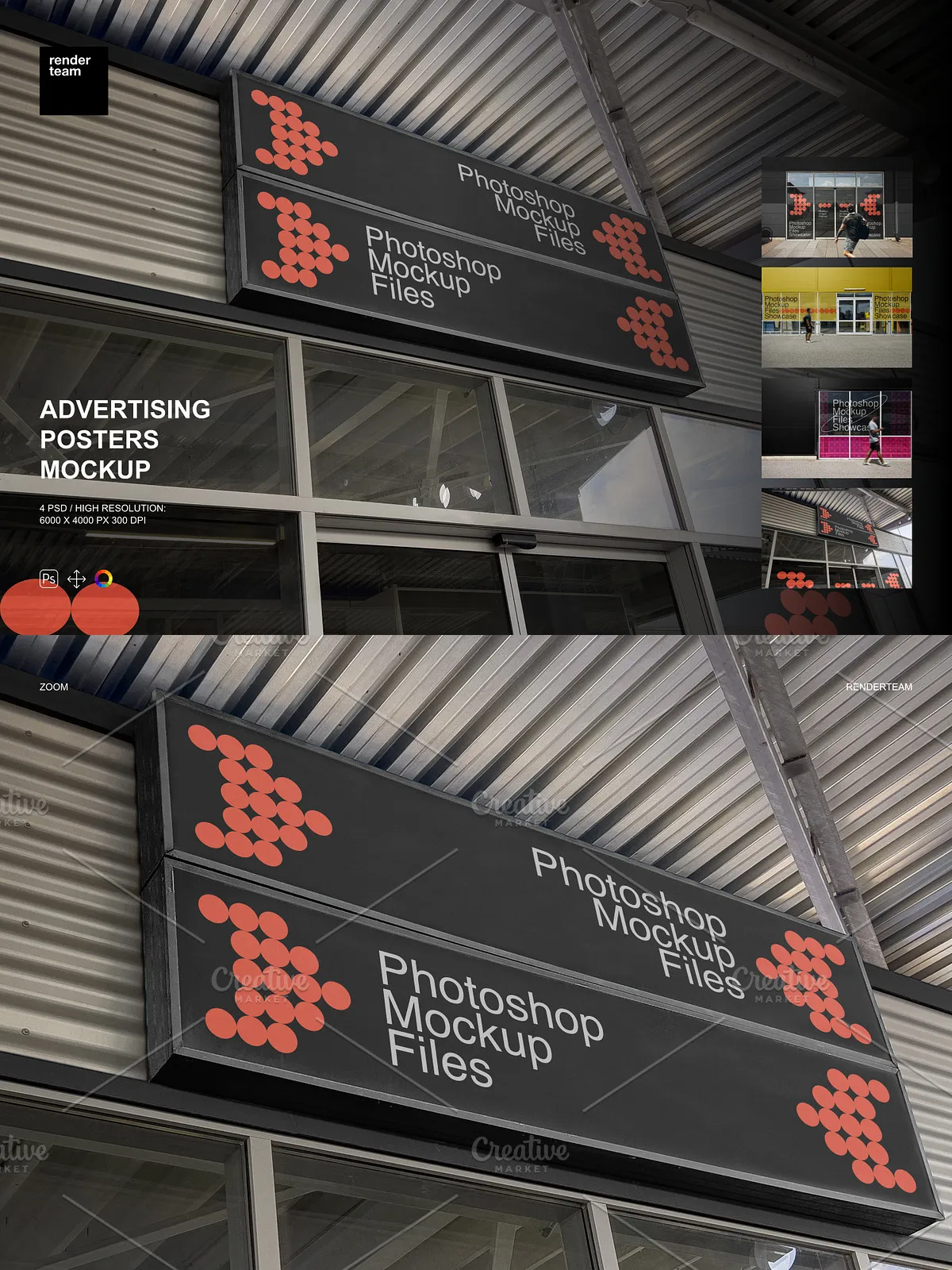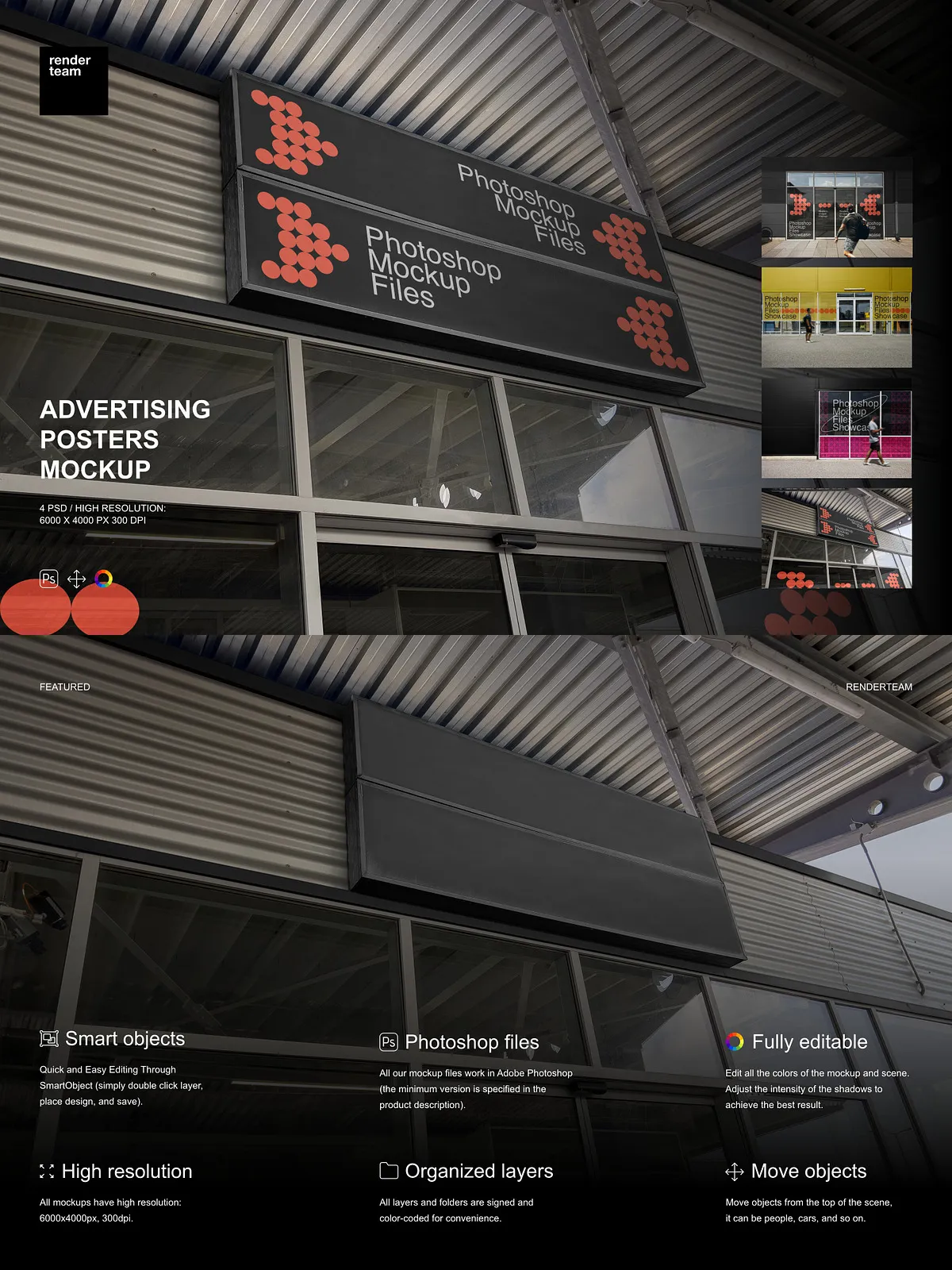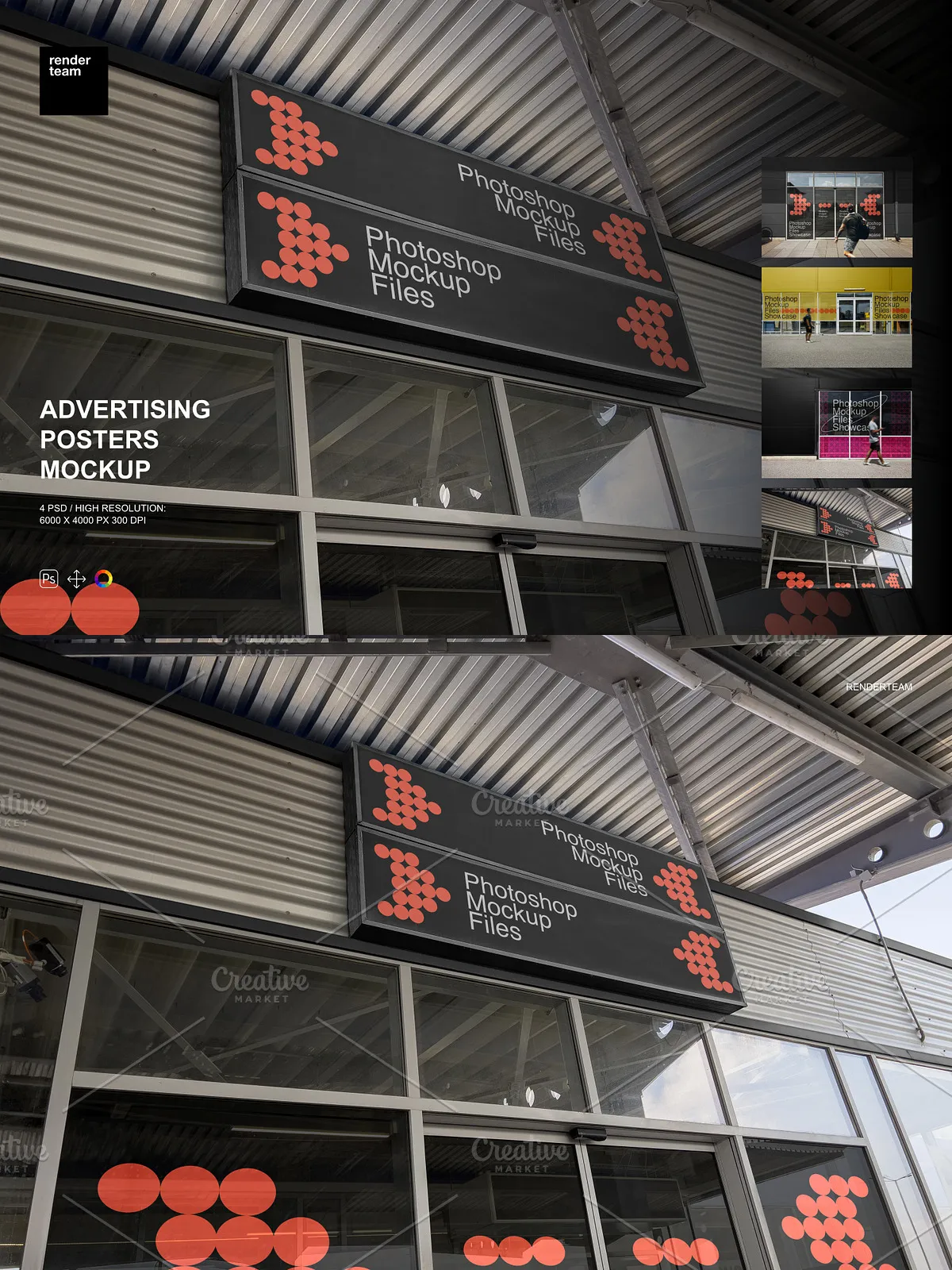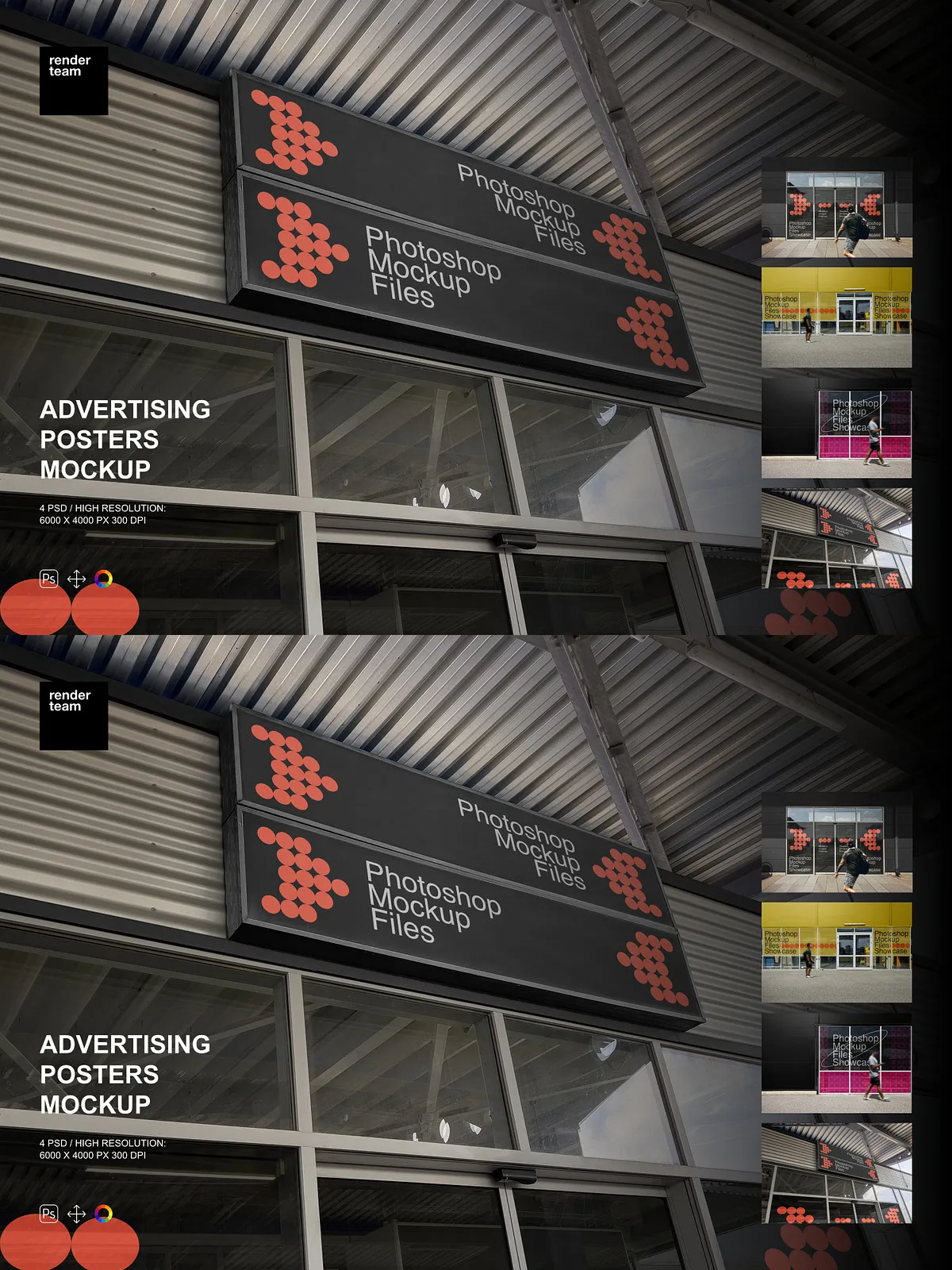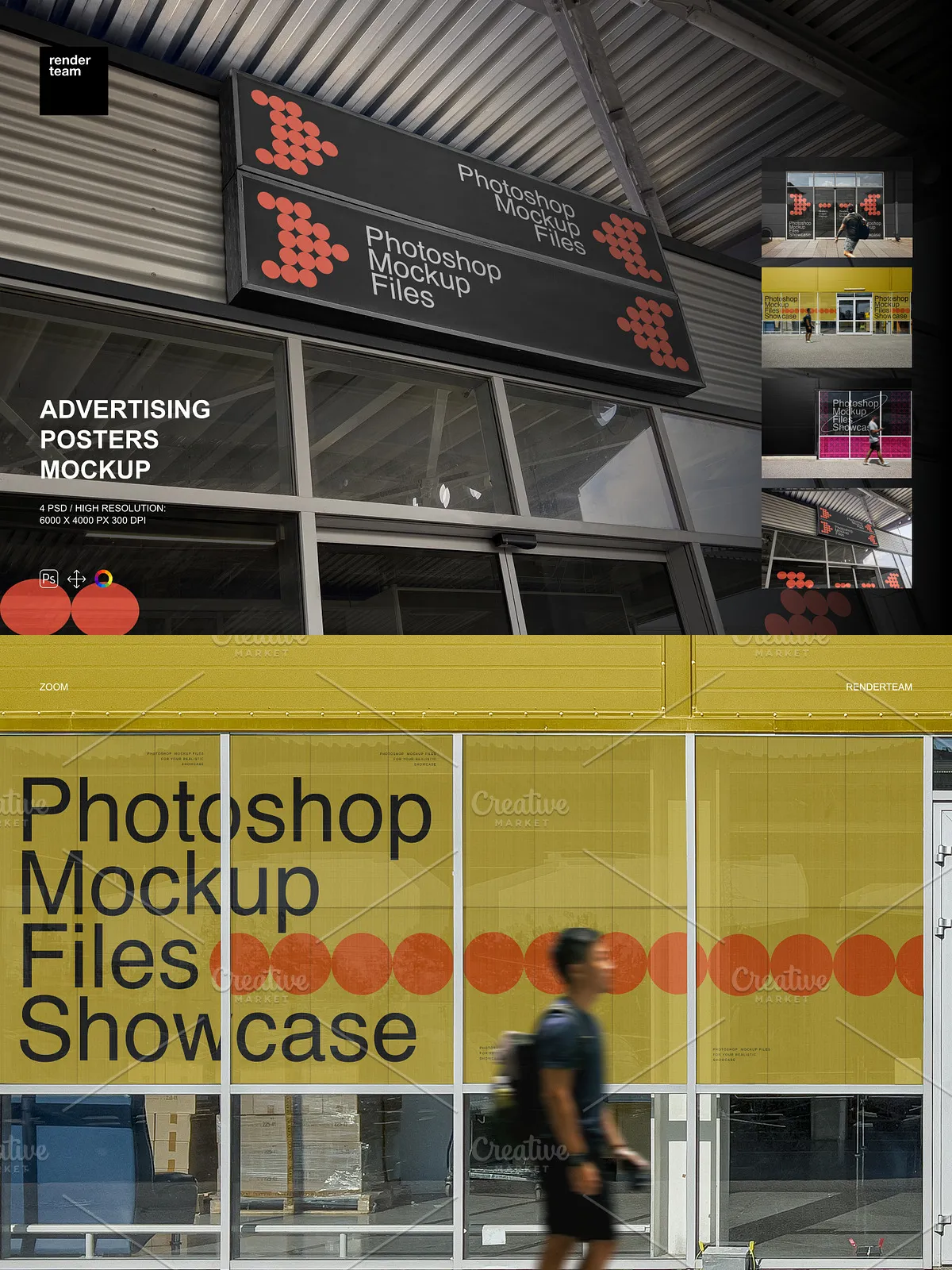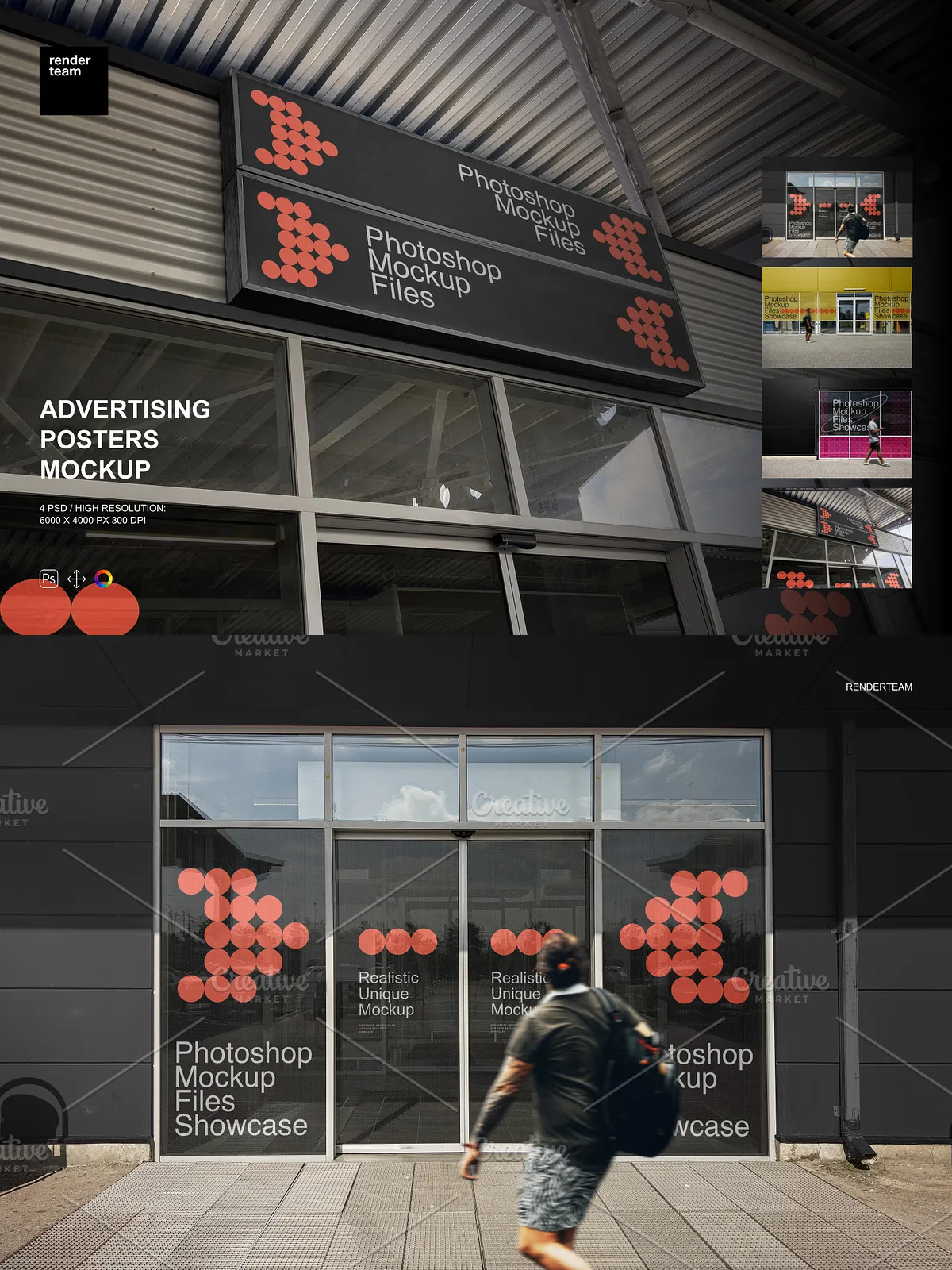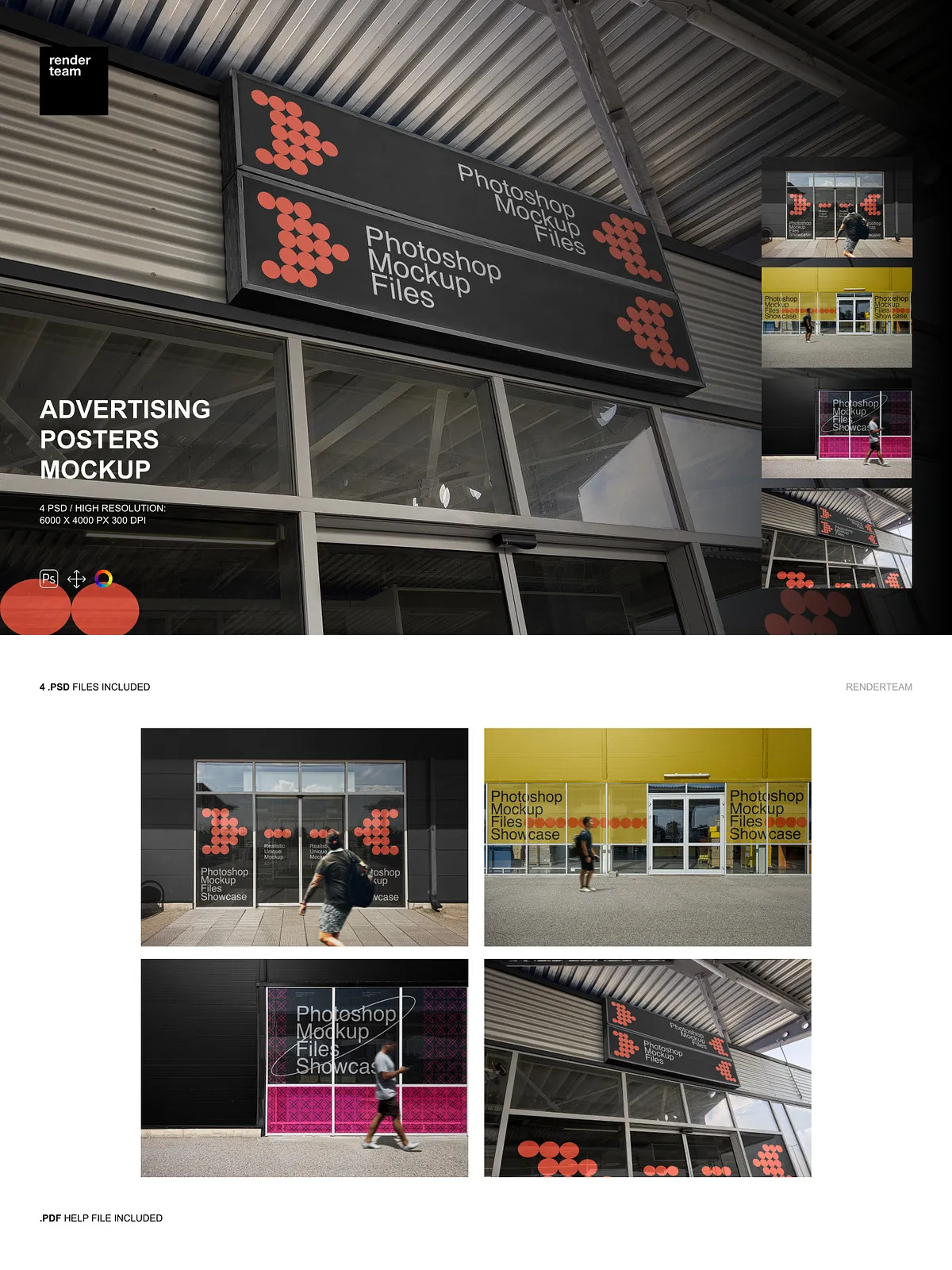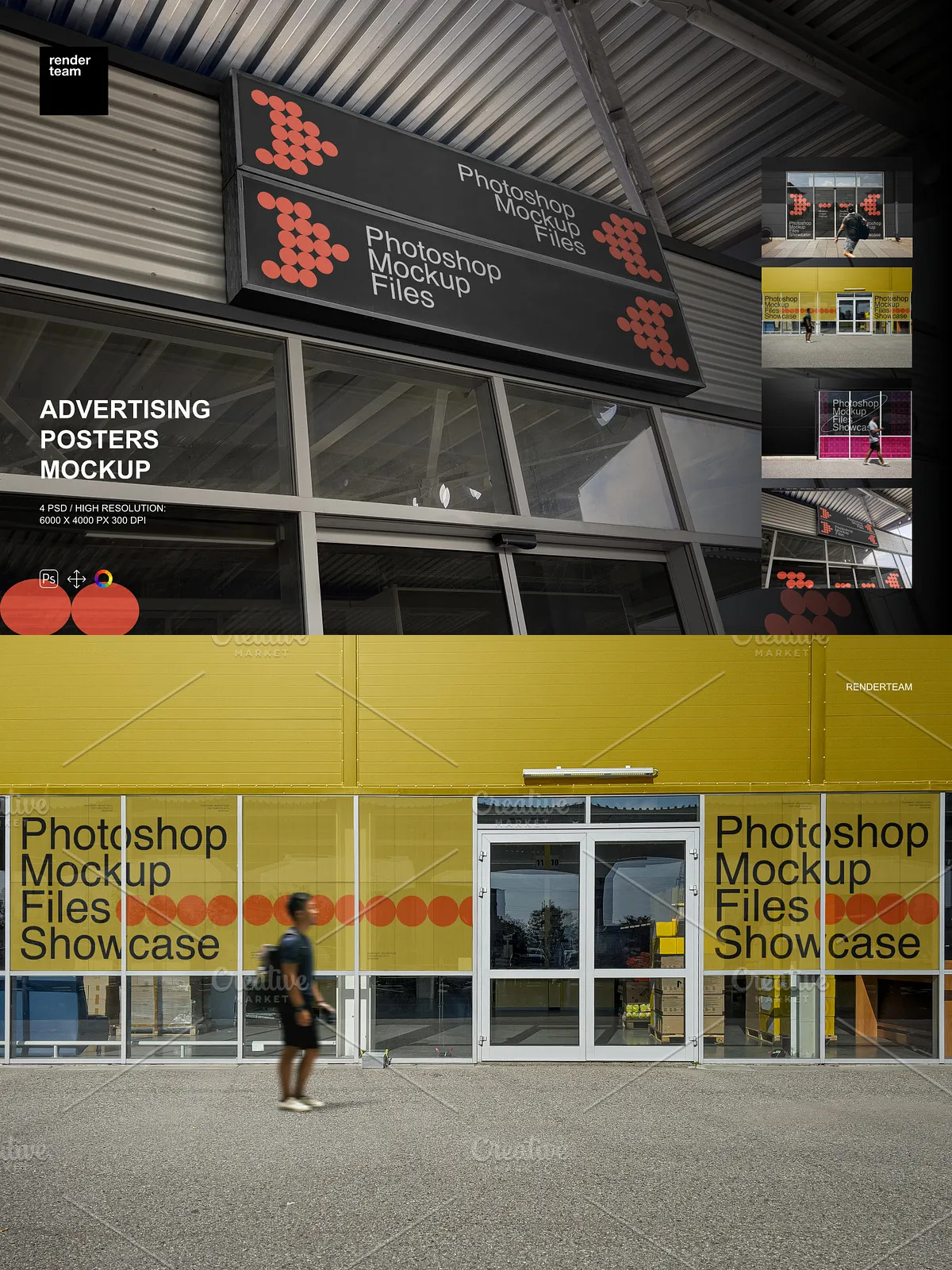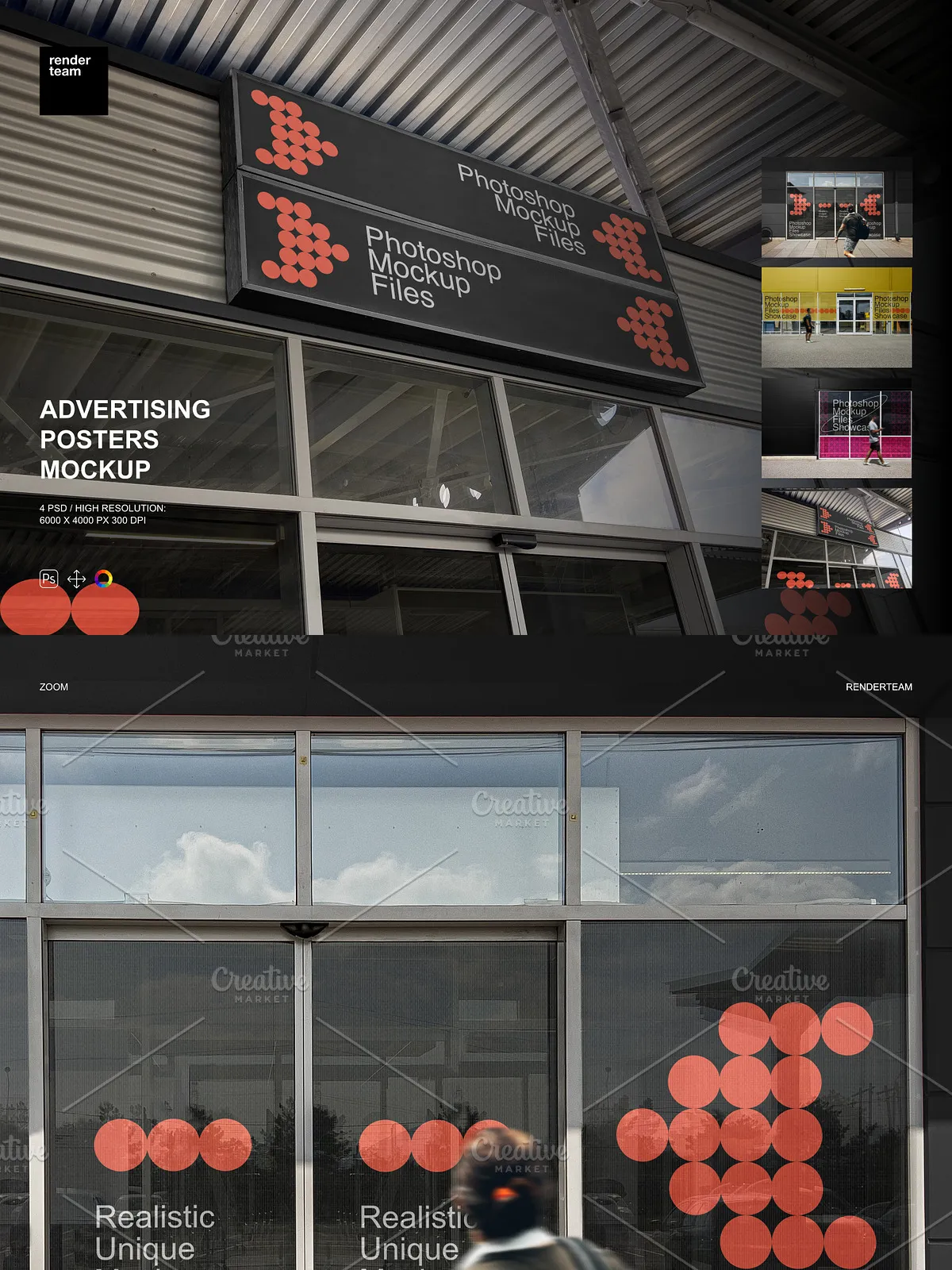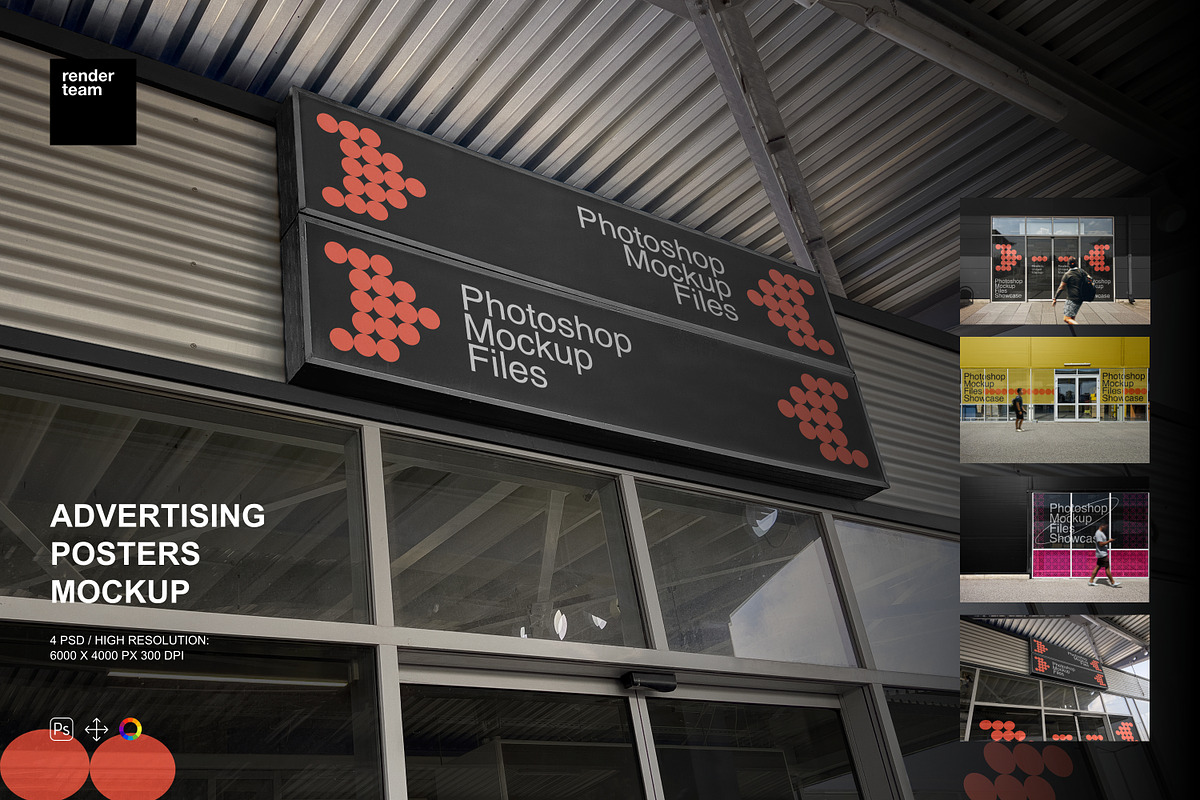
Introducing the Advertising Posters Mockup Set — a powerful collection of four professionally designed, fully layered PSD files engineered to elevate your advertising visuals. Built for speed, clarity, and maximum creative control, this set empowers designers, agencies, and marketers to present posters in realistic environments with minimal effort and maximum impact. Whether for print campaigns, digital ads, or client pitch decks, these mockups deliver photorealistic presentation quality instantly.
What’s Included in the Set
Core Files and Resources
- 4 high-resolution, layered .PSD mockup files for advertising posters
- 1 comprehensive PDF help file containing setup guides, step-by-step instructions, and expert troubleshooting tips
Technical Excellence
- Superior resolution: 6000 × 4000 px at 300 dpi for crisp, print-ready quality and detailed web displays
- All objects and shadows fully isolated — no overlapping layers, no hidden interference
- Smart Object support: Replace artwork in seconds with a single double-click
- Organized layer hierarchy with clearly labeled folders to accelerate your workflow
Revolutionize Your Editing Workflow
Smart Object Editing — Effortless and Nondestructive
Replace your poster design in under 30 seconds. Simply double-click the designated Smart Object layer, insert your artwork at the correct resolution, save, and the mockup updates automatically. This nondestructive method enables rapid iteration without altering the original file structure. Edit multiple variants, test color schemes, or experiment with layout changes — all without starting from scratch.
Full Isolation for Ultimate Control
Each poster element — from the poster itself to shadows, reflections, and background textures — is isolated on its own layer group. This means you can independently adjust lighting, modify shadow intensity, or swap background imagery without affecting your main design. Perfect for matching mood, environment, or branding tone across multiple mockups.
Customization Beyond the Basics
Beyond simple artwork replacement, you can modify colors via color layers, tweak brightness and contrast, and reposition objects for dynamic framing. Use adjustment layers to match ambient light conditions or apply subtle blur effects for depth. The flexibility ensures your poster doesn’t just “appear” — it *belongs* in the scene.
How to Use — Step-by-Step Guide
Begin with a Clean Setup
- Open your chosen PSD file in Adobe Photoshop CC or newer (Creative Cloud recommended).
- Locate the layer titled “Poster Artwork” or “Smart Object” — this is your design insertion point.
- Double-click the Smart Object layer to open it in a new window.
- Paste or place your custom design, ensuring it fits the 6000 × 4000 px canvas at the correct aspect ratio.
- Save changes (Ctrl/Cmd + S) and close the Smart Object window — your mockup updates instantly.
- Customize shadows, background, or lighting using the isolated adjustment layers.
- Export final results as high-quality PNG, JPEG, or TIFF for web, print, or presentation.
Perfect for Real-World Campaigns
This mockup set is ideal for branding agencies, freelance designers, marketing teams, and advertising studios. Use it to demonstrate how your poster works in urban environments, transit hubs, or retail displays. Prepare campaign visuals that convince clients, support pitch decks, or create social media content that highlights design scale and impact. Each file supports both digital and print needs.
Optimized for Performance and Compatibility
The PSD files are compatible with Adobe Photoshop CC and newer versions. For best performance, work on a system with at least 8GB RAM and a fast SSD. Close other programs during editing to avoid lag when manipulating large files. Note: Any sample photos shown in previews are for demonstration only and are not included in the download — replace them with your own or licensed visuals.
Best Practices for Maximum Impact
- Always prepare your design at full resolution (6000 × 4000 px) to avoid scaling artifacts.
- Use vector-based file formats (such as AI or SVG) when possible for clean, scalable poster art.
- Apply nondestructive color correction using adjustment layers to match the mockup’s lighting.
- Export each mockup in multiple sizes — social media (1080×1350 px), web (1920×1080 px), and print (6000×4000 px).
- Back up original PSD files before making major edits or batch processing.