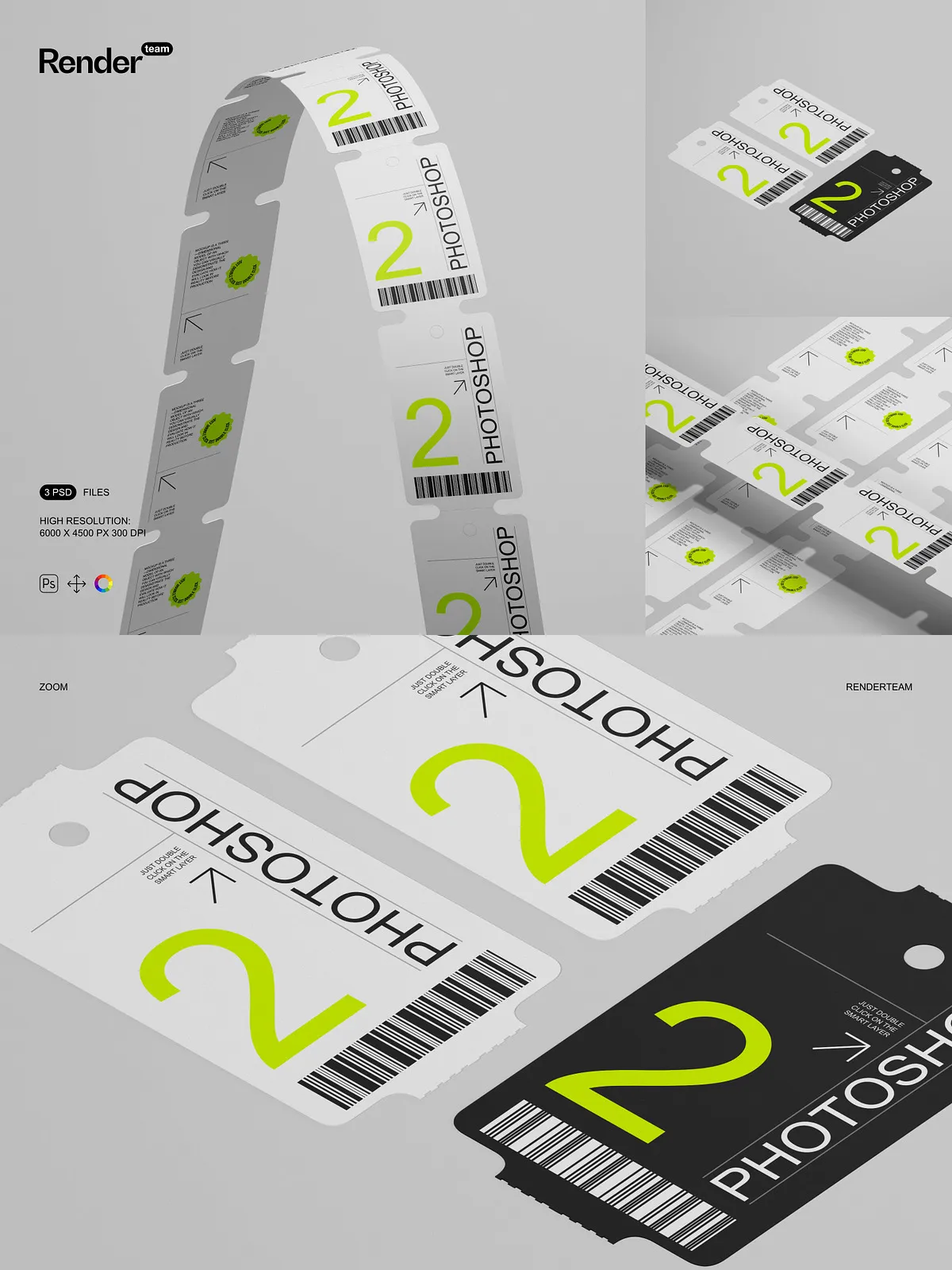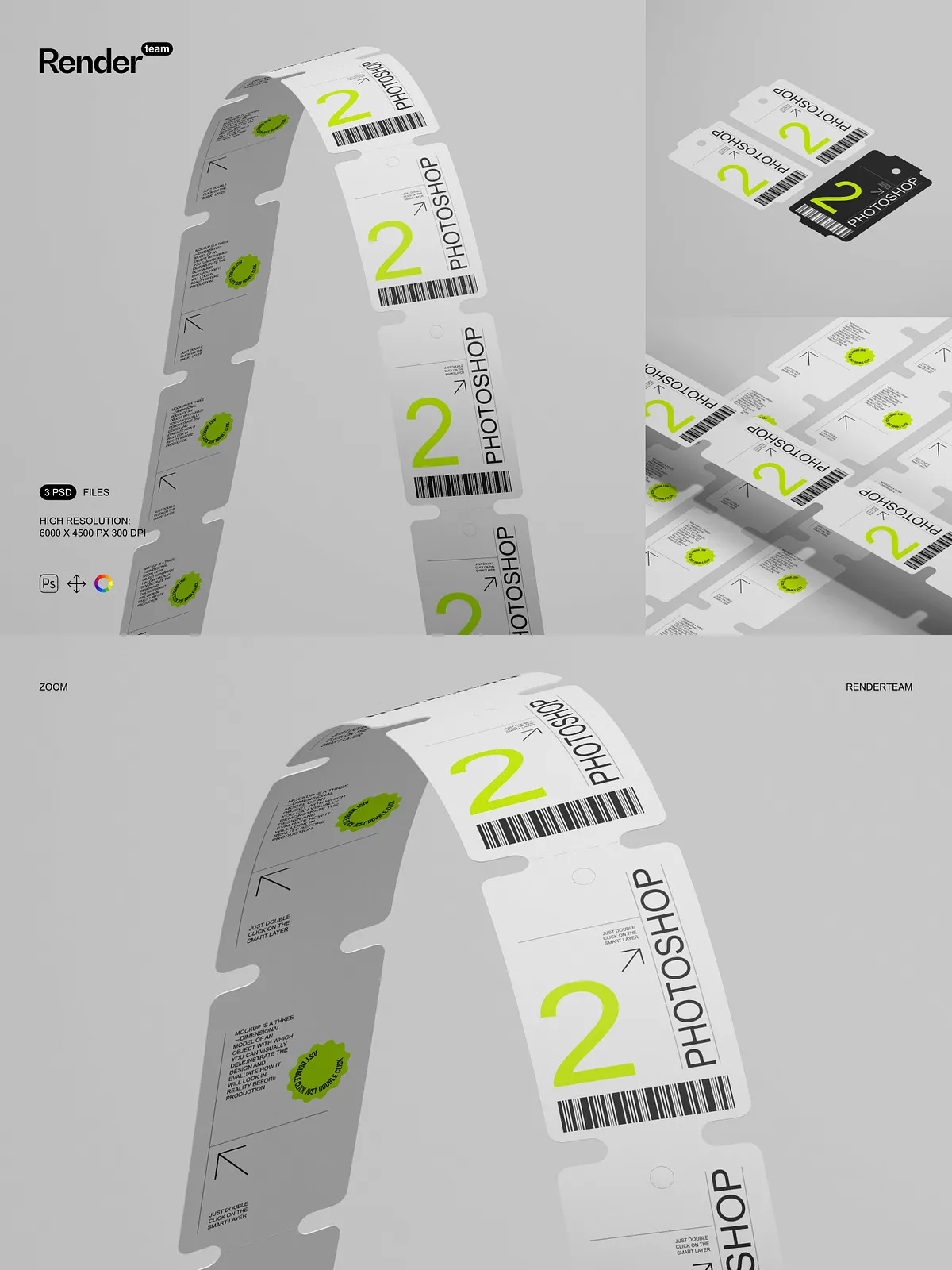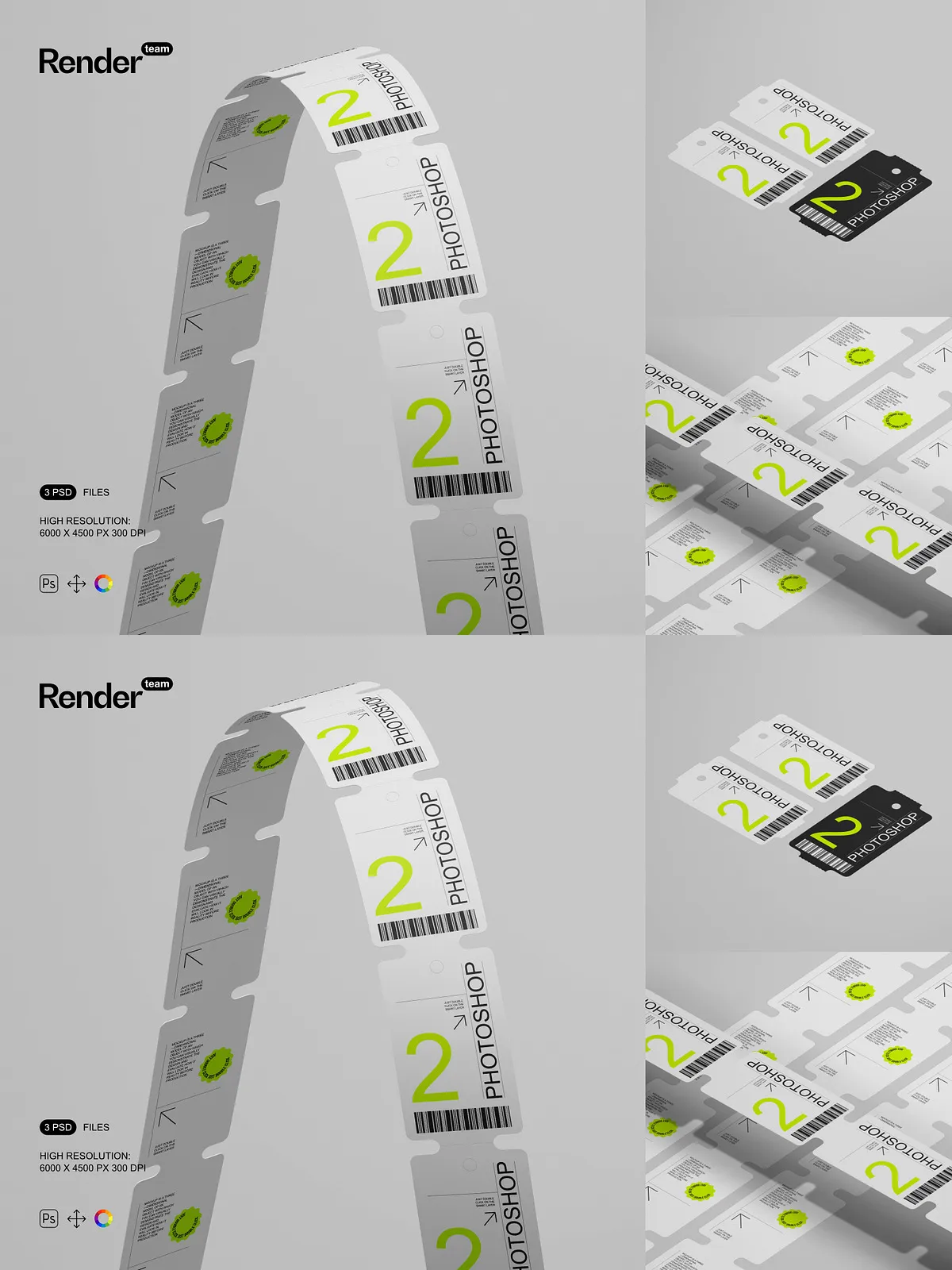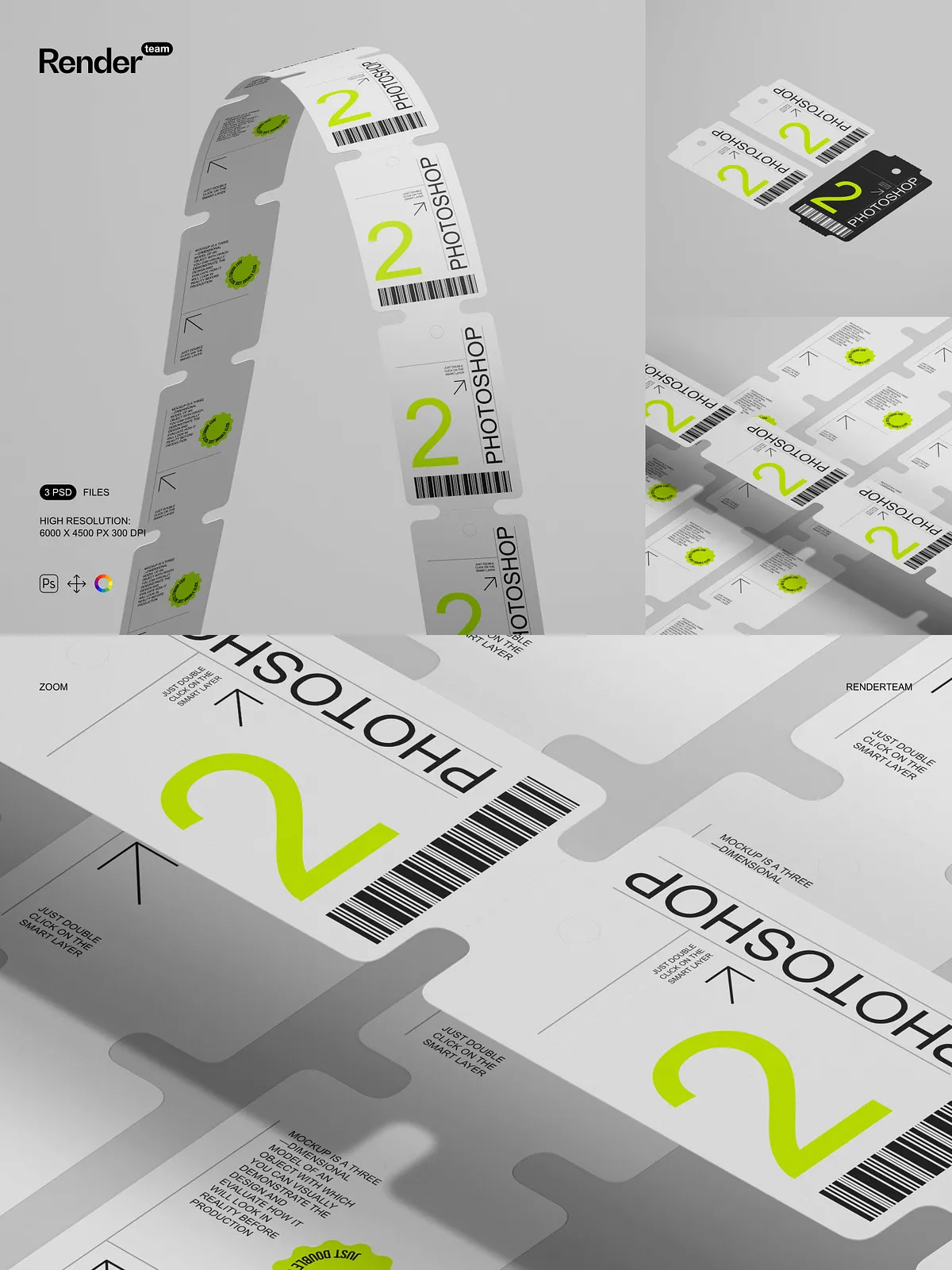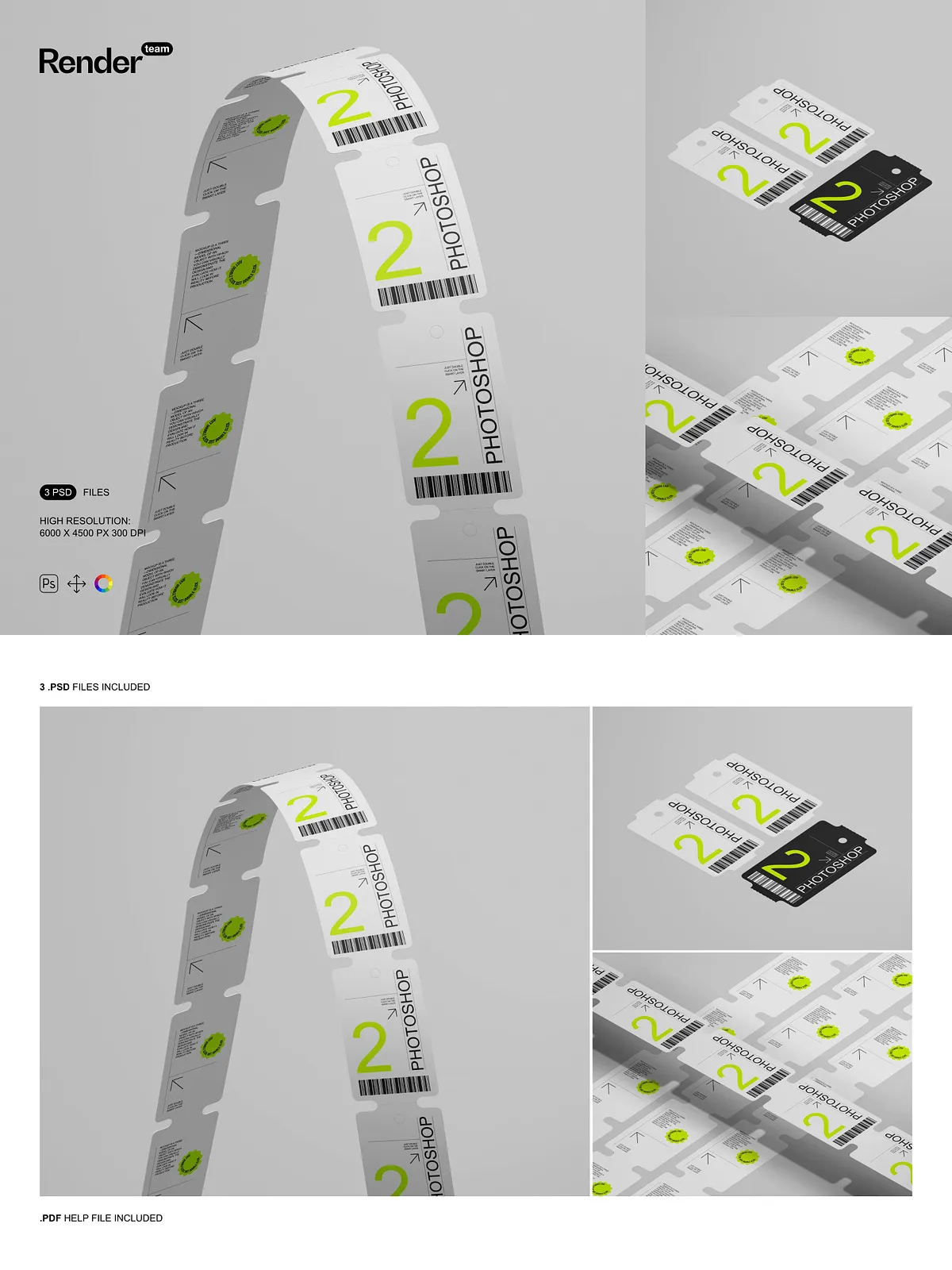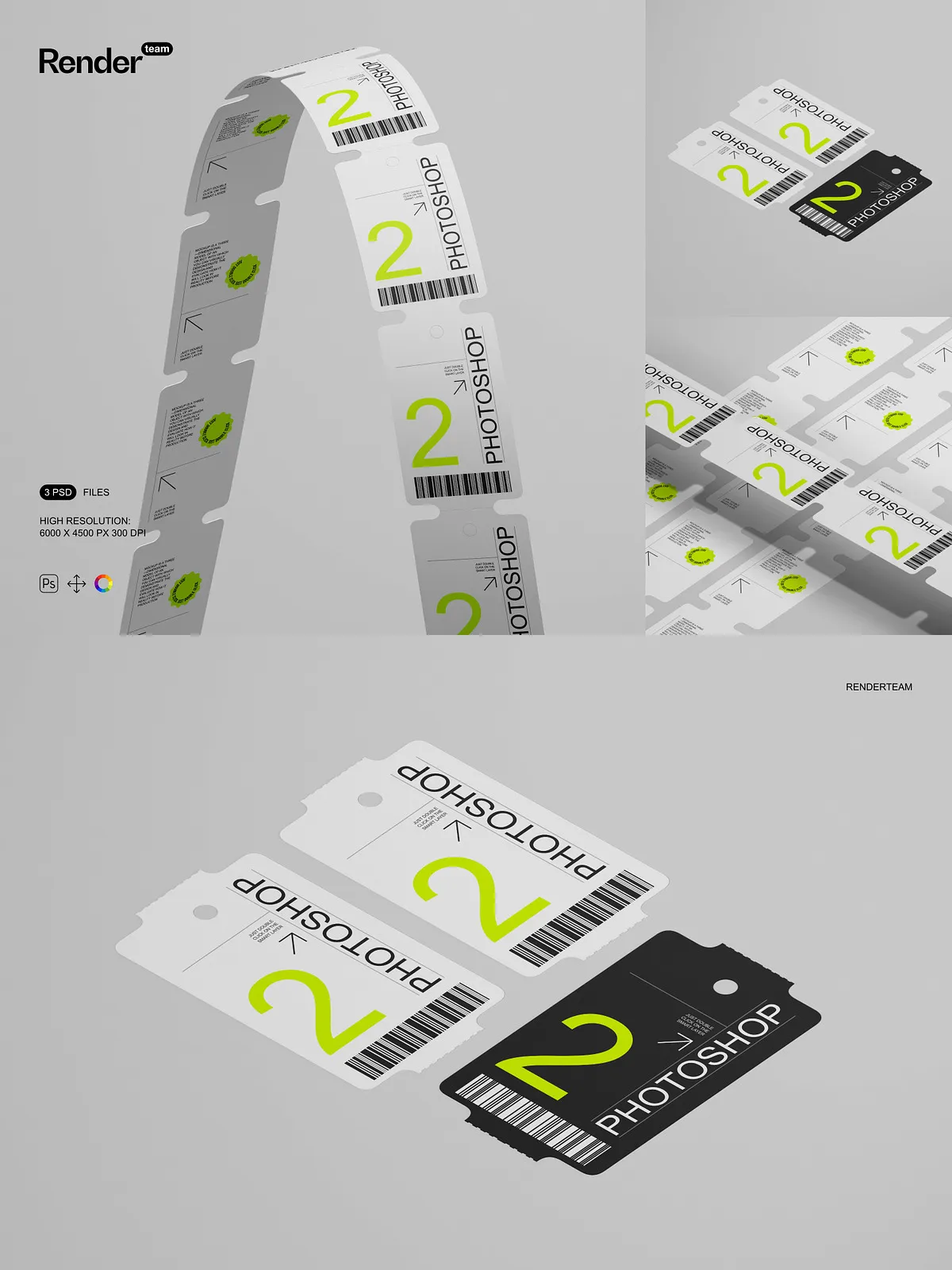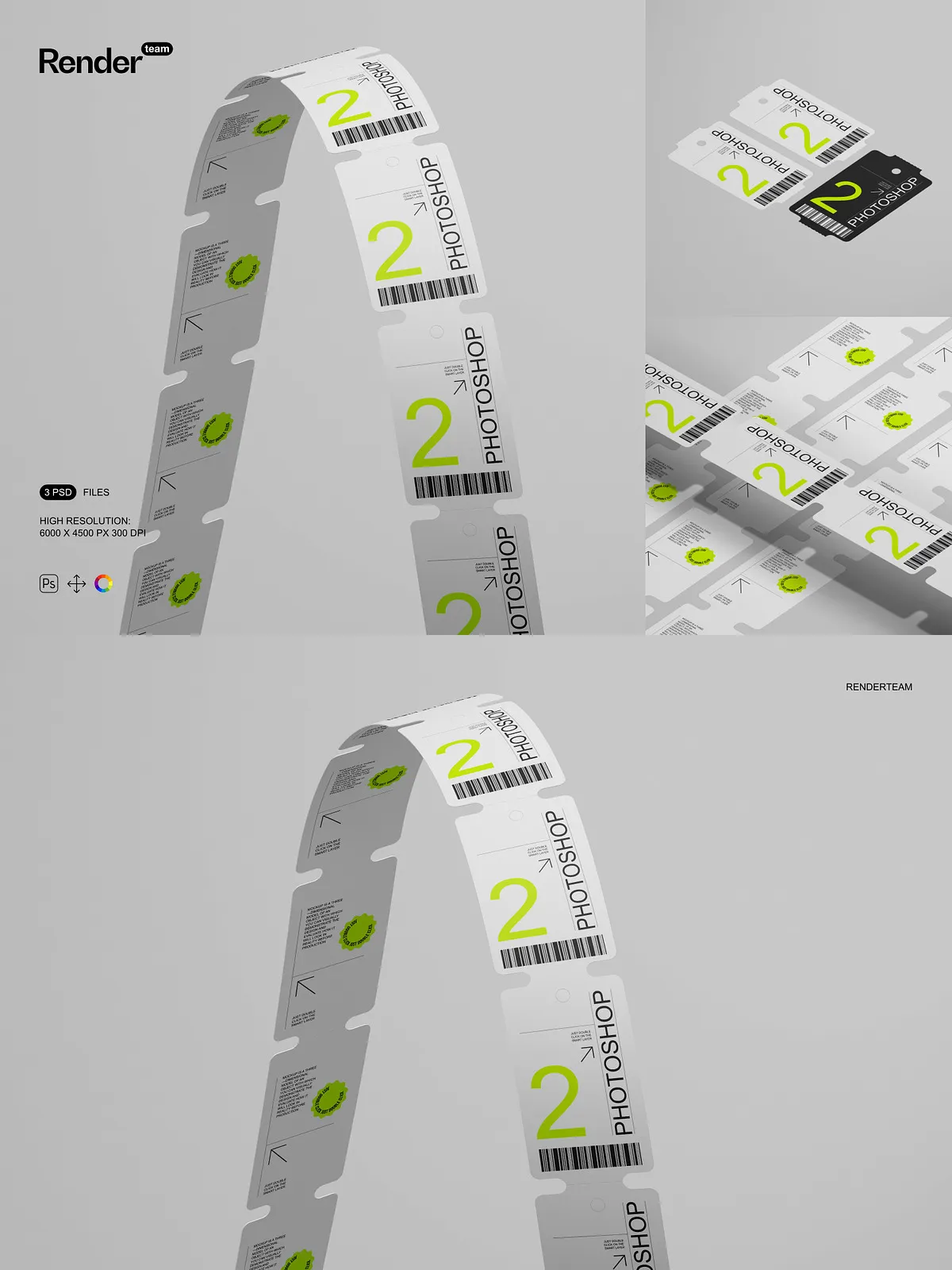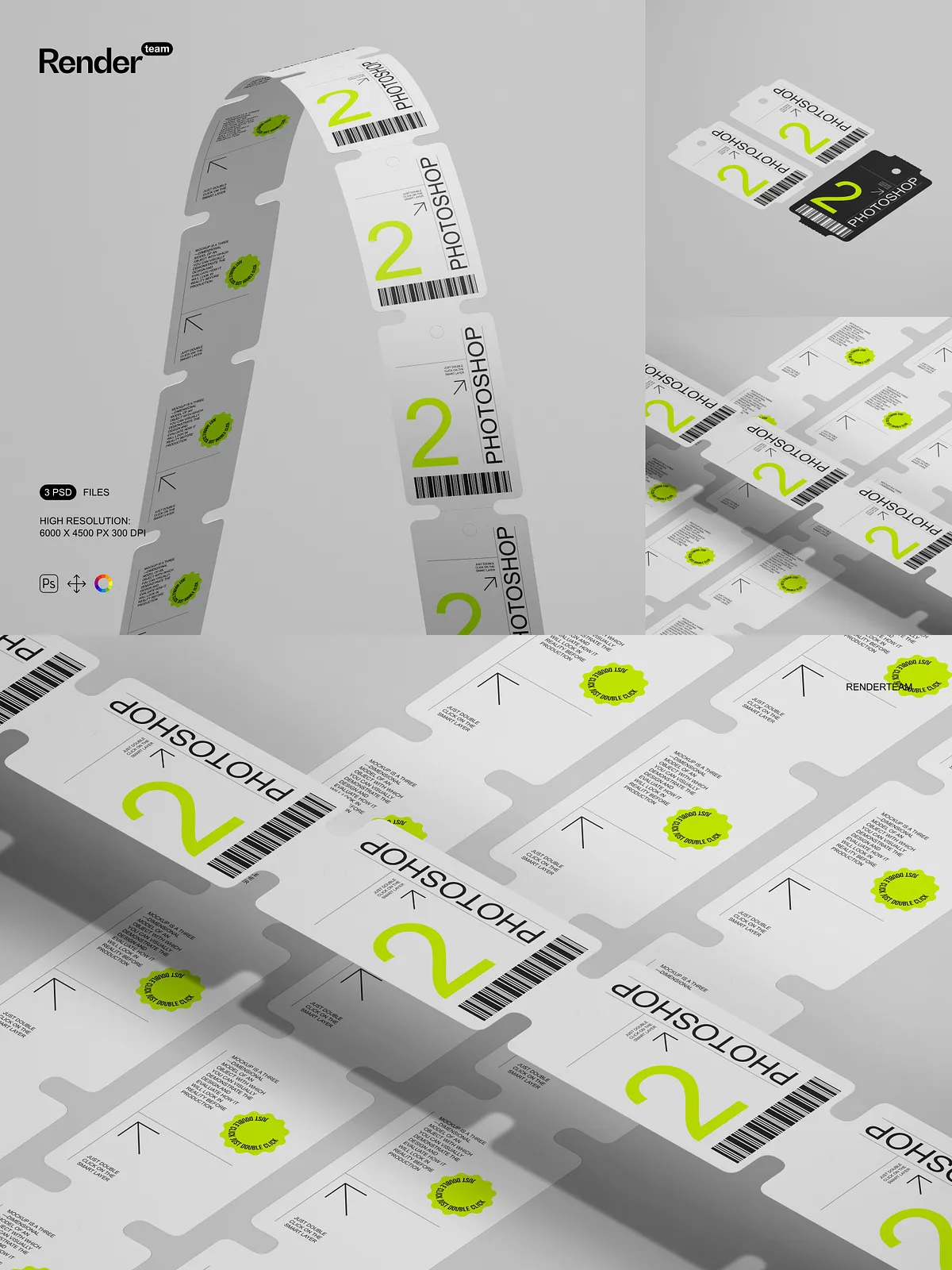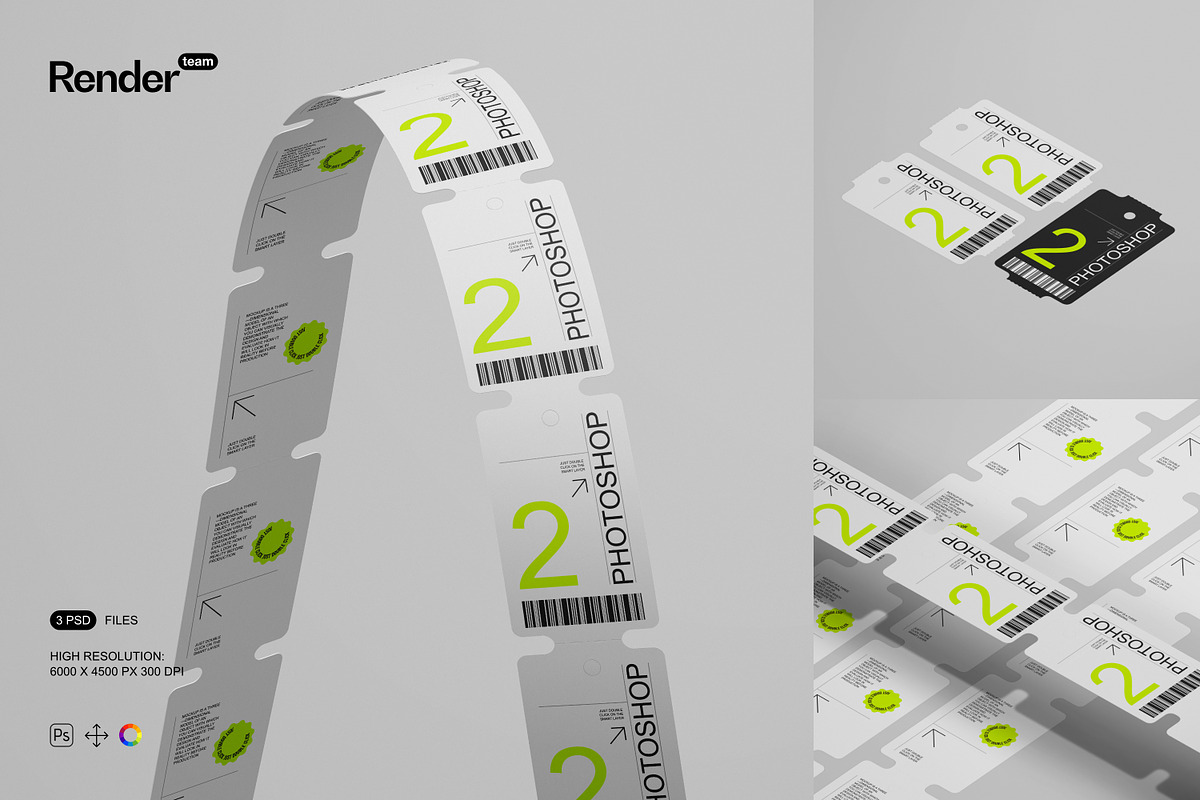
Take your retail packaging and product design presentations to the next level with the Price Tag Mockup Set — a powerful collection of three meticulously crafted, fully layered PSD files engineered to display custom price tag designs with photorealistic precision. Perfect for e-commerce creatives, branding agencies, product marketers, and independent designers, this set lets you instantly visualize how your pricing labels will look on shelves, in catalogs, or on digital product pages. With seamless Smart Object editing, isolated components, and crisp 300 dpi resolution, every mockup delivers instant credibility and visual polish without the need for complex 3D rendering or photography.
What’s Included in the Set
Core Files and Resources
- 3 high-resolution, fully editable .PSD mockup files showing price tags in different angles and environments (front, angled, and hung-on-shelf views)
- 1 detailed, step-by-step PDF help file with layer navigation, usage tips, and best practices for maximum efficiency
Technical Excellence & Design Quality
- Ultra-high resolution: 6000 × 4500 px at 300 dpi for flawless print and high-definition web display
- All elements — including shadows, reflections, and background textures — are fully isolated in separate layer groups
- Smart Object integration: Double-click the designated layer, insert your design, and save — the mockup updates instantly
- Intuitive layer organization with clear labels and folder hierarchies for fast editing and smooth workflow
Effortless Editing with Smart Object Technology
Replace Your Design in Seconds — No Expertise Required
Start editing in less than 5 seconds. Open the PSD file in Adobe Photoshop CC or a compatible version, navigate to the Smart Object layer labeled “Price Tag Design,” and double-click it. Your design file opens in a new window — paste your custom artwork, stretch it to fit the 6000 × 4500 px canvas, save, close. The mockup automatically refreshes with your new content. This nondestructive workflow allows limitless experimentation, rapid client revisions, and batch processing across multiple tags — all without altering the original structure.
Complete Isolation for Full Creative Freedom
Each component — from the tag’s edges and holes to shadows, material textures, and background surfaces — resides in its own isolated layer. Adjust color tinting, enhance ambient lighting effects, swap background environments, or add realistic wear and tear without affecting the core design. This precision-level separation ensures that every visual layer responds independently, empowering you to craft custom scenes that reflect real-world retail settings with authenticity and clarity.
Push Beyond the Basics — Create Realistic Retail Environments
Go beyond simple replacements. Use color layers to simulate different ink types, test branding palettes, or adjust opacity for semi-transparent tags. Apply subtle blur to shadows for depth, or overlay fabric or wood textures in the background to evoke store shelves. Add realistic hand-held shadows to simulate touch, create product bundles with multiple tags, or generate seasonal variations (e.g., holiday pricing, sale banners). These mockups aren’t just static templates — they are dynamic visual tools that bring your branding strategy to life.
Step-by-Step Setup & Usage Guide
Launch Your Project in Minutes
- Open your chosen PSD file in Adobe Photoshop CC (version 2023 or later recommended).
- Locate the Smart Object layer labeled “Tag Design Insert” or similar.
- Double-click this layer to open the linked design file.
- Insert your custom price tag artwork, ensuring it fits precisely within the 6000 × 4500 px canvas.
- Resample only if necessary — preserve original resolution for maximum sharpness.
- Save the file (Ctrl/Cmd + S), close the window, and watch the mockup update in real time.
- Use adjustment layers to fine-tune brightness, contrast, or color balance.
- Export final images in PNG (web), JPEG (social media), or TIFF (print) formats.
Ideal for High-Impact Retail & E-Commerce Deliverables
Designed for speed, precision, and professional impact, this mockup set helps you pitch new product lines, create compelling online listings, or produce marketing assets for grocery chains, boutiques, fashion brands, and tech startups. Use it to showcase limited-edition pricing, clearance tags, QR code-enabled labels, or bilingual pricing in multilingual markets. Whether you’re launching a new skincare line, promoting artisanal goods, or designing seasonal sales banners, these mockups instantly communicate clarity, professionalism, and brand sophistication.
Optimized for Performance & Compatibility
All files are compatible with Adobe Photoshop CC and later versions. For best performance, use a system with at least 8GB RAM and SSD storage. Close unused applications to prevent lag when working with large PSDs. Note: Sample images are for demonstration only — replace them with your own designs or licensed visuals to maintain full branding ownership and copyright compliance.
Best Practices for Flawless Results
- Always design artwork at 6000 × 4500 px to avoid resizing artifacts.
- Use vector formats (e.g., AI, SVG) for logo and typography elements to ensure crisp scaling.
- Apply nondestructive color adjustments via layer effects or adjustment layers for quick brand theme changes.
- Export mockups in multiple sizes: social media (1080×1350 px), product page banners (1920×1080 px), and print-ready (6000×4500 px).
- Back up original PSD files before applying batch edits or automated processing.